PandaDoc vs DocuSign CLM vs LinkSquares: Which Stage of the Contract Lifecycle Actually Needs Fixing in 2026?
Turn this article into takeaways for your work.


Each assistant summarizes the article only for you and suggests best practices for your work.
DocuSign CLM and LinkSquares don't publish rates, so figures marked (reported) come from third-party pricing trackers and are labeled as such throughout.*
Search "contract management software" and PandaDoc, DocuSign, and LinkSquares all turn up in the same ten blue links, and that's exactly the problem. These three cover different halves of the contract lifecycle, and a buyer who doesn't see that ends up buying the wrong one, then blaming the tool a year later for a job it was never built to do.
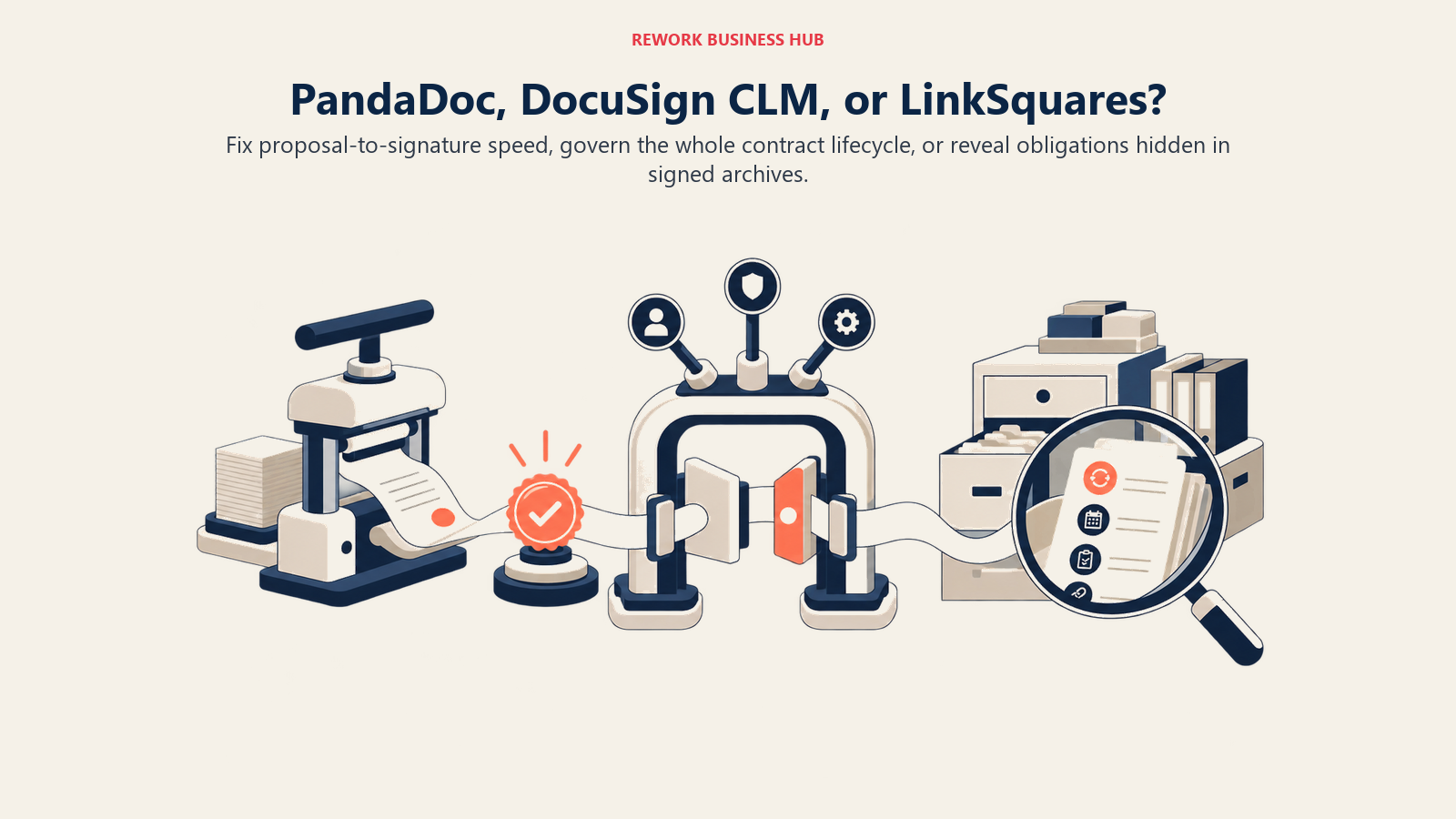
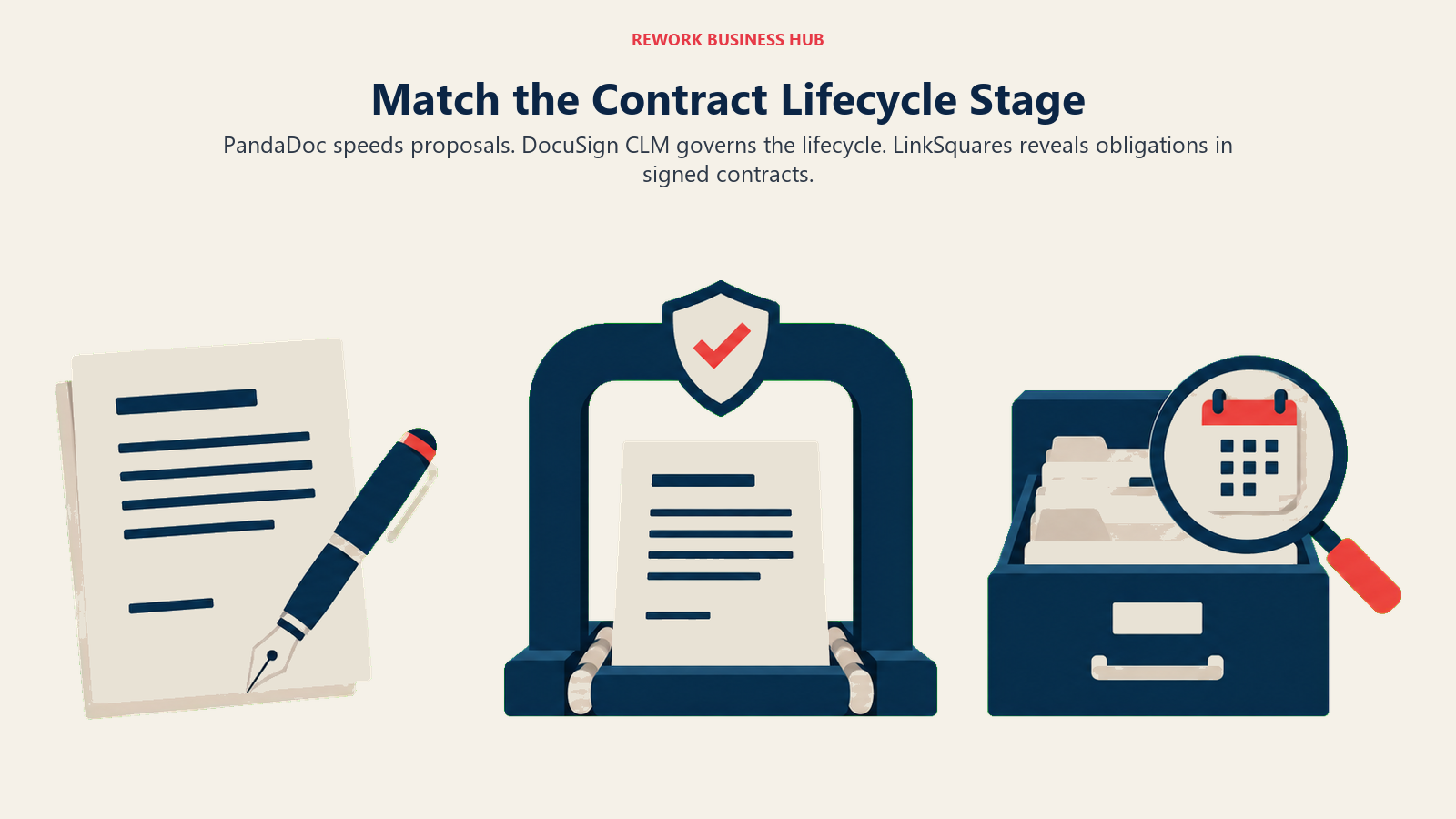
PandaDoc is pre-signature: proposals, quotes, templates, and e-signature, built for a sales team that wants a document out the door and signed today, not routed through a legal review. DocuSign CLM is the full lifecycle bolted onto the e-signature brand nearly every company already has a login for, which makes the incumbency argument strong (you already trust the vendor) and the real implementation heavier than that argument implies. LinkSquares leans post-signature: an AI-native repository that reads contracts you've already executed and pulls out obligations, renewal dates, and clause language, built for a legal team that has signing handled and can't find anything after the fact.
So before comparing feature lists, ask a more useful question first: is your actual pain slow deal paperwork, no process control over what gets signed, or no idea what's sitting in the contracts you signed two years ago? That answer, not a checklist, is what should structure this decision.
TL;DR
| PandaDoc | DocuSign CLM | LinkSquares | |
|---|---|---|---|
| What it actually is | Document workflow and e-signature platform with light contract features | Full CLM sold as a separate product from DocuSign eSignature, inside the broader Intelligent Agreement Management line | AI-native contract intelligence platform, strongest post-signature |
| Built for | Sales, HR, and ops teams sending proposals, quotes, and standard agreements | Legal ops and procurement teams adding lifecycle management to an existing DocuSign relationship | Legal and finance teams who have signature sorted but can't see what's in their contracts |
| Lifecycle stage it owns | Pre-signature: draft, send, sign | End to end, once implemented | Post-signature: extraction, obligations, renewals, spend |
| Redlining | Paid add-on on Business, included on Enterprise, doesn't work on uploaded Word files | Yes, plus 100+ pre-built workflow steps | Yes, inside Finalize |
| AI focus | Smart content and AI-assisted drafting, not clause-level review | Iris: term extraction and Q&A across a large archive | LinkAI: extraction, obligation tracking, contract intelligence |
| E-signature | Native, every paid tier | Native, inherited from the DocuSign ecosystem | Native, via a newer Sign module inside Finalize |
| Pricing | Published: $0 to $49/user/month (annual), Enterprise custom | Quote-only, priced separately from eSignature | Quote-only, priced by module and contract volume |
| Implementation | Days | Weeks to months, longer at enterprise scale | Weeks to a few months |
| Best for | Getting a standard document signed fast, without a legal bottleneck | Teams already deep in DocuSign wanting one vendor for signing and lifecycle | Legal teams who need to know what's actually in the contracts they've already signed |
What Each Tool Is Actually Built For
PandaDoc: Getting a Standard Document Signed, Fast
PandaDoc's job is moving a proposal, quote, or standard agreement from draft to signed with as little friction as possible. A drag-and-drop editor, a reusable content library, and native e-signature cover the whole path, and its own G2 listing describes it as trusted by "68,000+ sales, legal, and operations teams," a scale that reflects a broad, sales-first buyer base rather than a legal department's shortlist. It shows up in contract management searches because the documents it sends are, technically, contracts. That doesn't make it a CLM in the Ironclad or LinkSquares sense, and PandaDoc doesn't pretend otherwise: there's no clause library, no obligation tracking, and no way to make sense of contracts you signed somewhere else before you started using it.
PandaDoc did add a newer redlining experience in 2026, but it's gated and limited: available as a paid add-on on Business annual plans, included standard on Enterprise annual, and its own help center still confirms redlining "does not work for uploaded content" and leaves the markup blank for recipients trying to suggest edits on it. (PandaDoc Help Center) That's fine for a document built natively in PandaDoc's editor. It rules out negotiating a Word contract someone else drafted, which is most of what a legal team means by redlining.
DocuSign CLM: The Lifecycle Product Riding on a Household Name
DocuSign is a household name for one thing: getting a document signed. "DocuSign CLM" is not that product., DocuSign's own CLM page still markets it as a distinct, separately sold platform, drafting, redlining, approval routing, and a searchable repository, positioned inside DocuSign's broader Intelligent Agreement Management (IAM) line rather than folded into eSignature. Existing CLM customers aren't forced onto IAM, and CLM keeps shipping under its own name. The natural buyer is legal ops, procurement, or IT, usually the group already managing the company's DocuSign relationship, not the sales or HR team that actually sends the eSignature envelopes day to day. For the full history of how that confusion started and how DocuSign CLM stacks up against a CLM-native platform, see Ironclad vs DocuSign CLM.
LinkSquares: Reading the Contracts You Already Signed
LinkSquares built its reputation on one job: pointing AI at a folder of already-executed contracts and getting usable answers back out, obligations, renewal dates, non-standard terms, without a human reading every page first. That's still the core of the platform, organized today around Contract Intelligence and Analytics & Reporting on LinkSquares' own site, with LinkAI (a company-wide AI layer it launched in May 2026) running underneath. What's newer is how much LinkSquares has grown around that core: Finalize now handles drafting, redlining, and approval routing, and it ships with its own native e-signature module called Sign, alongside a standing DocuSign integration for teams that want to keep signing through DocuSign specifically. The pitch hasn't changed, though: legal teams buy LinkSquares because they need to know what's actually in the contracts sitting in a folder, not because they need a faster way to send a proposal.
| Capability | PandaDoc | DocuSign CLM | LinkSquares |
|---|---|---|---|
| Contract drafting from templates | Yes, core feature | Yes, dynamic templates with AI clause flagging | Yes, inside Finalize |
| Redlining on uploaded Word documents | No, confirmed by PandaDoc's own help center | Yes | Yes, inside Finalize |
| Multi-stage approval workflow | Business tier and up, simpler logic | Yes, 100+ pre-built workflow steps | Yes, Automation & Workflows |
| Native e-signature | Yes, every paid tier | Yes, inherited from the DocuSign ecosystem | Yes, via the Sign module inside Finalize |
| Post-signature obligation and renewal tracking | Basic, document-level only | Yes, via Iris extraction | Yes, the platform's original strength |
| AI Q&A over an existing contract archive | No | Yes, Iris, 100+ pre-trained models | Yes, LinkAI and Contract Intelligence |
Key Facts
- Poor contract management costs organizations an average of 9.2% of annual revenue through missed deadlines, unfavorable renewals, and overlooked terms. (World Commerce & Contracting)
- 71% of organizations can't locate at least 10% of their own active contracts. (Procurement Tactics)
- The global CLM software market is valued at $3.39 billion in 2026 and is projected to reach $6.26 billion by 2031, a 13.06% compound annual growth rate. (Mordor Intelligence)
- 87% of general counsel now report using AI within their legal teams, up from 44% a year earlier. (FTI Consulting and Relativity General Counsel Report)
- PandaDoc holds a 4.7 out of 5 rating across 3,705 G2 reviews, while LinkSquares holds a 4.7 out of 5 rating across 427 G2 reviews with a Leader badge in G2's Summer 2026 Grid Report, ratings that reflect very different buyer bases at very different scale.
Where Each Tool Actually Sits on the Contract Lifecycle
Feature lists make these three look more comparable than they are. Lining them up against the actual stages of a contract's life is the faster way to see the real gap.
| Lifecycle stage | PandaDoc | DocuSign CLM | LinkSquares |
|---|---|---|---|
| Intake and request | Not built for this | Yes, part of workflow design | Basic, inside Finalize |
| Drafting | Yes, templates and content library | Yes, dynamic templates | Yes, inside Finalize |
| Negotiation and redlining | Weak, no redlining on uploaded files | Yes | Yes |
| Approval routing | Business tier and up, simpler logic | Yes, 100+ pre-built steps | Yes, Automation & Workflows |
| Signature | Yes, native, every paid tier | Yes, native | Yes, via the Sign module |
| Central repository and search | Document list only | Yes | Yes, purpose-built |
| Obligation and renewal tracking | Basic, document-level | Yes | Yes, the strongest of the three |
| Spend and risk analytics | No | Limited | Yes, a core strength |
Decision by the Problem You Actually Have
| Your actual problem | Best fit | Why |
|---|---|---|
| Proposals and quotes sit in someone's inbox for days before they're even sent | PandaDoc | Fastest path from draft to signed, with no legal review layer to configure |
| Contracts get signed but nobody enforces review or approval before that happens | DocuSign CLM | Adds the redlining and approval layer eSignature alone never had |
| You have years of signed contracts and no reliable way to know what's in them | LinkSquares | Contract Intelligence is built specifically to extract terms from an existing archive |
| You already pay for DocuSign eSignature and assume CLM is a small add-on | Get a CLM-specific quote first | It's a separate, unbundled product priced independently of your eSignature seats |
| Legal review and post-signature obligation tracking both matter, not just one | None of these three alone | See the heavier tier: Ironclad vs Conga CLM vs Icertis |
| Your team has no dedicated legal function and never will | PandaDoc, or a lighter CLM built for that | See Juro vs Concord vs Agiloft for the tier built for exactly that gap |
The DocuSign Incumbency Trap
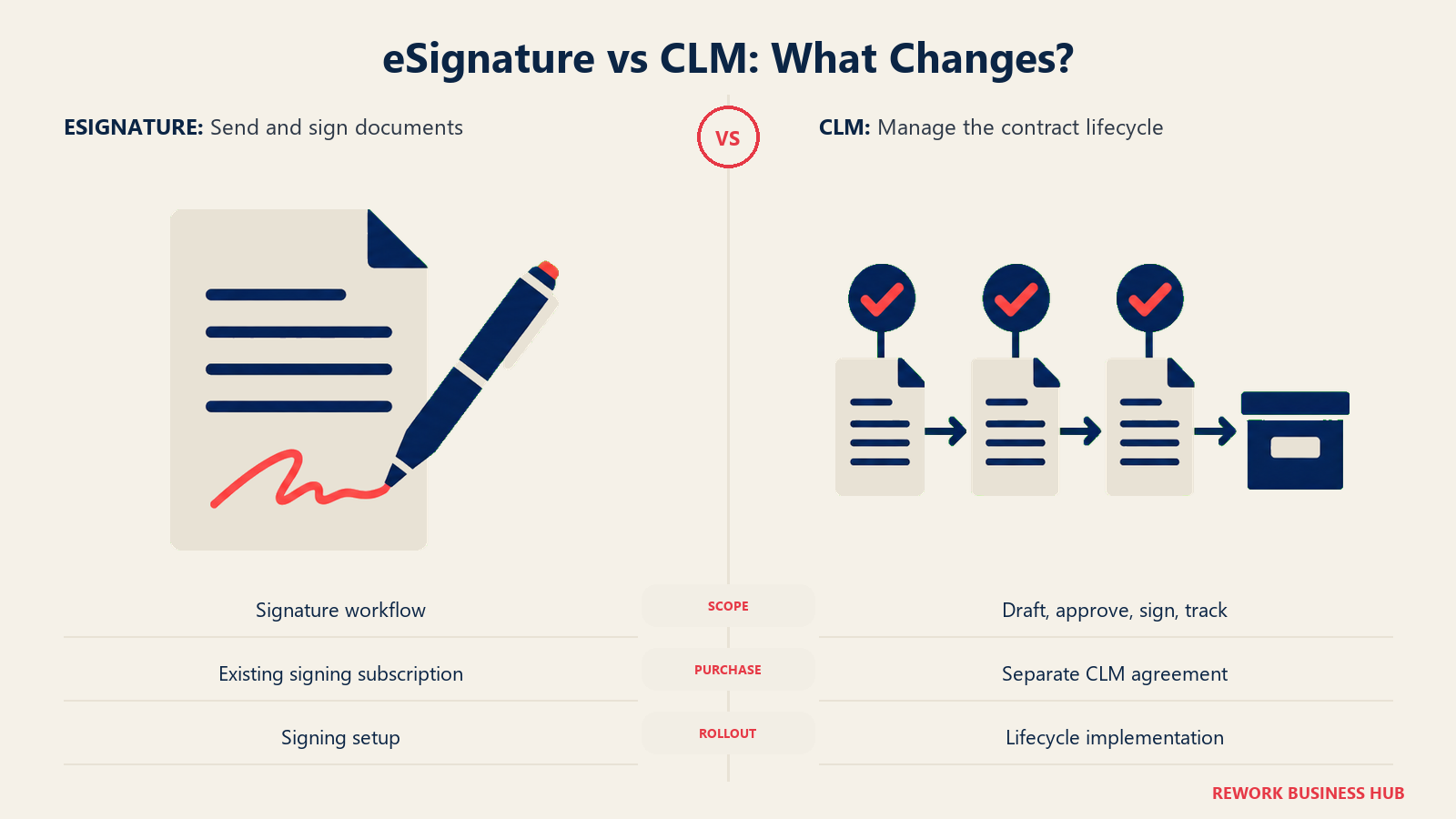
"We already use DocuSign" is a real argument, and it's also where a lot of budgets go sideways. DocuSign eSignature and DocuSign CLM are genuinely separate products, sold, priced, and implemented independently, even though they share a login and a parent brand. A team paying for eSignature seats today gets none of that spend credited toward a CLM quote.
| DocuSign eSignature | DocuSign CLM | |
|---|---|---|
| What it does | Send and sign a document | Draft, negotiate, route for approval, sign, and track a contract over its life |
| Published pricing | Yes: Personal $11/month, Standard $30/user/month, Business Pro $45/user/month (annual, DocuSign's own pricing page) | No, quote-only |
| Reported annual cost | Published above, no reported range needed | $10,000 to $50,000-plus for smaller deployments (reported, Bind Legal), $20,000 to $60,000-plus at the low end scaling past $200,000 to $500,000-plus at enterprise scale (reported, Vendr) |
| Envelope or volume limits | 100 envelopes per user per year on Standard and Business Pro | Not seat-based, scoped inside the quote |
| Typical buyer | Whoever sends documents, often sales or HR | Legal ops, procurement, or IT managing the vendor relationship |
| Bundled together by default | No | No, CLM is a separate purchase and a separate implementation project |
The practical takeaway: if a DocuSign rep frames CLM as an easy upgrade because you're "already in the ecosystem," ask for a CLM-only quote, unbundled from eSignature seats, IAM platform components, or SAP Ariba and Coupa connectors, before you compare that number to anything else on this page.
AI Extraction and Your Existing Contract Archive
This is where LinkSquares and DocuSign CLM actually compete, and where PandaDoc opts out entirely.
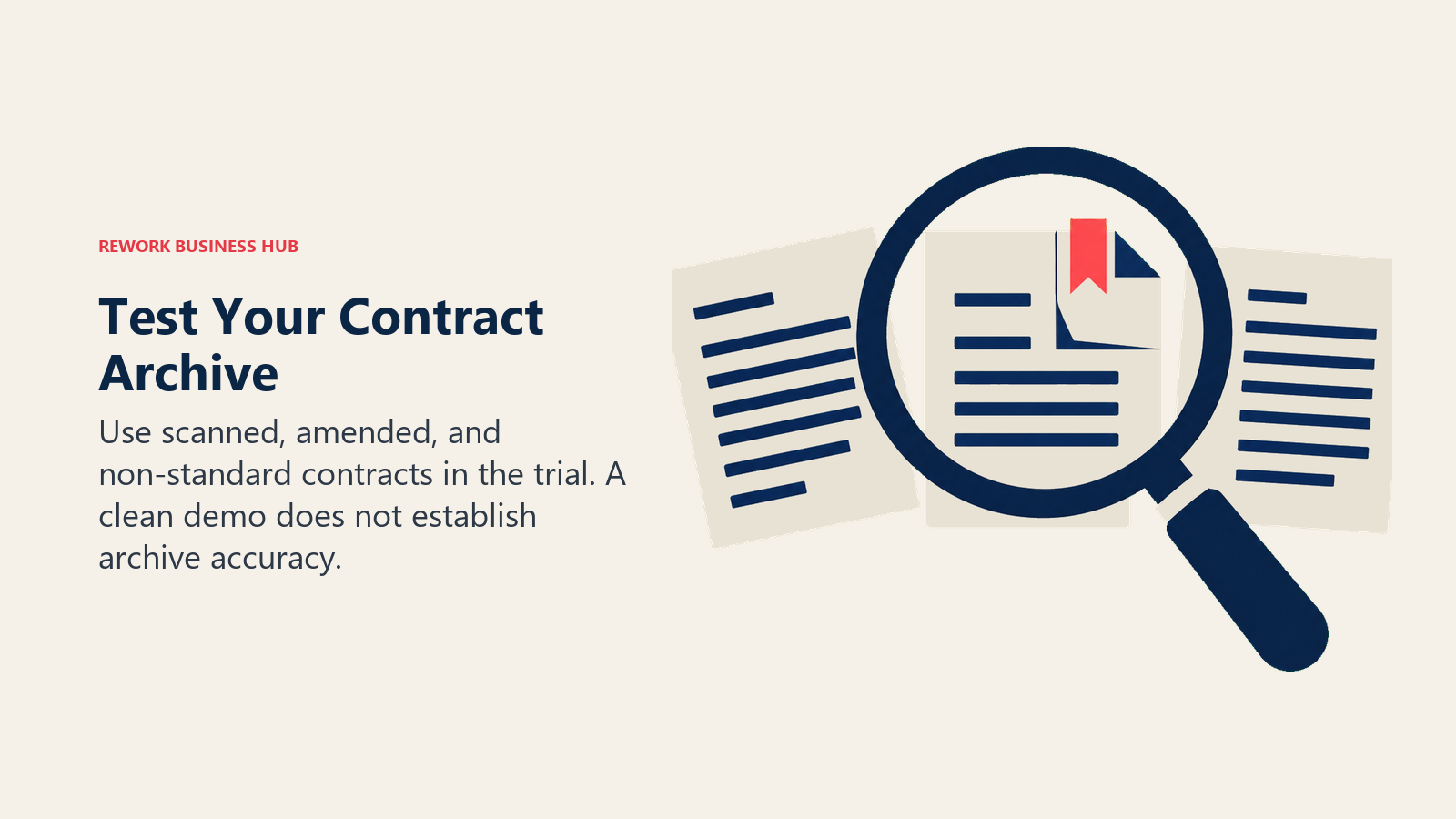
LinkSquares' Contract Intelligence and DocuSign's Iris both do the same underlying job: read a pile of already-signed contracts and pull out obligations, renewal dates, and non-standard terms without a paralegal reading every page. Iris ships with more than 100 pre-trained extraction models and has a natural edge when the archive is already DocuSign-native, consistent formatting, digital-native files. LinkSquares' extraction is vendor-agnostic by design: it reads a PDF, a Word file, or a scanned document regardless of how the original was signed, DocuSign, Adobe Sign, or wet ink in a filing cabinet.
Treat every vendor's time-savings claim as directional, not a guarantee. Neither company publishes accuracy rates broken out by document quality, a clean, digitally native contract versus a scanned agreement with a handwritten amendment versus a foreign-language counterparty document, and demos are built on clean sample contracts by design. Related legal-AI research is genuinely encouraging (lawyers using AI contract review report saving an average of 14 hours a week and a 14% reduction in outside counsel spend, per a GC AI customer survey from December 2025), but that's a vendor-adjacent survey, not an independent audit of any specific tool's accuracy. Load your own messiest contracts, not a vendor's demo set, into a trial before you sign anything.
PandaDoc isn't in this conversation at all. It has no comparable extraction layer for a legacy archive, so if your actual problem is "we have three years of signed contracts and no idea what's in them," PandaDoc simply doesn't compete for that job.
| PandaDoc | DocuSign CLM | LinkSquares | |
|---|---|---|---|
| AI extraction from an existing signed-contract archive | Not offered | Yes, Iris, 100+ pre-trained models | Yes, Contract Intelligence, the platform's original job |
| Strongest fit when the archive was signed via | N/A | DocuSign natively, others via import | Any source, PDF, Word, scanned, any e-signature vendor |
| Accuracy on scanned or non-standard contracts | N/A | Not publicly broken out by document type | Not publicly broken out by document type |
| Realistic test before buying | N/A | Load your own messy archive into a trial | Load your own messy archive into a trial |
Team and Role Fit
| PandaDoc | DocuSign CLM | LinkSquares | |
|---|---|---|---|
| Natural champion | Sales ops lead, VP of Sales, or founder | Legal ops lead, procurement, or IT managing the DocuSign account | General counsel, legal ops lead, or a finance stakeholder wanting spend visibility |
| Team maturity assumed | None, self-serve from day one | Willing to run a real implementation project | Comfortable defining what to extract and how to report on it |
| Who uses it daily | Sales, HR, ops | Legal, procurement | Legal, finance |
| Dedicated legal function required | No | Helpful, not always required | Helpful, not always required |
| Company size sweet spot | Any size, strongest fit under roughly 200 people without a legal ops function | 100 to 2,000-plus, once legal ops exists or is being built | 50 to 2,000-plus, once contract volume justifies dedicated analytics |
Pricing at 10, 50, and 200 Users
Only PandaDoc and DocuSign eSignature publish real per-seat numbers. DocuSign CLM and LinkSquares are both quote-only, so their figures below are reported, not vendor-confirmed, and labeled that way.
PandaDoc: What You'd Actually Pay
Starter caps out at 2 seats, which rules it out for any of the three team sizes below. Business, at $49 per user per month billed annually, is the realistic floor once you're past a tiny team, and it's where CRM integrations, approval workflows, and the redlining add-on actually live.
| Team size | Plan | Annual cost | Notes |
|---|---|---|---|
| 10 users | Business | $49 x 10 x 12 = $5,880 | Starter's 2-seat cap rules it out |
| 50 users | Business | $49 x 50 x 12 = $29,400 | Redlining is still a paid add-on at this tier, not included |
| 200 users | Business at list price, or negotiate Enterprise | $49 x 200 x 12 = $117,600 at list price | Most buyers at this size negotiate a custom Enterprise quote instead |
Source: PandaDoc's own pricing page.
DocuSign: eSignature Is Public, CLM Is Not
| Team size | DocuSign eSignature (Business Pro, annual) | DocuSign CLM (reported) |
|---|---|---|
| 10 users | $45 x 10 x 12 = $5,400 (1,000 envelopes/year included) | $10,000 to $50,000-plus, smaller single-department deployments (reported) |
| 50 users | $45 x 50 x 12 = $27,000 (5,000 envelopes/year, at the plan's stated cap) | $20,000 to $60,000-plus at the low end (reported) |
| 200 users | Not available; Enhanced/custom plan required past 50 seats | $200,000-plus at enterprise scale (reported) |
Sources: DocuSign's own eSignature pricing page for the published figures; Bind Legal and Vendr for the CLM ranges.
LinkSquares: Modules and Volume, Not Seats
LinkSquares doesn't publish a per-seat number at all. Its own pricing page states plans are "tailored to your organization's needs" based on contract volume, user count, and which modules you enable, Finalize, Analyze, or both, priced separately. Reported deals run $30,000 to $100,000-plus per year, with a Vendr-tracked median around $31,000. (LinkSquares; Vendr)
A lean 10-person legal team processing thousands of contracts a year can land a higher quote than a 50-person team processing a few hundred, since contract volume and module selection drive the number more than headcount does. Get the quote scoped to exactly which modules you need before comparing it to a seat-priced tool.
The Flip at Scale
| Team size | PandaDoc (Business) | DocuSign CLM (reported) | LinkSquares (reported) |
|---|---|---|---|
| 10 users | $5,880/year | $10,000 to $50,000-plus/year | Reported deals start near $30,000/year, largely independent of headcount |
| 50 users | $29,400/year | $20,000 to $60,000-plus/year at the low end | Same reported range, driven by volume and modules |
| 200 users | $117,600/year at list price | $200,000-plus/year at enterprise scale | Scales with contract volume, not published per seat |
At 10 seats, PandaDoc is the obvious budget pick, and it isn't pretending to be a CLM. Once headcount or volume grows enough that legal wants real workflow control, DocuSign CLM's reported range overlaps PandaDoc's list price at 50 to 200 seats even though the two aren't doing the same job. LinkSquares barely moves with headcount at all, since contract volume and module choice, not seats, set the number, which is exactly the "repackaged tiers" trap to watch for if you're mentally pricing it like a seat-based tool.
Implementation and Change Management
Template migration, integrations, and extraction setup take ownership. Budget internal time alongside the license.
| PandaDoc | DocuSign CLM | LinkSquares | |
|---|---|---|---|
| Basic setup | Same day to a few days | 4 to 12 weeks for a standard rollout | Weeks, faster for Analyze alone than a full Finalize-plus-Analyze deployment |
| Full rollout with integrations | 1 to 2 weeks | 3 to 6 months, longer with heavy template migration | 1 to 3 months, reported |
| Dedicated admin required | Helpful, not required | Yes, typically legal ops or IT | Yes, typically legal ops |
| Biggest time sink | Configuring CRM integrations and approval logic at Business tier | Migrating existing templates and contract types | Tuning extraction to your specific contract types |
Budget the admin headcount into total cost of ownership on either of the two heavier tools, not just the license fee. A CLM that never gets a dedicated owner is the most common reason a rollout stalls, on any platform.
Risk, Governance, and What Leaving Costs
The question that matters more than any feature comparison for these three: what happens to your contracts if you cancel.
PandaDoc doesn't publish a plain-language cancel-and-export policy. Its own payment policy states that unpaid accounts are deleted after 180 days, a rule about non-payment, not a clean voluntary-cancellation window, and support documentation recommends downloading anything important before you close an account rather than after.
DocuSign CLM is the most explicit of the three, and it's worth reading closely. Per DocuSign's own CLM Service Schedule, a stored document stays in the system only "for the duration of the Term" or until you delete it yourself, whichever comes first. If you don't retrieve everything before the term ends, you have 90 days after expiration to request that DocuSign's Professional Services team help retrieve it. Miss that window, and the schedule says DocuSign has no further obligation to retain or hand over the data, and can delete the account outright.
LinkSquares' Data Processing Addendum commits to returning or deleting customer data at the customer's choice after the contract ends, standard processor language, but there's no specific public day-count grace window comparable to DocuSign's 90 days. Finalize's own Export All function lets you pull agreement data while your subscription is active (delivered by download under 100 agreements, by email above that), so the safer move is exporting before your renewal date, not after.
| PandaDoc | DocuSign CLM | LinkSquares | |
|---|---|---|---|
| Post-cancellation data window | Not clearly published; unpaid accounts are deleted after 180 days, a different scenario from a clean cancellation | 90 days after Term expiration to request retrieval via Professional Services, per its own Service Schedule | Not publicly documented as a fixed window; its DPA commits to return or deletion at the customer's choice |
| Self-serve export while active | Yes, standard document downloads | Yes, standard repository export | Yes, Finalize's Export All function |
| Get this in writing before signing | Recommended, no public policy to point to | Already public, cite the Service Schedule directly | Recommended, no fixed public window to point to |
When PandaDoc Is the Right Call
- Your documents are proposals, quotes, and standard agreements that rarely get negotiated clause by clause
- Speed from draft to signature matters more than legal-grade workflow control
- You want to see the actual price before talking to a salesperson
- You don't have, and don't need, a legal team reviewing every document that goes out
- Cost per seat at a small team matters more than managing a large existing contract archive
When DocuSign CLM Is the Right Call
- You're already running DocuSign eSignature at real scale and want lifecycle management without adding a second vendor relationship
- Your contract types are fairly standardized, and 100+ pre-built workflow steps get you further than building logic from scratch
- Your biggest pain is a backlog of already-signed contracts, especially ones already inside the DocuSign ecosystem, that you can't extract terms from quickly
- Procurement or IT already owns the DocuSign relationship and wants to extend it rather than onboard a new vendor
- You're prepared to treat CLM as its own implementation project, not a feature you flip on inside an existing eSignature account
When LinkSquares Is the Right Call
- You have years of signed contracts and no reliable way to answer "what did we actually agree to" without opening each file
- Legal and finance both need visibility into the same obligation, renewal, and spend data
- Pre-signature workflow is a secondary concern; the real bottleneck is what happens after a contract is signed
- You're comfortable with quote-only pricing driven by contract volume and module choice, not a per-seat sticker price
- You want AI extraction that works regardless of how the original contract was signed, not just documents from one e-signature ecosystem
If the Contract Problem Is Really a Sales Problem, Not a Legal One
Worth naming plainly: all three of these tools assume a contract lives inside its own workflow, drafted, negotiated or not, signed, and, for two of the three, tracked afterward as a standalone process. That's the right frame for a legal team. It's not always the right frame for a sales-led team whose actual complaint is different: a proposal goes out through PandaDoc, gets signed, and the resulting agreement has no connection to the CRM deal that produced it, so nobody can pull up a customer's contract terms from the same screen as their account history.
Rework's Contract module keeps agreements on the same record as the customer, the deal, and the account, alongside its CRM/Sales, Lead Management, and Work Ops apps. It doesn't compete with LinkSquares on obligation extraction from a legacy archive, and it doesn't compete with DocuSign CLM's workflow depth for a legal-ops-mature team. What it solves is narrower and different: a signed agreement that should live next to the deal record, not in a fourth login nobody checks once the ink dries. If that's the actual gap, and not "we need clause-level AI redlining" or "we need to make sense of five years of old contracts," it's worth a look before adding a dedicated CLM to the stack. Rework's Contract module isn't publicly priced; it's quoted per organization, see rework.com/pricing for current details.
Decision Framework
| If you are... | Pick |
|---|---|
| A sales or ops team sending proposals and standard agreements fast | PandaDoc |
| Already deep in the DocuSign ecosystem and want one vendor for signing and lifecycle | DocuSign CLM |
| Sitting on years of signed contracts with no visibility into what's in them | LinkSquares |
| Most focused on pre-signature speed and the lowest cost per seat | PandaDoc |
| Most focused on post-signature obligation, renewal, and spend intelligence | LinkSquares |
| Wanting legal-grade workflow control added to a signature relationship you already trust | DocuSign CLM |
| Looking for contracts on the same record as the CRM deal, not a standalone CLM | Rework (see rework.com/pricing) |
| Needing heavier workflow depth or enterprise governance than any of these three offer | See Ironclad vs Conga CLM vs Icertis |
| Comparing more of the category before narrowing down | See our full contract management software roundup |
The verdict: there's no single winner because there isn't a single job. If the paperwork itself is the bottleneck, sales needs documents out fast, PandaDoc's per-seat price and same-day setup win outright. If you already trust DocuSign and want workflow control layered on top, budget for CLM as its own line item, not a small add-on, and DocuSign CLM is the pragmatic single-vendor choice. If the real problem is a contract archive nobody can make sense of, LinkSquares is built specifically for that job, and neither of the other two competes with it there.
What to Do Next
- Name which half of the lifecycle is actually broken before you take a single demo: paperwork speed, process control, or archive visibility. This one decision eliminates two of the three options immediately.
- If DocuSign CLM is on the table, get a CLM-only quote in writing, explicitly unbundled from your existing eSignature seats and any IAM platform components, before comparing the number to anything else here.
- If LinkSquares is on the table, scope the quote to specific modules (Finalize, Analyze, or both) and your real contract volume, not a hypothetical, since price tracks those two factors far more than headcount.
- Run a real test on your own messiest documents, a scanned contract, a heavily redlined Word file, not a vendor's clean demo data, on whichever tool survives steps 1 through 3.
- Still comparing the wider category? The Best Contract Management Software in 2026 roundup covers the field end to end, and how to choose e-signature software or how to choose document automation software is the better starting point if you're not sure a CLM is even the right category yet. Run whichever pick survives through the SaaS vendor evaluation scorecard before signing a multi-year contract, and see the true cost of software sprawl if a fourth login is exactly the problem you're trying to avoid creating.
Related Resources:
- Best Contract Management Software in 2026
- Ironclad vs DocuSign CLM
- Juro vs PandaDoc
- Best LinkSquares Alternatives in 2026
- Best PandaDoc Alternatives in 2026
- Best DocuSign Alternatives in 2026
- Juro vs Concord vs Agiloft
- Ironclad vs Conga CLM vs Icertis
- How to Choose E-Signature Software
- SaaS Vendor Evaluation Scorecard

Principal Product Marketing Strategist
On this page
- TL;DR
- What Each Tool Is Actually Built For
- PandaDoc: Getting a Standard Document Signed, Fast
- DocuSign CLM: The Lifecycle Product Riding on a Household Name
- LinkSquares: Reading the Contracts You Already Signed
- Key Facts
- Where Each Tool Actually Sits on the Contract Lifecycle
- Decision by the Problem You Actually Have
- The DocuSign Incumbency Trap
- AI Extraction and Your Existing Contract Archive
- Team and Role Fit
- Pricing at 10, 50, and 200 Users
- PandaDoc: What You'd Actually Pay
- DocuSign: eSignature Is Public, CLM Is Not
- LinkSquares: Modules and Volume, Not Seats
- The Flip at Scale
- Implementation and Change Management
- Risk, Governance, and What Leaving Costs
- When PandaDoc Is the Right Call
- When DocuSign CLM Is the Right Call
- When LinkSquares Is the Right Call
- If the Contract Problem Is Really a Sales Problem, Not a Legal One
- Decision Framework
- What to Do Next