Ironclad vs DocuSign CLM: Which Contract Lifecycle Management Platform Fits Your Legal Team in 2026?
Turn this article into takeaways for your work.


Each assistant summarizes the article only for you and suggests best practices for your work.
Before anything else, one mix-up needs to get cleared up, because it's the reason most people land on this page in the first place. DocuSign is a household name for one thing: getting a document signed. But "DocuSign CLM" isn't that product. It's a separate, much larger contract lifecycle management platform that happens to share a parent company and a login with the e-signature tool everyone already knows. Buyers researching "DocuSign for contracts" routinely assume they're looking at one product when they're actually looking at two, priced, sold, and implemented completely differently.
Ironclad has no such identity problem. It was built from day one as a CLM, with no legacy e-signature business to confuse the picture. That's the real shape of this comparison: a CLM-native platform with a genuinely strong workflow designer and its own AI assistant, against a CLM product that inherits both the credibility and the baggage of sitting next to the world's best-known signature tool. If you're a general counsel, legal ops lead, or procurement director evaluating either one, here's the honest breakdown, with real numbers where they exist and a plain "quote-only" label where they don't.
TL;DR
| Ironclad | DocuSign CLM | |
|---|---|---|
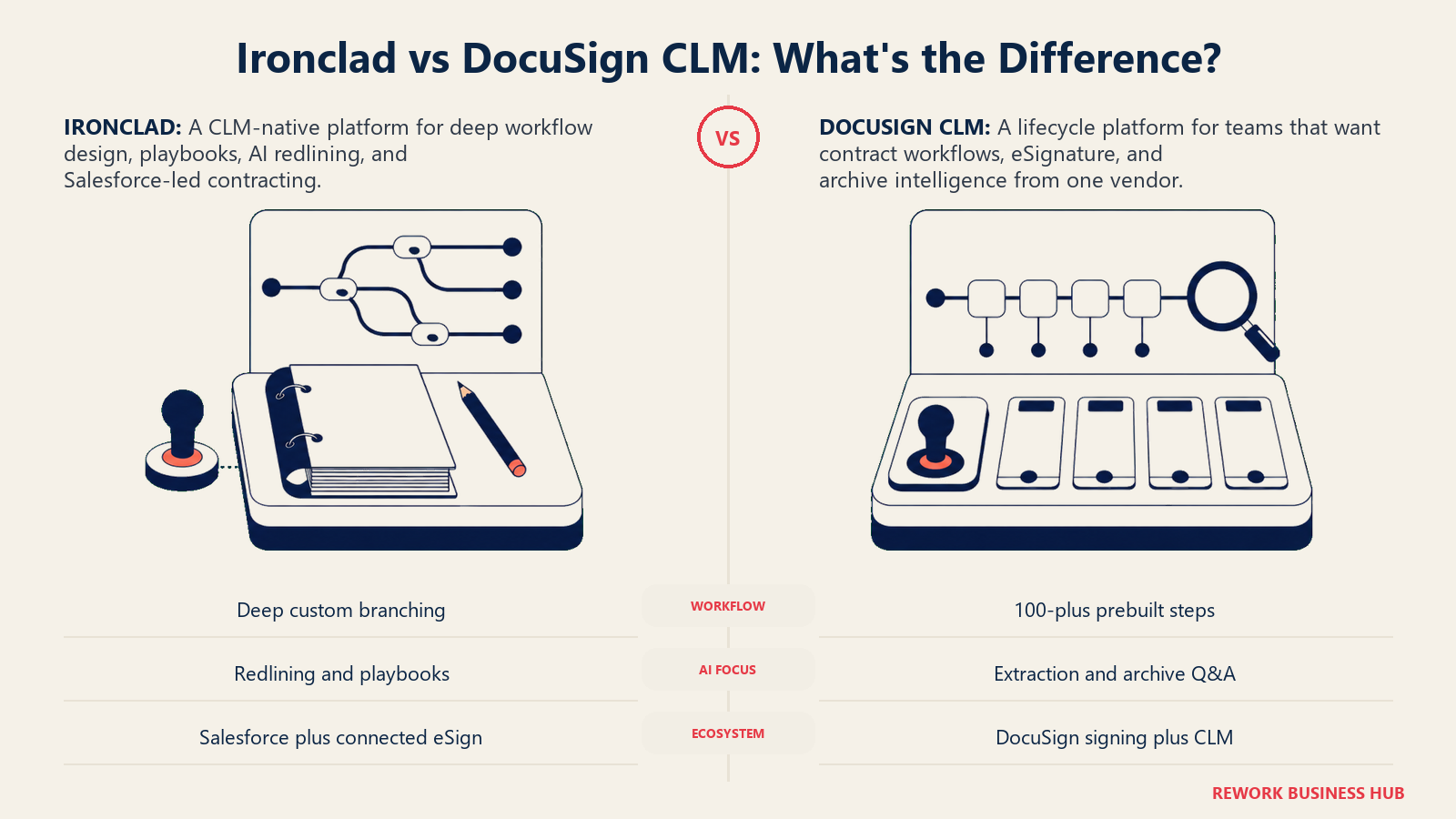
| What it actually is | CLM-native platform, no built-in e-signature | Full CLM platform, separate from DocuSign eSignature |
| Built for | Legal ops teams that want deep workflow control | Teams already running on DocuSign who want lifecycle management added on |
| Workflow design | Advanced visual Workflow Designer, complex conditional logic | Drag-and-drop editor, 100+ pre-built workflow steps, simpler by design |
| AI | Jurist AI assistant, AI Playbooks, precise redlining | Iris, DocuSign's contract AI engine, term extraction and Q&A |
| E-signature | Native integration with DocuSign or other e-sign tools, not built in | Native, since it's part of the DocuSign ecosystem |
| Salesforce fit | Selected by Salesforce as its own internal CLM, deep native integration | Native via Docusign Gen for Salesforce |
| Pricing | Quote-only, median reported around $40,000/year | Quote-only, reported $20,000 to $60,000+/year, more at enterprise scale |
| Implementation | Typically 4 to 12 weeks, longer for complex rollouts | Typically 4 to 12 weeks, often 3 to 6 months at enterprise scale |
| Best for | Legal-ops-mature teams that want the deepest workflow and AI control | Teams already deep in the DocuSign ecosystem who want one vendor for signing and lifecycle |
DocuSign eSignature Is Not DocuSign CLM, and That Distinction Matters
Here's the part worth spelling out plainly. If you go to DocuSign's own pricing page today, it redirects straight to eSignature plans: Personal at $11 a month, Standard at $30 a user a month, Business Pro at $45 a user a month. None of that has anything to do with contract lifecycle management. DocuSign CLM lives on a completely separate product page, with completely separate (unpublished) pricing, a completely separate implementation process, and a completely separate buyer, usually legal ops or procurement rather than a department head who just needs signatures.
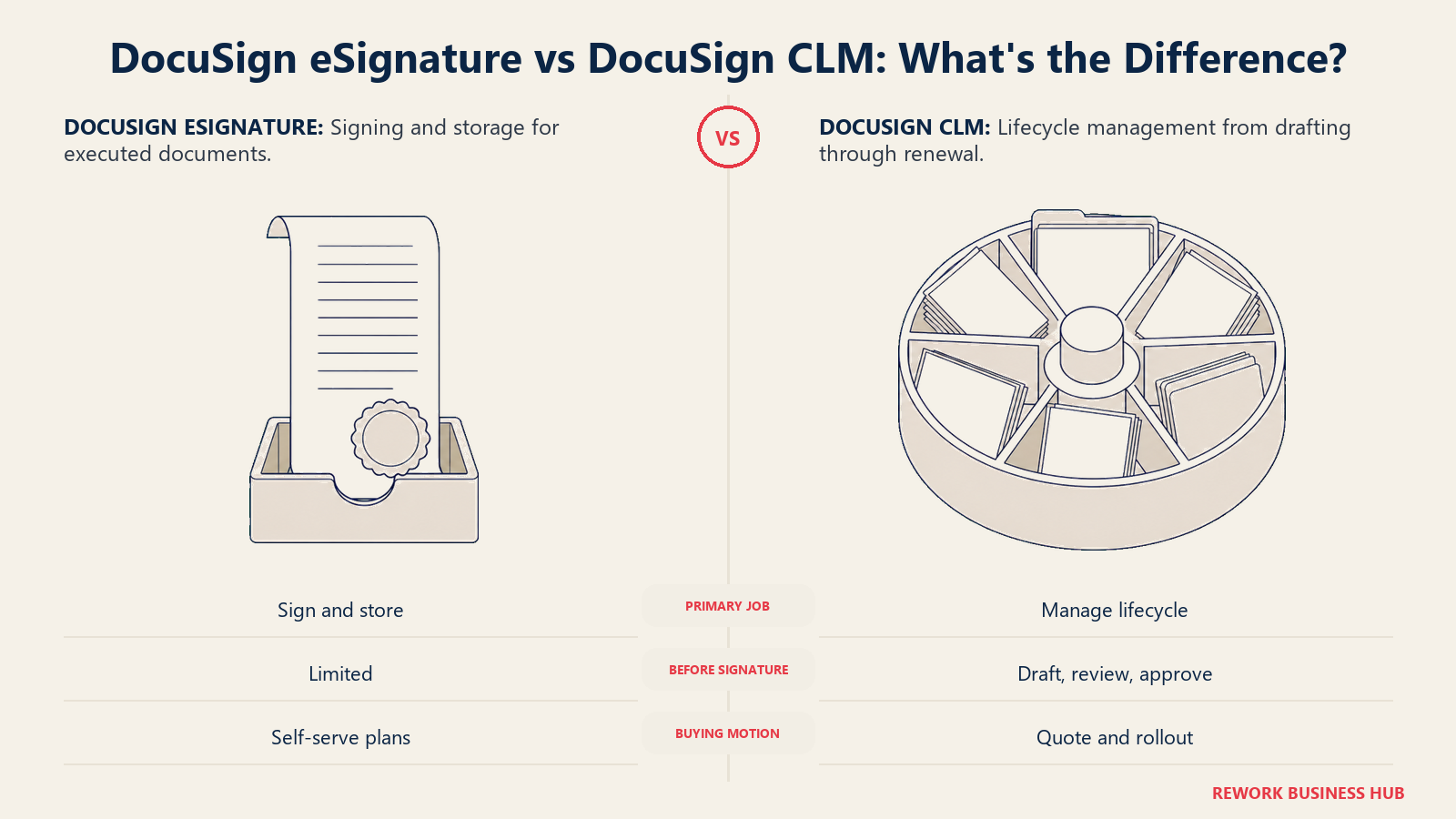
The confusion is understandable. Most people meet DocuSign as the tool that pings them to sign a lease or an offer letter, and that's genuinely all eSignature does: it handles the "endgame" of a document, execution and storage. DocuSign CLM covers everything that happens before that moment: drafting from templates, routing for internal and external review, redlining and negotiation, approval chains, and then what happens after signature, obligation tracking, renewals, and a searchable repository. DocuSign's own product page for CLM describes it as managing the contract lifecycle "from inception through time management and eventual renewal or termination," which is a different job entirely from getting a PDF signed.
If your actual need is just getting documents signed faster, you don't need this comparison at all, you need our DocuSign alternatives roundup or a look at how to choose e-signature software. If your need is managing contracts before, during, and after signature, at scale, across a legal or procurement team, keep reading, because that's what both tools in this comparison actually do.
Worth noting too: DocuSign has spent the last two years pushing a newer, broader umbrella called Intelligent Agreement Management (IAM), an AI-native platform DocuSign is positioning as the future of the product line. Existing CLM and eSignature customers aren't forced onto it, and CLM continues to be sold and supported as its own product, which is the one this article compares. If you're deep into a DocuSign sales cycle, ask explicitly whether you're being quoted classic CLM or IAM, because the packaging and pricing conversation differs.
Who Each Platform Is Actually Built For
Ironclad and DocuSign CLM both sell into the same rough zone (companies with a real legal or procurement function managing contract volume that spreadsheets and email threads can no longer handle) but they get there from opposite directions.
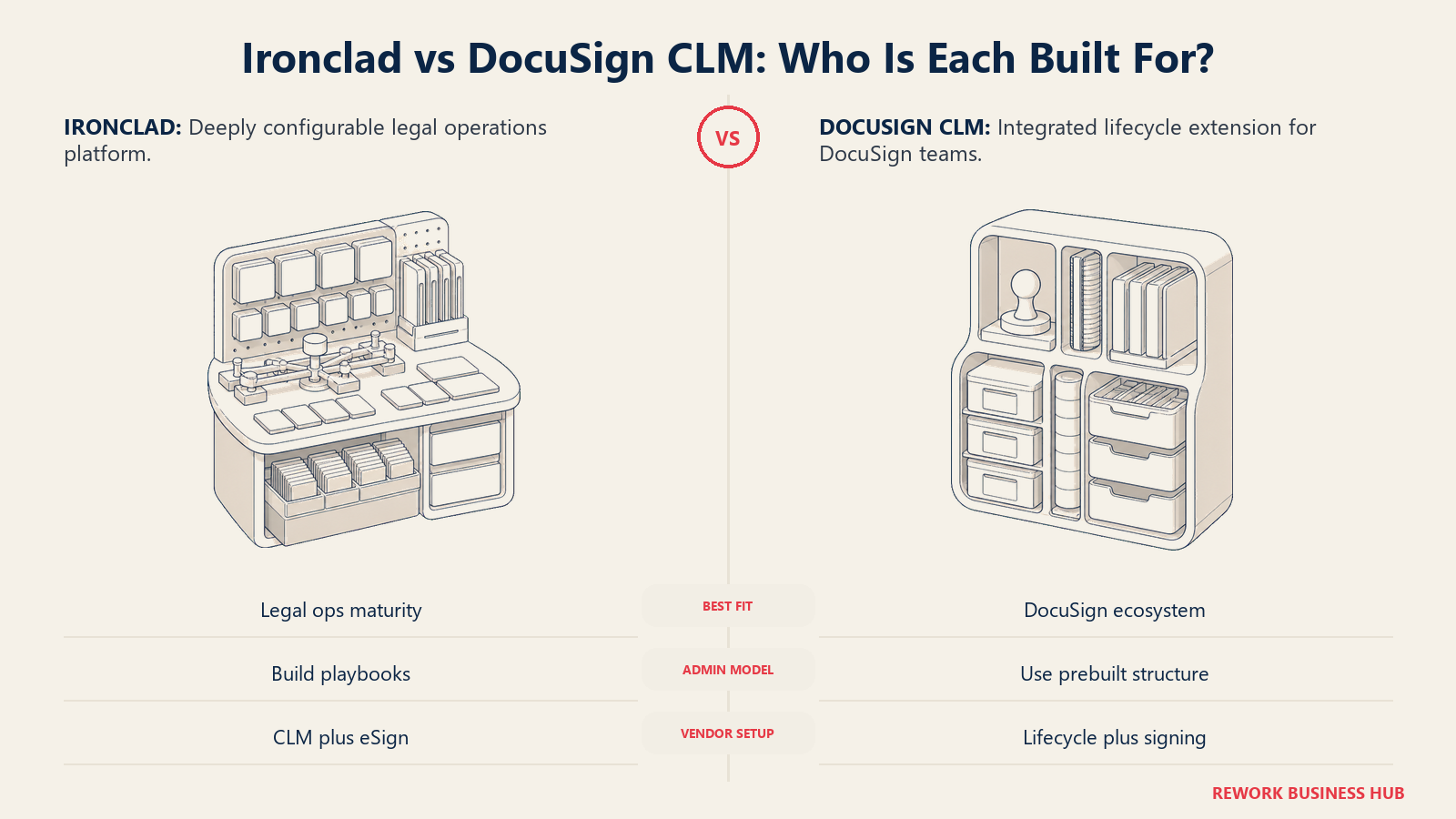
Ironclad was built by lawyers, for legal teams, with the explicit goal of making the contracting workflow itself faster and more controllable. It has no e-signature legacy to protect and no adjacent product line pulling its roadmap in a different direction. Its customer base skews toward companies that already have some legal ops maturity, or are hiring for it, because the platform rewards teams willing to invest in playbooks, clause libraries, and workflow configuration.
DocuSign CLM was built by extending the DocuSign Agreement Cloud past the signature moment. Its natural buyer is often already a DocuSign eSignature customer who has outgrown "just get it signed" and needs the drafting, negotiation, and repository pieces added on top, without adding a second vendor relationship for the parts of the process that touch signature.
| Ironclad | DocuSign CLM | |
|---|---|---|
| Natural buying trigger | Legal team drowning in redlines, versions, and manual approval chains | Existing DocuSign customer who needs lifecycle management, not just signing |
| Team maturity assumed | Willing to build and maintain playbooks and clause libraries | Comfortable with a more templated, pre-built workflow structure |
| Primary champion | General counsel, legal ops lead, contracts manager | Procurement, legal ops, or IT already managing the DocuSign relationship |
| Vendor relationship | One vendor for CLM, e-signature usually connected via integration | One vendor across signature and lifecycle, single contract and support line |
| Notable customer proof point | Selected by Salesforce as its own internal CLM platform | Landed large enterprise deals including T-Mobile, per DocuSign's 2026 earnings commentary |
Neither direction is wrong. It's the difference between a tool built to be the best possible workflow engine for contracts, and a tool built to extend a signature relationship you already trust into the rest of the contract's life.
Key Facts
- G2 rates Ironclad at 4.4 out of 5 across 304 reviews, while DocuSign CLM sits at roughly 4.3 out of 5 across about 425 reviews, a close margin that mostly comes down to workflow depth versus ease of use in the write-ups.
- The global CLM software market is valued at $3.32 billion in 2026 and is projected to reach $8.84 billion by 2035, an 11.56% CAGR, according to Precedence Research.
- Salesforce picked Ironclad as its own internal contract lifecycle management platform, rolling the tool out to thousands of employees company-wide after starting with its Professional Services team, Salesforce announced.
- Ironclad surpassed $200 million in annual recurring revenue in February 2026, the company reported, with roughly one in three new customers in the prior six months adopting its Jurist AI assistant.
- Buyer-reported pricing data from Vendr puts the median Ironclad contract at $40,000 a year across more than 360 tracked deals, while Vendr's DocuSign breakdown shows CLM priced separately from eSignature, starting around $20,000 to $60,000 a year and climbing past $200,000 for enterprise rollouts.
Workflow Design and Approval Routing
This is where the two products feel most different in daily use, and it's the section legal ops leads care about most.
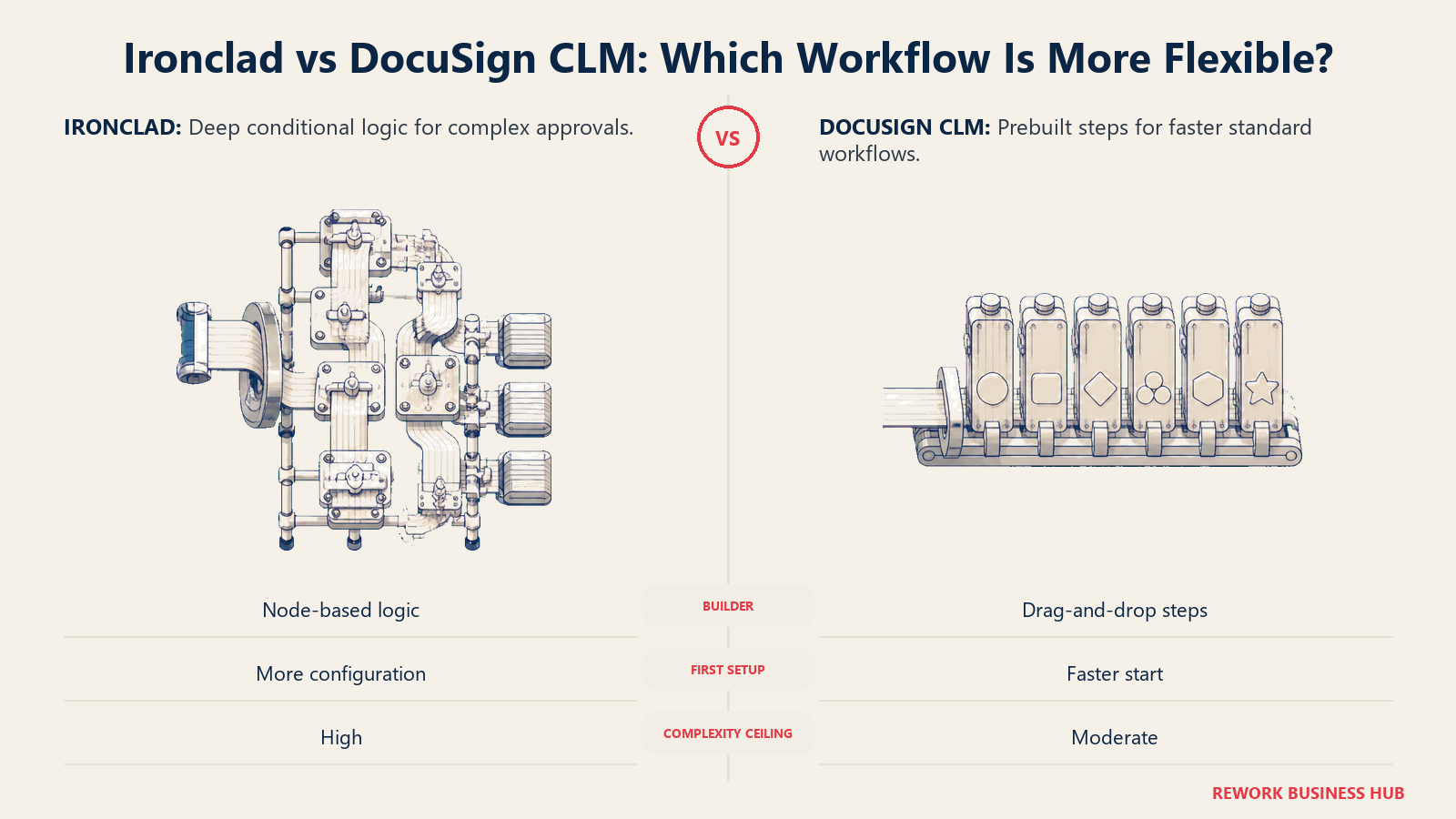
Ironclad's Workflow Designer is a visual, node-based builder that lets you construct multi-stage approval chains with real conditional logic: route any contract over $500,000 to the CFO automatically, insert a GDPR clause the moment a counterparty's country field says "EU," branch a workflow differently depending on contract type or risk score. It's genuinely one of the more powerful workflow engines in the category, and reviewers consistently point to it as Ironclad's strongest differentiator. The tradeoff is that building a workflow with that much branching logic takes real configuration time, and a team without a dedicated admin will feel the ceiling.
DocuSign CLM's workflow editor is also drag-and-drop, and it ships with more than 100 pre-configured workflow steps plus pre-built connectors, which makes standing up a first workflow faster if your contract types are relatively standard. Its conditional logic covers sequential approvals, parallel routing, and basic branching, which is enough for most day-to-day contract types but noticeably simpler than Ironclad's once you need many-branched, multi-department logic.
| Capability | Ironclad | DocuSign CLM |
|---|---|---|
| Visual workflow builder | Yes, node-based with deep conditional logic | Yes, drag-and-drop with 100+ pre-built steps |
| Multi-department approval chains | Strong, built for complex branching | Adequate, simpler branching logic |
| Dollar-threshold and metadata-based routing | Yes, a core strength | Yes, more templated |
| Time to build first workflow | Slower, more configuration | Faster, more out-of-the-box structure |
| Ceiling for complex legal ops | High | Moderate |
If your contracts mostly follow a handful of predictable shapes, DocuSign CLM's pre-built steps get you there faster. If you're managing dozens of contract types with genuinely different approval logic across departments, Ironclad's ceiling is higher.
AI Redlining and Clause Libraries
Both companies have bet heavily on AI in the last two years, and both now market a named AI product rather than a generic "AI features" bullet.
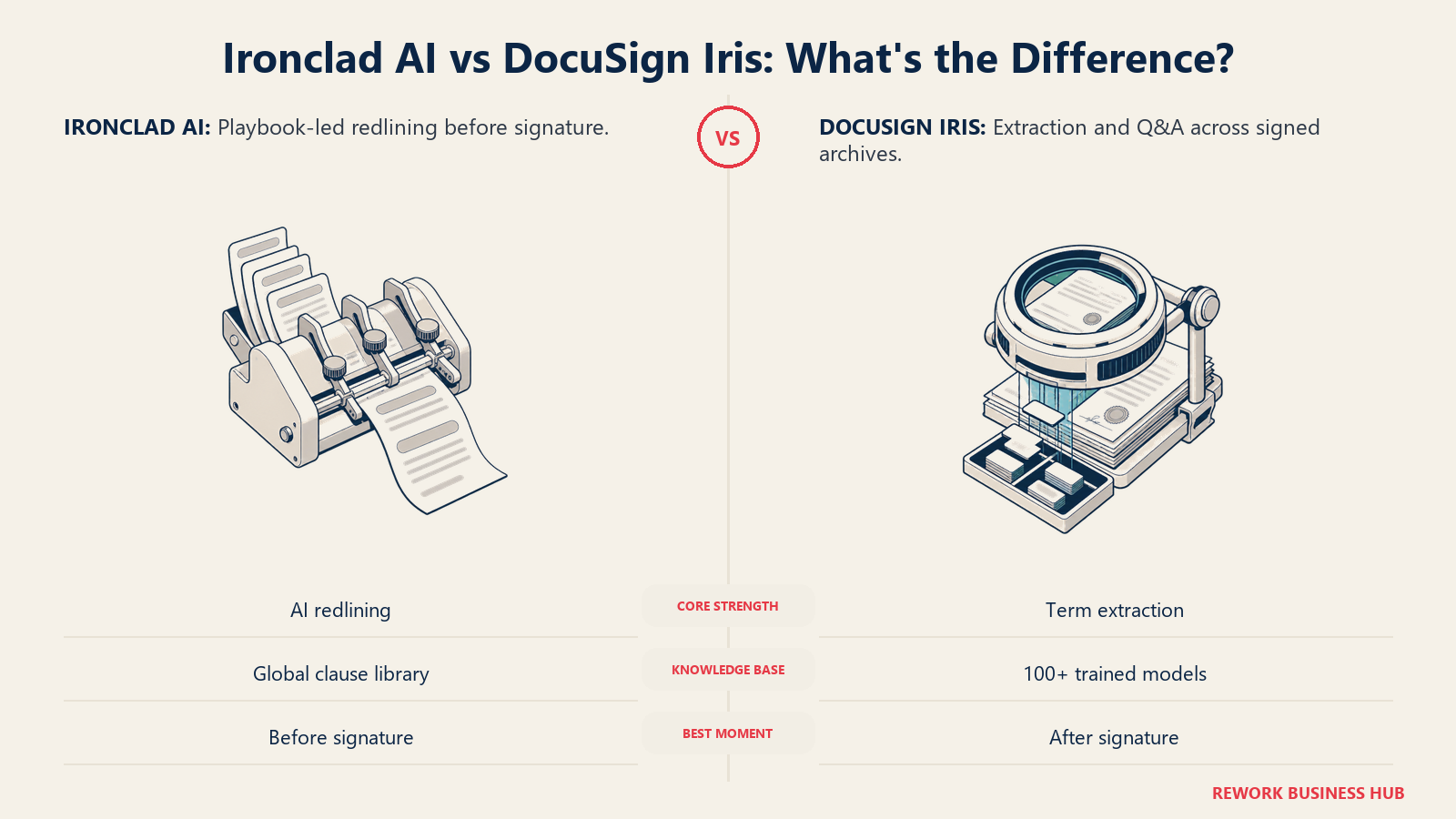
Ironclad's AI centers on AI Playbooks and a Global Clause Library. You define preferred, fallback, and non-standard positions for each clause type, and Ironclad's AI flags any contract language that doesn't match a defined position, then proposes redlines that move the language back toward your preferred position with minimal disruption to the rest of the document. Because the clause library is global rather than siloed inside individual workflow templates, updating a position once propagates it everywhere that clause is used. Ironclad's Jurist AI assistant extends this further into contract Q&A and analysis, and per the company's own 2026 growth announcement, adoption has been accelerating fast, with usage roughly six times higher year over year.
DocuSign's AI, branded Iris, is described by DocuSign as a "purpose-built AI engine trained on decades of contract data." It flags non-compliant clauses and suggests approved language during drafting, offers generative Q&A over contract content, and includes more than 100 pre-trained models for extracting and analyzing contract terms, an area DocuSign leans into hard given its huge base of already-executed agreements sitting in its ecosystem.
The practical difference: Ironclad's AI is stronger where the work happens before signature, drafting, negotiation, redlining. DocuSign's Iris is stronger where the work happens after signature, extracting obligations and terms from a large existing contract archive. If your biggest pain is negotiation cycle time, weight Ironclad's side of this more heavily. If your biggest pain is "we have ten thousand old contracts and no idea what's actually in them," Iris's post-signature extraction is the more relevant strength.
Contract Repository and Search
Both platforms centralize contracts into a searchable repository with obligation and renewal tracking, but user feedback diverges. DocuSign CLM's contract database consistently scores well in reviews, likely a byproduct of DocuSign's long head start in document storage. Ironclad's repository is solid, but reviewers more often flag search quality dropping off when metadata hasn't been entered consistently, putting more of the burden on your team's setup discipline than on the software itself. Neither gap is disqualifying, but it's worth running a real search test on your own messy contract set during a trial rather than trusting a clean demo.
Salesforce and Integration Depth
If your legal or sales team lives inside Salesforce, this section probably matters more than any other in the article.
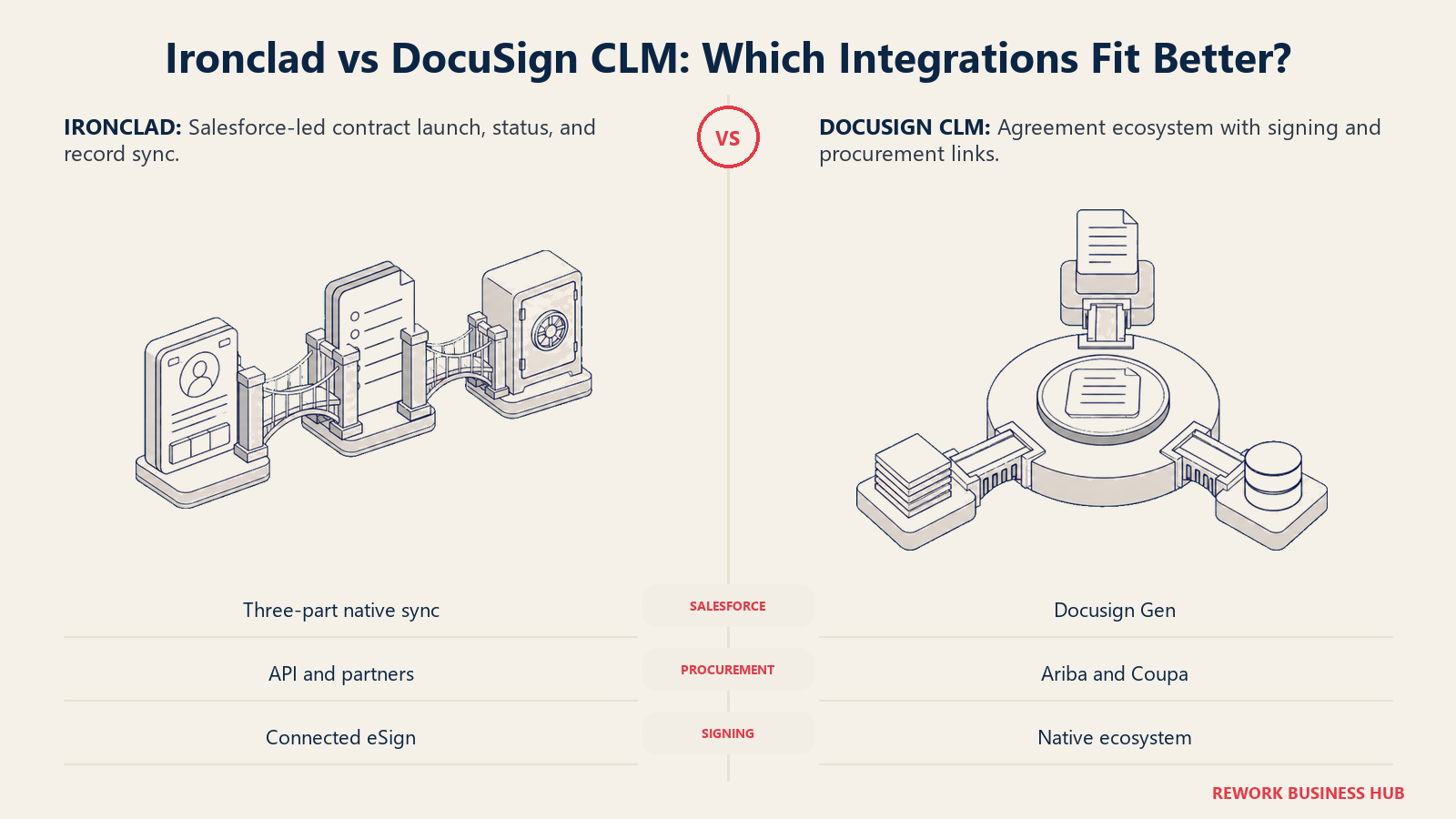
Ironclad's Salesforce integration is not just deep, it's a genuine proof point: Salesforce itself picked Ironclad as its own internal CLM platform, initially deployed with its Professional Services team generating Statements of Work, and later rolled out company-wide to thousands of users. The integration itself covers three pieces: Workflow Launch (create an Ironclad contract from Salesforce data), Workflow Sync (see contract status live inside Salesforce), and Record Sync (push completed, signed contracts and metadata back into a Salesforce Contract object). Ironclad reports that its own sales team closes deals 70% faster using this integration internally, a self-reported figure worth treating as directional rather than a guaranteed outcome for your team.
DocuSign CLM's Salesforce integration runs through Docusign Gen for Salesforce, which auto-populates contract data from Salesforce records and syncs status back. DocuSign also carries broader native integrations into SAP Ariba and Coupa, which matters more if procurement, not sales, is your heaviest CLM user.
| Integration | Ironclad | DocuSign CLM |
|---|---|---|
| Salesforce | Native, three-part integration, chosen by Salesforce internally | Native, via Docusign Gen for Salesforce |
| E-signature | Not built in, connects to DocuSign or other e-sign tools | Native, part of the DocuSign ecosystem |
| SAP Ariba / Coupa | Available via API/partner setup | Native pre-built connectors |
| Open API access | Yes, deeper technical setup required | Yes |
| Slack / email notifications | Yes | Yes |
Worth naming: Ironclad frequently gets implemented alongside DocuSign eSignature as its signing layer, since it doesn't ship its own. For some buyers the real decision isn't "Ironclad or DocuSign," it's "Ironclad plus DocuSign eSignature, or DocuSign CLM as a single vendor." If a single vendor relationship for signing and lifecycle matters to procurement, that tilts toward DocuSign CLM regardless of which workflow engine you'd otherwise prefer. See how to choose document automation software for that single-vendor-versus-best-of-breed tradeoff, or our CRM evaluation criteria if the CRM side matters as much as the contract side.
Implementation Time and Admin Burden
Neither platform is a same-day setup, and treating either one like a lightweight SaaS signup during budgeting is the fastest way to blow a timeline.
Ironclad typically goes live in 4 to 12 weeks: basic workflows in 2 to 4 weeks, complex multi-department workflows with integrations and full playbook development stretching to 8 to 12 weeks. Lean teams doing a self-serve setup have gone live in as little as two weeks, but larger deployments commonly run closer to four months once everything is configured and adopted. A dedicated administrator becomes a de facto requirement past small, simple deployments.
DocuSign CLM implementation also typically starts around 4 to 12 weeks for straightforward rollouts, but enterprise deployments commonly run 3 to 6 months, and heavily customized rollouts with extensive template migration have stretched to 6 to 12 months in buyer reports. Migrating hundreds of existing contract templates, not software configuration, is consistently the biggest time sink on either platform.
| Ironclad | DocuSign CLM | |
|---|---|---|
| Simple, standard deployment | 2 to 4 weeks | 4 to 12 weeks |
| Complex, multi-department deployment | 8 to 12 weeks | 3 to 6 months |
| Large enterprise, heavy customization | Up to ~4 months | 6 to 12 months in some buyer reports |
| Dedicated admin required | Effectively yes, past small scale | Yes, at least one full-time admin at scale |
| Biggest time sink | Playbook and clause library setup | Template migration across contract types |
Budget the admin headcount into your total cost of ownership on either platform, not just the license fee. Legal ops teams that skip this step are usually the ones posting frustrated reviews six months later about a tool that "never got fully adopted," when the real gap was internal ownership, not the software.
Pricing and the True Cost of Ownership
Both vendors are quote-only for CLM. Neither Ironclad's pricing page nor DocuSign's CLM page publishes a price list, a tier name, or a per-seat rate, and both send every visitor straight to a "Request Pricing" or "Contact Sales" form. Here's what we know from buyer-reported data, not vendor confirmation.
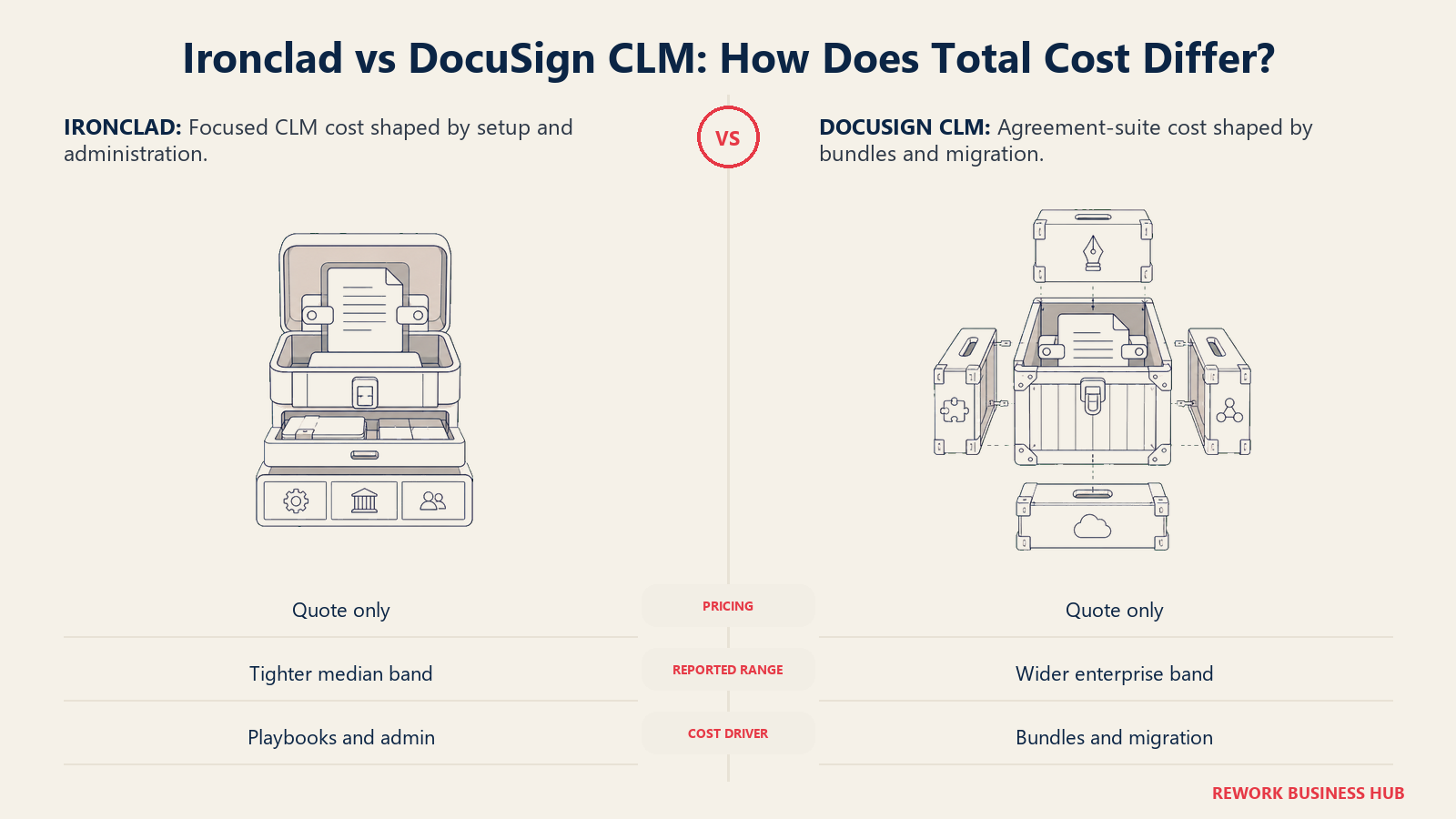
| Ironclad | DocuSign CLM | |
|---|---|---|
| Published pricing | None, quote-only | None, quote-only |
| Reported median annual cost | ~$40,000/year (reported, Vendr, 363 tracked deals) | $20,000 to $60,000/year at the low end (reported, Vendr) |
| Reported enterprise range | Up to ~$104,000/year in Vendr's tracked range | $200,000 to $500,000+/year at enterprise scale (reported, Vendr) |
| Reported implementation fee | $5,000 to $50,000+, one time (reported, buyer research) | Not separately published; buyer reports suggest a comparable or larger range at enterprise scale |
| Average negotiated savings | ~21% off list, per Vendr | ~17% off list on DocuSign contracts broadly, per Vendr |
| Minimum reported annual contract | ~$15,000 (reported) | Not consistently reported below enterprise tier |
The pattern that matters more than any single number: DocuSign CLM's reported range stretches noticeably higher at the top end than Ironclad's, largely because DocuSign CLM deals frequently bundle in eSignature seats, SAP Ariba or Coupa connectors, and broader IAM platform components rather than staying scoped to CLM alone. If you're pricing DocuSign CLM, get an explicit breakout of what's CLM and what's bundled add-on before comparing the number to Ironclad's quote. Our SaaS vendor evaluation scorecard has a line item specifically for catching this kind of bundled-versus-standalone pricing confusion during a sales process, and our piece on the true cost of software sprawl is worth a read if you're weighing a single-vendor DocuSign relationship against a best-of-breed Ironclad-plus-signature-tool setup.
Get both implementation fee and any bundled add-on pricing in writing before you sign either contract. Neither company puts those numbers on a page you can screenshot, and that's precisely where budgets quietly blow past what the "per year" quote implied.
When Ironclad Is the Right Call
- Your legal team has, or is actively building, real legal ops maturity, someone who owns the platform, builds playbooks, and maintains the clause library
- You need genuinely complex, multi-department approval logic with dollar thresholds and jurisdiction-based branching, not just sequential sign-off
- Negotiation cycle time before signature is your biggest bottleneck, and AI-assisted redlining against defined clause positions would meaningfully shorten it
- You're comfortable connecting a separate e-signature tool (often DocuSign's own eSignature, ironically) rather than getting signing built in
- Salesforce is central to how your sales and legal teams already work, and a proven, Salesforce-selected integration carries real weight in your decision
When DocuSign CLM Is the Right Call
- You're already running DocuSign eSignature at scale and want lifecycle management added without introducing a second vendor relationship
- Your biggest pain is a backlog of already-signed contracts you can't extract terms and obligations from quickly, where Iris's post-signature analysis is the more relevant strength
- Your contract types are relatively standardized, and 100+ pre-built workflow steps get you to a working setup faster than building complex logic from scratch
- Procurement is a heavier user of the system than legal, and native SAP Ariba or Coupa connectors matter more to you than Salesforce depth
- Simplifying vendor management (one contract, one support line, for both signing and lifecycle) outweighs having the single most powerful workflow engine on the market
If Neither Fits: Contracts Living on the Same Record as the Customer and the Deal
Worth naming honestly: both of these tools are purpose-built CLM platforms, and neither is trying to be your CRM. If your actual frustration isn't "our workflow engine isn't powerful enough," but rather "our signed contracts live in a system that has no idea who the customer is or what deal they're tied to," that's a different shape of problem, and it's usually a symptom of the CRM and the contract tool never being the same system in the first place.
Rework's Contract module keeps contracts on the same record as the customer, the deal, and the account, so a signed agreement isn't a file sitting in a separate CLM tool you have to cross-reference against your CRM every time someone asks "what did we actually agree to with this account." It's not a substitute for Ironclad or DocuSign CLM if your legal team's whole job is running complex, high-volume contract workflows at scale, that's a real specialization neither of these tools' owners should give up for a bundled feature. But if contracts are one part of a broader sales and operations record you'd rather keep unified, it's worth a look. Rework's Contract module isn't publicly priced yet; it's quoted per organization, see rework.com/pricing for current details.
Decision Framework
The final choice comes down to where your contract process needs the most leverage: deeper legal workflow control before signature, or a more unified agreement ecosystem around signing and the archive.
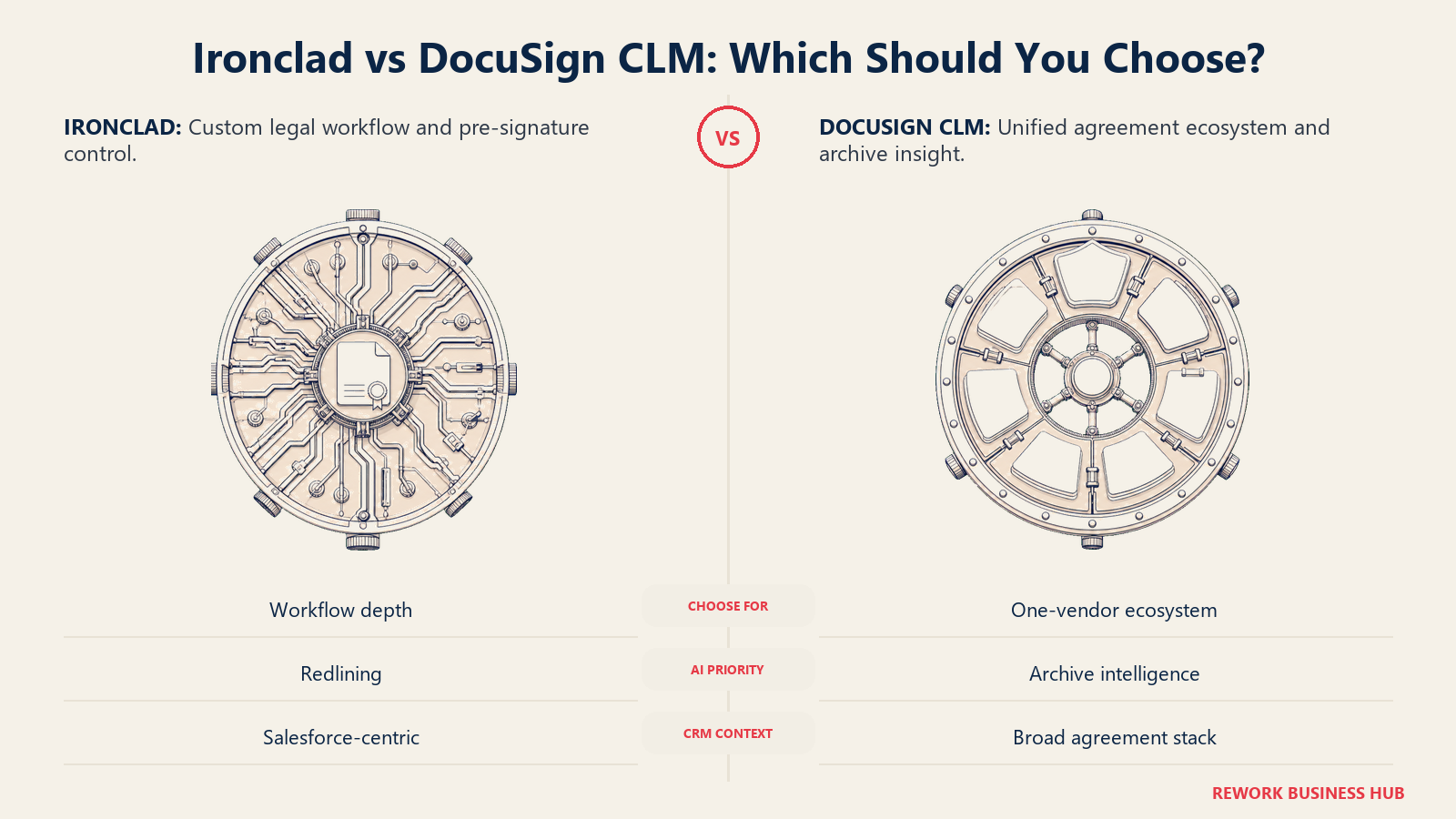
| If you are... | Pick |
|---|---|
| A legal ops team with real workflow complexity and the maturity to build playbooks | Ironclad |
| Already deep in the DocuSign ecosystem and want one vendor for signing and lifecycle | DocuSign CLM |
| Most focused on pre-signature negotiation speed and AI-assisted redlining | Ironclad |
| Most focused on extracting terms from a large archive of already-signed contracts | DocuSign CLM |
| Salesforce-centric, with sales and legal sharing the same platform | Ironclad, given Salesforce's own internal choice |
| Looking for contracts to live on the same record as the customer and the deal, not a standalone CLM | Rework (see rework.com/pricing) |
| Comparing more of the category before narrowing down | See our full contract management software roundup |
The verdict: if your legal team has, or is willing to build, real legal-ops maturity and your biggest bottleneck is pre-signature workflow and negotiation speed, Ironclad is the stronger platform, full stop. If you're already committed to DocuSign for e-signature and want lifecycle management bolted on without a second vendor relationship, DocuSign CLM is the pragmatic choice, just budget for its reported pricing running higher at scale once bundled components are factored in.
What to Do Next
- Get an explicit CLM-only quote from DocuSign, separate from any eSignature or IAM bundling, before comparing it to an Ironclad quote. The headline number is meaningless until you know what's actually included.
- Run a real search and retrieval test on both platforms using your own messy contract set, not a vendor's clean demo data, since that's where the two tools diverge most in practice.
- Confirm who owns the platform internally before you sign either contract. Both tools assume a dedicated admin at real scale, and skipping that headcount decision is the most common reason implementations stall.
- If you're not sure CLM is even the right category yet, start with how to choose document automation software or, if signing speed alone is the actual pain, our DocuSign alternatives guide and PandaDoc alternatives guide cover the lighter end of the category.
- Weighing a broader platform decision? Check where contracts fit against your CRM using our CRM software roundup before locking into a standalone CLM tool.
Frequently Asked Questions about Ironclad vs DocuSign CLM
Is DocuSign CLM the same as DocuSign eSignature?
No. DocuSign eSignature is priced separately (Personal, Standard, and Business Pro plans from $11 to $45 a user a month) and only handles document signing. DocuSign CLM is a separate, quote-only contract lifecycle management platform covering drafting, negotiation, approvals, repository, and renewals, sold and implemented independently of eSignature.
Is Ironclad or DocuSign CLM cheaper?
Neither publishes pricing, so any number is a buyer-reported estimate, not a vendor-confirmed price. Vendr's tracked deal data puts the median Ironclad contract around $40,000 a year, while DocuSign CLM deals reportedly start around $20,000 to $60,000 a year and climb past $200,000 at enterprise scale, though DocuSign CLM quotes often bundle in eSignature seats or other add-ons that Ironclad's quote does not include.
Does Ironclad have e-signature built in?
No. Ironclad focuses on the workflow, negotiation, and repository side of contracting and connects to a separate e-signature tool, commonly DocuSign's own eSignature product, to complete the signing step. If having signature built into the same platform matters more to you than workflow depth, that's a real point in DocuSign CLM's favor.
How long does it take to implement Ironclad or DocuSign CLM?
Both typically take 4 to 12 weeks for a standard, single-department rollout. Complex, multi-department deployments with heavy template migration and integrations commonly stretch Ironclad toward 8 to 12 weeks or longer, and DocuSign CLM toward 3 to 6 months, with some enterprise buyer reports citing 6 to 12 months for the most customized rollouts.
Which one integrates better with Salesforce?
Ironclad has the stronger proof point here: Salesforce itself selected Ironclad as its own internal CLM platform and rolled it out company-wide. DocuSign CLM's Salesforce integration, through Docusign Gen for Salesforce, is solid and native, but it doesn't carry the same real-world endorsement from Salesforce's own legal and sales operations teams.
Related Resources:
- Best Contract Management Software in 2026
- Best Ironclad Alternatives in 2026
- Best DocuSign Alternatives in 2026
- Best PandaDoc Alternatives in 2026
- How to Choose E-Signature Software
- How to Choose Document Automation Software
- SaaS Vendor Evaluation Scorecard
- The True Cost of Software Sprawl
- CRM Evaluation Criteria Checklist
- Best CRM Software in 2026

Principal Product Marketing Strategist
On this page
- TL;DR
- DocuSign eSignature Is Not DocuSign CLM, and That Distinction Matters
- Who Each Platform Is Actually Built For
- Key Facts
- Workflow Design and Approval Routing
- AI Redlining and Clause Libraries
- Contract Repository and Search
- Salesforce and Integration Depth
- Implementation Time and Admin Burden
- Pricing and the True Cost of Ownership
- When Ironclad Is the Right Call
- When DocuSign CLM Is the Right Call
- If Neither Fits: Contracts Living on the Same Record as the Customer and the Deal
- Decision Framework
- What to Do Next