Sortly vs Limble vs MaintainX in 2026: Which One Actually Fits What You're Trying to Do?
Turn this article into takeaways for your work.


Each assistant summarizes the article only for you and suggests best practices for your work.
If you've got Sortly, Limble and MaintainX on the same shortlist, there's a question underneath your search that hasn't been settled yet, and this page exists to settle it. These three tools don't compete for the same budget line. Sortly is a register: what do we own, where is it, what's it worth, built around barcodes, photos and QR labels for the ops, IT and facilities people who need an accurate count. Limble and MaintainX are CMMS platforms: work orders, PM schedules, technician mobile apps and asset downtime, bought by maintenance managers who need equipment to keep running, not just counted.
That's the first fork, and it decides more of this comparison than any feature table does: tracking versus maintaining. Once you're choosing between the two CMMS options, the real split is configurability against adoption speed. Limble tends to win on how deep you can configure PM and reporting. MaintainX tends to win on how fast a technician who has never touched a CMMS before starts using it, on a messaging-first mobile app built around chat rather than forms. Every price below came from each vendor's own pricing page in August 2026.
TL;DR
| Sortly | Limble | MaintainX | |
|---|---|---|---|
| Category | Asset and inventory register | CMMS | CMMS |
| Core question it answers | What do we own and where is it | Is the equipment maintained, on a configurable schedule | Is the equipment maintained, with technicians who'll actually log in |
| Pricing basis | Items and users, tiered together | Per user per month | Per user per month |
| Entry price | Free (100 items, 1 user) | $28/user/month (Standard) | Free (tightly capped), then $20/user/month billed annually (Essential) |
| Free tier | Yes, permanent, small | No, trial only | Yes, permanent, tightly capped |
| PM scheduling | Not applicable, no PM engine at all | Calendar-based on Standard, meter-based on Premium+ | Calendar-based on Essential, meter-based on Premium |
| Offline mobile mode | Mobile app only, syncs on reconnect | Premium+ only ($69/user/month) | Premium only ($65 to $75/user/month) |
| Best for | A small to mid-size register, no maintenance program | Configurable PM depth and asset hierarchies | Fast technician adoption via chat-style work orders |
| Worst for | Any team running a real maintenance program | A team that wants a free or cheap entry point | A team that needs meter-based PM and parts tracking without paying for Premium |
Key Facts
- Unplanned downtime costs the world's 500 biggest industrial companies a combined $1.4 trillion a year, 11% of their combined revenue, per Siemens' The True Cost of Downtime 2024 report, the stakes behind the maintenance side of this comparison.
- Predictive and preventive maintenance programs increase equipment uptime by 10 to 20% and cut maintenance costs by 5 to 10%, per Deloitte Insights. A register that logs a reservation doesn't produce that gain; a working PM program does.
- On G2, MaintainX carries a 4.8-star overall rating from roughly 1,435 reviews and a 9.4 Ease of Use score across 1,312 of those. Limble matches the 4.8-star overall rating from roughly 684 reviews and a 9.5 Ease of Use score across 486 (approximate, current). Sortly sits at roughly 4.4 stars across a much smaller base of about 26 reviews.
What Each Tool Is Actually Built For
| Category | What it does | Tools here | Buy it if |
|---|---|---|---|
| Asset register | What do we own, who has it, where is it, what's it worth | Sortly | You need an accurate count, not a maintenance program |
| CMMS | Keep equipment running: PM schedules, work orders, technician apps | Limble, MaintainX | Your core job is scheduling maintenance and dispatching technicians |
Sortly's whole design centers on a phone camera and a barcode scanner. You photograph an item, drop it into a folder that mirrors how your storeroom or job site is organized, print a QR or barcode label, and scan items in and out from there. There's no work order queue, no PM engine and no technician dispatch, and Sortly doesn't pretend otherwise. It answers "what do we have and where did it go," the job for an ops or facilities team that has outgrown a spreadsheet but hasn't taken on a maintenance program yet.
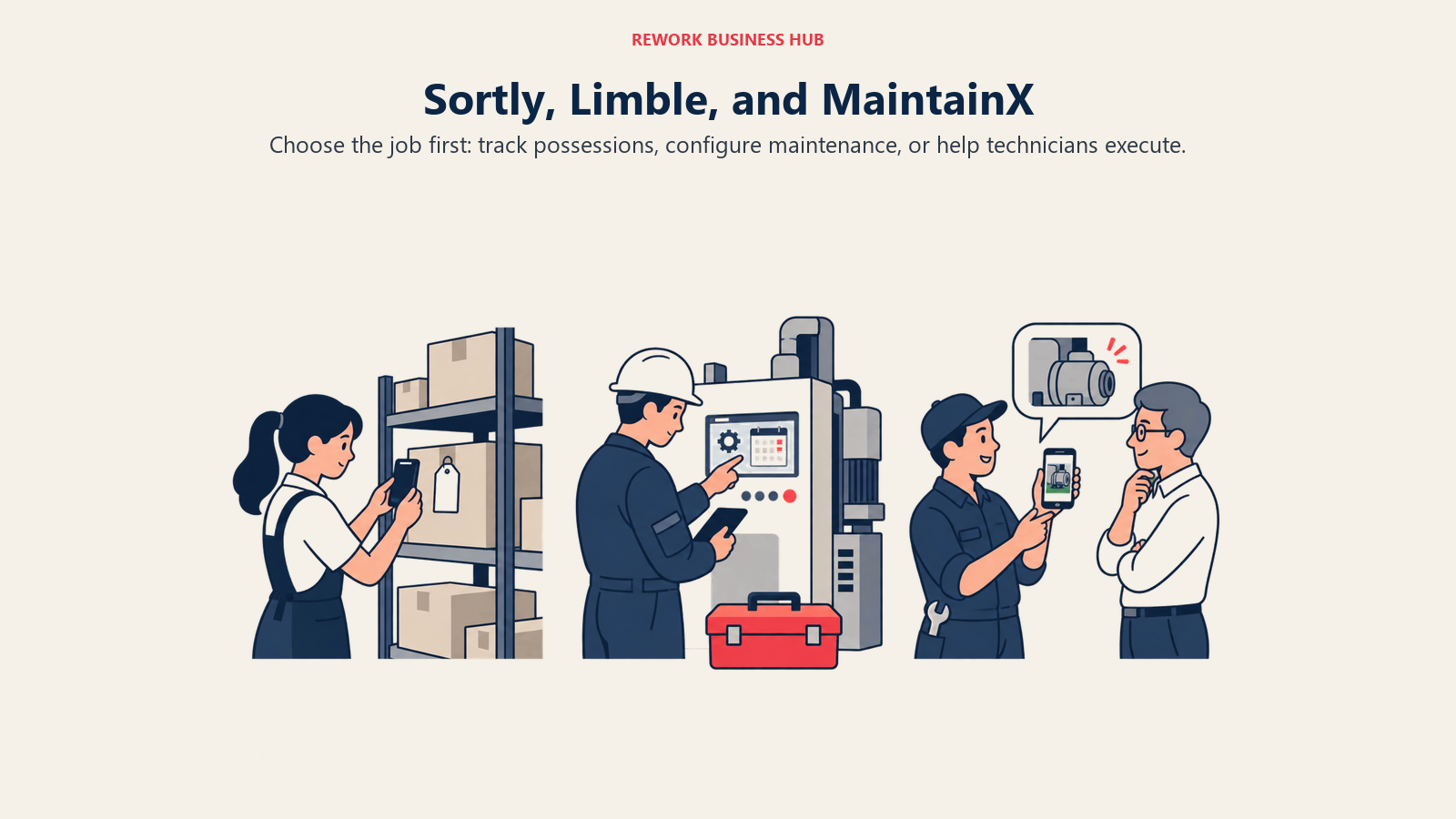
Limble and MaintainX both answer a different question: is this equipment going to keep running, and who's responsible when it doesn't. Work orders, PM schedules tied to a calendar or to actual usage, parts consumed against a job, and a mobile app a technician opens on the floor. Buying either to solve Sortly's problem is expensive overkill; buying Sortly to solve either one's problem means finding out in month two it can't tell you what parts a job used or when the next inspection is due.
Between Limble and MaintainX: Configurability vs Adoption Speed
Once tracking is off the table and the real choice is between two CMMS platforms, the difference stops being about category and starts being about how each wants to be used. Limble leans into configuration: unlimited custom fields and hierarchies on every tier, plus a deep automation layer on Premium+, meter and threshold-triggered PM, automated corrective actions, IoT integration. It's built for a reliability-minded team shaping the system around exactly how their plant runs.
MaintainX leans into adoption. It markets itself, accurately, as the CMMS that put chat inside the work order instead of a separate group text or a wall-mounted whiteboard. Technicians and supervisors message directly on the job and share photos in the thread, a different onboarding curve than a form-based screen. On G2, MaintainX's Ease of Use score (9.4 across 1,312 reviews) sits close behind Limble's (9.5 across 486), and MaintainX's larger review volume hints at how much of its base is technicians logging in daily rather than admins configuring in the background.
Neither is wrong. A reliability engineer standardizing PM across six sites usually wants Limble's depth. A maintenance manager whose biggest problem is getting a 20-person crew off paper this quarter usually wants MaintainX's lower friction. If you're also weighing UpKeep, our UpKeep alternatives guide covers where both land on that question.
Decision by Business Goal
| Your goal | Best fit | Why |
|---|---|---|
| Know what we own before an audit, insurance renewal or lease-end walkthrough | Sortly | Built to answer that fast, no maintenance workflow to configure first |
| Cut unplanned downtime on equipment that breaks down on a schedule | Limble or MaintainX | Both run real PM programs; a register alone can't produce the uptime gain |
| Get technicians who've never used software before to adopt this in weeks | MaintainX | Chat-first mobile UX and a real free tier to pilot on |
| Trigger PM off actual equipment usage, not just the calendar | Limble (Premium+) | Meter and threshold-based PM lives on Limble's second tier |
| Tie parts and inventory to every work order | Limble or MaintainX (second tier) | Neither includes parts tracking on its entry tier |
| Get a register the whole team can use without training, day one | Sortly | Photo-and-scan beats a configuration project when tracking is the whole job |
| Build the case for a maintenance program before buying anything | Neither yet | Read predictive maintenance strategy first, then shortlist Limble or MaintainX |
Team and Role Fit
| Role | Sortly | Limble | MaintainX |
|---|---|---|---|
| Operations Manager | Strong fit for a general register | Fit once maintenance is a named responsibility | Fit once maintenance is a named responsibility |
| Maintenance Manager | Weak fit, no PM engine or work orders | Strong, especially with a reliability mandate | Strong, especially with a large or inexperienced crew |
| IT Manager | Fit for hardware and small-equipment tracking | Not a natural fit outside industrial IT assets | Not a natural fit outside industrial IT assets |
| Finance Manager | Basic value/location tracking, no depreciation | Downtime and cost reporting, deeper on Premium+ | Cost tracking, deeper on Premium |
| COO evaluating the category | Useful only if the problem is genuinely tracking | Useful standardizing PM across sites | Useful when adoption itself is the bottleneck |
The Technician's Phone: What Actually Happens in the Field
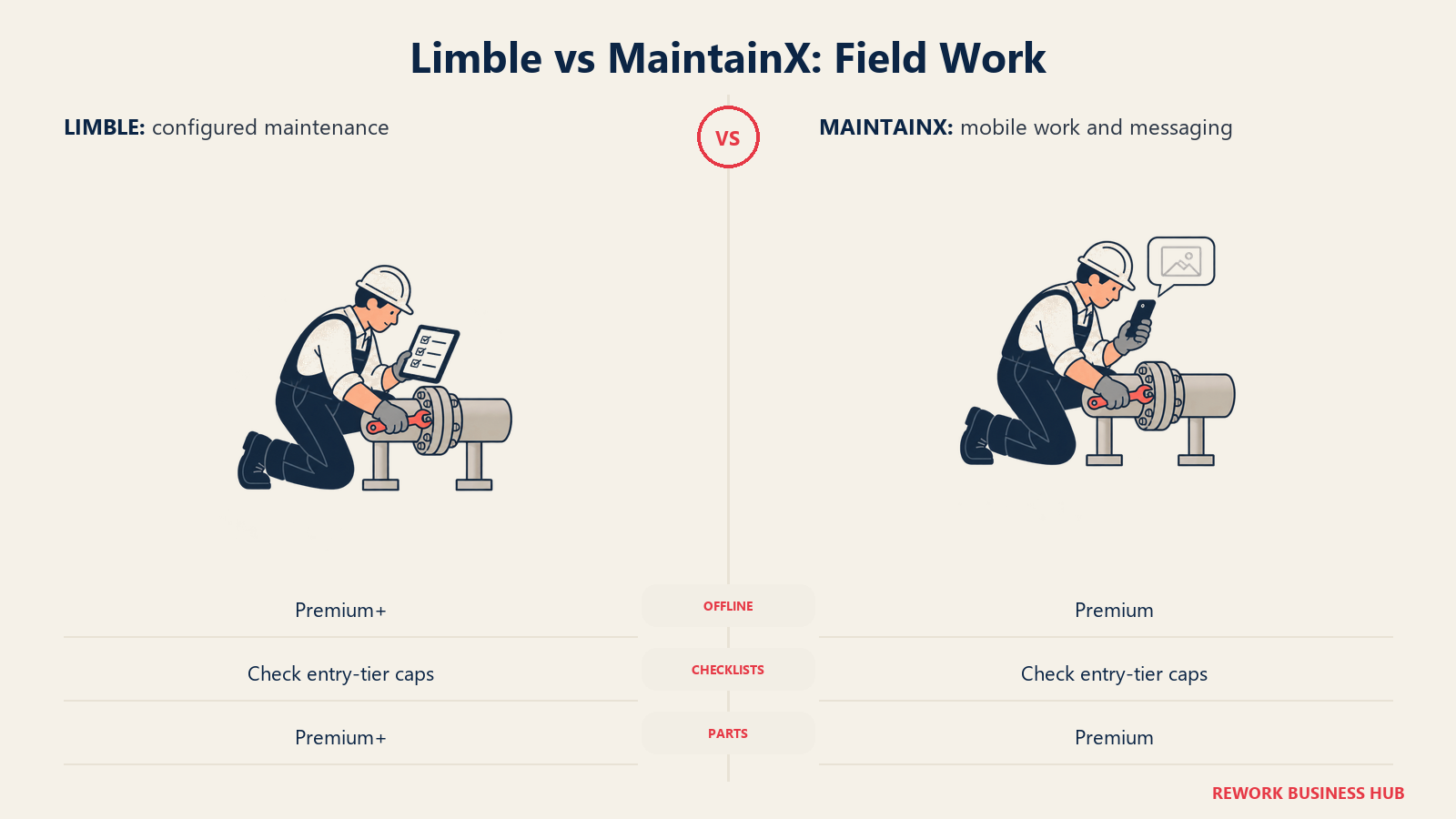
This is where the category split matters most in practice, worth being concrete about instead of waving at "mobile-first" marketing copy. A technician working a job with no signal, a plant basement, a remote wellhead, needs the app to keep working anyway. Here's what each CMMS actually gives that technician, tier by tier.
| Limble Standard ($28/user/month) | Limble Premium+ ($69/user/month) | MaintainX Essential ($20 to $25/user/month) | MaintainX Premium ($65 to $75/user/month) | |
|---|---|---|---|---|
| Offline mode | No | Yes | No (Basic and Essential users can ask support for trial access) | Yes, access and complete saved work orders |
| In-app messaging on the work order | Not a stated Standard-tier feature | Real-time communication included | Included from the free tier up | Included |
| Work orders with attached checklists | Capped at 3 a month | Unlimited | Capped at 3 a month | Unlimited |
| Signature capture | No | Yes | Not stated below Premium | Yes |
| Parts logged against the job | No | Yes, with vendor management and purchase orders | No | Yes, with purchase order management |
Read that table next to the "mobile-first" pitch both vendors lead with, and a pattern shows up that neither one advertises loudly: offline mode isn't on either tool's entry tier. Limble gates it to Premium+ at $69 a user a month. MaintainX gates it to Premium at $65 to $75 a user a month, with Basic and Essential users limited to asking support for a trial. If your technicians routinely work somewhere without signal, the real entry price for either platform is its second tier, not its first.
The other repeat pattern: both tools cap checklist-attached work orders at exactly three a month on their first paid tier, unlocking unlimited only on the pricier one. A checklist-attached work order is how you standardize a repair procedure or an inspection, so a team running more than three a month, which most real operations do almost immediately, hits that ceiling in the first week.
On a PM schedule that slips, meaning a technician doesn't close the recurring task on time, both tools handle the basic case the same way on their entry tier: the next occurrence still fires on the calendar, and the missed one shows as overdue. Where they diverge is the tier that catches a slip before it becomes a breakdown. Limble's meter and threshold-based PM (Premium+ only) triggers maintenance off actual equipment usage rather than a fixed date, so a machine running hotter or longer than planned gets flagged early. MaintainX's meter-based maintenance sits on the same boundary, gated to Premium. Neither gives you usage-triggered PM without moving up a tier.
Core Capability Comparison
| Capability | Sortly | Limble | MaintainX |
|---|---|---|---|
| Barcode / QR scanning | Native, unlimited labels from Advanced up | Not the core workflow; asset-tagging via integration | Native, included at every tier including free |
| Photo-based item records | Core to the product | Attachments supported, not the primary UX | Attachments supported, not the primary UX |
| Work order management | Not available | Full work order engine, capped at 3 procedure-attached orders/month on Standard | Full work order engine, capped at 3 procedure-attached orders/month on Essential |
| Parts and inventory | Not a maintenance-parts feature | Not on Standard, full module on Premium+ | Not on Essential, full module on Premium |
| Purchase orders | Available from Ultra up | Available on Premium+ (vendor management included) | Available on Premium |
PM scheduling, custom fields, reporting depth, API access and per-record caps are covered tier by tier further down, since those five are exactly where Limble and MaintainX gate the features most teams actually shop a CMMS for.
Pricing at Real Team Sizes
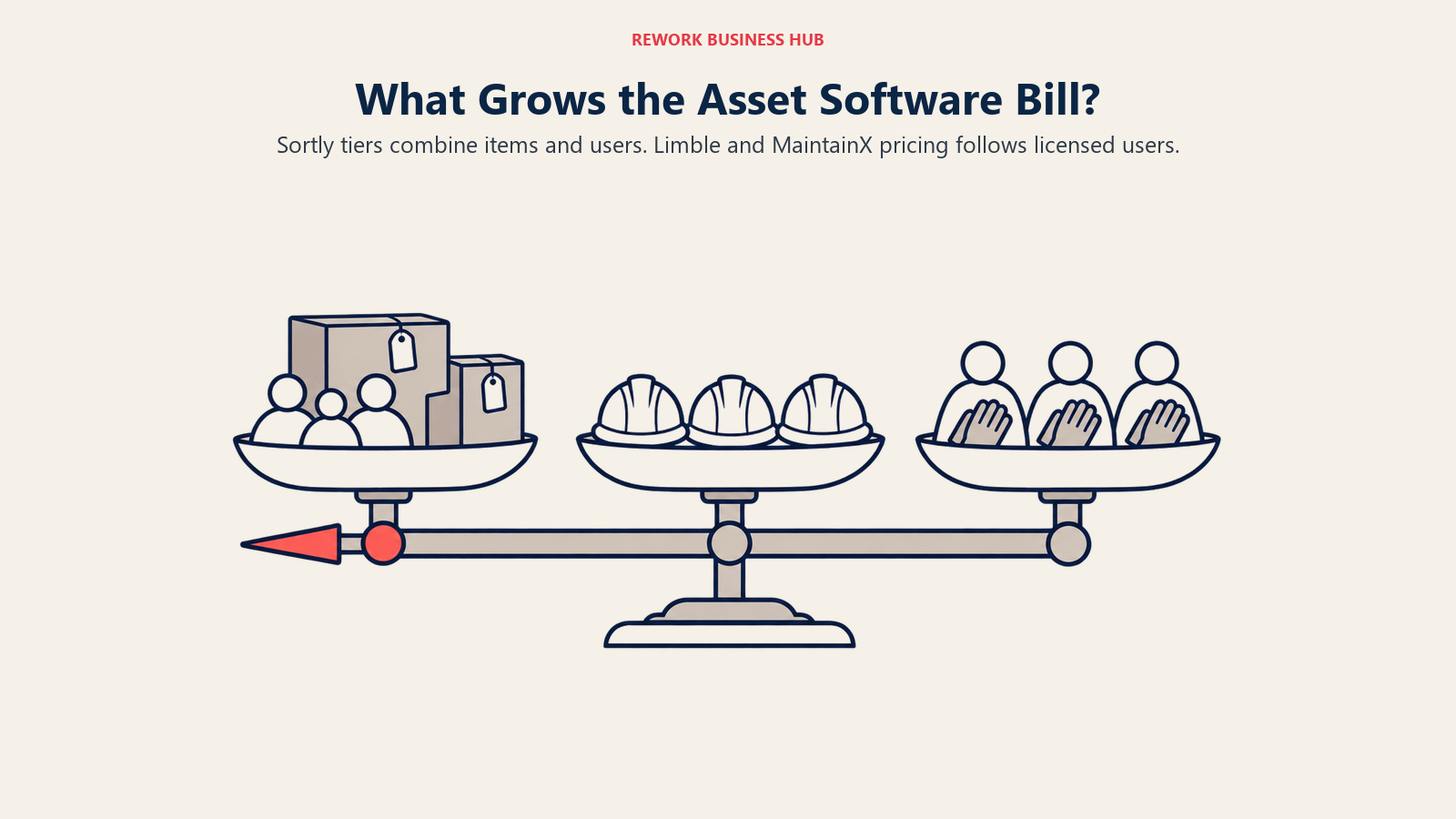
Headline prices hide what actually drives your bill. Sortly meters on items and users together. Limble and MaintainX both meter purely on users. That single difference is why the same "5, 20, 50" framing produces very different answers across these three tools.
What Each Vendor Publishes
| Sortly | Limble | MaintainX | |
|---|---|---|---|
| Entry price | Free: 100 items, 1 user | Standard: $28/user/month | Basic: free, tightly capped |
| Mid tier | Advanced $24/mo promo yr1 ($49 regular), 500 items, 2 users | Essential: $20/user/month annual, $25 monthly | |
| Upper tier | Ultra $74/mo promo, 2,000 items; Premium $149/mo promo, 5,000 items, 8 users | Premium+: $69/user/month | Premium: $65/user/month annual, $75 monthly |
| Top tier | Enterprise: custom, 10,000+ items, 12+ users | Enterprise: custom quote | Enterprise: custom |
| Billing cycle stated? | Yes, monthly and yearly both published, yearly is a first-year promotional rate | Not stated by the vendor as monthly versus annual | Yes, both monthly and annual rates published |
| Free trial | 14 days on paid plans, credit card required | Trial available, length not published | Basic is permanently free, not just a trial |
Sortly states its billing cycle plainly, but with a catch worth repeating: the yearly headline price is a first-year-only promotion. Sortly's own pricing page states a 50% discount applies to a new subscription's first year, dropping to 20% on renewal, so $24 a month for Advanced becomes a higher number in year two. Limble publishes $28 and $69 per user per month without stating whether that's monthly or annual. MaintainX is the clearest of the three here, publishing both a monthly and an annual rate for every paid tier.
What Each Vendor Meters On
| Sortly | Limble | MaintainX | |
|---|---|---|---|
| Meters on | Items and users together, capped by tier | Users only | Users only |
| What grows your bill | Catalog growth and team growth both push you up a tier | Every technician, supervisor and admin who logs in | Same as Limble |
| Asset count | Hard-capped by tier | Not metered at all | Not metered on Premium; "limited" on lower tiers, no published number |
Modeled Cost at 5, 20 and 50 Users
Real numbers, using each vendor's own published rate. Sortly's tiers cap out at 8 users on Premium, its highest named plan, so 20 and 50 users both fall outside anything Sortly publishes a price for, a useful data point on its own: Sortly's pricing was never built for a 50-person technician team.
| Team size | Sortly | Limble Standard | Limble Premium+ | MaintainX Essential (annual) | MaintainX Premium (annual) |
|---|---|---|---|---|---|
| 5 users | Ultra, $74/mo promo yr1 ($149 regular) | $140/mo (5 x $28) | $345/mo (5 x $69) | $100/mo (5 x $20) | $325/mo (5 x $65) |
| 20 users | Exceeds every published tier; Enterprise quote required | $560/mo (20 x $28) | $1,380/mo (20 x $69) | $400/mo (20 x $20) | $1,300/mo (20 x $65) |
| 50 users | Enterprise quote required, same as 20 | $1,400/mo (50 x $28) | $3,450/mo (50 x $69) | $1,000/mo (50 x $20) | $3,250/mo (50 x $65) |
At 50 seats, the spread between the cheapest workable CMMS tier (MaintainX Essential at $1,000/month) and the most configured one (Limble Premium+ at $3,450/month) runs close to $30,000 a year, for nominally the same job. That gap is why which tier actually has what you need matters more than either vendor's sticker price.
Which Tier Actually Gates What You Need
| Capability | Sortly | Limble Standard | Limble Premium+ | MaintainX Essential | MaintainX Premium |
|---|---|---|---|---|---|
| PM scheduling | Not applicable | Calendar/recurring only | Adds meter and usage-triggered PM | Calendar/recurring only | Adds meter-based PM |
| Custom fields | 1 free, more from Advanced up | Unlimited, every tier | Unlimited, every tier | Not available | Unlimited |
| Reporting depth | Gated to Ultra+ | Capped at 3 advanced reports/month | Unlimited advanced reports | 3-month access window | Unlimited advanced reports |
| API access | Enterprise only | Not included | Open REST API | Not included | Open REST API |
| Per-record caps | Hard item cap by tier | No stated cap | No stated cap | Assets/locations "limited," no published figure | Unlimited assets and locations |
Read straight down that table and the headline is the same for both: the feature set most teams actually shop a CMMS for sits on the second tier, not the first. Limble Standard and MaintainX Essential are real, usable entry points for basic recurring maintenance. Neither does everything the marketing page implies a CMMS does.
Implementation and Change Management
| Sortly | Limble | MaintainX | |
|---|---|---|---|
| Typical setup shape | Photograph and tag items into folders mirroring physical storage | Build asset hierarchies, fields and PM schedules, or import them | Load assets, build a first PM schedule, invite technicians in |
| Where the time goes | Walking the register once, then maintaining discipline after | Designing the hierarchy and automation a reliability program needs | Getting technicians to open the app daily |
| Training load | Low, photo-and-scan needs little instruction | Moderate to high to use Premium+'s automation well | Low for technicians, moderate for admins building procedures |
| Trial usefulness | 14 days is workable for a register this simple | No published length; ask for enough time to build a real schedule | Free Basic removes the clock entirely for a pilot |
| Fast go-live? | Yes, for a register alone | No, budget real configuration time for Premium+ | Yes, relative to most CMMS platforms |
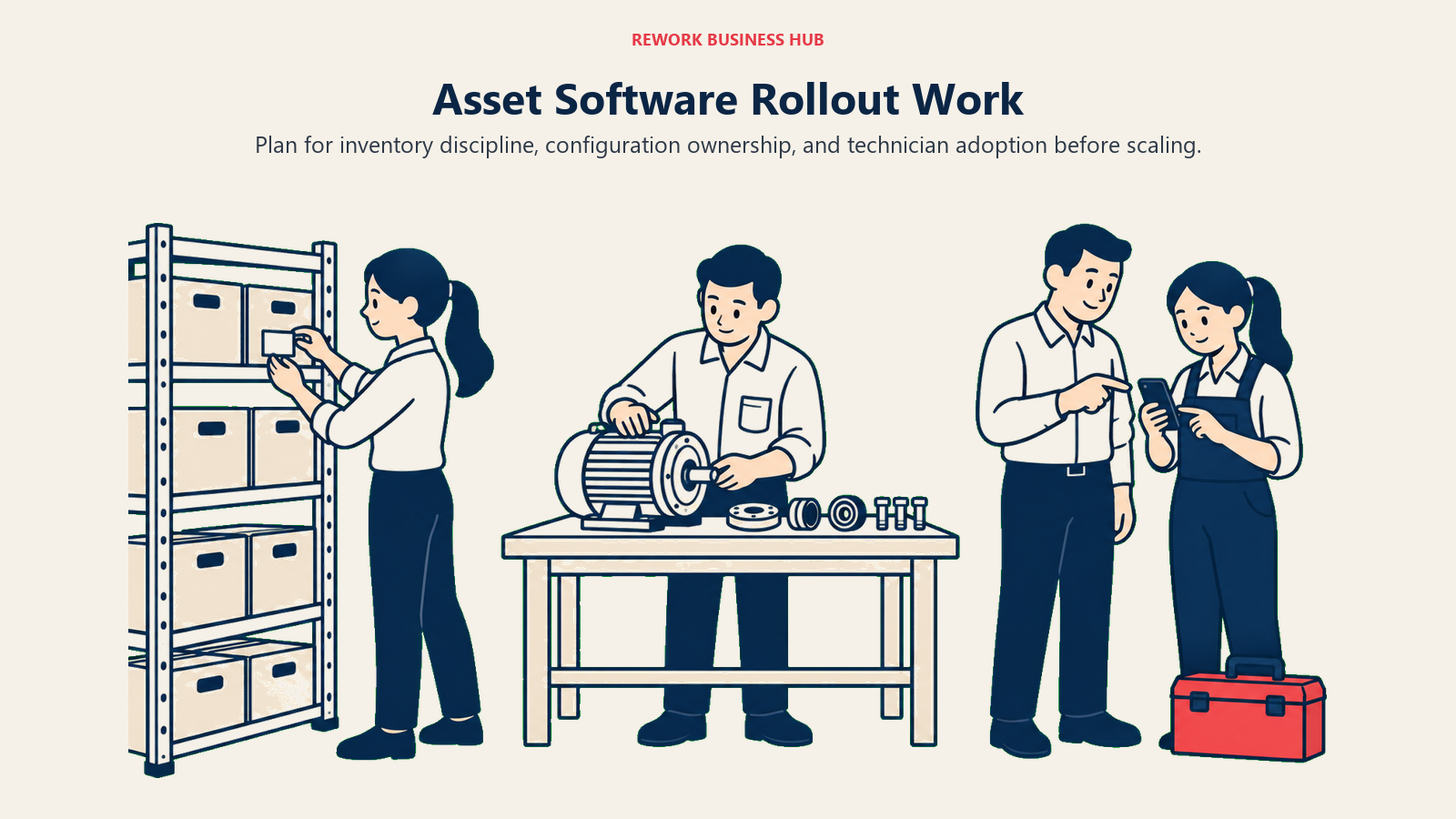
Change management looks different depending which side of the fork you're on. Sortly's rollout risk is almost entirely about discipline: the tool is easy enough that the real failure mode is a register that drifts by month six because nobody owns keeping it current. Limble and MaintainX both carry a heavier first phase, since someone has to build the PM program itself before either produces the uptime gains Deloitte's research points to. MaintainX's chat-first design shortens the technician half of that curve; it doesn't shorten the admin half of deciding what the program should be.
Risk and Governance
| Sortly | Limble | MaintainX | |
|---|---|---|---|
| Data export | CSV export supported | CSV export supported | CSV export supported |
| Compliance posture | Not positioned for regulated environments | SOC 2 Type II; Enterprise adds 21 CFR Part 11 | Not specifically positioned around validation |
| SSO | Enterprise only | Paid add-on on Premium+, included on Enterprise | Not confirmed below Enterprise |
| Lock-in via configuration | Low, the product is intentionally simple | Higher on Premium+, given the automation investment | Moderate, procedures take time to rebuild elsewhere |
| Risk if offline mode matters | Offline support at every paid tier | No offline below Premium+, a gap on Standard | No offline below Premium, same gap on Essential |
The governance story splits along the same line. Sortly's risk profile is low because there's little to configure and little riding on any one integration. Limble's SOC 2 Type II certification and Enterprise-tier 21 CFR Part 11 support make it the more defensible pick for a regulated manufacturing or pharma environment. MaintainX doesn't publish the same credentials, so a validated environment should confirm that gap directly before assuming parity.
When Sortly Is the Right Call
- Your actual job is knowing what you have and where it is, not scheduling maintenance. Tools, parts, supplies and small equipment tracked by photo and barcode across a warehouse or job site.
- You want non-technical staff to use the system without training. Photo-and-scan is a lower bar than any work order form.
- Your item count is realistically under a few thousand and your team is small. Past Premium's 5,000-item, 8-user ceiling, you're negotiating an Enterprise quote anyway.
- You need to be live this week, not after a configuration project. There's nothing to build beyond photographing your inventory.
If your real gap is deeper custom fields or purchase-order tracking at a similar register-first depth, EZOfficeInventory alternatives and Asset Panda alternatives cover that end of the tracking category further than Sortly goes.
When Limble Is the Right Call
- You're standardizing preventive maintenance across multiple sites or a complex asset hierarchy. Unlimited custom fields and hierarchies on every tier, including Standard, is a real structural advantage.
- You need meter or usage-triggered PM with automated corrective actions, not just a calendar reminder. That's a Premium+ feature, and the reason most reliability-minded teams pay for the second tier.
- You're in a regulated environment that needs SOC 2 Type II or 21 CFR Part 11 support. Limble is the one of these three that publishes that credential.
- You have the budget and an internal champion to configure the system properly. Limble's depth is only an advantage once someone owns building it out.
When MaintainX Is the Right Call
- Your crew has never used a CMMS and you need real adoption this quarter. The chat-style, mobile-first design shortens that curve, and MaintainX's larger G2 review volume (about 1,435 reviews) signals how many technicians log in daily.
- You want to pilot a real CMMS without a sales call or a credit card. Basic is free, permanently, though capped tightly enough to be a proof of concept rather than a working plan.
- Communication breaking down between technicians and supervisors is a bigger problem than PM sophistication. In-work-order messaging is included from the free tier up.
- You're comfortable moving to Premium once meter-based PM, parts tracking or custom fields become the actual requirement, since none of the three live on Essential.
Decision Framework
| If you are... | Pick |
|---|---|
| Trying to know what you own before you can even discuss maintenance | Sortly |
| Running a multi-site PM program needing deep configuration and an audit trail | Limble |
| Onboarding a large or first-time technician crew fast, on a real free tier | MaintainX |
| Needing offline mode for remote or signal-dead sites | Either CMMS's second tier, budget $65 to $69/user/month |
| Needing parts tied to every work order | Either CMMS's second tier, not on either entry plan |
| Pricing a team past 20 or 50 people and want a published rate | Limble or MaintainX, Sortly's tiers stop at 8 users |
| Not yet sure whether your problem is tracking or maintaining | Read best asset management software first |
Whichever direction you're headed, run the real numbers before you sign anything. Our TCO modeling guide is a reasonable template for pricing implementation time alongside the subscription, and switching SaaS vendors covers the migration questions worth asking both sales teams before a contract, not after.
Frequently Asked Questions about Sortly vs Limble vs MaintainX
Is Sortly a CMMS like Limble or MaintainX?
No. Sortly is an asset and inventory register built around photos, barcodes and QR labels, with no work order engine and no PM scheduling. Limble and MaintainX are the two CMMS options here; Sortly answers a different question about what you own and where it is.
Which is cheaper, Limble or MaintainX?
At entry, MaintainX: Essential runs $20/user/month annually against Limble Standard's $28, and MaintainX also has a free, permanent Basic tier Limble doesn't match. At the tier with meter-based PM, parts tracking and an API, the gap narrows to $69/user/month (Limble Premium+) versus $65 annual (MaintainX Premium), close enough that fit should decide it, not price.
Does either Limble or MaintainX offer offline mode on their cheapest plan?
No. Both gate offline mode to their second paid tier, Limble Premium+ at $69/user/month and MaintainX Premium at $65 to $75/user/month. If technicians regularly work somewhere without signal, budget for the higher tier on either vendor.
What's the real catch with Sortly's advertised pricing?
The yearly headline rates are a first-year-only promotion. Sortly's own pricing page states a 50% discount applies to a new subscription's first year, dropping to 20% on renewal, so the advertised rate isn't what you'll pay in year two.
Can Sortly handle a 20 or 50-person team?
Not on any published tier. Sortly's highest named plan, Premium, caps at 8 users, so both 20 and 50-user scenarios fall into Enterprise, custom quote only, a sign the pricing model wasn't built for a large technician team.
Which tool has deeper preventive maintenance capability, Limble or MaintainX?
Limble, once you're on Premium+. Its meter and threshold-based PM triggers and automated corrective actions go deeper than MaintainX's equivalent Premium tier. On entry tiers, both are limited to calendar-based PM and both cap checklist work orders at 3 a month, so the gap only shows on the second tier.
Is MaintainX's free plan enough to actually run a small maintenance team?
Not as an ongoing plan. Basic is free and permanent, but capped at 2 work orders with attached procedures, 2 active repeating work orders and 1 month of Advanced Analytics access, tight enough for a real pilot, not a working system.
What to Do Next
Settle the fork before you look at either vendor's feature page again: is the actual problem knowing what you own, or keeping it running. If it's the first, trial Sortly's free tier this week with your real inventory, not a demo set. If it's the second, run Limble and MaintainX side by side with your real technicians for two weeks, load a real PM schedule, and watch which app they open on day three without being reminded.
Then price both CMMS finalists at your real headcount, since the gap between Limble Premium+ and MaintainX Premium at 50 seats runs into five figures a year. If a slipping PM schedule or an offline job site is a weekly reality, budget for the second tier of whichever CMMS you pick; neither vendor's entry price covers those two problems. For wider context, best CMMS software in 2026 ranks the maintenance field these two compete in, with deeper shortlists in Limble alternatives and MaintainX alternatives, and best asset management software in 2026 lays out where all three sit against the field, and best field service management software is worth a look if dispatching technicians across sites, not just maintaining fixed equipment, is the actual job.

Principal Product Marketing Strategist
On this page
- TL;DR
- Key Facts
- What Each Tool Is Actually Built For
- Between Limble and MaintainX: Configurability vs Adoption Speed
- Decision by Business Goal
- Team and Role Fit
- The Technician's Phone: What Actually Happens in the Field
- Core Capability Comparison
- Pricing at Real Team Sizes
- What Each Vendor Publishes
- What Each Vendor Meters On
- Modeled Cost at 5, 20 and 50 Users
- Which Tier Actually Gates What You Need
- Implementation and Change Management
- Risk and Governance
- When Sortly Is the Right Call
- When Limble Is the Right Call
- When MaintainX Is the Right Call
- Decision Framework
- What to Do Next