Best VEED Alternatives in 2026: 10 Video Editors Compared on Seat Cost, Subtitles and AI Credits
Turn this article into takeaways for your work.


Each assistant summarizes the article only for you and suggests best practices for your work.
If you want VEED's browser-based editing without paying per editor, Kapwing and Clipchamp are the two to trial first, because both give a team a real timeline and captions at a lower entry cost. If your team edits by reading a transcript rather than dragging clips, Descript is the better fit. And if video is one of ten formats you produce, Canva removes the need for a separate video seat.
This guide is for the owner, CMO, head of growth or agency lead who has already cut a few videos in VEED and now cares about what a free trial hides: how the bill grows when a third editor joins, how fast AI credits disappear, and whether the captions you rely on are included or metered. VEED is an editor first, with subtitles, noise removal, translation, avatars and brand kits layered on. So every alternative below is an editor or a caption tool, not a text-to-video generator. We priced them on the same job, a three-person team making about 20 minutes of finished video a month, gave each one a real limitation, and kept a section on where VEED is still the right call. For prompt-to-video tools, start with our AI video generators roundup instead.
Key Facts
- Video is now a default channel: Wyzowl's 2026 State of Video Marketing reports that 91% of businesses use video as a marketing tool and 93% of marketers call it integral to their strategy.
- AI has moved into the editing workflow: the same Wyzowl survey finds 63% of respondents have used AI to create videos, up from 51% a year earlier (Wyzowl).
- Most teams make video themselves: Wyzowl reports that 59% of businesses produce video in house, and 32% mix in-house and external help, which is why per-seat editor cost matters.
- VEED lists Creator at $116 billed yearly per user, Pro at $257 and Studio at $414, with subtitle generation unlimited under a fair-use limit of 50 hours a month (vendor claim).
- Clipchamp exports up to 1080p without a watermark on its free plan, and unlocks 4K and a brand kit through Microsoft 365 Personal (vendor claim).
Why teams look for a VEED alternative
Nobody leaves VEED because it cannot edit. The pressure points are commercial and operational, and knowing which one is yours decides which alternative fits.
- Seat arithmetic. VEED charges per editor, so a three-person team pays three times the printed rate on every plan.
- A second meter. Editing is unmetered, but AI features draw from a separate credit allowance that refreshes with your billing cycle and does not carry over.
- Plan gating. Translation minutes, AI voice hours and custom templates sit on the higher tiers, so a team that needs one of them pays for the whole step up.
- Billing options. Monthly billing is not available in India, where only annual plans are offered, per VEED's support center.
- Fit. Some teams want transcript-first editing, a free tool bundled with software they already own, or a design suite where video sits beside everything else.
If your problem is the editor itself rather than the price, read our guide to AI video editing tools first, then come back here to price the shortlist.
Quick Comparison Table
| Tool | Best for | Entry price (vendor page) | Key strength | Key limitation |
|---|---|---|---|---|
| Descript | Transcript-first editing for talking-head and podcast video | $16 per editor per month, billed annually | Edit video by editing text | Weaker for motion graphics and design-heavy edits |
| Kapwing | Team workspace with captions and a lower entry price | $16 per month, billed annually | Subtitles, dubbing and AI credits in one workspace | Credit caps on subtitle and dubbing minutes |
| CapCut | Short-form social video with templates | Pro $179.99 per year | Fast templates and captions for vertical video | Pricing is geo-served and the team tier needs two seats |
| Clipchamp | Teams already on Microsoft 365 | Free; 4K via Microsoft 365 Personal at $9.99 per month | Free 1080p exports without a watermark | No standalone paid plan to buy |
| Canva | Teams that make video among many formats | Pro US$144 per year | One design suite for video, social and decks | Timeline editing is lighter than a dedicated editor |
| InVideo | Prompt-first drafts you then finish on a timeline | $30 per seat per month, billed monthly (Pro) | Generates a first cut from a prompt | Credit-metered and rebuilt around third-party models |
| Captions | Creator-style talking-head video on mobile | Max $24.99 per month | AI Translate and AI Lipdub included | Now one product under the Mirage brand; annual rate not published |
| Adobe Express | Brand-template video inside the Adobe ecosystem | Premium $9.99 per month | Templates, stock and Firefly credits | Light timeline controls |
| Submagic | Captioning short clips at volume | Starter $12 per month, billed annually | Caption styling built for short-form | Not a full editor |
| Runway | Generated shots and AI effects added to an edit | Standard $12 per month, billed annually | Strong generative video models | Credits are seconds of generation, so it supplements an editor |
What VEED costs today
Before comparing, set the baseline. VEED's plans are priced per user, so the figures below multiply by every editor in the workspace.
| Plan | Billed yearly, per user | Billed monthly, per user | What the page highlights |
|---|---|---|---|
| Creator | $116 a year ($10 a month) | $20 per month | 6,000 AI credits, no watermark, unlimited auto subtitles |
| Pro | $257 a year ($21 a month) | $44 per month | 30,000 AI credits, multiple brand kits, translation into 50+ languages, up to 144 hours of AI voice a year |
| Studio | $414 a year ($35 a month) | $70 per month | 180,000 AI credits, custom templates, up to 960 hours of AI voice a year |
| Enterprise | Pricing on request | Pricing on request | Central team management, review mode, privacy controls |
VEED also offers a Free plan. Annual billing roughly halves the per-seat cost, and VEED tests different plan layouts and prices by region, so confirm the figure shown at your own checkout before you compare. For the head-to-head with its closest rival, see InVideo vs VEED.
1. Descript: Edit the transcript, not the timeline
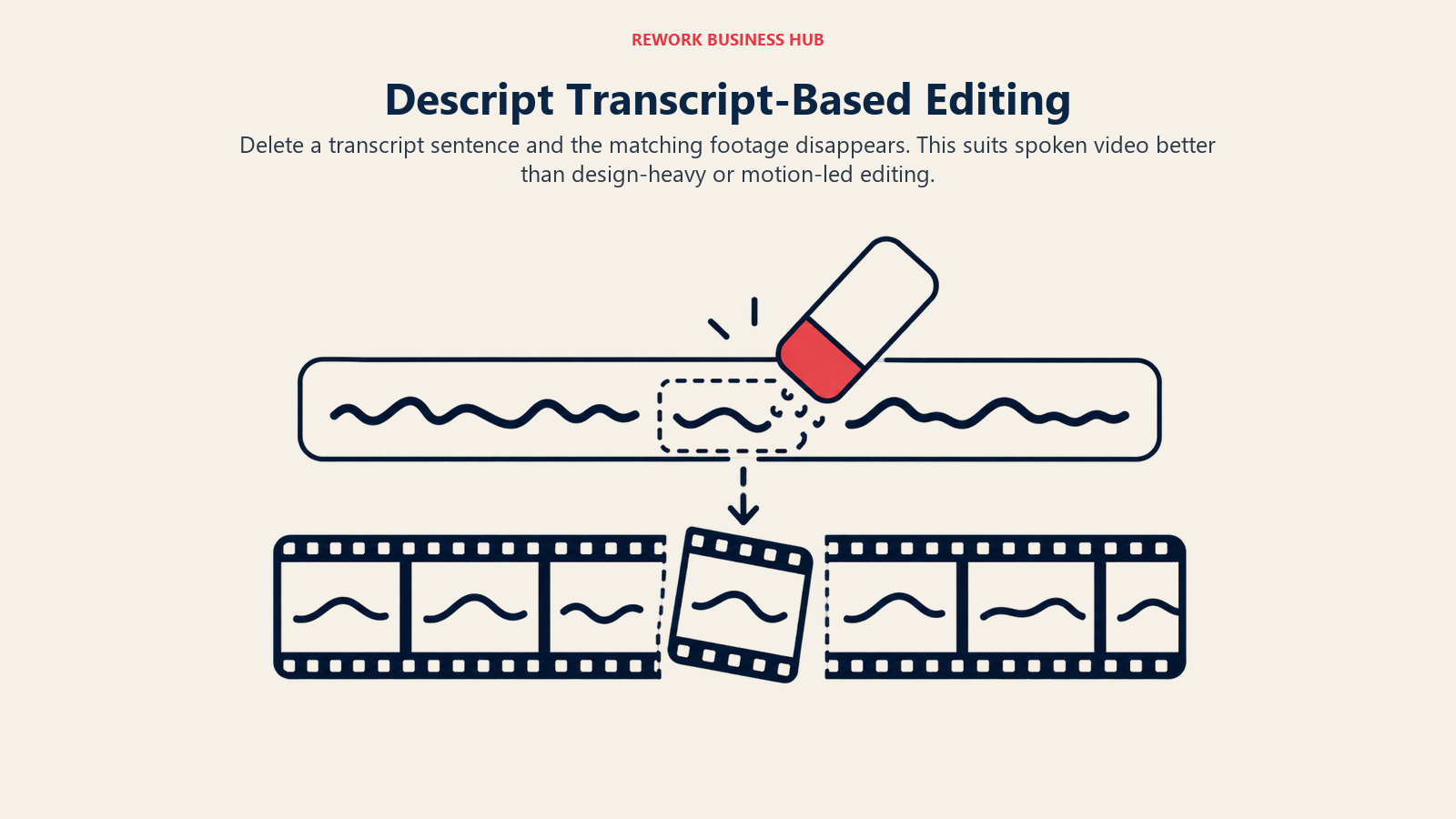
Descript turns spoken video into text you can edit like a document. Delete a sentence and the matching footage disappears; remove filler words in one pass; fix a flubbed line with an AI voice. For webinars, interviews, product walkthroughs and founder videos, that is a faster path than scrubbing a timeline in VEED, and it is the closest thing here to a different philosophy rather than a cheaper copy.
Plans are priced per editor and metered in media minutes and AI credits. Hobbyist is $16 per editor per month billed annually ($24 monthly) with 600 media minutes. Creator is $24 annual ($35 monthly) with 1,800 media minutes and 4K export. Business is $50 annual ($65 monthly) with 2,400 media minutes and room for up to five seats. There is also a free plan with 60 media minutes a month and a watermarked 720p export.
| Best for | Marketing and enablement teams cutting talking-head video, webinars and podcasts-as-video |
| Limitation | Less suited to motion design, heavy b-roll or template-driven social posts |
| Seat model | Per editor; media minutes and AI credits are metered per plan |
Descript sits in a different lane from most of this list, so pair this section with our Descript, Opus Clip and ElevenLabs comparison if audio is a large share of your output.
2. Kapwing: The closest like-for-like browser editor
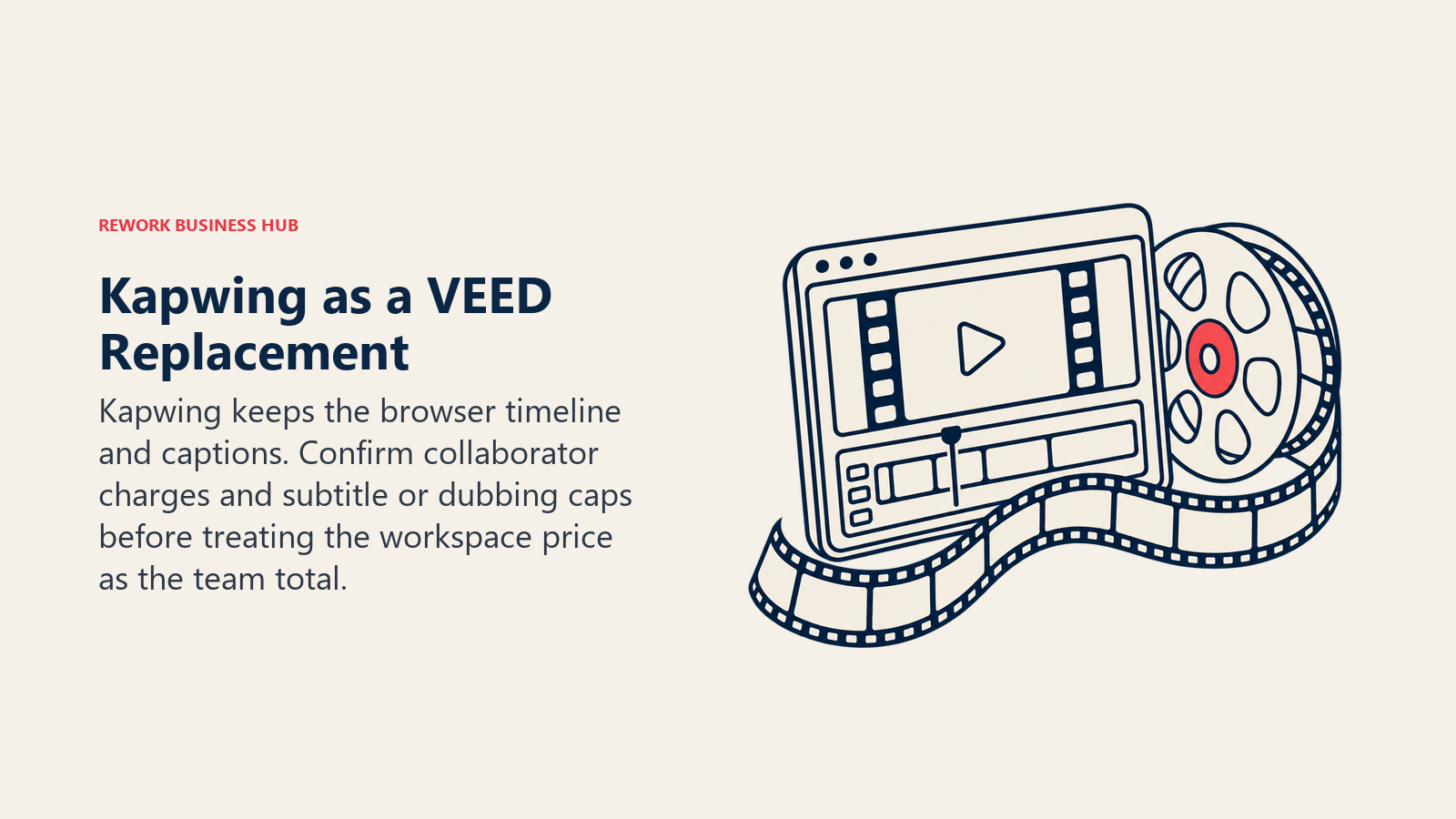
Kapwing is the most direct VEED substitute. It is a browser timeline editor with auto-subtitles, translation and dubbing, brand assets and a shared team workspace. A team that likes VEED's workflow but not its seat arithmetic will find the learning curve short.
Pro is $16 per month billed annually ($24 billed monthly) with 1,000 AI credits a month, 4K export and 200GB of storage. Business is $50 per month billed annually ($64 monthly) with 4,000 credits, 800GB and custom voice clones. Feature minutes are capped separately: auto-subtitles run to 1,000 minutes on Pro and 4,000 on Business, and dubbing to 50 and 200 minutes. The free plan gives 10 credits and watermarked exports capped at 4 minutes. The pricing page describes the plans as a team workspace and does not state a per-member rate, so confirm how extra collaborators are billed.
| Best for | Small content teams that want a VEED-style editor with a lower entry price |
| Limitation | Subtitle and dubbing minutes are capped, and credits are shared across AI features |
| Seat model | Workspace plan; confirm per-collaborator billing with Kapwing |
3. CapCut: Fast short-form editing with a team tier
CapCut is built for vertical video: templates, auto-captions, effects and quick cuts. If your VEED work is mostly Reels, TikToks and Shorts, CapCut will likely feel faster, and its free tier is generous.
In US pricing, Pro is $19.99 monthly or $179.99 billed yearly with 1,200 AI credits a month and 1TB of storage. Ultra is $79 monthly or $900 a year with 8,645 credits. The Teams plan is priced per seat with a two-seat minimum, at roughly $12 to $12.49 per seat per month, or about $107.50 to $108 per seat per year for two to seven seats. CapCut serves pricing by region, and the page notes that displayed pricing is for reference, so check your own checkout before budgeting.
| Best for | Social teams producing high volumes of short vertical clips |
| Limitation | Region-dependent pricing and a design language tuned for social rather than corporate video |
| Seat model | Individual Pro and Ultra; Teams is per seat with a two-seat minimum |
4. Clipchamp: The free editor already on your PC
Clipchamp is Microsoft's browser and Windows video editor. Its free plan exports at 1080p without a watermark and includes AI subtitles, voiceover and silence removal, which covers a large share of what small teams pay VEED for.
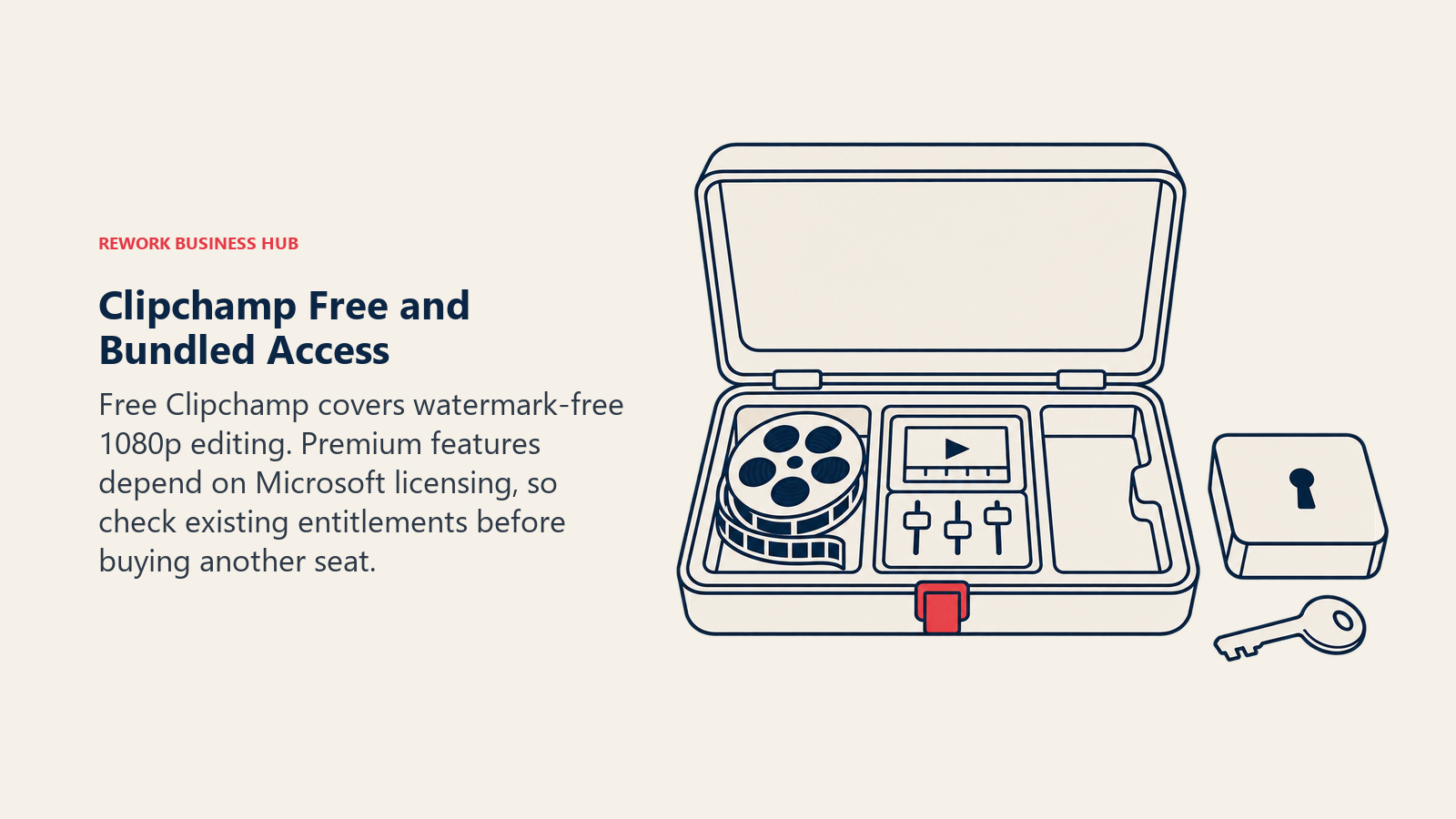
There is no standalone paid Clipchamp tier on the pricing page. Premium features, including 4K export, premium stock and a brand kit, come with Microsoft 365: Personal is $9.99 per month or $99.99 per year, and Family is $12.99 per month or $129.99 per year. Full premium and AI video creation in work accounts need a Copilot license, so check what your IT team already licenses.
| Best for | Companies already paying for Microsoft 365 that need competent editing at no extra seat cost |
| Limitation | Fewer AI features than VEED, and premium access depends on your Microsoft licensing |
| Seat model | Bundled with Microsoft 365 rather than sold per editor |
5. Canva: Video as one format among many
Canva's video editor suits the team whose real job is brand content: a webinar promo, a product teaser, a social carousel and a deck, all from one library of templates and one brand kit. You give up the depth of a dedicated timeline and gain a single tool the whole company can already use.
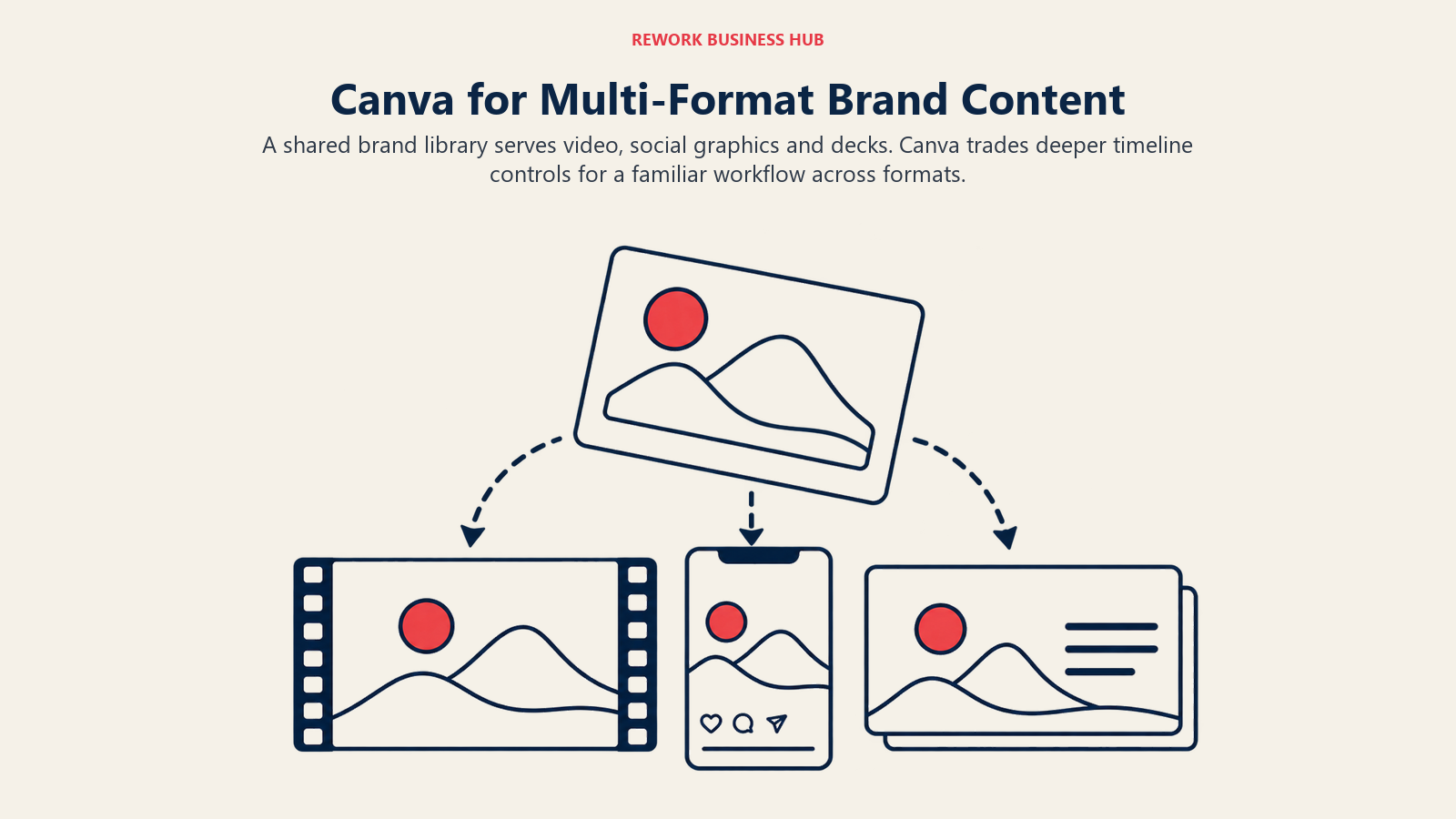
Pro is US$144 a year for one person and includes video background removal and scheduling, with up to 200 Premium AI uses or 20 Ultra uses. Business is US$250 a year per person, billed only for members who accept. Canva Teams is no longer available to new sign-ups; Business replaced it. A free plan covers the video editor with up to 20 Premium AI uses. Confirm the monthly rate and 4K export on the plan you intend to buy.
| Best for | Marketing teams that make video, social graphics and decks from one brand library |
| Limitation | Lighter timeline editing and caption tooling than VEED or Descript |
| Seat model | Per person; Business bills only members who accept |
6. InVideo: Start from a prompt, finish by hand
InVideo is the alternative for teams that want the first draft written for them. It has moved from a template editor to a prompt-to-video agent built on third-party generative models, priced per seat on credits. Timeline editing and exports cost no credits, which makes it workable as a draft-then-finish tool.
Pricing runs Basic at $9 per seat per month monthly with 190 credits, Pro at $30 monthly or $15 billed annually with 1,000 credits per seat, and Ultra at $80 monthly or $40 billed annually with 3,000 credits per seat. Annual billing is discounted on every plan. Credits do not roll over. For the full analysis, see our InVideo alternatives guide.
| Best for | Teams that want a generated first cut to refine on a timeline |
| Limitation | Credit burn rises with regeneration, and the product is built around third-party models |
| Seat model | Per seat with a monthly credit pool that does not roll over |
7. Captions: Creator-style talking-head video
Captions is a mobile-first editor for people who film themselves: auto-captions, eye-contact correction, AI translation and lip-synced dubbing. It suits founders, sales leaders and creators who publish on LinkedIn and short-form platforms.
The company behind it is now Mirage, with Captions as one product under that brand. Tiers are Max at $24.99 per month with 500 credits and Frontier at $69.99 per month with 1,400 credits, with larger credit packs above that. AI Translate and AI Lipdub are included on the paid tiers. The page says annual plans bill 12 months upfront at a discount but prints no annual figure, so confirm it with the vendor. The older $9.99 Pro tier no longer appears.
| Best for | Executives and creators who record talking-head video on a phone |
| Limitation | Credit-based, no published annual rate, and it is not a multi-track team editor |
| Seat model | Per account on a monthly credit allowance |
8. Adobe Express: Brand templates inside Adobe
Adobe Express is the pragmatic pick for teams that already work in Creative Cloud. It combines templates, stock, a brand kit and simple video editing, with Firefly generative credits on paid tiers.
The Free plan includes 100,000+ static and video templates. Premium is US$9.99 per month with 250 generative credits. Adobe Firefly Pro is US$19.99 per month with 4,000 monthly generative credits for video and audio. The page prints monthly prices; confirm any annual rate and team licensing with Adobe.
| Best for | Brand and social teams already in Adobe, producing template-driven video |
| Limitation | Timeline editing is basic, and AI video credits sit on the higher Firefly tier |
| Seat model | Per individual plan; confirm team licensing with Adobe |
9. Submagic: Captions as the product
Submagic does one job well: it takes a short clip and returns styled, accurate captions, with emoji, emphasis and b-roll options. If VEED's subtitle tooling is what you actually use, Submagic is a smaller and sometimes cheaper replacement, paired with whatever you edit in.
Starter is $19 per month, or $12 billed annually, with 45 credits (15 videos), a 2-minute maximum length and one user. Pro is $39 monthly or $23 annually with 120 credits (40 videos), 5-minute videos and three users. Business is $69 monthly or $41 annually with 300 credits (100 videos), 30-minute videos and unlimited users. There is no free plan listed, only a free trial.
| Best for | Teams that already edit elsewhere and need fast, well-styled captions on short clips |
| Limitation | Not a full editor, and short maximum lengths on the lower tiers |
| Seat model | Credits per video, with user caps by tier |
10. Runway: Add generated shots to your edit
Runway is not a VEED replacement. It is the tool you add when an edit needs a shot you cannot film. Its credits buy seconds of generated video, so it supplements an editor rather than replacing one, and it belongs here for teams leaving VEED because they want generative footage rather than avatars or voiceover.
Standard is $15 monthly or $12 billed annually with 625 credits, roughly 52 seconds of Gen-4.5 output. Pro is $35 monthly or $28 annually with 2,250 credits. Max is $95 monthly or $76 annually with 9,500 credits. The free plan gives 125 one-time credits. Runway's old runwayml.com address now redirects to runway.com.
| Best for | Creative teams adding generated shots and effects to an existing edit |
| Limitation | Credits are seconds of generation, so it cannot be your main editing tool |
| Seat model | Credit allowance per plan; confirm seat terms with the vendor |
What a three-person team really pays
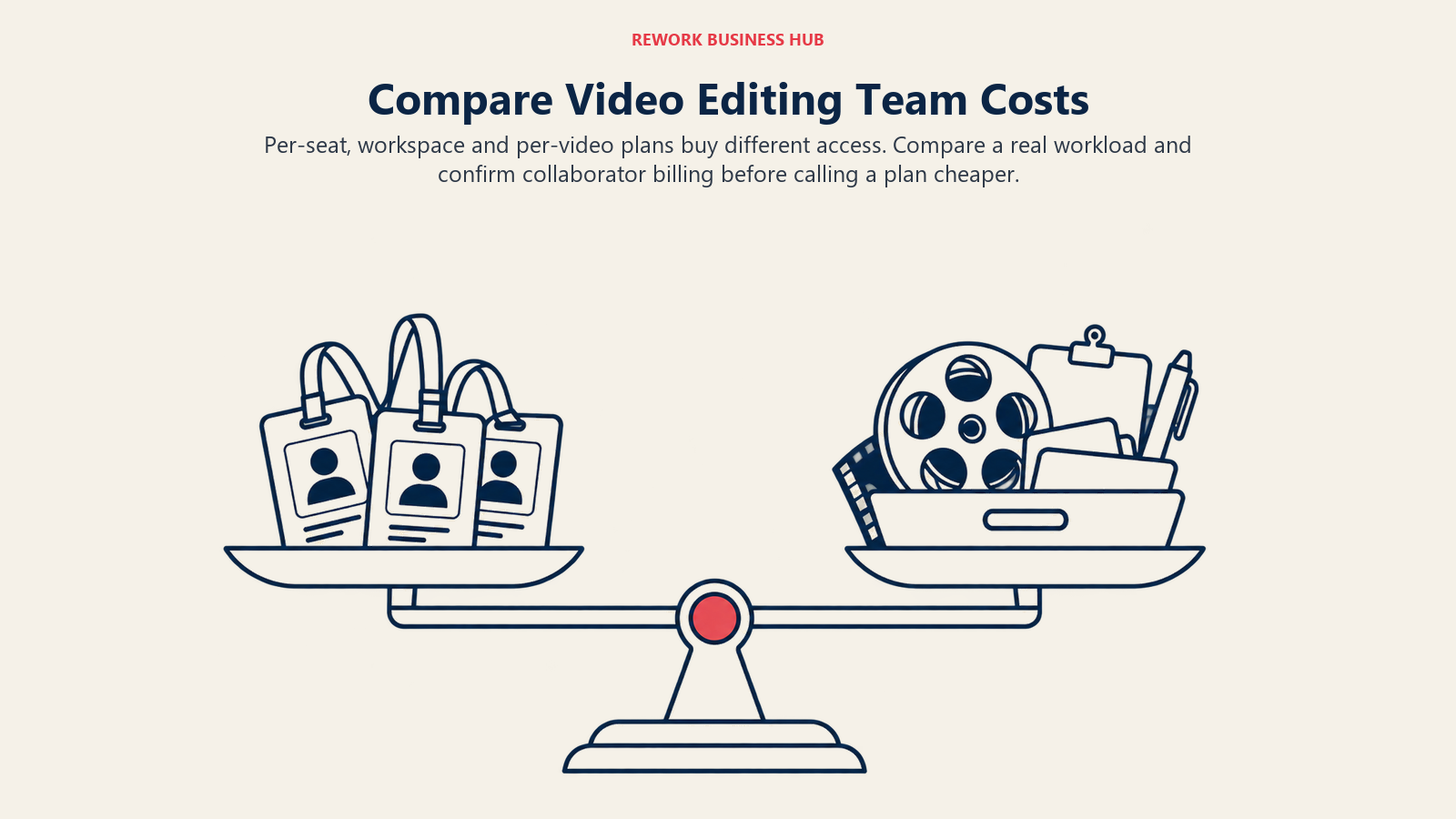
Sticker prices mislead because these tools meter differently. The scenario: three people, about 20 minutes of finished video a month, mostly talking-head and product footage with captions on everything, annual billing wherever the vendor prints it. First, the plans that publish a yearly figure per seat.
| Tool and plan | Printed price | Three seats per year | What limits you |
|---|---|---|---|
| VEED Creator | $116 per seat per year | $348 | 6,000 AI credits per seat; Pro at $257 totals $771 and Studio at $414 totals $1,242 |
| Canva Pro | US$144 per person per year | $432 | Premium AI use caps; Business at US$250 totals $750 |
| CapCut Teams | About $108 per seat per year | About $324 | Two-seat minimum; region-dependent price |
| Clipchamp via Microsoft 365 Personal | $99.99 per year | $299.97 | Each editor needs a Microsoft account; the free plan costs nothing |
Second, the plans where the vendor prints a per-month rate on annual billing.
| Tool and plan | Printed price (annual billing) | Three seats per month | What limits you |
|---|---|---|---|
| Descript Creator | $24 per editor per month | $72 | 1,800 media minutes and 800 AI credits per editor |
| InVideo Pro | $15 per seat per month | $45 | 1,000 credits per seat, no rollover |
| Kapwing Pro | $16 per month | $16 if the workspace price covers all three | 1,000 credits a month; confirm collaborator billing |
| Submagic Pro | $23 per month | $23 (three users included) | 40 videos a month |
| Runway Standard | $12 per month | $12 | About 52 seconds of generated video |
Three readings matter. Kapwing and Submagic look cheapest because they price per workspace or per volume, not per seat, so the right comparison depends on how many people really edit. Descript costs more per editor than VEED's monthly equivalent on its entry plan, but it replaces the hours spent trimming, which is where a talking-head team spends its time. And Clipchamp's free plan beats every row for a team whose needs stop at 1080p with captions. VEED Creator on annual billing is already among the cheaper per-seat rows here, so the case for leaving is usually fit and the AI credit meter, not a large saving.
When VEED is still the right call
VEED earns its price in specific situations. Subtitle generation is unlimited on its paid plans under a fair-use limit of 50 hours a month, which suits caption-heavy teams. The all-in-one browser editor, brand kits and AI voice and translation on Pro and above mean fewer tools to train people on. The Enterprise plan adds review mode and central team management for larger groups. If your team already uses these features weekly and the seat count is stable, the switching cost can exceed the saving. The honest test is simple: list the three VEED features you used last month, then check that your shortlisted tool covers all three.
How to Choose: Decision Framework
| If you need | Pick | Why |
|---|---|---|
| A VEED-style editor at a lower entry price | Kapwing | Same browser timeline, captions and team workspace |
| To edit by reading a transcript | Descript | Text-based editing for spoken video |
| Free 1080p editing with captions | Clipchamp | No watermark on the free plan |
| Short vertical social video at volume | CapCut | Templates and fast captions |
| Video among design, social and decks | Canva | One brand library, no extra video seat |
| A generated first draft to finish by hand | InVideo | Prompt-to-video with free timeline edits |
| Founder or creator talking-head video on mobile | Captions | AI Translate and Lipdub included |
| Captions on clips edited elsewhere | Submagic | Caption styling is the whole product |
| Generated shots inside an edit | Runway | Generative video models |
| Presenters without cameras | See AI avatar generators | Avatars are a different category from editing |
Related guides
If your reason for leaving VEED is avatars or dubbing, the answer lies outside this list. Our AI avatar generators guide, AI dubbing tools and voice generators cover those jobs, and HeyGen alternatives and Pictory alternatives compare the neighbouring vendors. If your output is mostly clips cut from long recordings, see AI video repurposing tools. Creators publishing to one channel can start with AI tools for YouTube.
What to Do Next
Pick the two alternatives that match the reason you are leaving, then run a two-week pilot. Have each editor produce the same two videos in VEED and in both candidates, using the real footage, captions and brand assets. Time the edits, count the AI credits burned, and export to every format you publish. Cancel VEED only after the shortlisted tool has handled a full month of your real workload, and if your pilot ends with a split decision, read InVideo vs VEED next.

Principal Product Marketing Strategist
On this page
- Key Facts
- Why teams look for a VEED alternative
- Quick Comparison Table
- What VEED costs today
- 1. Descript: Edit the transcript, not the timeline
- 2. Kapwing: The closest like-for-like browser editor
- 3. CapCut: Fast short-form editing with a team tier
- 4. Clipchamp: The free editor already on your PC
- 5. Canva: Video as one format among many
- 6. InVideo: Start from a prompt, finish by hand
- 7. Captions: Creator-style talking-head video
- 8. Adobe Express: Brand templates inside Adobe
- 9. Submagic: Captions as the product
- 10. Runway: Add generated shots to your edit
- What a three-person team really pays
- When VEED is still the right call
- How to Choose: Decision Framework
- Related guides
- What to Do Next