Claude vs Notion AI: Which One Actually Fits Your Team's Documents in 2026?
Turn this article into takeaways for your work.


Each assistant summarizes the article only for you and suggests best practices for your work.
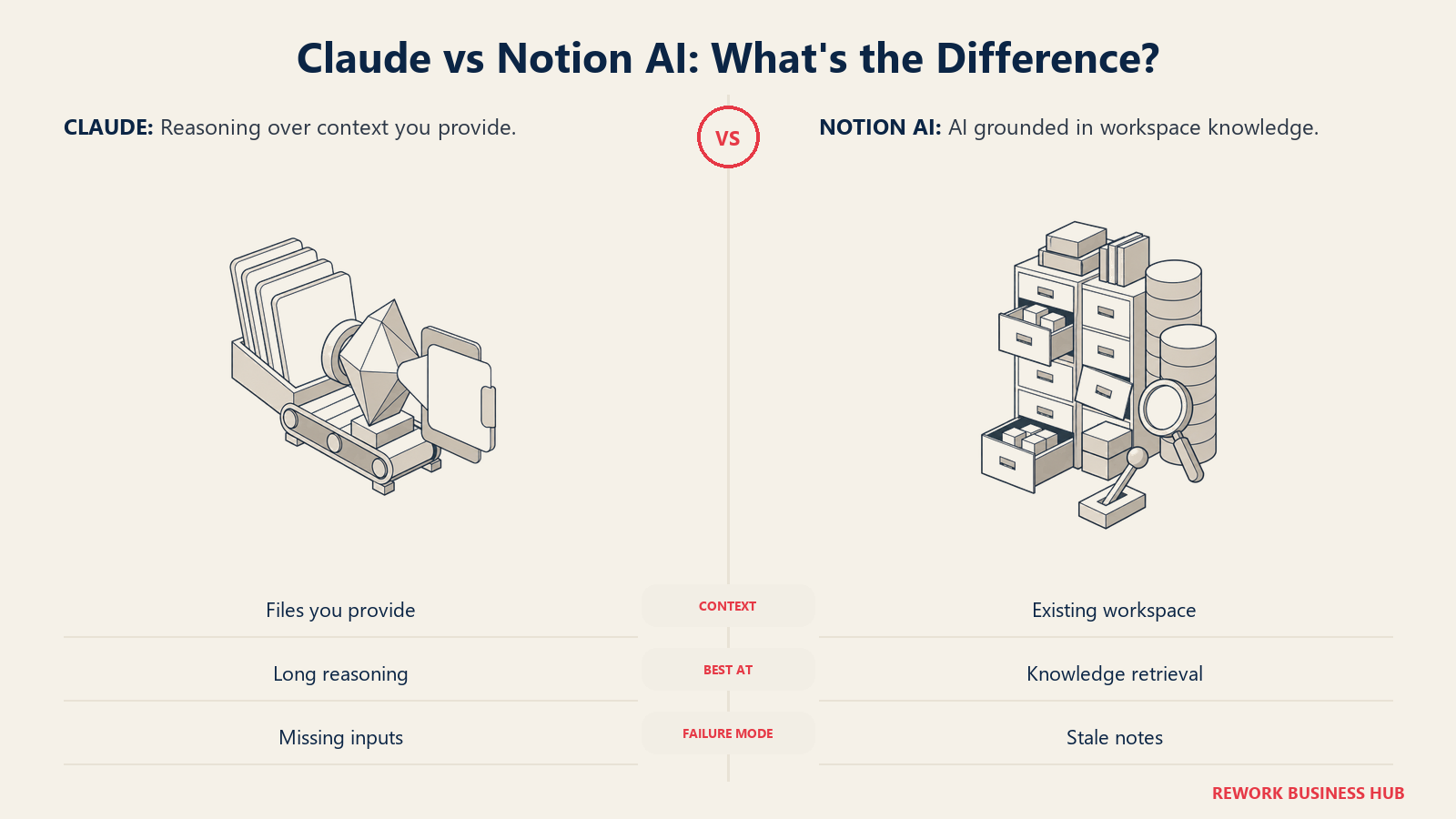
You're not really choosing between two competitors. Claude is a general purpose reasoning model you open in its own tab and hand whatever you need it to work through: a vendor contract, a competitor's investor deck, three quarters of scattered meeting notes you finally want turned into something useful. Notion AI is a feature built into a workspace your team already writes in, and it answers using whatever is already sitting in your pages and databases. Stacking them up like ChatGPT against Gemini, as if they're fighting for the same job, misses why this comparison keeps getting searched at all.
The real question a COO or Head of Ops is typing into Google when they search "Claude vs Notion AI" is narrower and more practical than "which one is smarter." Now that Notion AI can search a whole workspace and act inside every page, is that enough for the knowledge work your team actually does, or do you still need a separate subscription to a frontier model for the harder reasoning and document work Notion was never built to do alone? That's the question this article answers. It's written for whoever owns that budget line: a team of 10 to 200 people, decisions and documents scattered across a growing Notion workspace, and a real call about whether one AI subscription covers both jobs or whether you need both.
TL;DR
| Dimension | Claude | Notion AI |
|---|---|---|
| What it actually is | A standalone frontier reasoning model and chat assistant from Anthropic | An AI layer built into your existing Notion workspace |
| Best at | Long external documents, first drafts from scratch, complex multi-step reasoning | Answering questions from what your team has already written in Notion |
| How it gets context | You paste, upload, or connect it, every time | Always on, reads your pages and databases automatically |
| Context handling | Up to 200k tokens per conversation, roughly 500 pages, per Claude's pricing page | Retrieval across many pages, not one continuous long read |
| Grounded in | Whatever you hand it that session | Only what already exists in your Notion workspace |
| Real AI unlocked at | Pro ($20/mo) or Team (from $20/seat/mo billed annually) | Business ($20/mo, $16/mo billed annually), per Notion's pricing page |
| 10 seats, billed annually | $2,400/year (Team Standard) | $1,920/year (Business, on top of the workspace itself) |
| Ideal buyer | Anyone doing deep analysis, drafting, or reasoning over documents from anywhere | Teams whose knowledge already lives in Notion and want to search and act on it |
What Each Tool Is Actually Built For
These two didn't start from the same brief, and it shows in what each one is actually good at.
Claude: A Model You Bring Your Own Context To
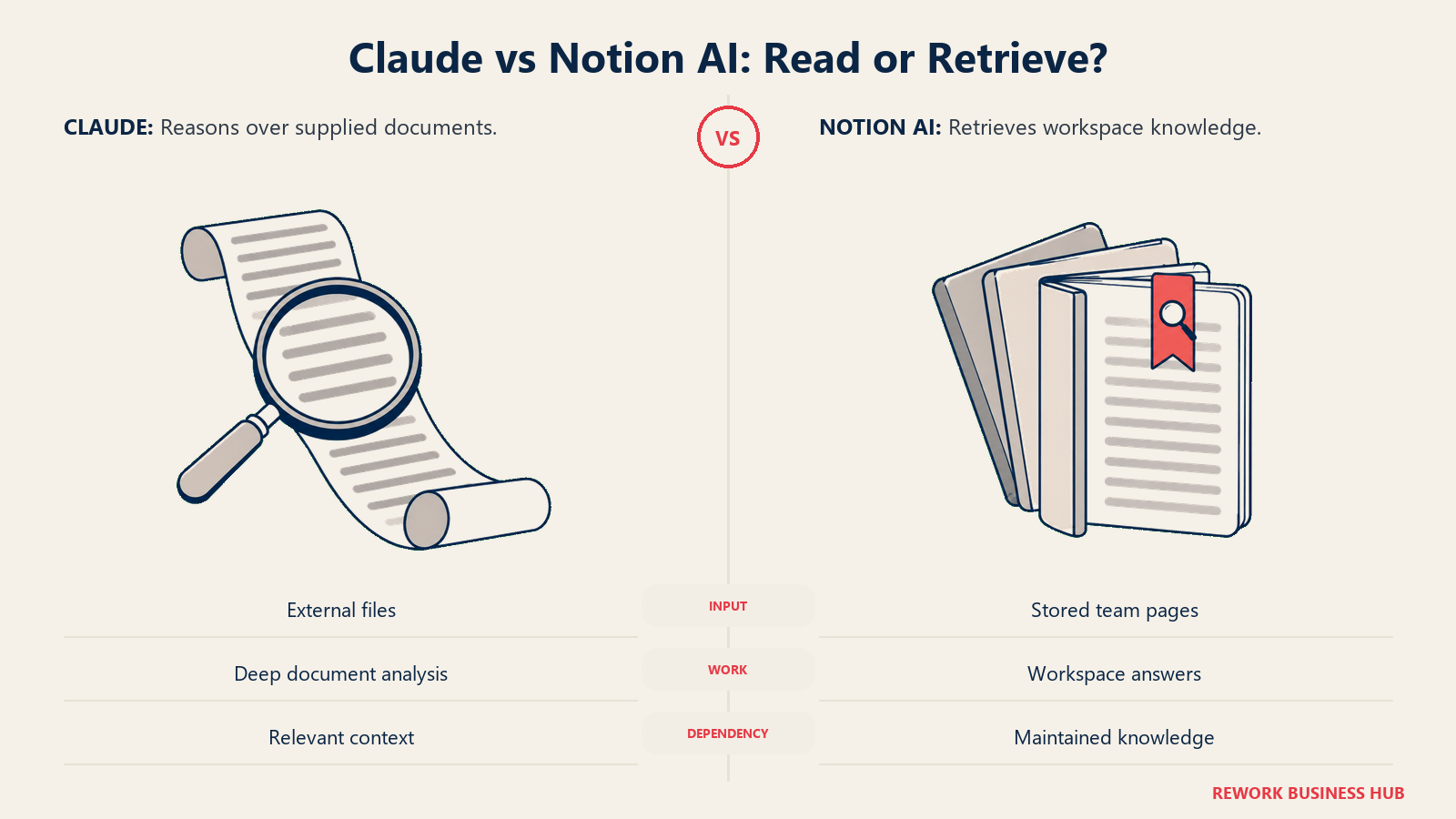
Claude is Anthropic's general purpose assistant. It doesn't know anything about your company, your Notion workspace, or last quarter's decisions unless you tell it, every time you open a new conversation (paid tiers add limited persistent memory and Projects, but the default is a blank slate). What it's built for is holding a large amount of information in its head at once and reasoning across all of it in a single pass: up to 200k tokens in one conversation, close to 500 pages or roughly 150,000 words, according to Claude's own pricing page.
In practice, that means Claude doesn't care where a document came from. A 150-page vendor contract, a due diligence packet from an acquisition target, three quarters of raw call transcripts, a PDF a supplier emailed an hour ago: Claude reads all of it the same way, because you hand it over directly. For a broader look at how Claude stacks up against the other frontier models on the market, see Claude vs ChatGPT vs Gemini. And if your primary use case is drafting rather than analysis, our AI writing tools comparison covers how Claude's output holds up against tools built specifically for marketing copy.
Notion AI: An Assistant That Already Lives Where Your Team Writes
Notion AI isn't a separate product you log into. It's a layer over the workspace your team is likely already using for docs, wikis, and project databases. On the Business plan, that layer includes Notion Agent, which can complete multi-step tasks across pages (drafting a doc, filling in a database field, summarizing a meeting), and Enterprise Search, still in beta, which answers questions using content already written anywhere in your workspace.
The advantage is real: zero setup for anyone already living in Notion. There's no copying a doc out of one tool and pasting it into another, no "let me go find that first." It's grounded automatically, all the time, in whatever your team has actually written.
The honest limit sits right next to that advantage. Notion AI can only find, summarize, and reason over what your team wrote down, and wrote down well. If your onboarding doc is two years stale, or a meeting note is three rushed bullet points instead of a real summary, Notion AI hands back a stale, thin answer with the same confident tone it uses for a good one, because it has no other source to check against. If Notion itself isn't the right home for your team's knowledge in the first place, our Notion alternatives roundup is a better place to start than layering AI on top of the wrong workspace.
| Capability | Claude | Notion AI |
|---|---|---|
| Reads one long document in full | Yes, up to roughly 200k tokens in a single conversation | Only within the length of one Notion page |
| Searches your entire knowledge base | No, unless you build and maintain a separate search layer | Yes, natively, through Enterprise Search on Business and up |
| Works with files from outside your workspace | Yes: PDFs, emails, spreadsheets, scanned documents, pasted text | Only after the content has been imported or written into Notion |
| Drafts a new document from a blank page | Yes, a core strength | Yes, inside a Notion page |
| Acts across your existing pages and databases | No, it can suggest the steps but can't touch Notion on its own | Yes, through Notion Agent on the Business plan |
| Remembers your company automatically, session to session | No by default; limited memory and Projects on paid tiers | Yes, by design, that's the whole product |
| Answer quality depends on | What you feed it in that session | How complete and current your team's existing notes are |
Where the Line Is Blurring (and Why That Doesn't Settle the Question)
Two things make this comparison less clean than it looks on paper, and both are worth knowing before you assume the two tools are fully separate.
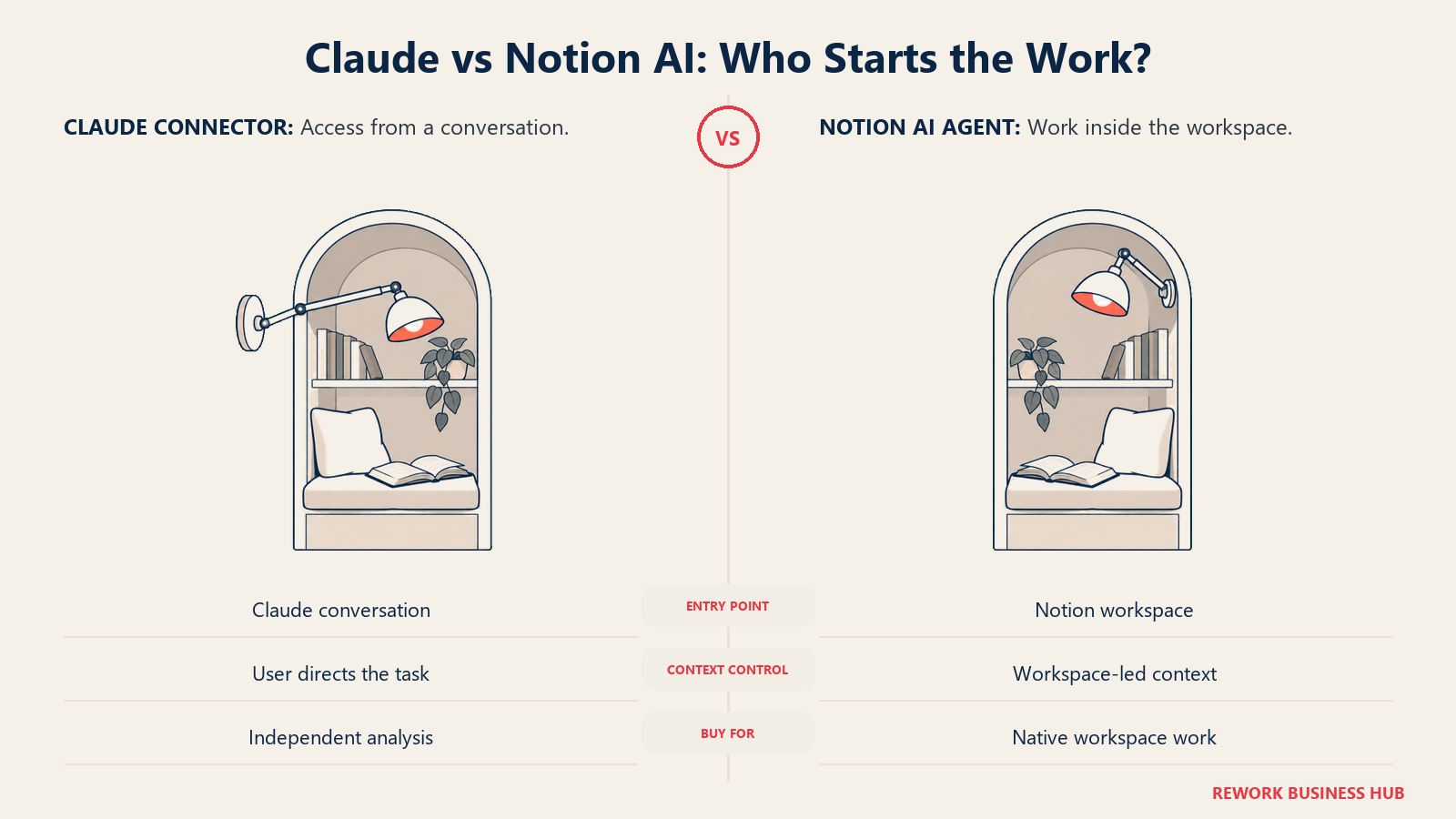
First, Anthropic ships an official Notion connector for Claude, available in Claude's web, desktop, and mobile apps, Claude Code, and the API, per Anthropic's own connector page. Inside a conversation, Claude can search your Notion workspace, create pages, and update properties, which means it can do a version of Notion AI's retrieval job without you ever opening Notion. The difference is that it only happens when you ask, inside that conversation. Notion Agent is built to run natively inside Notion itself, triggered from the workspace, without a Claude tab open at all.
Second, Notion has said its own AI features draw on multiple model providers depending on the task, including Anthropic's models for long-context work like document analysis and meeting summaries, alongside other providers for tasks like brainstorming. That means part of what you get from Notion AI may already be running on Claude's model family, without you paying for a separate Claude subscription to get it. That still isn't the same product. Notion decides which model answers and when. Paying for Claude directly puts you in control of the model, the context window, and the exact prompt, rather than a workspace making that call on your behalf.
Neither point changes the underlying trade-off. It just means "which one should we buy" is a more honest question than "which one is better," since a Business-tier Notion workspace and a Claude subscription aren't mutually exclusive, and increasingly aren't even fully separate under the hood.
Long Documents vs. Messy Notes: Where Each One Actually Breaks
Every tool has a failure mode. These two have opposite ones, and knowing which failure mode your team is more exposed to is the fastest way to decide between them.
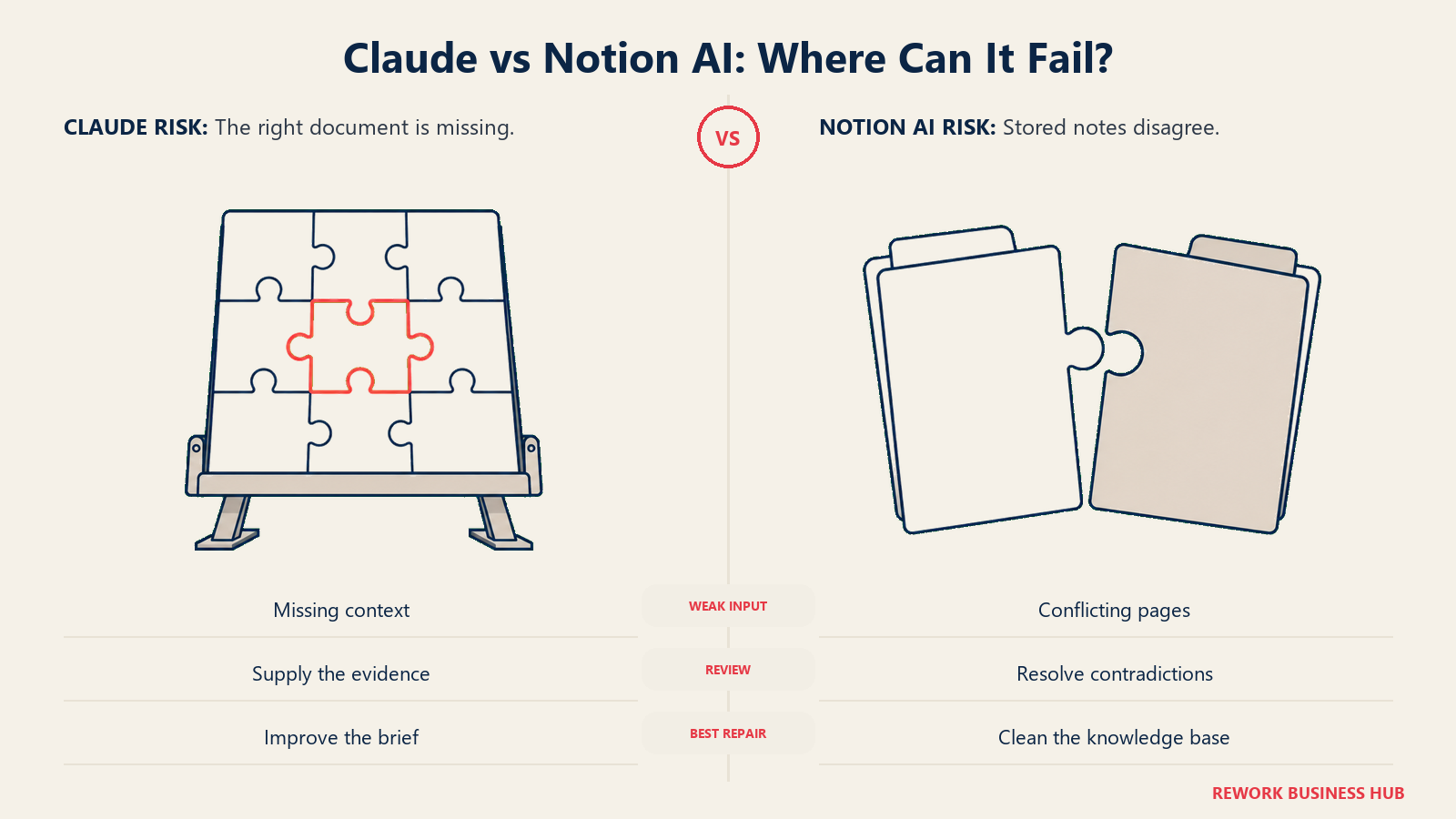
Claude's failure mode shows up when you don't hand it the right document. It has nothing to fall back on: no institutional memory, no workspace to check itself against, so a question about your own company's history without supporting context invites a guess dressed up as an answer. It's only as good as what you paste into that specific session, and by default it forgets between sessions.
Notion AI's failure mode is quieter and, in a lot of teams, more dangerous. It will always answer, confidently, using whatever's in your workspace, even when that's outdated, contradictory across three different pages, or simply thin. It has no way to know what a good answer would look like, only what your team happened to write down. The AI isn't the bottleneck here. The underlying documentation is, and Notion AI just makes that gap answer faster.
| Scenario | Better fit |
|---|---|
| Summarizing a 200-page vendor contract that landed in your inbox this morning | Claude |
| Finding what your team already decided about pricing last quarter | Notion AI |
| Drafting the first version of a policy nobody has written yet | Claude |
| Answering "what's our current PTO policy" from an up-to-date handbook | Notion AI |
| Reasoning over a spreadsheet of competitor pricing you just downloaded | Claude |
| Auto-filling a database field based on the rest of the page | Notion AI, through Notion Agent |
| Catching that three different pages disagree about the same policy | Neither. That's a documentation problem, not an AI one |
If retrieval over your own knowledge base is the whole job, it's worth reading how to choose knowledge base software before adding AI on top of it. AI makes a good knowledge base faster to search. It doesn't make a bad one accurate. And if you're still sorting out what actually counts as an AI productivity tool versus a feature bolted onto existing software, our primer on what AI productivity tools are is a useful place to start before you compare specific products.
Decision by Business Goal
| Business goal | Best fit | Why |
|---|---|---|
| Cut how long a new hire spends hunting for answers that already exist somewhere | Notion AI | Searches the workspace automatically, no new habit to build |
| Get a usable first draft of something that doesn't exist yet: a policy, a proposal, a strategy memo | Claude | Stronger at reasoning and drafting from a blank page or an outside brief |
| Make sense of a document someone outside the company sent you today | Claude | Context comes from whatever you hand it, not from what's already stored internally |
| Reduce how many tools your team has to open just to get AI help | Notion AI | Already inside the tool your team writes in every day |
| Produce consistent, board-ready analysis across a 100-plus page report | Claude | Reads the full document in one pass instead of fragments pulled by search |
| Keep AI spend predictable, no metered surprises | Claude (Pro or Team) | Notion's Custom AI Agents run on metered credits on top of the seat price |
| Cut vendor count on a lean ops budget | Notion AI | Folds into a tool most teams already pay for |
Team and Role Fit
| Role | Recommended tool | Why |
|---|---|---|
| COO / Head of Operations | Both, for different jobs | Notion AI for what's already decided, Claude for analysis that doesn't exist yet |
| Head of People / HR | Notion AI | Policies, handbooks, and onboarding docs already live there; grounded answers matter more than raw reasoning power |
| Legal or contracts owner | Claude | Long documents arrive from outside the workspace: NDAs, MSAs, vendor paper |
| RevOps / Sales Ops | Claude, with Notion AI as a lookup layer | Building playbooks externally, checking them against internal process docs |
| Founder / CEO | Claude | Strategy memos and board materials that reason across messy, one-off inputs |
| Engineering / Product | Claude for specs and analysis, Notion AI for team docs | Specs often arrive from outside Notion; the team wiki lives inside it |
| Customer Success | Notion AI | Playbooks, macros, and account notes already live in the shared workspace |
Coaches and consultants running their practice out of Notion see the same split. Our AI tools guide for coaches found Claude does the heavy lifting on holding a long client history or building a 12-week program from scratch, while Notion AI's job is pulling together everything already written about one client before a session. Same two tools, same division of labor, different job title.
Pricing at Real Team Sizes
Source: Claude's pricing page and Notion's pricing page. Notion's packaging has already moved once this year (the old $10-a-month-per-member AI add-on is gone; full AI now sits inside the Business tier), so confirm these before you lock in a budget.
| Plan | Claude | Notion (AI-relevant tiers) |
|---|---|---|
| Free | $0. Limited usage, no admin controls | $0. Workspace basics; AI is a limited trial only |
| Entry paid | Pro: $20/mo, or $17/mo billed annually. Individual, not seat-managed | Plus: $10/mo, or $8/mo billed annually, per seat. AI is still trial-only |
| Real AI, team-managed | Team: Standard seat $20/mo billed annually ($25/mo billed monthly), 2-seat minimum | Business: $20/mo, or $16/mo billed annually, per seat. Unlocks Notion Agent and Enterprise Search |
| Enterprise | Custom, starting near $20/seat plus usage-based API costs. Adds SSO, SCIM, audit logs, custom retention | Custom. Adds zero data retention with LLM providers |
| Metered add-on | None beyond separate API usage if you build your own automations | Custom AI Agents run on credits: $10 per 1,000 monthly credits, on top of the seat price |
Neither vendor bundles a block of included seats the way some enterprise software does. Both are linear, per-seat pricing on their team tiers, which keeps the scaling math clean.
| Seats | Claude Team (Standard, billed annually) | Notion Business (billed annually) |
|---|---|---|
| 10 | $2,400/year | $1,920/year |
| 25 | $6,000/year | $4,800/year |
| 100 | $24,000/year (Enterprise pricing likely applies at this volume) | $19,200/year |
The number that actually matters for most teams isn't in that table, though. It's the marginal cost of AI for a team that's already paying for Notion.
| Scenario | Annual cost per seat | What it buys |
|---|---|---|
| Already on Notion Plus, add nothing | $96/year (billed annually) | Workspace basics, AI stays trial-only |
| Upgrade Notion Plus to Notion Business | $192/year total, $96/year incremental over Plus | Full Notion Agent, AI meeting notes, Enterprise Search |
| Add Claude Pro instead, per person | $200/year ($17/mo billed annually) | A frontier model, but not seat-managed or centrally billed |
| Add Claude Team instead, per seat | $240/year (Standard, billed annually, 2-seat minimum) | Frontier model with SSO, admin console, central billing |
If you're already on Notion Plus for the wiki and permissions, the real AI upgrade costs about $96 a seat a year, not $240. That's the number a CFO actually needs, and it's also the number most comparisons skip because they quote the $20-a-month headline instead of the incremental jump from the tier you're probably already close to paying for.
Implementation and Change Management
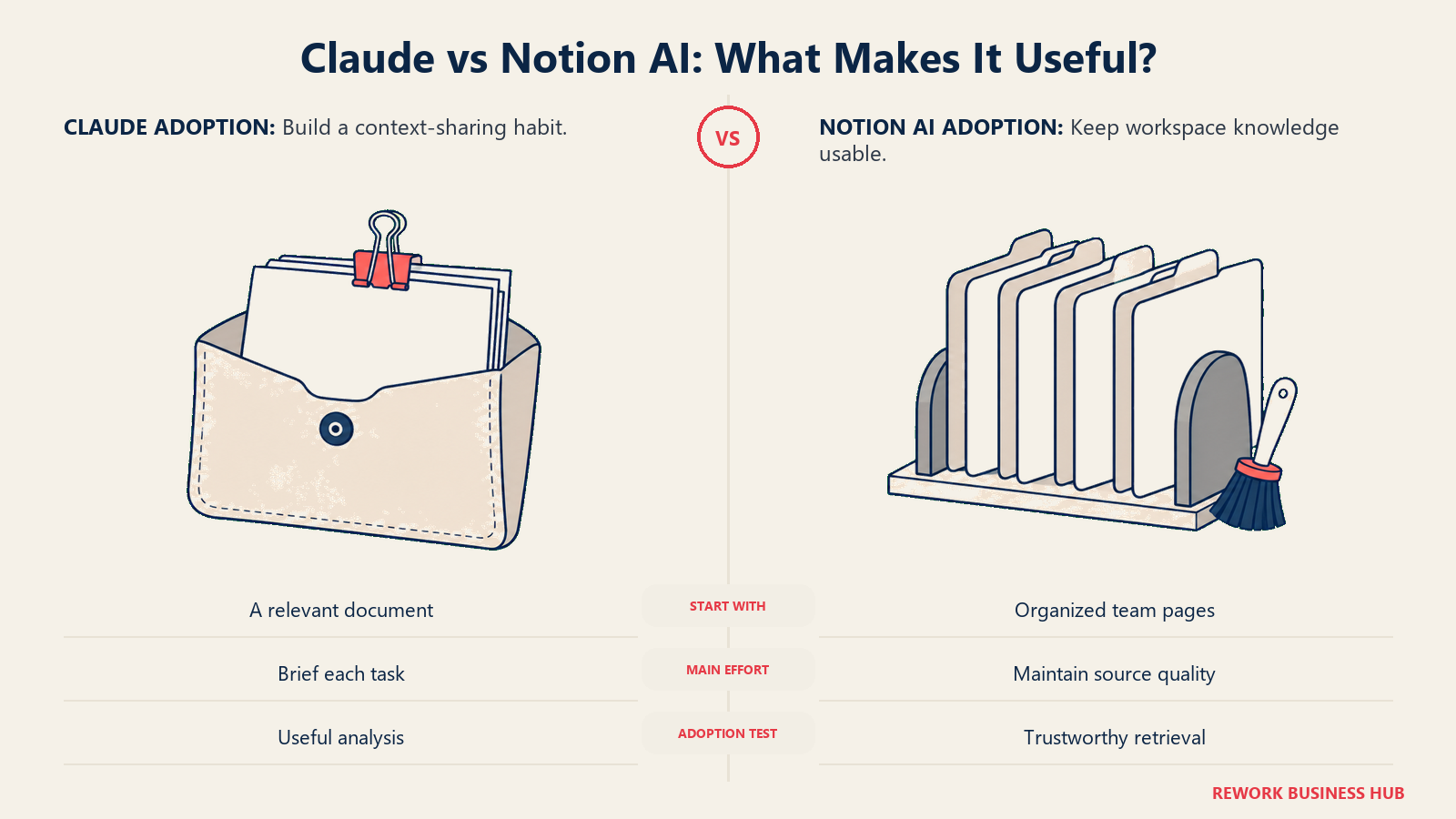
Notion AI's setup cost isn't really about the software. It's about whatever state your workspace was already in before you turned AI on. Claude's setup cost is close to zero on day one, and shows up later instead, as a habit your team has to build: remembering to actually open it and hand over the document, rather than working through it manually out of old habit.
| Factor | Claude | Notion AI |
|---|---|---|
| Time to first useful output | Minutes, but only once you have the right document or context ready to hand over | Zero setup if the workspace is already reasonably organized; weeks if it isn't |
| Real prerequisite | None. It works with whatever you paste in | A workspace that's actually been maintained. This is the hidden cost most teams underprice |
| Who needs training | Everyone, mostly on how to hand over the right context and write a clear prompt | Almost nobody for basic Q&A; more for Notion Agent's multi-step actions |
| Rollout risk | Low. It's an added tool that doesn't touch your existing systems | Answer-quality risk: bad notes in, bad answers out, and that erodes trust in the tool fast |
| Admin lift | SSO and audit logs on Team and Enterprise | Admin console on Business and Enterprise, tied to the permissions you already manage in Notion |
Risk and Governance
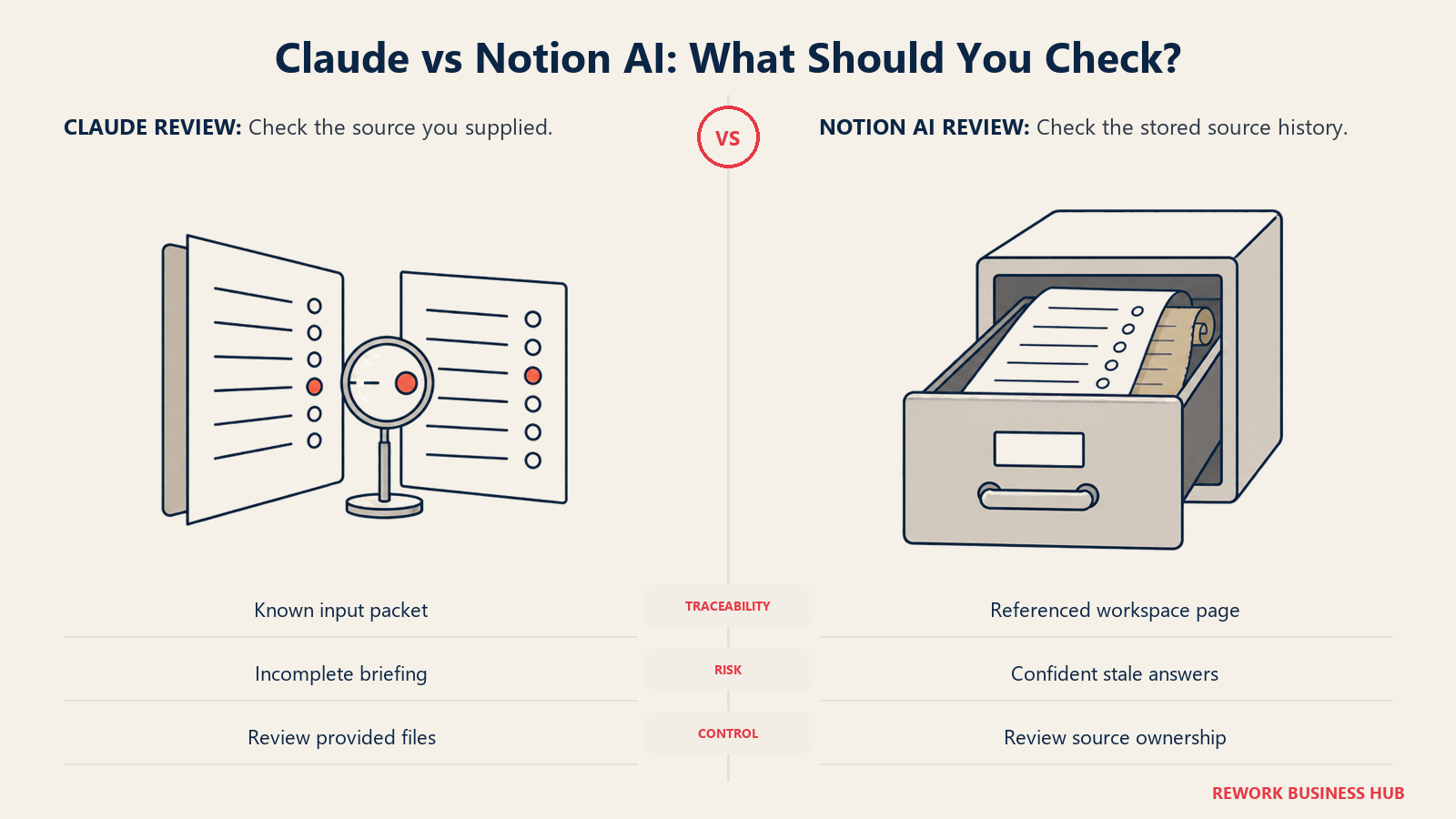
The risk profile of each tool follows straight from how it's grounded. Claude's risk is that it's disconnected from your company by default, so a wrong answer is usually a context problem you can catch by checking the source you gave it. Notion AI's risk runs the other way: a wrong answer is grounded in your own real documents, which makes it sound right even when your documents weren't.
| Risk dimension | Claude | Notion AI |
|---|---|---|
| Trains on your data | No, on paid tiers, per Anthropic's terms | No on Business and Enterprise; Business carries 30-day retention with LLM providers, Enterprise moves to zero |
| Data stays inside one boundary | No, by design. You're actively handing it documents from wherever they live | Yes, by design. Nothing leaves the Notion workspace you already govern |
| Vendor concentration | Independent frontier model vendor | Tied entirely to Notion. Losing Notion means losing this |
| Governance controls | SSO, audit logs, custom retention on Team and Enterprise | SSO and workspace-wide search visibility rules on Business and Enterprise, layered on Notion's existing permissions |
| Unpredictable cost risk | Usage limits on Pro and Team; a separate, usage-based API bill if you build automations | Custom AI Agents run on metered credits that can grow without warning as usage scales |
| Catching a wrong answer | Easier. You supplied the source, so you can check it yourself | Harder. A confident answer grounded in your own, possibly wrong, notes still looks authoritative |
When Claude Is the Right Call
- Your team regularly receives long documents from outside the company (vendor contracts, due diligence files, RFP responses, research reports), and someone has to make sense of the whole thing quickly.
- You need a first draft of something that has never existed at your company before: a new policy, a market entry memo, a technical spec, not a search across old drafts that don't exist yet either.
- You want reasoning that doesn't depend on how well your team has historically documented things, because honestly, it hasn't.
- You need a model you can also use for work with zero connection to your internal workspace at all.
When Notion AI Is the Right Call
- Your team's real knowledge, policies, decisions, and process already live inside Notion, and have for a while.
- The actual cost you're solving for is people repeatedly asking questions that are already answered somewhere in the workspace.
- You want AI built into the tool your team opens every day already, with no new login and no new habit to build.
- You're already close to needing Notion Business for the wiki and permissions alone, and the AI comes bundled with that upgrade instead of arriving as a separate purchase.
Decision Framework
| Pick this | If this describes your situation |
|---|---|
| Claude | Long external documents land regularly and someone has to make sense of them fast |
| Claude | You need a first draft of something new, not a search across something old |
| Notion AI | Your team's knowledge already lives in Notion, and the real cost is people re-asking solved questions |
| Notion AI | You're already close to Notion Business for the wiki itself; the AI comes bundled |
| Both | You have real external-document work and a real internal-search problem, which is common past 25 people |
| Neither yet | Your Notion workspace is thin or stale. Fix the documentation before buying either AI, or you'll just get a faster version of the wrong answer |
What to Do Next
- Audit whether Notion is actually your team's source of truth today, or whether the real decisions live in Slack threads and email instead. Notion AI is only as good as the honest answer to that question.
- If your team handles real external-document work, run one Claude Pro seat for two weeks on the next contract or report that lands in your inbox, and time the difference.
- If you're already close to needing Notion Business for permissions or search on its own, price the AI as a marginal $96-a-seat-a-year upgrade, not a new $240 purchase.
- Revisit this in 90 days. Both products have already changed their packaging once this year, and the numbers above will move again.
For the wider category view before you commit to either, the best AI productivity tools of 2026 and the best AI note-taking apps of 2026 both cover where these two sit next to the rest of the field. And if the real gap turns out to be Notion itself rather than the AI layered on top of it, Notion vs Airtable is worth reading before you upgrade a workspace that might be the wrong shape for what you're storing in the first place. The reverse pairing is common too: teams weighing OpenAI's model instead of Anthropic's for this same grounded-versus-general question should read ChatGPT vs Notion AI instead, since Notion AI's side of the tradeoff stays the same but the general-purpose half changes.
Frequently Asked Questions about Claude vs Notion AI
Is Notion AI built on Claude?
Partly, depending on the task. Notion has said its AI features draw on multiple model providers, including Anthropic's models for long-context work like document analysis and meeting summaries, alongside other providers for tasks like brainstorming. Paying for Claude directly is still a different product: you control the model, the context, and the prompt, rather than the workspace choosing on your behalf.
Can Claude read my Notion workspace directly?
Yes. Anthropic ships an official Notion connector, available in Claude's web, desktop, and mobile apps, Claude Code, and the API, per claude.com/connectors/notion. Inside a conversation it can search your workspace, create pages, and update properties. It works when you ask it to, not as an always-on layer watching your workspace the way Notion Agent can act natively inside Notion.
Is Notion AI free with a regular Notion plan?
No. Free and Plus only include a limited AI trial. The real Notion Agent, AI meeting notes, and Enterprise Search require the Business plan, $20 a month per seat, or $16 a month billed annually, per Notion's pricing page.
How much does Claude cost for a small team?
Claude Team starts at a 2-seat minimum, with a Standard seat priced at $20 a month per seat billed annually, or $25 a month per seat billed monthly, per Claude's pricing page. Individuals who don't need admin controls can use Pro instead, at $20 a month, or $17 a month billed annually.
What's the biggest limitation of Notion AI specifically?
It can only answer from what your team actually wrote down, and wrote down well. Stale, thin, or contradictory notes produce stale, thin, or contradictory answers, delivered with the same confident tone as a correct one, and Notion AI has no way to flag the difference.
What's the biggest limitation of Claude for internal knowledge work?
It doesn't know anything about your company by default. You have to hand it context every session, aside from limited memory features on paid tiers, so it can't replace an always-on, searchable team knowledge base on its own.
Do most teams end up needing both?
Past roughly 25 people, often yes. Notion AI handles the recurring job of surfacing what's already been decided. Claude handles the less frequent but higher-stakes job of reasoning over long documents and drafting things that don't exist yet. They solve different problems well enough that dropping either one usually just means someone does that job manually again.

Senior Customer Retention Strategist
On this page
- TL;DR
- What Each Tool Is Actually Built For
- Claude: A Model You Bring Your Own Context To
- Notion AI: An Assistant That Already Lives Where Your Team Writes
- Where the Line Is Blurring (and Why That Doesn't Settle the Question)
- Long Documents vs. Messy Notes: Where Each One Actually Breaks
- Decision by Business Goal
- Team and Role Fit
- Pricing at Real Team Sizes
- Implementation and Change Management
- Risk and Governance
- When Claude Is the Right Call
- When Notion AI Is the Right Call
- Decision Framework
- What to Do Next