Confluence vs Notion: Which Wiki Fits Your Team in 2026?
Turn this article into takeaways for your work.


Each assistant summarizes the article only for you and suggests best practices for your work.
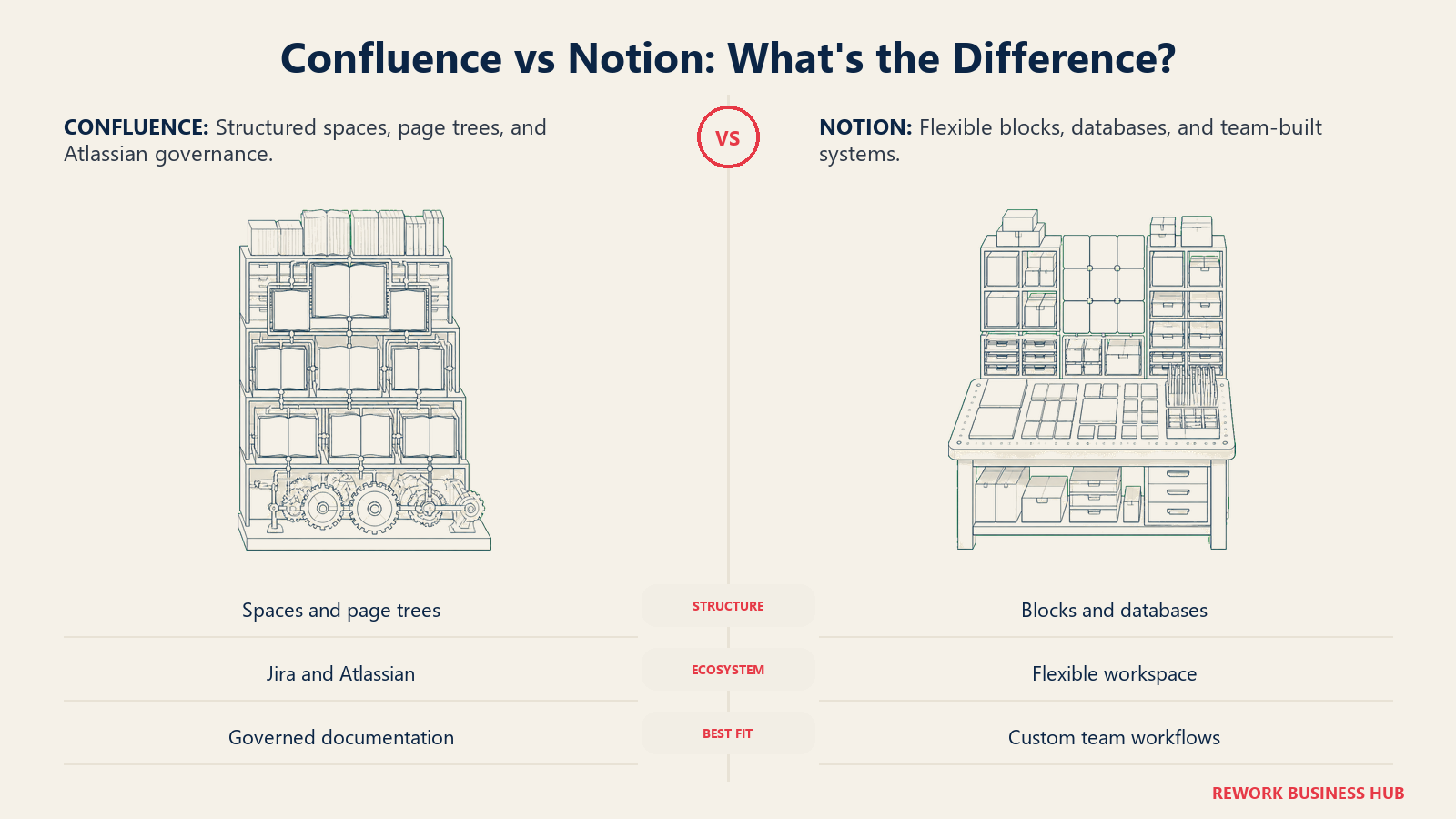
Type "Confluence vs Notion" into Google and most of what comes back treats this like a fair fight between two similar wikis. It isn't. Confluence is Atlassian's opinionated documentation product, built to sit next to Jira and inherit its permissions, its issue data, and its admin model. Notion is a block editor and database engine that happens to be excellent at becoming a wiki once a team decides to make it one. Both can hold your company's knowledge. They get there by completely different routes, and the route matters more than the destination.
This comparison is for the person actually stuck making the call: an IT lead, an ops manager, or a founder who needs a home for process docs, meeting notes, specs, and onboarding material that won't turn into a graveyard of stale pages six months from now. We'll cover features, but the decision usually comes down to three questions that have nothing to do with a checklist: whether you're already running Jira, whether your team needs structure imposed on it or wants the freedom to build its own, and who's actually going to own the thing once the new-tool enthusiasm wears off. If you'd rather see the full category before narrowing to these two, the best knowledge management software of 2026 is a good starting point.
TL;DR
| Confluence | Notion | |
|---|---|---|
| Built for | Teams already on Jira or the Atlassian suite who need a structured, permissioned wiki | Teams that want one flexible workspace combining docs, databases, and lightweight tracking |
| Core structure | Spaces and page trees, macros, Jira-linked content | Blocks and databases, pages nested freely, relations and rollups across databases |
| Free plan | Up to 10 users, 2GB storage, unlimited pages and spaces | Unlimited for a single user; capped at 1,000 total blocks once a workspace has 2+ members |
| Cheapest paid tier | Standard, $5.42 per user/month on monthly billing, moving by user-count bracket | Plus, $10 per seat/month (monthly list rate) |
| AI | Rovo: AI search, chat, and agents across Confluence, Jira, and connected apps | Notion AI: workspace Q&A, Enterprise Search, AI Agents, meeting notes |
| G2 rating | Around 4.1 out of 5 | Around 4.6 out of 5 |
| Best for | Jira-adjacent teams that need governed, admin-controlled documentation | Teams that want docs, projects, and databases living in one workspace |
Source: Atlassian Confluence pricing and Notion pricing.
Who Each Tool Is Built For
| Confluence | Notion | |
|---|---|---|
| Team size sweet spot | 20 to 5,000+ people, especially with an existing Jira instance | 1 to 500 people, strongest in the 5 to 200 range |
| Team maturity | Established IT or engineering org with a dedicated admin or Atlassian steward | Any maturity level, from a founder's private notes to a company-wide workspace |
| Primary use case | Engineering docs, product requirements, release notes, IT knowledge base tied to Jira issues | Company wiki plus project databases, OKRs, trackers, and meeting notes |
| Ideal buyer | IT or engineering leader standardizing on the Atlassian suite | Ops lead or founder who wants one flexible tool instead of five specialized ones |
| Buying trigger | Already paying for Jira, wants docs to live next to the issues they describe | Outgrew scattered Google Docs and spreadsheets, wants structure without heavy admin overhead |
If you're earlier in the process than picking between these two specific tools, how to choose internal wiki software walks through the evaluation questions worth asking first.
Team Fit
| Team | Confluence | Notion |
|---|---|---|
| Engineering | Strong. Jira issue links, release notes, and architecture docs live where the tickets do | Workable, but there's no native issue tracker; teams end up rebuilding one as a database |
| Product | Strong for spec docs tied to Jira epics | Strong for roadmaps, OKRs, and databases used as trackers |
| Marketing and content | Usable, but page-tree navigation slows down fast-moving content calendars | Strong; databases double as content calendars and campaign trackers |
| HR and people ops | Usable; the permission model suits sensitive policy documents | Strong; onboarding databases, directories, and docs sit in one workspace |
| Ops and RevOps | Usable if the team is already Jira-anchored | Strong; relational databases fit process and pipeline tracking well |
Core Capability Comparison
The editors alone tell you most of what you need to know. Confluence pages are rich-text documents you can decorate with macros: a Jira Issues macro that pulls in a live-filtered list of tickets, an expand macro to collapse long sections, a table of contents macro generated from your headings. It's a document with add-ons. Notion pages are made of blocks, and every block, a paragraph, a table, an embedded database, a synced reference to another page, is a first-class object you can move, nest, or turn into something else. It's closer to a spreadsheet and a document that learned to share a body.
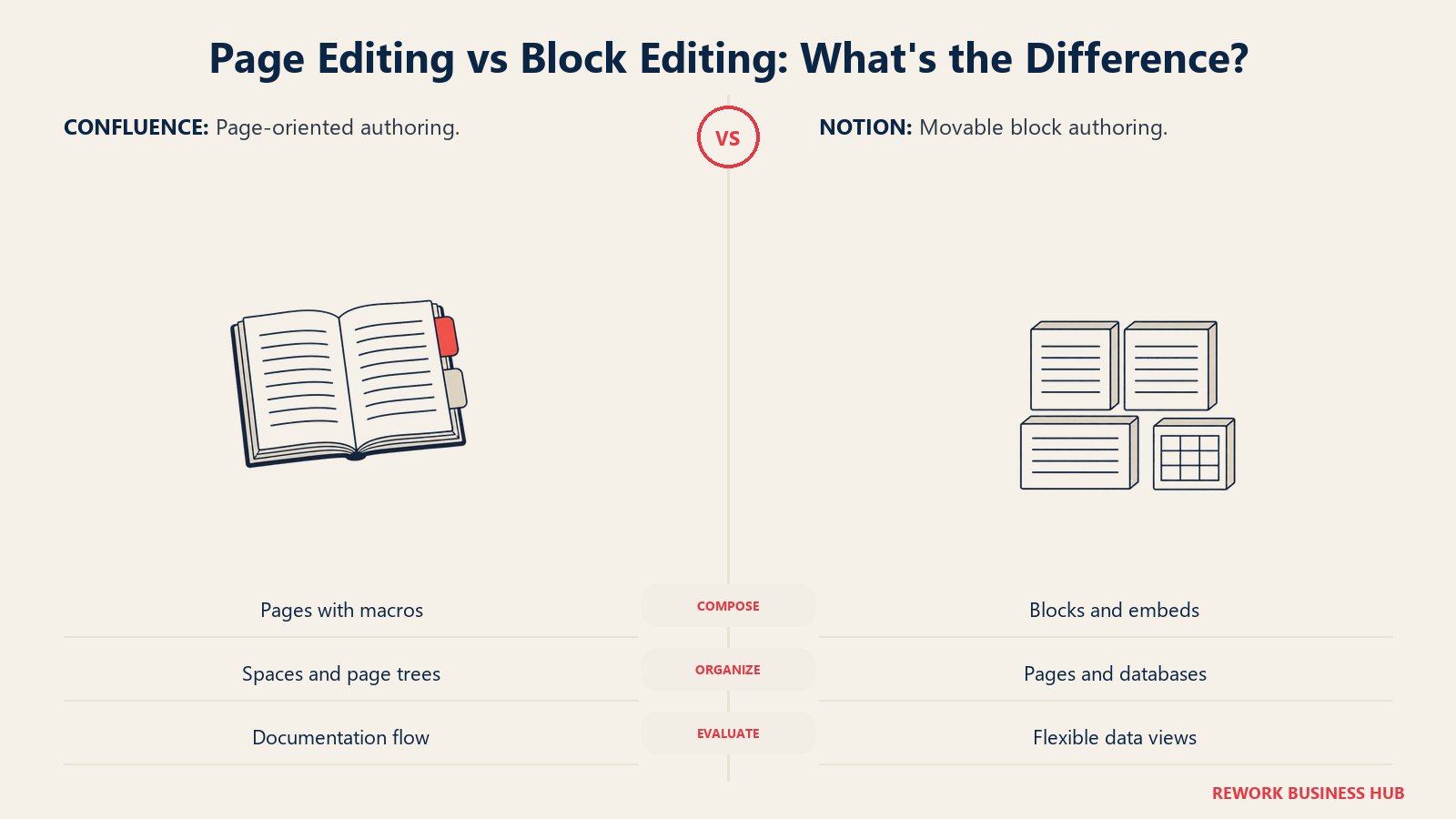
That difference shows up hardest in databases. Confluence tables are static: no formulas, no relations between tables, no rollups. If you want a queryable, filterable view of your documentation, you're building it in Jira or bolting on a Marketplace app. Notion databases support relations (linking rows across two databases), rollups (pulling and aggregating a property from a related database), and multiple views of the same data, board, calendar, gallery, or timeline, without leaving the page.
| Capability | Confluence | Notion |
|---|---|---|
| Editor model | Page-based rich text with macros (Jira Issues, expand, panel, table of contents) | Block-based editor; every element is a movable, nestable block |
| Native databases with relations and rollups | No. Tables are static, with no formulas or cross-table rollups | Yes. Databases support relations, rollups, formulas, and multiple views |
| Jira issue linking | Native, first-class. Smart Links render a live status chip from a pasted Jira URL | None native; requires a third-party connector or a manual embed |
| Whiteboards | Yes, up to 3 active boards per user on Free, more on paid tiers | No native whiteboard; third-party embeds only |
| Page hierarchy | Spaces containing nested page trees | Pages nested inside pages or inside databases, workspace-wide or per teamspace |
| Version history | Full page history on every tier | 7-day history on Free; longer retention on paid tiers |
| Templates | Built-in library plus Atlassian Marketplace apps | Built-in gallery plus a large public template ecosystem |
What Actually Decides This
Feature grids make this look closer than it is. Three questions decide it in practice.
Do you already run Jira? Confluence's real value isn't the wiki, it's the graph it sits inside. A spec page can link live to the epic it describes, a release note can pull a filtered list of resolved tickets, and permissions can inherit from a Jira project you've already set up. If your org isn't on Jira, you're paying for surface area (Smart Links, the Jira Issues macro, cross-product Rovo search) that you'll never touch, and a plain wiki that happens to cost more than most plain wikis.
Structure versus flexibility. Confluence is an opinionated wiki: spaces, page trees, and macros that nudge every page toward a similar shape. Notion is a blank canvas with databases, which is exactly why it becomes whatever the team makes of it, for better and for worse. Both failure modes are real. A Notion workspace without an owner turns into a landfill of half-finished databases and orphaned pages nobody can find. A Confluence instance without genuine adoption turns into a graveyard of correct-but-unread pages, technically organized, functionally invisible. Structure doesn't guarantee use, and flexibility doesn't guarantee chaos, but each tool makes one failure mode much easier to fall into than the other. If documentation structure itself, not just the tool, is the thing you're trying to fix, process documentation is worth reading before you pick either platform.
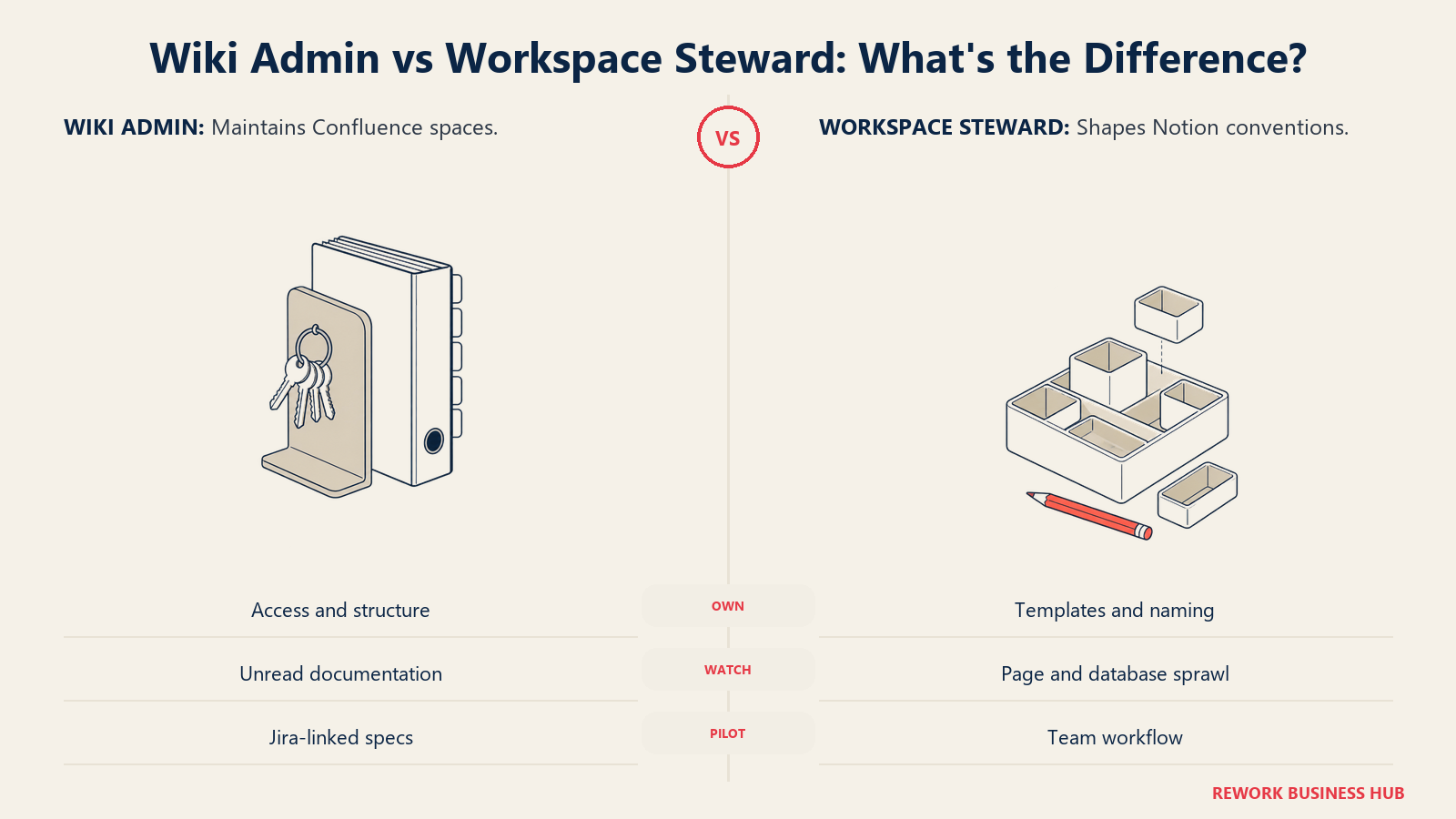
Who maintains it. Confluence assumes an admin: someone setting space permissions, managing page restrictions, and keeping the Marketplace apps current. Notion assumes a motivated power user: someone who cares enough to build the teamspace structure, name conventions, and starter templates before the rest of the team starts adding pages. Neither assumption is wrong, but pick the tool that matches the person you actually have, not the one you wish you had. An IT-heavy org with a named Atlassian steward gets more out of Confluence's governance. A lean team with one opinionated ops lead gets more out of Notion's flexibility, because there's no admin layer standing between an idea and a working page.
Permissions and Governance
| Permission layer | Confluence | Notion |
|---|---|---|
| Global or site admin | Yes, org-wide via the Atlassian admin console | Yes, via the workspace owner role |
| Space or teamspace control | Space permissions set independently by each space's admins | Teamspace visibility (Default, Open, Closed, Private) set by teamspace owners |
| Page-level restrictions | Yes; a restricted page automatically cascades the same restriction to its child pages | Yes, per page: Full access, Can edit, Can comment, or Can view |
| Permission precedence | The most restrictive rule wins; a page restriction overrides a broader space permission | Page-level sharing can be widened or narrowed independent of the teamspace default |
| Guest access | Limited on Confluence itself; broader external access usually routes through Jira Service Management | Native guest role, free by default, view-only unless granted edit access, up to 10 guests on Free |
| Enterprise controls | SSO, data residency, and audit logging on Premium and Enterprise | SCIM provisioning, audit log, and external-sharing restrictions on Enterprise |
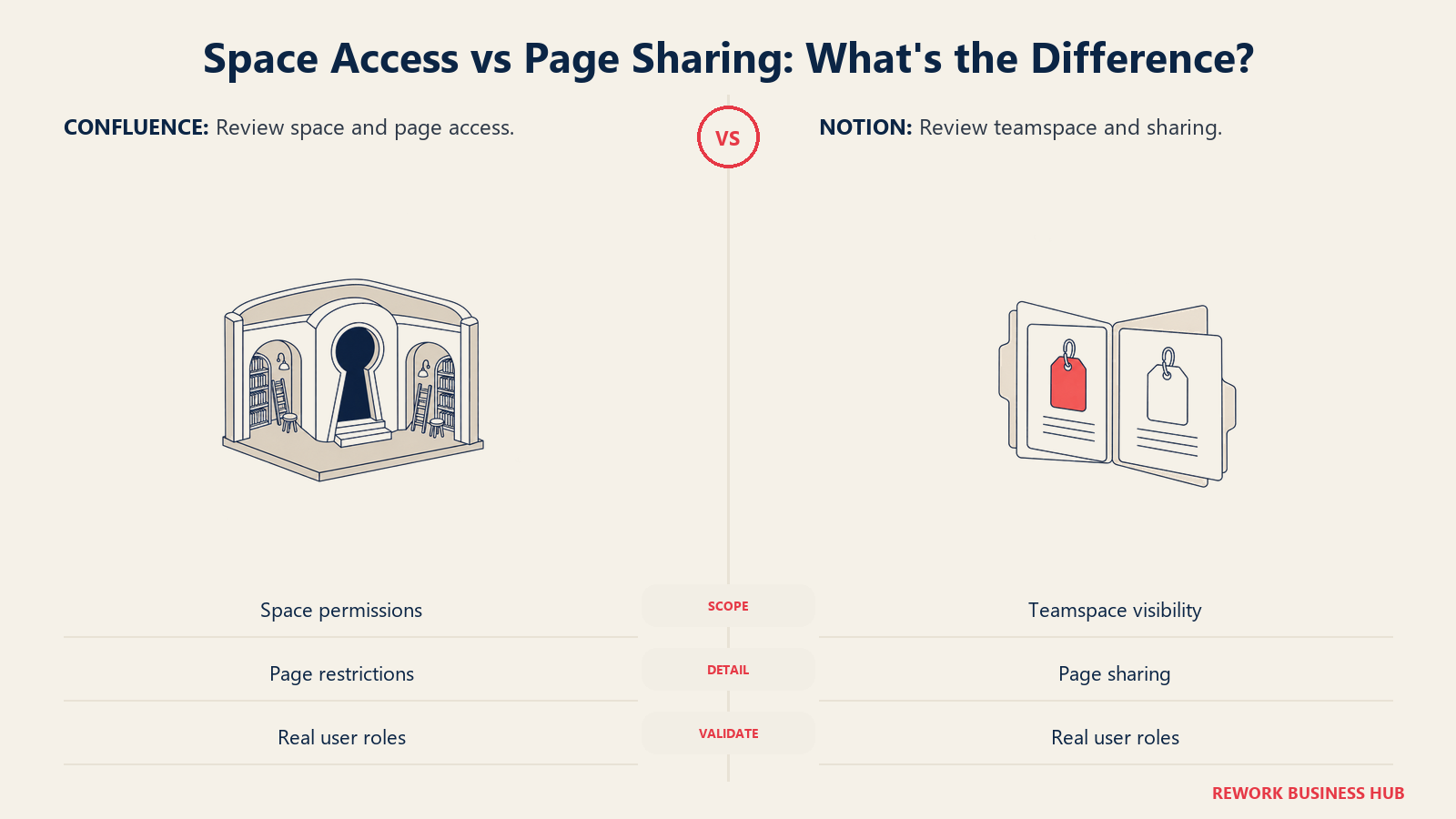
Confluence's cascading page restrictions and independent space permissions are built for an org where someone is actively managing who sees what. Notion's model is lighter to set up but leans harder on discipline: a teamspace marked Open with a member who over-shares a page can quietly expose more than intended, since nothing forces a review the way a dedicated admin's approval queue would.
AI Features: Rovo vs Notion AI
| AI capability | Confluence (Rovo) | Notion AI |
|---|---|---|
| Cross-tool search | Rovo Search queries Confluence, Jira, Jira Service Management, Slack, Google Drive, and connected third-party apps from one box | Enterprise Search (Business and Enterprise) queries Notion pages, databases, and connected apps, returning cited sources |
| Chat and Q&A | Rovo Chat answers questions and helps users catch up on what they missed | AI Q&A answers workspace questions in natural language, with clickable citations back to the source page |
| Agents | Custom agents built in Rovo Studio for team-specific workflows | Notion Agents execute multi-step tasks directly inside the workspace |
| Model choice | Not user-selectable; Atlassian controls the underlying models | Users can choose the model (GPT, Claude, Gemini) or leave it on Auto |
| Where it lives | Layered onto Standard and Premium, with its own credit-based usage model | Included in limited form on paid plans; full Enterprise Search is still in beta as of August 2026 |
The shape of each product's AI mirrors the shape of the product itself. Rovo is built to search across a toolstack Confluence assumes you already have (Jira, Slack, Google Drive), which is powerful if that toolstack exists and irrelevant if it doesn't. Notion AI is built to answer questions from inside a single, self-contained workspace, which fits a team that has consolidated rather than spread its knowledge across five systems.
Key Facts
- Confluence's Free plan caps out at 10 users and 2GB of storage, while Notion's Free plan has no user cap but limits multi-member workspaces to 1,000 total blocks. (Atlassian Confluence pricing, Notion pricing)
- Atlassian prices Confluence Standard in per-user brackets that move with team size. The published entry rate is $5.42 per user/month on monthly billing, and the effective per-user cost falls as the team grows, so the figure to budget against depends on your headcount. (Atlassian Confluence pricing)
- Notion's pricing page lists $10 per member/month for Plus and $20 per member/month for Business, both monthly list rates, with annual billing advertised as saving "up to 20%" without a published per-seat annual figure. (Notion pricing)
- G2 reviewers rate Notion around 4.6 out of 5 stars and Confluence around 4.1 out of 5, each based on thousands of submitted reviews. (Notion on G2, Confluence on G2)
- Confluence's page restriction model cascades automatically: restrict a parent page and every child page inherits the same restriction. (Atlassian: Page restrictions)
Pricing at 25, 50, and 100 Seats
Atlassian and Notion don't price the same way, so match the billing basis before comparing totals. Confluence bills in per-user brackets that shift with headcount, and Atlassian's own pricing page labels the smaller-team numbers as estimates rather than a fixed rate card. Notion prints a flat per-seat monthly rate and only describes its annual discount in general terms ("save up to 20%") without publishing the resulting per-seat number, so treat any Notion annual figure you see elsewhere as someone else's estimate, not Notion's own published price.
| Seats | Confluence Standard (monthly billing) | Confluence Premium (monthly billing) | Notion Plus (monthly billing) | Notion Business (monthly billing) |
|---|---|---|---|---|
| 25 | Approx. $151/mo, approx. $1,815/yr | Approx. $289/mo, approx. $3,465/yr | $250/mo, $3,000/yr | $500/mo, $6,000/yr |
| 50 | Approx. $310/mo, approx. $3,720/yr | Approx. $595/mo, approx. $7,140/yr | $500/mo, $6,000/yr | $1,000/mo, $12,000/yr |
| 100 | Approx. $640/mo, approx. $7,680/yr | Approx. $1,230/mo, approx. $14,760/yr | $1,000/mo, $12,000/yr | $2,000/mo, $24,000/yr |
The Confluence figures are estimates built from Atlassian's own published checkpoints (around 20, 100, and 300 users), since Atlassian doesn't print a clean number for every seat count in between; the 50-seat row is interpolated within that band. Annual billing on Confluence saves roughly 17% off these monthly totals. Annual billing on Notion is advertised as saving up to 20%, but since Notion doesn't publish the resulting per-seat rate, the Notion figures above are monthly totals only, not discounted annual pricing. Get an exact quote from each vendor's own calculator before you budget against these numbers. Sources: Atlassian Confluence pricing, Notion pricing.
Implementation and Migration Effort
| Factor | Confluence | Notion |
|---|---|---|
| Admin overhead | Real and ongoing: space permissions, page restrictions, and (if paired with Jira) project schemes all need upkeep | Light technically, but governance, teamspace structure, naming conventions, starter templates, needs an owner or sprawl follows |
| Learning curve for editors | Familiar to anyone who's used a traditional wiki or CMS | Steeper at first (blocks, databases, relations), more powerful once learned |
| Migrating Confluence content in | Not applicable | Native importer: export a Confluence space as an HTML/ZIP file or connect Notion directly via API |
| Migrating Notion content in | Community and third-party converters exist; no mature native Notion-to-Confluence importer as of August 2026 | Not applicable |
| Time to a usable v1 wiki | Days, once IT provisions spaces and permission schemes | Hours, if one person just starts writing; longer if governance is built first |
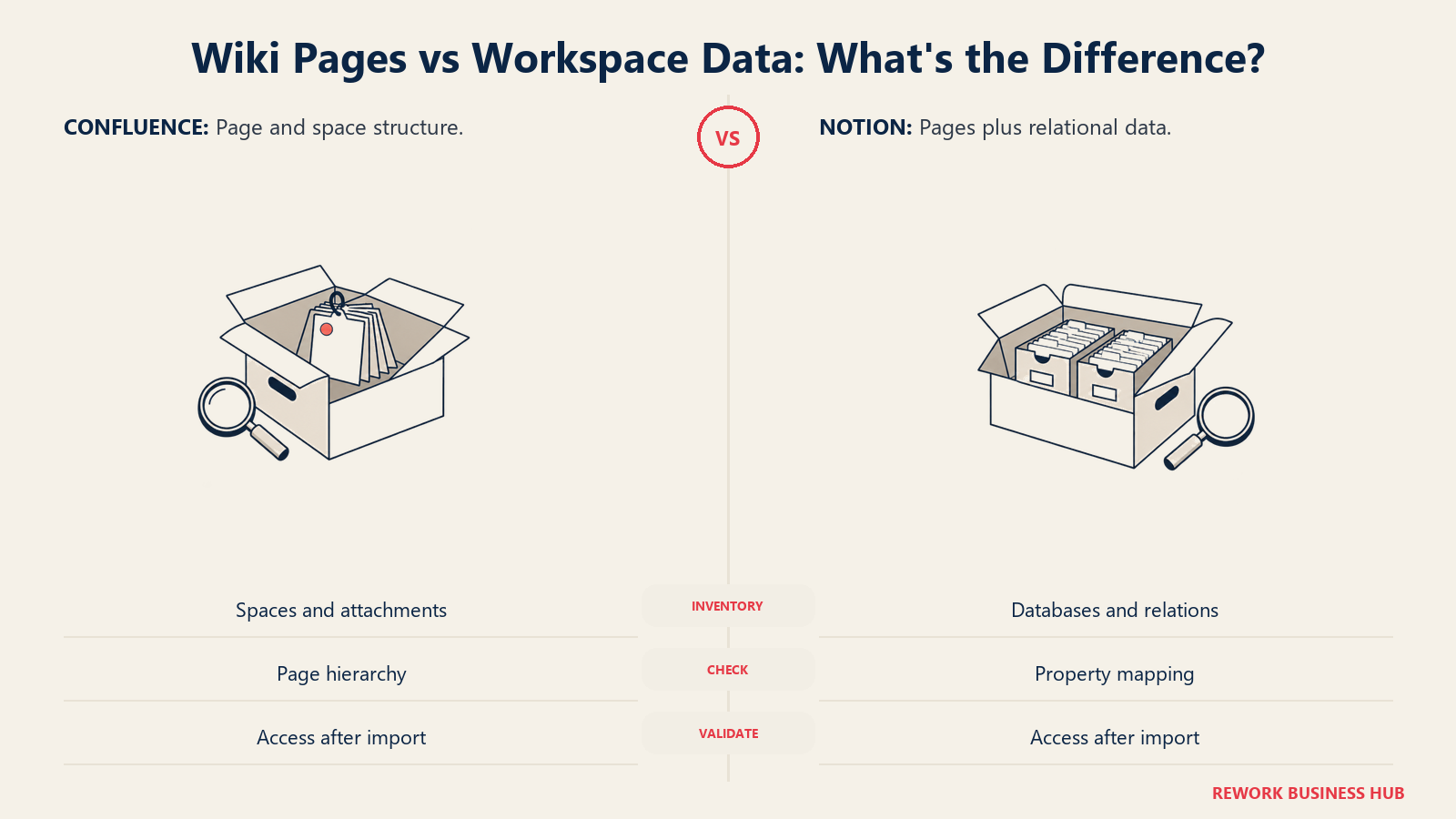
The migration story runs one direction more smoothly than the other. Notion ships a documented importer that pulls a Confluence space straight in, whether you export a ZIP or connect via API. Going the other way, moving a Notion workspace's databases and relations into Confluence's page-and-space model, has no equivalent native tool yet, so teams either rebuild manually or lean on a third-party converter and accept some structural loss along the way.
When Confluence Is the Right Call
- You're already running Jira and want release notes, specs, and requirements to link directly to the issues they describe, not live in a separate tool with a separate login.
- Your org has a real IT or platform team that can own space permissions, page restrictions, and an admin console, and you want that structure enforced rather than left optional.
- You need whiteboards, full page history, and Atlassian's enterprise controls (SSO, data residency, audit logs) inside the same product your engineering org already trusts.
- Governance matters more than speed to you: a new space going through an admin beats anyone spinning one up on a whim.
When Notion Is the Right Call
- You want one workspace holding docs, project databases, and lightweight trackers instead of stitching a separate wiki to a separate project tool.
- Nobody on the team holds a dedicated Jira or Atlassian admin role, and you'd rather a motivated power user build the structure than wait on IT.
- You need relational databases, rollups, formulas, and multiple views, more than a static page tree, especially for OKRs, content calendars, or a lightweight tracker.
- Your team is small enough, or disciplined enough, that "anyone can create a page" is a feature rather than a risk.
Decision Framework
| If you are... | Pick |
|---|---|
| Already paying for Jira and want docs linked directly to issues | Confluence |
| Building a wiki from scratch with no dedicated admin | Notion |
| Optimizing for relational databases (OKRs, trackers, lightweight CRMs) | Notion |
| Enforcing strict, admin-controlled permissions across a large org | Confluence |
| Comparing every wiki option, not just these two | See best Confluence alternatives or how to choose internal wiki software |
| Actually evaluating a pure knowledge-base tool instead of a wiki | See best Guru alternatives |
What to Do Next
Run a two-week pilot before you commit either way. Pick one real space, your engineering team's release notes if you're leaning Confluence, or your ops team's onboarding process if you're leaning Notion, and rebuild it from scratch in the tool you're considering, with the same people who'll actually maintain it. A pilot exposes the admin overhead and the sprawl risk faster than any feature comparison can. If you're still early in the evaluation and want the broader framework first, how to choose knowledge base software covers the questions worth asking before you sign anything, and if your team already lives inside Google Docs and Sites, best Google Workspace alternatives is worth a look before you add a third tool to the mix. Neither Confluence nor Notion is built for pure personal note-taking at scale, if that's genuinely what you need instead of a team wiki, see best Obsidian alternatives.
Frequently Asked Questions about Confluence vs Notion
Is Confluence or Notion cheaper?
It depends on team size and which tiers you compare. At 25 seats, Confluence Standard runs roughly $1,815 a year against Notion Plus at $3,000 a year, making Confluence cheaper at the entry tier. At higher seat counts the gap narrows and shifts depending on which Notion or Confluence tier you actually need, so run the math at your real headcount rather than assuming either tool is universally cheaper.
Does Notion have the same permissions and governance as Confluence?
The two use different models rather than one being strictly stronger. Confluence sets independent permissions per space, restricts individual pages with automatic cascading to child pages, and assumes an admin manages it all. Notion sets teamspace-level visibility plus per-page sharing controls, with a native free guest role, but leans more on team discipline than on a dedicated admin approval layer.
Can Confluence and Notion connect to Jira the same way?
No. Confluence has native, first-class Jira integration: Smart Links render a live status chip from a pasted Jira URL, and the Jira Issues macro embeds a filtered list of tickets directly on a page. Notion has no native Jira issue tracker equivalent; connecting the two requires a third-party integration or manual embedding.
Which tool is easier to migrate into?
Migrating into Notion is easier today. Notion ships a documented native importer that pulls a Confluence space in via HTML/ZIP export or API connection. Migrating a Notion workspace's databases into Confluence's page-and-space model has no equivalent native tool as of August 2026, so teams typically rebuild manually or use a third-party converter.
Do both tools have AI search built in?
Yes, but built differently. Confluence's Rovo searches across Confluence, Jira, Jira Service Management, Slack, Google Drive, and connected third-party apps from one box, reflecting Atlassian's assumption that you're using its wider suite. Notion AI's Enterprise Search, available on Business and Enterprise plans, searches Notion pages, databases, and connected apps with cited sources, reflecting a more self-contained workspace.
Related Resources:

Principal Product Marketing Strategist
On this page
- TL;DR
- Who Each Tool Is Built For
- Team Fit
- Core Capability Comparison
- What Actually Decides This
- Permissions and Governance
- AI Features: Rovo vs Notion AI
- Key Facts
- Pricing at 25, 50, and 100 Seats
- Implementation and Migration Effort
- When Confluence Is the Right Call
- When Notion Is the Right Call
- Decision Framework
- What to Do Next