Best AI Translation Tools in 2026: 13 Tools Ranked by Use Case
Turn this article into takeaways for your work.


Each assistant summarizes the article only for you and suggests best practices for your work.
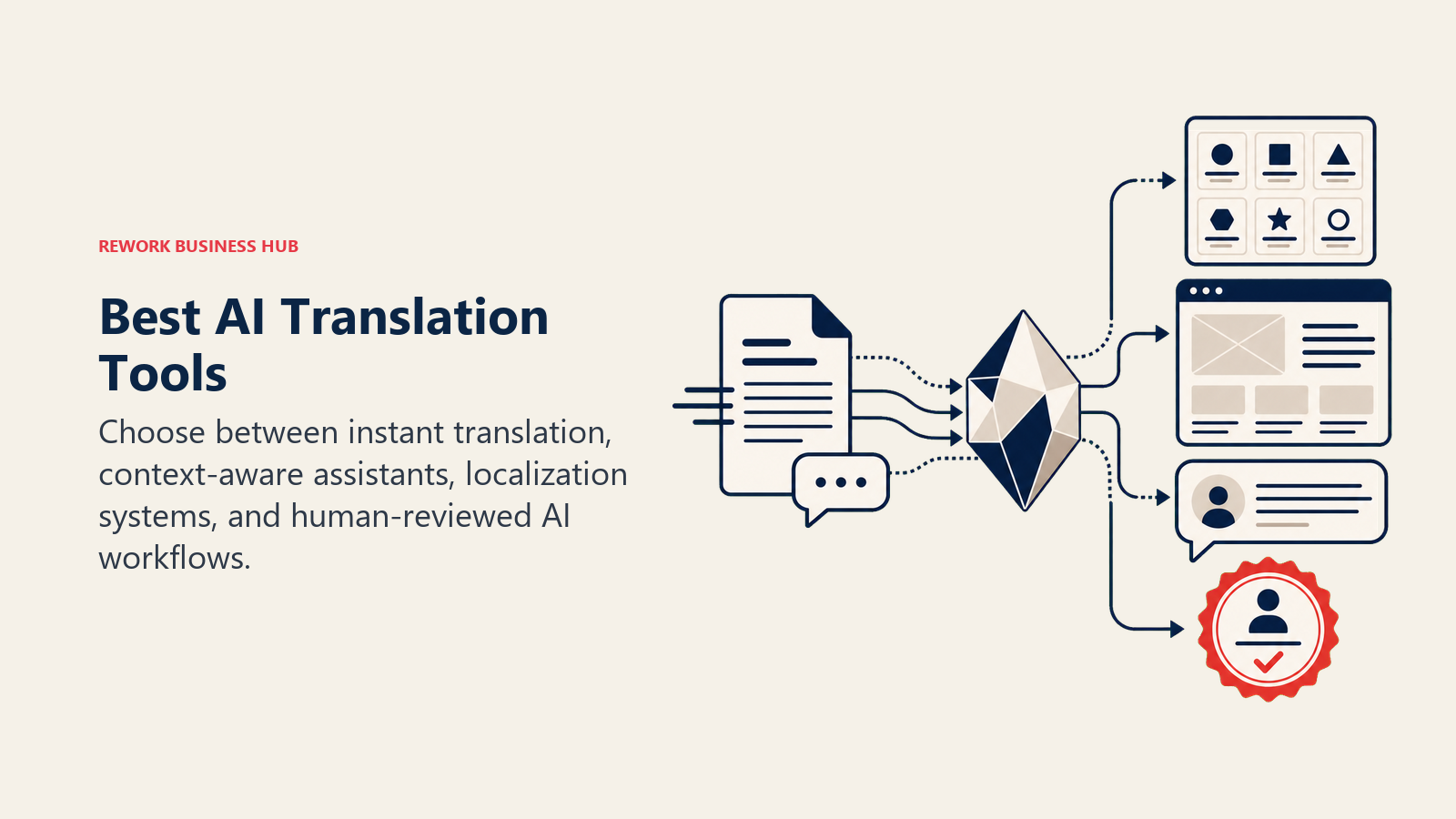
Most people searching "AI translation tools" aren't professional translators. They're a marketer localizing a landing page, a support lead answering tickets in six languages, a founder translating a product catalog, or an ops manager rolling out software strings to a new market. DeepL and Google Translate cover fast, accurate machine translation for almost anyone. ChatGPT and Claude handle translation with tone and context baked into the prompt. Smartling, Lokalise, Crowdin, and Phrase are full translation management systems built for teams shipping content continuously. Weglot bolts translation onto an existing website with no code. And Unbabel and Taia blend AI output with human review for content that has to be right, not just readable. This guide ranks 13 AI translation tools by the job you're actually trying to do.
Every tool below was evaluated on translation quality, workflow fit, and pricing transparency, not marketing claims.
What Changed in 2026
- Lokalise rolled out a full pricing overhaul on June 4, 2026, replacing per-seat billing with a "processed words" model and dropping its free plan entirely.
- DeepL's API now splits into four tiers (Free, Pro, Growth, Enterprise) instead of one flat per-character rate, with the new Growth tier aimed at mid-volume teams that outgrow Pro but don't need an enterprise contract.
- GitHub Copilot and several dev-tool vendors moved to usage-based AI credits this year, and localization platforms are following the same pattern: Crowdin, Lokalise, and Phrase all now price around words or strings processed, not flat seats.
- Enterprise buyers have become far more comfortable running AI translation as the default first pass. According to Crowdin's 2026 AI Translation Report, roughly 95% of surveyed enterprises already use AI or machine translation in some capacity, with about 18% using it for every translation task, though this figure comes from Crowdin's own commissioned survey.
Key Facts
- 76% of online shoppers say they're more likely to buy a product when the information is in their own language, and 40% say they'll never buy from a website in another language, per CSA Research's Can't Read, Won't Buy consumer survey of 8,709 consumers across 29 countries.
- The global machine translation software market is worth an estimated $1.26 billion in 2026, projected to reach $2.19 billion by 2031 at an 11.69% CAGR, according to Mordor Intelligence's Machine Translation Market report.
- 83.3% of language service providers now offer machine translation and post-editing as a standard service, up from 74.2% the prior year, per Nimdzi's 2024 Nimdzi 100 report.
- In blind evaluations by 28 professional linguists across 14 language combinations, DeepL Voice's live-caption translations were preferred 96% of the time over Google Meet and Microsoft Teams captions, according to a Slator-commissioned study DeepL cites in its own press materials (vendor-commissioned, labeled accordingly).
- Roughly 95% of enterprises across the US and Canada already use AI or machine translation in some capacity, with about 18% using it for every translation task, per Crowdin's 2026 AI Translation Report, a survey of 152 B2B professionals (vendor-commissioned, labeled accordingly).
Quick Comparison Table
| Tool | Best For | Standout Capability | Starting Price | Free Tier? |
|---|---|---|---|---|
| DeepL | Highest-accuracy text translation | Best-in-class European language pairs | Free; Starter $10.49/mo | Yes |
| Google Translate / Cloud Translation | Broadest language coverage, free everyday use | 249+ languages, deep Workspace integration | Free (consumer); API $20/1M chars | Yes |
| ChatGPT | Context-aware, tone-adjusted translation | Handles idiom, register, and instructions in one prompt | Free; Plus $20/mo | Yes |
| Claude | Long-document translation with instruction-following | Holds a style guide across long source material | Free; Pro $20/mo ($17/mo annual) | Yes |
| Smartling | Enterprise TMS with AI + human blend | CMS/CDN connectors, automated workflows | Custom quote (Core free to start) | Limited |
| Lokalise | Product and software localization | Deep dev integrations (GitHub, Figma, CLI) | Explorer $144/mo | No (14-day trial) |
| Crowdin | Dev-first localization + open-source friendly | In-context screenshots, string-level QA | Free; Pro $59/mo | Yes |
| Weglot | No-code website translation | One script tag, auto-detects and translates a live site | Free (2,000 words); Starter $17/mo | Yes |
| Phrase | Enterprise localization platform | AI orchestration across multiple MT engines | Starter $135/mo | No (14-day trial) |
| Unbabel | Human-reviewed AI translation at support scale | AI draft plus human post-edit in one pipeline | Custom (Starter ~$10,000/mo) | No |
| Taia | AI + human hybrid, pay-per-word simplicity | Instant AI or professional-tier quotes side by side | Free (5,000 words/mo); Basic €9/mo | Yes |
| DeepL Write | AI grammar and tone polish for translated copy | Rewrites in the target language, not just the source | Free; Write Pro +$7.49/user/mo | Yes |
| Reverso | Free contextual translation for individuals | Real usage examples pulled from bilingual corpora | Free; Premium from ~$7.49/mo | Yes |
How to Choose: By Translation Job
Most people don't need "an AI translation tool." They need the right layer for the specific job in front of them.
| Translation Job | What Matters Most | Best Fits |
|---|---|---|
| Translating one document or email fast | Speed, accuracy, no setup | DeepL, Google Translate, Reverso |
| Localizing a marketing site with no dev resources | No-code install, SEO-friendly URLs | Weglot |
| Shipping product UI strings across languages | Dev integrations, string context, version control | Lokalise, Crowdin, Phrase |
| Enterprise content pipelines at scale | Workflow automation, CMS connectors, governance | Smartling, Phrase |
| Support tickets and chat replies in bulk | Human-reviewed accuracy at conversational speed | Unbabel |
| Translating with tone, instructions, or a style guide | Context-aware drafting, not literal MT | ChatGPT, Claude |
| One-off documents with a human safety net | Instant AI or professional quote on the same page | Taia |
| Polishing translated copy before it ships | Grammar and tone correction in the target language | DeepL Write |
How to Choose: By Who's Buying
| Who You Are | What You Need | Best Fits |
|---|---|---|
| Solo professional or small team translating occasional docs | Free or cheap, no onboarding | DeepL, Google Translate, Reverso |
| Ecommerce or marketing team localizing a website | Fast setup, no engineering time | Weglot |
| Product or engineering team localizing software | API/CLI access, string-level context | Lokalise, Crowdin |
| Enterprise content or marketing org | Governance, CMS integrations, multi-engine orchestration | Smartling, Phrase |
| Customer support or CS org | Human-reviewed quality at conversational volume | Unbabel |
| Founder or ops lead translating with context and nuance | LLM drafting that follows instructions | ChatGPT, Claude |
How to Choose: By Budget
| Monthly Budget | What You Can Realistically Cover | Best Fits |
|---|---|---|
| $0 (free tier only) | Everyday text translation, light document use | DeepL Free, Google Translate, Reverso Free, Crowdin Free |
| Under $25/mo | One core MT tool or one LLM subscription | DeepL Starter, Weglot Starter, ChatGPT Plus, Claude Pro |
| $25-$200/mo | A website translation layer or a small dev-team localization tool | Weglot Business/Pro, Crowdin Pro, Taia Pro |
| $200-$1,500/mo | Product localization at team scale | Lokalise Explorer/Growth, Crowdin Team, Phrase Starter/Team |
| $1,500+/mo (enterprise) | Full TMS with governance, or human-reviewed AI at volume | Smartling, Phrase Business, Unbabel |
1. DeepL: Highest-Accuracy Text Translation
DeepL built its reputation on translation quality, not feature breadth, and that focus still shows. On its own quality benchmarks and in independent evaluations of DeepL Voice's live captioning, professional linguists have consistently rated DeepL's output above Google Translate and general-purpose chatbots for European language pairs, though DeepL's strength narrows for languages with less training data.
Best for: Teams and individuals who need the most accurate translation available for European languages, without a workflow platform around it.
Key strengths:
- Consistently rated highest for translation nuance in European language pairs by independent evaluators
- Glossary support keeps brand terms and product names consistent across translations
- CAT tool integrations and Microsoft Office plugins on paid tiers
- Both a consumer app and a developer API, so the same engine works for a one-off document or a production pipeline
Limitations:
- Fewer supported languages than Google Translate, especially outside Europe and major Asian languages
- Document translation on the API bills a 50,000-character minimum per file regardless of actual length
- No built-in workflow, review, or CMS integration layer; it's a translation engine, not a TMS
Pricing: Free (50,000 characters/month, 1 document); Starter $10.49/mo; Advanced $34.49/mo; Ultimate $68.99/mo (consumer plans, annual billing saves 16%). API: Free (500,000 characters/month); Pro $5.49/mo + $25 per million characters; Growth $26/mo (includes ~1M characters/month); Enterprise custom, per DeepL's plans page.
Standout use case: Translating a contract, product spec, or marketing document into German, French, or Spanish and trusting the output enough to send it with light editing.
2. Google Translate / Google Cloud Translation: Broadest Language Coverage
Google Translate is still the default free translation tool for a reason: it covers more languages than any competitor on this list, works instantly in the browser or app, and needs zero setup. Google Cloud Translation is the same engine packaged as a developer API, with an LLM-based mode for higher-nuance results when the standard neural model isn't good enough.
Best for: Anyone who needs broad language coverage for free, or a developer team that wants translation billed by the character with no subscription.
Key strengths:
- 249+ languages supported in the consumer app, the widest coverage of any tool on this list
- Deep integration with Google Workspace (Docs, Gmail, Chrome) for zero-friction everyday use
- Cloud API offers both a cheap standard NMT tier and a premium LLM tier for brand-voice-sensitive text
- Document translation, batch processing, and glossaries available on the Advanced (v3) API
Limitations:
- Translation quality trails DeepL for major European language pairs in most independent comparisons
- No native workflow, review, or team collaboration layer
- LLM and Adaptive Translation tiers cost meaningfully more per character than standard NMT
Pricing: Free (consumer app, unlimited); Cloud Translation API: 500,000 characters/month free, then $20 per million characters (Basic and Advanced NMT); LLM Text Translation $10 input + $10 output per million characters; Adaptive Translation $25 + $25 per million characters, per Google Cloud's pricing page.
Standout use case: Translating customer emails or web pages on the fly in a language DeepL doesn't support well, at effectively no cost.
3. ChatGPT: Context-Aware Translation With Instructions
ChatGPT doesn't just translate words, it follows instructions about how to translate them. Tell it to keep a casual tone, preserve specific brand terms, or translate for a legal audience instead of a general one, and it adjusts in ways a pure MT engine can't. For content where register and intent matter as much as literal accuracy, that's a real advantage.
Best for: Anyone translating content where tone, audience, or brand voice matters more than raw literal accuracy.
Key strengths:
- Follows detailed translation instructions (formality, brand terms, target audience) in the same prompt
- Handles idiom, humor, and cultural context better than literal MT engines
- Can translate and then explain word choices or flag ambiguous phrases
- One tool covers translation, drafting, and editing without switching apps
Limitations:
- No built-in glossary, translation memory, or QA layer for consistency across many documents
- Quality can vary between sessions without a saved custom instruction or reused prompt
- Not built for high-volume, string-level localization workflows
Pricing: Free tier available; Plus $20/mo, per ChatGPT's pricing page. See Claude vs ChatGPT vs Gemini for a full head-to-head on translation and reasoning tasks.
Standout use case: Translating a sales email or social post while explicitly preserving a casual, on-brand tone instead of a literal rendering.
4. Claude: Long-Document Translation That Follows a Style Guide
Claude's edge is holding onto detailed instructions over long source material, which matters more for translation than it sounds. Feed it a 40-page policy document, a glossary of approved terms, and a note about formality level, and it stays consistent across the whole document instead of drifting halfway through.
Best for: Teams translating long documents (contracts, policy docs, reports) that need to follow a detailed glossary or style guide without drifting.
Key strengths:
- Strong adherence to a supplied glossary or style guide across long documents
- Large context window handles full contracts or reports in one pass
- Less generic "translated-sounding" output than most MT engines for prose-heavy content
- Projects keep a glossary and reference material persistent across a translation session
Limitations:
- No dedicated translation memory or QA tooling built for localization teams
- Free tier limits fill up quickly on long documents
- Not built for high-volume string or UI-label translation
Pricing: Free tier; Pro $20/mo ($17/mo billed annually); Max plans at $100/mo and $200/mo; Team from $25/seat; Enterprise custom, per Claude's pricing page.
Standout use case: Translating a full vendor contract or compliance policy while keeping specific legal terms consistent from page one to page forty.
5. Smartling: Enterprise Translation Management With AI + Human Blend
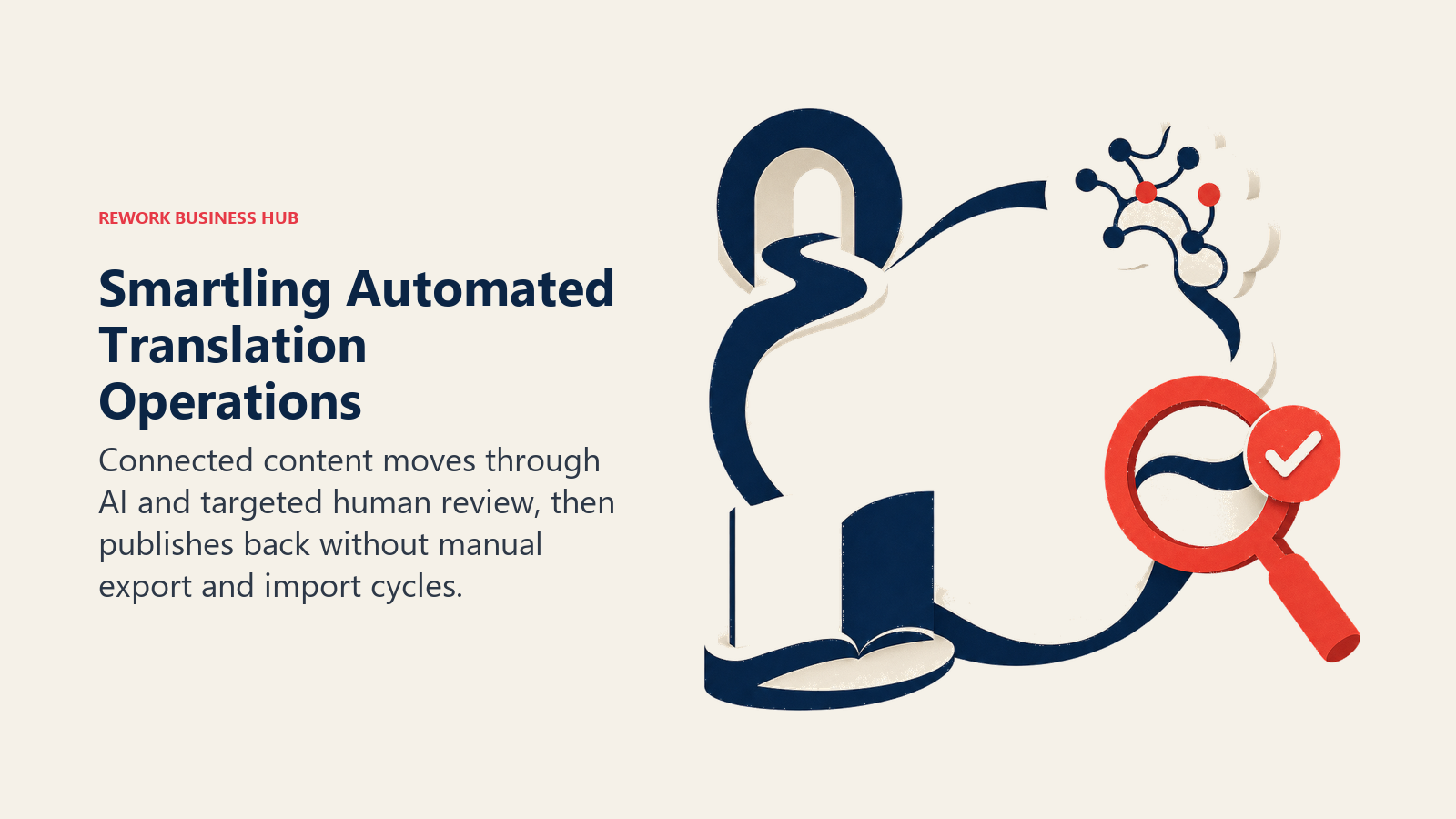
Smartling's pitch is that translation shouldn't be a manual export-translate-import cycle. Content connects directly from your CMS, app, or marketing platform, gets routed through AI translation with human review layered in where it matters, and publishes back automatically. That automation is what enterprise marketing and product teams are actually paying for, not the MT engine itself.
Best for: Enterprise teams publishing content continuously across many languages and platforms who need automated workflows, not one-off translation.
Key strengths:
- Deep CMS, CDN, and marketing-platform connectors that automate the translate-and-publish cycle
- Configurable workflows that route content through AI, human review, or both based on content type
- Strong reporting and quality visibility for localization managers overseeing multiple languages
Limitations:
- No published list pricing; every deal is custom-quoted based on volume and languages
- Overkill for teams translating occasional documents rather than continuous content streams
- Implementation and workflow setup takes real time compared to a plug-and-play MT tool
Pricing: Core plan free to start; paid plans are custom-quoted based on projected annual word volume and languages, with typical annual contracts ranging from roughly $20,000 for smaller programs to $200,000+ for larger multi-language enterprise deployments, per Smartling's own pricing guidance.
Standout use case: Automatically translating and publishing a product catalog or help center across 12 languages every time source content changes, with no manual export step.
6. Lokalise: Product and Software Localization Built for Developers
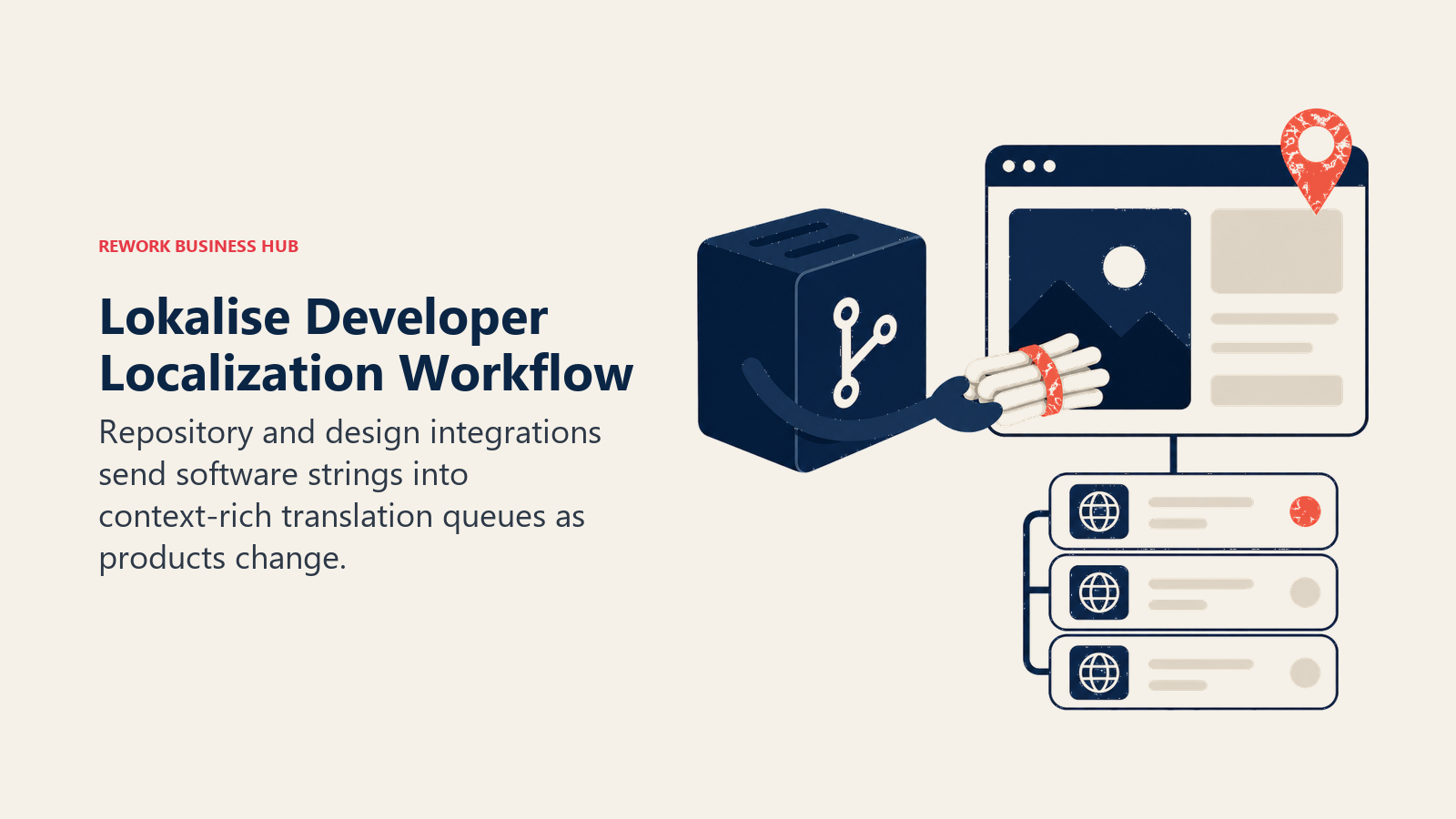
Lokalise is built around the reality that most localization work today is software strings, not marketing prose. Deep integrations with GitHub, Figma, and mobile build pipelines mean a developer can push a string change and have it land in a translator's queue automatically, with in-context screenshots so translators aren't guessing where text appears.
Best for: Product and engineering teams localizing app UI, in-product copy, and software strings across multiple releases.
Key strengths:
- Native integrations with GitHub, GitLab, Figma, and mobile/CLI build tools
- In-context screenshots show translators exactly where a string appears in the product
- AI-assisted translation and translation memory available on Growth tier and above
- Unlimited translator and reviewer seats on all paid plans
Limitations:
- No free plan as of the June 2026 pricing overhaul; paid plans start at a real commitment
- Pricing now bills on "processed words" rather than flat seats, which takes some modeling to budget accurately
- Overkill for a team that just needs to translate a website or occasional documents
Pricing: Explorer $144/mo; Growth $375-$499/mo; Advanced $999/mo; Enterprise custom, per Lokalise's pricing page (new plans effective June 4, 2026; the prior free plan was discontinued).
Standout use case: Pushing a new feature's UI strings from GitHub straight into a translator's queue with screenshot context, without a manual handoff.
7. Crowdin: Dev-First Localization With an Open-Source Legacy
Crowdin grew out of the open-source and indie-developer community, and it still shows in the product: a genuinely usable free tier, string-level QA checks, and integrations built for how developers actually work, not just how enterprise buyers procure software. It scales up into a real enterprise TMS without losing that dev-first feel.
Best for: Developer teams and growing product companies that want localization tooling without enterprise-grade friction or cost.
Key strengths:
- Free tier that's genuinely usable for open-source and small commercial projects
- In-context visual editor and automated string-level QA checks
- AI translation suggestions alongside translation memory on paid tiers
- Strong API and CLI for CI/CD-integrated localization workflows
Limitations:
- Advanced workflow automation and governance features sit behind the higher-priced Team+ and Business tiers
- Less marketing-content-oriented than Smartling or Phrase for non-technical localization teams
- Hosted-word-based pricing can climb quickly for large multi-language projects
Pricing: Free; Pro $59/mo; Team $179/mo; Team+ $450/mo; Business custom-quoted, per Crowdin's pricing page (16% discount on annual billing).
Standout use case: A small product team localizing an app into 8 languages on a real budget, with developers managing strings directly through the API.
8. Weglot: No-Code Website Translation in One Script Tag
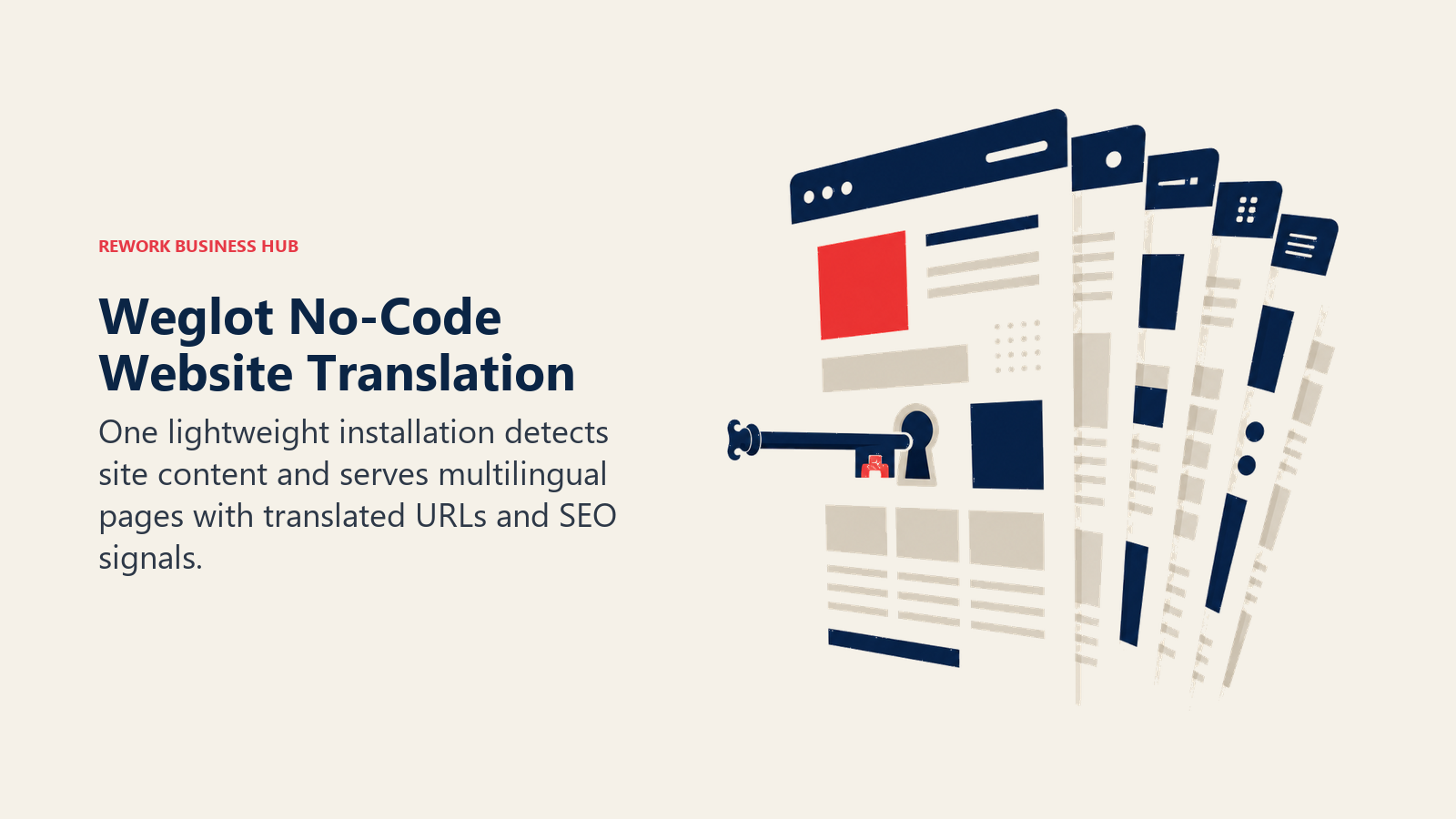
Weglot solves a specific, common problem: a marketing or ecommerce team needs a multilingual website fast, without waiting on engineering. Install one script or plugin, and Weglot automatically detects, translates, and serves your site content in every target language, with SEO-friendly translated URLs out of the box.
Best for: Marketing, ecommerce, and small business teams who need a live multilingual website without a development project.
Key strengths:
- Installs in minutes via script tag, WordPress plugin, or Shopify app, no dev sprint required
- Automatically detects new content as your site changes, so translations don't go stale
- SEO-friendly translated URLs and hreflang tags built in
- Visual editor lets non-technical team members fix individual translations by hand
Limitations:
- Word allowance is a fixed total across your site, not a monthly refill, so growing sites need to plan tier upgrades
- Translation quality depends on the underlying MT engine; nuanced brand copy still needs a manual review pass
- Not built for software strings, documents, or non-website content
Pricing: Free (2,000 words, 1 language); Starter $17/mo (10,000 words, 1 language); Business $32/mo (50,000 words, 3 languages); Pro $87/mo (200,000 words, 5 languages); Advanced $329/mo (1,000,000 words, 10 languages); Extended $769/mo (5,000,000 words, 20 languages); Enterprise custom, per Weglot's pricing page (annual billing saves roughly 2 months).
Standout use case: Launching a translated version of an ecommerce storefront in 3 new languages in an afternoon, without opening a single line of code. For the rest of an ecommerce AI stack, see Best AI Tools for Ecommerce.
9. Phrase: Enterprise Localization With Multi-Engine AI Orchestration
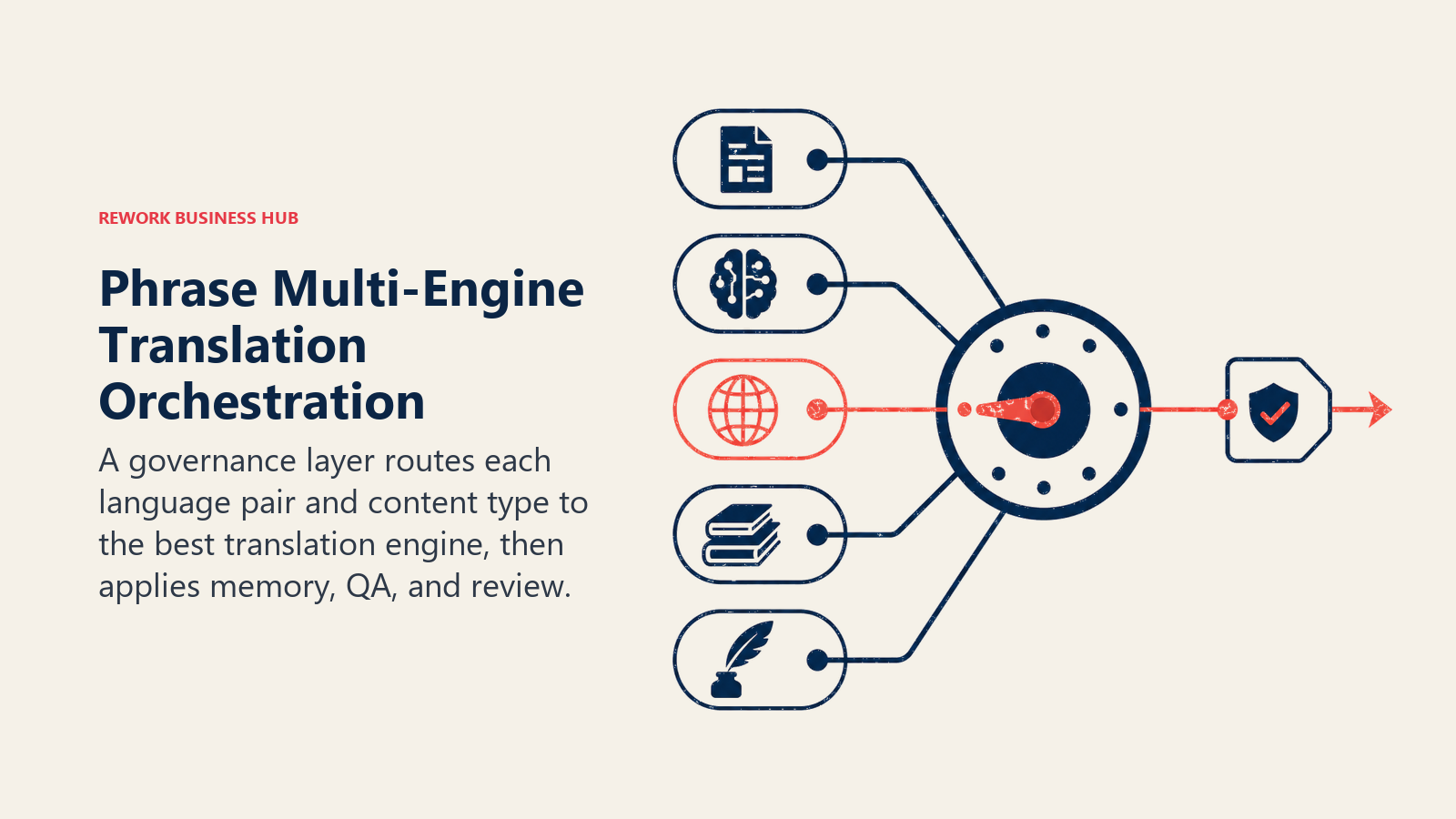
Phrase's differentiator is that it doesn't bet on one MT engine. It orchestrates across multiple machine translation providers (including DeepL and Google) and routes content to whichever performs best for a given language pair or content type, then layers human review and QA on top. For enterprise teams managing dozens of languages, that orchestration is the value, not any single engine.
Best for: Enterprise localization teams managing high content volume across many languages who want engine flexibility and governance, not a single fixed MT provider.
Key strengths:
- Orchestrates across multiple MT engines and can route by language pair or content type
- Strong translation memory, glossary, and QA tooling built for large translator teams
- CMS, code repository, and design tool integrations comparable to Smartling and Lokalise
Limitations:
- Real pricing starts high; the Team tier alone runs well into four figures monthly
- Steep learning curve for teams new to formal localization workflows
- Overkill for a single website or small product with a handful of languages
Pricing: Starter $135/mo; Team $1,245/mo; Business $4,395/mo; Enterprise custom, billed annually, per Phrase's pricing page.
Standout use case: An enterprise SaaS company running content through whichever MT engine tests best for each of its 20+ target languages, with human review on high-stakes content only.
10. Unbabel: Human-Reviewed AI Translation for Customer Support at Scale
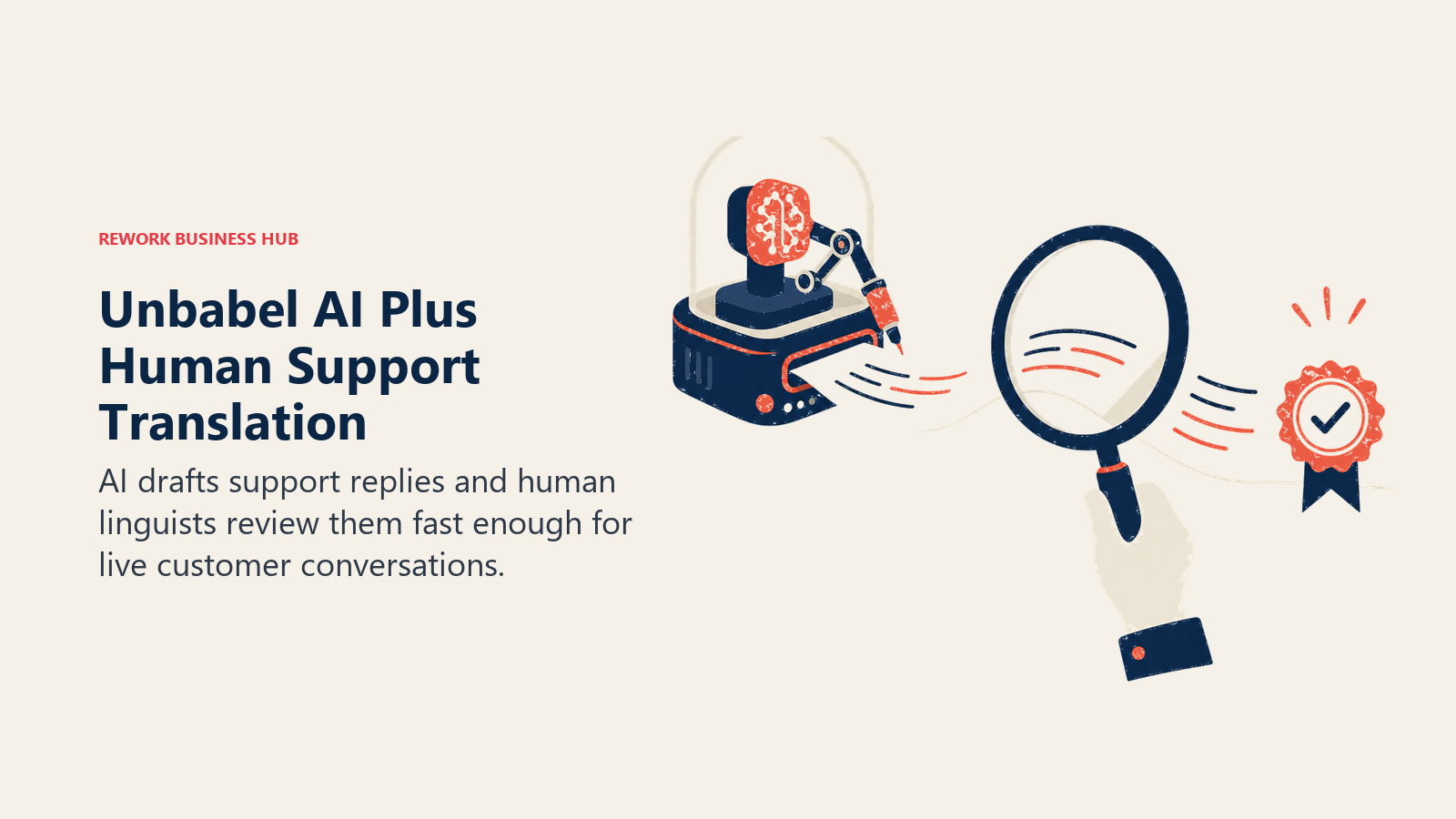
Unbabel's model is deliberately hybrid: AI drafts the translation, and a network of human linguists reviews and edits it before it reaches the customer, all within a latency window fast enough for live support conversations. For support and CS teams where a mistranslated reply damages trust, that human layer is the point, not a limitation.
Best for: Customer support and CS organizations translating high volumes of tickets, chats, and replies where accuracy directly affects customer trust.
Key strengths:
- AI draft plus human post-edit in one pipeline, fast enough for live chat and ticket replies
- Built specifically for support and CS content, not general documents or marketing copy
- Quality tiers let teams choose MT-only, MT-plus-human, or full human translation by content type
Limitations:
- Pricing starts at enterprise support-volume levels; not built for occasional or low-volume translation
- No published self-serve plan; every account is quote-based
- Overkill for marketing or product localization, where its support-specific workflow doesn't add value
Pricing: Pay As You Go (custom); Starter roughly $10,000/mo; Standard roughly $30,000/mo; Enterprise roughly $120,000/mo, based on volume, quality tier, and language pairs, per Unbabel's own pricing information.
Standout use case: A support org answering tickets in 15 languages with a small team, using AI-plus-human review to keep response times fast without sacrificing accuracy.
11. Taia: AI or Human Translation, Side by Side, Priced Instantly
Taia's pitch is simplicity: upload a document, and it shows you an instant AI translation price alongside professional human-tier quotes (Essential, Enhanced, Ultimate), so you can pick the right quality level for that specific piece of content without negotiating a contract.
Best for: Teams and individuals who want to compare AI-only and human-reviewed translation costs for the same document before committing.
Key strengths:
- Instant AI translation available on every plan, including free
- Transparent, pay-as-you-go human translation pricing by quality tier, no sales call required
- Translation memory and glossary support carry over between AI and human tiers on paid plans
Limitations:
- No deep CMS or dev-tool integrations comparable to Lokalise, Crowdin, or Phrase
- Advanced AI models cost more credits per word, which can surprise budget-conscious users
- Less suited to continuous, high-volume localization pipelines than to project-based translation
Pricing: Free (5,000 words/month, standard AI); Basic €9/mo ($10, 20,000 words); Pro €39/mo ($42, 100,000 words); Enterprise custom. Human translation pay-as-you-go: Essential from €0.06/word, Enhanced from €0.09/word, Ultimate from €0.12/word, per Taia's pricing page.
Standout use case: Getting an instant AI translation of an internal memo for free, then paying per word for a human-reviewed version of the one client-facing document that needs it.
12. DeepL Write: AI Polish for Translated and Native Copy
DeepL Write isn't a translation tool in the traditional sense, it's a grammar-and-tone editor for the language you're writing in, including a language you just translated into. Run a DeepL-translated document through Write and it catches awkward phrasing, tone mismatches, and grammar issues that a pure MT engine's first pass tends to leave behind.
Best for: Anyone who needs a final polish pass on translated or non-native-language writing, not a first-pass translation.
Key strengths:
- Rewrites in the target language for clarity and tone, not just grammar correction
- Works as a natural second step after DeepL Translator or any other MT output
- Available as a standalone free tool, not locked entirely behind a Translator subscription
Limitations:
- Not a translation tool on its own; it needs source translated text to work with
- Full Pro features require either a standalone Write Pro subscription or a paid DeepL Translator plan
- Fewer supported languages than DeepL Translator itself
Pricing: Free tier; Write Pro add-on +$7.49/user/month on top of a DeepL Individual or Team Translator plan, per DeepL's plans page.
Standout use case: Running a machine-translated French product description through Write to fix stiff, literal phrasing before it goes live on a storefront.
13. Reverso: Free Contextual Translation for Individuals and Small Teams
Reverso's differentiator is context. Instead of a single literal translation, it shows real usage examples pulled from bilingual documents and web content, so you can see how a word or phrase is actually used before you commit to it. That makes it a favorite for language learners and anyone who wants to double-check a nuance, not just get an answer.
Best for: Individuals and small teams who want free, example-backed translation for everyday use, not a workflow platform.
Key strengths:
- Contextual examples show real usage, not just a single translated string
- Reverso Documents handles file translation (Word, PDF, PowerPoint) with a generous free allotment before hitting Premium limits
- Genuinely useful free tier for both quick lookups and document translation
Limitations:
- No team collaboration, translation memory, or workflow tooling
- Premium document limits (50,000 words/year on the entry Documents tier) are modest next to dedicated MT platforms
- Not built for business-scale or continuous localization work
Pricing: Free (core translation and context search); Reverso Documents Premium from about €6.49/user/month (50,000 words/year, files up to 30 MB); Pro €19.99/user/month (200,000 words/year, files up to 120 MB); Reverso Context Premium around $7.49/month (annual), per Reverso's pricing page.
Standout use case: Double-checking how a phrase is actually used in context before sending a message in a language you're not fully fluent in.
Pricing at a Glance
| Tool | Free Tier | Entry Paid Tier | Top Individual/Team Tier |
|---|---|---|---|
| DeepL | Yes | Starter $10.49/mo | Ultimate $68.99/mo |
| Google Translate / Cloud | Yes | API $20/1M chars | LLM tier $10+$10/1M chars |
| ChatGPT | Yes | Plus $20/mo | Business (custom) |
| Claude | Yes | Pro $20/mo ($17 annual) | Max 20x $200/mo |
| Smartling | Limited | Custom quote | Enterprise (custom) |
| Lokalise | No | Explorer $144/mo | Advanced $999/mo |
| Crowdin | Yes | Pro $59/mo | Team+ $450/mo |
| Weglot | Yes | Starter $17/mo | Extended $769/mo |
| Phrase | No | Starter $135/mo | Business $4,395/mo |
| Unbabel | No | Starter ~$10,000/mo | Enterprise ~$120,000/mo |
| Taia | Yes | Basic €9/mo | Pro €39/mo |
| DeepL Write | Yes | Write Pro +$7.49/user/mo | Bundled in Team Translator plan |
| Reverso | Yes | Premium ~€6.49/user/mo | Pro €19.99/user/mo |
Decision Framework
| If you need... | Pick... | Why |
|---|---|---|
| The most accurate MT for European languages | DeepL | Rated highest for translation nuance in independent evaluations |
| Free translation in the widest range of languages | Google Translate | 249+ languages, zero setup, deep Workspace integration |
| Translation that follows tone and brand instructions | ChatGPT | Adjusts register and voice from the same prompt |
| Long documents that need a consistent glossary | Claude | Best instruction-following over long, detailed source material |
| Enterprise content pipelines that publish automatically | Smartling | CMS/CDN connectors automate the translate-and-publish cycle |
| Software and product string localization | Lokalise | Deepest dev and design-tool integrations |
| Dev-first localization on a real budget | Crowdin | Genuinely usable free tier, strong CI/CD fit |
| A multilingual website with no engineering time | Weglot | Live in minutes via script tag or plugin |
| Multi-engine AI orchestration at enterprise scale | Phrase | Routes content to whichever MT engine performs best |
| Support tickets translated with a human safety net | Unbabel | AI draft plus human post-edit, fast enough for live chat |
| Instant AI or human quotes on the same document | Taia | Compare AI-only and human-reviewed pricing before you commit |
| A final polish pass on translated copy | DeepL Write | Fixes tone and phrasing an MT engine's first pass misses |
| Free, example-backed translation for everyday use | Reverso | Context examples show real usage, not just a literal answer |
Frequently Asked Questions about AI Translation Tools
What's the best AI translation tool overall in 2026?
There isn't one tool that fits every job. DeepL is the strongest pure translation engine for European languages, Google Translate covers the widest range of languages for free, and ChatGPT or Claude are the better pick when tone and instructions matter more than literal accuracy. Teams publishing continuous content usually need a TMS like Smartling, Lokalise, or Phrase on top of one of these engines, not instead of it.
Is DeepL actually more accurate than Google Translate?
For European language pairs, independent evaluations and DeepL's own quality studies consistently rate its output above Google Translate, particularly for phrasing that reads naturally rather than literally. Google Translate's advantage is breadth: it supports more languages overall, and quality gaps between the two narrow or reverse outside DeepL's strongest language pairs.
Can I just use ChatGPT or Claude instead of a dedicated translation tool?
For one-off documents, emails, or content where tone matters, yes, both handle translation well and let you specify instructions a pure MT engine can't follow. For high-volume, continuous, or software-string translation, a dedicated tool with translation memory, glossaries, and QA (DeepL, Lokalise, Crowdin, Phrase) will be more consistent and easier to manage at scale.
What's the difference between a translation engine and a translation management system (TMS)?
A translation engine (DeepL, Google Translate) converts text from one language to another. A TMS (Smartling, Lokalise, Crowdin, Phrase) wraps one or more engines in a workflow: content ingestion, translation memory, glossaries, human review routing, and publishing back to your CMS or codebase automatically. Most enterprise localization programs use a TMS with an engine underneath it, not the engine alone.
Do I need human review, or is AI translation good enough on its own?
It depends on the stakes. For internal documents, casual communication, or a first draft, AI-only translation from DeepL, Google Translate, ChatGPT, or Claude is usually fine. For customer-facing support replies, legal content, or anything where a mistranslation damages trust, a human-reviewed hybrid like Unbabel or Taia's human tiers is the safer choice.
What's the cheapest way to translate a small business website?
Weglot's free tier covers up to 2,000 words in one language, and the $17/mo Starter plan covers 10,000 words, which is enough for most small marketing sites. If your site is built on a CMS with a plugin ecosystem, check whether a native translation plugin exists before adding a separate script-based tool.
How does AI translation pricing typically work?
Consumer and API-based tools (DeepL, Google Translate) bill by character or word volume, often with a free tier under a set monthly threshold. TMS platforms (Smartling, Lokalise, Crowdin, Phrase) increasingly bill by "processed words" across seats and projects rather than flat per-seat pricing. Human-reviewed services (Unbabel, Taia's professional tiers) price per word by quality tier, since human review time is the real cost driver.
Is the pricing in this guide still accurate?
Every price comes from the vendor's public pricing page, but AI and localization pricing changes frequently, and translation platforms in particular have shifted from seat-based to usage-based billing this year, so confirm current pricing directly with the vendor before budgeting or signing a contract.
Related Reading
- Best AI Tools in 2026: The Top 25 Across Every Category
- Best AI Writing Tools in 2026: 13 Tools for Every Kind of Writing
- Best AI Tools for Ecommerce in 2026: 13 Tools Ranked by Use Case
- Best AI Tools for Customer Support in 2026
- Best AI Tools for B2B Companies in 2026
- Best AI Tools for Enterprise in 2026: 13 Platforms Ranked by Fit, Governance, and Cost
- Claude vs ChatGPT vs Gemini: Which LLM Fits Your Business in 2026
- Best AI Tools for Digital Marketing in 2026
- Best AI Tools for Freelancers in 2026
- Best AI Tools for Marketing Agencies in 2026
Methodology
Every tool on this list was evaluated on real translation jobs (documents, websites, software strings, support tickets, and long-form content), not feature-sheet comparisons alone. Statistics cited above come from CSA Research's Can't Read, Won't Buy consumer survey, Mordor Intelligence's Machine Translation Market report, Nimdzi's 2024 Nimdzi 100 report, and vendor-commissioned studies from DeepL and Crowdin, each labeled and linked at first mention.
What to Do Next
Match the tool to the job, not the other way around. If you're translating occasional documents or emails, start with DeepL or Google Translate for free and add ChatGPT or Claude when tone matters. If you're localizing a website, Weglot gets you live in an afternoon with no engineering time. If you're managing software strings or continuous content across many languages, evaluate Lokalise, Crowdin, or Phrase based on where your content actually lives, then decide whether you need Smartling- or Unbabel-level workflow and human review on top. Run whatever stack you land on for a real translation project before committing to an annual contract.

Principal Product Marketing Strategist
On this page
- What Changed in 2026
- Key Facts
- Quick Comparison Table
- How to Choose: By Translation Job
- How to Choose: By Who's Buying
- How to Choose: By Budget
- 1. DeepL: Highest-Accuracy Text Translation
- 2. Google Translate / Google Cloud Translation: Broadest Language Coverage
- 3. ChatGPT: Context-Aware Translation With Instructions
- 4. Claude: Long-Document Translation That Follows a Style Guide
- 5. Smartling: Enterprise Translation Management With AI + Human Blend
- 6. Lokalise: Product and Software Localization Built for Developers
- 7. Crowdin: Dev-First Localization With an Open-Source Legacy
- 8. Weglot: No-Code Website Translation in One Script Tag
- 9. Phrase: Enterprise Localization With Multi-Engine AI Orchestration
- 10. Unbabel: Human-Reviewed AI Translation for Customer Support at Scale
- 11. Taia: AI or Human Translation, Side by Side, Priced Instantly
- 12. DeepL Write: AI Polish for Translated and Native Copy
- 13. Reverso: Free Contextual Translation for Individuals and Small Teams
- Pricing at a Glance
- Decision Framework
- Related Reading
- Methodology
- What to Do Next