Best AI Tools for Making Worksheets in 2026: 13 Tools for Teachers and Trainers
Turn this article into takeaways for your work.


Each assistant summarizes the article only for you and suggests best practices for your work.
Making a worksheet from scratch still eats an hour that most teachers and trainers don't have. Type up questions, format them, build an answer key, print or export it, then do it again for the group that needs it easier or harder. AI tools for making worksheets collapse that into minutes: describe the topic, reading level, or standard, and get a ready-to-use practice sheet, quiz, or printable back. This guide ranks 13 tools built specifically for that job, from dedicated worksheet generators like MagicSchool and Twinkl AI to quiz-and-assessment tools that corporate trainers use for the same purpose.
This is a narrower list than a general "best AI tools for teachers" roundup. Every tool here does one core thing well: it turns a topic, a piece of text, or a slide deck into a printable or exportable practice sheet, quiz, or activity. If you want the full classroom AI stack (lesson planning, grading, engagement, safe student chat), see our best AI tools for teachers guide instead. This one is for the specific moment you need a worksheet, right now, and don't want to build it by hand.
Every tool below was evaluated on how well it generates worksheets, printables, or quiz-style practice materials specifically, not on breadth of features.
Key Facts
- Creating worksheets or activities is the single most common weekly AI use case among teachers who use AI at least monthly, cited by 33% of them, per the Walton Family Foundation-Gallup teacher survey.
- Among nine common teaching tasks measured in that same survey, teachers report AI saves them the most time on creating worksheets and assessments.
- Weekly AI users among teachers save an average of 5.9 hours a week, roughly six weeks over a school year, per Gallup.
- 53% of English language arts, math, and science teachers used AI for school in 2025, up more than 15 percentage points year over year, per RAND's national teacher and principal survey.
- 60% of corporate learning and development teams already use AI for content and quiz drafting, and 88% of them report real time-saved value from it, per the Synthesia AI in Learning & Development Report 2026.
- Only about a third of teachers report having a school or district policy on AI and academic integrity, worth checking before you standardize on a worksheet tool school-wide, per RAND.
Quick Comparison Table
| Tool | Best For | Standout Capability | Starting Price | Free Tier? |
|---|---|---|---|---|
| MagicSchool AI | All-purpose worksheet and practice-sheet generation | Dedicated Worksheet Generator inside an 80+ tool suite | Free; Plus $8.33/mo (annual) | Yes |
| Twinkl AI Worksheet Generator | Fast, printable activity sheets with a huge existing library as backup | Design and print an activity sheet in seconds, backed by 900,000+ premade resources | $10/mo, or $89.98/yr | Yes (limited) |
| Education.com | Premade + AI-assisted worksheets for pre-K to grade 8 | 30,000+ existing worksheets plus custom AI generation on top | Free (3 downloads/mo); Premium $15.99/mo | Yes |
| Diffit | Leveling one text into worksheets for every reading level in the room | One article becomes 5+ leveled worksheets with vocabulary and questions | Free (limited); Individual $14.99/mo | Yes |
| Eduaide.ai | High-volume worksheet and graphic-organizer generation | 120+ generator types, cheapest paid tier on this list | Free (15 gen/mo); Pro $5.99/mo | Yes |
| Canva for Education | Designed worksheets, handouts, and visual printables | Full Canva Pro-equivalent design suite, free for verified K-12 | Free for K-12; Canva Pro ~$13-18/mo otherwise | Yes |
| Wordwall | Worksheets that double as printable games and interactive activities | Every activity has a one-click "print as worksheet" mode | Free (3 activities); paid plans from roughly $10/mo, priced regionally | Yes |
| Formative | Turning existing paper worksheets into digital, auto-graded assignments | Luna AI scans a paper worksheet and makes it gradeable online | Free (unlimited formatives); Paid $20.75/mo (annual) | Yes |
| ClassPoint AI | Quiz worksheets generated straight from a PowerPoint deck | Scans your slides and writes MCQ, short-answer, and fill-in questions | Free (20 AI credits); Pro $8/mo or $96/yr | Yes |
| QuestionWell | Standards-aligned question sets and reading worksheets from any source | Turns an article, PDF, or YouTube video into questions, readings, and vocab lists | Free; Premium $5.83/mo ($70/yr) | Yes |
| Quizizz (Wayground) | Gamified quizzes that export as printable worksheets | AI-generated question sets, plus a print-to-PDF worksheet mode | Free (Basic); Super (regional pricing) | Yes |
| Twee | Worksheet-style content for ESL and world-language classes | 100+ generators for reading passages, dialogues, and grammar exercises by CEFR level | Free trial (5 runs); Basic $6.50/mo (annual) | Trial only |
| Coursebox AI | Quiz and assessment worksheets for corporate training content | Turns an uploaded document or course outline into auto-graded quiz questions | Free (3 mini courses); Creator $30/mo | Yes |
How to Choose: Decision Framework
Match the tool to the specific worksheet job you're doing this week, not the tool with the most generators.
| If you need... | Pick... | Why |
|---|---|---|
| A general worksheet on almost any topic, fast | MagicSchool AI or Eduaide.ai | Both have dedicated worksheet generators with answer keys built in |
| The same content leveled for every reader in the room | Diffit | Purpose-built for turning one text into multiple reading levels |
| A polished, visually designed handout or printable | Canva for Education | Design-first tool with AI layout assistance, free for verified K-12 |
| A worksheet that's also a printable game or activity | Wordwall | Every template exports as a print-ready worksheet, not just a screen activity |
| A paper worksheet turned into an auto-graded digital one | Formative | Luna AI scans and digitizes existing paper materials |
| A quiz worksheet built straight from your slide deck | ClassPoint AI | Reads your PowerPoint content and writes matching questions automatically |
| A standards-aligned reading passage with comprehension questions | QuestionWell | Generates readings, vocabulary, and questions tied to a specific standard |
| A gamified quiz that can also print as a worksheet | Quizizz (Wayground) | Combines a live game mode with a paper-friendly export |
| Worksheet-style content for ESL or a world language | Twee | Only tool on this list built specifically around language-teaching content |
| A large existing library plus custom AI generation | Education.com or Twinkl | Both pair a huge premade catalog with newer AI generation tools |
| Quiz and assessment worksheets for a training course | Coursebox AI | Purpose-built for corporate course and quiz creation, not K-12 classrooms |
1. MagicSchool AI: The Most Complete Worksheet Generator
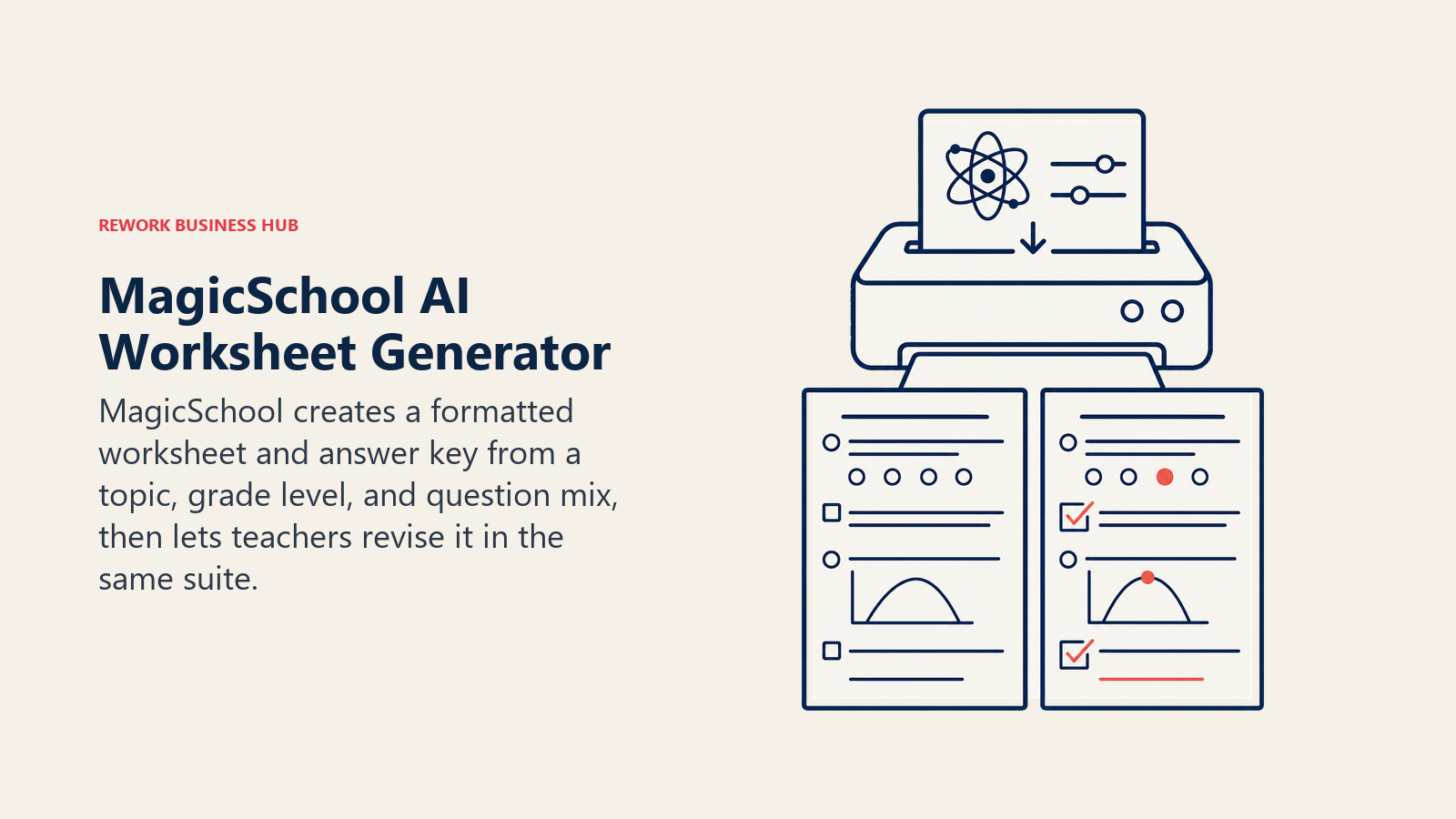
MagicSchool's Worksheet Generator is one tool inside its 80+ tool suite, but it's the one built specifically for this job: describe a topic, grade level, and question mix, and it returns a formatted worksheet with an answer key, ready to export or print. Because it sits inside the broader MagicSchool dashboard, the same worksheet can be adjusted for reading level or turned into a quiz without starting over in a separate app.
Best for: Teachers who want a dedicated worksheet generator without leaving a tool they already use for other planning tasks.
| What you get | What you don't |
|---|---|
| Worksheet Generator produces formatted output with an answer key in one pass | Free tier caps generation history and output limits that Plus removes |
| Free tier includes the tool with no paywall on the core feature | Formatting is functional, not design-forward; expect a plain layout, not a polished handout |
| Output can be edited in Studio Mode instead of copy-pasting into a separate document | District-wide rostering and admin dashboards require the custom-priced Enterprise tier |
Pricing: Free ($0); Plus $8.33/mo billed annually at $99.96/yr, or $12.99/mo billed monthly; Enterprise custom, per MagicSchool's pricing page.
Standout use case: Generating a 15-question practice worksheet with an answer key on a specific topic in under a minute.
2. Twinkl AI Worksheet Generator: Fast Sheets, Backed by a Massive Library
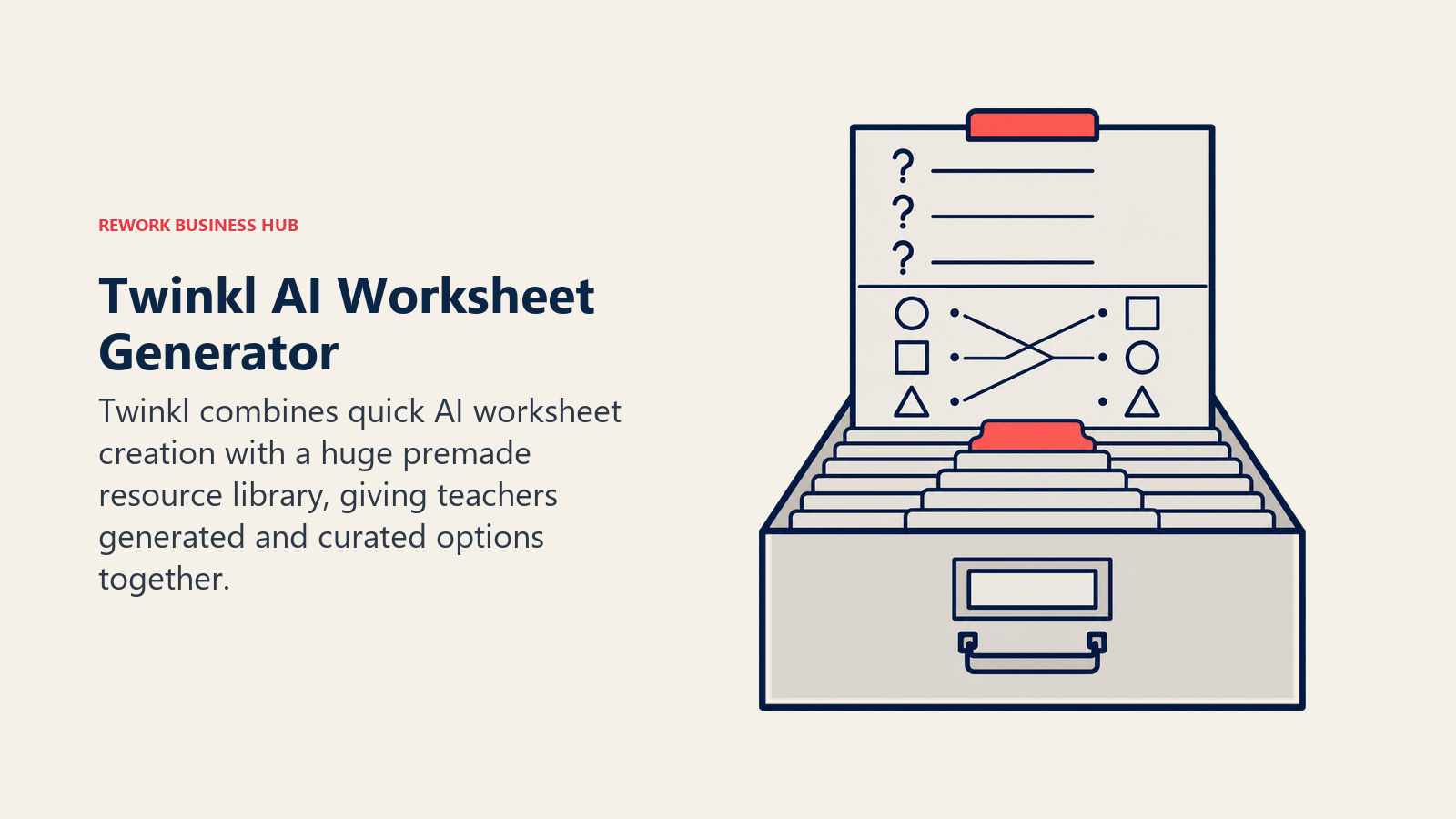
Twinkl built its business on a library of 900,000+ premade teaching resources, and its newer Ari AI suite adds a dedicated AI Worksheet Generator on top: describe what you need and it designs and prints an activity sheet in seconds, alongside related tools like an AI vocabulary sheet generator and a matching activity generator.
Best for: Teachers who want AI generation as a backup to an already-huge premade worksheet catalog, not a replacement for it.
| What you get | What you don't |
|---|---|
| If the AI generator doesn't nail it, the 900,000+ resource library usually has a close match already made | Full access to both the AI tools and the resource library requires a paid membership |
| Multiple purpose-built generators (worksheets, vocabulary sheets, matching activities), not one general tool | AI generator quality varies more by subject than the curated library does |
| Output is designed to print cleanly, the core Twinkl strength going back to its founding | Monthly pricing is on the higher end of this list for an individual teacher |
Pricing: Monthly plans from $10/mo; annual membership $89.98/yr, per Twinkl's subscription pricing guide and the Twinkl AI Worksheet Generator tool page.
Standout use case: Generating a printable activity sheet on a niche topic that the premade library doesn't already cover.
3. Education.com: A Huge Worksheet Library With AI Generation Layered On
Education.com started as a straightforward worksheet and activity library, with 30,000+ premade resources for pre-K through 8th grade. In 2025 and 2026 it began layering AI generation on top of that library, so teachers and parents can either pull a ready-made worksheet or generate a custom one when nothing in the catalog fits.
Best for: Elementary and early-middle-school teachers, tutors, and homeschool parents who want a deep premade library with AI as the fallback option.
| What you get | What you don't |
|---|---|
| 30,000+ existing worksheets mean most common topics are already covered without generating anything | Free Basic tier is limited to 3 downloads per month with ads |
| Custom AI generation fills the gap when the library doesn't have what you need | Focused on younger grades, not built for high school, higher ed, or corporate training worksheets |
| Built specifically for pre-K through grade 8, so age-appropriateness doesn't need prompting | FERPA-style compliance documentation is less formalized than purpose-built K-12 AI tools |
Pricing: Basic free (3 downloads/mo); Premium $15.99/mo billed monthly, with a lower introductory annual rate, per Education.com's pricing page.
Standout use case: Pulling a ready-made phonics or math practice sheet for a specific grade in seconds, no generation needed.
4. Diffit: Turning One Text Into Worksheets for Every Reading Level
Diffit solves a specific problem better than any generalist tool: take an article, PDF, or topic and turn it into a matching set of worksheets, one for each reading level in your classroom, complete with vocabulary support and comprehension questions.
Best for: Teachers building differentiated worksheets for a mixed-ability classroom from the same source material.
| What you get | What you don't |
|---|---|
| Produces five or more reading levels from a single input, each formatted as its own worksheet | Free plan strips out Google Docs export and standards alignment, the two features teachers want daily |
| Exports directly to Google Docs, useful for teachers already living in Google Classroom | $14.99/mo is one of the pricier individual subscriptions on this list |
| Comprehension questions and vocabulary lists generate alongside the leveled text, not as a separate step | Narrow by design; it doesn't generate quizzes, slides, or lesson plans |
Pricing: Free (limited); Individual $14.99/mo or $149.99/yr; Schools custom, per Diffit's pricing page.
Standout use case: Turning one current-events article into five leveled worksheets for a mixed-ability class in under a minute.
5. Eduaide.ai: The Cheapest High-Volume Worksheet Generator
Eduaide.ai leans into raw generator count, with 120+ AI-powered tools covering worksheets, graphic organizers, differentiated resources, and gamified activities, all at the lowest paid price point on this list.
Best for: Teachers who want the widest range of purpose-built worksheet and handout generators without a big monthly bill.
| What you get | What you don't |
|---|---|
| Pro tier unlocks unlimited generations for $5.99/mo, the cheapest paid AI worksheet tool here | Free tier caps out at 15 monthly generations, which a full-time teacher burns through quickly |
| 120+ generator types cover worksheets, graphic organizers, and differentiated resources in one place | Interface leans utilitarian, not built for visual design the way Canva is |
| 15+ language support for generating resources beyond English | No dedicated print-optimized layout mode; output needs more formatting than Twinkl or MagicSchool |
Pricing: Free (15 generations/mo); Pro $5.99/mo or $49.99/yr, per Eduaide.ai's pricing page.
Standout use case: Generating a week's worth of graphic organizers and worksheets for under $6 a month.
6. Canva for Education: The Best Tool for Worksheets That Need to Look Good
Canva for Education gives verified K-12 teachers and students free access to the full Canva Pro design suite, worth roughly $13-18/mo on the open market, including Magic Design and AI layout tools built for turning plain text into a polished worksheet, handout, or poster.
Best for: Teachers and trainers who need worksheets and printables to look professional, not just be functionally correct.
| What you get | What you don't |
|---|---|
| Genuinely free, permanent Pro-level access for verified K-12 educators | It's a design tool, not a content generator; you still need the questions or content ready |
| AI design tools speed up building a visual worksheet from a blank page | Verification for the free K-12 tier takes 1-5 business days without a recognized school email |
| Thousands of education-specific templates for worksheets, handouts, and classroom decor | Corporate trainers outside K-12 pay full Canva Pro or Teams pricing, unlike the education tier |
Pricing: 100% free for verified K-12 teachers and students, per Canva for Education; Canva Pro for everyone else runs roughly $13-18/mo depending on billing cycle and region, per Canva's pricing page.
Standout use case: Turning a plain list of practice questions into a visually clean, print-ready worksheet in minutes.
7. Wordwall: Worksheets That Double as Games
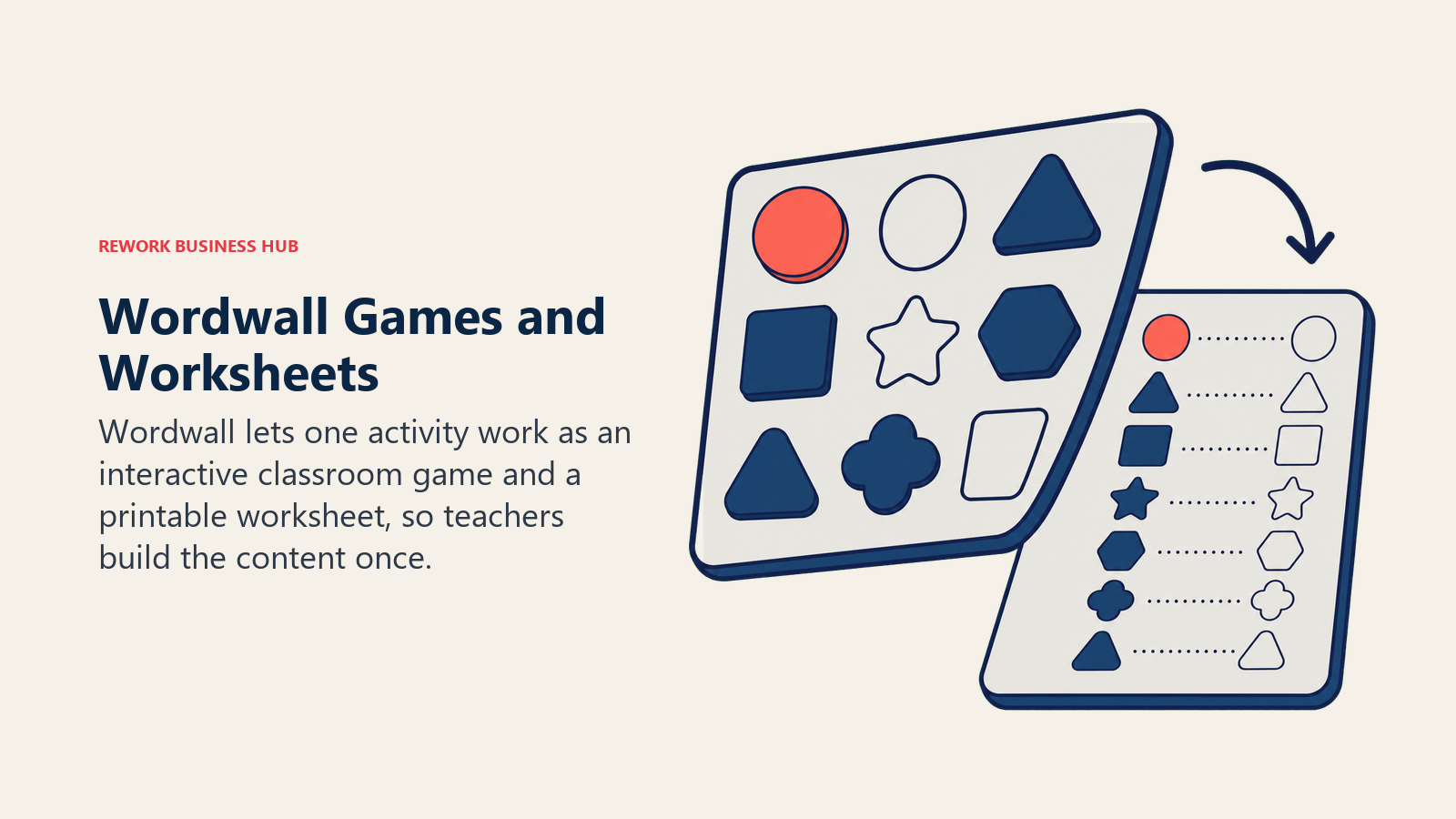
Wordwall's core idea is that the same activity should work both ways: as an interactive game students play on a device, and as a printable worksheet for offline use. AI helps generate the content for a template, and every finished activity includes a one-click print option that turns it into a paper worksheet.
Best for: Teachers who want one activity that works as both a classroom game and a take-home worksheet.
| What you get | What you don't |
|---|---|
| Every template, from matching pairs to crosswords to quizzes, can be printed as a standalone worksheet | Free tier is capped at 3 activities, which limits how much you can build before paying |
| AI content generation helps populate a template quickly instead of typing every item by hand | Pricing is set regionally and isn't consistently published in a single USD figure |
| 25+ million existing teaching resources to start from or remix | Worksheet formatting is more rigid than a dedicated design tool like Canva |
Pricing: Free (3 activities); paid Standard and Pro plans start under $10/mo in most regions, with roughly 25% savings on annual billing, per Wordwall's pricing page.
Standout use case: Building one matching or quiz activity that works as a live classroom game and a printable worksheet without building it twice.
8. Formative: Turning Paper Worksheets Into Digital, Auto-Graded Ones
Formative flips the usual direction: instead of generating a new worksheet, its Luna AI assistant scans an existing paper worksheet and converts it into a digital, auto-gradable assignment, so work you've already made keeps its value.
Best for: Teachers with a library of existing paper worksheets who want to digitize and auto-grade them instead of recreating them from scratch.
| What you get | What you don't |
|---|---|
| Free Teacher plan includes unlimited formative creation and basic auto-grading, no credit card required | Advanced question types and deeper auto-grading sit behind the $20.75/mo paid tier, the priciest here |
| Luna AI handles scan-to-digital conversion, which most worksheet generators on this list don't do at all | Built for assessment and grading first, not for generating brand-new worksheet content from a topic |
| Real-time student tracking shows answers as they're typed, not just after submission | Best suited to formative, in-progress checks rather than long-form printable worksheets |
Pricing: Free Teacher plan ($0); Paid Teacher plan $20.75/mo billed annually; School & District custom, per Formative's plans page.
Standout use case: Scanning a stack of paper worksheets from a previous unit and turning them into auto-graded digital assignments for this year.
9. ClassPoint AI: Quiz Worksheets Straight From Your Slides
ClassPoint AI reads the content already on your PowerPoint slides and generates matching quiz questions (multiple choice, short answer, fill-in-the-blank) in seconds, powered by OpenAI. For teachers and trainers who already build slide decks, this turns an existing deck into a worksheet without retyping the content anywhere.
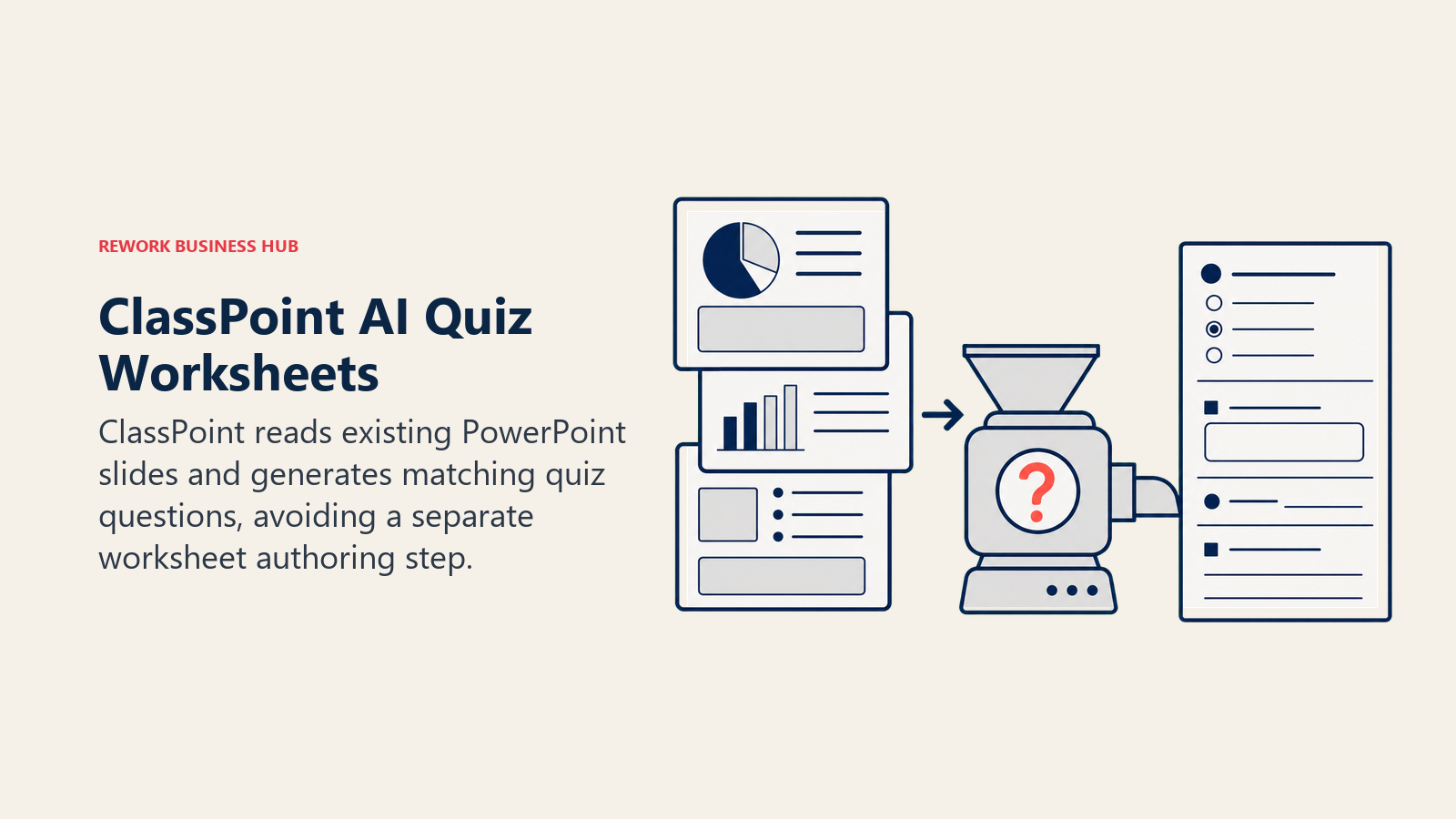
Best for: Teachers and corporate trainers who present from PowerPoint and want a matching quiz worksheet without building it separately.
| What you get | What you don't |
|---|---|
| Generates questions directly from slide content, so there's no separate authoring step | Free Basic plan caps out at 20 AI quiz credits and 5 questions per presentation |
| Question types map to Bloom's taxonomy levels, good for mixing recall and higher-order questions | Full unlimited use requires the Pro plan at $8/mo or $96/yr |
| Works in classroom and corporate training contexts alike, since it's built on PowerPoint, not a K-12-only platform | Quality of generated questions depends heavily on how much text is actually on your slides |
Pricing: Basic free (20 AI quiz credits); Pro $8/mo or $96/yr billed annually; Premium custom for schools and organizations, per ClassPoint's pricing page.
Standout use case: Turning an existing training or lesson slide deck into a graded quiz worksheet in the time it takes to open the AI panel.
10. QuestionWell: Standards-Aligned Reading Worksheets From Any Source
QuestionWell takes a piece of text, a PDF, or even a YouTube video and generates a standards-aligned reading, question set, and vocabulary list from it, then lets you export the result to 22+ platforms including Google Forms, Canvas, Kahoot, and Microsoft Word.
Best for: Teachers who need a reading worksheet with comprehension questions built directly from a specific source, tied to a standard.
| What you get | What you don't |
|---|---|
| Generates readings, questions, and vocabulary in one pass from a single source, not three separate tools | Free plan caps out at 5 to 10 multiple-choice questions at a time and 5 monthly exports |
| Exports to 22+ platforms, so content becomes a Word worksheet, a Google Form, or a Kahoot in a few clicks | Premium unlocks unlimited question types and exports but caps AI question edits at 5 monthly |
| Free plan has no time limit, just usage caps, so you can test it on a real worksheet before paying | District-level features like gradebook integration require the custom-quoted School/District plan |
Pricing: Free ($0/mo); Premium $5.83/mo billed annually at $70/yr; School/District custom, per QuestionWell's pricing.
Standout use case: Turning a current-events article or a YouTube explainer video into a standards-aligned reading worksheet with comprehension questions.
11. Quizizz (Wayground): Gamified Quizzes That Print as Worksheets
Quizizz rebranded to Wayground in 2026 but kept its core strength: AI-generated question sets from any topic, standard, or uploaded document, playable as a live gamified quiz or exported as a printable worksheet for offline or absent students.
Best for: Teachers who want the same quiz to work as a live classroom game and a printable practice worksheet.
| What you get | What you don't |
|---|---|
| AI generates a full question set from a topic, standard, or uploaded document in one pass | Individual Super plan pricing is regionalized and isn't consistently published in US dollars |
| Print-to-PDF worksheet mode means the same content covers both in-class and take-home use | Free tier's 20-activity storage cap will feel tight for a teacher building a full-year question bank |
| Free Basic tier includes Quizizz AI and storage for up to 20 activities, enough for regular use | Best for question-and-answer formats, not open-ended worksheet content like writing prompts |
Pricing: Free (Basic); Super (individual paid tier, price varies by region, check Wayground's pricing page); School Plans available with teacher reimbursement in some districts.
Standout use case: Generating a 20-question review quiz from a chapter PDF, running it live as a game, then printing it as a worksheet for a student who was absent.
12. Twee: Worksheet Content Built for Language Teachers
Twee is a niche pick by design: it's built almost entirely around ESL and world-language teaching, generating reading passages, dialogues, grammar exercises, and listening activities pitched to a specific CEFR proficiency level, the exact content that fills a language-class worksheet.
Best for: ESL and world-language teachers who need worksheet content pitched at a specific proficiency level.
| What you get | What you don't |
|---|---|
| Generator library is purpose-built for language teaching, not a general tool retrofitted for it | Free trial is limited to 5 runs on most tools before you hit a paywall |
| Text-to-audio generation supports listening comprehension worksheets directly | Narrow focus means it's not useful outside language instruction |
| CEFR-level targeting means the output is usable without heavy manual editing | Pricing tiers (Basic, Pro, Schools) take a bit of comparing to land on the right one |
Pricing: Free trial (5 runs); Basic $6.50/mo (annual); Pro $10.50/mo (annual); Schools custom, per Twee's pricing page.
Standout use case: Generating a leveled reading passage worksheet with matching vocabulary and listening audio for a specific CEFR level in one pass.
13. Coursebox AI: Quiz and Assessment Worksheets for Corporate Trainers
Coursebox AI is built for corporate trainers and course creators, not K-12 classrooms: upload a document, video, or course outline and it generates matching quiz questions and assessments automatically, the training-world equivalent of a worksheet generator.
Best for: Corporate trainers and L&D teams who need auto-graded assessment worksheets generated from existing training content.
| What you get | What you don't |
|---|---|
| Free AI quiz generator scans uploaded content and identifies key learning points to create questions in seconds | Free plan is capped at 3 mini courses and limited AI credits |
| Unlimited learners on every plan, including free, so cost doesn't scale with headcount | Full feature set (AI video, diagrams, flashcards, tutor, grading) requires the $30/mo Creator plan or higher |
| Document-to-course conversion turns an existing PDF or slide deck into a full assessment, not just a quiz | Built for training and course delivery, not a fit for K-12 classroom worksheets |
Pricing: Free ($0, 3 mini courses); Creator $30/mo ($25/mo annual); Creator Add-on $70/mo (10x AI credits); Business $700/mo; Enterprise custom, per Coursebox AI's pricing page.
Standout use case: Turning an existing compliance training PDF into a graded assessment quiz without writing a single question by hand.
What to Look For Before You Commit
Cost per worksheet, not just cost per month, is the number that matters. A $6/mo tool you use daily beats a free tool you abandon after a week because the output needs too much cleanup. Before you standardize on one:
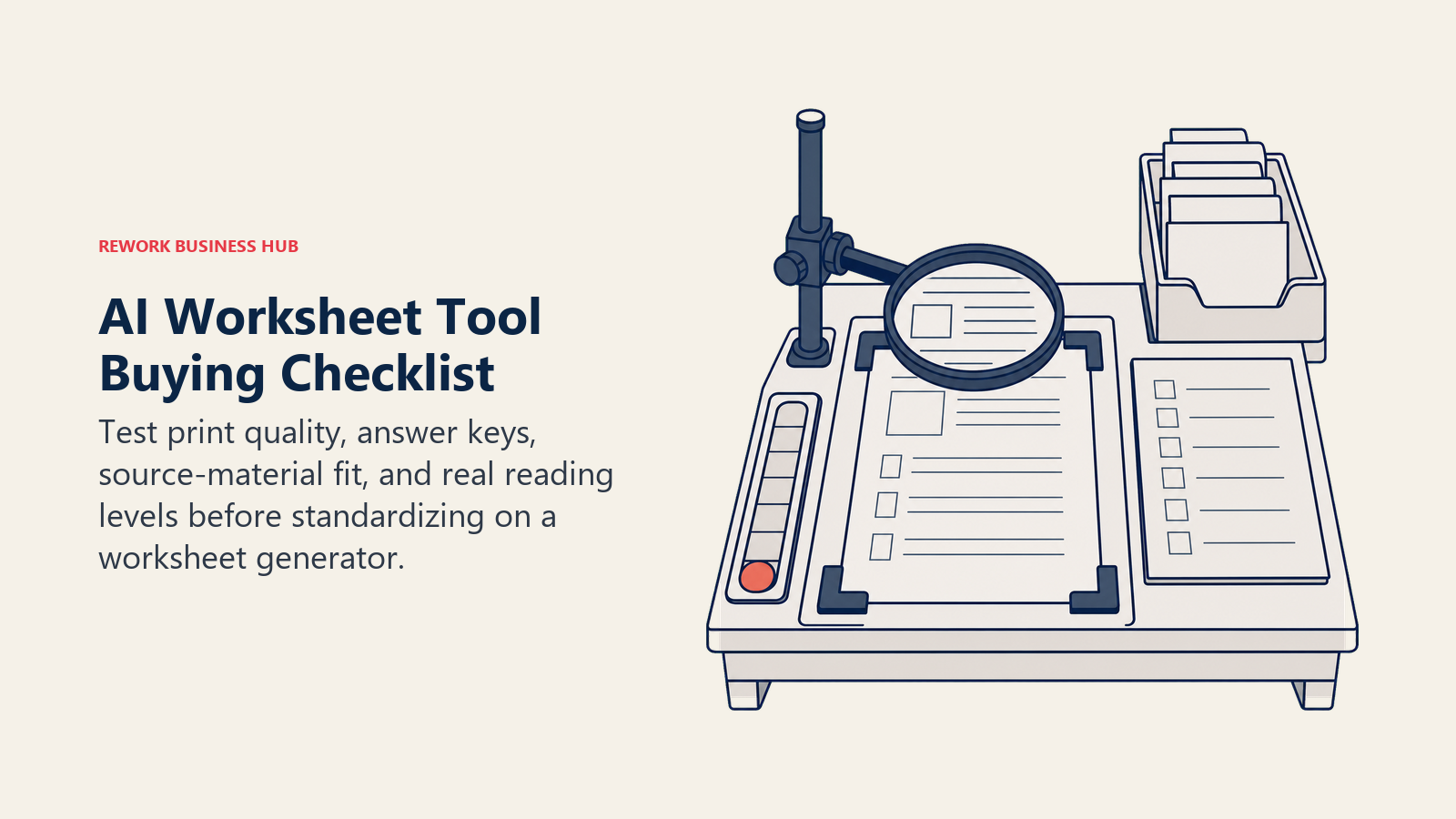
- Check output formatting. Some tools (MagicSchool, Twinkl, Canva) produce print-ready layouts. Others (Eduaide.ai, QuestionWell) produce clean content that still needs light formatting before it looks like a finished worksheet.
- Confirm the answer key is included. Not every generator includes one by default, and building answer keys by hand defeats the point of using AI in the first place.
- Match the tool to the source material. Diffit and QuestionWell start from existing text. MagicSchool, Eduaide.ai, and Coursebox start from a topic or prompt. ClassPoint starts from slides. Pick based on what you already have, not what's easiest to demo.
- Test with your actual reading levels or training content, not a generic example, before rolling a tool out to a full class or cohort.
Frequently Asked Questions about AI Tools for Making Worksheets
What's the best free AI worksheet generator in 2026?
MagicSchool AI's free tier includes its full Worksheet Generator with no feature paywall, and Eduaide.ai's free plan (15 generations a month) covers light use well. For a huge existing library with no generation needed, Education.com and Twinkl both offer limited free downloads before you hit a paywall.
What's the difference between an AI worksheet generator and a full lesson-planning tool like MagicSchool?
MagicSchool is a full planning suite that happens to include a dedicated Worksheet Generator among its 80+ tools. Narrower tools like Eduaide.ai, Diffit, and Twee focus entirely on generating practice content and often go deeper on one specific job (leveling text, language content, high-volume generation) than a broader suite does.
Can AI worksheet generators create differentiated worksheets for mixed-ability classrooms?
Yes, and Diffit is purpose-built for exactly this: it turns one article or topic into five or more reading levels, each formatted as its own worksheet with matching vocabulary and comprehension questions. MagicSchool and Eduaide.ai also include differentiation generators as part of their broader toolkits.
Are AI-generated worksheets accurate enough to use without checking?
No. Every tool on this list speeds up the mechanical parts of building a worksheet, but a teacher or trainer still needs to review the questions, answer key, and content for accuracy before handing it out. Treat these as drafting accelerators, not a replacement for a final read-through.
What's the best AI worksheet tool for corporate trainers, not K-12 teachers?
Coursebox AI and ClassPoint AI are the two on this list built with corporate training in mind. Coursebox turns an existing training document into a full graded assessment, while ClassPoint AI generates quiz questions directly from a PowerPoint deck, which fits how most corporate trainers already present.
Can I turn a paper worksheet I already made into a digital, auto-graded one?
Yes. Formative's Luna AI is built specifically for this: it scans a paper worksheet and converts it into a digital, gradeable assignment, so existing materials don't need to be recreated from scratch.
Do any of these tools work for language teaching, like ESL or world languages?
Twee is the one purpose-built for it, generating reading passages, dialogues, and grammar exercises pitched to a specific CEFR proficiency level. General tools like MagicSchool and Eduaide.ai can generate language-adjacent content too, but Twee's output needs the least manual editing for that specific use case.
How much should I expect to pay for an AI worksheet generator?
Entry pricing ranges from free to roughly $5-15 per month for most individual-teacher tools (Eduaide.ai, QuestionWell, ClassPoint AI, Diffit). Tools built around a large existing content library, like Twinkl and Education.com, run closer to $10-16 per month. Corporate training tools like Coursebox AI start around $30 per month once you need more than a free trial's worth of quizzes.
Related Reading
- Best AI Tools for Teachers in 2026: 14 Tools for the K-12 Classroom
- Best AI Tools in 2026: The Top 25 Across Every Category
- Best AI Tools for Students in 2026
- Best AI Tools for HR in 2026
- Best AI Tools for Content Writers in 2026
- AI Training and Onboarding: Using Artificial Intelligence to Ramp Up New Hires Faster
- AI Tool Selection Framework: A Strategic Approach to Choosing the Right AI Solutions
- AI in Higher Education: Leveraging Artificial Intelligence for Enrollment, Student Success, and Operations
Methodology
Every tool on this list was evaluated specifically on how well it generates worksheets, printables, or quiz-style practice materials, not on the breadth of its full feature set. Statistics cited above come from the Walton Family Foundation-Gallup teacher survey, RAND's national teacher and principal survey, and the Synthesia AI in Learning & Development Report 2026, each linked at first mention.
What to Do Next
Pick one tool for the worksheet job you actually have this week, not a whole stack. If you need a general practice sheet on a topic, start with MagicSchool's free Worksheet Generator or Eduaide.ai. If you're differentiating for reading level, go straight to Diffit. If you're a corporate trainer working from slides or an existing document, ClassPoint AI or Coursebox AI will save you the most time. Test the output on one real class or cohort before you commit to a paid plan, since the tool that earns its subscription is the one whose worksheets need the least cleanup before you hand them out.

Principal Product Marketing Strategist
On this page
- Key Facts
- Quick Comparison Table
- How to Choose: Decision Framework
- 1. MagicSchool AI: The Most Complete Worksheet Generator
- 2. Twinkl AI Worksheet Generator: Fast Sheets, Backed by a Massive Library
- 3. Education.com: A Huge Worksheet Library With AI Generation Layered On
- 4. Diffit: Turning One Text Into Worksheets for Every Reading Level
- 5. Eduaide.ai: The Cheapest High-Volume Worksheet Generator
- 6. Canva for Education: The Best Tool for Worksheets That Need to Look Good
- 7. Wordwall: Worksheets That Double as Games
- 8. Formative: Turning Paper Worksheets Into Digital, Auto-Graded Ones
- 9. ClassPoint AI: Quiz Worksheets Straight From Your Slides
- 10. QuestionWell: Standards-Aligned Reading Worksheets From Any Source
- 11. Quizizz (Wayground): Gamified Quizzes That Print as Worksheets
- 12. Twee: Worksheet Content Built for Language Teachers
- 13. Coursebox AI: Quiz and Assessment Worksheets for Corporate Trainers
- What to Look For Before You Commit
- Related Reading
- Methodology
- What to Do Next