Best AI Tools for Students in 2026: 14 Tools for Research, Writing, and Studying
Turn this article into takeaways for your work.


Each assistant summarizes the article only for you and suggests best practices for your work.
No single app covers a student's whole workload. ChatGPT and Claude handle general drafting and explaining, Perplexity and Consensus handle cited research, NotebookLM and SciSpace turn your own readings into study material, Grammarly and Quizlet handle polish and memorization, and Photomath, Gauth, and Wolfram Alpha handle math and STEM problem sets. This guide ranks 14 tools by where they actually fit in a normal school week, plus an honest look at Turnitin and what AI detection can and can't catch.
Every tool below was evaluated on real student use cases, current pricing, and available student discounts, not a vendor demo.
What Changed in 2026
Student AI access changed from broad free offers to a mix of verified discounts, mid-tier subscriptions, and education-specific features.
- OpenAI added a $100/month ChatGPT Pro tier on April 9, 2026, sitting between the $20 Plus plan and the original $200 Pro tier, plus a cheaper $8/month "ChatGPT Go" tier in select markets for students who find Plus too expensive but outgrow the free limits.
- Google split its AI Ultra subscription into a $99.99 entry tier and a $200 high-limit tier at I/O on May 19, 2026, which now gates NotebookLM's higher usage limits.
- Google's year-long free "Google AI Pro for students" offer ended in January 2026. A scaled-down version remains: eligible US students 18 and older can still get Google AI Pro (Gemini Advanced plus NotebookLM Pro) for $9.99/month for 12 months, half the standard $19.99 rate, verified through SheerID.
- Perplexity expanded its academic offering with Education Pro, adding Study Mode and roughly 10x more citations per answer on top of its existing Academic Focus mode, at a discounted student rate.
- Pew Research's February 2026 teen survey found ChatGPT is the default for 59% of teen chatbot users, more than double Gemini's 23%, even as Gemini and Claude both push harder into student-specific offers.
Key Facts
- 64% of US teens aged 13 to 17 have used an AI chatbot, and 54% have used one to get help with schoolwork, according to Pew Research Center's February 2026 survey of 1,458 US teens.
- 88% of students worldwide now use AI in their learning, per the Digital Education Council's AI in Higher Education Global Survey 2026, which drew 27,284 student responses across 35 countries.
- 95% of UK undergraduates use AI in some form and 94% use generative AI specifically for assessed coursework, according to the HEPI Student Generative AI Survey 2026 of 1,054 full-time undergraduates.
- More than 80% of US high school and college students now use AI for school-related tasks, per the Stanford HAI 2026 AI Index.
- 68% of students say AI skills are essential to thrive in today's job market, but only 48% feel their teaching staff are actually helping them build those skills, per the same HEPI survey.
- 57% of students say the AI guidance built into their assessments is inadequate, per the Digital Education Council survey above.
- Turnitin publishes a 98%+ accuracy claim with under 1% false positives for its AI writing detector, but independent testing by BestColleges found real-world detection closer to 90%, with false-positive rates climbing on writing from non-native English speakers.
Quick Comparison Table
| Tool | Best For | Starting Price | Key Strength | Key Limitation |
|---|---|---|---|---|
| ChatGPT | All-purpose drafting and explaining | Free; Plus $20/mo | Most widely adopted, huge plugin/GPT ecosystem | No universal student discount |
| Claude | Long readings and careful writing | Free; Pro $20/mo ($17/mo annual) | Strong at handling long PDFs and nuanced feedback | Individual student discount not offered |
| Google Gemini | Google Docs and Slides workflows | Free; AI Pro $19.99/mo (student $9.99/mo) | Deep Workspace integration, real student discount | Best features gated behind paid Google AI plans |
| NotebookLM | Turning your notes into study guides | Free; bundled in Google AI Plus $7.99/mo+ | Grounds answers only in sources you upload | No standalone paid tier, tied to Google AI plans |
| Perplexity | Cited, source-backed research | Free; Education Pro ~$10/mo | Every answer shows its sources | Deep Research quota limited on lower tiers |
| SciSpace | Reading and summarizing papers | Free; Premium $12/mo | Explains paper jargon line by line | Best value tools require an annual plan |
| Consensus | Finding what the research says | Free; Pro $10/mo (student ~$6/mo) | Evidence-based, cites peer-reviewed studies only | Not built for general-purpose writing |
| Grammarly | Polishing papers before submission | Free (100 AI prompts/mo); Pro $12/mo | Catches errors ChatGPT drafts miss | Full AI detection features are Pro-only |
| Quizlet | Flashcards and practice tests | Free; Plus $2.99/mo (annual) | Turns notes into cards automatically | AI tutor depth is basic vs dedicated tutoring apps |
| Notion AI | Organizing classes and group projects | Free; Plus free for verified students | Free Plus plan for accredited students | Full unlimited AI needs the paid Business tier |
| Otter.ai | Transcribing and summarizing lectures | Free (300 min/mo); Pro $16.99/mo | Real-time transcription plus AI summary | Free tier caps at 30 minutes per session |
| Wolfram Alpha | Step-by-step math and science | Free; Pro $9.99/mo ($5/mo annual) | Shows full work, not just an answer | Interface feels dated next to newer apps |
| Photomath | Quick camera-based math help | Free; Plus $9.99/mo ($69.99/yr) | Fastest, most accurate for arithmetic to calculus | Weaker outside pure math |
| Gauth | STEM homework beyond just math | Free (~11 prompts/day); Plus ~$9.99/mo | Covers physics, chemistry, biology too | Accuracy dips on multi-step word problems |
1. ChatGPT: The Default All-Purpose Study Assistant
ChatGPT is still the tool most students reach for first, and Pew's February 2026 data backs that up: 59% of teen chatbot users default to it. It's genuinely good at the tasks that eat the most time: explaining a concept a professor rushed through, outlining an essay, summarizing a long reading, or drafting practice problems. The free tier covers casual use, and GPT-5.2 handles most undergraduate-level reasoning without a paid plan.
The catch is that OpenAI still hasn't shipped a universal individual student discount as of July 2026. ChatGPT Go ($8/month, select markets) bridges the gap for students who outgrow the free tier's message limits but don't need Plus. ChatGPT Edu exists, but only if your school buys it institution-wide. If you're deciding between ChatGPT and its two biggest rivals, our Claude vs ChatGPT vs Gemini breakdown walks through which one actually fits your workflow.
| What you get | What you don't |
|---|---|
| Broadest general-purpose reasoning and drafting | No universal student discount as of July 2026 |
| Huge ecosystem of custom GPTs for specific subjects | Free tier has message caps during peak hours |
| Voice mode and mobile app for on-the-go studying | Citations are inconsistent without web search enabled |
| Fastest to get useful output with zero setup | Can state wrong facts confidently; always verify |
Pricing: Free; ChatGPT Go $8/mo (select markets); Plus $20/mo; Pro $200/mo.
Best for: Students who want one tool for brainstorming, drafting, explaining, and quick research without picking between five apps.
2. Claude: Best for Long Readings and Careful Writing
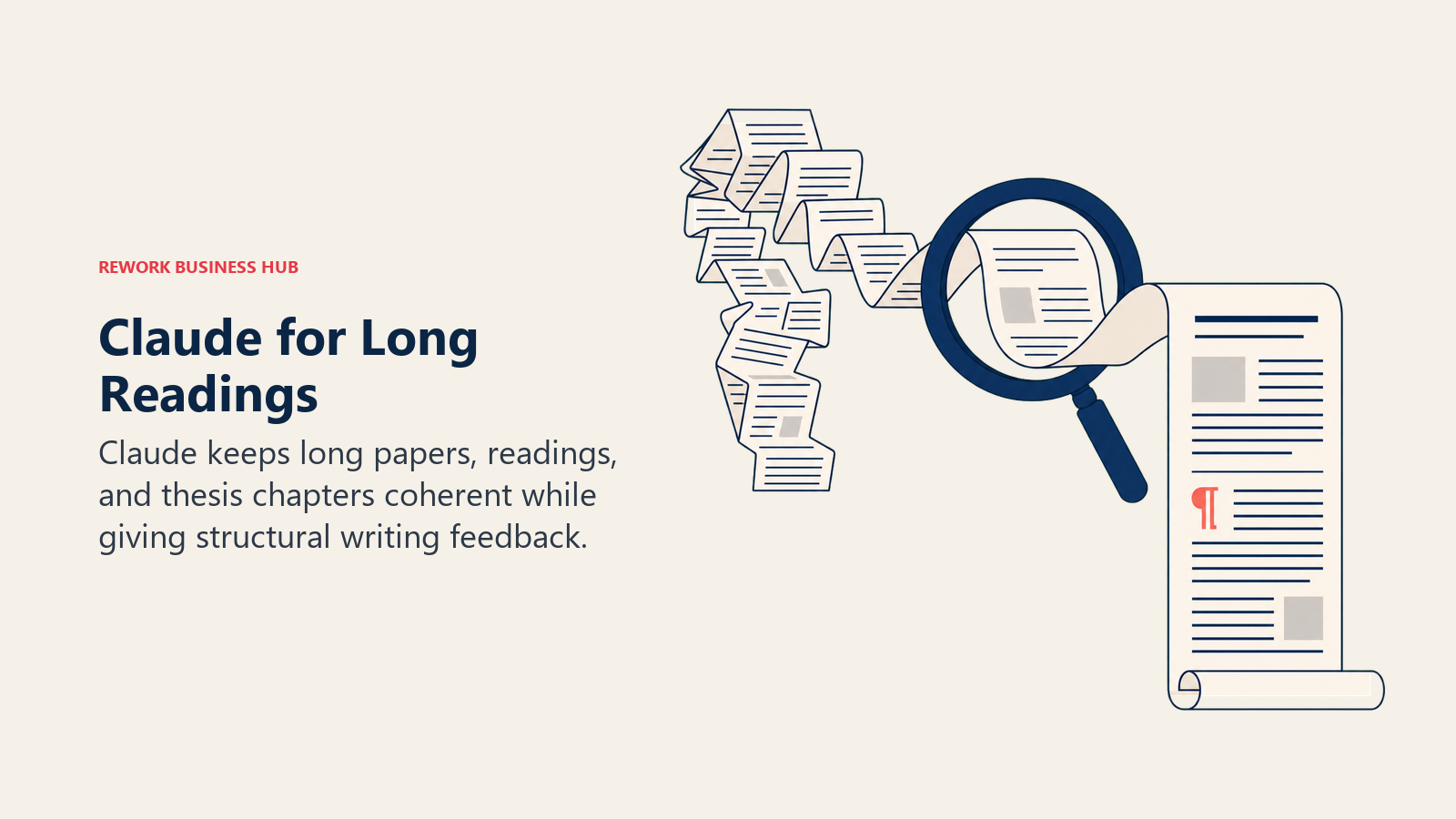
Claude's edge for students is context handling. It can take an entire assigned reading, a full problem set, or a long lecture transcript and hold onto it without losing the thread, which makes it genuinely useful for literature reviews, thesis chapters, and dense textbook chapters that ChatGPT sometimes summarizes too thin. Its writing feedback also tends to be more specific about structure and argument, not just grammar.
Anthropic offers Claude for Education, but it's an institution-wide plan your school has to sign up for, not something an individual student can claim with a .edu email. If your school hasn't adopted it, you're on the free tier or paying full price for Pro.
| What you get | What you don't |
|---|---|
| Best-in-class handling of long documents and PDFs | No individual student discount as of July 2026 |
| More specific, structural writing feedback | Claude for Education requires your school to opt in |
| Strong at careful, nuanced reasoning tasks | Smaller plugin/integration ecosystem than ChatGPT |
| Clear about uncertainty rather than guessing | Free tier has tighter daily message limits |
Pricing: Free; Pro $20/mo ($17/mo billed annually); Max from $100/mo.
Best for: Upperclassmen and grad students working with long readings, research papers, or theses that need careful, structured feedback.
3. Google Gemini: Best If You Already Live in Google Docs
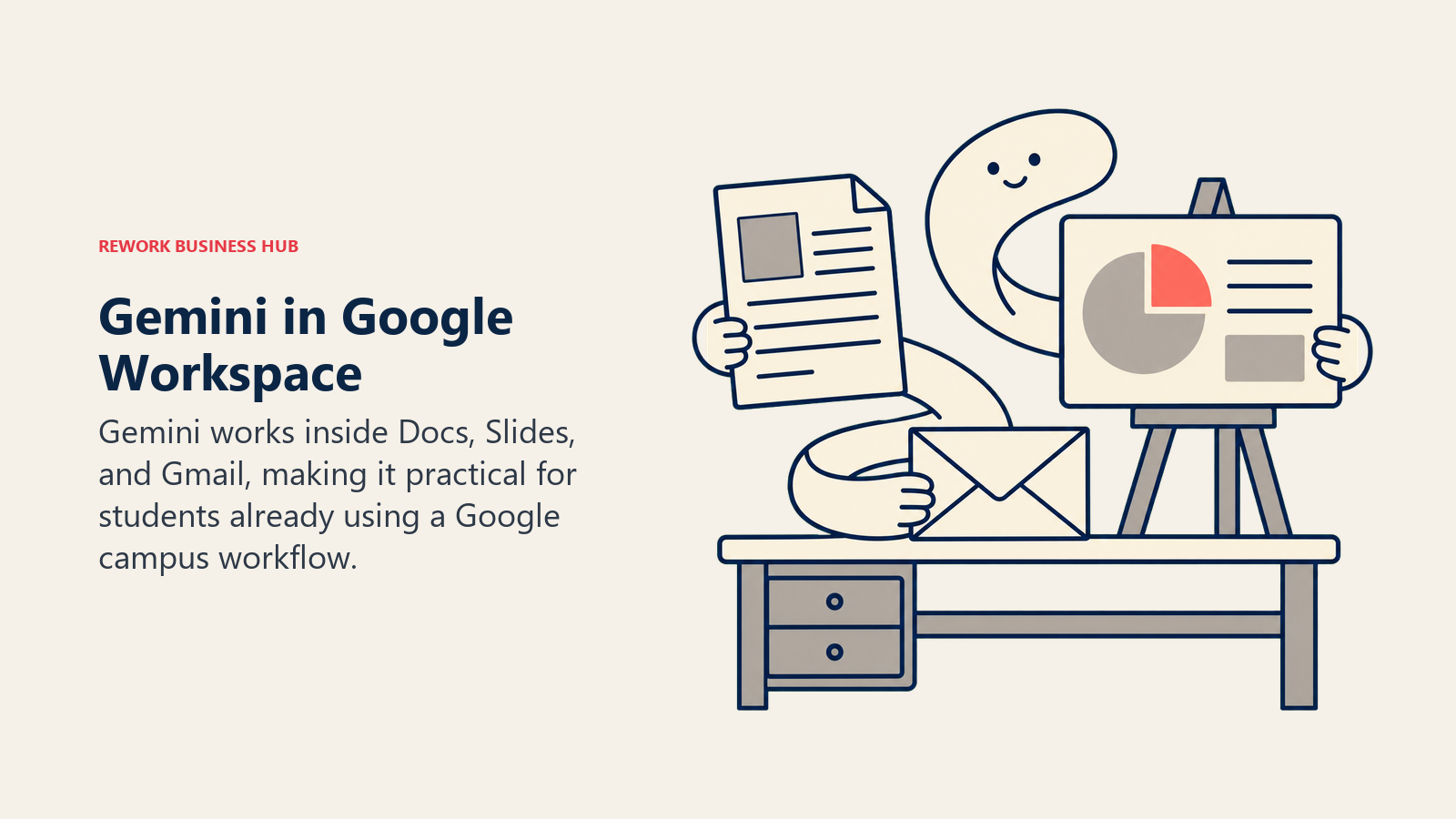
Gemini's real advantage isn't the model itself, it's where it lives. If your school runs on Google Workspace for Education, Gemini is already inside Docs, Slides, and Gmail, drafting outlines, summarizing long email threads, and generating slide decks without leaving the app you're already using.
Google also runs the most generous real student discount on this list: eligible US students 18 and older can get Google AI Pro (which bundles Gemini Advanced and NotebookLM Pro) for $9.99/month for 12 months, verified through SheerID with a .edu email. The full year-long free offer ended in January 2026, but the half-price rate is still live.
| What you get | What you don't |
|---|---|
| Deep native integration with Docs, Slides, Gmail | Best model access still gated behind paid AI Pro/Ultra |
| Real 50%-off student pricing, not just a free trial | Advanced reasoning trails ChatGPT and Claude on hard tasks |
| Bundles NotebookLM Pro and 2TB storage at the Pro tier | Free tier is noticeably more limited than free ChatGPT |
| Strong for quick research summaries inside Search | UI changes frequently as Google reshuffles tiers |
Pricing: Free; Google AI Pro $19.99/mo (student rate $9.99/mo for 12 months); Google AI Ultra from $99.99/mo.
Best for: Students on Google Workspace for Education campuses who want AI baked into Docs and Slides without switching tools.
4. NotebookLM: Best for Turning Your Own Notes Into Study Guides
NotebookLM solves a specific problem the general chatbots don't: it only answers from sources you actually upload, your lecture slides, your textbook PDF, your own notes, so it can't invent facts from outside material the way a general chatbot can. Upload a semester's worth of readings and it generates study guides, FAQ sheets, and even a podcast-style "Audio Overview" that summarizes the material out loud, useful for reviewing on a commute.
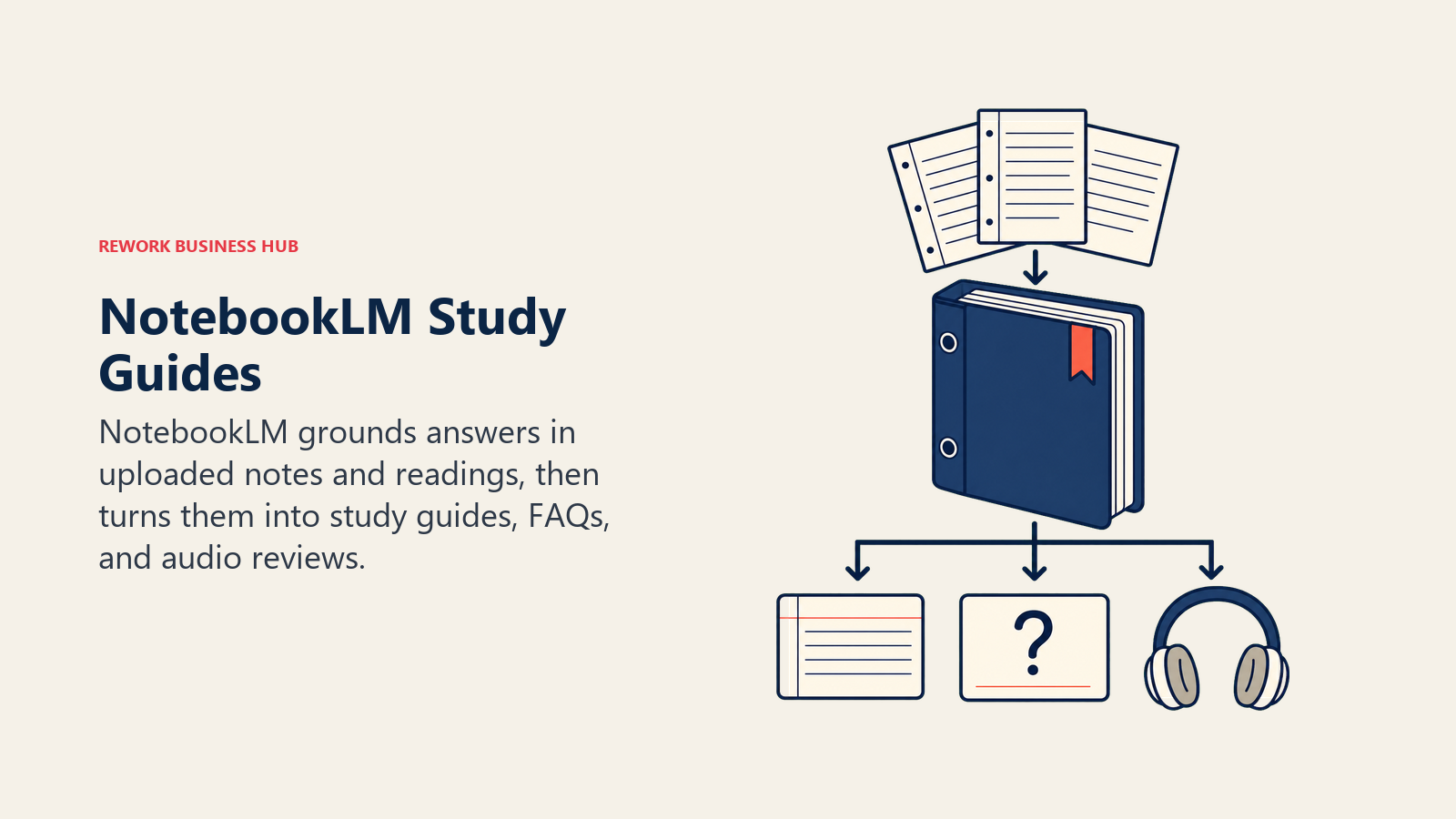
The free tier is genuinely usable: 100 notebooks, 50 sources each, and 50 questions a day with no time limit. There's no standalone NotebookLM subscription; higher usage limits and Video Overviews require a paid Google AI plan.
| What you get | What you don't |
|---|---|
| Answers are grounded only in your uploaded sources | No standalone paid tier, tied to Google AI plans |
| Free tier covers a full semester of material | Doesn't browse the open web like Perplexity |
| Audio Overviews are genuinely useful for review | Video Overviews and higher limits need a paid plan |
| Great for group study guides from shared sources | Less useful for open-ended brainstorming |
Pricing: Free (100 notebooks, 50 sources each, 50 questions/day); paid usage bundled into Google AI Plus $7.99/mo, Pro $19.99/mo, Ultra from $99.99/mo.
Best for: Turning a stack of lecture slides, readings, and notes into a study guide without the AI making things up.
5. Perplexity: Best for Cited, Source-Backed Research
Perplexity's whole design is built around showing its work. Every answer comes with numbered citations linking back to the actual source, which matters for research papers where "the AI told me" isn't a citation your professor will accept. Its Education Pro tier adds a Study Mode built specifically for coursework, plus roughly 10x more citations per answer than the standard experience.
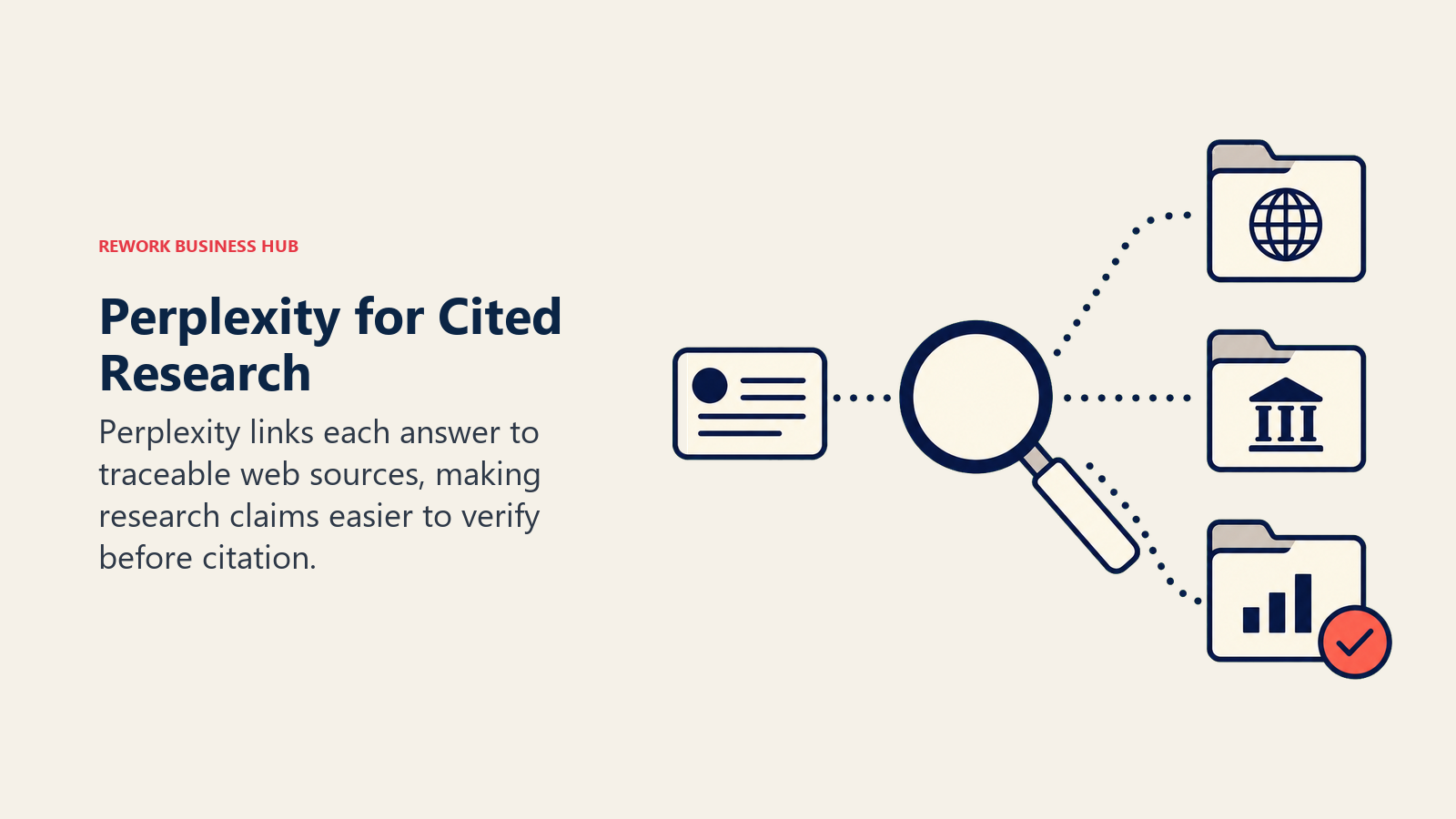
The discount structure is a little messy: standard Education Pro runs around $10/month (50% off) verified through SheerID with a school email, though some students who came in through referral promotions report a lower ongoing renewal rate closer to $5/month.
| What you get | What you don't |
|---|---|
| Every answer shows real, clickable sources | Deep Research runs are capped on lower tiers |
| Study Mode built specifically for coursework | Pricing tiers have shifted multiple times in 2026 |
| Real-time web search, not a static knowledge cutoff | Less strong than Claude for long-form writing feedback |
| Verified student rate around 50% off standard Pro | Requires school email verification via SheerID |
Pricing: Free; Pro $20/mo; Education Pro roughly $10/mo (50% off) for verified students.
Best for: Research papers and assignments where you need every claim traceable back to a real, citable source.
6. SciSpace: Best for Reading and Summarizing Academic Papers
SciSpace is built for the moment you open a dense journal article and realize you don't have three hours to parse it. Its AI Copilot sits next to the PDF and explains equations, jargon, and methodology paragraph by paragraph, and it can pull structured summaries, extract data tables, and format citations against more than 40,000 journal templates when you're ready to write.
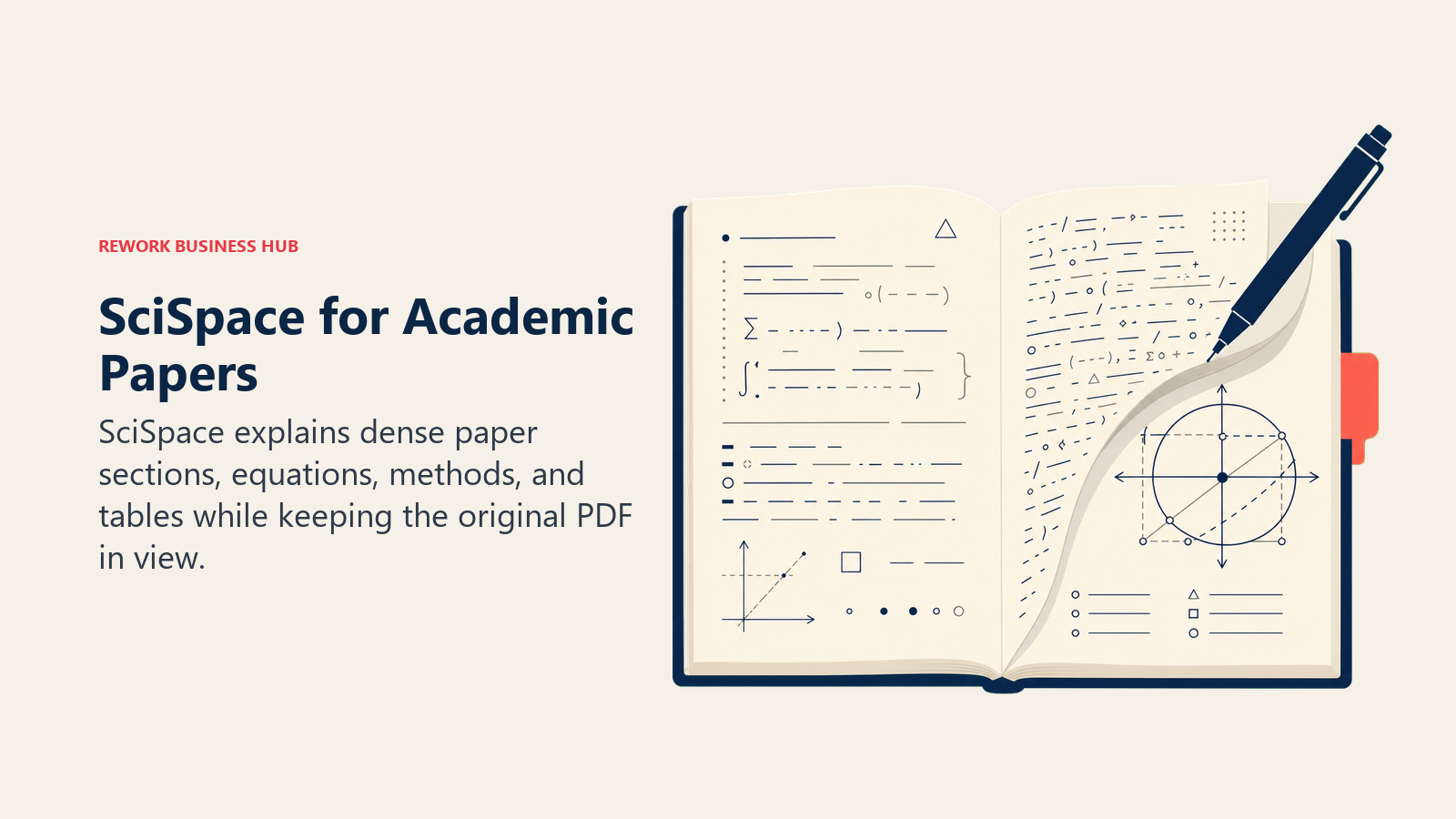
Undergrads doing a term paper or two probably don't need it, but anyone doing a thesis, capstone, or lab-heavy course will get real use out of it. If your program leans heavily on primary literature, our best AI tools for academic research guide goes deeper on the full research stack, including citation-checking tools like Scite.ai.
| What you get | What you don't |
|---|---|
| Explains dense papers paragraph by paragraph | Monthly plan is pricier than general chatbots |
| 40,000+ journal formatting templates built in | Overkill for students who aren't reading primary literature |
| University Program offers free licenses at some schools | Best discount requires annual billing |
| Extracts data tables and citations automatically | Less useful for general essay writing |
Pricing: Free; Premium $12/mo; 30% off annual plans for verified students and academics.
Best for: Thesis, capstone, and grad-level work that involves reading a stack of primary research papers.
7. Consensus: Best for Finding What the Research Actually Says
Consensus answers a narrower question than Perplexity: not "what's on the internet about this," but "what do peer-reviewed studies actually conclude about this." Ask it something like "does spaced repetition improve retention" and it pulls directly from published research and summarizes where the evidence agrees or disagrees, instead of blending in blog posts and forum threads.
It's not a general writing tool, and it won't draft your essay for you. It's best paired with something like ChatGPT or Claude for the actual writing once you know what the literature says.
| What you get | What you don't |
|---|---|
| Answers sourced only from peer-reviewed studies | Not built for drafting or general writing |
| Shows where studies agree or conflict | Deep Search quota is limited on the free tier |
| Verified student discount of 40% off Pro | Narrower scope than a general research tool |
| Good for quickly checking a claim before citing it | Smaller source database than a full library search |
Pricing: Free (15 Pro messages/mo, 3 Deep Searches/mo); Pro $10/mo (student rate ~$6/mo with .edu verification); Deep $45/mo.
Best for: Quickly checking what peer-reviewed research says on a specific claim before you cite it.
8. Grammarly: Best for Polishing Every Paper Before You Submit
Grammarly still does one thing better than the general chatbots: it lives inside the app you're already typing in, catching grammar, tone, and clarity issues in real time instead of requiring a separate copy-paste step. The free tier covers basic corrections and includes 100 AI prompts a month, which is enough for occasional rewrites.
Pro unlocks full-sentence rewrites, tone adjustment, plagiarism checking, and AI-generated text detection, useful for checking your own draft before you submit it, not just catching typos. If you want a broader look at AI writing tools beyond grammar-checking, see our best AI writing tools roundup.
| What you get | What you don't |
|---|---|
| Real-time checking inside your browser and docs | Full-sentence rewrites and AI detection are Pro-only |
| Free tier includes 100 AI prompts a month | Not a research or brainstorming tool |
| Plagiarism and AI-text detection built in | Can flag legitimate phrasing as an issue sometimes |
| Works across nearly every app you type in | Pro pricing has shifted plan names more than once in 2026 |
Pricing: Free (100 AI prompts/mo); Pro $12/mo billed annually (2,000 AI prompts/mo).
Best for: A final polish pass on every paper, email, and application before you hit submit.
9. Quizlet: Best for Flashcards and Practice Tests
Quizlet's Magic Notes feature turns a photo of your handwritten notes or a pasted PDF into a flashcard set automatically, and Q-Chat, its AI tutor, asks follow-up questions instead of just flipping a card, closer to how a real study partner quizzes you. Expert Solutions layers in step-by-step textbook answers for courses that use common textbooks.
It's inexpensive relative to everything else on this list, which makes it an easy add even if your main workflow lives elsewhere.
| What you get | What you don't |
|---|---|
| Auto-generates flashcards from notes or PDFs | Free tier limits practice tests and Learn sessions |
| Q-Chat AI tutor asks follow-up questions, not just answers | AI tutoring is shallower than a dedicated tutoring app |
| Cheapest paid tier on this entire list | Textbook coverage in Expert Solutions is uneven by subject |
| Works well for group study and shared sets | Not built for essay writing or research |
Pricing: Free; Plus $2.99/mo billed annually ($35.99/yr) or $7.99/mo month-to-month; Plus Unlimited $9.99/mo ($44.99/yr annual).
Best for: Memorization-heavy courses (languages, vocab, anatomy, bar exam prep) where flashcards and practice tests actually work.
10. Notion AI: Best for Organizing Classes and Group Projects
Notion's advantage for students isn't really the AI, it's that class notes, group project boards, reading lists, and a semester calendar can all live in one workspace instead of five separate apps. The AI layer summarizes long notes, auto-fills databases, and drafts outlines directly inside that workspace.
Notion's education offer is one of the best on this list: students and teachers at accredited institutions can claim a free Education Plus plan with a valid .edu email, no credit card required. Full unlimited AI access, including the Notion Agent, is still gated behind the Business tier, which the free education plan doesn't unlock.
| What you get | What you don't |
|---|---|
| Free Plus plan for verified students, no card needed | Full unlimited AI still requires the paid Business tier |
| One workspace for notes, tasks, and group projects | Learning curve is steeper than a single-purpose app |
| Good for shared group project workspaces | AI features feel like an add-on, not the core product |
| Templates for class schedules and reading lists | Metered credit system adds cost for advanced AI agents |
Pricing: Free; Education Plus plan free for verified students; Business (full AI) $20/mo.
Best for: Students who want one organized workspace for notes, group projects, and semester planning.
11. Otter.ai: Best for Never Missing a Word of a Lecture
Otter transcribes lectures and meetings in real time and generates an AI summary afterward with key points and action items pulled out automatically. For a three-hour seminar or a group project call, that means you can actually participate in the discussion instead of frantically typing notes the whole time.
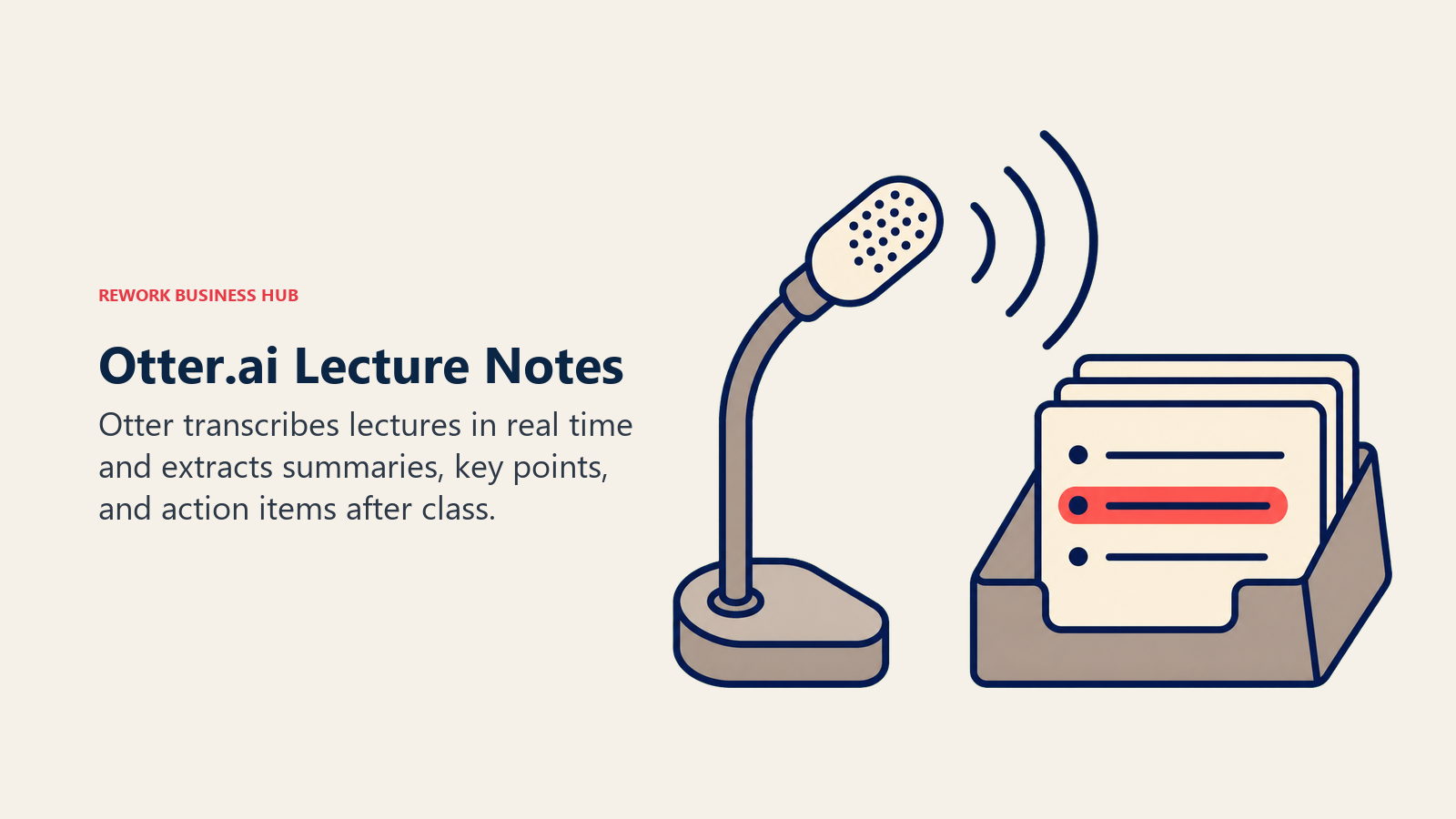
The free tier's 30-minute-per-session cap is the real limitation; most lecture blocks run longer than that. Students and teachers get a 20% discount on Pro with a .edu email, which mostly closes the gap. If you want to compare it against other AI notetakers, our best AI meeting assistants guide covers Fireflies and Fathom as well.
| What you get | What you don't |
|---|---|
| Real-time transcription plus an AI summary after | Free tier caps at 30 minutes per conversation |
| 20% student/teacher discount with a .edu email | Accuracy dips with heavy accents or poor audio |
| Works across in-person, Zoom, and phone calls | Pro's 1,200 monthly minutes can run out in a busy semester |
| Action items and key points pulled out automatically | Not useful outside lecture/meeting-style content |
Pricing: Free (300 min/mo, 30-min cap per session); Pro $16.99/mo ($8.33/mo billed annually), 20% off for students and teachers.
Best for: Long lectures and seminars where you'd rather participate than transcribe by hand.
12. Wolfram Alpha: Best for Step-by-Step Math and Science
Wolfram Alpha's computational engine has been the standard for showing full mathematical work, not just a final answer, for over a decade, and that's still its edge over newer camera-based solvers. It handles calculus, statistics, chemistry, and engineering-level computation with a step-by-step breakdown you can actually learn from, plus custom graphing and downloadable results.
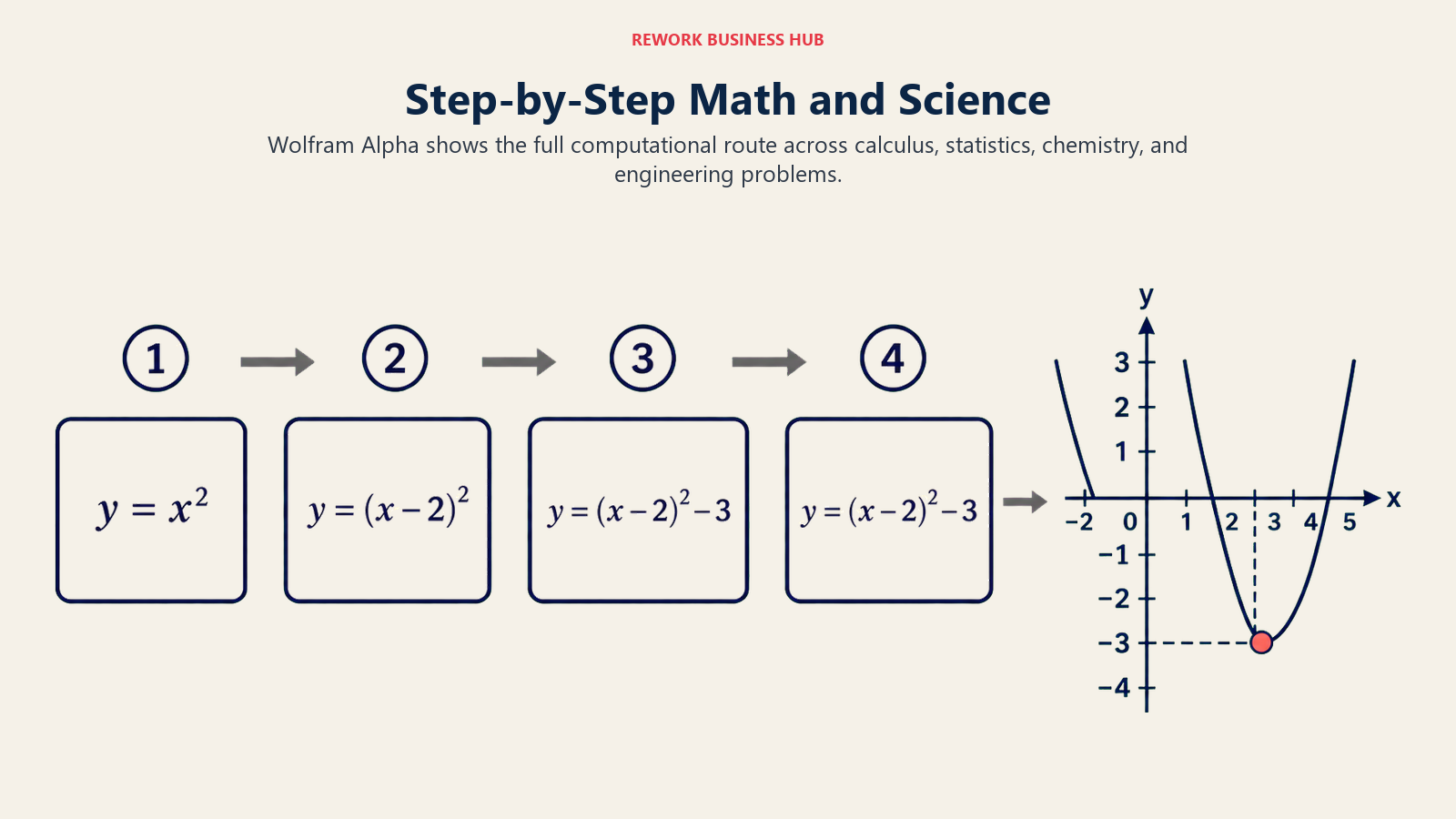
The interface feels dated next to Photomath or Gauth's camera-first apps, but for anything beyond basic arithmetic, the depth of the computation engine is hard to match.
| What you get | What you don't |
|---|---|
| Full step-by-step work across math, stats, and science | Interface feels dated next to newer camera-first apps |
| Handles engineering-level computation, not just K-12 math | No camera-based photo input on the free tier |
| Verified student pricing on both Pro tiers | Slower to use for a quick single-answer check |
| Custom, downloadable graphs and visualizations | Less intuitive for students who just want a fast answer |
Pricing: Free; Pro $9.99/mo ($5/mo billed annually, $60/yr); Pro Premium $12/mo ($8.25/mo billed annually, $99/yr) for verified students.
Best for: Calculus, statistics, and science courses where you need to see the full work, not just the final number.
13. Photomath: Best for Quick Camera-Based Math Help
Photomath's entire pitch is speed: point your phone camera at a printed or handwritten problem and get an animated, step-by-step solution in seconds. It's remarkably accurate from basic arithmetic through calculus, and the free tier already includes unlimited step-by-step solutions for most problem types.
Photomath Plus adds textbook-specific deep-dive explanations matched to your actual assigned book and custom visual aids for geometry and word problems, useful when you need to understand the "why," not just check an answer.
| What you get | What you don't |
|---|---|
| Fastest, most accurate camera-based math solver | Weaker outside pure math (no chemistry or physics) |
| Free tier already covers most step-by-step solutions | Plus textbook matching only covers common textbooks |
| Animated explanations, not just a final answer | Handwriting recognition struggles with messy work |
| Annual plan cuts the price roughly in half | Doesn't handle multi-part word problems as well as Gauth |
Pricing: Free; Photomath Plus $9.99/mo or $69.99/yr (about $5.83/mo).
Best for: A fast, reliable second opinion on math homework, from arithmetic through calculus.
14. Gauth: Best for STEM Homework Beyond Just Math
Gauth covers the same camera-to-solution workflow as Photomath but extends it across physics, chemistry, and biology, not just math. Point your camera at a lab worksheet or a word problem and it walks through the reasoning, not just the final number.
The free tier is capped tightly (roughly 11 prompts a day) and is ad-supported, which pushes frequent users toward the paid Plus tier fairly quickly. A Tutor plan connects you with live human tutors for harder concepts, at a noticeably higher price than the AI-only tier.
| What you get | What you don't |
|---|---|
| Covers physics, chemistry, and biology, not just math | Free tier is capped tightly and ad-supported |
| Handles multi-step word problems reasonably well | Accuracy dips on more complex, multi-part problems |
| Live human tutor option for harder concepts | Tutor tier costs meaningfully more than AI-only Plus |
| Fast camera-to-answer workflow like Photomath | Regional pricing varies more than most tools on this list |
Pricing: Free (~11 prompts/day); Plus roughly $9.99 to $11.99/mo; Tutor (live tutors) $19.99/mo.
Best for: STEM homework across physics, chemistry, and biology, not just pure math.
What About Turnitin? What Every Student Should Know
Turnitin isn't a tool you choose. It's the AI detector most colleges already run your papers through, and understanding how it actually works matters more than whichever writing tool you picked above.
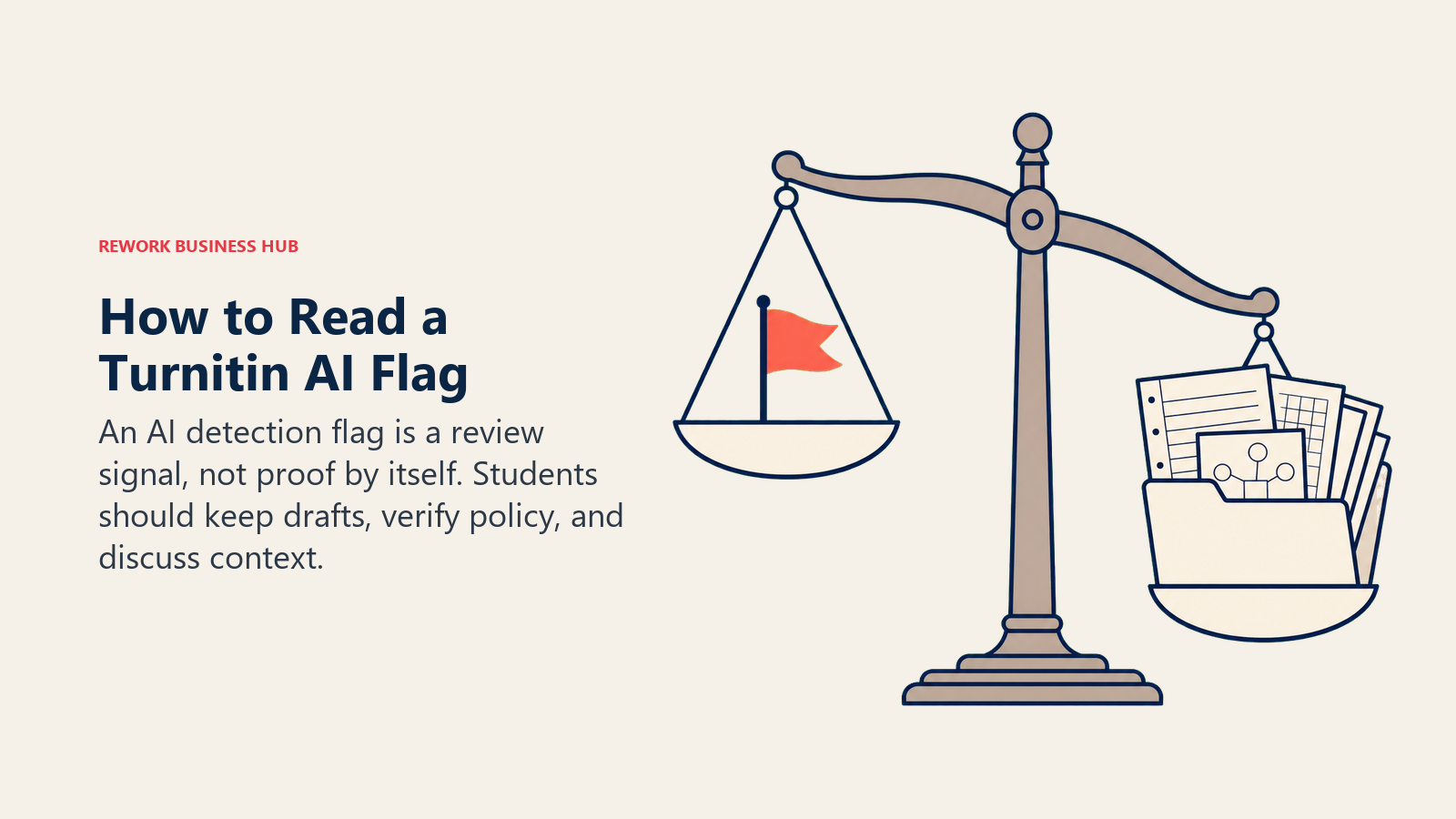
Turnitin's own marketing claims 98%+ accuracy with under 1% false positives for its AI writing report. That number comes from Turnitin's internal testing. Outside its own lab, results look different: independent testing by BestColleges found real-world detection closer to 90%, and false-positive rates climb noticeably on writing from non-native English speakers, heavily edited drafts, and technical prose. Turnitin's own guidance is explicit that the AI report "should not be used as the sole basis for adverse actions against a student," which means a flag is a conversation starter with your professor, not automatic proof of misconduct.
The honest, practical guidance for using any tool on this list:
- Check your syllabus first. AI policies vary wildly by professor and by assignment within the same class. What's fine for a discussion post might not be fine for a graded essay.
- Use AI to understand, not to skip understanding. Asking ChatGPT to explain a concept three different ways is very different from asking it to write the essay for you. Only one of those actually helps you on the exam.
- Verify anything AI tells you before you cite it. General chatbots can state incorrect facts with total confidence, a failure mode worth understanding on its own terms; see our explainer on AI hallucination for why this happens and how to catch it.
- Don't submit unedited AI output as your own words, even where it's technically allowed. Beyond the integrity risk, papers that read like generic AI output tend to score worse on the parts of a rubric that reward original thinking anyway.
How to Build Your AI Stack by Task
Most students don't need all 14 tools. Pick two or three based on what's actually eating your time this semester.
| If you need... | Pick... | Why |
|---|---|---|
| One tool that covers most general coursework | ChatGPT or Claude | Broadest reasoning and drafting; pick Claude for long readings |
| Research with sources you can actually cite | Perplexity or Consensus | Every answer links back to a real, checkable source |
| Study guides from your own lecture material | NotebookLM | Grounded only in what you upload, won't invent facts |
| Help reading dense academic papers | SciSpace | Explains jargon and methodology paragraph by paragraph |
| A final polish before you submit a paper | Grammarly | Catches issues a chatbot draft leaves behind |
| Memorizing vocab, formulas, or exam material | Quizlet | Auto-generates flashcards and quizzes from your notes |
| Keeping notes and group projects organized | Notion AI | Free Education Plus plan for verified students |
| Catching every word of a long lecture | Otter.ai | Real-time transcription plus an AI summary after |
| Math homework with full step-by-step work | Wolfram Alpha or Photomath | Wolfram for depth, Photomath for speed |
| STEM homework beyond pure math | Gauth | Covers physics, chemistry, and biology too |
AI Tool Mistakes Students Make
| Mistake | What It Looks Like | What to Do Instead |
|---|---|---|
| Paying for five subscriptions before finding a workflow | Signing up for every tool's free trial in week one | Start with one general assistant and one specialist, add more only if you hit a real gap |
| Skipping the student discount | Paying full Perplexity, Wolfram Alpha, or Otter price | Verify with your .edu email through SheerID before you subscribe to anything |
| Treating AI output as fact | Citing a chatbot's summary of a study without checking the source | Cross-check with Perplexity or Consensus before citing anything in a paper |
| Ignoring your syllabus's AI policy | Assuming every class allows the same AI use as the last one | Reread the AI policy section for each class at the start of the semester |
| Submitting unedited AI drafts | Copy-pasting a ChatGPT essay with no personal editing | Use AI for outlines and feedback, write and edit the final draft yourself |
| Using a homework solver as a shortcut instead of a check | Photographing every problem instead of attempting it first | Try the problem yourself, then use the solver to check your work or unstick a specific step |
Frequently Asked Questions about AI Tools for Students
What is the best AI tool for students in 2026?
There's no single best tool for every student. ChatGPT is the most widely used all-purpose assistant, Claude handles long readings and careful writing best, Perplexity and Consensus are strongest for cited research, and NotebookLM turns your own class materials into study guides without inventing facts.
Is ChatGPT free for students?
Yes, ChatGPT has a genuinely usable free tier, and as of July 2026 OpenAI has not introduced a universal individual student discount. ChatGPT Go ($8/month in select markets) and Plus ($20/month) are the paid options; ChatGPT Edu is only available if your school buys it institution-wide.
Which AI tools have real student discounts?
Google AI Pro ($9.99/month for 12 months, 50% off), Perplexity Education Pro (roughly $10/month, 50% off), Consensus Pro (40% off, about $6/month), Otter.ai Pro (20% off), SciSpace Premium (30% off annual), and Wolfram Alpha Pro all offer verified student pricing through a .edu email or SheerID.
Can Turnitin actually detect AI-written essays?
Turnitin claims 98%+ accuracy with under 1% false positives, but independent testing has found real-world detection closer to 90%, with higher false-positive rates on writing from non-native English speakers and heavily edited drafts. Turnitin itself says the AI report shouldn't be the sole basis for disciplinary action.
Is it cheating to use AI for homework?
It depends entirely on your school's and your professor's policy, which can vary by class and even by assignment. Using AI to explain a concept or check your work is generally treated differently than submitting AI-written text as your own, so check your syllabus before you assume either is fine.
What's the difference between Photomath and Gauth?
Photomath is math-only (arithmetic through calculus) and is generally more accurate and faster for pure math problems. Gauth covers physics, chemistry, and biology in addition to math, which makes it the better pick for mixed STEM homework, though its accuracy dips slightly on complex multi-step problems.
Do I need NotebookLM if I already have ChatGPT?
They solve different problems. ChatGPT draws on its general training data and can occasionally state something incorrect with confidence. NotebookLM only answers from sources you upload yourself, which makes it more reliable for building a study guide from your actual lecture slides and readings.
How much should a student expect to spend on AI tools per month?
Most students can cover their core workflow for $0 to $15 a month by combining free tiers with one or two discounted subscriptions, like Perplexity Education Pro or Google AI Pro's student rate, rather than paying full price across multiple tools at once.
What to Do Next
Pick one general assistant (ChatGPT or Claude) and one specialist that matches your biggest time sink this semester, whether that's research citations, flashcards, or lecture notes. Verify your student discount with a .edu email before you pay full price for anything on this list. And before you submit anything AI-assisted, reread your syllabus's AI policy, because the rules genuinely change from class to class. If you're an instructor rather than a student, our best AI tools for teachers guide covers the other side of the same classroom. And if you want the full picture across every category, not just education, see our best AI tools in 2026 roundup.

Principal Product Marketing Strategist
On this page
- What Changed in 2026
- Key Facts
- Quick Comparison Table
- 1. ChatGPT: The Default All-Purpose Study Assistant
- 2. Claude: Best for Long Readings and Careful Writing
- 3. Google Gemini: Best If You Already Live in Google Docs
- 4. NotebookLM: Best for Turning Your Own Notes Into Study Guides
- 5. Perplexity: Best for Cited, Source-Backed Research
- 6. SciSpace: Best for Reading and Summarizing Academic Papers
- 7. Consensus: Best for Finding What the Research Actually Says
- 8. Grammarly: Best for Polishing Every Paper Before You Submit
- 9. Quizlet: Best for Flashcards and Practice Tests
- 10. Notion AI: Best for Organizing Classes and Group Projects
- 11. Otter.ai: Best for Never Missing a Word of a Lecture
- 12. Wolfram Alpha: Best for Step-by-Step Math and Science
- 13. Photomath: Best for Quick Camera-Based Math Help
- 14. Gauth: Best for STEM Homework Beyond Just Math
- What About Turnitin? What Every Student Should Know
- How to Build Your AI Stack by Task
- AI Tool Mistakes Students Make
- What to Do Next