Best AI Tools for Travel Planning in 2026: 13 Tools for Consumer and Corporate Trips

Turn this article into takeaways for your work.


Each assistant summarizes the article only for you and suggests best practices for your work.
Planning a trip with AI now means picking between two very different categories, and most "best AI travel tools" lists mash them together. A solo traveler chatting with ChatGPT about a week in Lisbon has nothing in common with a 400-person company trying to get its sales team to book through an approved travel policy instead of expensing a random Airbnb. This guide ranks 13 tools across both jobs: general assistants and purpose-built trip planners for personal travel (ChatGPT, Gemini, Mindtrip, Layla, Wonderplan, Kayak, Hopper, TripIt, Expedia's Romie, Booking.com's AI Trip Planner), and corporate travel management platforms built around policy, approvals, and expense (Navan, TravelPerk/Perk, SAP Concur).
Every tool here is generally available today, not a roadmap promise or a limited beta, and each is judged on the specific job it does: itinerary building, live booking, or expense compliance.
What Changed in 2026
- Hopper agreed to pay $35 million to settle FTC charges on July 2, 2026, over deceptive marketing of its "Price Freeze" feature and undisclosed "Tip" and "VIP Support" fees that were pre-selected and easy to miss while scrolling.
- Kayak replaced its AI Mode with "Ask AI" in April 2026, a conversational, chat-first search experience where flight, hotel, and rental car results update live alongside the conversation instead of forcing a separate search.
- TravelPerk rebranded to "Perk" and restructured North American pricing around a free Starter tier plus a 5% booking fee, dropping per-user fees entirely for US and Canadian customers.
- Google folded "Gemini Advanced" into Google AI Pro at $19.99/mo, the tier that unlocks Gemini 3.1 Pro for deeper, multi-step trip itineraries beyond what the free Gemini app handles.
- Navan's pricing settled into three clear tiers: a free, commission-funded Business Travel plan, a $15/user/mo Business Expense plan, and custom Enterprise pricing, replacing the murkier bundled pricing it ran with as TripActions.
Key Facts
- 58% of Americans used AI tools like ChatGPT, Gemini, and Claude to plan their 2026 summer vacations, edging out the 55% who relied on traditional travel websites, per Qlik's second annual summer travel survey of 2,001 US adults conducted by Censuswide.
- 80% of travelers globally are now using generative AI tools somewhere in their trip planning, and gen AI has become the top channel for travel discovery, ahead of search engines and social media, according to Accenture's Consumer Pulse research covering 18,000 consumers across 14 countries.
- 76% of business travelers say they trust AI for straightforward travel and expense tasks, up from 59% two years earlier, per Navan and Skift's State of Corporate Travel and Expense 2026 report, a survey of 1,798 corporate travel managers, finance leaders, and business travelers.
- 67% of corporate travel programs now use automation in at least one T&E workflow, up from 49% in 2022, according to GBTA's Business Travel Benchmarking Study 2025, which surveyed 418 corporate travel and finance managers.
- Hopper's $35 million FTC settlement, announced July 2, 2026, is a reminder that an AI interface doesn't remove the need to read what a fee actually covers before you pay it.
Quick Comparison Table
| Tool | Best For | Starting Price | Free Tier? |
|---|---|---|---|
| ChatGPT | General itinerary planning and research, with booking integrations | $20/seat/mo (Business, annual) | Yes |
| Google Gemini | Travelers already living in Gmail, Flights, and Maps | Free; Google AI Pro $19.99/mo for deeper planning | Yes |
| Mindtrip | Free, deep itinerary building with real booking links | Free (pay only when you book) | Yes |
| Layla | Budget travelers wanting live pricing and a fare lock | $9.99/mo or $49.99/yr (Premium) | Yes |
| Wonderplan | Quick, no-signup itinerary drafts with PDF export | Free | Yes |
| Kayak (Ask AI) | Comparing flights, hotels, and cars in one live chat | Free | Yes |
| Hopper | Price prediction and fare-freeze on flights and hotels | Free (paid add-ons per booking) | Yes |
| TripIt | Consolidating confirmation emails into one itinerary | $49/yr (Pro) | Yes |
| Expedia (Romie) | Group trips planned over a shared chat thread | Free (alpha access) | Yes |
| Booking.com AI Trip Planner | Chat-based search inside an OTA you already use | Free | Yes |
| Navan | Combined travel booking and expense for growing companies | Free (Business Travel); $15/user/mo (Business Expense) | Yes |
| TravelPerk (Perk) | Structured travel policy and approvals without per-user fees | $0/mo + 5% booking fee (Starter) | Yes |
| SAP Concur | Enterprise travel and expense with deep ERP integration | Custom quote (~$3-8/user/mo add-on) | No |
Consumer vs. Corporate: Two Different Buying Decisions
The single biggest mistake in this category is treating "AI travel tool" as one shopping decision. A consumer trip planner optimizes for inspiration and speed: describe a vibe, get a bookable itinerary in under a minute. A corporate travel platform optimizes for control: does the booking follow policy, does the spend land in the right cost center, can finance reconcile it without chasing a receipt. The tools rarely overlap, and buying the wrong type for your actual problem is how companies end up paying for a T&E platform that employees just route around.
| Consumer Trip Planners | Corporate Travel Management | |
|---|---|---|
| Primary user | Individual traveler, family, small group | Travel manager, finance/ops, employees booking on policy |
| Optimizes for | Inspiration, speed, personalization | Policy compliance, approvals, expense reconciliation |
| Pricing model | Free or flat monthly/annual subscription | Per-user, per-booking, or commission-based |
| Data it needs | Preferences, dates, budget, travel style | Negotiated rates, cost centers, approval chains, expense policy |
| Tools in this guide | ChatGPT, Gemini, Mindtrip, Layla, Wonderplan, Kayak, Hopper, TripIt, Expedia (Romie), Booking.com | Navan, TravelPerk (Perk), SAP Concur |
Part 1: AI Tools for Personal and Leisure Trip Planning
1. ChatGPT: The Default Starting Point for Any Trip
ChatGPT remains the most common entry point for AI trip planning because almost everyone already has it open for something else. Describe a destination, a budget, and a rough pace, and it drafts a day-by-day itinerary with restaurant and activity suggestions in one exchange. On paid plans, Agent Mode goes further: ChatGPT can research live options and now connects directly to booking apps including Booking.com, Expedia, Uber, and DoorDash, letting you search flights, hotels, rides, and meals from inside the chat with you still approving the final booking.
The honest limitation is accuracy. Independent testing throughout 2026 keeps finding that AI-drafted itineraries contain at least one factual slip (a restaurant that closed, wrong opening hours, an inflated price) often enough that you should verify anything time-sensitive before you rely on it.
| What you get | What you don't |
|---|---|
| Fast, conversational itinerary drafts from a rough idea | Occasional factual errors (hours, availability, pricing) that need a manual check |
| Agent Mode connects to Booking.com, Expedia, Uber, and DoorDash | Not a system of record; it won't remember last year's trip without you re-explaining it |
| Works for research, packing lists, and translation, not just itineraries | Booking still routes through the underlying app, not a native ChatGPT checkout |
Best for: Anyone wanting a fast, free-to-start itinerary draft without downloading a dedicated travel app.
For how ChatGPT's agent capabilities stack up against other autonomous AI tools, see Best AI Agents in 2026, and for a head-to-head against Claude and Gemini specifically, see Claude vs ChatGPT vs Gemini.
2. Google Gemini: Best If You Already Live in Gmail and Google Flights
Gemini's advantage for travel planning isn't a separate app, it's that it already sits inside Search, Gmail, Maps, and Google Flights, so a trip you're planning pulls real, live data instead of a model's best guess. Describe your dates, destination, and rough interests, and Gemini pulls matching flight and hotel options directly from Google Flights and Hotels, then can build a full day-by-day itinerary around them. During the trip itself, it adjusts: if a flight is delayed or rain wrecks a beach day, it reshuffles the plan and flags which reservations are affected.

The free tier covers most casual trip planning. Google AI Pro ($19.99/mo, the plan formerly called Gemini Advanced) unlocks Gemini 3.1 Pro, which handles longer, more complex, multi-city itineraries with fewer follow-up prompts needed to fix mistakes.
| What you get | What you don't |
|---|---|
| Live flight and hotel data instead of a model guessing at prices | Deepest features (Gemini 3.1 Pro) sit behind the $19.99/mo Google AI Pro tier |
| Real-time itinerary adjustments during the trip (delays, weather) | Booking still routes out to Google Flights/Hotels, not a native checkout |
| No new account needed if you already use Gmail or Google Flights | Less conversational personality than ChatGPT for open-ended trip brainstorming |
Best for: Travelers already standardized on Gmail, Google Flights, and Google Maps who want AI planning without adding a new app.
3. Mindtrip: Free, Deep Itinerary Building With Real Booking Links
Mindtrip is built specifically for trip planning rather than being a general assistant repurposed for it, and that focus shows in the detail: chat-based itinerary requests come back with photos, reviews, interactive maps, and links you can actually book through, not just text suggestions. There's no subscription; Mindtrip makes money the way a traditional travel agent's booking commission works, taking a cut only when you book a hotel, activity, or experience through the platform.
That pay-as-you-book model means the core planning experience never hits a paywall, which is rare in this category. The tradeoff is that Mindtrip's incentive is to surface bookable inventory, so don't expect it to steer you toward the cheapest option if a pricier one pays a better commission.
| What you get | What you don't |
|---|---|
| Full itinerary building with maps, photos, and reviews, completely free | Incentivized to surface bookable inventory, not necessarily the cheapest option |
| No subscription; you only pay when you actually book something | Newer platform with a smaller travel-agent network than legacy OTAs |
| Interactive, shareable itineraries good for group trips | Less useful if you plan to book everything independently, outside the platform |
Pricing: Free; costs apply only when booking hotels, activities, or experiences through the platform.
Best for: Travelers who want a genuinely free, detailed itinerary builder and don't mind booking through the same platform that planned the trip.
4. Layla: Best for Live Pricing and a Fare-Lock Safety Net
Layla positions itself as an AI travel agent rather than a chatbot, with a specific focus on live pricing: flights, hotels, and activities show real-time availability instead of a static suggestion you have to go verify elsewhere. Its PriceLock feature holds a fare while you decide, similar in spirit to Hopper's Price Freeze but built into the same conversational planning flow.

The free tier covers core itinerary planning without an account. Premium ($9.99/mo or $49.99/yr) removes usage caps, unlocks full itinerary customization, and gives the AI access to a wider pool of activity and pricing data.
| What you get | What you don't |
|---|---|
| Live pricing and availability baked into the planning conversation | Premium features gated behind a subscription, unlike free competitors like Mindtrip |
| PriceLock holds a fare while you finish deciding | Smaller brand recognition than Kayak, Expedia, or Google |
| Flat, predictable subscription instead of per-booking fees | Newer entrant; fewer independent long-term reviews than established OTAs |
Pricing: Free (core planning); Premium $9.99/mo or $49.99/yr (unlimited plans, live pricing, PriceLock).
Best for: Travelers who want live, bookable pricing inside the planning chat and are willing to pay a flat fee for unlimited use.
5. Wonderplan: The Fastest No-Signup Itinerary Draft
Wonderplan strips travel planning down to one job done fast: tell it your destination, dates, interests, and budget, and it returns a day-by-day itinerary you can export as a PDF, with no account required. It's the tool to reach for when you want a starting-point plan in under a minute rather than a deep research session.
The tradeoff for that speed is depth. Wonderplan doesn't pull live flight or hotel pricing, has no rental car search, and handles multi-country trips only in basic form, so treat its output as a solid first draft to refine, not a finished, bookable plan.
| What you get | What you don't |
|---|---|
| Genuinely free with no signup required for core planning | No live flight, hotel, or rental car pricing |
| Fast day-by-day itinerary output, exportable as a PDF | Limited support for complex multi-country trips |
| Simple enough for a first-time AI trip planner user | No premium tier if you want deeper customization later |
Pricing: Free, no premium tier currently available.
Best for: A quick, zero-commitment first draft of a trip before you move to a tool with live booking data.
6. Kayak (Ask AI): Best for Comparing Live Options While You Chat
Kayak's Ask AI, launched in April 2026 as the successor to its earlier AI Mode, is built around a specific idea: keep the classic Kayak results grid travelers already trust, but let them get there by describing what they want in plain language instead of filling out search forms. Flight, hotel, and rental car results update live next to the conversation as you refine it, so "somewhere warm under $600 with direct flights" turns into an actual bookable list instead of a chat-only suggestion.
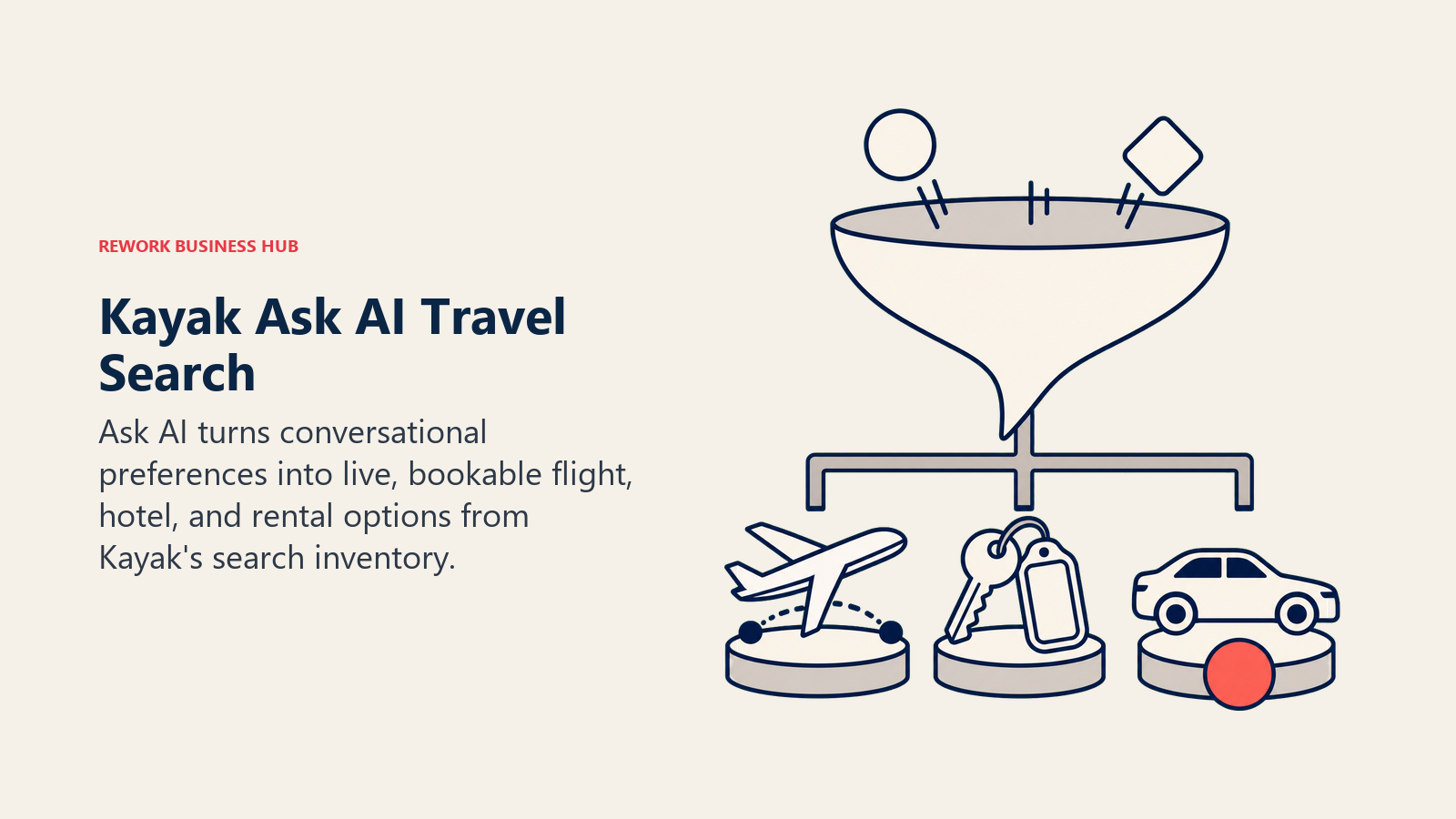
Because Ask AI sits on top of Kayak's existing search infrastructure rather than replacing it, the pricing data is as current as Kayak's normal search results, which is a real advantage over chat-only planners that sometimes quote stale numbers.
| What you get | What you don't |
|---|---|
| Conversational search with live, bookable results from Kayak's real inventory | Still a search and comparison tool, not a full itinerary builder like Mindtrip |
| No new pricing data lag; results are as current as standard Kayak search | Booking happens through Kayak's usual partner links, not a native checkout |
| Free, with no account required to search | Less personality-driven planning than ChatGPT or Layla for open-ended brainstorming |
Pricing: Free.
Best for: Travelers who trust Kayak's comparison engine and want to search it conversationally instead of filling out filters.
7. Hopper: Price Prediction, With a Fee Structure Worth Reading Closely
Hopper's core pitch, predicting whether a flight or hotel price will rise or fall and telling you when to book, is still one of the more genuinely useful applications of predictive AI in travel. Its Price Freeze feature lets you lock a fare for a fee (for example, freezing a $178 round-trip fare for 7 days runs about $48 per person), with Hopper covering the difference if the price rises within the freeze window.
Read the fine print here more carefully than with other tools on this list. Hopper agreed to pay $35 million to settle FTC allegations that it misrepresented how Price Freeze and VIP Support benefits worked and pre-selected optional fees that were easy to miss while scrolling, a July 2026 settlement worth knowing about before you tap "confirm" on an add-on.
| What you get | What you don't |
|---|---|
| Genuinely useful price-prediction AI for flights and hotels | July 2026 FTC settlement over undisclosed fees and Price Freeze marketing |
| Price Freeze can save money on a fare you expect to rise | Add-on fees (Tip, VIP Support, refund protection) need close reading before accepting |
| Free app with no subscription required for core search | Best price predictions require booking through Hopper, not just checking it |
Pricing: Free app; Price Freeze and other protections priced per booking (example: ~$48 to freeze a $178 fare for 7 days).
Best for: Price-sensitive flyers who want AI-driven fare predictions, as long as you read what each add-on fee actually covers.
8. TripIt: Best for Consolidating a Trip You've Already Booked
TripIt solves a different problem than the planners above: it doesn't help you decide where to go, it organizes the trip after you've booked pieces of it across five different confirmation emails. Forward a booking confirmation and TripIt automatically builds a master itinerary, a feature that predates the current AI wave but has only gotten more useful as travelers book flights, hotels, and activities across more scattered platforms.
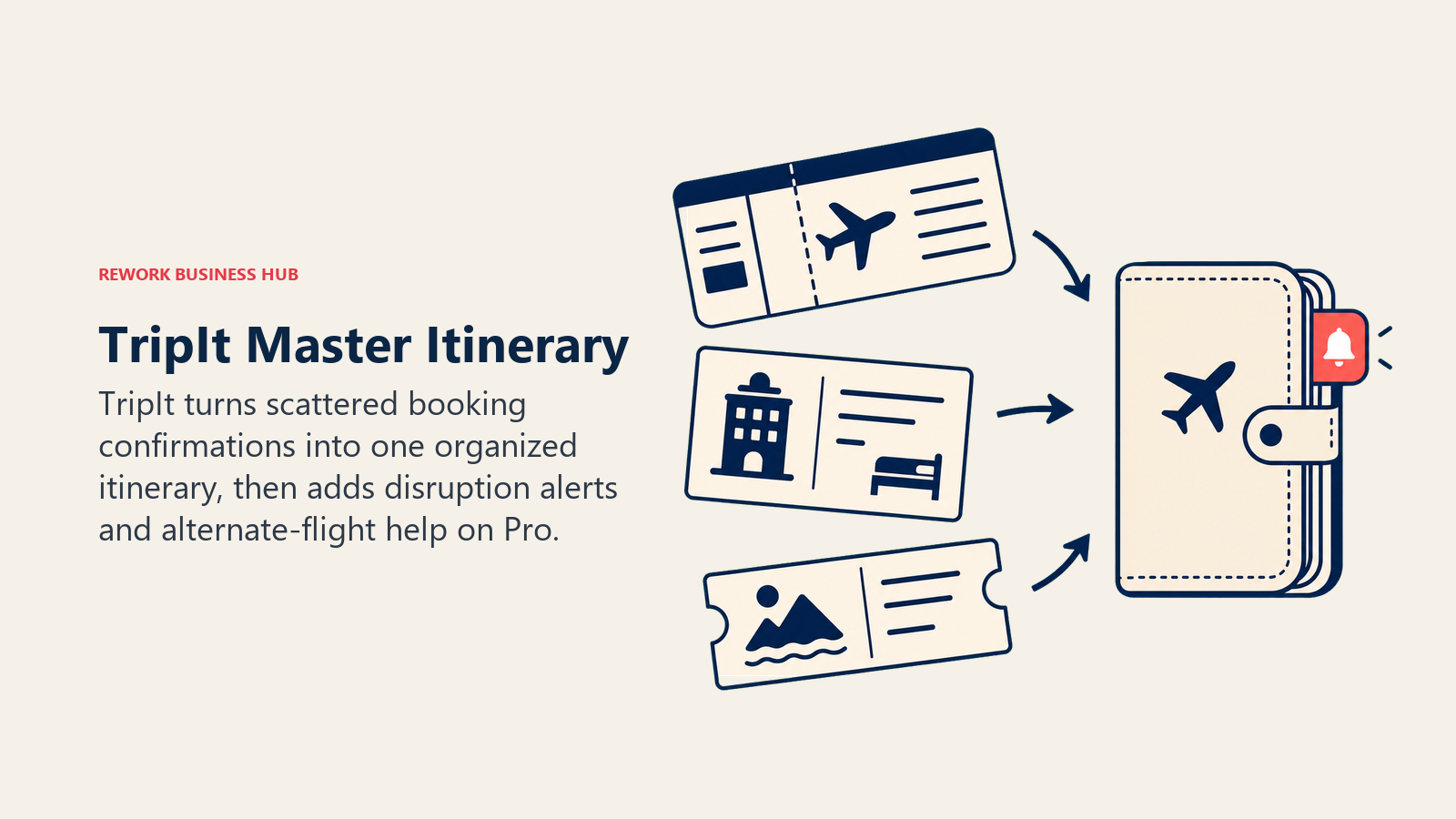
TripIt Pro ($49/year) adds real-time flight alerts, fare monitoring on flights you've already booked, seat availability help, alternate-flight search during disruptions, and reward-program tracking, useful specifically for frequent flyers managing multiple loyalty programs.
| What you get | What you don't |
|---|---|
| Automatically builds a master itinerary from forwarded confirmation emails | Doesn't help you decide where to go or generate a new itinerary from scratch |
| Pro tier adds real-time disruption alerts and alternate-flight search | Pro features locked behind a $49/year subscription |
| Genuinely useful for consolidating bookings spread across multiple sites | Less relevant if you already book everything through one platform |
Pricing: Free; TripIt Pro $49/year (30-day free trial available).
Best for: Travelers who book flights, hotels, and activities across several different sites and need one consolidated itinerary.
9. Expedia (Romie): Best for Trips Planned Over a Group Chat
Expedia's Romie takes a different approach to the hardest part of group travel: getting five people to agree on a plan across a scattered group chat. Romie can join an SMS group chat, listen in as people share preferences and links, summarize the conversation, and pull those details directly into Expedia's booking flow, turning "someone find us an Airbnb near the beach" into an actual shortlist without anyone having to manually recap the thread.

Romie is still in alpha on Expedia's EG Labs, Expedia Group's hub for experimental products, so treat it as an early look rather than a fully mature tool. It also pulls trip details from your email and tracks disruptions like weather to suggest alternate plans in real time.
| What you get | What you don't |
|---|---|
| Genuinely useful for group trips coordinated over a messy group chat | Alpha-stage availability; not yet a fully mature, widely rolled-out feature |
| Learns your preferences over time (cuisine, hotel style, pace) | Tied to Expedia's booking ecosystem rather than being platform-neutral |
| Pulls trip details from email so you're not re-entering everything | Less useful for solo trips where there's no group chat to summarize |
Pricing: Free (alpha access via EG Labs).
Best for: Group trips where the planning is currently scattered across a group chat nobody wants to scroll back through.
10. Booking.com AI Trip Planner: Chat-Based Search Inside an OTA You Already Use
Booking.com's AI Trip Planner, built on a mix of Booking.com's own machine learning and OpenAI's underlying model technology, lets you describe a trip in broad or specific terms and refine it in real time, with new hotel and activity options surfacing in seconds rather than a fresh page reload. For travelers who already default to Booking.com for accommodations, it removes the step of leaving the app to plan the trip somewhere else first.
The feature has expanded market by market since its 2023 US launch, now covering the UK, Australia, New Zealand, and Singapore, with more countries and local languages rolling out through 2026. It has also grown beyond planning into AI Trip Support and AI Voice Support for help during the trip itself.
| What you get | What you don't |
|---|---|
| No new app needed if Booking.com is already where you book accommodations | Naturally biased toward Booking.com's own inventory over outside options |
| Fast, conversational refinement of hotel and activity searches | Country availability still expanding; not yet live everywhere |
| Growing beyond planning into in-trip support and voice assistance | Less useful for full multi-leg itinerary building than Mindtrip or Layla |
Pricing: Free, built into the Booking.com app.
Best for: Travelers who already book accommodations through Booking.com and want AI search without switching apps.
If you're weighing which general AI assistant to use as your travel research starting point before booking anything, Best AI Tools for Consultants in 2026 covers the same ChatGPT-and-Gemini-style tools through the lens of professionals who travel constantly for client work.
Part 2: AI Tools for Corporate and Business Travel Management
Corporate travel is a different problem entirely from personal trip planning: it's less about inspiration and more about making sure a $2,000 flight booking follows company policy, lands on the right cost center, and doesn't require three follow-up emails to reconcile at expense time. The three tools below are built for that job, not for helping someone pick a beach.
11. Navan: Combined Travel Booking and Expense for Growing Companies
Navan (formerly TripActions) built its business around collapsing travel booking and expense management into one product, so an employee books a flight through the same tool that later categorizes the expense, flags a policy violation, and routes it for approval. Its 2026 pricing settled into three clear tiers: a free, commission-funded Business Travel plan for companies up to roughly 300 employees, a $15/user/mo Business Expense plan, and custom Enterprise pricing for unified travel-plus-expense at scale.
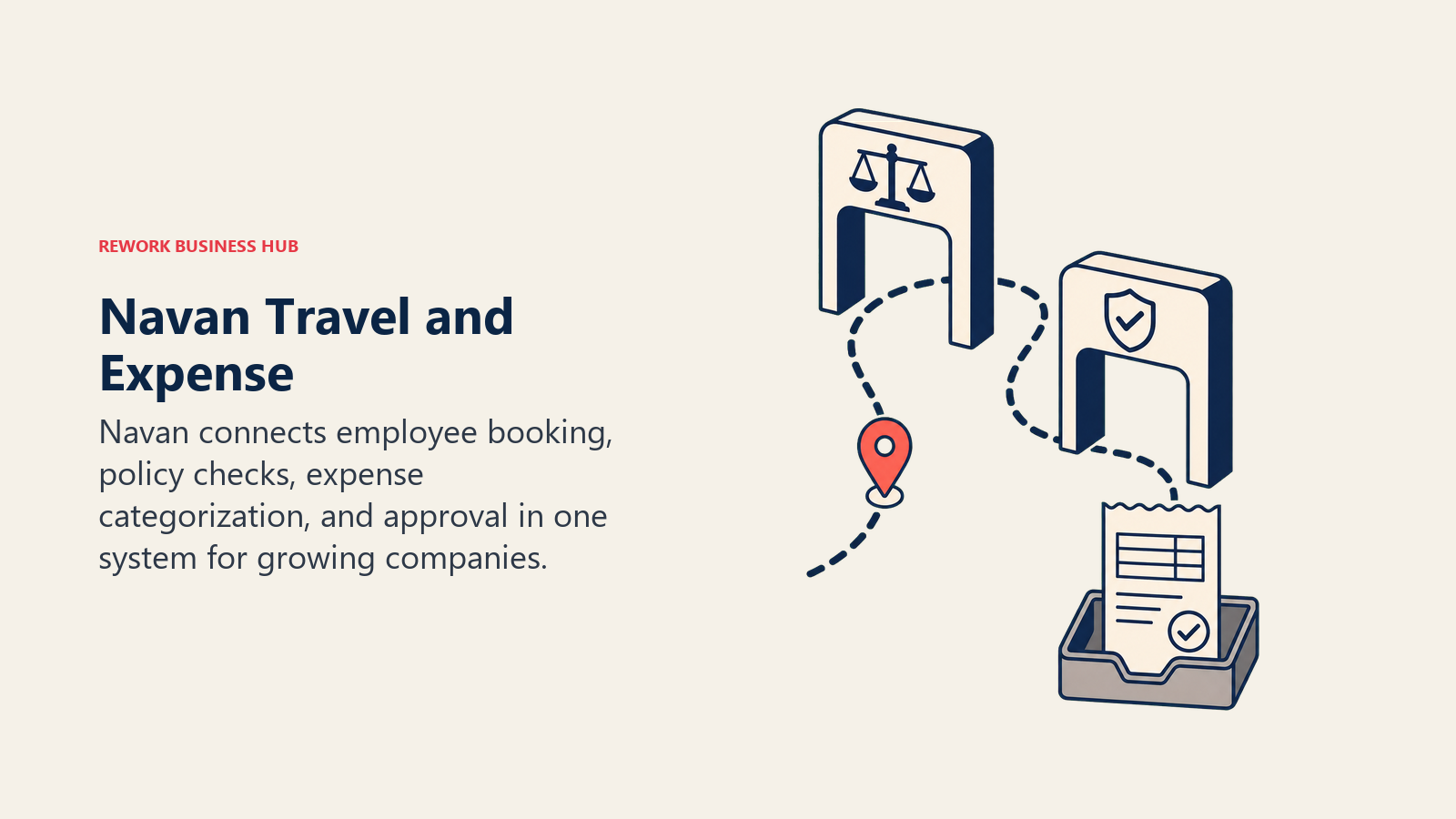
The free Business Travel tier is the notable move here: Navan makes its money on booking commissions rather than a platform fee, which makes the entry cost to get a company off scattered personal bookings essentially zero. Enterprise deployments run considerably higher. Negotiated Enterprise deals for around 500 users reportedly land between $85,000 and $105,000 per year, with three-year commitments typically pricing 15-22% lower than annual terms.
| What you get | What you don't |
|---|---|
| Free Business Travel tier removes the cost barrier to consolidating bookings | Enterprise pricing is entirely custom and requires a sales conversation |
| Booking and expense live in one product, not two stitched tools | Commission-funded free tier means Navan earns on your booking volume |
| Real-time policy enforcement at the point of booking, not after the fact | Best value shows up at scale; light travel volume may not justify the switch |
Pricing: Business Travel free (commission-funded, up to ~300 employees); Business Expense $15/user/mo; Enterprise custom quote, reportedly around $85,000-105,000/year for a ~500-user deployment. See navan.com.
Best for: Growing companies that want to consolidate travel booking and expense into one system without paying a platform fee to get started.
For how Navan compares to general-purpose finance and expense AI, see Best AI Tools for Finance Teams in 2026, and if your company still runs expenses through a separate accounting stack, Best QuickBooks Alternatives covers the accounting side of that integration.
12. TravelPerk (Perk): Policy and Approvals Without Per-User Fees
TravelPerk rebranded to Perk in 2026 and restructured its North American pricing around a genuinely different model: no per-user seat fees at any tier, with cost instead tied to a platform fee plus a percentage of each booking. Starter is free with a 5% booking fee (capped between $2 and $30 per booking); Premium runs $99/mo plus a 3% booking fee and adds advanced reporting, single sign-on, and budget tracking across five cost centers; Pro runs $299/mo plus 3% and unlocks unlimited approval workflows, unlimited cost-center budgets, and custom integrations.
European customers see a different structure: combined travel-plus-spend plans start at $11/user/mo (Premium) or $13/user/mo (Pro), a per-user model rather than the flat-fee-plus-commission approach used in North America. Either way, the pitch is the same: give employees a self-serve booking tool that automatically enforces policy, rather than a policy PDF nobody reads.
| What you get | What you don't |
|---|---|
| No per-user fees on North American plans; unlimited seats at any tier | Booking fees (3-5%) apply on top of the monthly platform fee |
| Up to 10 approval workflows and budget tracking on Premium | Unlimited policies and custom reporting require the $299/mo Pro tier |
| Concierge service and a dedicated account manager on Premium and above | Different pricing model in Europe (per-user) versus North America (flat + fee) |
Pricing: Starter $0/mo + 5% booking fee; Premium $99/mo + 3% booking fee; Pro $299/mo + 3% booking fee (North America); Europe combined plans from $11/user/mo.
Best for: Mid-size companies wanting structured travel policy and approvals without a per-seat pricing model that punishes headcount growth.
If travel is one piece of a broader operations stack you're trying to consolidate, Best AI Tools for Operations in 2026 covers the adjacent tools most ops teams are already running alongside a travel platform.
13. SAP Concur: Enterprise Travel and Expense With Deep ERP Integration
SAP Concur remains the default choice for large enterprises already running SAP or another major ERP, mainly because its travel and expense data flows directly into finance systems those companies already depend on. Concur doesn't publish list pricing; the Travel add-on reportedly runs $3-8 per active user per month, or alternatively $5-12 per booked trip depending on how the contract is structured, with separate TMC (travel management company) transaction fees layered on top, ranging from about $8 for a simple online self-booking up to $35 for an agent-assisted international itinerary.
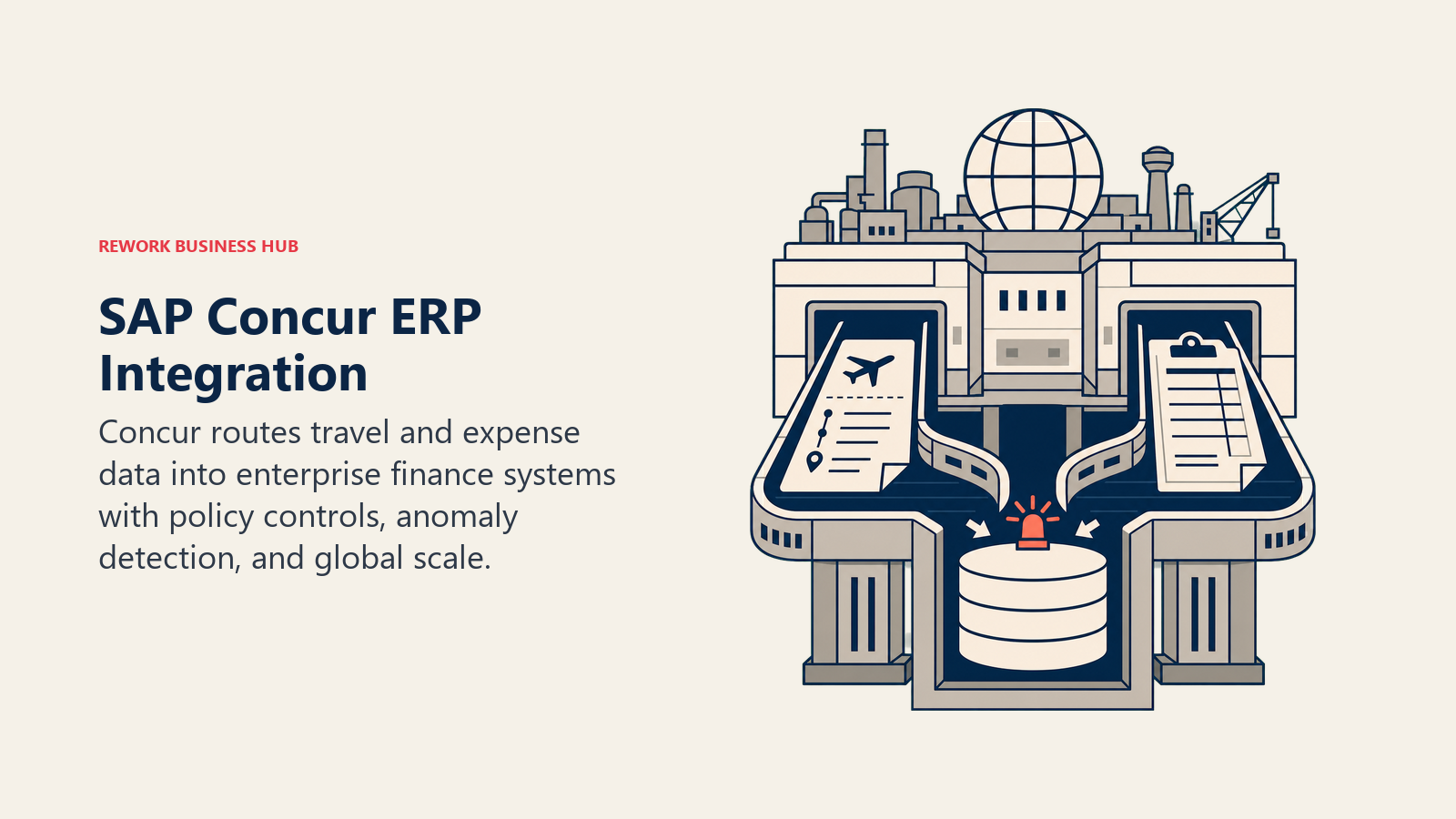
That opacity is itself a data point: budgeting for Concur means getting a real quote rather than trusting a number you saw online, and multi-year commitments commonly bring 10-25% lower annual pricing than a one-year term. Concur's AI features focus on categorization, anomaly detection in expense reports, and travel risk alerts rather than the conversational itinerary planning consumer tools do.
| What you get | What you don't |
|---|---|
| Deep integration with SAP and other major ERP systems already in place | No public list pricing; every deal requires a custom quote |
| Strong fraud and policy-anomaly detection across expense reports | TMC transaction fees stack on top of the base per-user or per-trip cost |
| Built for scale: multi-entity, multi-currency, multi-region programs | Overkill and expensive for a company under a few hundred employees |
Pricing: No public pricing; reportedly $3-8/user/mo or $5-12/trip, plus TMC transaction fees ($8-$35/booking). Contact SAP Concur for a quote.
Best for: Large enterprises already standardized on SAP or a comparable ERP that need travel and expense data flowing into the same finance system.
For enterprise-scale AI buying decisions beyond travel specifically, see Best AI Tools for Enterprise in 2026, and since travel policy compliance often sits with HR as much as finance, Best AI Tools for HR Teams in 2026 covers the adjacent policy and workforce tooling.
How to Choose: Decision Framework
| If your situation is... | Reach for... | Why |
|---|---|---|
| Planning a solo trip or short getaway from scratch | ChatGPT, Gemini, or Mindtrip | Fastest path from a vague idea to a day-by-day plan |
| Comparing live flight and hotel prices before booking | Kayak (Ask AI) or Layla | Both surface live, bookable pricing rather than static suggestions |
| Trying to time a purchase for the lowest fare | Hopper | Purpose-built price prediction, just read the add-on fees closely |
| Coordinating a group trip over a scattered chat thread | Expedia (Romie) | Built specifically to summarize group chats into a bookable plan |
| Consolidating bookings you've already made across sites | TripIt | Turns forwarded confirmation emails into one master itinerary |
| A small company just getting off spreadsheet-and-email travel booking | Navan (Business Travel, free tier) | No platform fee to start; commission-funded booking |
| Mid-size company needing real approval workflows without per-seat cost | TravelPerk (Perk) | Flat fee plus booking percentage scales better than per-user pricing |
| Large enterprise already standardized on SAP or a major ERP | SAP Concur | Deepest ERP integration, even without public pricing |
| You already pay for Google Workspace or ChatGPT Business | Gemini or ChatGPT | No new vendor; AI travel planning is already included |
Which Tool Fits Your Travel Volume?
| Traveler Type | What You Need | Best Fits |
|---|---|---|
| Occasional leisure traveler (1-2 trips/year) | Free planning tool, no subscription commitment | Wonderplan, Mindtrip, Booking.com AI Trip Planner |
| Frequent leisure or budget-conscious traveler | Live pricing, fare tracking, a premium tier worth paying for | Layla, Hopper, Kayak (Ask AI) |
| Business traveler booking independently | Consolidated itinerary tracking across scattered bookings | TripIt Pro |
| Freelancer or consultant traveling for client work | General AI assistant flexible enough for research and planning | ChatGPT, Gemini |
| Small company (5-50 people) starting a formal travel program | Free or low-cost booking tool with basic policy controls | Navan (Business Travel) |
| Mid-size company (50-500 people) with an active T&E program | Structured approvals and budget tracking without per-seat cost | TravelPerk (Perk) |
| Enterprise (500+) with an existing ERP investment | Deep finance-system integration and negotiated volume pricing | SAP Concur, Navan Enterprise |
Pricing at a Glance
| Tool | Entry Price | Pricing Model | Free Tier? |
|---|---|---|---|
| ChatGPT | $20/seat/mo (Business, annual) | Per-seat subscription | Yes |
| Google Gemini | $19.99/mo (Google AI Pro) | Free tier + paid subscription | Yes |
| Mindtrip | Free | Pay-as-you-book commission | Yes |
| Layla | $9.99/mo or $49.99/yr (Premium) | Flat subscription | Yes |
| Wonderplan | Free | No paid tier | Yes |
| Kayak (Ask AI) | Free | Ad/affiliate-supported search | Yes |
| Hopper | Free (app) | Per-booking add-on fees | Yes |
| TripIt | $49/yr (Pro) | Annual subscription | Yes |
| Expedia (Romie) | Free (alpha) | Bundled into Expedia bookings | Yes |
| Booking.com AI Trip Planner | Free | Bundled into Booking.com bookings | Yes |
| Navan | $15/user/mo (Business Expense) | Commission (travel) + per-seat (expense) | Yes |
| TravelPerk (Perk) | $0/mo + 5% booking fee (Starter) | Platform fee + booking percentage | Yes |
| SAP Concur | Custom quote (~$3-8/user/mo) | Per-user or per-trip, plus TMC fees | No |
Mistakes to Avoid When Adding AI to Travel Planning
- Trusting an AI-drafted itinerary without a quick double-check on hours, availability, and pricing before you actually show up somewhere. Independent reviewers keep finding that AI-generated plans still make plausible-sounding factual errors, so treat the first draft as a starting point, not a booked reservation.
- Accepting a pre-selected "protection" or "support" fee without reading what it covers. Hopper's $35 million FTC settlement exists specifically because those add-ons weren't clearly explained.
- Buying an enterprise-grade corporate travel platform (SAP Concur) for a 40-person company that would be fully served by a free Navan Business Travel tier or a mid-tier TravelPerk plan.
- Letting employees keep booking off-platform once a company travel tool is live. The Navan and Skift 2026 report found 80% of business travelers sometimes book off their company's official platform, which is exactly the compliance and cost-visibility gap these tools exist to close.
- Assuming a consumer trip planner (ChatGPT, Mindtrip, Layla) can substitute for a corporate travel platform's policy enforcement and expense reconciliation. They're built for a different job and don't track cost centers or approval chains.
- Ignoring that AI comfort in business travel is uneven: buyers are broadly comfortable with AI recommending flights and hotels on negotiated rates, but comfort drops sharply for AI making changes or cancellations on its own, so keep a human in the loop for anything beyond a recommendation.
What to Do Next
If you're planning a personal trip, start with a free tool (Mindtrip, Wonderplan, or Gemini) for the first draft, then cross-check anything time-sensitive, like restaurant hours or a tight connection, before you book. If you're evaluating a corporate travel platform, the fastest low-risk starting point is Navan's free Business Travel tier or TravelPerk's Starter plan, since neither charges a platform fee to get your team off scattered personal bookings and onto something finance can actually reconcile.
And if travel is just one piece of a bigger operations or expense consolidation project, Best AI Tools in 2026 ranks 25 tools across every category this guide didn't cover, and Best AI Tools for Small Business in 2026 covers the broader stack a growing company typically needs alongside a travel tool.

Principal Product Marketing Strategist
On this page
- What Changed in 2026
- Key Facts
- Quick Comparison Table
- Consumer vs. Corporate: Two Different Buying Decisions
- Part 1: AI Tools for Personal and Leisure Trip Planning
- 1. ChatGPT: The Default Starting Point for Any Trip
- 2. Google Gemini: Best If You Already Live in Gmail and Google Flights
- 3. Mindtrip: Free, Deep Itinerary Building With Real Booking Links
- 4. Layla: Best for Live Pricing and a Fare-Lock Safety Net
- 5. Wonderplan: The Fastest No-Signup Itinerary Draft
- 6. Kayak (Ask AI): Best for Comparing Live Options While You Chat
- 7. Hopper: Price Prediction, With a Fee Structure Worth Reading Closely
- 8. TripIt: Best for Consolidating a Trip You've Already Booked
- 9. Expedia (Romie): Best for Trips Planned Over a Group Chat
- 10. Booking.com AI Trip Planner: Chat-Based Search Inside an OTA You Already Use
- Part 2: AI Tools for Corporate and Business Travel Management
- 11. Navan: Combined Travel Booking and Expense for Growing Companies
- 12. TravelPerk (Perk): Policy and Approvals Without Per-User Fees
- 13. SAP Concur: Enterprise Travel and Expense With Deep ERP Integration
- How to Choose: Decision Framework
- Which Tool Fits Your Travel Volume?
- Pricing at a Glance
- Mistakes to Avoid When Adding AI to Travel Planning
- What to Do Next