Best AI Tools for Consultants in 2026: 12 Tools for Research, Writing, and Client Delivery
Turn this article into takeaways for your work.


Each assistant summarizes the article only for you and suggests best practices for your work.
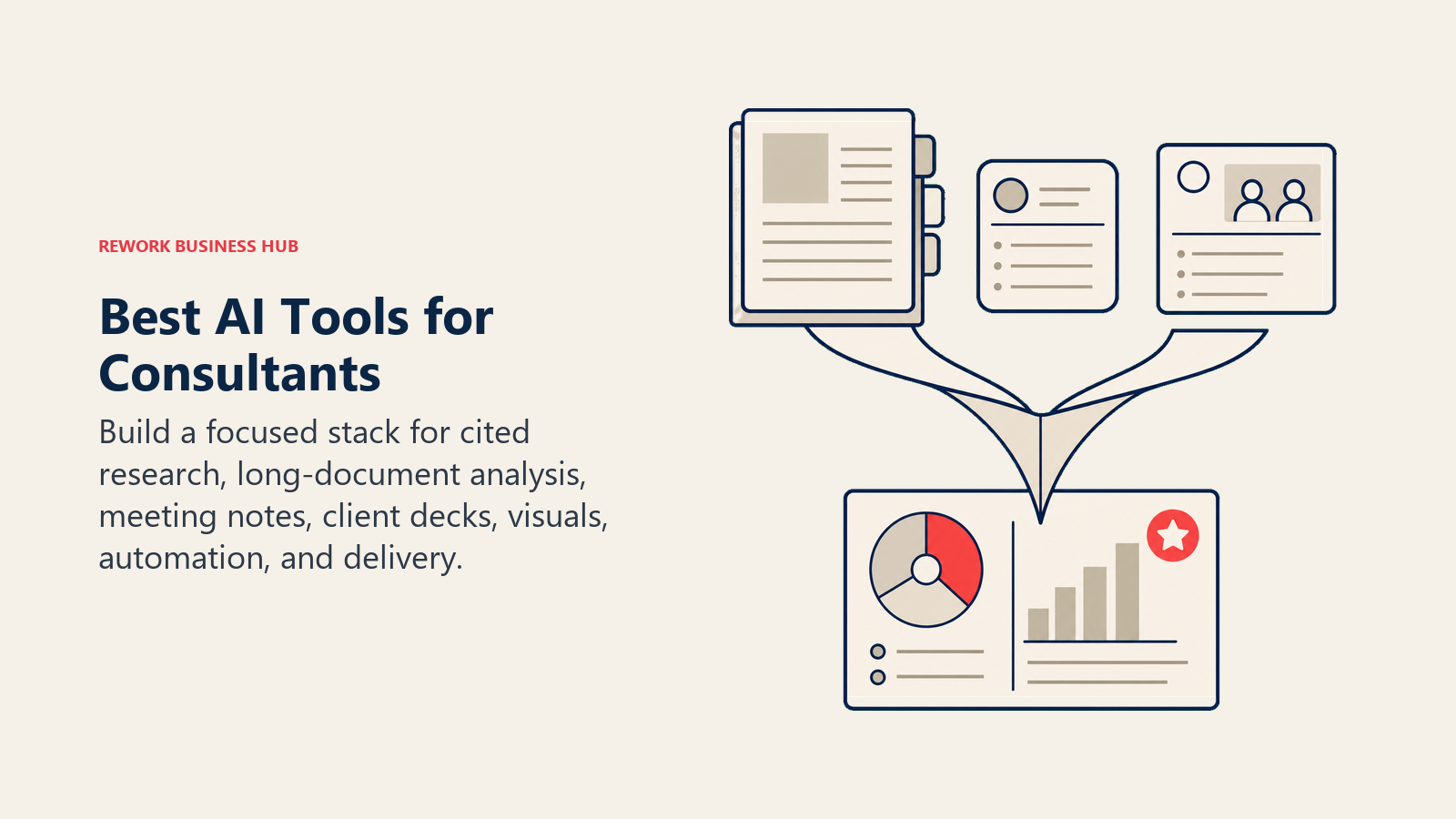
ChatGPT and Claude are the default drafting and analysis engines, Perplexity handles cited market research, Fireflies and Napkin AI turn calls and notes into usable artifacts, Gamma and Canva build client-ready visuals, and Rework fits the small slice of firms that need a CRM and project-delivery layer behind all of it. This guide ranks 12 real AI tools consultants use in 2026, evaluated on research depth, output quality, client-facing polish, and pricing.
Consulting runs on synthesis: reading everything, finding the pattern, and packaging it into something a client can act on in a 30-minute meeting. AI has compressed the "reading everything" and "packaging it" halves of that job dramatically, which is exactly why buyers are asking sharper questions about what they're paying consultants for versus what a $20-a-month subscription can already do. Picking the right two or three tools, not stacking ten overlapping ones, is what separates consultants who use AI as leverage from those who use it as a distraction.
Updated July 2026: What Changed
- OpenAI renamed ChatGPT Team to ChatGPT Business in August 2025 and cut the annual seat price to $20/month (2-seat minimum) effective April 2026, alongside a new $8/month Go tier.
- Notion moved full Notion AI, including autonomous agents, behind the Business plan only; Free and Plus now get a limited AI trial, and heavy Custom Agent use is billed separately in credit bundles.
- Zapier switched "AI by Zapier" from flat per-task pricing to metered, model-tier pricing starting June 15, 2026, so AI-heavy workflows now cost more than simple app-to-app Zaps.
- Canva retired its legacy flat-rate Teams plan for new signups and repriced the replacement Business tier to roughly $200/user/year, up from $120/year.
- Anthropic added Team Premium seats (5x the usage allowance of Standard) for firms running heavier Claude workloads on long documents.
Key Facts
- 74% of professionals use AI tools several times a week and 44% use them multiple times a day, per Thomson Reuters' Future of Professionals 2026 report.
- 91% of professionals say their organizations are falling short of what AI could actually deliver, an "AI value gap" that Thomson Reuters ties to up to $143 billion in at-risk client revenue in the US alone, per its 2026 AI in Professional Services report.
- 26% of professional services firms have started offering higher-value advisory and consulting services in the past 12 months as AI absorbs lower-value research and drafting work, per Thomson Reuters.
- 85% of buyers of professional services say their organizations have already started experimenting with ChatGPT and similar tools, per Source Global Research's client survey.
- 77% of UK consulting firms have integrated AI into their systems or enabled employees to use AI models, and 76% now use AI for research (up 9 points year over year), per the Management Consultancies Association's 2026 Member Survey.
- 71% of organizations regularly use generative AI in at least one business function, up from 65% in early 2024, per McKinsey's State of AI research.
Quick Comparison Table
| Tool | Best For | Starting Price | Key Strength | Key Limitation |
|---|---|---|---|---|
| ChatGPT | General-purpose research, drafting, and analysis | Free; Plus $20/mo | Broadest model access and plugin/connector ecosystem | Business tier still requires a 2-seat minimum |
| Claude | Long-document analysis (contracts, data rooms, transcripts) | Free; Pro $17/mo (annual) | Best long-context reasoning for dense source material | Team plans have a 5-seat minimum |
| Perplexity | Cited, sourced market and competitor research | Free; Pro $20/mo | Inline citations you can hand straight to a client | Deep Research query caps on lower tiers |
| Fireflies | Transcribing and summarizing client calls | Free; Pro $10/seat/mo (annual) | Automatic action items and searchable call archive | Free tier storage caps out fast for busy consultants |
| Gamma | Turning findings into a client-ready deck in minutes | Free; Plus $9/mo | Fastest path from outline to polished presentation | Credit-based limits bite on image-heavy decks |
| Notion AI | One workspace for proposals, SOWs, and a firm knowledge base | Free; Business $20/user/mo (annual, for full AI) | Full AI agent suite lives inside your existing docs and wikis | Full AI access requires the Business plan, not Plus |
| Canva | Client-facing branded visuals without a designer | Free; Pro ~$15/mo | Fastest way to make a deliverable look professionally designed | Business/Teams pricing rose materially in 2026 |
| Napkin AI | Converting a paragraph of notes into a diagram or framework visual | Free; Plus $9/mo (annual) | Turns prose straight into consulting-style visuals | Best for short-form visuals, not full decks |
| Julius | Quick statistical analysis without opening Python | Free (15 msgs/mo); Plus $29/mo (annual) | Conversational data analysis with charts and exportable code | Credit-based limits get expensive on Team tier |
| Zapier AI | Connecting your AI tools to your CRM, calendar, and inbox | Free (100 tasks/mo); Professional $19.99/mo (annual) | Glues together the rest of your stack without custom code | AI steps now billed by model tier, on top of task pricing |
| Mem | A searchable second brain across scattered client notes | Free; Pro $12/mo | AI chat that answers questions from your own notes | Proactive agent tier jumps to $99/mo |
| Rework | Client CRM + engagement delivery for multi-consultant firms | Sales Engine from $69/mo billed yearly (5 seats); Project Engine from $99/mo billed yearly (5 seats) | Unified BD pipeline and project delivery on one contact record | Not built for solo consultants; each engine starts at 5 seats |
How to Choose an AI Tool as a Consultant
Most consultants buy AI tools the way they buy conference swag: one at a time, reactively, based on whatever a colleague mentioned last week. That gets expensive and redundant fast. Before adding a tool, run it through three questions.
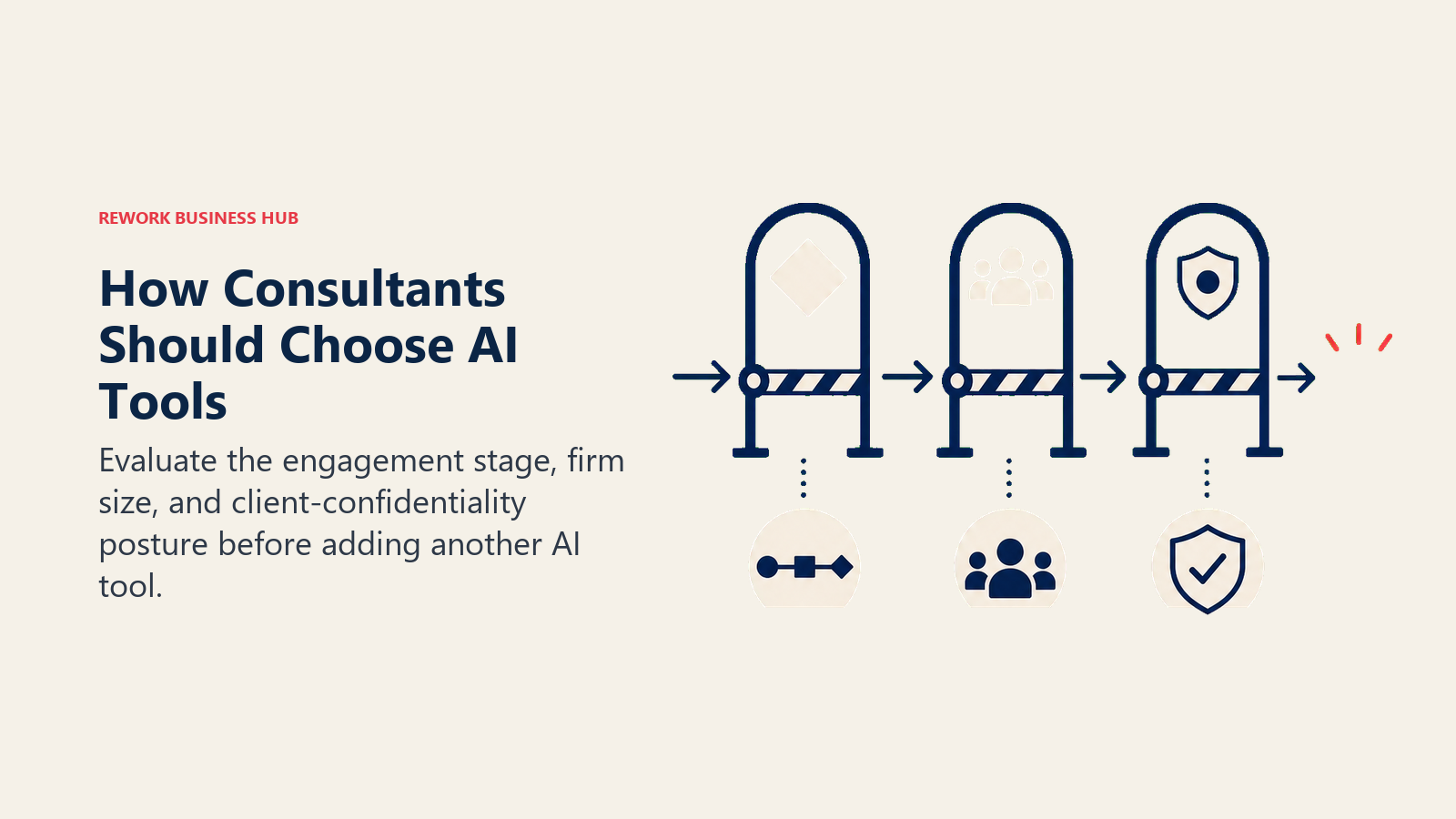
- What part of the engagement does it touch? Research and synthesis need ChatGPT, Claude, or Perplexity. Call capture needs Fireflies. Deliverable production needs Gamma, Canva, or Napkin AI. Data work needs Julius. Knowledge management needs Notion AI or Mem. Running the business itself (pipeline, proposals, delivery, billing) needs a CRM or ops layer like Rework, not another chat tool.
- Are you solo or part of a firm? A solo consultant needs personal-productivity tools with generous free tiers. A 10-person boutique needs shared workspaces, team seats, and a way to keep client data in one place instead of scattered across everyone's individual ChatGPT history.
- What's your client confidentiality posture? Most paid AI tiers exclude your data from model training by default, but engagement letters and NDAs increasingly specify which tools are approved. Check your firm's data-handling policy before you paste a client's financials into any assistant, free or paid.
Read the consulting engagement models guide before you lock in a tool stack. Which AI tools earn their keep depends heavily on whether you run project-based, retainer, or advisory engagements, and that framework shapes the decision more than any feature comparison does.
Framework: By Consultant Type
| You are... | What you need most | Best fits |
|---|---|---|
| Solo/independent consultant | Cheap, flexible research and drafting tools | ChatGPT, Claude, Perplexity, Napkin AI |
| Boutique firm (3-15 people) | Shared workspace + team seats on research/writing tools | Notion AI, Claude Team, Fireflies Business |
| Mid-size firm (15-50 people) | Firm-wide knowledge base + BD pipeline + delivery tracking | Notion AI, Rework, Gamma Team |
| Strategy/advisory practice | Deep research and long-document reasoning | Claude, Perplexity, Julius |
| Implementation/technical consultants | Data analysis + project delivery tracking | Julius, Rework, Zapier |
1. ChatGPT: The Default General-Purpose Assistant
ChatGPT is still the tool most consultants open first, and for good reason: GPT-5.5 handles everything from first-draft proposals to summarizing a 40-page RFP, and the connector ecosystem (Google Drive, Slack, calendars, and dozens of third-party apps) means it can pull context without you copy-pasting all day. Custom GPTs let a partner build a reusable "our firm's proposal voice" assistant that associates can reuse across engagements.
The honest limitation shows up in team settings: ChatGPT Business still requires a 2-seat minimum and doesn't give a firm a shared, structured knowledge base the way Notion AI does. It's the best single tool for an individual consultant's daily workflow, not a firm operating system.
| What you get | What you don't |
|---|---|
| Broadest model and plugin ecosystem of any AI assistant | No native client/project database; it's a chat tool |
| Custom GPTs for reusable firm-specific prompts | Business tier still has a 2-seat minimum |
| Strong at drafting, summarizing, and first-pass analysis | Long, dense source documents are Claude's stronger suit |
| Deep Research mode for multi-step investigation | Citations are less consistently inline than Perplexity's |
Pricing: Free; Plus $20/mo; Business $20/seat/mo billed annually (2-seat minimum, $25/mo billed monthly); Enterprise custom.
Best for: Individual consultants and small teams who want one flexible assistant for drafting, research, and analysis across every engagement.
2. Claude: Best for Long-Document Reasoning
Claude's edge is context. Feed it a 200-page data room, a full engagement archive, or a stack of interview transcripts, and it holds the thread better than most competitors, which matters enormously in due diligence, M&A advisory, and any engagement where the deliverable depends on synthesizing dozens of source documents accurately rather than plausibly.
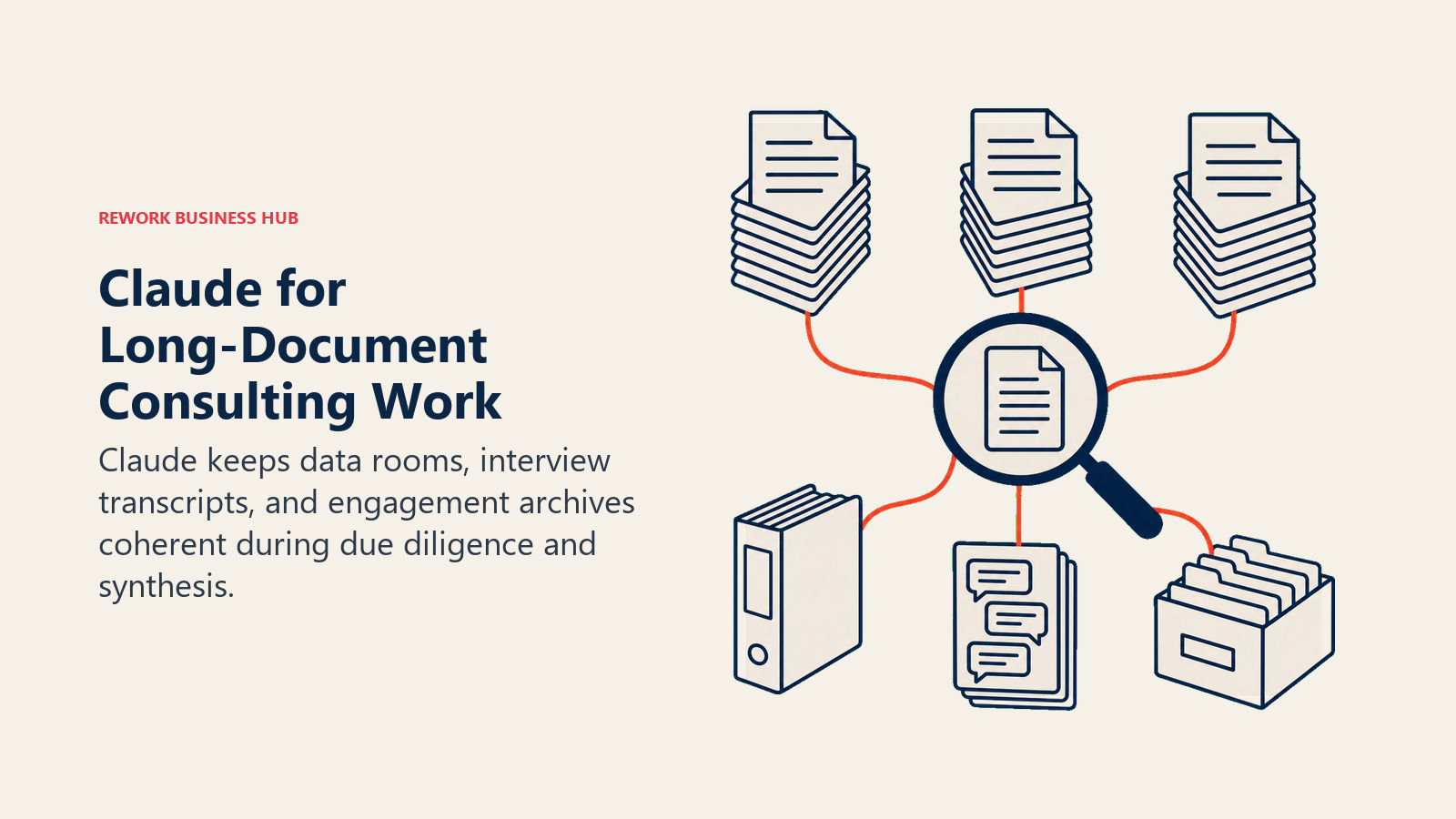
Consulting firms doing serious document review increasingly run Claude alongside ChatGPT rather than instead of it. See the Claude vs ChatGPT vs Gemini comparison for a full breakdown of where each model actually wins.
| What you get | What you don't |
|---|---|
| Best-in-class long-context reasoning for dense source material | Team plans carry a 5-seat minimum |
| Projects feature keeps engagement context organized | Fewer third-party connectors than ChatGPT |
| Strong at nuanced writing that doesn't sound templated | No native presentation or chart-building output |
| Artifacts make it easy to iterate on a document live | Premium seat tier ($100-125/seat) is pricey for occasional use |
Pricing: Free; Pro $17/mo billed annually ($20 monthly); Team Standard $20/seat/mo annually, 5-seat minimum ($25 monthly); Team Premium $100/seat annually ($125 monthly).
Best for: Strategy consultants and advisors doing heavy document review, due diligence, or synthesis across long, dense source material.
3. Perplexity: Best for Cited Market Research
Perplexity's whole value proposition is that every answer comes with sources attached, which matters more in consulting than almost any other AI use case: a market-sizing number or competitor claim you hand to a client needs a citation trail, not just a confident-sounding paragraph. Pro search and Deep Research mode chain multiple searches together for a genuine literature-review-style output.
The Comet browser agent (included on Pro) can also navigate and extract from sites directly, which speeds up competitive scans. See Perplexity vs ChatGPT Search vs Gemini if you're deciding between the three for research work specifically.
| What you get | What you don't |
|---|---|
| Inline citations on every answer, ready to hand to a client | Deep Research query caps on lower tiers |
| Comet browser agent for direct site navigation and extraction | Weaker at long-form drafting than ChatGPT or Claude |
| Model switcher gives access to GPT and Claude within one app | Enterprise Pro pricing jumps sharply from individual Pro |
| Fast for competitive and market-sizing scans | Not built for internal knowledge management |
Pricing: Free; Pro $20/mo ($200/yr); Enterprise Pro $40/seat/mo.
Best for: Any consultant who needs sourced, defensible research fast, especially for market sizing, competitive scans, and client-facing citations.
4. Fireflies: Best for Turning Client Calls Into Usable Notes
Fireflies joins the call, transcribes it, and hands back a searchable summary with action items before you've closed the laptop. For a consultant running four or five client and stakeholder calls a day, that alone recovers hours a week that used to go into manual note-taking, and the searchable archive means "what did the CFO say about budget in week two" is a query, not a memory exercise.
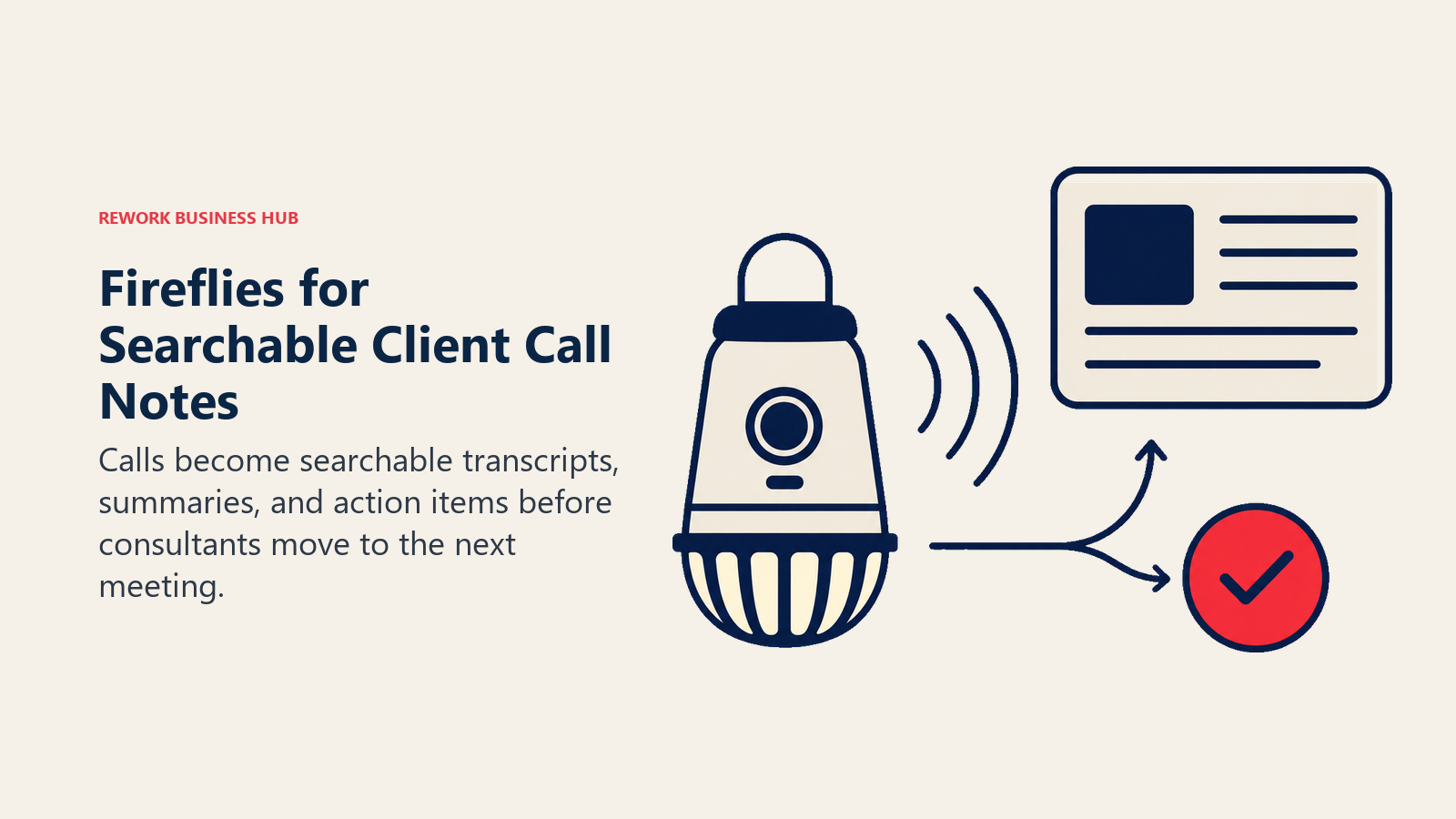
Compare it against the other two leading AI notetakers in Otter vs Fireflies vs Fathom if transcription accuracy and integration depth matter more to your workflow than price.
| What you get | What you don't |
|---|---|
| Automatic transcription, summary, and action items per call | Free tier storage (400 minutes/team) caps out fast |
| Searchable archive across every recorded engagement call | Video recording and advanced analytics need Pro+ |
| Daily Digest and Task Manager on Pro and above | Business plan required for unlimited storage |
| Integrates with most calendar and video tools | Credit pool for add-on features can run out mid-cycle |
Pricing: Free; Pro $10/seat/mo billed annually ($18 monthly); Business $19/seat/mo billed annually ($29 monthly); Enterprise $39/seat/mo, annual only.
Best for: Consultants and firms that run frequent client and stakeholder calls and need a reliable, searchable record without manual note-taking.
5. Gamma: Best for Fast, Polished Client Decks
Gamma turns an outline, a doc, or even a rough bullet list into a formatted, presentable deck in minutes, which is exactly the last mile of a consulting engagement that used to eat an entire evening before a client readout. It's not a design tool in the Canva sense; it's a structure-and-polish tool that gets a deck 80% of the way there so you can spend your remaining time on the actual argument.
| What you get | What you don't |
|---|---|
| Fastest outline-to-deck workflow on this list | Credit-based limits bite hard on image-heavy decks |
| Clean default templates that don't look AI-generated | Less design control than Canva for fully custom branding |
| Team plans support shared brand kits | 10-seat minimum on the Business tier |
| Works from a doc, outline, or even a rough prompt | Not built for data-heavy dashboards or interactive reports |
Pricing: Free; Plus $9/mo; Pro $18/mo; Ultra $90/mo; Team from $20/seat/mo (2-seat minimum); Business $40/seat/mo (10-seat minimum).
Best for: Independent consultants and small teams who need client-ready decks fast without a dedicated design resource.
6. Notion AI: Best for a Firm-Wide Knowledge Base
Notion AI's advantage isn't any single feature, it's that the AI lives inside the same workspace where your proposals, SOWs, engagement notes, and internal playbooks already live. Ask it to draft a new proposal from last quarter's winning template, or summarize every open engagement's status, and it's pulling from your firm's actual documents instead of a blank context window.
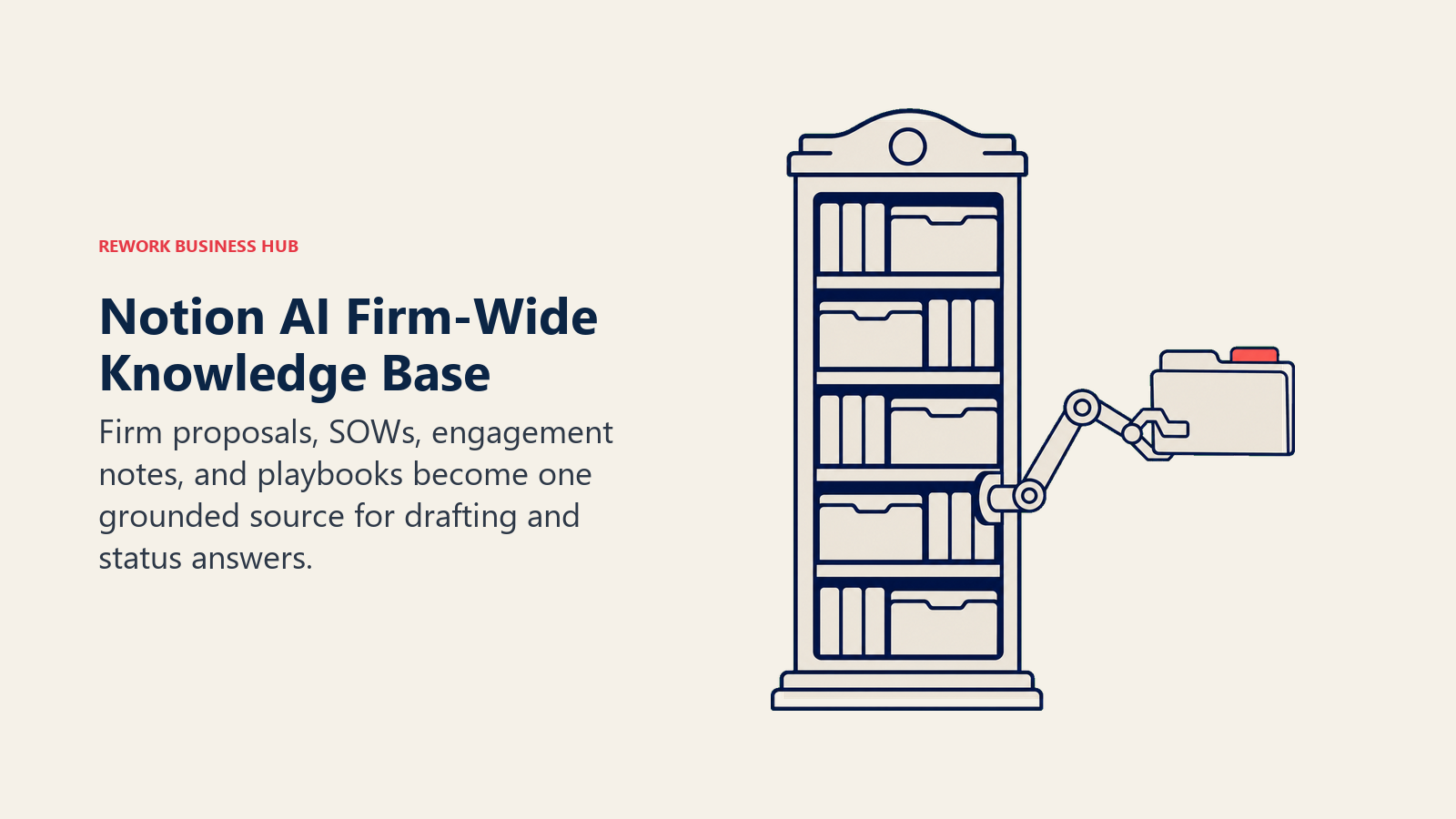
The catch in 2026 is packaging: full AI, including autonomous agents, now requires the Business plan specifically, not the cheaper Plus tier that many small firms default to.
| What you get | What you don't |
|---|---|
| AI grounded in your firm's own docs, wikis, and templates | Full AI access requires Business plan ($20/user/mo annual) |
| Autonomous agents can draft and update pages independently | Heavy Custom Agent use is billed separately in credits |
| One workspace replaces scattered docs, wikis, and trackers | Steeper learning curve than a single-purpose chat tool |
| Strong for firm-wide proposal and knowledge templates | Not a research or citation tool on its own |
Pricing: Free; Plus $10/user/mo billed annually (limited AI trial only); Business $20/user/mo billed annually ($24 monthly, full AI suite); Enterprise custom.
Best for: Firms of any size that want proposals, SOWs, and institutional knowledge living in one AI-assisted workspace instead of scattered docs.
7. Canva: Best for Client-Facing Visual Polish
Canva remains the fastest way for a non-designer to produce something that looks like a designer made it: infographics, one-pagers, branded proposal covers, and social assets for a firm's thought-leadership content. Its Magic Studio AI tools (background removal, resizing, text-to-image) handle the fiddly work that used to require a Photoshop skill nobody on a consulting team actually has.
| What you get | What you don't |
|---|---|
| Fastest path to professional-looking client visuals | Business/Teams pricing rose materially in 2026 |
| Magic Studio AI tools for quick edits and resizing | Not built for data visualization or dashboards |
| Massive template library for proposals and one-pagers | Brand kit and team libraries need a paid tier |
| Works for both print-style decks and social content | Less structured than Gamma for full presentation flow |
Pricing: Free; Pro roughly $15/mo (1 person); Teams/Business roughly $20-25/user/mo depending on billing cycle and seat count, following a 2026 repricing.
Best for: Consultants who need client-facing visual assets (proposal covers, one-pagers, social graphics) without hiring a designer.
8. Napkin AI: Best for Turning Notes Into Framework Visuals
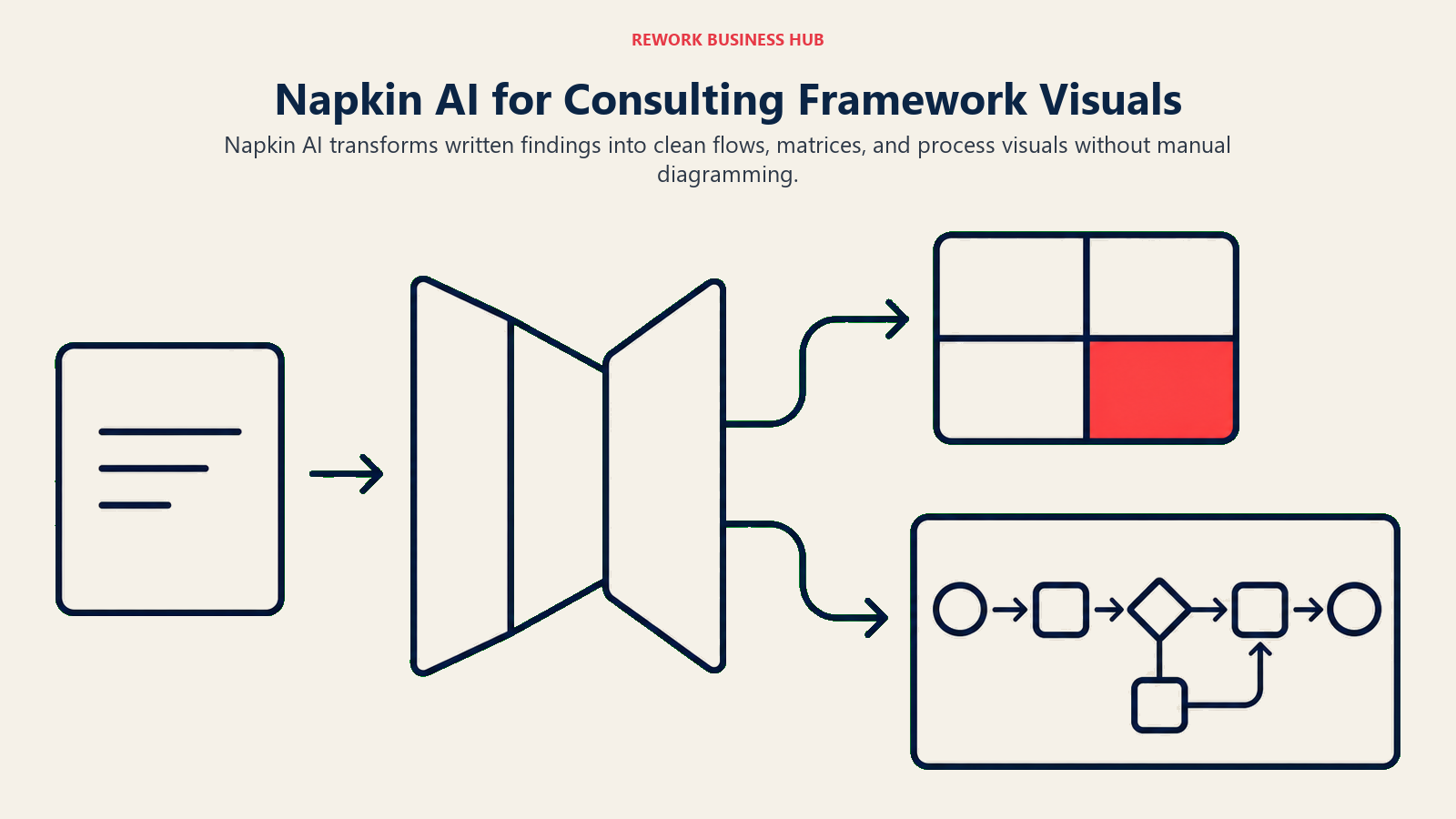
Napkin AI does one thing well: it takes a paragraph of prose (your synthesis of a client problem, a process description, a set of findings) and turns it into a clean visual, a flowchart, a matrix, an icon-based summary, without you touching a diagramming tool. For consultants, whose entire craft is turning messy findings into a 2x2 or a process map a client can act on, this collapses a step that used to take real design time.
| What you get | What you don't |
|---|---|
| Turns written analysis directly into consulting-style visuals | Best for short-form visuals, not full decks |
| No diagramming skill required | Style customization needs the Pro tier |
| Fast enough to use live in a working session | Doesn't replace Gamma or Canva for full presentations |
| PPT/SVG export on paid tiers | Credit-based limits on heavier weekly use |
Pricing: Free; Plus $9/mo billed annually ($12 monthly); Pro $22/mo billed annually ($30 monthly); Enterprise custom.
Best for: Consultants who need to turn written findings into a framework diagram or process visual quickly, especially during live workshops.
9. Julius: Best for Data Analysis Without Touching Python
Julius lets you upload a spreadsheet, describe what you want in plain English, and get back a chart, a statistical test, or exportable code, no Python environment required. For consultants who occasionally need to analyze a client's operational data (utilization, pipeline, survey results) but aren't full-time analysts, it closes the gap between "I have a hunch" and "here's a defensible chart."
| What you get | What you don't |
|---|---|
| Conversational data analysis with charts and exportable code | Credit-based pricing gets expensive on Team tier |
| No coding environment or setup required | Not a substitute for a dedicated BI tool at scale |
| Handles messy spreadsheets reasonably well | Free tier caps at 15 messages/month |
| Good for one-off analyses inside a live engagement | Less polished output formatting than a dedicated report tool |
Pricing: Free (15 messages/mo); Plus $29/mo billed annually ($35 monthly); Pro $37/mo billed annually ($45 monthly); Business (team) from roughly $318/mo billed annually.
Best for: Generalist consultants who need quick, defensible data analysis without hiring an analyst or learning a BI tool.
10. Zapier AI: Best for Connecting Your AI Stack
None of the tools above talk to each other by default, and Zapier is the glue: a new lead in your CRM triggers a Fireflies call summary lookup, a Notion page gets auto-created from a signed proposal, a Perplexity research digest lands in Slack every morning. For solo consultants and small firms without engineering resources, that automation layer is often worth more than any single AI tool on this list.
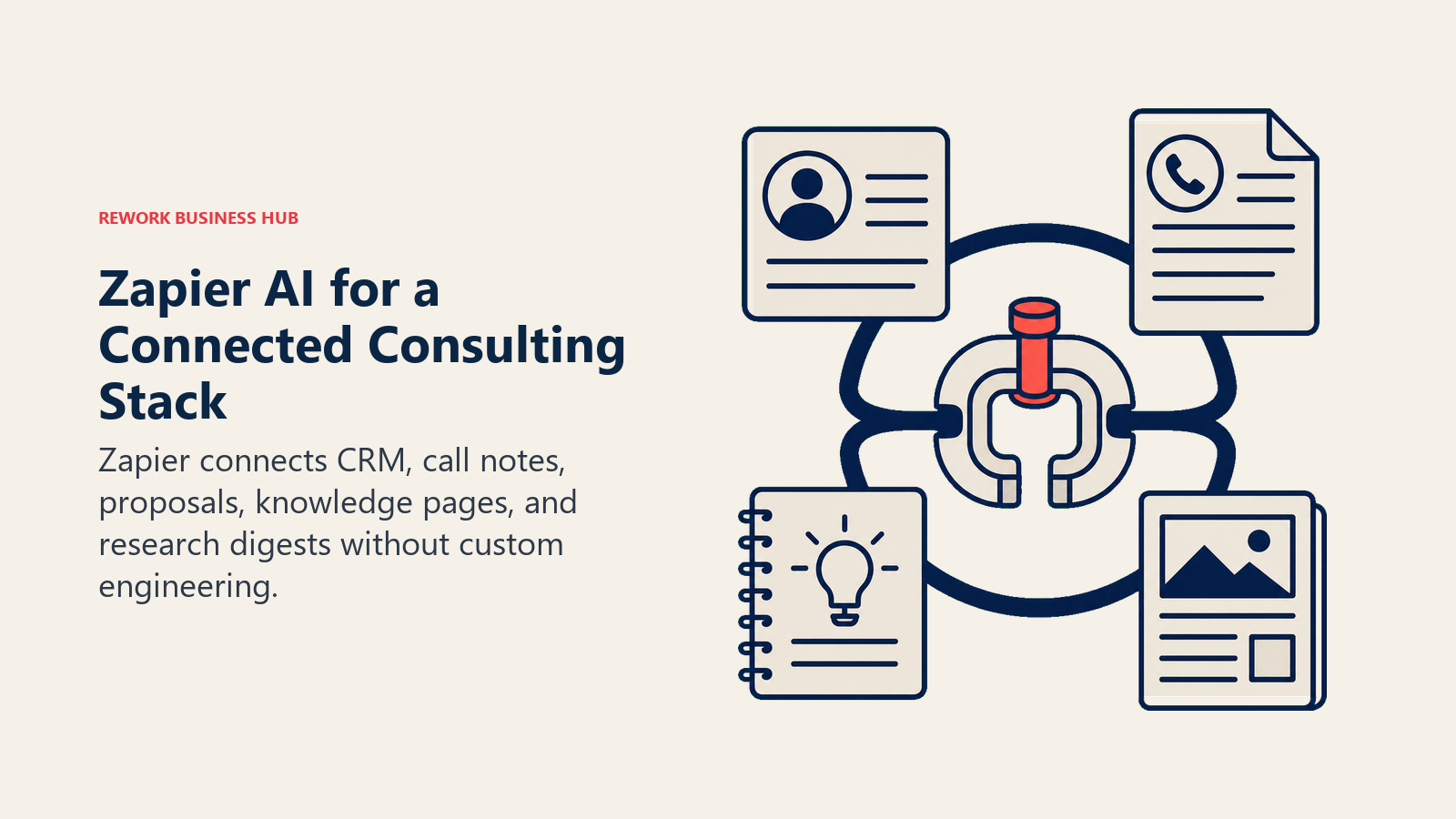
As of June 2026, "AI by Zapier" steps are metered by model tier rather than flat per-task pricing, so AI-heavy workflows now cost meaningfully more than simple app-to-app automations.
| What you get | What you don't |
|---|---|
| Connects your CRM, calendar, inbox, and AI tools without code | AI steps now metered by model tier since June 2026 |
| Thousands of app integrations | Complex multi-step workflows require the Team plan |
| Tables and Forms included even on the free tier | Task-based pricing gets expensive at real volume |
| Good for stitching together a lean solo-consultant stack | Not itself an AI research or writing tool |
Pricing: Free (100 tasks/mo); Professional $19.99/mo billed annually ($29.99 monthly); Team $69/mo billed annually ($103.50 monthly); AI steps billed separately by model tier.
Best for: Solo consultants and small firms who need their AI tools, CRM, and calendar working together without hiring a developer.
11. Mem: Best for a Personal Second Brain
Mem is built for the consultant who accumulates hundreds of scattered notes across dozens of engagements and needs to find "what did I learn about this client's pricing model six months ago" without scrolling forever. Its AI chat answers questions by searching your own notes rather than the open internet, which makes it a genuinely different tool from ChatGPT or Claude, not a competitor to them.
| What you get | What you don't |
|---|---|
| AI chat that answers from your own notes, not the open web | Free tier caps at 25 notes and 25 chats/month |
| Unlimited notes and deep search on Pro | Proactive agent tier jumps to $99/mo |
| PDF ingestion for reference material | Less built for team-wide knowledge sharing than Notion |
| Good for a solo consultant's running client history | No native deck, chart, or visual output |
Pricing: Free; Pro $12/mo; Proactive $99/mo (adds the Mem Agent).
Best for: Independent consultants who want a personal, searchable archive of everything they've learned across every client, without a full team workspace.
12. Rework: CRM + Project Delivery for Multi-Consultant Firms
Every tool above helps an individual consultant think, write, or present faster. Rework solves a different problem entirely: once a firm has more than a handful of consultants juggling active engagements, someone needs to see the full BD pipeline, who's proposing to whom, and whether delivery is on track, without stitching together a spreadsheet, a shared inbox, and a project board that don't talk to each other.
Rework's Sales Ops product covers the business-development side (pipeline, proposals, follow-ups, lead routing with AI-assisted scoring), while Work Ops covers engagement delivery (project and task tracking, cross-team workflows, approvals), both on the same contact record so a client's history doesn't fragment across tools. For firms that also want time tracking against billable hours, the People app adds timesheets and attendance in the same platform, though its pricing isn't published yet.
This is explicitly not a fit for solo consultants: the entry packages assume a 5-to-10-person minimum, and a one-person practice gets far more value from a spreadsheet and the free tiers of the tools above than from a CRM built for team coordination. See the best CRM software roundup and the best project management software guide if you're comparing Rework against dedicated point solutions on either side.
| What you get | What you don't |
|---|---|
| Unified BD pipeline + engagement delivery on one contact record | Not an AI writing, research, or transcription tool |
| AI-assisted lead scoring and routing built into the CRM | Not built for solo consultants; each engine starts at 5 seats |
| Optional People app adds timesheets for billable-hour tracking | People app pricing isn't published yet; contact sales |
| Mid-size pricing with no "contact sales" wall on core tiers | Doesn't replace Claude, Perplexity, or Gamma in the workflow |
Pricing: the Sales Engine is $69/month billed yearly or $80 month to month, with 5 sales seats included; the Project Engine for delivery is $99/month billed yearly or $120 month to month, with 5 work seats included. Extra seats come in blocks of 5 on both. See rework.com/pricing.
Best for: 5-50 person consulting or agency firms juggling multiple concurrent client engagements who want pipeline, delivery, and (optionally) timesheets in one system, not a solo consultant's AI toolkit.
Decision Framework
Build around research, call capture, client delivery, and firm operations, then choose the best tool for each layer.
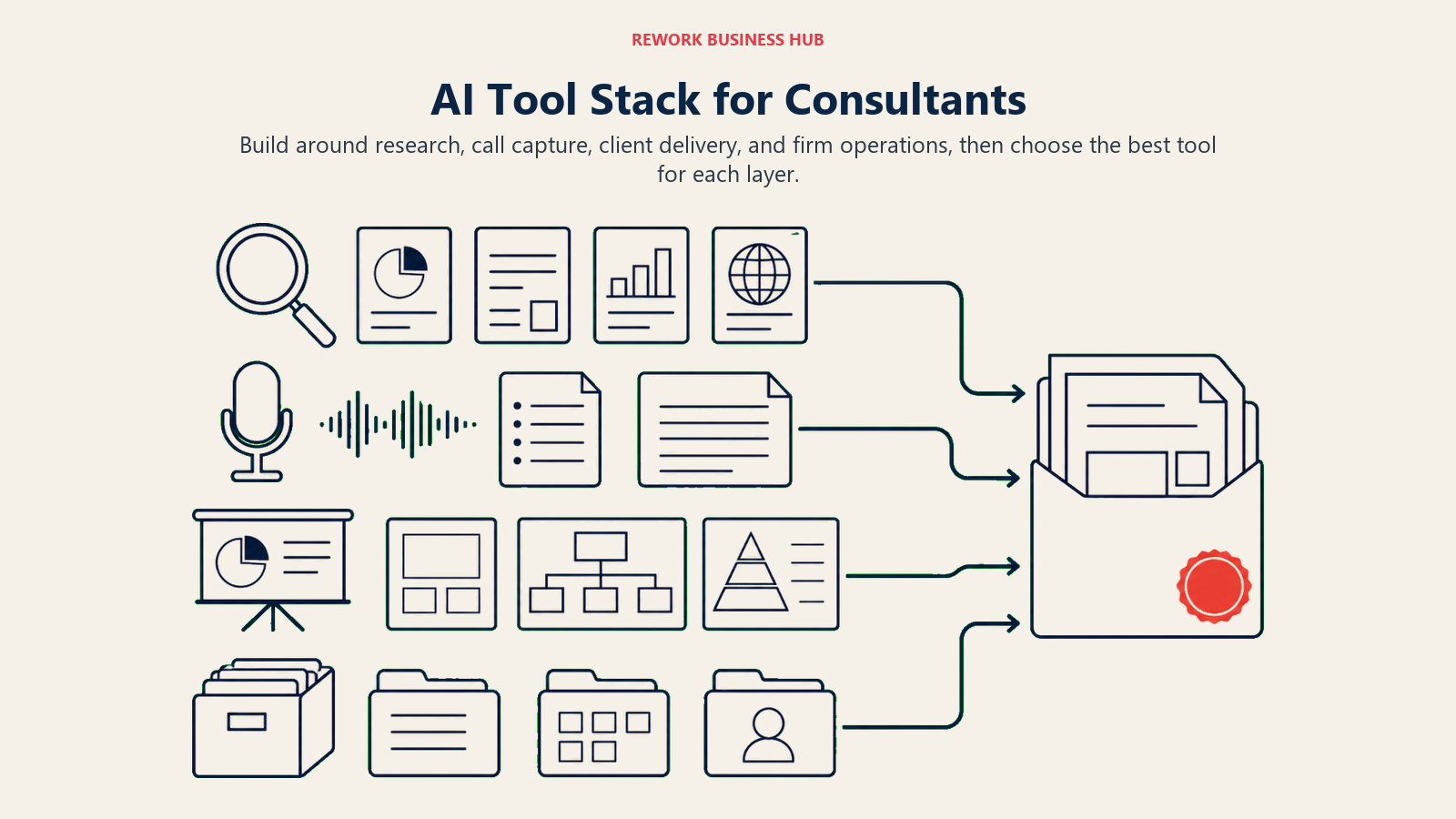
| If you need... | Pick... | Why |
|---|---|---|
| One flexible assistant for daily drafting and research | ChatGPT | Broadest model access, connectors, and Custom GPTs |
| Reliable reasoning across a huge source document | Claude | Best long-context handling on the market |
| Cited, source-backed research you can hand a client | Perplexity | Inline citations on every answer |
| Automatic notes and action items from client calls | Fireflies | Transcribes, summarizes, and archives every call |
| A client-ready deck built in minutes, not hours | Gamma | Fastest outline-to-presentation workflow |
| One workspace for proposals, SOWs, and firm knowledge | Notion AI | AI grounded in your own docs, not a blank chat window |
| Client-facing branded visuals without a designer | Canva | Fastest path to professional-looking assets |
| Turning written findings into a framework diagram | Napkin AI | Converts prose directly into consulting-style visuals |
| Quick statistical analysis without coding | Julius | Conversational data analysis with real charts |
| Your AI tools, CRM, and calendar working together | Zapier AI | Glue layer connecting the rest of your stack |
| A searchable personal archive across every client | Mem | AI chat answers from your own notes |
| BD pipeline + delivery tracking for a growing firm | Rework | Unified CRM and project ops on one contact record |
What to Do Next
Pick one tool from the research/drafting category (ChatGPT or Claude) and one from the client-delivery category (Gamma, Canva, or Napkin AI), run them on your next two engagements, and track the hours you actually save before adding anything else. If you're leading a firm rather than a solo practice, read the professional services growth model and the client relationship strategy guides before deciding whether a CRM layer like Rework belongs in your stack yet, since the answer depends more on your firm's size and engagement volume than on any single feature.

Principal Product Marketing Strategist
On this page
- Updated July 2026: What Changed
- Key Facts
- Quick Comparison Table
- How to Choose an AI Tool as a Consultant
- Framework: By Consultant Type
- 1. ChatGPT: The Default General-Purpose Assistant
- 2. Claude: Best for Long-Document Reasoning
- 3. Perplexity: Best for Cited Market Research
- 4. Fireflies: Best for Turning Client Calls Into Usable Notes
- 5. Gamma: Best for Fast, Polished Client Decks
- 6. Notion AI: Best for a Firm-Wide Knowledge Base
- 7. Canva: Best for Client-Facing Visual Polish
- 8. Napkin AI: Best for Turning Notes Into Framework Visuals
- 9. Julius: Best for Data Analysis Without Touching Python
- 10. Zapier AI: Best for Connecting Your AI Stack
- 11. Mem: Best for a Personal Second Brain
- 12. Rework: CRM + Project Delivery for Multi-Consultant Firms
- Decision Framework
- What to Do Next