Best AI Tools for Scientific Research in 2026: 13 Tools From Hypothesis to Reproducibility
Turn this article into takeaways for your work.


Each assistant summarizes the article only for you and suggests best practices for your work.
A scientist's AI stack has to cover a lot more ground than a literature review. You need something to help generate and test a hypothesis before you touch a bench, a place to write and version the actual lab protocol, a tool that turns messy CSVs into real statistics without you re-learning a stats package, a system that tracks every experiment run so your results survive an audit, and a workflow that gets the paper written and the underlying data archived once you're done. This guide covers that full lifecycle, not the literature-search stage. If you're specifically screening papers for a systematic review, see our best AI tools for literature review guide, and if you want the broader discovery-to-writing stack for any academic discipline, our best AI tools for academic research guide covers that ground instead. This one is built for the parts of science that happen after you've read the papers: designing the experiment, running it, analyzing it, and making sure someone else can reproduce it.
Every tool below was evaluated on real lab and computational research workflows, not a vendor demo. For the master list across every AI category, see best AI tools in 2026.
Key Facts
- More than 70% of researchers have tried and failed to reproduce another scientist's experiment, and over half have failed to reproduce their own, according to Nature's 2016 survey of 1,576 researchers. 52% agreed a significant reproducibility crisis exists.
- FutureHouse's PaperQA2 is the first AI agent to match or exceed PhD and postdoc-level biology researchers on literature retrieval tasks (the LitQA2 benchmark), per the arXiv paper "Language agents achieve superhuman synthesis of scientific knowledge".
- Only 27% of eligible ecology articles were accompanied by usable code, according to a reproducibility audit published in PMC, underscoring how much computational research still can't be rerun by anyone but the original author.
- 84% of developers now use or plan to use AI coding tools, up from 76% the year before, though only 51% use them daily and trust in AI-generated code accuracy fell to 29%, per Stack Overflow's 2025 Developer Survey.
- In a randomized controlled trial run with Microsoft Research, developers using GitHub Copilot completed a coding task 55% faster than developers working without it, per GitHub's own published research.
- The University of Toronto's Acceleration Consortium is using AI-driven self-driving labs to try to cut the cost and time of discovering a new material from roughly 20 years and $100 million down to 1 year and $1 million, backed by a $200 million Canadian government grant.
- The global lab automation market is projected to grow from $6.60 billion in 2026 to $8.62 billion by 2031, a 6.6% CAGR, per MarketsandMarkets.
What Changed in 2026
Scientific AI changed at the product, pricing, and operating-model levels in 2026, with connected workbenches and autonomous experimentation moving closer to daily research.
- GitHub Copilot moved to usage-based AI Credits billing on June 1, 2026, replacing flat per-seat limits with metered credits across its Pro, Pro+, Business, and Enterprise tiers.
- Google split its AI Ultra subscription into a $99.99 entry tier and a $200 high-limit tier at I/O 2026, which now gates the higher usage limits on Gemini-powered tools including Colab's AI assistant.
- Anthropic launched Claude Science on June 30, 2026, a scientific workbench that connects Claude to research databases, code execution, HPC compute, and manuscript drafting in one environment. It competes most directly with the general-purpose assistants in our Claude vs ChatGPT vs Gemini comparison rather than the specialized lab tools below.
- Ginkgo Bioworks has publicly committed to moving all of its R&D onto autonomous, self-driving infrastructure by the end of 2026, one of the clearest signals yet that AI-run experimentation is moving from pilot to default in biotech.
The Scientific Research Lifecycle: Where Each Tool Fits
A research project rarely fails because nobody could find the right paper. It fails because a hypothesis was untestable, a protocol wasn't documented well enough for anyone else to repeat it, the analysis code lived only on one laptop, or the paper never made it past the reviewers who asked "can you share your data." The tools below map to six stages of that lifecycle, and most labs will end up running two or three of them at once rather than picking a single winner.
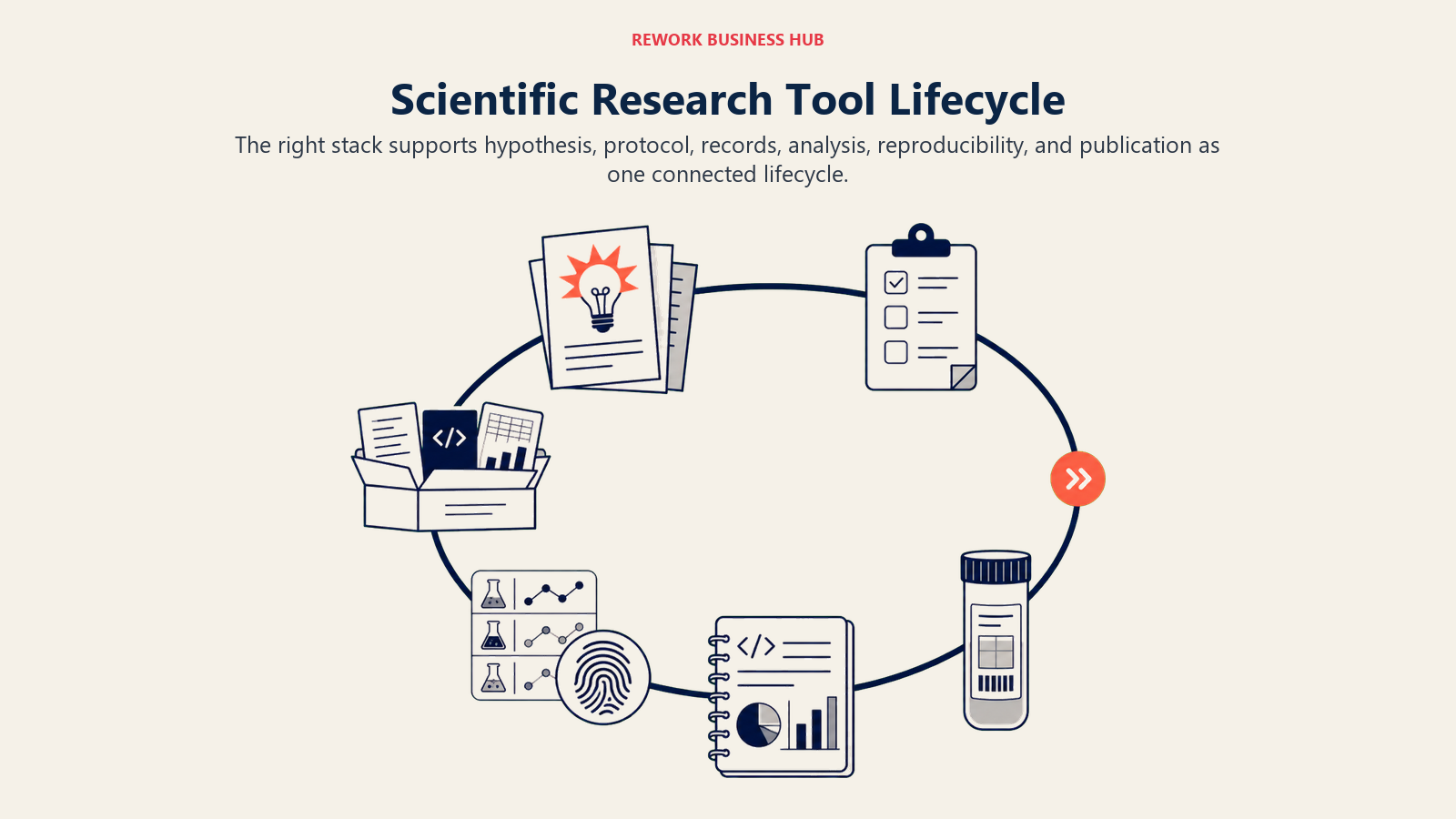
- Hypothesis and idea generation. Before you commit bench time, you want an AI system that can reason across the existing literature and propose testable directions, not just summarize what's already known.
- Experimental design and lab protocols. Once you know what you're testing, the protocol itself needs to be written, versioned, and shareable so a labmate (or a reviewer) can follow it exactly.
- Data collection and lab records. Raw results, samples, and instrument output need a system of record that's more durable than a shared drive of spreadsheets.
- Data analysis and coding. This is where most of the actual research hours go: cleaning data, running statistics, writing analysis scripts, building models.
- Experiment tracking and reproducibility. Every run, every hyperparameter, every code version needs to be logged so the result can be traced back and rerun.
- Writing and open archiving. The paper gets drafted, the manuscript gets formatted, and the underlying data and code get deposited somewhere with a permanent identifier.
Quick Comparison Table
| Tool | Best For | Starting Price | Key Strength | Key Limitation |
|---|---|---|---|---|
| FutureHouse Platform | AI-generated, literature-grounded research hypotheses | Free platform (credit-based API for agents) | PaperQA2 outperforms PhD researchers on literature retrieval | Edison agent API needs purchased credits, no flat subscription |
| Julius AI | Natural-language statistics and data analysis | Free (15 msgs/mo), Plus $35/mo | Runs real stats and builds charts from plain-English prompts | Free tier is a preview only, not usable for real projects |
| Google Colab | Free cloud notebooks for computational research | Free (Pro $11.99/mo) | Gemini-assisted coding, free GPU access, zero setup | Free-tier GPU access is capped and can be reclaimed anytime |
| GitHub Copilot | AI pair programming for research codebases | Free (Pro $10/mo) | Fastest, most widely adopted AI coding assistant | Usage-based credits since June 2026 add billing complexity |
| Weights & Biases | Experiment tracking for computational and ML research | Free (personal), Teams from $50/user/mo | Logs every run, hyperparameter, and result for reproducibility | Metered pricing on tracked hours gets expensive at scale |
| Code Ocean | Reproducible compute capsules tied to a publication | Free (academic, 25 users) | Packages code, data, and environment into one rerunnable capsule | Enterprise and heavier compute needs custom pricing |
| Benchling AI | Life sciences ELN, LIMS, and lab workflow management | Custom (no free tier) | Unifies notebook, registry, inventory, and AI copilot in one platform | No public pricing, typically an enterprise-scale commitment |
| protocols.io | Versioned, shareable lab protocol repository | Free (public protocols) | Step-by-step protocols with version history and forking | Institutional pricing has risen sharply since 2025 |
| LabArchives | General-purpose electronic lab notebook | Free (2 notebooks, 1GB) | Broad discipline support, compliance-ready record keeping | Free tier's storage cap is impractical beyond a pilot |
| Scholarcy | Fast AI summarization and flashcards for dense papers | Free (10 summaries), $9.99/mo | Auto-generates flashcard-style summaries and reference lists | Free tier limited to 1 summary per day |
| Overleaf (+ Writefull) | Collaborative LaTeX writing with AI language help | Free, Standard ~$21/mo | Real-time collaboration plus AI grammar and phrasing checks | AI features are capped on Standard, full access needs Professional |
| OSF | Preregistration and project-level reproducibility | Free, no fees | Preregister hypotheses, archive data, code, and materials together | 5GB per-component limit on private projects |
| Zenodo | Permanent, DOI-backed archiving of datasets and code | Free, no upper limit | CERN-run, integrates with GitHub for one-click code archiving | 50GB cap per individual record |
Workflow Fit Matrix
| Tool | Hypothesis | Protocols/ELN | Data Analysis | Reproducibility | Writing/Archiving |
|---|---|---|---|---|---|
| FutureHouse Platform | Strong | - | Possible | Possible | Possible |
| Julius AI | - | - | Strong | - | - |
| Google Colab | - | - | Strong | Possible | - |
| GitHub Copilot | - | - | Strong | Possible | - |
| Weights & Biases | - | - | Possible | Strong | - |
| Code Ocean | - | - | Possible | Strong | Possible |
| Benchling AI | Possible | Strong | Possible | Possible | - |
| protocols.io | - | Strong | - | Possible | - |
| LabArchives | - | Strong | - | Possible | - |
| Scholarcy | Possible | - | - | - | Possible |
| Overleaf (+ Writefull) | - | - | - | - | Strong |
| OSF | - | Possible | - | Strong | Strong |
| Zenodo | - | - | - | Strong | Strong |
Sizing and Persona Table
| Tool | Ideal User | Primary Use Case |
|---|---|---|
| FutureHouse Platform | Biology and life sciences researchers exploring new directions | AI agents that propose and evidence-check hypotheses from the literature |
| Julius AI | Researchers who need statistics without writing code themselves | Natural-language data analysis, charts, and regression models |
| Google Colab | Anyone running Python-based scientific computing | Free or low-cost cloud notebooks with GPU access and AI code help |
| GitHub Copilot | Research software engineers and computational scientists | AI-assisted coding inside existing pipelines and codebases |
| Weights & Biases | Teams running many computational or ML experiments | Logging, comparing, and reproducing every experiment run |
| Code Ocean | Authors submitting code alongside a publication | Packaging a reproducible, one-click-rerun compute capsule |
| Benchling AI | Biotech and pharma R&D teams | Unified ELN, LIMS, registry, and AI copilot for lab operations |
| protocols.io | Labs sharing methods across a paper or a multi-site study | Versioned, forkable, step-by-step protocol documentation |
| LabArchives | Labs across any discipline needing compliance-ready records | General electronic lab notebook with audit trail |
| Scholarcy | Anyone digesting a large stack of papers quickly | AI flashcard summaries and auto-generated bibliographies |
| Overleaf (+ Writefull) | Anyone co-authoring a manuscript in LaTeX | Real-time collaborative writing with AI language polish |
| OSF | Teams preregistering studies or archiving a full project | Preregistration plus reproducible project and file management |
| Zenodo | Anyone needing a permanent, citable archive for data or code | DOI-backed, free, GitHub-integrated dataset and code archiving |
1. FutureHouse Platform: AI Agents for Literature-Grounded Hypothesis Generation
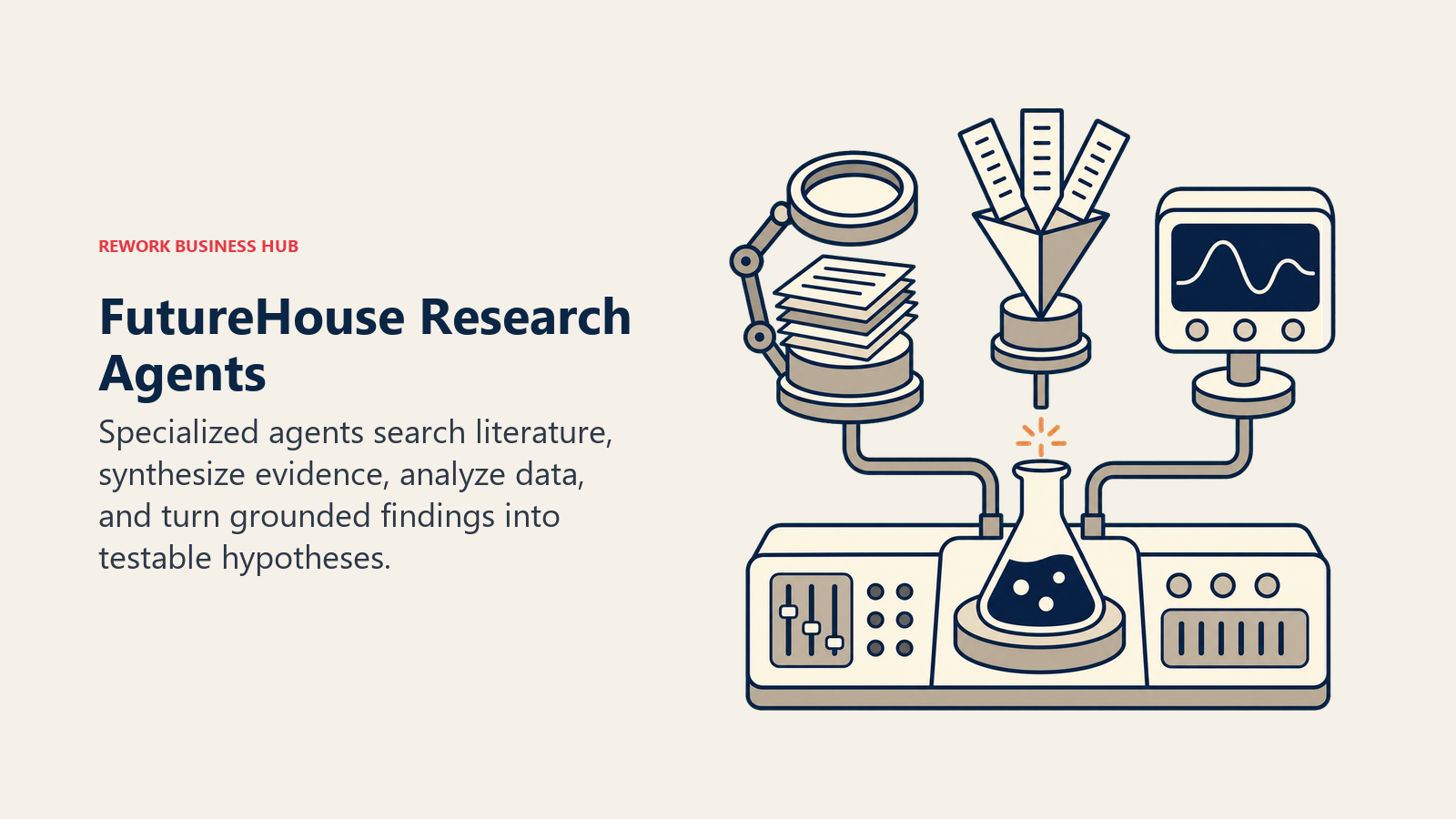
FutureHouse is a nonprofit AI research lab, and its platform is where the hypothesis stage genuinely gets automated rather than just accelerated. PaperQA2, its open-source core agent, is the first AI system documented to match or beat PhD and postdoc-level biology researchers on literature retrieval, according to the arXiv paper behind it. On the production side, the platform's Robin system orchestrates three specialized agents (Crow for literature search, Falcon for deeper synthesis, Finch for data analysis) into a workflow that can propose a hypothesis, design an experiment, and analyze results with minimal human steering. In one public demonstration, Robin took a hypothesis from concept to a drafted paper identifying ripasudil as a candidate therapy for dry age-related macular degeneration in about 2.5 months.
The platform itself is free to use, and PaperQA2's code is open source on GitHub. To use the production Edison agents (Crow and Falcon) through the API, you create a profile and purchase credits rather than paying a flat subscription, which keeps costs proportional to actual usage but makes budgeting less predictable than a per-seat plan.
| What you get | What you don't |
|---|---|
| PaperQA2 matches or beats PhD-level literature retrieval accuracy | Edison agent API is credit-based, not a flat monthly subscription |
| Open-source core (PaperQA2), no vendor lock-in on the code itself | Robin's full hypothesis-to-paper workflow is closer to a research collaboration than a self-serve tool |
| Crow and Falcon agents built specifically for scholarly reasoning | Newer platform with less enterprise support infrastructure than legacy ELN vendors |
| Free platform access, nonprofit-run | Best suited to biology and life sciences; less proven outside that domain |
Pricing: Free platform access; PaperQA2 open source; Edison agent API on a pay-as-you-go credit model, per FutureHouse's platform announcement
Best for: Life sciences researchers who want an AI system that proposes and evidence-checks hypotheses before committing lab time
2. Julius AI: Natural-Language Statistics and Data Analysis
Julius AI exists to remove the "learn pandas or hire a statistician" bottleneck between raw data and an answer. Upload a CSV, describe what you want in plain English (a t-test, a regression, a cluster analysis, a specific chart type), and Julius writes and runs the underlying code, then explains the result back to you in normal language. For researchers who understand their data and their question but not the syntax of a stats package, it collapses what used to be a multi-day back-and-forth with a collaborator into minutes.
The Free plan caps out at 15 messages a month, which is enough to evaluate the interface but not to run a real project. Plus ($35/month, or about $29/month billed annually) is the entry point for individual regular use. Pro ($45/month, about $37/month annually) removes the message cap entirely. Business jumps sharply to $375/month (about $318/month annually) for shared workspaces and integrations, and Enterprise is negotiated directly. Students and educators get 50% off any tier.
| What you get | What you don't |
|---|---|
| Real statistical analysis and chart generation from plain-English prompts | Free plan (15 msgs/mo) is a preview, not usable for actual research |
| No coding required to run a t-test, regression, or cluster analysis | Jump from Pro ($45/mo) to Business ($375/mo) has no middle tier |
| Student and educator discount of 50% on all paid plans | Shared workspaces require the Business tier specifically |
| 14-day refund window on paid plans | Complex, multi-step statistical pipelines still benefit from human review |
Pricing: Free (15 messages/month); Plus $35/month; Pro $45/month; Business $375/month; Enterprise custom, per Julius AI's pricing page
Best for: Researchers who need real statistics and visualizations without writing analysis code themselves
3. Google Colab: Free Cloud Notebooks With Gemini-Assisted Coding
Colab is the default starting point for computational research in Python, and it has been for years, mostly because the free tier includes GPU access with zero local setup. In 2026 that free tier comes with Gemini built directly into the notebook footer: click the spark icon and you get inline code generation, error explanation, and cell-by-cell suggestions without leaving the notebook. For a researcher running exploratory data analysis, training a small model, or reproducing someone else's published notebook, that combination of free compute and built-in AI assistance is hard to beat.
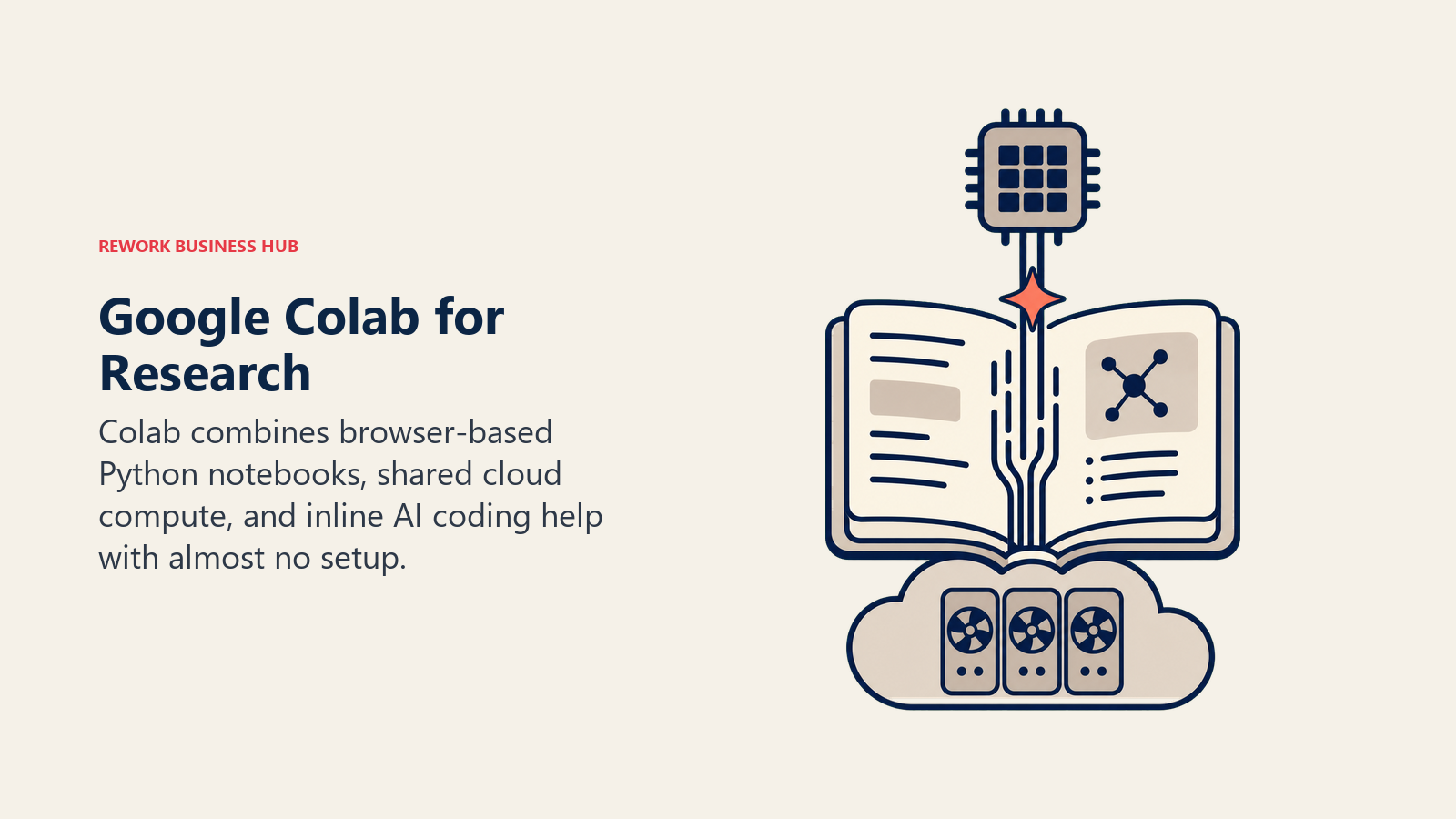
The free tier's GPU access (typically a T4) is capped and can be throttled or reclaimed during high-demand periods, which is the main reason labs upgrade. Colab Pro runs $11.99/month with more compute units and priority access to faster GPUs; Colab Pro+ runs $49.99/month for heavier, longer-running jobs. Pay-as-you-go compute units are also available at $9.99 for 100 units outside a subscription, useful for a single heavy analysis run rather than an ongoing plan.
| What you get | What you don't |
|---|---|
| Free GPU-backed notebooks with zero local environment setup | Free-tier GPU access is capped and can be reclaimed without warning |
| Gemini AI assistance built into the notebook interface by default | Higher usage limits require a Google AI Pro or Ultra subscription |
| Pay-as-you-go compute units for one-off heavy jobs ($9.99/100 units) | Long-running jobs still fit better with a dedicated compute provider |
| Familiar Jupyter-based interface most researchers already know | Pro+ ($49.99/mo) is a meaningful jump for individual budgets |
Pricing: Free; Colab Pro $11.99/month; Colab Pro+ $49.99/month; pay-as-you-go from $9.99 per 100 compute units, per Colab's pricing page
Best for: Researchers running Python-based data analysis or modeling who want free or low-cost compute with AI code help built in
4. GitHub Copilot: AI Pair Programming for Research Codebases
Most published science now depends on code somewhere in the pipeline, whether that's a bespoke analysis script, a simulation, or a full modeling framework, and Copilot is the AI coding assistant with the widest track record inside and outside academia. In a randomized controlled trial GitHub ran with Microsoft Research, developers using Copilot completed a defined coding task 55% faster than developers working without it, and separate survey data found 88% of users reporting they felt more productive with it in daily use. For a research software engineer maintaining an analysis pipeline or a grad student writing their first real data pipeline, that translates into fewer hours lost to boilerplate and syntax lookups.
Copilot moved to usage-based AI Credits billing on June 1, 2026. The Free tier includes limited completions and chat. Pro ($10/month) includes $15 in monthly credits; Pro+ ($39/month) includes $70 in credits; Max ($100/month) targets heavy daily users with $200 in credits. Teams get Business ($19/user/month, 1,900 credits) or Enterprise ($39/user/month, 3,900 credits, GitHub Enterprise Cloud only). Code completions themselves remain unlimited on all paid plans regardless of credit usage.
| What you get | What you don't |
|---|---|
| 55% faster task completion in GitHub's own RCT with Microsoft Research | Usage-based AI Credits (since June 2026) add a layer of billing complexity |
| Unlimited code completions on every paid tier, credits only meter chat/agent use | Free tier's completions and chat access are meaningfully limited |
| Deep integration with existing GitHub-hosted research repositories | Best value requires understanding your own usage pattern before choosing a tier |
| Widest adoption of any AI coding assistant, strong community and docs | Not purpose-built for scientific computing specifically, general-purpose by design |
Pricing: Free; Pro $10/month; Pro+ $39/month; Max $100/month; Business $19/user/month; Enterprise $39/user/month, per GitHub Copilot's plans page
Best for: Research software engineers and computational scientists maintaining real codebases, not one-off notebooks
5. Weights & Biases: Experiment Tracking for Reproducible Computational Research
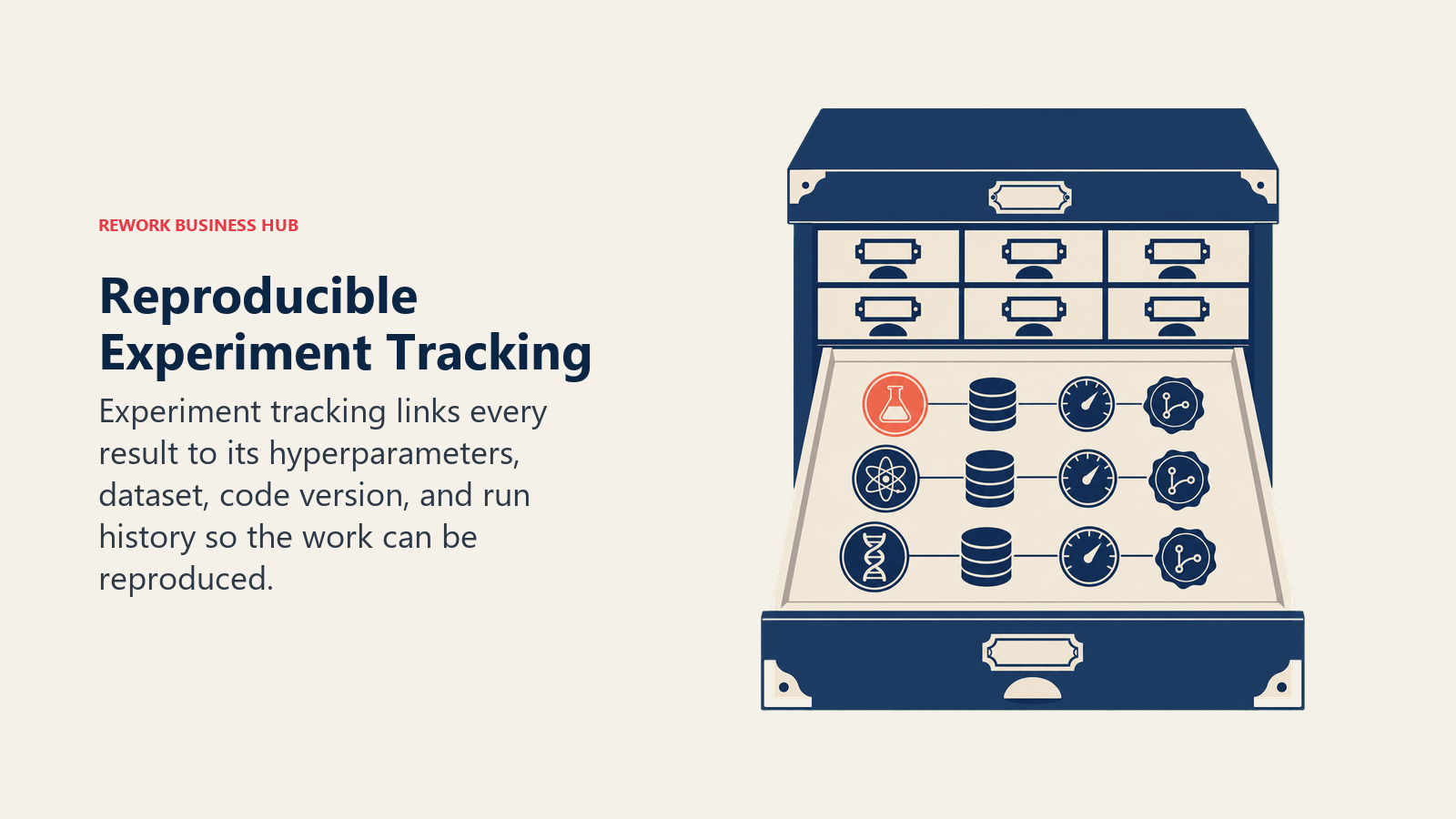
Weights & Biases (W&B) solves a specific reproducibility gap: once you're running dozens or hundreds of computational experiments, remembering which hyperparameters, dataset version, and code commit produced which result becomes impossible by hand. W&B logs every run automatically, lets you compare results side by side, and ties each logged run back to the exact code and config that produced it, which is exactly the kind of provenance trail that's missing from the 27% of ecology papers and under 6% of AI papers that ship without usable code, per the reproducibility audits cited above.
The Free plan covers unlimited projects and teams with 200GB of cloud storage, enough for an individual researcher or small lab to fully evaluate it. Paid tiers meter by tracked hours: Tier 1 runs $50/user/month (250 to 5,000 cumulative tracked hours), Tier 2 $100/user/month (5,000 to 10,000 hours), and Tier 3 $150/user/month (10,000 to 15,000 hours). Enterprise plans run custom, typically $315 to $400 per seat per month, and add HIPAA compliance, SSO, and dedicated support.
| What you get | What you don't |
|---|---|
| Automatic logging of every experiment run, hyperparameter, and result | Metered pricing on tracked hours means costs scale with actual usage |
| Free tier includes 200GB storage and unlimited projects | Heavy computational labs can move through tiers faster than expected |
| Direct link between a logged result and the code/config that produced it | Best suited to computational and ML-adjacent research, less relevant to wet labs |
| Enterprise tier adds HIPAA, SSO, and audit logs for regulated research | Enterprise pricing ($315-400/seat/mo) is a real commitment |
Pricing: Free (personal); Teams from $50/user/month (tiered by tracked hours); Enterprise custom, per Weights & Biases' pricing page
Best for: Labs running many computational or ML experiments that need a defensible record of exactly what produced each result
6. Code Ocean: Reproducible Compute Capsules for Publication
Code Ocean tackles reproducibility from the publication side: it packages your code, data, and full software environment into a single "compute capsule" that anyone (a reviewer, a reader, a future version of yourself) can open and rerun with one click, without recreating your dependency setup from scratch. The platform automatically tracks result provenance and lineage, so you can trace any output back through the exact pipeline that generated it, and it's increasingly required or recommended by journals that ask for a working reproduction of computational results, not just a data availability statement.
Academic labs get a genuinely usable free tier: up to 25 users, 10 compute hours a month, and 20GB of storage, enough to publish and verify a capsule tied to a paper without paying anything. Heavier compute needs (GPU access, larger teams, private VPC deployment) move to custom Enterprise pricing.
| What you get | What you don't |
|---|---|
| Free tier for academic labs: 25 users, 10 compute hrs/mo, 20GB storage | Free tier's compute hours are modest for anything beyond verification runs |
| One-click reproduction of a full code, data, and environment package | Heavier or GPU-based compute needs custom Enterprise pricing |
| Automated provenance and lineage tracking for every result | Not built for lab protocols or wet-lab record keeping |
| Increasingly aligned with journal reproducibility requirements | Newer to mainstream adoption than general-purpose notebook tools |
Pricing: Free (academic, up to 25 users); Enterprise/VPC custom, per Code Ocean's FAQ
Best for: Authors who need to ship a verifiably reproducible version of their code and data alongside a publication
7. Benchling AI: Unified ELN, LIMS, and AI Copilot for Life Sciences
Benchling is the closest thing on this list to an operating system for a biotech or pharma R&D team. Its Life Sciences R&D Cloud combines seven integrated applications (Notebook, Molecular Biology, Registry, Inventory, Workflows, Studies, and Insight) so that sequence design, sample tracking, experiment records, and an AI copilot for querying across all of it live in one platform instead of six disconnected tools. That matters for the protocol and data-collection stages specifically: a result recorded in Benchling is automatically linked to the construct, sample, and workflow that produced it, which is a meaningfully stronger reproducibility guarantee than a folder of spreadsheets.
Pricing is entirely custom and quote-based, with no public tiers and no free plan. That reflects its target market: mid-size to large biotech and pharma R&D organizations, not individual academic labs or solo researchers, where the platform's breadth justifies what's typically an enterprise-scale commitment.
| What you get | What you don't |
|---|---|
| Notebook, registry, inventory, and workflows unified in one platform | No public pricing and no free tier, requires a sales conversation |
| AI copilot can query across notebook entries, samples, and results | Custom quotes typically put entry cost in the thousands per month |
| Results automatically linked to the sample and workflow that produced them | Overbuilt for a single academic lab; best fit is org-wide biotech R&D |
| Purpose-built for biotech and pharma compliance requirements | Less relevant outside life sciences (chemistry, physics, social science) |
Pricing: Custom, quote-based, no public tiers, per Benchling's pricing page
Best for: Biotech and pharma R&D teams that need one connected system across notebook, registry, inventory, and workflow tracking
8. protocols.io: Versioned, Shareable Lab Protocols
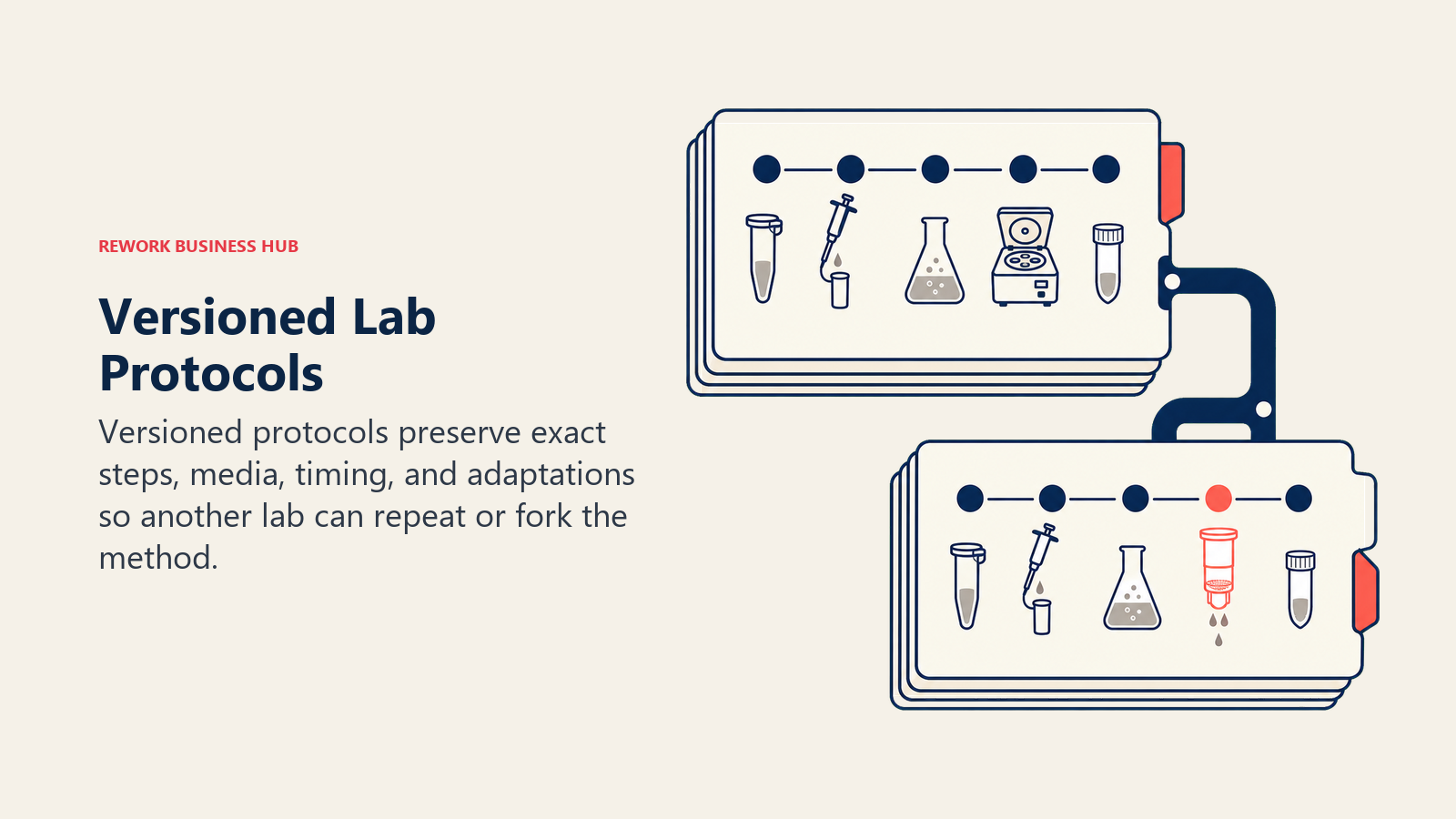
A methods section in a paper is a summary. protocols.io is where the actual, step-by-step, reproducible version of that method lives, with numbered steps, embedded media, and full version history so a labmate or a reader in another country can follow exactly what you did, down to reagent lot numbers and timing. Protocols can be forked, so a lab adapting a published method starts from the original and tracks its own modifications rather than rewriting the whole thing from a PDF. It's become close to a standard for multi-site studies where every participating lab needs to run the identical procedure.
The core Open Research tier, for publishing public protocols, is free. Private protocol sharing requires a Premium Workspace, billed per member, with pricing available on request. Startups get a defined annual Enterprise rate of $11,700. Note that protocols.io was acquired by Springer Nature in 2023, and institutional subscription pricing has risen sharply since, with some institutions reporting increases of over 700% in 2025, so verify current terms directly before committing at the institutional level.
| What you get | What you don't |
|---|---|
| Free, public protocol publishing with full version history | Private Premium Workspace pricing isn't publicly listed |
| Forking lets a lab adapt a published method while tracking changes | Institutional pricing has risen sharply since the 2023 Springer Nature acquisition |
| Widely used across multi-site studies needing an identical procedure | Consortium (multi-institution) plans require a direct sales conversation |
| Embedded media and step-level detail beyond what a methods section allows | Not a data or sample tracking system, purely protocol documentation |
Pricing: Free (public protocols); Premium Workspace per-member pricing on request; Startup Enterprise $11,700/year, per protocols.io's plans page
Best for: Labs publishing or sharing a step-by-step method across a paper, a collaboration, or a multi-site study
9. LabArchives: General-Purpose Electronic Lab Notebook
LabArchives is the broader, discipline-agnostic alternative to a specialized platform like Benchling: a straightforward electronic lab notebook built for compliance-ready record keeping across biology, chemistry, physics, and beyond, without requiring the sample-registry and molecular-design features that a biotech-specific tool bundles in. Entries are timestamped, versioned, and auditable, which matters for grant compliance, IP disputes, and any lab that has to demonstrate exactly when a result was recorded.
The free tier is genuinely limited: two owned notebooks, 1GB total storage, and a 25MB per-file cap, which most active labs outgrow within weeks. Academic Professional pricing starts at $330 per year; corporate pricing starts at $575 per user per year. A course-management option runs $25 per student per term for teaching labs. Many universities carry an institutional license that covers this cost for their researchers already, so check before assuming you need to pay directly.
| What you get | What you don't |
|---|---|
| Discipline-agnostic ELN suitable for any lab, not just biotech | Free tier (2 notebooks, 1GB, 25MB files) is impractical beyond a quick pilot |
| Timestamped, versioned, audit-ready entries for compliance needs | No native AI features beyond record organization and search |
| Course Manager tier built specifically for teaching labs | Many institutions already provide access, so check before paying directly |
| Academic pricing from $330/year is accessible for individual labs | Less integrated than Benchling for sample and inventory-heavy biotech work |
Pricing: Free (2 notebooks, 1GB); Professional (academic) from $330/year; Corporate from $575/user/year; Course Manager $25/student/term, per LabArchives' pricing page
Best for: Labs across any discipline that need a compliance-ready electronic notebook without a full R&D platform
10. Scholarcy: Fast AI Summaries and Flashcards for Dense Papers
Scholarcy fills a narrow but constant need in the middle of a research project: you have more papers to get through than time allows, and you need the key claims, methods, and figures extracted fast without reading every page. It converts a PDF into a structured, flashcard-style summary, complete with a plain-language synopsis, key findings, and a one-click bibliography entry, and it works well as a triage step before deciding which papers earn a full read. It's a genuinely different tool from a systematic-review screener or a citation-verification tool like the ones covered in our literature review guide: Scholarcy is built for speed of comprehension, not for classification or evidence weighting.
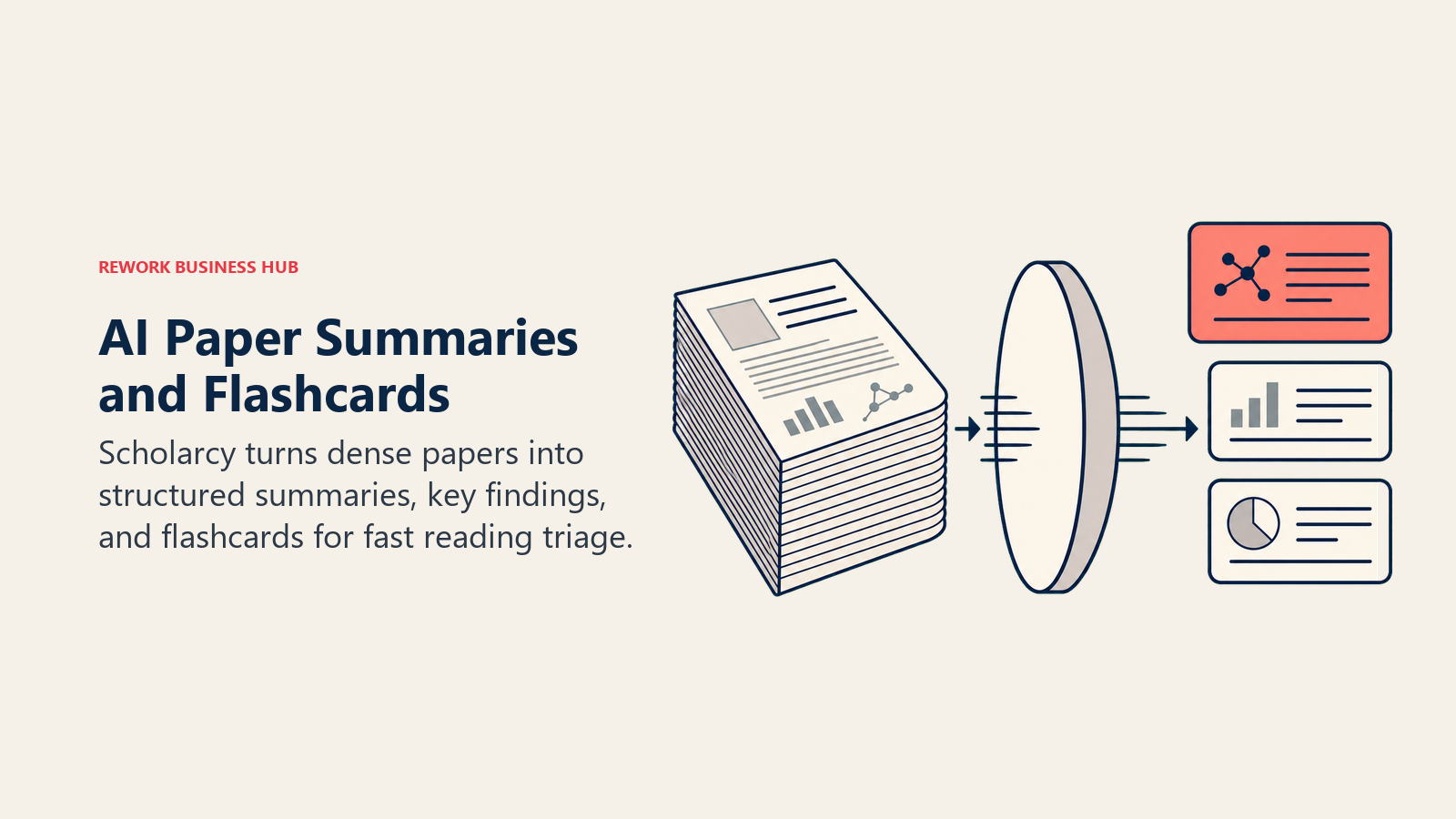
The free plan allows up to 10 summaries total, capped at one per day, enough to test the output quality but not to power a real reading backlog. Paid access runs $9.99/month, or $7.99/month (about $90/year) billed annually, unlocking unlimited summaries, enhanced flashcards, and literature matrix creation. Institutions can license Scholarcy Library org-wide starting at $8,000/year, and an API is available for integration at $225/month (1,000 calls) or $750/month (4,000 calls).
| What you get | What you don't |
|---|---|
| Structured flashcard summaries from a raw PDF in seconds | Free tier capped at 10 summaries total, 1 per day |
| One-click bibliography generation alongside each summary | Not a screening, extraction, or systematic-review tool |
| Literature matrix feature for comparing papers side by side (paid) | Summary quality still depends on how well-structured the source PDF is |
| Institutional and API pricing available for org-wide deployment | Unlimited use requires the $9.99/mo (or $90/yr) paid tier |
Pricing: Free (10 summaries, 1/day); paid $9.99/month or $90/year; Academic Institution License from $8,000/year; API from $225/month, per Scholarcy's pricing page
Best for: Researchers who need to triage a large stack of papers fast, before committing to a full read
11. Overleaf (with Writefull AI): Collaborative Scientific Writing
Overleaf is the collaborative LaTeX editor most STEM researchers already use to draft and co-author manuscripts, and its integration with Writefull adds AI-driven language polish tuned specifically for scientific writing, not generic prose. Writefull flags awkward phrasing, suggests more precise scientific vocabulary, and checks for the kind of consistency issues (tense, terminology, formatting) that a generic grammar checker misses in a technical manuscript. Because Overleaf and Writefull are both owned by Digital Science, the integration is native rather than bolted on.
Overleaf itself has a functional free tier for solo use and small collaborations. Standard runs about $21/month (roughly $199/year) and includes 10 AI uses per day across its tools; Professional runs about $42/month (roughly $399/year) and unlocks the full daily AI allowance. Writefull's own Premium tier, for unlimited AI writing support across Overleaf, Word, and browser, is a separate $150/year add-on if you want AI assistance outside Overleaf's own caps.
| What you get | What you don't |
|---|---|
| Real-time collaborative LaTeX editing, the standard for STEM manuscripts | Standard tier caps AI tool use at 10 uses per day |
| Writefull integration tuned for scientific vocabulary and phrasing | Full AI allowance requires the Professional tier (~$42/mo) |
| Writefull Premium ($150/yr) extends AI help to Word and browser too | Overleaf itself doesn't verify citations or check statistical claims |
| Free tier supports small-scale solo or collaborative writing | Team and institutional licensing require separate negotiation |
Pricing: Free; Standard ~$21/month; Professional ~$42/month; Writefull Premium add-on $150/year, per Overleaf's plans page
Best for: Anyone co-authoring a LaTeX manuscript who wants AI language help tuned for scientific writing specifically
12. OSF: Preregistration and Project-Level Reproducibility
The Open Science Framework (OSF), run by the nonprofit Center for Open Science, addresses reproducibility earlier than almost anything else on this list: it lets you preregister a hypothesis and analysis plan before you collect data, which is the single strongest defense against the kind of post-hoc reasoning that drives the reproducibility crisis Nature documented back in 2016. Beyond preregistration, OSF functions as a full project hub: you can archive data, code, materials, and a full version history together, tie them to collaborators, and generate a permanent, citable record of the entire project, not just the final paper.
It's free, with no fees or license required for researchers, institutions, or the public. Storage is capped at 5GB per component for private projects and 50GB for public projects, but because a project can have unlimited components, storage is functionally unlimited for most labs, just organized differently than a single flat folder.
| What you get | What you don't |
|---|---|
| Preregistration of hypotheses and analysis plans before data collection | 5GB per-component limit on private projects (works around it via components) |
| Free, no license, no fees for any user type | Not a lab notebook, no step-level protocol or sample tracking |
| Archives data, code, and materials together with full version history | Less structured than Zenodo for a single, citable dataset deposit |
| Public projects get 50GB storage and functionally unlimited components | Best suited to project-level organization, not individual file archiving |
Pricing: Free, no fees, per OSF's own documentation
Best for: Teams that want to preregister a study and keep the entire project, not just the final dataset, reproducible in one place
13. Zenodo: Permanent, DOI-Backed Archiving for Data and Code
Zenodo, operated by CERN through the OpenAIRE program, is the endpoint most researchers reach for when a journal or funder requires a permanent, citable archive of a specific dataset or code release. Connect a GitHub repository and Zenodo can automatically archive a snapshot every time you tag a release, minting a DOI for that exact version, which solves the problem of a GitHub repo changing (or disappearing) after a paper cites it. It's free, general-purpose across every discipline, and doesn't require institutional affiliation to use.
There's no overall storage limit, but each individual record (a single deposit, like one dataset or one code release) is capped at 50GB. For most datasets and code repositories tied to a single paper, that ceiling is rarely a practical constraint.
| What you get | What you don't |
|---|---|
| Free, permanent, DOI-backed archiving for any dataset or code release | 50GB cap per individual record (not an overall account limit) |
| Automatic GitHub integration archives a snapshot on every tagged release | Not a collaboration or project-management tool like OSF |
| No institutional affiliation required, open to any researcher | Best for a single artifact deposit, less suited to an evolving project |
| CERN/OpenAIRE-operated, strong long-term stability guarantee | Metadata and discoverability depend on how well you tag the deposit |
Pricing: Free, no upper account limit, 50GB per record, per Zenodo's platform
Best for: Archiving a specific dataset or code release with a permanent DOI once a paper is ready to cite it
Reproducibility Mistakes to Avoid
Picking the right tool at each stage doesn't automatically produce reproducible research. A few habits determine whether any of this actually holds up under scrutiny.
| Mistake | What It Looks Like | What to Do Instead |
|---|---|---|
| Trusting an AI-generated hypothesis without checking its evidence | Taking a FutureHouse or chatbot-suggested hypothesis straight to the bench | Verify the underlying citations exist and actually support the claim before designing an experiment around it |
| Keeping protocols in a personal document instead of a versioned system | A method that lives in one person's Word doc or memory | Move it into protocols.io or your ELN so version history and forking are possible |
| Analyzing data without logging the run | Running a script, getting a result, and not recording the exact code version or parameters used | Log every run in Weights & Biases or an equivalent tracker, even for "quick" exploratory analysis |
| Publishing without a reproducible capsule or archive | Sharing a GitHub link that will inevitably change or go stale | Archive a fixed snapshot in Code Ocean or Zenodo and cite the DOI, not the live repo |
| Skipping preregistration on confirmatory studies | Deciding the analysis plan after seeing how the data looks | Preregister the hypothesis and analysis plan in OSF before data collection begins |
| Assuming code-heavy AI output is correct because it runs | Accepting an AI-generated analysis script because it executed without errors | Spot-check statistical output against a known result or a second method, the same way you'd check a research assistant's work |
Decision Framework
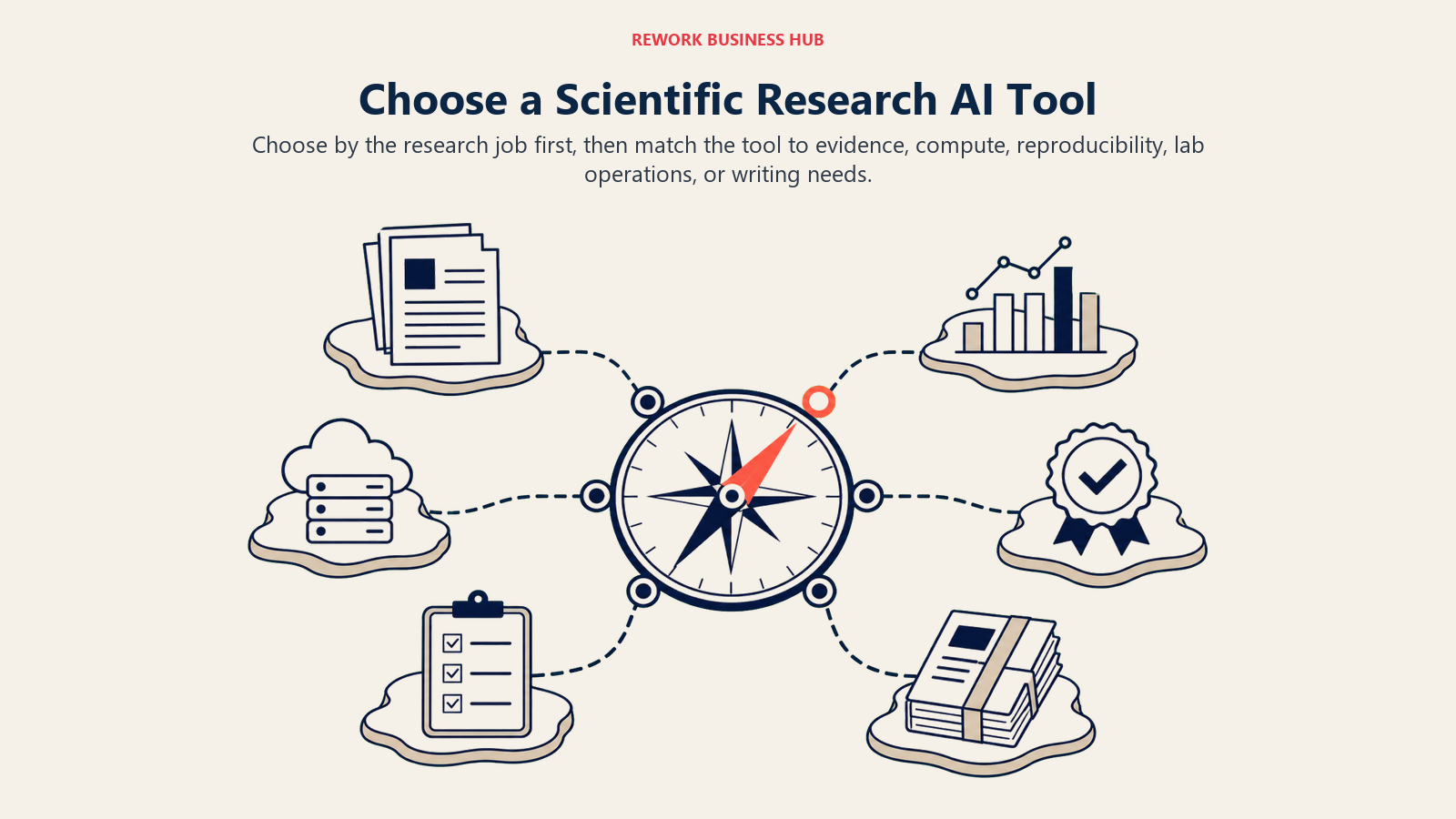
The practical choice starts with the research job, from hypothesis generation and analysis to reproducibility, lab operations, paper triage, or scientific writing.
| If you need... | Pick... | Why |
|---|---|---|
| An AI agent to propose and evidence-check a hypothesis | FutureHouse Platform | PaperQA2 matches or beats PhD-level literature retrieval accuracy |
| Statistics and charts without writing analysis code | Julius AI | Natural-language prompts run real stats and generate visualizations |
| Free or low-cost compute for Python-based research | Google Colab | Free GPU access plus Gemini-assisted coding, zero setup |
| An AI pair programmer for a real research codebase | GitHub Copilot | 55% faster task completion in GitHub's own controlled study |
| To track every experiment run for reproducibility | Weights & Biases | Logs hyperparameters, code version, and results automatically |
| To ship reproducible code and data with a publication | Code Ocean | One-click compute capsules journals can rerun independently |
| One connected platform for biotech R&D operations | Benchling AI | Notebook, registry, inventory, and AI copilot in a single system |
| To document and share a versioned lab protocol | protocols.io | Step-by-step, forkable protocols with full version history |
| A general-purpose, compliance-ready lab notebook | LabArchives | Discipline-agnostic ELN with audit-ready entries |
| To triage a large stack of papers fast | Scholarcy | Flashcard-style AI summaries in seconds per paper |
| AI-assisted collaborative scientific writing | Overleaf (+ Writefull) | Real-time LaTeX collaboration with science-tuned language checks |
| To preregister a study and archive the full project | OSF | Free preregistration plus data, code, and materials in one place |
| A permanent, citable DOI for a dataset or code release | Zenodo | Free, CERN-run, automatic GitHub release archiving |
If your work overlaps with the literature-discovery and citation-verification stage specifically, our best AI tools for academic research and best AI tools for literature review guides go deeper on that end of the workflow. If your analysis work is heavy enough to need a dedicated deep dive on the data side, best AI tools for data analysis and best AI coding tools cover that in more depth, and Cursor vs Copilot vs Windsurf breaks down the AI coding assistants specifically if you're choosing between them. Budget-conscious researchers should also check best AI tools for students for free-tier stacking ideas.
Frequently Asked Questions about AI Tools for Scientific Research
What's the best AI tool for scientific research in 2026?
There's no single best tool because scientific research is a multi-stage lifecycle. FutureHouse's platform is strongest for hypothesis generation, Julius AI and Google Colab for data analysis, Weights & Biases and Code Ocean for reproducibility, Benchling AI and protocols.io for lab protocols, and Overleaf plus OSF and Zenodo for writing and archiving. Most active labs run several of these together, not just one.
How is this different from an academic research or literature review guide?
Academic research and literature review guides focus on finding, screening, and synthesizing existing papers. This guide starts after that: generating a testable hypothesis, designing and documenting the experiment, analyzing the resulting data, tracking it for reproducibility, and getting the paper written and archived. Some researchers need both stacks depending on the project stage.
Can AI tools actually generate a real scientific hypothesis?
FutureHouse's Robin system has demonstrated it, taking a hypothesis about a disease treatment from concept to a drafted, evidence-backed paper in about 2.5 months. But these outputs still need expert review before any wet-lab time is committed, the same way you'd scrutinize a hypothesis suggested by a junior colleague.
What's the difference between Weights & Biases and Code Ocean?
Weights & Biases tracks experiments as you run them, logging every hyperparameter, code version, and result so you can compare runs and trace back what produced a given output. Code Ocean packages a finished piece of work (code, data, and environment) into a single capsule that a reviewer or reader can rerun with one click. Many computational labs use both: W&B during the research phase, Code Ocean at publication time.
Is Benchling worth it for a small academic lab?
Probably not on its own. Benchling's pricing and feature set are built for org-wide biotech and pharma R&D operations. A single academic lab is usually better served by a lighter, cheaper combination like LabArchives for notebook records and protocols.io for shared methods.
Do I need both OSF and Zenodo?
They solve related but different problems. OSF is built around the whole project (preregistration, ongoing files, collaborator access), while Zenodo is built for archiving a specific, finished artifact (one dataset, one code release) with a permanent DOI. Many researchers preregister and manage the project in OSF, then push a final dataset or code release to Zenodo for the citable, permanent copy.
How reliable is AI-generated analysis code?
Treat it the way you'd treat a script written by a new research assistant: useful as a starting point, not something to trust blind. Stack Overflow's 2025 survey found that developer trust in AI-generated code accuracy fell to 29%, and 66% reported spending more time fixing "almost right" AI output. Spot-check statistical results against a known method before they go into a paper.
What's the cheapest way to build a reproducibility-focused research stack?
Google Colab's free tier, Weights & Biases' free personal plan (200GB storage), OSF (fully free), and Zenodo (fully free) together cover compute, experiment tracking, preregistration, and permanent archiving without a subscription. The main upgrade most labs eventually pay for is GitHub Copilot or Julius AI once coding or analysis volume grows past what's comfortable to do unassisted.
What to Do Next
Map your own project to the six stages above and pick one tool per stage rather than searching for a single platform that does everything. A reasonable starting stack costs nothing: Google Colab for compute, Weights & Biases' free tier for experiment tracking, protocols.io or OSF for documentation, and Zenodo for the final archive. Add a paid tool only once you've hit a real bottleneck, whether that's GitHub Copilot once your codebase outgrows solo maintenance, Julius AI once you're tired of writing the same analysis script by hand, or Benchling once your lab's protocols and inventory outgrow a spreadsheet. Test the free tiers on your current project before subscribing to anything, and once your results are ready to write up, our Claude vs ChatGPT vs Gemini comparison covers the general-purpose assistants worth pairing with the specialized tools above for the actual drafting.

Principal Product Marketing Strategist
On this page
- Key Facts
- What Changed in 2026
- The Scientific Research Lifecycle: Where Each Tool Fits
- Quick Comparison Table
- Workflow Fit Matrix
- Sizing and Persona Table
- 1. FutureHouse Platform: AI Agents for Literature-Grounded Hypothesis Generation
- 2. Julius AI: Natural-Language Statistics and Data Analysis
- 3. Google Colab: Free Cloud Notebooks With Gemini-Assisted Coding
- 4. GitHub Copilot: AI Pair Programming for Research Codebases
- 5. Weights & Biases: Experiment Tracking for Reproducible Computational Research
- 6. Code Ocean: Reproducible Compute Capsules for Publication
- 7. Benchling AI: Unified ELN, LIMS, and AI Copilot for Life Sciences
- 8. protocols.io: Versioned, Shareable Lab Protocols
- 9. LabArchives: General-Purpose Electronic Lab Notebook
- 10. Scholarcy: Fast AI Summaries and Flashcards for Dense Papers
- 11. Overleaf (with Writefull AI): Collaborative Scientific Writing
- 12. OSF: Preregistration and Project-Level Reproducibility
- 13. Zenodo: Permanent, DOI-Backed Archiving for Data and Code
- Reproducibility Mistakes to Avoid
- Decision Framework
- What to Do Next