Best AI Tools for Photographers in 2026: 14 Tools Ranked by Use Case

Turn this article into takeaways for your work.


Each assistant summarizes the article only for you and suggests best practices for your work.
The best AI tool for a photographer depends entirely on where the bottleneck actually is. If it's culling 2,000 wedding frames down to 400, Aftershoot or Imagen AI does that job. If it's noise, sharpening, and upscaling a RAW file shot at ISO 6400, Topaz Photo AI is the specialist. If it's portrait retouching at volume, Evoto and PortraitPro exist for exactly that. And if the job is still the full RAW pipeline, Adobe Lightroom remains the default, with Capture One and ON1 Photo RAW as the two real alternatives. This guide ranks 14 tools by the job you're hiring them for, not by a single "best overall" score, because that score changes depending on whether you shoot weddings, product catalogs, portraits, or landscapes.
Every tool below was evaluated on output quality, workflow fit, and pricing transparency, not marketing claims. Where a tool changed meaningfully in the last year (Topaz ending perpetual licenses, Pixelmator Pro moving to subscription, Freepik rebranding to Magnific), that shift is called out below so you don't plan around a price or ownership model that no longer exists.
Updated July 2026: What Changed
- Topaz Labs ended perpetual licenses entirely in September 2025. Every Topaz product, including Photo AI and Gigapixel, is now subscription-only. Existing perpetual owners keep what they bought, but new buyers cannot purchase a one-time license anymore.
- Pixelmator Pro moved from a one-time purchase to a subscription. It's now sold through Apple's Creator Studio bundle at $12.99/month or $129/year, alongside Final Cut Pro and Logic Pro, ending its long run as one of the last major one-time-purchase photo editors.
- Capture One raised prices 6% across all products, effective for renewals on or after July 6, 2026, its second increase in as many years.
- Freepik rebranded its entire platform to Magnific in April 2026, merging its stock-asset library with the Magnific AI upscaling and enhancement suite it had been building since 2024.
- Adobe's Lightroom-only (1TB) plan increased for existing subscribers at their next renewal after March 20, 2026 (from $11.99 to $14.99/month on annual billing), while the bundled Photography Plan held at $19.99/month.
Key Facts
- 88% of working photographers now use AI somewhere in their workflow, and only 4% have never tried it, according to VSCO's December 2025 survey of 401 U.S. and Canadian photographers, reported by PetaPixel.
- 68% of working photographers use AI tools weekly or daily, more than double the 34% rate among photography enthusiasts, per the same VSCO survey.
- The global photo editing software market is valued at $2.50 billion in 2026 and is projected to reach $3.50 billion by 2033, a 5.0% CAGR, according to Coherent Market Insights.
- Aftershoot's active users saved an estimated 89 million hours on culling, editing, and retouching in 2025, roughly 473 hours per photographer (about 12 work weeks), according to the company's Snapshot 2025 report, covered independently by Digital Camera World.
- Adobe Firefly, which now powers generative features inside Photoshop and Lightroom, has generated more than 29 billion images and assets since its 2023 launch, averaging roughly 1 billion generations a month, per Adobe's official blog.
Quick Comparison Table
Use this table to narrow the field before comparing individual tools in detail.
| Tool | Best For | Starting Price | Key Strength | Key Limitation |
|---|---|---|---|---|
| Adobe Lightroom | Full RAW workflow with cloud sync | $19.99/mo (Photography Plan) | Industry-standard AI masking, denoise, and generative remove | Subscription-only; no perpetual license option |
| Adobe Photoshop | Advanced retouching and compositing | $22.99/mo (or $19.99/mo bundled) | Generative Fill and Firefly-powered retouching tools | Steeper learning curve than a RAW-only editor |
| Topaz Photo AI | Noise reduction, sharpening, upscaling | $39/mo (or $399/yr, Studio bundle) | Best-in-class denoise and upscale in one pass | No more perpetual license as of September 2025 |
| Luminar Neo (Skylum) | One-click AI sky, portrait, and structure edits | $99 one-time (Desktop Perpetual) | Still sells a genuine perpetual license | Big feature upgrades often cost extra |
| Capture One | Studio, tethered, and color-critical work | $18/mo (Pro, annual) | Best-in-class color science and tethering | Steepest learning curve on this list |
| Imagen AI | Outsourced-style AI culling and editing at volume | $0.05/photo (PAYG, $7/mo min) | Learns your personal editing style over time | Per-photo cost adds up without a plan |
| Aftershoot | AI culling plus editing bundle for wedding/event shooters | $10/mo (Culling only), $45/mo (full bundle) | Flat pricing, unlimited images, no per-photo fees | Editing style still needs manual fine-tuning |
| Evoto | Portrait and wedding retouching at scale | $9.99/mo (credit-based) | Fast AI skin retouching and body reshaping | Exports consume credits, not flat-rate |
| Radiant Photo | One-time-purchase batch color processing | $129 one-time | No subscription; Photoshop/Lightroom plugin included | Less capable than Lightroom as a full DAM |
| ON1 Photo RAW | Perpetual-license alternative to Lightroom | $99 one-time (or $8/mo subscription) | True license-to-own model still exists | Smaller ecosystem than Adobe or Capture One |
| Pixelmator Pro | Lightweight AI editing for Mac users | $12.99/mo (Apple Creator Studio) | Deep macOS integration, fast ML-based tools | Moved to subscription in 2026; Mac-only |
| PortraitPro | Dedicated face and body retouching | $65.95 one-time (Standard) | Purpose-built portrait AI, no monthly fee | Narrow scope; not a full RAW editor |
| Photoroom | Product photography and e-commerce backgrounds | Free; $7.99/mo (Pro) | Fastest background removal and staging on the market | Not built for portrait or wedding workflows |
| Magnific | AI upscaling for large-format prints | $39/mo (Pro) | Highest-fidelity upscaling for print-size output | Credit-based; heavy use gets expensive fast |
Which Job Are You Hiring a Photography AI Tool For?
Most photographers reach for whatever tool they learned first and stay there out of habit. That's understandable, but it usually means paying for capability you don't use while still outsourcing the one task that's actually eating your weekends. Start with the job, not the brand name.
| If your job is... | Start with | Why |
|---|---|---|
| Editing RAW files with cloud sync across devices | Adobe Lightroom | Industry-standard masking and generative AI tools |
| Deep retouching, compositing, or generative edits | Adobe Photoshop | Firefly-powered Generative Fill and layer-based control |
| Fixing noise and sharpness from a high-ISO shoot | Topaz Photo AI | Denoise, sharpen, and upscale combined in one pass |
| One-click sky replacement or portrait enhancement | Luminar Neo | AI structure tools built for fast, stylized edits |
| Tethered studio work with critical color accuracy | Capture One | Best color science; deepest tethering support |
| Culling and editing thousands of images without hiring an assistant | Imagen AI or Aftershoot | AI learns your style and processes full shoots unattended |
| Retouching skin, faces, and bodies at wedding or portrait volume | Evoto | Purpose-built AI retouching, not a general editor |
| Editing without a recurring subscription | Radiant Photo or ON1 Photo RAW | Both still sell a genuine one-time license |
| Editing on a Mac without Adobe's ecosystem | Pixelmator Pro | Deep macOS integration and fast on-device ML |
| Precision facial and body retouching for headshots | PortraitPro | Narrow, specialized tool that beats general editors on this one job |
| Removing backgrounds for product or catalog shots | Photoroom | Purpose-built for e-commerce, not portrait work |
| Producing large-format prints from smaller files | Magnific | Highest-fidelity AI upscaling for print output |
1. Adobe Lightroom: The Default RAW Workflow, Now Built on AI
Lightroom's product philosophy hasn't changed in over a decade: one catalog, RAW-first editing, and sync across desktop, mobile, and web. What has changed is how much of the actual editing Adobe now automates. AI-powered Select Subject, Select Sky, and Denoise handle masking and noise reduction in seconds, and Generative Remove (built on Adobe Firefly) erases distracting objects without a manual clone-stamp pass.
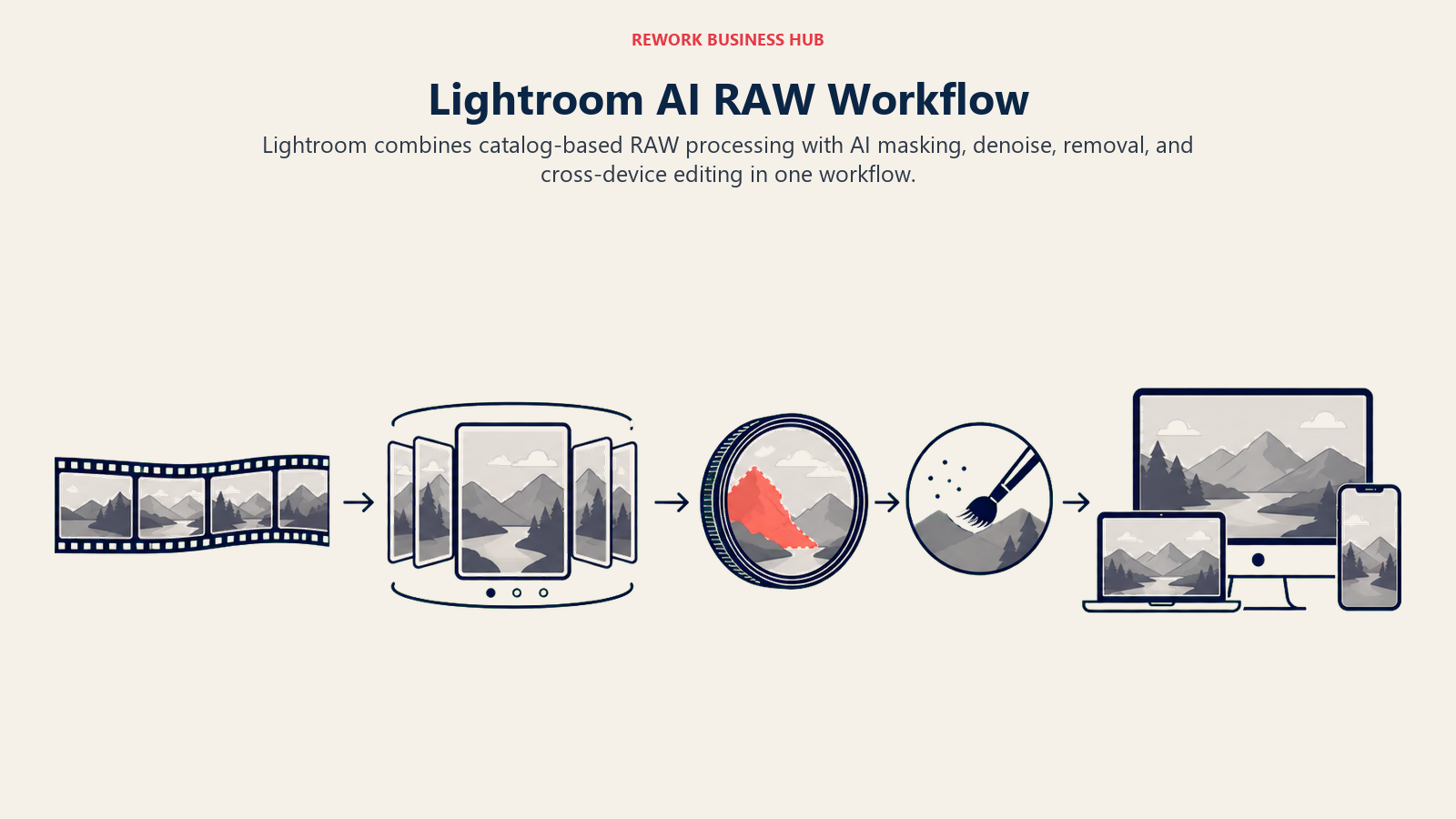
For most working photographers, Lightroom is still the safest default because everyone else in the industry, from second shooters to retouchers to print labs, already knows it. The catalog-based workflow scales from a single portrait session to a 40,000-image wedding season without switching tools.
The honest tradeoff: Lightroom is subscription-only, there's no perpetual license path anymore, and the entry-level plan lost its cheap legacy pricing to new subscribers. If you're deciding between Lightroom and Photoshop specifically for a design-adjacent workflow, our best AI graphic design tools roundup covers where the two diverge.
| What you get | What you don't |
|---|---|
| Industry-standard RAW workflow, catalog-based | No perpetual license option anymore |
| AI masking, denoise, and generative remove built in | Legacy $9.99/mo plan closed to new subscribers |
| Cross-device sync (desktop, mobile, web) | Cloud storage caps push heavy shooters to pay more |
| Deepest third-party plugin and preset ecosystem | AI tools still require a capable GPU for speed |
Best for: Photographers who want the industry-standard RAW workflow with the widest plugin and preset ecosystem, and who don't mind an ongoing subscription.
2. Adobe Photoshop: Generative Fill and Deep Retouching Control
Photoshop's bet has always been pixel-level control, and in 2026 that control is layered with Firefly-powered generative tools: Generative Fill for object removal and background extension, Generative Expand for reframing a crop without losing content, and Neural Filters for skin smoothing and portrait adjustments that used to take a trained retoucher an hour.
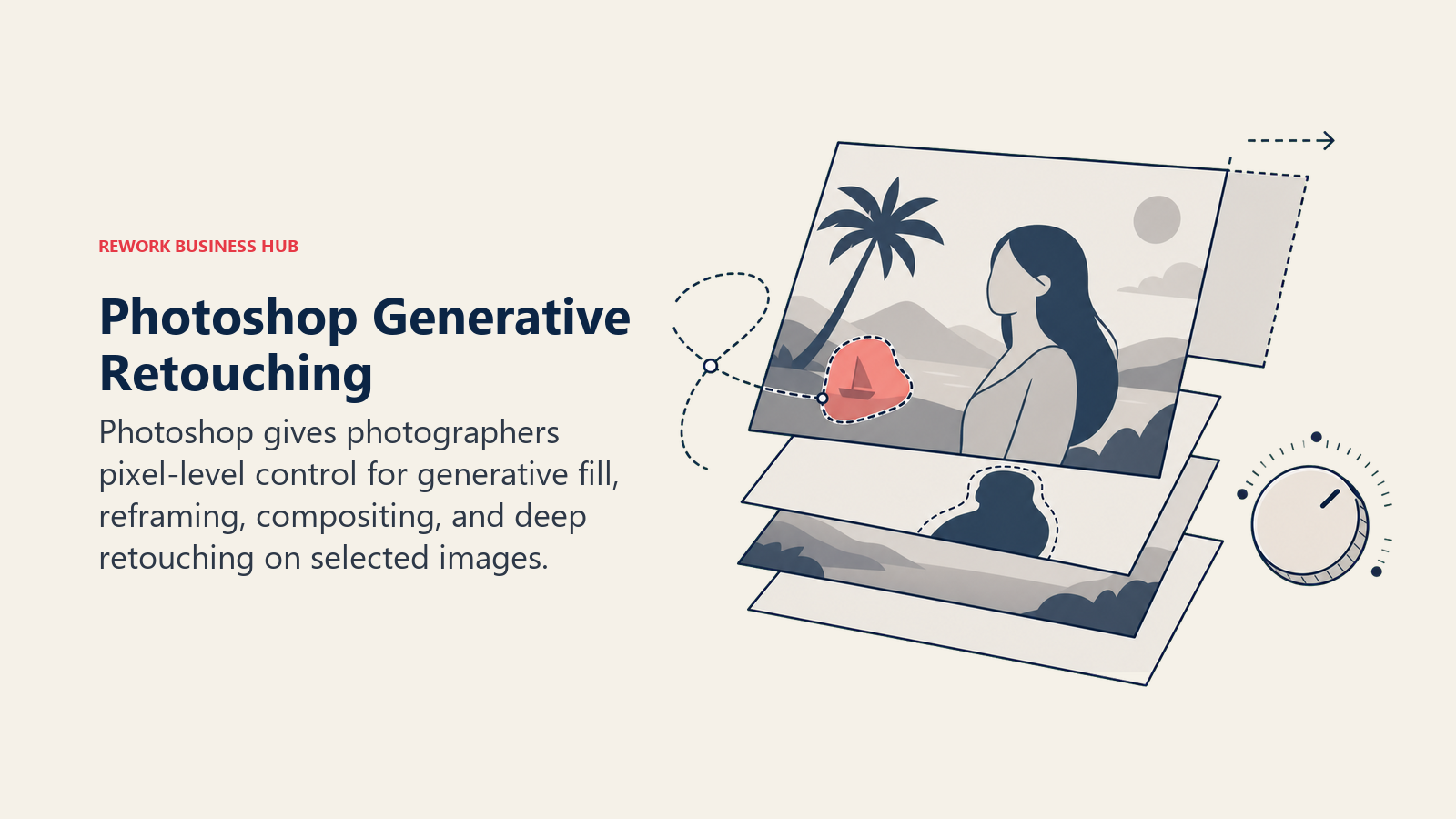
For composite work, product photography that needs a fabricated background, or any edit that goes beyond what a RAW processor can do, Photoshop is still the tool with no real substitute. The generative credit system (25/month included on the Single App plan) covers light use; heavy generative work needs a higher tier.
The tradeoff is workflow speed. Photoshop is not built for processing a full shoot the way Lightroom or a dedicated culling tool is; most photographers use it selectively, for the 5-10% of images that need pixel-level work after a Lightroom or Capture One pass.
| What you get | What you don't |
|---|---|
| Deepest retouching and compositing control available | Not built for processing a full shoot quickly |
| Generative Fill, Expand, and Neural Filters (Firefly-powered) | Generative credits run out fast on lower tiers |
| Layer-based, non-destructive editing | Steeper learning curve than a RAW-only editor |
| Cheaper bundled with Lightroom via the Photography Plan | Standalone Single App plan costs more than the bundle |
Best for: Photographers doing composite work, generative retouching, or any edit that needs pixel-level control beyond what a RAW processor offers.
3. Topaz Photo AI: Best-in-Class Noise Reduction, Sharpening, and Upscaling
Topaz built its reputation on one narrow claim: its noise reduction and upscaling models beat what's built into Lightroom or Photoshop, and for most high-ISO or heavily-cropped images, that claim still holds. Topaz Photo AI now bundles what used to be three separate products (Gigapixel for upscaling, DeNoise for noise reduction, and Sharpen for correcting soft focus or motion blur) into a single pass that auto-detects which fixes an image needs.
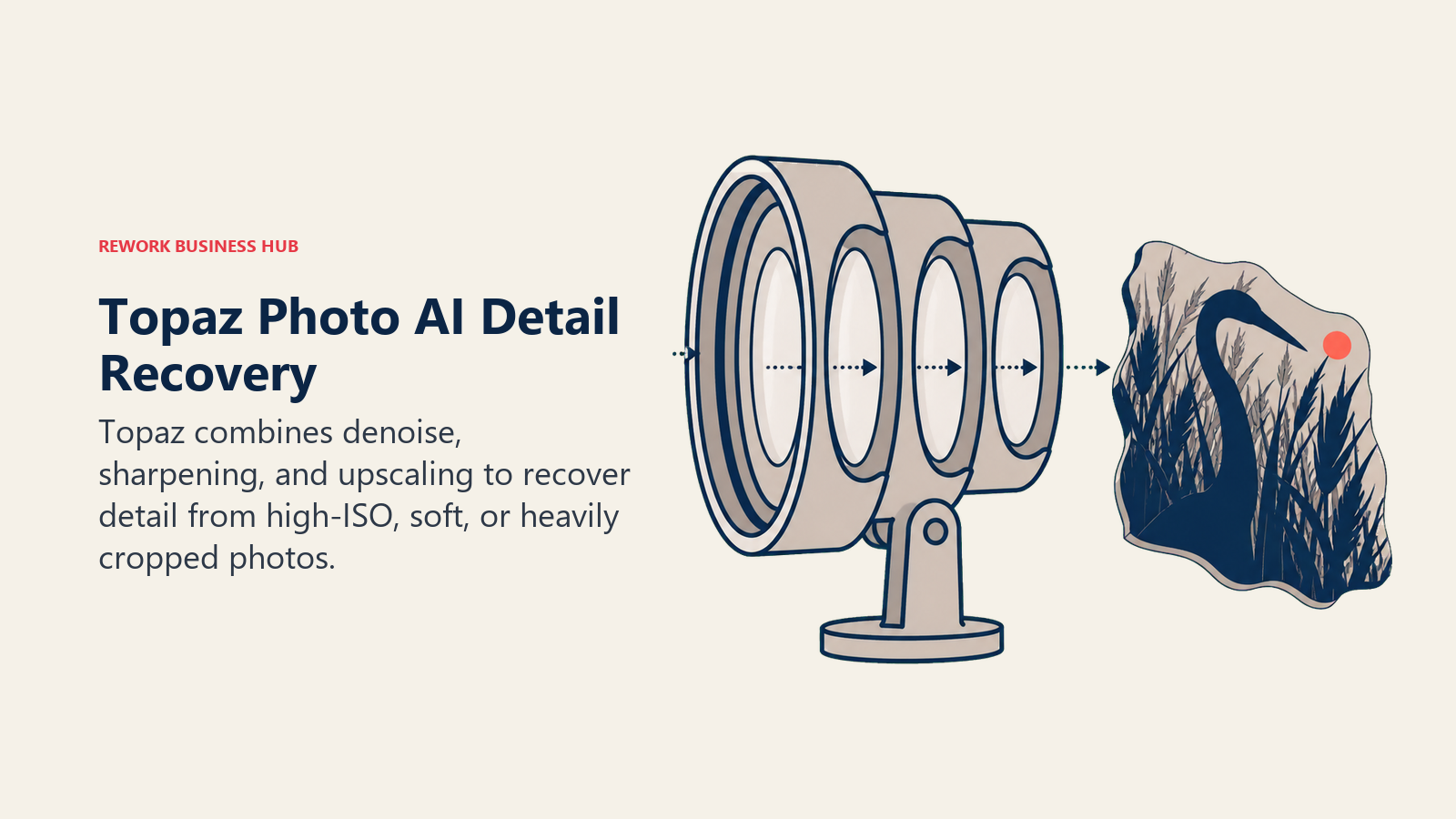
For wildlife, sports, low-light event, and any photographer regularly shooting above ISO 3200, that combined noise-and-detail recovery is genuinely hard to replicate elsewhere. The Gigapixel upscaling model inside it is also the tool most photographers reach for when a client needs a large-format print from a file that's technically too small.
The honest limitation is Topaz's business model change. As of September 2025, every Topaz product is subscription-only, ending the one-time-purchase era that made Gigapixel a favorite budget pick for years.
| What you get | What you don't |
|---|---|
| Best-in-class denoise, sharpen, and upscale in one tool | No more perpetual license, subscription-only since Sept 2025 |
| Auto-detects the right fix per image | Individual apps ($39/mo) add up fast without the Studio bundle |
| Works as a Lightroom/Photoshop plugin or standalone | GPU-intensive; slower on older hardware |
| Studio bundle covers Photo AI, Video AI, and more | Full Studio bundle costs more than most photographers need |
Best for: Wildlife, sports, and low-light photographers who need the strongest noise reduction and upscaling available, and don't mind paying a subscription for it.
4. Luminar Neo: One-Click AI Sky, Portrait, and Structure Tools
Skylum built Luminar Neo around a different bet than Adobe: instead of manual masking and layer stacks, let AI handle the tedious part. Sky Replacement, Structure AI, Portrait Bokeh AI, and Relight AI all work as one-click adjustments that would otherwise take a dozen manual steps in Photoshop.
The real differentiator in 2026 is that Luminar Neo is one of the last mainstream photo editors still selling a genuine perpetual license. For photographers tired of subscription creep, that alone is a reason to look closely, especially at $99 for the desktop-only version.
The tradeoff is depth. Luminar Neo is built for fast, stylized single-image edits, not for managing a 40,000-photo wedding season the way Lightroom's catalog system does, and big feature upgrades sometimes require an extra Upgrade Pass rather than being included forever.
| What you get | What you don't |
|---|---|
| Genuine perpetual license option, rare in this category | Not built for managing a full-season photo catalog |
| One-click AI sky, portrait, and structure tools | Major upgrades sometimes cost extra even with a perpetual license |
| Works standalone or as a Lightroom/Photoshop plugin | Weaker RAW processing than Lightroom or Capture One |
| No forced subscription for core functionality | Smaller preset and plugin ecosystem than Adobe |
Best for: Photographers who want fast, stylized AI edits (skies, portraits, structure) without committing to an ongoing subscription.
5. Capture One: Best Color Science for Studio and Tethered Work
Capture One's differentiator has never been AI flash, it's color. The color science, especially skin tone rendering, is widely considered the best in the category, which is why studio, fashion, and commercial photographers who shoot tethered lean on it over Lightroom even though it costs more and has a steeper learning curve.
AI Skin Tone and the AI-assisted Style Brush now bring some of the one-click convenience competitors have had for years, applying localized adjustments based on what the AI detects in a face or subject rather than a fully manual mask. Tethered capture, live color grading against a shot in progress, remains unmatched.
The honest tradeoff is cost and complexity. At $18-45/month depending on tier, plus a genuine learning curve for anyone coming from Lightroom, Capture One is a deliberate choice for photographers who need its specific strengths, not a default pick for casual shooters.
| What you get | What you don't |
|---|---|
| Best-in-class color science and skin tone rendering | Steepest learning curve of any tool on this list |
| Unmatched tethered shooting and live color grading | More expensive than Lightroom at every tier |
| AI Skin Tone and Style Brush for faster localized edits | Smaller plugin ecosystem than Adobe |
| Both subscription and perpetual license options exist | Prices increased twice in the past two years |
Pricing: Pro (desktop only) ~$18/mo annual; All-in-One (mobile + desktop) ~$25/mo annual; Studio ~$45.75/mo annual, following a 6% price increase effective July 2026.
Best for: Studio, fashion, and commercial photographers who shoot tethered and need the best color accuracy available.
6. Imagen AI: AI That Learns Your Personal Editing Style
Imagen AI's pitch is different from a generic AI editor: it trains on your own past edits, so the output matches your personal style rather than a generic preset. For wedding and portrait photographers who've spent years developing a signature look, that personalization is the entire value proposition, it's meant to feel like an assistant editor, not a filter.
The workflow covers both culling and editing, plus a growing set of AI tools (crop, skin smoothing, HDR merge) priced individually on top of the base edit. Imagen also runs periodic full-access promotions during peak wedding season, making it cheaper to test at scale than the sticker price suggests.
The tradeoff is the pricing model itself. Per-photo costs add up fast for a photographer without a predictable monthly volume, and heavy users are usually better served by Imagen's annual plans than pay-as-you-go.
| What you get | What you don't |
|---|---|
| AI trained on your own personal editing style | Per-photo pricing adds up without a volume plan |
| Combined culling and editing in one workflow | Additional AI tools (crop, HDR merge) cost extra per photo |
| Annual plans scale from 18K to 72K photos/year | Best value requires committing to an annual tier |
| Frequent peak-season promotions lower the entry cost | Style-matching needs an initial training period to feel accurate |
Best for: Wedding and portrait photographers who want AI-assisted editing that matches their personal style, not a generic look.
7. Aftershoot: AI Culling and Editing Built for Wedding and Event Volume
Aftershoot's whole product is built around the single most hated task in professional photography: culling. Its AI reviews an entire shoot, flags blinks, blur, closed eyes, and duplicates, and groups similar shots so you pick the best one from each burst instead of scrolling through all of them manually.
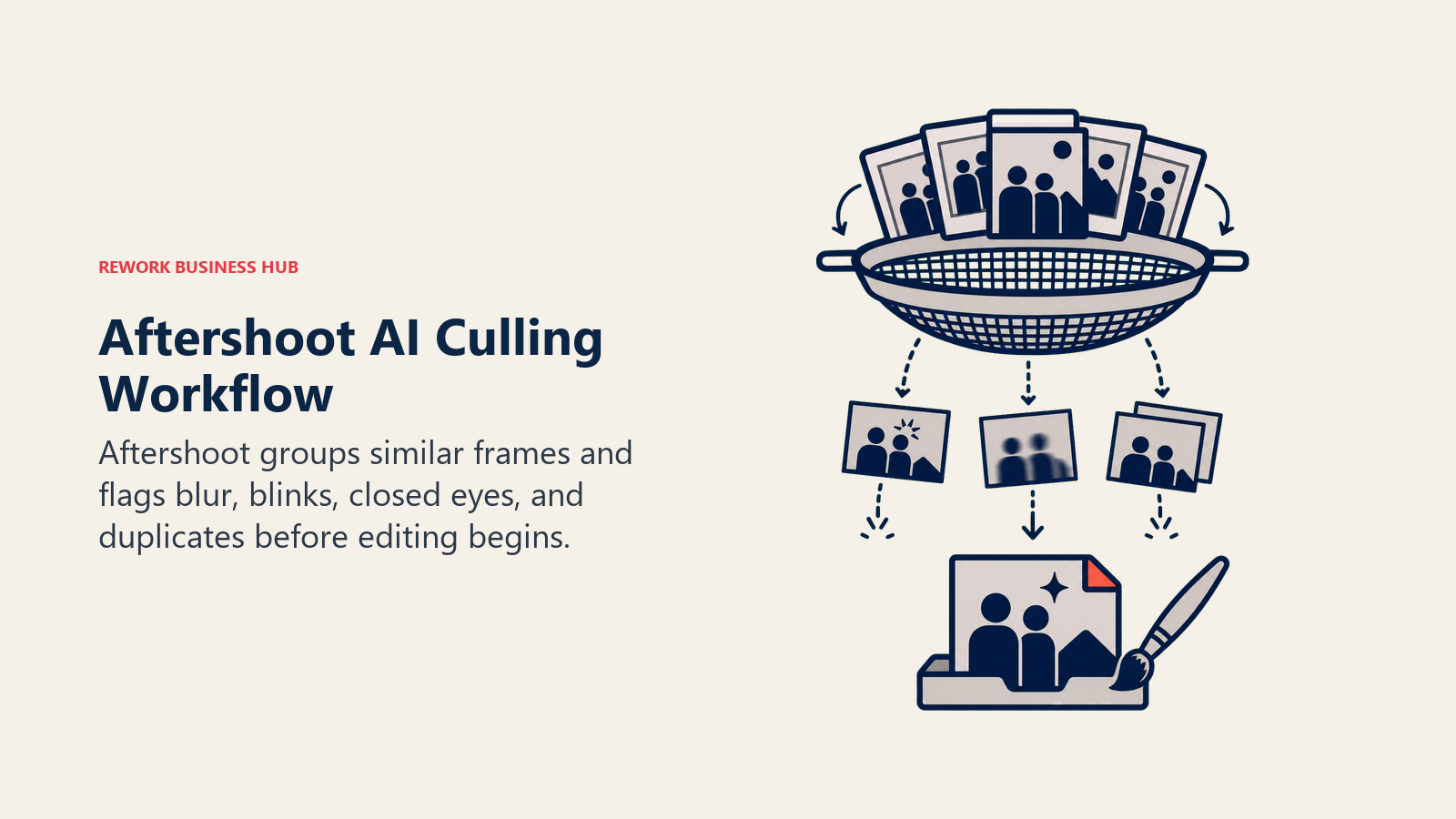
The company's own Snapshot 2025 report claims its users collectively saved 89 million hours across 188,000 photographers last year, a number independently covered by outlets like Digital Camera World rather than just self-reported marketing copy. Whatever the exact figure, the workflow logic (cull first, edit second, retouch third, all AI-assisted) maps directly onto how wedding and event photographers actually work.
The honest limitation: editing style still needs manual tuning to match a photographer's specific look, and the full Select + Edit + Retouch bundle at $45/mo is a real cost for a solo shooter early in their business.
| What you get | What you don't |
|---|---|
| Flat, unlimited-image pricing, no per-photo fees | Editing style needs manual fine-tuning to match your look |
| Modular pricing: pick Culling, Editing, or Retouching separately | Full bundle ($45/mo) is a real cost for early-stage shooters |
| 30-day free trial, no credit card required | Best value requires the annual billing commitment |
| Client gallery delivery built into the platform | Less flexible than a general RAW editor for creative edits |
Best for: Wedding and event photographers processing large shoots who want culling, editing, and retouching handled by one connected AI workflow.
8. Evoto: Fast AI Retouching for Portrait and Wedding Photographers
Evoto is narrower than Aftershoot or Imagen AI by design: it's built specifically for AI retouching at speed, skin smoothing, body reshaping, teeth whitening, background replacement, all tuned for portrait and wedding delivery rather than general RAW processing. Editing and previewing are free; only the final export consumes a credit, so photographers can test heavily before committing.
The tool has become a favorite among high-volume portrait studios specifically because the retouching quality holds up at batch scale; you can apply the same AI retouch profile across hundreds of images from a single session without re-tuning each one by hand.
The tradeoff is scope and the credit-based pricing model. Evoto isn't a RAW processor or culling tool, most photographers pair it with Lightroom or Aftershoot upstream, and heavy exporters need to watch credit consumption rather than paying one flat monthly rate.
| What you get | What you don't |
|---|---|
| Fast, batch-consistent AI retouching (skin, body, teeth) | Not a RAW processor or culling tool on its own |
| Free editing and preview; only exports cost credits | Credit-based pricing means costs scale with export volume |
| Free credits to test the full feature set before buying | Best paired with another tool for the RAW/culling stage |
| Desktop app built for fast studio workflows | Smaller ecosystem than Adobe or Capture One |
Pricing: Credit-based, from $9.99/mo; annual subscription and pay-as-you-go credit packs both available.
Best for: Portrait and wedding studios that need fast, consistent AI retouching at volume, paired with a separate RAW editor.
9. Radiant Photo: One-Time-Purchase Batch Color Processing
Radiant Photo's entire pitch is a direct rebuttal to the subscription model everyone else on this list uses: pay once, own it, no recurring fee for the core software. It works as a standalone app or a plugin inside Photoshop, Lightroom, and PaintShop Pro, applying AI-driven color and tone correction across a full batch in one pass.
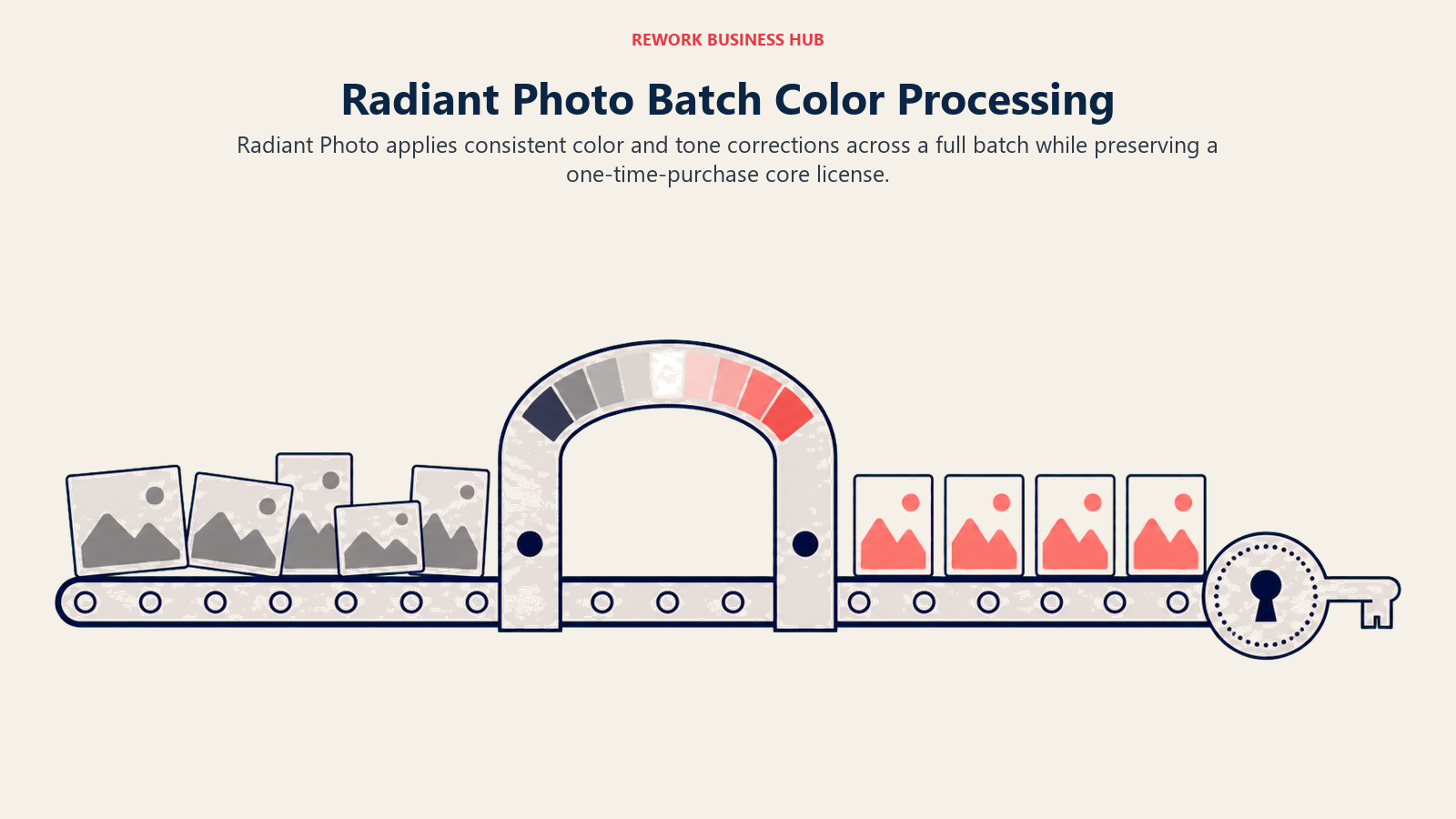
For photographers who shoot in bulk and want fast, consistent color grading without hand-tuning every image, Radiant's batch processing speed is a real advantage. It's less a creative tool and more a color-correction engine you run before or after your main editor.
The honest limitation: it's not a replacement for a full RAW workflow or digital asset manager. Most photographers use it as a fast first pass before finishing files in Lightroom or Photoshop, not as their only tool.
| What you get | What you don't |
|---|---|
| One-time purchase, no required subscription | Not a full RAW workflow or digital asset manager |
| Fast batch color and tone correction across a full shoot | Optional Toolkit subscription ($50/yr) needed for new preset packs |
| Works standalone or as a Lightroom/Photoshop plugin | Less capable creative toolset than Luminar Neo or Photoshop |
| 30-day money-back guarantee | Smaller community and plugin ecosystem |
Pricing: Standalone $129 one-time; bundle with Photoshop/Lightroom/PaintShop Pro plugins $159 one-time; optional Radiant Toolkit subscription $50/year after a free first year.
Best for: High-volume shooters who want fast, consistent batch color correction without paying a monthly subscription.
10. ON1 Photo RAW: The Other Perpetual-License RAW Editor
ON1 Photo RAW exists for photographers who want Lightroom's core functionality (RAW processing, layers, local adjustments, library management) without Lightroom's subscription requirement. Its "License to Own" model means one payment covers the software indefinitely, with free updates through that major version.
The MAX edition adds Restore AI (for damaged or low-quality photo repair) and native plugin support for Photoshop and Lightroom, making it a credible bridge tool for photographers who want to keep some Adobe workflow while owning their primary editor outright.
The tradeoff is ecosystem size. ON1's plugin marketplace, tutorial base, and third-party preset community are all smaller than Adobe's, and support resources thin out compared to the two market leaders.
| What you get | What you don't |
|---|---|
| Genuine perpetual license, "buy once" model | Smaller plugin and preset ecosystem than Adobe |
| MAX edition adds Restore AI and cross-app plugin support | Major version upgrades aren't included in the base license |
| Runs as a full standalone app on Mac and Windows | Less third-party tutorial and community content |
| Subscription option (ON1 Everything) also available | AI features trail Lightroom's Denoise and Select Subject slightly |
Pricing: Photo RAW $99 one-time; Photo RAW MAX $199 one-time; or ON1 Everything subscription from $8/mo.
Best for: Photographers who want a full RAW editor they own outright, without committing to Adobe's subscription model.
11. Pixelmator Pro: Lightweight AI Editing Built for the Mac
Pixelmator Pro's whole design philosophy is doing more with on-device machine learning instead of cloud processing, which makes it fast, private, and genuinely native-feeling on macOS. ML-powered tools handle background removal, upscaling (ML Super Resolution), and repair without round-tripping to a server.
For Mac-based photographers who want a capable, fast editor without Photoshop's complexity or price, Pixelmator Pro has been a longtime favorite. Its 2026 move into Apple's Creator Studio bundle, alongside Final Cut Pro and Logic Pro, puts it in front of a much wider Apple-ecosystem audience than before.
The tradeoff is the same shift that created the opportunity: Pixelmator Pro left its one-time-purchase roots behind in 2026, and it remains Mac-only, so Windows-based photographers have no path to it at all.
| What you get | What you don't |
|---|---|
| Fast, private, on-device ML processing | Moved to subscription in 2026, no longer one-time purchase |
| Deep macOS integration (Shortcuts, Photos, Continuity Camera) | Mac-only; no Windows version exists |
| Bundled with Final Cut Pro and Logic Pro via Creator Studio | Smaller feature set than Photoshop for complex compositing |
| Clean, fast interface with a low learning curve | Newer AI tools trail Topaz on pure noise/upscale quality |
Pricing: $12.99/mo or $129/yr via Apple Creator Studio (bundled with Final Cut Pro and Logic Pro); previously a one-time purchase before the 2026 subscription move.
Best for: Mac-based photographers who want fast, private, ML-powered editing without Adobe's price or complexity.
12. PortraitPro: Purpose-Built Face and Body Retouching
PortraitPro does one thing and has done it for close to two decades: automated, adjustable face and body retouching. It detects facial features, skin, hair, and body shape automatically, then lets you dial in the intensity of each adjustment, rather than hand-masking every retouch the way you would in Photoshop.
For headshot photographers, portrait studios, and anyone whose primary output is a face-forward image, PortraitPro's speed advantage over manual retouching is significant, and it remains one of the few tools in this category still sold as a straightforward one-time purchase rather than a subscription.
The honest limitation is scope. PortraitPro is not a RAW processor, a culling tool, or a general editor; it's a specialist plug-in for one specific job, and most photographers pair it with Lightroom or Capture One for everything else.
| What you get | What you don't |
|---|---|
| Purpose-built, fast face and body retouching | Not a RAW processor, culling tool, or general editor |
| One-time purchase across all three editions | Batch processing limited to the Studio and Studio Max tiers |
| Works standalone or as a Lightroom/Photoshop plugin | Narrower scope than Evoto's broader retouching suite |
| No recurring subscription required | Frequent discounting makes "list price" hard to pin down |
Best for: Headshot and portrait photographers who want fast, dedicated face and body retouching without a monthly fee.
13. Photoroom: Background Removal and Staging for Product Photography
Photoroom is built for a different kind of photographer than most of this list: product and e-commerce shooters who need clean, consistent backgrounds and staged product shots at high volume, not portrait retouching or RAW processing. Its background removal is among the fastest and most accurate available, and AI Product Staging and Virtual Model tools can place a product into a generated scene without a physical set.
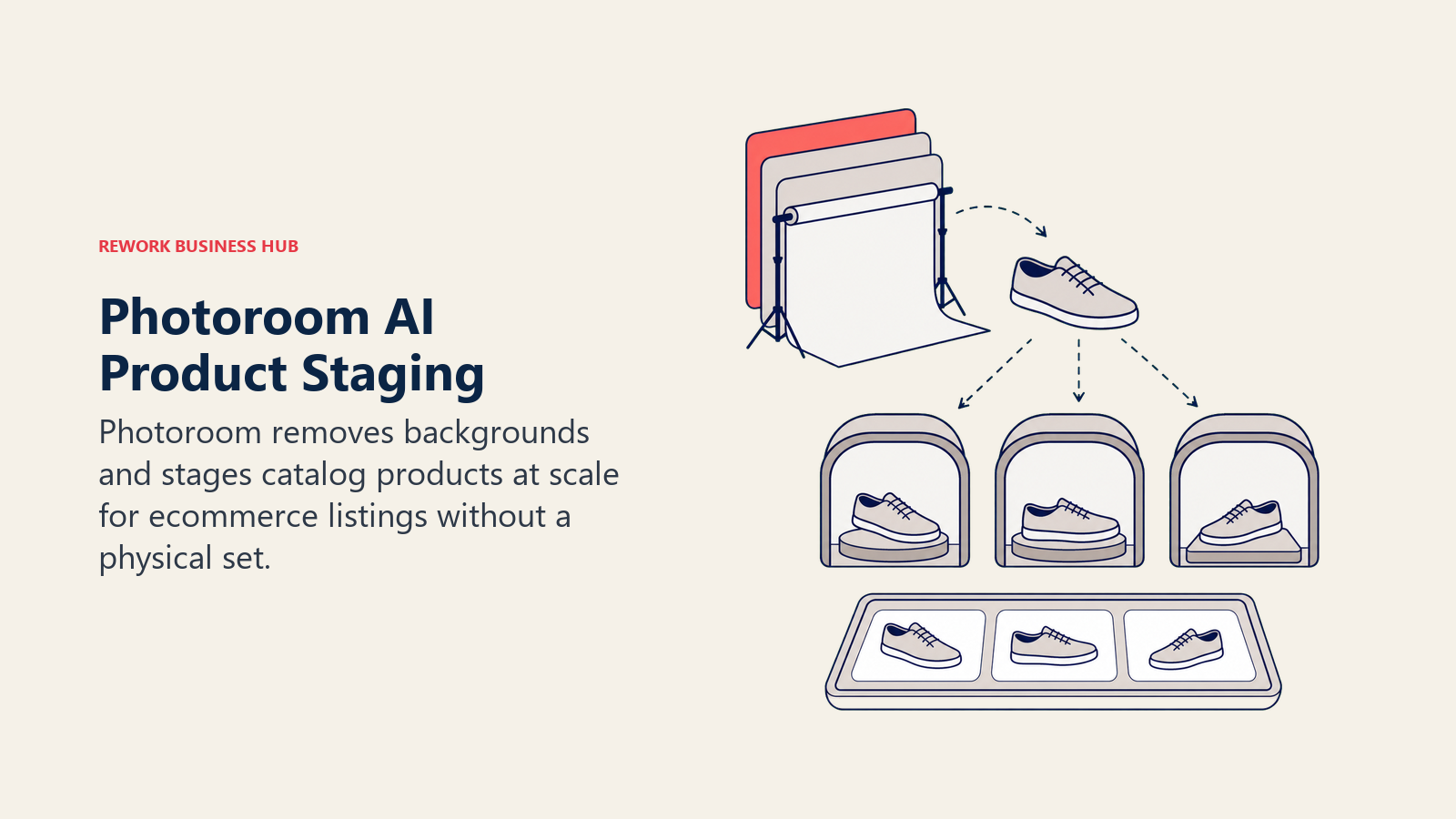
For photographers who shoot for e-commerce clients or run their own online store, Photoroom often replaces what used to require a full studio setup and a separate retoucher. Batch processing and Shopify integration make it practical to run hundreds of listings through the same workflow.
The tradeoff is fit. Photoroom isn't built for portrait, wedding, or landscape work at all; it's a specialist tool for product and catalog imagery, and its AI credit system needs watching on the free and Pro tiers if you're exporting at real volume. If e-commerce photography is your main client base, our best AI tools for e-commerce roundup covers the adjacent tools most product photographers stack alongside it.
| What you get | What you don't |
|---|---|
| Fastest, most accurate background removal in this category | Not built for portrait, wedding, or landscape photography |
| AI Product Staging and Virtual Model scene generation | AI credit system needs watching on lower tiers |
| Batch exports and Shopify integration for catalog work | Free tier caps at 250 exports/month |
| Usable free tier for testing before paying | Higher tiers (Ultra, from $99/mo) needed for real e-commerce volume |
Pricing: Free (250 exports/mo); Pro $7.99/mo; Max $26.99/mo; Ultra from $99/mo.
Best for: Product and e-commerce photographers who need fast, consistent background removal and staging at catalog volume.
14. Magnific: AI Upscaling for Large-Format Prints
Magnific (rebranded from Freepik in April 2026) built its reputation on one specific job: upscaling images to print-ready resolution while adding believable, non-blurry detail rather than the smeared look older upscalers produced. For photographers who need to blow up a smaller file to gallery-print size, or who need to rescue a slightly soft image for large-format output, that detail-adding upscale is the differentiator.
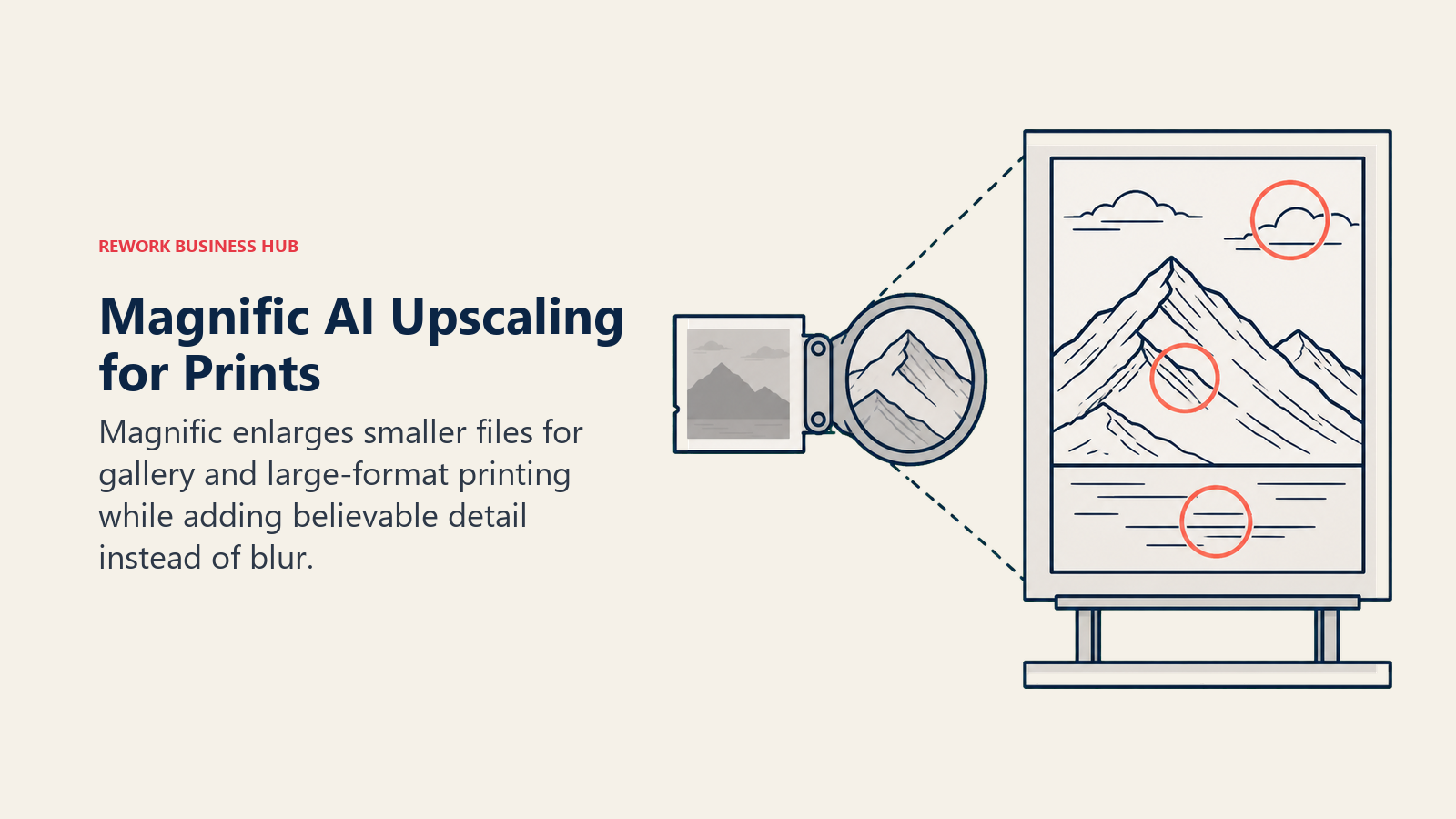
The platform now bundles access to roughly ten underlying AI models alongside a large stock-asset library, so it functions as both an upscaler and a broader creative toolkit, not a single-purpose plugin. Photographers producing exhibition prints, large canvas orders, or high-resolution stock submissions are the core use case.
The tradeoff is the credit system and price ceiling. Magnific's Pro tier is workable for occasional upscaling, but photographers doing this regularly at scale will burn through credits fast and may need the Premium or Business tier to keep up.
| What you get | What you don't |
|---|---|
| Highest-fidelity AI upscaling for print-size output | Credit-based; heavy use gets expensive fast |
| Access to roughly 10 underlying AI models in one subscription | Not built as a dedicated photography editor |
| Bundled stock-asset library alongside the upscaler | Best value tiers ($99-299/mo) are steep for solo photographers |
| Useful for exhibition prints, canvas orders, and stock submissions | Newer brand identity (rebranded from Freepik in April 2026) |
Best for: Photographers producing large-format prints or exhibition work who need AI upscaling that adds real detail, not just bigger pixels.
Pricing at a Glance
| Tool | Entry Price | Model |
|---|---|---|
| Adobe Lightroom | $19.99/mo (Photography Plan) | Subscription only |
| Adobe Photoshop | $22.99/mo (or $19.99/mo bundled) | Subscription only |
| Topaz Photo AI | $39/mo (or $399/yr Studio) | Subscription only (since Sept 2025) |
| Luminar Neo | $99 one-time | Perpetual license |
| Capture One | $18/mo (Pro, annual) | Subscription or perpetual |
| Imagen AI | $0.05/photo (PAYG) | Pay-as-you-go or annual plan |
| Aftershoot | $10-45/mo | Modular subscription |
| Evoto | $9.99/mo | Credit-based subscription |
| Radiant Photo | $129 one-time | Perpetual license |
| ON1 Photo RAW | $99 one-time (or $8/mo) | Perpetual or subscription |
| Pixelmator Pro | $12.99/mo | Subscription (since 2026) |
| PortraitPro | $65.95 one-time | Perpetual license |
| Photoroom | Free; $7.99/mo (Pro) | Freemium subscription |
| Magnific | $39/mo (Pro) | Credit-based subscription |
Photographer Buying Mistakes to Avoid
Most photographers pick an AI tool the same way they picked their first camera body: on a recommendation from a Facebook group, without mapping it to their actual bottleneck. That's how you end up paying for four overlapping subscriptions while the one task that's actually costing you Sunday nights, culling, still gets done by hand.
| Mistake | What It Looks Like | What to Do Instead |
|---|---|---|
| Buying a general editor to fix a specific problem | Using Photoshop for noise reduction it wasn't built to handle well | Match the tool to the specific bottleneck (Topaz for noise, Evoto for retouching) |
| Stacking subscriptions that overlap | Paying for Lightroom AI denoise and Topaz Photo AI for the same job | Pick one tool per job category and cancel the redundant one |
| Ignoring the culling bottleneck | Spending 4 hours manually culling before editing even starts | AI culling (Aftershoot, Imagen AI) usually has the highest ROI of any single tool |
| Choosing per-photo pricing at high volume | Staying on Imagen AI's pay-as-you-go rate past a few hundred images a month | Switch to an annual or flat-rate plan once volume becomes predictable |
| Assuming perpetual license means free forever | Buying ON1 or Luminar Neo and expecting all future versions included | Perpetual licenses cover updates within that version, not major upgrades |
| Skipping the free trial | Committing to an annual plan before testing on your own real files | Every tool on this list offers a free tier or trial; use it on your actual workflow |
Decision Framework
Use this table as your final filter. Match your specific bottleneck to the right tool.
| If you need... | Pick... | Why |
|---|---|---|
| A full RAW workflow with the widest plugin ecosystem | Adobe Lightroom | Industry-standard; AI masking and denoise built in |
| Deep retouching or generative compositing | Adobe Photoshop | Generative Fill and Firefly-powered tools; unmatched pixel control |
| The strongest noise reduction and upscaling available | Topaz Photo AI | Denoise, sharpen, and Gigapixel upscale combined |
| One-click AI edits without a subscription | Luminar Neo | Genuine perpetual license; fast stylized tools |
| Best-in-class color accuracy for studio or tethered work | Capture One | Unmatched color science and tethering |
| AI editing that matches your personal style | Imagen AI | Trains on your own past edits, not a generic preset |
| Culling and editing wedding/event volume in one workflow | Aftershoot | Flat pricing; unlimited images; culling plus editing plus retouching |
| Fast, consistent portrait and wedding retouching | Evoto | Purpose-built AI retouching at batch scale |
| A one-time purchase with no recurring fee | Radiant Photo or ON1 Photo RAW | Both still sell a genuine perpetual license |
| A capable AI editor built for macOS | Pixelmator Pro | Fast, private, on-device ML; deep Apple integration |
| Dedicated face and body retouching | PortraitPro | Purpose-built specialist, one-time purchase |
| Background removal and staging for product shots | Photoroom | Fastest, most accurate background removal for e-commerce |
| AI upscaling for large-format prints | Magnific | Highest-fidelity detail-adding upscale for print output |
Where AI Photo Editing Is Headed in 2026
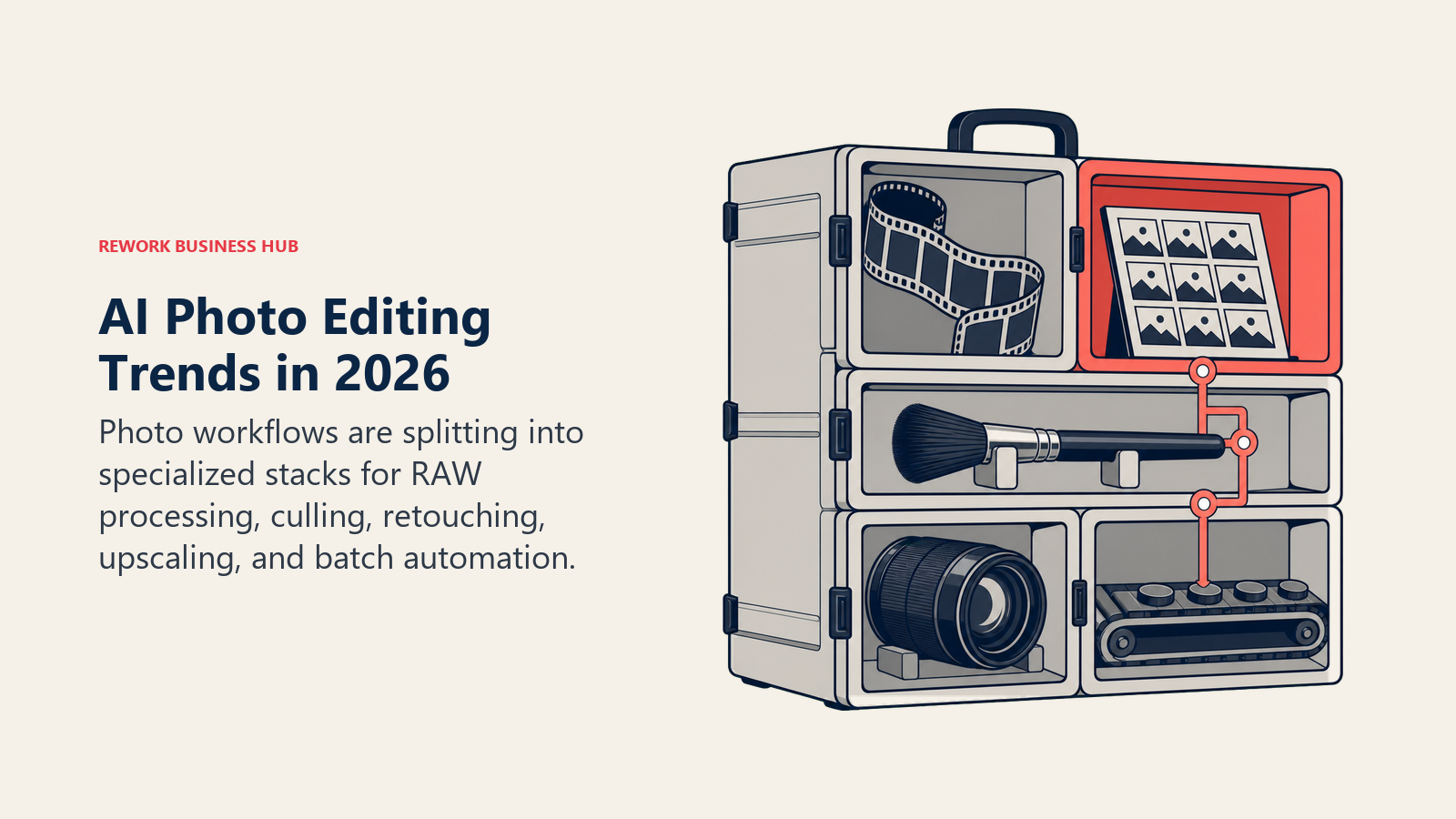
Two shifts define this category this year. First, ownership models are consolidating around subscriptions: Topaz ended perpetual licenses in September 2025, and Pixelmator Pro followed in 2026, leaving Luminar Neo, Radiant Photo, ON1 Photo RAW, and PortraitPro as the remaining holdouts still selling software you actually own. Second, the tools are specializing rather than converging. Instead of one editor trying to do everything, the market has split into RAW processors (Lightroom, Capture One, ON1), noise and upscale specialists (Topaz, Magnific), workflow-automation tools for culling and editing at volume (Aftershoot, Imagen AI), and narrow retouching specialists (Evoto, PortraitPro). Most working photographers in 2026 aren't using one tool, they're stacking two or three, each doing the one job it's genuinely best at.
If your work extends beyond photo editing into broader visual content, it's worth seeing how these tools fit alongside the rest of an AI content stack. See best AI image generators for creating imagery from scratch rather than editing existing photos, best AI video editing tools if you're also shooting video alongside stills, and best AI tools for real estate if property photography is part of your business.
Frequently Asked Questions about the Best AI Tools for Photographers in 2026
What is the best AI tool for photographers in 2026?
There's no single best tool for every photographer. Adobe Lightroom remains the default full RAW workflow, Topaz Photo AI leads on noise reduction and upscaling, Aftershoot and Imagen AI lead on AI culling and editing at wedding volume, and Evoto and PortraitPro lead on portrait retouching. Pick based on your actual bottleneck, not a single "best overall" ranking.
What is the best free AI photo editing tool?
Photoroom's free tier (250 exports/month) is genuinely usable for light product photography work, and most other tools on this list offer a free trial or a usable free tier for testing before you pay, including Luminar Neo's free download and ON1's 30-day money-back guarantee.
Which AI tool saves photographers the most time?
AI culling tools like Aftershoot and Imagen AI typically deliver the biggest time savings because culling is the most time-consuming manual task in most workflows. Aftershoot's own 2025 data, independently reported by Digital Camera World, put average savings at roughly 473 hours per active photographer for the year.
Is Lightroom or Capture One better for professional photographers?
It depends on the work. Lightroom wins on ecosystem size, AI features, and cross-device sync for most working photographers. Capture One wins on color accuracy and tethered shooting, which is why studio, fashion, and commercial photographers who shoot tethered often pay the premium for it.
Can I still buy photo editing software instead of subscribing?
Yes, but the list is shrinking. Luminar Neo, Radiant Photo, ON1 Photo RAW, and PortraitPro all still sell genuine perpetual licenses in 2026. Topaz ended its perpetual license model in September 2025, and Pixelmator Pro moved to a subscription in 2026, following Adobe's long-standing subscription-only approach.
What's the difference between AI culling and AI editing tools?
Culling tools (Aftershoot, Imagen AI's culling feature) sort through a full shoot to flag the best images and remove blinks, blur, and duplicates. Editing tools apply color, exposure, and style adjustments to the images you keep. Several tools, notably Aftershoot and Imagen AI, now bundle both stages into one workflow.
Which AI photo editor is best for wedding photographers specifically?
Aftershoot and Imagen AI are purpose-built for wedding volume: culling thousands of images per event, applying a consistent editing style, and in Aftershoot's case, delivering client galleries from the same platform. Evoto is the common pairing for the retouching pass on top of either.
How much does AI photo editing software cost for a professional photographer?
Entry-level plans across this list run from free (Photoroom) to roughly $10-40/month for most individual tools. A working photographer typically stacks two or three specialized tools rather than one all-in-one platform, which usually lands total monthly software spend somewhere between $50 and $150 depending on shoot volume.
How often is this list updated?
Quarterly, or sooner after a major pricing or licensing change, since this category has shifted fast in the past year. The "Updated July 2026" section at the top reflects the most recent verification pass, including Topaz's move away from perpetual licenses and Pixelmator Pro's shift to subscription.
Related Reading
This roundup is part of Rework's broader AI tools coverage. For the full category landscape, see best AI tools in 2026. If you're generating imagery from scratch rather than editing existing photos, best AI image generators covers that adjacent category, and best AI graphic design tools covers the broader design toolkit many photographers also use for client-facing marketing materials. If your photography business serves a specific niche, see best AI tools for real estate, best AI tools for e-commerce, or best AI tools for freelancers if you're running a solo photography practice. Shooting video alongside stills? Best AI video editing tools and best AI video generators cover that side of the workflow. And if design work extends beyond photography into layout and branding, best Canva alternatives rounds out the adjacent toolset.
Methodology
Tools were selected across the full photography workflow: RAW processing and DAM (Lightroom, Capture One, ON1 Photo RAW), pixel-level editing (Photoshop, Pixelmator Pro), enhancement and upscaling specialists (Topaz Photo AI, Luminar Neo, Magnific), AI-driven culling and editing platforms built for volume shooters (Imagen AI, Aftershoot), portrait and retouching specialists (Evoto, PortraitPro), batch color processing (Radiant Photo), and product/e-commerce photography (Photoroom). Adoption and market statistics cited in the Key Facts section come from named third-party research and independent reporting (VSCO's survey via PetaPixel, Coherent Market Insights, Digital Camera World's coverage of Aftershoot's Snapshot 2025 report, and Adobe's official blog), not vendor self-reported marketing copy alone, and pricing reflects each vendor's publicly published terms; confirm current pricing directly with a vendor before purchasing.
What to Do Next
Don't subscribe to five of these at once. Identify the single stage of your workflow costing you the most hours this month, most often culling, and test the free trial of the tool built specifically for that job before paying for anything else. Once that bottleneck is solved, add the next tool for the next-biggest time sink, RAW editing, retouching, or upscaling, rather than buying an all-in-one platform that does everything at 80%. The photographers saving the most time in 2026 aren't running one AI tool, they're running a short, deliberate stack where each tool does the one job it's genuinely best at.

Principal Product Marketing Strategist
On this page
- Updated July 2026: What Changed
- Key Facts
- Quick Comparison Table
- Which Job Are You Hiring a Photography AI Tool For?
- 1. Adobe Lightroom: The Default RAW Workflow, Now Built on AI
- 2. Adobe Photoshop: Generative Fill and Deep Retouching Control
- 3. Topaz Photo AI: Best-in-Class Noise Reduction, Sharpening, and Upscaling
- 4. Luminar Neo: One-Click AI Sky, Portrait, and Structure Tools
- 5. Capture One: Best Color Science for Studio and Tethered Work
- 6. Imagen AI: AI That Learns Your Personal Editing Style
- 7. Aftershoot: AI Culling and Editing Built for Wedding and Event Volume
- 8. Evoto: Fast AI Retouching for Portrait and Wedding Photographers
- 9. Radiant Photo: One-Time-Purchase Batch Color Processing
- 10. ON1 Photo RAW: The Other Perpetual-License RAW Editor
- 11. Pixelmator Pro: Lightweight AI Editing Built for the Mac
- 12. PortraitPro: Purpose-Built Face and Body Retouching
- 13. Photoroom: Background Removal and Staging for Product Photography
- 14. Magnific: AI Upscaling for Large-Format Prints
- Pricing at a Glance
- Photographer Buying Mistakes to Avoid
- Decision Framework
- Where AI Photo Editing Is Headed in 2026
- Related Reading
- Methodology
- What to Do Next