Best AI Tools for Authors in 2026: 13 Tools for Writing, Editing, and Publishing a Book
Turn this article into takeaways for your work.


Each assistant summarizes the article only for you and suggests best practices for your work.
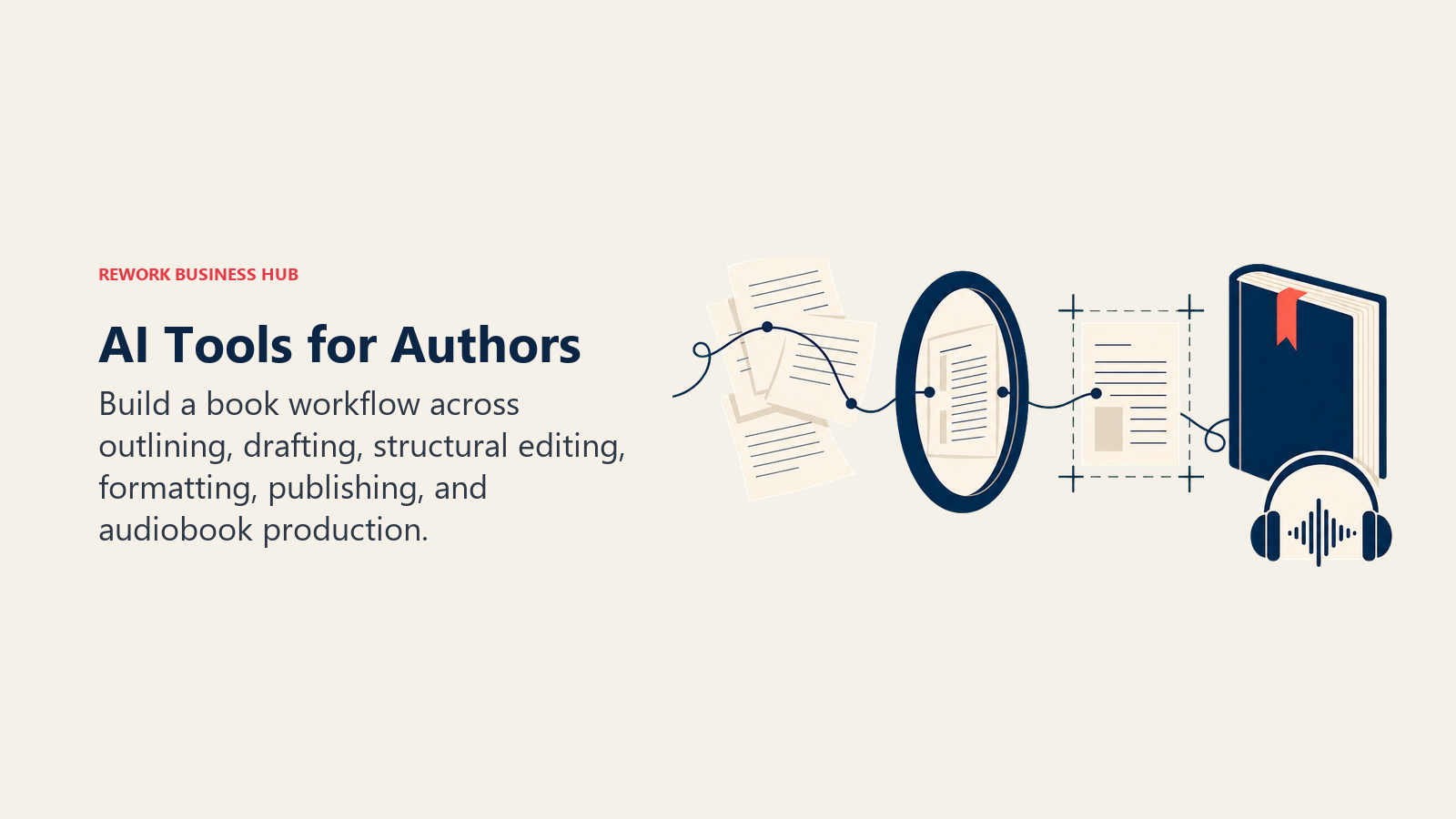
Writing a book in 2026 touches at least five different jobs, and no single AI tool covers all of them well. Sudowrite and NovelCrafter are built for fiction drafting with a story bible that tracks characters and plot across chapters. ChatGPT and Claude are the best general assistants for outlining, query letters, and back-cover copy. ProWritingAid, AutoCrit, and Fictionary catch what a self-edit misses. Atticus turns a finished manuscript into a formatted, KDP-ready book. And ElevenLabs turns that same manuscript into a narrated audiobook without hiring a studio. This guide ranks 13 tools by the actual stage of the book-writing process they solve, not by hype.
Every tool here was evaluated on drafting quality, story-structure support, editing depth, and how well it fits a real manuscript workflow, not a marketing demo.
What Changed in 2026
Three changes now shape how authors should evaluate AI tools before they draft, edit, narrate, or publish a book.
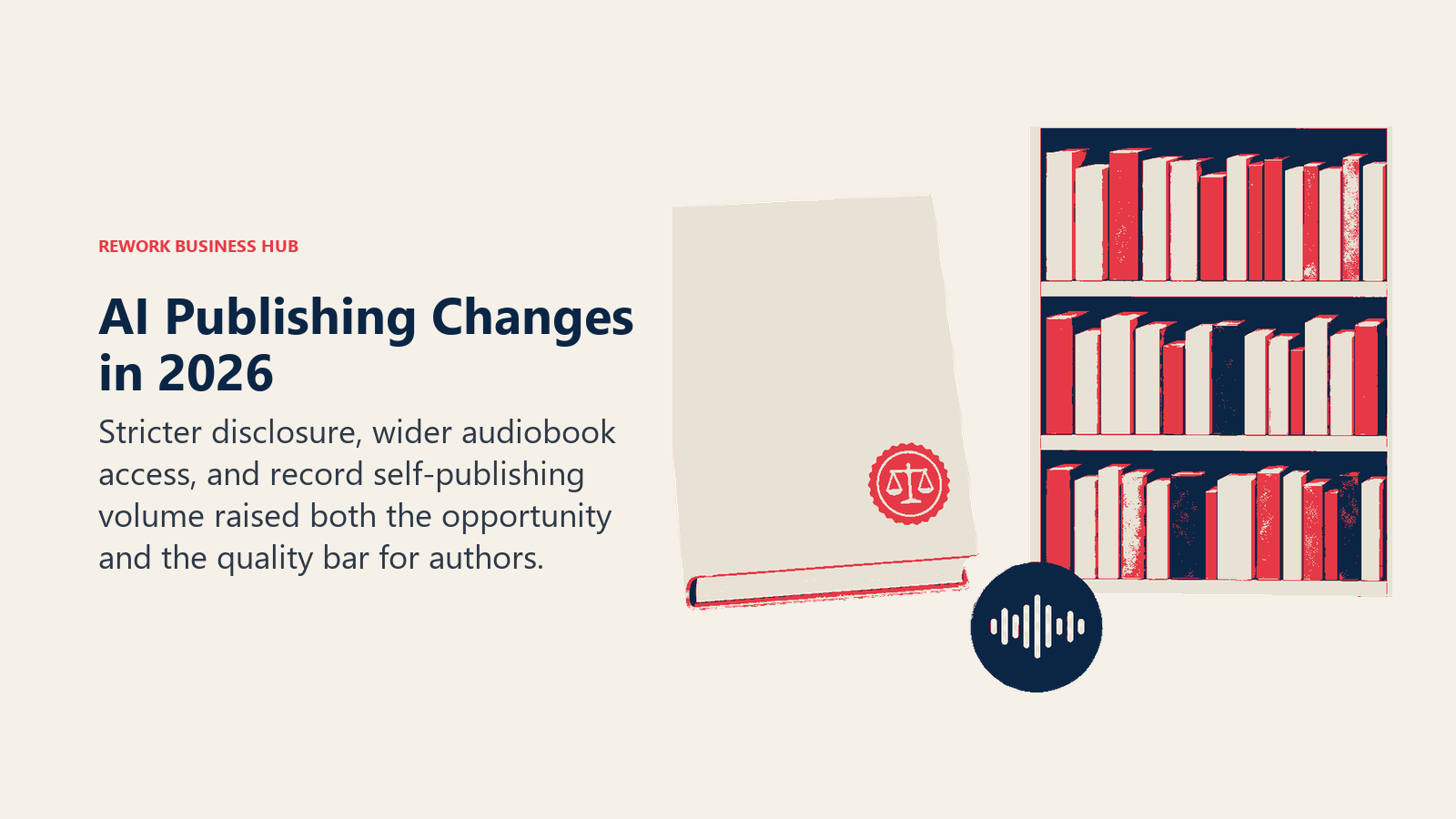
- Amazon has tightened enforcement of its KDP AI-content disclosure requirement, and undisclosed AI-generated titles are now being pulled from sale more aggressively than in prior years, per Amazon's own content guidelines.
- ElevenLabs opened ElevenReader Publishing, its free AI audiobook program, to every author instead of a limited waitlist, paying roughly $1.10 for every listener who engages with a title for 11 minutes or more, per ElevenLabs' announcement.
- A May 2025 BookBub survey of 1,229 authors found 45% are now using generative AI in some part of their process, but 74% of those authors don't disclose it to readers, a gap that stricter KDP enforcement is starting to close, per BookBub's report.
- Self-published book output in the US jumped 38.7% to more than 3.5 million titles in 2025, meaning more competition on Amazon and more reason to lean on editing tools that raise a manuscript's quality bar before it goes live, per Publishers Weekly's coverage of Bowker data.
Key Facts
- 45% of authors surveyed by BookBub (n=1,229, May 2025) currently use generative AI, mostly for research (81%), marketing copy (about 73%), and outlining or plotting (72%), per BookBub's author AI survey.
- 74% of authors who use generative AI don't disclose that use to readers, even though Amazon's KDP requires publishers to check a disclosure box for AI-generated text, images, or translations, per the same BookBub survey and KDP's content guidelines.
- Self-published books in the US reached 3,529,980 titles in 2025, up 38.7% from 2024, and now outnumber traditionally published books roughly 5.5 to 1, per Publishers Weekly.
- The average self-published author earns about $1,000 a year in book royalties, per WordsRated, which is one reason indie authors increasingly turn to AI-assisted editing and narration instead of $200 to $400 per finished hour for professional services, per Reedsy's audiobook production guide.
- 57% of authors were unaware that AI companies were seeking to license their books for AI training, and only 31% said they'd consider it even after learning about it, per Draft2Digital's 2024 AI training survey.
AI-Generated Content and Amazon KDP: What You Actually Have to Disclose
This is the part most "best AI tools for authors" roundups skip, and it's the one that can get a book pulled from sale. KDP's own guidelines state it plainly: "We require you to inform us of AI-generated content (text, images, or translations) when you publish a new book or make edits to and republish an existing book through KDP."
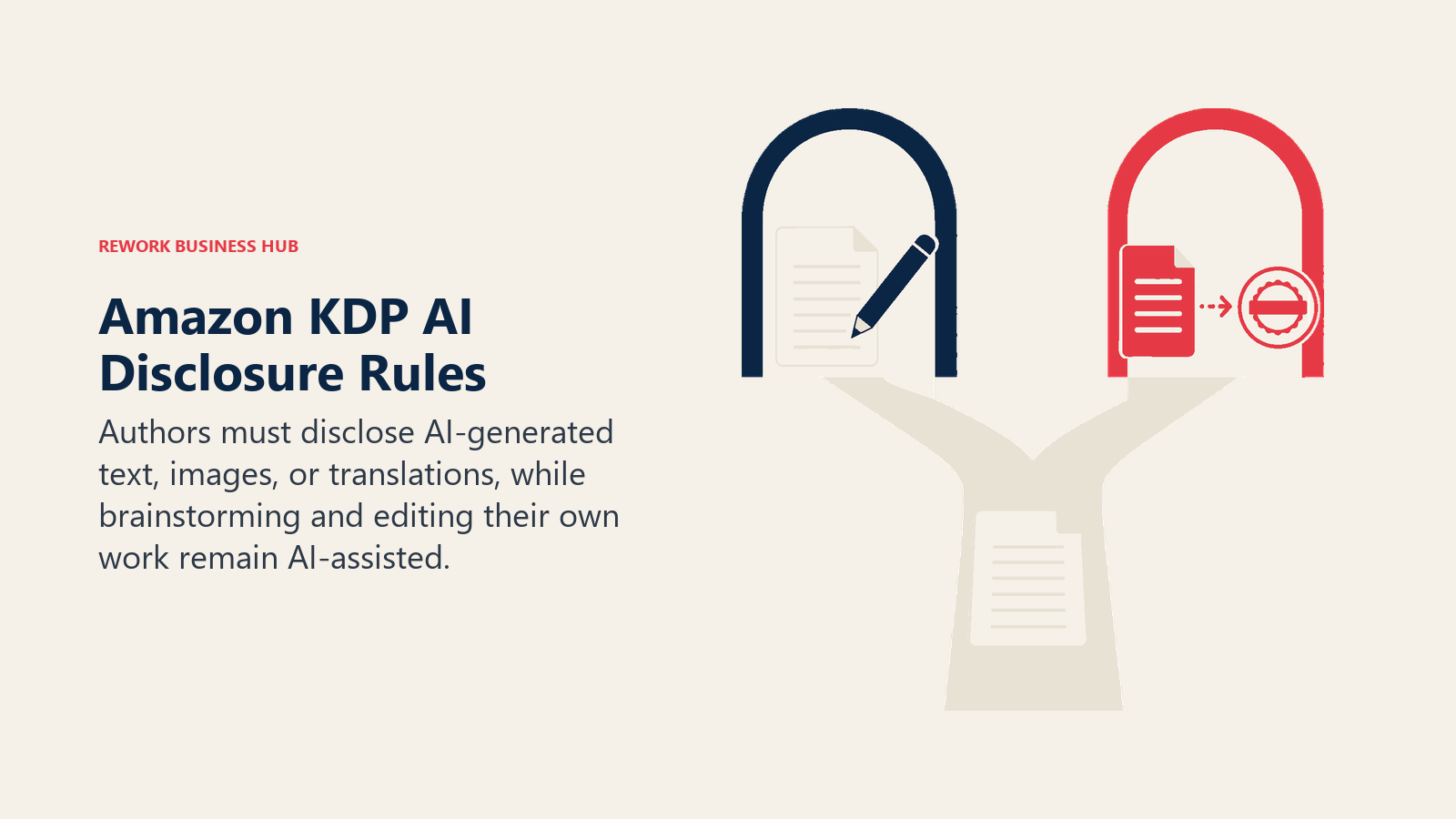
The line that matters is the distinction between AI-assisted and AI-generated. If you write your own words and use a tool to brainstorm, outline, edit, refine, or error-check that content, that's AI-assisted, and KDP does not require disclosure. If an AI tool produced the actual text, images, or translations that end up in your book, even after you edited it, that's AI-generated, and you have to check the box. In practice: using ChatGPT or Claude to brainstorm a plot twist and then writing the scene yourself doesn't need disclosure. Generating a full chapter with Sudowrite's or Squibler's story-generation tools and publishing it close to as-written does. Running a finished draft through ProWritingAid, Grammarly, AutoCrit, or Fictionary for editing doesn't need disclosure either, since those tools improve your words rather than write new ones.
The disclosure checkbox itself is low-stakes: it's internal to Amazon, it doesn't appear on your product page, and Amazon has said it doesn't affect royalties or search ranking on its own. What does carry risk is not disclosing when you should have. Amazon combines automated pattern detection with human review, and undisclosed AI-generated titles get removed, sometimes with the author's account flagged for repeat violations. Given that 74% of AI-using authors currently skip disclosure, per BookBub's data above, this is a gap worth closing before it closes on you. When in doubt, check the box.
One more note: the KDP checkbox covers text, images, and translations in your published book file. It doesn't govern narrated audio. If you use ElevenLabs or another AI voice tool for an audiobook, check the AI-voice and rights policy of whichever platform distributes it (ElevenReader, ACX, Spotify, or your wide distributor), since those rules are set separately from the KDP ebook and print policy.
Quick Comparison Table
| Tool | Best For | Standout Capability | Starting Price | Free Tier? |
|---|---|---|---|---|
| ChatGPT | General drafting, outlining, query letters | GPT-5.6, Canvas, Deep Research | Free; Plus $20/mo | Yes |
| Claude | Long-manuscript editing and consistency checks | Long context, strong instruction-following | Free; Pro $20/mo ($17/mo annual) | Yes |
| Sudowrite | Fiction drafting built for novelists | Story Bible tracks characters and plot | Hobby $10/mo (annual) | No (10k-credit trial) |
| NovelCrafter | AI-agnostic manuscript organizer | Codex story bible, bring-your-own-AI | Scribe $4/mo | 21-day trial |
| Squibler | AI story generation with genre templates | Full manuscript generation, Kanban outline | Free (1,000 AI credits/mo) | Yes |
| Plottr | Visual plot, outline, and timeline planning | Drag-and-drop timeline and character arcs | Free trial; $9.99/mo ($60/yr) | Trial only |
| Scrivener | Long-form manuscript organizing (no AI) | Corkboard, binder, compile-to-any-format | $59.99 one-time (Mac/Windows) | No (30-day trial) |
| Fictionary StoryTeller | Developmental and structural editing | Scene-by-scene story-element analysis | $19/mo ($14/mo annual) | 7-day trial |
| AutoCrit | Fiction-specific line editing vs. genre benchmarks | Compares your prose to published genre fiction | Free; Pro $30/mo ($15/mo annual) | Yes |
| ProWritingAid | Deep grammar and style editing for novelists | Sparks AI, Chapter Critique, 25+ reports | Free (500 words/check); Premium $30/mo | Yes |
| Grammarly | General grammar and clarity across any writing | Full-sentence rewrites, tone detection | Free; Pro $12/mo (annual) | Yes |
| Atticus | Writing plus print and ebook formatting | One tool for drafting and KDP-ready typesetting | $147 one-time | No (30-day guarantee) |
| ElevenLabs | AI audiobook narration and publishing | ElevenReader Publishing distributes for free | Free (ElevenReader); Creator $22/mo | Yes |
How to Choose: By Stage of the Book
Most authors don't need "an AI tool for writing," they need the right tool for the stage they're stuck on right now.
| Stage of the Process | What Matters Most | Best Fits |
|---|---|---|
| Drafting a first draft | Prose quality, ability to hold voice across chapters | Sudowrite, ChatGPT, Claude |
| Outlining and plotting | Visual structure, character and timeline tracking | Plottr, NovelCrafter, Squibler |
| Organizing a long manuscript | Corkboard/binder view, scene reordering, compile options | Scrivener, NovelCrafter |
| Developmental editing (story structure) | Scene-level pacing, arc, and stakes analysis | Fictionary StoryTeller, AutoCrit |
| Line editing and proofreading | Grammar, clarity, genre-specific style checks | ProWritingAid, AutoCrit, Grammarly |
| Formatting for KDP and print | Ebook and print typesetting without a designer | Atticus, Scrivener's Compile |
| Producing an audiobook | Narration quality, distribution, and royalty split | ElevenLabs |
| Query letters, blurbs, and marketing copy | Persuasive short-form copy on demand | ChatGPT, Claude |
How to Choose: By Type of Author
| Who You Are | What You Need | Best Fits |
|---|---|---|
| Fiction novelist | Long-form narrative consistency across a manuscript | Sudowrite, NovelCrafter, Scrivener |
| Nonfiction or memoir author | Structure and clarity more than character tracking | Claude, ChatGPT, ProWritingAid |
| Self-published indie doing it all solo | One tool per stage, without a full production team | Atticus, ProWritingAid, ElevenLabs |
| Traditionally published author with an editor | Drafting help and self-edit tools that complement, not replace, an editor | Claude, ProWritingAid, Fictionary |
| Ghostwriter or co-author | Fast drafting plus tools that match a client's voice | ChatGPT, Claude, Sudowrite |
| Author building an audiobook business | Affordable narration at scale across a backlist | ElevenLabs |
How to Choose: By Budget
| Monthly Budget | What You Can Realistically Cover | Best Fits |
|---|---|---|
| $0 (free tiers only) | Drafting help, basic outlining, and a first grammar pass | ChatGPT Free, Claude Free, Squibler Free, AutoCrit Free, Grammarly Free |
| Under $15/mo | One core drafting or editing subscription | Sudowrite Hobby, NovelCrafter Hobbyist, Fictionary StoryTeller, ProWritingAid Premium (annual), Plottr |
| $15 to $40/mo | A drafting tool plus a dedicated editing layer | ChatGPT Plus or Claude Pro, plus ProWritingAid or AutoCrit Pro |
| $40 to $100/mo | Genre-specific line editing, higher AI credit ceilings, or narration | Squibler Pro, ElevenLabs Creator or Pro |
| One-time purchases | No recurring cost for formatting or long-form organizing | Scrivener ($59.99), Atticus ($147) |
Per BookBub's survey cited above, research (81%), marketing copy (73%), and outlining or plotting (72%) are the top uses among AI-using authors, which is exactly why a general chatbot plus one specialist tool covers most budgets better than trying to buy one all-in-one platform.
1. ChatGPT: Best General-Purpose Assistant for Outlining, Copy, and Research
ChatGPT is the most flexible tool on this list because it isn't built for one job. Ask it to draft a query letter, summarize research for a historical novel, brainstorm titles, or write back-cover copy, and it handles all of them without switching tools. The Plus tier runs GPT-5.6, and Canvas gives you a side-by-side editing surface instead of a plain chat window, which is useful for revising a synopsis line by line.
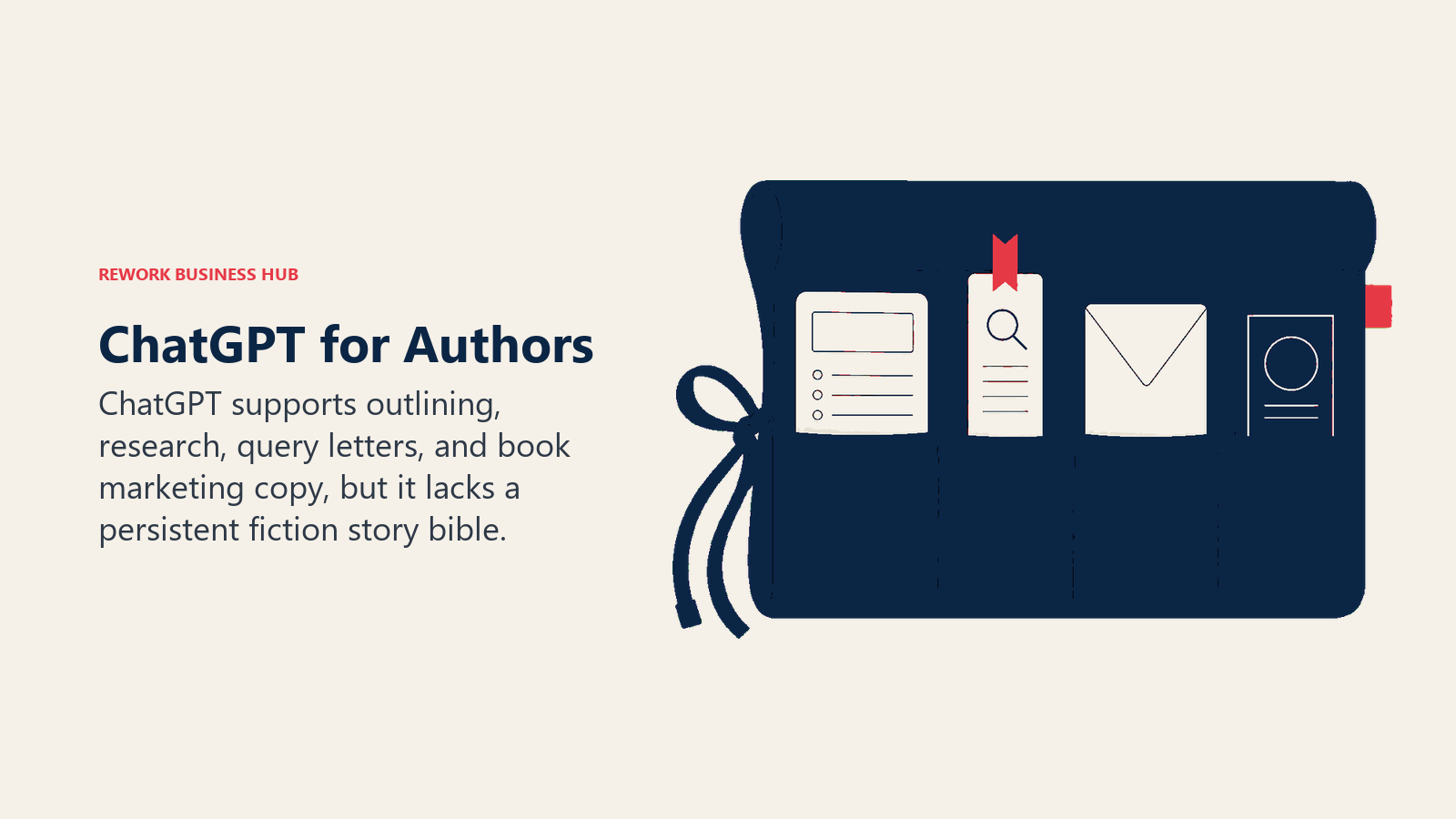
Best for: Authors who need one flexible tool for outlining, research, query letters, and marketing copy alongside their main drafting tool.
Key strengths:
- Canvas for side-by-side editing of synopses, blurbs, and query letters
- Deep Research for pulling background material for historical or nonfiction projects
- Custom GPTs for repeatable tasks like formatting chapter summaries
- Works for both fiction brainstorming and nonfiction structure
Limitations:
- Not purpose-built for fiction; no story bible or character consistency tracking across a full manuscript
- Default prose leans generic without a detailed style prompt
- Generating full scenes and publishing them close to as-written counts as AI-generated content under KDP's policy
Pricing: Free tier available; Plus $20/mo; Pro $200/mo, per ChatGPT's pricing page. For more general writing use cases beyond books, see Best AI Writing Tools in 2026.
Standout use case: Turning a messy outline into a clean query letter or back-cover blurb in minutes.
2. Claude: Best for Long-Manuscript Editing and Consistency Checks
Claude's edge is holding onto detailed instructions over long documents. Paste in a full manuscript, a style guide, and notes on a character's voice, and it tracks all of it more reliably than most competitors across a long editing session, which matters when you're checking a 90,000-word draft for continuity errors.
Best for: Authors who need to feed in an entire manuscript or long research document and get consistent, instruction-following feedback back.
Key strengths:
- Large context window handles a full manuscript or long research chapters in one session
- Projects keep character notes and style guides persistent across sessions
- Strong at spotting continuity errors (a character's eye color changing, a timeline that doesn't add up) when asked directly
- Noticeably less generic "AI voice" in default prose than most chatbots
Limitations:
- No dedicated story bible or plot-tracking interface built for fiction
- Free tier limits fill up fast when you're pasting in whole chapters
- Like ChatGPT, generating full scenes for publication counts as AI-generated content, not AI-assisted
Pricing: Free tier; Pro $20/mo ($17/mo billed annually); Max plans at $100/mo and $200/mo, per Claude's pricing page. See Claude vs ChatGPT vs Gemini for a full head-to-head.
Standout use case: Feeding in a complete draft and asking it to flag every continuity inconsistency before you send it to beta readers.
3. Sudowrite: Purpose-Built for Fiction Drafting
Sudowrite is the one tool on this list built from the ground up for novelists, not adapted from a general chatbot. Its Story Bible feature tracks characters, plot threads, and world details across an entire manuscript, so the AI doesn't contradict a character's backstory forty chapters later. Muse, its custom creative model, is tuned specifically for narrative prose rather than the flatter, more explanatory tone general chatbots default to.
Best for: Fiction writers and novelists who want an AI co-writer built specifically for narrative craft, not a repurposed business assistant.
Key strengths:
- Story Bible keeps character and plot details consistent across a full novel
- Muse model is noticeably better at fiction prose style than general-purpose chatbots
- Brainstorm and Describe tools built specifically for scene craft and sensory detail
- All plan tiers include full feature access; the only difference is credit volume
Limitations:
- Not useful for nonfiction, query letters, or marketing copy the way ChatGPT or Claude are
- Credit-based pricing means heavy drafting sessions can burn through a plan faster than expected
- Content generated at length and published close to as-written requires KDP AI-generated disclosure
Pricing: Hobby & Student $10/mo (annual, 225,000 credits) or $19/mo monthly; Professional $22/mo (annual, 1,000,000 credits) or $29/mo monthly; Max $44/mo (annual, 2,000,000 rollover credits) or $59/mo monthly, per Sudowrite's pricing page.
Standout use case: Keeping a novel's cast and plot threads consistent while drafting across dozens of chapters.
4. NovelCrafter: AI-Agnostic Story Bible and Manuscript Organizer
NovelCrafter takes a different bet than Sudowrite: instead of shipping its own AI model, it's a manuscript organizer with a built-in Codex (story bible) that connects to whichever AI provider you choose, OpenAI, Anthropic, OpenRouter, or others, using your own API key. That bring-your-own-key model means the software subscription stays cheap, but your total cost depends on how much AI generation you actually use.
Best for: Writers who want a dedicated story bible and organizing tool but prefer to control (and separately pay for) which AI model powers the generation.
Key strengths:
- Codex tracks characters, locations, and plot threads the same way Sudowrite's Story Bible does
- Works with multiple AI providers instead of locking you into one model
- Series support for authors managing a multi-book world
- Lower base subscription cost than most fiction-specific tools
Limitations:
- AI generation isn't included in the subscription; you need a separate API key and pay the provider directly, which can range from $0 to $70+/month depending on usage
- Requires at least the Hobbyist tier plus a connected API key before any AI features work
- Steeper initial setup than tools with AI built in out of the box
Pricing: Scribe $4/mo; Hobbyist $8/mo (AI features, bring your own key); Artisan $14/mo; Specialist $20/mo, per Novelcrafter's pricing page. A 21-day free trial is available.
Standout use case: Managing a story bible across a multi-book series while choosing exactly which AI model handles generation, and controlling that cost separately.
5. Squibler: AI Story Generation with Genre Templates
Squibler leans harder into full-manuscript generation than most tools on this list, with templates built around genre structures and a Kanban-style board for outlining. Its free tier gives new users 1,000 AI credits a month to test both book and screenplay generation before committing to a paid plan.
Best for: Authors who want AI to generate substantial draft material against a genre template, then edit and restructure from there.
Key strengths:
- Genre-specific templates for structuring a manuscript from scratch
- Kanban board view for organizing scenes and chapters visually
- Free tier is genuinely usable for testing the workflow before paying
- Pro tier's unlimited AI credits suit authors drafting multiple books a year
Limitations:
- Heavier reliance on full-scene generation raises the odds that published content counts as AI-generated under KDP's disclosure rule
- Less refined prose style than Sudowrite for literary or voice-driven fiction
- Team plans are priced for small studios, not solo authors
Pricing: Free (1,000 AI credits/mo); Plus $29.99/mo monthly ($15.83/mo annual); Pro $89.99/mo monthly ($49.17/mo annual, unlimited AI credits), per Squibler's pricing page.
Standout use case: Generating a full first draft against a genre template, then using a separate editing tool to make it sound like you.
6. Plottr: Visual Outlining and Timeline Planning
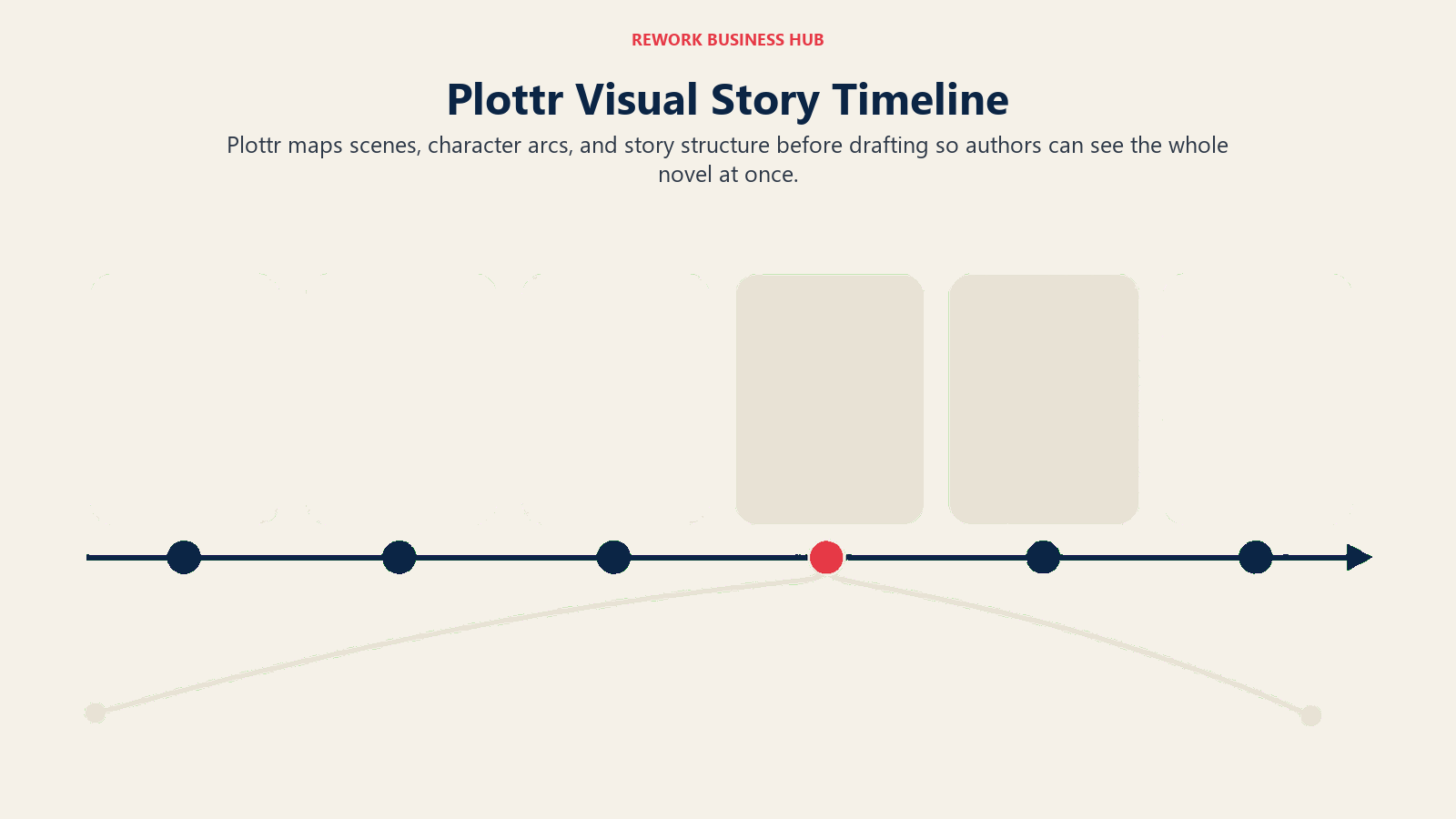
Plottr isn't an AI writing tool in the generative sense, it's a visual planning board for plotting a novel before you draft a single scene. Drag-and-drop timelines, character arc tracking, and pre-built genre templates (three-act structure, Save the Cat, the Hero's Journey) help outline-first writers see the whole shape of a book before committing to prose.
Best for: Outline-first authors who think visually and want to map plot, character arcs, and timeline before drafting.
Key strengths:
- Drag-and-drop timeline view makes multi-POV or multi-timeline plots easier to track
- Built-in templates for common story structures
- Works well alongside a separate drafting tool like Scrivener or NovelCrafter, not as a replacement
- Desktop app works fully offline
Limitations:
- No prose generation; it's a planning tool, not a drafting tool
- Cloud sync and real-time collaboration require the Pro tier
- Less useful for pantsers who prefer to discover plot while drafting
Pricing: Free trial; Plottr $9.99/mo monthly ($60/yr); Plottr Pro (cloud sync, collaboration) $14.99/mo monthly ($99/yr); lifetime licenses from $150 (desktop) to $649 (Pro plus community), per Plottr's pricing page.
Standout use case: Mapping a multi-POV timeline visually before writing a single chapter, so plot holes surface at the outline stage instead of draft four.
7. Scrivener: The Long-Form Manuscript Organizer (No AI)
Scrivener isn't an AI tool at all, and it's on this list because most working novelists still use it alongside one. Its corkboard and binder views let you reorder scenes, track a full manuscript's structure, and compile the same draft into ebook, print, or Word formats without touching the prose itself. It's the closest thing self-published fiction has to an industry standard for manuscript organization.
Best for: Authors who need a dedicated tool for organizing, reordering, and compiling a long manuscript, used alongside an AI drafting or editing tool.
Key strengths:
- Corkboard and binder views make restructuring a 300-page manuscript manageable
- Compile function exports the same draft to multiple formats for different submission or publishing needs
- One-time purchase with no subscription and no AI dependency
- Decades of refinement specifically for long-form writing, not general documents
Limitations:
- No AI features built in; pair it with ChatGPT, Claude, or Sudowrite for drafting help
- Steeper learning curve than a plain word processor
- Formatting output for KDP still typically needs a dedicated tool like Atticus for polished typesetting
Pricing: $59.99 one-time purchase (macOS or Windows); $23.99 (iOS); a bundle covering all three platforms runs about $121.93, per Literature & Latte's store.
Standout use case: Reordering an entire manuscript's chapter structure after beta reader feedback without losing track of what changed where.
8. Fictionary StoryTeller: Developmental and Structural Editing
Fictionary approaches editing from the story-structure level rather than the sentence level. StoryTeller breaks a manuscript into scenes and analyzes each one for pacing, stakes, character arc progress, and whether the scene is actually doing narrative work, the kind of developmental feedback that usually costs $1,000 or more from a human editor.
Best for: Novelists who want scene-by-scene structural feedback before (or instead of) hiring a developmental editor.
Key strengths:
- Scene-level analysis of pacing, stakes, and character arc, not just grammar
- Visualizes story structure across the whole manuscript so pacing problems are easy to spot
- StoryCoach tier adds guided courses on top of the software
- Useful as a self-edit pass before submitting to agents or a professional editor
Limitations:
- Doesn't catch grammar or line-level issues the way ProWritingAid or Grammarly do
- Requires uploading a full manuscript and working through scene-by-scene analysis, which takes real time
- Less useful for nonfiction that isn't scene-structured
Pricing: StoryTeller $19/mo monthly ($14/mo billed annually); StoryTeller Premium $29/mo monthly (roughly $21.58/mo annual); StoryCoach $49/mo monthly (roughly $33.25/mo annual), per Fictionary's pricing page. A 7-day free trial is available.
Standout use case: Running a full manuscript through scene analysis to find the three chapters where pacing sags before an agent or editor sees them.
9. AutoCrit: Fiction-Specific Line Editing Against Genre Benchmarks
AutoCrit's differentiator is comparing your prose directly against a database of published books in your genre, flagging overused words, pacing issues, dialogue-to-narrative ratio, and clichés relative to what actually sells in that category, not generic style rules. It's built specifically for fiction, unlike Grammarly or ProWritingAid, which serve any kind of writing.
Best for: Fiction authors who want line-level editing benchmarked against their specific genre's conventions, not generic grammar rules.
Key strengths:
- Genre-benchmarked comparisons (thriller pacing looks different from romance pacing, and AutoCrit accounts for that)
- Story Analyzer+ and 25+ editing reports cover repetition, pacing, dialogue balance, and more
- Free plan has no word limits, which is rare among editing tools
- Advanced voice reader helps catch awkward phrasing by ear
Limitations:
- Built specifically for fiction; less useful for nonfiction, business writing, or academic work
- Interface is more clinical and report-heavy than tools like Grammarly
- No lifetime purchase option currently listed on the standard pricing page
Pricing: Free plan available; Pro $30/mo monthly or $15/mo billed annually ($180/yr), per AutoCrit's pricing page.
Standout use case: Checking a thriller manuscript's pacing and dialogue balance against the genre's actual bestsellers, not a one-size-fits-all style guide.
10. ProWritingAid: Deep Grammar and Style Editing for Novelists
ProWritingAid goes deeper than a standard grammar checker with 25-plus specialized reports covering pacing, sentence variety, overused words, and dialogue tags, plus Sparks AI for rephrasing and a Chapter Critique feature aimed specifically at long-form fiction. It restructured its pricing in 2026, adding a Premium Pro tier with coaching-adjacent community features.
Best for: Authors who want the deepest line-and-style editing tool on this list, with fiction-specific reports beyond basic grammar.
Key strengths:
- 25+ specialized writing reports (pacing, dialogue, repetition, sentence variety)
- Chapter Critique gives feedback tuned for long-form fiction, not just short passages
- Sparks AI adds rephrasing suggestions without leaving the editor
- Works as a browser extension, desktop app, and Word/Google Docs integration
Limitations:
- 2026 pricing jumped significantly; the annual plan rose from $79/yr to $120/yr
- Free plan caps at 500 words per check, too short for most manuscript work
- Lifetime tiers are a large upfront cost if you're not sure you'll stick with it
Pricing: Free (500 words/check); Premium $30/mo monthly, $120/yr annual ($10/mo), or $399 lifetime; Premium Pro $36/mo monthly, $144/yr annual ($12/mo), or $699 lifetime, per ProWritingAid's pricing page.
Standout use case: Running a full manuscript through Chapter Critique to catch pacing and dialogue issues a standard grammar check would miss entirely.
11. Grammarly: The General Editing Layer for Nonfiction and Business Writing
Grammarly isn't fiction-specific, and that's exactly why it belongs on this list for the many authors writing memoirs, business books, self-help, or nonfiction where genre-benchmarked fiction tools like AutoCrit don't apply. It catches grammar, clarity, and tone issues on anything you write, including the proposal, synopsis, and marketing copy that go around your actual manuscript.
Best for: Nonfiction, memoir, and business-book authors, plus anyone who wants a fast final pass on query letters, synopses, and author bios.
Key strengths:
- Works everywhere you write: browser, Word, Google Docs, email
- Full-sentence rewrites and tone detection catch issues fiction-specific tools don't check for
- Pro tier now supports up to 149 seats, useful if you're working with a co-author or assistant
- Fast enough to use as a final pass on shorter pieces like query letters and bios
Limitations:
- Not built for fiction craft (no pacing, dialogue, or genre-benchmark analysis)
- Free plan is limited to 100 generative AI prompts a month
- Enterprise pricing is now quote-based since the standalone Business plan was retired
Pricing: Free tier; Pro $12/mo billed annually ($30/mo monthly); Enterprise custom, per Grammarly's pricing page.
Standout use case: A final grammar and tone pass on a nonfiction book proposal or query letter before it goes to an agent.
12. Atticus: Writing Plus Book Formatting in One Tool
Atticus solves a problem most AI writing tools ignore entirely: turning a finished manuscript into a properly typeset ebook and print file ready for KDP, IngramSpark, or wide distribution. It combines a distraction-free writing space with a formatting engine that outputs professional interior layouts, work most indie authors otherwise pay $150 to $400 per book to outsource.
Best for: Self-published authors who want writing and print/ebook formatting in one tool instead of paying a formatter separately for every book.
Key strengths:
- One-time price with no per-book fee, no export limit, and no subscription
- Cross-platform (Mac, Windows, Linux, browser), unlike Vellum's Mac-only formatting
- Handles both ebook and print interior formatting to KDP and IngramSpark specs
- Lifetime updates included at the original purchase price
Limitations:
- Not an AI drafting tool; it's a writing and formatting tool, not a generative co-writer
- Formatting templates are solid but less customizable than a professional book designer
- Best suited to authors already comfortable self-publishing rather than those querying agents
Pricing: $147 one-time payment, no monthly fees, 30-day money-back guarantee, per Atticus' pricing page.
Standout use case: Taking a finished manuscript straight to a KDP-ready ebook and print file without hiring a separate formatter.
13. ElevenLabs: AI Audiobook Narration and Publishing
ElevenLabs turns a finished manuscript into narrated audio, and in 2026 it opened ElevenReader Publishing, a free program that formats, narrates, and distributes an audiobook through its ElevenReader app with no upfront cost, paying authors roughly $1.10 for every listener who engages with a title for 11 minutes or more. For authors who want more control over voice, pacing, and wide distribution beyond the ElevenReader app, paid tiers unlock professional voice cloning and higher-quality output.
Best for: Authors who want an audiobook edition without a $1,500 to $5,000-plus professional narration budget, especially backlist titles that wouldn't otherwise justify the cost.
Key strengths:
- ElevenReader Publishing is free, with zero-cost distribution through the ElevenReader app and no exclusivity requirement on your IP
- Creator tier adds professional voice cloning and 192 kbps output for higher production value
- Reedsy's industry benchmark of $200 to $400 per finished hour for a human narrator makes even the paid tiers dramatically cheaper for a full-length book
- Studio suite gives fine-grained control over pacing and multi-speaker scenes for dialogue-heavy fiction
Limitations:
- ElevenReader Publishing royalties depend on listener engagement inside that specific app, not a flat per-book payment
- Voice quality, while strong, still doesn't fully match a skilled human narrator's character-acting range for dialogue-heavy fiction
- AI-voice disclosure and rights rules vary by distribution platform and are separate from the KDP text-disclosure checkbox
Pricing: Free (ElevenReader Publishing, 10,000 credits/mo on the base plan); Starter $5/mo; Creator $22/mo (100,000 credits, voice cloning); Pro $99/mo (500,000 credits); Scale $330/mo; Business $1,320/mo, per ElevenLabs' pricing. See Best AI Voice Generators in 2026 for a deeper look at narration quality across tools.
Standout use case: Publishing an audiobook edition of a backlist title that never earned back a $2,000 human-narrator budget, at effectively no upfront cost through ElevenReader Publishing.
Pricing at a Glance
| Tool | Free Tier | Entry Paid Tier | Top Individual Tier |
|---|---|---|---|
| ChatGPT | Yes | Plus $20/mo | Pro $200/mo |
| Claude | Yes | Pro $20/mo ($17 annual) | Max $200/mo |
| Sudowrite | No (credit trial) | Hobby $10/mo (annual) | Max $44/mo (annual) |
| NovelCrafter | Trial only | Scribe $4/mo | Specialist $20/mo |
| Squibler | Yes | Plus $15.83/mo (annual) | Pro $49.17/mo (annual) |
| Plottr | Trial only | $9.99/mo ($60/yr) | Pro $14.99/mo ($99/yr) |
| Scrivener | Trial only | $59.99 one-time | Bundle ~$121.93 (all platforms) |
| Fictionary StoryTeller | 7-day trial | $19/mo ($14 annual) | StoryCoach $49/mo |
| AutoCrit | Yes | Pro $30/mo ($15 annual) | Pro $30/mo (no higher tier) |
| ProWritingAid | Yes | Premium $10/mo (annual) | Premium Pro $12/mo (annual) |
| Grammarly | Yes | Pro $12/mo (annual) | Enterprise (custom) |
| Atticus | No (30-day guarantee) | $147 one-time | $147 one-time (no tiers) |
| ElevenLabs | Yes | Starter $5/mo | Business $1,320/mo |
Decision Framework
| If you need... | Pick... | Why |
|---|---|---|
| A fiction co-writer that tracks characters and plot | Sudowrite | Story Bible built specifically for novel-length consistency |
| A cheaper, model-agnostic story bible | NovelCrafter | Own the story bible, choose your own AI provider and cost |
| One flexible tool for outlining, research, and query letters | ChatGPT or Claude | Broadest range, strong instruction-following on long documents |
| A visual outline before you draft a word | Plottr | Drag-and-drop timeline and character arc mapping |
| Full-scene generation against genre templates | Squibler | Genre-specific templates plus a usable free tier |
| To reorganize and compile a long manuscript | Scrivener | Corkboard and binder views built for exactly this |
| Scene-by-scene developmental editing | Fictionary StoryTeller | Structural feedback most human developmental edits cost $1,000+ for |
| Genre-benchmarked line editing for fiction | AutoCrit | Compares your prose against published books in your category |
| The deepest grammar and style editor available | ProWritingAid | 25+ reports plus Chapter Critique built for long-form fiction |
| A general editing pass for nonfiction or memoir | Grammarly | Works on query letters, proposals, and bios, not just manuscripts |
| To self-format a KDP-ready ebook and print file | Atticus | One-time price covers writing and formatting in one tool |
| An audiobook edition without a studio budget | ElevenLabs | Free ElevenReader Publishing plus paid tiers for wide distribution |
Frequently Asked Questions about AI Tools for Authors
What's the best AI tool overall for writing a book in 2026?
There isn't one tool that covers the whole process. Sudowrite or NovelCrafter are the strongest picks for fiction drafting with character and plot consistency, ChatGPT and Claude are best for outlining and query letters, and ProWritingAid or AutoCrit are the strongest self-editing tools. Most authors end up using two or three of these together, not one all-in-one platform.
Do I have to disclose AI use when I publish on Amazon KDP?
Only if AI generated the actual content, not if you used AI to assist your own writing. KDP's exact requirement is disclosure of "AI-generated content (text, images, or translations)." Brainstorming, outlining, editing, and error-checking with AI, what KDP calls AI-assisted, does not require disclosure.
What's the difference between AI-assisted and AI-generated for KDP disclosure purposes?
AI-assisted means you wrote the content and used a tool like Grammarly, ProWritingAid, ChatGPT, or Claude to refine, edit, or brainstorm around it, no disclosure required. AI-generated means an AI tool produced the actual text, images, or translations that end up in your published book, close to as-written, which does require checking the disclosure box during publishing.
What's the best AI tool for outlining and plotting a novel?
Plottr is the strongest dedicated outlining tool, with drag-and-drop timelines and built-in genre structure templates. NovelCrafter and Squibler both fold outlining into a broader drafting workflow if you'd rather not run a separate app.
Can I use ChatGPT or Claude to write my whole book?
You can, but published pages of AI-written prose need KDP disclosure, and neither tool has a story bible to keep a long manuscript consistent the way Sudowrite or NovelCrafter do. Most working authors use ChatGPT or Claude for outlining, research, and marketing copy, then draft the actual prose themselves or with a fiction-specific tool.
What's the best AI tool for developmental editing?
Fictionary StoryTeller is built specifically for scene-by-scene structural analysis (pacing, stakes, character arcs), the kind of feedback that typically costs $1,000 or more from a human developmental editor. AutoCrit works at a similar structural level but adds genre-benchmarked line editing on top.
How much does it cost to produce an AI audiobook versus hiring a narrator?
A professionally narrated audiobook typically runs $200 to $400 per finished hour, or $1,500 to $5,000-plus for a full-length book, per Reedsy's production benchmarks. ElevenLabs' ElevenReader Publishing program is free to use, with paid tiers starting at $5/mo for authors who want more control over voice and wide distribution.
Are AI writing and editing tools good enough to replace a human editor?
Not entirely. AutoCrit, Fictionary, and ProWritingAid catch a wide range of structural and line-level issues, and they're genuinely useful as a first pass, but they don't replace the judgment of an experienced human editor, especially for developmental feedback on voice, theme, and market fit. Most professional authors use AI tools to tighten a draft before it goes to a human editor, not instead of one.
How were these tools chosen, and is the pricing current?
Tools were selected to cover every real stage of writing a book: drafting, outlining, organizing, developmental editing, line editing, formatting, and audiobook production. AI pricing changes often, so verify current pricing directly with the vendor before purchasing.
Related Reading
- Best AI Writing Tools in 2026
- Best AI Tools for Content Writers in 2026
- Best AI Tools for Students in 2026
- Best AI Transcription Tools in 2026
- Best AI Tools for Freelancers in 2026
- Best AI Voice Generators in 2026
- Best AI Image Generators in 2026
- Claude vs ChatGPT vs Gemini: Which LLM Fits Your Work in 2026
- Best AI Tools in 2026: The Top 25 Across Every Category
Methodology
Every tool on this list was evaluated on the real stages of writing a book: drafting, outlining, manuscript organization, developmental editing, line editing, formatting, and audiobook production, not feature-sheet comparisons alone. Statistics cited above come from BookBub's 2025 author AI survey, Amazon's KDP content guidelines, Publishers Weekly's coverage of Bowker publishing data, WordsRated's self-publishing statistics, Draft2Digital's 2024 AI training survey, and Reedsy's audiobook production benchmarks, each linked at first mention.
What to Do Next
Match the tool to the stage you're actually stuck on, not the stage you think you should be working on. If you're mid-draft, add one fiction-specific tool (Sudowrite or NovelCrafter) or one general assistant (ChatGPT or Claude) and keep writing. If your draft is done, run it through a developmental pass (Fictionary or AutoCrit) before a line-editing pass (ProWritingAid or Grammarly), then format with Atticus and decide whether an ElevenLabs audiobook edition is worth adding. Before you publish anywhere, check whether anything AI touched in your final file counts as AI-generated under KDP's rule, and disclose it if it does. That one checkbox is a lot cheaper than a takedown.

Principal Product Marketing Strategist
On this page
- What Changed in 2026
- Key Facts
- AI-Generated Content and Amazon KDP: What You Actually Have to Disclose
- Quick Comparison Table
- How to Choose: By Stage of the Book
- How to Choose: By Type of Author
- How to Choose: By Budget
- 1. ChatGPT: Best General-Purpose Assistant for Outlining, Copy, and Research
- 2. Claude: Best for Long-Manuscript Editing and Consistency Checks
- 3. Sudowrite: Purpose-Built for Fiction Drafting
- 4. NovelCrafter: AI-Agnostic Story Bible and Manuscript Organizer
- 5. Squibler: AI Story Generation with Genre Templates
- 6. Plottr: Visual Outlining and Timeline Planning
- 7. Scrivener: The Long-Form Manuscript Organizer (No AI)
- 8. Fictionary StoryTeller: Developmental and Structural Editing
- 9. AutoCrit: Fiction-Specific Line Editing Against Genre Benchmarks
- 10. ProWritingAid: Deep Grammar and Style Editing for Novelists
- 11. Grammarly: The General Editing Layer for Nonfiction and Business Writing
- 12. Atticus: Writing Plus Book Formatting in One Tool
- 13. ElevenLabs: AI Audiobook Narration and Publishing
- Pricing at a Glance
- Decision Framework
- Related Reading
- Methodology
- What to Do Next