Best Devin Alternatives in 2026: 12 Autonomous Coding Agents Compared on Real Cost
Turn this article into takeaways for your work.


Each assistant summarizes the article only for you and suggests best practices for your work.
If you're searching for Devin alternatives, you've probably hit one of three walls: the bill is hard to predict at team scale, the tasks you hand it come back needing more steering than you wanted, or your security team wants a different deployment model. The shortlist below is built around those problems. For most engineering teams, the strongest alternatives are Claude Code, OpenAI Codex, Cursor and GitHub Copilot, because each can run a task in the cloud and hand back a pull request. Factory, OpenHands, Warp, Augment Code, Kiro, Google Antigravity, Replit and Cline cover narrower needs.
We compared all 12 on what they cost at one, ten and fifty developers, how much work they can do without you watching, and what you give up by choosing them. Where a plan is billed monthly or annually, we say which.
Key Facts
- 84% of developers use or plan to use AI tools in their development process, per the Stack Overflow 2025 Developer Survey.
- 46% of developers actively distrust the accuracy of AI tools, per the same survey.
- 90% of technology professionals report using AI at work, and 30% report little or no trust in AI-generated code, per Google Cloud's 2025 DORA report (nearly 5,000 respondents).
- DORA's finding on outcomes: AI amplifies what is already there. Strong teams get faster, struggling teams see their problems intensify.
- Cognition, Devin's maker, reports that 67% of Devin's pull requests are now merged, up from 34% a year earlier. That is a vendor-reported figure, and Cognition itself says human review is still necessary.
What Devin Is, and What It Costs
Devin is Cognition's autonomous AI software engineer. Per devin.ai, Devin Cloud lets you delegate tasks to cloud agents that build and test in their own virtual machines and keep working when your laptop is closed. Around that sit Devin Review (finds bugs and vulnerabilities before production), DeepWiki (maps and documents your codebase), and a desktop and CLI surface. It connects to Slack, Microsoft Teams, GitHub, Linear and Jira, so a ticket can become a pull request.
Cognition also owns the product that used to be Windsurf, now called Devin Desktop. If that is the product you're leaving, start with our Windsurf alternatives guide, which covers the rebrand and migration costs. This article is about the Devin agent itself.
Cognition's own review of the product says where it works best: tasks with clear requirements and a verifiable result, such as security fixes flagged by static analysis, framework migrations, unit test generation and first-pass pull request reviews. It says Devin does worse on ambiguous, end-to-end projects and when scope changes mid-task. Keep that in mind, because it predicts which alternative will suit you.
| Tier | Price | What's included |
|---|---|---|
| Free | $0/month | Light quota, unlimited inline edits and Tab completions, limited models, 1 member |
| Pro | $20/month | Increased quotas, frontier and open-source models, free SWE-2, Devin Cloud access, extra usage at API pricing |
| Max | $200/month | Everything in Pro, significantly higher quotas |
| Teams | $80/month for the team, plus $40/month per full dev seat | Up to 200 users, sharing, centralized billing, admin dashboard, priority support |
| Enterprise | Custom | SAML/OIDC SSO, VPC deployment, teamspace isolation, custom terms |
All prices are monthly. Source: devin.ai/pricing. Devin's billing documentation says Enterprise customers are billed in Agent Compute Units (ACUs) at the rate in their order form, while self-serve plans combine included quota with on-demand credits.
Why Teams Look Beyond Devin
Five reasons come up most, and your situation likely matches one.
- Cost at team scale. The Teams plan is a $80 base plus $40 per seat, and extra usage is bought at API pricing. Devin publishes no per-unit rate for that extra usage, so a team can't forecast a heavy month in advance.
- Steering overhead. Delegation pays off when the spec is tight. Teams whose work is exploratory often prefer an agent they supervise live.
- A different deployment model. Devin Enterprise offers VPC deployment. Teams that want fully self-hosted software, or agents inside their existing cloud contract, look elsewhere.
- Model choice. If you want to route a task to a specific lab's model, or bring your own API key, a bring-your-own-key tool is simpler.
- Vendor concentration. Teams already paying for GitHub, Anthropic, OpenAI or Cursor often prefer an agent bundled into a bill they already have.
Quick Comparison: 12 Devin Alternatives
| Tool | Best for | Starting price | Key strength | Key limitation |
|---|---|---|---|---|
| Claude Code | Teams wanting cloud sessions plus a terminal agent | $20/mo (Pro, monthly) | Cloud sessions keep running with your laptop closed | Claude models only; usage limits per window |
| OpenAI Codex | ChatGPT-standardized organizations | $8/mo (Go); $20/mo (Plus) | Web, CLI, IDE and cloud integrations on one plan | Limits are estimates and vary by model |
| Cursor | Teams that want an editor and cloud agents in one tool | $30/mo (Premium, for Cloud Agents) | Cloud Agents sit beside a full editor | Third-party model usage bills separately |
| GitHub Copilot | GitHub-native teams | $10/mo (Pro) | Issue-to-pull-request inside GitHub | Compute draws on Actions minutes |
| Factory | Teams wanting a Droid-based agent platform | $20/mo (Pro) | Background agents plus managed cloud computers | Token allowances shown only as multiples |
| OpenHands | Teams that want to self-host the agent platform | Free (MIT, self-hosted) | Open source core, you control the infrastructure | You run and secure it |
| Warp | Terminal-first teams | $20/mo (Build) | Cloud agents inside a terminal workflow | Narrower fit for IDE-centered teams |
| Augment Code | Large codebases and uneven usage | $20/mo flat (Standard) | One usage pool for up to 50 seats | Cost depends on pooled usage |
| Kiro | AWS-centered teams | $20/user/mo (Pro) | Spec-driven workflow, cloud agent on paid plans | Credits don't roll over |
| Google Antigravity | Teams in the Google ecosystem | $0 (Individuals) | Agent-first app, IDE extensions, CLI and SDK | Paid tiers priced through Google plans |
| Replit | Prompt-to-app builders | $20/mo (Core, monthly) | Builds whole apps from prompts | Aimed at app building, not large repos |
| Cline | Teams that want free, supervised, bring-your-own-key | Free (pay your provider) | No seat fee, any provider | Supervised in the editor, not a cloud delegate |
The Real Axis: Who Does the Work While You're Away
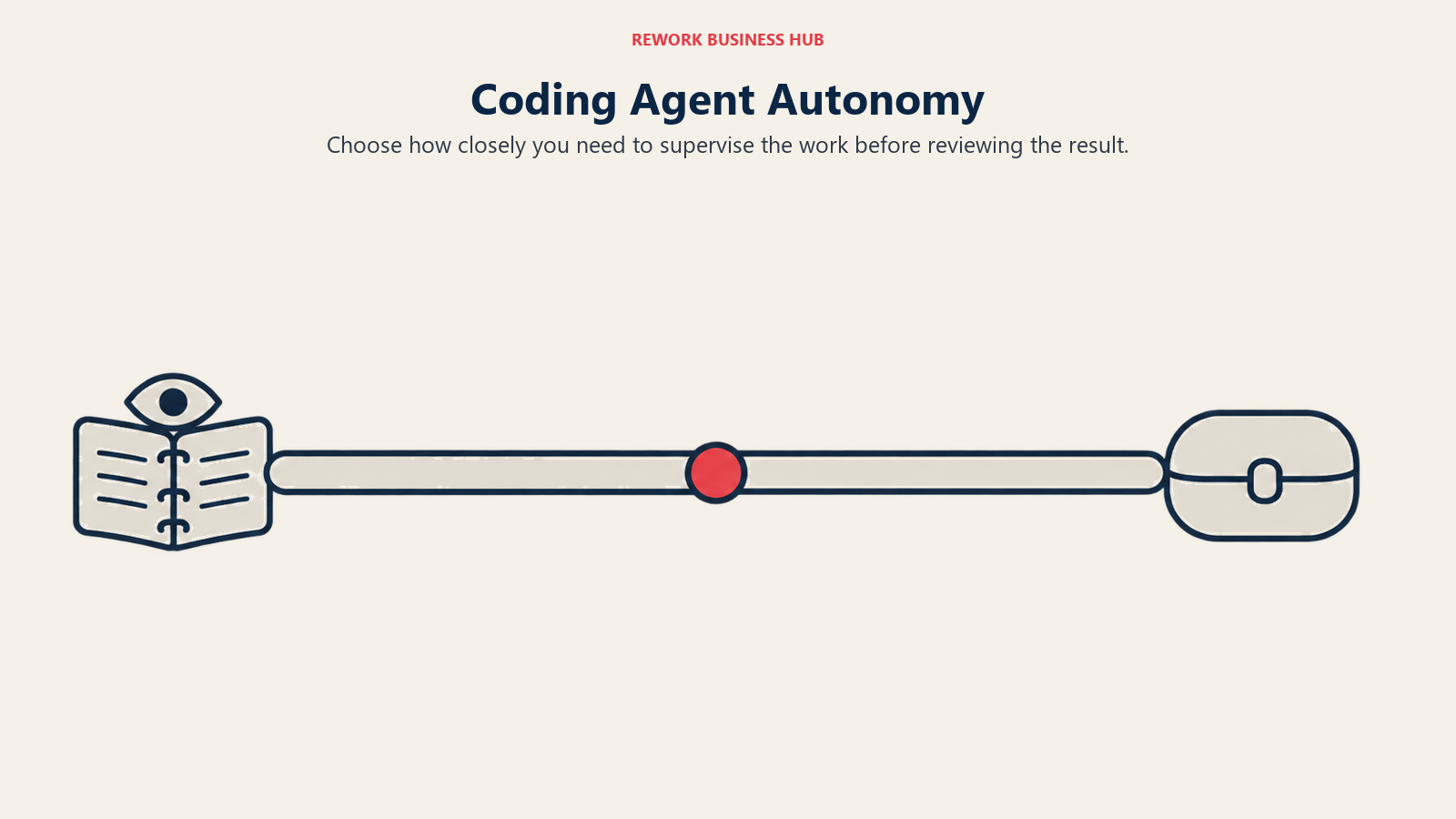
Benchmark scores change monthly. The question that predicts fit is how much you want to supervise. Devin's pitch is delegation: you assign, it works, you review a pull request. Some alternatives match that, and some deliberately don't.
| Working style | What it means | Tools in this guide |
|---|---|---|
| Cloud delegation | Hand over a task, come back to a branch or pull request | Claude Code (cloud sessions), Codex, Cursor Cloud Agents, Copilot cloud agent, Factory, Kiro Web, Warp |
| Self-hosted orchestration | You run the agent platform on your own infrastructure | OpenHands |
| Supervised in the editor | You watch and steer each step | Cline, Augment Code, Antigravity, Cursor's editor |
| Prompt to app | The agent builds the whole app from a description | Replit |
If your tickets are well specified, the first row is the true replacement for Devin. If they aren't, a supervised tool will likely cost you less review time.
1. Claude Code: delegation with a terminal-first agent
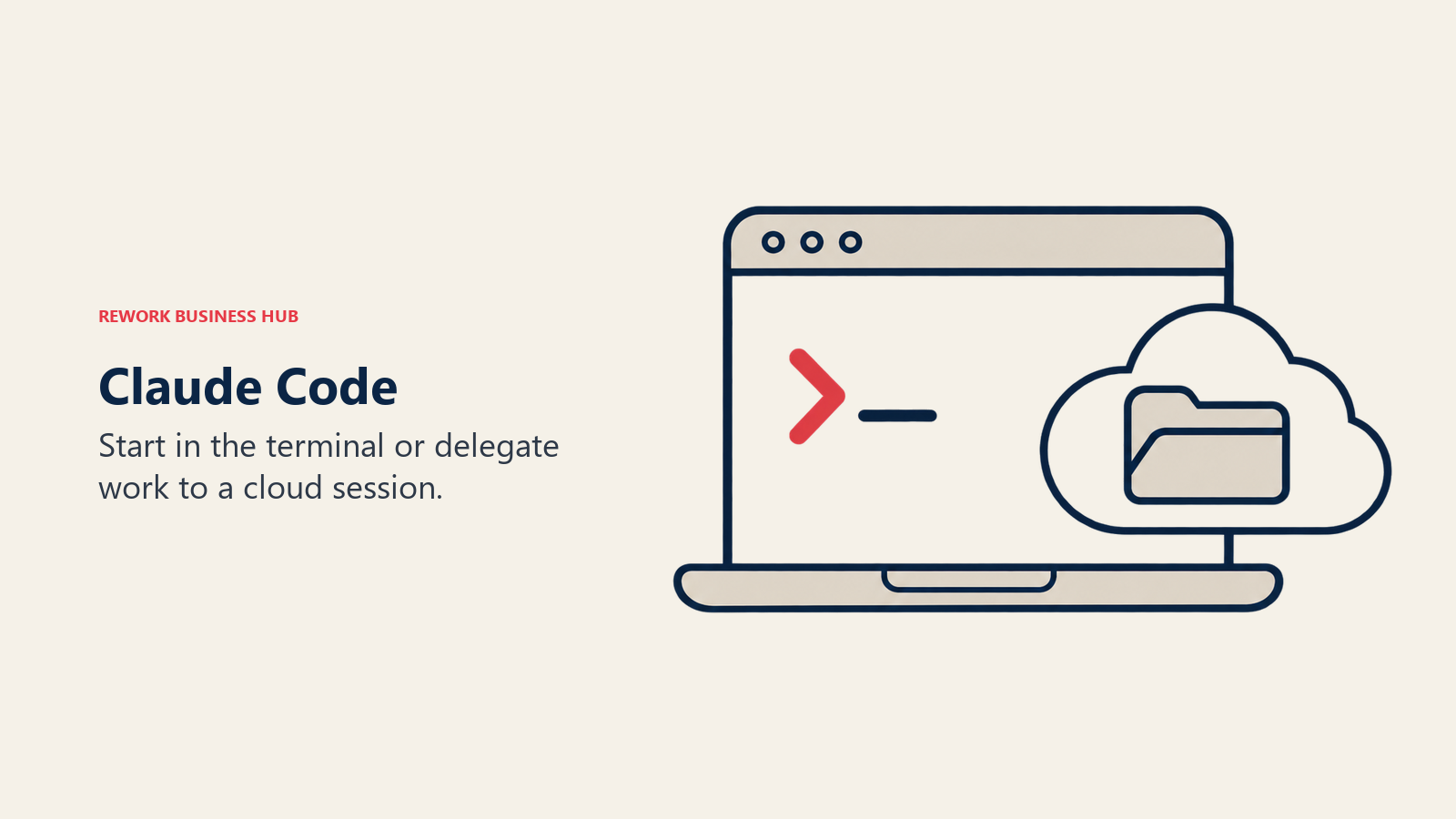
Claude Code is Anthropic's coding agent. It started in the terminal, and Anthropic now documents cloud sessions you can start from the browser, the phone, the desktop app or the terminal. Per Anthropic's docs, a cloud session keeps running after you close your laptop, several can run in parallel, and there is no separate charge for the cloud VM. It counts toward your plan's usage limits. Claude Code can also watch a pull request and push fixes for CI failures and review comments through its auto-fix feature.
The tradeoffs are plain. It uses Claude models only. Usage limits apply per five-hour window and per week on paid plans. Cloud sessions need a claude.ai sign-in, so they aren't available if you've configured Claude Code through Amazon Bedrock or Google's cloud platform, and pull request creation in Anthropic-hosted environments requires GitHub. See Devin vs Claude Code for the head-to-head and Best Claude Code Alternatives if you're weighing the reverse switch.
| What you get | What you don't |
|---|---|
| Cloud sessions, parallel tasks and PR auto-fix | Models from other labs |
| Terminal, IDE, desktop and web surfaces | A spendable overage pool on subscription seats |
Pricing: Pro $17/month billed annually ($200 up front), $20/month billed monthly. Max $100/month. Ultra $200/month. Team Standard seat $20/month billed annually, $25 billed monthly. Team Premium seat $100/month billed annually, $125 billed monthly. Enterprise $20/seat/month billed annually, 20-seat minimum, plus usage at API rates. Source: claude.com/pricing.
Best for: Teams that want to delegate tasks and also work interactively from the same tool.
2. OpenAI Codex: the agent bundled into ChatGPT plans
Codex is OpenAI's coding agent, sold as part of ChatGPT plans. Per OpenAI's pricing documentation, the Plus plan covers web, CLI, IDE extension and iOS, with cloud integrations such as automatic code review and Slack. Business adds larger cloud VMs and SAML SSO. That bundling is the appeal: if your company already buys ChatGPT seats, Codex may need no new procurement.

The catch is metering. OpenAI states that limits are estimates of local messages per five-hour period and that cloud tasks can use more of your allowance than local ones. Fast mode uses 2.5 times the included usage and Ultrafast uses 8 times. Budgeting a month of heavy agent work takes a trial, not a calculation. Our sibling guide, Best OpenAI Codex Alternatives, covers leaving it, and Claude Code vs Codex compares the two directly.
| What you get | What you don't |
|---|---|
| Free, Go, Plus, Pro and Business tiers | Fixed, published message counts |
| Cloud integrations such as Slack and code review | A flat price when usage runs hot |
Pricing: Free $0. Go $8/month. Plus $20/month. Pro from $100/month (plans at $100, $200 and $500). Business $20/user/month billed annually or $25/user/month billed monthly, 2+ users. Enterprise and Edu contact sales. Source: learn.chatgpt.com/docs/pricing.
Best for: Organizations already standardized on ChatGPT that want an agent without a new vendor.
3. Cursor: Cloud Agents next to a full editor
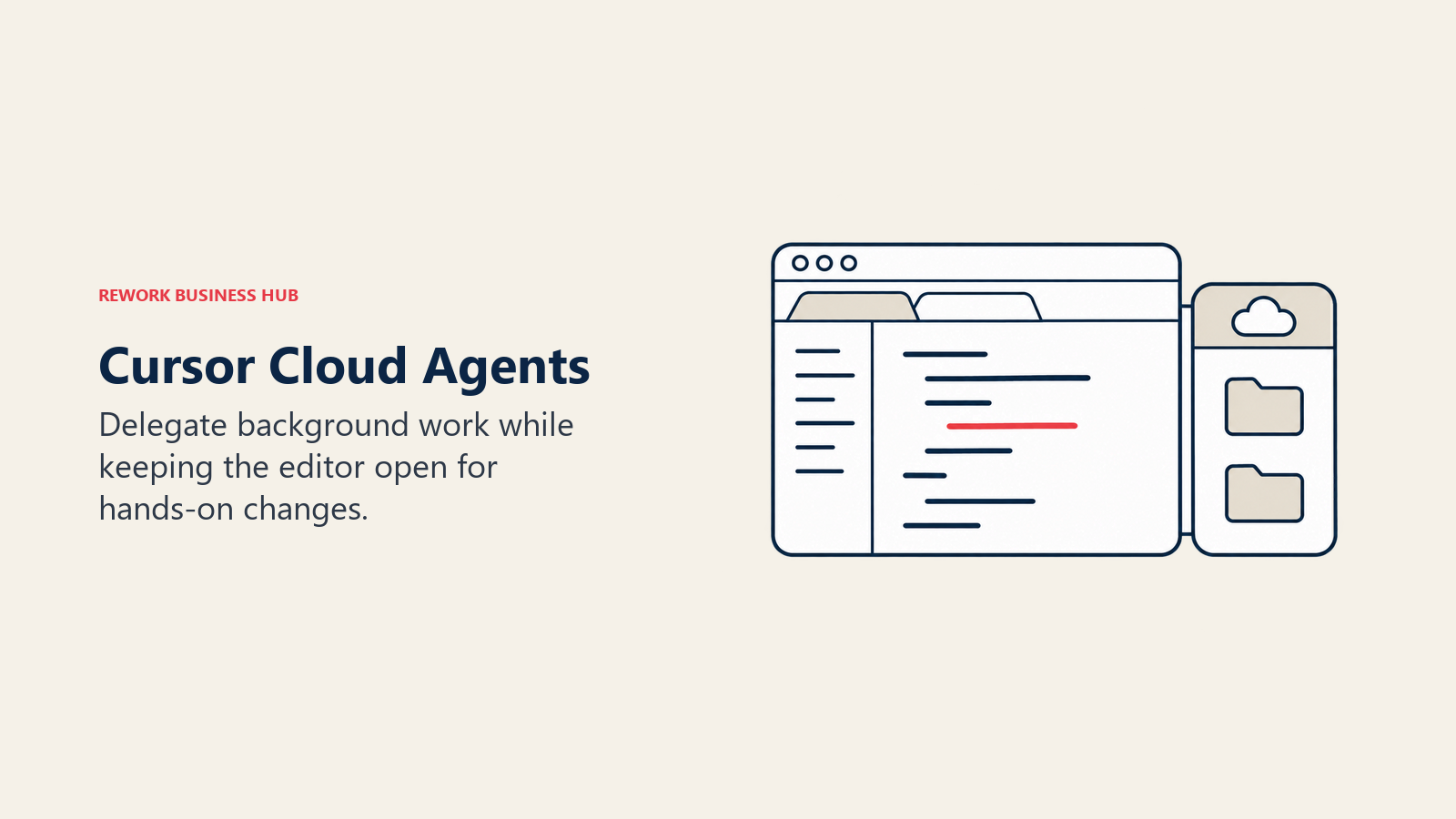
Cursor is an AI editor, and its Cloud Agents let you hand off work the way Devin does. Per cursor.com/pricing, Cloud Agents are included from the Premium plan up and on Teams and Enterprise, but not on Free or the $8 Plus plan. The same editor that runs the cloud agent is also where you review its work and keep coding by hand, which cuts the context switch Devin's separate surface introduces.
Ownership matters here: Anysphere, Cursor's maker, is now a wholly owned SpaceX subsidiary, with the deal closing on August 14, 2026, per SpaceX's closing 8-K filing. Plan usage is pooled and refreshes weekly, and third-party models are billed separately at API list price. For the wider field of Cursor swaps, see Best Cursor Alternatives.
| What you get | What you don't |
|---|---|
| Cloud Agents plus a full editor | Cloud Agents on the Free and Plus plans |
| Pooled team usage and admin controls | Third-party model usage inside the seat price |
Pricing: Free $0. Plus $8/month (Grok models only). Premium $30/month. Super $100/month. Ultra $200/month. Teams from $30/user/month. Enterprise custom. All prices are monthly. Source: cursor.com/pricing.
Best for: Teams that want one tool for hands-on coding and background tasks.
4. GitHub Copilot: the cloud agent where your issues already live
GitHub's cloud agent researches a repository, plans changes and implements them in the background, running tests and linters in a cloud development environment. Per GitHub's documentation, each task can open one pull request, and since October 28, 2026 the cloud experience is available to paid Copilot plans, subject to organization and enterprise policy. The advantage over Devin is proximity: issues, branches, review and Actions are in the same system.
Limits to know: Actions-based sessions stop after 59 minutes, and cloud compute draws on your monthly GitHub Actions allowance, separate from AI credits. One AI credit is $0.01. Copilot is also weakest if your code lives outside GitHub. See Best GitHub Copilot Alternatives for more on the platform.
| What you get | What you don't |
|---|---|
| Issue-to-pull-request inside GitHub | A cloud agent on the Free plan |
| Third-party agents (Claude, Codex) in preview on higher plans | Published Business and Enterprise prices |
Pricing: Free $0. Pro $10/month ($15 in total monthly AI credits). Pro+ $39/month ($70 in credits). Max $100/month ($200 in credits). Business $19/user/month. Enterprise $39/user/month. Source: GitHub Docs: Copilot plans.
Best for: GitHub-centered teams that want delegation without adding a vendor.
5. Factory: Droids built for engineering organizations
Factory sells an agent platform built around "Droids," with desktop, CLI and SDK access and both cloud and local background agents. Higher tiers add Droid Computers, which are Factory-managed cloud computers for remote Droids. It is closest to Devin in philosophy: a platform for delegating work, with admin controls for larger organizations.
The Business tier adds SSO, SAML/SCIM provisioning, zero data retention, audit logging and admin control over model selection, autonomy level and network policy. Enterprise adds dedicated compute, on-premise options, data residency and SLA-backed support. Factory publishes usage as multiples of Pro, not as token allowances, so ask for numbers before you size a rollout.
| What you get | What you don't |
|---|---|
| Cloud and local background agents | Published token allowances |
| Autonomy and network-policy controls on Business | Annual pricing on the page |
Pricing: Pro $20/month. Plus $100/month (about 5x Pro usage). Max $200/month (about 10x Pro). Teams $60/month per team plus $40/month per seat, up to 10 seats. Business and Enterprise custom. Source: factory.com/pricing.
Best for: Engineering organizations that want governance controls on an autonomous agent platform.
6. OpenHands: the open source platform you host yourself
OpenHands is the pick when the real objection to Devin is "we can't send our code to another vendor's cloud." The core is open source under the MIT license and free to self-host, using your own LLM key. Its paid Teams tier is self-hosted too, adding multi-user identity, role-based access, SSO/SAML and budgeting controls.
The cost is operational. You run the infrastructure, handle upgrades and secure the sandbox. That trade makes sense for platform teams and not for a five-person startup.
| What you get | What you don't |
|---|---|
| Open source (MIT), self-hosted | A managed service with no ops work |
| Your own model keys and infrastructure | Vendor support on the free tier |
Pricing: Open source tier free (MIT), self-hosted with your own LLM key. Teams $500/month including up to 10 users, additional seats $50/month each, capped at 5,000 sessions per month. Enterprise custom. Source: openhands.dev/pricing.
Best for: Platform teams with strict data-control requirements and engineers to run the stack.
7. Warp: cloud agents for terminal-first teams
Warp started as a terminal and now includes agents, with cloud agents available by tier. Free includes the Warp Agent CLI, limited cloud agents access and bring-your-own inference. Build adds full agent access and extended cloud agents access. Business adds SAML SSO, team telemetry and bring-your-own API keys. Enterprise adds self-hosted cloud agents.
It suits engineers who live in the shell. If your team works mostly in an IDE and reviews in the browser, a terminal-centered tool means a bigger change of habit than Cursor or Copilot.
| What you get | What you don't |
|---|---|
| Agent usage included in dollars at API rates | An IDE-centered review flow |
| Self-hosted cloud agents on Enterprise | An IDE-first workflow |
Pricing: Free $0. Build $20/month, or $18/month billed annually. Max $200/month, or $180/month billed annually. Business $50/user/month, or $45/user/month billed annually, up to 25 seats. Enterprise custom. Source: warp.dev/pricing.
Best for: Terminal-centered teams who want cloud agents without leaving that workflow.
8. Augment Code: one pooled budget for the whole team
Augment Code is built around a context engine for large codebases, with a coding agent, CLI, and support for 50 concurrent sessions on Standard and Business. Its distinctive feature is billing: usage is measured in dollars across LLM, context engine and compute, and pooled across the team, with up to 50 seats at one flat price.
LLM usage is billed at the provider's public API list price plus a flat 40% service fee. That pooling helps a team where a few people use the agent heavily and many rarely do. It hurts when everyone uses it hard, since the pool runs out.
| What you get | What you don't |
|---|---|
| Up to 50 seats on one flat price | Per-seat predictability |
| Top-ups without a plan change | Top-ups that last forever (they expire after 12 months) |
Pricing: Standard $20/month flat with $20 of usage, up to 50 seats. Business $100/month flat with $100 of usage, up to 50 seats. Enterprise custom with unlimited users. Source: augmentcode.com/pricing.
Best for: Teams with uneven agent usage and a large codebase.
9. Kiro: spec-first, from AWS
Kiro takes a spec-driven approach: you write requirements and steering documents, then the agent builds against them. Kiro Web runs cloud-based agent work and is available on the paid plans, not Free. Agent work on any surface consumes credits, and unused monthly credits don't roll over.

It fits teams already on AWS who want structure around what an agent produces. It adds ceremony on small, quick tasks.
| What you get | What you don't |
|---|---|
| Spec-driven workflow, cloud agent on paid plans | Rolled-over credits |
| Enterprise billing through AWS | A free tier for Enterprise |
Pricing: Free $0 (50 credits). Pro $20/user/month (1,000 credits). Pro+ $40 (2,000). Pro Max $100 (5,000). Power $200 (10,000). Add-on credits $0.04 each. Each developer needs a subscription. Source: kiro.dev/pricing.
Best for: AWS-centered teams that want a structured, spec-first agent.
10. Google Antigravity: Google's agent-first development platform
Google describes Antigravity as its product for agent-first development, offered as an app, IDE extensions, a CLI, an IDE and an SDK. The Individuals plan is $0 with basic weekly rate limits and unlimited Tab completions. Google AI Pro and Ultra add higher limits and a credit pool, and Business seats through Google Cloud start at $30 per seat per month. It is most relevant if you already buy Google Cloud or Google AI plans. Treat Google's pricing as plan-dependent, since the Pro and Ultra rates are set in Google's subscription pages and not on the Antigravity page.
| What you get | What you don't |
|---|---|
| A free individual tier | Published Pro and Ultra prices on the product page |
| Business billing through Google Cloud | An independent vendor |
Pricing: Individuals $0/month. Business via Google Cloud: Standard and Plus plans from $30 per seat per month, or pay-as-you-go with a $0 seat fee. Source: antigravity.google/pricing.
Best for: Google Cloud customers who want an agent inside their existing contract.
11. Replit: when the goal is a running app, not a repo
Replit is a different kind of Devin alternative. It builds applications from prompts, so it fits founders, product managers and small teams more than engineers maintaining a large existing codebase. Its pricing page lists Core at $20/month ($18/month billed annually), Pro at $100/month ($90/month billed annually, up to 15 collaborators) and Enterprise on request.
If an app is the deliverable, read Best Replit Alternatives, Best AI App Builders in 2026 and Best Vibe Coding Tools in 2026 before deciding.
Pricing: Core $20/month, $18/month billed annually. Pro $100/month, $90/month billed annually. Enterprise custom. Source: replit.com/pricing.
Best for: Non-engineers and small teams turning an idea into a working app.
12. Cline: the supervised, free, bring-your-own-key option
Cline is a free, open source VS Code extension. You pay only for model inference, using your own keys or Cline's provider, with no subscription or seat fees. It supports Anthropic, OpenAI, Gemini and other providers. Enterprise adds centralized billing, a team dashboard, role-based access, SSO and an SLA, and the JetBrains extension is Enterprise-only.
Cline is the least like Devin: you watch it work inside your editor. That's the point for teams that want to keep their hands on the wheel and control their model spend.
Pricing: Open source, free for individuals (pay for inference). Enterprise custom. Source: cline.bot/pricing.
Best for: Teams that want free, model-agnostic, supervised agent help.
Real Cost at 1, 10 and 50 Developers
This table covers vendors that sell a seat-based team plan, at the entry team tier. Annual totals are 12 times the published monthly rate, using the annual-billing rate where the vendor publishes one.
| Team size | Devin (Teams) | Claude Code (Team Standard) | Codex (Business) | Cursor (Teams) | Factory (Teams) | Kiro (Pro) |
|---|---|---|---|---|---|---|
| 1 developer | $240/yr (Pro, $20/mo) | $200/yr (Pro, annual) | $240/yr (Plus, $20/mo) | $360/yr (Premium, $30/mo) | $240/yr (Pro, $20/mo) | $240/yr |
| 10 developers | $5,760/yr ($80 base + $40 x 10) | $2,400/yr annual ($3,000 monthly) | $2,400/yr annual ($3,000 monthly) | $3,600/yr (from $30 x 10) | $5,520/yr ($60 base + $40 x 10) | $2,400/yr |
| 50 developers | $24,960/yr ($80 base + $40 x 50) | $12,000/yr annual ($15,000 monthly) | $12,000/yr annual ($15,000 monthly) | $18,000/yr (from $30 x 50) | Business, custom (Teams caps at 10 seats) | $12,000/yr |
Two tools sit outside the grid because they price on a pool instead of seats. Augment Code's Standard plan is $240 a year for up to 50 seats with $20 of monthly pooled usage, and Business is $1,200 a year with $100 of monthly usage, so its real cost is whatever usage you add on top. OpenHands is free to self-host, and its Teams tier is $500 a month for up to 10 users, which is $6,000 a year before additional seats.
These figures cover subscriptions only. They exclude extra usage, which Devin sells at API pricing, Cursor bills separately for third-party models, and Claude Code and Codex handle through usage limits and add-on purchases. Devin comes out highest at 10 and 50 developers. At 10 developers its subscription runs $3,360 a year above a Claude Code or Codex annual plan, and $2,160 above Cursor's starting Teams rate. That gap can close if you value the unattended workflow enough, but it's the figure to put in front of a budget owner.
Who Needs What: Size and Control
| Situation | Fits | Why |
|---|---|---|
| Solo developer or two-person startup | Cline, Claude Code Pro, Codex Plus, Replit Core | Low entry price, no team overhead |
| 5 to 20 engineers on GitHub | Copilot, Cursor Teams, Claude Code Team | Delegation inside tools they already use |
| 20 to 50 engineers, uneven usage | Augment Code | One pooled budget for up to 50 seats |
| Large organization with governance needs | Factory Business, Devin Enterprise, Codex Enterprise | SSO, audit logging, admin controls |
| Strict data-control or air-gapped needs | OpenHands, Warp Enterprise (self-hosted cloud agents), Factory Enterprise (on-premise options) | You keep code and infrastructure |
| AWS-centered | Kiro | Billing and structure through AWS |
| Google Cloud customers | Antigravity | Business billing through Google Cloud |
How to Choose: Decision Framework
For the wider evaluation checklist, see How to Choose an AI Coding Assistant. If you're comparing the broader field, Best AI Coding Agents in 2026 ranks the agents by function, and Claude Code vs Cursor vs GitHub Copilot breaks down the three tools most teams shortlist. Cursor fans can also read Cursor vs Windsurf.
| If you need... | Pick... | Why |
|---|---|---|
| Delegated tasks with a strong terminal agent | Claude Code | Cloud sessions plus interactive use |
| An agent inside a ChatGPT contract you already pay for | OpenAI Codex | Bundled in the plan |
| One tool for hand coding and background tasks | Cursor | Cloud Agents beside the editor |
| Issues turned into pull requests on GitHub | GitHub Copilot | Native to the platform |
| Governance on an autonomous agent platform | Factory | Autonomy and network-policy controls |
| Self-hosted, no vendor cloud | OpenHands | Open source, your infrastructure |
| A single team budget across 50 seats | Augment Code | Pooled usage, flat price |
| Free and supervised | Cline | No subscription, bring your own key |
| Reviews on top of any agent | A code review tool | See Best AI Code Review Tools in 2026 |
What to Do Next
Don't pick on a demo. Choose two candidates from the framework above, one delegation-style tool and one supervised tool, and run both on the same ten real tickets from your backlog. Mix well-specified work such as test generation and dependency upgrades with a few ambiguous items, because that mix is where the tools separate.
Track three numbers: how many pull requests merged without fixes, how many review comments each one drew, and what the month's bill looked like against the plan you assumed. Before committing a seat count, ask each vendor how overage is priced and whether your compliance team needs VPC, self-hosted or on-premise deployment, since only a few tools here offer it. If you want a second pair of eyes on the output, add one of the tools from Best AI Code Review Tools in 2026.

Principal Product Marketing Strategist
On this page
- Key Facts
- What Devin Is, and What It Costs
- Why Teams Look Beyond Devin
- Quick Comparison: 12 Devin Alternatives
- The Real Axis: Who Does the Work While You're Away
- 1. Claude Code: delegation with a terminal-first agent
- 2. OpenAI Codex: the agent bundled into ChatGPT plans
- 3. Cursor: Cloud Agents next to a full editor
- 4. GitHub Copilot: the cloud agent where your issues already live
- 5. Factory: Droids built for engineering organizations
- 6. OpenHands: the open source platform you host yourself
- 7. Warp: cloud agents for terminal-first teams
- 8. Augment Code: one pooled budget for the whole team
- 9. Kiro: spec-first, from AWS
- 10. Google Antigravity: Google's agent-first development platform
- 11. Replit: when the goal is a running app, not a repo
- 12. Cline: the supervised, free, bring-your-own-key option
- Real Cost at 1, 10 and 50 Developers
- Who Needs What: Size and Control
- How to Choose: Decision Framework
- What to Do Next