Claude Code vs Codex: Which Coding Agent Fits Your Team in 2026?
Turn this article into takeaways for your work.


Each assistant summarizes the article only for you and suggests best practices for your work.
You're past the autocomplete stage. Your developers want an agent that takes a ticket, reads the repository, changes several files, runs the tests, and hands back something reviewable. Two names come up first: Claude Code from Anthropic and Codex from OpenAI.
Both fit that description, and that's exactly why the choice is harder than it looks. The feature lists overlap almost line for line. The differences that matter to a CTO, VP Engineering, or technical founder sit one layer down: how the plan is metered, what the agent is allowed to do by default, which models you're buying into, and how the tool shows up in the workflow your team already runs.
This comparison covers the decision through that lens: cost at 1, 10, and 50 developers, usage limits, safety and governance, deployment options, and which type of team should pick which. If you're weighing a wider field, the best AI coding agents in 2026 covers more tools, and Claude Code vs Cursor vs GitHub Copilot covers the editor-centric lane.
Key Facts
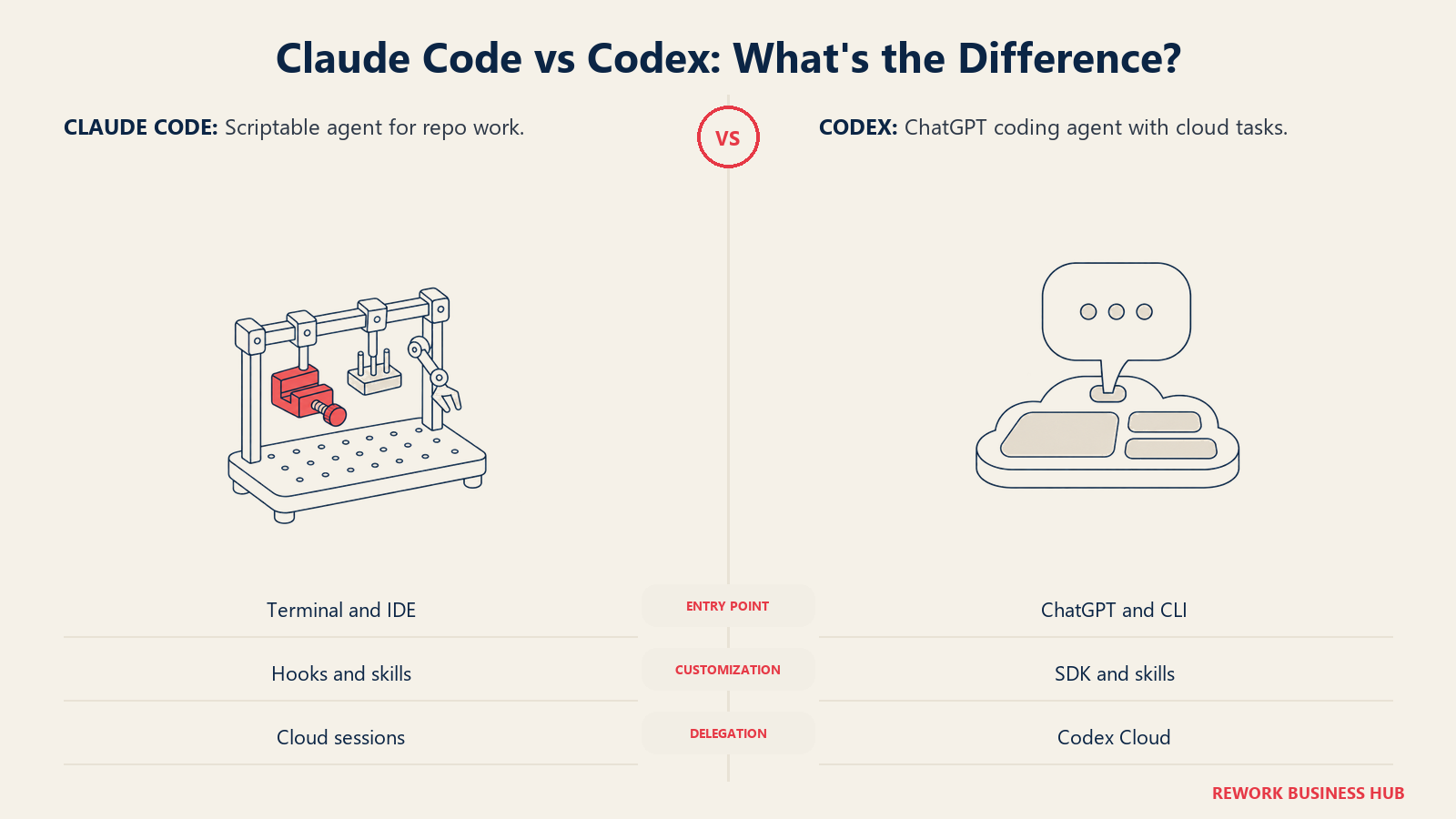
- What they are: Claude Code is Anthropic's agentic coding tool that reads your codebase, edits files, runs commands, and works in the terminal, IDE, desktop app, and browser. Codex is OpenAI's agent inside ChatGPT, available in the ChatGPT desktop, mobile, and web apps plus a CLI, an IDE extension, and Codex Cloud.
- Entry paid price is identical: Claude Pro is $20/month and ChatGPT Plus (which includes Codex) is $20/month.
- Team seats are priced the same on an annual plan: Claude Team Standard is $20 per seat per month billed annually ($25 billed monthly), and Codex on ChatGPT Business is $20 per user per month billed annually ($25 billed monthly).
- Both have a $100 step up: Claude Max starts at $100/month and Codex Pro is offered from $100/month (plans at $100, $200, or $500).
- Metering differs: Claude plans publish usage as multiples of Pro per 5-hour and weekly window. Codex Plus and Business publish estimated local messages per five-hour period by model, and credits can extend usage.
- Codex CLI is open source: the openai/codex repository is licensed Apache-2.0.
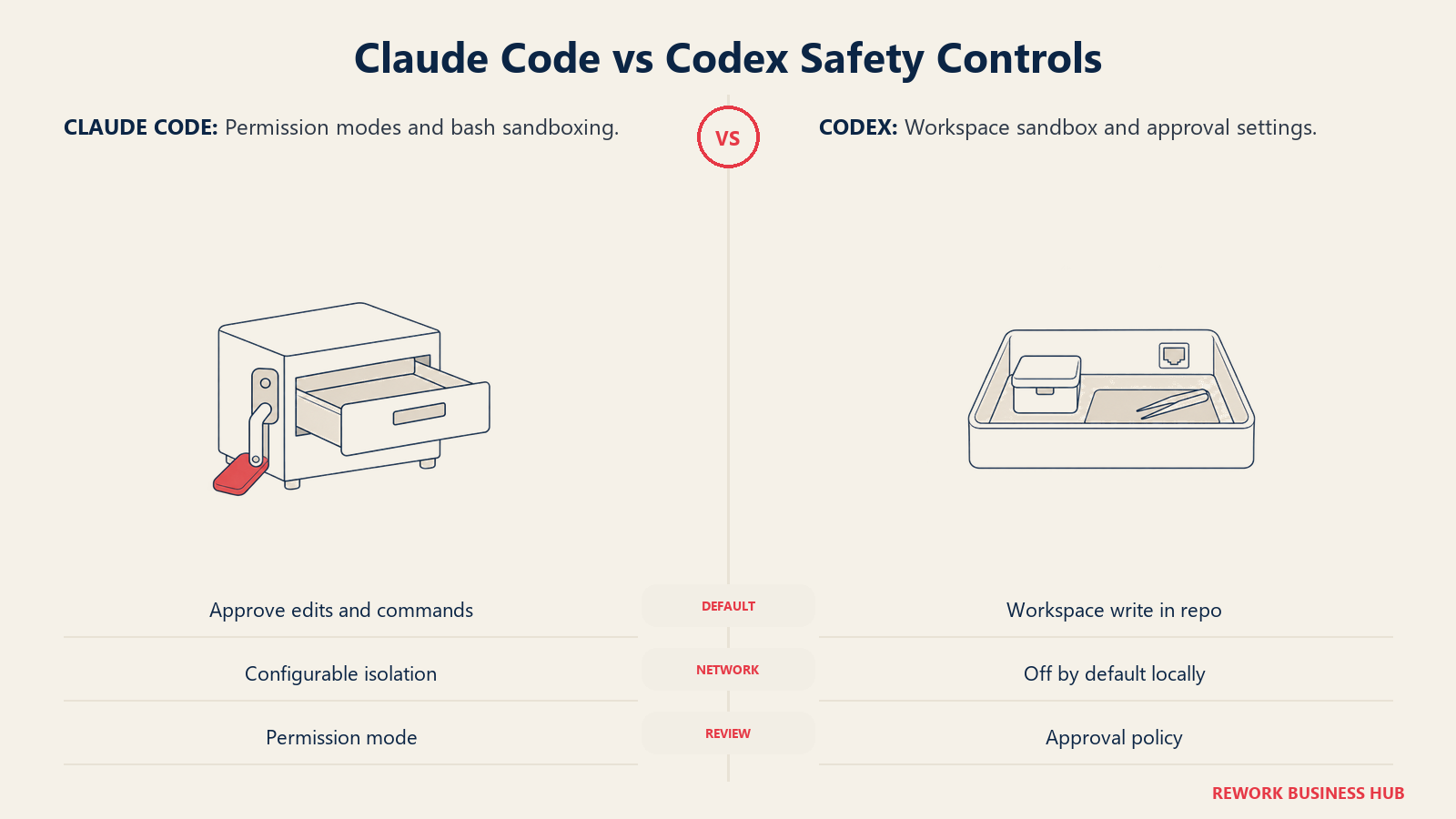
- Safety defaults differ: local Codex defaults to workspace-write sandboxing with network access off, while Claude Code defaults to a permission model that asks before edits and commands unless you pick a more automatic mode.
TL;DR
| Dimension | Claude Code | Codex |
|---|---|---|
| Made by | Anthropic | OpenAI |
| Product shape | Agent for terminal, VS Code, JetBrains, desktop app, and web | Agent in ChatGPT apps, plus CLI, IDE extension, and Codex Cloud |
| Models | Claude models (Opus, Sonnet, Haiku, and Fable aliases) | OpenAI GPT-6 family models, chosen per plan |
| Entry paid plan | Pro, $20/mo | Plus, $20/mo |
| Free access | Free plan does not include Claude Code | Free and Go ($8/mo) plans list a desktop app with a lighter model |
| Team plan | Team Standard, $20/seat/mo annual, $25 monthly | Business, $20/user/mo annual, $25 monthly |
| Usage unit | Multiples of Pro usage per 5-hour and weekly window | Estimated messages per five-hour window, plus credits |
| Custom agents | Agent SDK | Codex SDK |
| Open source | No open source CLI listed in its docs | Codex CLI is Apache-2.0 |
| Best for | Teams that want sustained agent sessions with deep customization and cloud-provider routing | Teams already on ChatGPT who want one subscription across chat and coding |
What Each Agent Is Built For
Start with the shape of each product, because it sets how your team will actually use it.
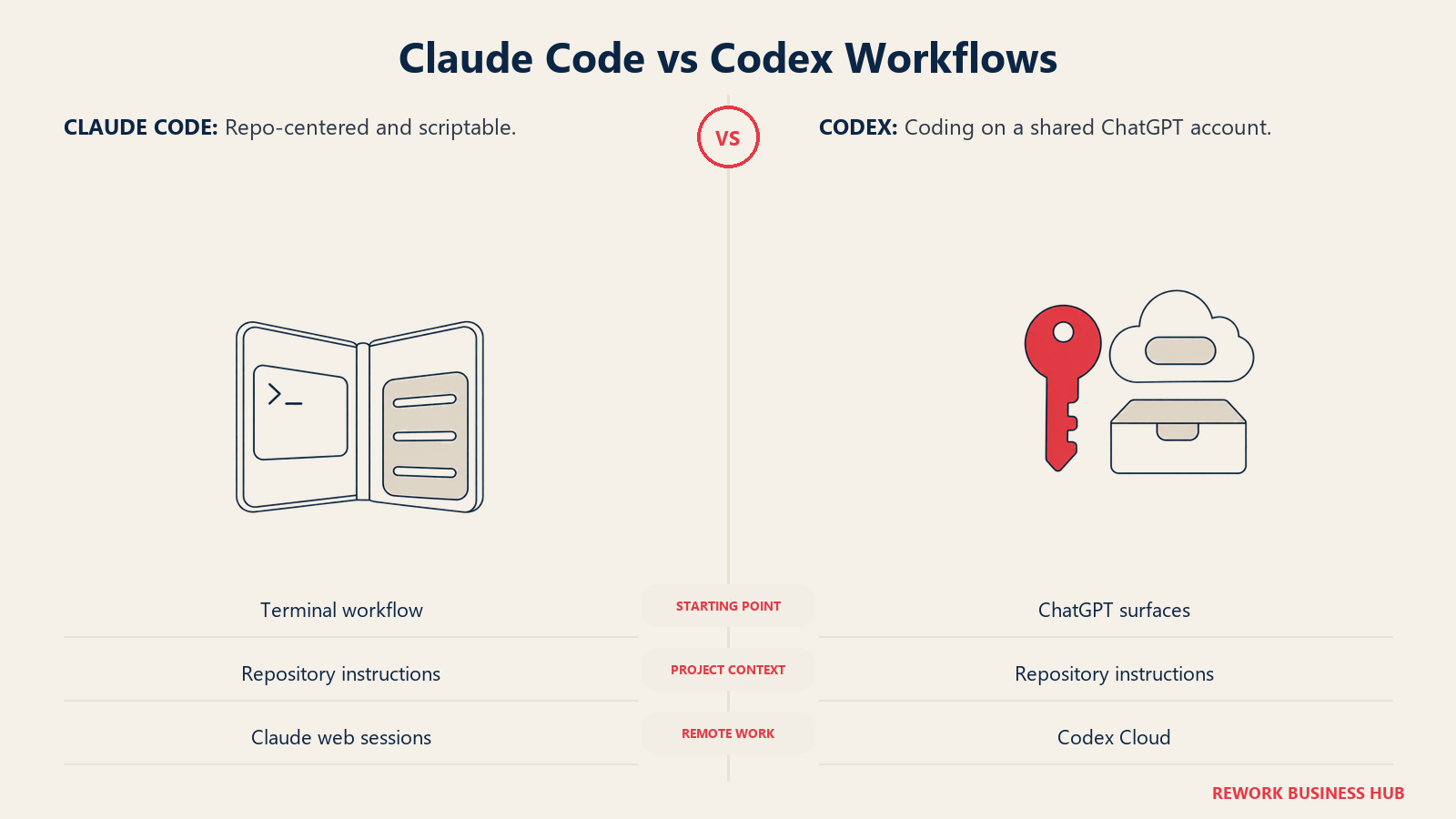
Claude Code began as a command line tool and still treats the terminal as home. Anthropic describes it as composable and script friendly: you can pipe log output into it, run it headless in CI, or chain it with other commands. It has since grown a VS Code extension, a JetBrains plugin, a desktop app with scheduled tasks, and a web surface for long-running cloud sessions. Every surface connects to the same engine, so your repository's CLAUDE.md files, settings, and MCP servers carry across all of them.
Codex is OpenAI's agent for getting work done, and coding is its center of gravity. It lives inside ChatGPT, which matters for organizations that already pay for ChatGPT seats: the same login and billing relationship cover chat and coding. For developers who want a local tool, there's the open source Codex CLI, an IDE extension, and a desktop app. For delegated work, Codex Cloud runs tasks in isolated environments.
| Claude Code | Codex | |
|---|---|---|
| Terminal CLI | Yes, the primary surface | Yes, open source |
| IDE | VS Code extension, JetBrains plugin | IDE extension |
| Desktop app | Yes (Mac, Windows) | Yes, via the ChatGPT desktop app |
| Web or cloud | Yes, claude.ai/code | Yes, Codex Cloud and ChatGPT on the web |
| Mobile | Claude mobile app for cloud sessions | ChatGPT mobile app |
| CI and automation | GitHub Actions and GitLab CI/CD | GitHub Action and SDK |
| Chat tool integration | Slack | Slack |
| Instruction file | CLAUDE.md, and it can read AGENTS.md instead | AGENTS.md |
| Extensibility | MCP, skills, hooks, subagents, Agent SDK | MCP, SDK |
One small but practical detail: Claude Code can read an existing AGENTS.md in place of a CLAUDE.md. If your repositories already carry an AGENTS.md for Codex, trying Claude Code alongside it doesn't mean rewriting your instructions from scratch.
Decision by Engineering Goal
| Your goal | Better fit | Why |
|---|---|---|
| Consolidate chat and coding on one AI vendor and one invoice | Codex | Included with ChatGPT plans your company may already hold |
| Run coding agents inside your own cloud account | Claude Code | Models are reachable through Amazon Bedrock, Google Cloud's Agent Platform, and Microsoft Foundry |
| Customize agent behavior with hooks, skills, and subagents | Claude Code | Documented hook, skill, and subagent systems across every surface |
| Audit and modify the agent's own source | Codex | The CLI is Apache-2.0 licensed |
| Predict spend with a flat step-up ladder | Either | Both publish fixed $100 tiers above the entry plan |
| Delegate background tasks to a cloud sandbox | Either | Claude Code on the web and Codex Cloud both run tasks away from the laptop |
| Keep network access closed by default on local runs | Codex | Local workspace-write sandbox ships with network off |
| Review every action before it runs | Claude Code | Manual mode asks before edits and commands |
Pricing: Individual and Team Plans
Prices below are list prices in US dollars as published by each vendor. Annual figures are what the vendor publishes for annual billing, not a computed discount.
| Plan tier | Claude Code (via Claude plans) | Codex (via ChatGPT plans) |
|---|---|---|
| Free | Free plan: limited usage, no Claude Code | Free: $0/month, GPT-6 Luna at Standard speed, desktop app subject to rollout |
| Low-cost entry | None | Go: $8/month, GPT-6 Luna at Standard speed, desktop app subject to rollout |
| Individual standard | Pro: $20/month monthly, or $17/month billed as $200 up front annually | Plus: $20/month, web, CLI, IDE extension, iOS |
| Individual heavy | Max: $100/month, 5x Pro usage, monthly only | Pro: from $100/month, offered at $100, $200, or $500 per month |
| Team standard | Team Standard seat: $25/seat/month, or $20/seat/month annual | Business: $25/user/month monthly, or $20/user/month annual (2+ users) |
| Team heavy | Team Premium seat: $125/seat/month, or $100/seat/month annual, 5x standard usage | No separate Business tier listed |
| Enterprise | $20/seat/month annual plus usage at API rates, 20-seat minimum | Contact sales |
| Pay as you go | Anthropic API key | API key, billed at standard API rates, CLI/SDK/IDE extension without cloud features |
Sources: Claude pricing and Codex pricing.
Three details matter more than the headline numbers.
Claude Team includes pooled API credits. Claude's pricing page states that Team includes up to $500 per month in pooled API credits. Codex Business doesn't list a comparable pool, so compare the full package rather than the seat price alone.
Codex Pro has no five-hour limit today. OpenAI states that Pro plans currently have no five-hour limit. Claude Max keeps the 5x Pro usage structure per 5-hour and weekly window. For a single power user running agents all day, that difference can matter more than the sticker price.
Enterprise is priced differently. Claude Enterprise is a $20 per seat annual platform fee with usage billed at API rates. Codex Enterprise and Edu are sales-led, and flexible-pricing plans have no fixed rate limits and scale with credits.
Pricing at 1, 10, and 50 Developers
Team-plan math at the annual rates each vendor publishes, with the monthly-billed figure alongside.
| Team size | Claude Team Standard | Codex on ChatGPT Business |
|---|---|---|
| 1 developer (individual plan) | Pro: $240/yr billed monthly, or $200/yr billed annually | Plus: $240/yr |
| 10 developers | $2,400/yr billed annually, $3,000/yr billed monthly | $2,400/yr billed annually, $3,000/yr billed monthly |
| 50 developers | $12,000/yr billed annually, $15,000/yr billed monthly | $12,000/yr billed annually, $15,000/yr billed monthly |
At the entry business tier, the seat cost is a tie, so price won't decide this one. What decides it is the usage behind the seat:
| Usage question | Claude Code | Codex |
|---|---|---|
| How is heavy use handled? | Step up to Team Premium seats (5x standard usage) or Max | Credits extend usage on Plus and Business; Pro tiers raise limits |
| What unit do you plan around? | Multiples of Pro usage per 5-hour and weekly window | Estimated local messages per five-hour period by model |
| Is there a pooled allowance? | Up to $500/month in pooled API credits on Team | Credits on credit-based plans |
| What happens at the ceiling? | Wait, move to a higher seat, or use API billing | Buy credits, wait, or move to a higher plan |
For a team of 25 developers where about five do most of the agentic work, the cost-efficient pattern on either vendor is the same: put everyone on the standard seat and move only the heavy users up. On Claude that means mixing in Premium seats at $100 to $125; on Codex it means giving heavy users Pro plans or credits.
Usage Limits in Detail
Metering is where these two products feel most different day to day.
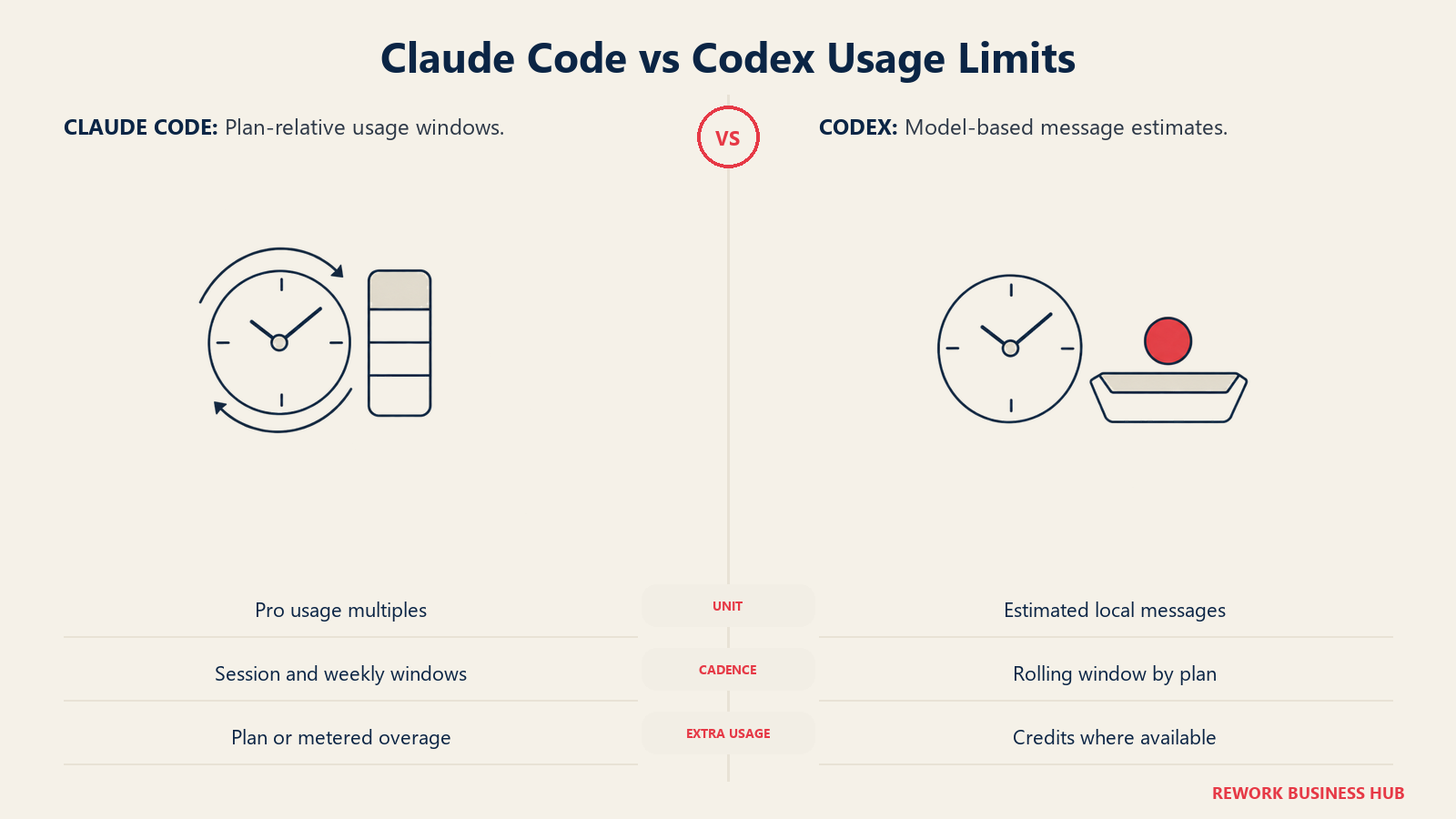
Codex publishes estimates by model for Plus and standard Business. Per OpenAI's pricing page, the estimated local messages per five-hour period are:
| Model | Estimated local messages per five hours (Plus and standard Business) |
|---|---|
| GPT-6 Astra | 5 to 45 |
| GPT-6.1 Sol | 15 to 160 |
| GPT-6.1 Terra | 35 to 285 |
| GPT-6 Sol | 15 to 150 |
| GPT-6 Luna | 350 to 3,000 |
OpenAI states these are estimates rather than fixed limits, that weekly limits may also apply, and that cloud tasks may use more of the allowance. The range is wide because a message that triggers a long autonomous run costs far more than a short question.
Claude publishes no per-message number. Pro and Max limits depend on the model used, chat length, and file size, and the plans are described relative to each other: Max is 5x Pro, Team Premium is 5x Team Standard. That's simpler to reason about across tiers and harder to translate into "how many tasks per day."
The practical read: Codex gives you a planning number per model, with a big spread. Claude gives you a clean ladder with no per-task figure. In both cases, run your own representative workload for a week before you size seats.
Core Capability Comparison
Both tools cover the agentic loop: read the repo, plan, edit across files, run commands, and iterate. The differences are in the surrounding system.
| Capability | Claude Code | Codex |
|---|---|---|
| Multi-file edits and refactors | Yes | Yes |
| Runs shell commands and tests | Yes | Yes |
| Git commits, branches, pull requests | Yes, directly from the CLI | Yes, with GitHub integration |
| Code review on pull requests | GitHub Code Review, plus GitHub Actions | Code review workflow and GitHub integration |
| Parallel agents | Subagents, background agents, desktop side-by-side sessions | Multiple tasks in Codex Cloud |
| Custom workflows | Skills, hooks, Agent SDK | SDK, AGENTS.md, MCP |
| Scheduled and recurring work | Cloud scheduled tasks, desktop scheduled tasks, /loop |
No equivalent documented |
| Pipe and script from the shell | Yes, headless -p mode |
CLI usage in scripts |
| Remote and mobile control | Remote Control, Dispatch, Claude mobile app | ChatGPT mobile app |
| Browser debugging | Chrome integration | No equivalent documented |
| Model choice | Claude aliases, pinned model IDs, third-party providers | Models vary by plan (GPT-6 family) |
Claude Code's list is longer in the automation column, which reflects how much of its documentation targets building repeatable workflows. Codex's strength is how little ceremony it asks for if your team already lives in ChatGPT.
On raw quality, don't trust a single benchmark number from either vendor or from a third-party leaderboard. Models in both families change every few months, and the tool that wins this quarter's chart may not win next quarter's. A two-week pilot on your own codebase tells you more than any score. For a broader view of the tool lane, see the best AI coding tools in 2026.
Safety, Sandboxing, and Approvals
For a C-level reader this is often the section that decides the pilot's scope, because an agent that can run commands can also do damage.
| Control | Claude Code | Codex |
|---|---|---|
| Default posture | Manual mode: read-only until you approve edits and commands | Auto preset: workspace-write with on-request approvals in version-controlled folders; read-only elsewhere |
| Sandbox modes | Sandboxed bash tool with filesystem and network isolation, configured with /sandbox |
read-only, workspace-write, danger-full-access |
| Network access | Network-fetching commands such as curl are not auto-approved by default | Off by default for local runs, unless enabled in config |
| Approval levels | Manual, Accept Edits, and Auto mode with a classifier reviewing actions | on-request, never, granular; optional auto_review reviewer agent |
| Skip-all-guardrails option | Permission rules you configure | --dangerously-bypass-approvals-and-sandbox (alias --yolo), not recommended by OpenAI |
| Cloud execution | Isolated Anthropic-managed VMs, limited network by default, audit logging | OpenAI-managed containers isolated from your host |
| Prompt injection guidance | Documented protections and best practices | Covered in agent approvals and security docs |
Sources: Claude Code security and Codex approvals and security.
The honest summary: Codex ships with an OS-level sandbox as the default boundary and network off, so a surprise command has less room to reach outside the workspace. Claude Code ships with a human approval boundary by default and offers sandboxing as a layer you configure. Neither is "safer" in the abstract. Teams that want fewer interruptions should tune either one deliberately rather than reaching for the no-guardrails flag.
Enterprise and Governance
| Feature | Claude Code | Codex |
|---|---|---|
| Business tier | Team: 2 to 150 seats | Business: 2+ users |
| Enterprise tier | Enterprise, 20-seat minimum, annual | Enterprise and Edu, contact sales |
| Admin controls | Managed settings, permission rules, managed MCP configuration | Admin controls on Enterprise and Edu including SCIM, EKM, and the Compliance API |
| Usage monitoring | OpenTelemetry metrics | Usage dashboard |
| Certifications referenced | SOC 2 Type 2 report and ISO 27001 certificate via the Anthropic Trust Center | Compliance API on Enterprise and Edu |
| Run through your cloud provider | Amazon Bedrock, Google Cloud's Agent Platform, Microsoft Foundry, Claude Platform on AWS | API key use via CLI, SDK, and IDE extension |
| Self-hosted cloud sessions | Self-hosted environments for cloud sessions | No equivalent documented |
| Data terms | Commercial Terms for Team, Enterprise, and API; Consumer Terms for Free, Pro, Max | Business and Enterprise terms |
Sources: Claude Code security, model configuration, and Codex pricing.
If a regulated team needs inference inside an account it already controls, Claude Code's provider routing is the clearest published answer of the two. If your security team already approved ChatGPT Enterprise, Codex rides on that approval, which can shorten procurement by weeks. For a longer list of questions to ask any vendor before signing, see how to choose an AI coding assistant.
Implementation and Change Management
| Factor | Claude Code | Codex |
|---|---|---|
| Install | Native installer, Homebrew, WinGet, apt, dnf, apk | npm, Homebrew, install scripts, or the desktop app |
| First-day friction | Sign in with a Claude plan or Console account | Sign in with ChatGPT, or use an API key |
| Config to teach the agent your repo | CLAUDE.md (or AGENTS.md), skills, hooks | AGENTS.md |
| Who adopts fastest | Terminal-comfortable developers, platform and DevOps teams | Teams already using ChatGPT daily |
| Training load | Higher if you build skills and hooks, lower for basic use | Low for basic use |
| Rollout risk | Usage windows surprise heavy users | Message estimates vary widely by model |
A workable rollout on either tool: pick one repository with decent tests, write the instruction file first, start in the most conservative approval mode, and widen permissions only after the first week of reviewed pull requests.
Risk and Vendor Dependence
| Risk factor | Claude Code | Codex |
|---|---|---|
| Model lock-in | Claude models only, though reachable through several cloud providers | OpenAI models only |
| Tool lock-in | Instruction files, skills, and hooks are Claude-specific, though AGENTS.md is readable | AGENTS.md and MCP config; the CLI is open source |
| Pricing change risk | Anthropic states plans are subject to change at its discretion | Plans, limits, and model lineup change frequently |
| Model retirement | Pin model IDs where you need stability | OpenAI lists model retirements, such as GPT-5.5 leaving Codex with ChatGPT sign-in on October 14, 2026 |
| Exit cost | Low: output is ordinary code and git history | Low: output is ordinary code and git history |
The exit cost row is the reassuring one. Neither tool stores your work in a proprietary format, so a pilot that goes badly costs you a few weeks, not a migration. Model churn is the bigger operational risk, and it's the same on both sides. If you're considering a second tool as a hedge, the best Claude Code alternatives and the best GitHub Copilot alternatives list the other credible options.
When Claude Code Is the Right Call
Your team wants an agent it can shape. If you're going to invest in skills, hooks, subagents, and scheduled tasks so the agent does the same chores every week, Claude Code's documentation and surface area are built for that. It also wins when compliance requires models to run through your own Bedrock, Foundry, or Agent Platform account, and when your engineers live in the terminal and CI more than in a chat window.

The honest limitation: Claude's Free plan doesn't include Claude Code, and usage is capped by 5-hour and weekly windows. A team that hits the wall mid-task has to wait, move to a higher seat, or use API billing. Budget for Max or Team Premium for the heaviest users instead of discovering the limit during a release week.
When Codex Is the Right Call
Your company already pays for ChatGPT and wants coding added without a second vendor. Codex shares the login, billing relationship, and admin surface, and the Business plan matches Claude Team's price at $20 per user per month annually. It's also a strong fit if open source matters to your security review: the Apache-2.0 CLI can be read, audited, and built from source. And for solo heavy users, Pro currently has no five-hour limit.
The honest limitation: usage estimates swing widely by model (for example 15 to 160 local messages per five hours on GPT-6.1 Sol), so planning capacity for a team takes a pilot. The lineup also moves fast, with older models being retired, so avoid wiring your process to one model name.
Decision Framework
| Scenario | Pick | Why |
|---|---|---|
| Already standardized on ChatGPT, want one vendor | Codex | Coding sits inside the subscription you already manage |
| Need models to run inside your own AWS, Google Cloud, or Azure account | Claude Code | Published routing through Bedrock, Agent Platform, and Foundry |
| Want to build reusable agent workflows (skills, hooks, scheduled tasks) | Claude Code | Deepest documented customization layer |
| Security review requires auditable agent source | Codex | Apache-2.0 CLI |
| Solo power user running agents all day | Codex Pro or Claude Max | Both start at $100; Codex Pro lists no five-hour limit today |
| Team of 10 to 50 on a standard plan | Either | Annual seat price is the same at $20 |
| Want local runs closed to the network by default | Codex | Local sandbox ships with network off |
| Want approval before every action while you build trust | Claude Code | Manual mode is read-only until you approve |
| Unsure | Pilot both | Seat price is tied, so measure output quality and limit friction |
What to Do Next
Run a two-week pilot with the same task list on both tools. Pick 3 to 5 developers, one repository with solid tests, and 10 to 15 real tickets of mixed size: a bug fix, a refactor, a feature, a migration chunk. Give half of each ticket type to each agent.
Track four things: pull requests merged without major rework, review time per pull request, how often anyone hit a usage limit, and how many approval prompts interrupted the work. The last two are where these products differ most, and neither shows up in a feature table.
Before you buy seats, confirm three line items with procurement: whether you need annual billing to get the $20 seat rate, whether heavy users need Claude Premium seats or Codex Pro plans, and which approval mode security will allow on day one. Those answers set your real cost, not the sticker price. If you are weighing a third option, the best OpenAI Codex alternatives and Devin vs Claude Code cover the other routes. If neither agent fits after the pilot, the best Claude Code alternatives is the next place to look, and Cursor vs Windsurf covers the editor-first route.

Principal Product Marketing Strategist
On this page
- Key Facts
- TL;DR
- What Each Agent Is Built For
- Decision by Engineering Goal
- Pricing: Individual and Team Plans
- Pricing at 1, 10, and 50 Developers
- Usage Limits in Detail
- Core Capability Comparison
- Safety, Sandboxing, and Approvals
- Enterprise and Governance
- Implementation and Change Management
- Risk and Vendor Dependence
- When Claude Code Is the Right Call
- When Codex Is the Right Call
- Decision Framework
- What to Do Next