More in
Chat Funnel Setup
WhatsApp Business API Integration With Your CRM (Working Setup)
Apr 18, 2026
Click-to-WhatsApp Ad Campaigns: From Setup to First Conversion
Apr 18, 2026
Conversational Qualification: Questions That Don't Annoy Buyers
Apr 18, 2026
Designing a Chat Funnel for High-Ticket B2B (Not E-Commerce)
Apr 18, 2026
Configuring Fallback Flows When AI Agents Fail
Apr 18, 2026
Building a 24/7 Chat Funnel Without Burning Out Your Team
Apr 18, 2026
Chat Funnel A/B Testing: What to Test and How
Apr 18, 2026
GDPR-Compliant Chat Funnels for EU Buyers
Apr 18, 2026
Measuring Chat Funnel Performance: The Metrics That Matter
Apr 9, 2026
Lead Routing Automation for Chat-Captured Leads
Apr 7, 2026
Building a ManyChat Flow That Actually Qualifies B2B Leads
Turn this article into takeaways for your work.


Each assistant summarizes the article only for you and suggests best practices for your work.
A B2B SaaS company ran their first chatbot for 6 weeks. The flow asked 8 questions. Drop-off at question 3 was 40%. By question 8, fewer than 20% of users had completed the flow. Their MQL rate from chat was lower than from their old contact form.
They rebuilt the flow with 4 questions. Drop-off dropped to 18%. MQL rate doubled. The only thing that changed was question count and how each question was written.
Most chatbot flows fail for two reasons: they ask too many questions, and they ask them in form language. "Please enter your company name" is a form. "Which of these best describes your team?" with 3 buttons is a conversation. The difference in completion rate is significant, and the difference in data quality is even larger. Wikipedia's article on conversational commerce gives useful background on why chat-first qualification outperforms form-based approaches in consumer intent capture. If you're weighing which platform to build on first, the ManyChat vs Respond.io comparison for B2B sales teams covers the tradeoffs in depth.
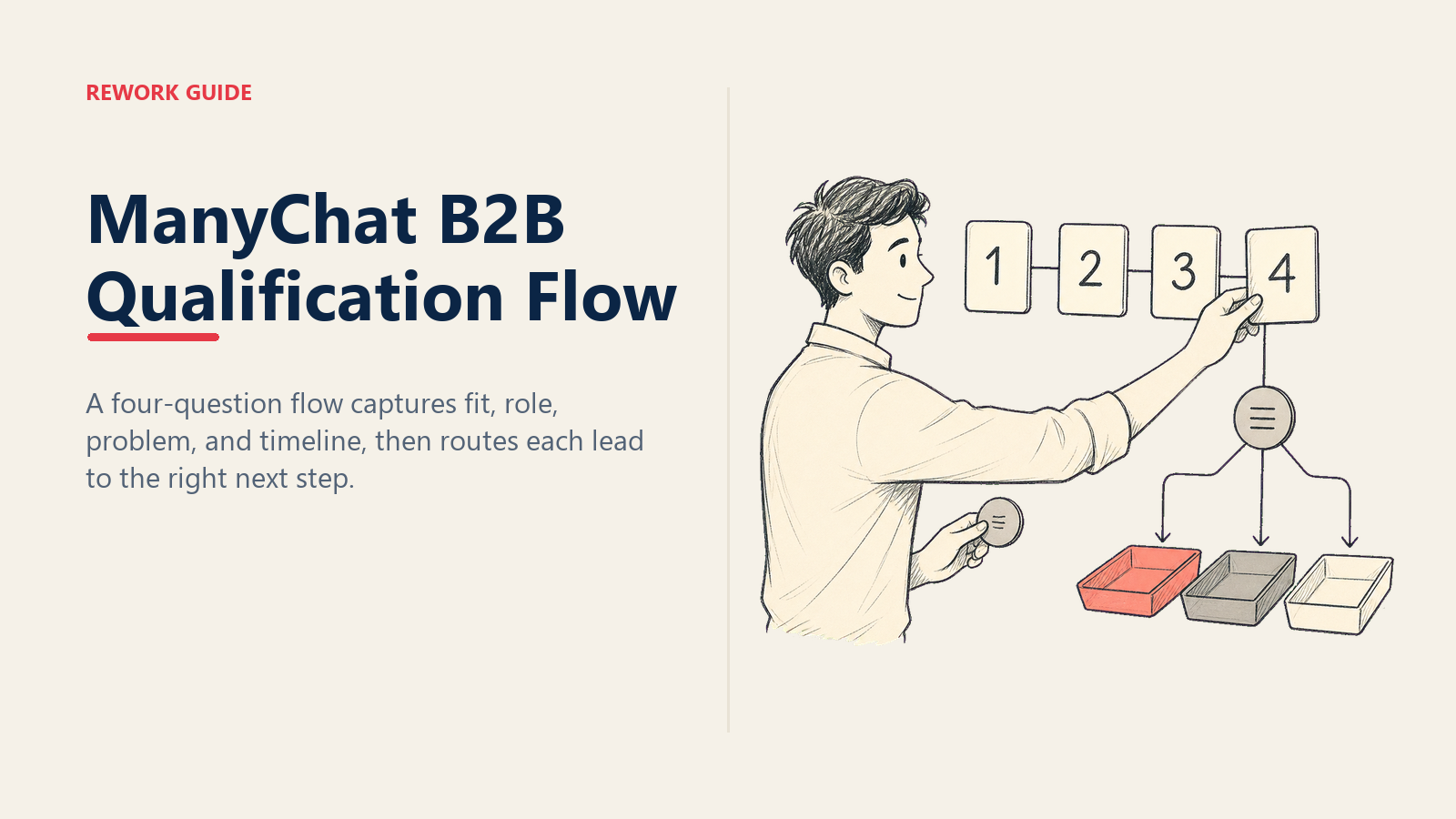
This guide shows you how to design and build a ManyChat qualification flow for B2B leads: one that qualifies in 4 messages, routes based on answers, and creates structured CRM contacts with the data reps actually need. If your flow is being built as part of a Meta ads-to-WhatsApp funnel, the end-to-end funnel setup guide covers the campaign and API prerequisites you need in place before connecting this flow to live ad traffic.
Step 1: Define your 4 qualification dimensions before you open ManyChat
Before you build anything in ManyChat, map the 4 data points that would tell you whether a lead is a fit. This step usually takes 30 minutes and most teams skip it. Don't. The Wikipedia entry on lead generation describes how qualification criteria have evolved from basic demographic filters to multi-signal intent models, which frames why 4 well-chosen dimensions outperform 8 shallow ones.
The standard B2B qualification dimensions:
1. Company size: not a vanity metric. Your pricing, sales motion, and implementation complexity all depend on it. A 5-person team and a 200-person team are different sales conversations.
2. Role or seniority: are you talking to a decision-maker or an evaluator? This determines whether you book a demo or send resources.
3. Problem fit: do they have the problem your product solves? Asking this as a question gives you insight into how they describe their own challenge, which your rep can mirror back.
4. Timeline: are they evaluating now or researching for next quarter? This drives routing priority more than almost any other dimension.
These map roughly to BANT (Budget, Authority, Need, Timeline) but you don't need to ask about budget explicitly upfront. Budget usually comes out in the first rep conversation. Asking it too early in a chat feels presumptuous. ManyChat's official documentation on WhatsApp flows covers the step-by-step flow builder interface for setting up button responses and custom fields. If you want a fuller framework for how these dimensions map to different sales motion types, lead qualification frameworks covers BANT, MEDDIC, and CHAMP side by side.
Write out your 4 dimensions in a table before building the flow:
| Dimension | Question | Response Type | Routing Signal |
|---|---|---|---|
| Company size | "How many people on your sales team?" | Buttons (Under 10 / 10-50 / 50+) | Size threshold |
| Role | "Which best describes your role?" | Buttons (Manager / Director / C-Level / IC) | Decision-maker flag |
| Problem fit | "What's your biggest challenge right now?" | Buttons (3-4 options) | Product fit flag |
| Timeline | "Are you evaluating solutions now or still researching?" | Buttons (Now / In 1-3 months / Just researching) | Routing priority |
Step 2: Write each message as a conversation, not a form
The difference between a chatbot that completes and one that doesn't usually comes down to a single thing: button options vs. open text fields.
Use buttons for every question that has predictable answers. Buttons reduce friction, force clean categorization, and let your routing logic work without string parsing. Open text is fine for fields like "What's the best number to reach you?" but not for qualification questions.
Write each message in the tone of someone making small talk at a conference, not filling out a form:
Bad (form tone): "Please select your company size:
- 1-10 employees
- 11-50 employees
- 51+ employees"
Good (conversational tone): "Quick question: how big is your sales team right now?" Buttons: Just me / 2-10 reps / 10+ reps
The difference is subtle but it compounds over 4 messages. Conversational phrasing also reduces the "I'm talking to a robot" feeling that causes users to disengage.
Keep each message under 3 lines. If you're running over, cut. Users read chat messages like texts. Long paragraphs in a chat window feel wrong.
Step 3: Build the flow in ManyChat
Trigger setup:
In ManyChat, go to Automation → Flow Builder → New Flow. Set the entry point as a WhatsApp Entry Point linked to your Meta ad source. If you're building this for a Click-to-WhatsApp campaign, go to Growth Tools → WhatsApp Entry Points and connect the entry point to your campaign.
Do not use a keyword trigger for your primary qualification flow. Keyword triggers fire on any message containing the keyword, including existing customers and customer service inquiries. Ad-source triggers fire only on conversations that started from the connected ad.
Flow structure:
Build the flow in this sequence:
- Welcome message + Question 1 (with button responses)
- Set Custom Field action (store Q1 answer)
- Question 2 message (with button responses)
- Set Custom Field action (store Q2 answer)
- Question 3 message (with button responses)
- Set Custom Field action (store Q3 answer)
- Question 4 message (with button responses)
- Set Custom Field action (store Q4 answer)
- Condition node (routing logic)
- Branch actions (Hot / Warm / Disqualified)
The Set Custom Field action after each question is critical. ManyChat stores button click responses in custom fields automatically if you map them in the flow. Without this, you can't use the data for routing or CRM sync.
Conditional routing in ManyChat:
After collecting all 4 answers, add a Condition node. Set up conditions in this order:
Hot lead condition (all three must be true):
- Company size = 10-50 or 50+
- Timeline = Evaluating now
- Role = Director or C-Level or Manager
Warm lead condition (any two of):
- Company size = 10-50 or 50+
- Timeline = In 1-3 months
- Problem fit matches your ICP
Disqualified condition (default if neither Hot nor Warm):
- Company size = Under 10
- Timeline = Just researching
- No problem fit match
Step 4: Routing logic (the 3 destinations)
Hot leads: book a call immediately. "Great, sounds like there could be a good fit. One of our team will reach out in the next 60 minutes via WhatsApp. If you'd like to skip the wait, you can book a time directly: [Calendly link]. What's the best number to reach you on?"
Add a Create HubSpot Contact action and set the lifecycle stage to MQL. Trigger a rep notification immediately (covered in Step 6).
Warm leads: nurture sequence. "Thanks for sharing that. I'll send you a couple of resources that might be useful, and one of our team will follow up in the next day or two. What email should we send these to?"
Collect email address, add to CRM with lifecycle stage = Lead, enroll in a 3-email nurture sequence via HubSpot. To ensure warm leads don't create duplicate contacts when they re-engage on a different channel, apply the deduplication logic for multi-channel leads at the CRM sync step.
Disqualified leads: send resources, don't assign to a rep. "Thanks for reaching out! Based on what you've shared, here's a resource that might help: [link]. Feel free to reach out again when the time is right."
No rep notification. No CRM MQL. Save the contact for future re-engagement campaigns.
The routing matrix summarized:
| Company Size | Timeline | Route |
|---|---|---|
| 50+ | Evaluating now | Hot |
| 10-50 | Evaluating now | Hot |
| 10-50 | In 1-3 months | Warm |
| Under 10 | Any | Warm or Disqualify based on problem fit |
| Any | Just researching | Warm |
Step 5: CRM data passing
ManyChat to HubSpot (native integration):
In ManyChat, go to Integrations → HubSpot. Connect via OAuth. Once connected:
- Map each ManyChat custom field to a HubSpot contact property
- Use "Create or Update Contact" to prevent duplicates
- Set phone number as the primary matching key (not email, which you may not have yet)
Fields to map at minimum:
| ManyChat Custom Field | HubSpot Contact Property |
|---|---|
| First Name | First Name |
| Phone | Phone Number |
| Company Size Answer | Employee Count Range (custom property) |
| Role Answer | Job Title |
| Problem Answer | Lead Notes |
| Timeline Answer | Buying Intent |
| Lead Route | Lifecycle Stage |
| Flow Completed Date | Last Activity |
For CRMs without native ManyChat integration (Salesforce, Pipedrive, etc.):
Add a Webhook action at the end of each routing branch. Configure it to POST to your CRM's API endpoint. Most CRMs have a REST API that accepts contact creation requests. ManyChat's HubSpot integration guide covers the native field mapping interface and the OAuth connection flow step by step. If you're also evaluating whether your current CRM handles chat-sourced contacts well, the Rework vs HubSpot CRM comparison addresses this directly for growing sales teams.
The webhook body should include every custom field value you've collected. Build the JSON body in ManyChat's webhook editor using {{custom_field_name}} merge tags.
Step 6: The rep notification
When a Hot lead routes to the booking branch, the rep needs a notification immediately, not batched in a daily digest.
Build a rep notification in ManyChat using the Send Email or Webhook to Slack action. The notification should contain:
New Hot Lead - WhatsApp
Name: [First Name] [Last Name]
Phone: [Phone]
Company Size: [Company Size Answer]
Role: [Role Answer]
Challenge: [Problem Answer]
Timeline: [Timeline Answer]
Flow Completed: [Timestamp]
Direct Reply Link: [WhatsApp link to open conversation]
The Direct Reply Link is important. If the rep has to navigate to ManyChat or Respond.io to find the conversation, response time goes up. Make it one tap.
Set a 5-minute response SLA for Hot leads. In ManyChat or Respond.io, you can configure an escalation notification if the conversation is unassigned after 5 minutes. It fires a second notification to a backup rep or team lead. The full mechanics of what happens after the notification fires, including context card setup and rep first-message templates, are covered in the chatbot-to-rep handoff playbook.
Step 7: Testing before you connect live traffic
Use ManyChat's Test This Flow button to walk through the flow yourself. But also run a separate test from an actual WhatsApp number on a separate device. The test mode doesn't always replicate the real user experience, particularly around button rendering on mobile.
Test scenario checklist:
| Scenario | Expected Outcome |
|---|---|
| Hot lead answers (large team, evaluating now, director) | Routes to booking message; rep notification fires; HubSpot contact created as MQL |
| Warm lead answers (small team, researching, manager) | Routes to nurture message; email collected; HubSpot lifecycle = Lead |
| Disqualified answers (under 10 people, just researching) | Routes to resource message; no rep notification; no HubSpot MQL |
| User stops responding after Q2 | Flow pauses; follow-up message fires after 24 hours (if configured) |
| Existing customer messages via ad | Source filter prevents qualification flow from triggering |
| User gives an unexpected button response | Fallback message appears; rep is notified of unhandled response |
Check the CRM after each Hot and Warm test run to verify the contact was created with correct field values. Fix any mapping issues before connecting the flow to live ad traffic.
Common pitfalls
Too many questions. Every question after the fourth drops completion rate by roughly 10%. An 8-question flow loses nearly half your respondents before reaching the routing decision. If you think you need 8 questions, you need a sharper ICP first. Gartner's research on digital sales notes that B2B buyers now expect qualification interactions to be brief and frictionless, mirroring the experience of consumer apps rather than traditional sales forms.
Free text where a button works. "What's your biggest challenge?" as an open text field sounds conversational but produces unstructured data your CRM can't categorize. "Which of these best describes your challenge?" with 4 buttons produces clean routing attributes.
Routing logic that doesn't handle unresponsive leads. Some users open the flow, answer 1-2 questions, and stop. If your routing logic requires all 4 answers, unresponsive users never reach a routing decision and fall through as ghost contacts. Add a partial-completion path: if no answer after 24 hours, route to Warm and notify the rep.
No fallback for unexpected answers. If a user types a free text response where you expected a button click, ManyChat can't route correctly. Add a "catch-all" branch in your condition node that catches any unmatched response and sends the user back to the question with buttons.
What to do next
Before you optimize the flow, interview 3 of your best-fit customers. Ask them: "If you'd reached us through a chat window and we asked you 4 questions, which 4 would have told you we were worth talking to?" Their answers will be better than any framework.
Then adjust your 4 qualification dimensions to match what your best customers would have said. Run the updated flow for 30 days and compare your Hot lead rate to your current baseline. Track the results using the chat funnel metrics framework, which gives you the stage-by-stage benchmarks to know whether your qualification completion rate and hot lead rate are within range for B2B WhatsApp funnels.
Learn More

On this page
- Step 1: Define your 4 qualification dimensions before you open ManyChat
- Step 2: Write each message as a conversation, not a form
- Step 3: Build the flow in ManyChat
- Step 4: Routing logic (the 3 destinations)
- Step 5: CRM data passing
- Step 6: The rep notification
- Step 7: Testing before you connect live traffic
- Common pitfalls
- What to do next
- Learn More