Respond.io vs ManyChat for B2B Sales Teams: Which Actually Closes Deals?
Turn this article into takeaways for your work.


Each assistant summarizes the article only for you and suggests best practices for your work.
Here's a comparison that looks straightforward until you try to run it. Both Respond.io and ManyChat support WhatsApp. Both have automation flows. Both let you send broadcast messages. So why do they show up in completely different conversations: Respond.io in enterprise sales forums, ManyChat in growth-hacking threads?
They're not the same type of tool. They overlap on channels, but they're built for fundamentally different jobs. Before you compare features side by side, you need to understand what problem each one was designed to solve. This article does that, and then gives you the honest breakdown so you can make the call.
What Each Tool Actually Is
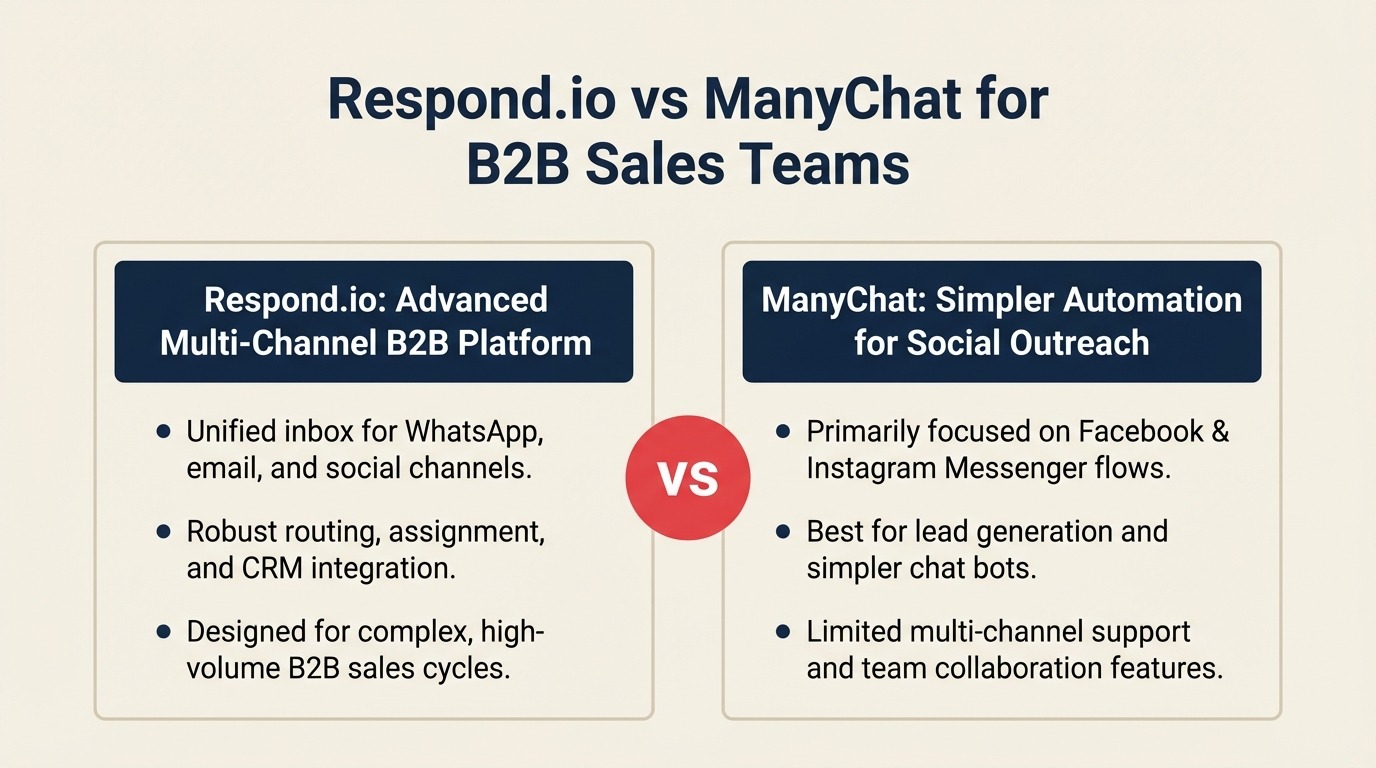
Respond.io is a B2B customer conversation platform built around a shared inbox. Think of it as a CRM-lite crossed with a team messaging hub. Your sales reps, support agents, and marketing team all work out of the same inbox, handling conversations across WhatsApp, Instagram DMs, Facebook Messenger, Telegram, WeChat, LINE, and more. Leads get assigned to reps, conversations get tagged and tracked, and managers can see who's handling what. The product roadmap is clearly aimed at teams doing high-volume multi-agent B2B conversation work.
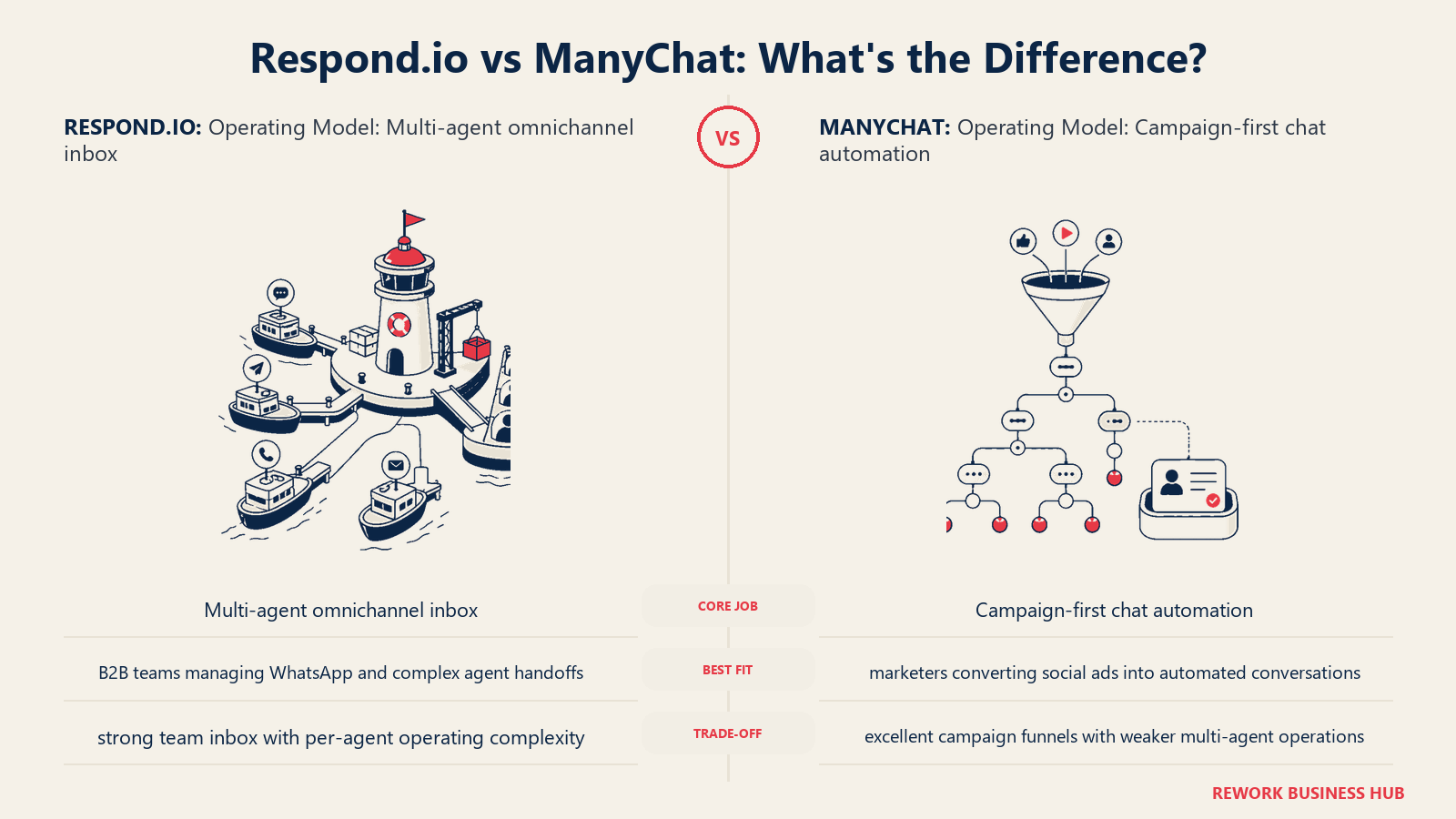
ManyChat is a marketing automation and chatbot platform. Its core strength is the ad-to-chat funnel: someone clicks a Facebook or Instagram ad, lands in Messenger or Instagram DMs, and a bot flow takes over: qualifying the lead, capturing an email, sending a coupon, booking a call. ManyChat's Pro plan starts at $15/month and scales with contact list size. The pricing model is fundamentally different from Respond.io's seat-based structure. ManyChat is excellent at this. It's also excellent at broadcast campaigns to large contact lists. What it isn't, at its core, is a shared team inbox for sales reps handling complex B2B deals.
That distinction matters more than any feature comparison. If you buy ManyChat expecting it to work like Respond.io, you'll be frustrated. And vice versa.
The Head-to-Head at a Glance
| Respond.io | ManyChat | |
|---|---|---|
| Primary use case | Multi-agent B2B conversation management | Marketing automation, chatbot flows, broadcasts |
| Supported channels | WhatsApp, FB Messenger, Instagram, Telegram, WeChat, LINE, SMS, email, web chat | FB Messenger, Instagram, WhatsApp, SMS, email, TikTok |
| Team inbox | Yes, full shared inbox with assignment rules | No, single-flow bot experience, not built for agents |
| CRM contact management | Yes, contact profiles, custom fields, lifecycle stages | Basic, contacts with tags, limited field depth |
| Chatbot / flow builder | Yes, automation flows, but secondary to inbox | Yes, primary product feature, sophisticated drag-and-drop builder |
| Broadcast campaigns | Yes, to existing contacts | Yes, primary feature, supports large contact lists |
| AI reply assist | Yes, AI draft suggestions in inbox | Yes, AI flow builder assist |
| WhatsApp Business API | Official BSP (Business Solution Provider) | Official BSP |
| Pricing model | Per-agent / per-seat | Per-contact |
| Entry price (monthly) | ~$79/month (3 users) | Free (up to 500 contacts), Pro from ~$15/month |
| Best-fit team | B2B sales & support teams, 3–50 agents | Growth/marketing teams, D2C, e-commerce, ad-to-chat funnels |
| HubSpot integration | Yes | Yes |
| Salesforce integration | Yes | Limited (via Zapier) |
Pricing Deep Dive
This is where buyers get confused. Respond.io and ManyChat price on completely different axes, which makes direct comparison tricky.
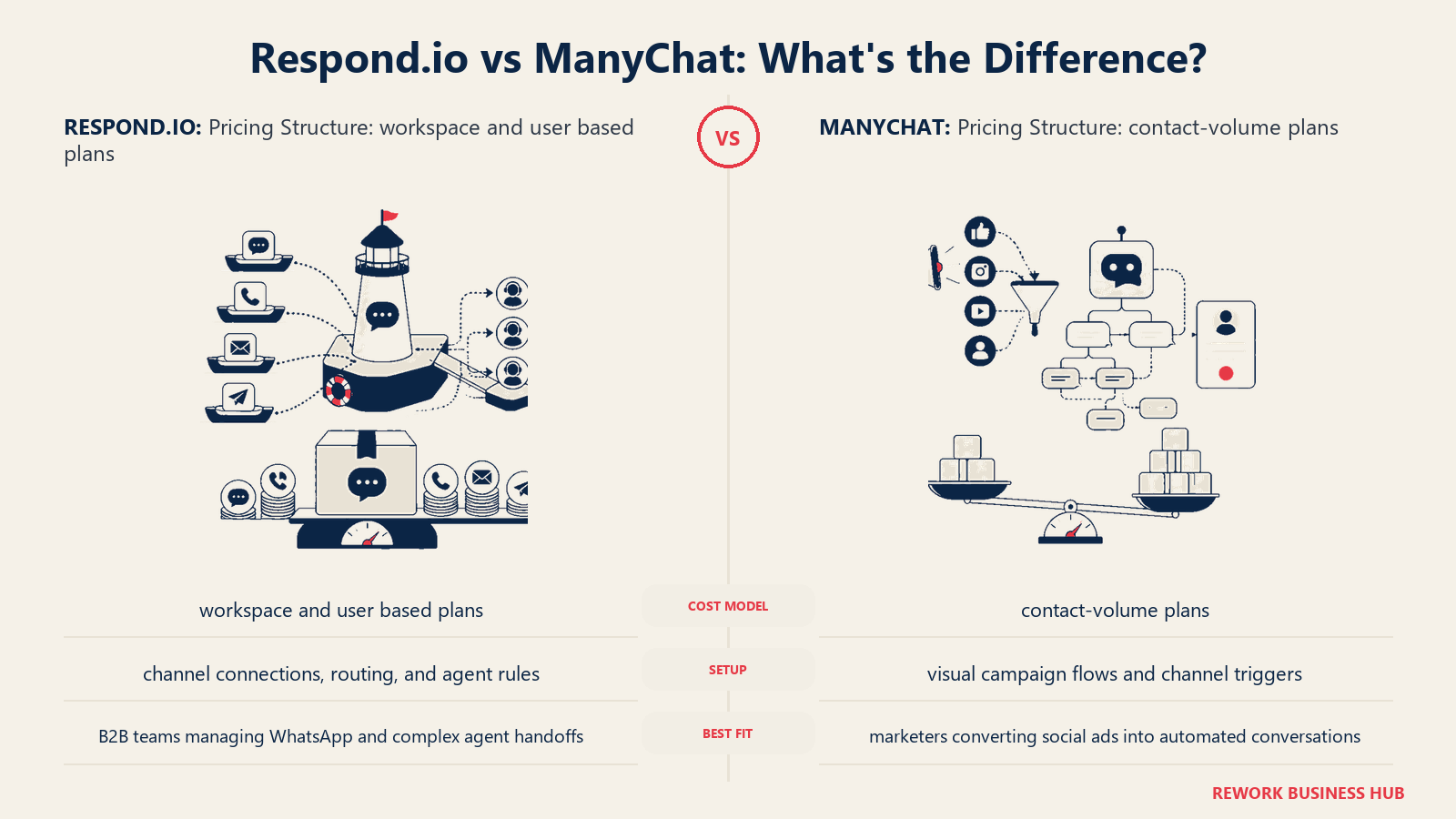
Respond.io uses per-agent pricing. You pay based on the number of users (agents/reps) on your team, not the size of your contact list. Respond.io's pricing page lays out the tiers clearly.
- Starter: ~$79/month for 3 users. Includes basic channels, automation, and integrations.
- Pro: ~$159/month for 5 users. Adds CRM integrations, SLA tracking, custom dashboards.
- Business: ~$279/month for 10 users. Adds SSO, dedicated support, advanced API access.
- Additional agents can be added at incremental per-seat costs.
For a B2B team of 10 sales reps, you're looking at roughly $200–300/month. That scales with headcount, not with how many contacts you've accumulated.
ManyChat uses per-contact pricing. The cost scales with your subscriber (contact) list size.
- Free: Up to 500 contacts. Limited to Instagram and Facebook Messenger flows. No broadcast to all contacts.
- Pro: Starts at ~$15/month for 500 contacts, scaling up to ~$65/month for 5,000 contacts, ~$169/month for 25,000 contacts, ~$299/month for 50,000 contacts.
- WhatsApp on ManyChat (Pro+): Additional setup, but generally available on Pro plans.
For a B2B team focused on lead generation with a moderately sized contact list (say, 10,000 contacts), you'd pay around $99–$129/month on ManyChat. But you're not getting a shared inbox or agent assignment. You're getting a very good automation engine.
Which costs more at B2B scale? For a team of 5–20 sales reps with 2,000–10,000 contacts, Respond.io runs a higher monthly invoice, but it's doing a different job. Comparing them purely on price is like comparing a CRM to an email marketing tool because they both store contact names. The right question is: which job do you need done?
Feature-by-Feature for B2B Sales
Shared Inbox and Conversation Assignment
Respond.io wins here, clearly. The shared inbox is the product's core. Conversations from any channel land in one place. Managers can auto-assign based on round-robin rules, territory, or agent availability. Reps see conversation history, prior messages, and contact notes before responding. Handoffs work cleanly: you can transfer a conversation from a bot to a human with full context preserved.
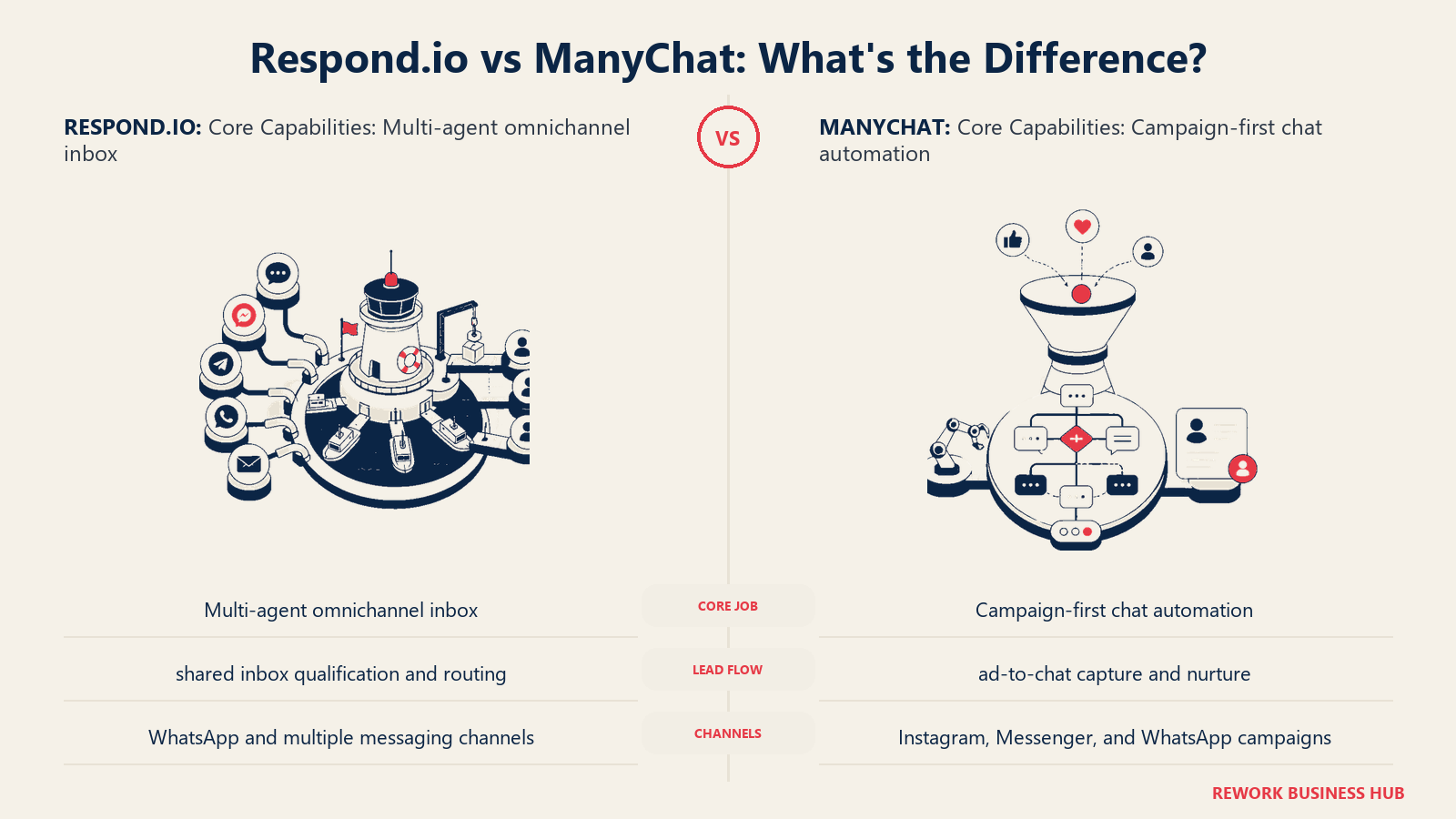
ManyChat doesn't have a multi-agent shared inbox in the same sense. One human can manage responses, but it's not built for a team of reps dividing and conquering a conversation queue.
CRM Fields and Contact Management
Respond.io gives you a real contact record: custom fields, conversation history across channels, lifecycle stage, tags, and notes. It's not a full CRM replacement, but for teams whose primary record-keeping lives in conversations, it gets close.
ManyChat gives you contact profiles with tags and some custom fields. It's sufficient for marketing segmentation, useful for broadcast targeting, not for tracking a deal's progress through stages.
Automation / Chatbot Flow Builder
ManyChat wins here. Its flow builder is genuinely excellent. Visual drag-and-drop, conditional logic, A/B testing, conversion tracking. If you're building a lead capture funnel from a Facebook ad, ManyChat's builder is faster to learn and more powerful for that job than Respond.io's automation layer.
Respond.io has automation flows, but they're designed to complement the inbox: routing, tagging, auto-replies when agents are offline. Not the star of the product.
WhatsApp Business API Access
Both are official WhatsApp Business Solution Providers. That means both can send template messages (for outbound) and handle inbound conversations within the 24-hour service window. The Meta WhatsApp Business API documentation covers template message requirements, the 24-hour conversation window, and rate limits in detail. Neither platform has a real edge at the API level, both comply with WhatsApp's business policies. The difference is what you build on top of it.
Broadcast / Campaign Capabilities
Both support broadcast to WhatsApp contacts (within Meta's rules). ManyChat's broadcast tools are more mature for marketing sequences. Respond.io's broadcast is functional but clearly secondary.
AI Reply Assist
Both have introduced AI features. Respond.io's AI is embedded in the inbox: it suggests draft replies based on conversation history and playbooks. ManyChat's AI assist helps build bot flows. The use cases are different: one saves agent time on active conversations, the other speeds up bot setup.
Reporting and Conversation Analytics
Respond.io gives you team-level metrics: response time, conversation volume per agent, resolution rate, SLA compliance. These are the metrics a sales ops manager or head of customer experience would track. According to G2's chatbot and live chat category reviews, Respond.io ranks particularly well on conversation routing and multi-channel support among reviewers from mid-market B2B companies.
ManyChat gives you funnel metrics: opt-in rates, message open rates, flow conversion rates, campaign performance. These are the metrics a growth marketer would track.
Neither is wrong. They're just measuring different things.
Native CRM Integrations
| CRM | Respond.io | ManyChat |
|---|---|---|
| HubSpot | Native (two-way sync) | Native |
| Salesforce | Native | Via Zapier only |
| Pipedrive | Native | Via Zapier |
| Zoho CRM | Native | Via Zapier |
| ActiveCampaign | Via Zapier | Native |
If your team runs on Salesforce, Respond.io's native integration matters: bi-directional contact sync, deal updates from conversations, CRM activities logged automatically. ManyChat's Salesforce connection through Zapier works but adds latency and occasional reliability issues.
Where Respond.io Genuinely Wins
Respond.io is the better choice when your team is doing multi-agent conversation management at B2B scale:
- Complex agent handoffs: A WhatsApp conversation starts with a bot, bot qualifies the lead, conversation transfers to a specific sales rep with full context. Respond.io handles this cleanly.
- SLA tracking: You need to know if your team is responding within a defined time window. Respond.io tracks this and alerts managers when SLAs are breached.
- Enterprise WhatsApp compliance: Large API volume, template approval workflows, WABA management for multiple numbers. Respond.io has done this at scale.
- Multi-team workflows: Sales and support working in the same inbox without stepping on each other. Role-based access, team-level inboxes, escalation rules.
- CRM depth: For B2B teams that need conversation data flowing into Salesforce or HubSpot reliably, Respond.io's native integrations are more dependable.
Where ManyChat Genuinely Wins
ManyChat is not a consolation prize. It's genuinely better than Respond.io for specific B2B use cases:
- Ad-to-chat B2B lead capture: You're running LinkedIn or Meta ads targeting VP-level buyers, and you want to capture leads directly in Messenger or Instagram DMs with a qualification flow. ManyChat's Click-to-Messenger setup is fast and proven. Pair it with a solid Meta lead ads to CRM workflow to make sure contacts don't fall through the cracks.
- Broadcast campaigns to warm audiences: You have 5,000 WhatsApp contacts from past events or downloads. You want to send a campaign with a link and track clicks. ManyChat's broadcast interface is cleaner for this job.
- Fast bot prototyping: A founder or solo marketer without developer resources wants to build a working lead capture bot in a few hours. ManyChat's flow builder is faster for this.
- Cost for low-rep teams with large contact lists: If you have one or two people managing conversations but a large contact database, ManyChat's per-contact model can be cheaper.
- Instagram and TikTok DM funnels: ManyChat's integration with Meta's ad products is deeper and longer-established. If Instagram DMs are your primary channel, ManyChat has more advanced automation features there.
The B2B Sales Workflow Test
Let's walk through a real scenario: an inbound WhatsApp lead from a LinkedIn ad.
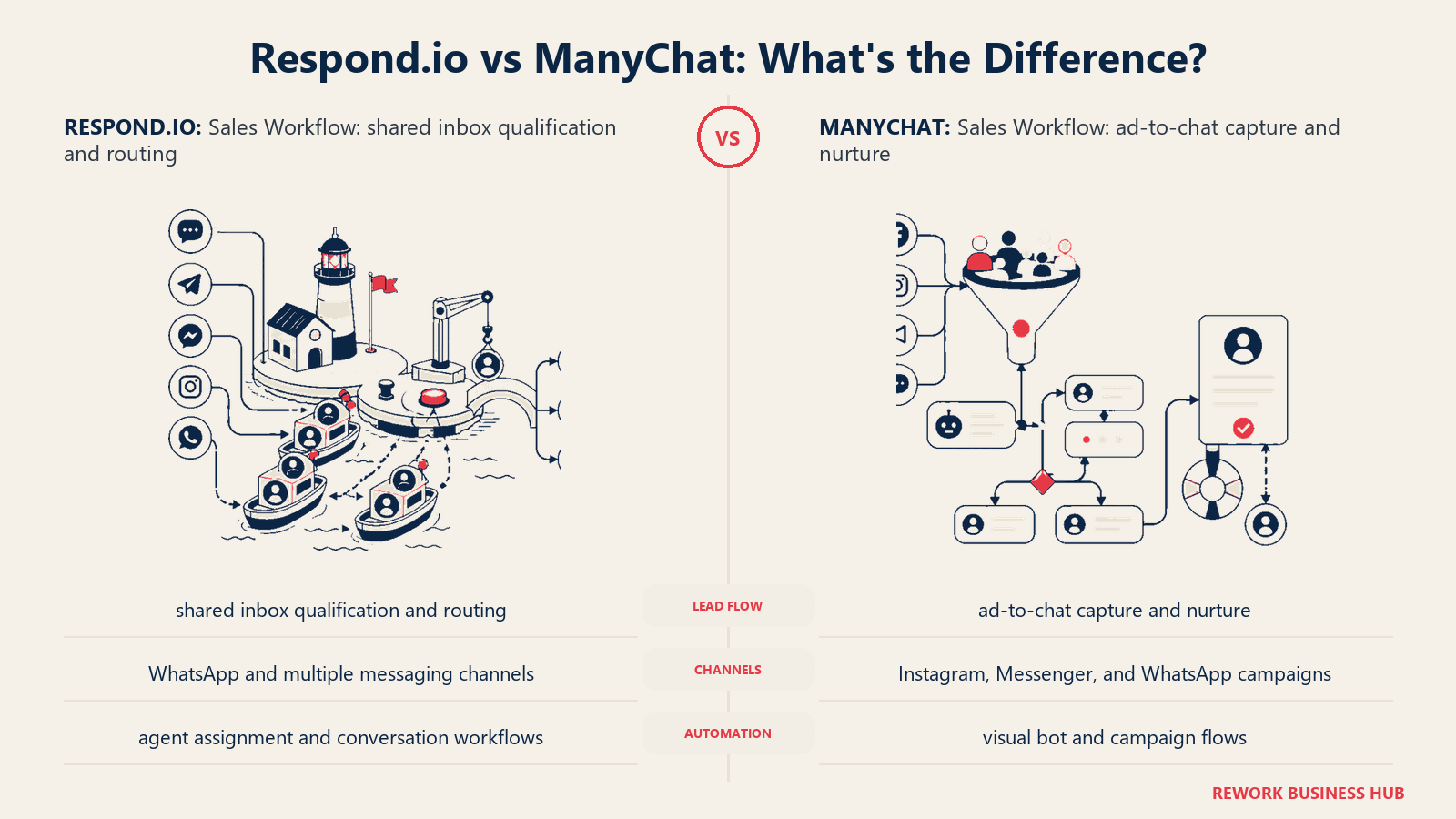
The lead flow: Prospect clicks a LinkedIn ad, opts into WhatsApp via a Click-to-WhatsApp CTA, sends the first message.
On Respond.io:
- Incoming WhatsApp message triggers an automation rule.
- Rule assigns the conversation to the relevant sales rep based on territory or round-robin.
- Rep gets a mobile push notification with the conversation context.
- Rep opens Respond.io inbox, sees the contact's message, prior touchpoints (if any), and CRM fields pulled from HubSpot.
- Rep qualifies over WhatsApp, creates a deal in HubSpot from within Respond.io.
- If rep is offline, an auto-reply sets expectations and queues the conversation.
On ManyChat:
- Incoming WhatsApp message triggers a bot flow.
- Flow asks qualification questions (budget, timeline, company size); these are captured as contact fields. See how to build a ManyChat qualification flow for the full setup.
- If qualified, bot sends a Calendly link for booking.
- Contact data syncs to HubSpot via native integration.
- A human then takes over in... ManyChat's own interface, which isn't a true multi-agent inbox.
ManyChat handles top-of-funnel automation cleanly. Respond.io handles the chatbot-to-rep handoff and multi-rep coordination better. If a sales rep needs to run a complex WhatsApp follow-up sequence across dozens of active conversations, Respond.io has the operational infrastructure for that. ManyChat gets you to the meeting-booked stage faster for a solo operator.
When to Consider Alternatives
Neither tool is right for every situation:
- Tidio: Simpler live chat for smaller teams. Good for website chat without the WhatsApp complexity. Cheaper.
- Intercom: Larger product with support, onboarding, and marketing in one. Better for SaaS companies with existing user bases. Expensive. See Drift vs Intercom for B2B conversational marketing.
- Crisp: Budget-friendly team inbox with solid WhatsApp support. Worth considering for startups.
- Chatfuel: Strong for WhatsApp bot flows, closer to ManyChat but with different pricing.
- Landbot: No-code chatbot builder with WhatsApp focus, good for simple qualification flows.
- Rework: If you want CRM-first conversation management where deal data and contact history live together rather than in separate systems, ManyChat vs Rework for ad-to-chat funnels and Intercom vs Rework: the conversational CRM angle are worth reading.
Decision Framework: Inbox-First vs. Campaign-First
The clearest way to pick between these two tools:
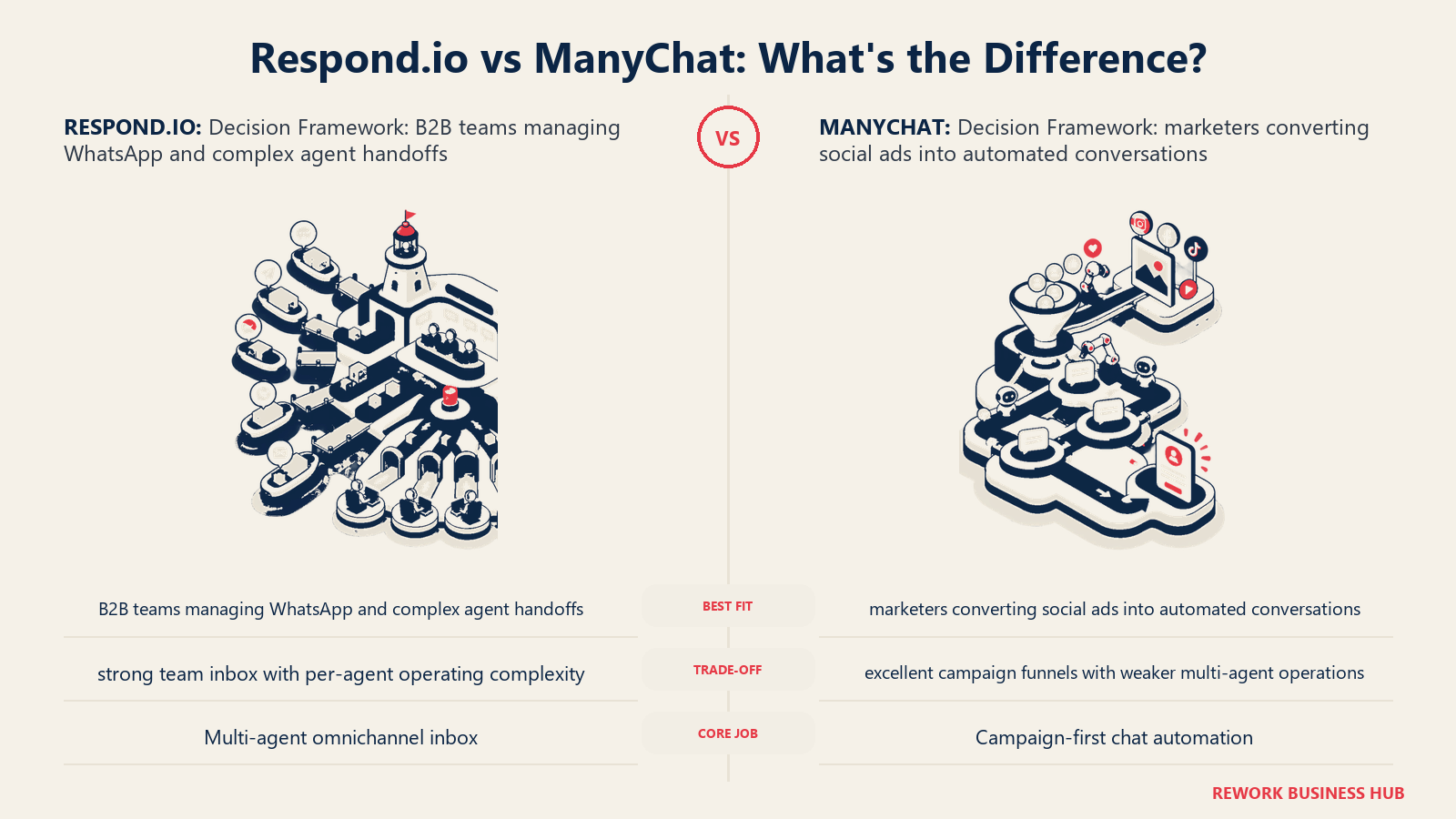
Choose Respond.io if your primary goal is:
- Managing ongoing multi-rep conversation workflows
- Running a team of 3+ sales or support agents in a shared inbox
- Needing SLA tracking, agent assignment rules, and CRM-level contact records
- Handling complex WhatsApp handoffs where context must follow the conversation
Choose ManyChat if your primary goal is:
- Building automated lead capture flows from paid social ads
- Running broadcast campaigns to warm contact lists
- Qualifying leads at the top of funnel before any human touches them
- Operating with a small team or solo, optimizing for marketing automation over sales coordination
The pricing difference is real but it's secondary. These tools are built for different stages of the buyer journey and different team structures. Force either one into the other's job and you'll spend your time on workarounds.
Also worth reading: a pricing breakdown of Respond.io vs ManyChat vs Tidio (real TCO), if you want a deeper cost analysis across a 12-month total cost of ownership view. If you're also weighing the true cost of adding yet another tool to your stack, that piece is relevant before you commit to either platform.
What to Do Next
If you're still on the fence after reading this:
- Define your primary job first: Is it running an agent inbox, or automating a lead capture funnel? That question answers 80% of the decision.
- Trial both: Respond.io has a 14-day free trial. ManyChat has a free tier. Get at least one real workflow running in each before committing.
- Check your CRM: If you run Salesforce, Respond.io's native integration is a meaningful advantage. If you run ActiveCampaign, ManyChat's native integration wins.
- Size your team: Under 3 people running conversations? ManyChat's economics often make more sense. Over 5 reps in a shared inbox? Respond.io was built for that.
- Ask about WhatsApp volume: If you're sending high-volume outbound WhatsApp templates, verify BSP pricing directly with both vendors, since API costs vary by market. The Meta Business Help Center's guide to WhatsApp Business accounts explains WABA setup requirements and template approval steps. Teams setting up WhatsApp for the first time should also read the Meta ads to WhatsApp funnel setup guide before locking in a platform.
Related Resources:

Senior Implementation Consultant
On this page
- What Each Tool Actually Is
- The Head-to-Head at a Glance
- Pricing Deep Dive
- Feature-by-Feature for B2B Sales
- Shared Inbox and Conversation Assignment
- CRM Fields and Contact Management
- Automation / Chatbot Flow Builder
- WhatsApp Business API Access
- Broadcast / Campaign Capabilities
- AI Reply Assist
- Reporting and Conversation Analytics
- Native CRM Integrations
- Where Respond.io Genuinely Wins
- Where ManyChat Genuinely Wins
- The B2B Sales Workflow Test
- When to Consider Alternatives
- Decision Framework: Inbox-First vs. Campaign-First
- What to Do Next