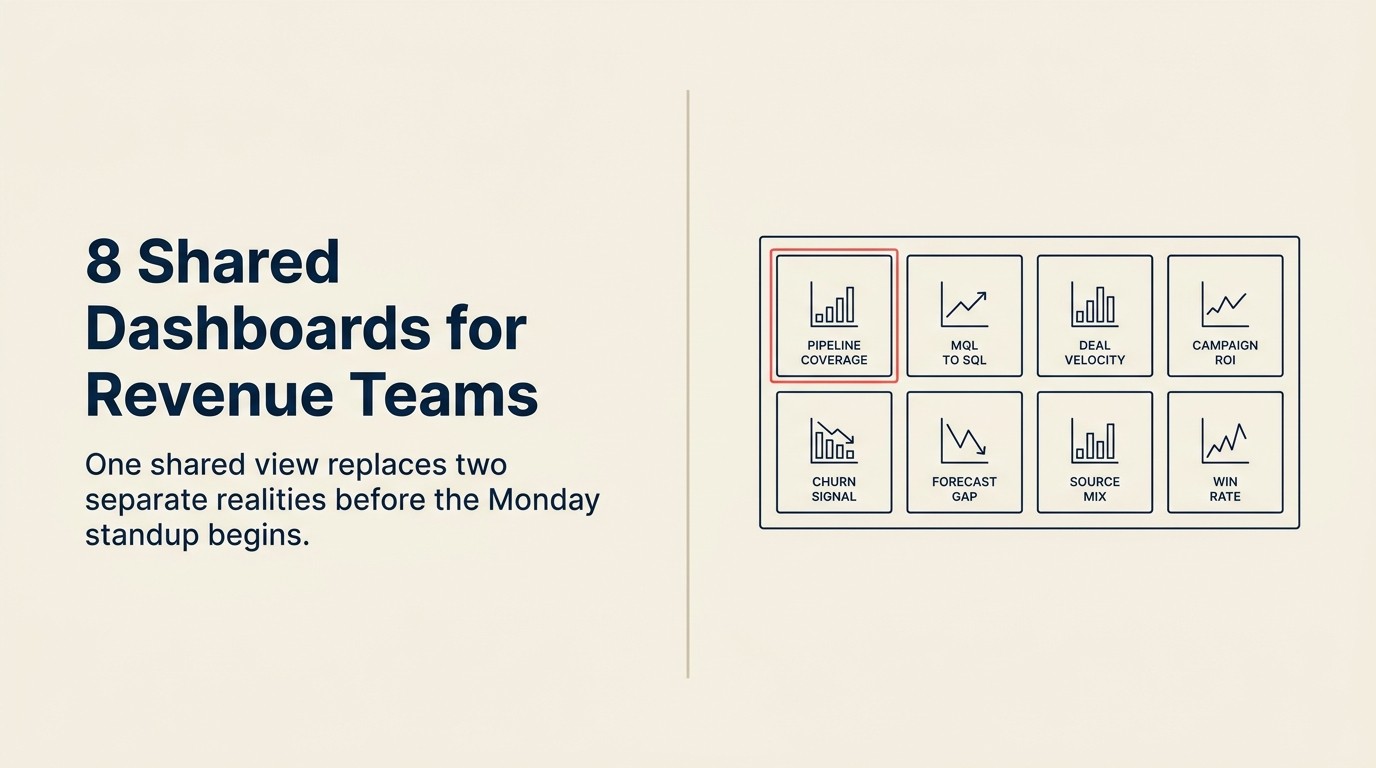
8 Dashboards Compartidos que los Equipos de Ingresos Revisan Cada Lunes
Turn this article into takeaways for your work.


Each assistant summarizes the article only for you and suggests best practices for your work.
Lunes por la mañana, 9am. El VP de Marketing abre el Dashboard de HubSpot. El VP de Ventas abre Salesforce. Treinta minutos después, están en la misma reunión presentando dos versiones distintas de la semana anterior.
Marketing dice que la cobertura del Pipeline es sólida. Ventas dice que el pipe está escaso. Marketing dice que el volumen de MQL subió un 22%. Ventas dice que han estado recibiendo basura. Ninguno de los dos está mintiendo. Simplemente están mirando pantallas diferentes.
Este es el impuesto al alineamiento: no es un problema cultural, ni de liderazgo. Es un problema de datos. Y es solucionable sin un equipo de BI, un proyecto de data warehouse de seis meses, ni un consultor. La investigación de HBR sobre analítica y alineamiento muestra que el acceso compartido a datos es el predictor más confiable de si los equipos de marketing y ventas alcanzan decisiones coordinadas.
La solución son ocho dashboards. Construidos a partir de los datos de CRM y MAP que ya tiene. Revisados juntos, antes de la reunión, cada lunes.
Las empresas que usan dashboards en tiempo real compartidos entre marketing y ventas son 67% más efectivas para cerrar deals que las que usan reportes en silos, según Aberdeen Group, y los equipos que revisan los datos del Pipeline juntos semanalmente ven 20% más de crecimiento de ingresos que los que lo hacen trimestralmente (Salesforce State of Sales).
The Monday Revenue Stack es un conjunto nombrado de ocho dashboards basados en CRM, Pipeline por Fuente, Volumen y Tendencia de MQL, Tiempo de Respuesta a Leads, Conversión de SQL, Ganados/Perdidos, Interacción con Contenido, Vínculo Campaña-Pipeline y Pipeline de Expansión/Churn, que reemplazan las vistas individuales fragmentadas por una imagen de ingresos compartida. El Stack está diseñado para ser revisado de forma asíncrona por ambos líderes de ingresos antes de la reunión del lunes, de modo que la reunión en sí se base en decisiones y no en reconciliar dos historias de datos diferentes.
Datos Clave: Alineamiento de Datos e Impacto en Ingresos
- Las empresas que usan dashboards en tiempo real compartidos entre marketing y ventas son 67% más efectivas para cerrar deals, según la investigación de Aberdeen Group sobre alineamiento de ventas y marketing.
- Los equipos que revisan los datos del Pipeline juntos semanalmente ven 20% más de crecimiento de ingresos que los que lo hacen trimestralmente, según datos de Salesforce State of Sales.
- El 61% de los representantes de ventas dice que marketing les envía leads que no convierten, un número que cae significativamente cuando ambos equipos revisan los mismos datos de conversión semanalmente (HubSpot State of Sales).
- Las organizaciones con datos de marketing y ventas estrechamente integrados tienen tasas de retención de clientes un 32% más altas que sus pares con reportes en silos (Forrester).
- La empresa B2B promedio tiene 11 dashboards separados para marketing y ventas combinados. Consolidar a 4-6 vistas compartidas reduce el tiempo de reunión en un estimado del 30% (Gartner).
El Framework Nombrado: The Monday Revenue Stack
The Monday Revenue Stack nombra los ocho dashboards en secuencia según qué tan temprano en el Funnel de ingresos opera cada uno:
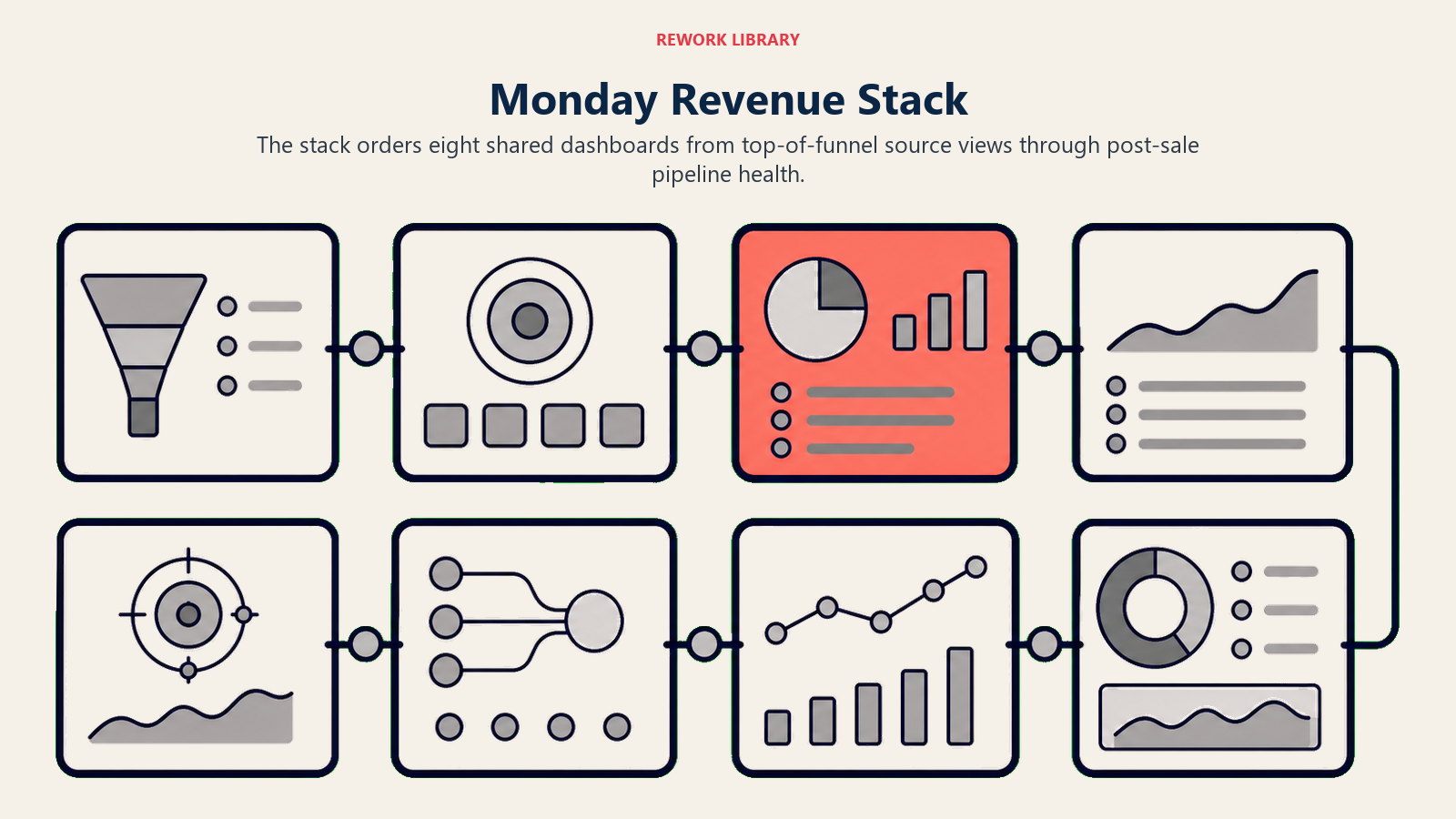
| # | Dashboard | Capa del Funnel | Responsable Principal |
|---|---|---|---|
| 1 | Pipeline por Fuente | Tope del Funnel | RevOps |
| 2 | Volumen y Tendencia de MQL | Tope del Funnel | Marketing |
| 3 | Tiempo de Respuesta a Leads | Handoff | Sales Ops |
| 4 | Conversión de SQL a Oportunidad | Handoff | RevOps |
| 5 | Ganados/Perdidos Esta Semana | Fondo del Funnel | Ventas |
| 6 | Interacción con Contenido por Etapa de Deal | Medio del Funnel | Marketing |
| 7 | Vínculo Campaña-Pipeline | Funnel Completo | RevOps |
| 8 | Pipeline de Expansión y Churn | Post-venta | Marketing + CS |
El Stack se construye en este orden, no todo de una vez. Los dashboards 1-4 provienen de reportes nativos del CRM; los dashboards 5 y 8 requieren datos limpios de disposición de oportunidades; los dashboards 6 y 7 requieren una sincronización MAP-CRM funcional a nivel de contacto.
Por Qué los Dashboards Compartidos Son un Acto de Alineamiento
Las disputas de datos en la reunión semanal son casi siempre disputas de dashboards disfrazadas. Cuando el VP de Ventas dice "tus números de atribución están mal", lo que generalmente quiere decir es: "estoy viendo un reporte de Salesforce que no coincide con el número de HubSpot que me estás mostrando, y no sé por qué."
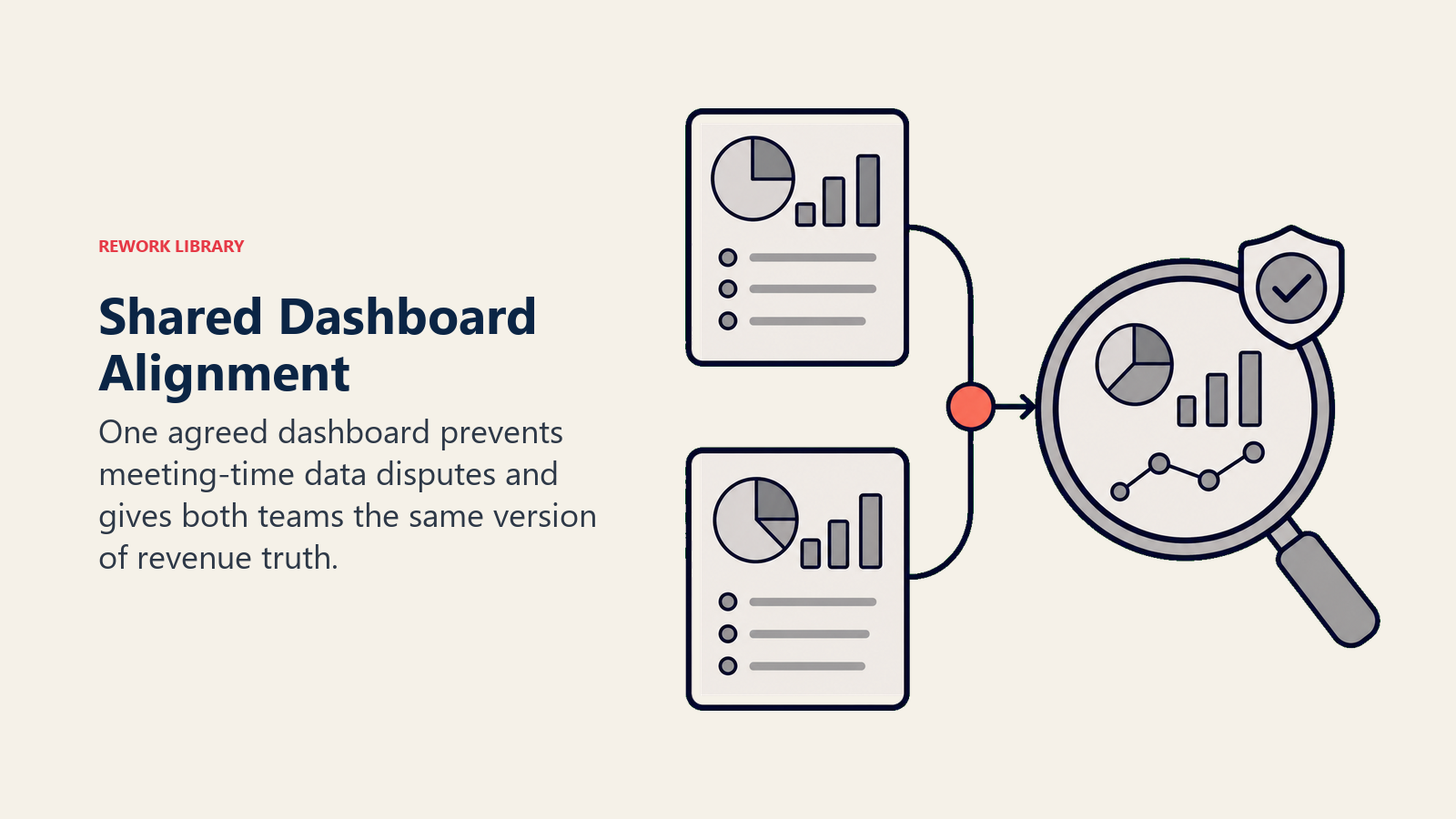
Ese argumento no se resuelve en la sala. Se resuelve antes de la sala, acordando una versión de cada número que importa.
Los dashboards compartidos hacen tres cosas:
- Crean un lenguaje compartido antes de que comience la reunión. Todos entran desde los mismos datos, por lo que la conversación puede enfocarse en decisiones en lugar de reconciliación.
- Reemplazan 20 minutos de discutir sobre cuyos números son correctos. Si ambos equipos extrajeron del mismo reporte, los números son los mismos.
- Hacen visible la responsabilidad. Cuando el tiempo de respuesta a leads está en un dashboard que ambos equipos ven, el cumplimiento del SLA deja de ser una queja y se convierte en una métrica con un responsable.
El objetivo no es agregar ocho nuevos reportes a la mañana de todos. Es reemplazar la colección fragmentada de vistas separadas por ocho acordadas.
Dashboard 1: Pipeline por Fuente
Qué muestra: El valor total del Pipeline desglosado por origen: generado por marketing, generado por ventas (outbound), generado por socios y cualquier otra categoría de canal relevante para su GTM. Muestra el trimestre actual y el trimestre anterior para comparación.
Por qué le importa a ambos equipos: Marketing ve su contribución al Pipeline en términos de dólares, no solo en volumen de MQL. Ventas ve lo que proviene de canales que no controlan directamente, lo que les ayuda a priorizar dónde enfocar el outbound complementario.
Quién lo gestiona: RevOps gestiona la definición y la construcción; ambos equipos son responsables de la precisión de los datos de fuente de leads aguas arriba.
Métrica clave: Pipeline generado por marketing como porcentaje del total. Cada modelo GTM tiene una línea base diferente: los equipos liderados por inbound típicamente apuntan al 40-70%; los equipos liderados por outbound, al 20-40%. Establezca su línea base en el primer trimestre y monitoree la dirección de la tendencia.
Frecuencia: Revisión semanal, con una vista de 30 días deslizante para suavizar la volatilidad semanal.
Nota de construcción: Esto proviene de reportes nativos de Pipeline del CRM filtrados por el campo de fuente de lead. La parte difícil no es el dashboard. Es asegurar que cada nueva oportunidad tenga un valor de fuente de lead limpio y consistente. La disciplina con los UTM y la higiene de datos del CRM aguas arriba determinan si esta vista funciona bien o no.
Dashboard 2: Volumen y Tendencia de MQL
Qué muestra: MQLs creados esta semana vs. la semana pasada vs. promedio de 4 semanas deslizante, desglosados por fuente (búsqueda pagada, contenido, webinar, secuencia de SDR outbound, socio, etc.). Muestra la tasa de conversión de MQL a SQL junto con el volumen.
Por qué le importa a ambos equipos: Esta es la señal de alerta temprana para brechas en el Pipeline 60-90 días más adelante. Si el volumen de MQL cae esta semana, el Pipeline lo reflejará en dos o tres meses. Ambos equipos necesitan ver el indicador adelantado, no solo el rezagado. Ventas en particular necesita esto para calibrar el complemento outbound.
Quién lo gestiona: Marketing gestiona el volumen; RevOps gestiona la tasa de conversión; ambos equipos son responsables de la conversación.
Métrica clave: Tasa de conversión de MQL a SQL semana a semana. Una caída sostenida señala un problema de calidad de leads (marketing) o un problema de seguimiento (ventas). El dashboard muestra cuál es.
Frecuencia: Semanal. Detectar la caída temprano es el punto; la revisión mensual la detecta demasiado tarde.
Dashboard 3: Tiempo de Respuesta a Leads
Qué muestra: Mediana y percentil 90 del tiempo desde la creación del MQL hasta el primer contacto del AE, desglosado por representante, por equipo y por fuente de lead. Con código de colores según el umbral de SLA acordado (p. ej., verde si es inferior a 5 minutos, rojo si supera las 2 horas).
Por qué le importa a ambos equipos: Marketing ve si sus leads realmente se están trabajando después del Handoff. El liderazgo de ventas ve dónde el SLA está fallando antes de que se convierta en un problema de Pipeline. Este es el único dashboard que expone más claramente la brecha entre lo que los equipos acordaron en papel y lo que está ocurriendo realmente.
Quién lo gestiona: Sales Operations gestiona los datos; ambos equipos son responsables del resultado.
Métrica clave: Porcentaje de MQLs contactados dentro de la ventana de SLA acordada. Este número debe ser visible tanto para el CMO como para el CRO. Cuando cae, ambos equipos tienen un problema compartido.
Frecuencia: Mínimo semanal; muchos equipos lo revisan diariamente una vez que está construido.
Nota de construcción: Requiere una marca de tiempo en "primera actividad del AE" en el CRM (llamada, correo o tarea). La mayoría de los CRMs capturan esto de forma nativa si los representantes registran la actividad. Si los representantes no registran la actividad de manera consistente, corrija eso primero. El dashboard mostrará números engañosos hasta que lo hagan.
Dashboard 4: Conversión de SQL a Oportunidad
Qué muestra: SQLs aceptados por ventas esta semana (convertidos en oportunidades) vs. SQLs rechazados, con el rechazo desglosado por código de razón. Muestra la tendencia durante 8 semanas.
Por qué le importa a ambos equipos: Una tasa de rechazo en aumento es una señal de que la calidad de los leads de marketing está decayendo o de que ventas está aplicando estándares más estrictos, y no puede saber cuál es sin que ambos equipos estén en la misma sala mirando los mismos datos. El desglose por código de razón es lo que hace que esto sea útil en lugar de acusatorio.
Quién lo gestiona: RevOps gestiona el reporte; ventas gestiona la higiene del código de razón.
Métrica clave: Tasa de aceptación de SQL y la distribución de razones de rechazo. Si los códigos de rechazo de "no es el perfil adecuado" aumentan después de una nueva campaña, esa es una conversación sobre segmentación. Si los códigos de "mal momento" aumentan, esa es una conversación sobre reciclaje de leads.
Frecuencia: Semanal.
Dashboard 5: Ganados/Perdidos Esta Semana
Qué muestra: Deals cerrados-ganados y cerrados-perdidos de la semana, con códigos de desplazamiento competitivo, temas principales de objeciones y fuente de lead para cada deal. Incluye la tasa de victorias por fuente de lead.
Por qué le importa a ambos equipos: Marketing actualiza la mensajería y la segmentación de campañas en función de lo que realmente está ganando. Ventas detecta patrones en por qué se están perdiendo deals (ya sea por precio, un competidor o un problema de momento) antes de que esos patrones se consoliden. El desglose de victorias por fuente responde a la pregunta que más le importa a marketing: ¿qué canales producen deals que realmente cierran? Para el programa estructurado detrás de estos datos, vea feedback de ganados/perdidos a marketing.
Quién lo gestiona: Ventas gestiona la calidad de los datos; marketing y ventas revisan conjuntamente los datos semanalmente.
Métrica clave: Tasa de victorias por fuente de lead. Si los deals generados por búsqueda pagada cierran al 18% y los deals generados por contenido cierran al 31%, eso cambia las decisiones de asignación de presupuesto de inmediato.
Frecuencia: Semanal.
Dashboard 6: Interacción con Contenido por Etapa de Deal
Qué muestra: Qué activos de marketing (casos de estudio, whitepapers, tarjetas de batalla, videos de demo) se están compartiendo o viendo en oportunidades activas, mapeados por etapa de deal. Idealmente extrae datos de membresía de campaña MAP sincronizados con la oportunidad en el CRM.
Por qué le importa a ambos equipos: Marketing ve qué contenido se está usando realmente en los deals vs. cuál está sin leer. Los representantes de ventas ven qué están usando sus colegas con mejor rendimiento en cada etapa, lo que es más valioso que cualquier entrenamiento de enablement. La brecha entre el contenido producido y el contenido usado se examina en profundidad en contenido de sales enablement vs necesidades del campo.
Quién lo gestiona: Marketing gestiona el inventario de contenido; sales ops gestiona la lógica de seguimiento; RevOps gestiona la sincronización MAP-CRM que hace esto posible.
Métrica clave: Deals asistidos por contenido como porcentaje del total de deals. Proxy de si el trabajo de enablement de marketing está llegando al campo.
Frecuencia: Revisión semanal está bien; análisis profundo mensual para actualizar la lista de activos.
Nota de construcción: Este dashboard requiere que la membresía de campaña MAP se sincronice con el CRM a nivel de contacto, no solo a nivel de cuenta. Si su integración MAP-CRM es superficial (solo a nivel de cuenta), esta vista no funcionará sin un proyecto de integración primero.
Dashboard 7: Vínculo Campaña-Pipeline
Qué muestra: Qué campañas de marketing (por nombre, canal y gasto) generaron Pipeline en los últimos 30, 60 y 90 días. Expresado en dólares de Pipeline, no en leads.
Por qué le importa a ambos equipos: Las decisiones de presupuesto fluyen de esta vista. Si una serie de webinars generó $400K en Pipeline con un gasto de $8K, eso es un argumento sólido para más webinars. Si una feria comercial generó $120K en Pipeline con un gasto de $60K, esa es una conversación más difícil. Ambos equipos necesitan ver esto antes de las discusiones de presupuesto, no después.
Quién lo gestiona: Marketing gestiona los datos de campaña; RevOps gestiona la lógica de atribución del Pipeline; ambos equipos acuerdan la metodología antes de extraer el reporte.
Métrica clave: Costo por dólar de Pipeline por campaña. No el costo por lead, que optimiza para volumen en lugar de calidad. El costo por dólar de Pipeline conecta el gasto directamente con el número que le importa al negocio. El modelo de atribución que elija para este dashboard determina si los números son creídos.
Frecuencia: Mensual es suficiente para decisiones de presupuesto; semanal para la optimización de campañas en curso.
Nota de construcción: Vea Pipeline Generado por Marketing vs. Influenciado para la metodología de atribución. Acuerde si mostrará first-touch, multi-touch o ambos antes de construir este dashboard. Cambiar el modelo a mitad de trimestre destruye la comparabilidad.
Dashboard 8: Pipeline de Expansión y Churn
Qué muestra: Oportunidades de Upsell y Cross-sell en el Pipeline, desglosadas por generado por marketing vs. impulsado por AE, más una vista de riesgo de Churn que muestra las cuentas de renovación marcadas por customer success.
Por qué le importa a ambos equipos: En la mayoría de las empresas de mercado medio, los ingresos de expansión representan el 30-50% del nuevo ARR total. Marketing a menudo genera Pipeline de expansión del que no recibe crédito, a través de webinars, casos de estudio o campañas dirigidas a clientes existentes. Ventas necesita la vista de alerta de Churn para priorizar las cuentas en riesgo antes de que se conviertan en datos de cerrado-perdido.
Quién lo gestiona: Marketing y ventas gestionan el Pipeline de expansión conjuntamente; customer success gestiona los datos de alerta de Churn.
Métrica clave: Pipeline de expansión como porcentaje del Pipeline nuevo total. Este número determina las decisiones de asignación de recursos. Si la expansión es el 40% de su objetivo de ARR, la inversión de marketing en customer marketing merece un presupuesto proporcional a esa contribución. Los datos de expansión son también la entrada que permite a marketing ganar un lugar en el pronóstico.
Frecuencia: Semanal.
Cómo Construir Estos Sin un Equipo de BI
La mayoría de estos dashboards se pueden construir con reportes nativos del CRM. Aquí hay un camino realista:
Empiece con lo que es nativo. Salesforce, HubSpot y Pipedrive tienen reportes integrados de Pipeline por fuente, vistas de tendencia de MQL y seguimiento de actividad. Construya los dashboards 1, 2, 3 y 4 a partir de reportes nativos del CRM antes de tocar ninguna herramienta externa.
Los dashboards 5 y 8 requieren datos limpios de disposición de oportunidades (códigos de razón de ganado/perdido). Si no está capturando esto de manera consistente hoy, primero agregue dos campos obligatorios a su flujo de trabajo de cierre. Los dashboards pueden esperar dos semanas.
Los dashboards 6 y 7 requieren una sincronización MAP-CRM funcional a nivel de contacto/campaña. Si la suya no está funcionando, aquí es donde RevOps gana lo suyo: es un proyecto de integración puntual, no un trabajo continuo.
La regla: Un enlace compartido, no capturas de pantalla en una presentación. Los dashboards enviados como imágenes antes de la reunión siguen creando el mismo problema de "dos realidades" porque alguien preguntará "espera, ¿de dónde salió ese número?". El valor está en que ambos equipos hagan clic en el mismo reporte en vivo juntos. Una vez que estos dashboards estén en funcionamiento, la velocidad del Pipeline se convierte en la siguiente métrica natural a agregar, le dice si los deals se están moviendo más rápido o más lento, no solo si existen.
Para la configuración completa de reportes de ciclo cerrado, vea Reportes de Ciclo Cerrado Explicados y CRM como Fuente Única de Verdad.
El Ritual del Lunes
Los dashboards son solo la mitad de la intervención. La otra mitad es el ritual.
Quién revisa: El VP de Marketing y el VP de Ventas (o el CRO y el CMO) de forma independiente antes de la reunión semanal de ingresos, no durante ella. Diez minutos de revisión asíncrona antes de la sala. La investigación de McKinsey sobre ganadores comerciales B2B encuentra consistentemente que la ejecución integrada de go-to-market, no la excelencia individual en cada canal, es lo que separa a las empresas de alto crecimiento del resto.
Cuánto tiempo: La reunión en sí debe durar 30 minutos, no 60. La pre-lectura compartida elimina completamente la parte de actualización de estado. Entra ya sabiendo qué ocurrió. La reunión es para tomar decisiones: qué dashboard está en rojo esta semana, quién es responsable de la solución y cuándo sale de la lista roja.
Qué decidir: Cada revisión de dashboard debe terminar con exactamente una respuesta por métrica en rojo: quién es el responsable, qué está haciendo al respecto y cuándo sale de la lista roja.
Qué no hacer: No deje que un dashboard domine cada reunión. Si el Dashboard 3 (tiempo de respuesta) siempre está en rojo, ese no es un tema de conversación semanal. Es un problema estructural que necesita un responsable y un proyecto, no una queja recurrente.
La Cadencia de Revisión Conjunta del Pipeline profundiza en la estructura de la reunión. Modelos de Atribución en los que Ambos Equipos Confían cubre las preguntas de metodología que surgen cuando los dashboards 1 y 7 están siendo cuestionados.
Análisis de Rework: El dashboard con mayor ROI para el trabajo de alineamiento temprano es el Dashboard 3 (Tiempo de Respuesta a Leads). Es la única vista que expone una brecha que la mayoría de los equipos ya saben que existe pero no pueden probar: el lead inbound B2B promedio espera 42 horas para el primer contacto (InsideSales.com), a pesar de que la investigación muestra una ventaja de conversión 100x para los leads contactados en menos de 5 minutos. Construir este dashboard primero no cuesta nada, usa marcas de tiempo nativas de actividad del CRM, y crea responsabilidad compartida inmediata en la reunión del lunes. La mayoría de los equipos ven una mejora medible en el tiempo de respuesta dentro de los 30 días de hacer estos datos visibles para ambos líderes de ingresos simultáneamente.
Ocho es en Realidad Menos de lo que Tiene Ahora
El objetivo de esta lista no es agregar ocho cosas nuevas a su lunes. La mayoría de los equipos de ingresos ya tienen 15-20 reportes dispersos entre su MAP, CRM y colección de hojas de cálculo. Lo que no tienen son ocho vistas acordadas que ambos equipos acepten como autoritativas. La investigación de Gartner sobre revenue operations enmarca esta consolidación como la propuesta de valor central de un modelo RevOps: un proceso de ingresos, visible de extremo a extremo, responsabilidad de ambos equipos.
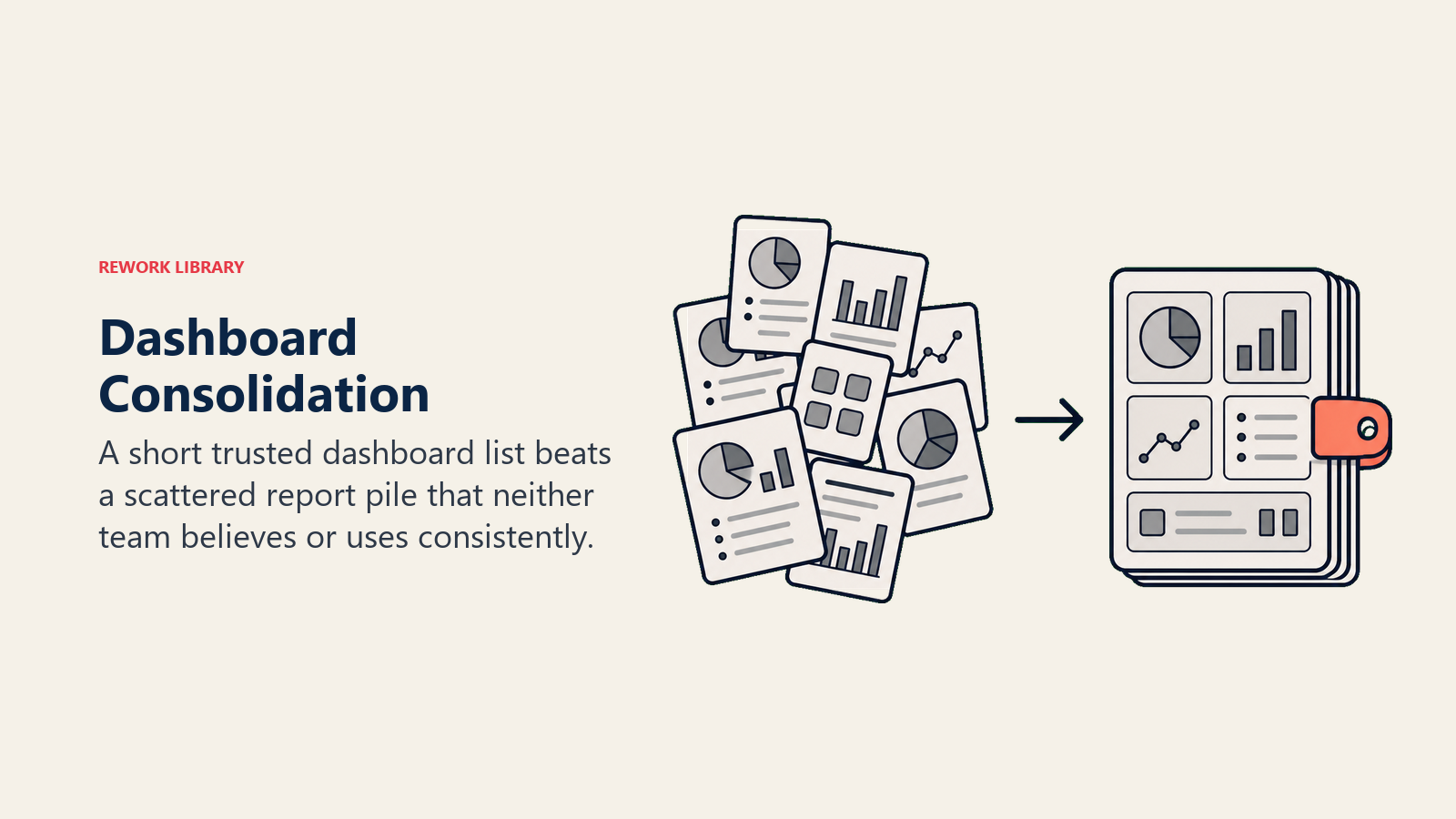
La consolidación es la intervención. Elija los ocho que coincidan con sus brechas actuales y elimine el resto. Una lista corta en la que ambos equipos confían supera a una lista larga en la que ningún equipo cree.
Empiece con el Dashboard 3 (tiempo de respuesta) si su mayor conflicto es sobre el seguimiento de leads. Empiece con el Dashboard 1 (Pipeline por fuente) si su conflicto es sobre atribución. Avance hacia los ocho durante un trimestre, no una semana.
Preguntas Frecuentes
¿Qué dashboard debemos construir primero?
Empiece con el Dashboard 3 (Tiempo de Respuesta a Leads) si su conflicto principal es sobre si ventas da seguimiento a los leads de marketing. Empiece con el Dashboard 1 (Pipeline por Fuente) si su conflicto principal es la atribución, quién está generando el Pipeline. Ambos se pueden construir con datos nativos del CRM en menos de un día, sin un equipo de BI ni un proyecto de integración. Avance hacia los ocho durante un trimestre, no una semana.
¿Necesitamos una herramienta de BI como Tableau o Looker para construir estos?
No. Los dashboards 1 al 4 se pueden construir en los reportes nativos de Salesforce, HubSpot o Pipedrive sin herramientas externas. Los dashboards 6 y 7 requieren una sincronización MAP-CRM funcional a nivel de contacto, eso es un proyecto de integración, no un proyecto de BI. Solo los equipos con más de 10 fuentes de datos y lógica de atribución compleja típicamente necesitan una capa de BI dedicada sobre estas ocho vistas.
¿Cómo logramos que ambos equipos realmente revisen estos antes de la reunión?
Envíe un enlace compartido la noche anterior a la reunión del lunes, no una captura de pantalla ni un PDF. Un enlace de reporte en vivo obliga a ambas partes a ver los mismos datos en tiempo real. Conviértalo en una expectativa establecida en la invitación a la reunión: "Revisar el Stack antes del lunes a las 9am." Las primeras semanas requieren refuerzo tanto del VP de Marketing como del VP de Ventas. Una vez que ambos líderes modelen el comportamiento, el equipo lo sigue.
¿Qué pasa si la calidad de los datos de nuestro CRM es demasiado deficiente para confiar en estos dashboards?
Limpie primero los dos campos que más importan: fuente de lead y marca de tiempo de primera actividad. Estos son los fundamentos de los dashboards 1 y 3. No necesita una higiene perfecta del CRM en todo, necesita que esos dos campos sean confiables. Una limpieza de datos enfocada de 30 días solo en la fuente de lead suele ser suficiente para hacer que el Dashboard 1 sea útil. No espere a tener datos perfectos; empiece con datos direccionalmente correctos y mejórelos.
¿Cuánto tiempo debe durar la reunión de revisión del dashboard del lunes?
Treinta minutos, no sesenta. La pre-lectura compartida (10 minutos de revisión asíncrona antes de la sala) elimina la parte de actualización de estado. Entra sabiendo qué ocurrió. Los 30 minutos de reunión cubren tres cosas: qué dashboard está en rojo esta semana, quién es responsable de la solución y cuándo sale de la lista roja. Si las reuniones consistentemente se alargan, generalmente es porque un dashboard está dominando cada conversación, lo que significa que necesita un responsable del proyecto, no un tema de reunión recurrente.
¿Cuál es la diferencia entre el Dashboard 1 (Pipeline por Fuente) y el Dashboard 7 (Vínculo Campaña-Pipeline)?
El Dashboard 1 muestra el Pipeline por canal de origen en dólares totales, la vista de "de dónde vino esto". El Dashboard 7 muestra qué campañas específicas generaron Pipeline, con contexto de gasto y ROI, la vista de "qué inversión generó qué". Ambos extraen de los mismos datos subyacentes del CRM pero responden preguntas diferentes. El Dashboard 1 impulsa decisiones sobre la combinación de canales; el Dashboard 7 impulsa decisiones de presupuesto a nivel de campaña. Construya el Dashboard 1 primero; es más simple y no necesita datos de costo de campaña.
Aprenda Más

Principal Solution Architect
On this page
- El Framework Nombrado: The Monday Revenue Stack
- Por Qué los Dashboards Compartidos Son un Acto de Alineamiento
- Dashboard 1: Pipeline por Fuente
- Dashboard 2: Volumen y Tendencia de MQL
- Dashboard 3: Tiempo de Respuesta a Leads
- Dashboard 4: Conversión de SQL a Oportunidad
- Dashboard 5: Ganados/Perdidos Esta Semana
- Dashboard 6: Interacción con Contenido por Etapa de Deal
- Dashboard 7: Vínculo Campaña-Pipeline
- Dashboard 8: Pipeline de Expansión y Churn
- Cómo Construir Estos Sin un Equipo de BI
- El Ritual del Lunes
- Ocho es en Realidad Menos de lo que Tiene Ahora
- Preguntas Frecuentes
- ¿Qué dashboard debemos construir primero?
- ¿Necesitamos una herramienta de BI como Tableau o Looker para construir estos?
- ¿Cómo logramos que ambos equipos realmente revisen estos antes de la reunión?
- ¿Qué pasa si la calidad de los datos de nuestro CRM es demasiado deficiente para confiar en estos dashboards?
- ¿Cuánto tiempo debe durar la reunión de revisión del dashboard del lunes?
- ¿Cuál es la diferencia entre el Dashboard 1 (Pipeline por Fuente) y el Dashboard 7 (Vínculo Campaña-Pipeline)?
- Aprenda Más