Best DeskTime Alternatives in 2026: 13 Time and Productivity Trackers Compared
Turn this article into takeaways for your work.


Each assistant summarizes the article only for you and suggests best practices for your work.
Time Doctor and Monitask are the best DeskTime alternatives if you need screenshots without paying for DeskTime's Premium jump, Hubstaff is the pick if GPS and field verification is the actual gap and you're fine paying for it as a separate add-on, Toggl Track and RescueTime fit teams that want tracking with no monitoring at all, and TimeCamp and Apploye are the answer if a genuinely free plan matters more than anything else. This guide covers 13 DeskTime alternatives across all four camps, chosen for the reasons real buyers actually leave DeskTime rather than for alphabetical order.
DeskTime earns its following honestly. Install the desktop app and it starts sorting time into productive, unproductive, and neutral buckets by application and URL automatically, with no timer for anyone to start, stop, or forget. Its Pro tier undercuts almost every other tracker on this list that offers any monitoring at all. The tools below are evaluated on capture depth, automation, and total cost.
Why Teams Look for a DeskTime Alternative
Give DeskTime credit first. Automatic categorization is a real feature, not a marketing line, and at $6.42 per user per month billed annually ($7 month-to-month), Pro is one of the cheapest ways to get a tracker that runs itself. Most teams that go looking for something else aren't rejecting that idea. They're running into one of four specific edges.
The first is screenshots. DeskTime's Pro tier tracks app and URL time but never captures a screen, that only unlocks at Premium ($9.17 annual, $10 monthly), and a team that decides it needs photographic proof of work, for client billing, a dispute, or just peace of mind, has to pay for the whole plan jump to get it. The second edge runs the opposite direction: some teams push back on being tracked at all, even DeskTime's screenshot-free app and URL monitoring, and need a tool built around zero capture rather than less capture. The third is DeskTime's free tier, or the lack of one. It used to offer a free single-user Lite plan; its current pricing page, help center, and free-time-tracker landing page all show only a 14-day trial before billing starts, no permanent free landing spot at any user count. The fourth is scale: a team that outgrew DeskTime's automatic time buckets and needs real workforce analytics, DLP, or insider-risk depth is looking for a different category of tool entirely, not a higher DeskTime tier.
Key Facts
- Almost half (49%) of US employees who track time admit to time theft, costing US employers more than $11 billion a year, per QuickBooks Time's 2017 survey of 1,000 US employees, a figure still cited across the category today. (QuickBooks Time)
- Time and attendance errors are the single most common type of payroll mistake, striking more than once per employee per year and costing organizations roughly $250,000 per 1,000 employees, per EY's December 2022 survey of 508 US payroll professionals. (EY, via Paycom)
- 68% of US workers report at least one form of electronic monitoring at work, per the nationally representative 2024 National Survey of Workplace Technology. (LPE Project)
- 74% of US employers use online tracking tools to watch work activity, but only 22% of employees know they're being monitored, per ExpressVPN's 2025 survey of 1,500 US employers and 1,500 US employees. (ExpressVPN)
- 85% of leaders say hybrid work makes it hard to trust that employees are productive, even though 87% of employees report that they are, the gap Microsoft calls "productivity paranoia" in its Work Trend Index Pulse report. (Microsoft WorkLab)
Quick Comparison Table
| Tool | Best For | Starting Price | Key Strength | Key Limitation |
|---|---|---|---|---|
| Time Doctor | Screenshots included from the entry tier | $8/user/mo monthly, $6.67 annual | AI-flagged Unusual Activity plus video recording | Real coaching depth needs the Premium tier |
| Hubstaff | Screenshots plus an optional GPS add-on for field crews | $7/seat/mo monthly, $4.99 annual | Locations add-on covers GPS DeskTime doesn't attempt | GPS costs extra (Team and Enterprise only), 2-seat minimum |
| Insightful | Screenshots as modular add-ons, not a plan jump | $8/seat/mo billed annually | A la carte capture depth priced per seat | Base plan has no screenshots either, they're paid add-ons |
| ActivTrak | Workforce analytics without screenshots at any core tier | Free (3 users); $10/worker/mo billed annually | Deep benchmarking dashboards | Screen Details add-on has no published price |
| TimeCamp | A genuinely free plan with unlimited users | Free (unlimited users); $5.49/user/mo monthly, $3.99 annual | The free-tier ceiling DeskTime doesn't offer | Screenshots live only on the Ultimate tier |
| Clockify | Budget tracking with screenshots and GPS at Pro | Free (5 users); $4.99/user/mo monthly, $3.99 annual | Cheapest paid entry with both features bundled | Free plan caps at 5 users, not unlimited |
| Toggl Track | Trust-first tracking with zero monitoring | Free (limited users); $9/user/mo annual ($10 monthly) | No screenshot or keystroke capture at any tier | No monitoring features, if that's actually what you need |
| Monitask | Random-interval screenshots for contractors | $6.49/user/mo monthly, $5.32 annual | Screenshot capture from the entry tier | Lighter analytics than enterprise-grade tools |
| Controlio | Screen video and keystrokes at a budget price | $6.67/user/mo billed annually | Deeper capture than DeskTime ever sells | Full capture by default, no privacy-light mode |
| Apploye | A free tier that includes real screenshots | Free (10 users, 1 screenshot/hour); $7/user/mo monthly, $4.50 annual | Screenshots on the free plan itself | Field/GPS tracking moved to a separate product |
| RescueTime | Personal focus analytics, no manager oversight | Free Lite; Solo Focus $7/mo annual ($9 monthly) | Zero screenshot or keystroke capture, ever | No org-wide compliance or benchmarking features |
| Teramind | DLP and insider-risk depth DeskTime never attempts | $14/seat/mo (5-seat minimum) | Keystroke logging, session recording, DLP rules | 5-seat minimum on every plan |
| Prodoscore | A productivity score with zero desktop agent | From $300/mo (15 seats) | Scores existing Workspace/365 signals, nothing to install | Flat pricing gets less predictable past 15 seats |
1. Time Doctor: Screenshots Included From the Entry Tier
Time Doctor takes screenshots automatically starting on its entry Basic plan and categorizes time by app and website the same way DeskTime does, then layers an AI-driven Unusual Activity report on top at the Premium tier that flags patterns a manager would otherwise have to catch by hand. Where DeskTime treats screenshots as something you unlock by moving the entire account to Premium, Time Doctor bundles them into its cheapest paid tier, so a buyer who specifically wants photographic proof of work doesn't have to pay for anything else to get it. It's built for outsourced teams, agencies, and BPOs billing clients by the hour, where "here's what the contractor was doing" is a real requirement, not a nice-to-have.
Sizing fit: 5-500 seats, strongest for remote or outsourced teams between 10 and 100.
| What you get | What you don't |
|---|---|
| Screenshots on the entry Basic tier | DeskTime's cheaper base-tier price |
| AI-driven Unusual Activity detection (Premium) | A free plan; 14-day trial only |
| Monthly billing at every tier | GPS geofencing for field crews |
| Payroll and leave tracking (Standard and up) | DeskTime's absence calendar and shift scheduling |
Pricing: Basic $8/user/month monthly ($6.67 annual); Standard $14 monthly ($11.67 annual); Premium $20 monthly ($16.70 annual); Enterprise custom. Best for: Outsourced and BPO teams that want screenshots included from the first paid tier, not gated behind a Premium jump. How it differs from DeskTime: Time Doctor bakes screenshot capture into its cheapest paid plan; DeskTime keeps Pro screenshot-free and reserves that capability for Premium.
If Time Doctor itself is the tool you're evaluating away from, our Time Doctor alternatives guide covers that swap directly.
2. Hubstaff: Screenshots Plus an Optional GPS Add-On for Field Crews
Hubstaff runs the same screenshot-and-activity-percentage model that Time Doctor and DeskTime both use, then offers GPS tracking and geofencing through a separate Locations add-on available only on the Team and Enterprise plans, starting at $3.33 per seat per month. That's a category DeskTime's dashboards don't touch at any tier, but it isn't bundled the way the reputation around Hubstaff suggests: Starter and Grow don't offer Locations at all, and Team's own $12 monthly price doesn't include it either. For a team that actually needs GPS, the honest cost is Team's $10 per seat per month annual rate plus Locations at $3.33 per seat per month, about $13.33 per seat per month billed annually, not Hubstaff's $4.99 headline Starter price, which carries no location data whatsoever.
Sizing fit: 2-500+ seats, best for distributed or field-heavy teams of 10-100 willing to pay for the Locations add-on specifically.
| What you get | What you don't |
|---|---|
| Screenshots and activity percentage from the Starter tier up | GPS included in the base seat price |
| A Locations add-on for GPS and geofencing (Team and Enterprise, from $3.33/seat/mo) | Location tracking on Starter or Grow at any price |
| Payroll-ready timesheets built for field and remote teams | A free plan for teams |
| Unlimited screenshots on the Team tier | A seatless minimum; 2-seat floor applies |
Pricing: Starter $7/seat/month monthly ($4.99 annual); Grow $9 monthly ($7.50 annual); Team $12 monthly ($10 annual) plus the Locations add-on from $3.33/seat/month for GPS and geofencing (Team and Enterprise only); Enterprise $25/seat/month billed annually; 2-seat minimum. No free plan for teams: Hubstaff's marketing pages state there is no free plan, while its support documentation still describes a single-seat free option for individual freelancers. Best for: Field or hybrid teams that need GPS-verified time and are fine paying for it as a separate add-on rather than expecting it bundled in. How it differs from DeskTime: location tracking DeskTime never built, sold as a paid add-on rather than bundled into any Hubstaff tier.
If your comparison is really between these two specifically, see our Time Doctor vs Hubstaff breakdown.
3. Insightful: Screenshots as Modular Add-Ons, Not a Plan Jump
Insightful, formerly Workpuls, prices its base Workforce Analytics plan without screenshots at all, then sells capture depth, on-demand screenshots, higher-frequency capture, screen recording, as separate per-seat add-ons. That's a different shape than DeskTime's all-or-nothing model, where screenshots come bundled only once you move the whole account to Premium. A buyer who wants screenshots for two specific roles instead of the entire company can add that selectively on Insightful in a way DeskTime's plan structure doesn't allow.
Sizing fit: 10-1,000+, strongest for distributed teams and BPOs.
| What you get | What you don't |
|---|---|
| Screenshots and screen recording as selective, per-seat add-ons | A single bundled price that includes capture depth |
| A Combo bundle at roughly 20% off buying both plans separately | A free tier |
| Enterprise and Hyperscaler options for large, variable workforces | GPS geofencing for field teams |
| Data warehouse integrations as a low-cost add-on | DeskTime's automatic no-timer default |
Pricing: Workforce Analytics $8/seat/month billed annually; Workflow Optimization $12/seat/month (beta); Combo $16/seat/month; add-ons from $0.50 to $4/seat/month; Enterprise and Hyperscaler custom. Best for: Distributed teams or BPOs that want to buy capture depth selectively instead of upgrading an entire plan tier. How it differs from DeskTime: screenshots are a per-seat add-on you can apply to specific roles, not a plan-wide upgrade the way DeskTime's Premium tier works.
See our fuller Insightful alternatives guide if Insightful's add-on model is itself the thing you're shopping away from.
4. ActivTrak: Deeper Workforce Analytics Without Screenshots at Any Core Tier
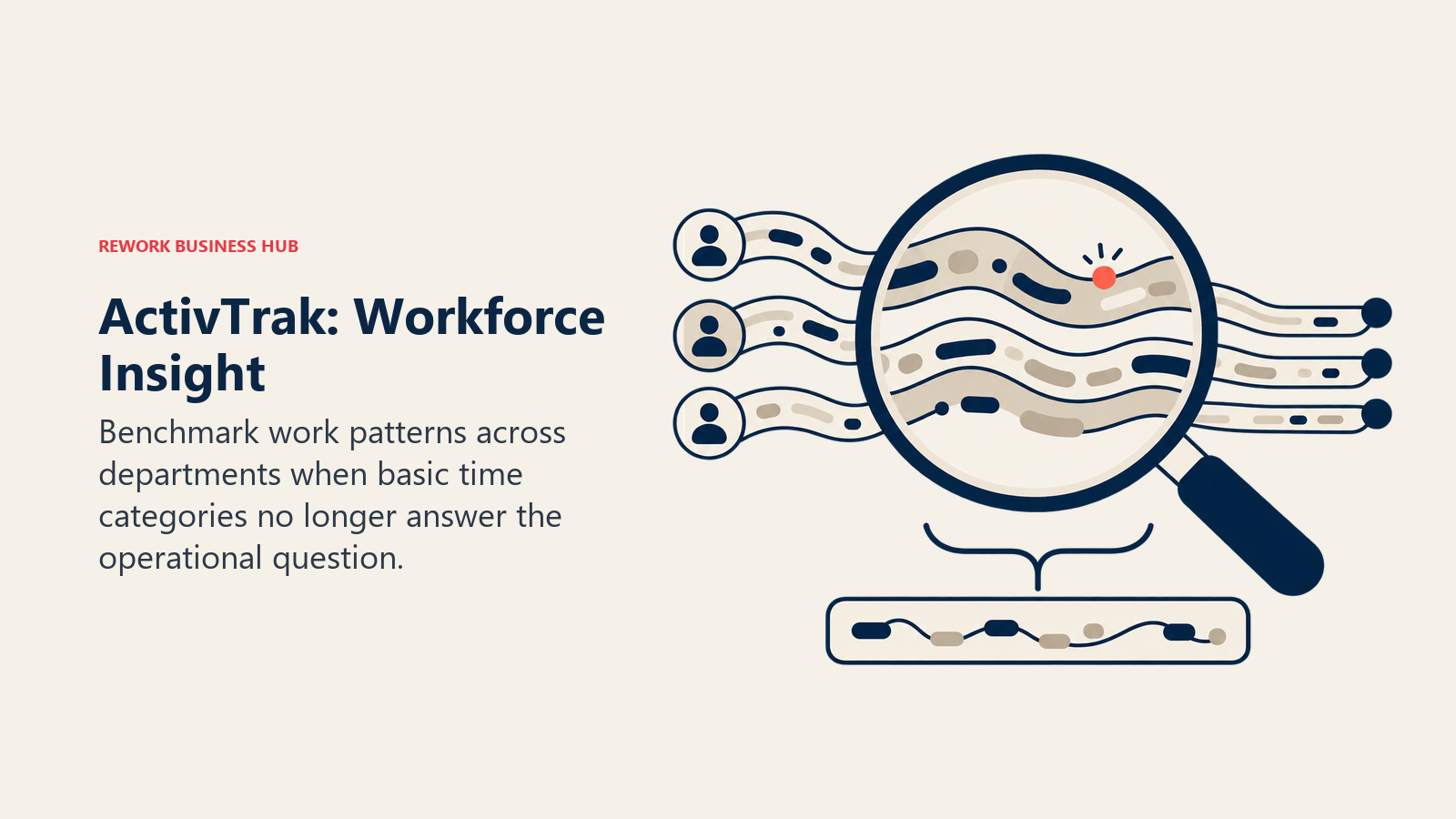
ActivTrak goes the opposite direction from DeskTime on capture. It doesn't sell screenshots inside any of its three core tiers (Screen Details is quoted through sales, with no published price), and instead builds Workforce Management and Productivity Optimization around benchmarking dashboards and schedule-adherence analytics that go well past what DeskTime's automatic categorization covers. That makes it the pick for a buyer whose real complaint about DeskTime wasn't missing screenshots. It's that DeskTime's Pro and Premium tiers stop at basic time categorization and never get to org-wide benchmarking.
Sizing fit: 10-1,000+, best once a team needs benchmarking across departments, not just individual time logs.
| What you get | What you don't |
|---|---|
| Workforce Management and Productivity Optimization benchmarking | Screenshots at any core tier |
| A free plan for very small teams | Monthly billing on any paid tier |
| AI Insights and extended data-history add-ons | GPS geofencing |
| 6 to 12 months of activity history on paid tiers | DeskTime's automatic-only, no-timer simplicity |
Pricing: Free $0, limited to 3 people, 30-day retention; Work Activity Tracking $10/worker/month billed annually; Workforce Management $15/worker/month billed annually; Productivity Optimization $17/worker/month billed annually; Enterprise custom. Best for: Teams that outgrew DeskTime's time-categorization ceiling and want workforce-wide benchmarking, not screenshots. How it differs from DeskTime: ActivTrak's paid tiers are annual-only and go deeper on analytics; neither tool sells screenshots at its base price, but ActivTrak doesn't sell them anywhere.
Read our ActivTrak alternatives guide for the fuller picture, or our direct DeskTime vs Insightful vs ActivTrak comparison if you're weighing all three at once.
5. TimeCamp: The Free Plan DeskTime Stopped Offering
TimeCamp's free plan covers unlimited users with core time tracking, the free tier DeskTime no longer has at any user count. Screenshots exist, but they live on the Ultimate tier and stay off by default even there, an opt-in layer rather than DeskTime's Premium-tier default. For a team that left DeskTime specifically because its 14-day trial has no free landing spot afterward, TimeCamp's free plan answers that gap more directly than a capped free tier does.
Sizing fit: 1-500, works for a solo freelancer or a full company on the free plan alone.
| What you get | What you don't |
|---|---|
| A genuinely free plan with unlimited users | Screenshots on any tier below Ultimate |
| Screenshots and activity tracking, off by default | Workforce benchmarking or compliance alerts |
| Budgeting, invoicing, and attendance features | GPS geofencing |
| Flexible per-project monitoring settings | DeskTime's built-in absence calendar |
Pricing: Free (unlimited users); Starter $5.49/user/month monthly ($3.99 annual); Premium $9.99 monthly ($6.99 annual); Ultimate $13.99 monthly ($9.99 annual); Enterprise on request. Best for: Teams that want a genuinely free plan with unlimited users and monitoring optional, not default. How it differs from DeskTime: free forever versus a 14-day trial with no permanent free landing spot.
6. Clockify: A Budget Paid Tier, Free Plan Capped at 5 Users
Clockify's free plan works for a small team, but it caps at 5 users, CAKE.com tightened this in April 2026, so it's a smaller safety net than TimeCamp's uncapped one. Where Clockify pulls ahead of DeskTime is its Pro tier, which bundles screenshots and GPS tracking into a single plan for less than DeskTime's Premium price. For teams larger than 5 people who still want a budget option close to free, Clockify's paid tiers undercut DeskTime's entry price once billed annually.
Sizing fit: 1-500, best once a team outgrows the 5-user free cap but still wants the cheapest paid seat on this list.
| What you get | What you don't |
|---|---|
| Screenshots and GPS bundled into one Pro-tier price | An unlimited-user free plan; the cap is 5 users |
| Reporting and time-off tracking on Standard and up | A single flat price across every feature |
| A cheaper paid entry point than DeskTime's Premium | DeskTime's fully automatic, no-timer default |
| Kiosk and expense tracking on Enterprise | Workforce benchmarking depth |
Pricing: Free, capped at 5 users; Basic $4.99/user/month monthly ($3.99 annual); Standard $6.99 monthly ($5.49 annual); Pro $9.99 monthly ($7.99 annual); Enterprise $14.99 monthly ($11.99 annual). Best for: Budget teams past the 5-user free cap that want screenshots and GPS bundled into one paid tier. How it differs from DeskTime: Pro tier bundles GPS geofencing, a category DeskTime doesn't sell at all.
Our Clockify alternatives guide covers this swap in the other direction if Clockify's free-tier cap is itself the problem.
7. Toggl Track: Trust-First Tracking With No Monitoring at All
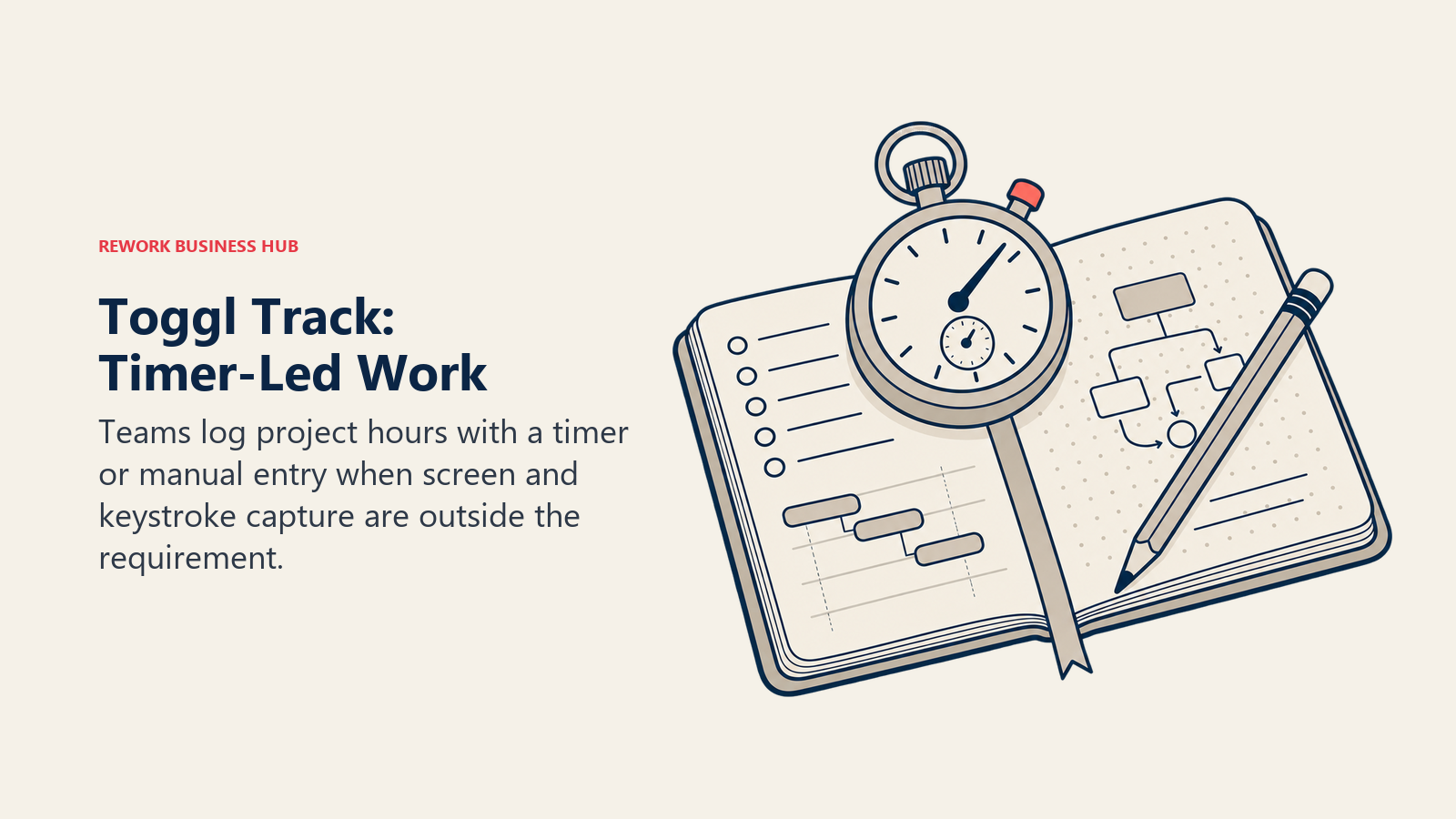
Toggl Track never captures a screenshot, a keystroke, or a URL history entry at any tier, by design. That makes it the direct answer for a DeskTime leaver whose problem isn't price, it's that the team pushed back on being tracked at all and management needs a tool that visibly can't monitor beyond hours logged. It's a timer-first tool rather than DeskTime's fully automatic categorization, so someone still has to start and stop a timer or fill in a manual entry, a real trade-off for the trust it buys back.
Sizing fit: 1-500, common in agencies and consultancies that bill by the hour without wanting to watch the screen.
| What you get | What you don't |
|---|---|
| Zero screenshot, keystroke, or URL history capture | Any monitoring feature at all, even DeskTime's basic app tracking |
| A free plan for a limited number of users | Automatic tracking; timers are started and stopped manually |
| Project-based reporting and billable-rate tracking | Idle-time screenshots or activity percentage scoring |
| A promotional first-year annual rate on Premium | GPS or field-crew verification |
Pricing: Free (limited number of users); Starter $9/user/month annual ($10 monthly); Premium $18 annual ($20 monthly), with a promotional $14 first-year annual rate that renews at $18; Enterprise custom. Best for: Teams where trust, not capture depth, is the actual blocker, and a fully manual, no-monitoring tool is the point. How it differs from DeskTime: zero monitoring capability of any kind, versus DeskTime's still-present automatic app and URL tracking even without screenshots.
Our Toggl Track alternatives guide covers the reverse comparison if manual timers are the actual frustration.
8. Monitask: Random-Interval Screenshots for Contractor Management
Monitask captures screenshots at random intervals rather than a fixed schedule, starting on its entry Pro tier, aimed at agencies and businesses managing freelancers or contractors who need proof-of-work without paying for DeskTime's Premium jump just to get a picture. Its screenshot-frequency add-on lets a buyer dial capture rate up or down per license, similar in spirit to Insightful's add-on model but priced lower across the board.
Sizing fit: 1-100, built for agencies and small businesses managing external contractors.
| What you get | What you don't |
|---|---|
| Random-interval screenshot capture, harder to game | Workforce-wide benchmarking dashboards |
| A screenshot-frequency add-on priced per license | GPS geofencing |
| Screenshots on the entry tier, no plan-wide upgrade needed | Keystroke logging or DLP |
| A lower price point than most screenshot-based tools here | DeskTime's absence calendar and shift scheduling |
Pricing: Pro $6.49/user/month monthly ($5.32 annual); Business $8.99 monthly ($7.37 annual); Business Premium $12.99 monthly ($10.65 annual); Enterprise custom (100+ employees); screenshot-frequency add-on $0 to $7.20/license/month. Best for: Agencies and small businesses managing freelancers or contractors on a tight monitoring budget. How it differs from DeskTime: screenshots ship on the entry tier instead of requiring a plan-wide upgrade to Premium.
9. Controlio: Screen Video and Keystrokes DeskTime Never Sells
Controlio's Basic tier includes screen video recording and keystroke logging at a price close to DeskTime's own Pro tier, depth DeskTime doesn't offer at any price point. A privacy blur mode redacts sensitive on-screen content before a manager reviews it, a middle ground for a buyer who wants real evidence without full-resolution captures of everything an employee typed or viewed.
Sizing fit: 1-500, on-premise from 10 users, private cloud from 100.
| What you get | What you don't |
|---|---|
| Screen video recording and keystroke logging at Basic | DeskTime's screenshot-free posture at any tier |
| A privacy blur mode for sensitive on-screen content | GPS geofencing for field crews |
| On-premise and private-cloud deployment options | AI-driven coaching or anomaly detection |
| Annual billing that saves roughly 17% over monthly | A free tier |
Pricing: Basic $6.67/user/month billed annually; Advanced $9.99/user/month billed annually; Enterprise on request. Best for: Budget buyers who've decided they need screen video or keystroke evidence, not just app and URL categorization. How it differs from DeskTime: keystroke logging and screen video ship at the entry tier, categories DeskTime doesn't sell at any price.
10. Apploye: A Free Tier That Includes Real Screenshots
Apploye's free plan covers up to 10 users with one screenshot per hour included, actual capture on the free tier itself, unlike DeskTime's screenshot-free Pro plan or its total lack of a free option. Its paid tier raises screenshot frequency and adds more reporting. Apploye recently moved its field-tracking and GPS features to a sister product, FieldServicely, so this pick is about screenshots and time data, not location verification.
Sizing fit: 1-50, strongest for very small teams that want screenshot evidence without a paid plan.
| What you get | What you don't |
|---|---|
| Free screenshots (1/hour) for up to 10 users | GPS or geofencing; that moved to FieldServicely |
| Higher screenshot frequency on the paid tier | Workforce benchmarking or DLP |
| A cheaper paid tier than DeskTime's Premium | Keystroke logging |
| Invoicing and payroll features on paid plans | DeskTime's absence calendar |
Pricing: Free, capped at 10 users with 1 screenshot/hour; paid tier $7/user/month monthly ($4.50 annual). Best for: Very small teams (under 10) that want a free plan with actual screenshot evidence built in. How it differs from DeskTime: screenshots ship free, where DeskTime has neither a free plan nor free screenshots.
11. RescueTime: Personal Focus Analytics, No Manager Oversight
RescueTime tracks automatically in the background the same way DeskTime does, no timer to start, but it's built for the individual's own focus and distraction awareness first, with team reporting layered on top rather than the reverse. There's no screenshot capture and no manager-facing activity feed by default, the pick for a team whose pushback on DeskTime wasn't the price, it was that DeskTime still reports individual activity data up to a manager.
Sizing fit: 1-100, common with individuals and small teams that want self-directed focus data.
| What you get | What you don't |
|---|---|
| Individual-first focus and distraction tracking | Manager-facing activity feeds by default |
| No screenshots or keystroke logging, ever | Workforce benchmarking or compliance alerts |
| Focus sessions and website blocking for the user | GPS geofencing or field-crew attendance |
| A free Lite plan to start | DeskTime's shift scheduling and absence calendar |
Pricing: Free Lite plan; Solo Focus $9/month monthly ($7/month billed annually); Solo+ $15 monthly ($12 annual); Team Focus $12/user/month monthly ($10 annual); Team+ $18 monthly ($16 annual). Best for: Teams or individuals who want automatic tracking with zero manager-facing surveillance layer. How it differs from DeskTime: DeskTime's dashboards are manager-facing by default; RescueTime's are built for the employee first.
For the broader category view of tools built this way, see our productivity tracking software roundup.
12. Teramind: DLP and Insider-Risk Depth DeskTime Never Attempted
Teramind is built for security and compliance buyers, not general time categorization. Even its entry Starter tier logs activity across users with session playback, and its DLP tier adds policies that block file transfers and flag exfiltration patterns, capability DeskTime's automatic time buckets were never designed to reach. That depth carries a 5-seat minimum on every plan, a floor DeskTime's per-user billing doesn't have.
Sizing fit: 5-1,000+, built for security and compliance-driven organizations, not general productivity tracking.
| What you get | What you don't |
|---|---|
| Keystroke logging, session recording, and DLP on the top tier | DeskTime's simple, automatic-only approach |
| Cloud, on-premise, and private-cloud deployment options | A plan usable below 5 seats |
| Volume discounts above 250 licenses | DeskTime's flat, published per-user pricing |
| Insider-threat detection built for compliance audits | Shift scheduling or an absence calendar |
Pricing: Starter $14/seat/month, 5-seat minimum; UAM $28/seat/month, 5-seat minimum; DLP $32/seat/month, 5-seat minimum; Enterprise and Government custom; annual billing saves about 8% over monthly. Best for: Compliance and security teams that need DLP and session recording alongside time data, not a lightweight automatic tracker. How it differs from DeskTime: real insider-risk and DLP tooling versus DeskTime's automatic app and URL categorization.
See our Teramind alternatives guide for the fuller list, or our ActivTrak vs Teramind comparison if you're weighing this against a screenshot-free option instead.
13. Prodoscore: A Productivity Score With Zero Desktop Agent
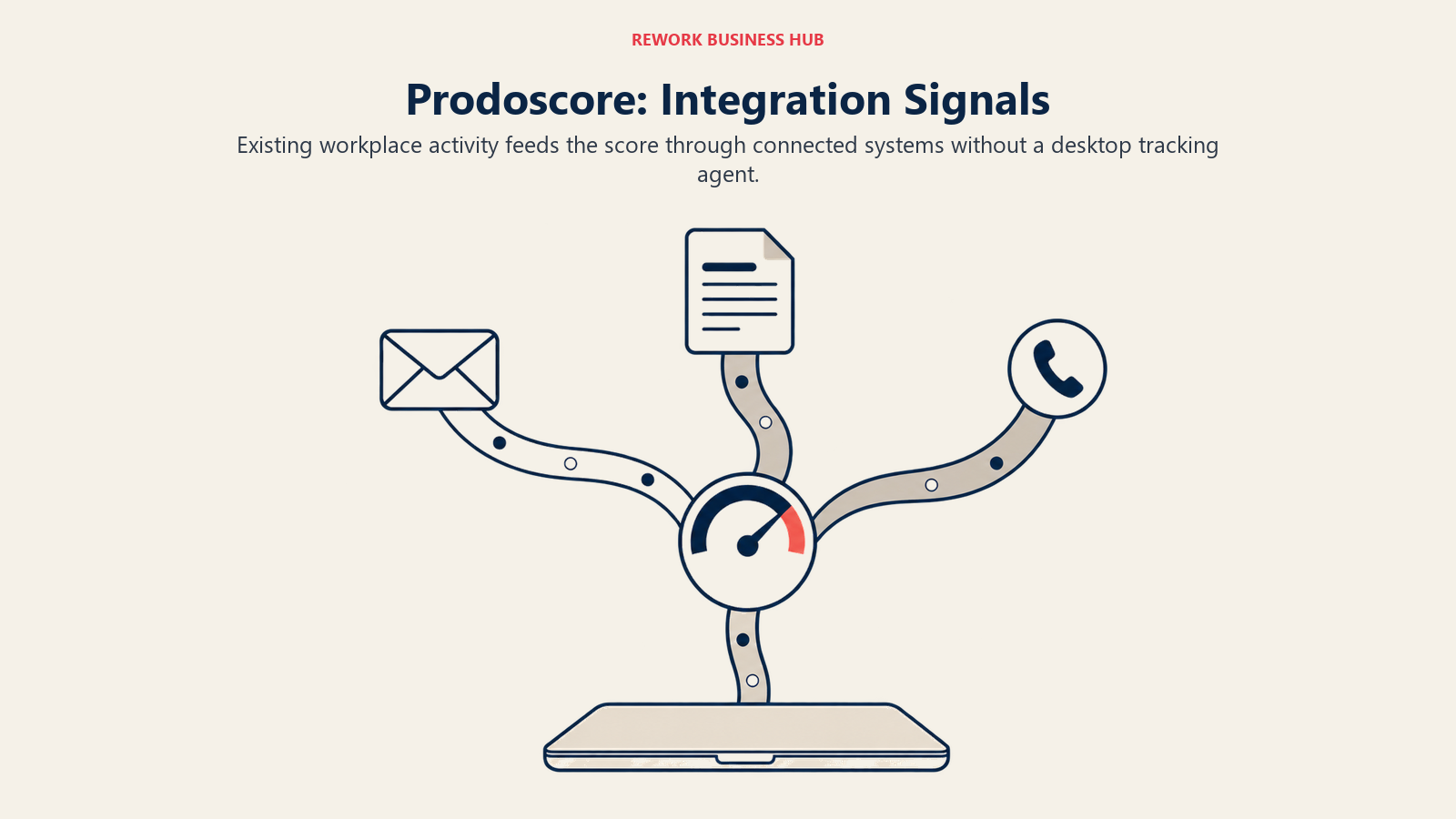
Prodoscore doesn't install a tracking agent or categorize app time at all. It scores signals already flowing through Google Workspace or Microsoft 365, emails sent, calls logged, documents edited, meetings attended, into a single productivity number per employee. Where DeskTime needs its desktop app running to categorize anything, Prodoscore needs nothing installed on the employee's machine, a fundamentally different mechanism for teams that have decided any local agent, even a light one, is a hard no.
Sizing fit: 5-500, built for sales and customer-facing teams already living inside Workspace or 365.
| What you get | What you don't |
|---|---|
| A single productivity score from existing Workspace/365 signals | Screenshots or keystroke logging, by design |
| Flat pricing that favors smaller teams (up to 15 seats) | Predictable per-seat pricing past 15 users |
| No new software for employees to install or notice | GPS geofencing or field-crew attendance |
| Scoring built for sales and customer-facing teams | DeskTime's app and URL time categorization |
Pricing: From $300/month (up to 15 seats), extra seats $19.99/seat/month; Premium priced by team size and configuration; 500+ users contact sales. Best for: Teams on Google Workspace or Microsoft 365 wanting a productivity signal with nothing installed on any machine. How it differs from DeskTime: no desktop agent of any kind, versus DeskTime's app that must run locally to track anything.
The Free Tier Question
DeskTime dropped its free single-user Lite plan. Its current pricing page lists only Pro, Premium, and Enterprise, its free-time-tracker landing page describes a 14-day trial followed by paid plans starting around $7 per month, and its help center says only that DeskTime is free to try for 14 days. There's no permanent free landing spot at any user count. If a genuinely free plan is the actual requirement, not just a cheaper paid one, here's exactly what each alternative's free tier includes and where it stops.
| Tool | Free Plan | User Cap | What's Included |
|---|---|---|---|
| DeskTime (reference) | No | n/a | 14-day free trial only, then Pro, Premium, or Enterprise |
| TimeCamp | Yes | Unlimited users | Core time tracking; screenshots off by default, paid Ultimate-tier add-on |
| Apploye | Yes | 10 users | Time tracking plus 1 screenshot per hour included |
| Clockify | Yes | 5 users | Core time tracking and reporting; screenshots and GPS require Pro |
| ActivTrak | Yes | 3 users | Activity data with 30-day history; no screenshots at any core tier |
| Toggl Track | Yes | Limited number of users (Toggl doesn't publish a fixed seat cap) | Manual timer-based tracking, project and billable-rate reporting |
| RescueTime | Yes (Lite) | Individual use, no team seats | Personal focus and distraction tracking; no team reporting, no screenshots |
TimeCamp is the only tool on this list with a genuinely unlimited-user free plan. Clockify's cap moved to 5 users in April 2026, ActivTrak's caps at 3, and Apploye's free tier is the only one that includes actual screenshots rather than just time logs.
Automatic Tracking Without a Timer: Who Else Actually Does It
DeskTime's headline feature isn't screenshots, it's that nobody has to remember to start anything. Install the desktop app once, and it sorts every application and URL into productive, unproductive, and neutral time automatically. That model isn't unique to DeskTime, but it isn't universal either, and the split matters if a manual timer is the thing your team keeps forgetting.
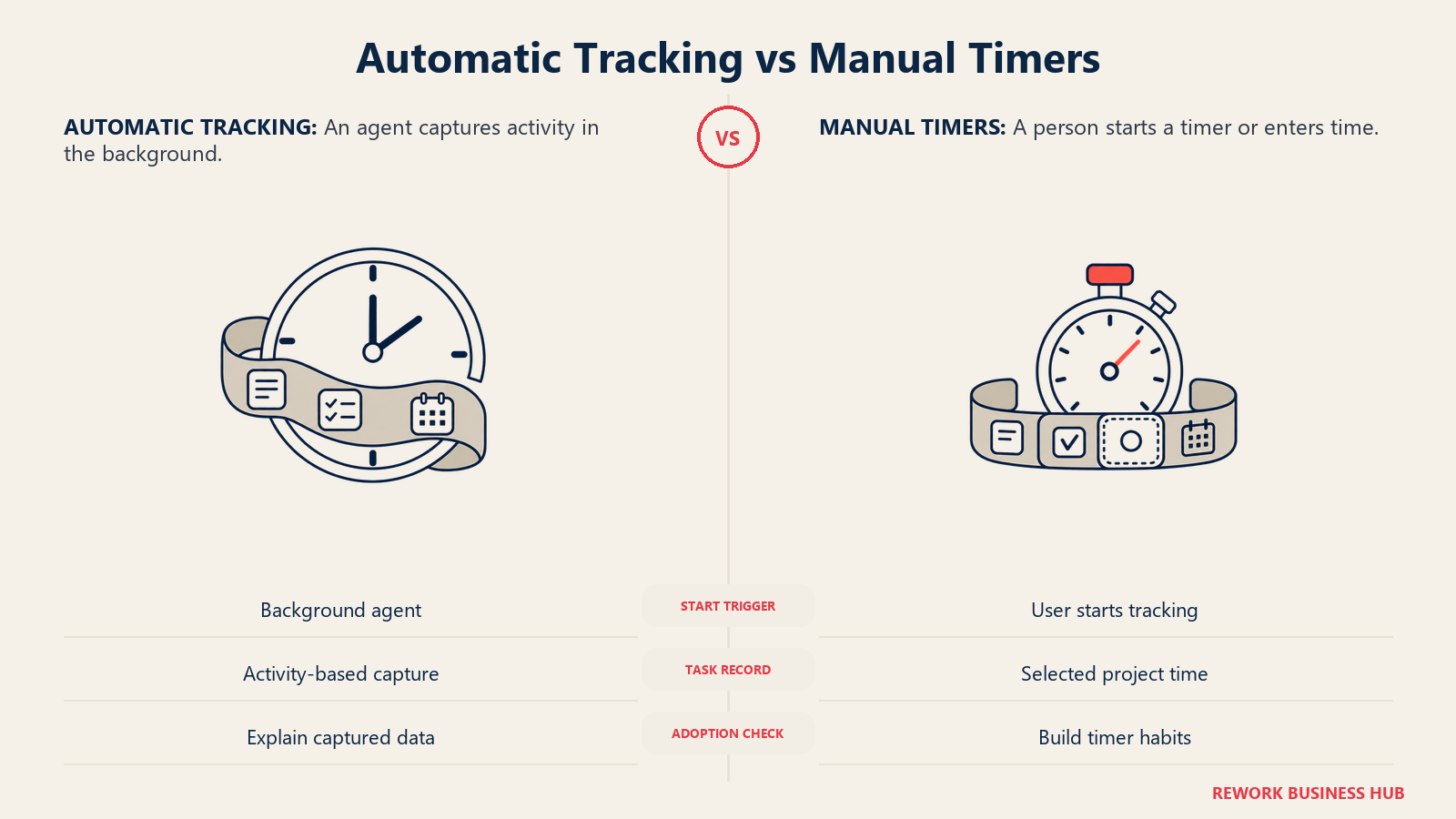
Always-on background agents, closer to DeskTime's no-timer model: ActivTrak, Insightful, RescueTime, Controlio, and Apploye all run continuously once installed, tracking activity without a separate start or stop click per task. TimeCamp offers an automatic desktop mode alongside its manual timer, so it works either way depending on how a team sets it up. Monitask's agent tracks continuously during a scheduled shift rather than per task.
Timer-first tools, where DeskTime's automation doesn't apply: Toggl Track, Clockify, Time Doctor, and Hubstaff are all built around starting a timer for a specific task or project, with idle detection to catch forgotten stops rather than removing the timer altogether. That's a real trade-off. Time and attendance errors are already the single most common type of payroll mistake, striking more than once per employee per year and costing organizations roughly $250,000 per 1,000 employees, per EY's December 2022 survey of 508 US payroll professionals. (EY, via Paycom) An always-on agent removes the forgotten-clock-in failure mode entirely; a timer-based tool doesn't, no matter how good its idle detection gets.
For the full category view of timer-based and automatic tools side by side, see Best Time Tracking Software for 2026.
Monitoring Depth: How Far Each Tool Goes
What each tool actually captures, the table that matters most once you know whether you're in the "need more than DeskTime" camp or the "need less" one.
| Tool | Screenshots | Screen Video | Keystroke Logging | App/URL Tracking | GPS | DLP |
|---|---|---|---|---|---|---|
| DeskTime (reference) | Premium tier only | No | No | Yes | No | No |
| Time Doctor | Yes (Basic and up) | Yes (Premium) | No | Yes | No | No |
| Hubstaff | Yes (limited on Starter/Grow, unlimited on Team) | No | No | Yes | Add-on, Locations from $3.33/seat/mo (Team and Enterprise only) | No |
| Insightful | Add-on | Add-on | No | Yes | No | No |
| ActivTrak | Add-on, unpriced | No | No | Yes | No | No |
| TimeCamp | Ultimate tier only, off by default | No | No | Optional | No | No |
| Clockify | Pro tier and up | No | No | Yes (Pro and up) | Yes (Pro and up) | No |
| Toggl Track | No | No | No | No | No | No |
| Monitask | Yes (random interval, all tiers) | No | No | Yes | No | No |
| Controlio | Yes | Yes (Basic and up) | Yes (Basic and up) | Yes | No | No |
| Apploye | Yes (1/hour free, more on paid) | No | No | Yes | No (moved to FieldServicely) | No |
| RescueTime | No | No | No | Yes (self-facing) | No | No |
| Teramind | Yes | Yes | Yes (UAM tier and up) | Yes | No | Yes (DLP tier) |
| Prodoscore | No | No | No | No (scores integration signals) | No | No |
Total Cost at 10, 25, and 100 Seats
A worked comparison against DeskTime's own Pro tier, using each vendor's entry or most comparable annual-billed tier so the numbers reflect what a real buyer would actually pay per year, before any custom enterprise discount.
| Tool | Tier Used (annual) | 10 Seats/Year | 25 Seats/Year | 100 Seats/Year |
|---|---|---|---|---|
| DeskTime | Pro, $6.42/user/mo | $770.40 | $1,926.00 | $7,704.00 |
| Hubstaff | Starter, $4.99/seat/mo | $598.80 | $1,497.00 | $5,988.00 |
| Time Doctor | Basic, $6.67/user/mo | $800.40 | $2,001.00 | $8,004.00 |
| Insightful | Workforce Analytics, $8/seat/mo | $960.00 | $2,400.00 | $9,600.00 |
| ActivTrak | Work Activity Tracking, $10/worker/mo | $1,200.00 | $3,000.00 | $12,000.00 |
| TimeCamp | Free, unlimited users | $0.00 | $0.00 | $0.00 |
Hubstaff's Starter tier undercuts DeskTime's own Pro tier once both are billed annually, though it adds a 2-seat minimum, only limited screenshots at that level, and no GPS at any price until you add the Locations add-on on Team or above. ActivTrak's Work Activity Tracking, its cheapest paid tier, costs roughly 55% more per year than DeskTime Pro at every seat count shown, the price of its deeper benchmarking dashboards. TimeCamp's free plan is the only genuinely $0 option at any of these seat counts.
How to Choose: Decision Framework
| If you need... | Best pick |
|---|---|
| Screenshots without paying for DeskTime's Premium jump | Time Doctor or Monitask |
| GPS or field-team verification (paid Locations add-on) | Hubstaff |
| A genuinely free plan with no user cap | TimeCamp |
| A free plan that includes real screenshots | Apploye |
| Zero monitoring, to rebuild trust with a team that pushed back | Toggl Track |
| Deeper workforce benchmarking without screenshots | ActivTrak |
| DLP or insider-risk depth | Teramind |
| Personal focus analytics with no manager-facing oversight | RescueTime |
Migration: Getting Your Data Out of DeskTime
Before you cancel, pull everything DeskTime has on your team. Its Reports section exports time-by-project and time-by-employee data as CSV or PDF, and if your plan includes API access, you can script a pull of historical time entries rather than exporting screen by screen. Screenshot history, if you're on Premium, sits inside your account's retention window, so archive anything you might need for a client dispute or a payroll audit before the account closes.
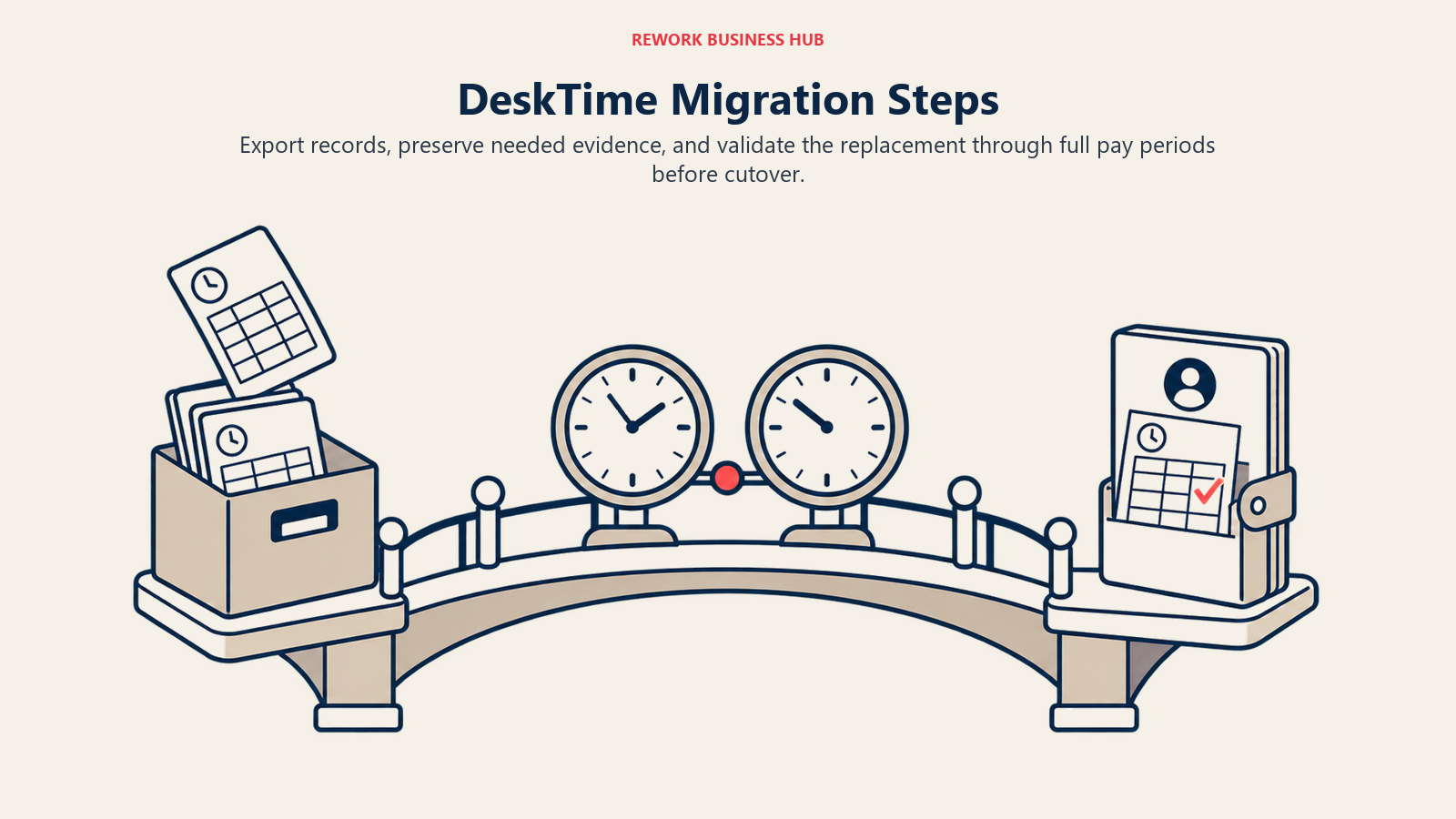
Run the new tool in parallel with DeskTime for one to two full pay periods rather than cutting over in a single day. Automatic categorization tools misclassify a fair number of apps and URLs in the first week or two while their rules learn your team's actual software stack, and that noise is worth resolving before payroll or client billing depends on the new numbers. Tell the team what's changing and why before the switch, not after, especially if you're moving toward a tool with more monitoring than DeskTime (Time Doctor, Controlio, Teramind) or noticeably less (Toggl Track, RescueTime). The reason for the switch is usually worth saying out loud, since it's often the same reason the team will ask about anyway.
Frequently Asked Questions about DeskTime Alternatives
Does DeskTime have a free plan?
No. DeskTime used to offer a free single-user Lite plan, but its current pricing page lists only Pro, Premium, and Enterprise, alongside a 14-day free trial. If a genuinely free plan matters, TimeCamp (unlimited users), Clockify (capped at 5 users), ActivTrak (capped at 3 users), Apploye (capped at 10 users), and RescueTime's Lite plan are the alternatives that still offer one.
Why do teams look for a DeskTime alternative?
Four reasons come up most: needing screenshots or deeper evidence without paying for DeskTime's Premium jump, needing less monitoring after a team pushed back, wanting a genuinely free tier DeskTime no longer offers, and outgrowing DeskTime's automatic time categorization for real workforce analytics, DLP, or insider-risk depth.
Does DeskTime take screenshots?
Only on its Premium tier, at $9.17 per user per month billed annually ($10 monthly). The cheaper Pro tier tracks app and URL time automatically but never captures a screen.
What's the best DeskTime alternative for a field or hybrid team?
Hubstaff, for the GPS and geofencing available through its Locations add-on, layered on top of the same activity monitoring DeskTime and its competitors track. That add-on only works on the Team and Enterprise plans, starts at $3.33 per seat per month on top of Team's own price, and Hubstaff also has no free plan for teams and a 2-seat minimum, so budget for the real cost if GPS is the actual gap.
Is there a DeskTime alternative with zero monitoring at all?
Toggl Track. It never captures a screenshot, keystroke, or URL history at any tier, though it's a timer-first tool rather than DeskTime's fully automatic categorization, so someone still has to start and stop tracking.
What's the cheapest way to get screenshots without upgrading to DeskTime Premium?
Monitask's entry Pro tier includes random-interval screenshots at $6.49 per user per month monthly ($5.32 annual), and Time Doctor's Basic tier includes screenshots at $8 monthly ($6.67 annual), both cheaper paths to screenshot evidence than DeskTime's Premium jump.
Which DeskTime alternative has the most workforce analytics depth?
ActivTrak, with Workforce Management and Productivity Optimization tiers built around benchmarking and schedule-adherence dashboards, though it doesn't sell screenshots at any of its three core tiers.
How much does DeskTime itself cost?
Pro runs $6.42 per user per month billed annually ($7 monthly), and Premium runs $9.17 annually ($10 monthly), with Enterprise custom-priced above 200 users. There's no permanently free plan, only a 14-day trial.
What to Do Next
Pick your camp before you pilot. If the gap is evidence, screenshots, screen video, or keystrokes, run a 2-week side-by-side pilot with Time Doctor and Monitask against your current DeskTime account, same team, same two weeks, and compare what each actually captures against what you need for client billing or a dispute. If the gap is trust or a free-tier ceiling instead, pilot Toggl Track and TimeCamp; a team that pushed back on monitoring will notice within days whether the new tool actually feels different. Either way, export your DeskTime history first (see Migration above) so the pilot isn't your only record of the transition. For the full category view beyond this one swap, see Best Employee Monitoring Software for 2026.

Principal Product Marketing Strategist
On this page
- Why Teams Look for a DeskTime Alternative
- Key Facts
- Quick Comparison Table
- 1. Time Doctor: Screenshots Included From the Entry Tier
- 2. Hubstaff: Screenshots Plus an Optional GPS Add-On for Field Crews
- 3. Insightful: Screenshots as Modular Add-Ons, Not a Plan Jump
- 4. ActivTrak: Deeper Workforce Analytics Without Screenshots at Any Core Tier
- 5. TimeCamp: The Free Plan DeskTime Stopped Offering
- 6. Clockify: A Budget Paid Tier, Free Plan Capped at 5 Users
- 7. Toggl Track: Trust-First Tracking With No Monitoring at All
- 8. Monitask: Random-Interval Screenshots for Contractor Management
- 9. Controlio: Screen Video and Keystrokes DeskTime Never Sells
- 10. Apploye: A Free Tier That Includes Real Screenshots
- 11. RescueTime: Personal Focus Analytics, No Manager Oversight
- 12. Teramind: DLP and Insider-Risk Depth DeskTime Never Attempted
- 13. Prodoscore: A Productivity Score With Zero Desktop Agent
- The Free Tier Question
- Automatic Tracking Without a Timer: Who Else Actually Does It
- Monitoring Depth: How Far Each Tool Goes
- Total Cost at 10, 25, and 100 Seats
- How to Choose: Decision Framework
- Migration: Getting Your Data Out of DeskTime
- What to Do Next