ActivTrak vs Teramind: Workforce Analytics or Full Insider-Risk Monitoring in 2026?
Turn this article into takeaways for your work.


Each assistant summarizes the article only for you and suggests best practices for your work.
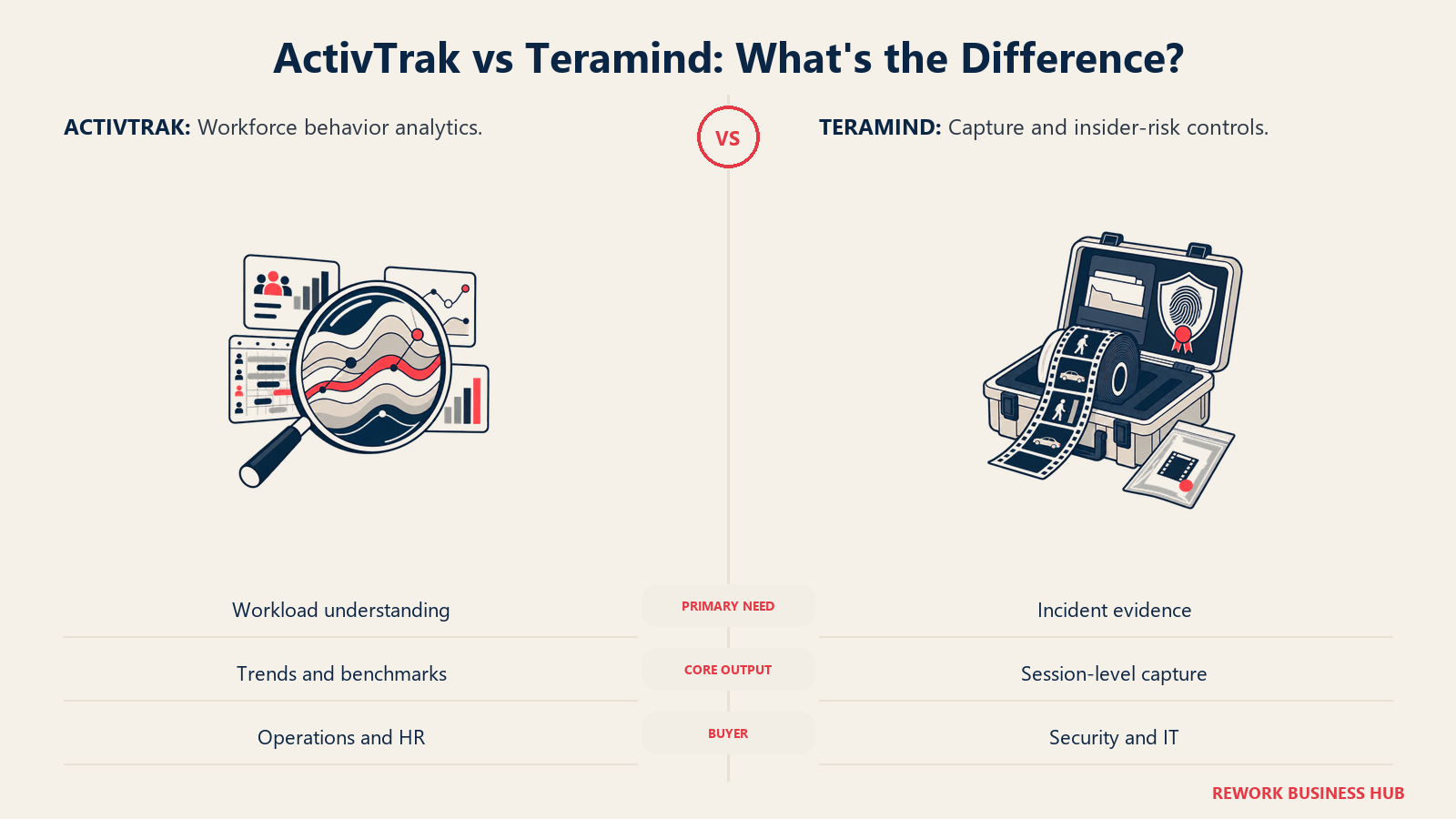
If you're a COO, Head of Ops, HR Director, or IT/Security Director who's been told to "get visibility" into a hybrid or remote team, ActivTrak and Teramind will not answer the same question. ActivTrak spent the last few years deliberately walking away from screen capture: none of its three core tiers include a screenshot, and what it sells instead is attendance patterns, workload benchmarks, and burnout signals aimed at a manager, not an investigator. Teramind never made that trade. Its cheapest tier already ships live session playback and visual evidence capture, and its top two tiers add keystroke logging, OCR-readable screen content, and automatic data-loss blocking, the kind of stack a security team reaches for when it needs proof, not a dashboard.
That's the real decision hiding under "which workforce monitoring tool should we buy": how much of your problem is a productivity and workload question, and how much is a security and insider-risk question that needs forensic-grade evidence. Get that wrong and you pay for it twice, once in wasted budget on capability you didn't need, and once in the trust of a team that finds out later how much was actually being recorded. This comparison prices both tools at 25, 100, and 500 seats using each vendor's own published rates, walks through exactly what each one captures, and covers the notice and consent law that applies before either goes live.
TL;DR
| ActivTrak | Teramind | |
|---|---|---|
| What it is | Workforce analytics platform built around behavior, attendance, and productivity signals | Insider-risk and monitoring platform built around capture, forensics, and automated control |
| Monitoring philosophy | No screenshot capability in any core tier; screen capture is a separate, sales-priced add-on | Screen capture and session recording ship on the cheapest tier; deeper tiers add keystroke logging and content-aware blocking |
| Screenshots | Add-on only (Screen Details), price not published | Included from Starter: visual evidence capture and live playback |
| Keystroke logging | Not offered at any tier | UAM tier and above |
| OCR / content inspection | Not offered at any tier | Enterprise & Government tier only |
| DLP / automatic blocking | Not offered | DLP tier: 200 pre-packaged rules, automatic blocking |
| Entry price | Free (3 users); $10/worker/mo billed annually | $14/seat/mo (5-seat minimum) |
| Billing | Annual contract only, no monthly option published | Monthly or annual, annual saves about 8% per Teramind's pricing page |
| Deployment | Cloud only | Cloud, on-premise, or private cloud (AWS or Azure) |
| Best for | Workforce-wide analytics you can defend without leading with surveillance | Security, compliance, and IT teams that need forensic-grade evidence and automated controls |
What Each Tool Is Actually Built For
ActivTrak's whole pitch rests on one decision: none of its core plans sell screenshot capability. Work Activity Tracking, Workforce Management, and Productivity Optimization all report on behavior, attendance patterns, and workload balance, not a folder of images. A manager gets break identification, schedule adherence, false-activity detection, and AI-adoption tracking. Screenshots exist only through a separate Screen Details add-on, and ActivTrak won't publish a price for it, a genuine product philosophy, not a missing feature page, and the reason ActivTrak markets itself as "workforce analytics" rather than "employee monitoring."
Teramind built its business on the opposite bet: capture depth is the product. Starter already includes visual evidence capture and live session playback across every monitored endpoint. UAM adds User and Entity Behavior Analytics (UEBA), full forensic session reconstruction, keystroke logging, and SIEM integration, for a security team that needs to correlate an alert with exactly what a user typed and clicked. DLP adds content-aware blocking: 200 pre-packaged rules that can stop a file upload or a copy-paste in real time, not just log that it happened. The OCR engine, which reads text inside screenshots and flags sensitive strings a user viewed or copied visually, sits behind the custom-priced Enterprise & Government tier.
| ActivTrak | Teramind | |
|---|---|---|
| Natural buying trigger | A workforce-analytics or workload-balancing initiative from Ops or HR | A specific insider-risk, data-exfiltration, or compliance mandate from Security or IT |
| Team maturity assumed | Comfortable with behavioral dashboards, not ready to defend a screenshot program | Already running (or building) a security or compliance monitoring program with documented purpose |
| Primary champion | COO, Head of Ops, HR Director | CISO, IT Security Director, Compliance lead |
| Company profile that fits best | Mid-size companies that need visibility without a surveillance conversation | Regulated industries, IP-heavy businesses, and security teams that need forensic evidence on demand |
Neither company is chasing the other's customer. ActivTrak markets its absence of screen capture as the selling point; Teramind markets its capture depth as the selling point. Here, the two ends of the spectrum are the story.
Key Facts
- The average annual cost of insider risk incidents rose to $16.2 million per organization in 2023, up from $15.4 million in 2022, and it took an average of 86 days to contain one, per the Ponemon Institute and DTEX Systems' 2023 Cost of Insider Risks Global Report.
- Gartner's Market Guide for Insider Risk Management Solutions predicts that 50% of all medium to large enterprises will adopt a formal insider risk program, per DTEX's summary of the Gartner research.
- In EMEA, nearly a third of breaches (29%) originate from inside the organization, compared with just 5% in North America and 1% in APAC, per Verizon's 2025 Data Breach Investigations Report.
- 74% of US employers use online tracking tools to monitor work activity, but only 22% of employees are confident they know it's happening, per ExpressVPN's February 2025 survey of 1,500 US employers and 1,500 US employees.
- Monitored employees are nearly twice as likely to rate their mental health as poor or fair (32%) compared with employees who aren't monitored (24%), per the American Psychological Association's 2023 Work in America survey of 2,515 employed US adults.
What Each Tool Actually Captures
This table should settle more of the decision than either vendor's own feature page will.
| Capture type | ActivTrak | Teramind |
|---|---|---|
| Screenshots | Add-on only (Screen Details), sales-priced, not published | Included from Starter, plus live view of any monitored screen in real time |
| Keystroke logging | Not offered at any tier | UAM and DLP tiers |
| Session / video recording | Not offered | Included from Starter, full session playback |
| OCR content inspection | Not offered | Enterprise & Government tier only |
| Data loss prevention (DLP) | Not offered | DLP tier: 200 pre-packaged rules, sensitive-content detection, redaction, automatic blocking |
| App and URL tracking | Included in every paid tier | Included in every tier |
| Live view of an active screen | Not offered | Starter and above |
| Behavior rules / automated alerts | Compliance alarms, false-activity detection (Workforce Management and up) | Limited rules on Starter, unlimited behavior rules from UAM up |
| Wellbeing / burnout signals | Yes, workload and burnout benchmarks (Productivity Optimization) | Not a stated feature; Teramind's rules focus on risk and policy violation, not wellbeing |
The gap isn't subtle. ActivTrak stops at the line where a screenshot would exist inside a core plan, and even its add-on doesn't reach keystrokes or OCR. Teramind starts past that line and keeps going: by the time you're on DLP, the platform isn't just watching, it's acting, blocking a file transfer or a paste into an unauthorized app the moment a rule fires. If your honest answer to "what do we need to see" stops at attendance and workload, Teramind's deeper tiers are capability you're paying for and never using. If it includes "prove what a specific person did with a specific file," ActivTrak cannot get you there at any price, add-on included.
Analytics vs Forensics: What Problem Are You Actually Solving
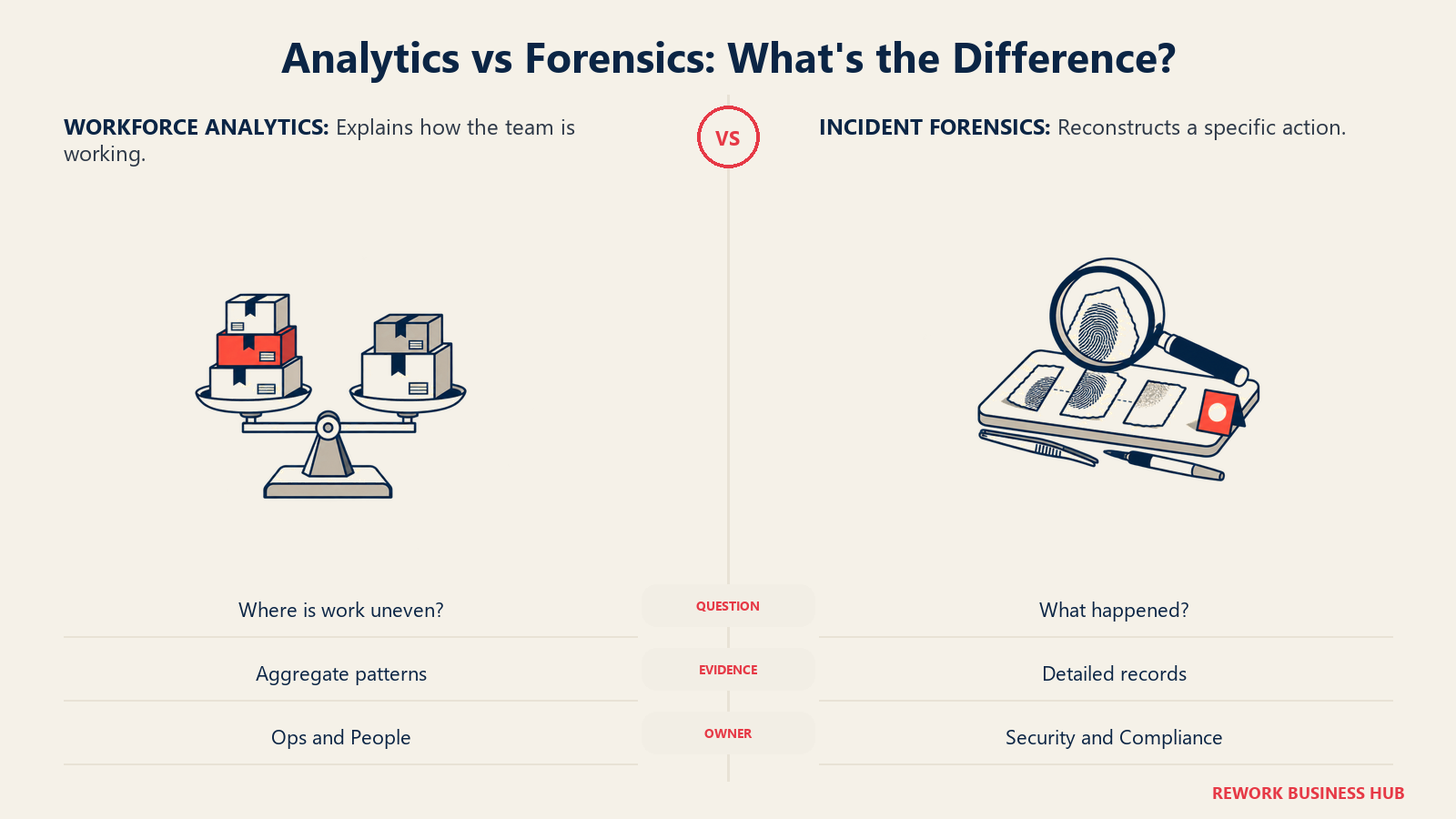
Every buying conversation in this category reduces to one question, worth asking before either sales team gets on a call: are you trying to understand a workforce, or build a case?
| Analytics (ActivTrak's lane) | Forensics (Teramind's lane) | |
|---|---|---|
| Question it answers | "How is the team, in aggregate, actually working?" | "What did this specific person do, and can I prove it?" |
| Typical trigger | Workload imbalance, burnout risk, capacity planning, remote-work skepticism from leadership | A specific incident, a compliance mandate, an IP-theft concern, a regulator requiring documented controls |
| Evidence produced | Trends, benchmarks, dashboards, aggregate scores | Timestamped session recordings, keystroke logs, flagged content, an audit trail suitable for HR or legal action |
| Who typically owns the decision | Ops, HR, People leadership | CISO, IT Security, Compliance, sometimes General Counsel |
| Risk of over-buying | Wasted spend on unused benchmarking dashboards | Deployed capability with no specific, documented reason, the least defensible posture in front of a works council or regulator |
Most teams that end up disappointed picked based on brand recognition, not this framing. A COO evaluating ActivTrak because a board member mentioned "productivity software," and a Security Director evaluating Teramind because compliance flagged an insider-risk gap, are solving different problems, and what's overkill for one is the whole point for the other. Naming which lane you're in cuts most of the remaining decision down to price and deployment fit.
Decision by Business Goal
| Business goal | Best fit |
|---|---|
| "I need to understand workload balance and burnout risk across a distributed team" | ActivTrak |
| "I need forensic proof of what a specific employee did with a specific file or account" | Teramind |
| "I need automated blocking when someone tries to exfiltrate sensitive data, not just a log entry after the fact" | Teramind (DLP tier) |
| "I need workforce analytics I can defend to a works council or general counsel without leading with a screenshot" | ActivTrak |
| "I need SIEM integration and UEBA correlated with session-level evidence for a SOC" | Teramind (UAM tier and above) |
| "I need to pilot with a handful of users before committing any budget" | ActivTrak (free tier, 3 users) |
| "I need on-premise or private-cloud deployment for data-residency reasons" | Teramind |
| "I need the lowest cost per seat at any headcount" | ActivTrak |
Team and Role Fit
| Role | ActivTrak | Teramind |
|---|---|---|
| Ops / team lead | Strong: workload and benchmark dashboards, minimal setup | Overkill unless Ops is also fielding a specific risk concern |
| HR / People Ops | Easiest internal sell, positioned as analytics, not surveillance | A real disclosure and policy conversation before any capture tier goes live |
| IT / Security | Compliance alarms and false-activity detection, but no forensic depth | Strong: UEBA, SIEM integration, session-level forensics, automated blocking |
| Compliance | Workforce-level reporting supports general oversight, not incident response | Built for this: documented DLP rules, audit trails, SOX/HIPAA/PCI-DSS-aligned controls |
| Finance / billing | Workload-balance reporting supports staffing decisions | Not a natural fit; Teramind's value is risk reduction, not cost accounting |
Pricing at 25, 100, and 500 Seats
ActivTrak bills every paid tier annually, with no monthly option at any level. Free covers up to 3 users with 30 days of history. Work Activity Tracking runs $10/worker/month, Workforce Management $15/worker/month, and Productivity Optimization $17/worker/month, all billed annually. ActivTrak also offers a bundle of Workforce Management plus Productivity Optimization advertised as "save 30%" on its pricing page, without printing the resulting per-seat number.
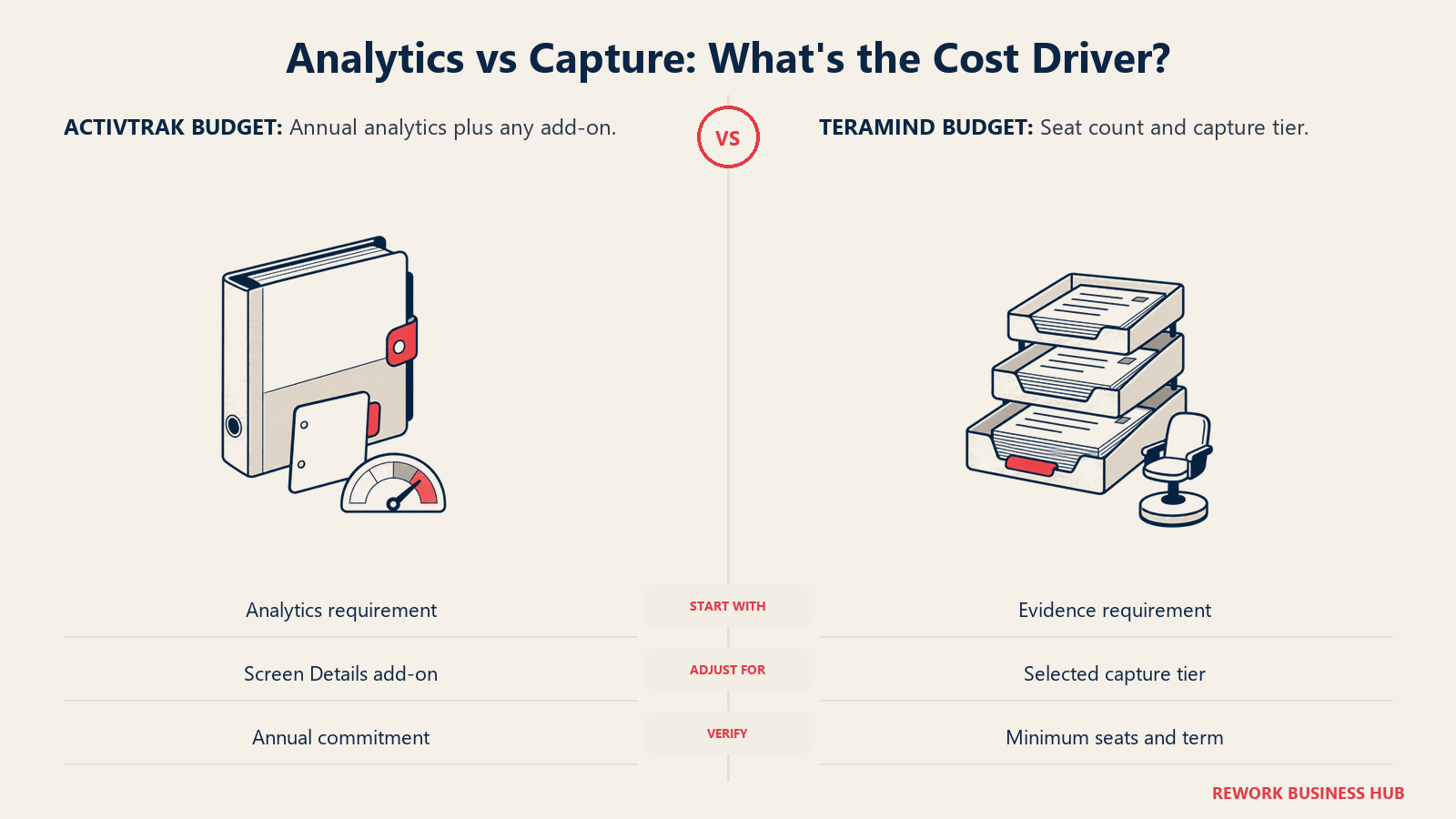
Teramind prices per seat per month with a 5-seat minimum on every plan. Starter runs $14/seat/month, UAM $28/seat/month, and DLP $32/seat/month. Enterprise & Government, where the OCR engine lives, is custom-quoted. Teramind's pricing page states that annual billing saves about 8% versus paying monthly, without publishing the resulting discounted per-seat rate, so the figures below use the published monthly rate multiplied by 12.
| Configuration | 25 seats/year | 100 seats/year | 500 seats/year |
|---|---|---|---|
| ActivTrak Work Activity Tracking ($10/worker/mo annual) | $3,000 | $12,000 | $60,000 |
| ActivTrak Workforce Management ($15/worker/mo annual) | $4,500 | $18,000 | $90,000 |
| ActivTrak Productivity Optimization ($17/worker/mo annual) | $5,100 | $20,400 | $102,000 |
| Teramind Starter ($14/seat/mo, monthly rate x 12) | $4,200 | $16,800 | $84,000 |
| Teramind UAM ($28/seat/mo, monthly rate x 12) | $8,400 | $33,600 | $168,000 |
| Teramind DLP ($32/seat/mo, monthly rate x 12) | $9,600 | $38,400 | $192,000 |
Neither total is the whole story. None of ActivTrak's rows include Screen Details, so if screenshots turn out to matter, add an unpublished, sales-quoted figure to every ActivTrak number here. None of Teramind's rows reflect the roughly 8% annual-billing discount its pricing page describes, so real Teramind totals run somewhat below what's shown, by an amount Teramind doesn't publish as a per-seat figure. At every headcount, ActivTrak's entry tier is the cheaper way onto the platform, and Teramind's forensic tiers cost more than ActivTrak's most expensive tier before a single Screen Details seat is added.
What the cheapest honest configuration actually costs
| Scenario | Configuration | Cost |
|---|---|---|
| ActivTrak absolute floor | Work Activity Tracking, billed annually, no published seat minimum | $10/worker/month, no screenshots at any price on this tier |
| ActivTrak with any screenshot capability | Work Activity Tracking or Workforce Management plus the Screen Details add-on | Base tier price confirmed above; Screen Details price withheld until a sales call |
| Teramind absolute floor | Starter, 5-seat minimum, monthly billing | $70/month ($840/year list), before the roughly 8% annual discount |
| Teramind with keystroke logging and forensics | UAM, 5-seat minimum, monthly billing | $140/month ($1,680/year list), before the roughly 8% annual discount |
Read that table twice before you sign anything. A 5-person pilot of Teramind's UAM tier, the level most buyers mean when they say "we need Teramind," runs $1,680 a year at list before any discount. A 3-person ActivTrak pilot costs nothing. The two tools aren't just different in what they capture; they're different in what it costs to find out whether the capture is worth it.
Deployment, Data Residency, and Governance
ActivTrak is cloud-only. Nothing in its product or security materials describes an on-premise or private-cloud option, and every plan, free or paid, runs on ActivTrak's hosted infrastructure. ActivTrak achieved SOC 2 Type I certification in November 2021 and has since added SOC 2 Type II, covering security, availability, and confidentiality, published through its Trust Center. Data retention is tiered by plan: 30 days on Free, 6 months on Work Activity Tracking and Workforce Management, and 1 year on Productivity Optimization, extendable through a Data History add-on.
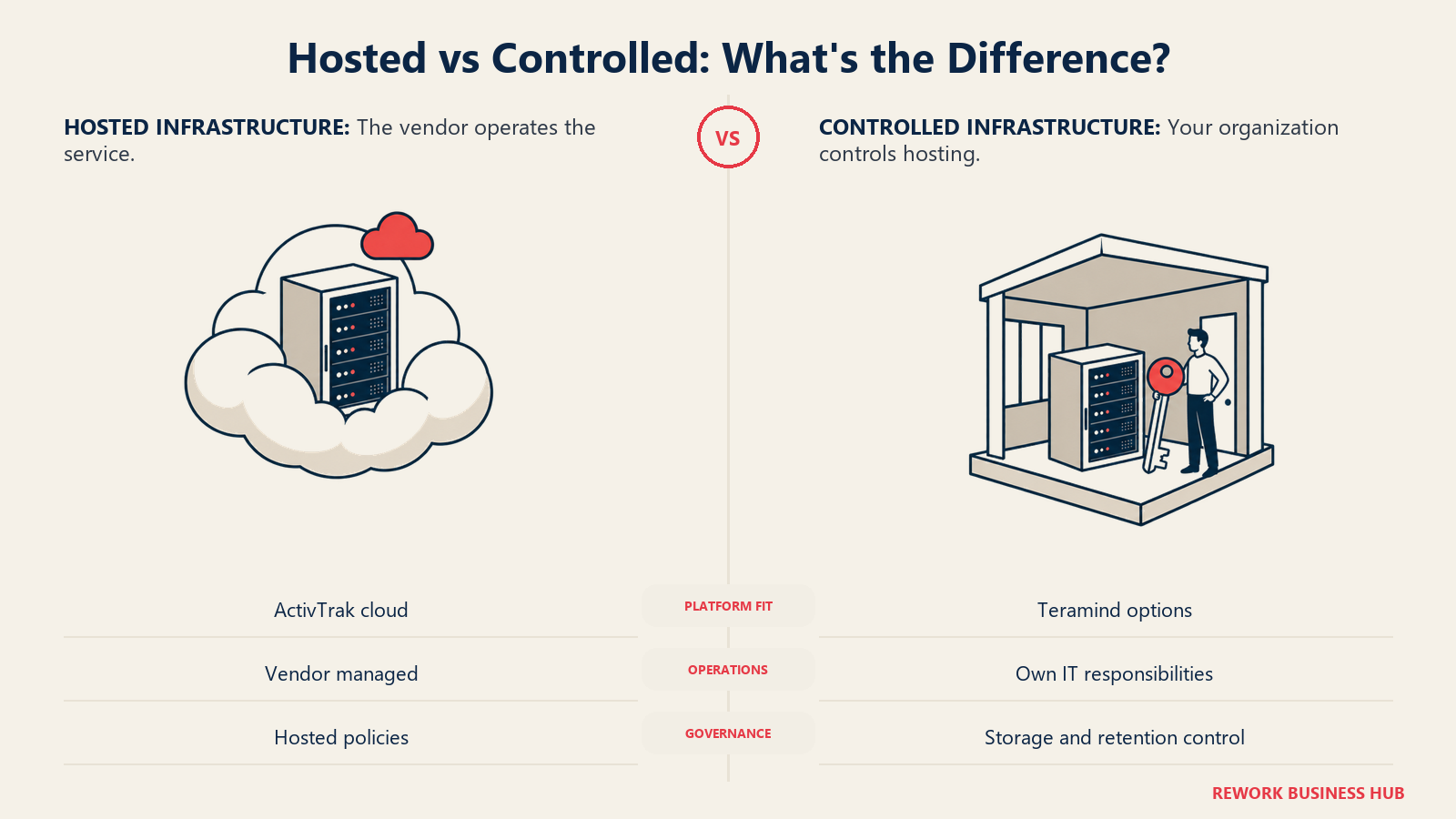
Teramind offers three deployment models, and the choice is a real governance decision, not a checkbox. Teramind Cloud is the hosted, hassle-free option: no server installation, automated updates and backups. Teramind On-Premise ships as an all-inclusive virtual appliance deployed into your own VMware, Hyper-V, or Nutanix AHV environment, with your team managing the server, updates, and backups. Teramind Private Cloud runs on AWS or Azure infrastructure you control, combining cloud scalability with on-premise-style data ownership. Teramind itself has achieved ISO 27001:2022 and SOC 2 Type II compliance, and government customers can also deploy into AWS GovCloud or Azure Government.
| Factor | ActivTrak | Teramind |
|---|---|---|
| Deployment models | Cloud only | Cloud, on-premise (VMware, Hyper-V, or Nutanix AHV), or private cloud (AWS or Azure) |
| Data residency control | Determined by ActivTrak's hosting | Full control available via on-premise or private cloud |
| Security certification | SOC 2 Type I (2021) and Type II | ISO 27001:2022 and SOC 2 Type II |
| Data retention | Tiered by plan: 30 days, 6 months, or 1 year, extendable via add-on | Configurable; on-premise and private-cloud customers control their own storage and retention policy |
| Government / high-compliance option | Not offered | Enterprise & Government tier, AWS GovCloud or Azure Government available |
If legal or security has already told you data must stay in a specific region on infrastructure you control, that alone rules ActivTrak out. If cloud-only is a non-issue, ActivTrak's simpler posture and lower price stand on their own merits.
The Legal Landscape: Notice, Consent, and Cross-Border Rules
Employee-monitoring law depends on where your people sit, and it applies to ActivTrak's behavioral analytics almost as much as Teramind's session recordings; several of the laws below trigger on the mere technical capability to monitor, not how deep the capture goes.
| Jurisdiction | Requirement | Penalty or mechanism |
|---|---|---|
| Connecticut (Gen. Stat. § 31-48d) | Prior written notice of monitoring types, plus a posted workplace notice | Up to $500 first offense, $1,000 second, $3,000 third and later, per Justia |
| Delaware (19 Del. Code § 705) | Daily electronic notice each time an employee accesses employer email or internet, or a one-time signed acknowledgment | Enforced under Delaware labor law, per Justia |
| New York (Civil Rights Law § 52-c) | Prior written notice at hiring plus a posted notice, before monitoring email, internet, or phone use | $500 first offense, $1,000 second, $3,000 third and later, enforced by the state AG, per Justia |
| European Union (GDPR Art. 6(1)(f)) | Needs a lawful basis; consent is generally unreliable in employment given the power imbalance, so employers typically rely on a documented legitimate-interest assessment | Enforced by national data protection authorities under GDPR's standard fine tiers, per EDPB guidance |
| Germany (BetrVG Section 87(1) No. 6) | The works council holds a co-determination right over any technically monitoring-capable system; objective capability triggers the right, intent doesn't | A formal works agreement is required, or it goes to a conciliation committee, per Luther Lawfirm |
| Netherlands (Works Councils Act, Art. 27(1)(l)) | The works council has a consent right over any measure aimed at monitoring attendance, behavior, or performance, for employers with 50 or more staff | Without works council consent the system cannot be validly introduced, per the Dutch Data Protection Authority |
| France (Labor Code Art. L.2312-38) | The CSE (works council) must be informed and consulted before deploying any technology that monitors employee activity, for employers with 11 or more staff | Failing to consult is the offense of délit d'entrave, and unconsulted monitoring evidence can be ruled inadmissible in court, per France's official labor code |
This is not a complete list of every state or country's rules, and they change. Whether ActivTrak's behavioral analytics or Teramind's session-level capture satisfies your jurisdiction's notice and consultation requirements is not something a comparison article can confirm; that needs your own counsel. The practical read for a multinational buyer: Teramind's deeper capture makes the German, Dutch, and French works-council reviews harder and slower to clear, while ActivTrak's absence of screen capture is genuinely easier to get through the same review, exactly the case ActivTrak makes for itself.
The Trust Cost of Getting This Wrong
None of this is only a legal question. It's behavioral, and the research doesn't flatter either tool once monitoring is deployed badly.
| Finding | What it means for ActivTrak or Teramind buyers |
|---|---|
| Employees told they were under electronic surveillance were more likely to cheat on a task than employees who weren't told, per a Harvard Business Review-published study | Heavier capture doesn't guarantee more honest behavior; it can produce the opposite of what a Teramind-style forensic case is trying to prove |
| Algorithmic surveillance lowered workers' sense of autonomy and raised intent to quit more than equivalent oversight from a human manager, per a 2024 study in Communications Psychology | Teramind's automated rule-based flags carry more of this risk than ActivTrak's aggregate behavioral analytics |
| 49% of employees said they'd consider leaving a job over increased workplace surveillance, per ExpressVPN's 2025 survey | Retention risk scales with how invasive a rollout looks to the team, not just whether it's technically lawful |
| The average insider risk incident now takes 86 days to contain and costs $16.2 million annually across an organization, per Ponemon and DTEX | The cost case for Teramind's deeper tiers is real, which is exactly why the deployment discipline around them matters more, not less |
None of this means either tool is the wrong call. It means the tool doesn't decide whether a rollout is defensible. A documented purpose, written disclosure before go-live, the lightest capture depth the risk requires, and a stated retention policy turn either ActivTrak or Teramind into a program a reasonable employee would call fair. Skipping all four turns either one into the reason your best people start quietly job-hunting.
Implementation and Change Management
| Factor | ActivTrak | Teramind |
|---|---|---|
| Setup time | Fast on the free tier; paid tiers add a sales step | Fast on Cloud; On-Premise and Private Cloud add real IT project time |
| Employee communication needed | Minimal at Work Activity Tracking; real once Screen Details is added | Real from day one, given session recording and live view ship on Starter |
| Written monitoring policy | Needed once Screen Details is added | Needed before any tier goes live, given the default capture depth |
| Works council or union review (EU) | Least likely to stall at default settings, the point of ActivTrak's positioning | Likely required before UAM or DLP tiers go live in Germany, the Netherlands, or France |
| Admin overhead | Real: annual-only billing plus add-on stacking adds negotiation steps | Real: choosing a deployment model, seat count above the 5-seat minimum, and which behavior rules to enable is its own project |
When ActivTrak Is the Right Call
- You need workforce-wide analytics, attendance patterns, workload balance, burnout signals, that a monitoring-skeptical leadership team or works council will actually approve
- Your actual problem is capacity planning or productivity coaching, not evidence collection tied to a specific incident
- A permanently free tier for a 3-person pilot matters before you commit any budget
- You're comfortable with an annual-only contract and cloud-only deployment in exchange for a simpler, less invasive default posture
When Teramind Is the Right Call
- You have a genuine insider-risk or data-exfiltration concern and need forensic-grade evidence: keystroke logs, session recordings, and OCR-readable screen content
- Compliance mandates around sensitive data (SOX, HIPAA, or PCI-DSS-adjacent handling) require documented, automated DLP controls, not just visibility after the fact
- Data residency or a regulator requires on-premise or private-cloud deployment, ruling out a cloud-only vendor
- You're investigating a specific, founded concern with sign-off from HR and legal, not rolling out blanket surveillance because the capability happened to be available
If Neither Fits
If ActivTrak's analytics-only stance feels like too little, or Teramind's forensic depth feels like more than the problem calls for, these five sit at different points between the two.
| Tool | Best for | Entry price |
|---|---|---|
| Insightful | Distributed or outsourced teams that want capture-free analytics as the default, with screenshots as an optional add-on | $8/seat/mo billed annually |
| Time Doctor | Teams that want screenshots and activity tracking included from the cheapest tier, without Teramind's forensic depth | $8/user/mo monthly, $6.67 annual |
| Veriato | Teams that want keystroke logging and screen capture in one price, without Teramind's DLP and OCR stack | $18/user/mo billed annually |
| Prodoscore | Teams that want a productivity signal with zero agent, zero screenshots, and zero keystroke capture, by design | From $300/mo (15 seats) |
| Microsoft Viva Insights | Organizations already on Microsoft 365 that want aggregate collaboration analytics with no individual activity tracking at all | $4/user/mo paid yearly |
For the wider field in both directions, Best ActivTrak Alternatives and Best Teramind Alternatives go deeper than these five. Best Insightful Alternatives and Best Time Doctor Alternatives are worth a look if you land nearer the middle of the spectrum than either ActivTrak or Teramind sits. And if the budget, rather than the capture depth, is what rules both of these out, Best DeskTime Alternatives covers the cheaper end of the same market.
Decision Framework
| If you are... | Pick |
|---|---|
| Building a workforce-analytics case that has to survive HR, legal, or a works council review | ActivTrak |
| Investigating a specific, founded insider-risk or data-exfiltration concern | Teramind (UAM or DLP) |
| Piloting with a small team before committing any budget | ActivTrak (free tier, 3 users) |
| Required to deploy on-premise or in a private cloud for data-residency reasons | Teramind |
| Needing automated blocking when sensitive data moves, not just a log entry after the fact | Teramind (DLP tier) |
| Wanting the lowest cost per seat at any headcount | ActivTrak |
| Still comparing the wider category before narrowing down | See our full employee monitoring roundup and productivity tracking roundup |
| Weighing this same trust-and-capture tradeoff across three tools instead of two | See our DeskTime vs Insightful vs ActivTrak comparison |
The verdict: if the job is workforce analytics you can defend without a surveillance conversation, ActivTrak's product philosophy is built for exactly that, and it costs less at every headcount. If the job is forensic-grade proof of what a specific person did with a specific file, or automated controls that stop sensitive data from leaving, Teramind's deeper tiers are the reason it costs more, and the reason security and compliance teams buy it anyway.
Frequently Asked Questions about ActivTrak vs Teramind
Does ActivTrak take screenshots?
Not in any of its three core paid tiers, Work Activity Tracking, Workforce Management, or Productivity Optimization. Screenshot capability lives in a separate Screen Details add-on that ActivTrak prices through a sales call rather than publishing on its pricing page.
Does Teramind log keystrokes?
Yes, starting at the UAM tier ($28/seat/month, 5-seat minimum). The entry-level Starter tier ($14/seat/month) ships session recording and live playback, but it does not capture what was typed.
Which tool is cheaper?
At list price, ActivTrak's entry tier (Free for 3 users, then $10/worker/month billed annually) is cheaper per seat than Teramind's entry tier ($14/seat/month, 5-seat minimum). The gap widens once you need Teramind's forensic features: UAM runs $28/seat/month and DLP runs $32/seat/month, both still subject to the 5-seat minimum.
Can I run either tool on my own servers?
Teramind, yes. It offers Cloud, On-Premise (deployed as a virtual appliance on VMware, Hyper-V, or Nutanix AHV), and Private Cloud on AWS or Azure. ActivTrak is cloud-only; it does not publish an on-premise or private-cloud option.
Does either tool have a seat minimum?
Teramind requires a minimum of 5 seats on every plan, Starter through DLP. ActivTrak publishes no seat minimum on its paid tiers, though its free tier caps out at 3 users.
What notice do I have to give employees before turning on monitoring?
It depends on where they work. Connecticut, Delaware, and New York require written notice before electronic monitoring begins. Under GDPR, most employers rely on a documented legitimate-interest assessment rather than consent, and Germany, the Netherlands, and France each give works councils a consent or consultation right before a monitoring-capable system goes live. Confirm your specific obligations with counsel before either tool starts capturing data.
Does ActivTrak or Teramind offer OCR to read text inside screenshots?
Teramind does, but only at its custom-priced Enterprise & Government tier. ActivTrak does not offer OCR at any tier; it doesn't sell screenshot capability inside its core plans at all.
Which tool is easier to justify to a works council or legal team?
ActivTrak, by design. Its core plans never include screen capture, keystroke logging, or content inspection, only behavioral and attendance analytics, which lowers the bar for the co-determination and consultation reviews required in Germany, the Netherlands, and France. Teramind's forensic capabilities are the reason security teams buy it, but they also trigger the heaviest version of those same reviews.
What to Do Next
- Decide what you're actually trying to prove or improve before comparing price. A workload or workforce-analytics need points to ActivTrak. A specific insider-risk or evidentiary need points to Teramind. There's little useful middle ground.
- Price your real headcount at the tier where the capability lives, using the tables above, not the entry-tier sticker price, and account for Teramind's 5-seat minimum and ActivTrak's annual-only billing before you set a budget.
- Loop in HR, legal, and a works council where one exists, before any capture-heavy tier goes live, using the jurisdiction table above as a starting checklist, not a substitute for counsel.
- Run a short pilot with real employees, not a demo account, and watch what changes in how the team talks about the tool once they know it's there.
- If you're still narrowing the category, Best Workforce Management Software and Best Time Tracking Software cover the adjacent categories, and our Hubstaff vs TimeCamp and Time Doctor vs Hubstaff comparisons run this same framework on lighter-weight tools.

Principal Product Marketing Strategist
On this page
- TL;DR
- What Each Tool Is Actually Built For
- Key Facts
- What Each Tool Actually Captures
- Analytics vs Forensics: What Problem Are You Actually Solving
- Decision by Business Goal
- Team and Role Fit
- Pricing at 25, 100, and 500 Seats
- What the cheapest honest configuration actually costs
- Deployment, Data Residency, and Governance
- The Legal Landscape: Notice, Consent, and Cross-Border Rules
- The Trust Cost of Getting This Wrong
- Implementation and Change Management
- When ActivTrak Is the Right Call
- When Teramind Is the Right Call
- If Neither Fits
- Decision Framework
- What to Do Next