Best TimeCamp Alternatives in 2026: 14 Time Tracking Tools for Growing Teams
Turn this article into takeaways for your work.


Each assistant summarizes the article only for you and suggests best practices for your work.
TimeCamp built its reputation on the free plan that's actually free: unlimited users, unlimited projects, no seat cap, a rarity in a category where "free" almost always means "free until you add a fourth teammate." That model still works well for a budget-conscious team, especially small agencies and remote crews that can't justify a per-seat bill before they've proven a tool sticks. But teams that pick TimeCamp because it's free tend to leave for one of three reasons: the interface feels a step behind Toggl Track or Timely, the monitoring depth (screenshots, GPS, activity levels) doesn't run as deep as Hubstaff or Time Doctor, or the invoicing and client-billing polish trails what Harvest or Paymo build natively into the product. This guide covers 14 alternatives across all three exits, from direct free-tier rivals like Clockify to purpose-built billing and monitoring tools.
Tools are evaluated on pricing transparency, monitoring and reporting depth, and fit for teams that have outgrown a free timer. Where a vendor doesn't publish a flat dollar price, this guide labels any third-party estimate (reported) rather than presenting it as vendor-confirmed. Weighing TimeCamp specifically against a monitoring-heavy rival? See Hubstaff vs TimeCamp. For the full category view, see Best Time Tracking Software in 2026.
Key Facts
- A 2022 EY survey found payroll errors cost an average of $291 each to correct, once staff investigation time, correction processing, and reissued payments are counted. (WebClock)
- That same EY research found time-and-attendance corrections eat roughly 29 work-weeks a year for every 1,000 employees, the single most common category of payroll fix. (WebClock)
- The American Payroll Association puts the average cost of payroll errors at 1.2% of total payroll spend annually. (APS Payroll)
- Employers lose an average of 4.5 hours per week per employee to time theft, per American Payroll Association estimates. (Synerion)
- The global time tracking software market is on pace to grow from roughly $6.1 billion in 2025 to $17.4 billion by 2033, a 14.2% compound annual growth rate. (Grand View Research)
Quick Comparison Table
| Tool | Best For | Starting Price | Key Strength | Key Limitation |
|---|---|---|---|---|
| Clockify | A widely recognized brand with a big integration catalog | Free (5 users); Basic $4.99/user/mo, $3.99 annual | Widest third-party integration catalog in the category | Free plan capped at 5 users since April 2026 |
| Toggl Track | The fastest, cleanest timer with real reporting | Free (limited); Starter $9/user/mo billed annually | Reporting UI that's easiest to read at a glance | Approvals locked behind Premium at $18-20/user/mo |
| Harvest | Client billing and project budgets | Free (1 seat); Teams $9/seat/mo ($108/seat/yr) | Native invoicing tied to tracked time | No free tier past 1 seat |
| Hubstaff | Field and remote teams needing GPS/activity data | Starter $7/seat/mo ($4.99 annual), 2-seat minimum | GPS geofencing, activity levels | No free tier, feels heavy for office-only teams |
| Everhour | Teams living inside Asana, Trello, or ClickUp | Free (up to 5 seats); Team $8.50/seat/mo annual, 5-seat minimum | Deep native PM tool integration | Not a standalone project tool |
| Rework | Timesheets on the same platform as CRM and Work Ops | Quote on request (rework.com/pricing) | Hours, projects, and people on one record | No published self-serve price |
| My Hours | Freelancers and small teams on a budget | Free (up to 5 users); Basic $5/user/mo ($4 annual) | Budget and rate calculations at a low price | Approval workflows only on the Pro tier |
| Jibble | Free-forever attendance with facial recognition | Free (unlimited users); Premium $4.49/user/mo annual | Biometric clock-in at no cost | Monthly-billed rates not published |
| Time Doctor | Distributed teams wanting activity insight | From $8/user/mo monthly, $6.67 annual | Screenshots, unusual-activity detection | Base tiers strip out integrations and payroll |
| QuickBooks Time | Teams already running QuickBooks payroll | Time Premium $20/mo base + $10/user/mo | Direct payroll sync | Two-part pricing (base + per user) is easy to misquote |
| Deltek Replicon | Enterprise, professional services, government | Quote on request, no published price | Enterprise-grade project time and billing | No self-serve pricing at all |
| Paymo | Agencies wanting tracking, tasks, and invoicing together | Free (1 user); Solo $9.90/mo ($5.90 promo) | Time tracking plus a full project/invoicing suite | Multi-user plans get pricey at the Pro tier |
| Timely | Automatic, no-manual-timer tracking | Starter $11/user/mo ($9 annual), capped at 5 users | AI auto-categorizes time, no start/stop button | Price climbs fast past the Starter cap |
| Traqq | Lightweight monitoring without a heavy setup | Free (up to 3 users); Plus $4/user/mo (up to 10 users) | Features grouped under an "ethical time tracking" banner | Free tier caps out fast at 3 users |
Why Teams Leave TimeCamp
TimeCamp's free plan is the real deal: no seat cap, unlimited projects, timesheets, and web, desktop, and mobile apps, plus two-factor authentication built in, all for $0 forever. TimeCamp also bundles a token-based AI Time Tracker on top of that, which is metered usage rather than a flat fee. (timecamp.com/pricing) That generosity is why so many teams start there, and why plenty never leave. The paid ladder holds up too: Starter runs $5.49 monthly or $3.99 billed annually, Premium $9.99 monthly or $6.99 annual, and Ultimate $13.99 monthly or $9.99 annual, with an on-request Enterprise tier for larger deployments that also unlocks an on-premise option once a team commits to 50 or more users on an annual Ultimate plan. None of TimeCamp's tiers, including the free one, carry a seat minimum, a real point of difference against Hubstaff's 2-seat floor.
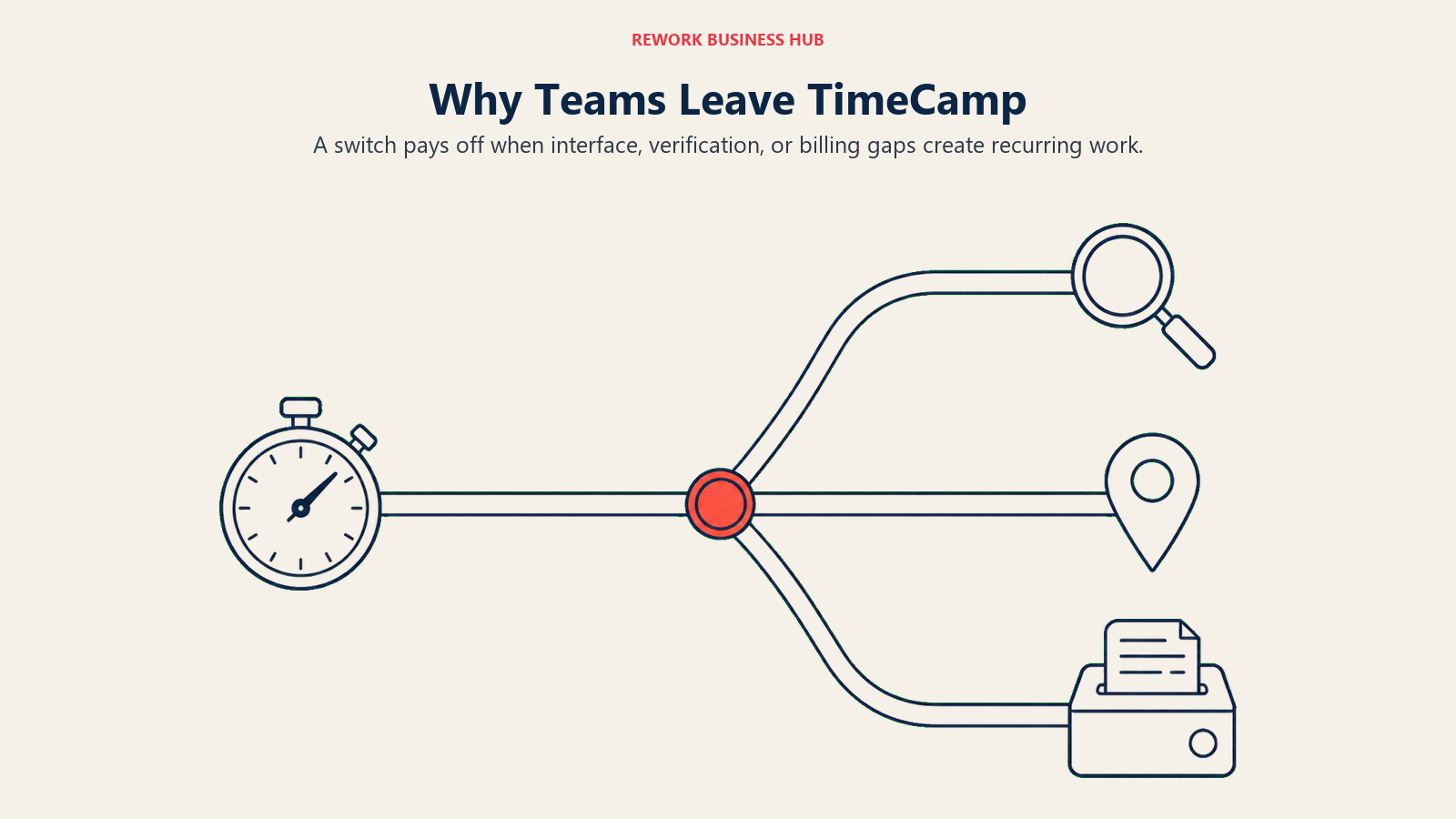
The wall usually shows up in one of three places.
Interface and reporting polish. TimeCamp's screens still read like a mid-2010s SaaS product next to Toggl Track's calendar view or Timely's automatic dashboards. Nothing is broken, but a team used to a more modern reporting UI notices the gap inside the first week.
Monitoring depth. TimeCamp's Ultimate tier adds screenshots, but it stops well short of Hubstaff's GPS geofencing or Time Doctor's unusual-activity detection. Teams that need to verify a field tech's location or flag an idle remote worker outgrow what TimeCamp's activity tracking was built to do.
Billing and invoicing polish. TimeCamp bundles invoicing starting at Starter, but it reads like a feature added to a timer, not a product built around client billing the way Harvest ties every entry to an invoice and a budget, or Paymo wraps time tracking inside a fuller project and invoicing suite.
None of that makes TimeCamp a bad choice, especially at $0 with no seat cap. It's a starting point some teams outgrow once one of those three gaps starts costing more in workarounds than a paid alternative would in license fees.
1. Clockify: The Other Generous Free Plan
If TimeCamp's draw was the free tier, Clockify is the most obvious like-for-like: CAKE.com's tool (the company behind Clockify, Pumble, and Plaky) built a real business on a free plan too, though the two took different paths on where to draw the paywall line. Where TimeCamp keeps every free-tier user unlimited, Clockify capped its free plan at 5 users in April 2026 and moved billable hours, kiosk clock-in, CSV and Excel export, and shared report links behind a paid plan.
| What you get | What you don't |
|---|---|
| The widest third-party integration catalog in the category | An unlimited-user free tier (capped at 5 since April 2026) |
| A large, well-documented browser extension | A UI meaningfully more modern than TimeCamp's |
| Kiosk mode and clock-in on paid tiers | Billable hours or CSV export on the free plan |
| A brand name most new hires already recognize | Monitoring as deep as Hubstaff or Time Doctor |
Pricing: Free (5 users); Basic $4.99/user/mo monthly, $3.99 annual; Standard $6.99 monthly, $5.49 annual; Pro $9.99 monthly, $7.99 annual; Enterprise $14.99 monthly, $11.99 annual. (Clockify) Best for: Teams that want a widely recognized brand and the biggest integration catalog in the category, and don't mind a 5-user free-tier cap. See Best Clockify Alternatives if Clockify itself is the tool you're comparing against. Not ideal for: Teams whose whole reason for picking TimeCamp was an unlimited-user free plan, since Clockify's free tier caps at 5.
2. Toggl Track: A Faster, Cleaner Timer
Toggl Track is where TimeCamp users go when the interface is the actual complaint. The core loop, a one-click timer, a clean calendar view, fast filtering, feels a generation newer, and Toggl's reporting is built to be read at a glance rather than exported and reformatted first.
| What you get | What you don't |
|---|---|
| A timer and calendar view that feel current | An unlimited-user free tier |
| Reporting built to be read without exporting first | Native invoicing without an integration |
| Idle detection and calendar integrations | Approval workflows below Premium |
| Strong mobile and desktop apps | GPS or activity-level monitoring |
Pricing: Free (limited users); Starter $9/user/mo billed annually; Premium $18/user/mo billed annually, $20 billed monthly (or $14 for year one, renewing at $18); Enterprise custom. (Toggl Track) Best for: Teams whose main complaint with TimeCamp is the interface rather than the price, and who'll pay more for a cleaner day-to-day experience. If Toggl itself is the tool you're weighing options against, see Best Toggl Track Alternatives. Not ideal for: Budget-conscious teams that valued TimeCamp's unlimited free plan, since Toggl's free tier caps the user count.
3. Harvest: Time Tracking Built Around Client Billing
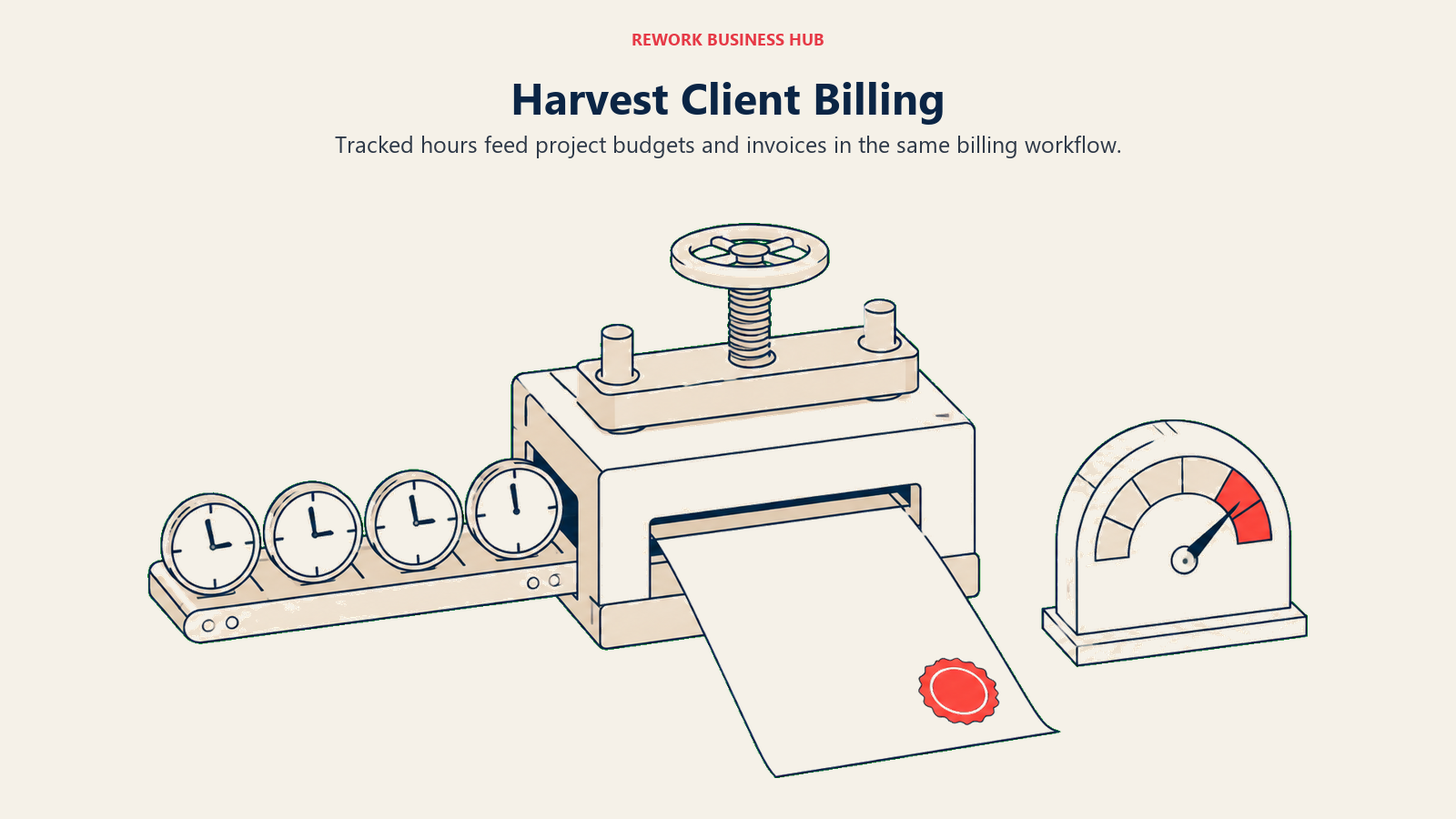
TimeCamp's invoicing sits behind the Starter tier and reads like a feature added to a timer. Harvest reverses that: every time entry is built to become part of an invoice or a budget check from the start, which is the whole reason agencies pick it over a general-purpose tracker.
| What you get | What you don't |
|---|---|
| Invoicing generated straight from tracked time | A free tier past 1 seat |
| Real-time budget vs. actual tracking | An unlimited-user free plan like TimeCamp's |
| Clean expense tracking alongside time | The lowest per-seat price on this list |
| Deep QuickBooks and Xero integrations | Screenshots or GPS attendance features |
Pricing: Free (1 seat, 2 projects); Teams $9/seat/mo ($108/seat/yr); Enterprise $14/seat/mo ($168/seat/yr); Enterprise Plus custom. Additional invoices, projects, clients, and tasks are billed on usage on top of the seat rate. (Harvest) Best for: Agencies and consultancies that bill clients by the hour and want budgets, invoices, and time on one record. See Best Harvest Alternatives if Harvest itself is what you're evaluating against. Not ideal for: Teams whose priority is internal attendance tracking rather than client billing, or that need TimeCamp's unlimited free seats.
4. Hubstaff: GPS and Activity Data for Field and Remote Teams
TimeCamp's Ultimate tier adds opt-in screenshots as one feature among several. Hubstaff builds the entire product around verification: GPS geofencing confirms a field tech clocked in from the right site, activity levels flag an idle remote worker, and route tracking covers field service in a way TimeCamp's activity tracking doesn't reach.
| What you get | What you don't |
|---|---|
| GPS geofencing for field and remote crews | A free tier at any seat count |
| Activity levels and optional screenshots | TimeCamp's no-seat-minimum pricing |
| Automated payroll based on tracked hours | The simplest onboarding on this list |
| Job-site and route tracking for field service | A lightweight feel for office-only teams |
Pricing: No free plan, 14-day trial; Starter $7/seat/mo monthly, $4.99 annual; Grow $9 monthly, $7.50 annual; Team $12 monthly, $10 annual; Enterprise $25/seat/mo, annual quoted (2-seat minimum). (Hubstaff) Best for: Field service and remote teams that need GPS verification or activity-level insight beyond what TimeCamp's screenshots cover. Weighing Hubstaff against TimeCamp specifically? See Hubstaff vs TimeCamp for a full head-to-head, including the 2-seat minimum Hubstaff enforces that TimeCamp doesn't. Not ideal for: Office teams that would find screenshots and activity monitoring more than they need, or that want TimeCamp's zero seat minimum.
5. Everhour: Time Tracking That Lives Inside Your PM Tool
TimeCamp connects to project tools through integrations, but Everhour skips the separate-app problem entirely: it embeds directly into Asana, Trello, ClickUp, Basecamp, and a handful of others, so time gets tracked from inside the task someone's already looking at, not a second tab to remember.
| What you get | What you don't |
|---|---|
| Deep native integration with Asana, Trello, ClickUp | A standalone project management tool |
| Time tracked from inside the task, not a second app | TimeCamp's unlimited-user free plan |
| Budgets and billing tied to the connected PM tool | A free tier for teams needing more than 5 seats |
| Simple, transparent per-seat pricing | GPS or field verification features |
Pricing: Free (up to 5 seats); Team $8.50/seat/mo billed yearly, 5-seat minimum; custom plan from 50 seats. (Everhour) Best for: Teams already living inside Asana, Trello, or ClickUp that want time tracking embedded there instead of a separate app like TimeCamp. See Best Everhour Alternatives if Everhour is the tool you're actually comparing against. Not ideal for: Teams without an existing PM tool Everhour integrates with, or that need TimeCamp's no-minimum free plan.
6. Rework: Timesheets Without a Second System to Reconcile
TimeCamp does one job well: track hours and turn them into a report or an invoice. Rework's Timesheet module, part of the broader People app alongside HRIS and attendance, is built to answer a different question: whose hours are these, which project were they booked to, and does that match the person's record in HR and the deal it's billed against? Instead of running a time tracker next to a separate CRM and a separate HR system and reconciling all three by hand, hours, projects, and people live on one record.
That's the whole pitch, and it only matters if a team is already running, or planning to run, CRM, Work Ops, or HR through Rework. If all a team needs is a fast timer and an exported report, TimeCamp already does that job well, and for free.
| What you get | What you don't |
|---|---|
| Timesheets on the same record as CRM/Sales and Work Ops | A free or single-seat tier |
| Hours tied to the same project and employee record HR uses | TimeCamp's unlimited-user free plan |
| One platform instead of three logins to keep in sync | Screenshot or activity-level monitoring |
| Packaged annual pricing, not per-seat month-to-month fees | A published self-serve price |
Pricing: Rework doesn't publish a price for the Timesheet module. It sits in the People product line, which has no published price; Rework quotes it per organization. See rework.com/pricing for the published Sales Ops, Lead Ops, and Work Ops lines, or ask for a People quote.
Best for: Mid-size teams (roughly 20-200 people) already consolidating ops onto one platform who want timesheets on the same customer and project records as CRM and Work Ops, instead of a standalone tracker synced in by hand. See Best Timesheet Software in 2026 for how the wider timesheet category compares. Not ideal for: Freelancers and solo users (no free or single-seat tier), teams that just need TimeCamp's fast free timer, agencies wanting Harvest-level billable-hours invoicing, or buyers wanting a published self-serve price today.
7. My Hours: A Budget Pick With Real Approval Workflows
TimeCamp puts invoicing lower in its pricing ladder than most competitors, but approval workflows only show up on Ultimate. My Hours flips that: budget and approval workflows sit on its low-priced Pro tier, aimed at small teams and freelancers who need more than a timer but don't want to climb TimeCamp's ladder just for sign-off.
| What you get | What you don't |
|---|---|
| Approval workflows with audit logs on Pro | A brand as recognized as Toggl or Harvest |
| Rate and budget calculations at a low price | TimeCamp's unlimited-user free tier |
| A genuinely useful free tier up to 5 users | GPS or activity-level monitoring |
| Simple, transparent per-user pricing | A mobile app as polished as the larger players |
Pricing: Free (up to 5 active users); Basic $5/user/mo monthly, $4 annual; Pro $9 monthly, $8 annual; Enterprise custom. (My Hours) Best for: Small teams and freelancers who want approval workflows and budget tracking without climbing to TimeCamp's Ultimate tier. Not ideal for: Larger teams wanting deep integrations, activity monitoring, or TimeCamp's no-cap free plan.
8. Jibble: Free-Forever Attendance With Facial Recognition
TimeCamp's free plan is unlimited by user count but built around project time. Jibble matches TimeCamp's free-forever ambition and points it at a different job: face recognition and GPS-tracked clock-ins, free for unlimited users, aimed at hourly and shift-based teams confirming who actually showed up and where.
| What you get | What you don't |
|---|---|
| Face recognition and GPS clock-in for free | A published monthly-billed rate |
| Unlimited users on the free plan, same as TimeCamp | Project profitability or invoicing tools |
| Slack, Microsoft Teams, and QuickBooks integrations | Deep project time tracking like TimeCamp offers |
| Fast setup with no credit card required | Approval workflow depth verified beyond the free tier |
Pricing: Free (unlimited users, core attendance features); Premium $4.49/user/mo and Ultimate $7.99/user/mo, both billed annually; Jibble says monthly billing runs roughly 30% higher but does not print those figures. (Jibble) Best for: Hourly and shift-based teams that need free, verified clock-in and clock-out rather than TimeCamp's project-time focus. Not ideal for: Teams needing project profitability, invoicing, or budget tracking, which Jibble doesn't build for.
9. Time Doctor: Activity Insight for Distributed Teams
TimeCamp's Ultimate tier adds screenshots as one feature among many. Time Doctor leans further into monitoring across its entire lineup: screenshots, web and app usage reporting, unusual-activity detection, and productivity ratings, aimed at managers who need visibility into a fully distributed or outsourced team.
Time Doctor's main marketing pricing page renders its plan table through JavaScript and shows no figures on load, but Time Doctor publishes the numbers itself in its support knowledge base: Basic $6.67/user/month billed annually or $8.00 month-to-month, Standard $11.67 annually or $14.00 monthly, and Premium $16.70 annually or $20.00 monthly, with annual billing described as including two free months. Enterprise is a custom quote. Two add-ons are published as well: Software Cost Insights at $3/user/month, and native HRIS or payroll integration at $200 per integration per month. (Time Doctor support documentation)
| What you get | What you don't |
|---|---|
| Screenshots and unusual-activity detection | Published flat dollar pricing on the main marketing page |
| Web and app usage reporting | A free tier |
| Productivity ratings across a distributed team | TimeCamp's no-seat-minimum free plan |
| 60+ integrations on Standard and above | The lightest, least "watched" feel for a team |
Pricing: Basic $6.67/user/mo billed annually, $8.00 month-to-month; Standard $11.67 annually, $14.00 monthly; Premium $16.70 annually, $20.00 monthly; Enterprise custom; add-ons: Software Cost Insights $3/user/mo, HRIS/payroll integration $200/integration/mo. Best for: Managers of fully distributed or outsourced teams who want activity-level visibility deeper than TimeCamp's opt-in screenshots. Not ideal for: Teams wanting a lighter touch, or a vendor marketing page with transparent pricing on load.
10. QuickBooks Time: Time Tracking That Feeds Payroll Directly
TimeCamp exports timesheets a payroll team can use, but QuickBooks Time (formerly TSheets) closes that loop natively for a business already running QuickBooks: tracked hours flow straight into payroll without a manual export and re-import, which matters most for hourly crews where a timesheet error becomes a paycheck error.
| What you get | What you don't |
|---|---|
| Direct payroll sync inside the QuickBooks ecosystem | A free plan |
| GPS tracking and geofencing on both tiers | TimeCamp's unlimited free tier |
| Overtime alerts built for hourly compliance | Deep project profitability reporting |
| Scheduling included on Elite | A UI as polished as Toggl or Timely |
Pricing: Time Premium $20/mo base + $10/user/mo; Time Elite $40/mo base + $12/user/mo (base includes 1 admin). Intuit runs a 90% off the base fee for 3 months promotion; these are the regular list prices. (QuickBooks Time) Best for: Businesses already running QuickBooks payroll that want tracked hours to flow straight through without manual entry. See Best QuickBooks Time Alternatives if QuickBooks Time is the tool you're comparing against. Not ideal for: Teams on a different payroll system, where the QuickBooks tie-in adds no value over TimeCamp's own exports.
11. Deltek Replicon: Enterprise Time and Billing for Professional Services
TimeCamp scales down to a solo user for free. Replicon (now Deltek Replicon after Deltek's acquisition) is built for the opposite end: large professional services firms, government contractors, and enterprises needing project time tied to billing and compliance reporting at a scale a budget tool was never built for.
| What you get | What you don't |
|---|---|
| Enterprise-grade project time and billing | Published, self-serve pricing |
| Compliance and resource-management depth | A fast, low-touch setup like TimeCamp's |
| Built for large professional services and government | A free tier at any size |
| Deltek's enterprise support and implementation resources | Simplicity for a small team |
Pricing: Quote-only; no published pricing, deal-by-deal through a sales demo. Its former standalone pricing pages now redirect to Deltek's product page, which routes every visitor to a demo request; any per-user figure still circulating for Replicon should be treated as outdated. See Best Replicon Alternatives for more on how it's priced, or isn't. Best for: Large professional services firms, government contractors, or enterprises needing project time and billing at a scale TimeCamp doesn't target. Not ideal for: Small or mid-size teams wanting a self-serve signup and a free tier like TimeCamp's.
12. Paymo: Time Tracking Plus a Full Project and Invoicing Suite
TimeCamp's invoicing is a feature bolted onto a timer. Paymo builds the whole product around it, bundling time tracking with task management, Gantt charts, and invoicing in one product for small agencies and freelancers who'd otherwise stitch together a timer, a project tool, and an invoicing app.
| What you get | What you don't |
|---|---|
| Time tracking, tasks, and invoicing in one product | A free tier past 1 user |
| Gantt charts and timesheet approvals on Pro | TimeCamp's unlimited-user free plan |
| Client and project management built in | GPS field verification |
| Proofing and recurring invoices on Plus and above | The lowest starting price on this list |
Pricing: Free (1 user, 1 client, 2 projects); Solo $9.90/mo regular ($5.90 promo, first 3 months); Plus $15.90/user/mo regular ($10.90 promo); Pro $23.90/user/mo regular ($16.90 promo); annual billing saves up to 40% under a limited-time offer. (Paymo) Best for: Small agencies and freelancers who want time tracking bundled with project management and invoicing instead of three separate tools. See Paymo vs Deltek Replicon vs My Hours for a closer look at where Paymo fits against two other tools on this list. Not ideal for: Teams that just want a standalone timer without task and invoice management attached, or TimeCamp's unlimited free seats.
13. Timely: Automatic Tracking Without a Start or Stop Button
TimeCamp still runs on a manual timer. Timely removes it: it tracks activity across apps and websites automatically in the background, then uses AI to sort that activity into draft timesheet entries a person reviews and confirms, instead of a start-and-stop timer the way TimeCamp and most of this list work.
| What you get | What you don't |
|---|---|
| Fully automatic tracking, no manual timer | A free tier |
| AI-categorized draft timesheets | TimeCamp's unlimited free seats |
| Location tracking on mobile | GPS geofencing for field crews like Hubstaff |
| Capacity planning on Premium and above | TimeCamp's lower starting price |
Pricing: Starter $11/user/mo monthly, $9 annual (5-user cap); Premium $20 monthly, $16 annual (50-user cap); Unlimited $28 monthly, $22 annual; Enterprise custom; Tasks add-on ~$5/person/mo. (Timely) Best for: Teams that want time tracking with zero manual timer discipline required from employees. Not ideal for: Small teams wanting to stay on a free plan, since Timely drops TimeCamp's $0 tier entirely and the 5-user Starter cap forces an upgrade quickly.
14. Traqq: Lightweight Monitoring Without the Heavy Setup
TimeCamp's screenshots live on its top Ultimate tier, one feature among many. Traqq builds a smaller, monitoring-focused product where its own marketing groups features under a category it calls "ethical time tracking" alongside team management and reporting, aimed at small teams that want some activity visibility without adopting a heavier, monitoring-first tool like Hubstaff or Time Doctor.
| What you get | What you don't |
|---|---|
| A free plan for very small teams (up to 3 users) | TimeCamp's unlimited-user free tier |
| Per-user pricing that stays simple as a team grows (Plus, Business, Scale) | A flat, printed annual dollar rate (only a percentage discount is published) |
| Features grouped under an "ethical time tracking" banner | The integration breadth of Clockify or Toggl Track |
| A 14-day free trial on every paid plan, no card required | TimeCamp's zero seat minimum on paid tiers |
Pricing: Free (up to 3 users, 1 project); Plus $4/user/mo (up to 10 users); Business $9/user/mo (up to 50 users); Scale $13/user/mo (up to 300 users); Enterprise custom (300+ users). Traqq advertises a 10% discount for quarterly billing and 15% for annual, both measured against the monthly rate, but doesn't publish the resulting per-seat dollar figure as a flat number. (Traqq Help Center) Best for: Very small teams that want a real, if small, free tier and a lighter monitoring layer than Hubstaff or Time Doctor, where TimeCamp's unlimited-user ceiling isn't the deciding factor. Not ideal for: Teams past 3 people wanting to stay free, since Traqq's free tier is capped where TimeCamp's isn't, or teams that need TimeCamp's invoicing depth.
How to Choose: Decision Framework
Run whichever pick survives this framework against a real week of timesheets, not a sandbox demo, before committing.
| If your team needs... | Best pick |
|---|---|
| A similarly generous but more widely recognized free tool | Clockify |
| A modern interface and a faster day-to-day timer | Toggl Track |
| Time tracking built around client billing and invoicing | Harvest |
| GPS verification or activity data for field/remote crews | Hubstaff |
| Time tracking embedded inside Asana, Trello, or ClickUp | Everhour |
| Timesheets on the same record as CRM and Work Ops | Rework |
| Approval workflows on a tight budget | My Hours |
| Free, biometric attendance for hourly crews | Jibble |
| Screenshots and activity-level insight for distributed teams | Time Doctor |
| Tracked hours to flow straight into QuickBooks payroll | QuickBooks Time |
| Enterprise-scale project time and billing | Deltek Replicon |
| Time tracking bundled with tasks and invoicing | Paymo |
| Fully automatic tracking with no manual timer | Timely |
| A lighter monitoring layer without Hubstaff-level setup | Traqq |
Frequently Asked Questions about TimeCamp Alternatives
Why do teams leave TimeCamp?
Not because the free plan stops working, it's genuinely unlimited on users and projects. Teams tend to leave once they want a more modern interface, deeper monitoring like GPS or unusual-activity detection, or invoicing polish built into the core product rather than added on top of a timer.
Is TimeCamp's free plan actually unlimited?
Yes. It covers unlimited users and projects, timesheets, and web, desktop, and mobile apps, with two-factor authentication included, all for $0. That's a real differentiator against Clockify's 5-user cap and Timely's 5-user Starter tier, and TimeCamp doesn't add a seat minimum on any paid tier either.
Does TimeCamp have a seat minimum?
No. TimeCamp doesn't enforce a seat minimum on Free through Ultimate, unlike Hubstaff, which requires at least 2 seats on every paid tier.
What's the cheapest TimeCamp alternative with a real free tier?
Jibble is free forever for unlimited users on core attendance features, matching TimeCamp's no-cap approach, though for attendance rather than project time tracking. Everhour and My Hours both cap free plans at 5 seats, and Traqq caps its free plan at 3 users.
Which TimeCamp alternative is best for client billing and invoicing?
Harvest and Paymo both build invoicing directly around tracked time. Harvest leans toward agencies tracking project budgets against actuals; Paymo bundles invoicing with fuller task and project management.
Does Rework replace TimeCamp?
Not for a team that just needs a free timer and a CSV export, TimeCamp already does that well. Rework's Timesheet module fits a team already running, or planning to run, CRM, Work Ops, or HR through Rework that wants hours tied to the same project and employee records instead of a separate tracker reconciled by hand.
What's the difference between time tracking and time and attendance software?
Time tracking (TimeCamp, Toggl Track, Harvest) logs hours against projects, often for billing. Time and attendance (Jibble, QuickBooks Time) focuses on clock-in and clock-out for payroll and compliance. TimeCamp itself blends both, adding attendance features starting at its Starter tier.
Is there a good option for teams that want some monitoring without a heavy setup?
Traqq positions itself around a lighter monitoring layer than Hubstaff or Time Doctor, with a small, 3-user free tier. For deeper verification, GPS geofencing and unusual-activity detection sit with Hubstaff and Time Doctor instead.
What to Do Next
Match your reason for leaving TimeCamp to the framework above, then run your top two picks against a real week of tracked hours, not a demo account. Load that week through invoicing, approval, or payroll, whichever step actually motivated the switch, to see which tool closes the gap TimeCamp left open. If the gap is interface or reporting, start with Toggl Track. If it's monitoring depth, start with Hubstaff or Time Doctor. If your timesheets are disconnected from the rest of your operations, start with Rework's Timesheet module against a focused tool like Toggl Track.

Senior Customer Retention Strategist
On this page
- Key Facts
- Quick Comparison Table
- Why Teams Leave TimeCamp
- 1. Clockify: The Other Generous Free Plan
- 2. Toggl Track: A Faster, Cleaner Timer
- 3. Harvest: Time Tracking Built Around Client Billing
- 4. Hubstaff: GPS and Activity Data for Field and Remote Teams
- 5. Everhour: Time Tracking That Lives Inside Your PM Tool
- 6. Rework: Timesheets Without a Second System to Reconcile
- 7. My Hours: A Budget Pick With Real Approval Workflows
- 8. Jibble: Free-Forever Attendance With Facial Recognition
- 9. Time Doctor: Activity Insight for Distributed Teams
- 10. QuickBooks Time: Time Tracking That Feeds Payroll Directly
- 11. Deltek Replicon: Enterprise Time and Billing for Professional Services
- 12. Paymo: Time Tracking Plus a Full Project and Invoicing Suite
- 13. Timely: Automatic Tracking Without a Start or Stop Button
- 14. Traqq: Lightweight Monitoring Without the Heavy Setup
- How to Choose: Decision Framework
- What to Do Next