Best Help Desk Software in 2026: 15 Tools Ranked by Fit
Turn this article into takeaways for your work.


Each assistant summarizes the article only for you and suggests best practices for your work.
The best help desk software in 2026 depends on your ticket volume and channel mix more than any single feature. Zendesk wins for teams that need deep ticketing and routing at scale, Freshdesk wins for budget-conscious teams that still want a full feature set, Intercom wins for product-led SaaS running conversational support, Help Scout wins for email-first teams that want a clean inbox, and Gorgias wins for e-commerce brands living inside Shopify. None of them are the "best" in isolation. Each one was built around a different support motion, and picking the wrong one means fighting your tool every day instead of using it.
Most help desk shortlists start in the wrong place: a feature comparison spreadsheet with fifty rows and no sense of which rows actually matter for a 15-person support team versus a 200-agent contact center. The stakes of getting it wrong are real: 85% of CX leaders say customers will drop a brand entirely over an unresolved issue, even on the first contact, according to Zendesk's CX Trends 2026 report. This guide ranks 15 platforms by fit instead, covering pricing, honest limitations, and who each tool is really built for, so you can narrow your list before you book a single demo.
Quick Comparison Table
Use this table to shortlist by segment, then read the individual sections for the tools that match your team size and channel mix.
| Tool | Best For | Starting Price | Key Strength | Key Limitation |
|---|---|---|---|---|
| Zendesk | Mid-market and enterprise support operations | Suite Team $55/agent/mo (annual) | Deepest ticketing, routing, and reporting in the category | Suite Professional jumps to $115/agent/mo; AI Copilot is a $50/agent/mo add-on |
| Freshdesk | Growing teams wanting a full helpdesk at lower cost | Growth $19/agent/mo (annual); 14-day trial | Freddy AI, affordable mid-tier, fast setup | Enterprise jumps to $89/agent/mo; omnichannel costs more |
| Intercom | Product-led SaaS running conversational, AI-first support | Essential $29/seat/mo (annual) | Fin AI agent, in-app messaging, proactive outreach | Fin AI bills $0.99 per resolution on top of seats; Expert tier hits $132/seat/mo |
| Help Scout | Email-first teams wanting a clean, simple inbox | Free (5 users); Standard $25/user/mo | Minimal UX, docs-style knowledge base, fast onboarding | Limited phone and advanced routing; AI Answers is a per-resolution add-on |
| Front | High-volume shared inboxes across email and social | Starter $25/seat/mo (up to 10 seats) | Shared inbox with internal comments, multi-channel collaboration | Enterprise-grade features push to $105/seat/mo fast |
| Zoho Desk | Budget-conscious teams already in the Zoho ecosystem | Free (3 users); Standard $14/agent/mo | Lowest cost per seat, Zia AI, deep Zoho One bundle | UI complexity climbs with each added module |
| HubSpot Service Hub | Teams already running HubSpot CRM | Free (2 users); Starter $15/seat/mo | Native CRM connection, shared timeline with sales and marketing | Professional tier ($90/seat/mo) has a $1,500 onboarding fee |
| Kustomer | Enterprise contact centers wanting a conversation-first CX model | Quote on request | True omnichannel timeline built around the customer, not the ticket | Pricing isn't public; sales-led buying process |
| Gladly | High-volume retail and consumer CX teams | Hero $180/agent/mo (10-agent minimum) | People-centric threads, no ticket numbers, deep retail integrations | $21,600+/yr minimum before add-ons; long implementation |
| Gorgias | E-commerce brands on Shopify, BigCommerce, or WooCommerce | Starter $10/mo (50 tickets) | Native order data in every ticket, fast for DTC support | Ticket-volume billing punishes high-volume teams outside e-commerce |
| Kayako | Teams wanting one flat-rate plan with AI resolution pricing | Kayako One $79/agent/mo + $1/AI-resolved ticket | Simple single-plan model, unified conversation view | Slower product development pace since the 2018 acquisition |
| LiveAgent | SMBs wanting ticketing, chat, and a call center in one tool | Small Business $15/agent/mo (annual) | Most channels bundled at the lowest price point in this list | Dated interface; social channel add-ons cost extra |
| ServiceNow CSM | Large enterprises needing ITSM-grade customer service workflows | Custom quote | Deepest workflow and case management engine for regulated industries | No public pricing; 6-12 month implementations are typical |
| Tidio | Small e-commerce and SaaS teams with spiky conversation volume | Free; paid from $24.17/mo (annual) | Priced per conversation, not per seat | Spend tracks volume, so budgeting is less predictable |
| Hiver | Google Workspace teams wanting queue structure inside Gmail | $25/user/mo (annual) | Full shared-inbox workflow without leaving Gmail | No free plan; SLAs and CSAT only from the $55 tier |
Key Facts: Help Desk Software Effectiveness
- 88% of customers now expect faster response times than they did just a year ago (Zendesk CX Trends 2026).
- AI is expected to handle 50% of customer service cases by 2027, up from 30% today (Salesforce's State of Service report).
- 67% of consumers now expect a support ticket resolved within 3 hours (HubSpot State of Customer Service research).
How to Choose Help Desk Software in 2026
Before comparing features, answer three questions that actually determine fit.
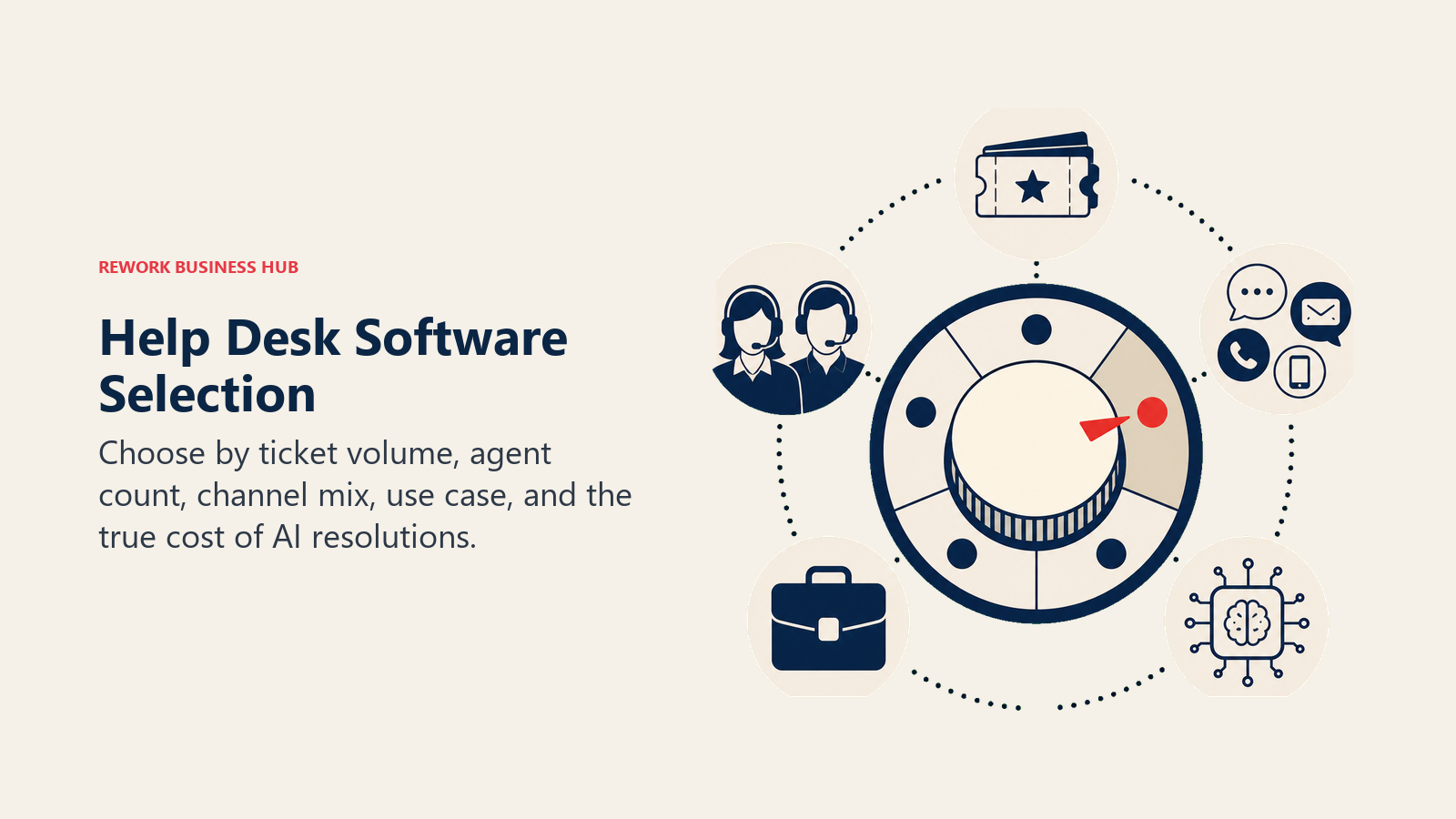
- What's your ticket volume and agent count? A 5-agent team fielding 200 tickets a month has different needs than a 100-agent contact center fielding 50,000. Volume determines whether per-agent pricing or ticket-volume pricing works out cheaper.
- What's your channel mix? Email-only support (Help Scout) is a different product category than omnichannel support spanning chat, social, and voice (Zendesk, Kustomer, Gladly). Buying channel depth you don't use is the single most common source of helpdesk overspend.
- What's your primary use case? E-commerce order support (Gorgias), B2B SaaS product support (Intercom, HubSpot), internal IT service management (ServiceNow), and general customer service (Zendesk, Freshdesk) each favor a different platform, even when the ticket volume looks similar on paper.
There's a fourth question worth adding in 2026: how is AI priced on the plan you're evaluating? Nearly every vendor on this list now charges for AI resolutions separately from seats, usually $0.50 to $1 per resolved conversation. That usage-based line item can quietly double your bill at scale, so model it before you sign, not after your first invoice. The payoff can be real too: service reps using AI-assisted tools spend 20% less time on routine cases, freeing up roughly four hours a week for higher-value work, according to Salesforce's State of Service report. Just make sure that gain actually shows up in your team's numbers, not just the vendor's pitch deck.
Framework: By Team Size
| Team Size | What You Need | Best Fits |
|---|---|---|
| 1-10 agents | Fast setup, low cost, minimal admin | Zoho Desk, Freshdesk Growth, Help Scout, LiveAgent |
| 10-50 agents | Structured routing, basic automation, growing channel mix | Freshdesk, Help Scout, Front, Zoho Desk |
| 50-200 agents | Full omnichannel, deeper reporting, AI deflection | Zendesk, Intercom, HubSpot Service Hub, Kayako |
| 200-500 agents | Enterprise routing, workforce management, compliance controls | Zendesk Suite, Kustomer, Gladly |
| 500+ agents | ITSM-grade workflows, custom case management, deep governance | ServiceNow CSM, Zendesk Enterprise |
Framework: By Channel Mix
| Primary Channel | What Matters Most | Best Fits |
|---|---|---|
| Email-only | Clean inbox, docs-style knowledge base | Help Scout, Front |
| Live chat + in-app messaging | Proactive outreach, product-led workflows | Intercom, HubSpot Service Hub |
| Omnichannel (email, chat, social, voice) | Unified routing across every channel | Zendesk, Kustomer, Gladly |
| E-commerce order support | Order data inside the ticket, fast resolution | Gorgias |
| Phone-heavy / call center | Built-in dialer and call routing | LiveAgent, Zendesk Suite |
| Internal IT / employee service | Change management, asset tracking, CMDB | ServiceNow CSM |
Framework: By Use Case
| Use Case | Signal | Best Fits |
|---|---|---|
| General customer support, any vertical | Standard ticketing, growing team | Zendesk, Freshdesk, Zoho Desk |
| Product-led SaaS support | Support tied to product usage and onboarding | Intercom, HubSpot Service Hub |
| E-commerce and DTC brands | Order and shipping data drive most tickets | Gorgias, Gladly |
| Enterprise contact centers | High agent count, complex routing, compliance | Kustomer, Zendesk Enterprise, ServiceNow CSM |
| Budget-constrained small teams | Lowest cost per seat without cutting core features | Zoho Desk, LiveAgent, Freshdesk Growth |
Stage Fit Matrix
| Tool | Startup (1-20) | Growth (20-100) | Mid-Market (100-500) | Enterprise (500+) |
|---|---|---|---|---|
| Zendesk | Partial fit | Strong fit | Strong fit | Strong fit |
| Freshdesk | Strong fit | Strong fit | Strong fit | Partial fit |
| Intercom | Partial fit | Strong fit | Strong fit | Strong fit |
| Help Scout | Strong fit | Strong fit | Partial fit | Not ideal |
| Front | Strong fit | Strong fit | Strong fit | Partial fit |
| Zoho Desk | Strong fit | Strong fit | Strong fit | Partial fit |
| HubSpot Service Hub | Strong fit | Strong fit | Strong fit | Partial fit |
| Kustomer | Not ideal | Partial fit | Strong fit | Strong fit |
| Gladly | Not ideal | Partial fit | Strong fit | Strong fit |
| Gorgias | Strong fit | Strong fit | Partial fit | Not ideal |
| Kayako | Partial fit | Strong fit | Strong fit | Partial fit |
| LiveAgent | Strong fit | Strong fit | Partial fit | Not ideal |
| ServiceNow CSM | Not ideal | Not ideal | Partial fit | Strong fit |
| Tidio | Strong fit | Strong fit | Partial fit | Not ideal |
| Hiver | Strong fit | Strong fit | Partial fit | Not ideal |
Sizing and Persona Table
| Tool | Ideal Team Size | Primary Buyer |
|---|---|---|
| Zendesk | 50-5,000+ agents | VP of Support, IT Director, CX Director |
| Freshdesk | 10-500 agents | Support Director, IT Manager |
| Intercom | 20-500 seats | Head of Customer Success, VP Product |
| Help Scout | 5-100 agents | Support team lead, founder |
| Front | 5-200 seats | CS Director, Head of Ops |
| Zoho Desk | 5-500 agents | IT Manager, budget owner |
| HubSpot Service Hub | 10-500 seats | RevOps, Marketing/Sales-aligned CX lead |
| Kustomer | 50-500+ agents | VP Support, Head of CX at high-volume brands |
| Gladly | 10-1,000+ agents | Head of CX at retail and hospitality brands |
| Gorgias | 3-200 agents | Head of CX at a Shopify or BigCommerce brand |
| Kayako | 5-300 agents | Support Manager, Operations Lead |
| LiveAgent | 3-100 agents | Small business owner, Support Lead |
| ServiceNow CSM | 200-50,000+ fulfillers | CIO, VP Customer Operations |
| Tidio | 2-20 agents | Founder, E-commerce Manager, Support Lead |
| Hiver | 5-50 agents | Support team lead, Operations Manager |
1. Zendesk: Deepest Ticketing and Routing for Mid-Market and Enterprise
Zendesk's product philosophy has stayed consistent for over a decade: the ticket is the unit of work, and everything (routing rules, SLA policies, triggers, macros, reporting) exists to move that ticket to resolution as efficiently as possible. That focus has made it the default choice for support operations that outgrow a simple shared inbox.
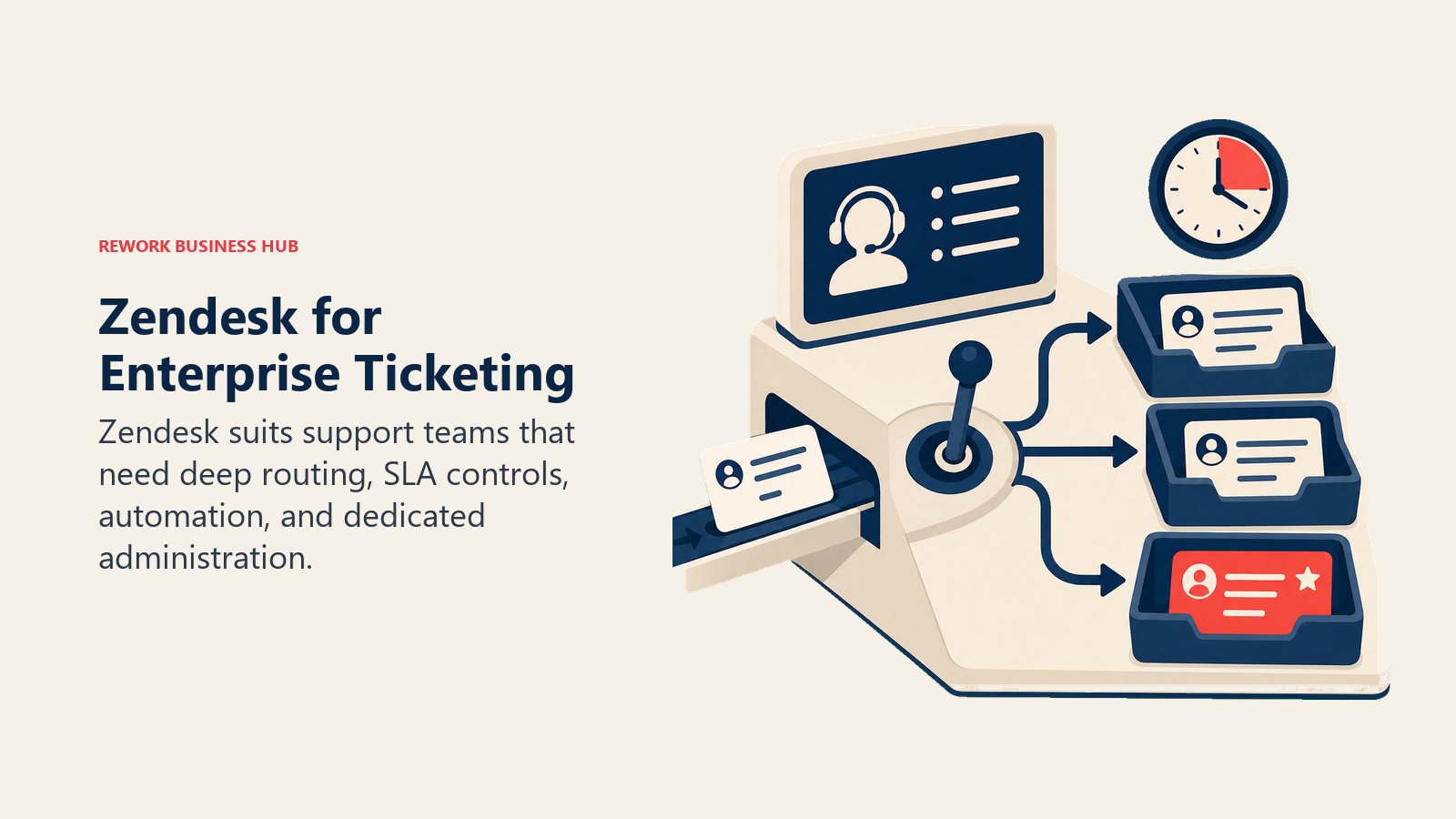
The Suite plans bundle in AI Agents, a knowledge base, omnichannel routing, and live chat starting at Suite Team ($55/agent/month, annual billing). Suite Professional ($115/agent/month) adds skills-based routing, IVR phone trees, and quick reports. The ticketing-only Support Team plan ($19/agent/month) is available for teams that just need email and don't need omnichannel yet, though most growing teams outgrow it fast. AI Copilot is a separate $50/agent/month add-on, and Suite Enterprise requires a custom quote.
The honest tradeoff is complexity. Zendesk rewards teams with a dedicated admin who can configure triggers, automations, and routing logic properly. Teams without that resource often under-use what they're paying for. If the price and complexity feel like overkill, the best Zendesk alternatives guide covers 12 lighter options.
| What you get | What you don't |
|---|---|
| Mature ticketing engine with deep automation | Suite Professional pricing climbs fast at scale |
| Omnichannel routing across chat, email, social, voice | AI Copilot is a $50/agent/mo add-on, not included |
| Massive app marketplace and integration ecosystem | Requires admin time to configure well |
| Trusted at enterprise scale, proven at 5,000+ agents | Overkill for teams under 20 agents |
Pricing: Suite Team $55/agent/month; Suite Professional $115/agent/month; Suite Enterprise + Copilot custom quote (billed annually).
Best for: Mid-market and enterprise support teams of 50-5,000+ agents that need deep routing, reporting, and a dedicated admin to run it.
2. Freshdesk: Best Value Full-Feature Helpdesk
Freshworks built Freshdesk on the idea that a full-featured helpdesk shouldn't require an enterprise budget to start. Paid plans start low, and the Growth tier at $19/agent/month (billed annually, after a 14-day trial) covers ticketing, automation, and a knowledge base without feeling stripped down.
Freddy AI handles ticket summarization, suggested replies, and sentiment tagging across the paid tiers. That AI investment shows up in the numbers: software and internet companies using Freddy AI Copilot saw a 42.7% improvement in First Response Time, per Freshworks' Customer Service Benchmark research. For teams that want AI-assisted support without Zendesk-level pricing, Freshdesk's Pro tier ($55/agent/month) is a strong middle ground. Enterprise ($89/agent/month) adds skill-based routing, custom roles, and sandbox environments.
The honest ceiling shows up in the Freshworks ecosystem itself. Live chat lives in Freshchat and CRM lives in Freshsales, so a full omnichannel + CRM setup means juggling separate products with separate pricing, even if the individual apps are affordable. See the best Freshdesk alternatives guide if that fragmentation is the sticking point.
| What you get | What you don't |
|---|---|
| Low-cost Growth tier at $19/agent/mo | Full omnichannel requires separate Freshworks products |
| Freddy AI on all paid tiers | Enterprise tier jumps to $89/agent/mo |
| Fast setup, low admin overhead | Reporting depth lags Zendesk at high volume |
| Strong price-to-feature ratio at Growth tier | UI can feel dated compared to newer entrants |
Pricing: 14-day free trial; Growth $19/agent/month; Pro $55/agent/month; Enterprise $89/agent/month (billed annually).
Best for: Growing teams of 10-500 agents that want a full helpdesk feature set without Zendesk-level cost.
3. Intercom: AI-First Conversational Support for Product-Led SaaS
Intercom's bet is that support should happen inside the product, in real time, with AI doing the first pass on every conversation. Fin, its AI agent, handles tier-one resolution across chat and email, and the whole platform is built around proactive messaging (onboarding tours, in-app announcements, targeted outreach) rather than a reactive ticket queue. That AI-first approach pays off in satisfaction scores: 58% of support leaders report CSAT improvements after adopting AI and automation, according to Intercom's own customer service research.
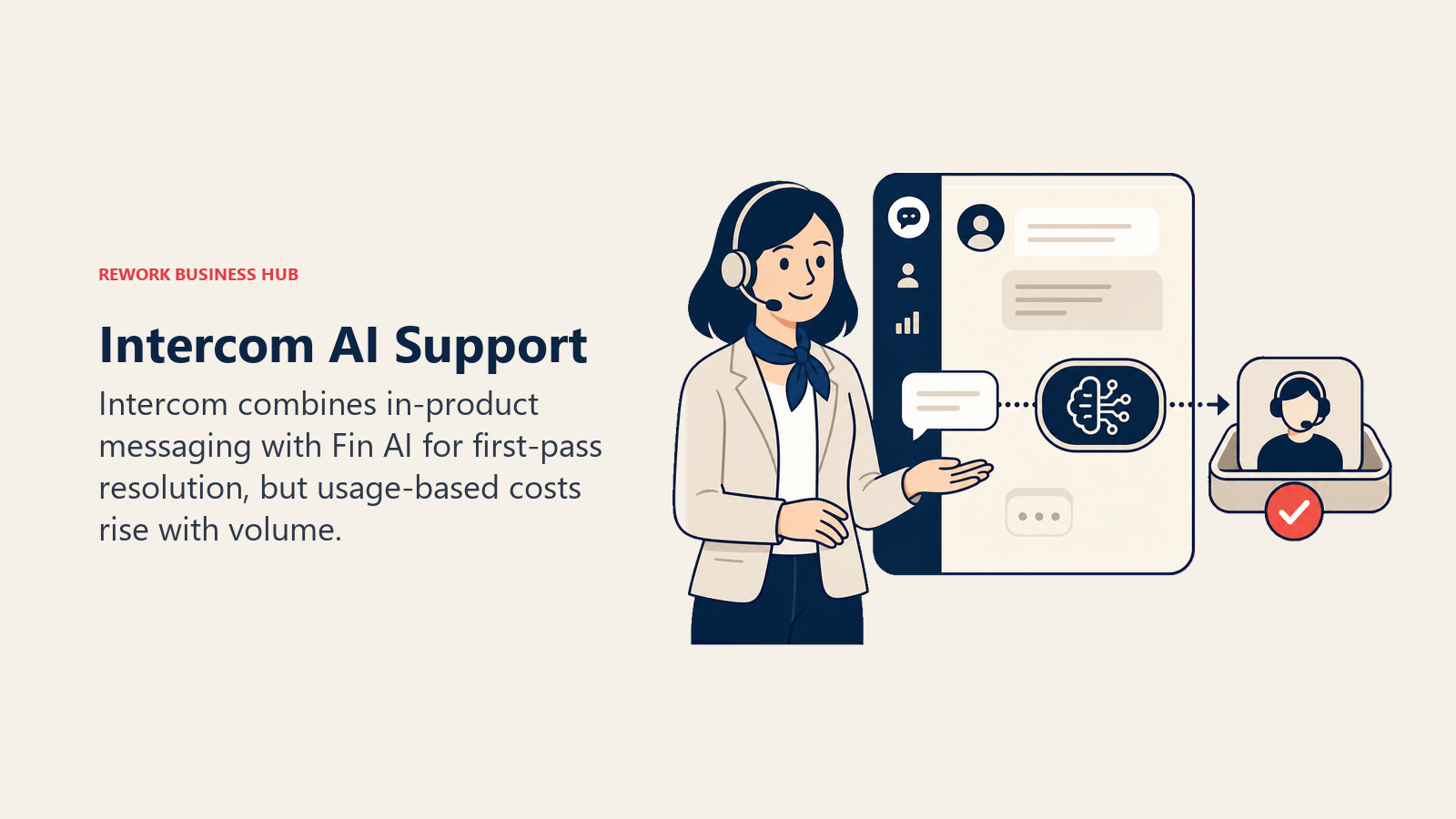
For product-led SaaS companies where support and product usage are tightly linked, that model works well. Essential starts at $29/seat/month (annual billing), Advanced at $85/seat/month, and Expert at $132/seat/month, each unlocking more automation, reporting, and multibrand support. On top of seats, Fin AI charges $0.99 per resolved conversation, which is straightforward at low volume but adds a real variable cost as ticket volume grows.
The tradeoff is cost predictability. Between seat tiers and per-resolution AI billing, a mid-size team's actual monthly spend can be hard to forecast from the sticker price alone. If that variability is the concern, the best Intercom alternatives guide covers more predictably-priced options.
| What you get | What you don't |
|---|---|
| Fin AI agent handles first-pass resolution | $0.99 per resolution adds a variable cost on top of seats |
| Proactive, in-app messaging built in | Expert tier reaches $132/seat/mo |
| Strong for product-led onboarding flows | Less suited to pure email-ticket workflows |
| Modern UI, fast agent adoption | Pricing can surprise teams that scale fast |
Pricing: Essential $29/seat/month; Advanced $85/seat/month; Expert $132/seat/month (annual billing), plus $0.99 per Fin AI resolution.
Best for: Product-led SaaS and consumer tech teams of 20-500 seats running conversational, in-app-first support.
4. Help Scout: Clean, Email-First Support for Small Teams
Help Scout's whole design philosophy is that support should feel like email, not like filing a support ticket. No ticket numbers, no robotic templates by default, just a shared inbox that reads like a real conversation. For small teams running an email-first support motion, that simplicity is the point, not a limitation.
The free tier covers 5 users, one inbox, and one Docs knowledge base site, which is enough for an early-stage team to get started without a credit card. Standard ($25/user/month) adds live chat and multiple inboxes. Plus ($45/user/month) adds advanced workflows and SLA policies. Pro ($75/user/month) is built for teams that need SSO, HIPAA compliance, and dedicated support.
The honest ceiling is channel breadth and scale. Help Scout doesn't do social channels, voice, or complex multi-team routing, and teams beyond a few hundred tickets a day often outgrow its reporting depth. See the best Help Scout alternatives guide for teams that need more channel coverage.
| What you get | What you don't |
|---|---|
| Clean, email-native UX with fast onboarding | No native voice or social channels |
| Real free tier for small teams (5 users) | Advanced workflows require the Plus tier or above |
| Docs-style knowledge base included | Reporting is basic compared to Zendesk or Kustomer |
| AI Answers add-on for deflection | AI Answers bills per resolution on top of seats |
Pricing: Free (5 users); Standard $25/user/month; Plus $45/user/month; Pro $75/user/month.
Best for: Small support teams of 5-100 agents running email-first support who want simplicity over channel breadth.
5. Front: Shared Inbox for High-Volume, Multi-Channel Collaboration
Front's product philosophy centers on the shared inbox as a collaboration surface, not just a ticket queue. Internal comments, @mentions, and assignment rules sit directly on top of real email threads, which makes it a natural fit for operations teams that manage support, sales, and vendor communication out of the same set of inboxes.
Starter runs $25/seat/month for up to 10 seats, Professional $65/seat/month for up to 50 seats, and Enterprise $105/seat/month, which is where AI features like Copilot, Smart QA, and Smart CSAT come bundled by default rather than as add-ons.
The tradeoff is that Front is stronger as a collaborative inbox than as a purpose-built ticketing system. Teams that need SLA tiers, deep automation rules, or a formal ticket lifecycle often find themselves working around Front's email-first design. See the best Front alternatives guide for more traditional helpdesk options.
| What you get | What you don't |
|---|---|
| Real-time collaboration on shared inboxes | Enterprise-grade AI features require the $105/seat tier |
| Multi-channel (email, social, SMS) in one view | Less purpose-built ticketing depth than Zendesk |
| Fast onboarding for ops-heavy teams | Seat count caps push teams into higher tiers quickly |
| Strong for hybrid sales + support workflows | Reporting is lighter than dedicated helpdesk platforms |
Pricing: Starter $25/seat/month (up to 10 seats); Professional $65/seat/month (up to 50 seats); Enterprise $105/seat/month (billed annually).
Best for: Operations and support teams of 5-300 seats managing high-volume shared inboxes across email and social.
6. Zoho Desk: Lowest Cost Per Seat, Deep Zoho Ecosystem
Zoho Desk's pitch is straightforward: full helpdesk functionality at the lowest price point in the category, especially for teams already using other Zoho apps. The free tier covers 3 users, and Standard starts at $14 per agent per month, with Professional at $23 and Enterprise at $40, each unlocking more automation, multi-department support, and Zia AI capabilities.
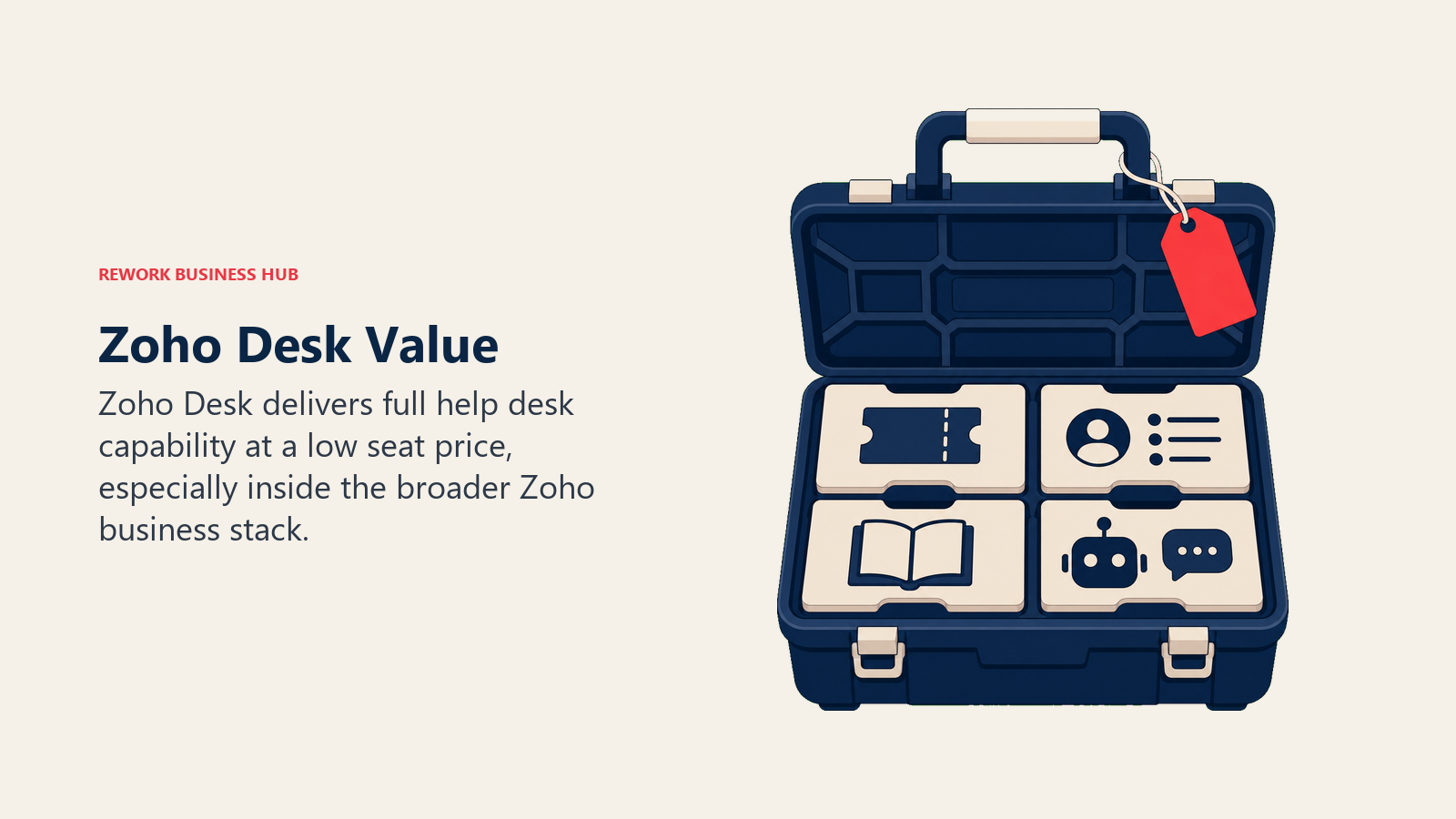
For teams running Zoho CRM, Zoho Books, or the broader Zoho One suite, Desk plugs in natively, giving cost-conscious teams a full business stack from one vendor rather than piecing together separate tools. That bundle economics is hard to match at this price point.
The honest tradeoff is UI complexity as more modules get enabled, and teams outside the Zoho ecosystem lose the native contact-sync advantage that makes Desk especially strong for existing Zoho customers. See the best Zoho Desk alternatives guide if you're not already invested in Zoho.
| What you get | What you don't |
|---|---|
| Lowest per-seat cost among full-feature helpdesks | UI complexity increases as you enable more modules |
| Zia AI for ticket sentiment and automation | Best value is inside the Zoho ecosystem specifically |
| Deep integration with Zoho One (CRM, Books, Analytics) | Fewer third-party integrations than Zendesk or Freshdesk |
| Free tier covers up to 3 agents | Support and onboarding resources are thinner |
Pricing: Free (3 users); Standard $14/agent/month; Professional $23/agent/month; Enterprise $40/agent/month (billed annually).
Best for: Budget-conscious teams of 5-500 agents, especially those already running other Zoho apps.
7. HubSpot Service Hub: Best for Teams Already on HubSpot CRM
HubSpot Service Hub's core argument isn't ticketing depth, it's the shared customer timeline. Support tickets, deals, and marketing touches all live on the same contact record, so a support agent can see the full commercial relationship without switching tools. That's genuinely valuable for teams already running HubSpot CRM or Marketing Hub.
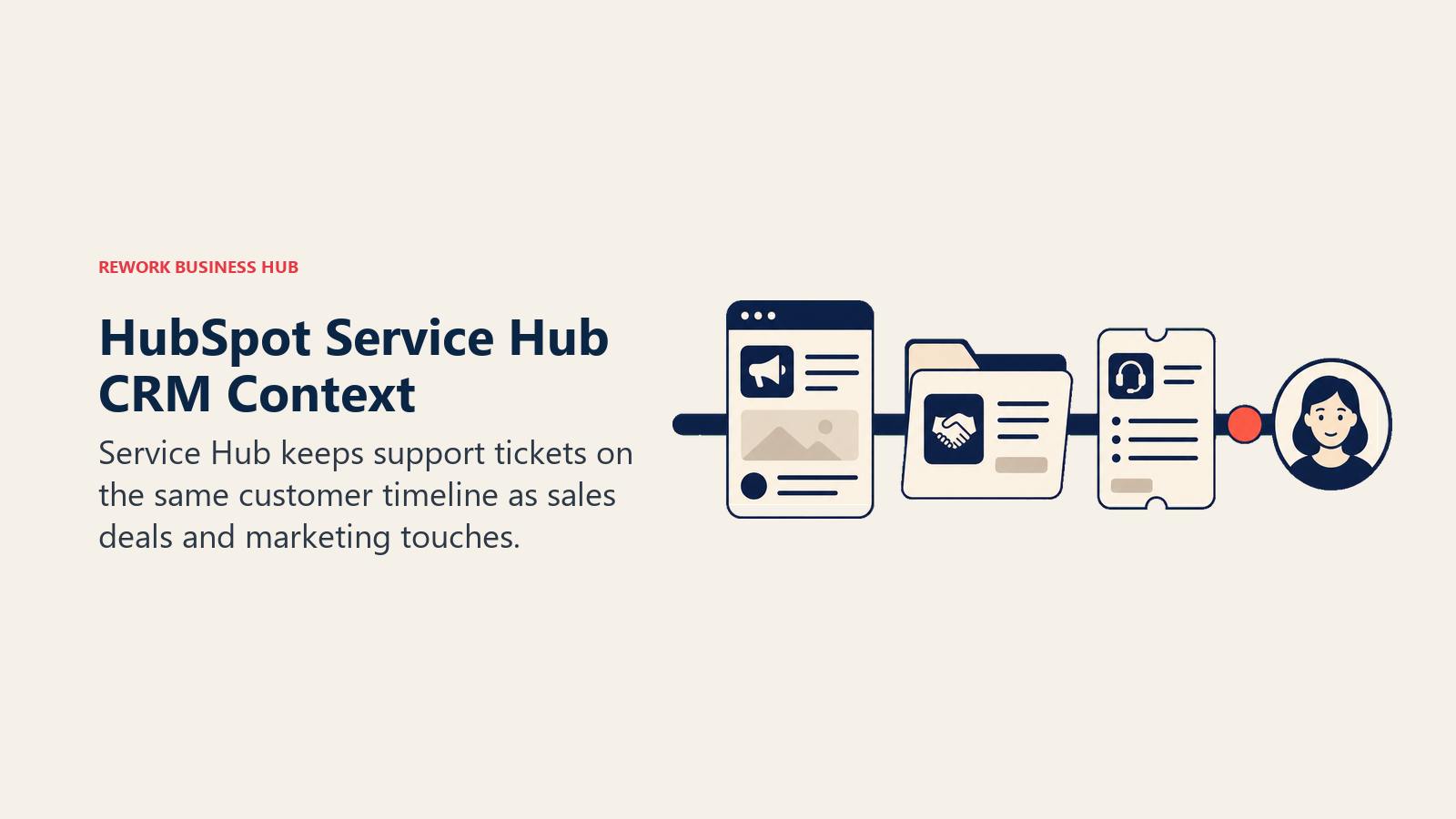
The free tier covers up to 2 users with basic ticketing. Starter is $15/seat/month, Professional jumps to $90/seat/month (plus a $1,500 one-time onboarding fee), and Enterprise runs $150/seat/month with a 10-seat minimum, putting the real Enterprise floor at $1,500/month before any add-ons. AI resolutions bill separately at roughly $0.50 each.
The honest limitation is that Service Hub is a CRM feature more than a dedicated helpdesk. Teams whose primary pain is support-specific (complex routing, SLA tiers, advanced reporting) often find the ticketing layer thinner than a purpose-built tool once they compare it directly.
| What you get | What you don't |
|---|---|
| Native CRM connection, shared timeline with sales | Professional tier carries a $1,500 onboarding fee |
| Free tier for small teams starting out | Enterprise has a 10-seat minimum ($1,500/mo floor) |
| Unified reporting across marketing, sales, and support | Ticketing depth is lighter than a dedicated helpdesk |
| AI resolution pricing is usage-based and transparent | Full automation requires the Professional tier or above |
Pricing: Free (2 users); Starter $15/seat/month; Professional $90/seat/month; Enterprise $150/seat/month, 10-seat minimum (billed annually).
Best for: Teams of 10-500 seats already running HubSpot CRM or Marketing Hub who want support on the same contact record.
8. Kustomer: Conversation-First CX for High-Volume Enterprise
Kustomer rejects the ticket-number model outright. Every customer gets one continuous timeline across every channel, tied to a person rather than a case ID, with enterprise-grade automation layered on top. That's a genuinely different data model from Zendesk or Freshdesk, and it shows in how support teams actually work inside it.
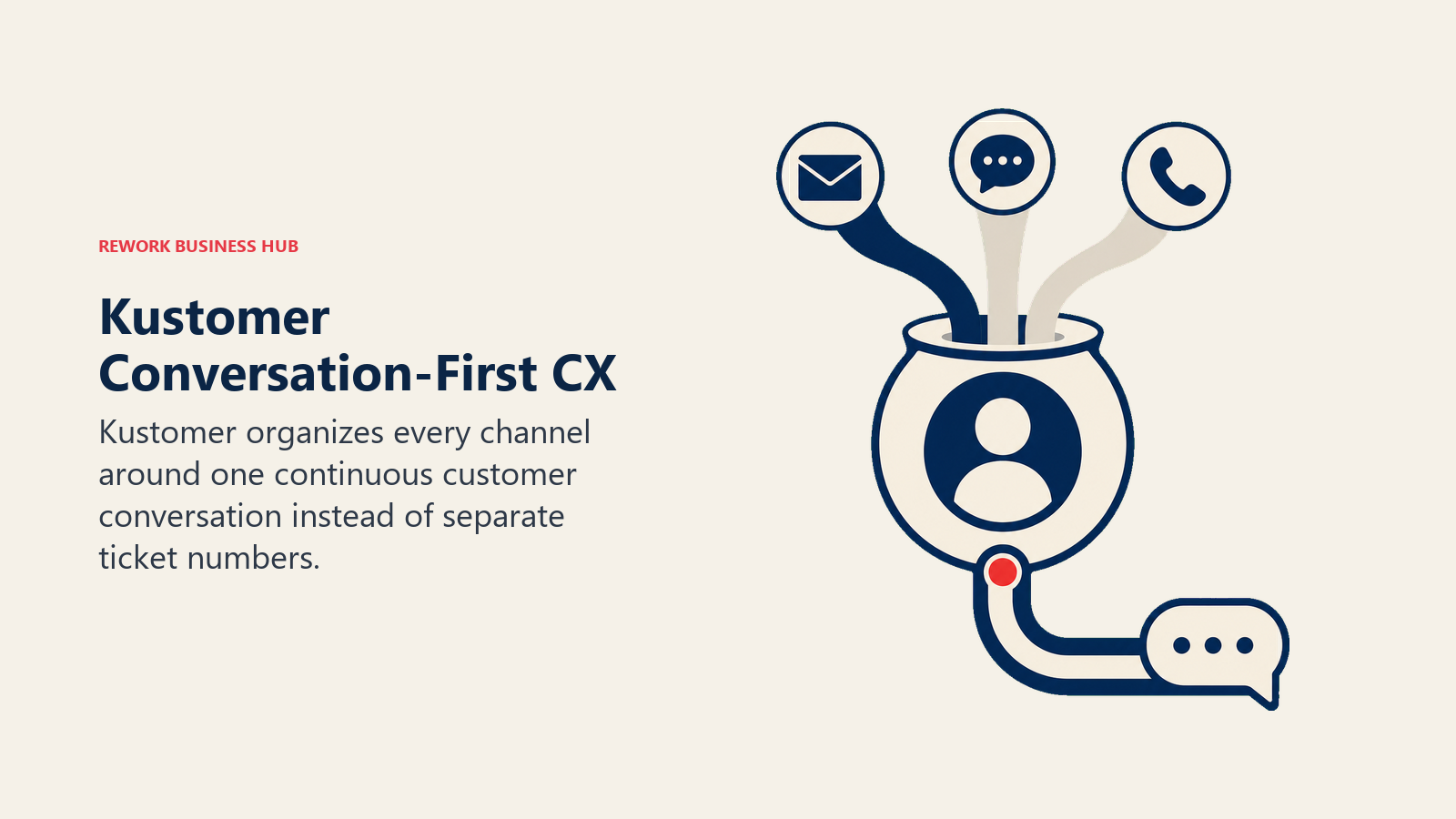
Kustomer sells three packages (Concierge, Architect, and Envoy) and quotes each one after a short assessment and a sales conversation, so there is no public per-seat rate to compare. Voice and WhatsApp are priced pay as you go on top, and implementation is a separate line item.
The honest ceiling is cost and complexity for teams under a few hundred tickets a day. Kustomer is built for contact centers running serious volume, and smaller teams often find the implementation and per-seat cost outpace what they actually need. See the best Kustomer alternatives guide for lighter-weight options.
| What you get | What you don't |
|---|---|
| True omnichannel timeline built around the customer | Pricing isn't public; every deal is quoted |
| Powerful automation for high-volume contact centers | Enterprise-level cost puts it out of reach for small teams |
| AI agents and pay-as-you-go voice and WhatsApp | Implementation is a multi-month project, not a self-serve setup |
| Strong fit for retail, travel, and consumer brands | Ownership history (Meta, now independent) gives some buyers pause |
Pricing: Quote on request for the Concierge, Architect, and Envoy packages; voice and WhatsApp billed pay as you go.
Best for: Enterprise contact centers of 50-500+ agents running high-volume, conversation-centric CX.
9. Gladly: People-Centric Support for High-Volume Retail
Gladly takes the conversation-first philosophy even further than Kustomer: no ticket numbers anywhere in the product, ever. Every interaction, across voice, chat, email, SMS, and social, lives on one lifelong customer timeline. Retail and hospitality brands with high repeat-contact volume (Crate and Barrel, Ulta Beauty, Tumi are public Gladly customers) built their contact centers around this model specifically.
Hero plan pricing runs about $180 per agent per month with a 10-agent minimum, putting the annual floor near $21,600 before add-ons. Superhero, with deeper AI and routing, runs about $210 per agent per month with a 45-agent minimum. Voice AI and SMS bill separately on usage.
The honest tradeoff is that this is enterprise-tier pricing and enterprise-tier implementation, typically months rather than weeks. Teams under 50 agents, or teams that don't run high-repeat-contact retail support, will find Gladly's cost hard to justify. See the best Gladly alternatives guide for the fuller field.
| What you get | What you don't |
|---|---|
| Genuinely unique people-first data model, no tickets | $21,600+/yr minimum before any add-ons |
| Deep integrations for retail and hospitality brands | 10-agent (Hero) and 45-agent (Superhero) minimums |
| Voice AI and omnichannel routing built in | Implementation runs months, not weeks |
| Proven at scale with major consumer brands | Overkill outside high-volume consumer retail |
Pricing: Hero $180/agent/month (10-agent minimum); Superhero $210/agent/month (45-agent minimum), billed annually, plus usage-based voice and SMS.
Best for: High-volume retail, hospitality, and consumer brands running 10-1,000+ agent contact centers.
10. Gorgias: The Default Choice for Shopify and E-Commerce Support
Gorgias built its entire product around one insight: e-commerce support tickets are mostly about orders, and if the helpdesk can pull order status, shipping data, and purchase history directly into the ticket, agents resolve faster without switching tabs. That single idea has made Gorgias close to the default helpdesk for Shopify, BigCommerce, and WooCommerce brands.
Pricing is ticket-based rather than per-agent: Starter is $10/month for 50 billable tickets, Basic $60/month for 300 tickets ($50 billed annually), Pro $360/month for 2,000 tickets ($300 annually), and Advanced $900/month for 5,000 tickets ($750 annually). Agent seats are effectively unlimited above the Starter tier, which is a real advantage for brands with seasonal support staffing.
The honest limitation is that the ticket-volume billing model only makes sense for e-commerce. Overage charges ($0.32-$0.40 per ticket beyond your plan) can add up fast for high-volume B2B teams, and Gorgias offers little value outside the order-support use case.
| What you get | What you don't |
|---|---|
| Order data and shipping status inside every ticket | Ticket-volume pricing punishes high-volume B2B use cases |
| Unlimited agent seats above the Starter tier | Narrow fit outside e-commerce and DTC brands |
| AI Agent resolves order-related tickets automatically | Overage fees ($0.32-$0.40/ticket) add up at scale |
| Fast setup for Shopify-native teams | Limited value for teams without a storefront platform |
Pricing: Starter $10/month (50 tickets); Basic $60/month (300 tickets); Pro $360/month (2,000 tickets); Advanced $900/month (5,000 tickets), roughly 16% cheaper billed annually.
Best for: E-commerce and DTC brands of any size running Shopify, BigCommerce, or WooCommerce.
11. Kayako: Flat-Rate Simplicity with Resolution-Based AI
Kayako's SingleView timeline (email ticketing, live chat, and a shared inbox combined with a self-service help center) was genuinely ahead of the curve when it launched. Since its 2018 acquisition by ESW Capital, product development has slowed, and Kayako has consolidated everything into one plan, Kayako One, rather than the tiered structure most competitors use.
Kayako One runs a flat $79 per agent per month, which covers the unified inbox, ticketing, knowledge base, SLA tools, and access to Kay, its AI agent. Every ticket Kay resolves autonomously adds $1 on top of the base seat fee, so a 10-agent team resolving 2,000 AI tickets a month lands closer to $2,790 total.
The honest tradeoff is pace of innovation. AI features that Zendesk and Freshdesk shipped two or three years ago are only now landing in Kayako, and the UI reads dated next to more recently redesigned competitors. Teams evaluating fresh in 2026 should compare carefully. See the best Kayako alternatives guide for 12 more current options.
| What you get | What you don't |
|---|---|
| Single flat-rate plan, no confusing tier structure | Product development has visibly slowed since 2018 |
| Unified conversation view across channels | $1 per AI-resolved ticket adds an unpredictable variable |
| SLA tools and self-service knowledge base included | UI and reporting lag behind Zendesk and Freshdesk |
| Predictable per-agent base cost | Smaller integration ecosystem than category leaders |
Pricing: Kayako One $79/agent/month, plus $1 per ticket resolved by the Kay AI agent.
Best for: Small to mid-size teams of 5-300 agents wanting one flat-rate plan without a multi-tier pricing decision.
12. LiveAgent: Most Channels Bundled at the Lowest Price
LiveAgent's pitch is breadth at a low price point: ticketing, live chat, a built-in call center, social channel connectors, and a knowledge base, all under one roof starting at $15 per agent per month on annual billing. For small businesses that need every channel covered on a tight budget, that combination is genuinely hard to match elsewhere on this list.
Medium Business runs $29/agent/month, Large Business $49/agent/month, and Enterprise $69/agent/month, each adding more automation, reporting depth, and higher usage limits. Social media channel add-ons cost extra on the lower tiers, typically $39-$58/month on top of the base plan.
The honest tradeoff is polish. Agents and reviewers consistently describe the interface as dated, the mobile app as weak, and search as underpowered relative to what Freshdesk, Intercom, and Zoho Desk now offer at similar price points. Teams that need a call center on a shoestring budget still find real value here; teams evaluating fresh in 2026 without that specific need often land elsewhere. See the best LiveAgent alternatives guide for the fuller comparison.
| What you get | What you don't |
|---|---|
| Ticketing, chat, and call center bundled at $15/agent/mo | Interface feels dated compared to modern competitors |
| Social channel connectors available | Social add-ons cost $39-$58/mo extra on lower tiers |
| Solid value for budget-constrained small teams | Weak mobile app and search functionality |
| Built-in call center without a separate telephony vendor | AI capabilities lag Freshdesk, Intercom, and Zoho Desk |
Pricing: Small Business $15/agent/month; Medium Business $29/agent/month; Large Business $49/agent/month; Enterprise $69/agent/month (billed annually).
Best for: Small businesses of 3-100 agents wanting ticketing, chat, and a call center in one low-cost plan.
13. ServiceNow CSM: ITSM-Grade Workflows for Large Enterprises
ServiceNow Customer Service Management extends the same workflow engine that powers ServiceNow's IT service management products into customer-facing support. Case management, change management, a configuration management database (CMDB), and deep automation are all available out of the box, which is why regulated industries and large enterprises with complex service operations gravitate toward it.
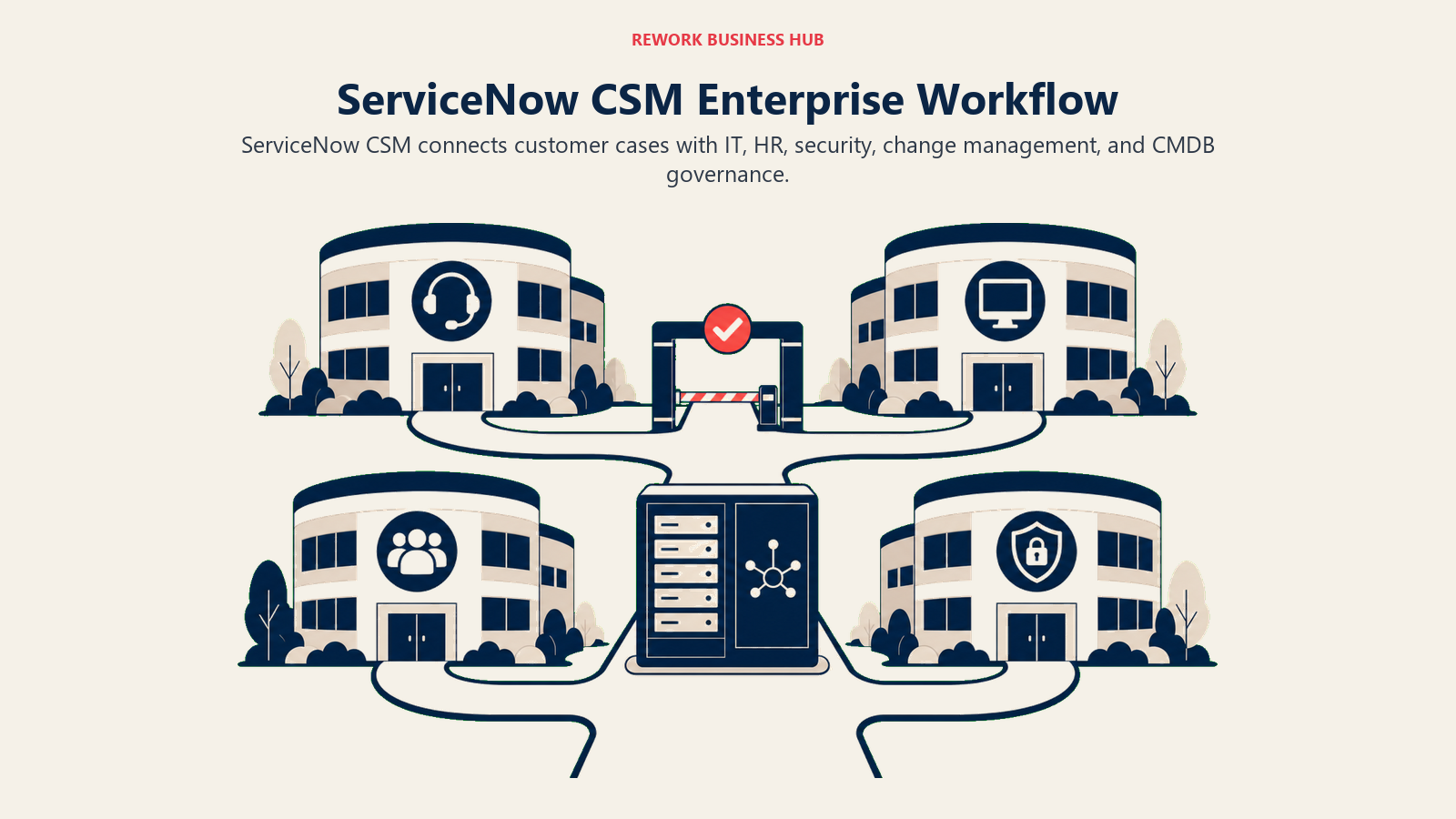
Pricing is entirely custom: ServiceNow quotes each deal by package tier (Standard, Professional, Enterprise) and fulfiller count. Implementation typically runs 6 to 12 months for a meaningful deployment.
The honest reality is that ServiceNow CSM is built for a different buyer than the rest of this list. It makes sense when customer service needs to plug into the same workflow platform running IT, HR, and security operations. For a standalone support team without that broader ITSM need, it's usually more infrastructure than necessary. See the best ServiceNow alternatives guide for lighter ITSM and helpdesk options.
| What you get | What you don't |
|---|---|
| Deepest workflow and case management engine available | No public pricing; every deal is a custom quote |
| CMDB, change management, and cross-department workflows | 6-12 month implementations are typical |
| Strong fit for regulated and complex enterprise environments | Requires certified admins to configure and maintain |
| Plugs into the same platform running IT and HR service | Significant overkill for teams under 200 agents |
Pricing: Custom quote only, by package tier and fulfiller count.
Best for: Large enterprises (200-50,000+ fulfillers) that need customer service workflows unified with IT and internal service management.
14. Tidio: Conversation-Priced Support for Small E-Commerce Teams
Tidio comes at help desk pricing from a direction nothing else on this list does. Every other platform here charges per seat, so cost scales with headcount. Tidio charges by billable conversation, so cost scales with volume instead. For a three-person team fielding a few hundred chats a month that difference is the whole argument, and for a large contact centre it is the reason to look elsewhere.
The product is live chat and ticketing with an AI agent called Lyro sitting in front of it. Tidio says Lyro resolves up to 67 percent of customer problems on its own, handling common questions and routine tasks before a human sees them, with handoff when it cannot. There is a genuinely usable free tier at 50 billable conversations a month, which makes it one of the few tools here you can evaluate properly without talking to sales.
Paid plans start at $24.17 per month billed annually for Starter at 100 conversations, with Growth from $49.17 and Plus from $300 plus usage. Lyro is metered separately, from $32.50 a month for 50 AI conversations. That is the catch worth understanding before you commit: a busy month costs more than a quiet one, and forecasting spend means forecasting conversation volume rather than counting seats. Teams weighing a shared inbox instead of full ticketing should compare the best Front alternatives.
| What you get | What you don't |
|---|---|
| Conversation-based pricing that ignores headcount | Predictable per-seat budgeting; spend tracks volume |
| Free plan at 50 conversations, no sales call needed | Depth for large enterprise contact centres |
| Lyro AI agent resolving up to 67% of questions | Lyro bundled in; it is metered separately |
| Fast setup aimed at small e-commerce and SaaS teams | ITSM, CMDB, or heavy compliance workflows |
Pricing: Free plan at 50 conversations/month. Starter $24.17/month billed annually (100 conversations), Growth from $49.17, Plus from $300 plus usage, Premium quoted. Lyro AI metered separately from $32.50/month.
Best for: Small e-commerce and SaaS teams (2-20 agents) with spiky conversation volume that want AI deflection without per-seat pricing.
15. Hiver: Help Desk Structure Without Leaving Gmail
Hiver's premise is that most small support teams do not actually want a help desk, they want Gmail to stop losing things. It layers shared inboxes, assignment, SLAs, and analytics directly inside the Gmail interface, so agents keep working in the client they already know and managers get the queue visibility Gmail never had. There is now a second product, Hiver Omni, for teams that do want a standalone omnichannel platform, priced identically.
That architecture is the strength and the ceiling at once. Onboarding is unusually fast because there is no new interface to learn, which matters most for a team of five that cannot spare a month on implementation. It also means Hiver inherits Gmail's limits: this is not the tool for a contact centre running voice queues and skill-based routing at scale, and teams not on Google Workspace get nothing from the Gmail edition at all.
Pricing is per user per month, billed annually: Growth at $25, Pro at $55, and Elite at $85, with the same rates across both the Gmail and Omni editions. There is no free plan, only a 7-day trial. Voice is an Omni add-on at $30 per voice seat per month. The jump from Growth to Pro is where SLAs, CSAT surveys, and API access live, so the realistic starting point for a team that wants managed support rather than a tidier inbox is $55, not $25.
| What you get | What you don't |
|---|---|
| Full shared-inbox workflow inside Gmail's own UI | A free plan; there is only a 7-day trial |
| Fast onboarding with no new interface to learn | Value outside Google Workspace, on the Gmail edition |
| SLAs, CSAT, and API access from the Pro tier | SLAs or CSAT on the $25 entry tier |
| AI agents and AI Copilot included on every plan | Contact-centre scale routing and voice queues |
Pricing: Growth $25, Pro $55, Elite $85 per user/month billed annually, same on Hiver in Gmail and Hiver Omni. No free plan, 7-day trial. Voice add-on $30 per voice seat/month on Omni.
Best for: Small to mid-sized teams (5-50 agents) already living in Google Workspace that want queue structure without migrating to a separate help desk.
Help Desk Buying Mistakes to Avoid
| Mistake | What It Looks Like | What to Do Instead |
|---|---|---|
| Buying for channels you don't use yet | Paying for omnichannel routing when 90% of tickets are email | Match the plan to your actual channel mix, upgrade when volume shifts |
| Ignoring AI resolution billing | Budgeting only for seats, not the $0.50-$1 per-resolution AI charge | Model AI usage at your ticket volume before signing |
| Choosing ticket-volume pricing for non-e-commerce use | Picking Gorgias for a B2B SaaS support team with high ticket counts | Match billing model (per-seat vs per-ticket) to your actual volume pattern |
| Underestimating enterprise implementation time | Assuming Kustomer or ServiceNow deploys in weeks | Budget 2-6 months for enterprise-tier platforms, longer for ServiceNow |
| Splitting support and CRM data | Running a helpdesk with zero visibility into deal or account history | Prioritize native CRM connections (such as HubSpot Service Hub) if support and sales overlap |
| Comparing only sticker price | Missing seat minimums (Gladly's 10-45, HubSpot Enterprise's 10) | Calculate the real floor: minimum seats times list price, not per-seat price alone |
Decision Framework
Use this framework to match support needs with the platform built for the right scale, channel mix, and workflow depth.
| If you need... | Pick... | Why |
|---|---|---|
| The deepest ticketing and routing at mid-market to enterprise scale | Zendesk | Mature automation, omnichannel routing, proven at 5,000+ agents |
| A full-feature helpdesk at the lowest reasonable cost | Freshdesk | Freddy AI, strong Growth tier value, fast setup |
| AI-first conversational support for a product-led SaaS | Intercom | Fin AI agent, in-app messaging, proactive workflows |
| The simplest, cleanest inbox for email-first support | Help Scout | No ticket numbers, docs-style knowledge base, fast setup |
| A collaborative shared inbox across email and social | Front | Internal comments and assignment on real email threads |
| The lowest cost per seat with a full feature set | Zoho Desk | $14/agent/mo Standard tier, deep Zoho One bundle |
| Support tied directly to your CRM and marketing data | HubSpot Service Hub | Native shared timeline with sales and marketing |
| Enterprise conversation-first CX at high ticket volume | Kustomer | True omnichannel customer timeline, not ticket-based |
| People-centric support for high-volume retail brands | Gladly | No ticket numbers, deep retail integrations |
| E-commerce order support on Shopify or BigCommerce | Gorgias | Order data inside every ticket, unlimited agent seats |
| One flat-rate plan without a multi-tier pricing decision | Kayako | Single Kayako One plan, resolution-based AI pricing |
| Every channel bundled at the lowest price point | LiveAgent | Ticketing, chat, and call center in one $15/agent/mo plan |
| ITSM-grade workflows unified with IT and HR service | ServiceNow CSM | Deepest workflow engine, built for regulated enterprises |
Frequently Asked Questions about Help Desk Software
What is the best help desk software in 2026?
There's no single best help desk for every team. Zendesk wins for mid-market and enterprise teams needing deep ticketing and routing, Freshdesk wins for budget-conscious teams wanting a full feature set, Intercom wins for product-led SaaS running conversational support, and Gorgias wins for e-commerce brands on Shopify. Match the tool to your ticket volume and channel mix, not a generic "best" list.
What is the best help desk software for a small business?
For teams under 20 agents, Zoho Desk, Freshdesk Growth, Help Scout, and LiveAgent all offer full feature sets at $0-25 per agent per month. Help Scout suits email-first support specifically, while LiveAgent bundles chat and a call center at the lowest combined price.
How much does help desk software cost in 2026?
Entry pricing ranges from free (Zoho Desk, Help Scout, HubSpot Service Hub) to $14-29 per agent per month for most mid-tier plans. Enterprise tiers like Zendesk Suite Professional and Gladly run $115-210 per agent per month, while Kustomer and ServiceNow CSM quote every deal.
How is AI pricing structured across these tools?
Most vendors now separate AI resolution costs from seat pricing. Intercom's Fin charges $0.99 per resolution, HubSpot charges roughly $0.50 per resolution, and Kayako charges $1 per AI-resolved ticket. Model this usage cost against your ticket volume before comparing sticker prices.
Is a free help desk plan good enough to start with?
Free tiers from Zoho Desk, Help Scout, and HubSpot Service Hub cover the basics well for teams of 1-5 agents just getting started. You typically outgrow the free tier when you need live chat, multiple inboxes, advanced automation, or reporting beyond the essentials, which is the signal to move to a paid tier.
What's the difference between per-seat and per-ticket pricing?
Per-seat pricing (Zendesk, Freshdesk, Help Scout, Front) charges a flat rate per agent regardless of volume, which favors high-ticket-volume teams. Per-ticket pricing (Gorgias) charges based on billable tickets rather than agent count, which favors teams with seasonal or fluctuating staffing, mainly e-commerce brands.
Which help desk tools have seat minimums to watch for?
Gladly requires 10 seats on Hero and 45 on Superhero, and HubSpot Service Hub Enterprise has a 10-seat minimum. Always calculate the real annual floor (minimum seats times list price) rather than comparing per-seat numbers alone.
Should a support team also using a CRM consider a combined tool?
If support and sales share the same customer relationship closely, a tool like HubSpot Service Hub, with its native CRM connection, can remove the need to sync data between two separate systems. For teams needing deep ticketing features like SLA tiers and macros, a dedicated helpdesk still makes more sense.
What to Do Next
Narrow your list to two tools using the framework tables above, then run a two-week pilot with real tickets and real agents before signing an annual contract. Pay close attention to seat minimums (Gladly's 10-45, HubSpot Enterprise's 10) and AI resolution billing, since those two line items are what typically push the real cost above the advertised sticker price. The tool your agents actually use every day beats the one with the longest feature list on a spec sheet. If a full ticket queue is more than you need and a shared mailbox would do, Best Shared Inbox Software covers that lighter category.

Principal Product Marketing Strategist
On this page
- Quick Comparison Table
- How to Choose Help Desk Software in 2026
- Framework: By Team Size
- Framework: By Channel Mix
- Framework: By Use Case
- Stage Fit Matrix
- Sizing and Persona Table
- 1. Zendesk: Deepest Ticketing and Routing for Mid-Market and Enterprise
- 2. Freshdesk: Best Value Full-Feature Helpdesk
- 3. Intercom: AI-First Conversational Support for Product-Led SaaS
- 4. Help Scout: Clean, Email-First Support for Small Teams
- 5. Front: Shared Inbox for High-Volume, Multi-Channel Collaboration
- 6. Zoho Desk: Lowest Cost Per Seat, Deep Zoho Ecosystem
- 7. HubSpot Service Hub: Best for Teams Already on HubSpot CRM
- 8. Kustomer: Conversation-First CX for High-Volume Enterprise
- 9. Gladly: People-Centric Support for High-Volume Retail
- 10. Gorgias: The Default Choice for Shopify and E-Commerce Support
- 11. Kayako: Flat-Rate Simplicity with Resolution-Based AI
- 12. LiveAgent: Most Channels Bundled at the Lowest Price
- 13. ServiceNow CSM: ITSM-Grade Workflows for Large Enterprises
- 14. Tidio: Conversation-Priced Support for Small E-Commerce Teams
- 15. Hiver: Help Desk Structure Without Leaving Gmail
- Help Desk Buying Mistakes to Avoid
- Decision Framework
- What to Do Next