Best Kayako Alternatives in 2026: 12 Help Desk Tools Compared
Turn this article into takeaways for your work.


Each assistant summarizes the article only for you and suggests best practices for your work.
Kayako was a genuinely useful piece of software when it launched. The SingleView timeline, the combination of email ticketing, live chat, and shared inbox in one product, and the self-service help center meant that a mid-size support team could cover most of their bases without stitching together three separate tools. For a long time, that was a real selling point.
But Kayako was acquired by ESW Capital in 2018, and since then the product development pace has visibly slowed. AI features that rivals shipped two or three years ago are only now appearing in Kayako, often as resolution-priced add-ons rather than native capabilities. The UI feels dated against what Zendesk, Freshdesk, and Intercom have shipped in the same window. Reporting is thin. Integrations have not kept up. And the recent pivot to a Kayako One flat-rate model ($79/month base plus $1 per AI-resolved ticket) has left teams doing uncomfortable math on whether their volume makes the economics work. If you're evaluating whether to stay or switch, you should be shopping the market.
These 12 tools cover the full range: dedicated help desks, shared inbox platforms, e-commerce support, and CRM-native customer ops. One of them is probably a better fit than Kayako is in 2026.
Quick Comparison Table
| Tool | Best For | Starting Price | Key Strength | Key Limitation |
|---|---|---|---|---|
| Zendesk | Enterprise support operations | $19/agent/mo | Deepest feature set, mature AI | Expensive at scale, complex setup |
| Freshdesk | SMB to mid-market ticketing | Free; $15/agent/mo paid | Strong free tier, Freddy AI | Omnichannel costs extra |
| Rework | Mid-size B2B with shared support/sales | From $159/mo billed yearly (Revenue Engine, 5 + 5 seats) | CRM + inbox on one contact record | No ticketing, help center, or voice channel |
| Help Scout | Small teams, B2B SaaS support | $25/user/mo | Clean UX, Docs integration | Limited phone/voice support |
| Zoho Desk | Zoho ecosystem users | $14/user/mo | Value pricing, broad automation | UI complexity, Zoho lock-in |
| Front | Collaborative inbox teams | $25/seat/mo | Team collaboration on shared inboxes | Seat minimum, AI is add-on |
| Gorgias | E-commerce brands (Shopify, Magento) | Ticket-volume based | Deep Shopify data in every ticket | Poor fit outside e-commerce |
| Intercom | Product-led growth / SaaS | $29/seat/mo (annual) | Fin AI agent, in-app messaging | Usage fees stack up fast |
| HappyFox | Mid-market with fixed seat budgets | $24/agent/mo | Unlimited-agent flat plans available | Reporting could be richer |
| LiveAgent | SMB needing call center + chat + email | $15/agent/mo | Lowest all-in price for voice + chat | Legacy UI, extra fees for some channels |
| Hiver | Gmail-first support teams | $25/user/mo (annual) | Zero inbox context switching for Gmail users | Tied to Google Workspace |
| HubSpot Service Hub | Teams already on HubSpot CRM | $9/seat/mo (Starter) | Native CRM data in every ticket | Professional tier onboarding fee adds cost |
Stage Fit Matrix
| Tool | Startup (1-10) | Growth (11-100) | Mid-Market (100-500) | Enterprise (500+) |
|---|---|---|---|---|
| Zendesk | Possible | Yes | Yes | Best fit |
| Freshdesk | Yes (free tier) | Yes | Yes | Yes |
| Rework | Possible | Strong fit | Strong fit | Possible |
| Help Scout | Best fit | Yes | Possible | No |
| Zoho Desk | Yes | Yes | Yes | Possible |
| Front | Yes | Yes | Yes | Possible |
| Gorgias | Yes | Yes | Yes | No (niche) |
| Intercom | Yes | Yes | Yes | Possible |
| HappyFox | Possible | Yes | Best fit | Possible |
| LiveAgent | Yes | Yes | Yes | Possible |
| Hiver | Yes | Yes | Possible | No |
| HubSpot Service Hub | Possible | Yes | Yes | Yes |
Sizing and Persona Table
| Tool | Minimum Seats | Ideal Team Size | Primary Buyer | Vertical Fit |
|---|---|---|---|---|
| Zendesk | 1 | 20-500+ | VP Support, CX Director | All verticals |
| Freshdesk | 1 | 5-200 | Support Manager | All verticals |
| Rework | 5 | 10-100 | Director of Ops, RevOps | B2B, professional services, SaaS |
| Help Scout | 1 | 3-50 | Support Lead, Founder | B2B SaaS, agencies |
| Zoho Desk | 1 | 5-150 | IT Manager, Support Manager | SMB, Zoho users |
| Front | 2 | 5-80 | Ops Manager, Support Lead | B2B, logistics, finance |
| Gorgias | 1 | 2-100 | Ecommerce Ops Manager | DTC, Shopify brands |
| Intercom | 1 | 5-200 | Head of CS, Product | SaaS, product-led |
| HappyFox | 1 | 10-200 | IT Manager, Support Director | Mid-market, ITSM-adjacent |
| LiveAgent | 1 | 2-100 | SMB Owner, Support Manager | SMB, call-center + chat |
| Hiver | 2 | 3-50 | Support Lead | B2B SaaS, Google Workspace shops |
| HubSpot Service Hub | 1 | 5-300 | RevOps, CX Manager | HubSpot-first orgs |
1. Zendesk
Zendesk is the market-share leader in enterprise customer support software, and for good reason. The platform covers email, chat, voice, social messaging, and self-service in a mature, deeply configurable suite. Skills-based routing, AI-assisted triage, detailed CSAT and QA tooling, a robust app marketplace with 1,500+ integrations: it's the most feature-complete option on this list. If your support org is large and complex, Zendesk can probably handle whatever you throw at it.
The tradeoff is cost and implementation overhead. Suite Professional at $115/agent/month (annual) adds up fast for a 20-agent team. The Copilot AI add-on runs another $50/agent/month. A real enterprise deployment typically requires a solutions partner and a months-long setup. Teams coming from Kayako looking for a low-friction migration will find Zendesk's config depth daunting without dedicated admin resources.
| Pros | Industry-leading feature depth; strong AI (Copilot); 1,500+ integrations; mature SLA/routing |
| Cons | Expensive at scale; complex setup; AI and QA tools cost extra |
Pricing: Support Team at $19/agent/month; Suite Team at $55; Suite Professional at $115; Suite Enterprise at custom pricing (annual billing). AI Copilot add-on at $50/agent/month.
Best for: Enterprise and upper-mid-market teams with dedicated support ops staff and budget for a full-featured platform.
2. Freshdesk
Freshdesk is one of the most straightforward Kayako replacements on this list. It covers ticketing, SLA management, automation, a knowledge base, and team collaboration in a clean interface that most agents can learn in an afternoon. The free plan supports up to 10 agents, which is genuinely useful for small teams testing the water before committing.
Freddy AI (Freshdesk's AI assistant) is available as an add-on at $29/agent/month and handles suggested replies, ticket summaries, and sentiment detection. Omnichannel support (adding phone and WhatsApp to email tickets) requires upgrading to the Freshdesk Omni plans starting at $29/agent/month. So while the entry price is low, a fully configured omnichannel setup for a 15-agent team runs closer to $58+/agent/month once you add Freddy. Still cheaper than Zendesk Suite, but worth budgeting accurately.
| Pros | Generous free tier; intuitive UI; solid automation; Freddy AI available |
| Cons | Omnichannel and AI cost extra; enterprise features require top tier |
Pricing: Free for up to 10 agents; Growth at $15/agent/month; Pro at $49; Enterprise at $79. Omni plans start at $29/agent/month. Freddy AI Copilot at $29/agent/month (annual).
Best for: SMB to mid-market teams migrating from Kayako who want a familiar ticketing structure with a clear upgrade path. See also best Freshdesk alternatives if you're evaluating across the board.
3. Rework: Unified CRM and Chat Inbox for Mid-Size B2B Teams
Rework is a unified CRM and multi-channel inbox built for mid-size B2B teams where support and sales share the same customer base. The core premise is that customer ops shouldn't be split across a CRM, a help desk, and a separate inbox tool. When a support agent opens a conversation in Rework, they see the full account history on that contact: deal stage, renewal date, open quotes, previous conversations across every channel. That context changes how you handle a billing question from a customer who is mid-renewal versus one who churned last quarter.
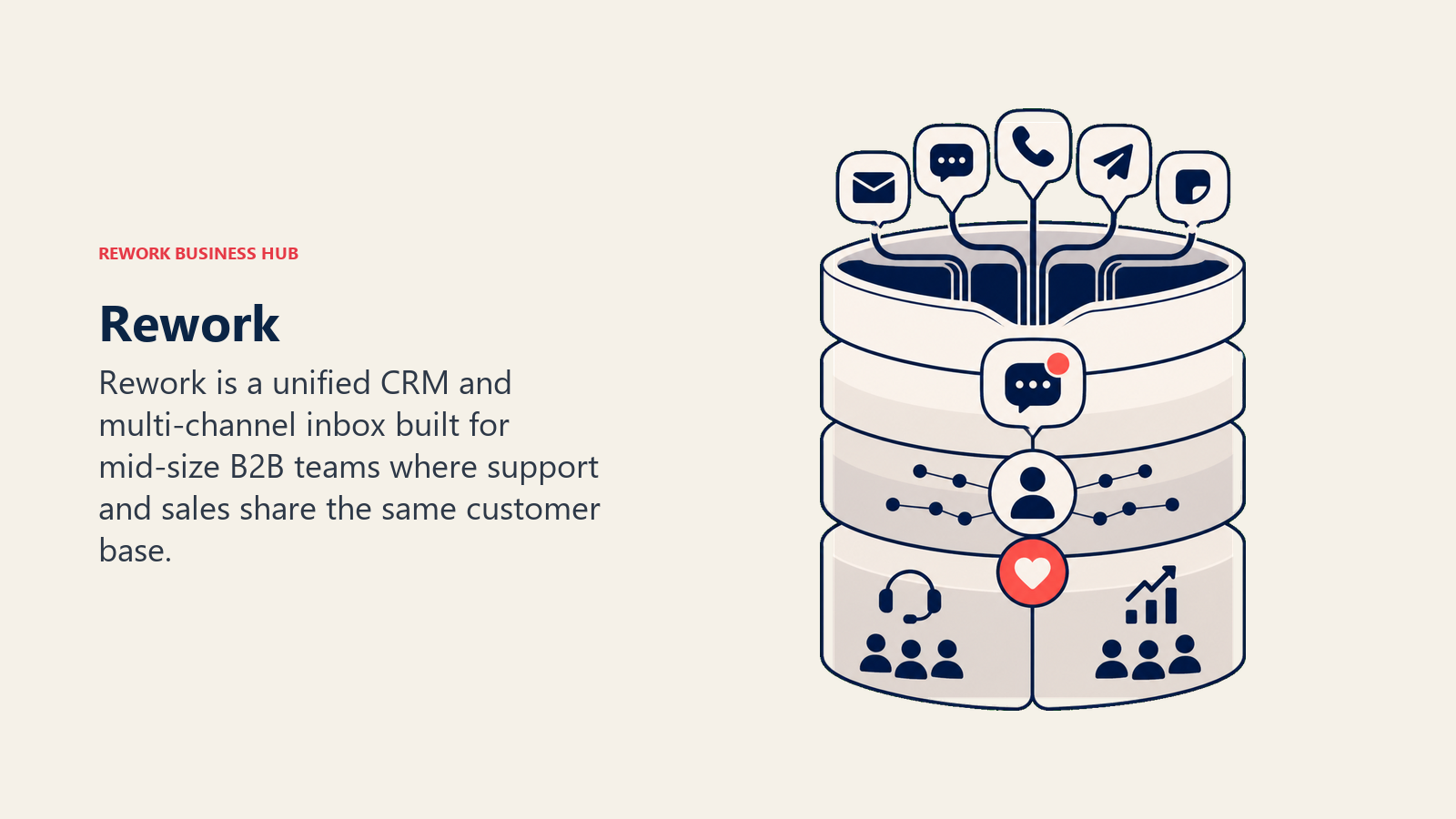
The multi-channel inbox covers WhatsApp, Instagram DM, Messenger, TikTok, Telegram, LINE, Zalo, and web chat. Routing rules, distribution teams, SLA deadlines with breach actions, and AI agents (in beta) that answer routine questions from your own knowledge sources are built in. Email runs in a separate app, Rework Mail, where team inboxes handle a shared support address. There is no SMS or voice channel.
It is a different shape of product from Kayako, which is why the two help desks above it are the closer swaps. Where Rework is not the right call: teams that need classic ticketing, a self-service help center like Kayako's, a built-in call center with IVR, or CSAT survey automation will find a purpose-built help desk like Zendesk or Freshdesk does more of that heavy lifting out of the box.
| Pros | Unified CRM + inbox eliminates context switching; multi-channel built in; native lead routing |
| Cons | No ticket queues or help center; no SMS or voice; email team inboxes are basic; minimum 5 seats |
Pricing: Revenue Engine (CRM, omnichannel inbox and lead capture) is $159/month billed yearly ($1,908/year) or $190 month to month, with 5 marketing and 5 sales seats included. Extra seats come in blocks of 5 ($21/month per block on yearly billing). 14-day free trial. See rework.com/pricing.
Best for: Mid-size B2B teams (20-500) where support and sales agents share a customer base and you want both activities visible on the same contact record.
4. Help Scout
Help Scout is a deliberate antidote to feature bloat. The product is built around email-first support with a shared inbox that feels more like a team email client than a ticketing system. There are no ticket numbers in the agent view (customers see a normal email conversation), collision detection prevents two agents from replying to the same thread, and Docs (Help Scout's knowledge base) integrates tightly so agents can share articles without leaving the inbox.
For small B2B SaaS teams with a customer base that communicates mostly by email, Help Scout is one of the cleanest options available. It doesn't try to be a CRM or an omnichannel platform. If you need live chat, it has a lightweight Beacon widget. But if you're running a high-volume inbound operation across multiple channels or need deep reporting, you'll hit its ceiling. AI Answers is priced per resolution at $0.75.
| Pros | Clean UX; excellent Docs integration; transparent pricing; no ticket-number friction |
| Cons | Limited phone support; not built for high-volume or omnichannel; AI is usage-based |
Pricing: Free for up to 5 users; Standard at $25/user/month; Plus at $45/user/month; Pro at $75/user/month (annual billing). AI Answers at $0.75 per resolution.
Best for: Small B2B SaaS or agency teams (under 50 seats) where email is the dominant support channel. More context at best Help Scout alternatives.
5. Zoho Desk
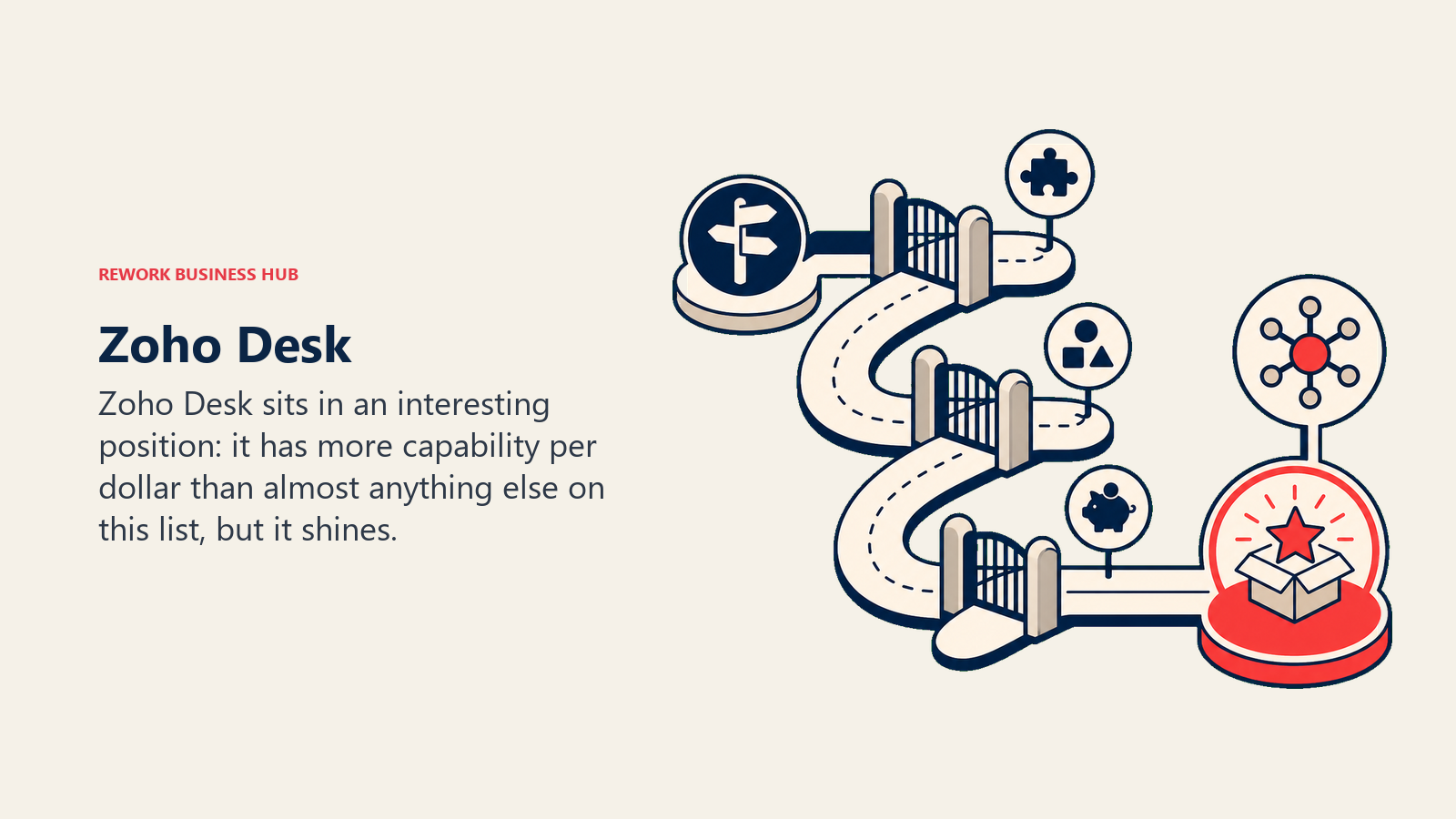
Zoho Desk sits in an interesting position: it has more capability per dollar than almost anything else on this list, but it shines brightest inside the Zoho ecosystem. If your team is already using Zoho CRM, Zoho Analytics, or Zoho One, the context that flows from CRM into Desk tickets is genuinely useful and the integration is native rather than webhook-stitched.
For teams outside the Zoho stack, the UI takes longer to configure and the learning curve is steeper than Freshdesk or Help Scout. The Enterprise tier at $40/agent/month includes Zia AI for sentiment analysis and guided conversations, custom functions, and advanced SLA management. At that price point, it competes directly with Freshdesk Pro but offers more automation depth if you're willing to invest the configuration time.
| Pros | Best value pricing on the market; strong Zoho CRM integration; deep automation at Enterprise tier |
| Cons | UI complexity; switching costs if you leave Zoho; Zia AI only at Enterprise |
Pricing: Free for 3 agents; Express at $7/user/month; Standard at $14; Professional at $23; Enterprise at $40 (annual billing).
Best for: Teams already in the Zoho ecosystem or budget-conscious mid-market operations that need enterprise-tier features without enterprise-tier spend. See best Zoho Desk alternatives for comparisons.
6. Front
Front takes the shared inbox model and wraps it in a collaboration layer designed for teams where the line between customer support and customer success is blurry. Teammates can comment on threads, assign conversations, tag each other, and co-author replies without the customer seeing any of the back-channel. It covers email, SMS, social, and basic live chat.
The Starter plan is capped at 10 seats and one communication channel, which limits it for anything beyond a small team. Professional at $65/seat/month unlocks omnichannel and raises the seat ceiling to 50. AI features (Copilot, Smart QA, AI Autopilot) are add-ons at every tier. If your team sends high-volume outbound sequences or needs deep ticket SLA management, Front's inbox-first model will feel lightweight.
| Pros | Best team collaboration features; clean omnichannel inbox; good for relationship-heavy support |
| Cons | AI is extra on all plans; Starter limited to 1 channel; less suited to high-volume ticketing |
Pricing: Starter at $25/seat/month; Professional at $65; Enterprise at $105 (annual billing). AI features add-on.
Best for: B2B teams handling complex, relationship-heavy conversations where internal collaboration matters as much as response speed. Compare further at best Front alternatives.
7. Gorgias
Gorgias is built for e-commerce support and does that job better than any general-purpose help desk on this list. When an agent opens a Gorgias ticket for a Shopify customer, they see the order history, shipment status, refund eligibility, and lifetime value pulled directly from Shopify, Magento, or BigCommerce. They can issue refunds, edit orders, or trigger loyalty rewards from inside the ticket without switching tabs.
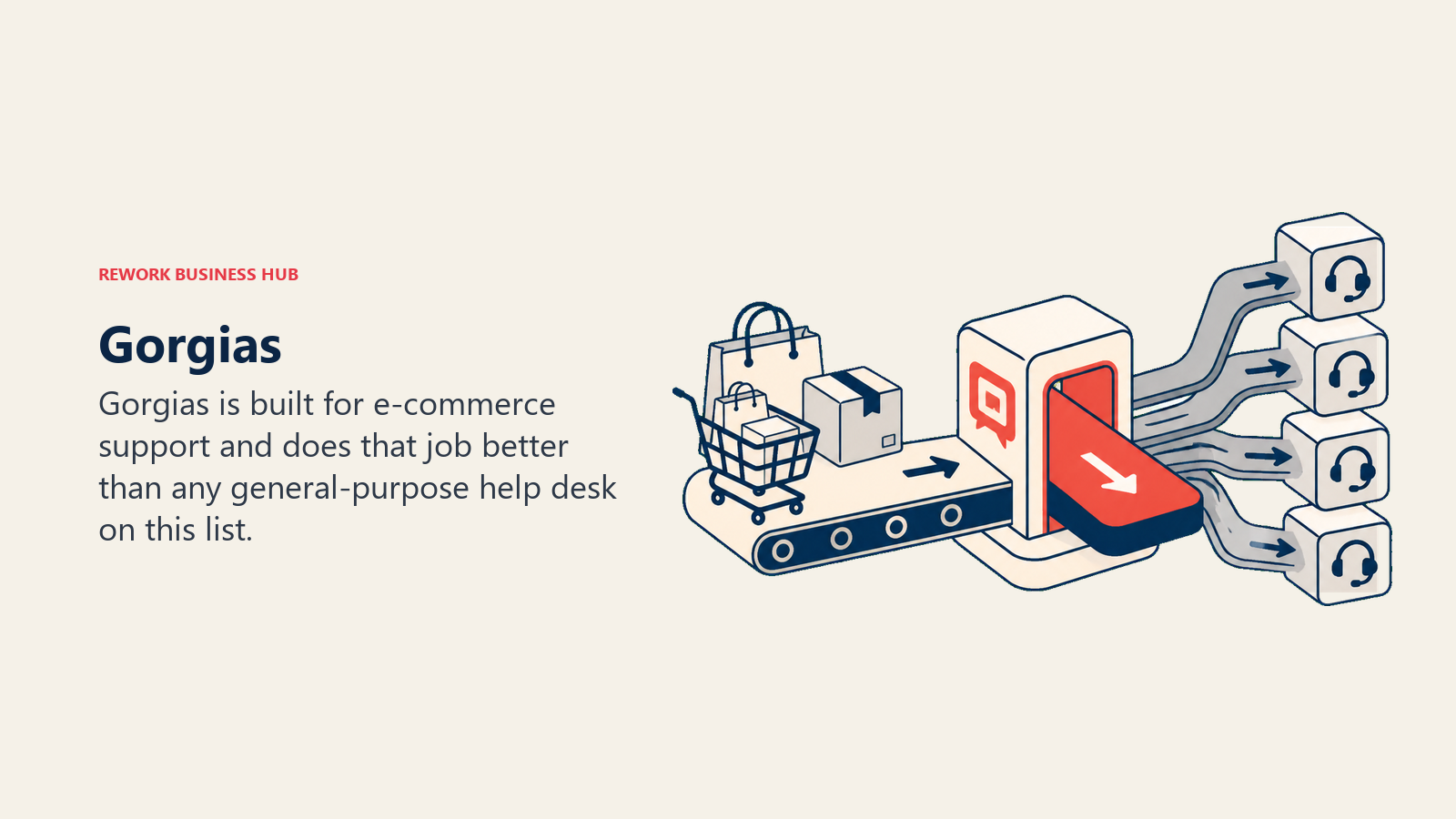
The pricing model is ticket-volume-based (not per-seat), which suits e-commerce brands with seasonal spikes because you're not paying for idle seats in off-peak months. But if your volume runs consistently high, overage charges at $0.36-$0.40 per ticket add up fast. And the AI Agent at $0.90-$1.00 per automated conversation is double-billed against ticket fees. Outside e-commerce, Gorgias has almost no reason to exist as a choice.
| Pros | Best-in-class Shopify/Magento data in tickets; unlimited agents on all plans; volume-based pricing fits seasonal brands |
| Cons | Poor fit outside e-commerce; overage fees unpredictable; AI double-billing |
Pricing: Starter from $10/month (50 tickets); Basic, Pro, and Advanced plans scale by ticket volume up to $900/month (5,000 tickets). Overages at $0.36-$0.40/ticket.
Best for: DTC e-commerce brands on Shopify, Magento, or BigCommerce. If you're not in e-commerce, look elsewhere. See best Gorgias alternatives.
8. Intercom
Intercom straddles support and product-led growth better than any other tool here. Its Fin AI agent handles a substantial share of first-contact resolutions in the in-app messenger, and the platform routes what Fin can't handle to human agents with full conversation context. For SaaS products where users expect answers inside the product, not via a separate email thread, Intercom's in-app experience is genuinely differentiated.
The cost model is the main challenge. The Essential plan starts at $29/seat/month (annual), but Fin AI is $0.99 per outcome. Add WhatsApp ($29/month), SMS ($29/month), and the Proactive Support Plus add-on ($99/month), and a 15-seat team's monthly bill can swing by several hundred dollars depending on conversation volume. Budget predictability is hard.
| Pros | Best in-app messaging and AI agent (Fin); strong for product-led SaaS; proactive outbound messaging |
| Cons | Usage-based fees make billing unpredictable; not ideal for email-heavy support teams |
Pricing: Essential at $29/seat/month; Advanced at $85; Expert at $132 (annual billing). Fin AI at $0.99 per outcome. Channel add-ons extra.
Best for: SaaS products with in-app support needs and teams that want AI to handle a large share of first-contact volume. More context at best Intercom alternatives.
9. HappyFox
HappyFox sits solidly in the mid-market help desk bracket with a cleaner feature set than many competitors in its price range. It covers multi-channel ticketing (email, chat, phone, social), solid SLA management, canned responses, and a knowledge base. The reports are functional without being exceptional.
One unusual option: unlimited-agent flat-rate plans starting at $1,499/month. For teams of 50+ agents, this can work out cheaper than per-seat pricing at most competitors. HappyFox also offers ITSM-adjacent features (smart rules, custom statuses, approval workflows) that Kayako never fully developed. The trade-off is that per-agent plans start at $24/agent/month for the Basic tier, which caps at 5 agents, so small teams have limited flexibility.
| Pros | Unlimited-agent plans available; solid ITSM-adjacent features; good SLA management |
| Cons | Basic plan capped at 5 agents; reporting depth could be stronger; less name recognition |
Pricing: Basic at $24/agent/month; per-agent plans scale up; unlimited-agent flat plans from $1,499/month (annual).
Best for: Mid-market teams (30-200 agents) evaluating the math on unlimited-seat flat pricing versus per-agent costs at other vendors.
10. LiveAgent
LiveAgent is the strongest budget option for teams that need email, live chat, phone (call center), and social all in one product without paying Zendesk Suite prices. The $15/agent/month Small plan covers the basics. The Large plan at $49/agent/month includes a full call center with IVR, call routing, and recording. That breadth at that price is genuinely hard to match.
The trade-off is a UI that feels older than most rivals and some quirky configuration patterns that take time to learn. Extra fees apply for WhatsApp, Instagram, and Viber integrations. And while LiveAgent's AI features have improved, they're not at the depth of Freshdesk's Freddy or Intercom's Fin. For SMBs that need call center capability without the Zendesk price tag, it's worth a serious look.
| Pros | Best price for combined call center + chat + email; 30-day free trial; strong ticket management |
| Cons | UI feels dated; extra fees for some social channels; AI depth limited |
Pricing: Small at $15/agent/month; Medium at $29; Large at $49; Enterprise at $69 (annual billing). Extra fees for select messaging channels.
Best for: SMBs that need voice (call center with IVR) alongside email and chat but don't have enterprise budget. See best LiveAgent alternatives.
11. Hiver
Hiver turns Gmail into a full-featured shared inbox and help desk. If your team lives in Google Workspace and you want to add shared inboxes, assignments, collision detection, SLA tracking, and CSAT surveys without ever leaving Gmail, Hiver is the cleanest way to do it. There's no separate app to learn and no context switching.
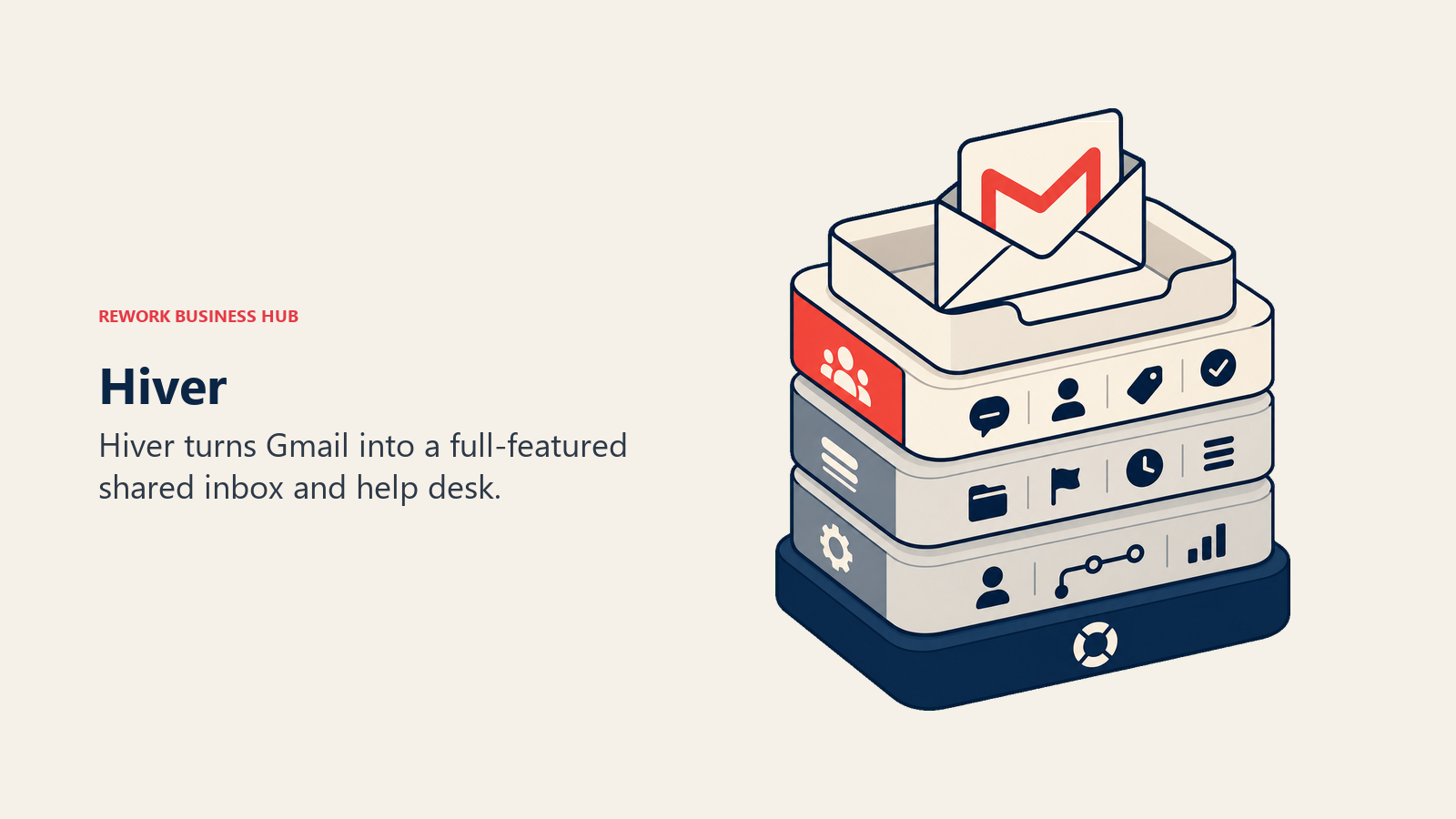
The limitation is the tight coupling to Google Workspace. If anyone on your team doesn't use Gmail as their primary email client, Hiver creates friction. It also scales less gracefully than a purpose-built help desk: the Elite plan (custom pricing) adds HIPAA compliance and SSO via Okta, but deep automation and routing logic hit their limits before a mid-size enterprise support operation would be satisfied.
| Pros | Zero context switching for Gmail teams; easy onboarding; good CSAT and SLA tooling |
| Cons | Requires Google Workspace; limited outside Gmail; scales less well past ~50 agents |
Pricing: Free tier available; Lite at $25/user/month (annual); Growth at $34; Pro at $59; Elite at custom pricing.
Best for: Small to mid-size teams fully committed to Google Workspace where inbox simplicity matters more than feature depth.
12. HubSpot Service Hub
HubSpot Service Hub makes the most sense if your team is already on HubSpot CRM. Every ticket links to a CRM contact record. You can see deal history, company properties, and lifecycle stage alongside a support conversation. The Starter tier at $9/seat/month (annual) includes basic ticketing, live chat, and a knowledge base, which makes it a realistic entry point for small teams.
The jump to Professional at $90/seat/month plus a $1,500 onboarding fee is steep. That's the tier where automation, SLA tracking, and customer portals unlock, meaning a team of 10 agents running Professional pays $9,000/month plus onboarding. Compared to Freshdesk Pro or Zendesk Suite Team, that's expensive for roughly equivalent functionality. Service Hub's value is almost entirely in the HubSpot data integration, not the help desk features themselves.
| Pros | Native HubSpot CRM context in every ticket; smooth for HubSpot-first orgs; solid knowledge base |
| Cons | Professional tier expensive; onboarding fees; weak standalone value outside the HubSpot stack |
Pricing: Free Tools available; Starter at $9/seat/month; Professional at $90/seat/month (plus $1,500 onboarding fee); Enterprise at $150/seat/month (plus $3,500 onboarding).
Best for: Teams already running HubSpot CRM who want ticketing native to their existing contact records.
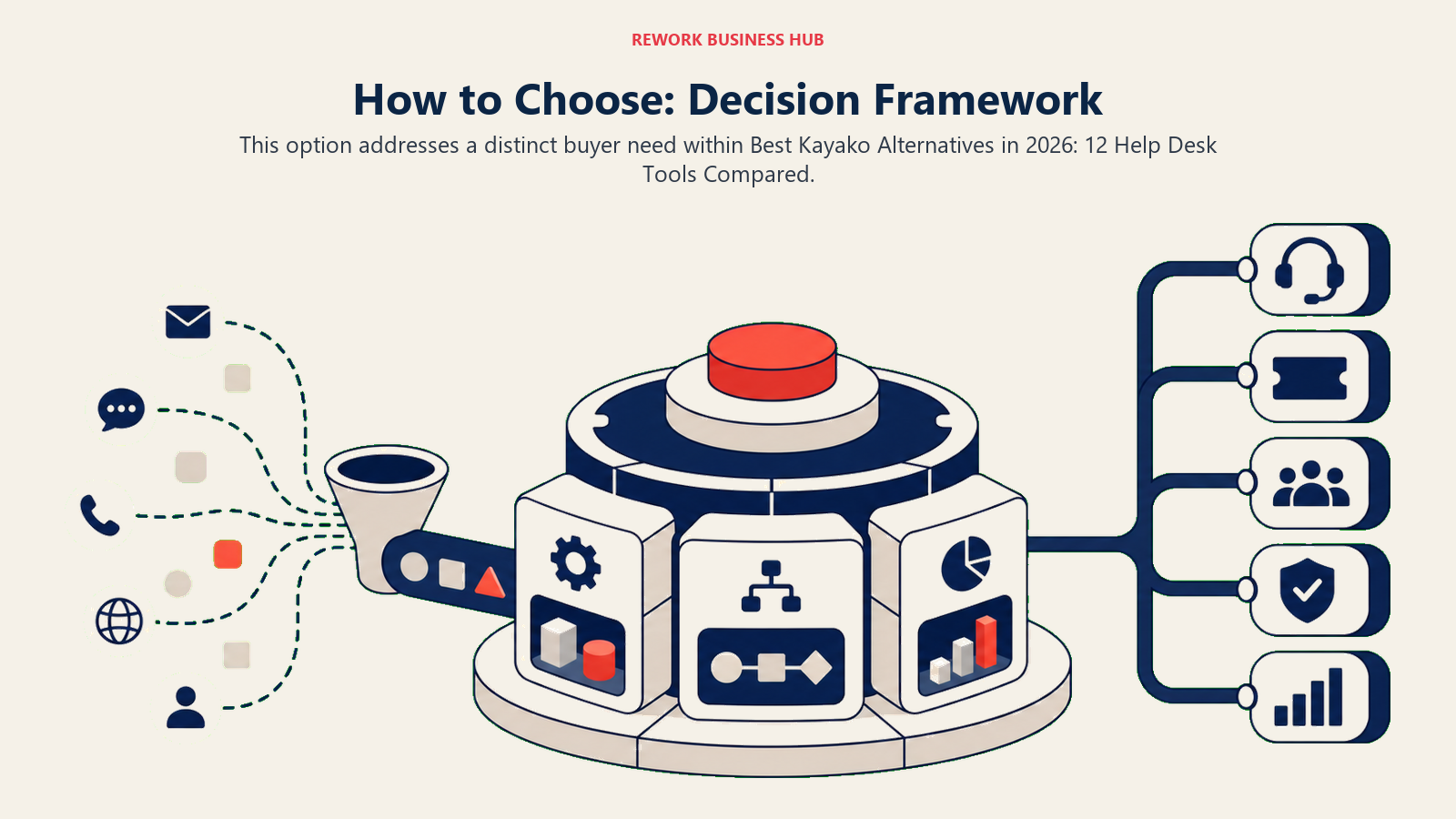
How to Choose: Decision Framework
| Scenario | Recommended Option |
|---|---|
| You need enterprise-grade SLA automation, IVR call center, and deep AI at scale | Zendesk |
| You want a Kayako-like ticketing structure with a generous free tier and clear upgrade path | Freshdesk |
| Support and sales teams share the same customer base and you want both on one record | Rework |
| Small team, email-first, and you want the simplest possible shared inbox | Help Scout |
| You're on Zoho CRM and want native data in tickets at the lowest per-seat cost | Zoho Desk |
| Team collaboration on inbox threads matters as much as ticket volume | Front |
| You run a Shopify or Magento store and need order data in every ticket | Gorgias |
| You have a SaaS product and want AI to handle in-app conversations at scale | Intercom |
| You need voice (call center with IVR) at an SMB price point | LiveAgent |
| Your whole team is on Google Workspace and you don't want a separate app | Hiver |
| You're evaluating unlimited-agent flat pricing for a 50+ agent team | HappyFox |
| You're already on HubSpot CRM and want ticketing inside the same platform | HubSpot Service Hub |
| You need ITSM depth (change management, service catalog, CMDB) | Look at ServiceNow or Jira Service Management (see best ServiceNow alternatives) |
What to Do Next
Start with the scenario table above and narrow to two or three options. Then:
Match your channel mix. If voice is non-negotiable, LiveAgent or Zendesk Suite. If it's email-dominant, Help Scout or HappyFox. If it's omnichannel across WhatsApp and social DMs, Rework, Freshdesk Omni, or Front.
Run the per-agent math at your current headcount, plus 50% growth. Several tools get expensive fast (Intercom's usage fees, HubSpot Professional's onboarding cost). Others get cheaper at scale (HappyFox flat plans, Zoho Desk). Price both scenarios.
Check AI pricing separately. Resolution-based AI fees (Kayako One's $1/resolution, Intercom Fin's $0.99/outcome, Help Scout's $0.75/resolution) can double your effective cost if AI handles half your ticket volume. Freshdesk bundles Freddy into a flat per-agent add-on, which is easier to budget.
Run a two-week pilot on real tickets. Most tools on this list offer free trials. Import a sample of your live tickets, put two agents on it, and track both resolution time and agent experience. What you find in production beats any feature matrix.
Kayako did the unified-inbox thing well for its time. The market has moved, and most of these tools now handle the same job with better AI, cleaner interfaces, and more honest pricing.
Camellia writes about support and customer-operations tooling for B2B teams. Last updated June 2026.

Principal Product Marketing Strategist
On this page
- Quick Comparison Table
- Stage Fit Matrix
- Sizing and Persona Table
- 1. Zendesk
- 2. Freshdesk
- 3. Rework: Unified CRM and Chat Inbox for Mid-Size B2B Teams
- 4. Help Scout
- 5. Zoho Desk
- 6. Front
- 7. Gorgias
- 8. Intercom
- 9. HappyFox
- 10. LiveAgent
- 11. Hiver
- 12. HubSpot Service Hub
- How to Choose: Decision Framework
- What to Do Next