monday.com vs Notion: Which Fits How Your Team Actually Works in 2026?
Turn this article into takeaways for your work.


Each assistant summarizes the article only for you and suggests best practices for your work.
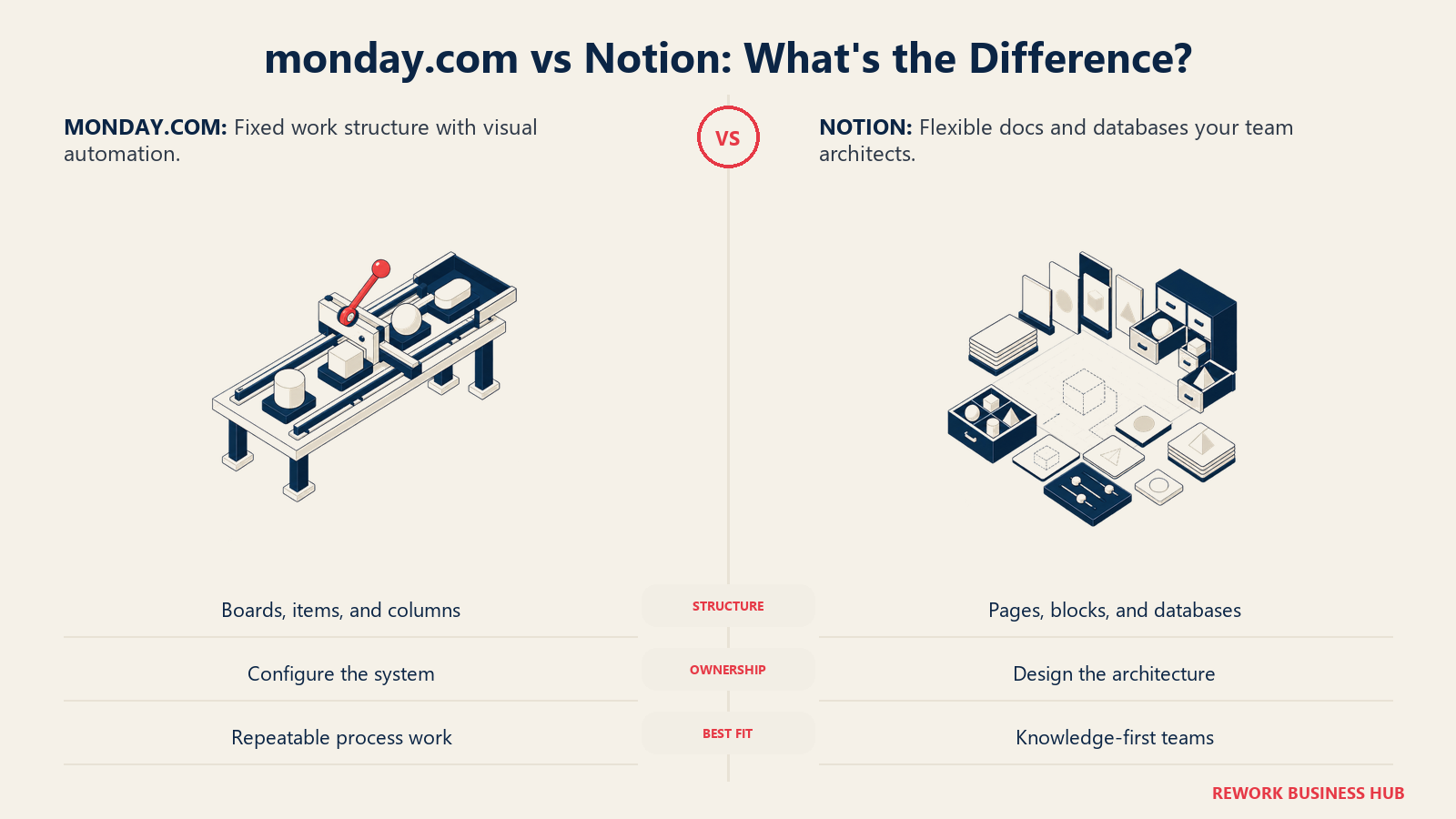
Search "monday.com vs Notion" and you'll find a dozen feature grids scoring both tools on the same twenty rows: templates, mobile app, integrations, AI. Almost every row ties. That's not because the products are similar. It's because a feature checklist can't see the one variable that actually decides this comparison: who, on your team, ends up responsible for making the tool work the way you need it to.
Monday.com hands you a shape. Boards, items, columns, groups: the structure is fixed, and you fill it in. Add a column, run an automation, pick a template, and you're working inside scaffolding that monday.com built and maintains for you. Notion hands you blocks and a blank page. There is no shape until someone decides there's a shape: which pages are databases, what properties they carry, how they relate to each other. That someone is usually a real person on your team, and the hours they spend designing and re-designing that system are a cost that never shows up on an invoice.
This article is for operators, not architects: COOs, Heads of Ops, RevOps leads, and team leads at companies roughly 20 to 500 people deciding which of these two tools their team should actually run work through. If you want the wider field before narrowing to these two names, the best project management software roundup covers 15 tools.
TL;DR
| monday.com | Notion | |
|---|---|---|
| What it actually is | A visual Work OS: boards, items, and columns you configure | A docs and wiki product that grew databases |
| The unit of structure | An item: a row with fixed columns, inside a board | A page: a document with properties attached, inside a database |
| Who has to design the system | Nobody. Structure is built in; you configure it | Someone, usually one person who becomes the de facto architect |
| Cheapest usable paid tier | Basic, $9/seat/month billed annually | Plus, $10/member/month billed annually |
| Seat minimum on paid plans | Yes. Monday's own pricing calculator floors every paid tier at 3 seats | None. Pay for exactly the members you have |
| Free plan | Yes, up to 2 seats, unlimited read-only viewers | Yes, capped at 10 guests and 7-day version history |
| Automation | Visual rule builder: no allowance on Basic, 250 actions/month on Standard, 25,000/month on Pro | Page-added, property-edited, and scheduled triggers; unavailable on the free plan |
| Best for | Teams that want to start working today without designing anything first | Teams whose work is mostly writing, with structure wrapped around it |
The Real Split: A Shape You Can't Break, or a Canvas You Have to Design
Here's the fastest way to settle this before reading another paragraph. Picture the exact moment someone on your team needs to track something new: a client onboarding, a hiring pipeline, a content calendar. What happens in the first ten minutes?
On monday.com, they pick a template or start a blank board, and within minutes they have a table of items with a Status column, an Owner column, and a Date column, because that's what a board is. They cannot decide this board should instead be a forty-page nested wiki with embedded video and a discussion thread. The object model won't let them. That's a limitation, and it's also the entire value proposition: nobody has to decide the shape, because monday.com already did.
On Notion, they open a new page and face an actual decision. Is this a database or a document? If it's a database, what properties does a row need? Does "status" here mean the same thing as "status" in the sales database three pages over? Should this connect to the existing Clients database through a relation, or is that overkill for a one-off project? None of those questions have a wrong answer, and none of them are optional. Someone has to answer all of them, today, before the tracking even starts.
Most teams have some work that's process (repeat the same six steps every time) and some that's knowledge (write it once, refer back to it often). That overlap is exactly why this decision matters more than a feature grid suggests. Pick the tool whose default shape fights your daily work, and you'll spend the next year either forcing documents into monday's rows and columns, or rebuilding Notion's schema every time a new team joins.
ClickUp sits between the two shapes just described: a task hierarchy with per-space configuration, stricter than Notion's blank page but more adjustable than monday's fixed columns. If ClickUp is the third name on your shortlist, ClickUp vs monday.com and ClickUp vs Notion each cover one side of that fork.
Who Each Tool Is Actually Built For
| monday.com | Notion | |
|---|---|---|
| Primary buyer | Operations Manager, Team Lead, Director running a visible process | Chief of Staff, Head of Product, founder, generalist who owns "how we work" |
| Team size sweet spot | 5 to 500, one or many boards per team | 2 to 100, one connected workspace |
| Core job | Track a process that already has steps: pipeline, intake, production, delivery | Hold the knowledge and lightly track the work that knowledge produces |
| Buying trigger | A process is living in spreadsheets, email, or a whiteboard photo | Documentation is scattered across five tools and nobody can find anything |
| What they say six months in | "Everyone actually uses it, and the automations save us real time" | "The wiki is great, the tracker never quite fit" |
| Typical failure mode | Workspace sprawl: duplicate boards, nobody owns cleanup | Schema rot: the person who designed it left, nobody else understands why |
Neither buyer is making a mistake. A production manager who needs every order to move through the same six stages and an EA who needs a single searchable home for meeting notes, policies, and onboarding docs are solving different problems that happen to show up in the same G2 category.
Key Facts
- monday.com's own pricing page prices Basic at $9 per seat per month and Pro at $19 per seat per month, both billed annually, with every paid tier defaulting to a 3-seat minimum team size in its pricing calculator. (monday.com/pricing)
- Notion's pricing page lists Plus at $10 per member per month and Business at $20 per member per month, both billed annually, with no minimum seat count. (Notion pricing)
- Notion documents 22 database property types, and its own help center confirms a rollup cannot reference another rollup, stating "Unfortunately not, as this could create unintended loops." (Notion database properties, Notion relations and rollups)
- monday.com meters automation at 250 actions a month on Standard and 25,000 a month on Pro, with no automation allowance listed on Basic at all. (monday.com/pricing)
- monday.com holds a 4.6 out of 5 rating across 6,097 reviews on Capterra; Notion holds a 4.7 out of 5 rating across 2,805 reviews on Capterra. (monday.com reviews, Notion reviews)
- monday.com states it is "trusted by over 60% of the Fortune 500" on its own homepage, a vendor claim rather than an independently audited figure. (monday.com)
Structure Out of the Box: Boards and Columns vs Blocks and Properties
Monday's structure runs the same way everywhere: a Board holds Groups, each Group holds Items, and each Item carries Columns. That's it, for every board, every time. The Free plan lists 8 column types (Status, Text, Number, Date, and similar), and monday's own pricing page describes "dozens" more unlocked on paid tiers (People, Timeline, Formula, Dependency, Dropdown, Mirror, Connect Boards, Files, and more) without publishing an exact total the way Notion publishes its property list.
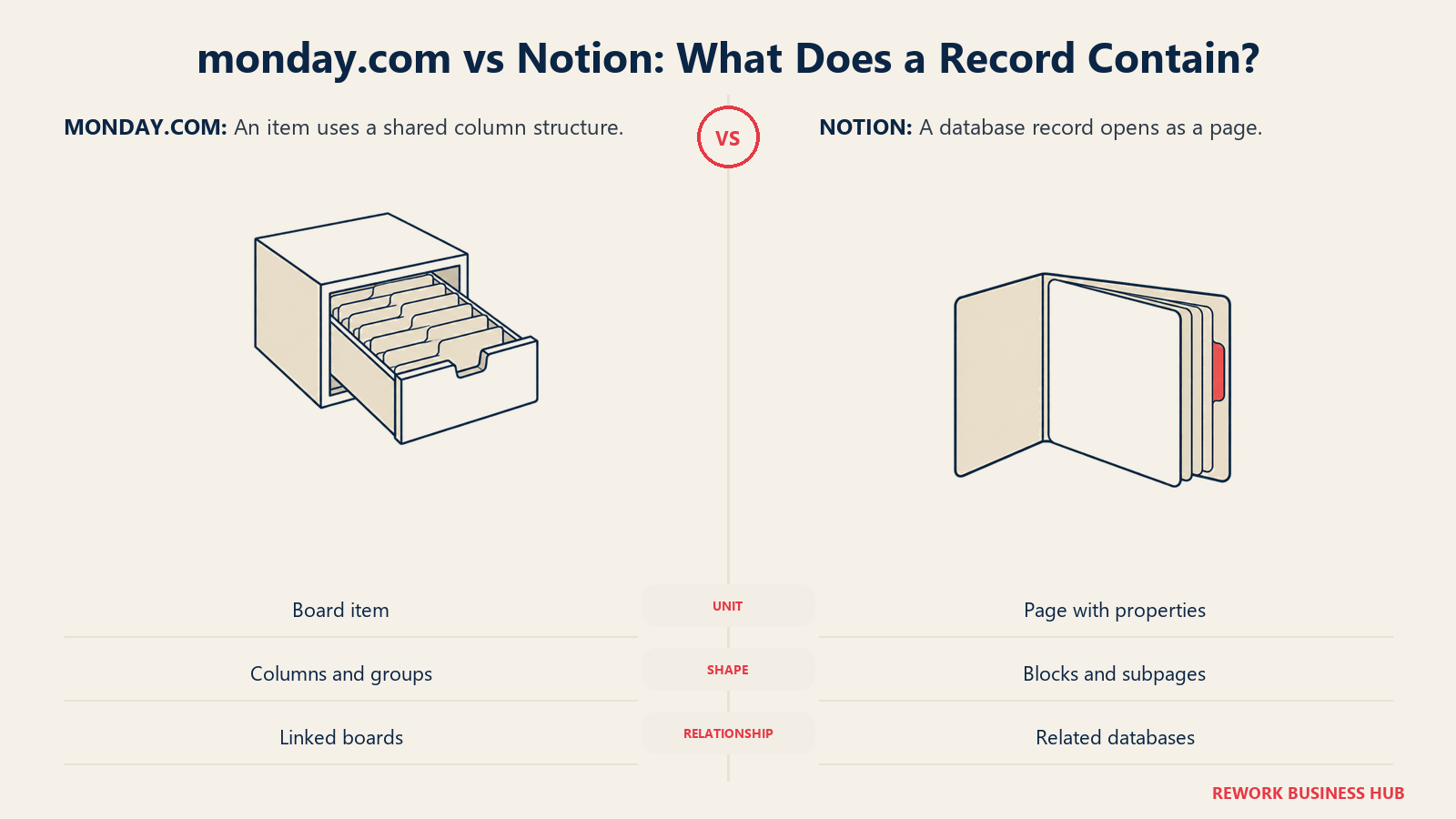
Notion's structure runs the other way: a Workspace holds Pages, nested to any depth, and a Database is a page whose children are rows carrying Properties. Notion documents 22 property types by name: Text, Number, Select, Status, Multi-select, Date, Formula, Relation, Rollup, Person, File, Checkbox, URL, Email, Phone, Created time, Created by, Last edited time, Last edited by, Button, ID, and Place. The load-bearing difference is what a record opens into: a monday item opens into an expanded row of the same columns visible in the table, while a Notion row opens into a full page that can hold headings, embeds, comments, and nested subpages.
| Structural element | monday.com | Notion |
|---|---|---|
| Atomic unit | Item: a row with fixed columns | Page: a document with properties attached |
| Column or property types | 8 on Free; "dozens" more on paid tiers, not individually published | 22, individually documented |
| Nesting | Boards can't nest inside items | Pages nest inside pages to any depth |
| Cross-reference between boards or databases | Connect Boards and Mirror columns pull status from linked items | Relation and Rollup properties, but a rollup cannot reference another rollup |
| Record body | Column values plus an update feed per item | Full page: headings, embeds, comments, nested subpages |
| Where the "shape" comes from | The product enforces it | Whoever builds the database decides it |
If your data model only needs to reference one hop away (a delivery board mirroring status from a sales board), both tools handle it fine. If you need a number computed two hops away (total hours across projects, to tasks, to time entries), Notion's own documentation rules that out for rollups, and monday's mirror columns aren't built for multi-hop aggregation either. Neither tool is a relational database at heart. If that's genuinely your requirement, the best no-code database software roundup covers tools built for exactly that job, and teams whose real complaint is Notion's relational ceiling rather than monday's rigidity should see how it stacks up against a purpose-built relational tool in Notion vs Airtable. And if it's monday's rigidity, not Notion's ceiling, that's the actual complaint, Airtable vs monday.com puts monday against that same relational tool directly.
Who Owns the Build: The Hidden Cost That Decides This
This is the part a feature grid can't show you, and it's the one that predicts satisfaction eighteen months out more reliably than any column count.
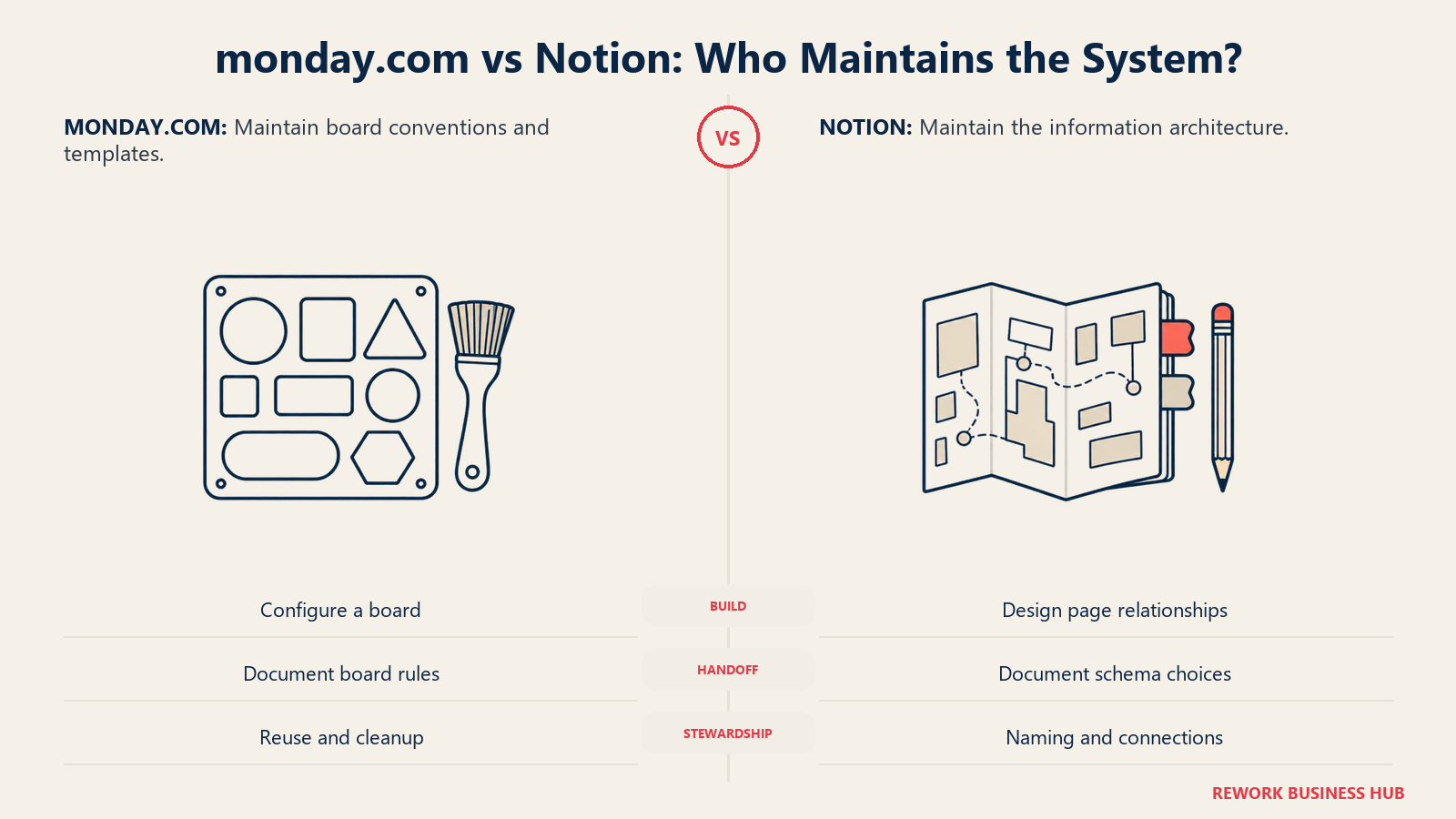
Every monday.com board someone builds is configuration, not architecture. The Item, Column, and Group model is the same on day one and year three. A new ops hire can open an existing board, recognize the shape instantly because every other board looks the same way, and start editing automations within a day. When the person who built the board leaves, the board doesn't stop making sense: the columns are still labeled, the automations still fire, and monday.com's own structure carries the institutional knowledge that would otherwise live only in someone's head.
Every Notion workspace someone builds is architecture. Deciding that "Projects" and "Clients" should be separate databases connected by a relation, that "Status" means five specific values and not eight, that this page is a database and that one is a static doc: those are design decisions with no product-enforced default. Usually one person makes them, often informally, because they're the one who "gets" Notion. That person becomes the workspace's unofficial administrator whether or not it's in their job title. Ask what happens to the workspace when that person goes on leave, changes roles, or leaves the company, and you've found the real cost of the blank canvas. It doesn't show up on a pricing page. It shows up months later as duplicate databases, orphaned pages, and three teams each using "Status" to mean something different, which is exactly the kind of hidden overhead the Coordination Tax framework is built to measure and name.
| Build ownership | monday.com | Notion |
|---|---|---|
| What the builder is actually doing | Configuring columns, automations, views inside a fixed model | Designing an information architecture from a blank page |
| Skill ceiling to set up well | Moderate: understand your process, pick the right columns | High: understand databases, relations, permissions, naming conventions |
| Time for a new admin to take over an existing setup | Fast. The model is identical across every board | Slow. Has to reverse-engineer why this workspace is shaped this way |
| What happens if the builder leaves | Structure persists; automations and columns still run | Data persists, but the reasoning behind the schema often doesn't |
| Where the ongoing cost lands | Mostly on the subscription, plus occasional workspace cleanup | Mostly in someone's time: designing, documenting, and re-explaining |
Neither cost is fake and neither is free. Monday's cost is mostly financial and sits right there on the invoice. Notion's cost is mostly a person's time, and much harder to see on a budget line, which is exactly why teams underestimate it until the workspace already needs an intervention.
Templates, Automation, and Workflow Enforcement
Monday.com ships automation as a visual "when X happens, do Y" rule builder, available from Standard upward. Basic doesn't list an automation allowance at all. Standard caps you at 250 actions a month, which a team of 20 running real workflows can burn through in days. Pro raises that ceiling to 25,000 a month and is, in practice, the tier most active teams actually need. Enterprise goes to 250,000. None of this requires code: you're picking from a library of recipes and filling in the blanks, which is exactly the "configuration, not architecture" pattern from the section above.
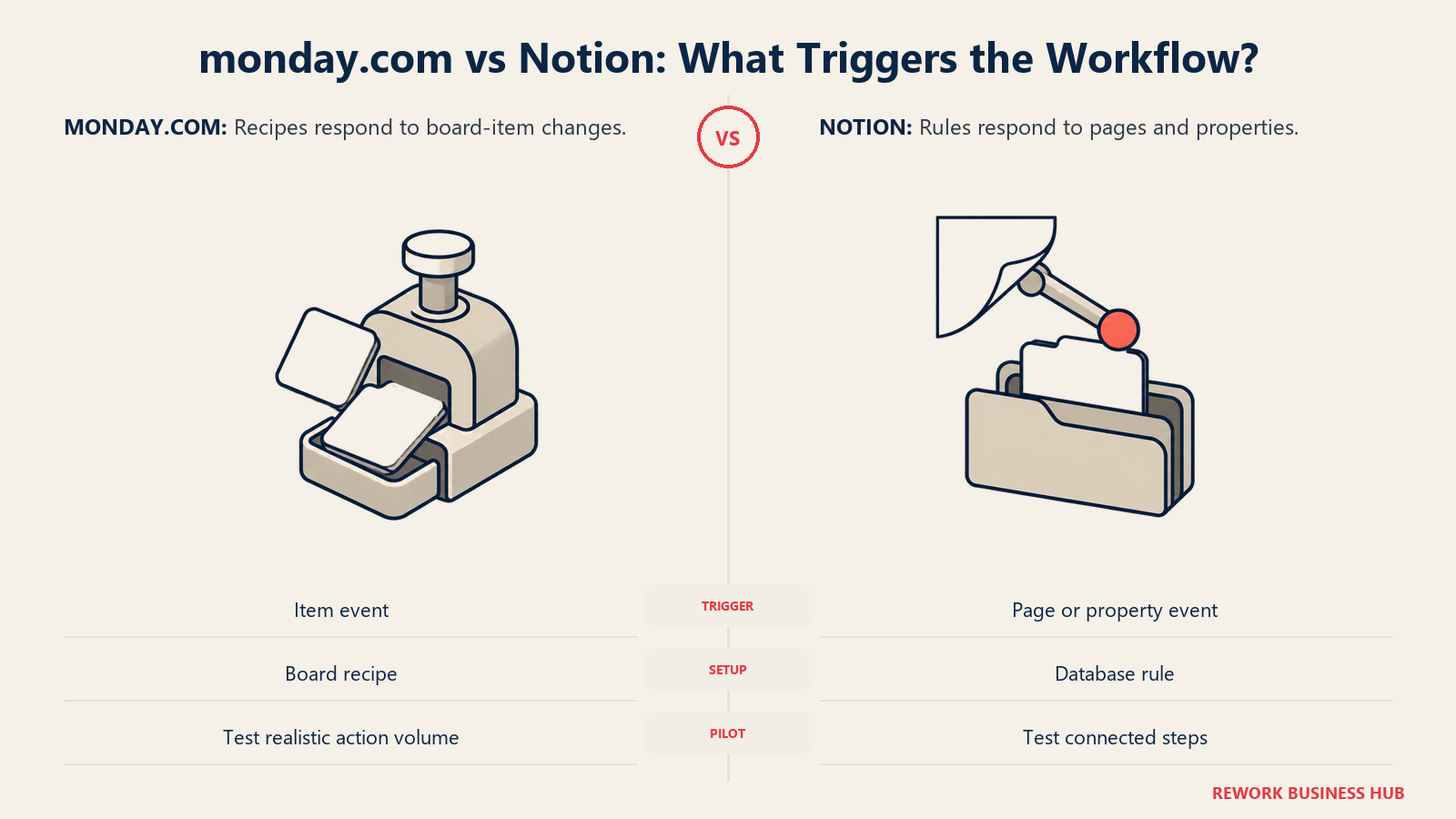
Notion's database automations use three trigger types (a page is added, a property is edited, or a recurring schedule fires) and actions that edit properties, add or edit pages in another database, notify a member, send Gmail, post a webhook, or message Slack. There's no custom code action, and Free workspaces can't run database automations at all. If your automation need is "notify someone when status changes," both tools handle it. If it's "call an API, transform the response, and write it into three different places," neither does that natively, and you're reaching for Zapier or Make either way.
| Automation and templates | monday.com | Notion |
|---|---|---|
| Trigger types | Broad visual library, item-based | 3: page added, property edited, recurring schedule |
| Monthly action cap | None listed on Basic; 250 Standard; 25,000 Pro; 250,000 Enterprise | Not published as a plan-level number |
| Available on the free plan | No | No, database automations require a paid plan |
| Custom code step | No | No |
| Template library | Large board template library by use case and industry | Page and database templates, plus a public template gallery |
Views, Reporting, and Dashboards
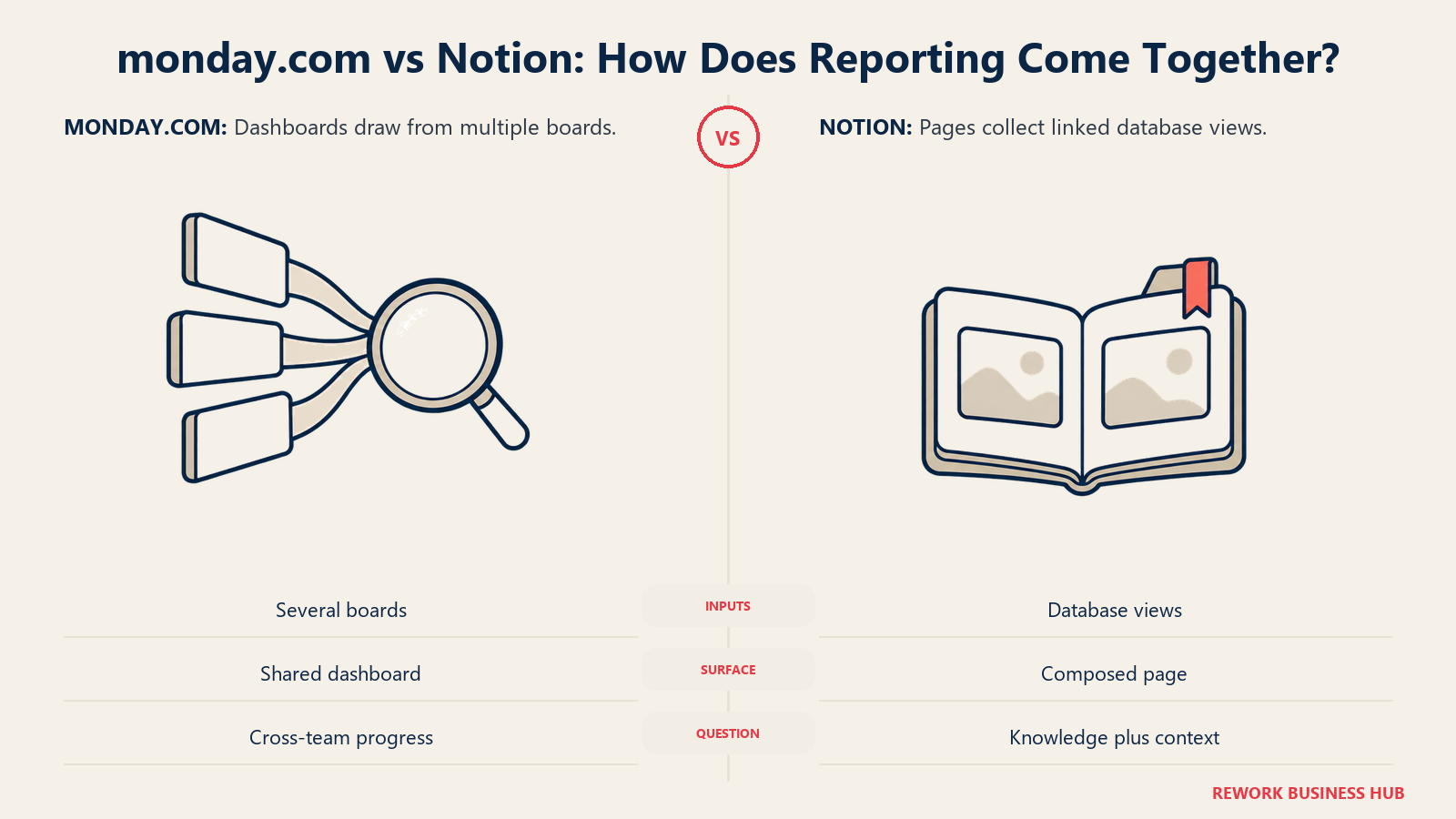
Both tools give you more than one way to look at the same work: table, kanban, calendar, timeline, and a form to collect new entries. Monday's dashboards pull data across multiple boards into charts, numbers, and workload widgets, and that cross-board rollup is available starting on the Standard tier. Notion's chart view (bar, line, donut) lives inside a single database, and cross-database reporting generally means embedding one database's linked view inside another page rather than reaching for a dedicated dashboard object.
| View or reporting surface | monday.com | Notion |
|---|---|---|
| Table / grid | Yes | Yes |
| Kanban / board | Yes | Yes |
| Calendar | Yes | Yes |
| Timeline / Gantt-style | Yes | Timeline view covers this use case |
| Cross-board or cross-database dashboard | Yes, from Standard upward | No dedicated object; built by embedding linked views |
| Forms | Yes | Yes, Notion Forms |
| Workload and capacity view | Yes, on higher tiers | Not a native view type |
If dashboards that roll several teams' boards into one leadership-ready number are the actual requirement, that's a real point in monday's favor. If the requirement is a searchable knowledge base with reporting as a secondary need, Notion's model is built the other way around, and it shows in this table.
Permissions and Guest Access
Monday.com's Free plan includes unlimited read-only viewers, and paid plans add Guests: external users such as clients, vendors, and contractors who see only the boards you invite them to, without consuming a paid seat. Notion's permission model is page-based (Full access, Can edit, Can edit content, Can create, Can comment, Can view) and inherited by everything nested underneath, with unlimited guests included free from Plus upward.
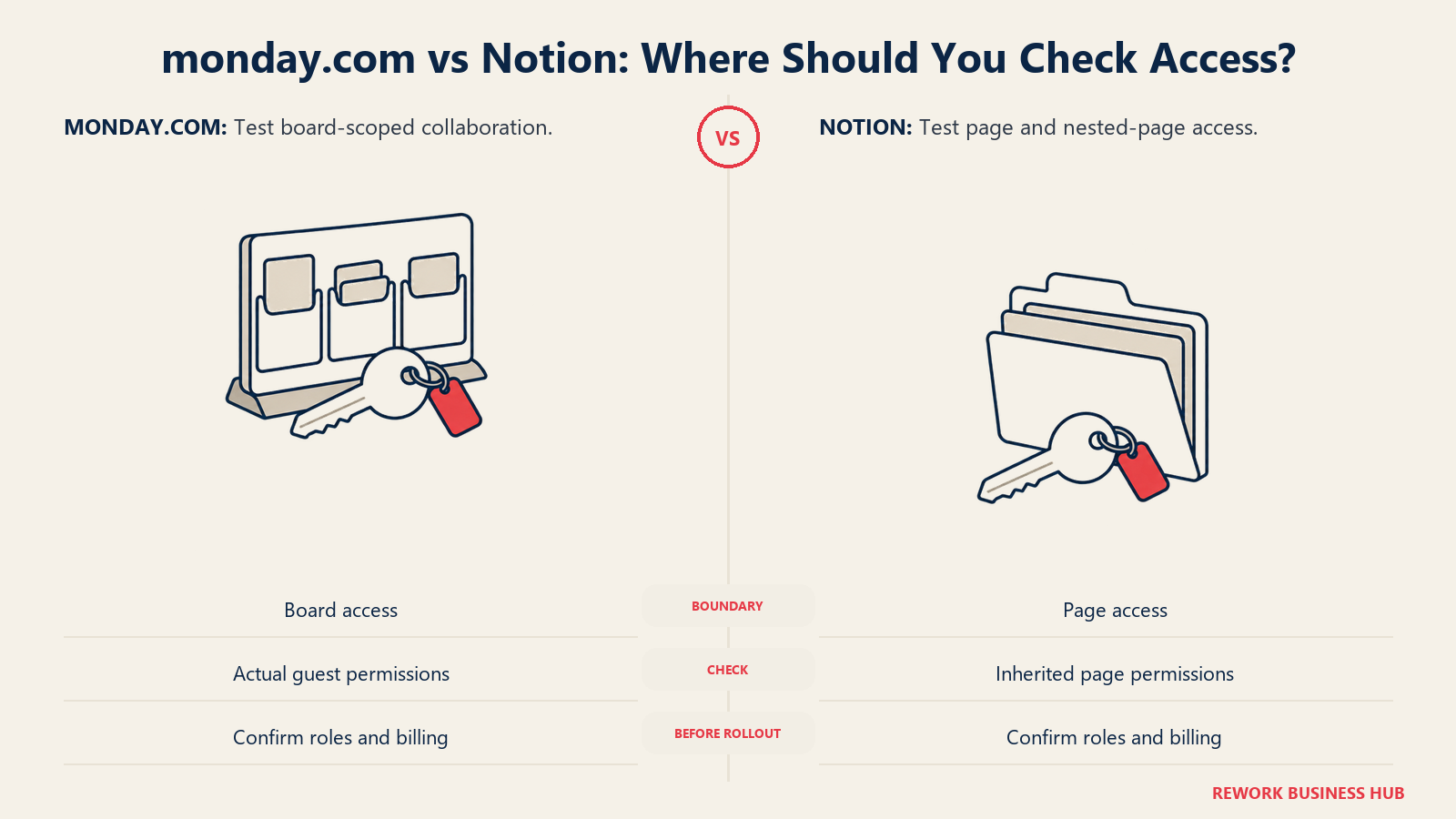
Both approaches solve the "outside collaborator" problem without charging for it, which matters if clients or contractors are part of your daily workflow. Where they diverge is granularity. Notion cannot restrict a single property the way it can restrict a page, so if a guest can see a record, they see every field on it. Monday's column-level automations and view filters give you a bit more control over what an external viewer sees inside a board.
| Access control | monday.com | Notion |
|---|---|---|
| Free viewers | Yes, unlimited, read-only, included on Free | Not a distinct role |
| External guests | Free, board-scoped, on paid plans | Free, unlimited, from Plus upward |
| Field or property-level restriction | Partial, via column and view permissions on higher tiers | Not available; permissions are set per page |
| Granular database permissions | Enterprise | Business and above |
AI Features in 2026
Both vendors bundled AI into the subscription rather than selling it as a separate product, and both now meter the expensive parts with credits. Monday.com includes AI credits starting on its cheapest paid tier: 1,000 a month on Basic, 2,000 on Standard, 3,000 on Pro, with a custom allocation on Enterprise. Notion's core AI (Notion Agent, AI Meeting Notes, Enterprise Search) is bundled into Business and Enterprise only, so Plus subscribers don't get it included. Notion's Custom Agents run on a separate metered pool priced at $10 per 1,000 credits. (Notion AI pricing)
| AI | monday.com | Notion |
|---|---|---|
| Included from which tier | Basic, the cheapest paid tier | Business, the second paid tier |
| Monthly allocation | 1,000 (Basic), 2,000 (Standard), 3,000 (Pro) | Not published as a flat number; Custom Agents billed separately |
| Metered overage | Not published | $10 per 1,000 credits for Custom Agents |
| What it's aimed at | Summarizing items, drafting updates, generating column values | Summarizing pages, meeting notes, workspace-wide search and drafting |
If AI access at your cheapest seat matters, that's a point for monday.com. If AI depth on your knowledge base matters more than AI on task rows, that's a point for Notion, once you're paying for Business.
Pricing: What Each Vendor Publishes
| Plan | monday.com | Notion |
|---|---|---|
| Free | $0, up to 2 seats, unlimited viewers | $0 per member, 10 guest limit, 7-day version history |
| Cheapest paid | Basic, $9/seat/month billed annually | Plus, $10/member/month billed annually |
| Mid tier | Standard, $12/seat/month billed annually | Business, $20/member/month billed annually |
| Next tier | Pro, $19/seat/month billed annually | Business is the top non-custom tier |
| Top tier | Enterprise, custom quote | Enterprise, custom quote |
| Billing note | Monthly billing available; annual is the rate shown here | Notion advertises up to 20% savings choosing yearly over monthly |
Sources: monday.com's pricing page and Notion's pricing page.
Seat Minimums: The Fine Print That Changes the Real Price
This is where the sticker price stops telling the whole truth, and it's exactly the kind of gap the case against pure seat-based pricing warns buyers to check before budgeting off a headline rate.
Monday.com's own pricing page defaults every paid tier, Basic, Standard, and Pro, to a 3-seat team size in its pricing calculator ("Choose team size: 3 Seats"), which is the minimum monday.com prices against on its own site. That's not a technical wall stopping a 1 or 2-person team from signing up, but it is the floor the vendor's own pricing is built on, and the practical effect is the same either way: a 2-person team pays for a third seat it isn't using, on any paid tier.
Notion has no equivalent floor. Its per-member pricing is exactly that: one member costs one seat's worth of Plus or Business, whether your workspace has 1 person or 100.
| Team size | monday.com Basic (real cost) | monday.com Pro (real cost) | Notion Plus (real cost) | Notion Business (real cost) |
|---|---|---|---|---|
| 1 person | $27/month (3-seat floor) | $57/month (3-seat floor) | $10/month | $20/month |
| 2 people | $27/month (3-seat floor) | $57/month (3-seat floor) | $20/month | $40/month |
| 3 people | $27/month | $57/month | $30/month | $60/month |
Past 3 people the floor stops mattering and both tools price on equal footing, per seat. Under 3, it's the difference between paying for exactly the team you have and paying for a seat nobody sits in.
Annual Cost at 10, 25, and 100 Seats
Once you're past the seat-minimum zone, the comparison is pure per-seat math, and the gap compounds the way it always does with per-seat pricing.
| Seats | monday Basic (annual) | monday Pro (annual) | Notion Plus (annual) | Notion Business (annual) |
|---|---|---|---|---|
| 10 | $1,080 | $2,280 | $1,200 | $2,400 |
| 25 | $2,700 | $5,700 | $3,000 | $6,000 |
| 100 | $10,800 | $22,800 | $12,000 | $24,000 |
Every figure is the annual per-seat rate (monday Basic $9, monday Pro $19, Notion Plus $10, Notion Business $20) multiplied by 12 months and the seat count. The entry tiers land within a few percent of each other at every seat count shown, so cost alone rarely decides monday Basic versus Notion Plus. The bigger gap sits between each tool's entry tier and its own next tier up: monday's jump from Basic to Pro roughly doubles the bill, buying the automation and reporting depth most active teams end up needing, and Notion's jump from Plus to Business exactly doubles it, buying the AI and granular permissions most IT teams end up requiring. Model which tier you'll actually be on in twelve months, not the entry-tier number, before comparing these two columns.
If most of your non-editors only need to view or comment, both vendors soften this math: monday's viewers and guests don't consume seats, and neither do Notion's guests from Plus upward. Neither tool discounts internal editors for light usage, so the seat count you're really pricing is your list of people who need to create or edit, not your full headcount.
Implementation and Time to a Working System
Monday.com is usable the same day you sign up. Pick a template, and a non-technical team is tracking real work inside an hour, because the shape is already decided. The implementation work that remains is configuration: which columns, which automations, which dashboards, and that work scales with process complexity, not with team size.
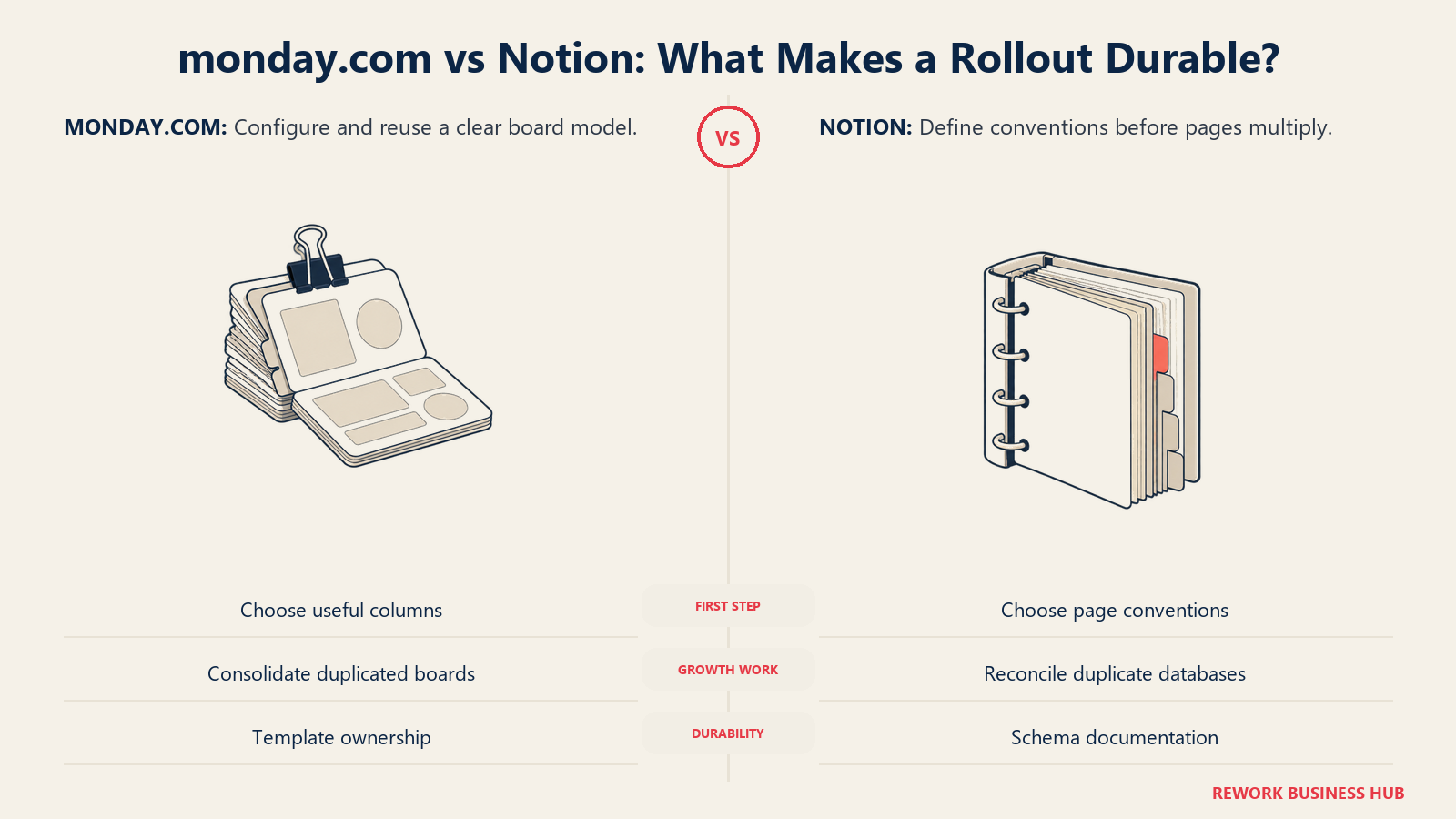
Notion is also usable the same day, in the sense that anyone can start typing. What takes longer is reaching a state where the workspace actually holds up under multiple teams: a real information architecture, consistent naming, and a permission structure that doesn't leak. Teams that skip that step end up with something that looks like a working Notion setup for the first month and a mess by the third, once two teams have each quietly built their own version of the same tracker.
Neither tool has a mandatory implementation phase, a vendor onboarding fee, or a multi-week rollout the way heavier enterprise software does. The real time cost is front-loaded on monday.com (a day or two of picking the right board structure) and back-loaded on Notion (weeks of accumulated small decisions that eventually need to be reconciled, usually right around the time a second or third team joins).
When monday.com Is the Right Call
- Your work is a process with steps, not a body of knowledge. Pipelines, intake queues, production schedules, delivery tracking: the item and column model matches this instantly.
- You want structure without appointing an architect. Nobody on the team needs to design a schema. Monday.com already has one.
- Automation needs to save real hours, not just send notifications. Pro's 25,000 monthly actions covers genuine workflow automation for most teams.
- Cross-board reporting for leadership matters. Dashboards rolling several teams' boards into one view are a native, well-supported feature.
- Your team is mostly non-technical and needs to be productive on day one, not after a design phase.
When Notion Is the Right Call
Notion fits writing-heavy work when someone owns the page and database architecture.
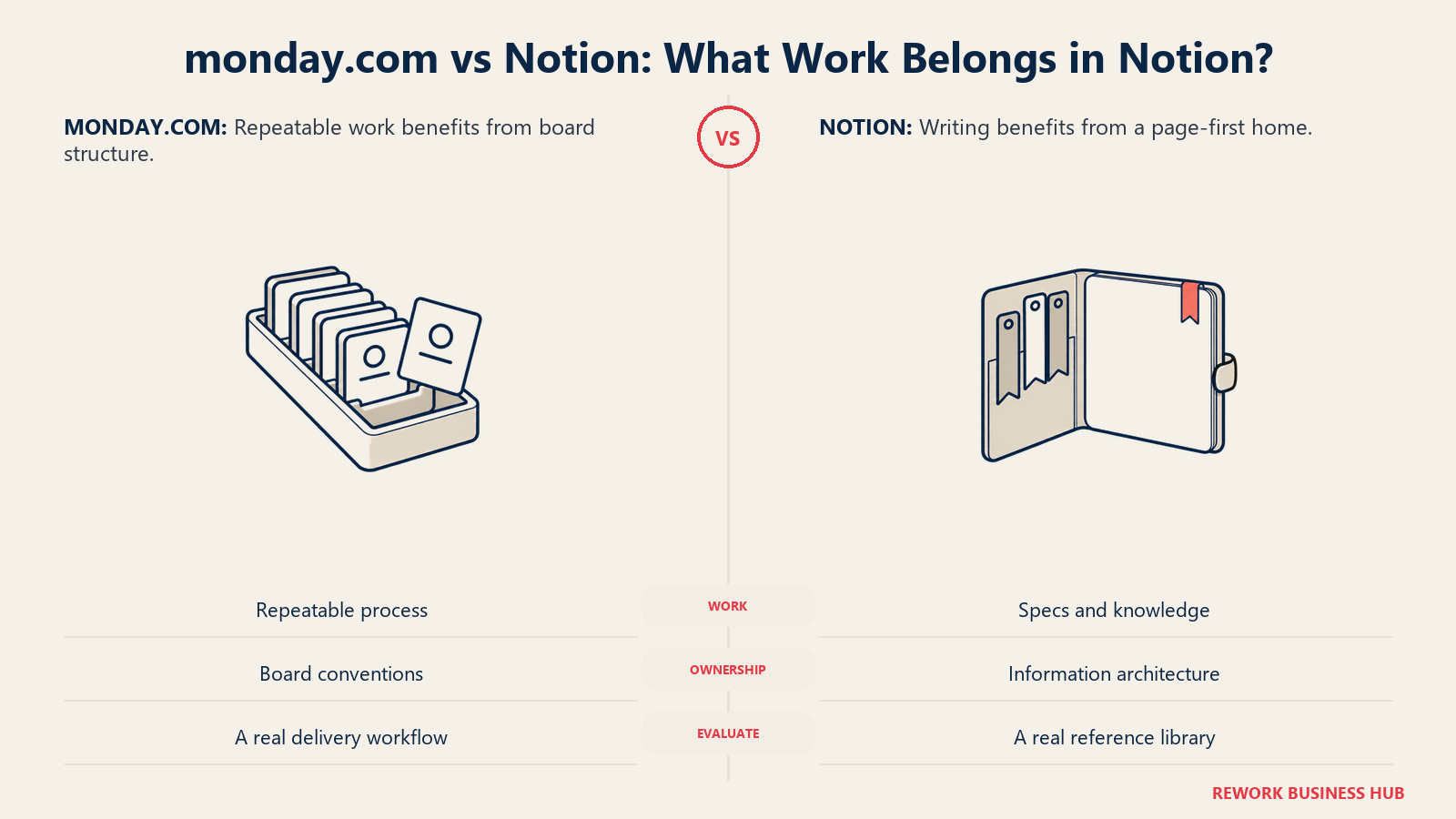
- Your work is mostly writing, with structure wrapped around it. Specs, policies, meeting notes, research: the page-first model matches this instantly.
- You want one workspace instead of a stack of point tools. Docs, wiki, lightweight tracking, and a knowledge base in one product, starting at $10 a seat.
- You genuinely have someone willing to own the architecture. If a Chief of Staff, ops lead, or founder wants that job and will keep documenting it, Notion's flexibility becomes an asset instead of a liability.
- External collaborators need free, unlimited access. Guests cost nothing from Plus upward, which is valuable if clients or partners live in your workspace regularly.
- You're under 3 people and don't want to pay for a phantom seat. Notion's flat per-seat pricing has no equivalent to monday's 3-seat floor.
If the wiki and knowledge-base side of this is actually your primary driver, rather than task tracking, how to choose internal wiki software walks through that evaluation in more depth.
Decision Framework
| If this is you | Pick |
|---|---|
| You're tracking a repeatable process with clear steps and owners | monday.com |
| Your work is mostly documents, specs, and knowledge that needs occasional structure | Notion |
| Nobody on the team wants to be the system architect | monday.com |
| You have a willing, capable owner for the information architecture | Notion |
| You need cross-board dashboards for leadership reporting | monday.com |
| You're under 3 people and the seat-minimum math matters | Notion |
| You want AI features included at your cheapest paid seat | monday.com |
| Neither is quite right, and you actually need a relational database | See best no-code database software |
| You've outgrown monday's rigidity but Notion still feels too loose | See best ClickUp alternatives as a middle path |
| Notion's flexibility turned into workspace sprawl | See best Notion alternatives |
| monday's automation caps or per-seat cost are the actual complaint | See best monday.com alternatives |
What to Do Next
- Name who would actually own the build before you pick a tool. If the honest answer is "nobody has time for that," monday's fixed shape is the safer default regardless of what the feature grid says.
- Count your team by role, not headcount. Split editors from viewers and guests. Both tools stop charging for the second two, so your real seat count is usually smaller than your org chart.
- Check where you'll actually land on automation and AI, not just the entry tier. Most active teams end up on monday Pro or Notion Business within a year. Price that tier, not the cheapest one.
- Pilot your worst workflow for two weeks, not a demo. Put your messiest real process, the one currently living in a spreadsheet or a wiki nobody trusts, into each tool and see which one survives contact with actual use.
- If neither fits because the real gap is cross-team ops plus a CRM in one system, that's a different category of tool entirely. See how Rework compares to monday.com and to Notion if that's closer to your actual problem.
Frequently Asked Questions about monday.com vs Notion
Is monday.com or Notion better for project management?
monday.com, for tracking a process that already has defined steps like a sales pipeline, intake queue, or production schedule. Notion is better when the "project" is mostly documents and knowledge with light task tracking wrapped around it. Teams that need both often run monday.com for execution and Notion for documentation side by side.
Is monday.com or Notion cheaper?
They're close at the entry tier: monday.com Basic is $9 per seat per month and Notion Plus is $10 per member per month, both billed annually. Below 3 people, Notion is meaningfully cheaper because monday's pricing floors every paid tier at a 3-seat minimum, so a 1 or 2-person team on monday pays for a seat it isn't using. Above 3 seats, the two price within a few dollars of each other at the entry tier.
Does monday.com have a minimum seat requirement?
monday's own pricing page defaults every paid tier (Basic, Standard, Pro) to a 3-seat team size in its pricing calculator, which functions as the practical minimum purchase. The Free plan, capped at 2 seats, is the only tier without it. Notion has no seat minimum on any plan.
Can Notion replace monday.com for task and project tracking?
For lightweight tracking, yes. Notion's database views (board, calendar, timeline) cover basic task management well. Where it falls short is cross-board dashboards, a deep automation action allowance, and the enforced structure that keeps a fast-moving team's boards consistent without someone actively maintaining the schema.
Who should own the Notion workspace if we pick it?
Name that person deliberately before you build anything, rather than letting it default to whoever enjoys organizing pages. Budget their time as a real, ongoing cost rather than a one-time setup task, and document the schema (what each database is for, what each property means) so the workspace survives that person changing roles or leaving.
Can we use monday.com and Notion together?
Yes, and plenty of teams do. The common split runs execution and process tracking through monday.com and documentation, specs, and knowledge through Notion, linking between them rather than duplicating data. Decide which one is the system of record for any given piece of information so you're not maintaining it in both places.
Related Resources:
- Best Project Management Software in 2026
- Best monday.com Alternatives
- Best Notion Alternatives
- Notion vs Airtable
- Best ClickUp Alternatives
- Best No-Code Database Software in 2026
- How to Choose Internal Wiki Software
- Seat-Based Pricing Is Dying
- The Coordination Tax
- Rework vs monday.com
- Rework vs Notion

Customer Success Operations Manager
On this page
- TL;DR
- The Real Split: A Shape You Can't Break, or a Canvas You Have to Design
- Who Each Tool Is Actually Built For
- Key Facts
- Structure Out of the Box: Boards and Columns vs Blocks and Properties
- Who Owns the Build: The Hidden Cost That Decides This
- Templates, Automation, and Workflow Enforcement
- Views, Reporting, and Dashboards
- Permissions and Guest Access
- AI Features in 2026
- Pricing: What Each Vendor Publishes
- Seat Minimums: The Fine Print That Changes the Real Price
- Annual Cost at 10, 25, and 100 Seats
- Implementation and Time to a Working System
- When monday.com Is the Right Call
- When Notion Is the Right Call
- Decision Framework
- What to Do Next