ClickUp vs Notion: Which Fits How Your Team Actually Works in 2026?
Turn this article into takeaways for your work.


Each assistant summarizes the article only for you and suggests best practices for your work.
Search "ClickUp vs Notion" and you'll find dozens of feature grids scoring both tools on the same 40 rows, as if a checkmark in the same column means the same thing twice. It doesn't. Both get shopped against each other because they're sold as "the one tool your team needs," both have generous free plans, and both land on the shortlist when a startup outgrows spreadsheets. But they were built to be good at different things, and most disappointment we hear about traces back to that mismatch, not a missing feature.
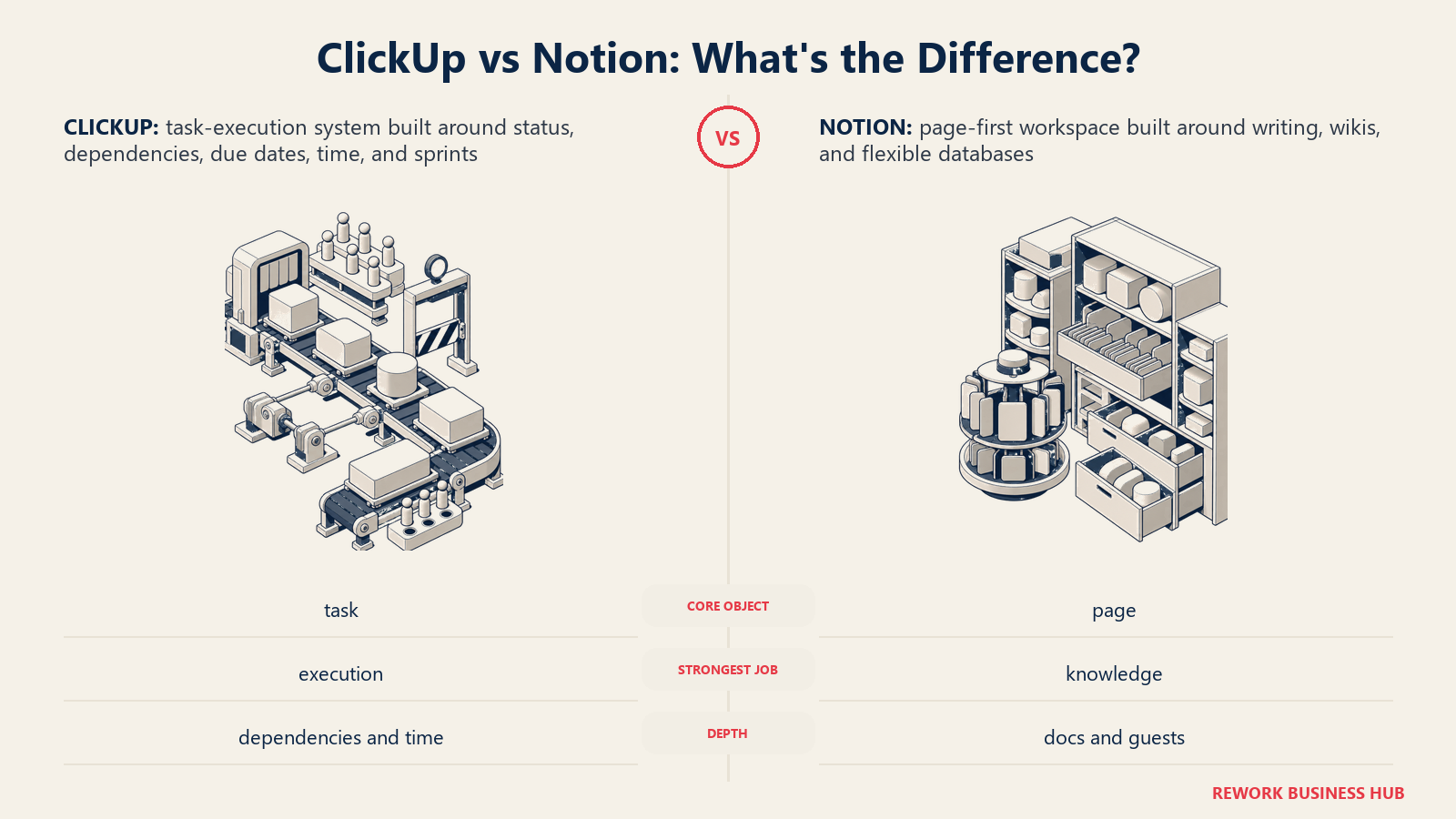
ClickUp started as a task manager and kept adding around that core: docs, chat, whiteboards, goals, all orbiting a task object with an assignee, a status, a due date, and a dependency slot. Notion started as a writing surface, pages filled with blocks, and databases arrived later to file and filter those pages. A ClickUp task and a Notion database row look similar in a screenshot; they are not the same kind of object, and that difference is the entire article. For the wider field first, the best project management software roundup covers 15 tools.
This is for operators, not engineers: the COO deciding what the ops team standardizes on, the Head of Product weighing a wiki against a roadmap tool, the founder who's outgrown a shared doc. We'll give both an honest case, because a comparison where one option wins every section isn't a comparison, it's an advert.
TL;DR
| ClickUp | Notion | |
|---|---|---|
| What it actually is | A task-execution system that grew docs, chat, and an AI layer around it | A page-first docs and wiki product that grew databases around it |
| A work item is | A task: assignee, status, due date, dependency, logged time | A page: properties attached to a document body |
| Dependency types | Waiting On, Blocking, and Related, shown on a real Gantt chart | One linear connection with three date-shift rules, no critical path |
| Native time tracking | Yes, from Unlimited | No native timer; integrates with Toggl, Clockify |
| Sprints and Goals | Sprint Points and Portfolios on Business; Goals from Unlimited | Neither exists as a dedicated primitive |
| Cheapest paid tier | Unlimited, $7/user/month billed annually | Plus, $10/member/month billed annually |
| Free plan | Yes, 60MB storage, 2 basic views | Yes, unlimited blocks, 10 guests, 7-day history |
| Non-editor guests | Limited external guests, unlimited read-only | Unlimited and unbilled from Plus upward |
| SSO tier | SAML SSO on Enterprise only | SAML SSO on Business, one tier earlier |
| Best for | Teams whose work is tasks that need to close | Teams whose work is documents that need structure |
What Each Tool Is Actually Built For
ClickUp's pitch has been consistent since launch: replace the task tool, the doc tool, the chat tool, and the goal tracker with one subscription. That ambition shows in the product's shape. Open a workspace and the default object is a task, and everything else (Docs, Whiteboards, Chat, Goals) is a module hanging off that task graph, assigned, dated, blocked, logged against, and rolled into a sprint. The tool is opinionated about execution because execution is what it was built to do first. monday.com makes a similar execution-first bet from a different starting shape, a shared board instead of a task graph, so if a board-first tool rather than a docs-first one is the other name on your shortlist, ClickUp vs monday.com is the more relevant matchup.
Notion's pitch is the opposite promise: one flexible workspace where anything can be a page, and any page becomes a database row when you need to filter or sort it. The default object is a page, blocks of text, embeds, and nested subpages, with properties (status, owner, date) attached as metadata. That's genuinely the best writing and reading experience in this category. It's also why Notion's project tracking always feels like a good imitation of a tracker rather than the real thing: the underlying object was never a task, it's a document wearing a task's clothes.
| ClickUp | Notion | |
|---|---|---|
| Primary buyer | Ops Manager, PMO Director, startup founder, CTO | Head of Product, Chief of Staff, founder, marketing lead |
| Team size sweet spot | 5 to 300 employees | 2 to 100 employees, one connected workspace |
| Core job | Task execution: assign, track, close, report | Docs, wikis, meeting notes, lightweight trackers in one place |
| Buying trigger | Work is scattered across three tools and nothing closes on time | Documentation lives nowhere and nobody can find the decision |
| Typical failure mode | Feature overload, workspace sprawl, new hires drown in views | Treating a database as a real tracker and hitting the ceiling |
Neither buyer is wrong. An ops manager who needs sprints and a Gantt chart, and a Head of Product who wants decisions in one searchable place, are solving different problems, even typing the same two names into the same search bar.
The Real Test: Is the Middle of Your Work a Task or a Document?
Here's the question that settles this faster than any feature list. Take the workflow your team argues about most, open one real item inside it, and look at what has to happen for the work to actually be done.
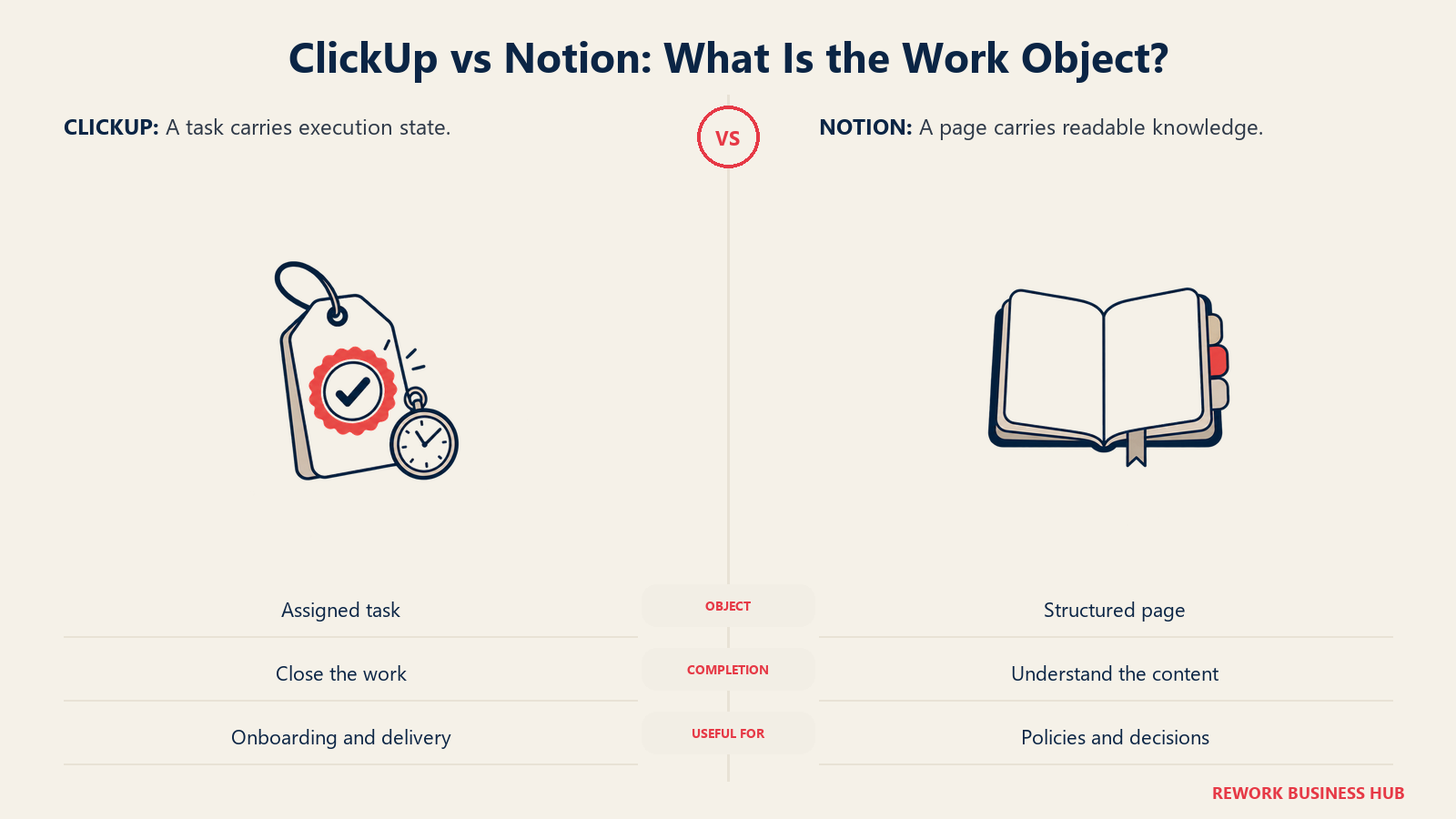
If the answer is "it moves through a status, something blocks it, someone logs hours against it, and it closes by a date that depends on another item closing first," that's task-shaped work, and ClickUp is built for it. Client onboarding, a production schedule, a sprint backlog, a support queue: the record is a container for state changes, and any writing inside it is a note, not the deliverable.
If the answer is "someone needs to read it, understand a decision, and reference it later," that's document-shaped work, and Notion is built for it. A strategy memo, a policy, an onboarding guide, a meeting record, a spec with embedded mockups: the structured fields around it exist to help you find the document, not to run a process.
| Signal in your actual workflow | Points to |
|---|---|
| Items block or wait on each other, and that order matters | ClickUp |
| You bill or report hours against individual items | ClickUp |
| Work moves in fixed cycles with points, velocity, or burndown | ClickUp |
| The value of an item is mostly in the prose someone wrote | Notion |
| Outside collaborators need to read or comment at no extra cost | Notion |
| The team keeps asking "where's the doc," not "what's the status" | Notion |
Most teams have both kinds of work, which is exactly why this comparison exists. The honest answer for a lot of companies is to run both and decide deliberately which one is the system of record for which workflow, rather than forcing one tool to be everything else.
There's a third shape worth naming too: work that's neither a task nor a document but a record other data points at, a vendor, an applicant, a line in inventory. If that's closer to what you're actually staring at, ClickUp vs Airtable runs this same test against a database instead of a wiki.
Key Facts
- ClickUp's cheapest paid tier (Unlimited) is $7/user/month billed annually; Notion's cheapest tier (Plus) is $10/member/month billed annually. Full breakdowns are in the pricing table below. (ClickUp pricing, Notion pricing)
- Notion's own help documentation describes dependencies as a single linear connection with three date-shift behaviors, with no mention of a critical path feature. (Notion: sub-items and dependencies)
- ClickUp supports three dependency relationship types (Waiting On, Blocking, Related) with visual arrows in Gantt and Timeline views, available from the Unlimited plan. (ClickUp: task dependencies)
- ClickUp holds roughly 4.7 of 5 across 13,000+ reviews on G2; Notion holds roughly 4.6 of 5 across close to 12,000. (ClickUp on G2, Notion on G2)
Project Execution Depth: Dependencies, Sprints, and Time
This is the section that decides it for most operational teams.
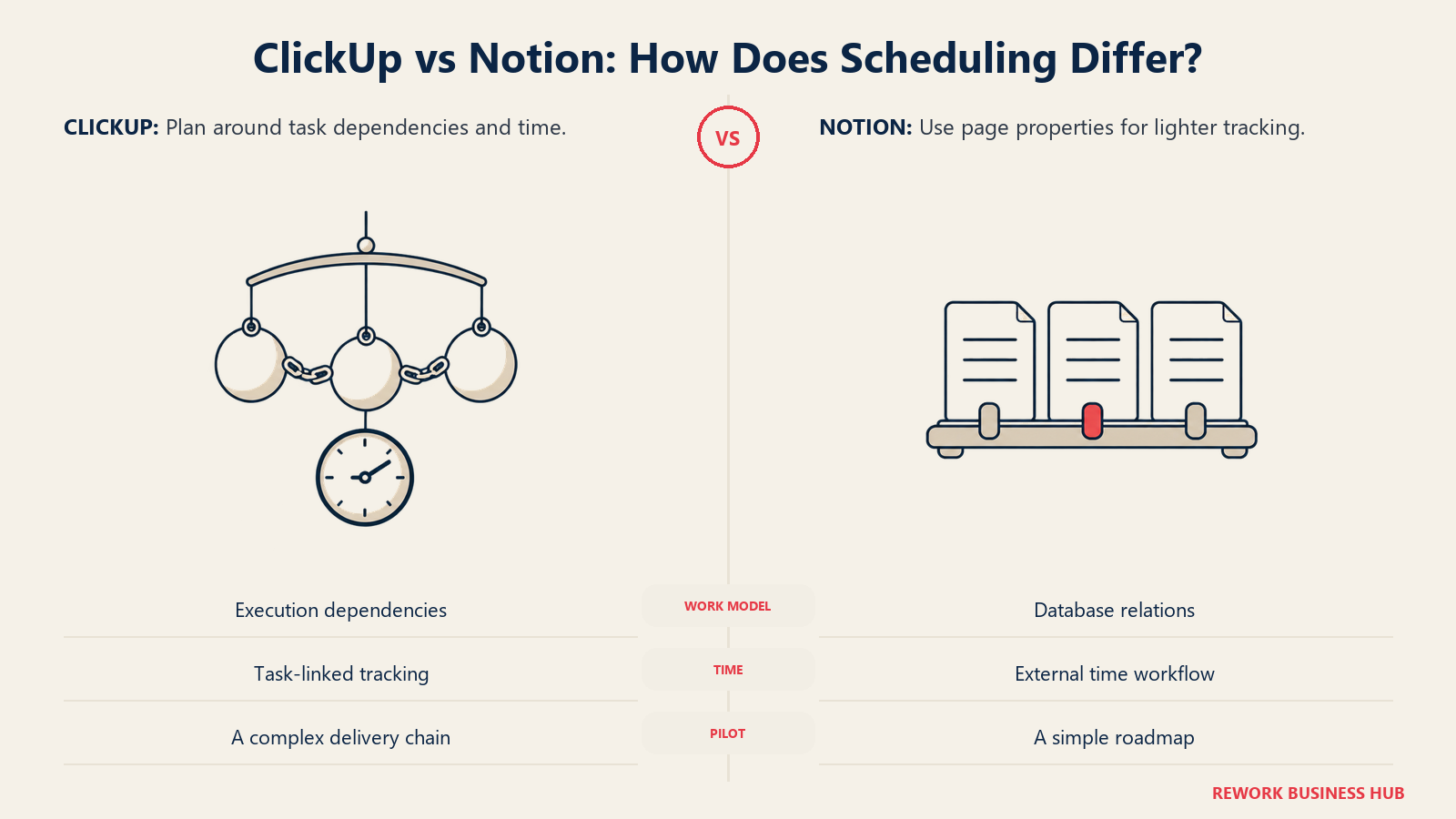
ClickUp's dependencies are a real scheduling primitive. Mark a task as Waiting On another, Blocking a downstream task, or simply Related without a hard order, and those relationships render as connecting arrows in Gantt and Timeline views. Turn on Critical Path in a Gantt view and ClickUp highlights the chain of tasks actually controlling your deadline, so you see at a glance which slip matters. None of that is on the Free plan; Gantt and dependency visualizations start on Unlimited.
Notion's dependencies, by its own documentation, are a single linear connection turned on per database, with no distinction between "blocking" and "waiting on" as separate types the way ClickUp names them. Instead you choose a date-shift behavior: shift only when dates overlap, shift and preserve the gap, or don't shift at all. That's a useful aid for a simple roadmap, but it isn't a critical path, and there's no way to see which chain of dependencies is the one actually at risk.
Time tracking and sprints widen the gap further. ClickUp ships native time tracking from Unlimited, Sprint Points plus Portfolio views from Business, and Goals (OKR tracking with automatic rollup) from Unlimited; Notion has none of these as dedicated primitives. Teams that want time tracking in Notion bolt on Toggl or Clockify and use a database as the reporting layer, not the timer itself; teams that want sprint velocity build a manual points property and do the math by hand.
| Capability | ClickUp | Notion |
|---|---|---|
| Dependency types | Waiting On, Blocking, Related | One linear connection, three date-shift modes |
| Critical path | Yes, in Gantt view (Unlimited+) | Not available |
| Native time tracking | Yes, from Unlimited | No, third-party integration only |
| Sprint points / velocity | Yes, from Business | Not available |
| OKR-style Goals | Yes, from Unlimited | Not available as a dedicated feature |
| Gantt chart | Yes, from Unlimited | Timeline view covers a lighter version |
| Resource / workload view | Yes, from Unlimited | Not available |
If your team runs anything with a real critical path, a launch, an implementation, a production schedule, this section alone should end the debate.
Docs and Knowledge Work: Where Notion Actually Wins
Flip the lens and Notion's advantage is just as decisive. A Notion page is a full document: headings, embedded files, inline databases, comment threads, and nested subpages, all searchable and linkable. Writing a spec, a policy, or a meeting record in Notion feels like writing in a real editor because it is one. Notion Sites (publishable pages, included from Plus) and Notion Forms extend that into public-facing docs and structured intake without leaving the product.
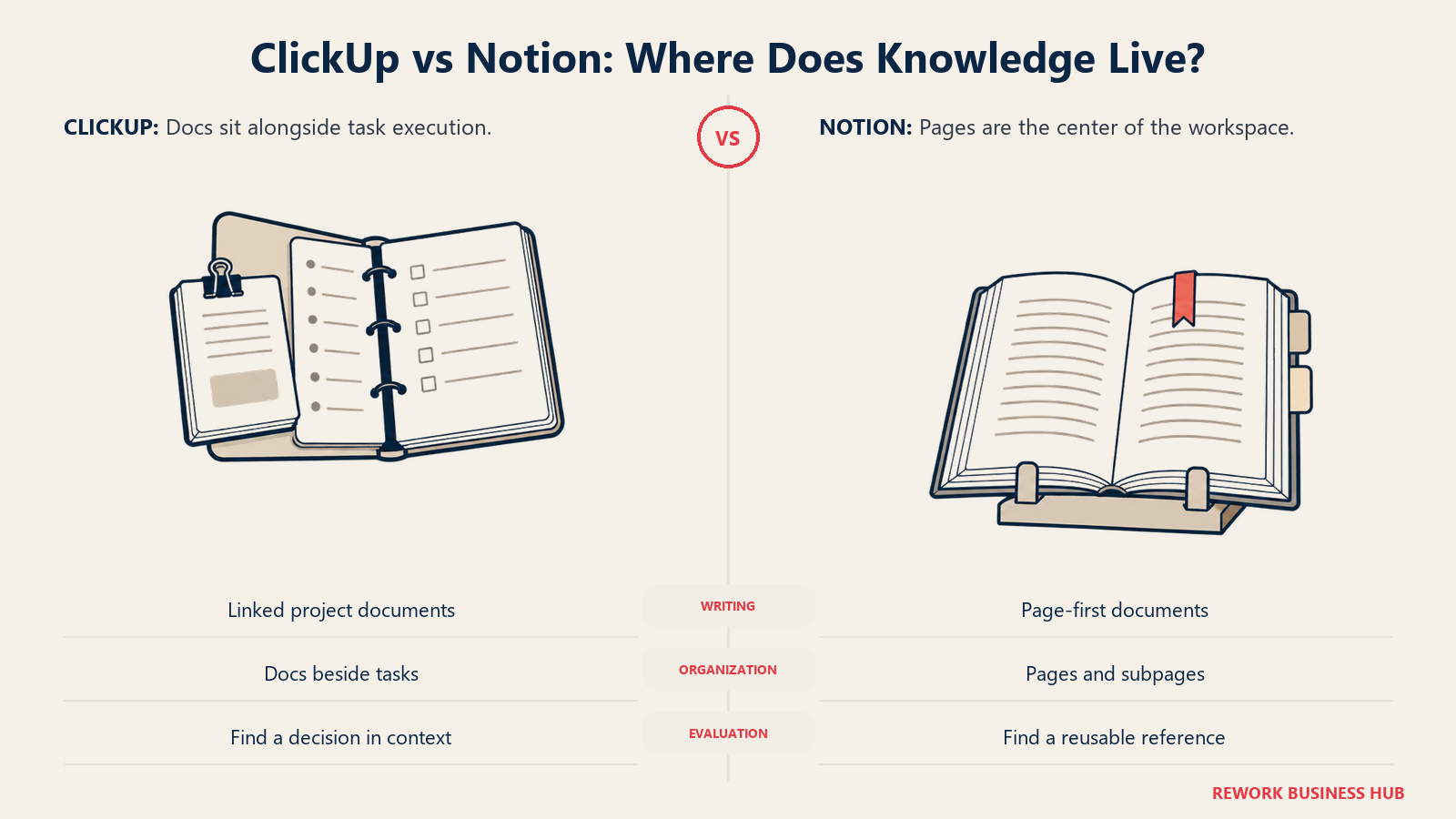
ClickUp Docs is a genuine, capable writing surface, not an afterthought bolted on for marketing copy. You can nest pages, embed content, and link a doc to a task. But it isn't the object the rest of the product is organized around: search, permissions, and AI are all built for the task first, and Docs sits alongside as a second citizen. Ask a ClickUp team where the source of truth for a decision lives and the honest answer is often "somewhere in a task comment," a worse retrieval experience than a Notion page built for exactly that job.
| Capability | ClickUp Docs | Notion pages |
|---|---|---|
| Primary object the product is built around | No, tasks are | Yes |
| Nested pages and subpages | Yes | Yes |
| Public site publishing | Limited | Notion Sites, from Plus |
| Version history | Included, tier-based | 7 days Free, 30 Plus, 90 Business, unlimited Enterprise |
| Unlimited unbilled outside readers | No | Yes, unlimited guests from Plus |
For a team whose actual bottleneck is "nobody can find our documentation," moving that workload into ClickUp doesn't fix it, it just gives the same problem better task fields. If Notion's wiki side specifically is the open question, Confluence vs Notion, the best knowledge management software roundup, and the how to choose internal wiki software guide go deeper on that narrower decision.
AI and Automation in 2026: Brain vs Notion AI and Agents
Both products cover the standard view types, and both now have a whiteboard: Notion's is an infinite canvas on any page, while ClickUp's ships from Business with a path to convert sticky notes straight into tasks. Automation follows the same split. Notion's automations support three trigger types (page added, property edited, recurring schedule); Free workspaces get Slack notifications only, and Notion doesn't publish a monthly run cap. ClickUp meters automation explicitly (5,000 runs a month on Business, 250,000 on Enterprise) tied directly to the task graph. If "notify someone when a status changes" is all you need, both clear it; chain automation to dependencies and time, and ClickUp is built for it.
Both vendors also sell AI as a metered add-on now rather than folding it into the base price. ClickUp's Brain sells as two tiers: Brain AI at $7.20 per user per month billed annually adds the Brain Assistant, an @Brain Agent, AI chat routed through Claude, ChatGPT, or Gemini, and 1,500 monthly AI Super Credits; Everything AI at $22.40 per user per month billed annually adds ambient answers, an AI notetaker, image generation, and 5,000 monthly credits. Notion AI ships a limited trial on every plan, full Notion Agent access and AI Meeting Notes in beta on Business and up, and Custom Agents converting to a metered $10 per 1,000 monthly credits on Business and Enterprise.
| AI and automation factor | ClickUp | Notion |
|---|---|---|
| Automation trigger types | Task and status-based, tied to the task graph | 3: page added, property edited, recurring schedule |
| Monthly automation runs | 5,000 on Business, 250,000 on Enterprise | Not published |
| Native whiteboard | Yes, from Business, converts to tasks | Yes, on any page, drawing and sticky notes |
| Cheapest AI add-on | $7.20/user/mo annually (Brain AI) | $10 per 1,000 credits (Business+) |
| Top AI tier | Everything AI, $22.40/user/mo annually | Full Agent + Enterprise Search beta, Business+ |
| Model access | Claude, ChatGPT, Gemini routed through Brain | Notion's own Agent and Custom Agents |
| Data retention control | Not published at the same level of detail | Zero data retention with LLM providers, Enterprise |
Judge these on the job you actually have: ClickUp's AI moves tasks (summarize a thread, draft a subtask, prioritize a list); Notion's serves knowledge (search the workspace, draft the doc, summarize the meeting). Buying the cheaper one for the wrong job solves nothing.
Decision by Business Goal
| Your goal | Pick |
|---|---|
| Cut the time it takes a cross-functional launch to actually ship | ClickUp |
| Get a searchable, single source of truth for decisions and policy | Notion |
| Run sprints with real velocity and a burndown you can trust | ClickUp |
| Give outside contractors or clients read access without paying per seat | Notion |
| Bill or report hours against specific work items | ClickUp |
| Replace five docs tools with one connected workspace under $12/seat | Notion |
| Scale from 20 to 200 people without a rollout disaster | ClickUp, with governance from Business tier |
Team and Role Fit
| Team | ClickUp fit | Notion fit |
|---|---|---|
| Operations | Strong, dependencies and time tracking built for this | Moderate, works until relations get chained |
| Product | Strong, sprints and Goals native | Strong, specs and roadmaps read well |
| Engineering-adjacent | Moderate, not purpose-built like Linear or Jira | Weak, no issue-tracking primitives |
| Marketing / Content | Strong, content calendars and campaign tracking | Strong, usually Notion's best fit |
| Customer Success | Moderate, task-based tracking, not a CRM | Light, lightweight account notes only |
| Leadership / Chief of Staff | Moderate, dashboards strong but task-heavy | Strong, wiki plus meeting notes in one place |
Pricing: What Each Vendor Publishes
Both vendors publish rates directly and default their pricing pages to annual billing, so monthly-billed rates run higher than the first number you'll see.
| Plan | ClickUp | Notion |
|---|---|---|
| Free | $0, 60MB storage, 2 basic views | $0, 10 guests, 7-day version history, 5MB/file |
| Cheapest paid | Unlimited, $7/user/mo annually, $10 monthly | Plus, $10/member/mo annually, $12 monthly |
| Mid tier | Business, $12/user/mo annually, $19 monthly | Business, $20/member/mo annually, $24 monthly |
| Top tier | Enterprise, custom quote | Enterprise, custom quote |
| AI add-on | Brain AI $7.20/user/mo, Everything AI $22.40/user/mo (annual) | $10 per 1,000 monthly credits, Business and up |
| Non-editor seats | Limited external guests, unlimited read-only | Guests unlimited and unbilled from Plus |
Sources: ClickUp's pricing page and Notion's pricing page.
Annual Cost at 10, 25, and 100 Seats
Headline per-seat prices hide how fast the gap compounds. Here's the math, using each vendor's published annual-billed rate times 12 months times seat count.
| Seats | ClickUp Unlimited | ClickUp Business | Notion Plus | Notion Business |
|---|---|---|---|---|
| 10 | $840 | $1,440 | $1,200 | $2,400 |
| 25 | $2,100 | $3,600 | $3,000 | $6,000 |
| 100 | $8,400 | $14,400 | $12,000 | $24,000 |
Two things fall out. ClickUp is cheaper at every matching depth level (Unlimited undercuts Plus by 30%, Business undercuts Notion Business by 40%), so price alone doesn't explain why teams pick Notion; they're paying for the page model and unlimited guests, not a discount. And if a meaningful share of your headcount only reads or comments, Notion's unbilled guest policy can close that gap entirely: 30 unbilled guests on top of 25 paid seats costs the same as 25 seats, while those same 30 people on ClickUp need paid seats or its more limited guest allowance. Model your real editor-to-reader ratio before trusting the seat count; if per-seat math across your stack is a live question, the true cost of software sprawl is worth a read.
Implementation and Change Management
ClickUp's flexibility is what makes it slower to roll out well. New teams face dozens of view types, nested Spaces and Folders, and an automation builder before the first sprint even starts. Most teams that succeed assign one person to own the workspace structure before opening it to everyone else; skipping that step is the most common reason teams describe ClickUp as overwhelming.
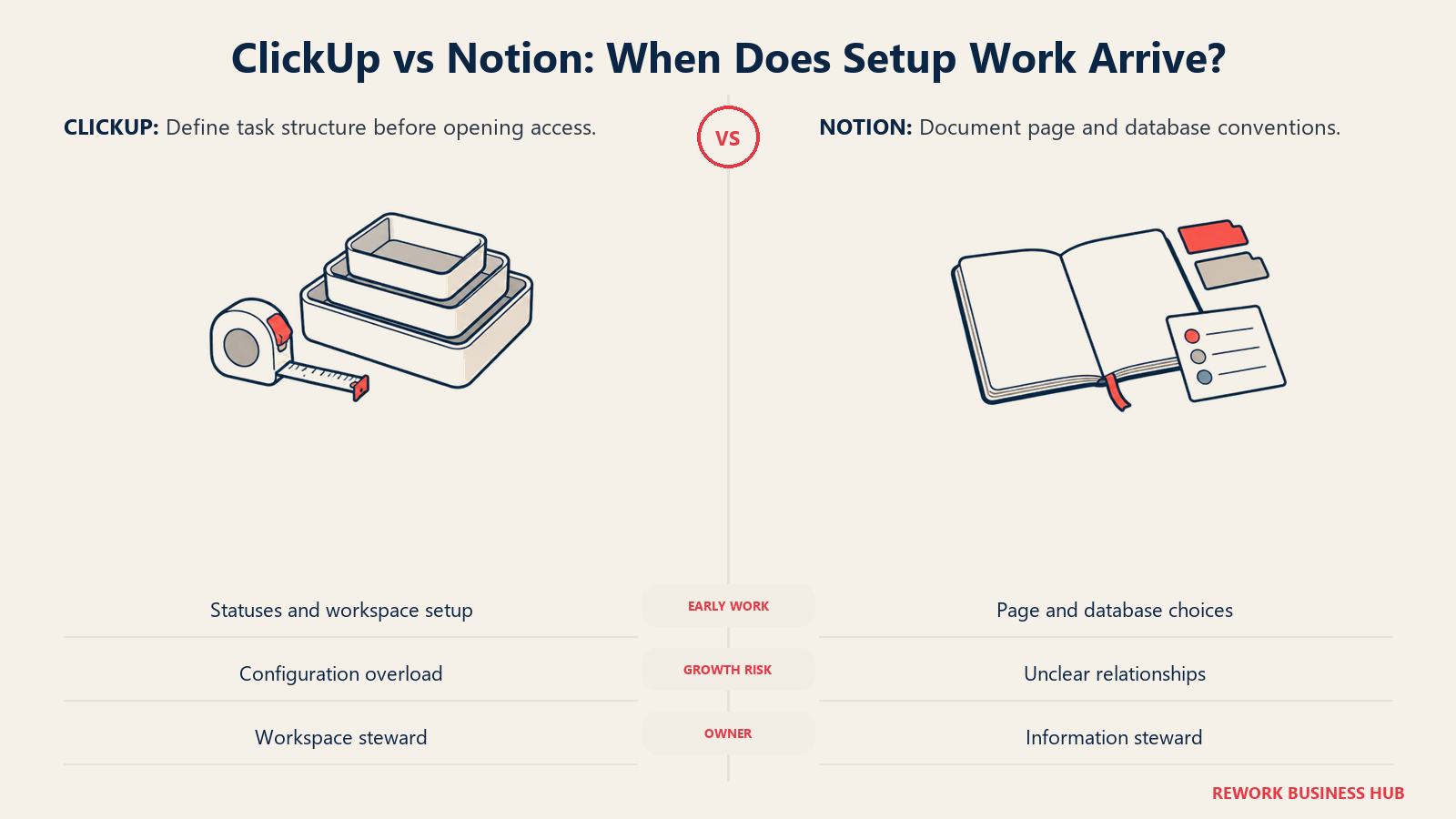
Notion's onboarding curve is gentler because a new page looks like a document, and most people already know how to use one. The cost shows up later: as a workspace grows past a few hundred pages with linked databases and rollups, performance degrades with no published threshold to plan against, so there's no clean signal for when to intervene.
| Factor | ClickUp | Notion |
|---|---|---|
| Time to first productive use | Days to two weeks, faster with a dedicated admin | Hours, minimal training needed |
| Configuration before rollout | Meaningful: statuses, fields, templates | Minimal: create a page and start writing |
| Where the pain shows up | Upfront, in setup and training | Later, as workspace scale grows |
| Admin ownership needed | Yes, one workspace owner recommended | Helpful but less mandatory at small scale |
Risk and Governance
Both tools publish enterprise-grade security tiers, but gate different controls at different price points. Notion offers SAML SSO starting on Business, its second paid tier; ClickUp reserves SAML SSO for Enterprise, one tier higher, alongside audit logs, session management, and HIPAA and MSA compliance options. If SAML is a hard requirement at the Business-tier price point, that alone can decide the vendor. Notion's Enterprise tier also states zero data retention with its LLM providers, worth raising with sales if legal needs it in writing; ClickUp doesn't publish an equivalent statement, and neither lists line-item compliance pricing, so budget a real sales conversation before committing at scale.
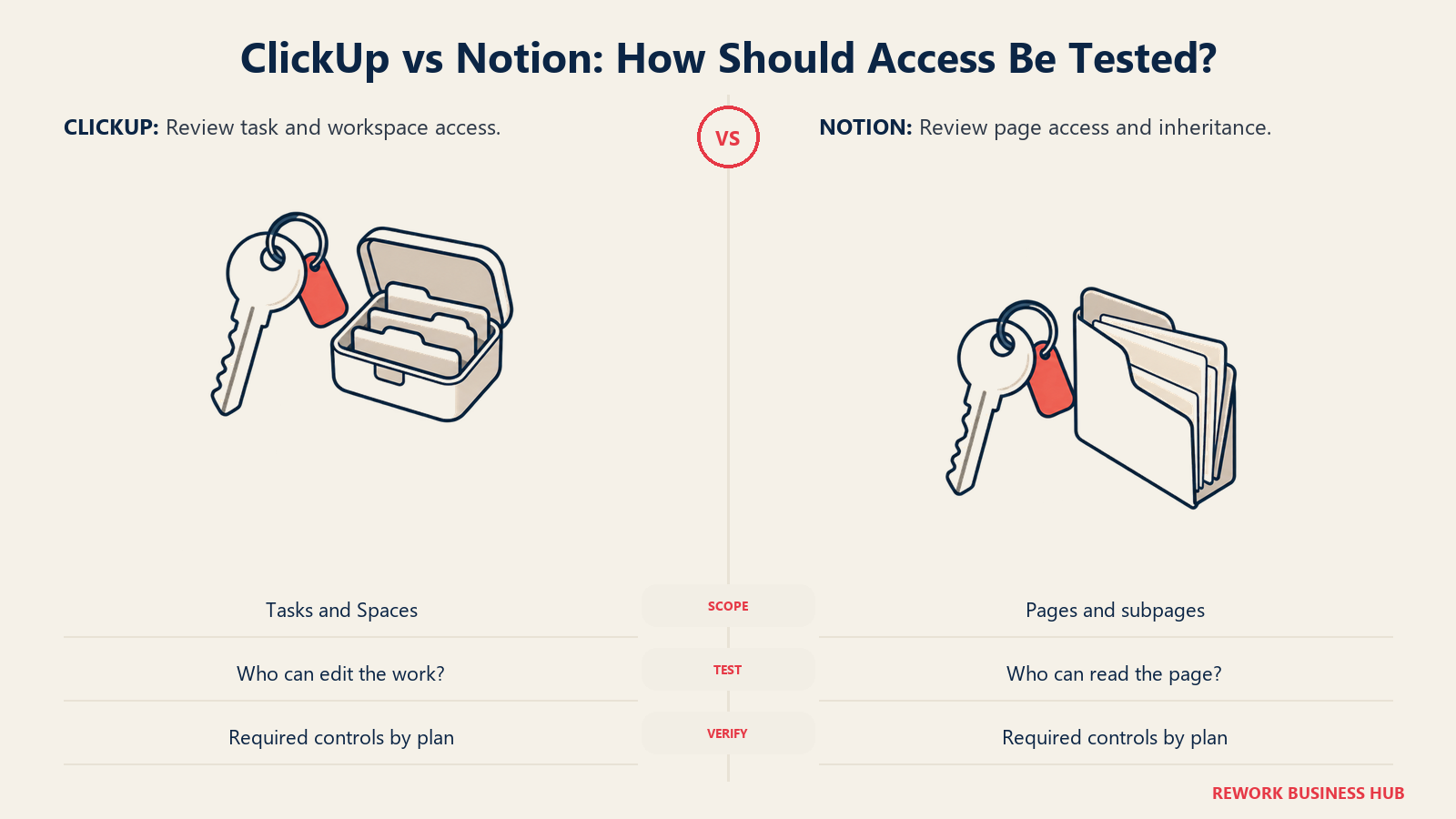
Permissions differ by the same core-object logic as everything else here. ClickUp's are built around tasks, spaces, and folders, natural for controlling who can edit a workflow. Notion's are page-based and inherited by everything nested underneath, clean for a wiki, but with no way to restrict a single property: if a page is visible, every field on it is too.
Migration Cost in Each Direction
Moving between these two isn't symmetric. Notion to ClickUp loses document richness first: long-form pages, embeds, and nested subpages have nowhere clean to land in a task-first object, so teams compress them into task descriptions and accept a worse reading experience. What they gain is real scheduling: dependencies, time, and sprints that existed only as manual properties now get enforced by the product itself.
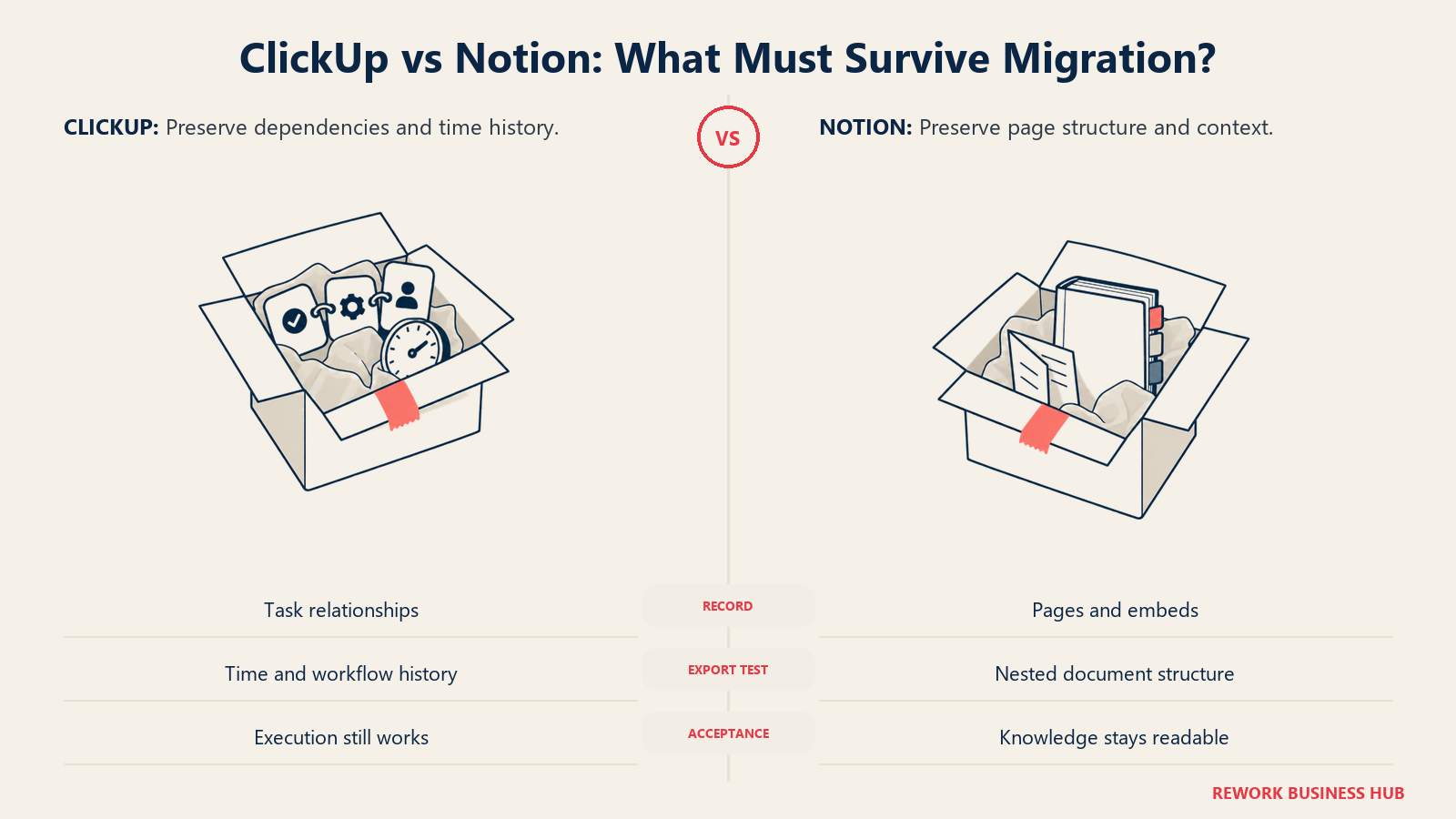
ClickUp to Notion loses scheduling structure first: dependencies flatten into one linear relation with no Waiting On versus Blocking distinction, sprint points have no destination, and time-tracking history typically exports to a spreadsheet rather than rebuilding natively. What teams gain is a better place to write and find documentation, often the actual reason the move happens. Whichever tool holds your system of record for a workflow is the expensive one to move later.
When ClickUp Is the Right Call
- Your work is task-shaped: things get assigned, block each other, and close by a date
- You bill or report time against work items, built in rather than bolted on
- You run sprints and want real velocity tracking, not a manual points column
- A dedicated admin can own setup, since the flexibility pays off once configured
- Cost matters and outside collaborators are a small share of your headcount
When Notion Is the Right Call
- Your work is document-shaped: specs, policies, and decisions that need to be read later
- Outside collaborators (clients, contractors, advisors) need free read or comment access at scale
- You want docs, wiki, and lightweight tracking in one workspace instead of three tools
- Adoption speed matters more than scheduling depth, and a non-technical team self-serves
- Your task relationships are shallow enough that Notion's single dependency type is never a ceiling
Decision Framework
| If this is you | Pick |
|---|---|
| Your team's work is mostly tasks that block, wait, and need to close | ClickUp |
| Your team's work is mostly documents that need structure around them | Notion |
| You need a real critical path and sprint velocity | ClickUp |
| You need unlimited unbilled outside readers on a tight budget | Notion |
| SAML SSO must be available at the second paid tier, not the third | Notion |
| You want both project execution and a native CRM plus cross-team pipeline in one system | Neither; that's a different category of tool, see Rework |
| You're still weighing the wider category before choosing | See best project management software |
What to Do Next
- Run your most contested workflow in both, with real data. Fifty actual items, not a demo template. The dependency gap and the document-depth gap both show up within an hour.
- Count your editors versus your outside readers. That ratio changes the annual cost comparison more than the tier you pick, and it can flip the cheaper option entirely.
- Check whether SAML SSO is a hard requirement at your current tier budget. Notion offers it a tier earlier, which matters if IT is setting the ceiling on what you can buy.
- Widen the shortlist if neither fits cleanly. The best ClickUp alternatives, best Notion alternatives, and Notion vs Airtable (if the real gap is structured data) cover where teams land next, and if monday.com's board-first model is the other name on your Notion shortlist, monday.com vs Notion runs the same argument from that side.
- Still deciding whether you need a dedicated tracker at all? The how to choose project management software guide covers that earlier question.
Frequently Asked Questions about ClickUp vs Notion
Is ClickUp or Notion better for project management?
ClickUp, if "project management" means dependencies, sprints, time tracking, and a real critical path. It ships Waiting On, Blocking, and Related dependency types with Gantt visualization, native time tracking, and Sprint Points, none of which Notion has as dedicated primitives. Notion can track a project as a database with a timeline view, fine for shallow workflows, but wasn't built to run execution at that depth.
Is ClickUp cheaper than Notion?
Yes, at every matching tier: $7 versus $10 per month at entry, $12 versus $20 at the mid tier, both billed annually. At 100 seats that's $8,400 versus $12,000. The comparison can flip if a large share of your team is outside collaborators who only read or comment, since Notion's guests are unlimited and unbilled from Plus upward while ClickUp's guest allowance is more limited.
Can Notion replace ClickUp for task management?
For simple, single-level task tracking, yes. Notion's Timeline view plus its linear dependency feature covers a straightforward roadmap, but breaks down once you need distinct dependency types, a critical path, sprint velocity, or native time tracking. Teams that need that depth typically run a dedicated tracker like ClickUp alongside Notion.
Can ClickUp replace Notion as a company wiki?
Partially. ClickUp Docs is a real, nestable writing surface that can hold policies and documentation. What it lacks is Notion's unlimited unbilled guests and its status as the primary object the whole product is built around, so ClickUp's search, permissions, and AI optimize for tasks first, documents second. Teams whose main problem is "we can't find our documentation" usually get a better result from Notion.
Do ClickUp and Notion integrate with each other?
No first-party two-way sync, though both integrate with common tools like Slack and Google Drive. Most teams that use both keep them deliberately separate: ClickUp for execution, Notion for documentation, linked rather than synced.
Which one has a steeper learning curve?
ClickUp, for most non-technical teams. Its depth (views, custom fields, automations, nested Spaces) takes real setup time and usually benefits from a dedicated workspace admin before rollout. Notion's page-first model feels familiar to anyone who's used a document, so adoption is faster upfront; its harder-to-see cost shows up later, as a growing workspace with chained relations slows down with no clear fix.
Related Resources:
- Best Project Management Software in 2026
- Best ClickUp Alternatives in 2026
- Best Notion Alternatives in 2026
- Notion vs Airtable
- Best No-Code Database Software in 2026
- Confluence vs Notion
- Best Knowledge Management Software in 2026
- How to Choose Project Management Software
- How to Choose Internal Wiki Software
- How to Choose Note-Taking Software
- The True Cost of Software Sprawl

Customer Success Operations Manager
On this page
- TL;DR
- What Each Tool Is Actually Built For
- The Real Test: Is the Middle of Your Work a Task or a Document?
- Key Facts
- Project Execution Depth: Dependencies, Sprints, and Time
- Docs and Knowledge Work: Where Notion Actually Wins
- AI and Automation in 2026: Brain vs Notion AI and Agents
- Decision by Business Goal
- Team and Role Fit
- Pricing: What Each Vendor Publishes
- Annual Cost at 10, 25, and 100 Seats
- Implementation and Change Management
- Risk and Governance
- Migration Cost in Each Direction
- When ClickUp Is the Right Call
- When Notion Is the Right Call
- Decision Framework
- What to Do Next