Best Productboard Alternatives in 2026: 12 Product and Roadmap Tools Compared
Turn this article into takeaways for your work.


Each assistant summarizes the article only for you and suggests best practices for your work.
Productboard does one thing exceptionally well: it captures customer feedback from multiple channels, runs it through AI-powered insight extraction, and links those insights directly to features on your roadmap. If your product team lives inside Productboard all day, you already know why. The insight-to-feature linking, prioritization frameworks like RICE scoring, and the customer-facing portal are best-in-class for dedicated product managers.
But Productboard wasn't designed to be your company's operating system. It's a product-discovery tool, and that focus has a cost. With Productboard's paid ladder starting at $19/maker/month on Plus and $59/maker/month on Business, teams with five or more makers are looking at $900/year minimum, and that's before the rest of the org gets involved. Engineering, ops, marketing, and customer success can't really live in Productboard, which means you're running a product tool alongside a separate project and execution tool. For plenty of teams, that split creates more friction than it solves.
Here are 12 alternatives that cover the spectrum from purpose-built product discovery to cross-team work platforms, with honest notes on who each one is actually for.
Quick Comparison Table
| Tool | Best For | Starting Price | Key Strength | Key Limitation |
|---|---|---|---|---|
| Aha! | Dedicated product strategy + roadmapping | $59/user/month (Premium, annual) | Deep roadmapping, strategy layers, OKR linking | Expensive; steep learning curve |
| Jira Product Discovery | Teams already on Atlassian | $10/user/month (Standard) | Native Jira integration, idea-to-issue flow | Thin outside Atlassian ecosystem |
| ClickUp | All-in-one project + task management | $7/user/month (Unlimited) | Highly customizable; broad feature set | Feature overload; AI add-on costs extra |
| Notion | Docs + lightweight roadmaps | $10/user/month (Plus) | Flexible pages; good for docs-first teams | Weak project-management structure natively |
| Airtable | Structured data + flexible views | $20/user/month (Team) | Relational database power with UI flexibility | Gets expensive fast; record limits on lower tiers |
| Asana | Project and goal management | $10.99/user/month (Starter) | Strong timelines, portfolios, goal tracking | Limited feedback/discovery features |
| Rework | Cross-team project delivery and workflows | From $99/mo billed yearly (Project Engine, 5 seats) | Projects, approvals, and workflows in one platform | No feedback capture or prioritization scoring |
| monday.com | Visual work tracking | $9/seat/month (Basic, min 3) | Intuitive boards; broad integrations | 3-seat minimum; AI is credits-based |
| Wrike | Mid-market project management | $10/user/month (Team) | Proofing, approval workflows, granular permissions | Complex setup; pricey at Business tier |
| Canny | Customer feedback boards | Free (25 tracked users); Pro $79/month billed yearly | Clean feedback portal; upvoting and voting | Tracked-user pricing climbs fast |
| Smartsheet | Spreadsheet-style project tracking | $9/user/month (Pro) | Familiar grid UI; strong for operations teams | Limited discovery; spreadsheet-heavy feel |
| Coda | Docs + tables + lightweight roadmaps | $10/maker/month (Pro) | Flexible docs-and-database hybrid | Maker-based pricing can be confusing |
Stage Fit Matrix
| Tool | Early-Stage Startup | Growth (20-200) | Mid-Market (200-500) | Enterprise (500+) |
|---|---|---|---|---|
| Aha! | Too heavy | Possible | Strong fit | Strong fit |
| Jira Product Discovery | Possible | Strong fit | Strong fit | Strong fit |
| ClickUp | Strong fit | Strong fit | Possible | Possible |
| Notion | Strong fit | Strong fit | Possible | Weak |
| Airtable | Strong fit | Strong fit | Possible | Weak |
| Asana | Possible | Strong fit | Strong fit | Strong fit |
| Rework | Possible | Strong fit | Strong fit | Possible |
| monday.com | Possible | Strong fit | Strong fit | Possible |
| Wrike | Weak | Possible | Strong fit | Strong fit |
| Canny | Strong fit | Strong fit | Possible | Weak |
| Smartsheet | Weak | Possible | Strong fit | Strong fit |
| Coda | Strong fit | Strong fit | Possible | Weak |
Sizing and Persona Table
| Tool | Ideal Team Size | Primary Persona | Company-Wide or Team-Only | Requires Technical Setup |
|---|---|---|---|---|
| Aha! | 10-500 | Product managers, CPOs | Team-only (product) | Medium |
| Jira Product Discovery | 5-1000+ | Product managers (Atlassian teams) | Team-only (product) | Medium (Atlassian admin) |
| ClickUp | 2-500 | PMs, ops, engineers, any team | Company-wide | Low-medium |
| Notion | 1-200 | Generalists, docs-first teams | Company-wide | Low |
| Airtable | 2-200 | Ops, PMs, data-oriented teams | Company-wide | Medium |
| Asana | 5-1000+ | PMs, ops, cross-functional leads | Company-wide | Low |
| Rework | 20-500 | Ops, product, delivery managers | Company-wide | Low |
| monday.com | 3-500 | Sales, ops, PM, marketing | Company-wide | Low |
| Wrike | 10-1000+ | PMs, creative ops, IT | Company-wide | Medium-high |
| Canny | 2-100 | Product managers, growth teams | Team-only (product) | Low |
| Smartsheet | 5-1000+ | Ops, project, IT, finance | Company-wide | Low-medium |
| Coda | 1-200 | Generalists, product, ops | Company-wide | Low-medium |
1. Aha! Roadmaps: The Full-Stack Product Strategy Platform
Aha! is built around the idea that product strategy should flow from vision down to release, with every layer connected: goals, initiatives, features, releases, and customer feedback all linked. It's one of the most complete purpose-built product platforms available.
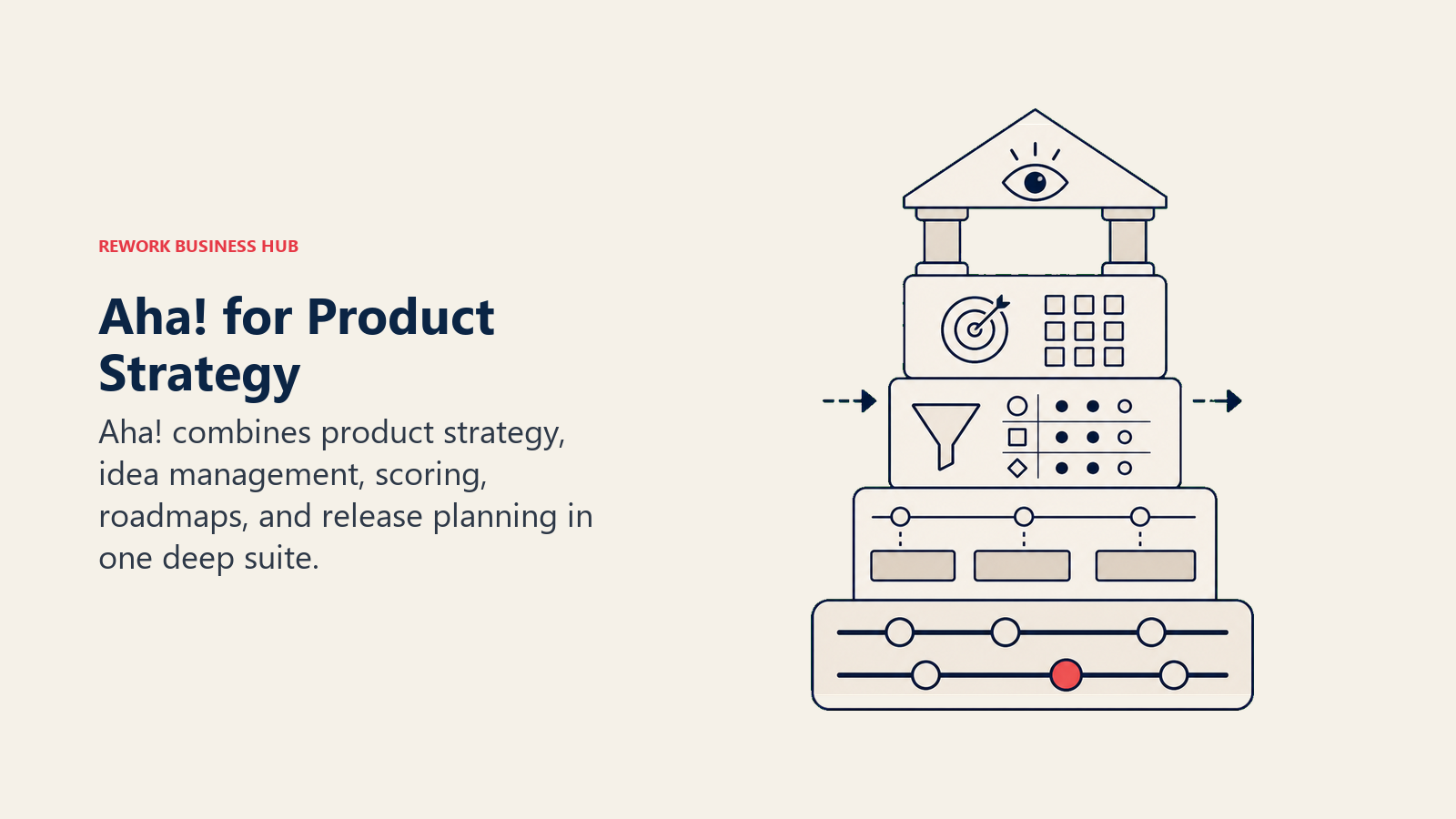
Target audience: Product managers and CPOs at growth-to-enterprise companies who want a serious strategy layer, not just a task board. The Aha! suite (Roadmaps, Ideas, Discovery, Develop, Teamwork) covers the full product lifecycle.
Sizing fit: Best for teams of 10 or more who can justify the per-user cost.
Stage fit: Growth through enterprise.
Team vs. company-wide: Team-focused, primarily for the product org.
Pros and Cons:
| Pros | Cons |
|---|---|
| Industry-leading strategy and roadmap depth | Starts at $59/user/month, expensive for larger teams |
| Feedback portal (Aha! Ideas) with voting and scoring | Steep learning curve; complex feature set |
| OKR and goal-to-feature linking | Overkill for teams that just need a roadmap |
| Strong reporting and release management | Non-product teams rarely use it |
Pricing: Aha! Roadmaps Premium is $59/user/month billed annually ($74 billed monthly); Enterprise $99 annually ($124 monthly); Enterprise+ $149, annual only. Enterprise and above include unlimited free reviewers and viewers.
Best for: Product-led organizations that want a complete strategy-to-release workflow.
2. Jira Product Discovery: The Atlassian Native Option
If your engineering team already runs on Jira, Jira Product Discovery (JPD) is the most frictionless path for product managers to connect ideas and feedback to the engineering backlog. Features link directly to Jira issues, and the roadmap lives inside the Atlassian ecosystem.
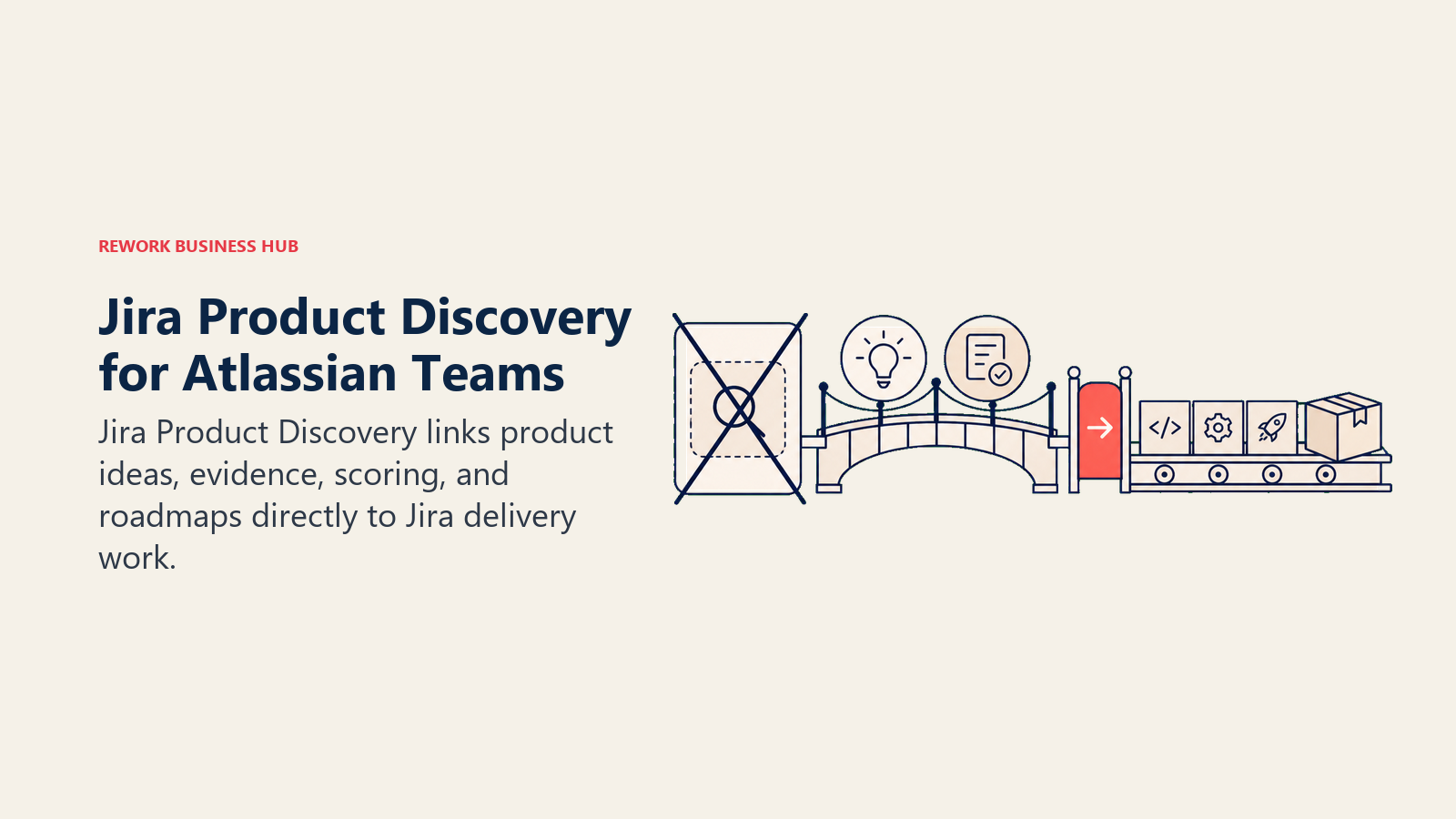
Target audience: Product teams at companies already invested in Atlassian (Jira, Confluence, Jira Software). JPD adds a discovery layer on top of what engineering already uses.
Sizing fit: Works well from 5-person startups to large enterprise teams, as long as Atlassian is the standard.
Stage fit: Broad range, growth through enterprise.
Team vs. company-wide: Team-focused, primarily product and engineering.
Pros and Cons:
| Pros | Cons |
|---|---|
| Native idea-to-Jira-issue flow | Weak outside the Atlassian ecosystem |
| Free tier for up to 3 creators | Limited standalone feedback portal |
| Strong permission and admin controls | JPD views can feel basic vs. Productboard |
| Lower cost than Productboard at scale | Requires Jira familiarity to get value |
Pricing: Jira Product Discovery Free (up to 3 creators); Standard $10/user/month; Premium $25/user/month. Annual billing saves up to 17%.
Best for: Product managers at Atlassian shops who want discovery to connect directly to the Jira backlog.
3. ClickUp: All-in-One With Deep Customization
ClickUp is one of the broadest project management tools on the market, covering tasks, docs, goals, whiteboards, roadmaps, and time tracking in one platform. It's highly configurable, which means it can play the role of a product roadmap tool for teams willing to build out the views. If you want a ClickUp-specific comparison, see best ClickUp alternatives.
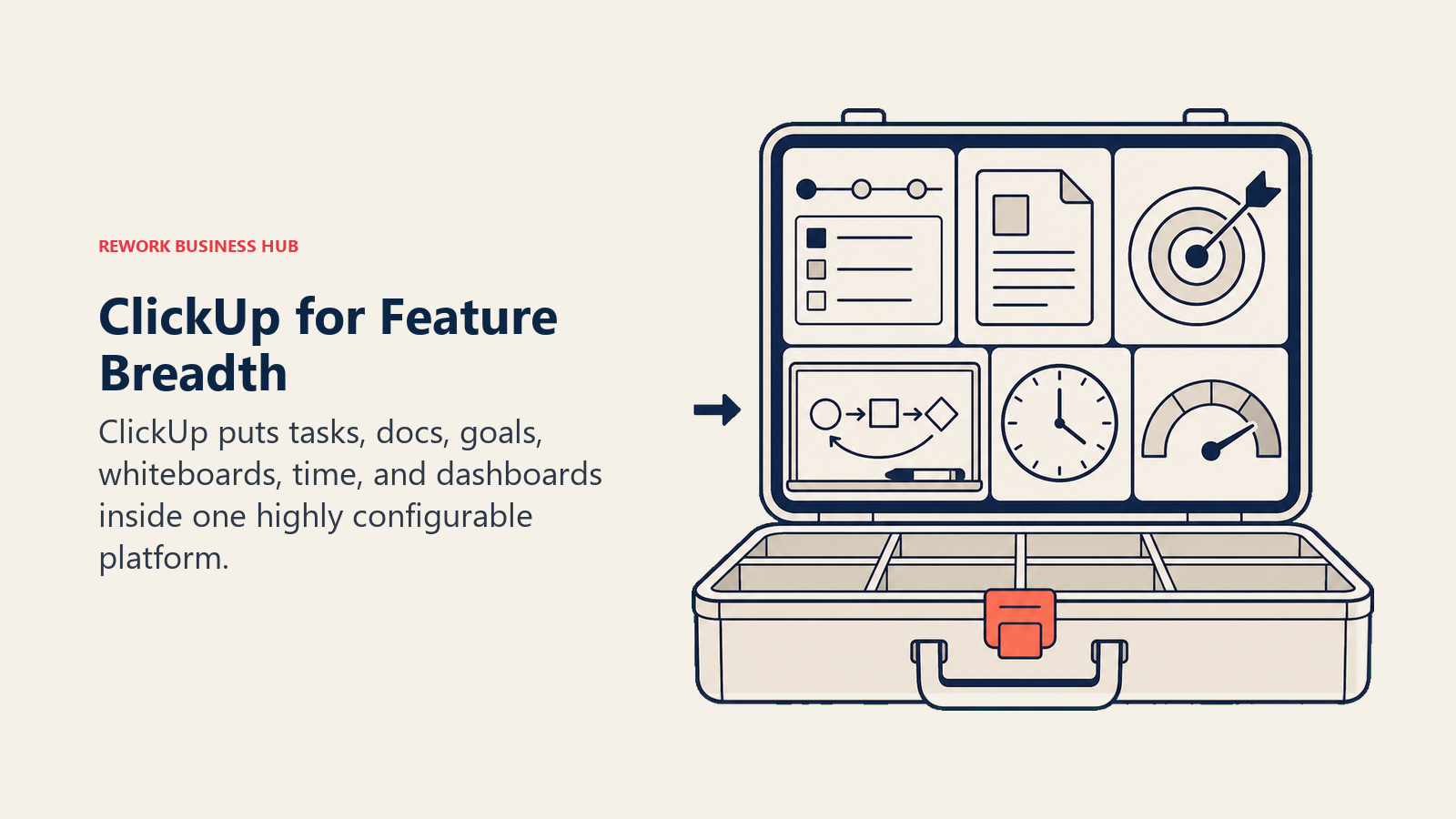
Target audience: Teams of any function that want one platform instead of several specialized tools. PMs, engineers, ops, and marketing all use it side by side.
Sizing fit: Scales from small startups to mid-market. Large enterprise rollouts can get unwieldy.
Stage fit: Early stage through growth.
Team vs. company-wide: Company-wide.
Pros and Cons:
| Pros | Cons |
|---|---|
| Extremely flexible views: list, board, Gantt, mind map | Can feel overwhelming to new users |
| Broad native integrations | AI features require a $7/user/month add-on |
| Free forever plan generous for individuals | Not purpose-built for product discovery |
| Strong automations on Business and above | Reporting depth varies by tier |
Pricing: ClickUp Free; Unlimited $7/user/month (annual); Business $12/user/month; Enterprise custom. ClickUp Brain AI add-on is $7/user/month on top of any paid plan.
Best for: Teams that want one work platform across functions and are comfortable configuring views to fit their workflow.
4. Notion: Docs-First Flexibility
Notion works as a shared wiki, docs layer, and lightweight project tracker. Teams build product roadmaps inside Notion using database views (table, board, gallery, timeline), and it integrates well with tools like Slack and GitHub. If you're comparing other Notion alternatives, see best Notion alternatives.
Target audience: Generalist teams and small product orgs where documentation and lightweight tracking matter more than deep workflow automation. Works well as a company knowledge hub.
Sizing fit: Best under 200 people before governance becomes painful.
Stage fit: Early stage through growth.
Team vs. company-wide: Company-wide for docs; team-level for structured project work.
Pros and Cons:
| Pros | Cons |
|---|---|
| Flexible page-and-database structure | Weak native project management (no built-in Gantt) |
| Good for product specs, wikis, and lightweight roadmaps | Notion AI only on Business ($15/user/month) and above |
| Free for individuals; low barrier to adoption | No customer feedback portal |
| Large template library | Organizational structure can drift over time |
Pricing: Notion Free; Plus $10/user/month (annual); Business $15/user/month (annual, includes Notion AI); Enterprise custom.
Best for: Teams that need a shared knowledge layer plus a lightweight roadmap, without the overhead of a dedicated PM tool.
5. Airtable: Relational Data Meets Visual Flexibility
Airtable is a relational database with a spreadsheet interface and multiple views: grid, gallery, kanban, form, timeline, and Gantt. Product teams use it to track features, backlog, feedback intake, and release schedules in linked tables. For other database-style tools, see best Airtable alternatives.
Target audience: Operations-oriented product and project teams that think in structured data. Works well for intake forms, prioritization matrices, and feature tracking.
Sizing fit: Best for teams under 200 before record limits and cost become a friction point.
Stage fit: Early stage through growth.
Team vs. company-wide: Company-wide for structured data workflows.
Pros and Cons:
| Pros | Cons |
|---|---|
| Powerful relational data model | Team plan starts at $20/editor/month (annual) |
| Flexible views including timeline and Gantt | Record limits on lower tiers (50k on Team) |
| Strong form and automation features | AI credits sold separately |
| Large integration library | Not a project management tool natively |
Pricing: Airtable Free (up to 5 editors, 1k records/base); Team $20/editor/month (annual); Business $45/editor/month (annual); Enterprise Scale custom.
Best for: Teams that model their roadmap and feature backlog as structured, relational data.
6. Asana: Structured Projects and Goal Tracking
Asana is a mature project management platform with strong support for goals, portfolios, timelines, and cross-team dependencies. Product managers use it to track features and releases alongside the broader org's work. For a wider view of similar tools, see best Asana alternatives.
Target audience: Cross-functional teams that want structured project tracking with goal and portfolio visibility. Strong at connecting high-level goals to daily tasks.
Sizing fit: Works from small teams up to enterprise.
Stage fit: Growth through enterprise.
Team vs. company-wide: Company-wide.
Pros and Cons:
| Pros | Cons |
|---|---|
| Strong timeline, portfolio, and goal views | No customer feedback portal |
| Mature automation rules | Advanced features locked to higher tiers |
| Clean, approachable UI | Can get pricey at scale |
| Broad integration library | Not purpose-built for product discovery |
Pricing: Asana Personal free (up to 10 users); Starter $10.99/user/month (annual); Advanced $24.99/user/month (annual); Enterprise custom.
Best for: Cross-functional teams that want goal-to-task traceability across the whole organization.
7. Rework: Project Delivery and Cross-Team Workflows, Not Product Discovery
Rework is a work-management platform, not a product tool. It has no feedback capture, no insight-to-feature linking, no prioritization scoring, and no customer portal, which is everything Productboard is bought for. It belongs on this list only for teams whose real Productboard problem is the gap between the roadmap and the delivery work, and who would rather run delivery, approvals, and workflows for several departments in one system.
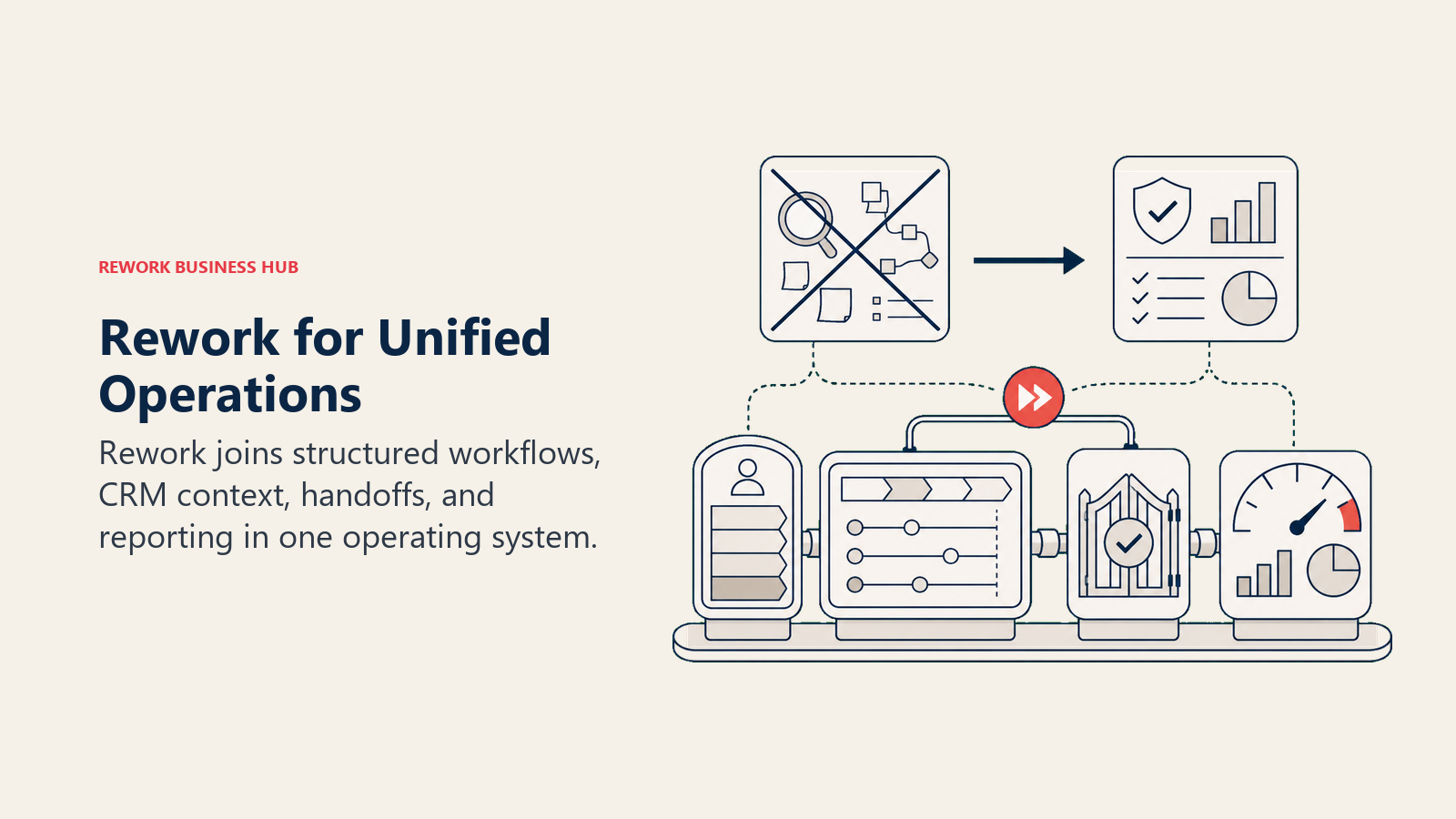
What it covers: the Projects app runs boards with several views, a project roadmap of phases gated by milestones, workload, time logs, and project cost and margin. The Request and Workflow apps add approval flows and repeatable processes, so delivery, ops, and leadership work in the same system. The roadmap is per project, though, not a product-level view of ideas and features across releases.
Target audience: Mid-size teams (roughly 20 to 500 people) where product delivery, ops, and other departments need one shared operating surface more than they need a discovery tool.
Sizing fit: Five seats and up. The Project Engine includes 5 work seats, with extra seats in blocks of 5; the Standard edition covers up to 50 seats, and Advanced scales into mid-market.
Stage fit: Growth through mature companies.
Team vs. company-wide: Company-wide.
Pros and Cons:
| Pros | Cons |
|---|---|
| Project roadmaps and milestones next to day-to-day execution | No feedback capture, customer portal, or insight-to-feature linking |
| Approvals and cross-team workflows in the same platform | No RICE or other prioritization scoring |
| Workload, time, and project cost tracking built in | Roadmaps are per project, not a product portfolio view |
| Predictable engine pricing, seats in blocks of 5 | Less established for product teams than ClickUp, Notion, or Asana |
Pricing: Project Engine $99/month billed yearly ($1,188/year) or $120 month to month, with 5 work seats and 10 active projects included; extra seats cost $13/month per block of 5 on yearly billing. At 25 seats that's $1,812/year; at 50 seats $2,592/year. 14-day free trial, no free plan. Full details at rework.com/pricing.
Best for: Mid-size companies that want product delivery tracked alongside other departments' projects and approvals, and already handle discovery elsewhere.
Not ideal for: Dedicated product teams who need customer-feedback aggregation, insight-to-feature linking, and prioritization scoring. That is Productboard's core strength, and Aha!, Jira Product Discovery, or Canny are the right call there.
8. monday.com: Visual Work Management
monday.com organizes work in color-coded boards with flexible columns and automations. Product teams build roadmaps, sprint boards, and release trackers on top of its item-and-board model. See best monday.com alternatives for a broader comparison.
Target audience: Teams that want visual boards with low friction. Works well for sales, ops, marketing, and product running in the same workspace.
Sizing fit: Three-seat minimum on paid plans; scales through mid-market.
Stage fit: Growth through mid-market.
Team vs. company-wide: Company-wide.
Pros and Cons:
| Pros | Cons |
|---|---|
| Intuitive board-based UI | 3-seat minimum on all paid plans |
| Broad marketplace with 200+ integrations | AI credits billed separately on Standard/Pro |
| Automations work well for routine status updates | Limited product-discovery capabilities |
| Strong Gantt and calendar views | Plans scale in seat increments of 5+ |
Pricing: monday.com Free (2 seats, 3 boards); Basic $9/seat/month (annual, min 3); Standard $12/seat/month; Pro $19/seat/month; Enterprise custom.
Best for: Teams that want visual, board-first work management across multiple functions.
9. Wrike: Approvals, Proofing, and Permissions
Wrike is a project management platform aimed at mid-market and enterprise teams that need structured approval workflows, proofing for creative assets, and granular user permissions. It added an Apex tier in January 2026 as its new enterprise ceiling. See best Wrike alternatives for more.
Target audience: Mid-market and enterprise teams, especially in marketing, creative, IT, and operations that need approval chains built into their project flow.
Sizing fit: Best at 10 seats or more.
Stage fit: Mid-market through enterprise.
Team vs. company-wide: Company-wide, particularly strong for cross-functional creative and delivery teams.
Pros and Cons:
| Pros | Cons |
|---|---|
| Built-in proofing and approval workflows | Business plan at $25/user/month is steep |
| Granular permission controls | Complex initial setup |
| Strong Gantt and resource management | Less intuitive than ClickUp or Asana for beginners |
| New Apex tier for advanced enterprise use | Apex pricing is not public |
Pricing: Wrike Free (up to 5 users); Team $10/user/month (annual); Business $25/user/month; Apex custom (replacing Enterprise since Jan 2026).
Best for: Mid-size to enterprise teams where proofing, approvals, and permissions are non-negotiable.
10. Canny: Lightweight Feedback Boards
Canny is a purpose-built customer feedback tool. Users submit and upvote feature requests through a public or private portal, and product teams use the vote data to inform prioritization. It's narrower in scope than Productboard but simpler and cheaper for teams that need just the feedback layer.
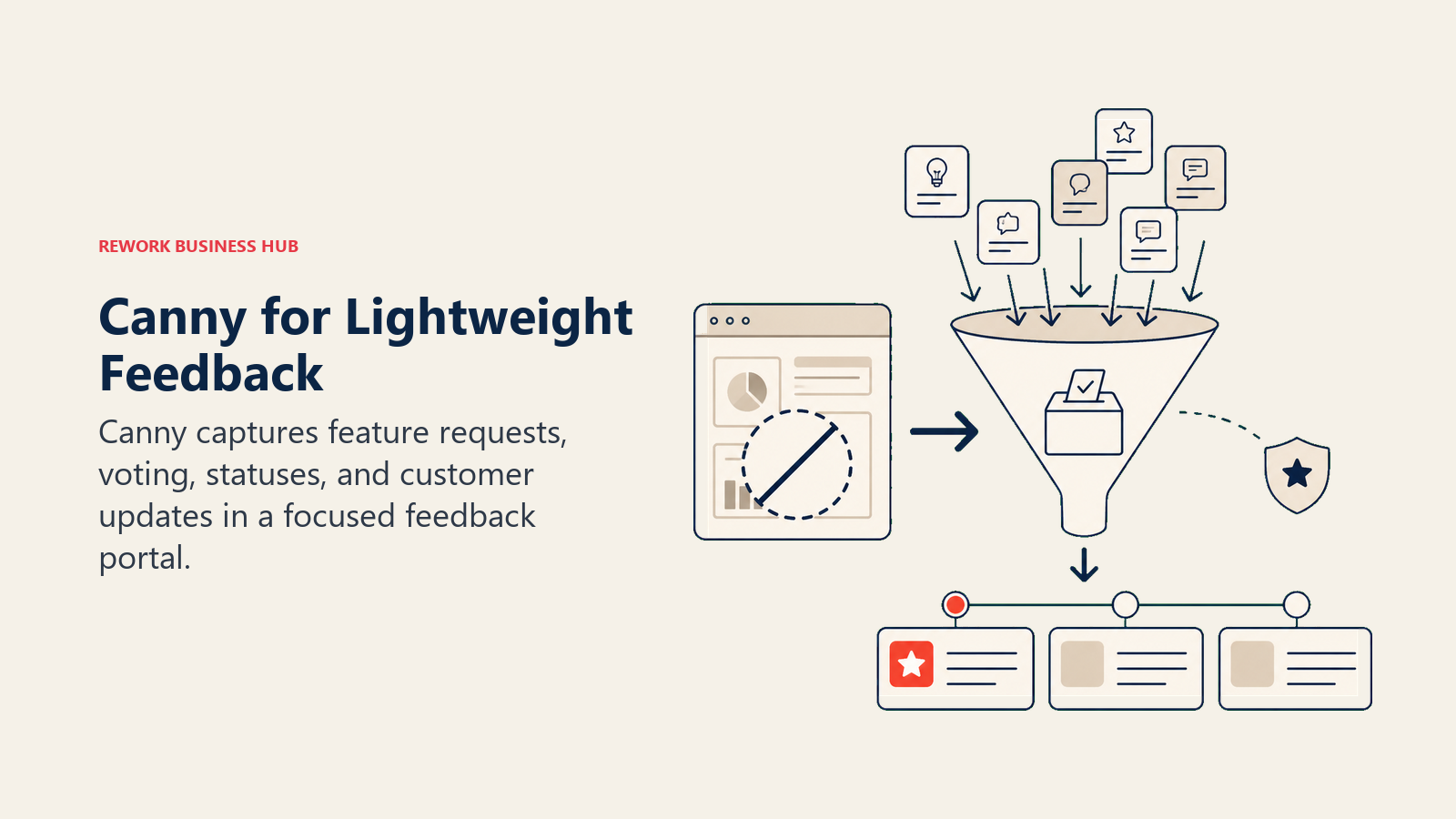
Target audience: Small to mid-size product teams that want a clean feedback portal without the weight of a full product discovery platform.
Sizing fit: Best under 100 tracked users before the pricing model starts climbing.
Stage fit: Early stage through growth.
Team vs. company-wide: Team-focused, primarily product.
Pros and Cons:
| Pros | Cons |
|---|---|
| Clean, intuitive feedback portal | Tracked-user pricing climbs fast past 100 users |
| Upvoting and voting surfaces real demand | No deep roadmap or prioritization framework |
| Simpler and cheaper than Productboard for basic feedback | Limited cross-team utility |
| Good changelog and status-update features | Anonymous posting not supported |
Pricing: Canny Free (25 tracked users); Core from $19/month (100 tracked users, annual); Pro from $79/month (100 tracked users, annual). Costs step up with tracked users: Core reaches $249/month at 1,000 tracked users.
Best for: Small product teams that want a dedicated, no-frills customer feedback portal.
11. Smartsheet: Spreadsheet-Style Project Tracking
Smartsheet is a project management platform built around a grid interface that feels familiar to spreadsheet users. It's popular in operations, IT, and enterprise project management where teams want structure without abandoning the row-and-column mental model. See best Smartsheet alternatives for comparisons.
Target audience: Operations, IT, and project management teams that want the power of automation and collaboration on top of a familiar spreadsheet layout.
Sizing fit: Scales from small teams to large enterprise. The Pro plan caps at 10 editors.
Stage fit: Mid-market through enterprise.
Team vs. company-wide: Company-wide for structured operations work.
Pros and Cons:
| Pros | Cons |
|---|---|
| Familiar grid interface reduces onboarding friction | No free plan; 30-day trial only |
| Strong automation and workflow rules | Business plan requires minimum 3 seats |
| Good report and dashboard views | Premium add-ons (Control Center, Bridge) cost extra |
| Widely used in regulated industries | Not designed for product discovery |
Pricing: Smartsheet Pro $9/user/month (annual, up to 10 editors); Business $19/user/month (annual, unlimited editors, min 3 seats); Enterprise custom.
Best for: Operations and IT teams that want project management with a spreadsheet-first interface and strong governance.
12. Coda: Docs Plus Tables as a Roadmap
Coda is a hybrid platform where documents and relational tables live in the same surface. You write a product spec as a doc, embed a prioritization table directly inside it, and link that to a roadmap timeline view. For product teams that think in narratives and data together, it can replace Notion, Airtable, and a lightweight roadmap tool at once. See best Coda alternatives for more context.
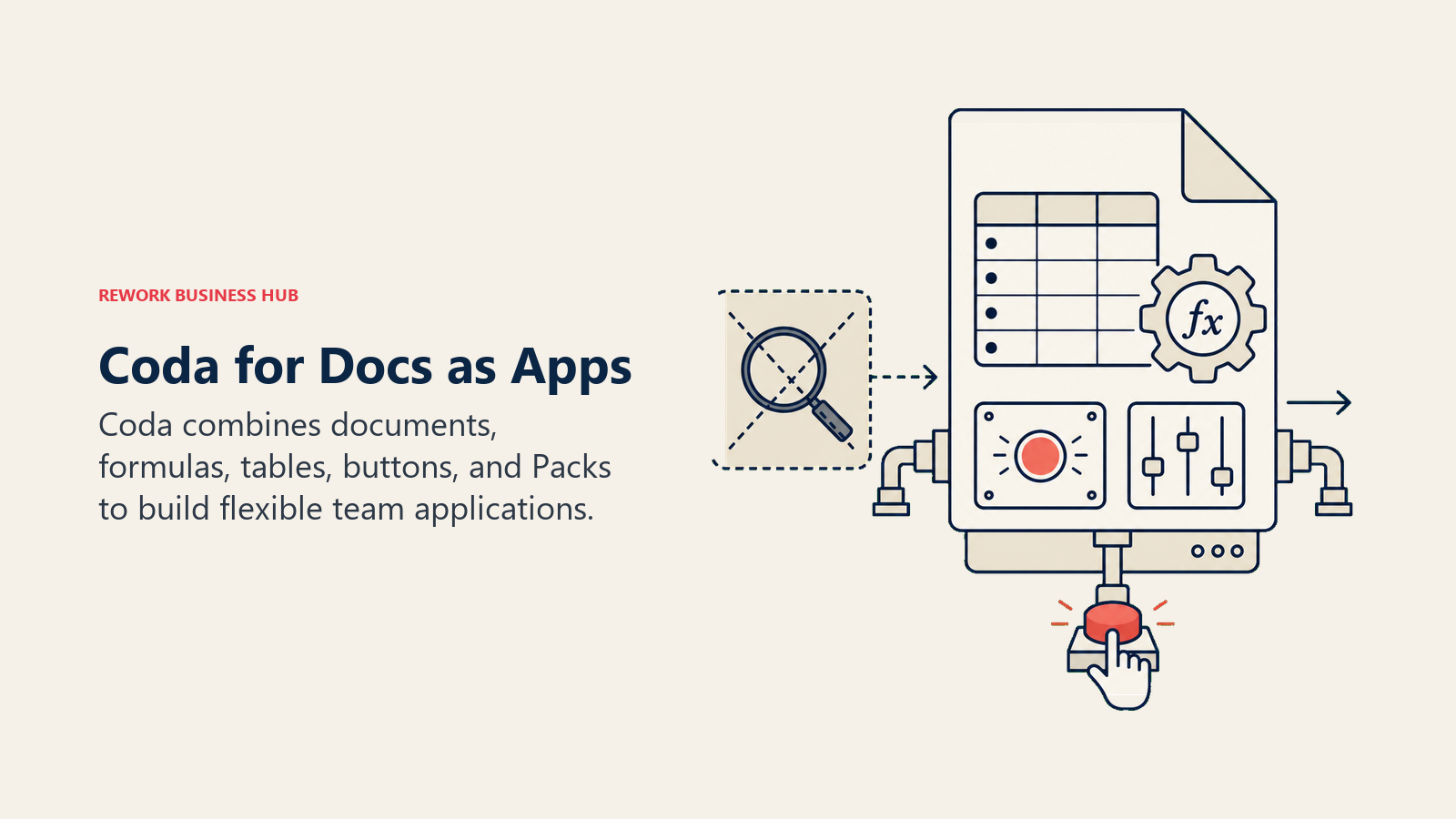
Target audience: Product managers and generalist teams who want document-native workflows with built-in database power. Works well for squads that write a lot alongside their tracking.
Sizing fit: Best under 200 people. The maker-based pricing model means cost is tied to how many people actively create docs, not total headcount.
Stage fit: Early stage through growth.
Team vs. company-wide: Company-wide where docs and data both matter.
Pros and Cons:
| Pros | Cons |
|---|---|
| Docs and tables are genuinely unified, not bolted together | Maker-based pricing can confuse buyers |
| Viewers are free, reducing total headcount cost | Less structured than Asana or ClickUp for task management |
| Flexible enough to replace Notion and Airtable | Smaller integration library than competitors |
| Good for product specs tied to roadmap data | No dedicated customer feedback portal |
Pricing: Coda Free; Pro $10/maker/month (annual); Team $30/maker/month (annual); Enterprise custom. Viewers don't count toward billing.
Best for: Product and ops teams that want a unified docs-plus-data workspace in place of separate tools.
How to Choose: Decision Framework
| If you need this... | Go with... |
|---|---|
| Best-in-class customer feedback aggregation, insight linking, and prioritization scoring | Productboard (Plus, $19/maker/month) or Aha! |
| Product discovery that connects directly to your Jira backlog | Jira Product Discovery |
| One platform for product, ops, marketing, and engineering at low cost | ClickUp |
| A lightweight roadmap layer on top of shared docs and wikis | Notion or Coda |
| Structured relational data for feature tracking and intake forms | Airtable |
| Goal-to-task traceability across a large cross-functional org | Asana |
| Project roadmaps, approvals, and cross-team workflows in one operations platform | Rework |
| Visual boards for multi-team work management | monday.com |
| Approval workflows, proofing, and granular permissions | Wrike |
| A simple, affordable customer feedback portal (under 100 tracked users) | Canny |
| Spreadsheet-familiar project management in operations or IT | Smartsheet |
| Your whole company already runs on Atlassian tools | Jira Product Discovery |
What to Do Next
Start by separating two questions: Do you need dedicated product discovery (feedback aggregation, insight-to-feature linking, prioritization scoring)? Or do you need a place where roadmaps and cross-team execution live together?
If it's the first question, Productboard, Aha!, and Jira Product Discovery are purpose-built for that job. If it's the second, tools like ClickUp, Asana, monday.com, and Rework give the whole company a shared operating surface without requiring a separate product-only tool.
Most teams picking an alternative to Productboard aren't abandoning product discovery. They're looking for a better fit on price, team scope, or the ratio of product-specific features to general work management. Run a two-week trial with the one or two tools that match your sizing and stage, and make the decision based on actual workflow fit, not feature-list comparison.
Camellia writes about product and project tooling for B2B teams. Last updated June 2026.

On this page
- Quick Comparison Table
- Stage Fit Matrix
- Sizing and Persona Table
- 1. Aha! Roadmaps: The Full-Stack Product Strategy Platform
- 2. Jira Product Discovery: The Atlassian Native Option
- 3. ClickUp: All-in-One With Deep Customization
- 4. Notion: Docs-First Flexibility
- 5. Airtable: Relational Data Meets Visual Flexibility
- 6. Asana: Structured Projects and Goal Tracking
- 7. Rework: Project Delivery and Cross-Team Workflows, Not Product Discovery
- 8. monday.com: Visual Work Management
- 9. Wrike: Approvals, Proofing, and Permissions
- 10. Canny: Lightweight Feedback Boards
- 11. Smartsheet: Spreadsheet-Style Project Tracking
- 12. Coda: Docs Plus Tables as a Roadmap
- How to Choose: Decision Framework
- What to Do Next