Best Coda Alternatives in 2026: 10 Docs-as-Apps Platforms for Operations Teams
Turn this article into takeaways for your work.


Each assistant summarizes the article only for you and suggests best practices for your work.
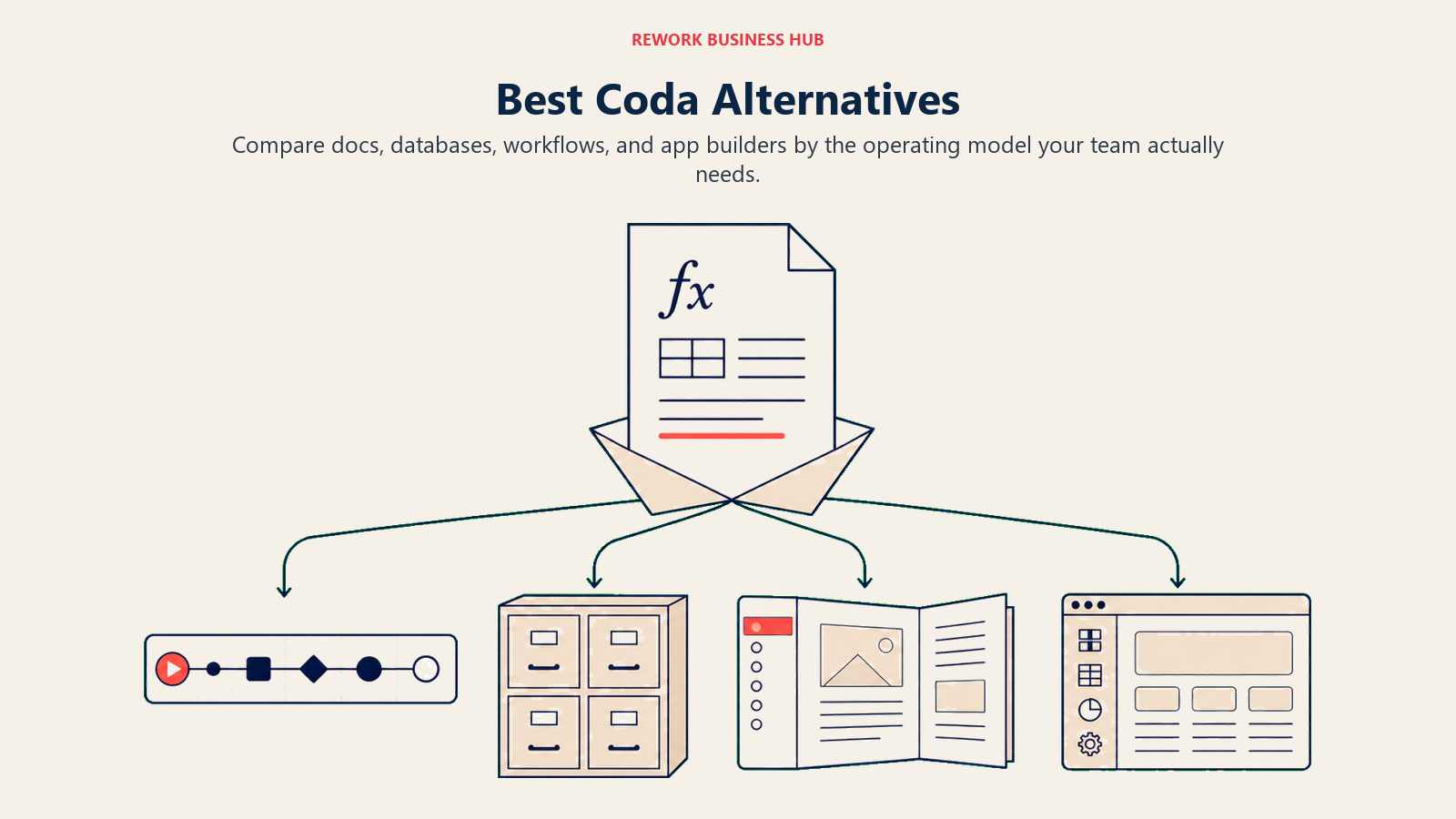
The best Coda alternatives in 2026 are Notion, Airtable, Rework, ClickUp, and Monday.com, depending on what pulled you away from Coda. Notion wins on ecosystem and flexible docs, Airtable on relational data, ClickUp and Monday on project execution, and Rework when you need real ops workflows plus a built-in CRM rather than formula-powered pages. The right pick is the one that solves your specific reason for leaving.
Coda made a genuinely interesting bet: what if a document could do the work of an app? Tables, buttons, automations, and formula logic all living inside a single page. For the right team, that vision is powerful. You can build a client tracker, an onboarding flow, or a budget approval process without switching tools.
But most teams hit real friction after the honeymoon period. The formula syntax punishes non-technical users and stalls adoption outside the tech-savvy core. The ecosystem is smaller than Notion or Airtable, meaning fewer integrations and a thinner community. Performance degrades with large, formula-heavy docs. And enterprise features like fine-grained permissions, audit logs, and SSO still lag behind mature platforms.
This article covers the 10 most relevant replacements for operations leaders, RevOps leads, and directors who need tools that handle real workflows, not just smart documents. For teams that also use Coda alongside whiteboarding tools, see best Miro alternatives. Many ops teams use both together for planning and documentation. If your ops stack includes document signing, best DocuSign alternatives covers how workflow-driven approval tools compare to traditional e-signature platforms.
Quick Comparison Table
| Tool | Best For | Starting Price | Key Strength | Key Limitation |
|---|---|---|---|---|
| Notion | Flexible docs + databases | Free; $10/user/mo | Largest ecosystem, flexible structure | Weak automation; no workflow engine |
| Airtable | Relational databases + automations | Free; $20/user/mo | True relational data model, strong API | Not a doc tool; needs configuration expertise |
| Rework | Mid-size ops teams needing CRM + workflows | From $99/mo billed yearly, 5 seats (rework.com/pricing) | Dedicated cross-team ops workflows + CRM built in | Not a docs/canvas tool; no formula-based pages |
| ClickUp | All-in-one: tasks + docs + automations | Free; $7/user/mo | Deep feature set, broad flexibility | Steep learning curve; interface can overwhelm |
| Monday.com | Visual project tracking + automation | $9/user/mo | Clean UI, solid automations, visual boards | Gets expensive; limited automation on lower tiers |
| Quip (Salesforce) | Salesforce-connected docs + tables | Bundled with Salesforce | Native Salesforce integration for sales docs | Only valuable inside Salesforce ecosystem |
| AppSheet (Google) | No-code app building from spreadsheets | Free; $5/user/mo | True no-code apps without coding; Google Workspace sync | Not a doc tool; UX steeper than Coda |
| Retool | Internal tool building with real data sources | Free; $10/user/mo | Connect to any database or API; serious power | Requires developer involvement; not a business user tool |
| Glide | Simple no-code apps from Google Sheets | Free (1 project); Solo $25/mo; Team $125/mo | Fast app creation from spreadsheets; mobile-first | Limited relational complexity; less formula power |
| Softr | No-code portals from Airtable or Google Sheets | Free; $19/mo billed annually | Client portals, member directories, fast builds | Limited logic depth vs. Coda or AppSheet |
Stage Fit Matrix
| Tool | Startup (1-15) | Growth (15-100) | Mid-Market (100-500) | Enterprise (500+) |
|---|---|---|---|---|
| Notion | Strong fit | Good fit | Possible with governance | Needs significant structure |
| Airtable | Good fit | Strong fit | Good fit | Possible with IT support |
| Rework | Limited fit | Strong fit | Best fit | Fits with customization |
| ClickUp | Strong fit | Strong fit | Good fit | Possible |
| Monday.com | Good fit | Strong fit | Good fit | Has Enterprise tier |
| Quip | Not ideal | Salesforce-dependent | Salesforce-dependent | Fits Salesforce orgs |
| AppSheet | Good fit | Strong fit | Good fit | Strong with Google Workspace |
| Retool | Needs dev | Good with dev team | Strong with eng team | Strong |
| Glide | Strong fit | Good fit | Limited | Not designed for enterprise |
| Softr | Strong fit | Good fit | Limited | Not designed for enterprise |
Sizing and Persona Table
| Tool | Team Size Sweet Spot | Primary Buyer | Buyer Role |
|---|---|---|---|
| Notion | 1-200 | Any knowledge team | Founder, Team Lead, Chief of Staff |
| Airtable | 5-300 | Data-driven ops and marketing teams | Head of Ops, Marketing Ops, Program Manager |
| Rework | 20-500 | Ops teams, RevOps, Sales+Ops combined | COO, Head of Ops, RevOps Lead |
| ClickUp | 1-500 | Multi-team organizations on a budget | COO, PM, Team Lead |
| Monday.com | 5-500 | Project-driven and visual teams | Head of PMO, Director of Operations |
| Quip | 50+ (Salesforce orgs) | Sales teams using Salesforce | VP Sales, Salesforce Admin |
| AppSheet | 5-200 | Ops or IT teams with Sheets/Excel data | IT Manager, Ops Director, Data Analyst |
| Retool | 5-500 (with dev team) | Engineering-adjacent ops teams | Engineering Manager, Head of Internal Tools |
| Glide | 1-100 | Small ops teams wanting mobile apps | Ops Manager, Founder, Field Team Lead |
| Softr | 1-100 | Teams building client or member portals | Founder, Agency Owner, Product Manager |
1. Notion: Flexible Docs + Largest Ecosystem
Notion is the first tool most teams consider when leaving Coda. Both occupy the "docs + databases" space, but Notion has a significantly larger ecosystem: more templates, a much bigger user community, better third-party integrations, and broader name recognition that helps with hiring and adoption. If you're evaluating Notion as a longer-term platform, the best Notion alternatives guide is useful context on where Notion itself eventually runs out of runway.
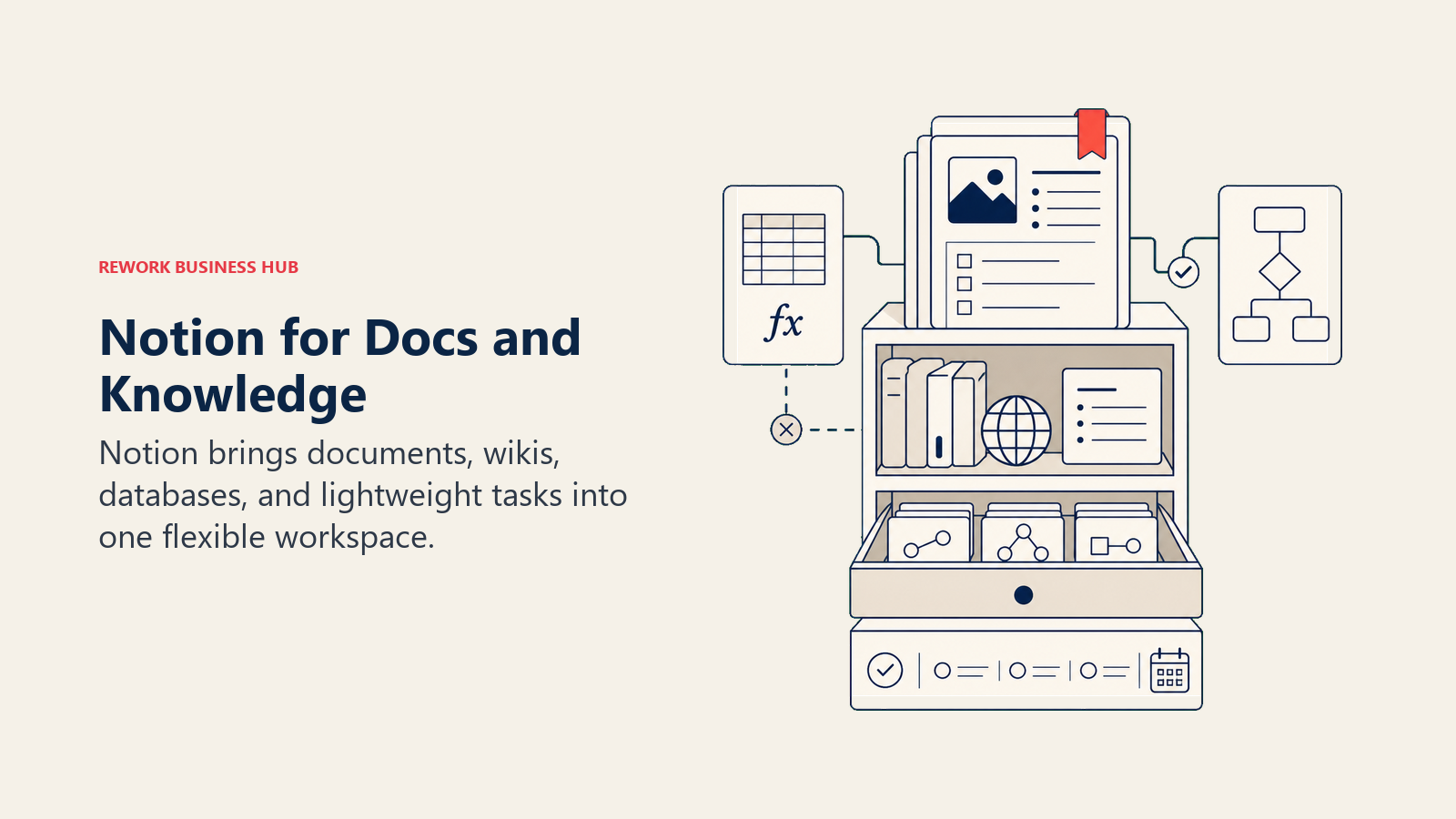
Notion's product philosophy is the canvas: give teams a flexible surface and let them structure it however they want. Databases, linked views, synced blocks, and an expanding automation layer make it a closer Coda competitor than it was two years ago.
Where it still falls short versus Coda: Notion's automation is weaker, and you can't embed formula-driven button logic the way Coda enables it. For teams that were using Coda specifically for its Packs (app integrations that let documents trigger real actions), Notion requires workarounds.
| What you get | What you don't |
|---|---|
| Largest template library in the category | Formula-powered automation depth |
| Flexible pages, databases, and nested wikis | A workflow engine with conditional routing |
| AI writing and content tools built in | A CRM or lead management layer |
| 100+ native integrations | Button logic that triggers external actions natively |
| Strong community and third-party tooling | Fine-grained enterprise permissions at lower tiers |
Pricing: Free (personal), $10/user/mo (Plus), $15/user/mo (Business), $25/user/mo (Enterprise). Annual billing.
Best for: Teams leaving Coda for a larger ecosystem or simpler doc + database experience. Knowledge-heavy teams, product and marketing orgs, startups building internal wikis.
Sizing fit: Best at 1-200 people. Needs intentional governance at 50+ to avoid structural sprawl.
2. Airtable: Relational Databases + Automation
If the thing your team actually valued in Coda was the structured, tabular data model, Airtable is the more powerful answer. It's a relational database with a friendly UI, and it handles linked records, rollups, lookups, and multi-table data relationships in ways that Coda's document-table approach can't match.
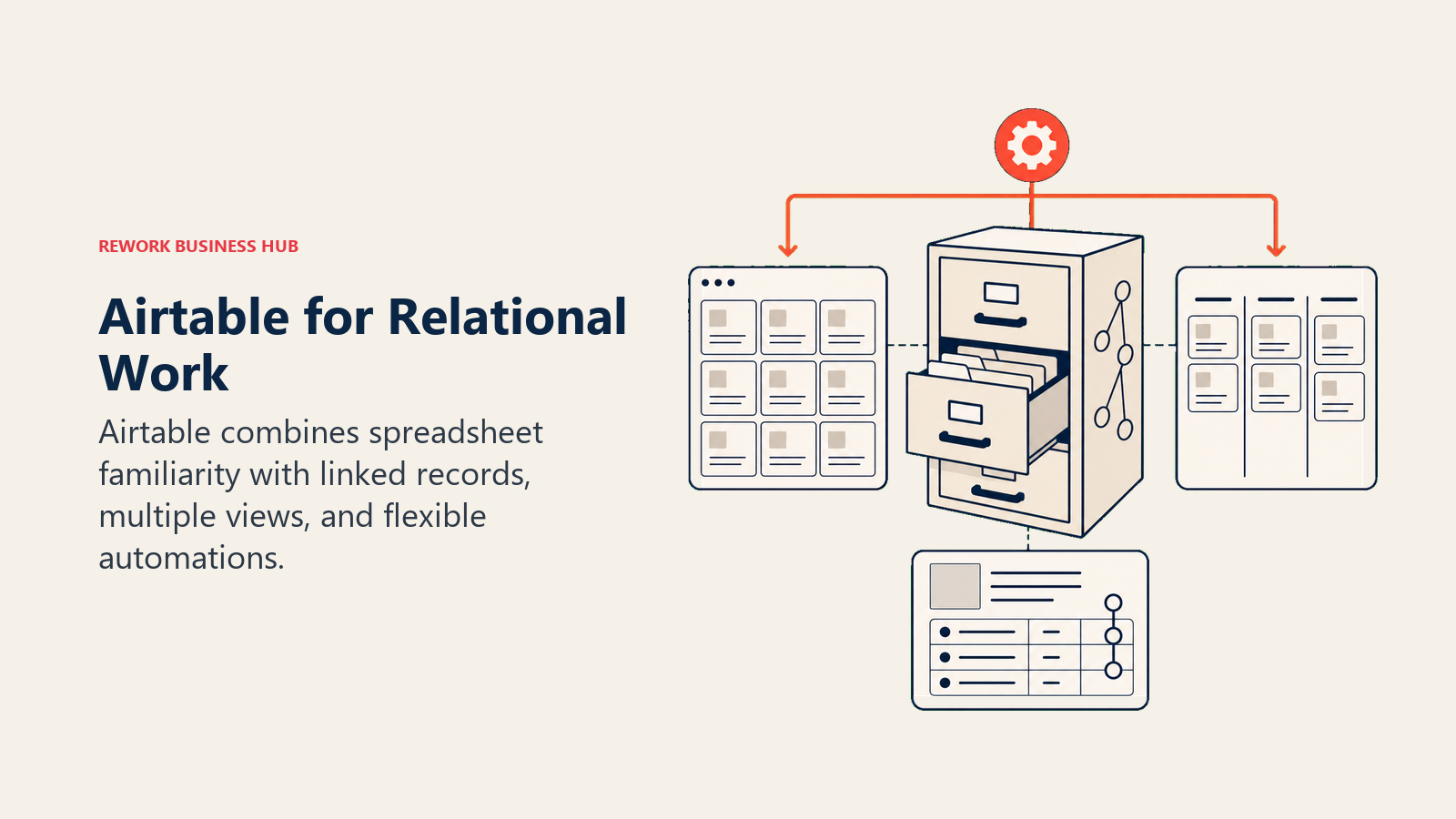
Airtable's automation layer has matured significantly. You can build multi-step workflows triggered by record changes, form submissions, or scheduled events, without writing code. The Interface Designer lets you build simplified views that field team members or external stakeholders can use without seeing the underlying database structure.
The honest contrast with Coda: Airtable isn't a document tool at all. You won't write meeting notes or SOPs in Airtable. It's a data-first platform, and it's excellent at that. But if you're looking for a docs-like experience with embedded logic, Airtable solves a different problem.
| What you get | What you don't |
|---|---|
| True relational databases with linked records | A document or wiki layer |
| Strong API and 50+ native integrations | Workflow automation depth without Airtable's higher tiers |
| Interface Designer for simplified end-user views | A CRM with native lead routing |
| Multi-view options: grid, gallery, kanban, Gantt, calendar | Formula complexity matching Coda's full range |
| Solid automation builder with multi-step workflows | Coda-style formula buttons that trigger app actions |
Pricing: Free (limited), $20/user/mo (Team), $45/user/mo (Business). Annual billing.
Best for: Ops, marketing, and product teams that need a structured data layer. Content calendars, project databases, CRM-lite setups, asset management, product catalogs.
Sizing fit: Works well from 5 to 300 people. Enterprise features available for larger organizations.
3. Rework: Cross-Team Ops Workflows + CRM in One Product
Coda's pitch is about making documents smarter. Rework's pitch is different: make your operations run, not just describe how they should run. If the reason you're leaving Coda is that you need real workflow automation, lead routing, and a CRM that doesn't require three weeks of formula configuration, Rework addresses those problems directly. It sits third because most Coda teams still want docs and tables, which Notion and Airtable replace more closely.
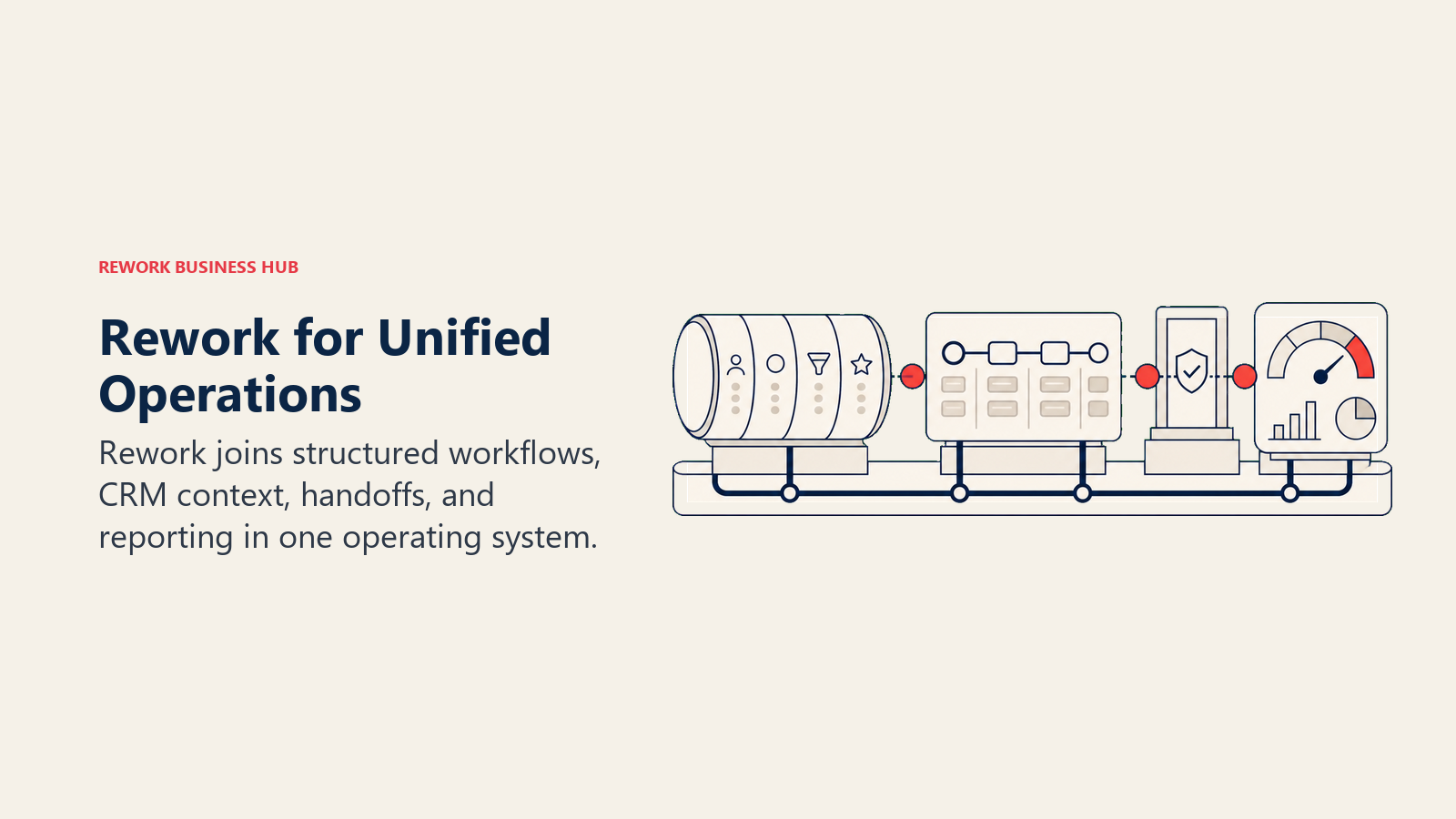
Rework is built for mid-size teams where Sales, Marketing, and Ops share processes. Lead intake, round-robin distribution, SLA tracking, approval chains, client onboarding: these ship as configured workflows, not blank canvases. The chat inbox (WhatsApp, Messenger, Instagram DMs, TikTok, Telegram, LINE, Zalo, live chat; email runs in a separate Mail app) covers multi-channel communication that Coda doesn't touch.
The honest limitation: Rework isn't a docs-as-apps tool. Projects do hold documents (folders and pages), but there are no formula-driven pages or buttons. If your team built logic-heavy internal pages in Coda and wants to migrate those exact pages, Rework isn't the replacement. It's the right choice when you're ready to move from "clever documents" to "structured operations."
| What you get | What you don't |
|---|---|
| CRM + lead management built in as core product | Formula-powered pages or doc-as-app logic |
| Cross-team ops workflows with enforcement and routing | A flexible blank-canvas workspace |
| Chat inbox across the major messaging apps and live chat | A large third-party template marketplace |
| Lead capture, scoring, distribution, and pipeline tracking | Deep marketing automation (Marketo-grade) |
| Process templates for onboarding, approvals, and sales ops | Fine-grained block-level permissions |
Pricing: Process Engine from $99/month billed yearly ($1,188/year) or $120 month to month, with 5 work seats included; extra seats come in blocks of 5 ($13/month per block, billed yearly). The CRM is the Sales Engine, from $69/month billed yearly; lead capture, routing and the chat inbox are in the Marketing Engine ($99/month billed yearly), and the Revenue Engine ($159/month billed yearly) bundles CRM, inbox and lead capture. 14-day free trial, no free plan. (rework.com/pricing)
Best for: Mid-size teams (20-500 people) in B2B SaaS, professional services, or e-commerce where Sales and Ops need shared, enforced workflows. COOs, RevOps leads, and Heads of Sales.
Not ideal for: Teams primarily building logic-heavy internal tools or document-first knowledge bases.
4. ClickUp: Everything-App with Docs and Automations
ClickUp is the closest to Coda's ambition of doing multiple things in one product. It covers tasks, docs, goals, whiteboards, time tracking, forms, automations, and basic CRM functionality. For teams leaving Coda because the tool felt too specialized, ClickUp is often the consolidation play. See best ClickUp alternatives if you want to pressure-test ClickUp's ceiling before committing to it.
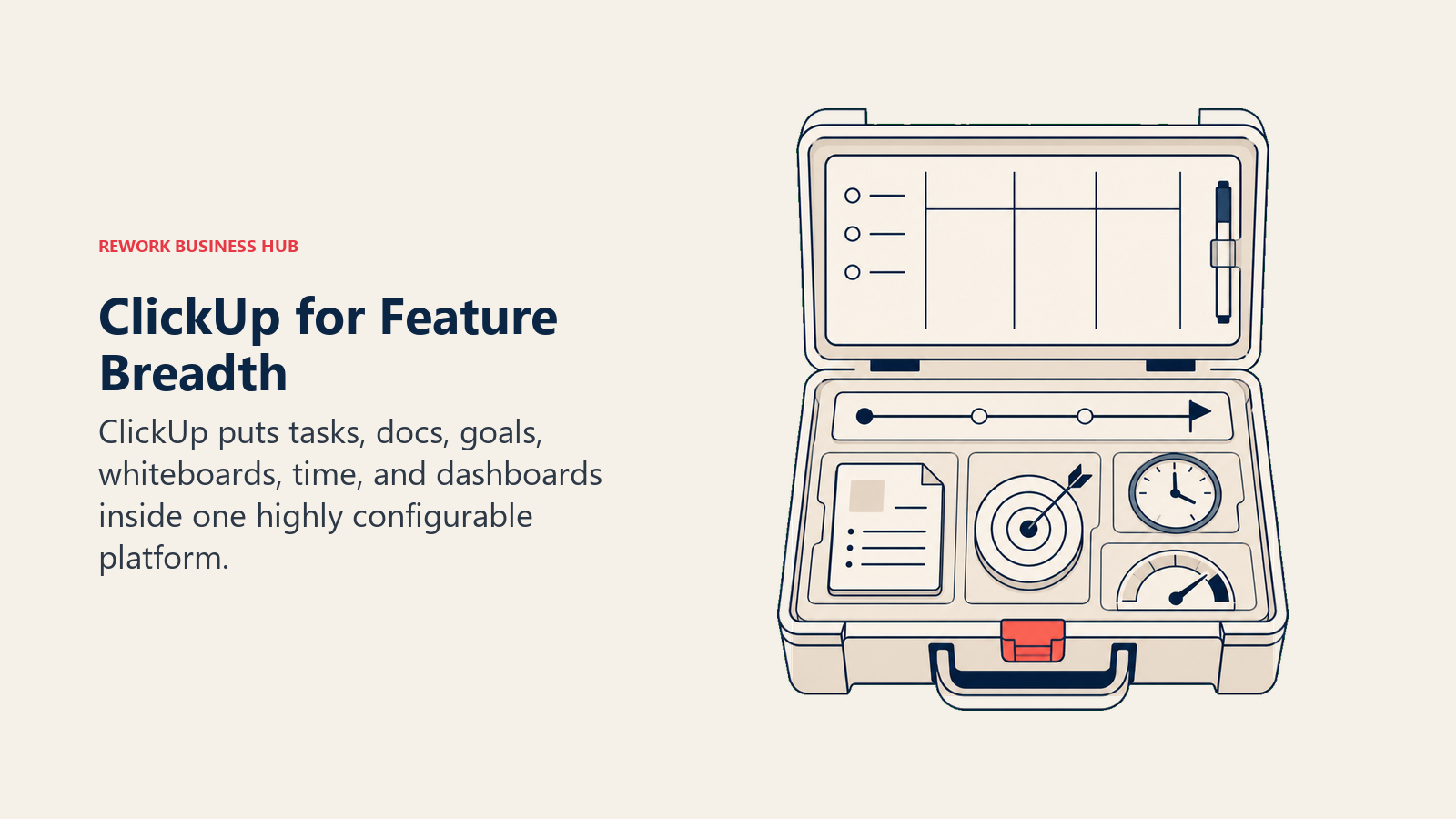
Where ClickUp genuinely beats Coda: the project and task management layer is far stronger. Real due dates, sprint planning, recurring tasks, and portfolio-level views are all native. If your Coda workspace was mostly project tracking with some doc logic layered on top, ClickUp is a natural migration.
The honest tradeoff: ClickUp is a large, complex product. New users face a real learning curve, and teams without an internal champion who configures the workspace often end up underusing it. The docs and formula capabilities also don't match Coda's depth for logic-heavy use cases.
| What you get | What you don't |
|---|---|
| Docs + tasks + goals + time tracking in one product | Coda-level formula logic inside documents |
| 15+ task views including Gantt, timeline, and workload | Simple onboarding without a dedicated admin |
| Strong free tier for individual and small team use | A native CRM with lead lifecycle management |
| 1,000+ integrations | Purpose-built ops workflow templates out of the box |
| AI tools for writing, summarization, and task creation | The formula-button-automation model Coda is known for |
Pricing: Free (generous limits), $7/user/mo (Unlimited), $12/user/mo (Business). Annual billing.
Best for: Teams that want Coda's broad ambition but need project management as the primary use case. Startups and SMBs watching budget. Teams with an internal power user willing to configure the platform.
Sizing fit: Works across all sizes, from 1 to 500+ people, though complexity management becomes important at scale.
5. Monday.com: Visual Boards + Structured Automation
Monday.com competes with Coda at the operations layer, not the docs layer. It's a visual work management platform with customizable boards, strong automations, and a clean UI that most non-technical users pick up without formal training. If you want a direct comparison against a purpose-built ops platform, the Rework vs Monday breakdown is useful context.
What Monday does better than Coda: it enforces structure by design. Status fields, due dates, and owner assignments are visible and consistent. You can't leave work in ambiguous text blocks. The automation builder supports conditional logic, multi-step recipes, and integrations with Salesforce, HubSpot, Slack, and more.
Where it falls short: Monday's automations get expensive quickly. The Basic plan ($9/user/mo) includes no automations at all. Standard ($12/user/mo) caps automations at 250 actions per month. Meaningful workflow automation requires the Pro tier ($19/user/mo) minimum. And it's not a docs-as-apps tool in any sense, so if your team built logic-heavy pages in Coda, Monday won't replicate that.
| What you get | What you don't |
|---|---|
| 27+ column types and flexible board structure | Formula-powered document pages |
| Polished UI with fast onboarding for new users | Automation depth without Pro tier |
| 250+ integrations including major CRM platforms | A CRM with native lead distribution |
| WorkForms for intake requests | Cross-team ops workflow templates |
| Monday CRM as an add-on product | A knowledge base or wiki |
Pricing: $9/user/mo (Basic), $12/user/mo (Standard), $19/user/mo (Pro). Enterprise on request. Annual billing.
Best for: Teams leaving Coda for better visual project management and structured collaboration. Marketing, creative, and operations teams that need board-based tracking.
Sizing fit: Strong fit from 5 to 500 people. Enterprise tier available.
6. Quip (Salesforce): Sales Docs Inside the Salesforce Ecosystem
Quip is a Salesforce product that embeds collaborative docs and spreadsheets directly into Salesforce records. Account plans, mutual close plans, opportunity notes: these live alongside the CRM data they describe, and real-time collaboration happens inside Salesforce rather than in a separate tool.
For Coda users inside a Salesforce-heavy sales organization, Quip solves a real problem: documents and CRM records are always in sync because they're the same object. No copy-pasting data between tools. No "which version of the account plan is current?" problems.
The honest limitation: Quip has almost no value outside the Salesforce ecosystem. It's not a general-purpose docs platform. If your team isn't deeply committed to Salesforce, this isn't the right tool. And the broader product vision hasn't expanded much beyond sales use cases.
| What you get | What you don't |
|---|---|
| Docs embedded directly in Salesforce records | Utility outside the Salesforce ecosystem |
| Real-time collaborative editing on account plans and deal docs | Formula logic or automation depth |
| Spreadsheets linked to live Salesforce data | A broad integration marketplace |
| Team chat and notifications inside Salesforce | A knowledge base or wiki layer |
| No additional login required for Salesforce users | Modern UI design or fast product iteration |
Pricing: Bundled with Salesforce plans. Standalone pricing available but rarely used independently.
Best for: Sales teams at 50+ person companies already running on Salesforce who want collaborative docs embedded in their CRM records. VP Sales, Account Executives, Sales Enablement leads.
Sizing fit: Relevant for mid-market and enterprise Salesforce orgs. Not designed for startups or non-Salesforce teams.
7. AppSheet (Google): No-Code App Building from Your Data
AppSheet is Google's no-code app platform, and it's the closest direct competitor to Coda's "docs that act like apps" philosophy, except it skips the document layer entirely. You build functional apps from Google Sheets, Excel, or other data sources, with forms, workflows, and role-based views that non-developers can use on mobile or desktop.
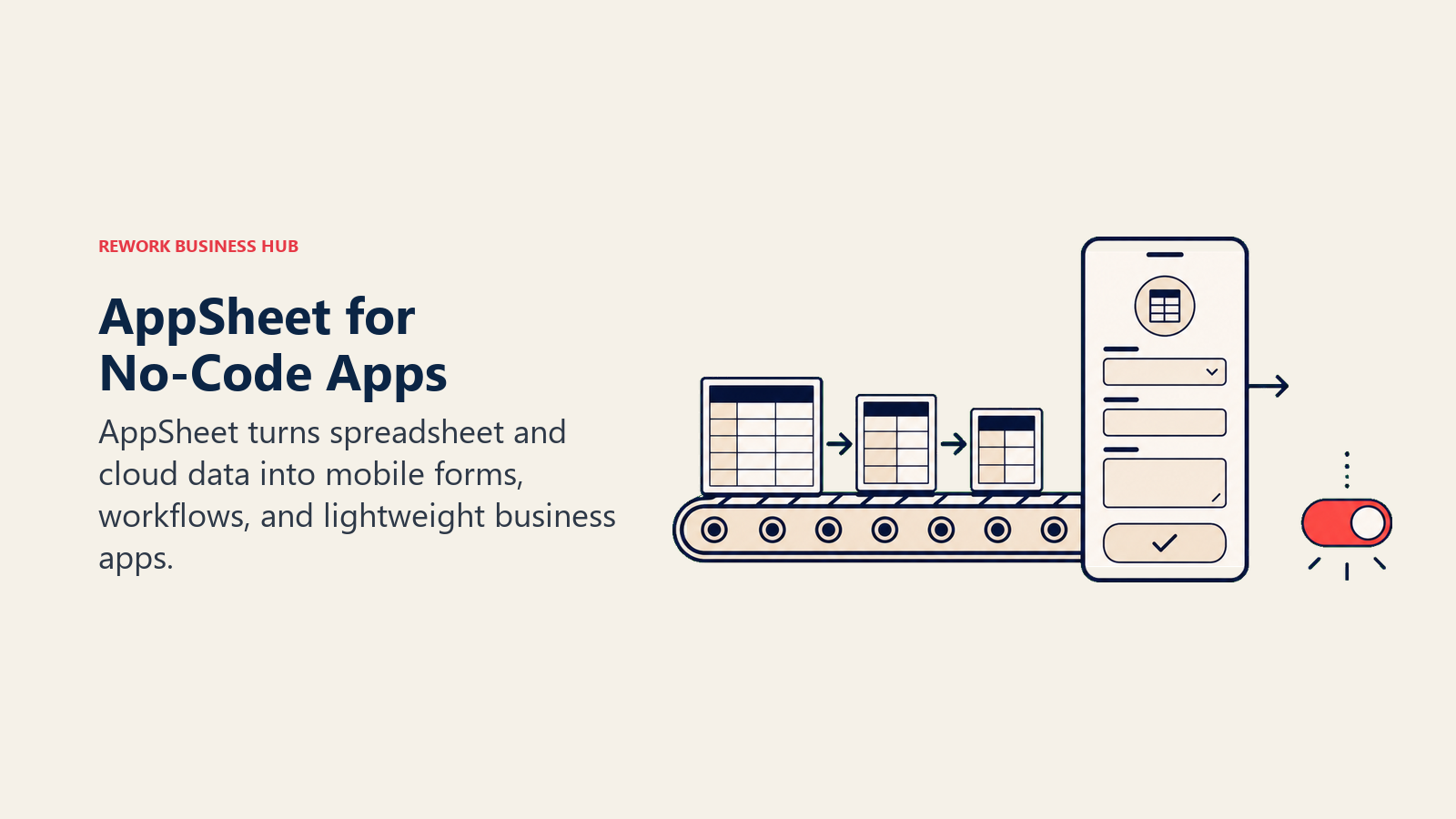
For teams that were using Coda to build lightweight internal tools (field inspection trackers, approval flows, inventory managers), AppSheet delivers a native app experience from the same underlying data without the document wrapper.
The honest limitation: AppSheet has a steeper learning curve for non-technical users, and it's most valuable when you're starting from a Google Sheets data model.
| What you get | What you don't |
|---|---|
| True no-code apps with mobile-first UX | A doc-writing experience |
| Offline mode for field teams | A simple onboarding path for non-technical users |
| Deep Google Workspace integration | A large pre-built template community |
| Workflow automation: approvals, notifications, conditional logic | Coda-style formula-as-document experience |
| Enterprise governance via Google Workspace admin | Independent platform value outside Google ecosystem |
Pricing: Free (limited, with Google Workspace), $5/user/mo (Starter), $10/user/mo (Core). Enterprise pricing available.
Best for: Ops teams with existing Google Sheets data that want native app experiences for field workers, approval workflows, or inventory management. IT Managers and Ops Directors at 5-200 person companies.
Sizing fit: Best at 5-200 people. Scales well inside Google Workspace enterprise environments.
8. Retool: Internal Tool Builder for Engineering-Adjacent Teams
Retool is for teams that want to build serious internal tools on top of real data sources: SQL databases, REST APIs, Firebase, Stripe, Salesforce, and dozens more. It's a drag-and-drop development environment that lets engineers or technical operators build admin dashboards and operational workflows faster than writing custom code.
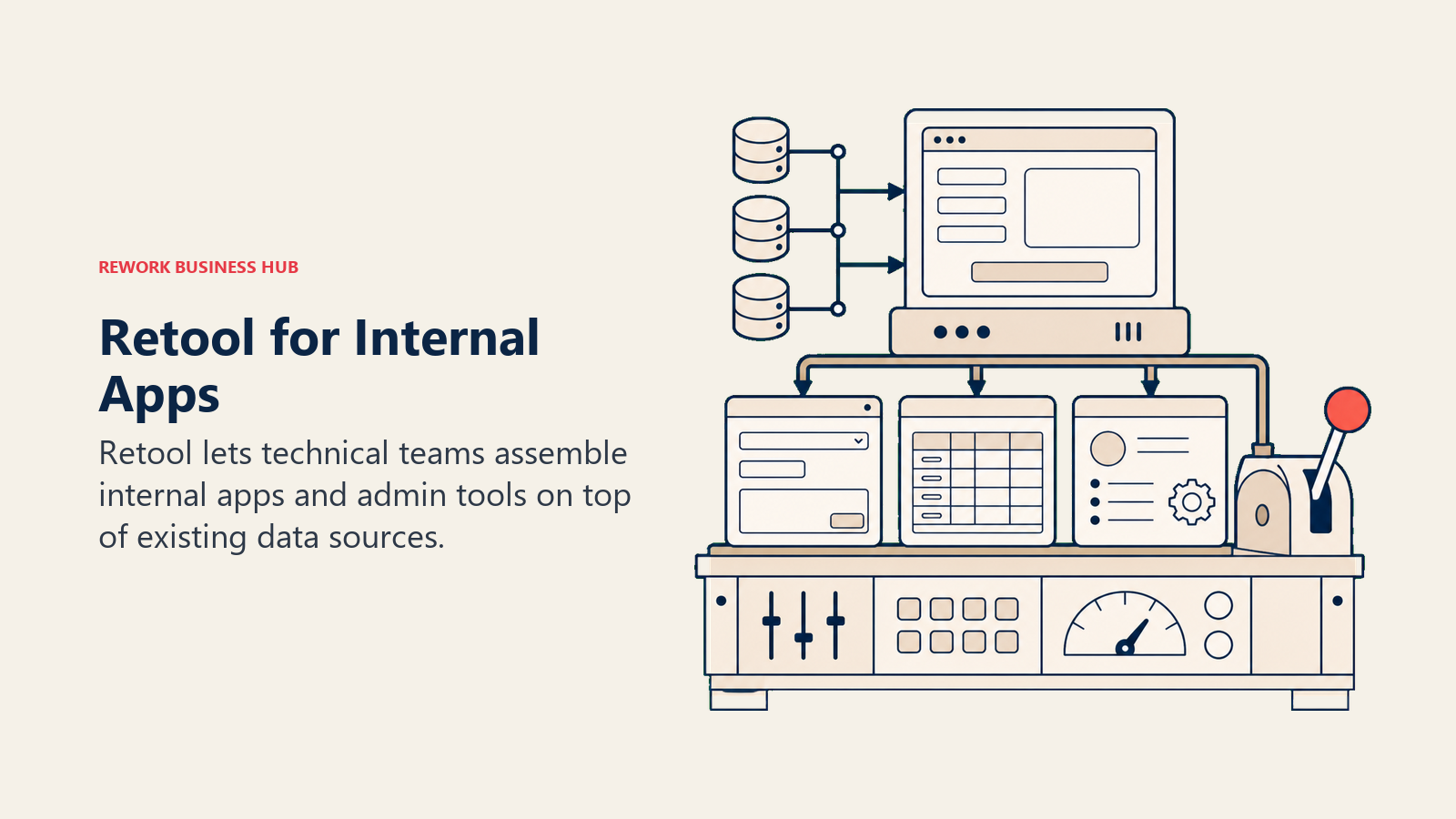
The product philosophy is the opposite of Coda's. Coda starts from the document and adds logic. Retool starts from the database and adds UI. If your team kept hitting the limits of what formulas and Packs could do in Coda, Retool removes those limits.
The honest limitation: Retool requires developer involvement. If your ops team doesn't have engineering support, this tool will feel overwhelming.
| What you get | What you don't |
|---|---|
| Connect to any database, API, or service | A business-user-friendly UI builder |
| Build real admin dashboards and internal ops tools | A document or wiki layer |
| Drag-and-drop components: tables, forms, charts, buttons | Useful output without developer involvement |
| Granular access control and audit logs | Formula-in-a-document experience |
| SSO, version control, and staging environments | A CRM or sales workflow tool |
Pricing: Free (5 users), $10/user/mo (Team), $50/user/mo (Business). Enterprise on request.
Best for: Engineering teams and technical ops teams building internal tools on top of production databases. Head of Internal Tools, Engineering Managers at 10-500 person companies with dedicated dev resources.
Sizing fit: Works at any size with a dev team. Not recommended for orgs without engineering support.
9. Glide: Simple No-Code Apps from Google Sheets
Glide sits between Coda's doc-as-app model and AppSheet's no-code builder. It targets a specific use case: taking data that already lives in Google Sheets and turning it into a clean, mobile-friendly app without any coding. The builder is visual and fast, and most teams can ship a working app in a day.
For small operations teams that built light Coda workflows (client directories, team schedules, approval requests), Glide can deliver a cleaner user experience with less formula expertise required. The apps look and feel like real products, not spreadsheet wrappers.
The honest tradeoff: Glide's relational depth and formula logic are limited compared to Coda. Complex multi-table workflows, conditional automations, and advanced data transformations hit walls quickly. It's a great tool for simple, well-defined use cases and a frustrating one for anything beyond that.
| What you get | What you don't |
|---|---|
| Beautiful, mobile-first app UI from Google Sheets data | Complex relational data logic |
| Fast build time for simple apps | Formula depth matching Coda |
| No-code data integration with Sheets, Airtable, SQL | A document or wiki layer |
| Role-based permissions and user authentication | Advanced workflow automation |
| Clean sharing and publishing for external users | Deep integration ecosystem |
Pricing: Glide is now sold as GlideOS. Free covers 1 project with limited credits, Solo is $25 per month with 5 projects, and Team is $125 per month starting at 5 members with 50 credits per member. Enterprise is quoted and annual rates are not published, per Glide's pricing page.
Best for: Small ops teams (under 100 people) that want clean mobile apps from existing spreadsheet data. Field team managers, founders, and agency owners building client-facing tools.
Sizing fit: Best at 1-100 people. Limited for complex mid-market operations.
10. Softr: No-Code Portals from Airtable or Google Sheets
Softr is a no-code portal builder. You connect it to an Airtable base or Google Sheet, and it lets you build client portals, member directories, employee intranets, or public-facing dashboards without code. The product philosophy is focused on external-facing use cases: giving clients, partners, or community members a structured view of data without exposing the underlying spreadsheet.
For Coda users who built client-facing pages or external portals inside their workspace, Softr delivers a cleaner, more professionally designed output. The templates are polished, the user authentication is built in, and the resulting portal actually looks like a product.
The honest limitation: Softr doesn't replace Coda's internal team use cases. It doesn't have formula logic, task management, or document editing. It's a presentation and access layer on top of data you manage elsewhere.
| What you get | What you don't |
|---|---|
| Client portals and member directories from Airtable or Sheets | Internal team workspace or docs |
| Built-in user authentication and role-based access | Formula logic or workflow automation |
| Polished templates for directories, portals, and dashboards | Complex multi-source data joins |
| No-code setup with fast launch timeline | A standalone database or CRM |
| Publishable external URLs with custom domain support | Task or project management |
Pricing: Free (2 users), $49/mo (Starter), $99/mo (Professional). Annual billing.
Best for: Founders, agency owners, and product managers building client portals, partner directories, or public-facing tools from existing Airtable or Sheets data. Teams at 1-100 people.
Sizing fit: Best for small and growth-stage companies with external portal needs. Not designed for mid-market internal ops.
Pricing at a Glance
| Tool | Free Tier | Entry Paid | Mid Tier | Notes |
|---|---|---|---|---|
| Notion | Yes (personal) | $10/user/mo | $15/user/mo | Annual billing |
| Airtable | Yes (limited) | $20/user/mo | $45/user/mo | Annual billing |
| Rework | No | From $99/mo billed yearly (5 seats) | rework.com/pricing | Yearly or monthly billing |
| ClickUp | Yes (generous) | $7/user/mo | $12/user/mo | Annual billing |
| Monday.com | No | $9/user/mo | $19/user/mo | Annual billing |
| Quip | No | Salesforce bundle | Salesforce bundle | Bundled pricing only |
| AppSheet | Yes (with Workspace) | $5/user/mo | $10/user/mo | Annual billing |
| Retool | Yes (5 users) | $10/user/mo | $50/user/mo | Annual billing |
| Glide | Yes (1 project) | $25/mo (Solo) | $125/mo (Team) | Per project and member, not per user |
| Softr | Yes (3 builders, 5 app users) | $19/mo | $99/mo | Per workspace, not per user |
How to Choose: Decision Framework
| If your team needs... | Pick this |
|---|---|
| A larger ecosystem and flexible docs + databases | Notion |
| Relational data management and multi-table structure | Airtable |
| Ops workflows + CRM that enforce process without formulas | Rework |
| Broad everything-app with tasks, docs, and automations | ClickUp |
| Visual project tracking with structured boards and automation | Monday.com |
| Docs and tables embedded inside Salesforce records | Quip |
| No-code apps from Google Sheets with mobile-first UX | AppSheet |
| Internal tools built on real databases and APIs by a dev team | Retool |
| Simple mobile apps from spreadsheet data, fast to build | Glide |
| External client portals from Airtable or Sheets data | Softr |
Why Teams Leave Coda
Each of these pain points maps to a different category of replacement tool. The table below pairs the trigger with the strongest replacement and a rough sense of how much migration work to expect, so you can size the switch before you start a trial.
| Reason for leaving Coda | Best-fit replacement | Migration effort |
|---|---|---|
| Formula learning curve stalls adoption | Notion or Monday.com | Low: rebuild pages as simple docs or boards |
| Need real workflow automation and a CRM | Rework | Medium: import one live process, configure routing |
| Outgrew document-tables, need relational data | Airtable | Medium: model tables, recreate linked records |
| Want one app for tasks, docs, and goals | ClickUp | Medium to high: configure views, train a champion |
| Building internal tools on real databases | Retool | High: requires developer involvement |
| Publishing client or member portals | Softr or Glide | Low: connect existing Airtable or Sheets data |
Then below, the same pain points in detail.
The formula learning curve is steeper than expected. Coda's formula language is more powerful than most docs tools, and that power has a price. New users frequently build broken formulas, and non-technical team members avoid the tool entirely. If adoption is the core problem, simpler tools like Notion or Monday remove that barrier.
Small ecosystem vs. competitors. Notion's template gallery and third-party tooling community dwarf Coda's. If your team wants to learn from others who solved the same problem, Notion or ClickUp offer more resources.
Large documents slow down. Coda's performance degrades with large, formula-heavy pages. Teams building ambitious "operating systems" in Coda often hit this wall around 50-100 connected tables and formulas. Airtable's relational model handles data at scale more reliably.
Enterprise features are still maturing. SSO, audit logs, advanced permissions, and compliance certifications are improving but still lag behind Notion, Asana, and dedicated workflow platforms. If your organization has IT or security requirements, this gap matters.
Outside the tech-savvy bubble, adoption stalls. Coda's pitch resonates with technical founders and ops leads who enjoy building. It's a harder sell for sales reps, field teams, or finance users who want a tool that just works. Monday, ClickUp, and Rework all have lower floors for non-technical users.
What to Do Next
Run a two-week pilot with your top two picks. The evaluation should involve the team members who will actually use the tool daily, not just the person evaluating it. For workflow tools like Rework and Monday, import one live process. For database tools like Airtable, migrate one real data set. For app builders like AppSheet or Glide, rebuild one Coda workflow from scratch.
The right Coda alternative isn't the one that matches Coda's feature list. It's the one that solves the specific problem that made you start looking in the first place. If your team also collects data through forms as part of your ops workflows, best Typeform alternatives covers tools that connect form submissions directly to CRMs and databases without middleware.
If ops workflows and team process are the core issue, Decision Logs and Team Operating Agreement are worth reading alongside your tool evaluation. Getting process clarity before picking software often surfaces whether the problem is the tool or how the team uses it. And if software sprawl is the underlying driver, the true cost of software sprawl gives you a framework for quantifying what fragmentation across tools actually costs.
External references: Coda pricing | Notion pricing | Airtable pricing | G2: Best Coda alternatives | Gartner: no-code development platforms
Frequently Asked Questions
What is the best Coda alternative in 2026? There is no single best pick. Notion is the most common choice for a larger ecosystem and flexible docs plus databases, Airtable for relational data, ClickUp and Monday.com for project execution, and Rework when you need enforced ops workflows and a built-in CRM instead of formula pages. Start from the reason you are leaving Coda.
Is there a free Coda alternative? Yes. Notion, ClickUp, Airtable, AppSheet, Retool, Glide, and Softr all offer free tiers. ClickUp and Notion have the most generous free plans for small teams. Rework and Monday.com do not offer a free tier. Rework starts at $99/month billed yearly with 5 seats included, and offers a 14-day free trial.
What is the closest alternative to Coda's docs-as-apps model? AppSheet (Google) is the closest in spirit because it turns your data into functional apps, though it drops the document layer. For teams that valued Coda's doc-plus-database feel, Notion is the nearest experience, while Airtable is the stronger choice if the structured data mattered most.
Why do teams switch away from Coda? The most common reasons are a steep formula learning curve that stalls adoption, a smaller ecosystem than Notion or Airtable, performance slowdowns on large formula-heavy docs, and enterprise features like SSO and audit logs still maturing. Each reason points to a different replacement category.
Can I move from Coda to a tool with a CRM built in? Yes. Rework is the option in this list that ships CRM and lead management as a core product alongside cross-team workflows, so you replace clever documents with structured operations. Plan for a medium migration: import one live process first rather than recreating every Coda page.

Customer Success Operations Manager
On this page
- Quick Comparison Table
- Stage Fit Matrix
- Sizing and Persona Table
- 1. Notion: Flexible Docs + Largest Ecosystem
- 2. Airtable: Relational Databases + Automation
- 3. Rework: Cross-Team Ops Workflows + CRM in One Product
- 4. ClickUp: Everything-App with Docs and Automations
- 5. Monday.com: Visual Boards + Structured Automation
- 6. Quip (Salesforce): Sales Docs Inside the Salesforce Ecosystem
- 7. AppSheet (Google): No-Code App Building from Your Data
- 8. Retool: Internal Tool Builder for Engineering-Adjacent Teams
- 9. Glide: Simple No-Code Apps from Google Sheets
- 10. Softr: No-Code Portals from Airtable or Google Sheets
- Pricing at a Glance
- How to Choose: Decision Framework
- Why Teams Leave Coda
- What to Do Next
- Frequently Asked Questions