Best Glean Alternatives in 2026: 13 AI Search and Knowledge Tools Compared
Turn this article into takeaways for your work.


Each assistant summarizes the article only for you and suggests best practices for your work.
Glean is an enterprise AI search and assistant layer sitting on top of the apps your company already runs: Slack, Google Drive, Jira, Confluence, Salesforce, GitHub, and dozens more. It doesn't store your knowledge anywhere new; it indexes what's already scattered across your stack and answers questions with permission-aware retrieval, so a rep only sees what they're allowed to see. That's a good pitch for a specific buyer: a mid-size to large company with real app sprawl and no single place to search. But a "Glean alternatives" search usually means one of two jobs. Either you want another cross-app AI search layer, this time with a price tag Glean won't show you, or your actual problem is that knowledge was never written down, which no search tool, including Glean, can fix. For the first job, Dashworks, Microsoft 365 Copilot, Atlassian Rovo, Coveo, Onyx, Moveworks, and Elastic are the closest matches. For the second, Guru, Notion, Confluence, Slab, Slite, and Bloomfire solve the root cause instead of searching around it.
This guide compares 13 tools on pricing, connector coverage, AI search quality, and fit. The headline fact: Glean publishes no pricing at all, and its site offers only a demo request, so a quoted number came from a sales call, not a price list. Some tools below show a price before you talk to anyone, and some won't; knowing which is which saves a procurement cycle. For a wider category view first, the best knowledge management software roundup covers the full field.
Key Facts
- Glean, Guru, Document360, Stack Internal (formerly Stack Overflow for Teams), and Bloomfire all now route pricing questions straight to a sales call instead of publishing a price list.
- Gartner predicts 40% of enterprise applications will feature task-specific AI agents, including search and assistant features, by 2026, up from less than 5% in 2025 (Gartner).
- The average large organization already runs 367 separate software applications, and knowledge workers lose 30% of their workweek just searching for data scattered across them, per a Forrester Consulting study commissioned by Airtable (Crisis of the Fractured Organization).
- 72% of organizations now report using generative AI regularly, up from 33% in 2024 (McKinsey, The State of AI).
- The global enterprise search market is on pace to reach $5.83 billion in 2026, growing at a 9.05% CAGR through 2035 as AI-powered search adoption accelerates (Precedence Research).
Two Kinds of Glean Alternative
Before you shortlist anything, be honest about which problem you're solving. Glean is a retrieval layer, not a knowledge store: it doesn't create documentation, it finds documentation (and Slack threads, tickets, code) that already exists somewhere.
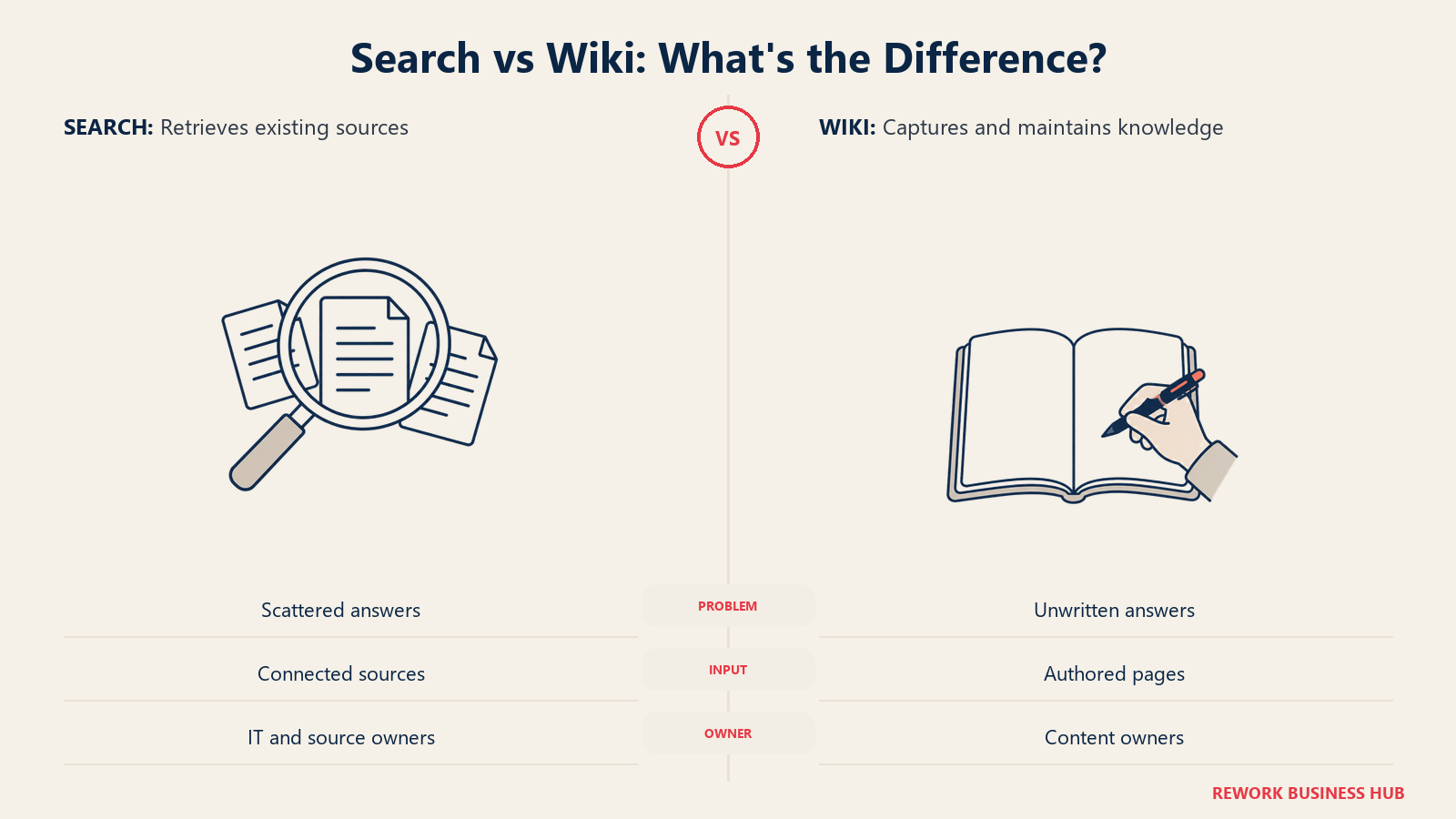
Cross-app AI search and assistant layer (content is scattered across many apps, you need one search bar over it): Dashworks, Microsoft 365 Copilot, Atlassian Rovo, Coveo, Onyx, Moveworks, Elastic.
Write-it-down-first knowledge tools (nothing consistent got documented, so there's nothing good for search to find): Guru, Notion, Confluence, Slab, Slite, Bloomfire.
If you're unsure which camp you're in, ask a blunt question: when someone can't find an answer, did search fail, or did nobody ever write it down? The how to choose knowledge base software guide walks through that diagnosis.
Why Buyers Look Past Glean
| Pain Point | Who Feels It Most | Severity |
|---|---|---|
| No published pricing; every deal starts with a sales call | Budget-conscious buyers, smaller IT teams | High |
| Entry pricing reportedly ~$50-75/seat/mo with a ~100-seat minimum | Small and mid-size companies | High |
| Long procurement cycle before you see a real number | Teams that need to move fast | Medium |
| Great search, but it won't fix knowledge nobody wrote down | Teams whose real gap is documentation | High |
| Deployment still means connector setup and permissions governance | IT and security teams | Medium |
| One more platform fee stacked on every app it searches | Finance and procurement | Medium |
Search quality isn't the complaint. The complaint is that you can't budget for it, and the same is now true of tools that used to be the easy, transparent alternatives: Guru, Document360, and Bloomfire all pulled their price lists this year too. If process documentation is also a mess, that gap compounds any search tool you buy; the process documentation library covers fixing the root problem.
Quick Comparison Table
| Tool | Best For | Starting Price | Key Strength | Key Limitation |
|---|---|---|---|---|
| Dashworks | Glean's experience, published price | $10/seat/mo (annual) | Transparent, self-serve pricing | 10-seat minimum on Business |
| Microsoft 365 Copilot | Orgs standardized on Microsoft 365 | $18/user/mo (annual add-on, promo) | Deep native search across Office apps | Needs a qualifying M365 license |
| Atlassian Rovo | Jira/Confluence Premium or Enterprise shops | Included with paid Atlassian Cloud plans | Zero incremental cost if already there | Scope leans on the Atlassian ecosystem |
| Coveo | Enterprises unifying workplace and web search | Custom quote (query and seat-based) | One engine, employee and commerce search | No self-serve pricing; complex setup |
| Onyx | Engineering-led, open-source AI search | Free (self-hosted) | Full control, 40+ connectors, free | Self-hosting takes real engineering time |
| Moveworks | AI-driven employee support, not just search | Custom quote only | Mature AI, IT/HR/finance deflection | Quote-only, now sold inside ServiceNow |
| Elastic | Building a custom search-and-AI layer | Usage-based (no flat price) | Flexible, open-source core, huge ecosystem | Not turnkey; you build the assistant |
| Guru | Support/sales needing verified knowledge | Not published (reportedly ~$25/seat/mo) | Verified cards in Slack and browser | Pricing opaque; previously a high floor |
| Notion | Documentation gap, not search | Free; $10/seat/mo (Plus) | Flexible wiki plus AI Q&A | Cross-app search outside Notion is limited |
| Confluence | A mature, governed wiki | Free (up to 10 users); $5.42/user/mo (Standard, monthly) | Permissions, Jira integration, Rovo AI bundled | Per-user pricing scales with headcount |
| Slab | A dedicated wiki with strong search | Free (up to 10 users); $6.67/user/mo | Cross-tool search plus verification | No project or task management |
| Slite | AI search over a comfortable wiki | $10/user/mo (Basic, annual) | Answers with source links | AI search gated to Pro tier |
| Bloomfire | A searchable insights library | Not published (quote only) | Mixed-content search plus engagement | Opaque pricing; implementation fees |
1. Dashworks - The Direct, Price-Transparent Competitor
Dashworks is the closest thing to a straight swap for Glean: an AI search and assistant layer across Slack, Notion, Google Drive, Jira, Confluence, Salesforce, and GitHub, with a Slackbot and browser extension so answers show up where people work. The difference that matters most: Dashworks tells you the price.
Team runs $12/seat/month monthly or $10/seat/month annually, no seat minimum, covering unlimited usage, core integrations, and the Slackbot. Business steps up to $15/seat/month monthly or $12/seat/month annually, requires a 10-seat minimum, and adds custom bots, choice of LLM, and org-wide integrations. Enterprise is a custom quote for SSO, SCIM, an API, and an uptime SLA. A 14-day free trial needs no credit card.
| Pros | Cons |
|---|---|
| Publishes real pricing, no sales call required to get started | Business tier requires a 10-seat minimum |
| Slackbot and browser extension put answers where people work | Smaller connector library than the largest enterprise platforms |
| Choice of underlying LLM on the Business plan | Newer, smaller company than the incumbents in this list |
| 14-day free trial, no credit card | Custom bots and org-wide integrations are Business-tier only |
Best for: Teams that want Glean's core search-everything experience without an enterprise sales cycle standing between them and a price.
2. Microsoft 365 Copilot - AI Search for Teams Already Living in Microsoft
If your company's knowledge lives mostly in Outlook, Teams, SharePoint, and OneDrive, Copilot gives you a Glean-like search and assistant layer without a new vendor, answering questions and summarizing threads using content it already sees through your existing permissions.
The catch is the word "existing": Copilot is an add-on to a qualifying Microsoft 365 license, not a standalone product. As an add-on, it runs $18/user/month on an annual commitment (promotional pricing through September 30, 2026, down from $21) or $25.20/user/month billed monthly. Microsoft also bundles it: Business Standard with Copilot runs $23.50/user/month annual, and Business Premium with Copilot runs $32/user/month annual. Outside Microsoft's own apps, coverage depends on Graph Connectors, which add setup work and cost.
| Pros | Cons |
|---|---|
| Deep, native search across Outlook, Teams, SharePoint, OneDrive | Requires an existing qualifying Microsoft 365 license |
| No new indexing project for content already in Microsoft 365 | Weak coverage of non-Microsoft apps without Graph Connectors |
| Familiar interface embedded directly in Office apps | Add-on pricing stacks on top of your base M365 subscription |
| Promotional pricing available through September 30, 2026 | Promotional discount is time-limited |
Best for: Organizations already standardized on Microsoft 365 that want AI search and drafting across their existing stack without evaluating a new platform.
3. Atlassian Rovo - Bundled AI Search for Jira and Confluence Shops
Rovo is Atlassian's answer to Glean, and the pricing model is the headline: if you already pay for Standard, Premium, or Enterprise Cloud plans of Jira, Confluence, Jira Service Management, or a Teamwork Collection, Rovo is included at no separate cost, metered by a monthly credit allowance rather than a per-seat fee.
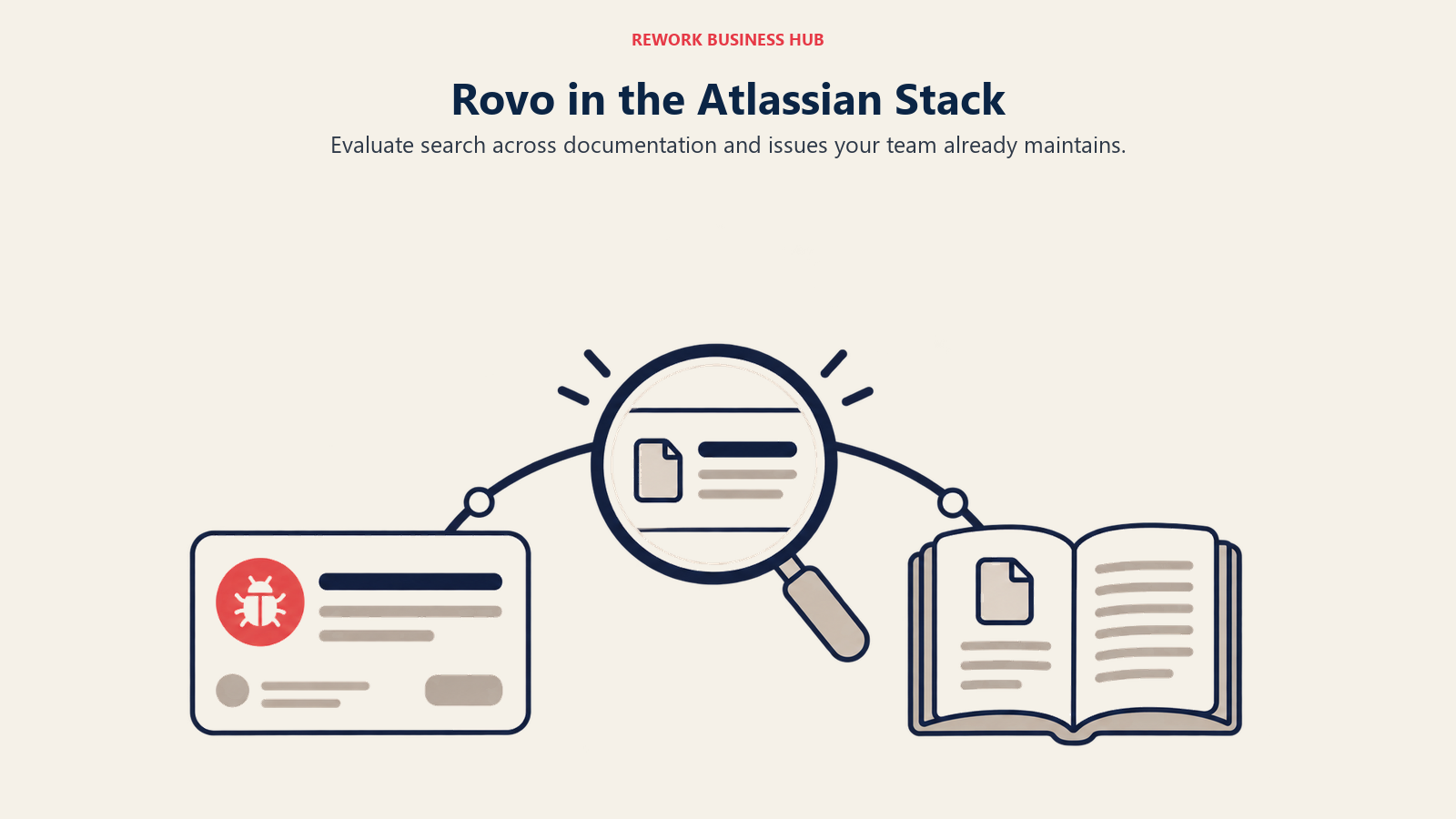
Rovo Search and Rovo Chat pull answers from your Atlassian content and connected apps; Rovo Agents automate multi-step workflows on top. Rovo Dev, a separate coding-agent product, is priced at $20 per developer/month for 2,000 credits, extra usage at $0.01/credit. A 30-day free trial is available.
| Pros | Cons |
|---|---|
| Zero incremental license cost on top of paid Atlassian Cloud plans | Search scope leans heavily on the Atlassian ecosystem |
| Deep native integration with Jira and Confluence content | Credit-based usage can throttle heavy users |
| Rovo Agents automate workflows, not just answer questions | Requires an existing paid Atlassian Cloud subscription |
| 30-day free trial to test before committing | Third-party connector coverage is thinner than Glean's |
Best for: Teams already running Jira or Confluence on a Premium or Enterprise Cloud plan who want AI search bundled in rather than buying a separate platform.
4. Coveo - Enterprise Search for Workplace and Customer-Facing Search Combined
Coveo has been in enterprise search longer than most names here, targeting a slightly different buyer than Glean: a large enterprise wanting one relevance engine powering internal workplace search and customer-facing search on its website, commerce site, or service portal.
Pricing is entitlement-based for Service and Website use cases, seat-based for Workplace search, with a base unit covering 100,000 queries per month. Generative AI features, like Relevance Generative Answering, are paid add-ons rather than bundled in. None of it is a flat published number; Coveo routes every deal through a quote.
| Pros | Cons |
|---|---|
| One engine spanning employee search and customer-facing search | No self-serve pricing; every deal is a custom quote |
| Mature relevance and AI ranking technology, years in production | Generative AI features are paid add-ons on top of the base |
| Deep integrations across enterprise systems (CRM, service, commerce) | Built for large, complex deployments, not quick self-serve setup |
| Query-based pricing scales predictably with actual usage | Overkill if you only need internal workplace search |
Best for: Large enterprises that want a single search vendor covering both internal knowledge and customer-facing search rather than buying two separate platforms.
5. Onyx - Open Source, If You'd Rather Own the Stack
Onyx is the open-source answer to Glean: the full product, chat, search, 40+ connectors, and custom AI agents, is free to self-host from its GitHub repository (20,000+ stars, actively maintained). If you can run and secure it yourself, that's a real zero-license-cost path to the same category of tool.
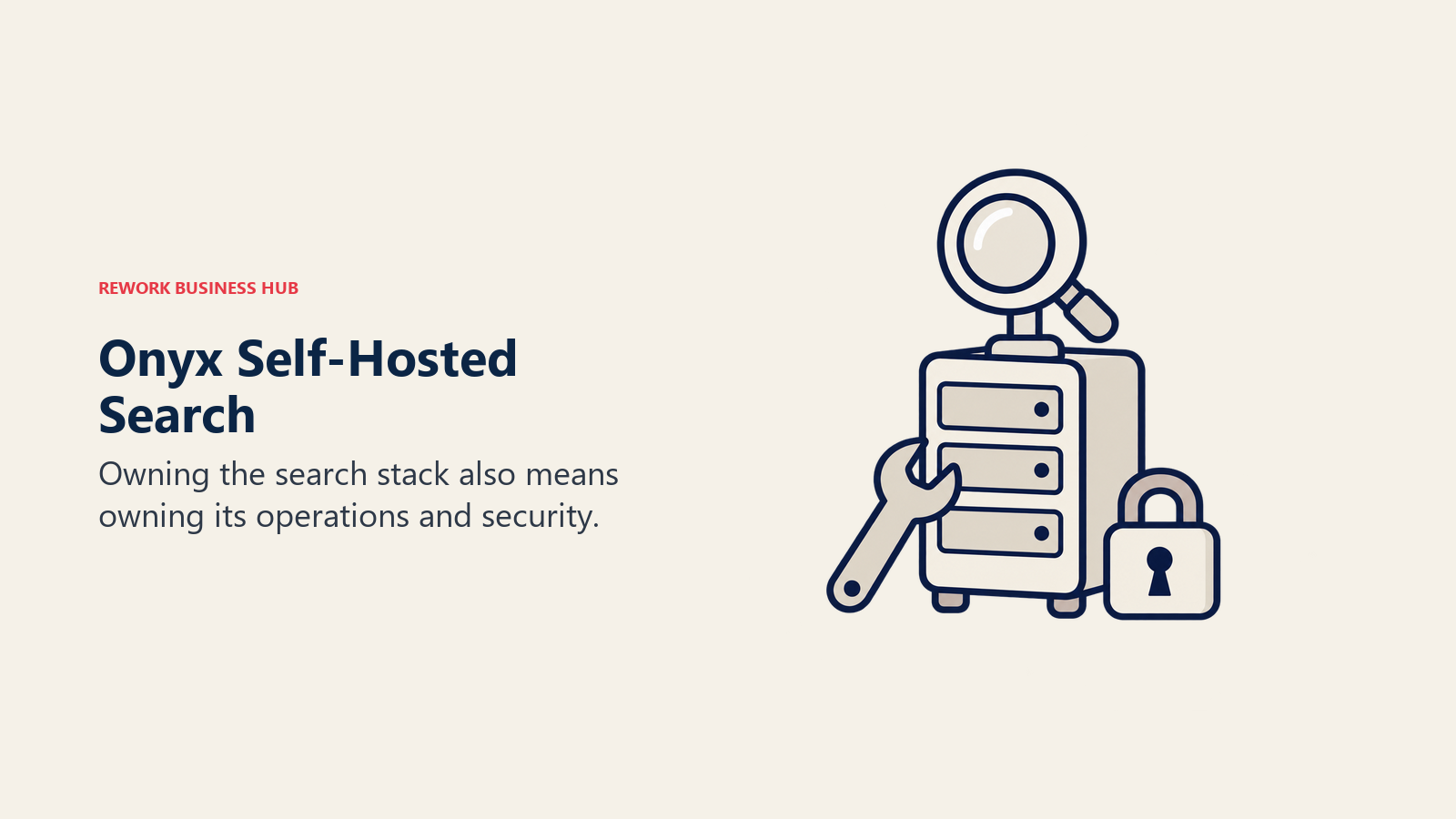
For teams that don't want to manage that infrastructure, Onyx sells a Business cloud tier at $20/user/month billed annually, covering the same chat/search UI, connectors, code interpreter, and developer APIs. Enterprise adds SSO, on-premise deployment, white-labeling, and dedicated support, priced through a custom quote.
| Pros | Cons |
|---|---|
| Genuinely free and open source if you self-host | Self-hosting takes real, ongoing engineering time |
| Full data control and residency; nothing leaves your infrastructure | Cloud Business tier gates SSO and on-prem to Enterprise |
| 40+ connectors and developer APIs even on the cheapest paid tier | Younger company and community than the incumbents here |
| Active open-source community (20,000+ GitHub stars) | Enterprise features require a custom quote, no published price |
Best for: Engineering-led teams that want Glean's search-and-assistant concept without vendor lock-in, whether that means self-hosting for free or paying a transparent $20/user/month for the cloud version.
6. Moveworks - Now Part of ServiceNow
Moveworks earned its reputation as an AI assistant for IT, HR, and finance requests, deflecting tickets and answering employee questions in Slack or Teams before they reach a service desk. That's broader than pure search: it resolves requests, not just surfaces documents. Worth knowing first: ServiceNow completed its acquisition of Moveworks in December 2025 and, in February 2026, launched EmployeeWorks, combining Moveworks' conversational AI with its own workflow automation. Moveworks is still sold, now as part of ServiceNow's portfolio rather than an independent company.
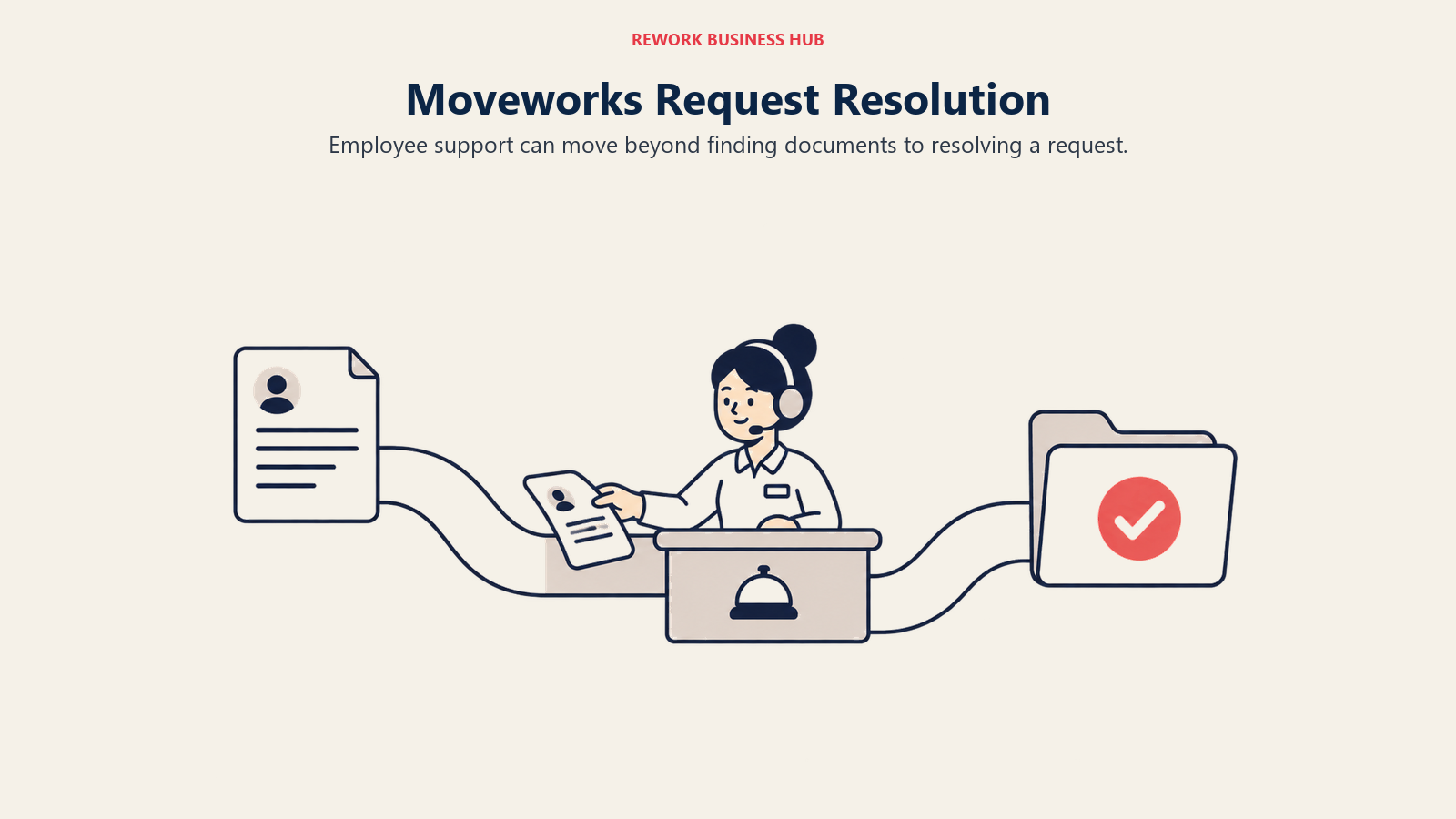
Pricing remains quote-only, with no published tier or per-seat rate. Moveworks cites a Forrester study it commissioned showing composite customers saw 256% ROI and $11.5 million in savings over three years, a vendor-sponsored figure worth treating as directional.
| Pros | Cons |
|---|---|
| Resolves requests and deflects tickets, not just search and retrieve | Fully quote-only; no published pricing anywhere |
| Now backed by ServiceNow's scale and platform investment | Buying it now generally means buying into the ServiceNow ecosystem |
| Mature conversational AI across IT, HR, and finance workflows | Independent-company simplicity is gone post-acquisition |
| Cited ROI data from a (vendor-commissioned) Forrester study | Likely enterprise-tier pricing given ServiceNow's positioning |
Best for: Enterprises already running or open to ServiceNow that want AI-driven employee support and workflow resolution layered on top of search, not just a place to ask questions.
7. Elastic - Build Your Own, on Infrastructure You Control
Elastic isn't a packaged Glean competitor; it's the search infrastructure teams use to build one. Elasticsearch and the Elastic Stack already power a huge share of custom internal search tools, and Elastic's AI tooling (ELSER, connectors, a retrieval-augmented-generation Playground) gives you the pieces to assemble a Glean-like assistant on infrastructure you own.
Pricing follows the deployment model. Cloud Serverless bills on usage, pay-as-you-go or prepaid, scaling automatically with search and indexing load. Cloud Hosted bills on the compute your cluster consumes. Self-managed deployments are licensed by node count and RAM if you run it yourself. A free tier and open-source core exist, but there's no flat number; you configure a deployment and Elastic prices it from there.
| Pros | Cons |
|---|---|
| Extremely flexible; powers countless custom search deployments already | Not turnkey; you build the assistant experience, Elastic doesn't ship one |
| Open-source core, real free tier for small workloads | Total cost is hard to predict without configuring a deployment |
| Huge ecosystem, documentation, and integration options | Requires real engineering investment to reach Glean-level UX |
| Usage-based pricing can be genuinely cheap at small scale | No permissions-aware retrieval out of the box; you build that too |
Best for: Engineering teams that want to build a custom search-and-AI layer on infrastructure they already run or plan to control long-term, rather than buy a packaged assistant.
8. Guru - Verified Knowledge for Customer-Facing Teams
Guru takes a different approach than a pure search layer: knowledge lives in cards, each with an assigned owner and a verification schedule, so reps get answers that are current, not just findable. A browser extension and Slack integration surface those cards where reps actually work.
The 2026 wrinkle: Guru's pricing page no longer shows a dollar figure. It now calls itself "a platform and expertise solution, not just a per-seat tool" and routes visitors to sales. The last figure Guru published was a self-serve tier around $25/seat/month with a 10-seat minimum. See Glean vs. Guru for a head-to-head, or the best Guru alternatives roundup.
| Pros | Cons |
|---|---|
| Card verification keeps knowledge current instead of stale | No published pricing as of 2026; every deal starts with sales |
| Browser extension and Slack integration surface answers in context | Entry pricing previously carried a high floor and seat minimum |
| Purpose-built for customer-facing teams (support, sales) | No project or task management |
| AI search across connected tools | Knowledge Agents (AI chat) reportedly gated to higher tiers |
Best for: Support and sales enablement teams that need verified, current knowledge surfaced where reps work, not a raw search index over everything.
9. Notion - When the Real Fix Is Writing It Down
If your team's real problem is that nothing got documented consistently, no search tool fixes that, including Glean. Notion fixes the root cause instead: a flexible workspace for wikis, project docs, and databases, with AI that answers questions across your own content once it's there.
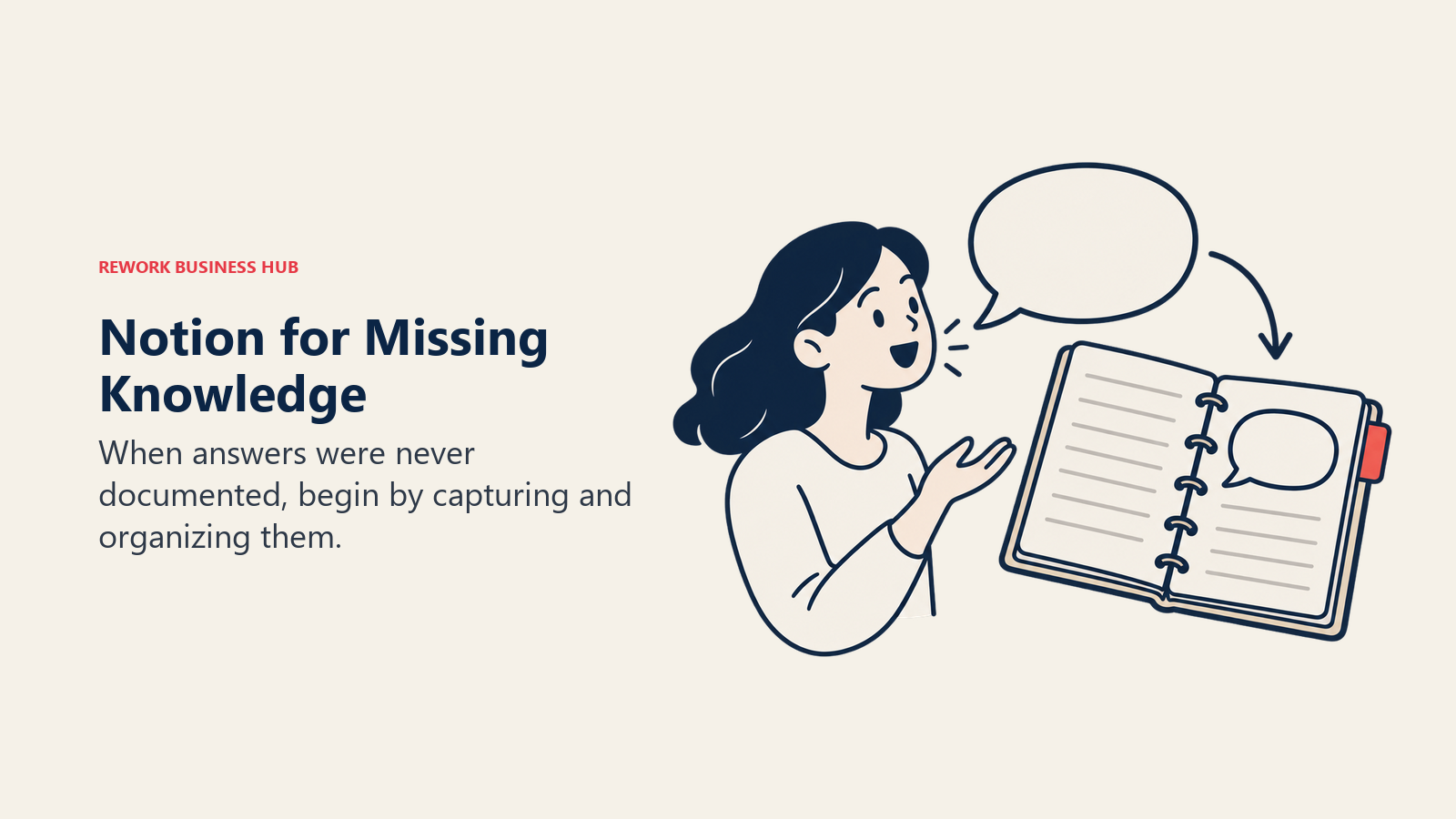
Notion is free to start, with Plus at $10/seat/month on monthly billing (annual billing saves money, but Notion doesn't publish the exact annual rate, so budget the monthly figure until you get a quote). Business runs $20/seat/month with fuller AI; Custom Agents bill separately at $10 per 1,000 monthly credits. Search outside Notion itself stays limited. The AI documentation tools library covers how AI fits a docs workflow, and Confluence vs. Notion compares it against a traditional wiki.
| Pros | Cons |
|---|---|
| Cheap, flexible wiki that most teams will actually fill in | Cross-app search outside Notion's own content is limited |
| AI Q&A over your own workspace once content exists | Annual per-seat rate isn't published; budget the monthly figure |
| Massive template ecosystem lowers the setup barrier | Can get messy without someone maintaining structure |
| Custom Agents for more advanced automation, billed by credits | Full AI features require the pricier Business plan |
Best for: Teams whose real gap is a knowledge base that was never written down consistently, not a search layer over apps that already have good content.
10. Confluence - The Mature, Governed Wiki (With AI Search Built In)
Confluence solves the documentation problem the way Notion does, with more governance and a tighter Jira relationship, and since Atlassian's Rovo rollout, ships AI search over that content at no extra cost on paid Cloud plans (see Atlassian Rovo above).
Pricing is bracketed by user count rather than a single flat number. Standard runs $5.42/user/month and Premium $10.44/user/month on monthly billing, with the per-seat rate moving as you add users; annual billing saves up to 17%. Free covers up to 10 users. For Confluence's wiki competitors specifically, see the best Confluence alternatives roundup and the how to choose internal wiki software guide.
| Pros | Cons |
|---|---|
| Deep permissions and space structure for large organizations | Per-user pricing scales with headcount |
| Tight native integration with Jira | Editor still feels dated to many non-technical writers |
| AI search (Rovo) now bundled in on paid Cloud plans | Non-Atlassian teams carry surface area they'll never use |
| Decade of community templates and macros | Page performance can slow on large, deeply nested spaces |
Best for: Teams that already write and maintain documentation and want a mature, governed wiki with AI search built in, rather than a separate cross-app search platform.
11. Slab - A Dedicated Wiki With Strong Search
Slab does one thing: internal knowledge management, with search indexing across Slack, Google Drive, GitHub, and Jira alongside its own content, plus a verification workflow that prompts authors to confirm articles are still accurate.
Free covers up to 10 users and guests, forever. Startup runs $6.67/user/month annually, Business $12.50/user/month annually, and Enterprise is custom, requiring at least 100 users, with a 30-day money-back guarantee.
| Pros | Cons |
|---|---|
| Cross-tool search indexing (Slack, Drive, GitHub, Jira) | No project or task management |
| Content verification keeps docs from quietly going stale | Enterprise tier requires at least 100 users |
| Generous free tier, up to 10 users forever | Less flexible than Notion for custom workflows |
| Clean, distraction-free editor | Lighter feature set for external-facing documentation |
Best for: Teams that want a dedicated internal wiki with genuinely strong search and freshness verification, at a fraction of what an enterprise search platform costs.
12. Slite - AI Search Over a Comfortable Team Wiki
Slite sits closer to Glean's Q&A experience than most wikis here: Ask Slite answers questions in natural language, synthesizing content from your wiki and connected tools with source links, rather than returning a list of documents.
Slite repriced and renamed its tiers in 2026: Basic runs $10/user/month billed yearly, Pro runs $20/user/month billed yearly and adds the Slite Agent, cross-tool AI search, and 50 monthly AI credits per seat. There's no permanent free plan, just a 14-day trial, no card required. Enterprise is custom.
| Pros | Cons |
|---|---|
| Ask Slite synthesizes answers with source links, closest to Glean's UX here | Cross-tool AI search is gated to the pricier Pro tier |
| Clean, comfortable writing experience for non-technical authors | No permanent free plan |
| Good channel and permissions structure | Less flexible than Notion for non-doc use cases |
| 14-day free trial, no credit card | Standard search is basic without the AI layer |
Best for: Ops and HR teams that want an AI-search layer over a company wiki without buying a full enterprise search platform to get it.
13. Bloomfire - A Searchable Insights Library for Enablement Teams
Bloomfire's pitch is a searchable knowledge library built for engagement, not just storage: mixed content formats (video, PDF, docs, slides), discussion threads on individual pieces, and search tuned for what sales and customer success teams actually produce.
Like several names in this cluster, Bloomfire went quote-only. Its pricing page names three plans, Team, Department, and Enterprise, with no published figures. Budget for an annual fixed cost plus a separate implementation fee rather than a per-seat rate, and get a real quote before comparing it against per-seat tools.
| Pros | Cons |
|---|---|
| Strong search across mixed content types (video, docs, PDF) | Pricing is entirely opaque; no figures published |
| Discussion and engagement features keep content from going dead | Implementation fees add unpredictable upfront cost |
| Popular, proven fit for sales and customer success enablement | Less AI-forward than newer entrants in this list |
| Annual fixed pricing can simplify budgeting once you have a quote | Not per-user, so cost doesn't scale down for small teams |
Best for: Enablement teams that want a searchable insights library with engagement features, evaluated against a real quote since nothing is published upfront.
Stage Fit Matrix
| Tool | Startup (0-10) | Growth (10-50) | Mid-Market (50-200) | Enterprise (200+) |
|---|---|---|---|---|
| Dashworks | Good | Strong | Strong | Viable |
| Microsoft 365 Copilot | Limited | Good | Strong | Strong |
| Atlassian Rovo | Limited | Good | Strong | Strong |
| Coveo | Not viable | Limited | Good | Strong |
| Onyx | Good | Strong | Strong | Good |
| Moveworks | Not viable | Limited | Good | Strong |
| Elastic | Good | Strong | Strong | Strong |
| Guru | Not viable | Moderate | Strong | Strong |
| Notion | Excellent | Strong | Good | Viable |
| Confluence | Good | Strong | Strong | Strong |
| Slab | Excellent | Strong | Strong | Good |
| Slite | Good | Strong | Strong | Viable |
| Bloomfire | Not viable | Limited | Good | Strong |
Sizing and Persona Table
| Tool | Team Size Sweet Spot | Primary Buyer | Secondary Buyer |
|---|---|---|---|
| Dashworks | 10-200 | Head of IT/Ops | Team Lead |
| Microsoft 365 Copilot | 50-2,000+ | CIO | Department Head |
| Atlassian Rovo | 20-1,000 | Head of Engineering | IT Admin |
| Coveo | 200-5,000+ | VP Digital / CIO | Head of CX |
| Onyx | 10-500 | Head of Engineering | IT Admin |
| Moveworks | 500-10,000+ | CIO / VP IT | Employee Experience Lead |
| Elastic | 10-1,000+ | Head of Engineering | Platform Lead |
| Guru | 20-1,000 | VP Customer Success | Sales Enablement Manager |
| Notion | 1-200 | Founder / Head of Ops | Product Lead |
| Confluence | 10-2,000+ | IT Admin / Eng Lead | Ops Lead |
| Slab | 10-500 | People Ops Manager | Ops Lead |
| Slite | 20-200 | HR Director / COO | Department Manager |
| Bloomfire | 50-1,000 | Sales Enablement Lead | CS Director |
How to Choose: Decision Framework
| If you need... | Choose |
|---|---|
| Glean's experience with a published, self-serve price | Dashworks |
| AI search across Outlook, Teams, SharePoint, already on Microsoft 365 | Microsoft 365 Copilot |
| AI search bundled into Jira and Confluence you already pay for | Atlassian Rovo |
| One engine spanning employee and customer-facing search | Coveo |
| Full stack control, or the cheapest real AI search to self-host | Onyx |
| AI-driven employee support across IT, HR, and finance | Moveworks |
| A custom search-and-AI layer on infrastructure you run | Elastic |
| Verified knowledge cards surfaced in Slack | Guru |
| A flexible wiki that also handles databases and AI Q&A | Notion |
| A mature, governed wiki with AI search bundled in | Confluence |
| A dedicated wiki with strong search and freshness checks | Slab |
| An AI-search layer over a comfortable team wiki | Slite |
| A searchable insights library with engagement features | Bloomfire |
Frequently Asked Questions about Glean Alternatives
What is Glean and why doesn't it publish pricing?
Glean is an enterprise AI search and assistant layer that indexes the apps your company already runs (Slack, Drive, Jira, Confluence, Salesforce, GitHub, and more) and answers questions with permission-aware retrieval. It has never published pricing; its site offers a demo request only. Entry pricing reportedly runs around $50-75/seat/month with a roughly 100-seat minimum.
What's the difference between Glean and a tool like Notion or Confluence?
Glean is a search layer over apps you already use. Wikis like Notion and Confluence are where you actually author and store the knowledge itself. If your real problem is that knowledge lives in people's heads or scattered documents, a wiki fixes the root cause; a search layer just makes what exists faster to find. Among the search tools, Dashworks is the most price-transparent, starting around $10-12/seat/month.
Is there a free or open-source alternative to Glean?
Onyx is open source and free to self-host, with a paid cloud tier starting at $20/user/month if you'd rather not manage the infrastructure yourself.
Does Microsoft 365 Copilot replace Glean?
Only if your knowledge already lives almost entirely inside Microsoft 365. It searches that content natively; wider third-party coverage requires Graph Connectors, which add setup work and cost.
What happened to Moveworks?
ServiceNow completed its acquisition of Moveworks in December 2025. It's still sold, now folded into ServiceNow's employee-experience portfolio, and pricing remains quote-only.
How much should I budget for a Glean alternative?
Cross-app AI search tools with published pricing, like Dashworks and Onyx, run roughly $10-20 per seat per month. Enterprise platforms like Coveo, Copilot at scale, and Moveworks usually land higher once you add platform costs. Write-it-down-first wikis like Notion, Slab, Confluence, and Slite run $0-20 per seat per month and solve a different problem entirely.
What to Do Next
Pick two options, one from each camp if you're not sure which problem you have, and run a two-week pilot around a question your team asks constantly. Don't judge on a demo; judge on whether the tool finds, or contains, the answer your team needed last week.
If pricing transparency is driving you from Glean, Dashworks and Onyx will show you a number before you talk to anyone. If knowledge never got written down, start with Notion or Confluence instead of a search layer, since better search over empty documentation still returns nothing. If messaging is also breaking down, the best Slack alternatives and best Google Workspace alternatives guides cover the layers next to whichever knowledge tool you choose, and individual users can check the best Obsidian alternatives guide.
Camellia writes about productivity and knowledge management tools for B2B teams. Last updated August 2026.

Principal Product Marketing Strategist
On this page
- Key Facts
- Two Kinds of Glean Alternative
- Why Buyers Look Past Glean
- Quick Comparison Table
- 1. Dashworks - The Direct, Price-Transparent Competitor
- 2. Microsoft 365 Copilot - AI Search for Teams Already Living in Microsoft
- 3. Atlassian Rovo - Bundled AI Search for Jira and Confluence Shops
- 4. Coveo - Enterprise Search for Workplace and Customer-Facing Search Combined
- 5. Onyx - Open Source, If You'd Rather Own the Stack
- 6. Moveworks - Now Part of ServiceNow
- 7. Elastic - Build Your Own, on Infrastructure You Control
- 8. Guru - Verified Knowledge for Customer-Facing Teams
- 9. Notion - When the Real Fix Is Writing It Down
- 10. Confluence - The Mature, Governed Wiki (With AI Search Built In)
- 11. Slab - A Dedicated Wiki With Strong Search
- 12. Slite - AI Search Over a Comfortable Team Wiki
- 13. Bloomfire - A Searchable Insights Library for Enablement Teams
- Stage Fit Matrix
- Sizing and Persona Table
- How to Choose: Decision Framework
- What to Do Next