Best Guru Alternatives in 2026: 14 Verified-Knowledge Tools for Support and Sales Teams
Turn this article into takeaways for your work.


Each assistant summarizes the article only for you and suggests best practices for your work.
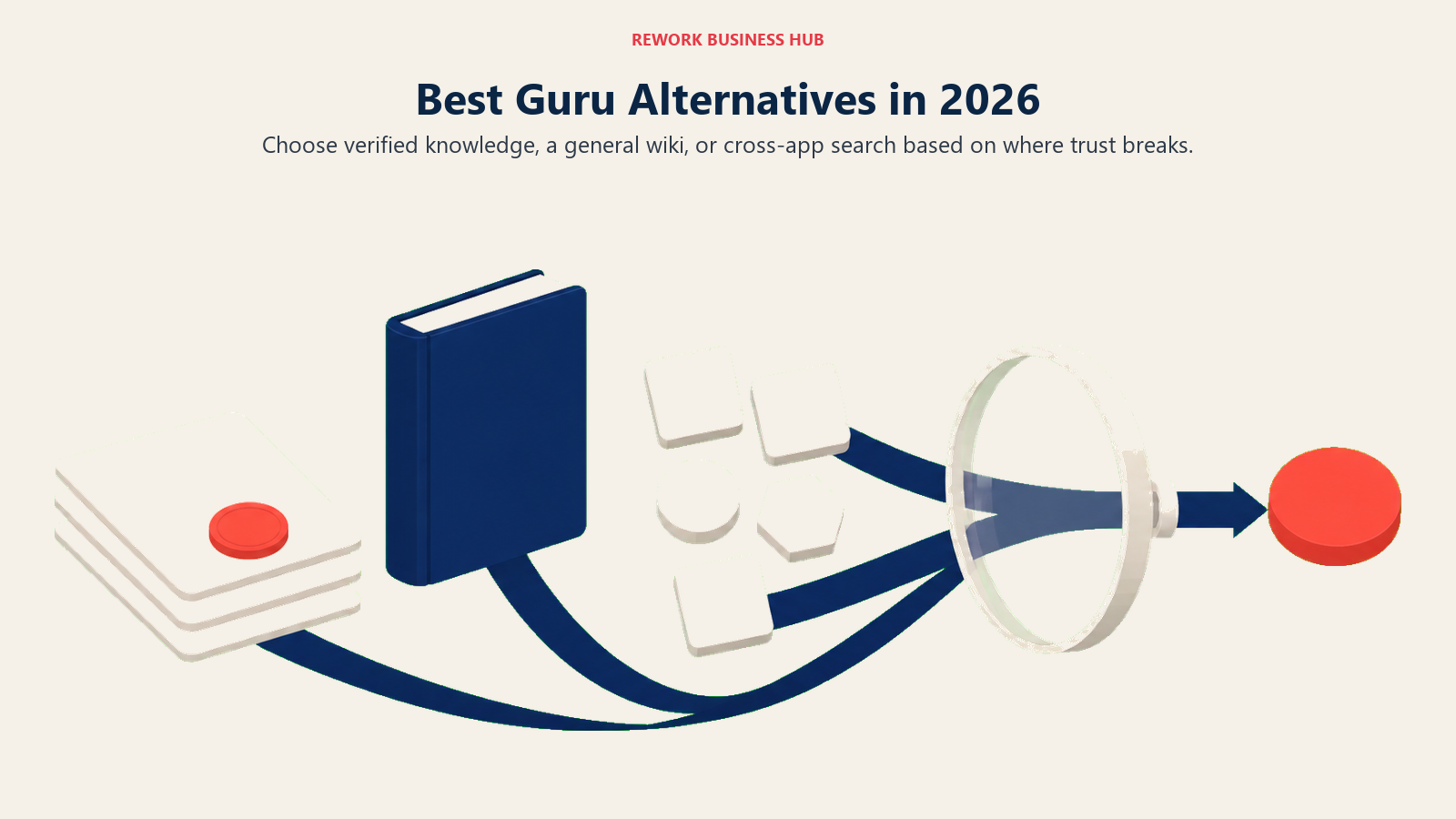
The best Guru alternative depends on which of three problems brought you here. Want Guru's verified-knowledge discipline at a lower price? Tettra or Slab are the closest matches. Bought more platform than you needed and just want a general team wiki? Notion or Confluence cover that. Is knowledge already scattered across a dozen apps nobody can search at once? Glean solves that differently than a new place to write cards. This guide covers all three paths across 14 tools, evaluated against Guru's card-based, verification-first model rather than treated as a generic wiki comparison.
That's a meaningful shift for a tool once known for a $25-per-seat, 10-seat-minimum rate: Guru now routes every pricing question to a sales call, and this guide treats that reported figure as exactly what it is, a third-party number the vendor no longer confirms. For the full category view, the best knowledge management software roundup compares Guru alongside every major player here.
Guru earned its reputation on a specific mechanic: knowledge lives on cards, each has an owner, and each expires on a review schedule so it gets re-confirmed or flagged as stale. A browser extension and Slack/Teams delivery put answers in front of reps without making them leave the tool they're already in. That's a different model from a general wiki: some alternatives below replicate the verification mechanic directly, some solve the underlying problem a different way, and some fit only because your team never needed Guru's specific model in the first place.
Key Facts
- Knowledge workers spend an average of 1.8 hours a day, 9.3 hours a week, searching for and gathering information, per McKinsey's "The Social Economy" report.
- US knowledge workers waste 5.3 hours a week waiting on colleagues for information, a drag that costs large US businesses an average of $47 million a year in lost productivity, per Panopto's Workplace Knowledge and Productivity Report (conducted with YouGov).
- More than half of customer service agents say they usually have to switch between different systems to resolve a single customer request, per Zendesk's CX Trends research.
- Knowledge workers spend roughly 60% of their day on "work about work," including searching for documents and switching between tools, rather than the skilled work they were hired to do, per Asana's Anatomy of Work Index.
Quick Comparison Table
| Tool | Best For | Starting Price | Key Strength | Key Limitation |
|---|---|---|---|---|
| Slab | Verified wiki at a fraction of Guru's cost | Free (10 users); $6.67/user/mo | Scheduled content verification like Guru's card expiry | No browser extension, less built for short-card answers |
| Tettra | Slack-native verification workflow | $8/user/mo (10-user minimum) | Closest one-to-one match to Guru's owner-and-expiry model | 10-user minimum still sets a floor for tiny teams |
| Zendesk Guide | Support teams already on Zendesk | $55/agent/mo (Suite Team, annual) | Knowledge bundled with the helpdesk agents already use | Only useful if you run tickets through Zendesk |
| Helpjuice | Predictable flat pricing | $249/mo (30 users) | AI search and generation included, not enterprise-gated | Flat fee still exceeds Guru's floor for very small teams |
| Document360 | Versioned, public-facing help centers | Quote-only (historic ~$199/project/mo, reported) | Strong analytics on customer search behavior | No published pricing as of 2026 |
| Bloomfire | Enterprise sales enablement and support | Quote-only, no published figures | AI answers cited to certified source content | Annual-contract sales process, not self-serve |
| Glean | AI search across every connected app | Quote-only, no published pricing | 275+ connectors, permissions-aware AI | Not a place to author new knowledge |
| Notion | General flexible team wiki | Free; $10/user/mo (Plus) | Extreme flexibility, huge template ecosystem | No verification workflow, can sprawl without governance |
| Confluence | Jira-integrated engineering docs | Free (10 users); $5.42/user/mo (Standard, monthly) | Deep Atlassian ecosystem integration | Per-user pricing brackets are hard to estimate upfront |
| Slite | AI-searchable general knowledge base | $10/user/mo (Basic, billed yearly) | Ask Slite answers questions across connected tools | Repriced in 2026, no free plan |
| Nuclino | Fastest setup for a small team | Free; from $6/user/mo | Fastest editor in the category | No verification workflow |
| Stack Internal | Engineering Q&A knowledge | Quote-only, contact sales | Trust-and-currency evaluation for engineering knowledge | No published pricing, enterprise-skewed |
| Superhuman Docs | Docs that behave like databases | Free; from $12/mo per Doc Maker | Editors and viewers are free, only makers pay | Team/Enterprise pricing not published |
| GitBook | Version-controlled developer docs | Free (1 user); $65/mo/site + $12/user/mo | Git-native branch-and-PR documentation workflow | Per-site pricing adds up for multiple products |
Why Teams Are Actually Leaving Guru
None of this means Guru is a bad product. For a mid-size support or sales team that needs verified, always-current answers in Slack and the browser, it still does the job it was built for. But the complaints pushing teams elsewhere are consistent, and pricing opacity is the newest one. Before any demos, how to choose knowledge base software and how to choose internal wiki software walk through the questions worth asking first.
| Pain Point | Who Feels It Most | Severity |
|---|---|---|
| No published pricing, budget conversations start with a sales call | Any buyer trying to compare cost before a demo | High |
| Historically a $25/seat/month floor with a 10-seat minimum (reported, not vendor-confirmed) | Small teams under 10 people | High |
| Card format strains under long-form or deeply nested documentation | Engineering and product teams | Medium |
| No native project or task management | Ops teams wanting one tool instead of two | Medium |
| AI Knowledge Agents (chat-style AI) gated to Enterprise | Mid-market teams without enterprise budget | Medium |
| Built for customer-facing teams, awkward fit as a general company wiki | Whole-company knowledge management buyers | Medium |
1. Slab - Verified Knowledge Without Guru's Price Floor
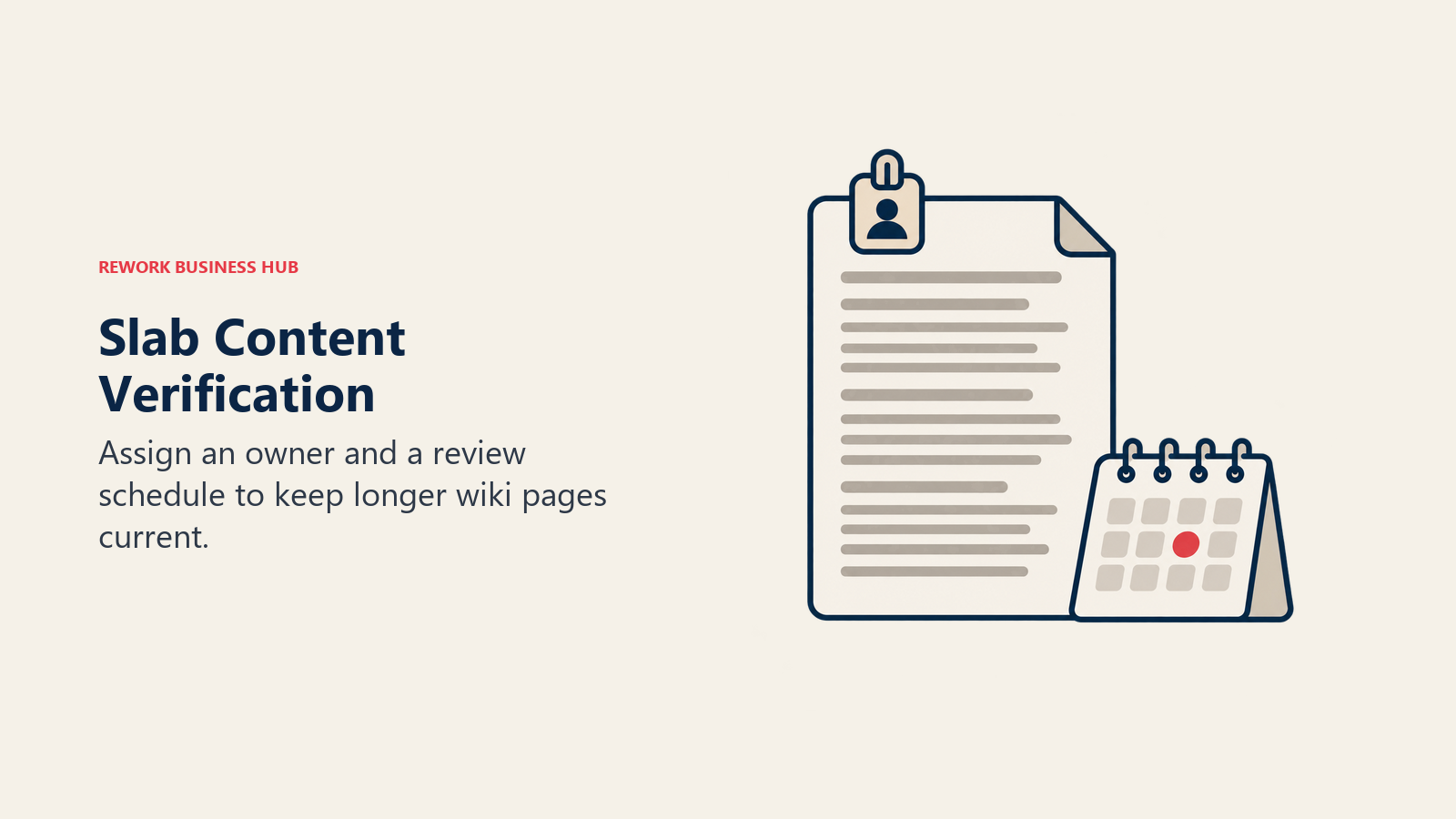
Slab is the most direct swap for Guru's core promise minus the price floor. It's a wiki organized by topic rather than folders, with a scheduled verification feature that prompts an assigned owner to reconfirm a page is still accurate, the same idea behind Guru's card expiry, just applied to full documents instead of short cards. Search pulls results from Slack, Google Drive, GitHub, and Jira alongside Slab itself, so it plays the "surface the answer without switching tabs" role too, even without a dedicated browser extension.
Target audience: Support, success, HR, and ops teams at 20 to 500 person companies who want Guru's verification discipline applied to longer, more structured documentation than a card format comfortably holds.
Sizing and stage fit: Free for up to 10 users, which makes it viable at a size where Guru's reported 10-seat minimum already costs $250 a month. Strong through mid-market; Enterprise requires at least 100 users.
| Pros | Cons |
|---|---|
| Verification keeps pages from going stale | No browser extension |
| Free for 10 users, well under Guru's floor | Built for full pages, not short cards |
| Search spans Slack, Drive, GitHub, and Jira | No project or task management |
| 30-day money-back guarantee | Enterprise needs 100+ users |
Pricing: Free (up to 10 users, forever). Startup $6.67/user/month billed annually. Business $12.50/user/month billed annually. Enterprise custom, minimum 100 users.
Best for: Teams that want Guru's "someone owns this and re-confirms it" discipline without the 10-seat floor.
2. Tettra - The Closest Feature Match to Guru's Verification Model
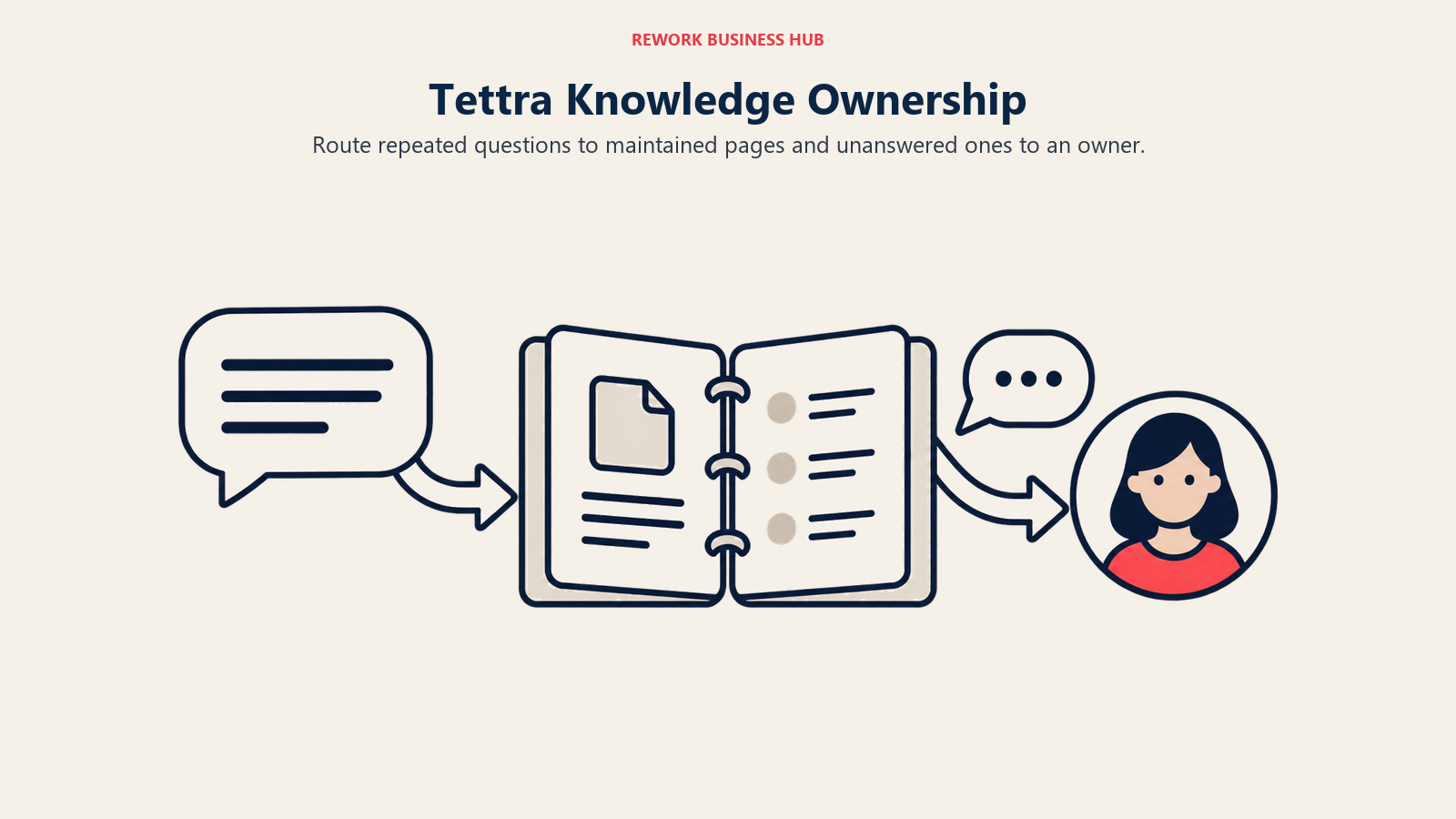
Tettra's verification workflow is arguably the closest one-to-one feature match to Guru in this list: assign an owner to a page, set a review cadence, get flagged when content goes stale, and see a dashboard of everything overdue. It lives inside Slack rather than requiring a separate app open all day, and it can auto-answer repeated Slack questions from existing pages before a human has to step in. For teams thinking about documentation discipline more broadly, the process documentation library covers how to structure that ownership model beyond just the software.
Target audience: Slack-native teams, especially support and ops, at 10 to 100 people who want Guru's ownership-and-expiry model without paying per seat at Guru's historical rate.
Sizing and stage fit: No free tier, but the $8/user/month Scaling plan (10-user minimum, so an $80/month floor) undercuts Guru's reported $250/month minimum by a wide margin. Best for growth-stage teams already living in Slack.
| Pros | Cons |
|---|---|
| Owner-and-expiry workflow mirrors Guru's card model | No browser extension |
| Lives inside Slack | Simpler editor than Notion or Confluence |
| $8/user/mo floor, far below Guru's reported rate | 10-user minimum sets an $80 floor |
| Auto-answers repeat Slack questions | Weak fit for public-facing docs |
Pricing: 30-day trial. Scaling $8/user/month, 10-user minimum, roughly $6.40/user/month billed annually. Enterprise custom.
Best for: Slack-first teams that want Guru's verification workflow at a fraction of the price floor.
3. Zendesk Guide - Verified Knowledge Bundled With the Helpdesk You Already Pay For
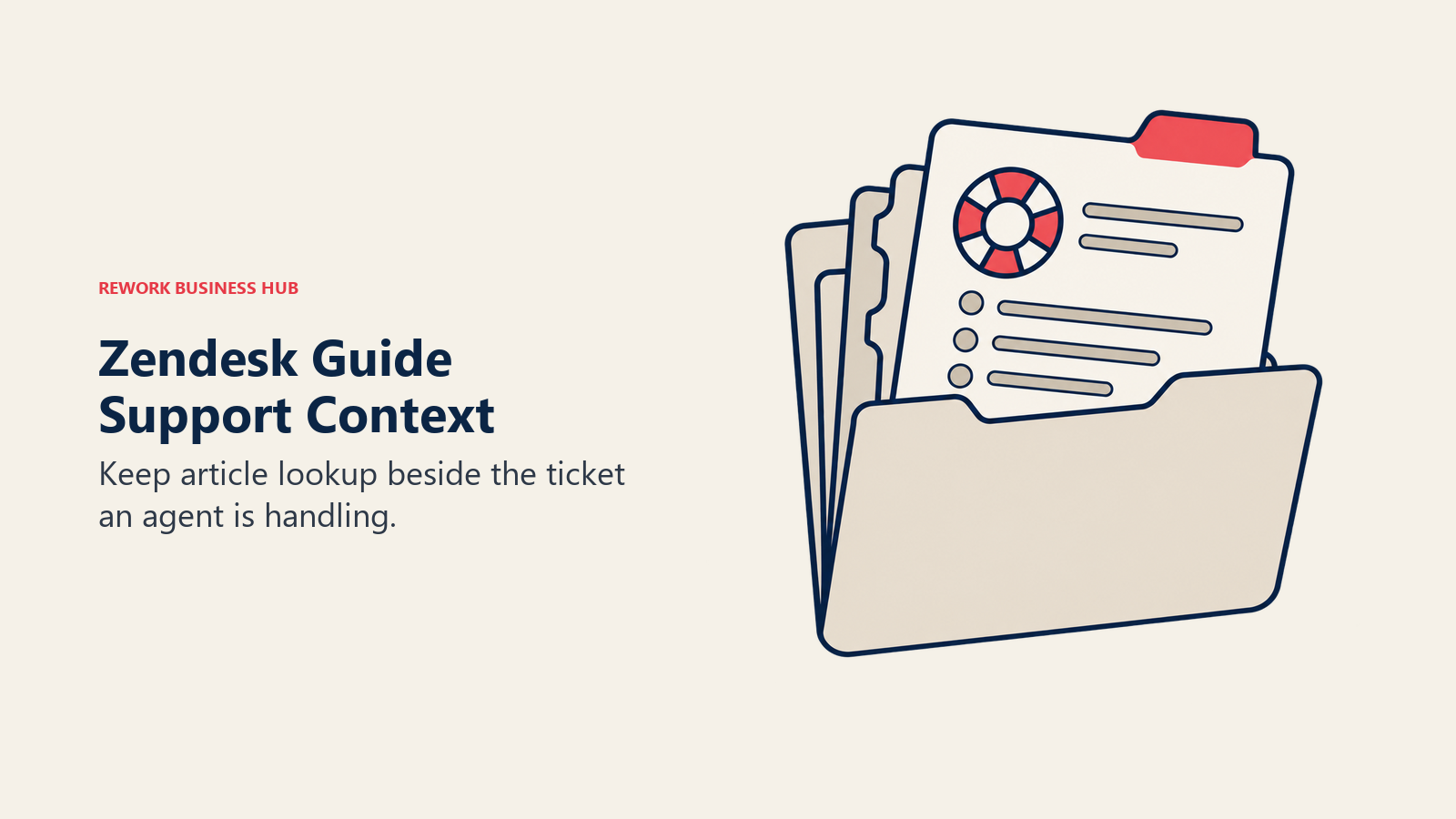
If your Guru evaluation is really about supporting a Zendesk-based team, Zendesk Guide, the knowledge base built into every Suite plan, removes the "another login" problem entirely. Agents write and search articles in the same interface as tickets, and AI features summarize articles and surface content gaps from ticket data. It won't replace Guru's cross-tool browser extension for sales teams outside a helpdesk, but for support-only knowledge, it's already there.
Target audience: Support teams already on or evaluating Zendesk who don't want a second knowledge tool bolted onto the helpdesk.
Sizing and stage fit: Bundled into every Suite tier, so any team already paying for Zendesk gets it at no extra cost. Not sold as a standalone product, so it's a non-starter if you don't use Zendesk for tickets.
| Pros | Cons |
|---|---|
| Bundled into every Suite plan | Only useful on Zendesk |
| Articles and tickets share one interface | Not a general company wiki |
| AI flags content gaps from ticket data | No standalone Guide-only pricing |
| Deep native Zendesk reporting | Weaker fit for sales knowledge |
Pricing: No standalone Guide-only tier. Bundled into Suite Team at $55/agent/month, Suite Professional at $115/agent/month (both annual billing), and Suite Enterprise+Copilot at custom pricing.
Best for: Support teams that want verified articles surfaced in the same tool agents already use to close tickets.
4. Helpjuice - Flat Pricing Instead of Per-Seat
Helpjuice flips Guru's pricing model: instead of paying per seat, you pay per plan with a fixed number of included users, so a team that's exactly at Guru's reported 10-seat minimum pays a flat rate that doesn't climb every time headcount grows. Its AI features, search, article suggestions, and generation, come included on the two upper plans rather than gated to a top enterprise tier.
Target audience: Support and success teams that expect to keep adding users and want predictable costs rather than a per-seat bill that scales with every hire.
Sizing and stage fit: The entry plan covers 30 users for one flat fee, which beats Guru's per-seat model as soon as a team passes roughly 10 users. Strong through mid-market.
| Pros | Cons |
|---|---|
| Flat pricing, not per-seat | Costs more than Guru's floor for tiny teams |
| AI search and generation included | Not built for quick-glance card answers |
| Generous included user counts | Support-focused, less general-wiki friendly |
| 14-day trial, no card | Fewer native integrations than Guru |
Pricing: 14-day trial, no card required. Knowledge Base plan $249/month for 30 users. AI-Knowledge Base $449/month for 100 users. Unlimited AI $799/month for unlimited users, with the AI suite included.
Best for: Growing support teams that want a fixed monthly bill instead of a per-seat number that rises with every new hire.
5. Document360 - Customer-Facing Docs With Versioning (Now Also Quote-Only)
Document360 is built for a different job than Guru: publishing a versioned, SEO-optimized help center to customers, not surfacing internal cards to reps. If part of what pushed you to evaluate Guru alternatives is that you also need a public knowledge base, Document360's versioning and analytics on failed searches are purpose-built for that, something neither Guru nor a general wiki does well.
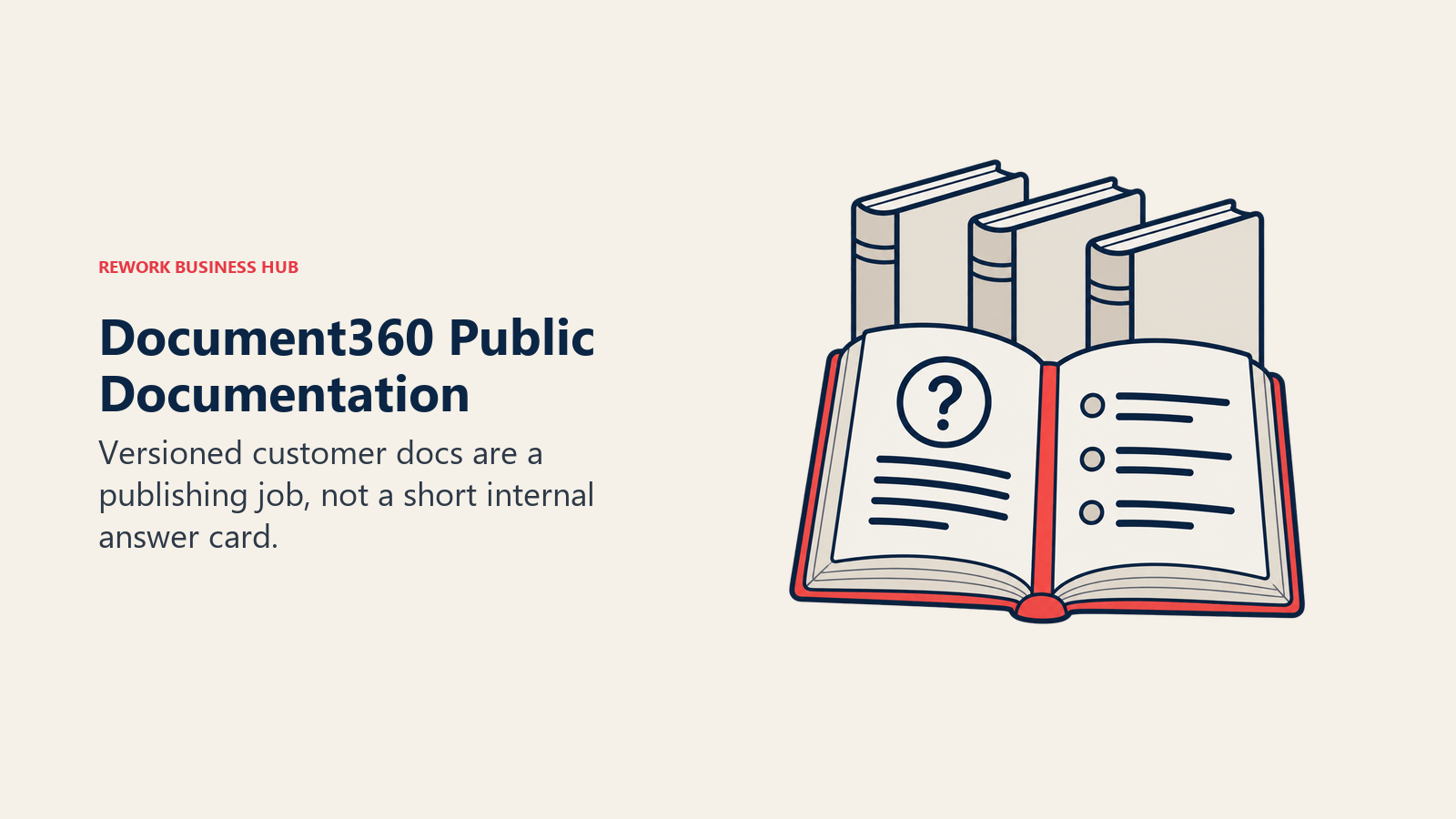
Target audience: Product and support teams at SaaS companies that need a public help center alongside internal knowledge.
Sizing and stage fit: Priced per project, so a team publishing docs for one product gets more value per dollar than one running several product lines through it. Best fit for growth-stage and mature SaaS companies.
| Pros | Cons |
|---|---|
| Built for versioned, public help centers | Now quote-only |
| Analytics on failed customer searches | Priced per project, multiplies per product |
| 14-day trial, no card | Not for internal-only knowledge |
| Strong SEO and custom domains | No project or task management |
Pricing: Document360 stopped publishing tier prices; its page now says it "prices around your specific configuration," with a 14-day trial and no card required. Before it went quote-only, published list pricing ran Professional around $199/project/month up to Enterprise at $799+/project/month (reported, historic list pricing, not current). A full breakdown of options sits in the best Document360 alternatives guide.
Best for: Teams whose real need is a public-facing, versioned help center rather than an internal card-based wiki.
6. Bloomfire - Enterprise Knowledge With AI Answers and Usage Analytics
Bloomfire aims at the same customer-facing and sales-enablement audience Guru does, but at enterprise scale, with AI-generated answers sourced from certified content and analytics on which knowledge gaps are costing deals or slowing tickets. It leans harder into video and long-form content than Guru's card format does.
Target audience: Enterprise sales enablement and support organizations that need certified-source AI answers and usage analytics, not just a place to write cards.
Sizing and stage fit: Priced as an annual fixed cost per plan tier rather than per seat, plus implementation fees, so it behaves more like an enterprise contract than a self-serve tool. Best for mid-market and enterprise.
| Pros | Cons |
|---|---|
| AI answers cite certified sources | No published pricing |
| Deep analytics on knowledge gaps | Annual contract, not self-serve |
| Handles video and long-form content well | Overkill for a small team |
| Integrates with Slack, Teams, Salesforce | Slower, enterprise sales process |
Pricing: Bloomfire does not publish figures for its Team, Department, or Enterprise plans. Budget conversations start with a sales call; expect an annual fixed cost plus implementation fees rather than a per-seat rate.
Best for: Enterprise teams that want AI-generated, source-cited answers and analytics on what reps and agents can't find.
7. Glean - AI Search Across Every App You Already Use
Glean solves a different problem than Guru: instead of a new place to write knowledge cards, it indexes what's already scattered across 275+ connected apps, Slack, Drive, Confluence, Salesforce, and answers questions with a permissions-aware AI layer built on a knowledge graph of your company's people and content. If the real problem is fragmentation, Glean addresses the cause instead of adding another system to maintain.
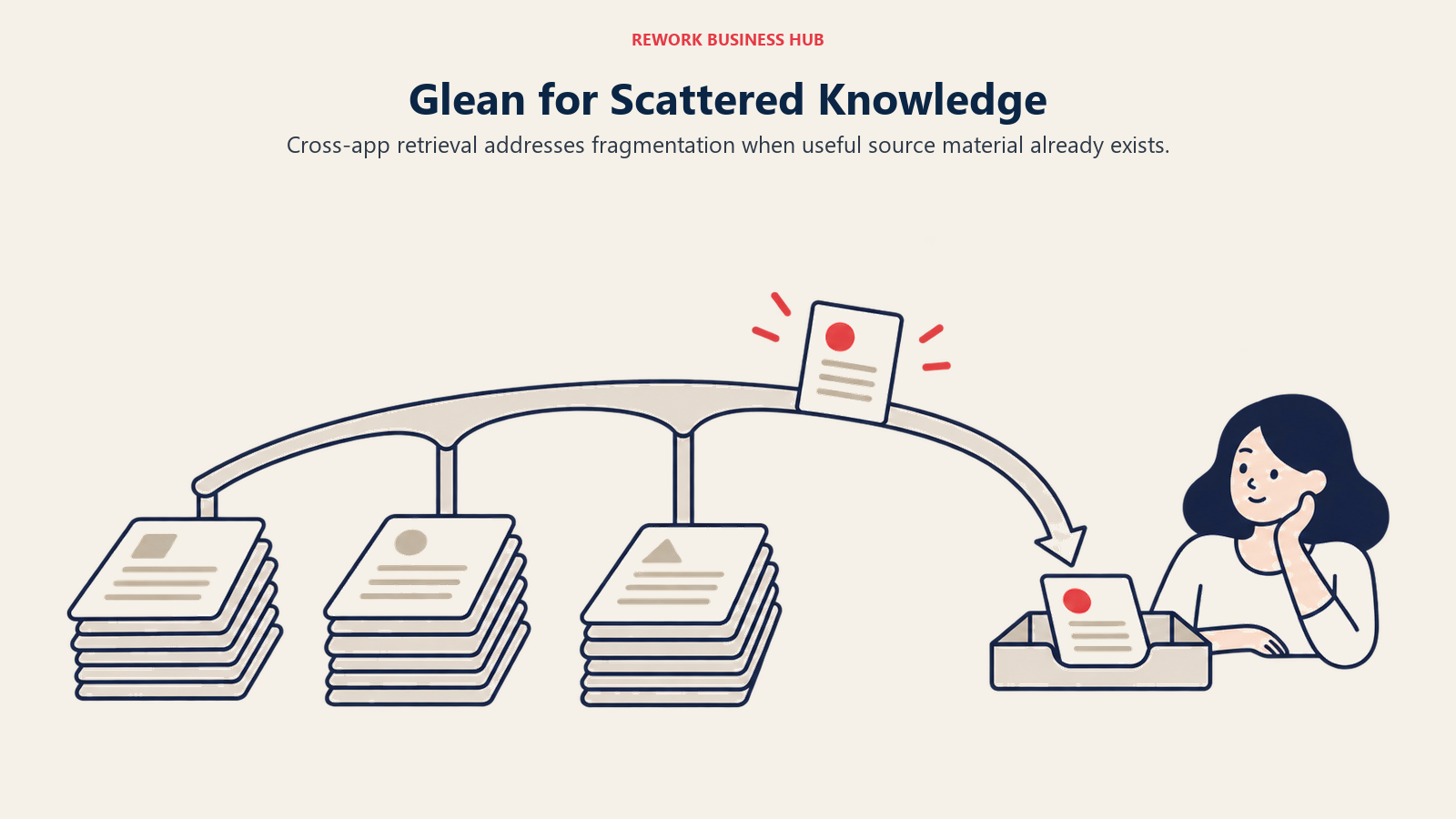
Target audience: Mid-market to enterprise companies whose knowledge already lives in a dozen tools and want a search and AI-assistant layer over the top of them, not one more system of record.
Sizing and stage fit: A deep connector library and multi-LLM routing (choosing or auto-routing across 15+ models) make it an enterprise-grade platform, not a lightweight team tool. See the direct Glean vs Guru comparison, and best Glean alternatives if Glean itself turns out to be too much platform for your team.
| Pros | Cons |
|---|---|
| Indexes 275+ apps you already use | No published pricing |
| Permissions-aware, personalized AI search | Not a place to write new knowledge |
| Multi-LLM routing across 15+ models | Overkill if the gap is a missing wiki |
| Real-time indexing stays current | Enterprise platform, not lightweight |
Pricing: Glean publishes no pricing anywhere; its site routes every plan to "Get a Demo." Expect enterprise procurement, a platform fee plus per-seat costs, negotiated per deployment.
Best for: Companies whose knowledge problem is fragmentation across a dozen apps rather than a missing place to write things down.
8. Notion - The General Wiki for Teams That Over-Bought Guru
If you bought Guru expecting a company-wide wiki and found yourself fighting the card format for anything longer than a short answer, Notion is the most common landing spot. It handles wikis, project tracking, and databases in one flexible tool, with a free tier generous enough for small teams to fully evaluate before paying.
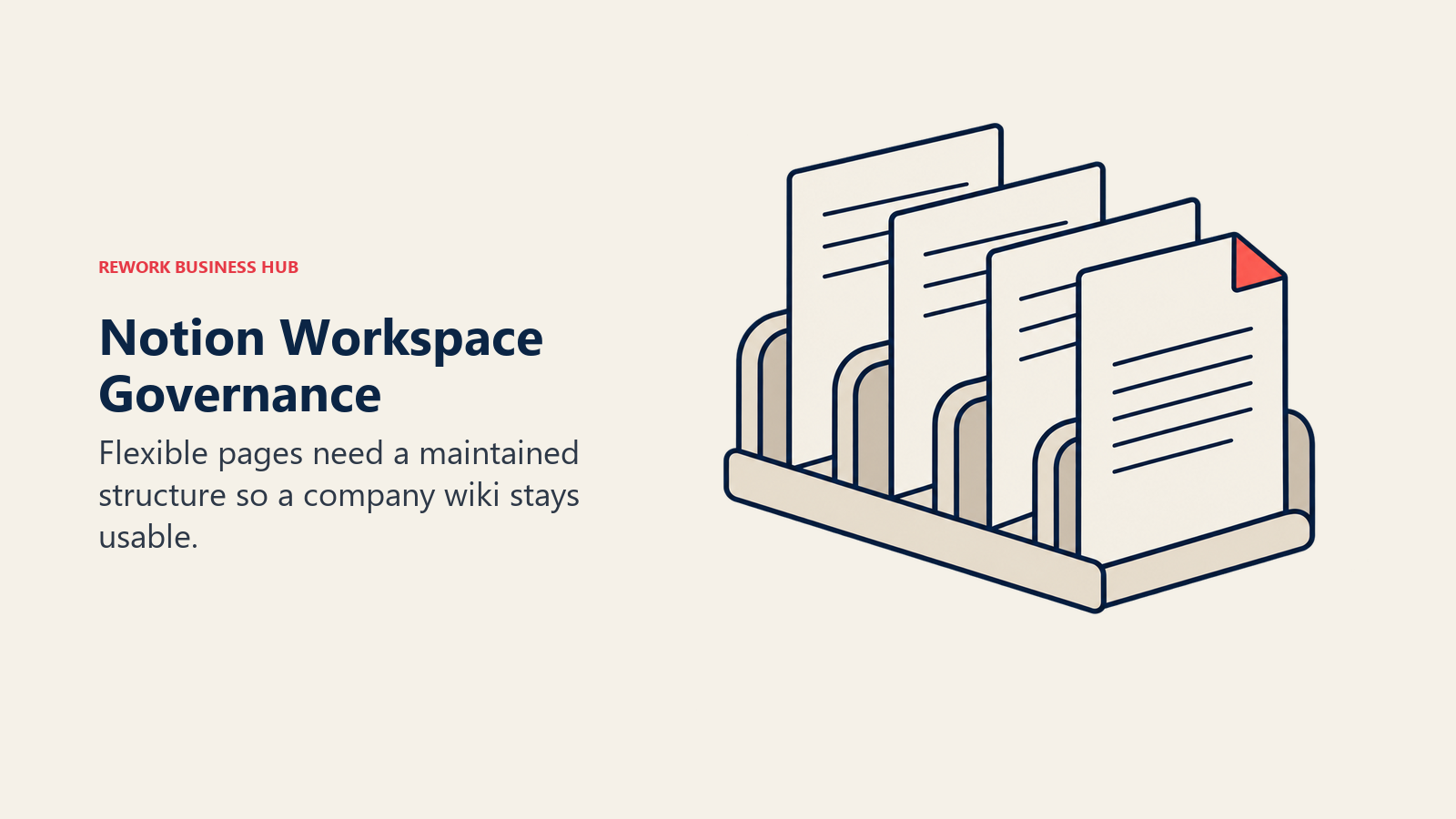
Target audience: Teams that need one general-purpose workspace for docs, projects, and databases rather than a purpose-built customer-facing knowledge tool.
Sizing and stage fit: The free plan is capable for solo and very small teams; Plus and Business plans scale through mid-market. Requires a dedicated admin to avoid workspace sprawl at scale.
| Pros | Cons |
|---|---|
| One tool for docs, projects, databases | No verification workflow |
| Usable free tier | Needs governance or it sprawls |
| Huge template ecosystem | AI gated to Business plan+ |
| Databases link like a lightweight CRM | Not built for card-style answers |
Pricing: Free (limited page history, 10-guest cap). Plus $10/user/month, billed monthly (Notion advertises "up to 20% off" annually without publishing the exact annual rate). Business $20/user/month, includes AI. Custom AI Agents run $10 per 1,000 monthly credits. Enterprise custom.
Best for: Teams that outgrew Guru's card format and want one flexible workspace instead of a purpose-built customer-facing tool.
9. Confluence - If You Already Live in the Atlassian Ecosystem
Confluence solves a different problem than Guru: it's a general engineering-and-product wiki tied tightly to Jira, not a customer-facing verified-answer tool. Teams land here after a Guru evaluation when the real gap wasn't customer-facing knowledge at all, it was that engineering and product docs never had a home. See the full Confluence alternatives breakdown if Confluence itself isn't the right fit either.
Target audience: Engineering and product organizations already running Jira who want their documentation in the same ecosystem.
Sizing and stage fit: Free for up to 10 users. Paid tiers price in user-count brackets rather than a flat per-seat rate, so cost per user actually drops as headcount grows past 100.
| Pros | Cons |
|---|---|
| Deep Jira integration | No quick-answer card format |
| Free for up to 10 users | Pricing brackets are hard to estimate |
| Mature permissions and spaces | Editor feels dated |
| Huge template library | Overkill outside the Atlassian stack |
Pricing: Free (up to 10 users). Standard runs $5.42/user/month and Premium $10.44/user/month on monthly billing. Atlassian prices by user-count bracket, so the per-user rate shifts with team size. Annual billing saves up to 17%.
Best for: Engineering and product teams already committed to Jira who need documentation, not a customer-facing verification tool.
10. Slite - A Comfortable Middle Ground With AI Search
Slite sits between Nuclino's minimalism and Notion's sprawl. Its AI search feature, now the Slite Agent, answers questions in natural language by pulling from the wiki, Slack, and Google Drive, similar in spirit to how Guru surfaces answers without a manual search, just without the card-verification workflow underneath it.
Target audience: Ops, HR, and people teams that want a general company knowledge base with AI-assisted search, not a customer-facing verification tool.
Sizing and stage fit: No free plan, but a 14-day trial with no card required. Best fit is growth-stage through mid-market companies with recurring documentation needs.
| Pros | Cons |
|---|---|
| Slite Agent answers across connected tools | No free plan |
| Comfortable writing experience | Cross-tool AI needs the Pro tier |
| Good channel and permissions structure | Repriced in 2026, older rates elsewhere are stale |
| Reduces need to browse manually | Weaker for external documentation |
Pricing: Basic $10/user/month billed yearly. Pro $20/user/month billed yearly, adds the Slite Agent, cross-tool search, and 50 monthly AI credits per seat. Enterprise custom. Note this is a repriced, renamed lineup: the old $8/user/month "Standard" plan no longer exists.
Best for: Ops and people teams that want a comfortable, AI-searchable general wiki without Guru's card format or per-seat floor.
11. Nuclino - The Fastest Setup for a Small Team
Nuclino is what teams reach for when they want something running in minutes, not weeks. The editor is the fastest in this category, pages link with wiki-style brackets, and a graph view visualizes how documents connect. It's not trying to replicate Guru's verification workflow, but for a small team, "just works" outweighs a formal review cadence.
Target audience: Small to mid-size teams (5-50 people) that want a fast general wiki without Notion's setup overhead or Guru's per-seat cost.
Sizing and stage fit: Free for up to 50 items, which is enough for many small teams to fully trial it. Strong through growth stage; mid-market teams often add a heavier tool alongside it.
| Pros | Cons |
|---|---|
| Fastest setup and editor here | No verification workflow |
| Free for up to 50 items | Business AI pricing not fully published |
| Graph view shows document links | Limited customization at scale |
| Affordable entry price | Not built for external docs |
Pricing: Free (up to 50 items, 3 canvases, 2GB). Paid plans start from $6/user/month, Nuclino's own published "from" rate. The Business tier adds Sidekick AI and SSO; Nuclino's pricing page renders exact Business figures in JavaScript that did not resolve at verification time, so treat any specific Business-tier number you see elsewhere with caution. Yearly billing is up to 25% off.
Best for: Small teams that want the fastest possible setup and don't need Guru's verification workflow.
12. Stack Internal (formerly Stack Overflow for Teams) - Verified Answers for Engineering Q&A
Stack Internal, Stack Overflow's enterprise product rebranded from Stack Overflow for Teams in 2026, applies a version of Guru's "is this still trustworthy" question to internal engineering knowledge instead of customer-facing cards. Its newest platform ingests knowledge from scattered sources and evaluates it for trust, currency, and authority before surfacing it to engineers or AI agents, a discipline worth pairing with the technical documentation practices your engineering org already follows.
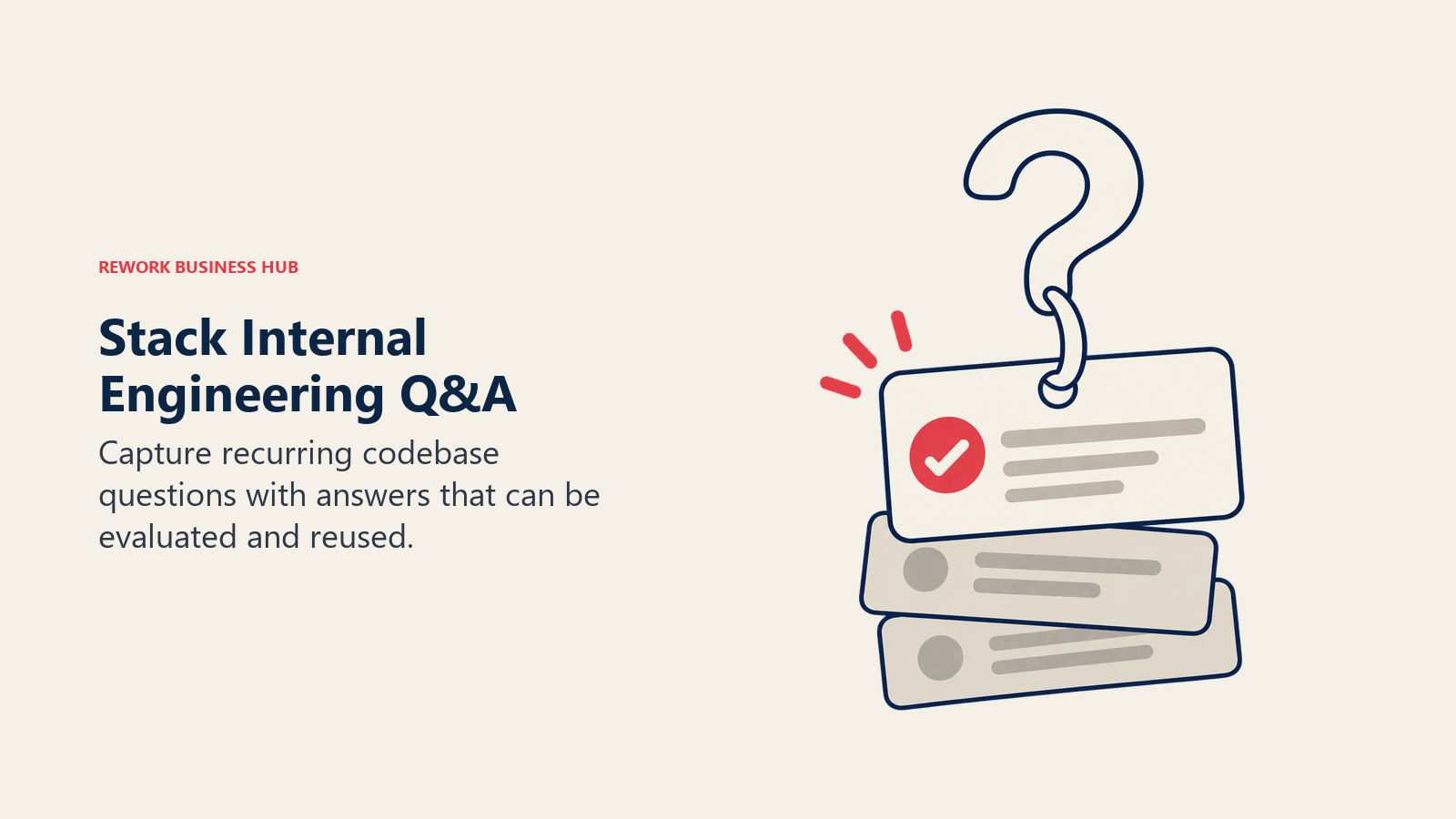
Target audience: Engineering organizations that want a Q&A-style internal knowledge base with the same trust signals Stack Overflow built its public site on.
Sizing and stage fit: Enterprise-oriented positioning post-rebrand; the old lightweight free tier and roughly $6.50/user/month Basic plan are gone.
| Pros | Cons |
|---|---|
| Trust-and-currency evaluation for eng knowledge | No published pricing |
| Familiar Q&A format for engineers | Skews toward large enterprise |
| AI-native, feeds people and agents | Old free and Basic tiers are gone |
| Cuts duplicate engineering questions | Not built for customer-facing knowledge |
Pricing: Stack Internal no longer publishes pricing. Its page reads "Contact us for pricing" across the board.
Best for: Engineering teams that want Stack Overflow's trust-and-verification model applied to internal knowledge.
13. Superhuman Docs (formerly Coda) - Docs That Behave Like Databases
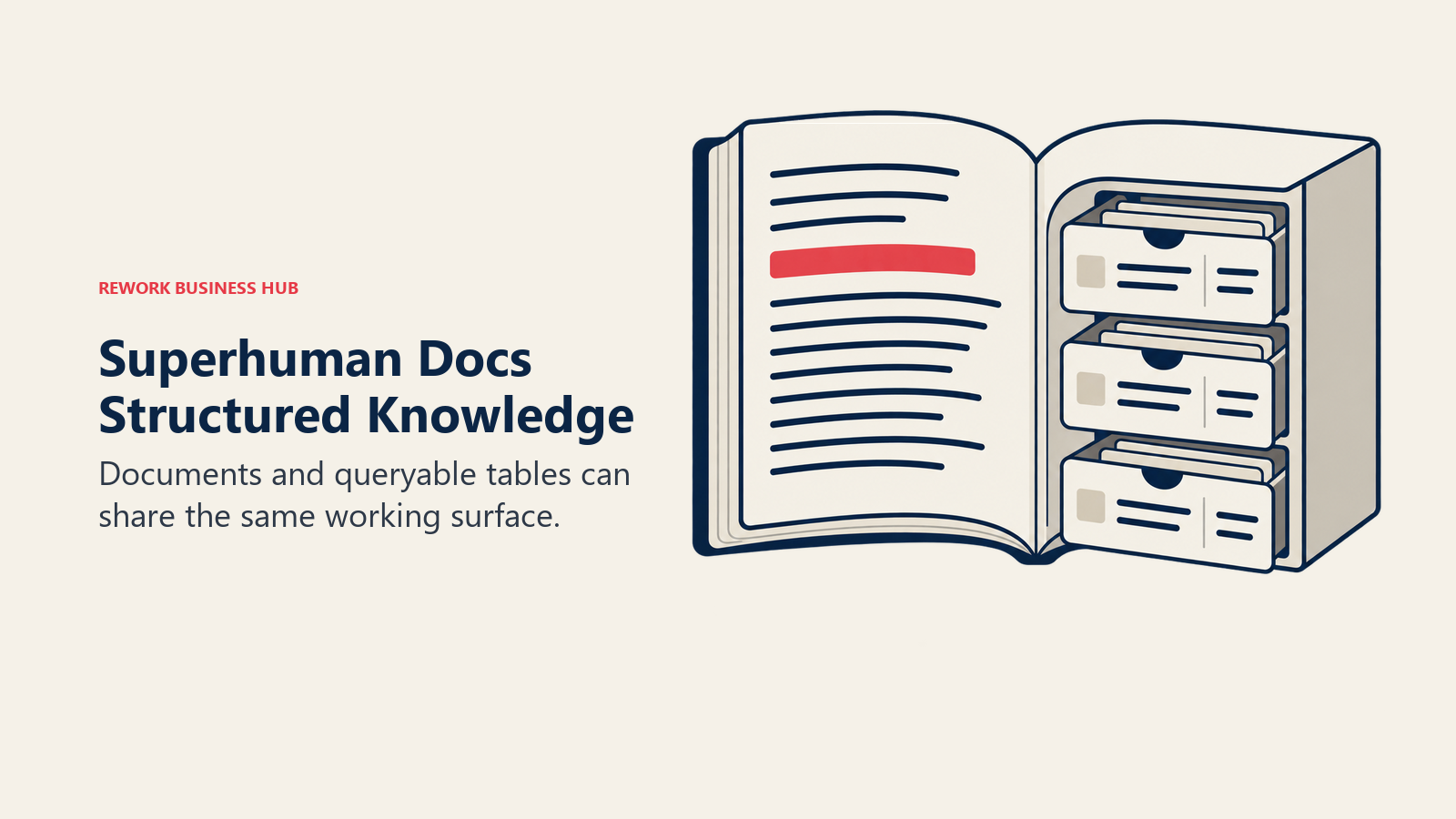
Coda was renamed Superhuman Docs in July 2026 after Grammarly, which acquired Coda in December 2024, rebranded itself as Superhuman. It's part document, part database: tables inside a doc are filterable, sortable, and formula-driven, so a Guru-style FAQ card can sit next to a live, queryable table on the same page.
Target audience: Operations and product teams that want documentation and structured data in the same tool, not two separate systems.
Sizing and stage fit: Billing is per "Doc Maker," meaning editors who build docs pay while people who only read or comment are free, an unusual model worth understanding before you count seats. Existing Coda customers are grandfathered under prior terms.
| Pros | Cons |
|---|---|
| Docs and databases share one canvas | Doc-Maker pricing needs explaining |
| Only makers pay, viewers are free | Team/Enterprise pricing not published |
| Formula language for automation | Steeper learning curve |
| Coda customers grandfathered | Some third-party pricing is stale post-rebrand |
Pricing: Free tier exists. Pro runs from $12/month per Doc Maker (figure from Superhuman's own rebrand announcement, not a live pricing table). Team and Enterprise tiers scale above that; contact sales for exact per-seat rates.
Best for: Ops and product teams who want their knowledge base to double as a lightweight database and automation layer.
14. GitBook - Version-Controlled Docs for Developer-Facing Products
GitBook treats documentation like code: changes move through branches and pull requests, and publishing is as deliberate as a deploy. It's the opposite of Guru's card model, built for long-form, versioned technical and API documentation rather than short verified answers for reps.
Target audience: Engineering teams and developer platforms (APIs, SDKs, open-source projects) that already think in pull requests.
Sizing and stage fit: Free for a single user; cost scales per site plus per user, which adds up fast for companies documenting more than one product.
| Pros | Cons |
|---|---|
| Doc changes reviewed like code | Per-site plus per-user pricing adds up |
| Clean Markdown editor, real-time collab | Not built for internal wikis |
| Publish publicly with a custom domain | AI Assistant capped on free tier |
| Integrates with GitHub, GitLab, Linear | Free tier is single-user only |
Pricing: Free (1 user, AI agent capped at 10 messages/week). Premium $65/month per site (annual billing) plus $12/user/month. Ultimate $249/month per site (annual) plus $12/user/month. Enterprise custom. Annual billing includes two months free.
Best for: Developer-facing teams that want documentation reviewed and versioned the same way their codebase is.
Stage Fit Matrix
| Tool | Startup (0-10) | Growth (10-50) | Mid-Market (50-200) | Enterprise (200+) |
|---|---|---|---|---|
| Slab | Excellent | Strong | Strong | Good |
| Tettra | Good | Strong | Moderate | Limited |
| Zendesk Guide | Good (if on Zendesk) | Strong | Strong | Strong |
| Helpjuice | Limited | Strong | Strong | Good |
| Document360 | Limited | Good (SaaS docs) | Strong | Good |
| Bloomfire | Not viable (contract floor) | Moderate | Strong | Strong |
| Glean | Not viable | Limited | Strong | Strong |
| Notion | Excellent | Strong | Good (needs admin) | Viable |
| Confluence | Good (free tier) | Strong | Strong | Good |
| Slite | Good | Strong | Strong | Viable |
| Nuclino | Excellent | Strong | Moderate | Limited |
| Stack Internal | Limited | Moderate | Strong | Strong |
| Superhuman Docs | Good | Strong | Strong | Viable |
| GitBook | Good (free tier) | Strong (dev teams) | Strong | Good |
Sizing and Persona Table
| Tool | Team Size Sweet Spot | Primary Buyer | Secondary Buyer |
|---|---|---|---|
| Slab | 10-500 | People Ops Manager | Support Manager |
| Tettra | 10-100 | Support/Ops Manager | Team Lead |
| Zendesk Guide | 20-1,000 (Zendesk users) | Head of Support | Support Ops Manager |
| Helpjuice | 10-300 | Director of Support | Customer Success Lead |
| Document360 | 10-200 | Director of Product Education | Head of Customer Support |
| Bloomfire | 200-5,000 | VP Enablement / VP CX | Sales Enablement Manager |
| Glean | 100-10,000 | CIO / VP IT | Head of Knowledge Management |
| Notion | 1-200 | Founder / Head of Ops | Product or Marketing Lead |
| Confluence | 20-2,000 | Head of Engineering | IT Admin |
| Slite | 20-200 | HR Director / COO | Department Manager |
| Nuclino | 5-50 | Product Manager / Eng Lead | Operations Manager |
| Stack Internal | 50-5,000 | VP Engineering | Developer Experience Lead |
| Superhuman Docs | 5-100 | COO / Chief of Staff | Product Operations Manager |
| GitBook | 5-200 | Head of Engineering | Developer Experience Lead |
How to Choose: Decision Framework
| If you need... | Choose |
|---|---|
| Guru's card verification model at a fraction of the price | Tettra or Slab |
| A knowledge base bundled with the helpdesk you already pay for | Zendesk Guide |
| Flat, predictable pricing instead of a per-seat bill | Helpjuice |
| A versioned, public-facing customer help center | Document360 |
| AI-cited answers and usage analytics at enterprise scale | Bloomfire |
| AI search across a dozen already-scattered apps, not a new place to write | Glean |
| A flexible general wiki for the whole company | Notion or Confluence |
| Version-controlled technical or API documentation | GitBook |
Frequently Asked Questions about Guru Alternatives
What is the best Guru alternative for a small support team?
Tettra and Slab both undercut Guru's reported 10-seat, $25-per-seat floor. Tettra's Scaling plan runs $8/user/month with a 10-user minimum (about $80/month), and Slab is free for up to 10 users, so either gets a small team similar verification discipline for far less than Guru's reported $250/month entry cost.
Why doesn't Guru publish pricing anymore?
As of August 2026, Guru's pricing page carries no dollar figures, plan names, or seat minimums. It describes itself as "a platform and expertise solution, not just a per-seat tool" and routes every visitor to sales. Third-party trackers still cite a historical $25/seat/month rate with a 10-seat minimum, but that figure is reported, not vendor-confirmed.
Is there a free Guru alternative?
Slab is free for up to 10 users indefinitely, Notion's free tier works for small teams willing to build their own structure, and Nuclino is free for up to 50 items. None replicate Guru's card-verification workflow exactly, but Slab comes closest with its own scheduled content verification.
What replaces Guru's card-based verification workflow?
Tettra and Slab both assign an owner to content and prompt a re-confirmation on a set schedule, the same mechanic behind Guru's card expiry. Stack Internal applies a similar trust-and-currency evaluation to engineering knowledge specifically.
Should I choose an AI search tool like Glean instead of a knowledge base?
Only if your problem is fragmentation rather than a lack of written knowledge. Glean indexes what already exists across 275-plus connected apps, so it fits when answers exist but nobody can find them. If answers were never written down, a knowledge base like Slab or Tettra is the more direct fix.
What's the difference between Guru and Zendesk Guide?
Guru is a standalone knowledge layer that plugs into whatever tools you already use, including Zendesk, Slack, and the browser. Zendesk Guide is bundled directly into Zendesk's Suite plans, so it only makes sense if you're already running tickets through Zendesk.
Can I migrate my Guru cards to another tool?
Most alternatives here, including Slab, Tettra, Notion, and Confluence, support Markdown or HTML import, and Guru offers a data export for admins. Expect to manually reformat short Guru cards into whatever structure your new tool uses, since none use Guru's exact card format natively.
What to Do Next
Pick two alternatives that match your actual reason for leaving Guru, not just the first name that comes up in a search, and run a two-week pilot with a real slice of your knowledge base: the ten articles your team references most often. Rebuild them in each tool and watch what breaks. A card-verification tool that can't handle your longest troubleshooting guide, or a wiki that can't surface an answer inside Slack, will show itself in days.
If cost is the only reason you're leaving, Tettra and Slab keep the verification discipline while cutting the price floor. If knowledge is scattered across a dozen apps rather than unwritten, start with Glean instead of another place to write cards. If you also need a public help center alongside internal knowledge, pair your pick with Document360 rather than forcing one tool to do both jobs.
For personal note-taking that complements a team wiki, see the best Evernote alternatives and best Obsidian alternatives guides. And if async communication is breaking down alongside the knowledge problem, the best Slack alternatives guide covers the messaging layer that usually sits next to whichever knowledge tool you choose.
Camellia writes about productivity and knowledge management tools for B2B teams. Last updated August 2026.

Principal Product Marketing Strategist
On this page
- Key Facts
- Quick Comparison Table
- Why Teams Are Actually Leaving Guru
- 1. Slab - Verified Knowledge Without Guru's Price Floor
- 2. Tettra - The Closest Feature Match to Guru's Verification Model
- 3. Zendesk Guide - Verified Knowledge Bundled With the Helpdesk You Already Pay For
- 4. Helpjuice - Flat Pricing Instead of Per-Seat
- 5. Document360 - Customer-Facing Docs With Versioning (Now Also Quote-Only)
- 6. Bloomfire - Enterprise Knowledge With AI Answers and Usage Analytics
- 7. Glean - AI Search Across Every App You Already Use
- 8. Notion - The General Wiki for Teams That Over-Bought Guru
- 9. Confluence - If You Already Live in the Atlassian Ecosystem
- 10. Slite - A Comfortable Middle Ground With AI Search
- 11. Nuclino - The Fastest Setup for a Small Team
- 12. Stack Internal (formerly Stack Overflow for Teams) - Verified Answers for Engineering Q&A
- 13. Superhuman Docs (formerly Coda) - Docs That Behave Like Databases
- 14. GitBook - Version-Controlled Docs for Developer-Facing Products
- Stage Fit Matrix
- Sizing and Persona Table
- How to Choose: Decision Framework
- What to Do Next