Best Cognito Forms Alternatives in 2026: 14 Form Builders Compared
Turn this article into takeaways for your work.


Each assistant summarizes the article only for you and suggests best practices for your work.
Cognito Forms built its following on a genuinely unusual combination: unlimited forms and built-in payment collection on every plan, including the free tier, plus calculation fields and conditional logic that go deeper than most form builders bother with. If you're reading this, something about that combination stopped working for you. Maybe the 100-entry free cap or the 2,000-entry Pro ceiling started biting during a busy month. Maybe the builder UI feels dated next to Typeform or Tally. Maybe HIPAA sits behind the Enterprise tier and your compliance team won't wait. Jotform, Zoho Forms, and Paperform are the strongest replacements for Cognito's actual job (calculations, native payments, and workflow logic), while Tally and Fillout answer the "I just want a modern builder" complaint directly.
This guide compares 14 tools on pricing (with the billing basis for each), calculation and conditional logic depth, native payment collection, and how each one meters usage, since entry-based pricing is the detail most alternatives get wrong when compared to Cognito.
Key Facts
- Only 45% of people who land on a web form actually submit it, though that rises to 66% once someone starts filling it in, per Zuko's form analytics benchmarking data (zuko.io).
- The average checkout or long intake form carries around 14.88 fields, roughly twice the 6 to 8 fields actually needed to finish the job, per Baymard Institute's checkout research (baymard.com).
- 9% of online shoppers have abandoned a checkout specifically because it didn't offer their preferred payment method, a share that has grown slightly since 2021, per Baymard Institute (baymard.com).
- Only 19% of small businesses with a website actually accept payments through it, according to a 2025 NFIB survey on small business technology adoption (nfib.com), which is exactly the gap a payments-enabled form is built to close.
- Structured, multi-step forms with a clear purpose, like applications, complete at roughly 75%, versus just 38% for open-ended contact forms, per Zuko's benchmarking data (zuko.io).
Quick Comparison Table
| Tool | Best For | Starting Price | Key Strength | Key Limitation |
|---|---|---|---|---|
| Jotform | Feature parity with Cognito, deeper templates | Free; Bronze $34/month billed annually | HIPAA-ready Gold tier, 10,000+ templates | Entry-level cap tighter than Cognito's free plan |
| Zoho Forms | Teams already inside Zoho One | Free; Basic US$10/month billed annually | Approval workflows, HIPAA on Premium | Ecosystem lock-in, less value standalone |
| Paperform | Calculations styled as landing pages | Essentials $24/month month-to-month ($288/year) | Native Stripe payments, scoring and quizzes | No free tier beyond 30 submissions/month |
| Wufoo | Simple entry-based forms, no calc bloat | Free; Starter $16.25/month billed annually | Predictable, entry-based pricing like Cognito | No shipped update since August 2020; no conditional workflow or approval routing |
| Formsite | Calculation-heavy forms and surveys | No free tier; Personal $21/month billed annually | Deep scoring and calculation history since 2001 | Dated interface, per-form result caps |
| Fillout | Database-native forms, unlimited seats free | Free (1,000 responses/month); Starter $15/month | Writes directly into Notion, Airtable, Supabase | Compliance story thinner than Cognito Enterprise |
| Feathery | Developer-built custom logic and calculations | Free (500 submissions/month); Growth custom-quoted | Full custom logic via JS, embeds in any app | Requires developer time to get full value |
| Tally | Budget teams that want a modern builder | Free (unlimited forms and submissions) | Unlimited free tier beats Cognito's 100-entry cap | Workflow and approval routing not built in |
| Typeform | Conversational, design-forward forms | Free (100 responses/month); Basic $28/month billed annually | Best-in-class completion rates | Weak calculation fields, response caps hurt |
| forms.app | Breadth of templates and calculators | Free; Basic $19/month billed annually | Unlimited responses and team seats on every tier | Thinner CRM-native integrations than Jotform |
| Google Forms | Zero-cost internal forms | Free | Free with any Google account, Sheets sync | No calculation fields, no native payments |
| Formstack | Enterprise workflow and document generation | No free plan; Forms $83/month billed annually | HIPAA, SOC 2, native Salesforce integration | Priced well above Cognito for one builder seat |
| Gravity Forms | WordPress teams that want to own their forms | No free tier; Basic $59/year | Annual license, not per-seat SaaS | Requires WordPress and setup |
| WPForms | Non-technical WordPress teams | Basic $49.50 first year, $99/year renewal | 2,100+ templates, easy drag-and-drop builder | Calculations only unlock on higher tiers |
Calculations and Payments Capability Table
Cognito Forms built its reputation on calculation fields and payments that work on every plan. This is the table that actually answers whether an alternative can do Cognito's job.
| Tool | Calculation Fields | Conditional Logic Depth | Native Payment Collection |
|---|---|---|---|
| Jotform | Strong, dedicated calculation widget | Deep, multi-condition branching | Yes, 30+ processors including Stripe, PayPal, Square |
| Zoho Forms | Strong, formula fields plus lookups | Deep, tied to approval workflows | Yes, via Stripe, PayPal, and Zoho Books |
| Paperform | Strong, used for quotes and scoring | Deep, including quiz-style branching | Yes, native Stripe on every paid tier |
| Wufoo | Basic formula fields | Moderate, field-level show/hide | Yes, via Stripe, PayPal, and Authorize.net |
| Formsite | Strong, built for scored surveys and quotes | Deep, page-level and field-level logic | Yes, via PayPal, Stripe, and Square |
| Fillout | Basic to moderate, newer feature | Moderate, page-jump logic | Yes, via Stripe on paid tiers |
| Feathery | Full custom logic via JavaScript | Unlimited, developer-defined | Yes, via Stripe, developer-configured |
| Tally | Basic formulas | Moderate, block-level logic | Yes, native Stripe on the free plan |
| Typeform | Weak, no true calculated field type | Moderate, logic jumps between questions | Yes, but gated to Business tier and above |
| forms.app | Strong, includes a calculator builder | Deep, condition-based branching | Yes, via Stripe, PayPal, and iyzico |
| Google Forms | None | Basic, section-jump only | No |
| Formstack | Strong, tied into workflow automation | Deep, workflow-level conditions | Yes, via Stripe and PayPal on Suite and above |
| Gravity Forms | Moderate, via add-on | Deep, with GravityFlow add-on | Yes, via Stripe, PayPal, and Square add-ons |
| WPForms | Moderate, calculations from Pro tier up | Moderate, standard conditional logic | Yes, via Stripe, PayPal, and Square from Pro up |
Entry Limits at Volume
Cognito Forms meters by entries, not seats: 100/month free, 2,000/month on Pro, 10,000/month on Team. Most alternatives meter differently, and that difference matters more once a form actually gets traffic.
| Tool | Free Tier Cap | Cheapest Paid Tier Cap | What Changes at the Cap |
|---|---|---|---|
| Jotform | 100 submissions/month | 1,000 submissions/month (Bronze) | Forms stop accepting new submissions until reset or upgrade |
| Zoho Forms | 500 submissions/month | 10,000 submissions/month (Basic) | Submissions pause until the next cycle or plan upgrade |
| Wufoo | 100 entries/month | 1,000 entries/month (Starter) | Entry collection halts until the monthly reset |
| Formsite | 14-day trial only | 500 results/form (Personal) | Per-form cap, not account-wide, once reached |
| Fillout | 1,000 responses/month | 2,000 responses/month (Starter) | Unlimited forms and seats regardless of plan tier |
| Tally | Fair-use guidelines, no hard number published | Same cap logic on Pro | No published hard ceiling on forms or submissions |
| Typeform | 100 responses/month | 100 responses/month (Basic, same cap) | Logic unlocks on Basic, but the response cap doesn't move |
| forms.app | Unlimited responses, 5 forms | Unlimited responses, 25 forms (Basic) | Form count is the limit, not response volume |
| Google Forms | No published cap | N/A | Practical ceiling is Google account storage, not entries |
Stage Fit Matrix
| Tool | Startup (1-10) | Growth (10-50) | Mid-Market (50-200) | Enterprise (200+) |
|---|---|---|---|---|
| Jotform | Strong fit | Strong fit | Good | Limited |
| Zoho Forms | Good | Good | Strong fit | Good |
| Paperform | Strong fit | Strong fit | Good | Limited |
| Wufoo | Strong fit | Good | Limited | Not recommended |
| Formsite | Good | Good | Good | Limited |
| Fillout | Strong fit | Strong fit | Good | Limited |
| Feathery | Good | Strong fit | Good | Limited |
| Tally | Strong fit | Good | Limited | Not recommended |
| Typeform | Strong fit | Strong fit | Good | Limited |
| forms.app | Strong fit | Good | Good | Limited |
| Google Forms | Strong fit | Limited | Not recommended | Not recommended |
| Formstack | Limited | Good | Strong fit | Strong fit |
| Gravity Forms | Good | Strong fit | Good | Limited |
| WPForms | Strong fit | Strong fit | Good | Limited |
Sizing and Persona Table
| Tool | Team Size Sweet Spot | Primary Buyer |
|---|---|---|
| Jotform | 5-100 | Operations Manager |
| Zoho Forms | 10-200 | Ops Manager (Zoho shop) |
| Paperform | 5-100 | Marketing Manager |
| Wufoo | 1-50 | Small Business Owner |
| Formsite | 5-50 | Finance or Ops Manager |
| Fillout | 5-100 | Product / Ops Manager |
| Feathery | 5-50 | Developer / Product Engineer |
| Tally | 1-30 | Founder / Solo Operator |
| Typeform | 1-100 | Marketing Manager |
| forms.app | 1-100 | Small Business Owner |
| Google Forms | Any | Anyone with a Google account |
| Formstack | 20-500 | IT / Ops Director |
| Gravity Forms | 5-100 | WordPress Developer |
| WPForms | 1-100 | Small Business Owner |
1. Jotform: Feature Parity With Cognito, at Broader Scale
Jotform is the closest apples-to-apples swap. Conditional logic, calculation widgets, native payment collection through more than 30 processors, and a HIPAA-ready Gold tier all match or exceed what Cognito offers, and Jotform backs it with 10,000+ templates and 200+ integrations that Cognito's smaller catalog can't touch. The free Starter plan caps out at 100 submissions a month across 5 forms, tighter than Cognito's 100 entries on unlimited forms, so the free-tier comparison actually favors Cognito. Where Jotform pulls ahead is once you're paying: Bronze unlocks 1,000 submissions a month at $34/month billed annually, and the builder UI, while busier than Cognito's, supports far deeper branching logic. If you're deciding between Jotform and Typeform specifically, our head-to-head breaks down where each wins.
| What you get | What you don't |
|---|---|
| HIPAA-ready Gold tier, 10,000+ templates | Cognito's unlimited-forms-on-free-plan model |
| 30+ native payment processors | A calmer, less cluttered builder |
| Deep multi-condition branching logic | Cognito's flat, predictable entry-based pricing |
| 200+ third-party integrations | Free tier as generous as Cognito's 100-entry cap |
Pricing: Free (Starter, 5 forms, 100 submissions/month); Bronze $34/month billed annually (25 forms, 1,000 submissions); Silver $39/month billed annually (50 forms, 2,500 submissions); Gold $99/month billed annually (100 forms, 10,000 submissions, HIPAA-ready); Enterprise custom quote.
Best for: Teams that want Cognito's calculation-and-payments combination with a bigger template library and don't mind trading the flat free tier for one with a lower submission cap.
2. Zoho Forms: Approval Workflows Inside Your Existing CRM
If your organization already runs Zoho One, Zoho Forms is the low-friction swap: formula fields and lookups for calculations, approval workflows tied to conditional logic, and native payment collection through Stripe, PayPal, or Zoho Books, all inside the same ecosystem as your CRM and finance tools. Premium adds HIPAA compliance and audit trails, a step past what Cognito offers outside its own Enterprise tier. The tradeoff is real: Zoho's value drops sharply once you're not using its other apps, and standalone buyers usually get more for the money from Jotform or Cognito itself.
| What you get | What you don't |
|---|---|
| Approval workflows built on conditional logic | Strong appeal outside the Zoho ecosystem |
| Native fit with Zoho CRM, Books, and Sheets | Cognito's flat entry-based pricing simplicity |
| HIPAA compliance and audit trails on Premium | A large public template marketplace |
| Formula fields and multi-step lookups | Fast onboarding without existing Zoho context |
Pricing: Free (1 user, 3 forms, 500 submissions/month); Basic US$10/month billed annually (unlimited forms, 10,000 submissions); Standard US$25/month billed annually (10 users, 25,000 submissions); Professional US$50/month billed annually (25 users, 75,000 submissions); Premium US$90/month billed annually (100 users, 150,000 submissions, HIPAA).
Best for: Teams already standardized on Zoho One who want calculation-driven forms and approval routing without adding a separate vendor.
3. Paperform: Calculations Dressed Up as Landing Pages
Paperform takes Cognito's calculation-and-payments strength and wraps it in a form that looks like a marketing page instead of a spreadsheet. Native Stripe payments, scoring logic, and quiz-style branching are all built in, which makes it the strongest pick for quotes, product configurators, and paid intake forms that need to convert as well as they calculate. Deep conditional logic and rich media (video, images, custom fonts) sit alongside the input fields, something Cognito's more utilitarian builder doesn't attempt. The gap: no free tier beyond 30 submissions a month, and no published HIPAA tier, so regulated intake still points back toward Cognito or Jotform. For a three-way comparison against Google Forms and Fillout, see Google Forms vs. Fillout vs. Paperform.
| What you get | What you don't |
|---|---|
| Native Stripe payments on every paid tier | A generous free tier like Cognito's |
| Rich media, landing-page-style form design | Published HIPAA compliance |
| Strong calculations and quiz-style scoring | Native CRM sync without Zapier |
| Per-year submission pools instead of monthly resets | Cognito's flat, predictable entry metering |
Pricing: Free (30 submissions/month); Essentials $24/month month-to-month ($288/year billed annually); Pro $49/month month-to-month ($588/year, 3 users); Business $99/month month-to-month ($1,188/year, 5 users); Enterprise custom.
Best for: Marketing and ops teams that need calculation-driven forms (quotes, configurators, scored applications) styled like a real landing page.
4. Wufoo: The Original Entry-Based Alternative
Wufoo has been metering by entries, not seats, since 2006, which makes it the closest philosophical match to how Cognito prices. That stability cuts two ways, though: Wufoo's own release notes haven't listed a shipped product update since August 2020, six years of standing still while Cognito kept building. For a simple form that just has to keep working, that's a genuine point in Wufoo's favor; for a team hoping it eventually closes the calculation and workflow gap covered here, it won't happen on its own. Payment collection through Stripe, PayPal, and Authorize.net shows up on every paid tier, basic formula fields cover simple calculations, and the pricing scales predictably as volume grows rather than jumping in awkward per-seat tiers. What it doesn't do is Cognito's deeper conditional logic or approval workflows: Wufoo is built for straightforward forms feeding a spreadsheet or CRM, not multi-step calculated quotes. Free tier caps at 100 entries and 10 fields, matching Cognito's entry count but with a field ceiling Cognito doesn't impose. If Wufoo itself doesn't have the workflow depth you need, our Wufoo alternatives roundup covers that gap directly, and the direct three-way against Cognito and WPForms is in Wufoo vs. Cognito Forms vs. WPForms.
| What you get | What you don't |
|---|---|
| Entry-based pricing philosophy like Cognito's | Cognito's deeper conditional logic |
| Native payment processors on every paid tier | Approval workflows or client portals |
| Long track record and stable uptime since 2006 | Unlimited fields on the free tier |
| Predictable scaling as entry volume grows | A modern, animated builder interface |
| Six years of the product simply not changing | A publicly shipped feature since August 2020 |
Pricing: Free (5 forms, 100 entries/month, 10 fields max); Starter $16.25/month billed annually ($195/year); Professional $33.25/month billed annually ($399/year, 5 users, 5,000 entries); Advanced $83.25/month billed annually ($999/year, 20 users, 25,000 entries); Ultimate $210.25/month billed annually ($2,523/year, 60 users, 200,000 entries). Every tier's annual price is exactly 12 times the monthly rate, no prepay discount, unlike most of the tools on this list.
Best for: Small teams that want Cognito's entry-based pricing logic in a simpler tool, without needing workflow or approval routing, and who are comfortable with a vendor that hasn't shipped a public update in years.
5. Formsite: Calculation-Heavy Forms With Two Decades of History
Formsite has been building scored surveys and calculated forms since 2001, and it shows in the depth of its calculation and scoring engine: quote builders, weighted assessments, and multi-page conditional logic that rivals Cognito's own. Payment collection runs through PayPal, Stripe, and Square. The tradeoff is a builder interface that hasn't kept pace visually with newer tools, and Formsite meters by "results per form" rather than Cognito's account-wide entry count, which can be confusing when a single form does most of the work.
| What you get | What you don't |
|---|---|
| Deep calculation and scoring engine | A modern, visually current builder |
| Native PayPal, Stripe, and Square payments | Cognito's account-wide entry metering |
| Two decades of form-logic refinement | A free tier (trial only) |
| Page-level and field-level conditional logic | Simple, flat pricing like Cognito's |
Pricing: No free tier, 14-day trial; Personal $249.95/year ($21/month, 5 forms, 500 results/form); Professional $399.95/year ($34/month, 10 forms, 1,000 results/form); Business $699.95/year ($59/month, 25 forms, 2,500 results/form); Business+ $999.95/year ($84/month, 100 forms, 10,000 results/form); Enterprise $2,499.95/year ($209/month).
Best for: Ops and finance teams running quote calculators or scored assessments that need Cognito-level calculation depth with a longer track record.
6. Fillout: Database-Native Forms With Unlimited Seats
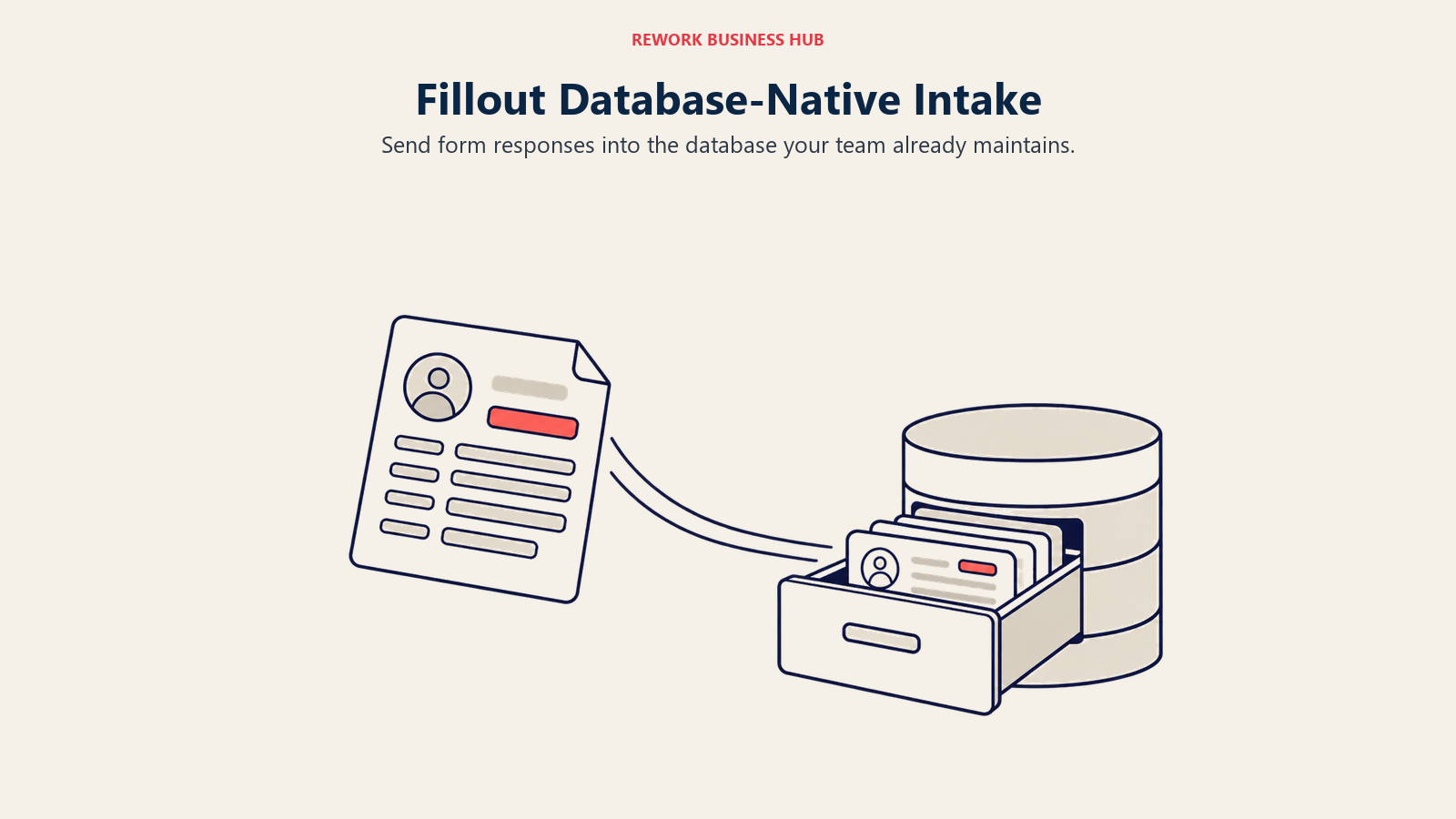
Fillout's pitch is that form data should write directly into the database you already use (Notion, Airtable, Supabase, Salesforce, HubSpot) instead of sitting in a standalone entry list the way Cognito's submissions do. Every tier, including the free one, includes unlimited forms and unlimited seats, which undercuts Cognito's 2-user cap on Pro by a wide margin. Payment collection runs through Stripe on paid tiers, and conditional logic covers page-jump branching, though calculation fields are newer and shallower than Cognito's. Compliance maturity is the real gap: no published HIPAA tier, where Cognito has one on Enterprise.
| What you get | What you don't |
|---|---|
| Unlimited seats on every tier, including free | HIPAA-ready compliance tier |
| Native Notion, Airtable, Supabase, Salesforce sync | Cognito's calculation-field depth |
| 1,000 free responses/month, no forced upgrade | Approval workflow or client portal features |
| Modern, fast-to-build interface | Cognito's flat entries-only pricing model |
Pricing: Free (1,000 responses/month, unlimited forms and seats); Starter $15/month month-to-month ($180/year billed annually, 2,000 responses); Pro $40/month month-to-month ($480/year, 5,000 responses); Business $75/month month-to-month ($900/year, unlimited responses); Enterprise custom.
Best for: Startups and growth-stage teams already using Notion, Airtable, or Supabase who want unlimited seats without Cognito's per-user caps.
7. Feathery: Developer-Grade Custom Logic
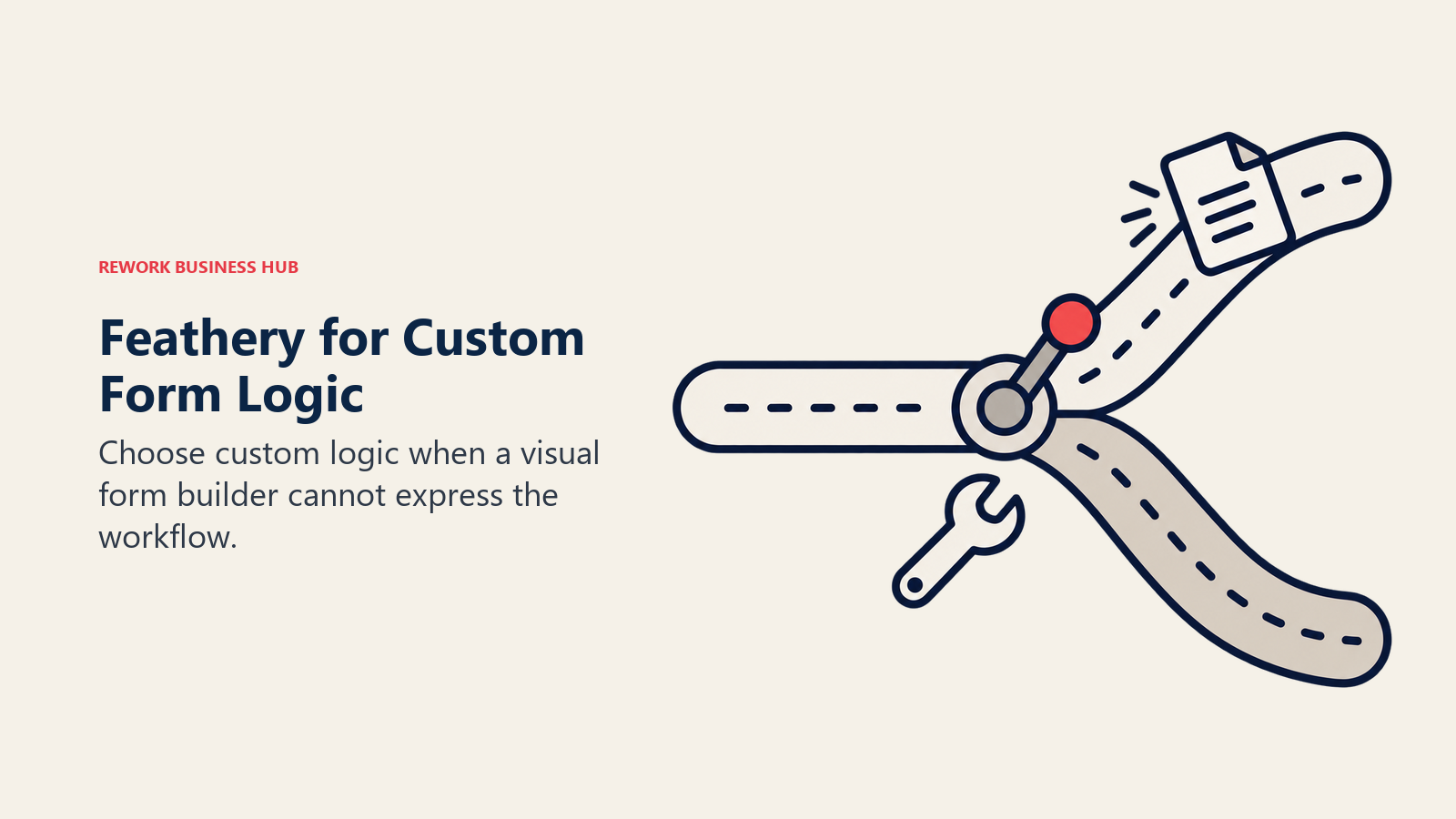
Feathery is built for teams that have outgrown what a visual conditional-logic builder can express. Every field, calculation, and branch can be written in real JavaScript, which makes it the pick for fintech-style forms, KYC flows, and multi-step applications with logic too complex for Cognito's built-in conditional rules. Stripe integration is developer-configured rather than a drop-in field, and the free tier (500 submissions/month, 5 live forms, 1 seat) is genuinely usable before you need to talk to sales. The cost is real: getting full value out of Feathery requires developer time, not a form-builder afternoon, which is the opposite of Cognito's no-code pitch.
| What you get | What you don't |
|---|---|
| Full custom logic via JavaScript, no ceiling | A no-code experience like Cognito's |
| Usable free tier before talking to sales | Published pricing above the Growth tier |
| Built for complex, multi-step application flows | Quick setup for non-technical form builders |
| Developer-configured Stripe payments | Cognito's simple drag-and-drop calculation fields |
Pricing: Free (500 submissions/month, 5 live forms, 1 seat, 10 MB uploads); Growth and Business are custom-quoted, no published price.
Best for: Product and engineering teams building complex application or onboarding flows that need logic beyond what a visual builder can express.
8. Tally: A Modern Builder With an Unlimited Free Plan
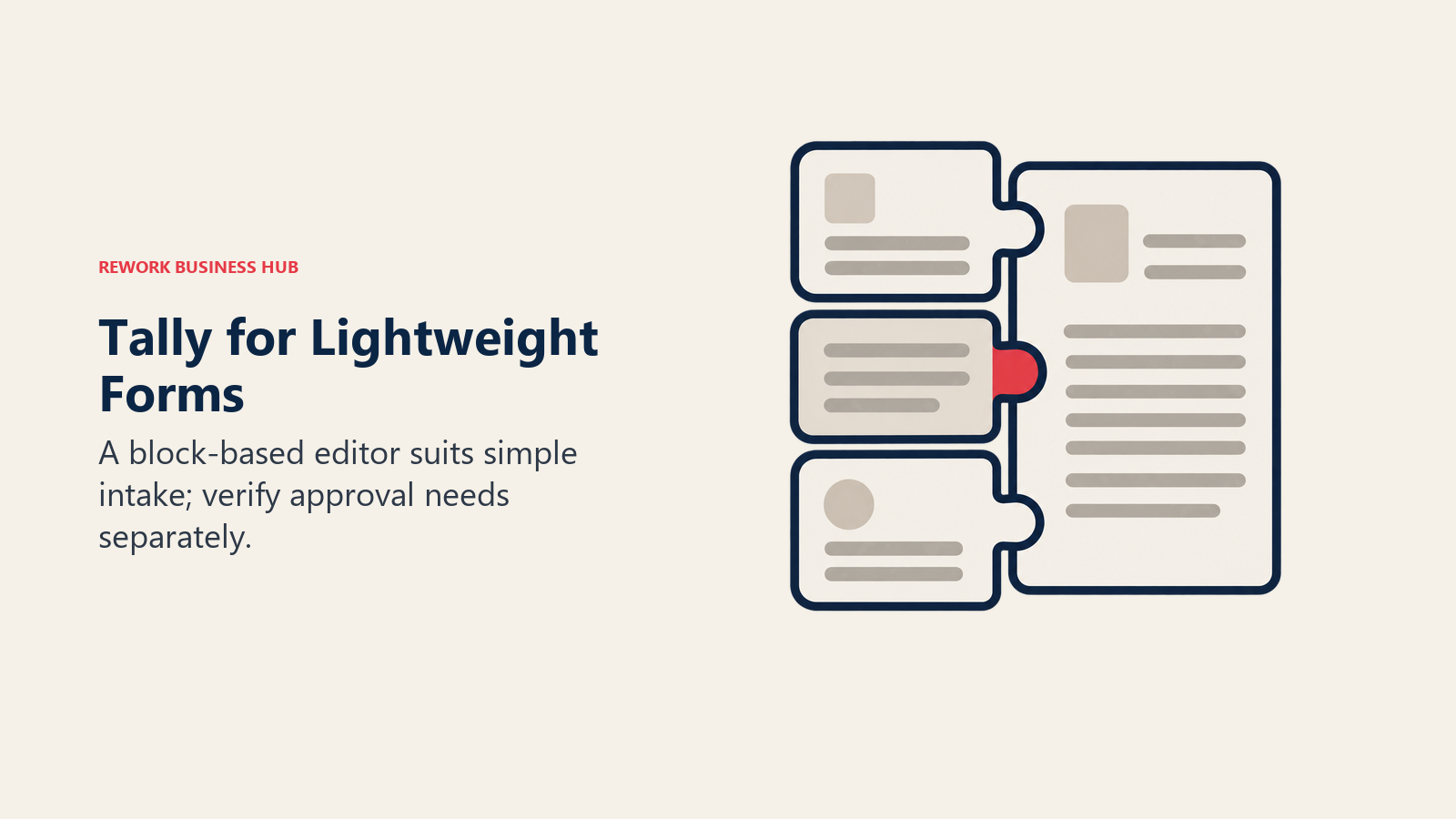
Tally answers the "Cognito's builder feels dated" complaint directly, with a Notion-style block editor that's faster to work in than Cognito's form-first canvas. The free plan includes unlimited forms and unlimited submissions under fair-use guidelines, which beats Cognito's 100-entry free cap outright, and it still includes conditional logic, basic formulas, and native Stripe payments at no cost. What's missing is workflow depth: no approval routing, no client portal, and calculations stay basic rather than Cognito's more capable fields. If Tally itself is too limited on workflow, our Tally alternatives roundup covers that gap, and the three-way against Jotform and Typeform is in Tally vs. Jotform vs. Typeform.
| What you get | What you don't |
|---|---|
| Unlimited forms and submissions on the free plan | Approval workflows or a client portal |
| Native Stripe payments included at no cost | Cognito's deeper calculation fields |
| Clean, fast, Notion-style block editor | Published annual dollar pricing (only "2 months free") |
| Conditional logic and basic formulas | HIPAA or SOC 2 compliance |
Pricing: Free (unlimited forms and submissions, fair-use guidelines); Pro $24/month (annual billing saves roughly two months, exact annual rate not published); Business $74/month (same annual discount structure).
Best for: Budget-conscious teams that want a modern builder with an unlimited free tier and don't need Cognito's workflow or approval depth.
9. Typeform: Design Wins, Calculations Lose
If the real complaint is that Cognito's forms look utilitarian, Typeform is the direct fix. Its one-question-at-a-time format and animated transitions consistently post stronger completion rates than a dense, field-heavy form, which matters most for customer-facing lead capture and applications. What Typeform doesn't do well is calculations: there's no true calculated field type, only logic jumps between questions, so quote builders and scored assessments belong elsewhere on this list. Payment collection is gated to the Business tier and above, well past Cognito's every-plan payments. For the direct comparison against Google Forms, see Typeform vs. Google Forms.
| What you get | What you don't |
|---|---|
| Best-in-class completion rates and design | A true calculated field type |
| Fast, non-technical building experience | Payments below the Business tier |
| Strong drop-off and completion analytics | Cognito's every-plan payment collection |
| AI-assisted form creation | Generous response caps on entry tiers |
Pricing: Free (100 responses/month, no conditional logic); Basic $28/month billed annually ($39/month month-to-month, 100 responses); Plus $56/month billed annually ($79/month month-to-month, 1,000 responses, 3 seats); Business $91/month billed annually ($129/month month-to-month, 10,000 responses, 5 seats); Enterprise custom.
Best for: Marketing and product teams that want forms to look and convert well, and don't need Cognito's calculation or workflow depth.
10. forms.app: Breadth of Calculators and Templates
forms.app covers similar ground to Cognito on paper: a dedicated calculator builder, conditional branching, and payment collection through Stripe, PayPal, or iyzico. Unlimited responses and unlimited team members apply on every tier, including the free one, which is more generous than Cognito's per-user free plan. The tradeoff is a shallower integration library than Jotform and a smaller footprint in North American B2B compared to the more established names on this list.
| What you get | What you don't |
|---|---|
| Unlimited responses and team seats on every tier | Deep third-party integration library |
| Dedicated calculator builder | Cognito's approval workflow depth |
| Payment collection via Stripe, PayPal, iyzico | Strong brand recognition in North America |
| Conditional, condition-based branching logic | HIPAA compliance tier |
Pricing: Free (5 forms, unlimited responses, 10 MB storage); Basic $19/month billed annually ($29/month month-to-month, 25 forms, 10 GB); Pro $29/month billed annually ($39/month month-to-month, unlimited forms, 100 GB); Premium $59/month billed annually ($79/month month-to-month, unlimited forms, 1 TB).
Best for: Teams that want unlimited responses and seats on every tier, including free, and don't need deep CRM integrations.
11. Google Forms: Zero Cost, Zero Calculation Story
Google Forms is the answer when the real problem is paying anything at all for a form. Internal surveys, event RSVPs, and simple polls work fine, and it's free with any Google account, no response cap. It's not built to replace what pulled someone toward Cognito in the first place: there are no calculation fields, no native payment collection, and conditional logic is limited to jumping between sections. Use it as the free baseline for internal, non-monetary forms, and pick a tool higher on this list for anything involving a quote, a payment, or scored logic. For the fuller picture, see best Google Forms alternatives.
| What you get | What you don't |
|---|---|
| Completely free, no entry cap | Any calculation field type |
| Google Workspace and Sheets sync | Native payment collection |
| Fast, simple building | Compliance certifications of any kind |
| Reliable uptime | Conditional logic beyond section jumps |
Pricing: Free with any Google account. Google Workspace Business Starter adds admin controls at $7.00/user/month on a 12-month commitment (promotional $3.50/user for the first 20 users in year one).
Best for: Internal surveys and zero-budget forms, not a replacement for Cognito's calculation or payment features.
12. Formstack: Enterprise Workflow, Enterprise Price
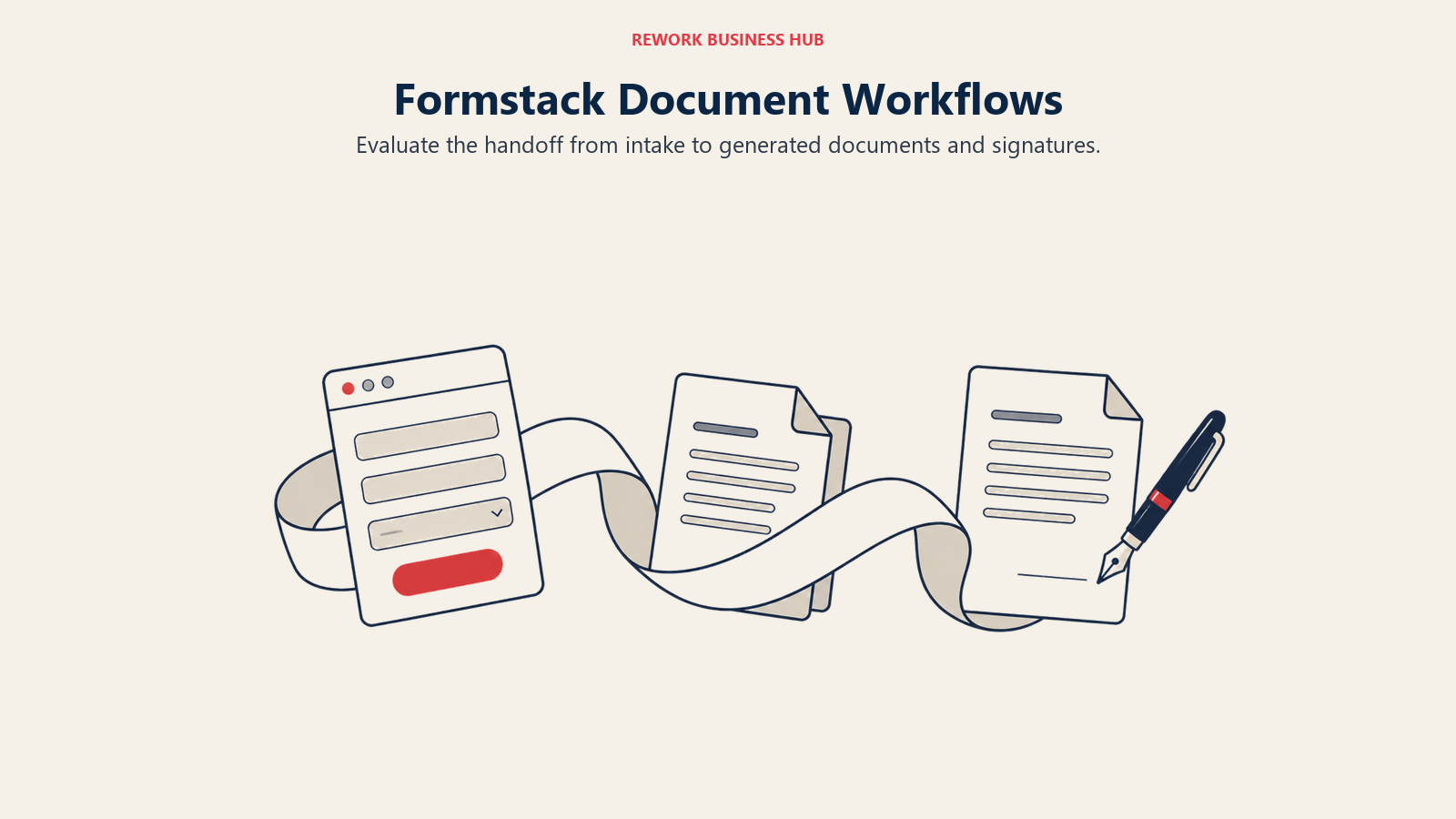
Formstack sits at the opposite end of the price scale from Cognito: strong calculations tied into full workflow automation, HIPAA and SOC 2 compliance out of the box, and a native Salesforce integration that runs inside the org itself. That depth costs real money: the $83/month billed annually Forms tier ($99/month month-to-month) buys just one builder seat and 25 forms, well above what Cognito charges for comparable calculation and payment features. It makes sense for regulated teams that need document generation and e-signatures bundled in; it's overkill for a team that just wants Cognito's calculation fields at a lower price. See best Formstack alternatives for the reverse comparison.
| What you get | What you don't |
|---|---|
| HIPAA, SOC 2, and native Salesforce integration | Cognito's SMB-friendly entry price |
| Document generation and e-signature bundled in | A free tier of any kind |
| Deep workflow automation tied to calculations | Simple, flat per-entry pricing |
| Built for regulated, enterprise intake | A quick, no-training builder experience |
Pricing: No free plan, trial only; Forms $83/month billed annually ($99/month month-to-month, 1 builder seat, 25 forms); Suite $250/month billed annually ($299/month month-to-month, 3 seats, 100 forms); Enterprise custom.
Best for: Regulated enterprise teams that need workflow, document generation, and e-signatures bundled with their forms, and have the budget for it.
13. Gravity Forms: Own Your Calculations Instead of Renting Them
Gravity Forms flips Cognito's SaaS pricing model entirely: an annual WordPress plugin license instead of a monthly per-entry fee. Calculations run through an add-on, and the GravityFlow add-on adds Cognito-style approval workflow logic on top. Elite runs $259 a year for unlimited sites and every add-on, a fraction of what Cognito's Enterprise tier costs annually, but it requires WordPress and someone comfortable managing plugin add-ons. For teams evaluating the category more broadly, best Gravity Forms alternatives covers the reverse angle.
| What you get | What you don't |
|---|---|
| Annual license instead of per-entry SaaS pricing | A hosted, no-install builder |
| Calculations and approval workflows via add-ons | A free tier |
| Full ownership of form data on your own server | Cognito's built-in payment collection simplicity |
| CRM, payment, and signature add-ons on Elite | Cloud-native automation without WordPress |
Pricing: Basic $59/year (1 site); Pro $159/year (3 sites); Elite $259/year (unlimited sites, all add-ons including payment processors).
Best for: WordPress-native teams that want to own their calculation and workflow logic outright instead of paying a recurring per-entry SaaS fee.
14. WPForms: The Easier On-Ramp for WordPress Calculations
WPForms covers similar ground to Gravity Forms (self-hosted, WordPress-native, annual license) but targets a less technical buyer. Calculations and conditional logic unlock from the Pro tier up, alongside Stripe, PayPal, and Square payment add-ons, and 2,100+ templates give most teams a starting point instead of a blank canvas. A free Lite version on WordPress.org lets you test the builder before committing to a license.
| What you get | What you don't |
|---|---|
| Easy drag-and-drop builder, 2,100+ templates | Calculations on the entry-level Basic tier |
| Payment processors on Pro tier and up | A hosted, no-WordPress-required builder |
| Free Lite version to test before buying | Cognito's every-plan payment collection |
| Site-based licensing instead of per-entry fees | Cloud workflow automation |
Pricing: Basic $49.50 first year, $99/year renewal (1 site, no calculations); Plus $99.50 first year, $199/year renewal (3 sites); Pro $199.50 first year, $399/year renewal (5 sites, calculations and payments unlock); Elite $299.50 first year, $599/year renewal (unlimited sites).
Best for: Non-technical WordPress teams that want an easy builder and don't need calculations until they're ready to upgrade to Pro.
Why Teams Leave Cognito Forms
| Pain Point | Detail | Who Feels It Most |
|---|---|---|
| Entry caps bite during busy months | 100/month free, 2,000/month on Pro | Growth teams running seasonal campaigns |
| Builder UI feels dated | Design and theming options are thin next to Typeform or Tally | Marketing and brand-conscious teams |
| Mobile-first form experience is weak | Responsive rendering lags newer, mobile-optimized builders | Consumer-facing intake forms |
| Integration library is shallower | Fewer native connectors than Jotform's 200+ | Ops teams syncing to multiple systems |
| HIPAA sits behind Enterprise | Compliance teams can't get there on Pro or Team | Healthcare and regulated intake |
| Two-user cap on Pro | Adding a third builder usually forces an upgrade | Multi-department organizations |
How to Choose: Decision Framework
| If you need... | Best pick | Why |
|---|---|---|
| Cognito's exact feature range, more templates | Jotform | Matching calculations, logic, and payments at scale |
| Approval workflows inside your CRM | Zoho Forms | Native fit with Zoho One |
| Calculated quotes styled as landing pages | Paperform | Native Stripe payments, strong scoring |
| Cognito's entry-based pricing philosophy | Wufoo | Simplest match to how Cognito meters, though its own roadmap has been frozen since 2020 |
| Deep calculation and scoring history | Formsite | Two decades of quote and assessment logic |
| Forms that write into your database | Fillout | Native Notion, Airtable, Supabase sync |
| Custom logic beyond a visual builder | Feathery | Full JavaScript control over every field |
| A modern builder, unlimited free tier | Tally | Beats Cognito's 100-entry free cap outright |
| Best-in-class design and completion rate | Typeform | Strongest conversion on customer-facing forms |
| Unlimited responses and seats on every tier | forms.app | More generous than Cognito's per-user free plan |
| Zero budget, internal use only | Google Forms | Free, in your existing Google Workspace |
| Enterprise workflow and document generation | Formstack | HIPAA, SOC 2, native Salesforce |
| Own your form infrastructure outright | Gravity Forms | Annual license, not per-entry SaaS |
| Easy, non-technical WordPress builder | WPForms | Drag-and-drop, 2,100+ templates |
What to Do Next
Narrow this list to two tools using the decision framework above, then run a real two-week pilot on one live intake process, not a test form. Watch three things: whether the calculation and conditional logic actually reproduce what Cognito's fields do today, how payment collection behaves at your real transaction volume, and whether the free or entry-level tier's cap survives a normal month rather than a quiet one.
If entry caps are the real complaint, Tally's unlimited free plan or Wufoo's entry-based pricing solve it directly. If it's the calculation depth you'd miss, Jotform, Zoho Forms, or Formsite match or exceed Cognito's fields. If the builder just feels dated, Typeform or Paperform are the better test. For the same fourteen tools ranked without the Cognito Forms starting point, see the full form builder comparison.
External Resources:
- Cognito Forms pricing: Individual through Enterprise plans
- Zuko form conversion statistics: form completion benchmarking
- Baymard Institute checkout field research: average field count vs. what's necessary
- Baymard Institute cart abandonment statistics: payment-method abandonment data
- NFIB small business technology survey: online payment acceptance among small businesses

Principal Product Marketing Strategist
On this page
- Key Facts
- Quick Comparison Table
- Calculations and Payments Capability Table
- Entry Limits at Volume
- Stage Fit Matrix
- Sizing and Persona Table
- 1. Jotform: Feature Parity With Cognito, at Broader Scale
- 2. Zoho Forms: Approval Workflows Inside Your Existing CRM
- 3. Paperform: Calculations Dressed Up as Landing Pages
- 4. Wufoo: The Original Entry-Based Alternative
- 5. Formsite: Calculation-Heavy Forms With Two Decades of History
- 6. Fillout: Database-Native Forms With Unlimited Seats
- 7. Feathery: Developer-Grade Custom Logic
- 8. Tally: A Modern Builder With an Unlimited Free Plan
- 9. Typeform: Design Wins, Calculations Lose
- 10. forms.app: Breadth of Calculators and Templates
- 11. Google Forms: Zero Cost, Zero Calculation Story
- 12. Formstack: Enterprise Workflow, Enterprise Price
- 13. Gravity Forms: Own Your Calculations Instead of Renting Them
- 14. WPForms: The Easier On-Ramp for WordPress Calculations
- Why Teams Leave Cognito Forms
- How to Choose: Decision Framework
- What to Do Next