Google Forms vs Fillout vs Paperform: When Free Forms Stop Being Enough in 2026
Turn this article into takeaways for your work.


Each assistant summarizes the article only for you and suggests best practices for your work.
Google Forms is the default starting point for a huge number of teams, and for good reason. It's free with any Google account, everyone already knows how to fill one out, and results land in a Sheet you already know how to read. For a quick internal poll, an RSVP, or a feedback form nobody needs to remember in a month, that's genuinely the right tool, not a compromise you'll grow out of by default.
The switch away from it happens for specific reasons, not general dissatisfaction. A form has to take a deposit. A submission has to write into Airtable or Salesforce instead of sitting in a spreadsheet someone checks manually. A quiz has to score a lead and route it. Or the form itself has to look like part of the brand, not a gray page with a logo pasted on top. This comparison covers two of the stronger answers to that switch, Fillout and Paperform, and treats Google Forms as what it actually is for a large share of readers: still the correct choice, right up until it isn't. Pricing below comes from each vendor's own pricing page.
TL;DR
| Dimension | Google Forms | Fillout | Paperform |
|---|---|---|---|
| Built for | Zero-budget internal collection | Ops workflows that write into a database or CRM | Branded pages that sell or book through the form |
| Pricing model | Free, standalone | Flat fee per workspace, metered by monthly responses | Flat fee per workspace, metered by annual submissions |
| Free tier | Unlimited, indefinitely | 1,000 responses/mo, unlimited forms and seats | 30 submissions/mo, 1 user |
| Conditional logic | Section jumps only | Full field-level logic, every tier | Full field-level logic, every tier |
| Native payments | None | Yes, every tier including Free | Yes, paid tiers only |
| CRM/database sync | None native, Sheets only | Native: Airtable, Notion, Supabase, HubSpot; Salesforce on Enterprise | Via Zapier or webhook, not native |
| Best for | Internal surveys, polls, zero-budget forms | Ops and product teams writing into an existing data stack | Marketing teams selling or booking through the form |
None of these three lead with Typeform's conversational, one-question-at-a-time completion-rate story. If that specific advantage is the priority rather than logic depth or native database writes, best Typeform alternatives is the more relevant list to work from.
What Each Tool Is Actually Built For
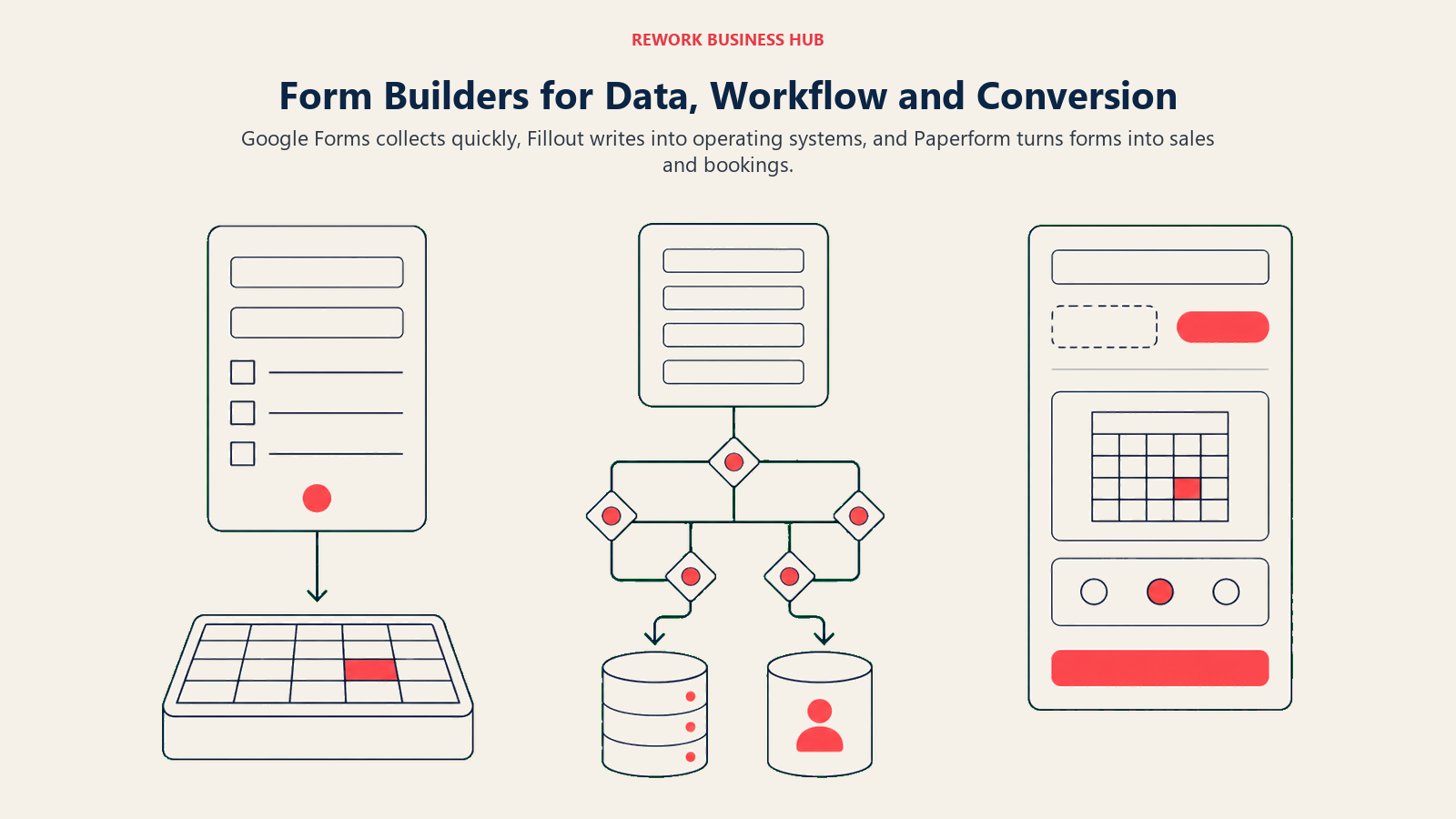
Google Forms doesn't try to be more than it is. It's available to anyone with a Google account, results write to a Sheet automatically, and there's no trial period or feature wall standing between you and a working form. That simplicity is the entire pitch: no login screen to build, no template to pick from a marketplace, no pricing page to read before you start. For a form an internal team fills out once, that's not a limitation, it's the fastest possible path from idea to data.
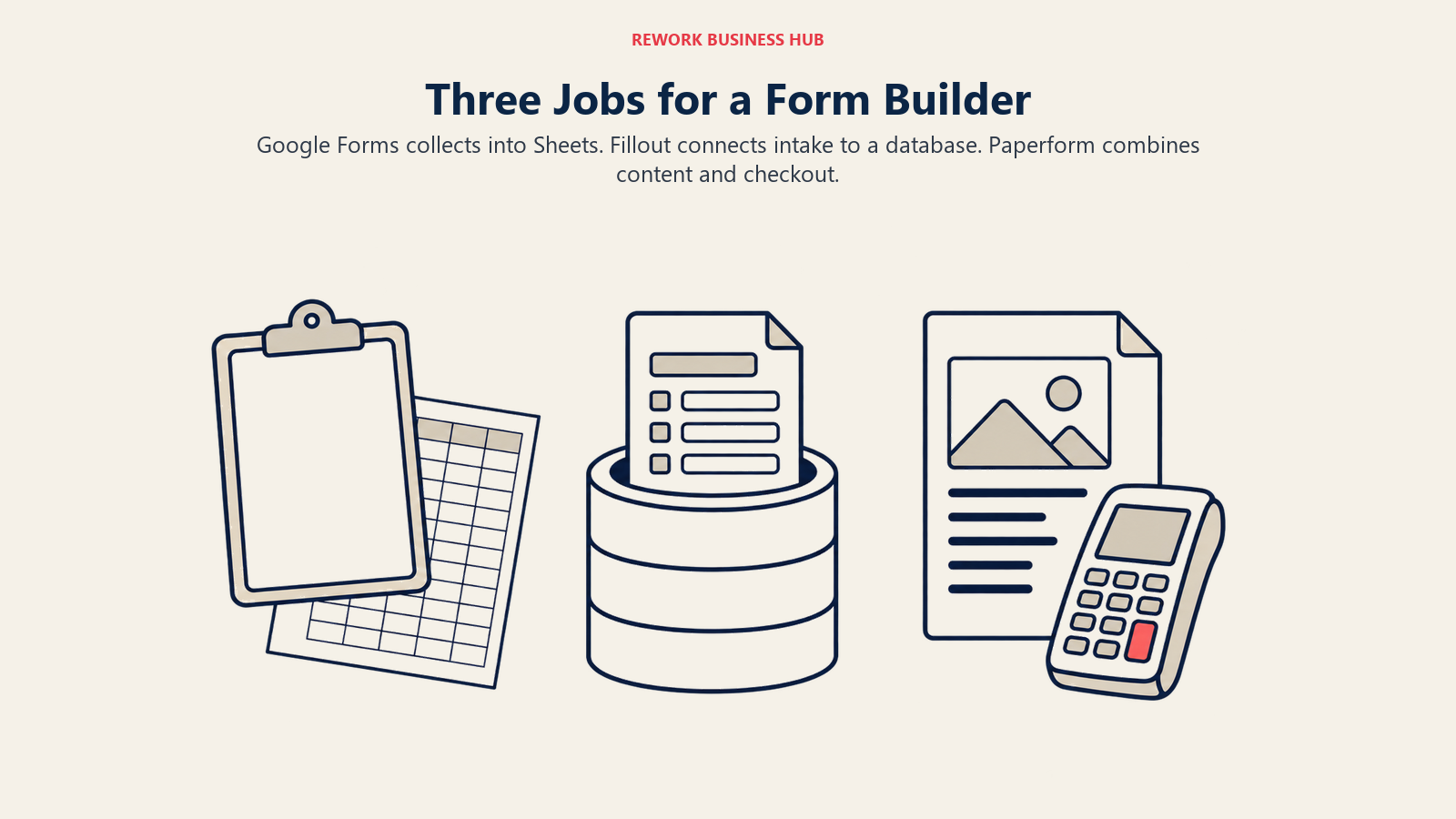
Fillout is built around a different bet: a form is only useful once its answers are somewhere you can act on, and that somewhere is rarely a spreadsheet the form tool owns. Every response can write straight into Airtable, Notion, Supabase, Google Sheets, or a CRM with the field mapping intact, no Zapier step in between for the systems it natively supports. The logic engine underneath is built for real branching: multi-condition rules, calculations, scheduling, and payments, all included from the free tier up. It's a workhorse for ops and product teams who treat the form as the front end of a database they already run.
Paperform starts from the opposite end: a form should read like a page, not a widget. Images, video, and rich formatting sit next to the fields, so the same tool builds a lead magnet, a product-recommendation quiz, or a paid workshop booking page, complete with native Stripe checkout. Calculation and scoring fields let a form compute a price or a result live as someone fills it in. It's the pick for a team that needs the form itself to do some selling, not just collect an answer.
| Google Forms | Fillout | Paperform | |
|---|---|---|---|
| Primary buyer | Anyone with a Google account | Ops manager, product manager, RevOps | Marketing manager, small business owner |
| Team size sweet spot | Any size, for internal use | 1 to 100 | 1 to 50 |
| Buying trigger | None, already available | A submission needs to land in a real database or CRM | A form needs to look and sell like a real page |
| Typical form | Poll, RSVP, internal feedback | Intake form, application, ops request | Lead magnet, quiz, paid booking |
If Google Forms is already stretching thin for you specifically, best Google Forms alternatives widens the field past just these two, and how to choose form builder software walks through the fuller evaluation checklist.
Where Google Forms Stops Being Enough
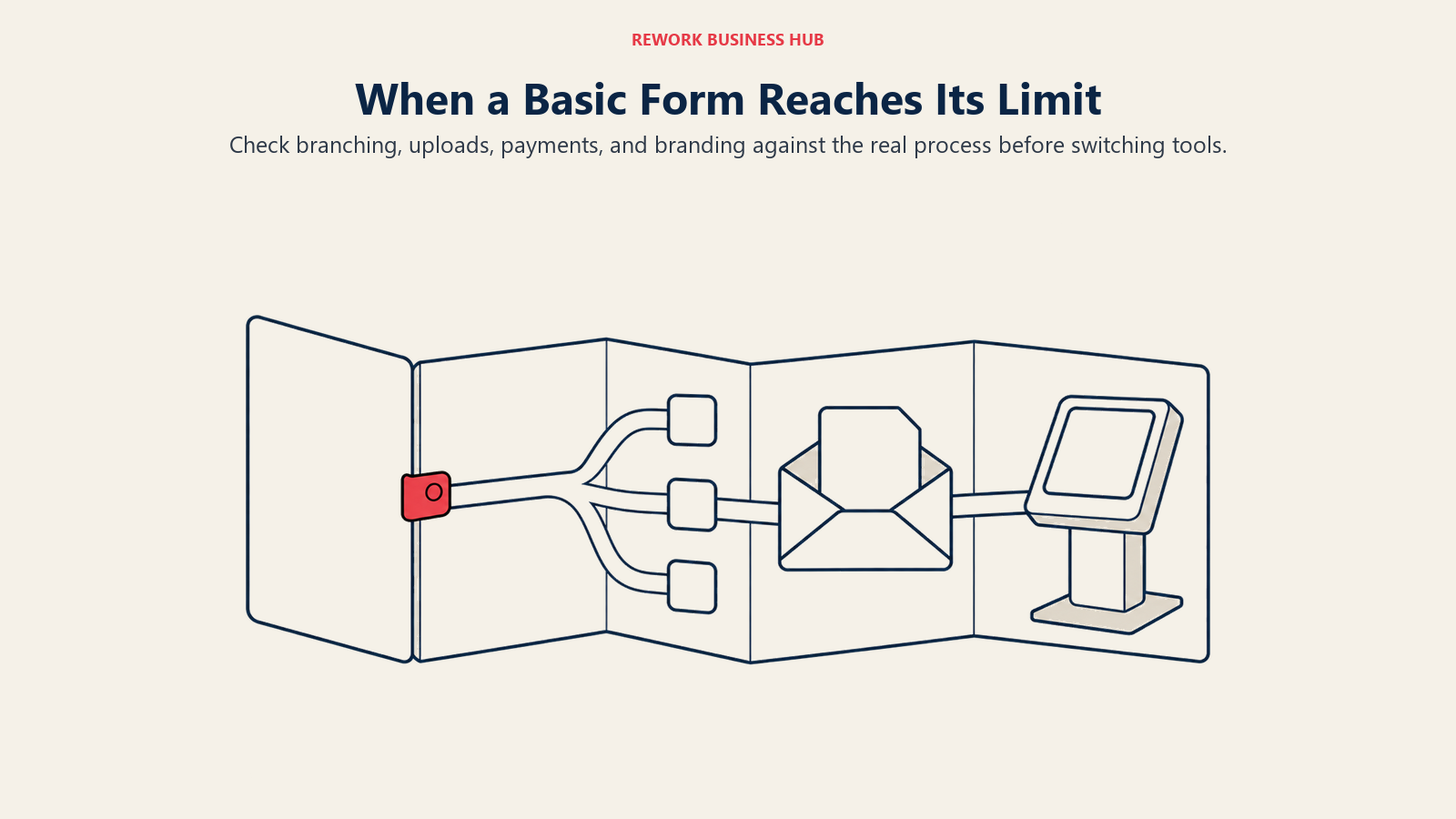
Google Forms doesn't get worse as a product over time. It has a ceiling, and that ceiling is more specific than "basic." Here's precisely where it stops covering a real business process, and what Fillout or Paperform does instead.
| Capability | Google Forms | Fillout | Paperform |
|---|---|---|---|
| Conditional logic | "Go to section based on answer" only, no multi-condition rules or field-level show/hide within a section | Full logic: multi-condition rules, field-level show/hide, calculations | Full logic: show/hide fields and pages based on prior answers |
| Payments | None. No way to charge a card without exporting to a separate invoicing tool | Native, every tier including Free, via a connected Stripe or PayPal account | Native Stripe checkout, paid tiers only |
| Branding | One theme color, one header image, one font choice; the Google Forms footer can't be removed and there's no custom domain | Custom theme and logo from Starter; custom domain and custom CSS from Business | Full page-style design on every tier; custom domain included at Business |
| File uploads | Respondent must sign into a Google account to answer a file-upload question, and the file lands in the form owner's own Drive, counting against their personal storage | Up to 20MB per file on Free through Pro, 1GB and up on Business, no respondent account required | Supported without a respondent sign-in requirement |
| Partial-submission capture | None. A respondent who closes the tab halfway through leaves nothing behind | Sold explicitly as a Business-tier feature: captures answers from people who start but never finish | Not a named feature in the plan comparison |
| Notifications and permissions | One native toggle, and it emails the form owner only; routing a submission to more than one inbox needs a separate add-on. Sharing is binary: a public link, or restricted to your Workspace domain | Any teammate with workspace access can be looped in; access isn't gated by seat count since pricing is flat per workspace | Notification routing and granular user permissions expand at the Business tier |
The file-upload and notification limits are the two buyers most often miss until they hit them. Google's own help documentation confirms a respondent needs a Google account to answer a file-upload question, and that the files land in a new folder on the form owner's own Drive, not a shared or admin-controlled location (Google Docs Editors Help). Response notifications work the same way: the native toggle sends new-response emails to the form owner, and reaching a second person on the team requires a separate add-on rather than a setting (Google Docs Editors Help).
None of this makes Google Forms a bad product. It makes it a product with a specific job, and that job stops at the edge of the table above.
Decision by Business Goal
Match the row that describes what you're actually trying to get out of the form, not the tool you've already heard of.
| Business Goal | Best Fit | Why |
|---|---|---|
| Get something running today with no budget and no approval process | Google Forms | Already in your account, no signup, no card required |
| Get a submission into Airtable, Notion, Supabase, or a CRM without a Zap that can break | Fillout | Native writes to those systems with field mapping intact |
| Take a payment or booking through the form itself | Paperform | Native Stripe checkout built into the form, not bolted on |
| Build a form deep enough to replace a real intake workflow | Fillout | Multi-condition logic, calculations, and scheduling on every paid tier |
| Capture people who start the form but don't finish | Fillout | Partial-submission capture is a named, purchasable feature |
| Build a quiz or product-recommendation flow that has to convert | Paperform | Rich media plus scoring fields designed for exactly this |
| Run an internal poll or RSVP nobody will look at again next month | Google Forms | Zero setup cost for a form with a short shelf life |
| Keep the lowest total cost at high volume, 10,000-plus responses a month | See pricing below | Fillout and Paperform land within $24 a month of each other at that volume |
Team and Role Fit
| Role | Best Fit | Primary Use Case |
|---|---|---|
| Office manager or HR admin running internal surveys | Google Forms | Polls, RSVPs, pulse checks, zero setup |
| Ops or RevOps writing submissions into a CRM or database | Fillout | Native sync removes the middleware step |
| Marketing manager selling through the form | Paperform | Landing-page-style design with native payments |
| Product manager collecting structured feedback into Notion or Airtable | Fillout | Submissions land directly in the existing base |
| Small business owner running bookings or paid workshops | Paperform | Calculation fields plus Stripe checkout |
| Founder or solo operator with no budget yet | Google Forms | Free, familiar, no setup time to lose |
What Buyers Underestimate
| Dimension | Google Forms | Fillout | Paperform |
|---|---|---|---|
| Where response data lives | Google's infrastructure; a personal Google account has no data-region choice at all, region controls exist only on paid Workspace Business/Enterprise tiers | AWS via Render.com by default (US); EU-based hosting exists but requires upgrading past the entry tiers and a support request to enable it (Fillout GDPR help) | AWS, US-based by default; other regions require emailing support directly, there's no self-serve EU toggle; a "bring your own S3 bucket" option exists for full data ownership (Paperform help center) |
| Does the respondent need an account | Yes, for any file-upload question; no account needed for the rest of the form | No account required for any question type | No account required for any question type |
| Payment processing | Not applicable, no native payments | Runs through your own connected Stripe or PayPal account | Runs through your own connected Stripe account |
| Export and migration | Automatic, real-time Google Sheets sync; export from there to CSV, XLSX, or PDF with no extra step | CSV export plus live database sync; nothing is trapped if you cancel, but there's no automatic spreadsheet mirror the way Sheets provides | CSV export available; confirm historical data export with support before downgrading past Business |
Two of these are easy to miss until it's too late to matter. First, payments: both Fillout and Paperform charge through your own Stripe account, so Stripe's standard US rate, 2.9% plus 30 cents per successful transaction, applies on top of whatever you pay Fillout or Paperform for the subscription itself (Stripe pricing). Neither form tool takes an additional cut of the transaction on top of that, based on their published pricing pages. Budget the processor's fee separately from the software subscription; they're not the same line item.
Second, data residency. If your form collects data from EU respondents and that matters to your compliance posture, don't assume any of the three has a self-serve answer. A free or personal Google account has no region control at all. Fillout's EU hosting exists, but it sits behind a paid tier and a support request, not a checkbox on signup. Paperform's is the least automated of the three: a US default with a manual request required to change it. If GDPR posture is the deciding factor rather than a nice-to-have, confirm it directly on the vendor's own compliance page before you commit, not in a comparison article, including this one. GDPR-Compliant Lead Capture for EU Markets covers what actually has to be true of your capture infrastructure beyond a consent checkbox.
Pricing at 100, 1,000, and 10,000 Monthly Responses
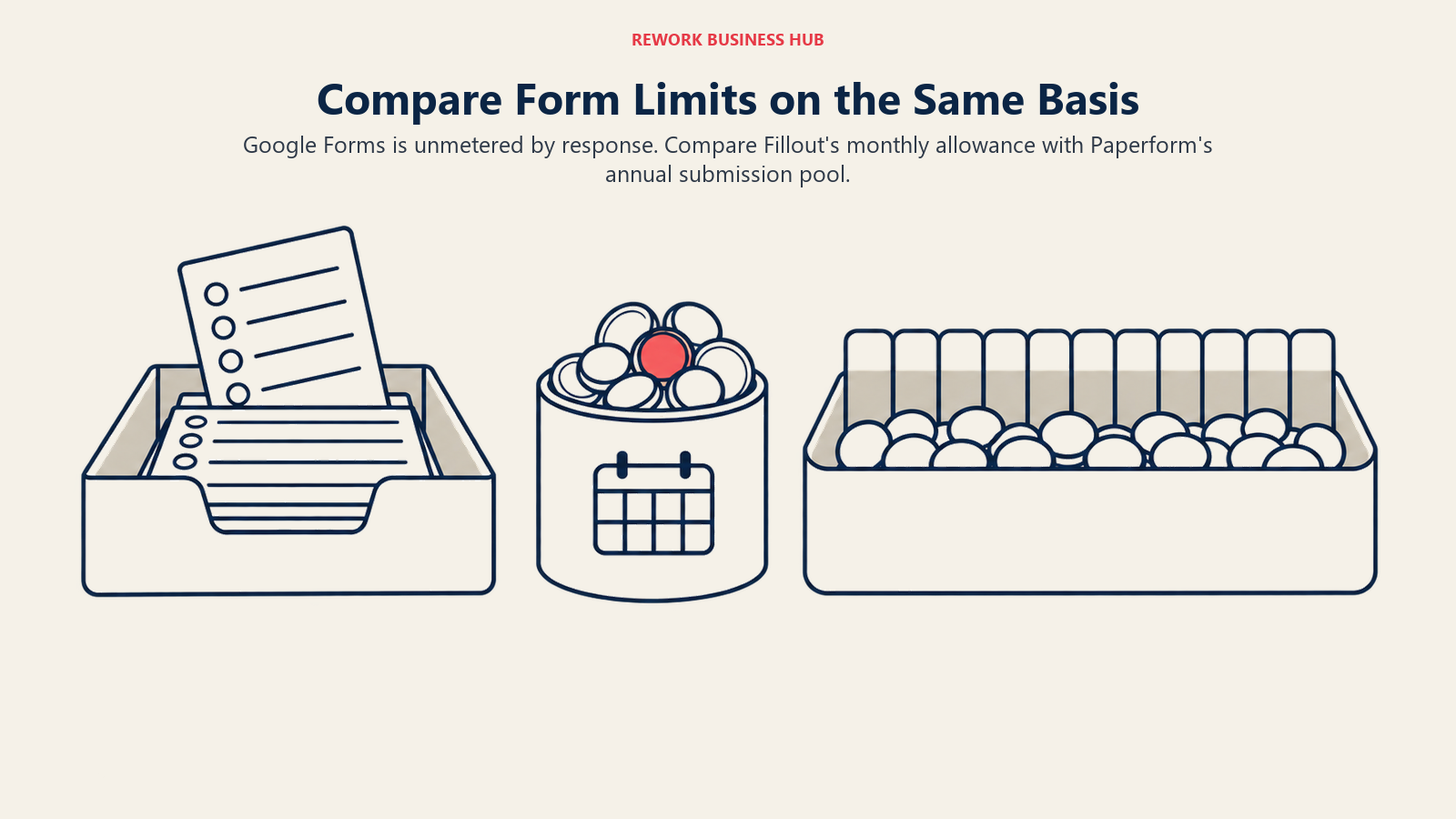
Each vendor meters differently, and that difference changes the ranking more than the sticker price does. Google Forms doesn't meter by response at all, so its price is the same at any volume. Fillout meters by responses per month, a hard cap that resets every 30 days. Paperform meters by submissions per year, pooled across twelve months, which matters if your volume spikes in one month and goes quiet the next.
| Monthly response volume | Google Forms | Fillout | Paperform |
|---|---|---|---|
| 100/mo | $0, unmetered | Free tier covers it, $0/mo | Essentials tier, $24/mo ($288/yr) |
| 1,000/mo | $0, unmetered | Free tier, $0/mo, but this is the exact cap; any month that runs over bumps you into Starter at $15/mo | Pro tier, $49/mo ($588/yr) |
| 10,000/mo | $0, unmetered | Business tier, $75/mo ($900/yr) | Business tier, $99/mo ($1,188/yr) |
Paperform's numbers land on these benchmarks almost exactly by design: its annual caps of 1,200, 12,000, and 120,000 submissions divide out to exactly 100, 1,000, and 10,000 a month. But that's an annual pool, not a monthly hard cap the way Fillout's is, so a busy month that borrows against a quiet one doesn't force an upgrade the way it would on Fillout. Overage on Paperform bills per additional block ($7.50 to $10 a month per few thousand extra submissions, by tier) instead of an immediate plan change.
One more pricing quirk: neither Fillout nor Paperform discounts for paying annually. Fillout's Starter plan is $15 a month whether you pay monthly or commit for the year at $180. Paperform's Essentials is $24 a month either way, at $288 a year. That's different from Jotform and Typeform, which charge a materially higher month-to-month rate than their annual rate (see Jotform vs Typeform for that comparison). Here, the number on the pricing page is simply the number you pay.
Fillout also prices per workspace, not per seat: every tier from Free to Business includes unlimited users. Paperform prices per seat above the entry tier: Free and Essentials are single-user, Pro includes 3 users, and Business includes 5 with additional seats at $9 a month each, up to 25. A five-person team on Fillout Business ($75/mo) costs exactly the same as a one-person team on Fillout Business. The same five-person team on Paperform Business costs $99/mo flat since 5 seats are already included, but a tenth person adds $45/mo on top.
Google Forms itself never carries a bill of its own. If you want it alongside the rest of Google Workspace rather than a standalone personal account, that's a Workspace decision, not a Forms one:
| Google Workspace tier | Price per user, billed annually |
|---|---|
| Business Starter | $7/user/mo |
| Business Standard | $14/user/mo |
| Business Plus | $22/user/mo |
| Enterprise | Custom |
None of that is a Forms bill. It's the cost of Workspace generally, and Forms rides along free either way, standalone or bundled.
Fillout Pricing in Detail
| Plan | Monthly | Annual | Responses/mo | Users | Notable |
|---|---|---|---|---|---|
| Free | $0 | $0 | 1,000 | Unlimited | Payments, conditional logic, 20MB uploads |
| Starter | $15 | $180/yr | 2,000 | Unlimited | Custom theme, logo, Calendly integration |
| Pro | $40 | $480/yr | 5,000 | Unlimited | Custom emails, remove branding, custom CSS |
| Business | $75 | $900/yr | Unlimited | Unlimited | Custom domain, form analytics, partial submissions |
| Enterprise | Custom | Custom | Custom | Unlimited | Salesforce integration, custom terms |
Source: Fillout's pricing page.
Paperform Pricing in Detail
| Plan | Monthly | Annual | Submissions | Users | Notable |
|---|---|---|---|---|---|
| Free | $0 | $0 | 30/mo | 1 | No calculations, no API access |
| Essentials | $24 | $288/yr | 1,200/yr | 1 | Scoring, calculations, product sales |
| Pro | $49 | $588/yr | 12,000/yr | 3 | Conditional logic, webhooks, custom PDFs |
| Business | $99 | $1,188/yr | 120,000/yr | 5 (+$9/mo per extra, to 25) | Custom domain, SSO/SAML, API access |
| Enterprise | Custom | Custom | Custom | Custom | Bespoke functionality, per Paperform's sales team |
Source: Paperform's pricing page. A 7-day free trial is available on paid tiers, no card required.
Implementation and Change Management
| Factor | Google Forms | Fillout | Paperform |
|---|---|---|---|
| Time to first form | Minutes, no signup beyond an existing Google account | Under an hour, including connecting a database integration | Under an hour, including a Stripe connection |
| Who needs training | Nobody, most people have used it before | Whoever owns the destination database should map fields once | Whoever owns the payment and product setup |
| Migrating off Google Forms | N/A | Rebuild the form; Google's own export is a Sheet, not a portable form file | Rebuild the form; same limitation |
| Ongoing maintenance | Near zero | Low, integration mapping needs a check after either platform changes a field | Low, mainly re-checking payment and pricing logic after changes |
The real migration cost isn't the subscription, it's the rebuild. None of these three tools imports a competitor's form definition directly, so moving from Google Forms to either alternative means recreating the fields, not importing a file. Budget an afternoon for a simple form, longer for one with real branching logic already built out in Google Forms' section-jump structure, since that structure doesn't map one-to-one onto Fillout's or Paperform's field-level conditions.
Risk and Governance
| Risk factor | Google Forms | Fillout | Paperform |
|---|---|---|---|
| Vendor maturity | Alphabet-backed, effectively permanent | Newer, smaller team, still building out enterprise features | Founded 2016, bootstrapped, no outside investors |
| Compliance certifications | Inherits Workspace's compliance posture on paid tiers; none on a personal account | GDPR-ready; no HIPAA claim published | GDPR-ready; no HIPAA claim published |
| Data ownership if you cancel | Data stays in your own Drive regardless of billing status | Export before downgrading; existing forms stay live on the free tier | Confirm export with support before downgrading past Business |
| Account continuity risk | Tied to the form owner's individual Google account unless ownership is transferred within Workspace | Workspace-level access, not tied to one person's login | Workspace-level access, not tied to one person's login |
None of the three publishes a HIPAA claim, so a healthcare intake form or anything touching protected health information belongs on a purpose-built tool instead. The full form builder comparison covers Formstack and Cognito Forms, which do carry that compliance depth.
The quieter risk sits with Google Forms specifically: a form built under someone's personal Google login stays tied to that login unless it's explicitly transferred to a Workspace-managed account before that person leaves the company. Fillout and Paperform don't have this problem, since access is managed at the workspace level from the start, not the individual account level.
When Each Tool Is the Right Call
Google Forms
- The form is internal, the stakes are low, and nobody downstream needs the data in anything but a spreadsheet
- You need something running in the next ten minutes with zero procurement and zero cost
- Respondents are already inside your Google Workspace domain and don't need branding to trust the form
- The form's entire lifespan is a single event: an RSVP, a one-time poll, a quick pulse check
Fillout
- A submission has to land in Airtable, Notion, Supabase, or a CRM without a Zapier step that can quietly break
- The form needs real conditional logic: multi-condition branching, calculations, or scheduling built in
- You want to know who started the form and didn't finish, not just who completed it
- Team size is fluid and you don't want pricing tied to how many people have access
Paperform
- The form has to sell something: a product, a booking, a paid workshop, through native Stripe checkout
- Design is part of the pitch, and the form needs to read like a landing page, not a data-entry screen
- You're running a quiz or assessment where a score or recommendation needs to compute live
- A small, stable team (3 to 5 people) is the natural ceiling, not a constraint you'll hit soon
Decision Framework
| If you are... | Pick |
|---|---|
| Collecting internal, low-stakes data with zero budget | Google Forms |
| Sending submissions straight into Airtable, Notion, Supabase, or a CRM | Fillout |
| Selling a product or booking through the form itself | Paperform |
| Building a form with real multi-condition logic or calculations | Fillout or Paperform, see the thresholds table above |
| Worried about respondents needing an account just to answer | Fillout or Paperform, neither requires one |
| Choosing based on GDPR posture specifically | Read each vendor's own compliance page before committing, not this article |
| Comparing every option in the category, not just these three | See the full form builder comparison |
What to Do Next
Pick based on what happens after submission, not the interface. If the answer lands in a spreadsheet and nobody else needs it, Google Forms is the right call, not a placeholder until you can afford something else. If the answer needs to land in a system you already run on, Fillout removes the export step. If the form itself needs to close a sale or a booking, Paperform is built for that specific job.
Run one real form on your shortlisted tool for two weeks, not a test form, an actual one people will fill out. Watch two things: whether the free or entry tier's cap actually holds at your real volume, and whether the conditional logic behaves the way you expect when someone answers out of the order you designed for.
If the actual gap isn't the form at all, it's what happens to the lead after it's captured (who it gets assigned to, whether it's tracked through a pipeline), that's a lead management problem, not a form builder one, and none of these three tools are built to solve it. Rework's Lead Ops module is built around exactly that handoff, forms feeding straight into a pipeline with routing rules attached, worth a look if that's the actual gap rather than the form itself.
For the layer that connects a form to everything downstream, Form-to-CRM Automation covers the patterns that make a submission useful instead of just stored, and Zapier vs n8n vs Make compares the automation tools most teams eventually need regardless of which form builder they pick. If per-seat software costs across your broader stack are the bigger question, the true cost of software sprawl makes that case with real numbers.
Frequently Asked Questions about Google Forms, Fillout, and Paperform
Is Google Forms good enough for a small business?
For internal use, yes. Polls, RSVPs, and quick feedback forms work fine on Google Forms with no cost and no setup. It stops being enough once a submission needs to trigger a sale, a payment, or a workflow beyond a spreadsheet.
Which is cheaper, Fillout or Paperform?
At low volume they're close. Fillout's free tier covers up to 1,000 responses a month at no cost, while Paperform's cheapest paid tier starts at $24 a month for roughly 100 submissions a month. At 10,000 monthly responses, Fillout Business runs $75 a month against Paperform Business at $99 a month.
Does Google Forms support payments?
No. There's no native way to charge a card through a Google Form. Both Fillout and Paperform support native Stripe payments, though Stripe's own processing fee, 2.9% plus 30 cents per transaction, applies on top of the subscription cost either way.
Are Fillout or Paperform GDPR compliant?
Both publish GDPR-readiness documentation. Fillout offers EU-based hosting for form data, but only on higher-tier plans and after a support request. Paperform hosts in the US by default and requires contacting support directly to discuss alternate regions. Neither offers a self-serve EU hosting toggle on its entry tiers.
Can I migrate a form from Google Forms to Fillout or Paperform?
Not as a direct import. None of the three tools imports a competitor's form file, so migrating means rebuilding the fields in the new tool. Response data itself exports cleanly from Google Sheets as CSV or XLSX for reference while you rebuild.
Do respondents need an account to fill out these forms?
Not for standard questions on any of the three. Google Forms is the exception for file uploads specifically: a respondent must sign into a Google account to answer a file-upload question, though the rest of the form doesn't require one.

Principal Product Marketing Strategist
On this page
- TL;DR
- What Each Tool Is Actually Built For
- Where Google Forms Stops Being Enough
- Decision by Business Goal
- Team and Role Fit
- What Buyers Underestimate
- Pricing at 100, 1,000, and 10,000 Monthly Responses
- Fillout Pricing in Detail
- Paperform Pricing in Detail
- Implementation and Change Management
- Risk and Governance
- When Each Tool Is the Right Call
- Google Forms
- Fillout
- Paperform
- Decision Framework
- What to Do Next