Typeform vs Google Forms: Which Form Builder Is Worth Paying For in 2026?
Turn this article into takeaways for your work.


Each assistant summarizes the article only for you and suggests best practices for your work.
Typeform and Google Forms don't really compete for the same buyer. They compete for the same question: is a form worth paying for at all? If you're an owner, marketing lead, or ops manager at a 20-to-500-person company staring at a pricing page trying to answer that, you deserve a straighter answer than either vendor's homepage gives you.
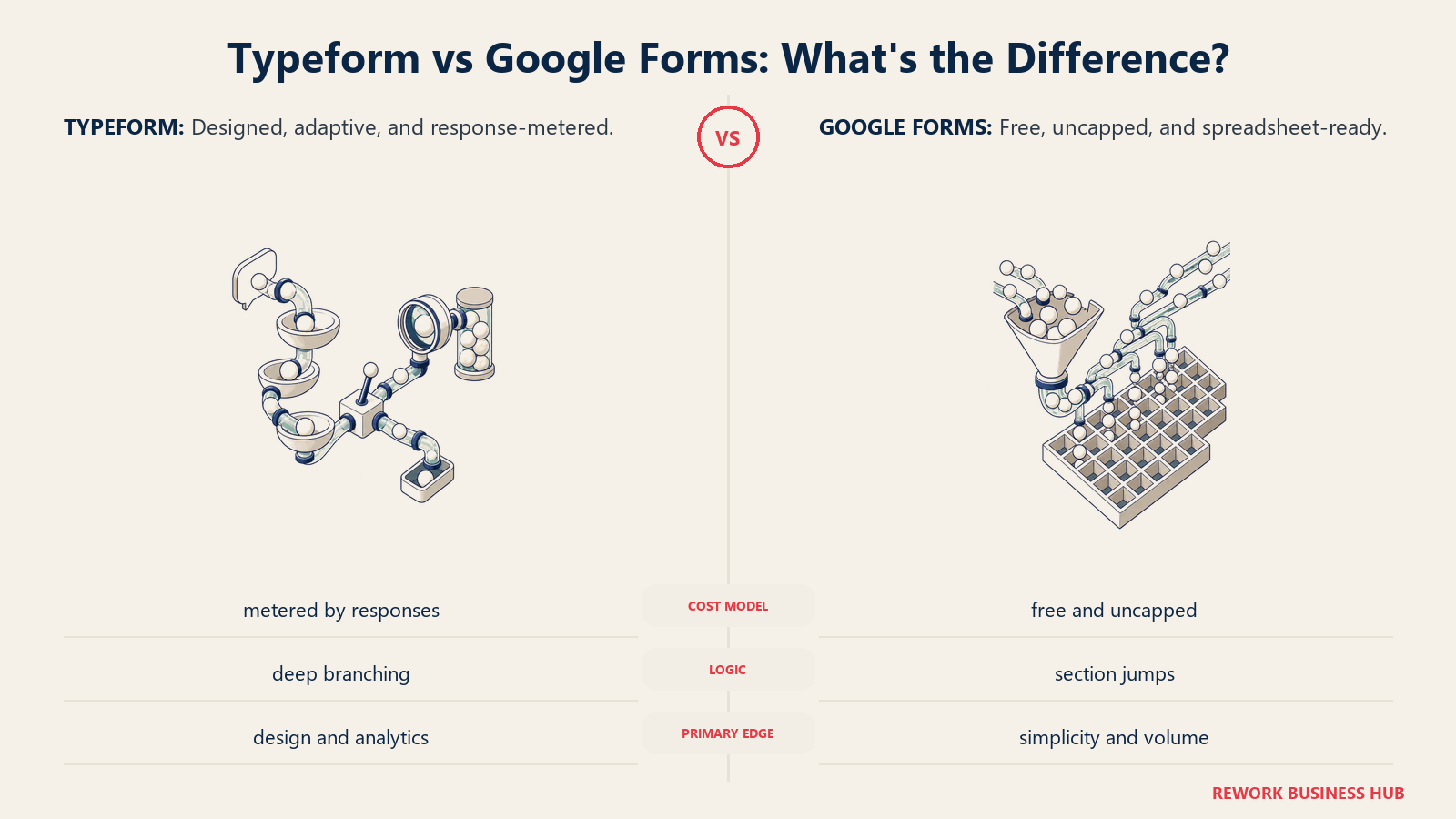
Google Forms is free with any Google account, has no published response cap, and writes straight into a spreadsheet everyone on the team already knows how to read. Typeform charges by the response, and its free plan carries a limit that catches a lot of people off guard the first time they hit it: zero conditional logic, at any price, until you upgrade, and the first paid tier keeps the exact same 100-response ceiling the free plan already gives you. Neither fact is spin. They're the actual story, and running the real numbers next to the real limits is the only way to know which one is worth paying for, and when.
TL;DR
| Dimension | Typeform | Google Forms |
|---|---|---|
| Core bet | Fewer, better-designed forms finish more often; charge per response | Free is the entire pitch, forever, for anyone with a Google account |
| Founded | 2012, Barcelona; venture-backed, $135M Series C | Launched 2008, owned and run by Google |
| Free plan | 100 responses/month, unlimited questions, no conditional logic | Free with any Google account, no published response cap |
| Cheapest paid tier | Basic: $28/month billed annually ($39/month month-to-month), still 100 responses/month | None. Forms has never been a paid product |
| Conditional logic | None on Free; unlocked at Basic, but volume doesn't rise with it | Section-jump branching only, on the only tier there is |
| Branding removal | Not offered at any published tier | Not applicable, there's no branding to buy off |
| Custom domain | Enterprise only | Not offered at any tier |
| Native payments | Via Stripe, paid plans only | None |
| Drop-off analytics | Per-question, on paid plans | None beyond a basic response summary |
| Best for | A small number of external, brand-forward forms where completion rate is the metric | Internal surveys, RSVPs, quizzes, anything that just needs to land in a Sheet |
Who Each Tool Is Actually Built For
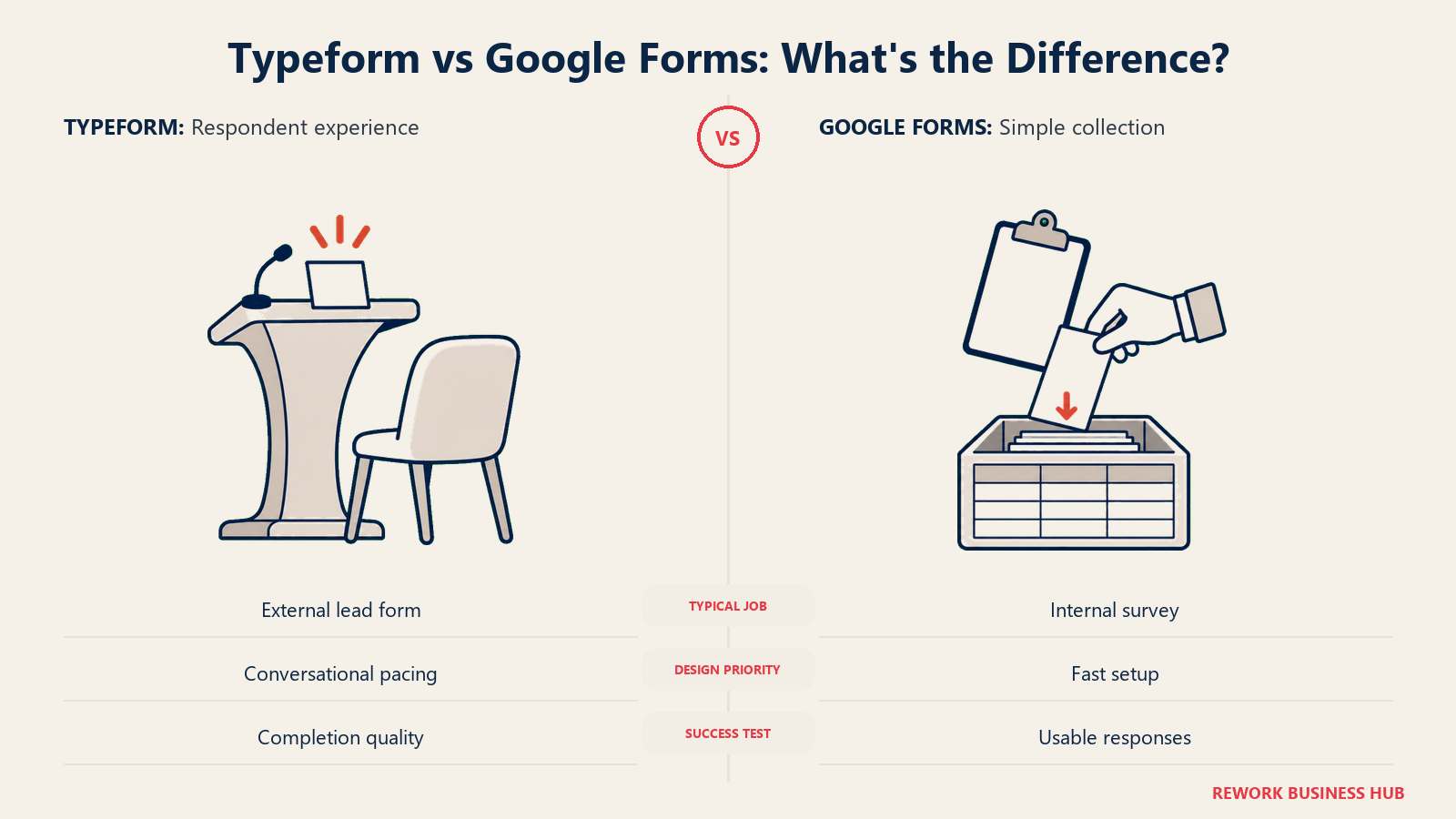
Typeform emphasizes the respondent experience; Google Forms emphasizes straightforward collection.
| Typeform | Google Forms | |
|---|---|---|
| Primary buyer | Marketing and growth teams running a handful of external, high-stakes forms | Anyone with a Google account: HR, ops, teachers, event organizers, internal teams |
| Team size sweet spot | 1 to 100 people | Any size, for internal or low-stakes external use |
| Buying trigger | An existing form's completion rate is too low and it's costing pipeline | None. It's already sitting in the Google account everyone already has |
| Typical form | Lead-gen page, customer feedback survey, quiz, job application | Event RSVP, internal poll, pulse survey, simple registration, quick intake |
| What "good" looks like | A form that reads like a conversation and gets finished | A form that gets built in five minutes and needs no explanation |
Typeform's whole product is an argument that the respondent's experience is the product. Google Forms' whole product is an argument that a form should cost nothing and require no explanation. Neither is trying to be the other, and judging one against the other's stated goal (does Google Forms "convert" as well as Typeform, is Typeform "as free" as Google Forms) misses what each was actually built to do.
What "Free" Actually Means on Each Plan
Both reputations here, "Google Forms is free and unlimited" and "Typeform's free plan is basically useless," are close to true, and both need the specific numbers attached before you act on them.
Google Forms really is free with any Google account, and there's no published response cap on its current pricing page: you can collect 50 responses a month or 50,000 on the exact same $0 plan. That's the whole case for it, and it's a genuine one. What the free-and-unlimited framing leaves out is everything else the plan doesn't do, at any price: no way to remove Google's own minimal styling, no custom domain, no native payment collection, no partial-response capture from someone who closes the tab halfway through, and no analytics deeper than a response-count summary and a per-question answer distribution.
Typeform's free plan is exactly as limited as its reputation suggests, but for a more specific reason than "small response cap." It's not that Free gives you 100 responses and Basic gives you more. Basic ($28/month billed annually, $39/month month-to-month) keeps the identical 100-response ceiling Free already includes. The thing the first paid tier actually buys is conditional logic, which Free doesn't offer at any price. Testing Typeform on its free plan tells you about the layout and the brand, not about the logic that's the actual reason a lot of buyers choose it in the first place. Response volume only starts moving at Plus, the second paid tier, which is the detail that trips up more buyers than any other line on Typeform's pricing page.
Feature Parity at a Glance
| Capability | Typeform | Google Forms |
|---|---|---|
| Conditional logic | Yes, from Basic up | Partial: section-jump branching only |
| One-question-at-a-time layout | Yes, core to the product | No, all questions sit on one scrollable page |
| Answer piping / recall | Yes, on paid plans | No |
| File uploads | Yes, on paid plans | Yes, but the respondent must sign into a Google account and the file lands in the form owner's personal Drive |
| Native payments | Yes, via Stripe, paid plans only | No |
| Custom domain | Enterprise only | No |
| Branding removal | No, at any tier | Not applicable |
| API access | Yes, on paid plans | Yes, a developer-oriented Forms API, not a no-code connector |
| Native CRM sync | Salesforce and HubSpot native on Business/Enterprise | None native |
| Drop-off / abandonment analytics | Yes, per-question, on paid plans | No |
Conditional Logic and Branching Depth
Google Forms' logic is genuinely thin, and it's worth being specific about how thin. The only branching tool is "go to section based on answer": you can route a respondent to a different block of questions depending on how they answered one before it, and that's the entire logic engine. There's no field-level show/hide within a section, no multi-condition rules ("if answer A and answer B, then..."), and no calculations. For a short internal form, that ceiling rarely matters. For anything that needs to adapt meaningfully to what someone just told you, it's a hard wall, not a rough edge.
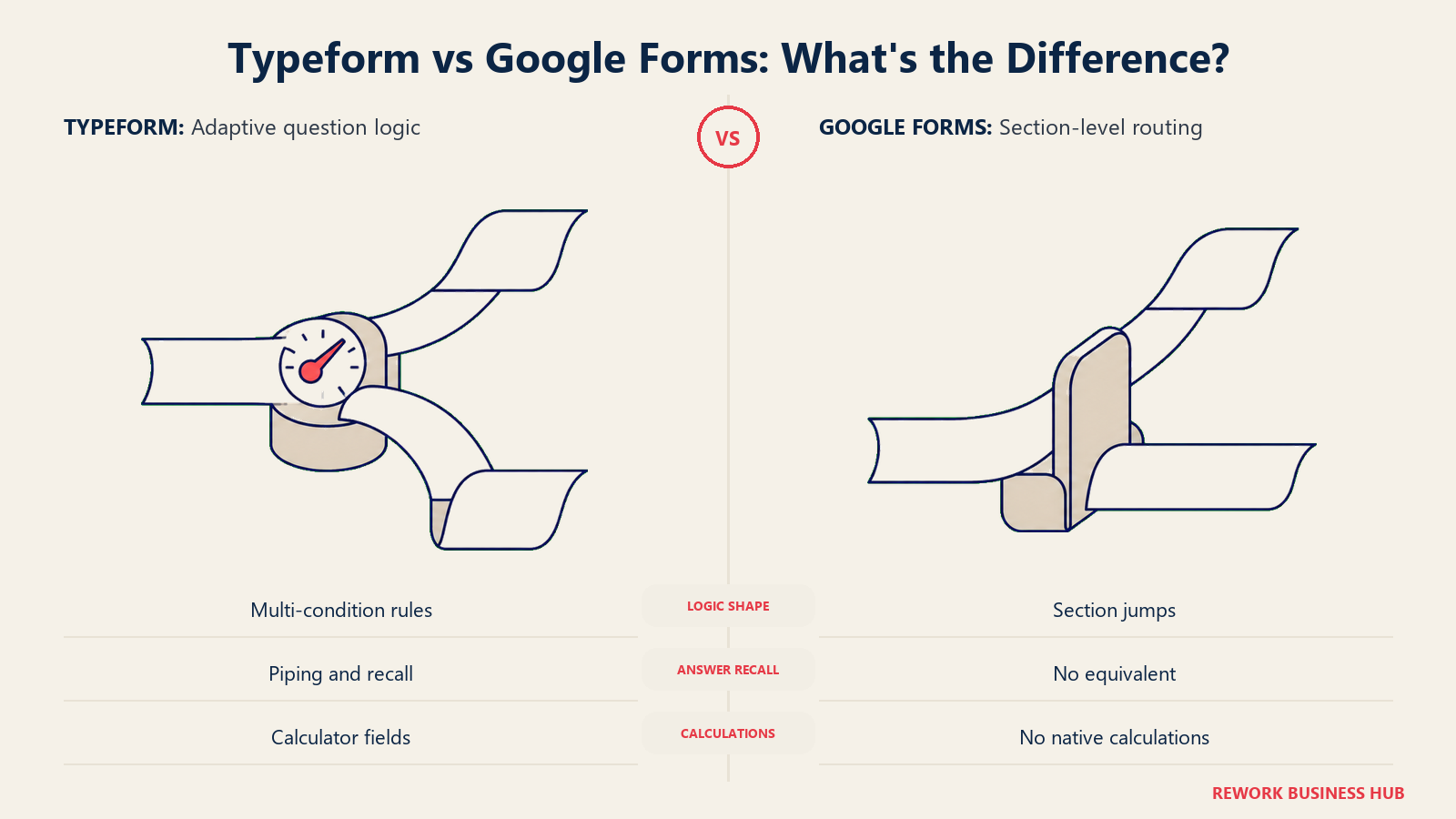
Typeform's logic, once you're past Free, is built for exactly that adaptive case: skip logic, multi-condition rules, calculator fields, and recall or answer piping that lets a later question reference an earlier answer by name. The catch is the same one from the section above: none of it is on Free. A team evaluating Typeform's free plan is evaluating the layout, not the feature that's usually the deciding factor once a real form gets built.
| Typeform | Google Forms | |
|---|---|---|
| Logic on the free/only tier | None | Section-jump branching |
| Logic once unlocked | Skip logic, multi-condition rules, calculator fields, recall/piping | Still just section-jump branching, since there's no higher tier |
| Where logic is unlocked | Basic, $28 to $39/month | Not applicable, one tier exists |
| Recall / answer piping | Yes, on paid plans | No |
| Calculations | Yes, on paid plans | No |
Design, Branding, and Completion Rate
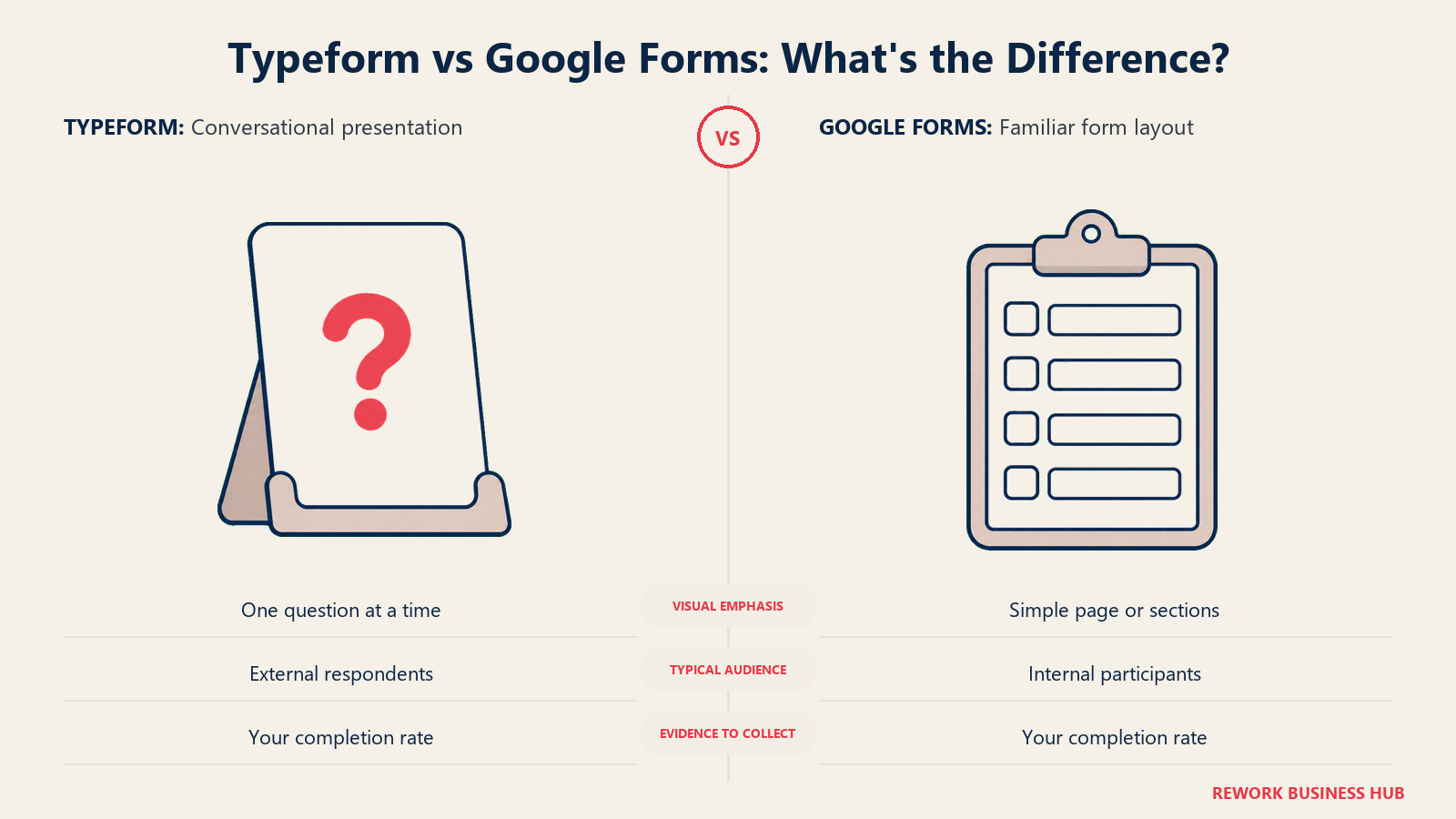
Typeform's core argument for its own price is that a shorter, better-designed, one-question-at-a-time form gets finished by more of the people who start it. That's a real, measurable claim, and it's worth separating the vendor's own number from independent research before deciding how much weight to put on it.
Typeform's own 2023 Data on Data report, covering 2.6 million forms and 568 million submissions, found its forms averaged a 47.3% completion rate against a 21.5% industry benchmark it measured itself (PR Newswire, Typeform's Data Report). That's Typeform's own data about its own product, not a neutral study, and it should be read that way.
Independent form-analytics research points in the same direction without Typeform's specific number attached. Zuko's cross-industry benchmarking, tracking more than 93 million form sessions across ecommerce, financial services, insurance, and 14 other categories, found an overall starter-to-completion rate of 51.71%, with a real gap between desktop (55.5%) and mobile (47.5%) (Zuko, Industry Benchmarking). Google Forms doesn't publish a completion-rate benchmark of its own, and there's no independent research specific to it either; that absence is itself worth noting. You choose Google Forms for its price and simplicity, not because anyone has measured how well it converts.
None of this means Typeform automatically wins on completion rate for your specific form. A six-field internal RSVP inside a Google Workspace domain, filled out by people who already trust the sender, doesn't have much room to improve by feeling more conversational. A cold outbound lead-gen form asking a stranger for contact details is exactly the scenario where design and pacing move the number that matters.
| Typeform | Google Forms | |
|---|---|---|
| Layout | One question at a time by default | All questions on one scrollable page |
| Branding | Custom themes, images, video backgrounds on paid plans | One theme color, no logo placement control |
| Custom domain | Enterprise only | Not offered |
| Completion-rate research | Typeform's own data (vendor-published): 47.3% vs. 21.5% industry benchmark | None published |
| Independent completion benchmark for comparison | Zuko: 51.71% overall starter-to-completion across 93M+ sessions | Same Zuko figure applies broadly; Google Forms has no separate vendor claim |
What Each Plan Quietly Leaves Out
Neither product's famous attribute, "free and unlimited" or "expensive and logic-locked," tells the whole story on its own. Here's what each one leaves out, and what it actually costs to fix it, if it can be fixed at all.
| Gap | Google Forms | Typeform |
|---|---|---|
| Branding removal | Not applicable, there's no branding to buy off | Not offered at any published tier, including Business |
| Custom domain | Not offered at any tier | Enterprise only |
| Conditional logic depth | Section-jump branching only, on the only tier there is | None on Free; skip logic and calculations from Basic up |
| Partial-response capture | Not offered | Not published as a feature at any tier |
| Native payments | Not offered | Not on Free; Stripe on paid plans only |
| Real analytics / drop-off tracking | Response-count summary and per-question answer distribution only | Per-question drop-off analytics on paid plans, deeper reporting on Business |
| Seats beyond a hard ceiling | Not seat-based, no ceiling | Caps at 5 even on Business; more requires an Enterprise contract |
| What it costs to fix | Mostly nothing to fix; most of these gaps have no paid tier to buy up to | Basic buys logic, not volume; Plus buys volume and seats; Enterprise buys a custom domain and custom seats |
That last row is the one worth sitting with. Google Forms doesn't have a "pro" tier hiding these features behind a paywall, so there's genuinely nothing more to buy. Typeform does, but the tier that unlocks each gap isn't always the tier you'd guess, which is exactly why the rate card below spells out what each price actually buys rather than just what it costs.
Typeform's Published Tiers
| Tier | Billed annually | Month-to-month | Responses/month | Seats | Key unlock at this tier |
|---|---|---|---|---|---|
| Free | $0 | $0 | 100 | 1 | Nothing beyond the base builder; no logic |
| Basic | $28/mo (saves $132/yr) | $39/mo | 100 | 1 | Conditional logic, unlimited questions per form; response cap unchanged from Free |
| Plus | $56/mo (saves $276/yr) | $79/mo | 1,000 | 3 | The first real jump in response volume, plus 2 additional seats |
| Business | $91/mo (saves $456/yr) | $129/mo | 10,000 | 5 | Per-question drop-off analytics, native Salesforce/HubSpot sync |
| Enterprise | Custom | Custom | Custom | Custom | Custom domain, custom response and seat limits, dedicated support |
The seat caps are the part buyers underestimate most. Basic and Free both cap at a single seat, and even Business, the most expensive published tier, caps at 5. A 20-person marketing team on Typeform Business either shares logins, against Typeform's terms, or negotiates an Enterprise contract to get more than 5 people editing forms. Google Forms has no equivalent ceiling: any number of people with a Google account can build their own forms, and adding an editor to one form is standard Google Drive sharing, not a metered seat.
Google Forms itself never carries a bill of its own, at any volume, standalone or as part of Google Workspace. If you want Forms bundled with admin controls, domain-restricted responses, and more storage, that's a Workspace purchase layered on top: Business Starter runs $7.00 per user per month on a 12-month commitment (new customers see a promotional $3.50 per user for the first 20 users, first 12 months only, then it reverts to $7.00), Business Standard runs $14.00 per user per month, and Business Plus runs $22.00 per user per month. None of that is a Forms bill, and Forms' actual feature set barely changes whether it's standalone or bundled; Workspace mostly buys admin ownership and the ability to restrict who can respond.
Cost at 100, 1,000, and 10,000 Responses a Month
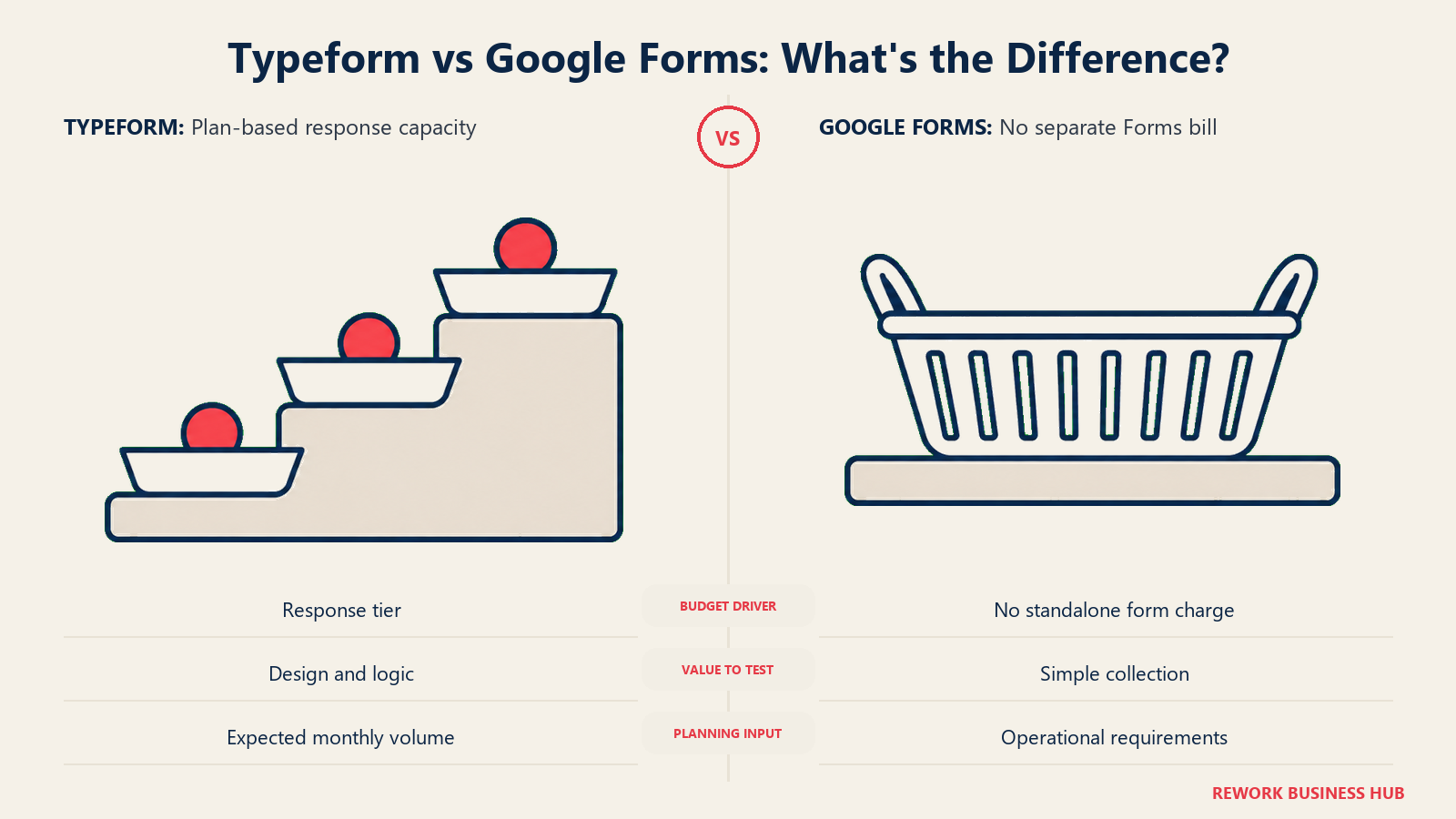
This is the number that decides the comparison: what covering a real monthly volume of responses actually costs across a year, on each vendor's own published rates.
| Monthly response volume | Typeform, billed annually | Typeform, month-to-month | Google Forms |
|---|---|---|---|
| 100 responses/month | $0 on Free, but zero conditional logic; $336/yr (Basic) if you need logic | $0 on Free; $468/yr (Basic) if you need logic | $0, standalone or bundled with Workspace |
| 1,000 responses/month | $672/yr (Plus) | $948/yr (Plus) | $0 |
| 10,000 responses/month | $1,092/yr (Business) | $1,548/yr (Business) | $0 |
Google Forms stays at zero across all three volumes, which is the entire argument for using it whenever the rest of the feature list doesn't matter. Typeform's cost climbs in real steps as volume rises, and the jump from 100 to 1,000 responses (from $336 to $672 a year on the annual plan) is proportionally steeper than the jump from 1,000 to 10,000 ($672 to $1,092), because Plus is the tier where seats and volume increase together. At no volume in this table does Typeform get cheaper than Google Forms; the question this table actually answers is how much the logic, design, and analytics are worth to you, not whether Google Forms can be beaten on price.
Seats and Collaboration
| Typeform | Google Forms | |
|---|---|---|
| Seats at Free | 1 | Not seat-based; any number of people with a Google account can build their own forms |
| Seats at Basic | 1 | Not applicable |
| Seats at Plus | 3 | Not applicable |
| Seats at Business | 5 | Not applicable |
| Collaboration model | Per-plan seat cap, shared account access | Standard Google Drive sharing: add editors to one form with no seat cap; editors need a Google account |
| Cost to add a 6th editor on the same account | Requires an Enterprise contract | $0 incremental, or $7.00/user/month if Workspace admin controls are also wanted |
Integrations and Automation
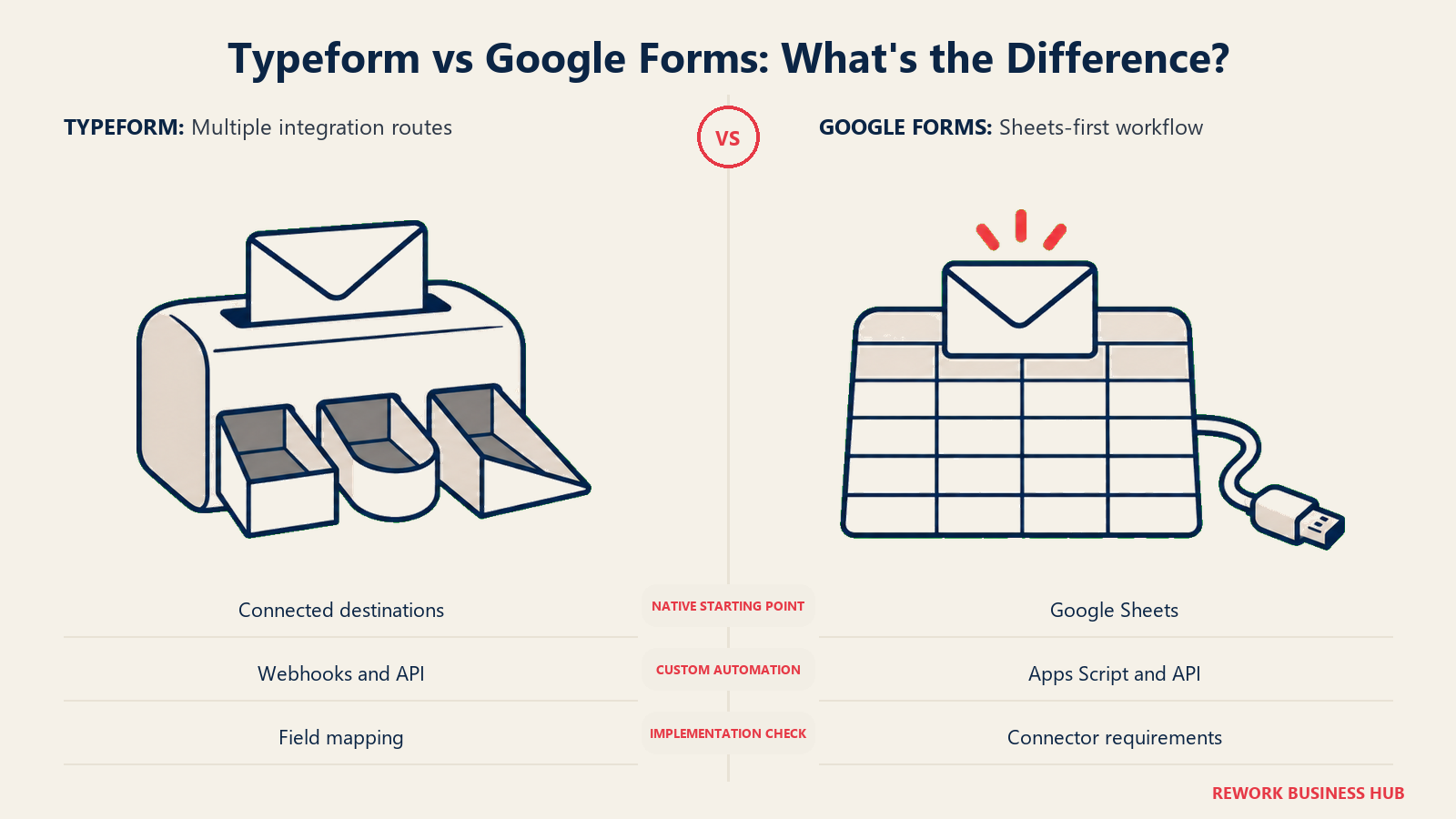
Plan where responses go next, including the automation needed to reach your system of record.
| Typeform | Google Forms | |
|---|---|---|
| Native destinations | Google Sheets, Airtable, Notion, Slack, Mailchimp, among others | Google Sheets only |
| CRM sync | Native Salesforce and HubSpot connections on Business/Enterprise, mapping to standard or custom objects | None native |
| Automation platforms | Zapier, Make, native webhooks on paid plans | Zapier and Make via a connector, or a custom Apps Script |
| API access | Responses API on paid plans | Google Forms API, developer-oriented, not a no-code connector |
| Ad platform tracking | Native Google Analytics, Facebook Pixel, and Google Tag Manager on Business | Not built in |
Data, Analytics, and Reporting
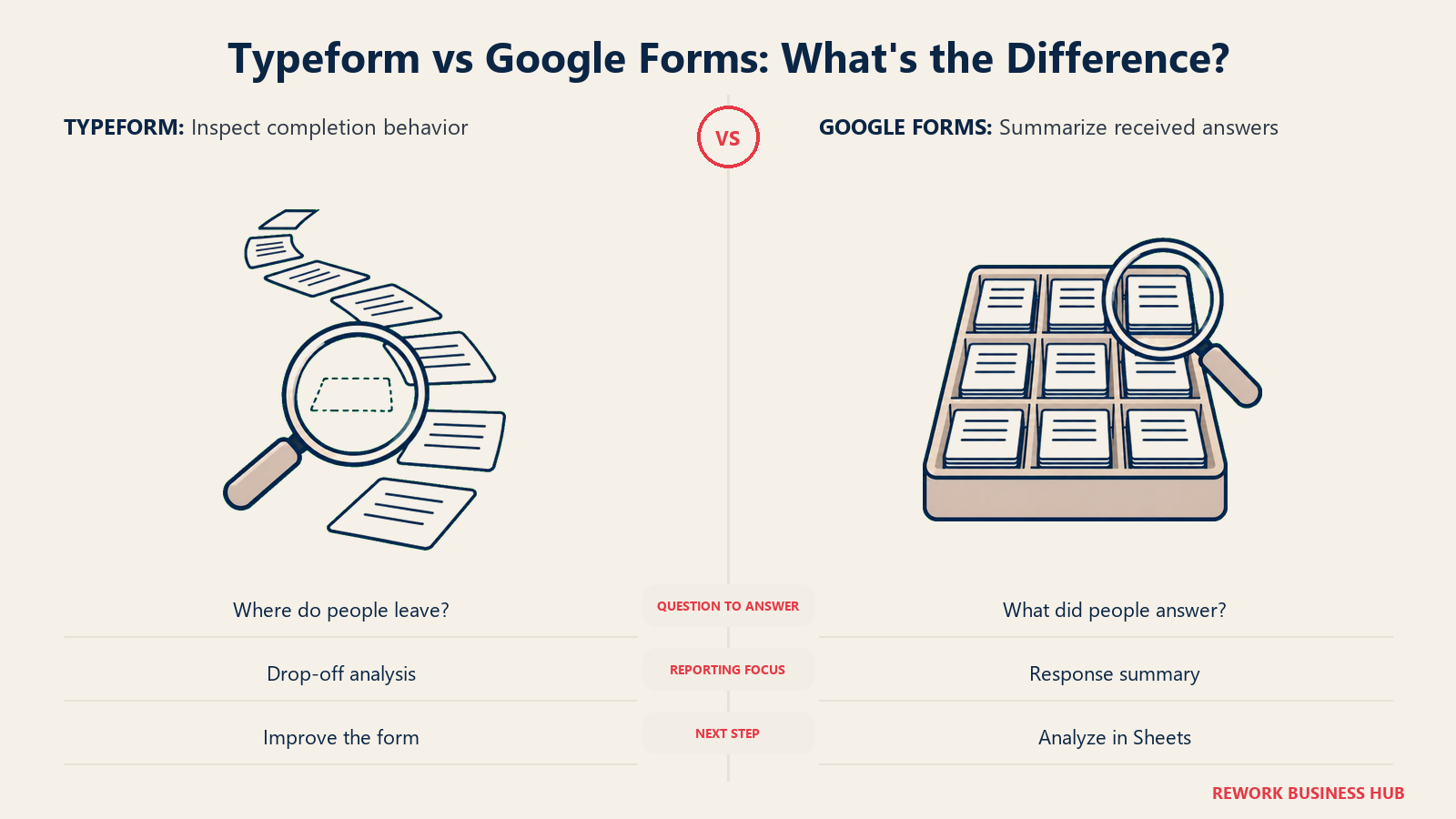
Distinguish respondent drop-off analysis from summaries of the answers already received.
| Typeform | Google Forms | |
|---|---|---|
| Response summary | Yes, plus a per-question breakdown | Yes, plus a per-question answer distribution |
| Drop-off / abandonment tracking | Yes, per-question, on paid plans | No |
| Export | CSV, plus native integrations | Automatic, real-time Google Sheets sync; export from there to CSV or XLSX |
| Dashboards | Built-in reporting dashboard on paid plans | None beyond the native Sheets or Forms summary view |
| Who benefits most from the fuller picture | A marketer trying to find where a form leaks respondents | Nobody in particular; the raw data is there, the analysis layer isn't |
Privacy and Compliance
| Typeform | Google Forms | |
|---|---|---|
| Company HQ | Barcelona, Spain (EU) | Mountain View, US (a Google product) |
| Data residency choice | Reserved for Enterprise customers; other tiers default to US-based AWS hosting per Typeform's own Data Processing Agreement | No region choice on a personal Google account; domain restriction and admin controls exist only on paid Workspace tiers |
| HIPAA | Enterprise only, custom quote | Not published, for either a personal account or standard Workspace tiers |
| Who can respond | Anyone with the link, or gated behind a signed-in account on paid tiers | A public link, or restricted to your Google Workspace domain and its trusted organizations, a Workspace-only setting |
| File-upload account requirement | Not applicable the same way | Respondent must sign into a Google account to answer a file-upload question; the file lands in the form owner's personal Drive (Google Docs Editors Help) |
If a form is genuinely external and data residency is a real requirement rather than a nice-to-have, Typeform's own Data Processing Agreement, not this article, is the source to read before committing (Typeform DPA); a Barcelona headquarters doesn't automatically mean EU-based hosting for every tier. If the form is internal and sits inside a Google Workspace domain, restricting responses to your own organization does most of the governance work Google Forms is capable of doing, though that setting itself is only available on a paid Workspace plan, not a personal Google account.
Migration and Switching Costs
Export responses, rebuild the form and confirm who controls it after the move.
| Typeform | Google Forms | |
|---|---|---|
| Import from the other tool | No direct importer | No direct importer |
| What actually moves | Response data exports as CSV; form logic and design don't transfer | Response data lives in a linked Sheet; form structure doesn't transfer |
| Rebuild effort | Moderate to high for a form with real branching logic already built | Low for a simple form, since Google Forms' logic ceiling is low to begin with |
| Where account ownership lives | Workspace-level, not tied to one person's login, on team plans | Tied to the creator's personal Google account unless explicitly transferred inside a Workspace |
| Risk if the form owner leaves | Low, on team plans | Real risk on a personal account; a form built under someone's individual login can become orphaned when they leave |
When Google Forms Is the Right Call
- The form is internal, the stakes are low, and the data just needs to land in a spreadsheet someone checks manually
- You need something live in the next five minutes, with zero procurement, zero signup, and zero cost
- Respondents already sit inside your Google Workspace domain and don't need brand polish to trust the form
- Response volume is unpredictable or could spike, and a hard response cap is the last thing you want to manage
- The form's entire job is a single event: an RSVP, a one-time poll, a quick internal pulse check
When Typeform Is Worth Paying For
- The form is external-facing, and completion rate is a number the business actually tracks and reports on
- Conditional logic, branching, or answer piping is genuinely necessary, not a nice-to-have you'd rarely touch
- Brand and design polish on the form itself matters as much as the data it collects
- Native Salesforce or HubSpot sync removes a manual export step your team currently does by hand
- Team size stays under Business's 5-seat ceiling, or an Enterprise contract is realistically on the table
Decision Framework
| If you are... | Pick |
|---|---|
| Collecting internal, low-stakes data with zero budget and no timeline pressure | Google Forms |
| Running a small number of external lead-gen or feedback forms where completion rate matters | Typeform |
| Expecting response volume to spike unpredictably and don't want a cap deciding your budget | Google Forms |
| Needing conditional logic or answer piping as a core requirement, not an occasional one | Typeform, from Basic up |
| Managing a team larger than 5 people who all need edit access to forms | Google Forms, unless an Enterprise contract is realistic |
| Weighing a wider field of paid alternatives before committing to either | See the full form builder comparison |
Frequently Asked Questions about Typeform vs Google Forms
Is Google Forms really free with no limits?
It's free with any Google account and has no published response cap, which is genuine. What it doesn't include at any price is branding removal, a custom domain, native payments, partial-response capture, or analytics beyond a basic response summary.
Why does Typeform's cheapest paid plan still cap at 100 responses?
Because Basic's job isn't to raise your response limit, it's to unlock conditional logic. Free and Basic share the identical 100-response-a-month cap; response volume only increases starting at Plus, the second paid tier.
Is Typeform worth paying for if I just need a simple contact form?
Usually not. If the form is short, internal, or doesn't need branching logic or brand polish, Google Forms covers that job at zero cost. Typeform's price buys conversational design and logic depth, which mostly pays off on external, higher-stakes forms where completion rate is being measured.
How many people can edit forms on Typeform versus Google Forms?
Typeform caps seats by tier: 1 on Free and Basic, 3 on Plus, 5 on Business, with more requiring an Enterprise contract. Google Forms isn't seat-based; any number of people with a Google account can build their own forms, and adding editors to one form uses standard Google Drive sharing with no seat cap.
Does Google Forms support real conditional logic?
Only section-jump branching, meaning a form can route a respondent to a different section based on one answer. There's no field-level show/hide within a section, no multi-condition rules, and no calculations, a real ceiling compared to Typeform's logic once you're past its free plan.
Which one is actually cheaper at high volume?
Google Forms, by definition, since it never charges for volume at all. At 10,000 responses a month, Typeform's Business plan runs $1,092 a year billed annually or $1,548 month-to-month. Google Forms stays at $0 regardless of volume, though it also doesn't offer Typeform's logic, branding, or analytics at any price.
What to Do Next
- Name the actual stakes of the form before picking a tool. An internal, low-stakes form has no real reason to leave Google Forms. An external form tied to pipeline or brand has a real case for Typeform's price.
- If logic is the deciding factor, test it on Typeform's Basic plan before assuming you also need more volume. Basic and Free share the same response cap; the thing you're paying for at that tier is branching, not headroom.
- If response volume is unpredictable, don't build on a tool with a hard cap. Google Forms has none; Typeform's Free and Basic tiers both stop at 100 a month.
- Confirm data residency directly with Typeform if a European respondent's data location matters, rather than assuming a Barcelona headquarters means EU-based hosting by default.
- If neither extreme fits, the middle of the market is wide. The full form builder comparison ranks a wider field side by side, and Google Forms vs Fillout vs Paperform and Tally vs Jotform vs Typeform both cover tools that sit between these two extremes on price, logic, and design.
Related Resources:
- Best Online Form Builder Software in 2026
- Jotform vs Typeform: Which Form Builder Fits Your Team in 2026?
- Tally vs Jotform vs Typeform: Which Form Builder Wins at Your Volume in 2026?
- Google Forms vs Fillout vs Paperform: When Free Forms Stop Being Enough in 2026
- Best Typeform Alternatives in 2026
- Best Google Forms Alternatives in 2026
- Best Google Workspace Alternatives in 2026
- Microsoft 365 vs Google Workspace
External Resources:
- Typeform pricing: Free through Enterprise plan comparison
- Typeform Data Processing Agreement: data hosting and GDPR terms
- Typeform's 2023 Data on Data report: source of the 47.3% vs. 21.5% completion-rate figures cited above
- Zuko, Industry Benchmarking: independent cross-industry form-completion benchmark
- Google Workspace pricing: Business Starter through Enterprise
- Google Docs Editors Help: file-upload questions: sign-in requirement and Drive storage behavior for file-upload questions

Principal Product Marketing Strategist
On this page
- TL;DR
- Who Each Tool Is Actually Built For
- What "Free" Actually Means on Each Plan
- Feature Parity at a Glance
- Conditional Logic and Branching Depth
- Design, Branding, and Completion Rate
- What Each Plan Quietly Leaves Out
- Typeform's Published Tiers
- Cost at 100, 1,000, and 10,000 Responses a Month
- Seats and Collaboration
- Integrations and Automation
- Data, Analytics, and Reporting
- Privacy and Compliance
- Migration and Switching Costs
- When Google Forms Is the Right Call
- When Typeform Is Worth Paying For
- Decision Framework
- What to Do Next