Tally vs Jotform vs Typeform: Which Form Builder Wins at Your Volume in 2026?
Turn this article into takeaways for your work.


Each assistant summarizes the article only for you and suggests best practices for your work.
Tally, Jotform, and Typeform all show up on the same shortlist when someone searches "form builder" or "Typeform alternative," and the search results treat them like three interchangeable ways to build the same web form. They're not. Each one made a different bet about how to charge you for collecting an answer from another person, and that bet shapes everything from the free plan to what happens once your campaign actually works.
Tally bets that a response costs it almost nothing to serve, so it doesn't meter them at all, not even on paid plans. It charges for polish instead: removing its own branding, custom domains, unlimited team seats. Jotform bets that most businesses run a pile of different form types at once (HR intake, event registration, a lead form, a vendor request), so it caps forms and fields per tier but stays comparatively loose on submissions. Typeform bets that a shorter, better-designed form converts more of the people who see it, so it charges by response and lets you build as many forms as you want.
None of that shows up in a feature grid. It shows up on the invoice, and it shows up differently depending on whether you're running 100 leads a month through the form or 10,000. If you're an owner, ops lead, or marketing manager at a company of 20 to 500 people picking a form tool you'll live with for a couple of years, the volume you actually expect matters more than any single row in a comparison table. This piece runs the real math at three volumes, then covers the file limits, payment fees, compliance posture, and vendor-size questions that don't show up on a pricing page at all. It also picks up where Jotform vs Typeform left off rather than re-covering the same ground: Tally is the reason the old two-way comparison no longer tells the whole story.
TL;DR
| Dimension | Tally | Jotform | Typeform |
|---|---|---|---|
| Core bet | Never meter responses, charge for polish and seats | Wide feature range, generous submissions per tier | Shorter forms convert better, meter by response |
| Founded | 2020, Ghent, Belgium; bootstrapped, team of about 10 | 2006, San Francisco; bootstrapped, no outside funding | 2012, Barcelona; venture-backed, $135M Series C |
| Free plan | Unlimited forms and responses (fair use) | 100 submissions/mo, 5 forms | 100 responses/mo, no conditional logic |
| Cheapest paid tier | Pro: $24/mo, effectively $20/mo on annual | Bronze: $39/mo, $34/mo annual | Basic: $39/mo, $28/mo annual, still 100 responses |
| Response cap on paid tiers | None, at any tier, ever | Rises by tier: 1,000 / 2,500 / 10,000 per month | Rises by tier: 100 / 1,000 / 10,000 per month |
| HIPAA | Not offered at any tier | Included from Gold, $99/mo annual | Enterprise only, custom quote |
| Payment processors | Stripe only, no markup | 8+, including Stripe, PayPal, Square, Authorize.Net | Stripe only, paid plans |
| Best team size fit | Solo to about 50, budget-first | 5 to 200, running many form types | 1 to 100, brand-first marketing |
What Each Tool Is Actually Built For
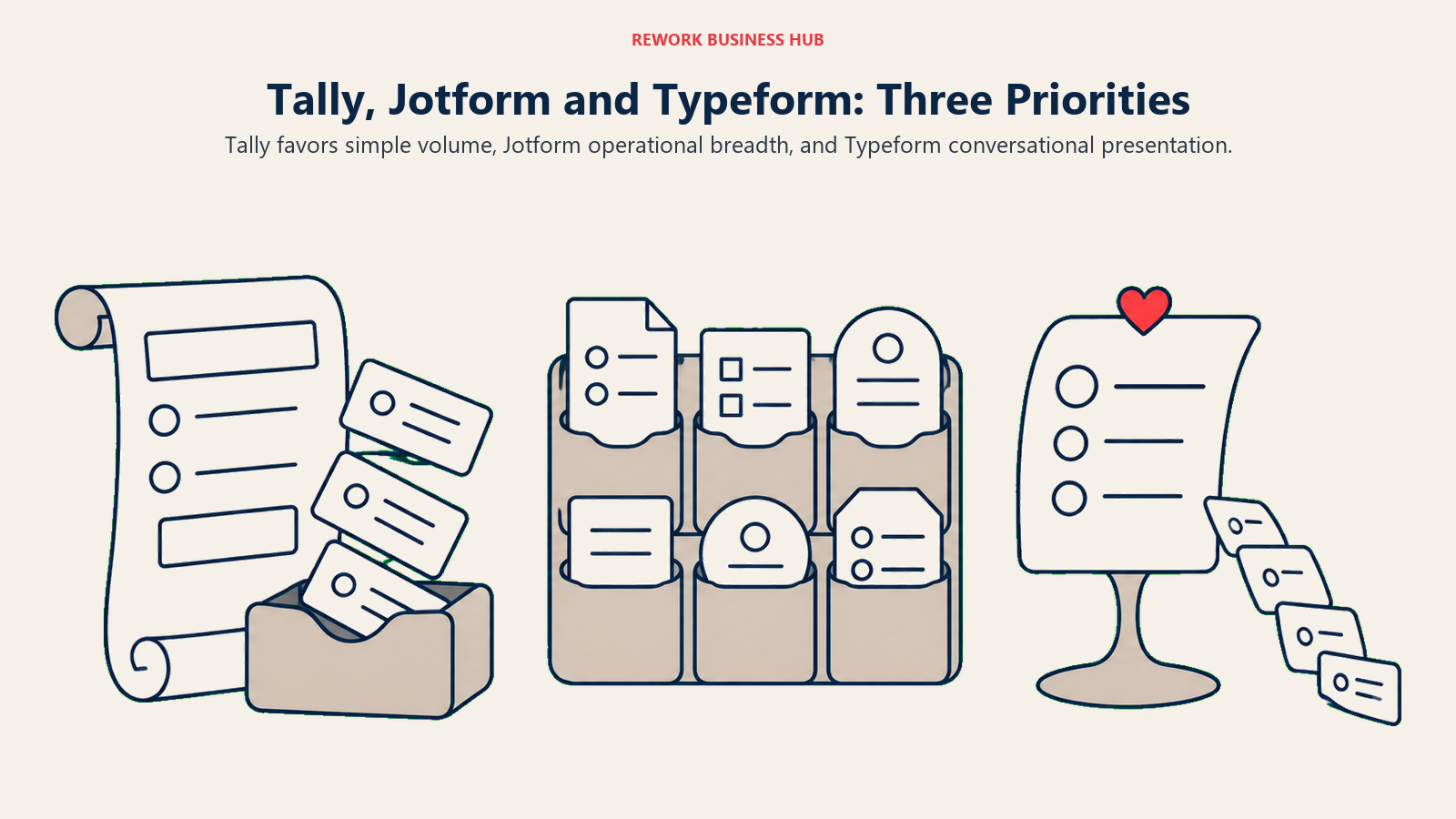
The philosophy differences aren't marketing spin, they show up in what's free and what isn't. Tally and Jotform both include conditional logic on their free plans. Typeform doesn't: its Free tier has no branching logic at all, and you need at least Basic ($28 to $39 a month) to get it, even though Basic caps you at the exact same 100 responses a month Free already gives you. You're not paying for more volume at that first paid step, you're paying to unlock logic Tally and Jotform hand you for nothing.
| Tally | Jotform | Typeform | |
|---|---|---|---|
| Product philosophy | Forms should cost nothing at volume, charge for craft | One tool should handle every form a business runs | Fewer, better forms beat more, plainer ones |
| Primary buyer | Founders, solo marketers, budget-conscious ops teams | Ops managers, HR, agencies running many form types | Marketing and growth teams optimizing completion |
| What it looks like in the product | Notion-style block editor, small template library | 10,000+ templates, dozens of widgets, dense UI | One-question-at-a-time layout by default |
| Where the free plan draws the line | Branding, seats, and file size, not response count | Form and field count, not response volume alone | Response count, from the very first response |
| What it doesn't try to be | A do-everything intake platform | The most beautiful form on the page | The cheapest option once volume climbs |
Jotform's edge is breadth: e-signatures, PDF generation, appointment scheduling, and calculation fields are all built in, none of which Tally or Typeform attempt. Typeform's edge is the one-question-at-a-time layout, which its own research has tied to meaningfully higher completion rates on short, external forms (see the Jotform vs Typeform breakdown for the completion-rate numbers in full). Tally's edge is that none of this costs anything until you specifically want branding gone or a teammate added, which is a genuinely different value proposition than either of the other two is offering.
Decision by Business Goal
| Business goal | Best fit | Why |
|---|---|---|
| Keep a form completely free indefinitely, even at real volume | Tally | Never meters responses, even on paid tiers |
| Run one tool across HR intake, orders, events, and lead capture | Jotform | Widest template and widget range, generous submission caps |
| Maximize completion rate on a small number of brand-forward forms | Typeform | Conversational layout with published completion-rate research |
| Collect payments without stitching in a separate processor | Jotform | 8+ native processors versus Stripe-only for the other two |
| Get HIPAA-ready forms without an Enterprise sales call | Jotform | HIPAA on Gold, a self-serve $99/mo published tier |
| Give a whole team edit access without paying per seat | Tally | Unlimited team collaboration included from Pro, $24/mo flat |
| Minimize the odds a tiny vendor goes away mid-contract | Jotform or Typeform | Both have run a decade or more with hundreds of employees |
Team and Role Fit
| Tally | Jotform | Typeform | |
|---|---|---|---|
| Team size sweet spot | 1 to 50 | 5 to 200 | 1 to 100 |
| Primary buyer | Founder or solo marketer | Ops manager, HR lead, or agency | Marketing or growth manager |
| Seats at entry paid tier | Unlimited (Pro, $24/mo) | 3 (Bronze, $39/mo) | 1 (Basic, $39/mo) |
| Seats at top self-serve tier | Unlimited (Business, $74/mo) | 100 (Gold, $129/mo) | 5 (Business, $129/mo) |
| Who feels the pricing model most | Anyone running unpredictable, high-volume campaigns | Anyone juggling several different form types | Anyone running a small number of high-stakes pages |
Seats are where Tally's model pulls furthest ahead of the other two. Typeform caps out at just 5 seats even on its $129-a-month Business plan, and Jotform is tighter still: it publishes no per-tier seat count, and its own help documentation describes Bronze, Silver and Gold as one user per team, with additional team members requiring an Enterprise subscription. Tally includes unlimited team collaboration starting at its $24-a-month Pro tier, so a 15-person ops team pays the same as a solo founder for seats, the only variable is whether you need branding removed.
Pricing at Real Team Sizes: The Meter Math
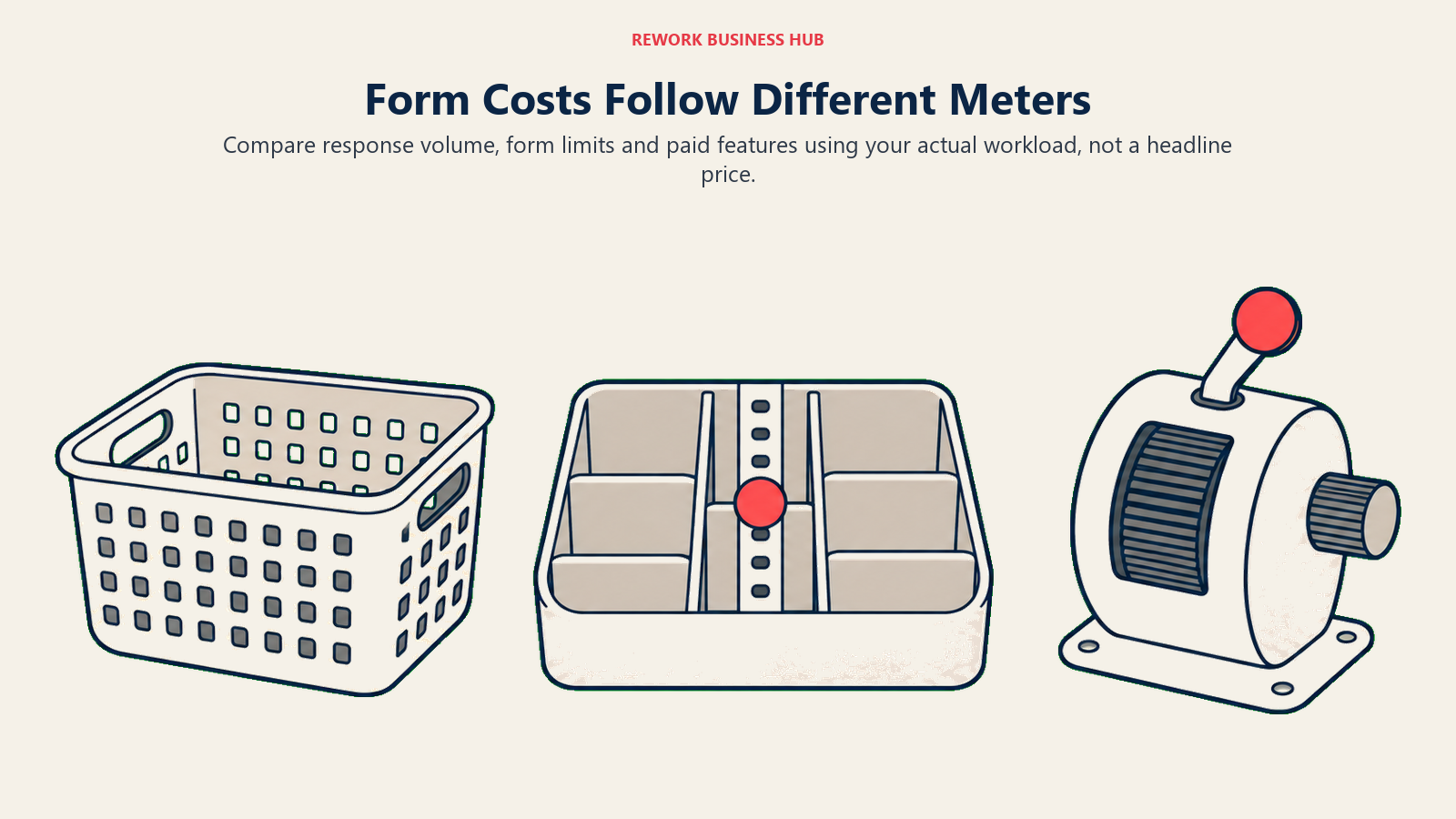
This is where the three philosophies stop being abstract. Below is what each vendor's own pricing page states for monthly versus annual billing (for Jotform, see the detailed tables in our own Jotform vs Typeform comparison).
| Plan | Tally | Jotform | Typeform |
|---|---|---|---|
| Free | $0: unlimited forms/responses (fair use), 10MB per-file upload cap | $0: 100 submissions/mo, 5 forms, 1 user | $0: 100 responses/mo, 1 user, no conditional logic |
| Entry paid | Pro: $24/mo monthly; annual billing shows the same "$24/mo" with two months free, working out to $240/yr, an effective $20/mo | Bronze: $39/mo monthly, $34/mo annual ($408/yr); 1,000 submissions, 25 forms, 3 users | Basic: $39/mo monthly, $28/mo annual ($336/yr); still 100 responses, 1 user |
| Mid tier | Business: $74/mo monthly; annual works out to $740/yr, an effective $61.67/mo | Silver: $49/mo monthly, $39/mo annual ($468/yr); 2,500 submissions, 50 forms, 10 users | Plus: $79/mo monthly, $56/mo annual ($672/yr); 1,000 responses, 3 users |
| Top self-serve | Business is the ceiling; no higher tier exists | Gold: $129/mo monthly, $99/mo annual ($1,188/yr); 10,000 submissions, 100 forms, 100 users, HIPAA included | Business: $129/mo monthly, $91/mo annual ($1,092/yr); 10,000 responses, 5 users |
| Enterprise | Not offered | Custom quote | Custom quote |
Now the part that actually decides this: what does covering a real volume of responses cost across a year, on each vendor's own annual rate.
| Monthly volume needed | Tally (annual) | Jotform (annual) | Typeform (annual) |
|---|---|---|---|
| 100 responses/mo | $0, Free | $0, Free | $0, Free, but no conditional logic |
| 1,000 responses/mo | $0 if branding doesn't matter; $240/yr (Pro) if it does | $408/yr (Bronze) | $672/yr (Plus) |
| 10,000 responses/mo | $0 if branding doesn't matter; $240/yr (Pro), identical to the 1,000/mo price | $1,188/yr (Gold, includes HIPAA and 100 seats) | $1,092/yr (Business, 5 seats) |
At 100 responses a month, it's close to a wash on price alone, all three are free, though Typeform's free tier is the only one of the three missing conditional logic. At 1,000 responses a month, the gap opens fast: Typeform's Plus plan costs about 65% more than Jotform's Bronze plan for the exact same volume ($672 versus $408 a year), because Typeform has no tier priced for a business collecting a modest, steady 1,000 responses without paying for headroom it doesn't need yet.
At 10,000 responses a month, Jotform and Typeform land close together on sticker price ($1,188 versus $1,092 a year), and Typeform is technically the cheaper of the two by about 8%. But that comparison undersells what Jotform throws in at that price: HIPAA compliance and 100 user seats, against Typeform's 5. Neither of those figures move for Tally at all. Pro costs $240 a year whether you're collecting 100 responses or 10,000, which means at high volume, Tally runs somewhere around a fifth of what Jotform or Typeform charge, provided you don't need HIPAA, deep payment processor choice, or more file storage than Pro's uncapped-per-file limit allows. That's the headline this comparison exists to show: past the free tier, Tally isn't a cheaper Typeform, it's a form tool operating on an entirely different cost curve than either category leader.
The Fine Print Buyers Skip: Files, Payments, Logic, and Exit
A pricing tier tells you the headline number. It doesn't tell you where a real launch actually breaks.
| Tally | Jotform | Typeform | |
|---|---|---|---|
| Per-file upload cap | 10MB on Free; removed entirely from Pro up | Not published as a clean per-tier table; Gold includes a 100GB total storage pool | 1GB total storage on Free and Basic; roughly 2 to 4GB on Plus and above |
| Cap style | Per file | Total storage pool | Total storage pool |
| Where it bites first | A single large video or design file on the free plan | A document-heavy launch before confirming your specific tier's allotment | A handful of high-resolution uploads on Free or Basic |
Tally's limit is the easiest to reason about because it's per file, not a shared pool: a 10MB resume upload works fine on the free plan, a 40MB video file doesn't, and upgrading to Pro removes the ceiling entirely rather than just raising it. Jotform and Typeform both meter total storage instead, which is harder to plan around because it depends on how many submissions with attachments pile up over a billing cycle, not any single file.
One thing that doesn't vary across any of the three: nobody has to create an account to fill out a public form. Tally, Jotform, and Typeform are all built around the same anonymous, one-and-done submission flow, which is exactly what a lead form or a quick intake needs. If a use case genuinely requires a login before someone can respond (a members-only survey, an internal-only request form), that's logic you'd build yourself on top, not something any of the three forces on a filler by default.
Payments are a similar story: all three collect money, but only one gives you a real choice of processor.
| Tally | Jotform | Typeform | |
|---|---|---|---|
| Processor(s) | Stripe Connect only | 8+, including Stripe, PayPal, Square, Authorize.Net, Apple Pay/Google Pay, Paysafe, Mollie, Venmo | Stripe only, paid plans only |
| Available starting on | Free plan | Every tier, including Free | Basic and up |
| Markup on top of the processor's own fee | None; Tally states plainly it adds nothing beyond Stripe's rate | Not separately disclosed by processor; standard rates apply | Not separately disclosed; standard Stripe rate applies |
None of the three publishes a markup on top of standard processor fees, so the real cost is whatever your processor charges. For Stripe specifically, that's 2.9% plus 30 cents per successful US card transaction, an added 1.5% for international cards, and another 1% if currency conversion is involved, per Stripe's own pricing page. Jotform's advantage here isn't a cheaper rate, it's optionality: a business already running Square or PayPal for everything else can keep using it inside a Jotform form instead of adding Stripe just to take payments on one page.
On logic depth, Tally includes conditional logic and hidden fields on its free plan, a real step up from Typeform's free tier having none at all. Jotform goes further still: logic on every tier including Free, up to 1,000 fields on a single form at Gold, and widgets (e-signatures, PDF generation, appointment scheduling, calculations) neither Tally nor Typeform attempts to match. If e-signature specifically, not a form widget bolted onto it, is the actual job, Jotform Sign vs DocuSign vs Adobe Acrobat Sign compares the dedicated tools instead. Typeform's logic is solid once you're on a paid tier, but the product nudges you toward short, focused forms by design; a 40-field Typeform is possible, it just fights the tool's own instincts the entire way.
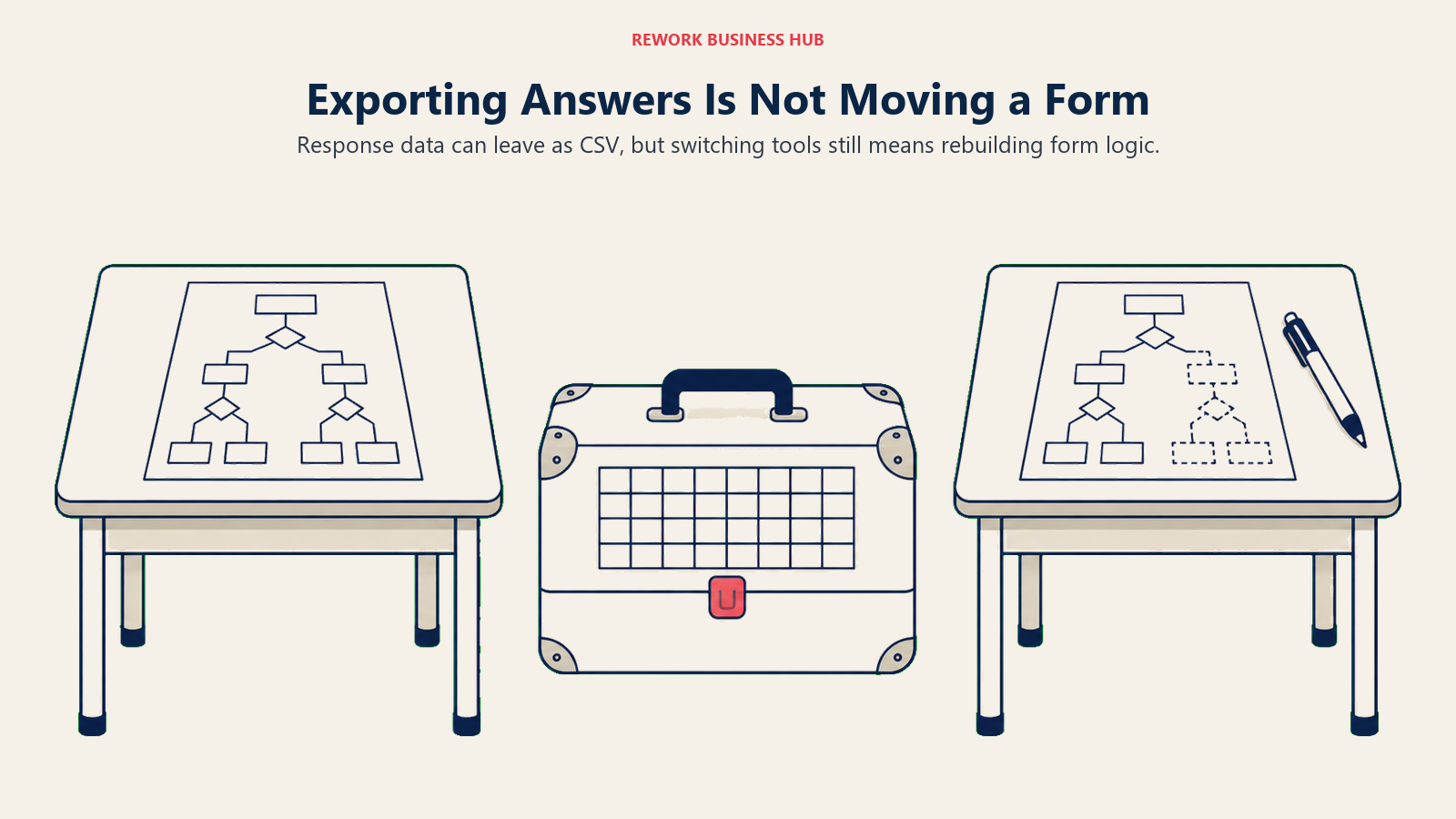
On the way out, all three export responses to CSV. Tally adds an automatic Google Sheets sync and a PDF export of individual responses. Jotform adds native PDF generation from any submission plus 30-plus cloud storage and CRM connectors (Drive, Dropbox, OneDrive, Box, Egnyte, FTP among them). Typeform keeps submissions in its own Results area with CSV/Excel export and API access, without the dedicated cloud-storage sync Jotform offers. None of the three has a one-click importer from either of the other two, so switching later means rebuilding your form logic by hand, not clicking a migration button. If forms are one piece of a bigger lead-capture stack, Form-to-CRM Automation covers the patterns for making sure that export step isn't the weak link.
Data, Compliance, and the Vendor-Risk Trade-off
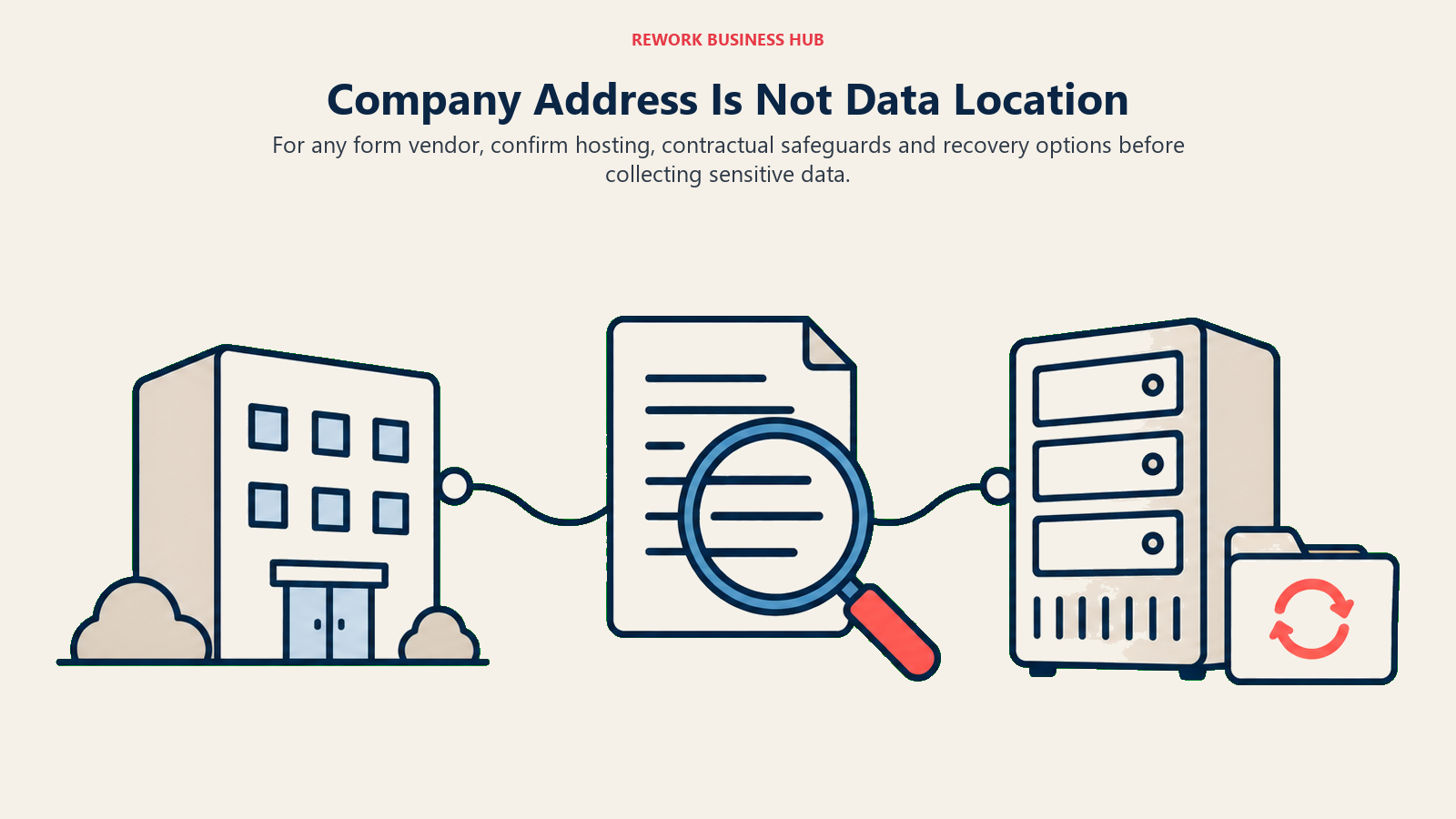
Where a response actually lives, and who's answerable for it, matters more than most buyers check until a customer or a lawyer asks.
| Tally | Jotform | Typeform | |
|---|---|---|---|
| Company HQ | Ghent, Belgium (EU) | San Francisco, US | Barcelona, Spain (EU) |
| Default data location | Europe | US, unless a customer signs Jotform's EU data-residency addendum | US (AWS), per Typeform's own Data Processing Agreement |
| Choice of data center by plan | Not published | Available on request, not restricted to a named tier | Reserved for Enterprise customers only |
| HIPAA | Not offered at any tier | Gold, $99/mo annual, published price, BAA included | Enterprise only, custom quote |
Tally is the simplest story here: it's an EU company, it says data is encrypted in transit and at rest, and it stores responses in Europe by default, with the Business tier adding explicit data-retention controls for compliance-minded teams. It just doesn't offer HIPAA at any price, so a healthcare intake form is off the table regardless of budget.
Jotform, despite being a US company, publishes a GDPR data-processing addendum and, per its own help documentation, will store a customer's data on EU servers for anyone willing to sign it, without gating that behind a specific paid tier. HIPAA is the strongest part of Jotform's compliance story: a fixed, self-serve $99-a-month annual price on Gold, with a signed BAA and no extra fee layered on top.
Typeform is the one worth double-checking your assumptions about. It's headquartered in Barcelona, which makes GDPR its home regulation, but its own pricing page reserves the choice between a US and EU data center for Enterprise customers only. Everyone on Free through Business doesn't get to choose, and per Typeform's published Data Processing Agreement, the default hosting for those tiers runs on AWS servers in the United States under Standard Contractual Clauses, not in the EU. A Spain-headquartered company doesn't automatically mean EU-resident data, and that's exactly the kind of assumption worth confirming with Typeform directly before a European customer's data ends up somewhere the buyer didn't expect. For a deeper look at what EU lead capture actually requires, see collecting lead data under GDPR.
There's a size question underneath all of this a compliance table won't show you either. Jotform has operated since 2006, is bootstrapped with no outside investors, and by Aytekin Tank's own count serves more than 40 million users. Typeform has operated since 2012, is venture-backed with a $135 million Series C led by Sofina on top of earlier rounds including a Series A led by Index Ventures, and runs a team sized in the hundreds. Tally launched in 2020 out of Ghent, is entirely self-funded with no outside investors, and per its own team page runs with roughly ten people.
That's not a knock on Tally's product, which is genuinely well built and, on pure per-response economics, wins this comparison outright past the free tier. It's a fact about what happens if something breaks on a weekend, or if a company that size gets acquired, shuts down a feature, or simply can't staff a security review your buyer's legal team asks for next year. A marketing team's lead-gen test can absorb that risk easily. A form a business genuinely can't afford to lose, tied to compliance, hiring, or revenue, is a different bet entirely. Weigh the savings against how painful it would be to migrate off Tally with no notice, not against whether the product works today, because today isn't the question.
Implementation and Change Management
| Factor | Tally | Jotform | Typeform |
|---|---|---|---|
| Time to first live form | Minutes; the block editor needs no tutorial | Minutes for a simple form, longer once widgets stack up | Minutes; the editor nudges you toward a short form |
| Learning curve | Low | Low to moderate as form and field count grow | Low for a simple form, moderate to match its own design instincts |
| Who needs training | Usually nobody | Whoever owns the widget-heavy forms: payments, e-sign, scheduling | Whoever owns brand and design standards for the account |
| Migration from another tool | Manual rebuild, no importer | Manual rebuild; data imports, form logic doesn't | Manual rebuild; same limitation |
| Governance overhead | Minimal, light admin controls | Moderate, user roles scale with tier | Moderate, roles and permissions from Business up |
When Tally Is the Right Call
- Running lead-gen or feedback campaigns where monthly volume could spike and you don't want a response cap deciding the budget
- Cost is the binding constraint and you're comfortable being a relatively early customer of a small, bootstrapped vendor
- You want the whole team editing forms without paying per seat
- Conditional logic, Stripe-based payments, and file uploads on a genuinely free plan already cover the job, and you don't need HIPAA or a non-Stripe processor
When Jotform Is the Right Call
- Running several different form types (HR intake, event registration, orders, lead capture) and want one tool instead of four
- Need native payment processing beyond Stripe, e-signatures, or PDF generation straight from a submission
- HIPAA compliance matters and a fixed, published price beats an Enterprise negotiation
- Monthly volume sits in the low thousands, where Jotform's submission-based tiers cost meaningfully less than Typeform's response-based ones (see the full math above)
For a wider field than just these three, best Jotform alternatives rounds up 13 more, including where Tally fits among them.
When Typeform Is the Right Call
- A small number of short, high-stakes lead-gen or feedback forms where completion rate is the metric the business actually tracks
- Brand and design polish on the form itself matters as much as the data it collects
- You're comfortable paying a premium for a decade-plus track record and outside investors behind the company
- You're specifically evaluating Typeform's Growth Flow tier for built-in lead enrichment and Salesforce sync, not just the base form tool
Best Typeform alternatives covers the wider field if none of these three is quite right, including where Tally and Jotform each land against it in more depth.
Decision Framework
| If you are... | Pick |
|---|---|
| Running high-volume campaigns and don't want response count to ever set your bill | Tally |
| Building several different operational form types across departments | Jotform |
| Collecting protected health information on a fixed, published-price plan | Jotform |
| Optimizing hardest for completion rate on a handful of brand-forward forms | Typeform |
| Uncomfortable staking a business-critical form on a 10-person vendor | Jotform or Typeform |
| Weighing Jotform against Typeform specifically, without Tally in the mix | See the full Jotform vs Typeform breakdown |
Frequently Asked Questions about Tally vs Jotform vs Typeform
Is Tally actually free, or does it have hidden limits like Jotform and Typeform?
Tally's free plan genuinely has no response or form cap, gated only by an unpublished "fair use" policy. The real tradeoffs are Tally branding on every form, a 10MB per-file upload limit, and no team collaboration beyond one person, all of which the $24-a-month Pro plan removes.
Which is cheapest at high volume: Tally, Jotform, or Typeform?
Tally, by a wide margin. It never meters responses even on its paid tiers, so 10,000 responses a month costs the same $240 a year as 100 would. Jotform and Typeform both run roughly $1,100 to $1,200 a year to cover that same volume.
Does Tally support HIPAA-compliant forms?
No. Tally doesn't publish a HIPAA offering at any tier. Jotform includes HIPAA starting at Gold, $99 a month billed annually, and Typeform only offers it through a custom Enterprise contract.
Is it risky to build a business-critical form on Tally instead of Jotform or Typeform?
It's a real factor, not a reason to rule Tally out. Tally launched in 2020, is based in Belgium, and runs with a team of roughly ten people with no outside investors, against Jotform's two decades in business and Typeform's venture backing and larger headcount. For a marketing experiment, that gap rarely matters. For a form tied to compliance, hiring, or revenue you can't afford to lose, weigh the savings against how hard a forced migration would be.
Which tool has the best payment collection?
Jotform, on breadth: it natively supports eight-plus processors including Stripe, PayPal, Square, and Authorize.Net. Tally and Typeform both route payments through Stripe only. None of the three adds a markup on top of the processor's own fees.
Do any of these three store EU respondent data in Europe by default?
Tally does, since it's a Belgium-based company storing data in Europe as standard. Jotform will store data on EU servers for any customer who signs its GDPR data-processing addendum. Typeform, despite being headquartered in Barcelona, reserves the choice between a US and EU data center for Enterprise customers only, and its own Data Processing Agreement points to US-based hosting for every tier below that.
What to Do Next
- Model your actual monthly response volume, not a hopeful one. The cost table above is the single biggest lever in this decision, bigger than any feature row.
- If that number is genuinely unpredictable, pilot Tally's free plan on one real campaign before assuming you need a metered tool at all. If the pilot surfaces a gap Tally cannot close, usually HIPAA, a payment processor other than Stripe, or deeper CRM sync, best Tally alternatives covers where teams move next.
- If you've already narrowed it to Jotform or Typeform specifically, the full Jotform vs Typeform comparison goes deeper on completion rates and field-level logic than a three-way piece can.
- Get a straight answer on data residency and HIPAA before a compliance-sensitive form goes live, not after a customer asks where their data sits. Collecting lead data under GDPR and how to choose form builder software are useful reads before you commit.
- If you're evaluating more than three form tools total, the full form builder comparison ranks 15 of them side by side, and the true cost of software sprawl is worth a read before adding yet another point tool to the stack.
One thing worth naming on the way out: none of these three ties a form into a sales pipeline by default. Each is built to be the best possible way to collect an answer, then hand the data off to whatever runs next, whether that's a spreadsheet, a Zap, or a CRM you've wired up separately. If the form you're building is really a lead-capture front door meant to feed a sales process (scored, routed to a rep, tracked through to close) rather than a one-off survey or an internal request form, that's a different question than which of these three has the better completion rate. Rework's Lead Ops module builds the form and the CRM as one product, so a submission lands as a contact record instead of a row waiting on an integration, worth a look if that's closer to the actual job than "we need a form."
Related Resources:
- Best Online Form Builder Software in 2026
- Jotform vs Typeform: Which Form Builder Fits Your Team in 2026?
- Jotform Sign vs DocuSign vs Adobe Acrobat Sign
- Best Typeform Alternatives in 2026
- Best Jotform Alternatives in 2026
- Best Google Forms Alternatives in 2026
- How to Choose Form Builder Software
- Form-to-CRM Automation
- Collecting Lead Data Under GDPR
- The True Cost of Software Sprawl
External Resources:
- Tally pricing: Free, Pro, and Business plan comparison
- Tally payment forms help: Stripe Connect setup and fee policy
- Jotform pricing: Free through Enterprise tiers
- Jotform EU data residency: how to request EU-hosted storage
- Typeform pricing: Free through Enterprise plan comparison
- Typeform Data Processing Agreement: data hosting and GDPR terms
- Stripe pricing: standard processing fees referenced above

Principal Product Marketing Strategist
On this page
- TL;DR
- What Each Tool Is Actually Built For
- Decision by Business Goal
- Team and Role Fit
- Pricing at Real Team Sizes: The Meter Math
- The Fine Print Buyers Skip: Files, Payments, Logic, and Exit
- Data, Compliance, and the Vendor-Risk Trade-off
- Implementation and Change Management
- When Tally Is the Right Call
- When Jotform Is the Right Call
- When Typeform Is the Right Call
- Decision Framework
- What to Do Next