Best Sage 50 Alternatives in 2026: 13 Tools for Businesses Leaving Desktop Accounting
Turn this article into takeaways for your work.


Each assistant summarizes the article only for you and suggests best practices for your work.
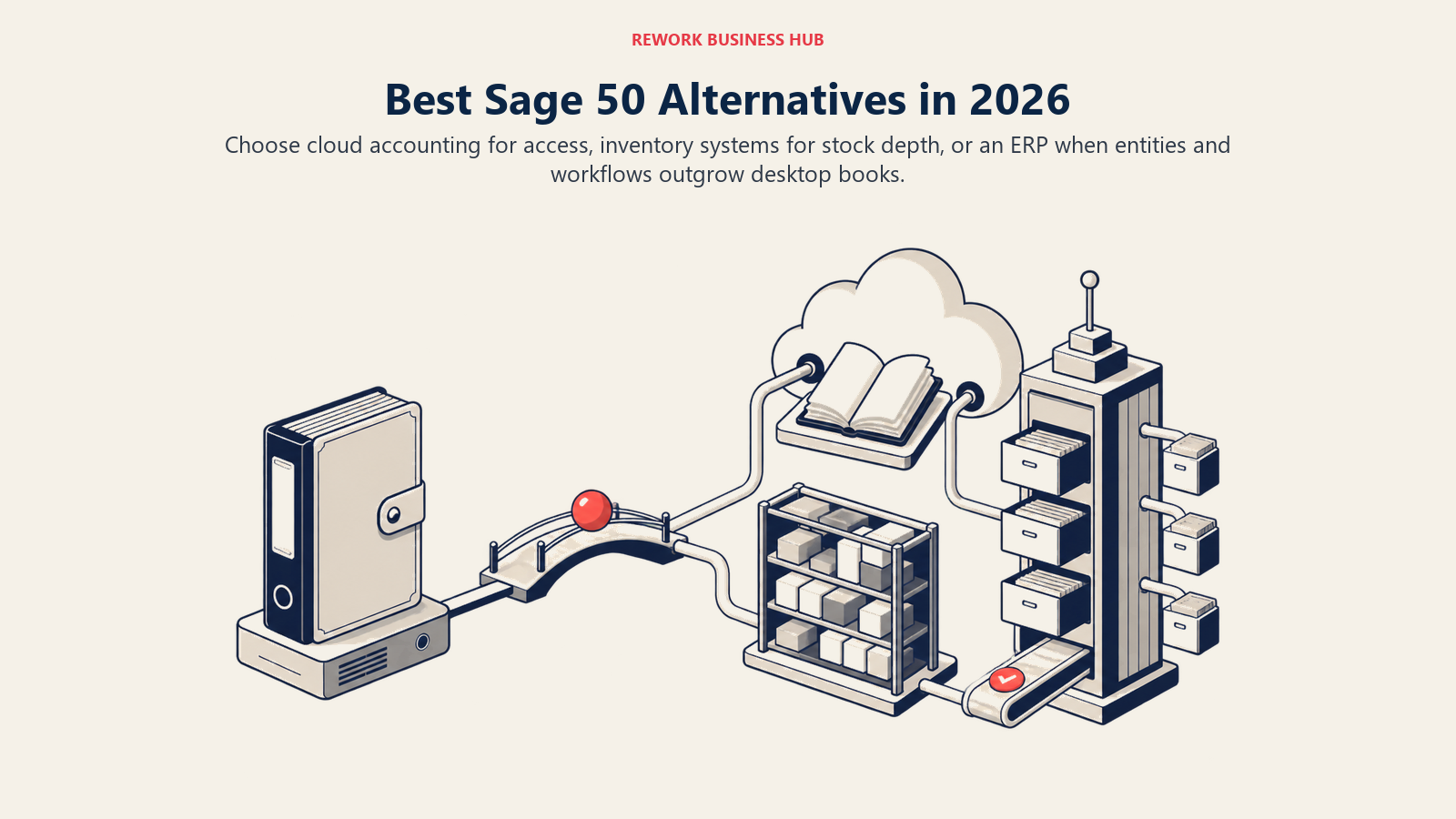
QuickBooks Online and Xero are the two most common landing spots for a business leaving Sage 50, with Sage Intacct as the honest in-family upgrade for finance teams that have genuinely outgrown SMB accounting, and QuickBooks Desktop Enterprise as the answer if you're not ready to give up a desktop-anchored ledger at all. This list covers 13 tools, evaluated on pricing, inventory depth, migration effort, and how each one actually compares to what Sage 50 charges today.
Sage 50 (US) still sells three tiers, Pro Accounting at $128.67 a month for one user, Premium Accounting at $182.50 a month for one to five users, and Quantum Accounting at $271.17 a month for one to 40 users, and every tier is billed on a minimum one-year commitment, so those figures are the monthly equivalent of an annual contract, not a month-to-month price. That per-user, annual-contract structure is the single most common reason people go looking for something else. If you want the full category view before narrowing to Sage 50 specifically, the best accounting software of 2026 roundup covers the broader field, and QuickBooks vs. Sage is worth reading if QuickBooks Online is your leading candidate.
Key Facts
- Sage 50 Pro starts at $128.67 a month for a single user, the monthly equivalent of a mandatory one-year contract (Sage, sage.com/en-us/products/sage-50/pricing).
- Sage retired Sage Business Cloud Accounting in the US on December 31, 2024, with account access ending January 31, 2025, leaving Sage Intacct as the only remaining in-family cloud step up (Sage).
- 44% of accounting software buyers say they're disappointed with their most recent purchase, and 28% say the software simply underperformed what they expected (Capterra's 2026 Software Buying Trends Survey, via Accounting Today).
- 70% of software buyers regretted at least one purchase made in the past 18 months, and 57% of those said the regret carried substantial or worse financial consequences (Capterra survey, via Accounting Today).
- Data migration is the number one cited challenge in ERP implementations, named by 62% of organizations, and the average implementation still runs 3.6 months longer than planned (Panorama Consulting's ERP Report).
Quick Comparison Table
| Tool | Best For | Starting Price | Key Strength | Key Limitation |
|---|---|---|---|---|
| QuickBooks Online | US businesses moving off desktop for good | $38/mo (Simple Start, 1 user) | Deepest US accountant and tax ecosystem | Renewal prices shift for some tiers from August 2026 |
| Xero | Teams that don't want to pay per seat | $25/mo (Early) | No per-user fee on any plan | No native US payroll (Gusto add-on) |
| Sage Intacct | Finance teams ready for real ERP-grade accounting | Custom quote | Multi-entity, dimensional reporting, ASC 606 | No published price; partner-led implementation |
| QuickBooks Desktop Enterprise | Inventory-heavy businesses staying desktop-based | From $2,210/yr (Gold, annual list) | Deepest desktop inventory and industry editions | Still desktop-anchored; per-user annual license |
| NetSuite | Multi-entity companies leaving desktop entirely | Custom quote | Full ERP: finance, inventory, CRM in one system | Custom quote; 3-6 month implementation typical |
| Odoo | Budget-conscious teams that want ERP-lite modularity | Free (One App Free, unlimited users) | Add inventory and manufacturing apps as you grow | Support quality varies by implementation partner |
| Zoho Books | Automation-minded SMBs on a budget | Free (1 user, under $50K revenue) | Strong workflow automation, multi-currency | Best value inside the wider Zoho ecosystem |
| Acumatica | Growing companies that dislike per-user pricing | Custom quote (resource-based) | No per-user fee; scales by usage, not seats | No published price; requires a partner conversation |
| Dynamics 365 Business Central | Microsoft-centric finance teams | $80/user/mo (Essentials, paid yearly) | Deep Microsoft 365 and Power Platform integration | Per-user pricing adds up fast past 10 seats |
| FreshBooks | Service businesses billing by time or project | $23/mo (Lite, 5 clients) | Best-in-class client billing and time tracking | Weak inventory; not a general ledger replacement |
| Wave | Very small teams that want to pay almost nothing | Free (Starter) or $19/mo (Pro) | Real double-entry accounting at zero cost | Bank feeds and multi-user require the Pro plan |
| Patriot Software | US small teams where payroll is the main event | $10/mo promo, $20/mo regular (Accounting Basic) | Cheapest path to compliant US payroll and books | Basic reporting; no inventory; US-only |
| ZarMoney | Sage-like feature depth without the desktop lock-in | $20/mo (2 users included) | Inventory, billing, and reporting in one cloud plan | Smaller ecosystem and brand recognition |
Stage Fit Matrix
| Tool | Startup (1-10) | Growth (10-50) | Mid-Market (50-200) | Enterprise (200+) |
|---|---|---|---|---|
| QuickBooks Online | Good | Strong | Possible | Not ideal |
| Xero | Good | Strong | Possible | No |
| Sage Intacct | No | Possible | Strong | Strong |
| QuickBooks Desktop Enterprise | Good | Strong | Possible | No |
| NetSuite | No | Possible | Strong | Strong |
| Odoo | Strong | Strong | Possible | Possible |
| Zoho Books | Strong | Strong | Possible | No |
| Acumatica | No | Possible | Strong | Strong |
| Dynamics 365 Business Central | No | Possible | Strong | Possible |
| FreshBooks | Strong | Good | Weak | No |
| Wave | Strong | Weak | No | No |
| Patriot Software | Strong | Good | Weak | No |
| ZarMoney | Good | Good | Possible | No |
Sizing and Persona Table
| Tool | Team Size Sweet Spot | Primary Buyer | Industry Fit |
|---|---|---|---|
| QuickBooks Online | 5-100 employees | Owner, Controller, Accountant | Services, retail, professional services |
| Xero | 5-100 employees | Owner, Finance Manager | Services, e-commerce, agencies |
| Sage Intacct | 50-1,000 employees | CFO, Controller, Finance Director | SaaS, nonprofits, healthcare, professional services |
| QuickBooks Desktop Enterprise | 10-40 employees | Owner, Controller, Ops Manager | Manufacturing, distribution, contractors, nonprofits |
| NetSuite | 100+ employees | CFO, IT Director | Manufacturing, distribution, multi-entity SaaS |
| Odoo | 5-150 employees | Ops Manager, Founder | Manufacturing, retail, distribution |
| Zoho Books | 5-100 employees | Finance Manager, Ops Manager | SaaS, e-commerce, services |
| Acumatica | 20-500 employees | CFO, IT Director | Construction, distribution, manufacturing, field service |
| Dynamics 365 Business Central | 20-300 employees | CFO, IT Director | Manufacturing, distribution, Microsoft-centric firms |
| FreshBooks | 1-20 employees | Founder, freelancer, agency owner | Agencies, consulting, creative services |
| Wave | 1-10 employees | Founder, solo operator | Freelancers, micro-businesses |
| Patriot Software | 1-50 employees | Owner, HR Manager | US small businesses with hourly or salaried staff |
| ZarMoney | 2-30 employees | Owner, Bookkeeper | Retail, services, small distribution |
1. QuickBooks Online: The default landing spot for US businesses leaving desktop
QuickBooks Online is where most Sage 50 users end up, mostly because their accountant already asks for QuickBooks files from every other client. Intuit has spent decades building the deepest US tax, IRS filing, and payroll integration of any tool on this list, and that accountant network effect makes the switch feel low-risk even before you look at features. For a wider view of how QuickBooks stacks up outside this specific comparison, the full QuickBooks alternatives breakdown covers the gaps in more detail, and if you're choosing between the two most common landing spots, QuickBooks vs. Xero walks through that decision directly.
The inventory module has improved (FIFO costing, reorder points, SKU tracking on Plus and Advanced) but it's still lighter than what Sage 50 Quantum or QuickBooks Desktop Enterprise offer for businesses with real supply chains. Reporting is strong for the price, and Essentials and Plus add class tracking and project profitability without exporting to spreadsheets.
One nuance worth flagging: Intuit has announced that renewal pricing for Essentials, Plus, and Advanced changes starting August 1, 2026 (Free, Lite, Ledger, and Simple Start are unchanged). Intuit hasn't published the new dollar figures, so existing subscribers should check the price inside their own account rather than assume today's rate holds at renewal; see Intuit's own price-change notice for details. Intuit also runs frequent new-customer promotions on top of the regular price; treat those as promotions, not the ongoing rate.
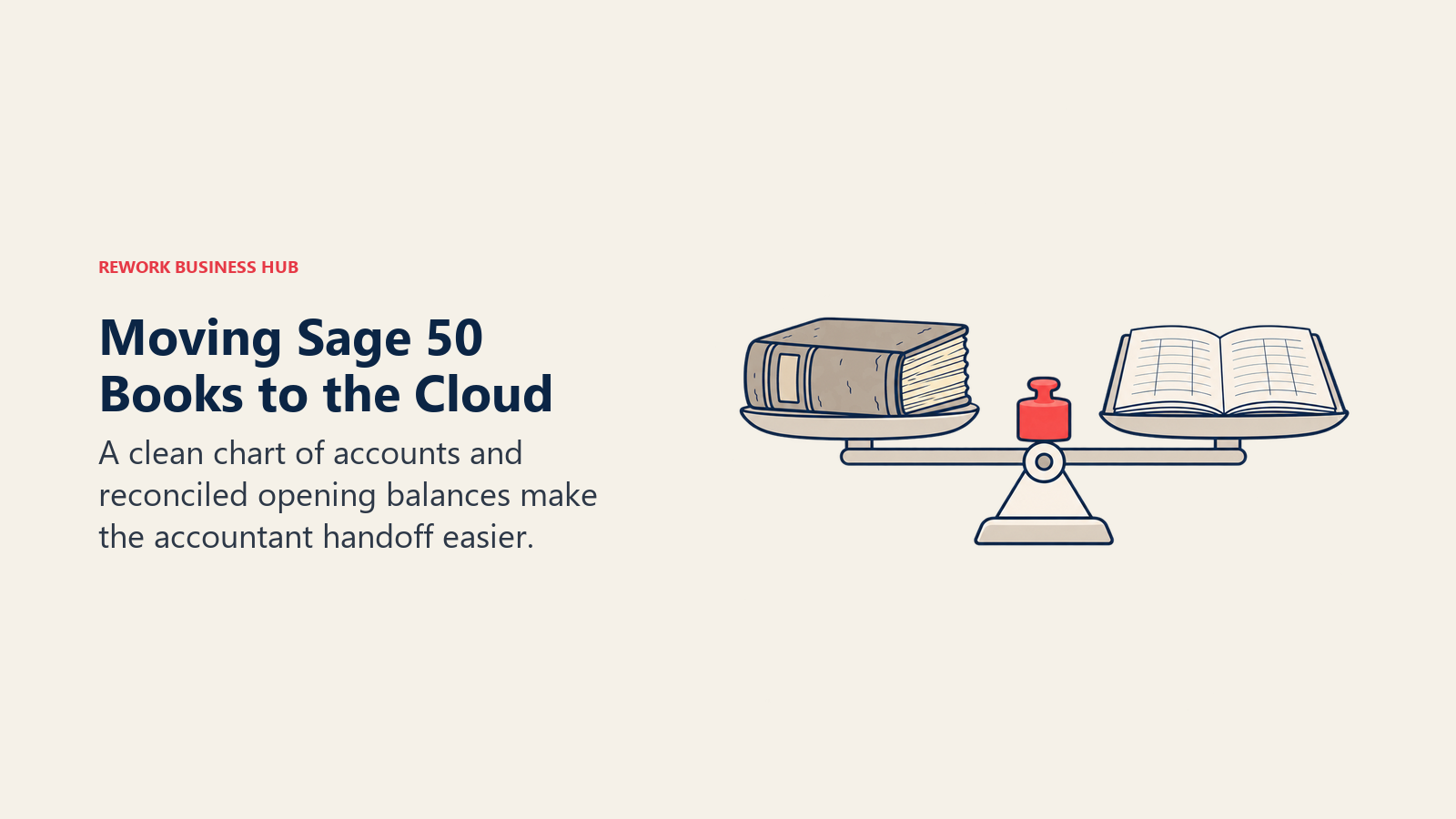
Migration from Sage 50 is moderate: expect CSV exports plus a bookkeeper's help reconciling opening balances, typically one to two weeks.
| Strengths | Limitations |
|---|---|
| Deep US tax and payroll integration | Renewal pricing shifts for some tiers from August 2026 |
| Huge accountant and bookkeeper network | Inventory still light for complex supply chains |
| Strong reporting at Plus and Advanced | Advanced tier prices into mid-market territory |
| Native 1099 and W-2 filing | Support quality has long-standing complaints |
Pricing: Simple Start $38/month (1 user), Essentials $85/month (3 users), Plus $140/month (5 users), Advanced $340/month (25 users), all regular monthly rates for new subscribers. Payroll is a separate add-on. See quickbooks.intuit.com/pricing.
Best for: US businesses with 5-100 employees that want the shortest path to an accountant-ready cloud ledger.
2. Xero: The only major tool with no per-user fee
Xero's biggest structural difference from Sage 50 isn't a feature, it's the pricing model. Every Xero plan, Early through Established, lets you add unlimited users at no extra charge. Sage 50 caps Pro at one user and Premium at five; Xero simply doesn't cap seats at all. For a team that keeps adding logins as it grows, that alone can be worth more than any single feature comparison.
Xero's bank reconciliation is genuinely clean and its third-party integration ecosystem is wide. The Established plan adds multi-currency, projects, expense claims, and a 180-day cash flow forecast. Where it falls short of Sage 50: Xero does not run its own US payroll. The plans list "Xero Payroll, powered by Gusto" as an optional add-on, not a native feature, so don't describe payroll as included in the base price. Inventory Plus is also a paid add-on rather than something bundled in.
Migration from Sage 50 is moderate, using CSV exports and Xero's own Sage migration guide, usually one to two weeks. Businesses that also want to compare Xero directly against a service-billing specialist should look at Xero vs. FreshBooks; if Xero itself ends up not fitting, the full Xero alternatives list covers where else to look.
| Strengths | Limitations |
|---|---|
| Unlimited users on every plan | No native US payroll (Gusto add-on) |
| Clean bank reconciliation | Inventory Plus is a paid add-on |
| Wide third-party integration ecosystem | Fewer US-specific tax features than QuickBooks |
| 180-day cash flow forecast on Established | Reporting depth trails QuickBooks at scale |
Pricing: Early $25/month, Growing $55/month, Established $90/month, all regular monthly rates with no per-user fee. A limited-time new-customer promotion runs through September 30, 2026; the figures above are the regular rate. See xero.com/us/pricing-plans.
Best for: Growing teams that keep adding logins and don't want seat costs to scale with headcount.
3. Sage Intacct: The honest in-family upgrade, not a lateral move
Sage Intacct is not a cheaper Sage 50. It's what a finance team graduates to once the business has multiple entities, real revenue recognition requirements under ASC 606, or an audit trail that spreadsheets and SMB software can't produce. With Sage Business Cloud Accounting retired in the US, Sage Intacct is now the only cloud product left in the Sage family for a Sage 50 user who wants to stay with the same vendor. The full Sage Intacct alternatives roundup is worth reading if Intacct itself turns out to be more than you need.
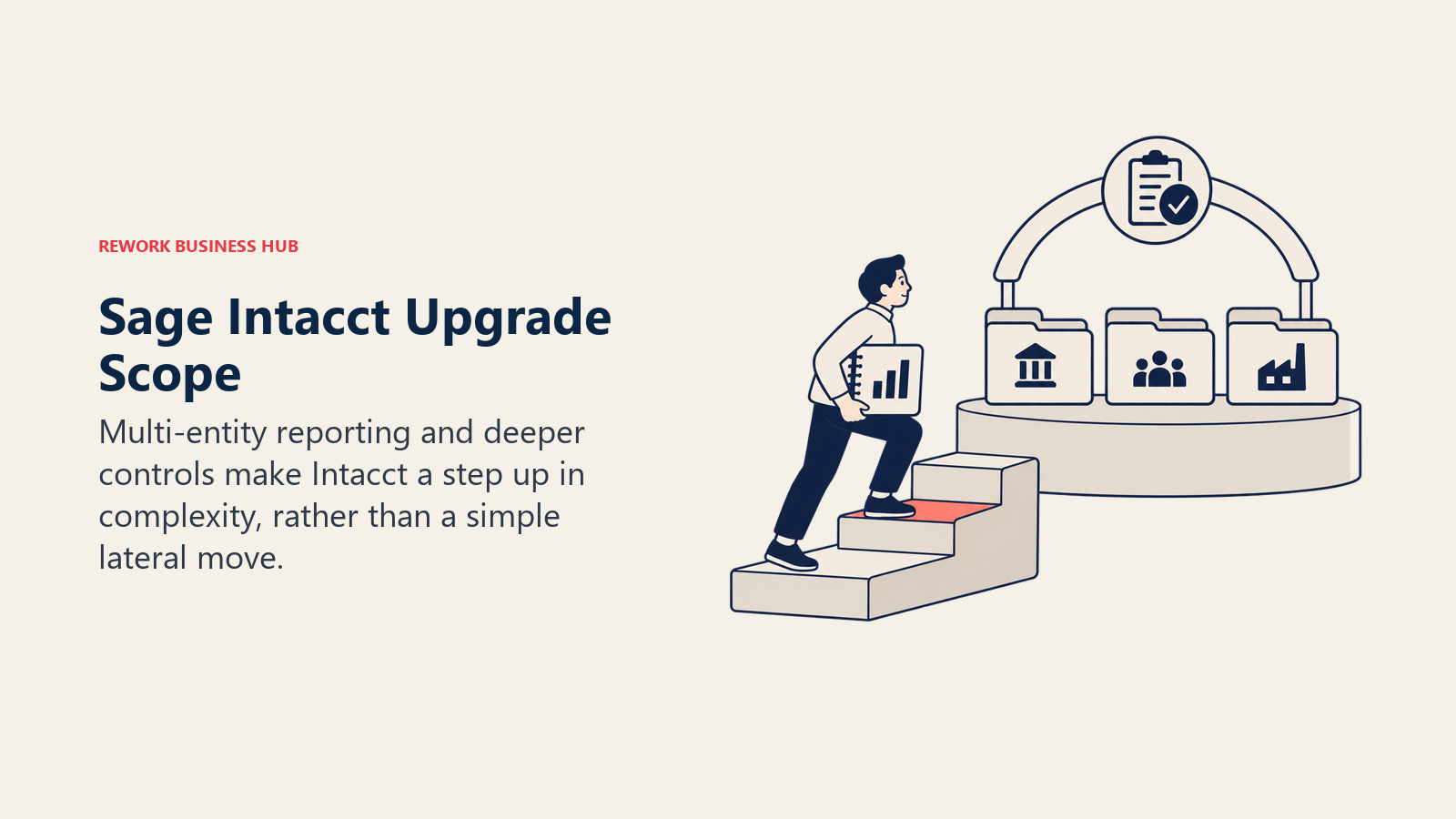
The product is built for controllers and CFOs, not founders managing their own books, and the interface reflects that: powerful, not simple. Multi-entity architecture handles separate legal entities, intercompany transactions, and consolidated reporting natively. AICPA named Sage Intacct its preferred financial management solution, which carries real weight with auditors and enterprise finance teams, and the API integrates well with Salesforce and ADP.
Sage does not publish a starting price for Intacct. It's sold entirely through a custom quote based on modules, entities, and users, and implementation runs through a partner in nearly every case, so don't expect a self-serve signup the way you'd get with Sage 50.
Migration from Sage 50 is complex: partner-assisted, with in-family data mapping that's easier than a cross-vendor move but still a real project, typically four to eight weeks.
| Strengths | Limitations |
|---|---|
| Multi-entity and intercompany consolidation | No published price; quote-only |
| ASC 606 and GAAP revenue recognition | Implementation requires a partner |
| Multi-dimensional reporting by department, location, project | Not suited to small, single-entity businesses |
| AICPA-preferred platform | Steep learning curve for non-finance staff |
Pricing: Custom quote only; Sage does not publish list pricing. Request pricing at sage.com/en-us/products/sage-intacct.
Best for: Mid-market finance teams with multi-entity, revenue-recognition, or audit requirements that want to stay inside the Sage ecosystem.
4. QuickBooks Desktop Enterprise: The closest thing to Sage 50 Quantum
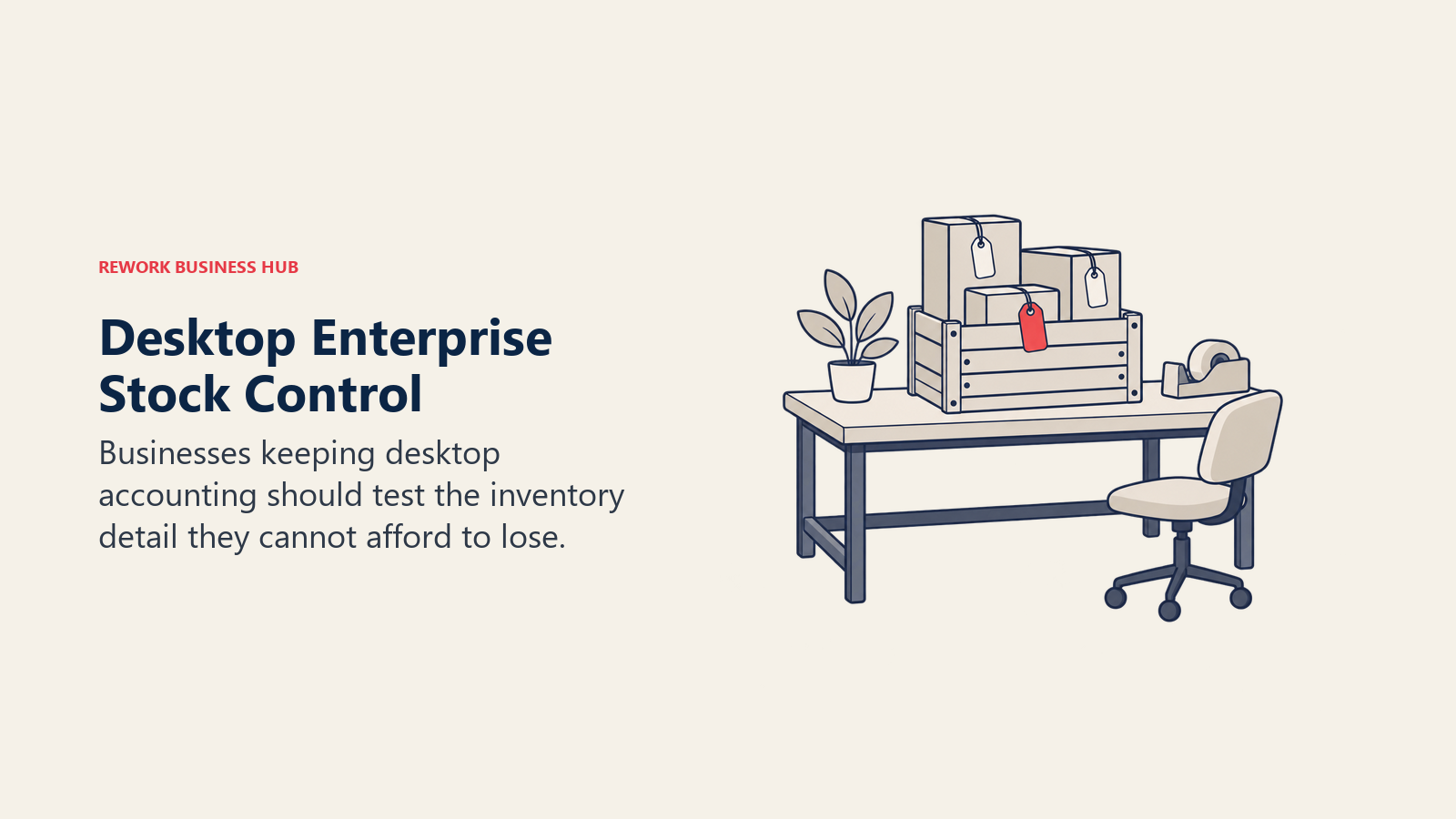
If the real objection to Sage 50 isn't "desktop software" but "this specific desktop software," QuickBooks Desktop Enterprise is the direct peer. It's still sold as an annual subscription (Intuit stopped selling new QuickBooks Desktop Pro Plus, Premier Plus, and Mac Plus subscriptions to US customers on September 30, 2024, but Enterprise was unaffected and remains a live product). Like Sage 50 Quantum, it scales by tier rather than forcing an immediate move to the cloud, and its Advanced Inventory module handles multi-location, bin, and lot tracking better than QuickBooks Online.
Intuit publishes annual list pricing for Enterprise on its own site: Gold from $2,210 a year, Platinum from $2,717 a year, and Diamond from $5,363 a year, with a Silver tier sold below Gold at an unpublished rate. Those are entry figures and the price climbs with the user count. Gold and Platinum support up to 30 simultaneous users; Diamond scales to 40, matching Sage 50 Quantum's ceiling. Set against Sage 50 Quantum at $271.17 a month on a one-year commitment, roughly $3,254 a year, Gold and Platinum come in lower and Diamond higher, so the comparison turns on which inventory features you actually need rather than on headline price.
Migration from Sage 50 is easier than most cross-vendor moves: Intuit publishes a Sage 50 conversion tool, and most businesses are running in days rather than weeks.
| Strengths | Limitations |
|---|---|
| Deepest desktop inventory of any tool here | Intuit doesn't publish a public flat-rate price |
| Industry editions for contractors, manufacturing, nonprofits | Still desktop-anchored; per-user annual license |
| Direct Sage 50 conversion tool | Diamond tier requires a custom quote |
| Advanced Inventory across multiple locations | Cloud access needs separate hosting |
Pricing: Configured by tier and user count through Intuit sales or a reseller; reported starting range roughly $1,703-$5,200+/year depending on tier. Confirm current pricing at quickbooks.intuit.com/desktop/enterprise.
Best for: Inventory-heavy businesses that want Sage 50 Quantum's ceiling without staying on Sage 50 specifically.
5. NetSuite: Full cloud ERP for companies ready to leave desktop for good
NetSuite (Oracle NetSuite) isn't an accounting tool, it's an ERP that happens to include accounting. If you're evaluating it as a Sage 50 replacement, that means one of two things: your business has genuinely outgrown accounting software, or someone in the organization is scoping the wrong tool. The full NetSuite alternatives roundup is worth reading before committing, since the tier below (Acumatica, Dynamics 365 Business Central) covers similar ground at a smaller scale.
The financial module (general ledger, AP, AR, multi-currency, multi-subsidiary consolidation) is enterprise-grade with strong audit trails, and NetSuite's real strength is multi-subsidiary consolidation: companies with three or more legal entities and intercompany transactions across currencies find that Sage 50 and QuickBooks create manual reconciliation work that disappears inside NetSuite. SuiteAnalytics is deep, and SuiteScript lets developers build custom workflows.
NetSuite is priced entirely through a custom quote, based on modules, users, and company complexity; Oracle does not publish a starting price. Implementation typically runs three to six months with a partner, which makes this a project decision, not a subscription you cancel if it doesn't work out.
Migration from Sage 50 is complex and partner-assisted, typically three to six months given the scope of a full ERP rollout.
| Strengths | Limitations |
|---|---|
| Multi-subsidiary and multi-currency consolidation | No published price; custom quote only |
| Full ERP: finance, supply chain, HR, CRM | 3-6 month implementation typical |
| GAAP-compliant with audit-grade controls | Overkill for businesses under 100 employees |
| SuiteScript API for deep customization | Ongoing admin usually needs a dedicated resource |
Pricing: Custom quote; no published starting price. Contact netsuite.com for a quote.
Best for: High-growth or multi-entity businesses that need ERP-level consolidation, not just better bookkeeping.
6. Odoo: The cheapest way to add real inventory and manufacturing depth
Odoo's One App Free plan is the sleeper option on this list: it's genuinely free, with unlimited users, for a single app. If accounting is all you need, you can run Odoo's Accounting app at zero cost, which undercuts every other tool here except Wave. What makes Odoo different from Wave is the growth path: add the Inventory, Manufacturing, or Purchase apps as the business needs them, and you're building toward ERP-like coverage without a forced platform migration later. The full Odoo alternatives roundup covers how it compares to other mid-market open-source and modular options.
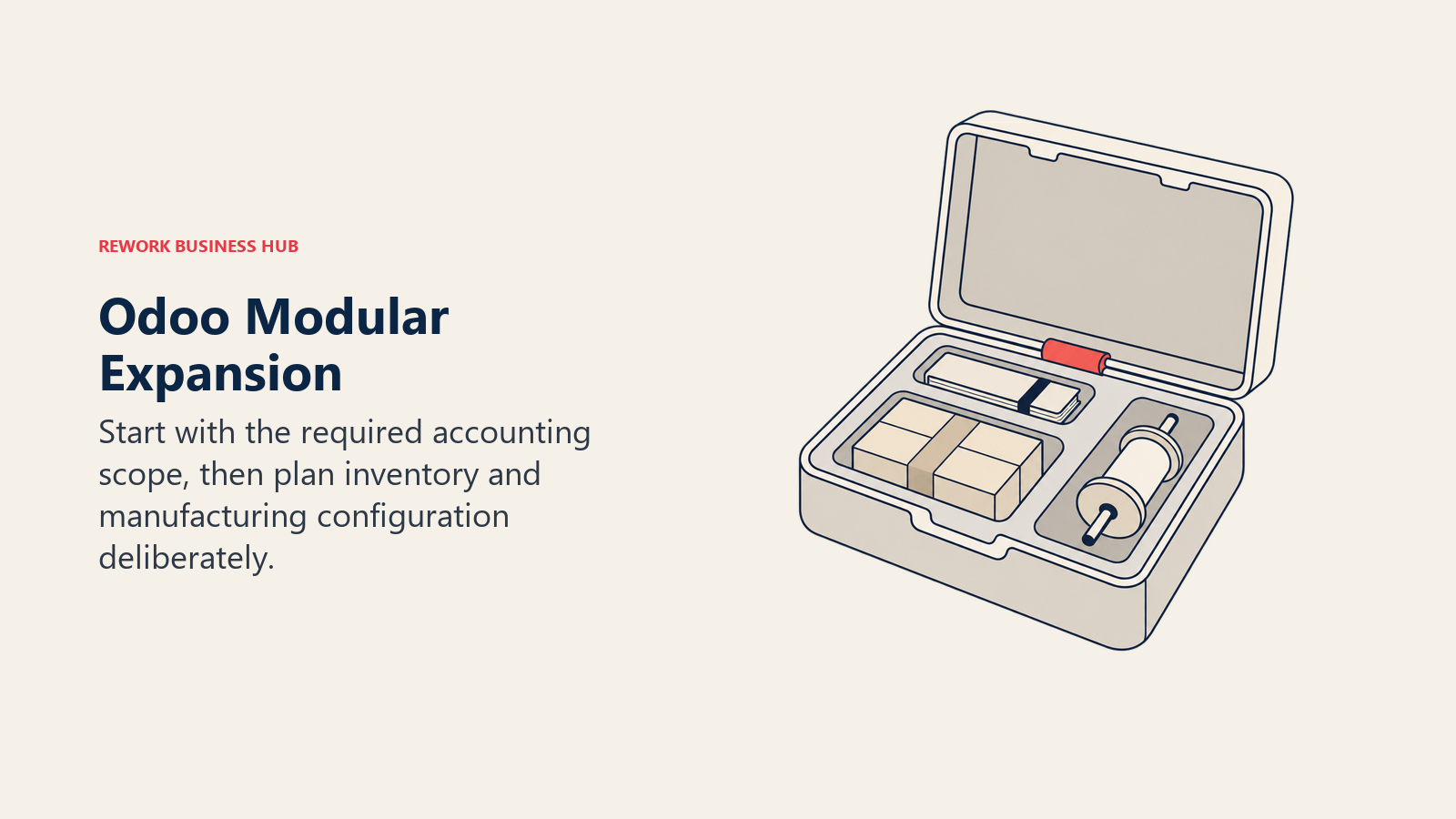
The tradeoff is implementation quality varies by who sets it up. Odoo is open-core software with a large partner network, and a well-configured deployment looks completely different from a rushed one. Businesses that want a single vendor to own the whole relationship may find that inconsistency frustrating compared to Sage 50's single-vendor support model.
Migration from Sage 50 is moderate for the accounting side, but a business bringing over inventory history and bills of materials should budget partner time, typically two to four weeks total.
| Strengths | Limitations |
|---|---|
| One App Free plan with unlimited users | Implementation quality depends on the partner |
| Modular growth path into inventory, manufacturing | Feels less turnkey than a single-vendor SaaS product |
| No per-user fee gate on the free tier | Support quality is inconsistent across partners |
| Open architecture for deep customization | Learning curve steeper than QuickBooks or Xero |
Pricing: One App Free $0/month (unlimited users, 1 app), Standard $8.95/user/month billed monthly or $7.25/user/month billed yearly (all apps), Custom $13.60/user/month billed monthly or $10.90/user/month billed yearly. See odoo.com/pricing.
Best for: Budget-conscious, product-based businesses that want to add inventory or manufacturing depth without ERP-level cost.
7. Zoho Books: Deep automation at SMB pricing
Zoho Books is the accounting layer of the Zoho ecosystem, and if you're already using Zoho CRM or Zoho Projects, the integration value is immediate: contacts, deals, and invoices sync without setup. But it holds up on its own even outside the Zoho stack. The full Zoho Books alternatives roundup covers where it sits relative to competitors in more detail.
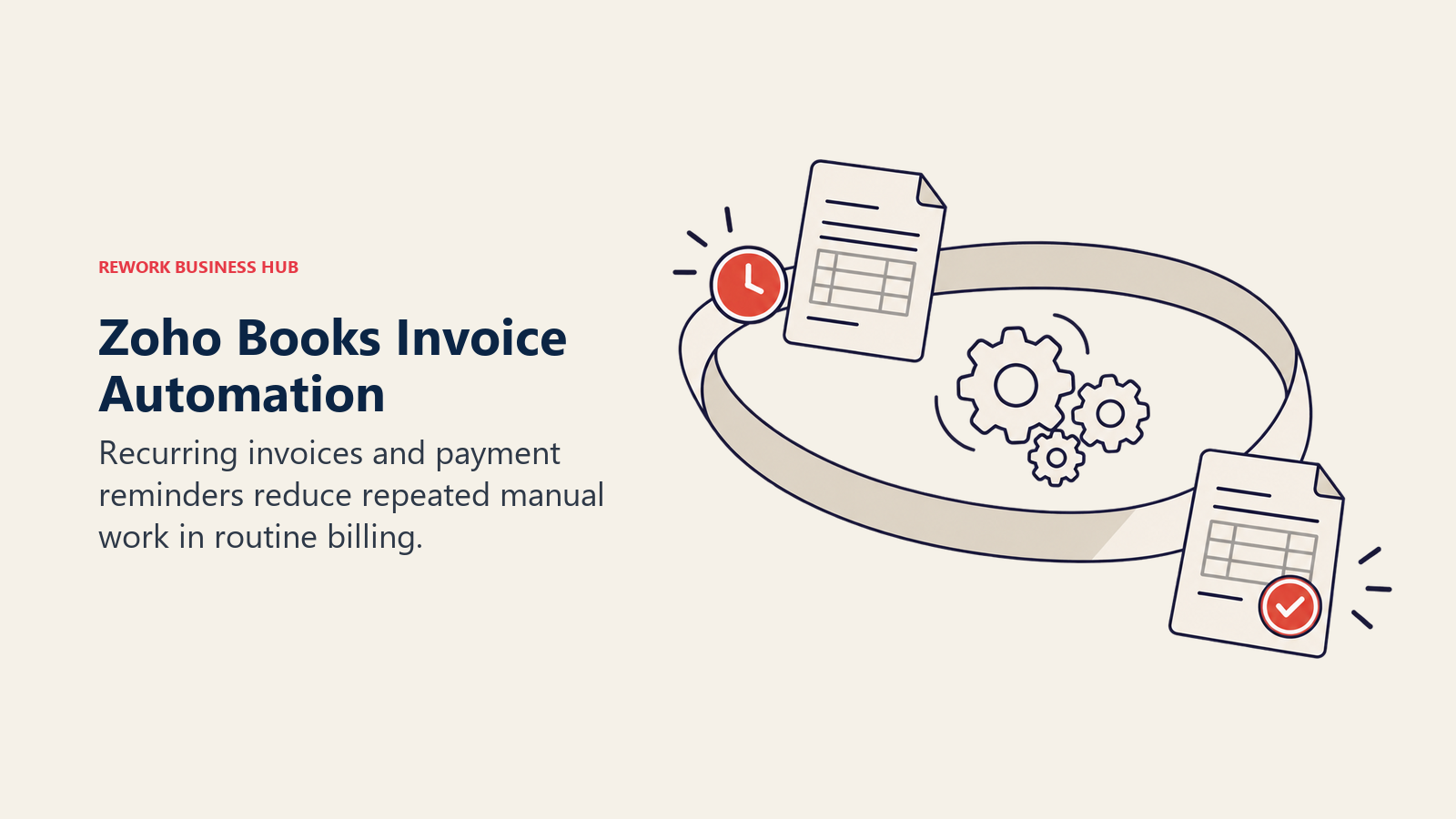
The automation engine is one of the strongest at this price point: workflows that auto-send payment reminders, flag overdue invoices, and generate recurring invoices on schedule. Multi-currency is included from the Standard plan, and inventory (with item groups and warehouse support on higher tiers) covers more ground than Sage 50 Pro's single-user tier, though it doesn't match Quantum's depth for complex supply chains.
The free plan works for very small businesses (under $50,000 in annual revenue, capped at 1,000 invoices and 1,000 expenses a year), and Standard through Ultimate scale from $20 to $275 a month depending on user count and feature depth.
Migration from Sage 50 is moderate: CSV import plus Zoho's own migration wizard, typically one to two weeks.
| Strengths | Limitations |
|---|---|
| Deep automation at SMB price | Best value inside the wider Zoho ecosystem |
| Multi-currency from the Standard plan | Dense UI with a slower onboarding curve |
| Inventory with warehouse support on higher tiers | Free plan capped at $50K revenue and 1,000 invoices |
| Client portal included on paid plans | Third-party integrations thinner than QuickBooks |
Pricing: Free (1 user + 1 accountant, under $50K revenue), Standard $20/month or $15/month billed yearly (3 users), Professional $50/month or $40/month yearly (5 users), Premium $70/month or $60/month yearly (10 users), Elite $150/month or $120/month yearly (10 users), Ultimate $275/month or $240/month yearly (15 users). Extra users $3/user/month ($2.50 billed yearly). See zoho.com/us/books/pricing.
Best for: Growing SMBs that want deep automation and multi-currency without ERP-level cost, especially alongside other Zoho products.
8. Acumatica: ERP without the per-user penalty
Acumatica's whole pitch is a direct rebuttal to per-user pricing: instead of charging by seat, it prices by the applications you deploy, your expected transaction volume, and your resource and storage needs. For a growing business that keeps hesitating to add a login because of what it'll cost, that's a structurally different conversation than Sage 50's per-tier user caps.
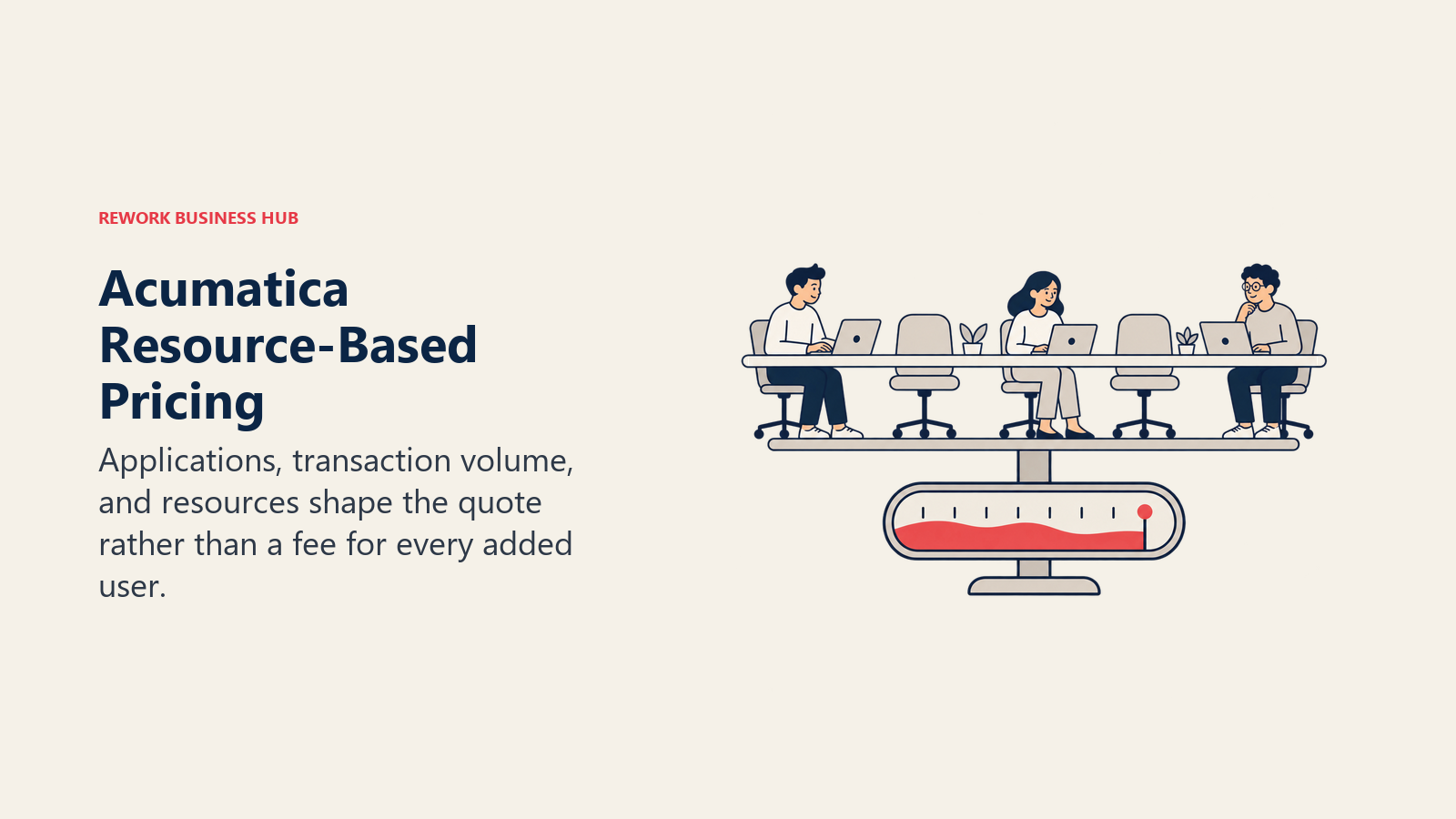
Acumatica doesn't publish list pricing anywhere on its site; every quote comes from a custom pricing review with an Acumatica partner, informed by industry-specific calculators for construction, manufacturing, and distribution. That makes it harder to comparison-shop upfront, but the underlying model (unlimited users within a licensed resource pool) tends to reward companies that are adding headcount faster than transaction volume.
The platform covers general ledger, AP, AR, inventory, and industry-specific modules (construction, manufacturing, distribution, field service) natively, competing more directly with NetSuite and Dynamics 365 Business Central than with SMB tools like QuickBooks Online.
Migration from Sage 50 is complex and partner-led, typically six to twelve weeks depending on how many modules you're deploying beyond core financials.
| Strengths | Limitations |
|---|---|
| No per-user fee; scales by usage, not seats | No published price; requires a partner conversation |
| Strong industry editions (construction, distribution) | Harder to comparison-shop without a sales call |
| Full ERP scope beyond just accounting | Implementation typically needs a certified partner |
| Unlimited users within a licensed resource pool | Overkill for a single-entity business under 20 people |
Pricing: Custom quote based on applications, transaction volume, and resources; no published starting price. Request pricing at acumatica.com/pricing.
Best for: Growing, multi-department businesses that want ERP depth without punishing every new hire with an extra seat fee.
9. Dynamics 365 Business Central: The ERP-lite pick for Microsoft shops
Dynamics 365 Business Central is Microsoft's answer to the same question Sage Intacct and NetSuite are answering, sized for mid-market companies rather than enterprises, and it's the natural fit if the rest of the business already runs on Microsoft 365, Teams, and the Power Platform. The full Dynamics 365 alternatives roundup covers how it compares to NetSuite and Acumatica in more depth.
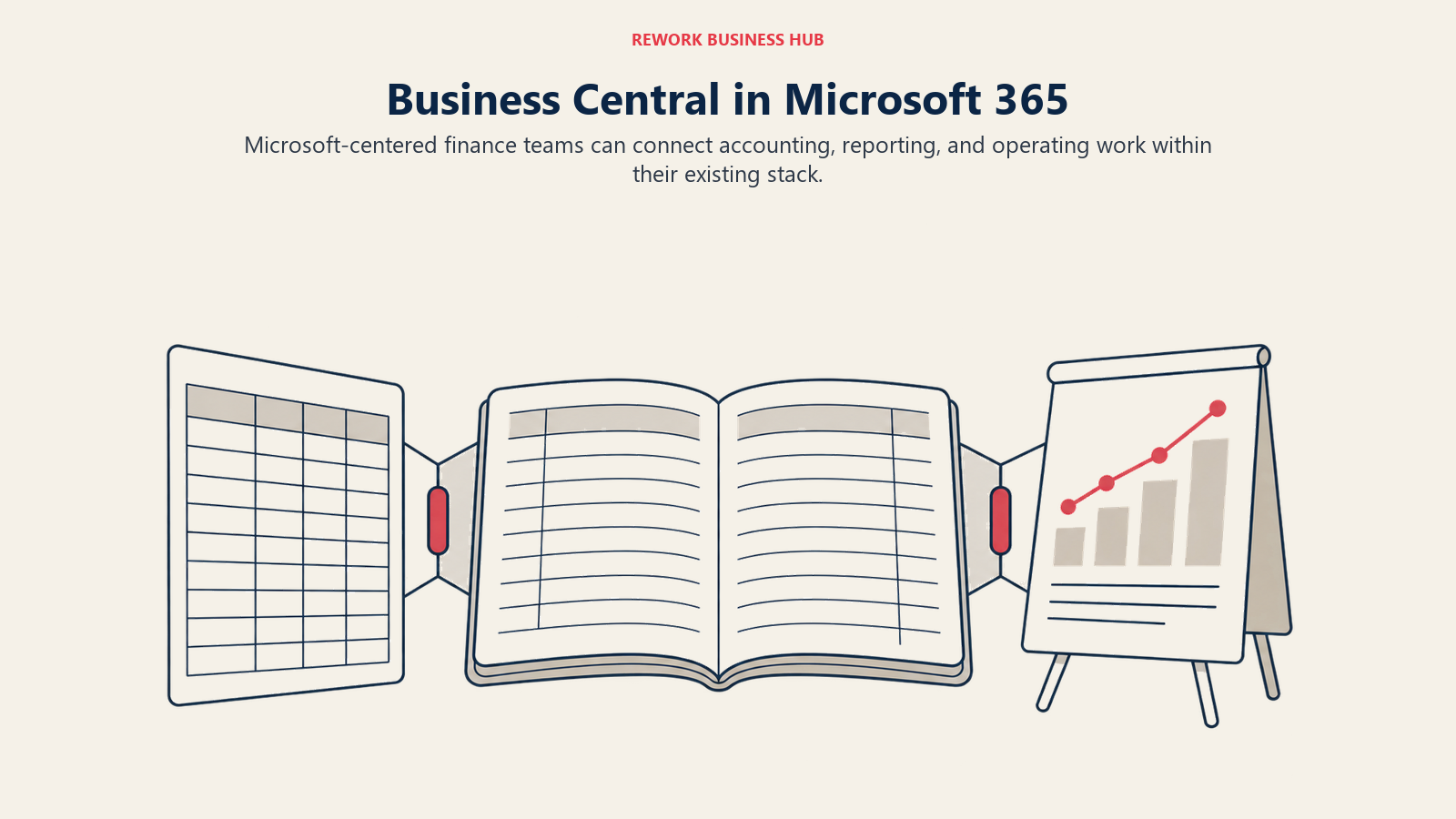
Business Central bundles general ledger, inventory, purchasing, and light manufacturing into one system, with native Copilot AI features and deep integration into Excel, Outlook, and Power BI. That Microsoft-native workflow is the real differentiator: finance teams that live in Excel for reporting get a much shorter learning curve than moving to a standalone ERP.
Pricing is per-user, per-month, billed yearly, which unlike Acumatica's resource-based model does scale directly with headcount. A "Team Member" tier gives read-and-approve access to non-finance staff at a much lower price than a full Essentials or Premium seat, which helps control cost as you add casual users.
Migration from Sage 50 is complex, using Microsoft's RapidStart implementation tools with a partner, typically six to twelve weeks.
| Strengths | Limitations |
|---|---|
| Deep Microsoft 365 and Power Platform integration | Per-user pricing adds up fast past 10 full seats |
| Copilot AI built into core workflows | Best value is concentrated inside the Microsoft ecosystem |
| Team Member tier controls cost for light users | Implementation typically needs a Microsoft partner |
| Native Excel and Power BI reporting | Less US small-business mindshare than QuickBooks |
Pricing: Essentials $80/user/month paid yearly, Premium $110/user/month paid yearly, Team Members $8/user/month paid yearly (limited, read-and-approve access). See microsoft.com/en-us/dynamics-365/products/business-central/pricing.
Best for: Mid-market companies already standardized on Microsoft 365 that want ERP depth without leaving that ecosystem.
10. FreshBooks: The billing specialist for service businesses
FreshBooks started as invoicing software and still thinks like invoicing software, which is exactly why it fits a specific kind of Sage 50 leaver: an agency, consultancy, or professional-services firm where billing by time or project, not tracking physical inventory, is the core accounting activity. For that reader, FreshBooks wraps the entire client relationship around billing better than any general ledger tool on this list. If service billing is only part of the decision, Xero vs. FreshBooks walks through that specific tradeoff, and the full FreshBooks alternatives roundup covers where else to look.
Time tracking is built in, estimates convert to invoices in one click, and the client portal lets customers view invoice history and pay online. What FreshBooks doesn't do well: inventory. There's essentially no meaningful inventory module, so a Sage 50 Quantum user managing physical stock will hit walls immediately.
Pricing is per-client, not per-user, which is the opposite of most tools here: Lite caps you at 5 billable clients, and every tier charges $11 a month for each additional team member.
Migration from Sage 50 is easy for service businesses with simple books, typically a few days using CSV import.
| Strengths | Limitations |
|---|---|
| Best-in-class client billing and invoicing | No meaningful inventory management |
| Built-in time tracking | Per-client pricing model, not per-user |
| Clean, approachable UI | $11/month for every additional team member |
| Project profitability tracking | Not a general ledger replacement for product businesses |
Pricing: Lite $23/month (5 clients, 1 user), Plus $43/month (50 clients), Premium $70/month (unlimited clients), Select custom pricing for larger teams. Extra team members $11/user/month on every tier. See freshbooks.com/pricing.
Best for: Service businesses and agencies that bill by time or project and need clean client-facing invoicing.
11. Wave: Real double-entry accounting for close to nothing
Wave's Starter plan is genuinely free: income and expense tracking, unlimited invoicing, and double-entry bookkeeping, at no cost, with Wave making money on payment processing instead of subscriptions. For a Sage 50 Pro user who's really a single-person shop paying $128.67 a month for features they barely use, Wave is the most direct downgrade in cost on this entire list.
One correction worth making explicitly: Wave's free Starter plan no longer includes automatic bank transaction import, auto-categorization, or multi-user access. Those moved to the paid Pro plan. So "Wave is free" is true for core accounting and invoicing, but not for the bank-feed automation most people picture when they hear "cloud accounting."
What Wave doesn't do: inventory, projects, time tracking, or meaningful reporting beyond a basic P&L and balance sheet. It's honest about that ceiling. Most businesses that grow past 10 employees or start carrying inventory migrate within 12-18 months of adopting it.
Migration from Sage 50 is easy, typically a few days using CSV import, though the gap in feature depth means it's really only a fit for the smallest Sage 50 accounts.
| Strengths | Limitations |
|---|---|
| Core accounting and invoicing genuinely free | Bank feeds and multi-user require the Pro plan |
| Real double-entry bookkeeping, not a toy | No inventory, projects, or time tracking |
| Clean, modern UI | Reporting depth is limited |
| Payroll available as an add-on | Not a scaling platform past about 10 people |
Pricing: Starter $0/month. Pro $19/month or $190/year, which adds automatic bank feeds, auto-categorization, and multi-user access. Payment processing runs 2.9% + $0.60 per card transaction (Pro waives the $0.60 fee on the first 10 transactions monthly). See waveapps.com/pricing.
Best for: Freelancers and very small businesses on Sage 50 Pro's single-user tier who want to pay close to nothing for accounting.
12. Patriot Software: Cheap accounting bundled with real US payroll
Patriot Software occupies a specific niche: US small businesses where payroll, not general ledger depth, is the primary reason to buy software at all. Patriot built the payroll product first and added accounting around it, so the payroll side (full-service tax filing, direct deposit, unlimited runs) is the strong point, while accounting handles income and expense tracking, invoicing, and bank reconciliation competently but without much depth.
The pricing gap versus Sage 50 is significant for a very small team. Patriot's own pricing page shows a promotional price with the regular price struck through next to it, and both are genuine: Accounting Basic runs $10 a month promotional or $20 a month regular, still well under a fifth of what Sage 50 Pro costs for a single user, with Accounting Premium at $15 a month promotional or $30 a month regular for a bit more functionality. Payroll is sold as a separate product on top of that.
Where Patriot falls short: no inventory module, no multi-currency, thin third-party integrations, and it's US-only with no path for international operations. For a Sage 50 user with any real inventory to track, Patriot won't replace what you're leaving behind.
Migration from Sage 50 is easy, typically a day or two using CSV import, since the accounting feature set is intentionally basic.
| Strengths | Limitations |
|---|---|
| Cheapest accounting tier on this list | No inventory management |
| Full-service US payroll available | No multi-currency support |
| Simple setup, clean UI | Thin third-party integration ecosystem |
| Unlimited payroll runs | US-only, no international support |
Pricing: Accounting Basic $10/month promotional ($20/month regular), Accounting Premium $15/month promotional ($30/month regular). Payroll is sold separately: Basic Payroll $8.50/month plus $2/worker promotional ($17/month plus $4/worker regular), Full Service Payroll $18.50/month plus $2.50/worker promotional ($37/month plus $5/worker regular). See patriotsoftware.com/accounting/pricing.
Best for: US small businesses with 1-30 employees where payroll compliance matters more than accounting depth.
13. ZarMoney: A QuickBooks-shaped alternative with inventory built in
ZarMoney is the least-known name on this list, and that's part of its pitch: a cloud accounting tool that bundles invoicing, inventory tracking, and reporting into one plan without the brand premium of QuickBooks or Xero. For a Sage 50 user who wants a straightforward cloud replacement without learning an entirely new product philosophy (or paying for one), it's a reasonable shortlist candidate.
The Small Business plan includes two users, with additional seats at $10 each, which lands well below Sage 50 Premium's per-tier cost for a comparable team size. The Enterprise plan scales to 30 or more users for businesses that outgrow the base tier without wanting a full ERP jump.
The tradeoff is exactly what you'd expect from a smaller vendor: a thinner integration ecosystem, less accountant familiarity, and fewer third-party resources than QuickBooks or Xero if something goes wrong. It's worth a trial specifically because it's cheap enough to test without much risk, not because it's the obvious default.
Migration from Sage 50 is moderate, typically about a week using CSV import for the chart of accounts and open balances.
| Strengths | Limitations |
|---|---|
| Inventory tracking included at the base tier | Smaller ecosystem than QuickBooks or Xero |
| Straightforward per-user pricing | Less accountant and bookkeeper familiarity |
| Enterprise tier scales to 30+ users | Fewer third-party integrations |
| Lower cost than Sage 50 for comparable team size | Less brand track record for larger deployments |
Pricing: Small Business $20/month (2 users included, $10/month per extra user), Enterprise from $350/month (30+ users). See zarmoney.com/pricing.
Best for: Small businesses that want inventory-aware cloud accounting without a big-name price tag.
Migration Effort Comparison
| Tool | Migration from Sage 50 | Data Import Support | Typical Setup Time |
|---|---|---|---|
| QuickBooks Online | Moderate | CSV plus accountant tools | 1-2 weeks with a bookkeeper |
| Xero | Moderate | CSV plus Xero's Sage migration guide | 1-2 weeks |
| Sage Intacct | Complex | Partner-assisted, in-family mapping | 4-8 weeks |
| QuickBooks Desktop Enterprise | Easy | Intuit's Sage 50 conversion tool | Days to 1 week |
| NetSuite | Complex | Partner-assisted | 3-6 months |
| Odoo | Moderate | CSV plus partner support for inventory history | 2-4 weeks |
| Zoho Books | Moderate | CSV import plus Zoho migration wizard | 1-2 weeks |
| Acumatica | Complex | Partner-assisted | 6-12 weeks |
| Dynamics 365 Business Central | Complex | Partner-assisted, RapidStart tools | 6-12 weeks |
| FreshBooks | Easy | CSV import | A few days |
| Wave | Easy | CSV import | A few days |
| Patriot Software | Easy | CSV import | A day or two |
| ZarMoney | Moderate | CSV import | About 1 week |
How to Choose: Decision Framework
Data migration is the single most common source of delay in any of these moves, cited by 62% of organizations as the top ERP implementation challenge (Panorama Consulting's ERP Report), so weigh the migration-effort column above as heavily as price.
| If your priority is... | Choose this |
|---|---|
| A cheaper cloud version of what Sage 50 already does | QuickBooks Online or Xero |
| Unlimited users without paying per seat | Xero |
| Real inventory depth without leaving desktop yet | QuickBooks Desktop Enterprise |
| Multi-entity, ASC 606, or CFO-grade reporting, staying with Sage | Sage Intacct |
| Full ERP with inventory, manufacturing, and CRM in one system | NetSuite or Acumatica |
| Already standardized on Microsoft 365 | Dynamics 365 Business Central |
| Billing clients by time or project, not tracking product | FreshBooks |
| Budget is the only real constraint right now | Wave or Zoho Books' free plan |
Frequently Asked Questions about Sage 50 Alternatives
What's the cheapest real alternative to Sage 50?
Wave's Starter plan is free, though bank feeds, auto-categorization, and multi-user access require the $19-a-month Pro plan. Zoho Books also has a free tier for businesses under $50,000 in annual revenue. Neither replaces Sage 50's inventory depth, so these budget picks work best for service businesses rather than product-heavy ones.
What happened to Sage Business Cloud Accounting?
Sage retired Sage Business Cloud Accounting in the US on December 31, 2024, with support and login access ending January 31, 2025. The retirement was US-only. In the US, Sage 50 remains the SMB desktop and hybrid product, and Sage Intacct is the mid-market cloud step up. There's no lightweight Sage cloud product between them anymore.
Is Sage 50 Cloud the same thing as the old Sage Business Cloud Accounting?
No. Sage 50 Cloud, which reached full production in late 2025, is a hybrid feature added to Sage 50 desktop: the main ledger stays local and a secure copy syncs to the cloud for remote access and Sage Copilot AI features. Sage Business Cloud Accounting was a separate, fully browser-based product, and that's the one that was retired.
Should I move to Sage Intacct or leave the Sage family entirely?
Sage Intacct makes sense if you need multi-entity consolidation, ASC 606 revenue recognition, or CFO-grade dimensional reporting and you're comfortable with a partner-led, quote-only implementation. If you just want a cheaper cloud version of what Sage 50 already does, QuickBooks Online or Xero are a much shorter jump.
Which Sage 50 alternative has the strongest inventory management?
NetSuite, Acumatica, and QuickBooks Desktop Enterprise all handle multi-location and lot-tracked inventory better than the general SMB accounting tools on this list. Odoo is the budget option: its inventory and manufacturing apps come free with the One App plan and scale up as you add modules.
Can I stay on desktop software instead of switching to a browser-based tool?
Yes. QuickBooks Desktop Enterprise is still sold and still adds users and inventory features the way Sage 50 does. Sage 50 itself, now with a cloud-sync layer for remote access, is also still a valid choice if nothing else on this list beats it on price or features. Desktop isn't dead, but per-user annual licensing is the tradeoff either way.
How long does a Sage 50 migration usually take?
For a straight move to QuickBooks Online, Xero, or QuickBooks Desktop Enterprise, plan on one to two weeks with a bookkeeper handling the chart of accounts and open balances. A move to Sage Intacct, NetSuite, Acumatica, or Dynamics 365 Business Central is a real implementation project, typically four to twelve weeks with a partner, and data migration is the most common source of delay.
Does Xero really have no per-user limit?
Yes, on every Xero plan (Early, Growing, Established) any number of people can have a login at no extra charge. That's the opposite of Sage 50, QuickBooks Online, Zoho Books, and most of the tools on this list, which charge or cap by user count.
What to Do Next
Pick the two tools that match your actual constraint, cost, inventory depth, or ERP readiness, from the decision framework above, and run both free trials side by side for two weeks using real transactions from your current Sage 50 file, not demo data. If you're leaning toward a same-day switch, start with QuickBooks Online or Xero and use their respective Sage migration tools. If your finance team is asking for multi-entity consolidation or audit-grade reporting, skip the SMB tools entirely and put Sage Intacct, NetSuite, Acumatica, and Dynamics 365 Business Central through a proper RFP instead of a free trial. Migration is a one-time cost; a bad tool choice compounds every month you keep paying for it.
For a broader view of the category before you commit, the best accounting software of 2026 covers the field beyond just Sage 50 alternatives, and if QuickBooks Online is your leading candidate, QuickBooks vs. Sage walks through that specific matchup in more depth.

Principal Product Marketing Strategist
On this page
- Key Facts
- Quick Comparison Table
- Stage Fit Matrix
- Sizing and Persona Table
- 1. QuickBooks Online: The default landing spot for US businesses leaving desktop
- 2. Xero: The only major tool with no per-user fee
- 3. Sage Intacct: The honest in-family upgrade, not a lateral move
- 4. QuickBooks Desktop Enterprise: The closest thing to Sage 50 Quantum
- 5. NetSuite: Full cloud ERP for companies ready to leave desktop for good
- 6. Odoo: The cheapest way to add real inventory and manufacturing depth
- 7. Zoho Books: Deep automation at SMB pricing
- 8. Acumatica: ERP without the per-user penalty
- 9. Dynamics 365 Business Central: The ERP-lite pick for Microsoft shops
- 10. FreshBooks: The billing specialist for service businesses
- 11. Wave: Real double-entry accounting for close to nothing
- 12. Patriot Software: Cheap accounting bundled with real US payroll
- 13. ZarMoney: A QuickBooks-shaped alternative with inventory built in
- Migration Effort Comparison
- How to Choose: Decision Framework
- What to Do Next