Miro vs Mural: Which Collaboration Whiteboard Fits Your Team in 2026?
Turn this article into takeaways for your work.


Each assistant summarizes the article only for you and suggests best practices for your work.
If you're an ops lead, a design lead, an agile coach, an L&D or consulting lead, or a founder trying to pick one collaborative whiteboard for your team, Miro and Mural will both show up on your shortlist within the first five minutes of searching. They look almost identical on a feature grid: sticky notes, infinite canvas, video huddles, templates, real-time cursors. That resemblance is misleading. The two products were built to answer different questions, and the honest version of this comparison starts by naming that difference instead of pretending one tool simply beats the other on points.
Miro is a general-purpose canvas that a whole company adopts bottom-up. Its product bet is breadth: thousands of templates, an app marketplace, diagramming tools, product and engineering workflows, and boards that stay open and editable indefinitely so any team can drop into them between meetings. Mural is built around the facilitated session. Someone is running the room, whether that's a scrum master leading a retro, a consultant guiding a client workshop, or an HR lead running an onboarding cohort, and the product is engineered around that person's job: timers, private idea generation, summon-and-follow, structured voting, and a curated method library that assumes a facilitator is steering. The real question isn't "which whiteboard has more features." It's "do you need an always-on shared canvas that the whole org lives in, or do you need to run better workshops with a named facilitator in charge." Pricing between the two is close enough that cost rarely settles it either way, so this guide is built around that split rather than around a manufactured winner.
TL;DR
| Miro | Mural | |
|---|---|---|
| Core bet | Always-on canvas the whole company uses between meetings | Facilitated session tooling built around a named session leader |
| Free tier | Unlimited boards, only the 3 most recently active stay editable | Unlimited murals, 3 editable at a time, unlimited members |
| Entry paid tier | Starter: $8/member/mo billed yearly, $10/member/mo billed monthly | Team+: $9.99/member/mo billed annually, $12.99/member/mo billed monthly |
| Mid tier | Business: $20/member/mo billed yearly, $25/member/mo billed monthly | Business: $17.99/member/mo billed annually (no monthly figure published) |
| Enterprise | Custom pricing, available from 30 members | Custom pricing, by contact |
| Facilitation controls | Present, added over recent years, not the product's organizing principle | Built-in on every paid plan: timer, private mode, summon, voting, facilitator lock |
| Template depth | 7,000+ templates published on Miro's own template gallery | 300+ templates, curated around named facilitation methods |
| Best for | Product, engineering, design and ops teams that need a canvas open all the time | Consultants, agile coaches, HR/L&D and any team that runs recurring structured workshops |
Key Facts
- The collaborative whiteboard software market was valued at an estimated $3.81 billion in 2026, up from $3.17 billion in 2025, and is forecast to reach $9.59 billion by 2031, a 20.28% CAGR, according to Mordor Intelligence.
- Real-time collaboration was the largest feature segment in 2025 at 30.0% of category revenue, and IT and telecom was the largest end-use segment at 32.0%, per Precedence Research.
- Miro reported serving more than 100 million users across 250,000 customers in a newsroom announcement published 19 May 2026.
- Mural stated in a December 2022 brand announcement that its platform powers collaboration at 95% of the Fortune 100, a figure the company has not republished with a newer date since.
- SessionLab's State of Facilitation 2026 report, based on 714 respondents across 60 countries, found that 38% of experienced facilitators design sessions a few times a month or more, a sign that facilitated work is a steady, recurring job function rather than an occasional event.
What Each One Is Actually Built For
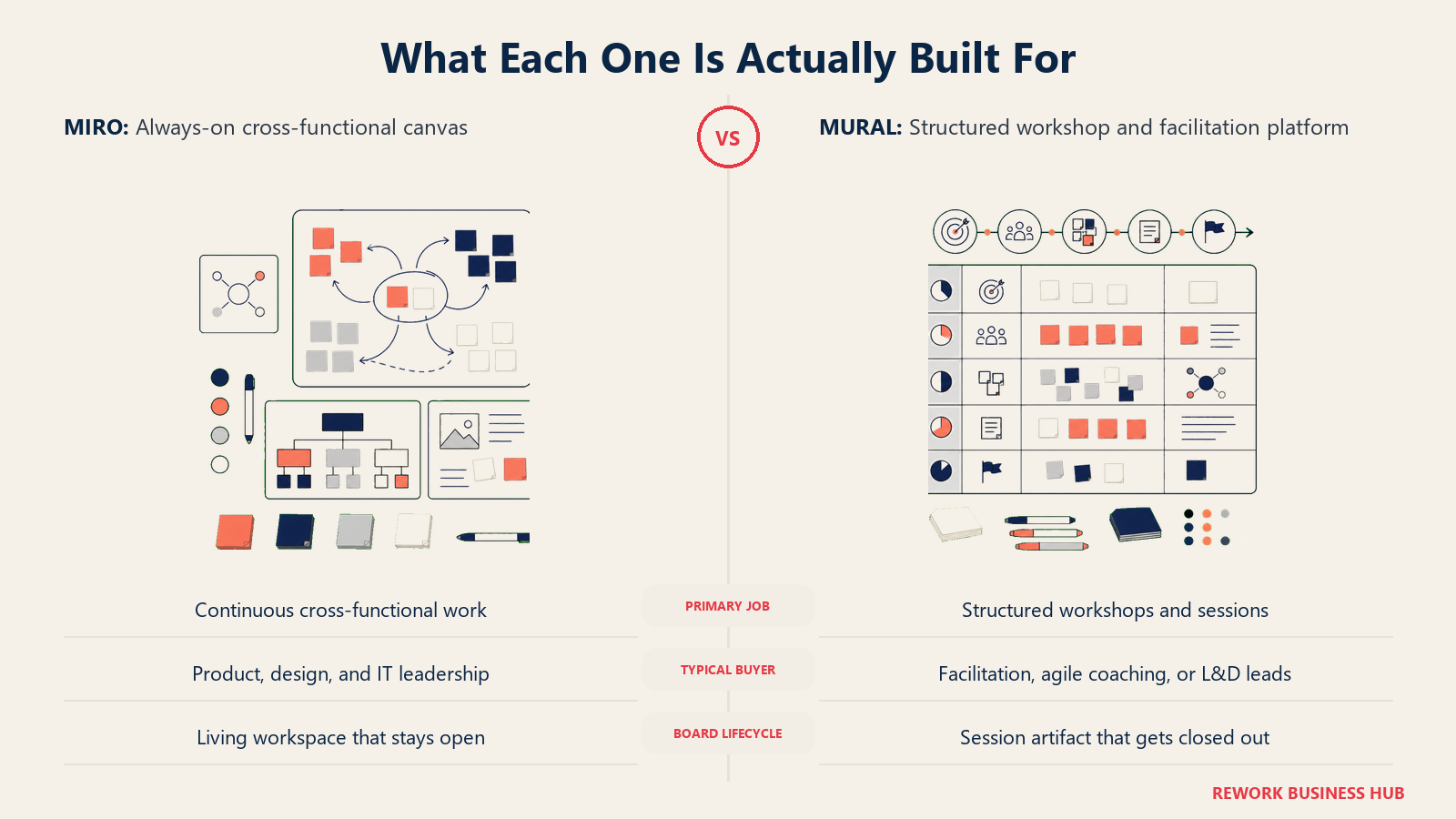
Miro started as a whiteboard and grew into a general work canvas. Mural started as a workshop facilitation tool and has stayed closer to that identity even as it added always-on features. Neither description is a knock. They're accurate descriptions of two different product strategies aimed at two different buying motions.
| Dimension | Miro | Mural |
|---|---|---|
| Primary use case | Cross-functional canvas used continuously: product discovery, roadmaps, diagrams, sprint boards, brainstorms | Structured, facilitated sessions: workshops, retros, discovery sprints, training, client engagements |
| Who typically buys it | IT, product or design leadership rolling it out company-wide | A consulting practice, agile coaching function, or L&D/HR team standardizing how sessions run |
| Board lifecycle | Boards stay open indefinitely and get revisited between meetings | Murals are usually built for a specific session, then archived or referenced afterward |
| Adoption pattern | Bottom-up. Individual teams start free, usage spreads, IT formalizes the contract later | Top-down within a practice. A facilitation lead standardizes the toolkit for a team of session leaders |
| Product self-description | A visual workspace / AI-first canvas | A guided visual collaboration platform for structured teamwork |
If your team's actual pain point is "we have no single place to put diagrams, roadmaps and brainstorms that stays open all year," that's a Miro-shaped problem. If your pain point is "our workshops run long, participants go quiet, and the facilitator loses control of the room," that's a Mural-shaped problem. Most teams have a bit of both, which is exactly why this comparison keeps coming up instead of resolving itself in one search.
Pricing at 10, 25 and 100 Seats
Always check the billing basis before comparing a number: annual commitments carry a lower per-seat rate than paying month to month on both platforms.
Miro
| Plan | Annual billing | Monthly billing | 10 seats/yr | 25 seats/yr | 100 seats/yr |
|---|---|---|---|---|---|
| Free | $0 | $0 | $0 | $0 | $0 |
| Starter | $8/member/mo | $10/member/mo | $960 (annual) / $1,200 (monthly) | $2,400 (annual) / $3,000 (monthly) | $9,600 (annual) / $12,000 (monthly) |
| Business | $20/member/mo | $25/member/mo | $2,400 (annual) / $3,000 (monthly) | $6,000 (annual) / $7,500 (monthly) | $24,000 (annual) / $30,000 (monthly) |
| Enterprise | Custom, from 30 members | Custom | Not applicable, below the 30-member floor | Contact sales | Contact sales |
Mural
| Plan | Annual billing | Monthly billing | 10 seats/yr | 25 seats/yr | 100 seats/yr |
|---|---|---|---|---|---|
| Free | $0 | $0 | $0 | $0 | $0 |
| Team+ | $9.99/member/mo | $12.99/member/mo | $1,198.80 (annual) / $1,558.80 (monthly) | $2,997.00 (annual) / $3,897.00 (monthly) | $11,988.00 (annual) / $15,588.00 (monthly) |
| Business | $17.99/member/mo | Not published | $2,158.80 (annual) | $5,397.00 (annual) | $21,588.00 (annual) |
| Enterprise | By contact | By contact | Contact sales | Contact sales | Contact sales |
Two things belong next to that math, not buried below it. First, Mural does not publish a monthly-billed rate for Business, so if you need month-to-month flexibility at that tier you'll get the figure from a sales conversation, not the pricing page. Second, at the entry tiers the two products land within a few dollars of each other on an annual basis: Miro Starter at $8/member/mo versus Mural Team+ at $9.99/member/mo. At 25 seats billed annually, that's a $597 yearly gap, not enough on its own to decide a platform choice for most mid-size teams.
The occasional-participant question. Workshops and always-on canvases have opposite guest-access problems, and each vendor solves it differently. On Miro, anyone invited to a board without joining the team becomes a Guest, and per Miro's own help center, guests don't cost extra and there's no limit on how many you add; on Starter, guests can view and comment but can't edit, while Business and Enterprise guests get full edit access at no per-seat cost. Anonymous link-based access ("Visitors") is also free and doesn't require a Miro account. On Mural, Visitors, meaning anyone outside your workspace given temporary access through a share link, are free on every plan, and Business-tier Guests (external stakeholders who create an account for ongoing access) join free and unlimited as well, according to Mural's collaborator-type documentation. In practice this means a person who joins two sessions a quarter on either platform doesn't need a paid seat at all, as long as your plan is Business-tier or above; the cost question is really about how many people need standing edit rights as team Members, not about how many people show up to a session once.
| Occasional-participant scenario | Miro | Mural |
|---|---|---|
| Joins one workshop, no Miro/Mural account, follows a link | Free (Visitor) | Free (Visitor) |
| Invited to comment or edit a specific board/mural, not part of the team | Free, unlimited (Guest), full edit on Business/Enterprise; view/comment only on Starter | Free, unlimited (Guest) on Business tier and above |
| Needs standing edit access across many boards year-round | Requires a paid Member seat | Requires a paid Member seat |
Facilitation Features Compared
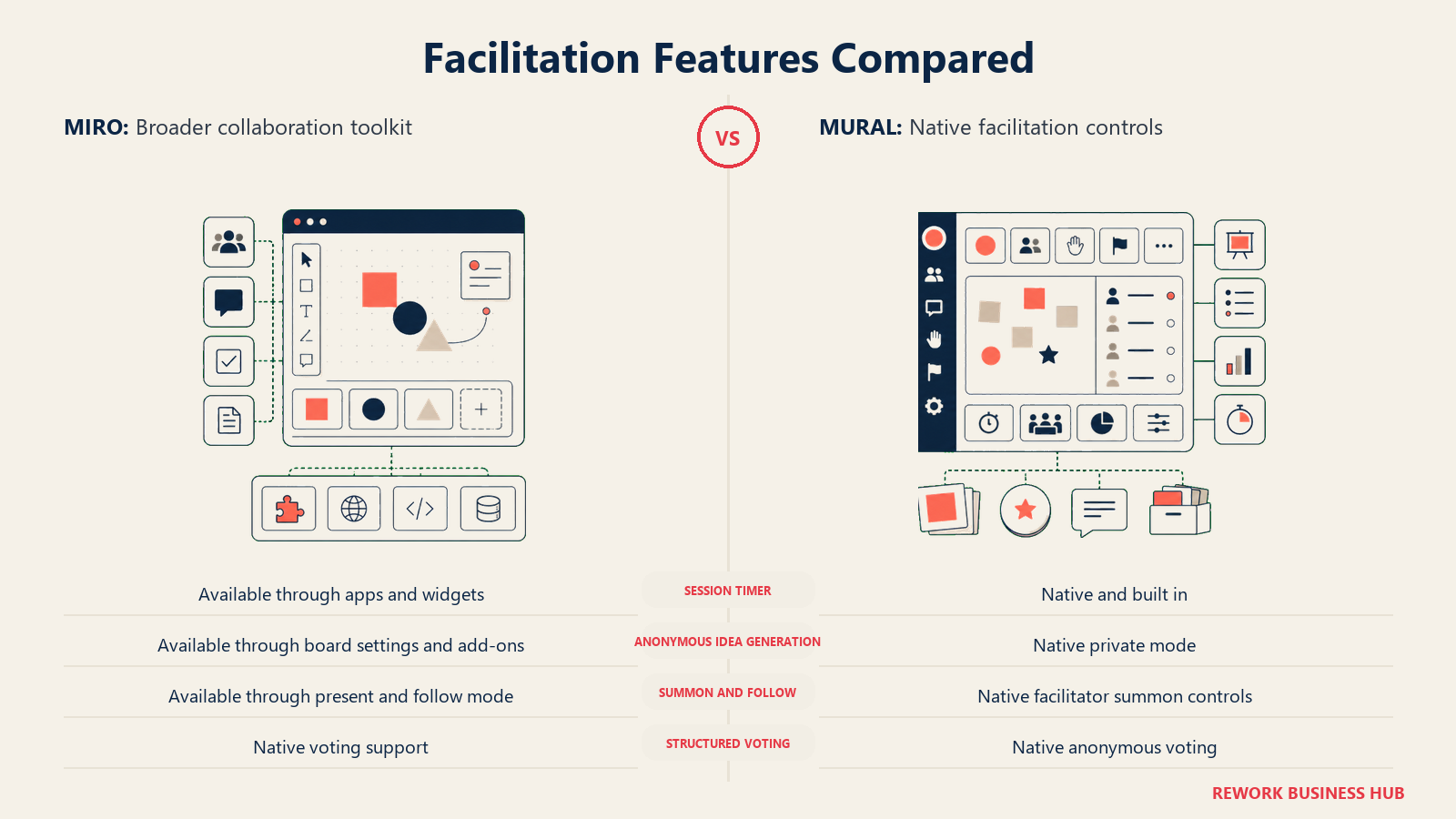
This is where the two products stop looking alike. Mural's facilitation controls are load-bearing: they're front and center in the product's own marketing, present on every paid plan, and designed around the fact that one person is steering a room of people who may be distracted, remote, or reluctant to speak up. Miro has added comparable controls over recent product cycles, but they sit alongside dozens of other feature categories rather than functioning as the product's organizing idea.
| Facilitation control | Miro | Mural |
|---|---|---|
| Session timer | Available (Timer app/widget) | Native, described by the vendor as a way to "time box activities to keep them running on track" |
| Private/anonymous idea generation | Available via board settings and app add-ons | Native "Private Mode," built specifically to reduce groupthink and Highest-Paid-Person's-Opinion bias, per Mural's facilitation features page |
| Summon/follow participants | Available (Follow/Present mode) | Native "Summon," which the vendor describes as pulling every participant's view to exactly where the facilitator is looking |
| Structured voting | Available via native voting tool | Native anonymous voting for prioritization and consensus |
| Hide/reveal content in sequence | Possible via board layering and frames | Native "Hide & Reveal," built to control what's visible in the Outline until the facilitator chooses to show it |
| Lock content during a session | Available (element and frame locking) | Native "Facilitator Lock," specifically framed to stop accidental moves mid-session |
| Guided walkthroughs for non-facilitator participants | Not a named product feature | Native guided tours that walk participants through a workshop without requiring facilitation experience |
The pattern across every row: Miro can usually do the same job, but it takes an app, a setting, or a workaround, and it's rarely the first thing a new user finds. Mural ships the equivalent control as a named, discoverable feature because facilitation is the product's central design constraint, not an add-on. If your team runs sprint retrospectives or structured sprint planning sessions every two weeks, that difference compounds fast: a facilitator who has to hunt for the private-mode equivalent loses momentum in the room, and momentum is the entire point of a live session.
Templates, Method Libraries and Frameworks
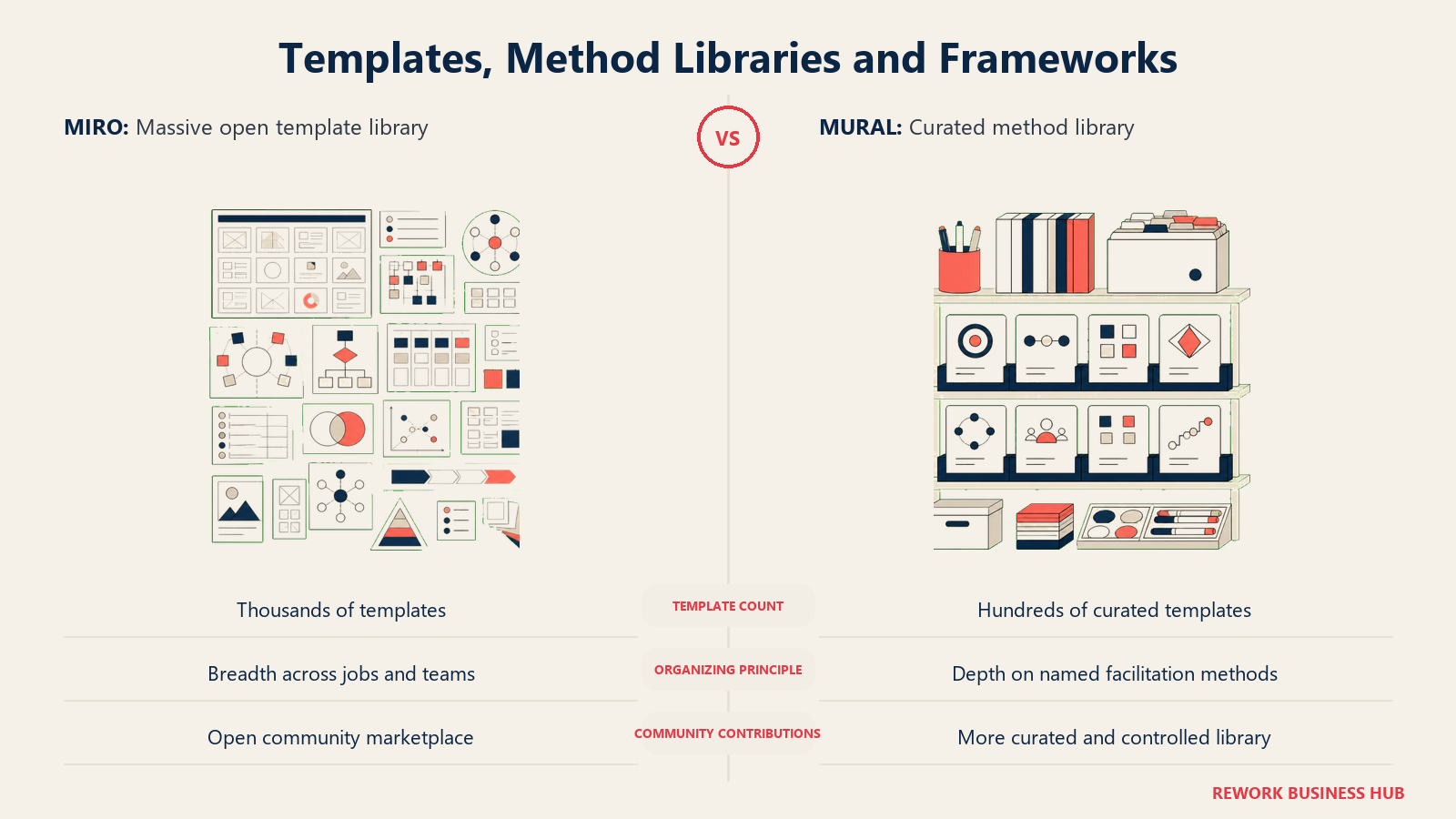
Template count is a genuinely useful proxy for each product's philosophy, and the two numbers tell almost the whole story on their own. Miro's own template gallery is titled "Explore 7,000+ Miro Board Templates," spanning everything from product roadmaps to org charts to engineering diagrams. Mural's template library runs to roughly 300, organized tightly around named facilitation methods: design thinking, agile ceremonies, research synthesis, and team-building exercises like ice breakers.
| Miro | Mural | |
|---|---|---|
| Approximate template count | 7,000+ (Miroverse community templates plus in-house library) | 300+ (in-house, curated) |
| Organizing principle | Breadth across every job function, sorted by category and use case | Depth on facilitation methods, sorted by workshop type and outcome |
| Community contributions | Yes, Miroverse accepts community-submitted templates | Curated by Mural, less oriented around open community submission |
| Fit for a novice facilitator | Requires more searching to find the right structure | Templates map more directly onto named methods a first-time facilitator can follow step by step |
Neither number is "better" in the abstract. If you need a niche template for a specific engineering workflow, a 7,000-template library gives you a much better chance someone already built it. If you're running an affinity-mapping session and want a template that already encodes the facilitation steps rather than just a visual layout, Mural's narrower library is more likely to get you a workshop-ready structure on the first try. Both tools support the underlying method well: our guide to running an affinity diagram session works whichever canvas you use, since the technique itself doesn't depend on the software.
Diagramming and Product Work
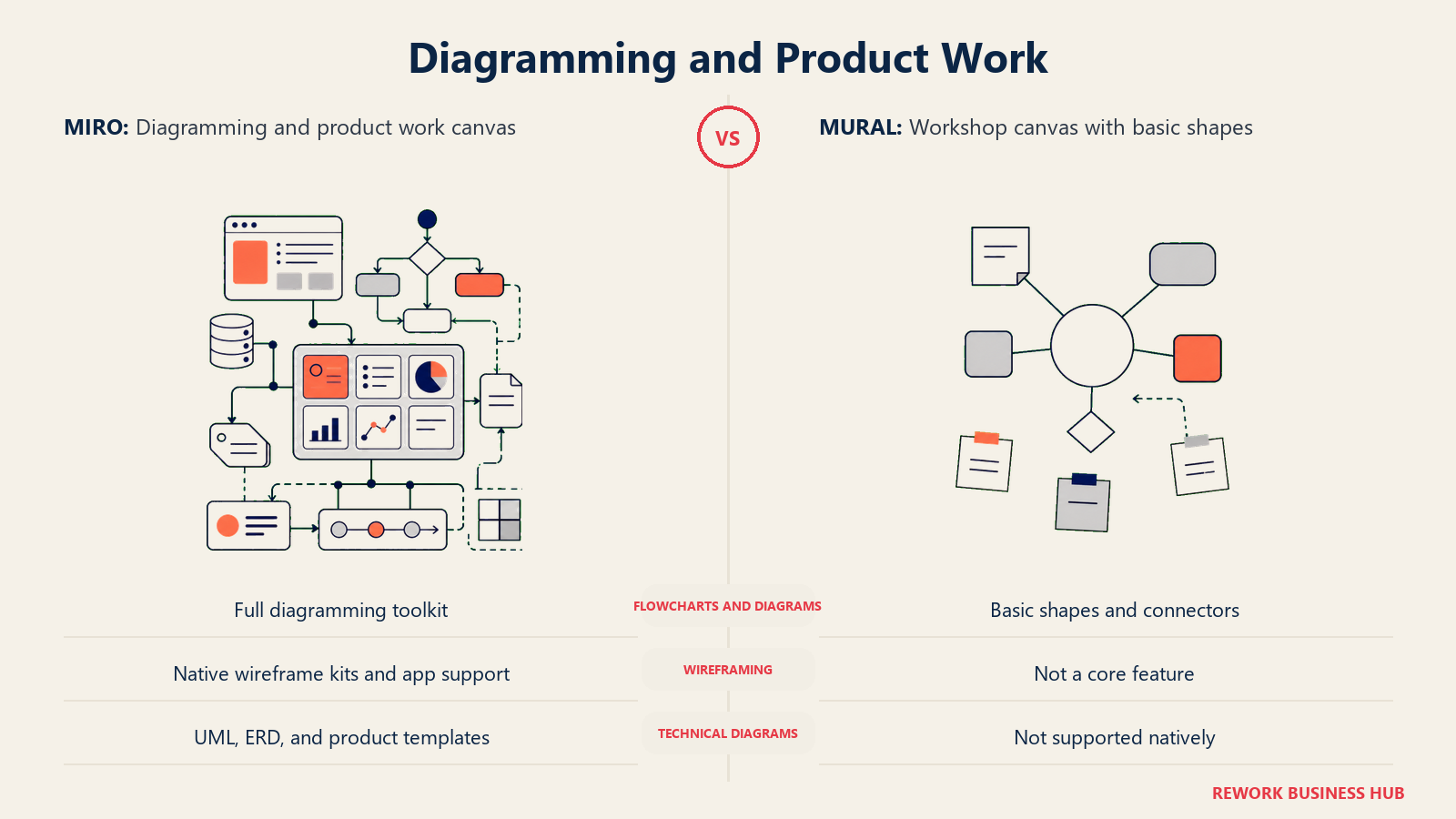
This is Miro's strongest lane and the one area where the gap between the two products is largest and least debatable. Miro ships dedicated diagramming tooling (flowcharts, UML, mind maps, wireframing, and increasingly capable AI-assisted diagram generation), plus product-specific surfaces for roadmapping, sprint boards and engineering handoff. Mural supports basic shapes, connectors and simple flowcharting, but it doesn't compete on diagramming depth, and its own marketing doesn't try to.
| Capability | Miro | Mural |
|---|---|---|
| Flowcharts and diagrams | Full diagramming toolkit, shape libraries, auto-layout | Basic shapes and connectors, functional but not a diagramming specialist |
| Wireframing and UI mockups | Native wireframe kits and app integrations | Not a core feature |
| UML, ERDs, technical diagrams | Native shape packs and templates | Not supported natively |
| Product roadmapping | Purpose-built roadmap templates and Kanban-style boards | Roadmap templates exist but are workshop-oriented, not project-tracking oriented |
| AI diagram generation from text | Native, generates flowcharts and sequence diagrams from a prompt | Not a comparable capability |
If diagramming and technical product work are a meaningful share of what your team needs from a whiteboard, that alone can settle the decision regardless of which product wins on facilitation. Teams that need both often end up running Miro as the primary canvas and treating a facilitation-first tool as a session-specific add-on, rather than picking one platform to do everything. If Lucidchart-style diagramming precision is closer to what you actually need day to day, it's worth comparing both platforms against our roundup of Lucidchart alternatives and our guide to the best Lucidspark alternatives for diagram-heavy teams, and if the diagramming need sits closer to product design handoff than pure flowcharting, our Figma alternatives guide covers that adjacent territory too.
Integrations and Where Each One Sits in a Stack
| Miro | Mural | |
|---|---|---|
| Marketplace size | 150+ integrations, per Miro's own marketplace page | Smaller, curated integration set focused on the tools facilitators already use (video conferencing, ticketing, SSO providers) |
| Common stack fit | Product and engineering tool stacks: Jira, Asana, Confluence, GitHub, Figma, Slack | Meeting and workshop tool stacks: Zoom, Microsoft Teams, Webex, Slack, calendar tools |
| API and developer platform | Full developer platform with app SDK for custom integrations | API available, smaller developer ecosystem than Miro's |
| Where it usually sits | Embedded inside the product/engineering workflow, alongside project management tools | Bolted onto the meeting stack, invoked when a session is scheduled |
The integration gap mirrors the products' broader identities. Miro wants to be a permanent node in your daily tool stack, so it invests in deep, ongoing connections to the software teams already live in. Mural wants to be excellent at the moment a session happens, so its integrations lean toward whatever gets people into the room (video conferencing, calendar invites) rather than toward permanent bidirectional syncs with project trackers.
Performance and Board Scale
Both products can strain under very large boards, but they strain differently because they're optimized for different session shapes.
| Factor | Miro | Mural |
|---|---|---|
| Typical strain point | Boards that accumulate thousands of objects over months of continuous use | Very large live sessions with dozens of simultaneous editors adding content at once |
| Designed session length | No inherent limit, boards persist indefinitely | Optimized for a defined session window, though murals can also persist afterward |
| Concurrent editing at scale | Handles large distributed teams well, built for company-wide adoption | Built to handle a full live workshop with many simultaneous participants, since that's the core use case |
| Offline/low-bandwidth resilience | Generally robust given its broader enterprise deployment base | Comparable, though less battle-tested at the largest enterprise scale Miro serves |
Neither vendor publishes a hard object-count ceiling, so the practical advice is the same for both: archive or duplicate boards that have grown unwieldy rather than treating a single board as infinite storage, and test with a realistic participant count before you run your highest-stakes session live.
AI Features in 2026
Both platforms have added generative AI features, and both frame them the same way: reduce the manual work of turning raw workshop output into structured, usable content.

| AI capability | Miro | Mural |
|---|---|---|
| Board/content summarization | Native, can summarize a whole board or a single section for meeting notes | Native, can summarize sticky notes, paragraphs and headings into takeaways |
| Clustering/theming sticky notes | Native, automatically groups notes by theme | Native, automatically clusters notes by topic and can re-sort by new criteria |
| Diagram/content generation from a prompt | Native, generates flowcharts, mind maps and sticky notes from text | Available for generating ideas, flowcharts and mind maps from the AI toolbar |
| Multi-step AI workflows | "Flows," which chain multiple AI operations into structured outputs (tables, docs, images) on Business plans | Not a comparable multi-step workflow feature |
| Specialized AI assistants | "Sidekicks" for tasks like user research analysis or competitive analysis, Business tier | Not a comparable named feature |
Both companies are shipping AI features fast enough that specifics will keep shifting month to month, so treat this table as a snapshot rather than a permanent scorecard, and re-check each vendor's own AI feature page before a purchase decision that hinges on a specific capability.
Admin, Security and Governance
| Control | Miro | Mural |
|---|---|---|
| SSO/SAML | Business and Enterprise | Business and Enterprise tiers, tier-dependent |
| Guest and external sharing controls | Configurable per team on Business/Enterprise, with guest edit access controllable | Configurable, with Visitor and Guest access managed separately from Member seats |
| Board-level permissioning | Granular, down to frame and object-level locking | Granular, with Facilitator Lock as a session-specific control layer |
| Audit logs and compliance reporting | Available on Enterprise | Available on Enterprise |
| Data residency options | Available on Enterprise, region-dependent | Available on Enterprise, region-dependent |
Neither vendor publishes a full compliance matrix in one place. If governance is a gating requirement, confirm current certifications (SOC 2, ISO 27001, regional data residency) directly against each vendor's trust or security page before a contract is signed, since these details change more often than pricing does.
Implementation and Change Management
This section shows how rollout speed, ownership, training, and change risk differ between Miro and Mural.
| Factor | Miro | Mural |
|---|---|---|
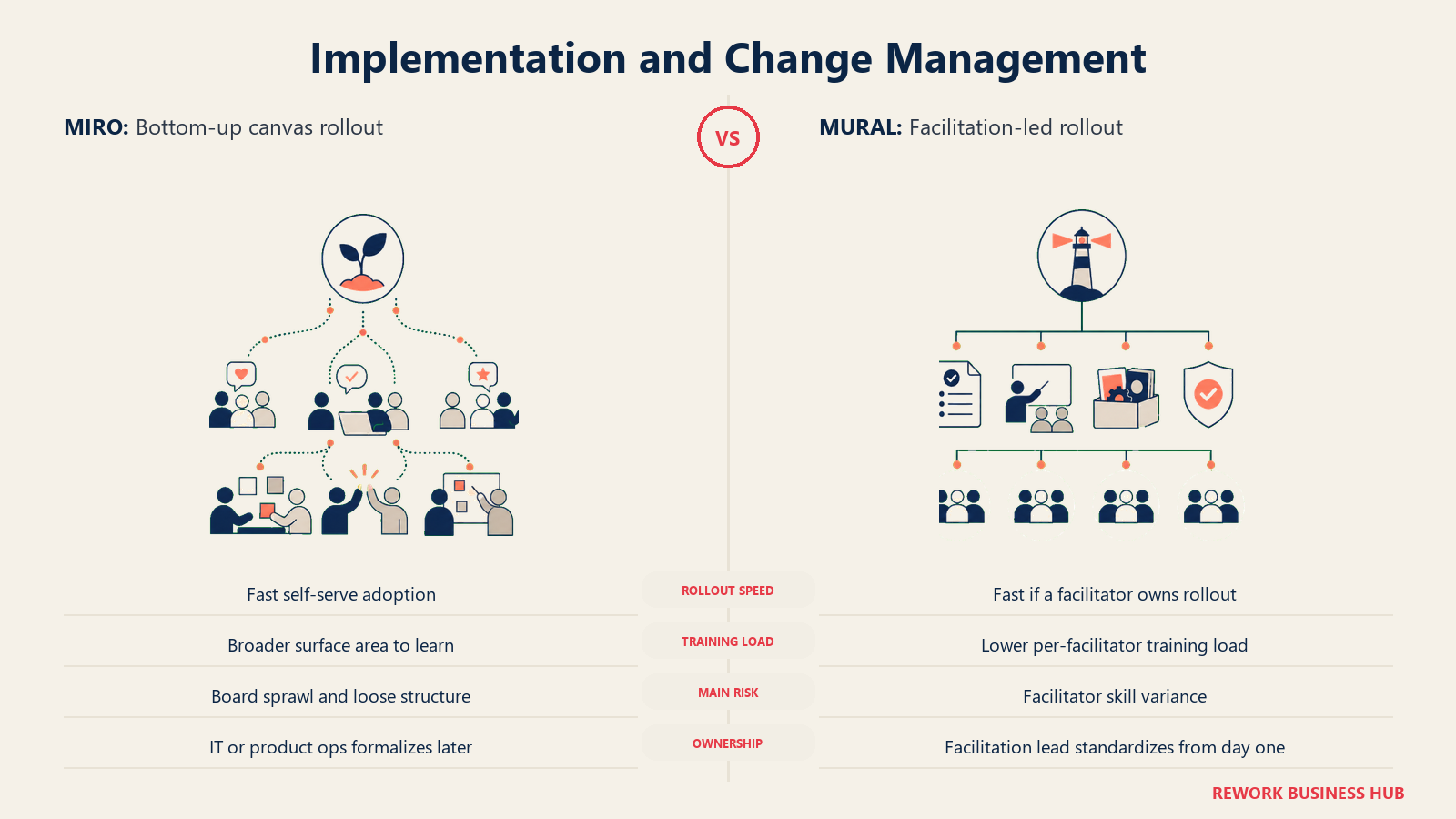
| Fastest realistic rollout | Days, since Free and Starter require no sales conversation to start | Days, since Free and Team+ also support self-serve signup |
| Who typically owns rollout | IT or a product/design ops lead, often after grassroots adoption is already underway | A facilitation, agile coaching or L&D lead standardizing practice across a team of session leaders |
| Training load | Moderate, since breadth means more surface area to learn, but most teams only need a narrow slice | Lower per-facilitator training load, since the method library maps directly onto known facilitation techniques |
| Change management risk | Sprawl risk: boards multiply across teams with no shared structure if nobody owns information architecture | Drift risk: without a facilitation lead maintaining standards, session quality varies by who's running the room |
The rollout pattern usually mirrors the buying motion described earlier. Miro tends to arrive bottom-up and get formalized later, which means the real implementation risk is board sprawl, not signup friction. Mural tends to arrive because someone already owns "how we run sessions" as part of their job, which means the real implementation risk is facilitator skill variance rather than tool adoption.
When Miro Is the Right Call
- Your team needs a canvas that stays open all year, not a tool that gets spun up for a single session and archived. Product, engineering and design teams doing continuous discovery work fit this pattern.
- Diagramming and technical product work matter as much as brainstorming. If flowcharts, wireframes, roadmaps and engineering handoff diagrams are a real chunk of the work, Miro's dedicated tooling has no equivalent on the other side.
- You want the widest possible template and integration surface and are willing to spend more time finding the right structure in exchange for a much larger library to search.
- Adoption is happening bottom-up already and you need a platform that scales cleanly from a free individual account to a company-wide Enterprise contract without switching tools mid-growth.
When Mural Is the Right Call
- Someone in your organization already owns "how we run workshops" as a defined responsibility, whether that's an internal agile coaching function, an HR/L&D team, or an external consulting practice running client sessions.
- Session quality depends on control, not just content. If retros run long, quiet participants never speak up, or one loud voice dominates, Mural's private mode, voting and summon controls solve a real facilitation problem rather than a content problem.
- You run the same structured session repeatedly (a recurring retro cadence, a standard discovery workshop, a training curriculum) and want a curated method library that maps directly onto that repeatable structure instead of a library you have to search from scratch each time.
- You'd rather pay a fair price for facilitation-first defaults than assemble the equivalent behavior yourself from Miro's broader, more general toolset. If the facilitation model fits but the per-member pricing does not, our best Mural alternatives guide works through the cheaper facilitation-capable options.
Decision Framework
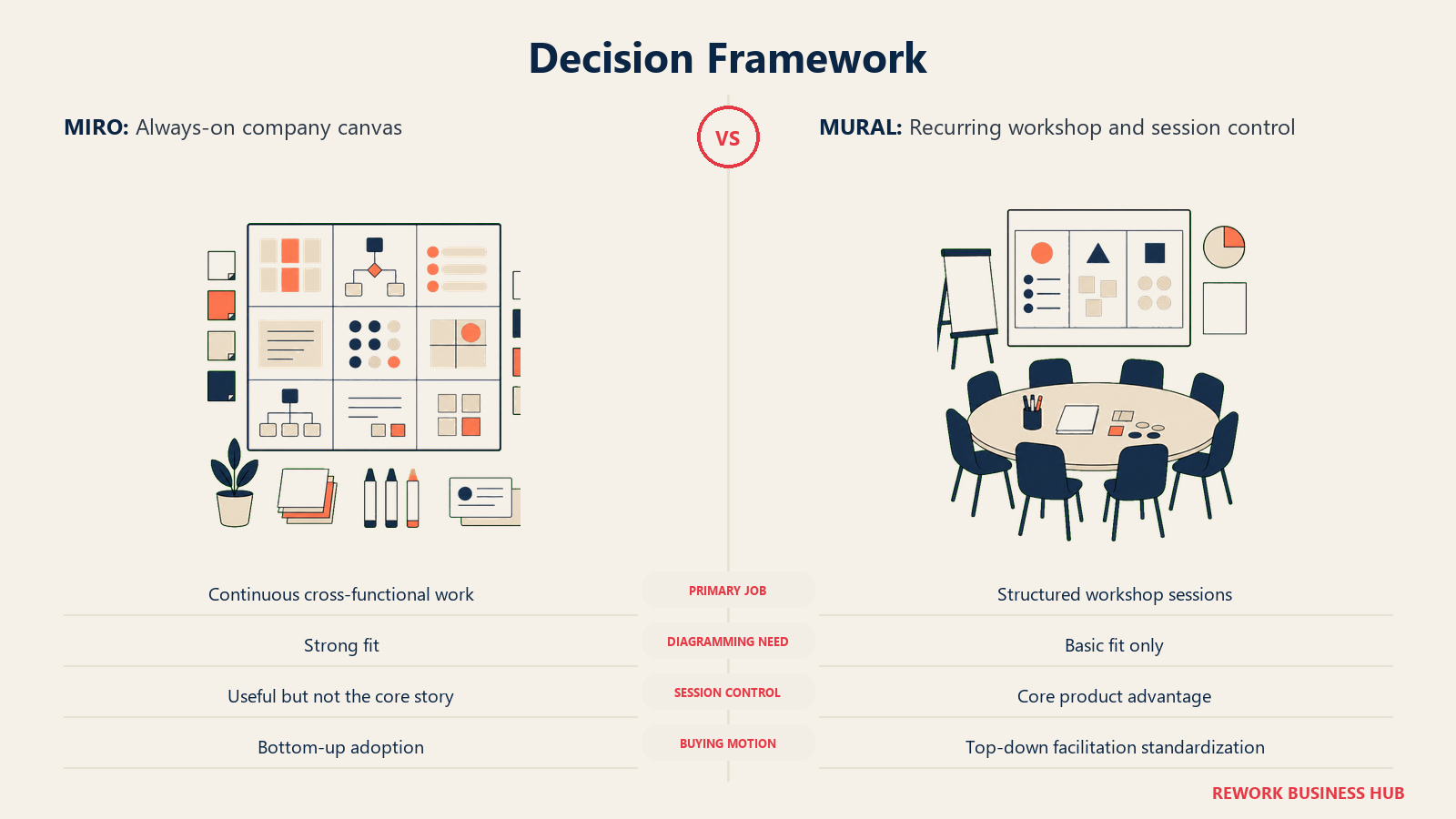
This decision framework turns the comparison into a plain pick list.
| If you are... | Pick |
|---|---|
| A product or engineering team that needs an always-on canvas for continuous work | Miro |
| A consulting practice, agile coaching function, or L&D team running recurring structured workshops | Mural |
| Doing serious diagramming, wireframing or technical product work on the same canvas | Miro |
| Struggling with session control (quiet participants, groupthink, sessions running long) more than content quantity | Mural |
| Budget-sensitive and choosing on price alone at the entry tier | Nearly a wash: Miro Starter $8/member/mo vs Mural Team+ $9.99/member/mo, both billed annually |
| Growing from a small team into a large multi-department rollout | Miro, given its larger template and integration surface for company-wide adoption |
| Running the same facilitated method (retro, discovery sprint, training) on a fixed cadence | Mural, for its curated, method-mapped template library |
The honest bottom line: this isn't a "which is better" decision, it's a "which job are we hiring it for" decision. Some teams legitimately need both, running Miro as the default canvas for ongoing work and reaching for Mural's facilitation controls when a specific session needs a named person steering the room. If your shortlist still includes a Figma-based option, Miro vs FigJam runs this same comparison against FigJam's seat model, and our best FigJam alternatives guide covers the wider set of exits from it.
What to Do Next
Before comparing another feature row, write down which job you're actually hiring a whiteboard for: an always-on canvas the whole company lives in, or better-run facilitated sessions with a named person in charge. Then run a real session or a real week of canvas use on each platform's free tier with your actual team, not a demo account, since the difference between these two products shows up in how a session or a workday actually feels, not in a side-by-side feature list. If you're still weighing more platforms before committing, our roundup of the best online whiteboard software in 2026 covers twelve options across the category, and our best Miro alternatives guide goes deeper on the Miro-specific exits.
Frequently Asked Questions about Miro vs Mural
What's the core difference between Miro and Mural?
Miro is a general-purpose canvas built for continuous, always-on use across a whole company: diagramming, product work, roadmaps and brainstorms that stay open indefinitely. Mural is built around the facilitated session, with native timers, private idea generation, summon-and-follow and structured voting designed for a named facilitator running a room. Both can technically do some of what the other does, but their defaults, templates and marketing all point at different jobs.
Is Miro or Mural cheaper?
They're close. Miro Starter is $8/member/mo billed yearly or $10/member/mo billed monthly. Mural Team+ is $9.99/member/mo billed annually or $12.99/member/mo billed monthly. At the Business tier, Miro is $20/member/mo billed yearly or $25/member/mo billed monthly, while Mural Business is $17.99/member/mo billed annually with no published monthly rate. At most seat counts the gap is small enough that price alone shouldn't decide the choice.
Do occasional workshop participants need a paid seat on either platform?
Usually not. On Miro, Guests invited to a specific board don't cost extra and are unlimited, with full edit access on Business and Enterprise plans. On Mural, Visitors accessing a mural through a share link are free on every plan, and Business-tier Guests join free and unlimited as well. A paid Member seat is really only needed for people who require standing edit access across many boards or murals year-round.
Which platform has better facilitation features?
Mural. Its timer, Private Mode, Summon, voting, Hide & Reveal and Facilitator Lock are native, discoverable features present on every paid plan, and the company positions them as the product's core identity. Miro can achieve comparable outcomes through settings, apps and workarounds, but facilitation control isn't the organizing idea behind the product the way it is for Mural.
Which platform is better for diagramming and technical product work?
Miro, by a wide margin. It ships dedicated flowchart, UML, wireframe and roadmap tooling plus AI-assisted diagram generation from text prompts. Mural supports basic shapes and connectors but doesn't compete on diagramming depth, and its own product marketing doesn't position it as a diagramming tool.
Are both free tiers actually usable, or just marketing?
Both are genuinely usable but limited the same way. Miro's Free plan allows unlimited boards but only the 3 most recently active stay editable. Mural's Free plan allows unlimited murals but only 3 are editable at a time, with unlimited team members. Neither free tier suits a team running more than a few active boards or murals at once.
What happened to Google Jamboard and InVision Freehand?
Both are gone. Google retired Jamboard on 31 December 2024 and publicly named Miro, along with FigJam and Lucidspark, as successor partners for digital whiteboarding. Separately, Miro acquired Freehand from InVision in a deal announced in November 2023, and InVision shut down its design-collaboration services entirely on 31 December 2024, deleting Freehand and all InVision documents. Neither Jamboard nor standalone InVision Freehand exists as a product to evaluate today.
Can I run Miro and Mural at the same time on different teams?
Yes, and plenty of organizations do. It's common to see Miro used as the default always-on canvas for product, design and engineering work, while a facilitation, coaching or L&D function uses Mural specifically for structured workshops and training sessions. The two tools solve different enough problems that overlap isn't necessarily redundant.

Principal Product Marketing Strategist
On this page
- TL;DR
- Key Facts
- What Each One Is Actually Built For
- Pricing at 10, 25 and 100 Seats
- Facilitation Features Compared
- Templates, Method Libraries and Frameworks
- Diagramming and Product Work
- Integrations and Where Each One Sits in a Stack
- Performance and Board Scale
- AI Features in 2026
- Admin, Security and Governance
- Implementation and Change Management
- When Miro Is the Right Call
- When Mural Is the Right Call
- Decision Framework
- What to Do Next