Best Cloudinary Alternatives in 2026: 13 Media APIs and DAM Platforms for Developers and Brand Teams
Turn this article into takeaways for your work.


Each assistant summarizes the article only for you and suggests best practices for your work.
If you're comparing Cloudinary alternatives, imgix and Cloudflare Images replace the developer-facing image and video API, while Bynder, Brandfolder by Smartsheet, and Air replace the brand team's asset library, and picking the wrong band wastes an entire procurement cycle. Cloudinary is not one product with one price: it's Programmable Media, an API and CDN with four published tiers, sold alongside Cloudinary Assets, a DAM that only ships as a custom quote. This guide covers all 13 alternatives across both jobs, evaluated on what each one actually meters rather than a single headline price, with pricing.
The two bands below don't compete with each other, so read the one that matches your job. Sections 1 through 7 cover the media API and image CDN alternatives: imgix, ImageKit, Cloudflare Images, Uploadcare, TwicPics by Frontify, Sirv, and Bunny Optimizer. Sections 8 through 13 cover the DAM alternatives: Bynder, Brandfolder by Smartsheet, Canto, Air, Dash, and Pimcore. One 2026 development worth knowing before you read further: TwicPics is now sold as "TwicPics by Frontify," meaning the image CDN and a brand-portal DAM now ship from the same company, which matters if you're weighing both Cloudinary jobs at once.
Key Facts
- Images are the single heaviest resource on the average web page: a median page carries 1,058 KB of images on desktop and 911 KB on mobile, about 36% of total page weight, per HTTP Archive's 2025 Web Almanac.
- As mobile page load time stretches from one second to 10 seconds, the probability of a visitor bouncing rises 123%, per Google/SOASTA Research.
- A 0.1-second improvement in mobile site speed lifted retail conversion rates by 8.4% and average order value by 9.2%, according to Deloitte Digital's study for Google, "Milliseconds Make Millions."
- Cloudinary states it serves more than 4 million developers and 13,000 brands worldwide, per Cloudinary's own About page; that's a vendor claim, not independently audited.
- Both Gartner and Forrester run dedicated, recurring vendor evaluations for digital asset management (Gartner's Magic Quadrant for DAM, Forrester's Wave for DAM Systems), confirming DAM buying is now formal enough to warrant its own analyst category, separate from general content management.
Cloudinary Is Two Products: Which One Are You Replacing?
Cloudinary sells two different things on one pricing page, and conflating them is the single easiest mistake to make when researching alternatives. Programmable Media is the original product: an image and video API and CDN that transforms and optimizes media at request time, built for developers wiring it into an application. Cloudinary Assets is a separate product: a place for the brand and marketing team to store, search, and share finished creative, positioned against traditional DAM platforms.
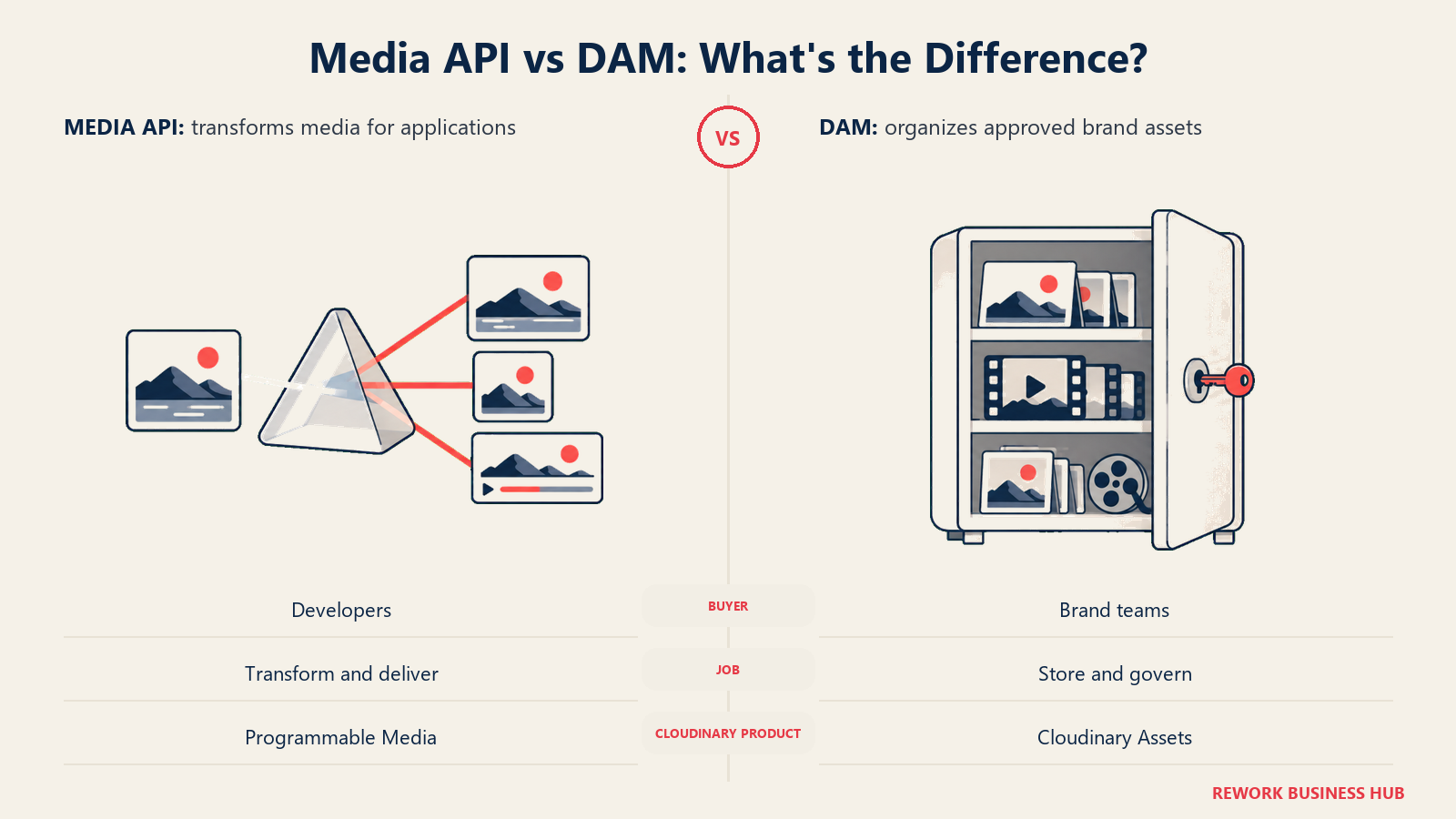
Only one of the two publishes a price. Programmable Media has four published tiers: Free, Plus at $99/month (or $89/month billed yearly), Advanced at $249/month (or $224/month billed yearly), and a custom Enterprise tier. Cloudinary Assets has no published price at all; the DAM tab on Cloudinary's pricing page offers only a free 30-day trial (3 users, 25 GB storage) and an Enterprise/Custom plan that requires talking to sales. If an article, a forum post, or a coworker tells you "Cloudinary starts at $99 a month," they're describing Programmable Media, not the DAM.
The two products also run on different pricing logic entirely. Programmable Media meters interchangeable credits: 1 credit equals 1,000 transformations, or 1 GB of managed storage, or 1 GB of image bandwidth, drawn from one shared monthly pool. Cloudinary Assets, being quote-only, doesn't publish any billing unit at all.
| Programmable Media | Cloudinary Assets (DAM) | |
|---|---|---|
| What it's for | Image/video API and CDN: transforms and optimizes media at request time | Central library to store, search, share, and govern finished brand assets |
| Who buys it | Developers, engineering and platform teams | Brand, marketing, and creative teams |
| What it replaces | A homegrown image pipeline, ImageMagick scripts, a generic CDN | Shared drives, Dropbox, a legacy DAM |
| Pricing unit | Credits (1,000 transformations = 1 GB storage = 1 GB bandwidth) | Not published |
| Published price | Yes: Free, Plus $99/mo ($89/mo billed yearly), Advanced $249/mo ($224/mo billed yearly), Enterprise custom | No: Enterprise/Custom only, free 30-day trial (3 users, 25 GB storage) |
If you landed here because engineering needs a cheaper or more transparent transform API, read Sections 1 through 7 below. If you landed here because your brand or marketing team needs somewhere to store and share finished assets, the DAM alternatives start at Section 8, and it's worth reading the companion best digital asset management software guide alongside this one, since it covers the full DAM category rather than just Cloudinary's replacement options. Worth knowing about too: "digital asset management" for creative files is a different category from IT and equipment asset tracking; if you actually meant the latter, see best asset management software instead, and if what you need is contract and records storage rather than creative files, see best document management software.
Quick Comparison Table
| Tool | Job | Best For | Starting Price | Key Strength | Key Limitation |
|---|---|---|---|---|---|
| imgix | Media API | Engineering teams wanting granular, published credit tiers | $25/mo Starter (100 credits), $250/yr | Per-credit rate drops as usage climbs, mature transform API | Storage costs 2x the credit rate of bandwidth |
| ImageKit | Media API + DAM storage | Cost-sensitive teams needing bundled CDN and asset storage | Free; Lite $9/mo + pay-as-you-go | Real DAM storage bundled into cheap paid tiers | Pay-as-you-go overages once pools are exceeded |
| Cloudflare Images | Media API | Cloudflare-stack teams wanting zero seat cost | Free to 5,000 transformations/mo; then $0.50/1,000 | No subscription tiers, three transparent per-unit meters | Needs Cloudflare ecosystem fluency, no DAM layer |
| Uploadcare | Media API + upload widget | Teams needing a polished upload UI plus a CDN | Free; Pro $66/mo | Best-in-class drop-in file uploader | Operation caps escalate tiers fast under heavy use |
| TwicPics by Frontify | Media API (Frontify-owned) | Teams wanting a CDN with a DAM upgrade path | Free; Business $19/mo | Unlimited transforms/assets, upgrade path into Frontify DAM | Small footprint versus Cloudinary or imgix |
| Sirv | Media API | Ecommerce teams needing spin/zoom imagery | Free; Business $19/mo or $209/yr | Spin/zoom included free, unlimited transforms | Enterprise jumps to $999 for high-traffic catalogs |
| Bunny Optimizer | Media API (flat fee) | Agencies running many low-traffic sites | $9.50/mo per site, unlimited | Fully flat bill regardless of traffic | Add-on to Bunny CDN, scales linearly per site |
| Bynder | DAM | Enterprise brand teams wanting modular DAM plus workflow | Quote only | Deep modular suite: AI search, workflow, analytics | No published price, fully sales-led |
| Brandfolder by Smartsheet | DAM | Marketing teams inside a Smartsheet stack | Quote only | Strong analytics and Video AI on Premium | Only two tiers, no published price |
| Canto | DAM | Brand and product teams wanting use-case-sized packages | Quote only | Four purpose-built packages narrow the sales talk | Pricing is explicitly "illustrative" only |
| Air | DAM | Creative teams wanting unlimited seats | Free; Business $900/mo billed annually | Unlimited seats at every paid tier | $900/mo is the lowest published price; a Starter tier sits below it, unpriced |
| Dash | DAM | Mid-market teams wanting published, unlimited-user pricing | Start up £79/mo (£853/yr) | Unlimited users on every plan, real published price | Priced in GBP, metered by monthly downloads |
| Pimcore | DAM + PIM | Technical teams needing DAM and PIM in one platform | Free Community; Professional $9,900/yr | Open source core, DAM and PIM share one data model | Requires engineering resources to run |
Why Teams Leave Cloudinary
The reasons teams start shopping for Cloudinary alternatives usually fall into one of five buckets, and they hit the two products differently.

Credit consumption gets unpredictable at scale, specifically because credits are interchangeable. Programmable Media pools transformations, storage, and bandwidth into one number, so a video-heavy release, a traffic spike, or a batch reprocessing job can burn through a month's allowance in ways that a pure transformation-count or pure bandwidth meter never would. Video is the usual culprit: since 1 GB of bandwidth costs 1 credit and video files are large, a handful of popular video assets can consume the same credit pool that would otherwise cover tens of thousands of image transforms.
The jump between published tiers is steep in absolute dollars even though the per-credit rate barely improves. Plus, at $99/month, includes 225 credits; Advanced, at $249/month, includes 600 credits. That's a 2.5x price increase for a 2.7x credit increase, so the rate does improve slightly, but the dollar jump ($150/month) is the kind of line-item increase that gets a procurement review triggered on its own.
| Published tier | Monthly price | Users | Accounts | Monthly credits |
|---|---|---|---|---|
| Free | $0 | 3 | 1 | 25 |
| Plus | $99/mo ($89/mo billed yearly) | 3 | 2 | 225 |
| Advanced | $249/mo ($224/mo billed yearly) | 5 | 3 | 600 |
| Enterprise | Custom | Custom | Custom | Custom |
Notice that Free and Plus both cap out at 3 users; paying $99/month buys more credits and a second account, but not more seats. That per-account and per-user ceiling on the published tiers is a real friction point for growing teams, since the only way past 5 users on a published, self-serve tier is Advanced, and past that it's a custom Enterprise conversation.
And for teams whose actual pain point is the DAM side, there's no published price to budget against at all. Cloudinary Assets requires a sales conversation before anyone can put a number in a spreadsheet, which is a genuine obstacle for a marketing team trying to get quick internal approval to switch off a legacy tool.
What Each Alternative Actually Meters
A single "starting price" column hides more than it reveals in this category, because no two vendors bill the same unit. Some meter credits, some meter bandwidth, some meter downloads, and one charges a flat fee per site regardless of usage. Check what you'd actually be billed against before assuming a lower headline number means a lower real bill.
| Tool | Primary meter | Storage billed separately? | Seats cost extra? | Flat-fee option? |
|---|---|---|---|---|
| Cloudinary Programmable Media | Credits (1,000 transformations = 1 GB storage = 1 GB bandwidth) | No, pooled into credits | Yes, past plan's included user count | No |
| imgix | Credits (1 GB storage = 2 credits; 1 GB bandwidth = 1 credit) | Pooled into credits at a different rate than Cloudinary | Not seat-metered | No |
| ImageKit | Bandwidth (GB) and DAM storage (GB), separate pools, plus per-user fee on Pro | Yes, billed separately from bandwidth | Yes, $9/user past 5 on Pro | No |
| Cloudflare Images | Three separate meters: transformations, images stored, images delivered | Yes, fully separate | No seat cost at all | No |
| Uploadcare | Operations per month | Included up to a file-size cap per plan | Not seat-metered | No |
| TwicPics by Frontify | CDN bandwidth (GB), extra GB billed | Not billed separately (unlimited assets/sources) | Workspaces/users capped by plan, not a per-seat add-on | No |
| Sirv | Storage (GB) plus transfer (GB) | Yes, both metered separately | Users capped by plan (3/20/50), not per-seat | No |
| Bunny Optimizer | None, flat fee | Not applicable | Not applicable | Yes, $9.50/mo per site regardless of traffic |
| Bynder | Not published (usage, storage, modules, and users per vendor) | Not published | Not published | No |
| Brandfolder by Smartsheet | Not published | Not published | Not published | No |
| Canto | Not published (scales on team size and storage) | Not published | Not published | No |
| Air | Credits, pooled per workspace | Storage rolled into the credit pool | No, unlimited seats at every tier | No |
| Dash | Downloads per month plus storage (GB) | Yes, extra storage sold in bundles | No, unlimited users at every tier | No |
| Pimcore | Annual license fee (Professional/Enterprise), not usage-metered | Not applicable on paid tiers | Not seat-metered | Effectively yes: a flat annual fee, not usage-based |
The seven alternatives below solve the developer job, replacing Cloudinary Programmable Media. If your team needs the DAM instead, skip ahead to Section 8.
1. imgix: Transparent Per-Credit Image and Video Processing
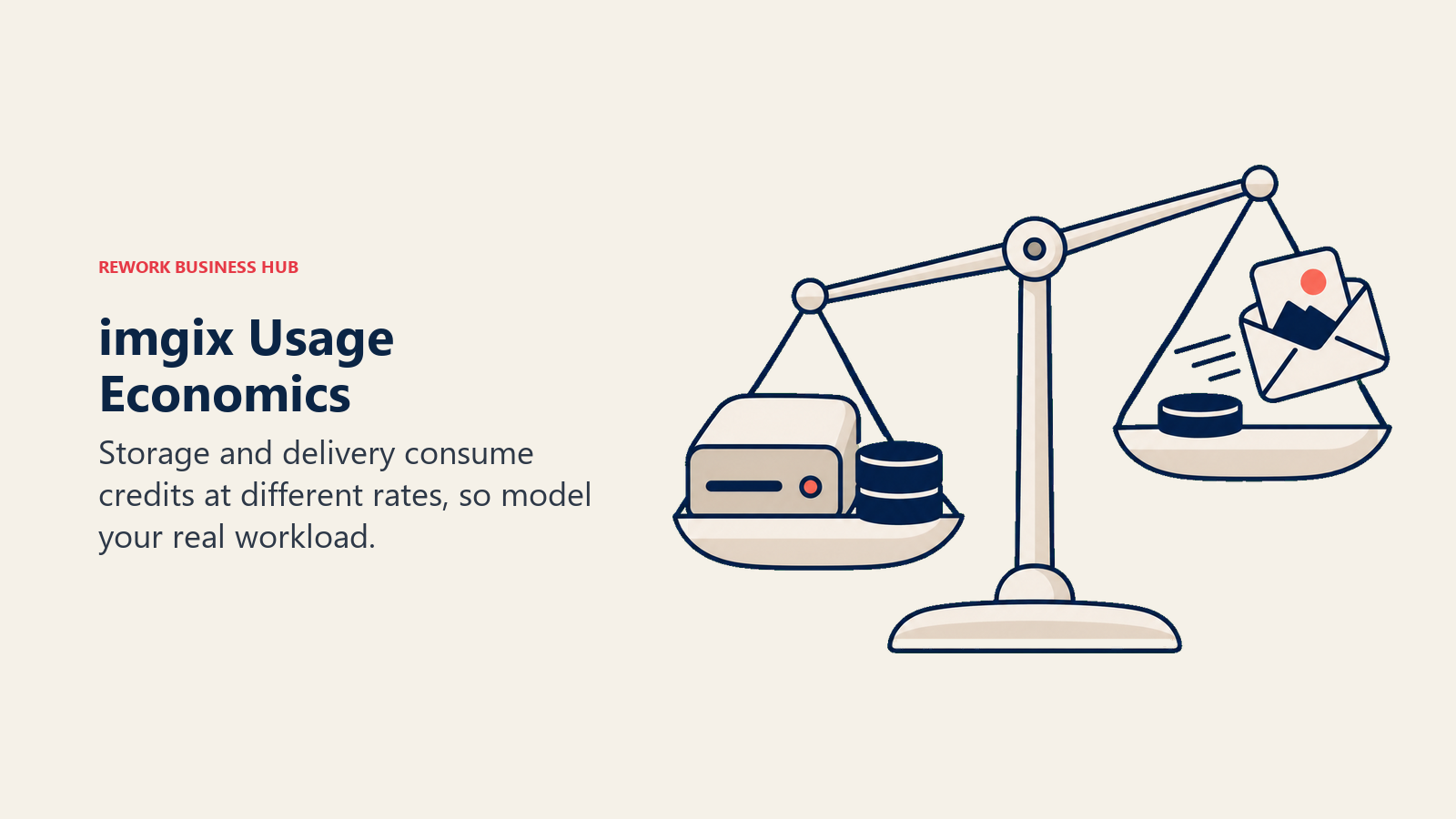
imgix is one of the longest-running independent image CDN vendors, and it recently went through the same shift as Cloudinary: retiring its old origin-image pricing model in favor of credits, so every plan reaches the full platform including video and AI transformations. The credit math differs from Cloudinary's, though. On imgix, 1 GB of storage costs 2 credits while 1 GB of bandwidth costs 1 credit, versus Cloudinary's flat 1:1:1 treatment of transformations, storage, and bandwidth. That means imgix penalizes storage-heavy libraries a bit more per credit, while bandwidth-heavy delivery costs roughly the same either way. Six published tiers run from Starter ($25/mo, 100 credits, $250/yr) to Growth Plus ($500/mo, 3,570 credits, $5,000/yr), with annual billing saving roughly 15% and the per-credit rate dropping from $0.25 to $0.14 as you climb. A 30-day, 100-credit free trial needs no card.
| Pros | Cons |
|---|---|
| Per-credit rate drops as you scale, transparent published tiers | Storage priced at 2x the rate of bandwidth, unusual to plan around |
| Mature, well-documented URL-based transform API | No DAM/asset-browser layer, developer tool only |
| 30-day free trial with no credit card required | Enterprise tier pricing not published |
Best for: engineering teams that want a Cloudinary Programmable Media equivalent with published, scalable credit pricing.
2. ImageKit: The Budget Entry Point With DAM Storage Built In
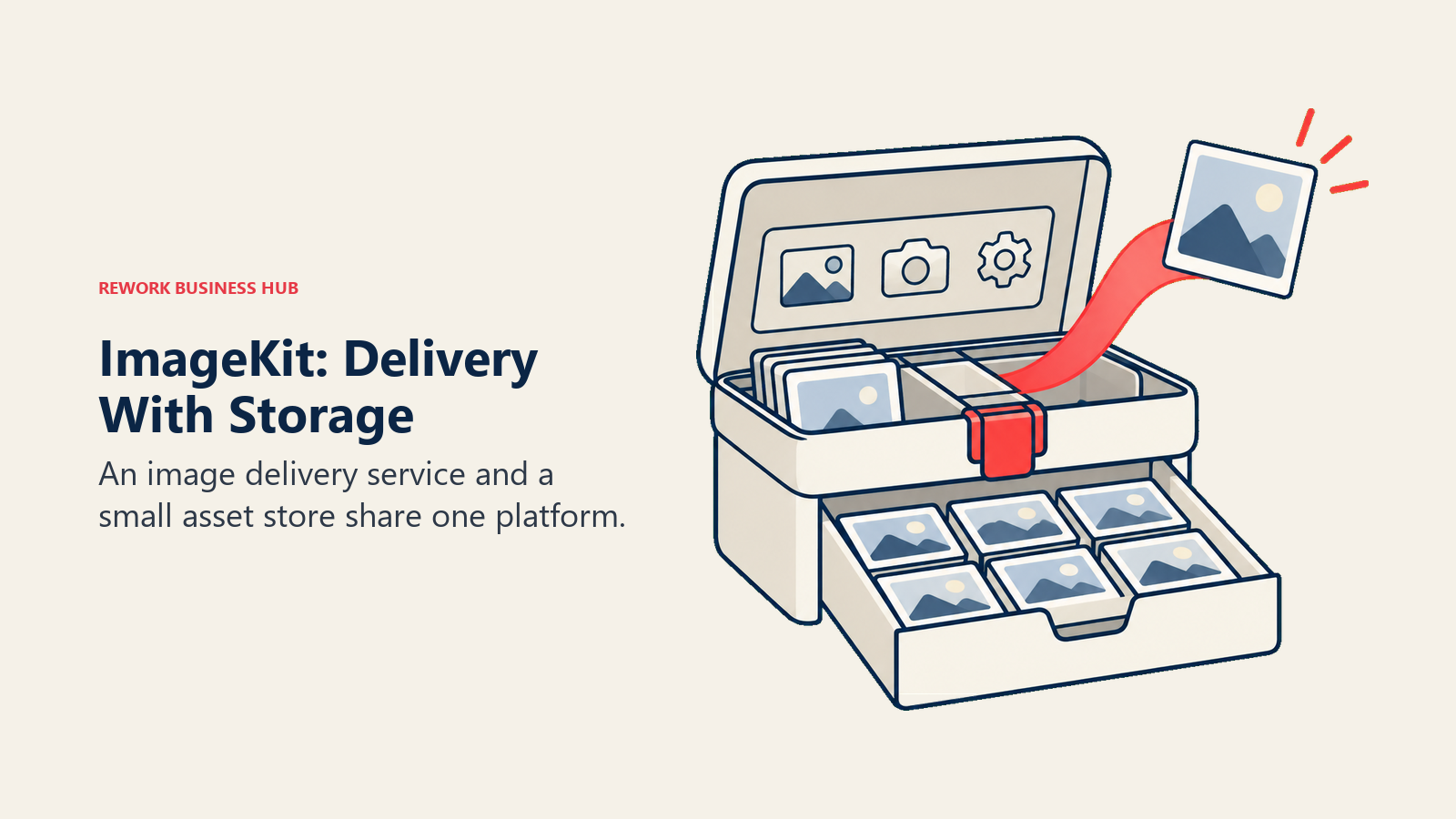
ImageKit is a real-time image and video optimization API and CDN, but unlike most of the other developer tools in this band it also bundles actual DAM storage into its own plans, blurring the two Cloudinary jobs inside one small vendor. The Forever Free plan includes 20 GB of bandwidth and 3 GB of DAM storage with community support and no card required. Lite, at $9/month, adds pay-as-you-go bandwidth beyond 40 GB ($0.5/GB) and DAM storage beyond 10 GB ($0.1/GB), plus email support. Pro, at $89/month, raises the included pools to 225 GB bandwidth and 225 GB DAM storage, includes 5 users at $9 per extra user, and adds a custom domain. Enterprise is custom.
| Pros | Cons |
|---|---|
| Cheapest real paid entry point at $9/mo | Pay-as-you-go overage rates apply once pools are exceeded |
| Bundles DAM-style storage most competitors sell separately | Per-user fee kicks in past 5 seats on Pro |
| Free tier is genuinely usable, not a crippled trial | Fewer enterprise controls than Cloudinary's Advanced/Enterprise |
Best for: cost-sensitive engineering teams that want a CDN and a small asset store from one $9-a-month vendor.
3. Cloudflare Images: Pay Only for What Gets Transformed, Stored, or Delivered
Cloudflare Images throws out the subscription-tier model entirely. There's no Plus or Pro plan to pick and no seat cost at all: you pay $0.50 per 1,000 unique transformations beyond the first 5,000 included free each month, $5 per 100,000 images stored per month, and $1 per 100,000 images delivered per month. A "unique transformation" is one distinct parameter set applied to one original image, counted once per calendar month, so serving both AVIF and WebP through format=auto still counts once. Past the free 5,000 transformations, cached results keep serving; new transforms beyond your budget return a 9422 error rather than a silent overage charge. Storing originals outside Images, in R2 for example, bills only Images Transformed plus R2's own separate cost.
| Pros | Cons |
|---|---|
| No subscription tiers or seat cost at all | Requires comfort with Cloudflare's dashboard and ecosystem |
| Three separate, transparent per-unit meters | No DAM/asset-browser layer for non-technical users |
| Free tier (5,000 transformations/mo) never surprise-bills | Storing originals outside Images adds a second, separate bill |
Best for: Cloudflare-stack teams that want granular, no-subscription billing for image transforms.
4. Uploadcare: The Upload Widget Plus CDN Combo
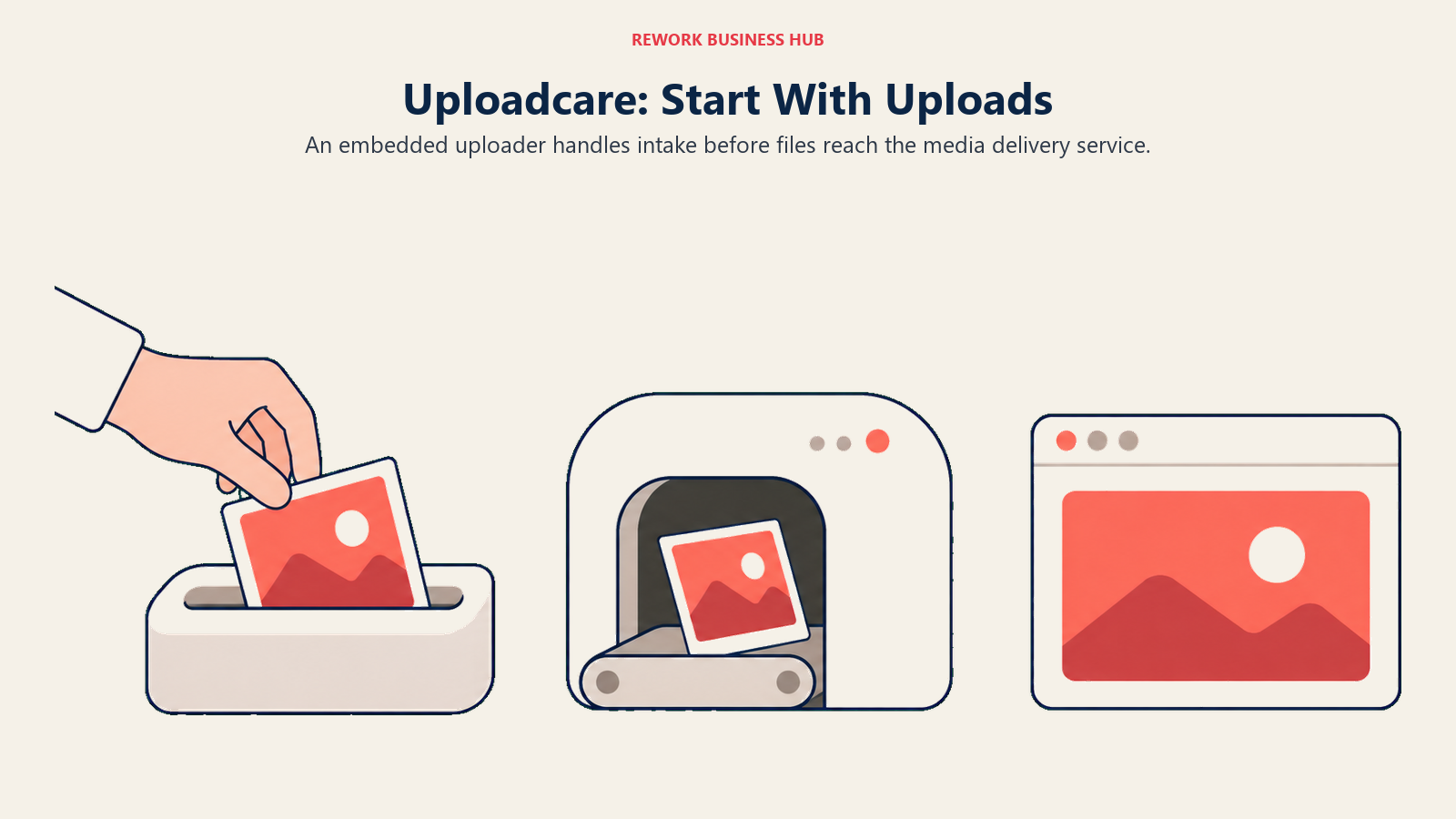
Uploadcare pairs a polished, drop-in file uploader widget with an image and video processing CDN, which makes it a common pick for teams whose actual pain point is a bad upload experience, not just image transforms. Pricing is metered in operations per month: Free includes 1,000 operations; Pro is $66/month for 5,000 operations and files up to 1 GB; Business is $166/month for 50,000 operations, files up to 10 GB, a custom upload API domain, custom CDN CNAME, and custom OAuth. Enterprise is custom, with free migration included.
| Pros | Cons |
|---|---|
| Best-in-class drop-in upload widget | Operation caps mean heavy transform use escalates tiers fast |
| Simple, single operations-based meter | Free tier's 1,000 operations is thin for production use |
| Custom domain, CNAME, and OAuth available on Business | Less mature video feature set than Cloudinary or imgix |
Best for: product teams whose priority is a polished upload experience as much as image delivery.
5. TwicPics by Frontify: The Image CDN With a DAM Upgrade Path
TwicPics is an image and video CDN built around a lightweight, bandwidth-based pricing model, and as of 2026 the vendor's own pricing page is titled "Plans and Pricing | TwicPics by Frontify," reflecting a real ownership change: TwicPics is now a Frontify product. That's directly relevant here, because Frontify is also a brand-portal DAM, so a team on TwicPics has a direct upgrade path into a full DAM from the same vendor, something no other CDN-only tool in this band offers. Pricing: Free includes 3 GB of CDN bandwidth across 1 workspace, domain, and user; Business (small business) is $19/month for 40 GB (extra at $0.50/GB) with 1 workspace, 2 domains, and 2 users; Business (ecommerce and agencies) is $99/month for 250 GB (extra at $0.40/GB) across 3 workspaces, domains, and users; Enterprise is custom. Sources, assets, and transformations are unlimited on every plan, including Free.
| Pros | Cons |
|---|---|
| Unlimited transformations, sources, and assets on every plan | Smaller footprint and community than Cloudinary or imgix |
| Clear bandwidth-based tiers below Enterprise | Workspace, domain, and user counts are tightly capped on lower tiers |
| Direct upgrade path into Frontify's DAM from the same vendor | Frontify's own DAM pricing is unpublished, so full-stack cost isn't transparent |
Best for: teams that want an image CDN today and may eventually want the CDN and a brand DAM from one company.
6. Sirv: Free Spin and Zoom, Paid Plans Start Cheap
Sirv built its reputation on ecommerce product photography features, specifically 360-degree spins and deep zoom, and unlike most competitors it includes those on every plan, even Free. Free gives 500 MB storage, 2 GB transfer, and 3 users, with a "Powered by Sirv" watermark on spins and zooms. Business, at $19/month or $209/year, drops the watermark and raises transfer to 20 GB with 20 users. Enterprise starts from $999 with 300+ GB storage, custom transfer, and 50 users. Uploads, transformations, and domains served are unlimited on every plan, including Free.

| Pros | Cons |
|---|---|
| Spin and zoom features included free, not an add-on | Enterprise starts at $999, a steep jump from Business |
| Unlimited transformations and domains on every plan | Transfer-metered, so high-traffic catalogs need Enterprise |
| Cheap paid entry at $19/mo with the watermark removed | Smaller general-purpose transform library than imgix or Cloudinary |
Best for: ecommerce teams whose product pages depend on interactive spin and zoom imagery.
7. Bunny Optimizer: One Flat Fee Per Site, No Traffic Math
Bunny Optimizer is the outlier in this band. Instead of metering credits, transformations, storage, or bandwidth, it charges a flat $9.50 per month per website, with unlimited optimization and transformation regardless of how much traffic that site gets. It's an add-on to Bunny's own CDN rather than a standalone platform, so it assumes you're already running, or willing to run, on Bunny's network. A 14-day free trial is available.
| Pros | Cons |
|---|---|
| Fully flat fee, easiest bill in this guide to forecast | Per-site pricing scales linearly across many domains |
| Unlimited transformations regardless of traffic spikes | Add-on to Bunny CDN, not a standalone media platform |
| 14-day free trial, no credit math to learn | Less feature depth than dedicated image/video API vendors |
Best for: agencies running several sites that want one predictable per-site bill instead of usage-based billing.
The six alternatives below solve the brand team's job, replacing Cloudinary Assets. Read the best digital asset management software guide alongside this section for the DAM category beyond just Cloudinary's replacement options.
8. Bynder: The Modular Enterprise DAM Suite
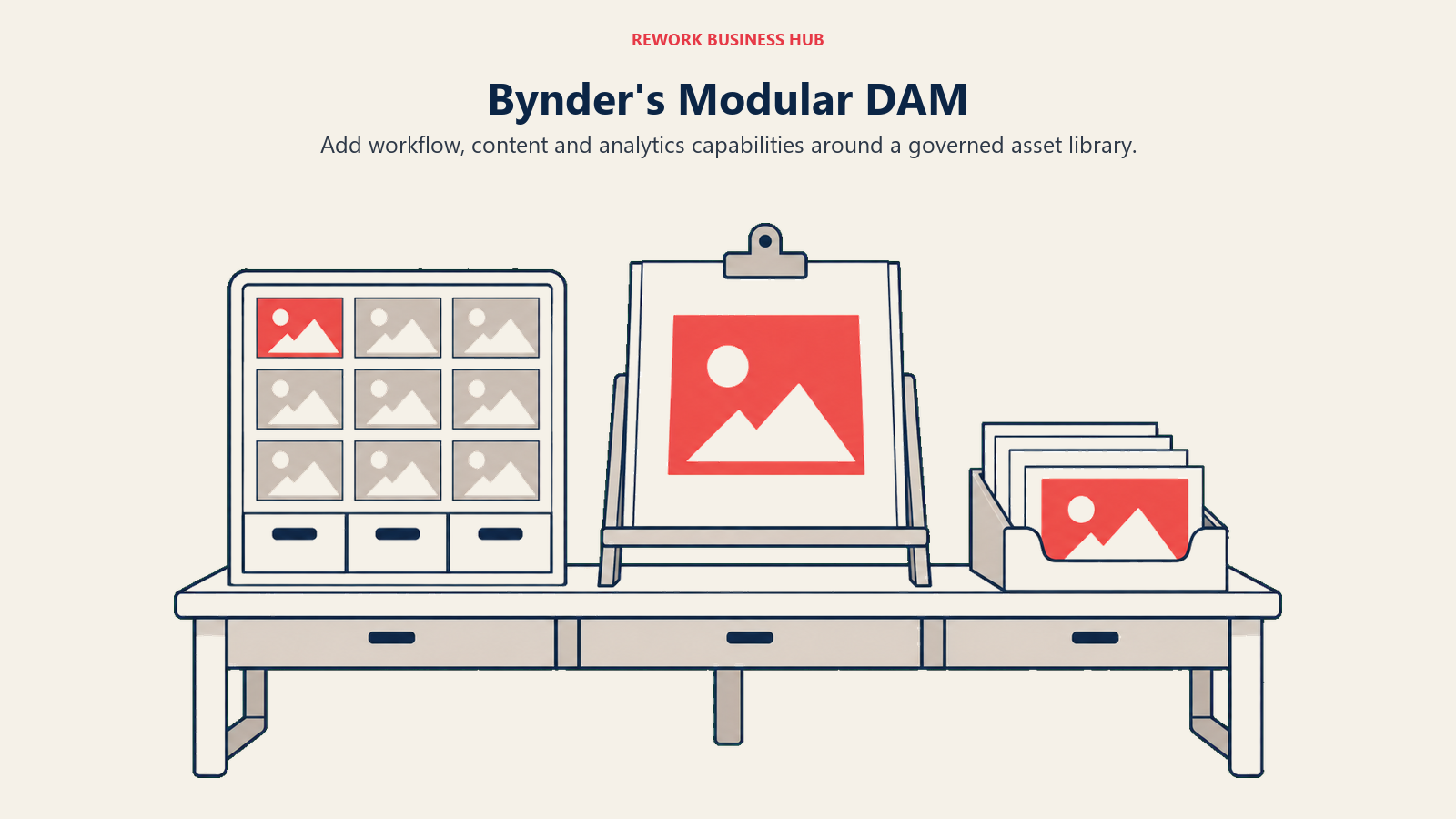
Bynder is one of the more recognizable names in enterprise DAM, and its pricing page is explicit that there's no fixed price to quote: plans are "structured based on what you use, influenced by the number of users, storage, usage within your MarTech ecosystem, the products included as part of your solution, and the desired level of support," and Bynder states that "every Bynder customer... has a custom-made package tailored to their business needs and, therefore, a unique price point." The product itself is modular: Digital Asset Management sits alongside separately named modules for AI Agents, AI Search Experience, CX User Community, CX Omnichannel, Asset Workflow, Content Workflow, Analytics, Studio, and Integrations, and Bynder's own site claims more than 4,000 brands as customers, a vendor claim worth treating as marketing copy rather than independent research. If Bynder alone doesn't fit, the Bynder alternatives guide covers competitors evaluated head-to-head, and where Bynder is being weighed specifically against Brandfolder, Bynder vs Brandfolder breaks down that exact matchup.
| Pros | Cons |
|---|---|
| Deep modular suite beyond core DAM: workflow, AI search, analytics | No published price at all, fully sales-led |
| Claims 4,000+ brand customers (vendor claim) | Modular pricing makes apples-to-apples comparison hard |
| Strong analyst market presence (Gartner and Forrester coverage) | Overkill for teams that just need a simple asset library |
Best for: large enterprises that want DAM bundled with workflow, content, and AI search modules from one vendor.
9. Brandfolder by Smartsheet: DAM Inside a Broader Work Platform
Brandfolder has been owned by Smartsheet since the acquisition closed in September 2020, and it remains actively maintained; Smartsheet's own Learning Center and Community both carry live Brandfolder sections. Pricing is quote-only across exactly two published tiers, Premium and Enterprise, both gated behind a "Book a demo" call to action. Premium adds asset analytics, document intelligence (OCR), bulk admin tools, SSO and SAML, asset-availability controls for auto publish and expiry, and Video AI (auto-tagging, scene detection, speech-to-text). Enterprise adds custom automation, tighter asset permissions, finer organizational controls for running multiple independent teams or brands, enterprise creative tooling, an Insights data connector for BI, and a vanity URL. Older articles describing a third "Essentials" tier are out of date; it's not on Brandfolder's pricing page today. On its own pricing page, Brandfolder cites a customer claim that Conga saved over $300,000 per year in software costs and let a 1,200-person global team self-serve assets, a vendor-published customer claim rather than independent research. For a broader field beyond Brandfolder specifically, see Brandfolder alternatives, and against Bynder specifically, Bynder vs Brandfolder.
| Pros | Cons |
|---|---|
| Strong analytics and Video AI auto-tagging on Premium | No published price, only two tiers to choose between |
| Backed by Smartsheet, actively maintained since 2020 | Fewer named modules than Bynder's broader suite |
| Vendor-cited case study shows real enterprise savings (Conga) | Enterprise-only features gated behind a second quote tier |
Best for: marketing teams that want DAM bundled into an existing or planned Smartsheet relationship.
10. Canto: Packages Sized to the Job, Not a Single SKU
Canto splits its DAM into four named packages rather than one product: Core Essentials (DAM), Enhanced Collaboration (DAM PLUS), Omni Brand Solution (DAM for Products), and Advanced (DAM PRO). None of them carries a published price; Canto's pricing page states outright that "all packages shown are illustrative" and that "Canto purchases can be customized to fit your needs," scaling on team size and storage needs. The four-package structure is genuinely useful for narrowing a conversation with sales, since it signals up front whether a team needs core DAM, heavier collaboration features, product-content management, or the full professional tier, rather than negotiating from a blank slate. For a full field of Canto alternatives, see best Canto alternatives.
| Pros | Cons |
|---|---|
| Four purpose-built packages narrow the sales conversation | No published price on any of the four packages |
| Explicit product-content package (Omni Brand Solution) | "Illustrative" pricing means real cost is unknown until a quote |
| Scales pricing to team size and storage, not a flat rate | Comparing Canto to flat-tier competitors requires a live quote first |
Best for: teams that want to shop DAM by defined use case, core, collaboration, product content, or advanced, before talking to sales.
11. Air: Unlimited Seats, Credit-Metered, and No Longer Cheap
Air used to be known for inexpensive per-seat DAM pricing. That reputation is stale. Air now runs on a credit system with unlimited seats on every plan, including paid ones, and its own copy states "you're never charged based on how many people are in your workspace." Free includes 120 credits per month, roughly 20 GB of enriched storage or 24 AI-generated images, with no time limit and no credit card required; Air calls it "a real workspace, not a trial." Business costs $900 per month billed annually and includes 30,000 credits per month, advanced sharing permissions, comment-only collaborators, CDN delivery, a public API, n8n and Zapier integrations, and MCP server access. Enterprise is custom, with 60,000 credits per month plus SSO (SAML 2.0), custom roles, proxy video workflows, ad performance analytics, and dedicated onboarding and a CSM. Credits reset each monthly cycle and don't roll over.
| Pros | Cons |
|---|---|
| Unlimited seats at every paid tier, no per-user math | $900/month Business is the lowest published price, with an unpriced Starter tier below it |
| Generous, genuinely usable free tier (no card, no time limit) | Credits reset monthly and don't roll over, wasteful for bursty use |
| Business bundles CDN delivery, public API, and MCP access | No per-seat scaling down for small teams that don't need $900/mo |
Best for: well-funded creative teams that want unlimited seats and are fine paying a flat, credit-metered price instead of per-user fees.
12. Dash: Unlimited Users, Published Tiers, Priced in GBP
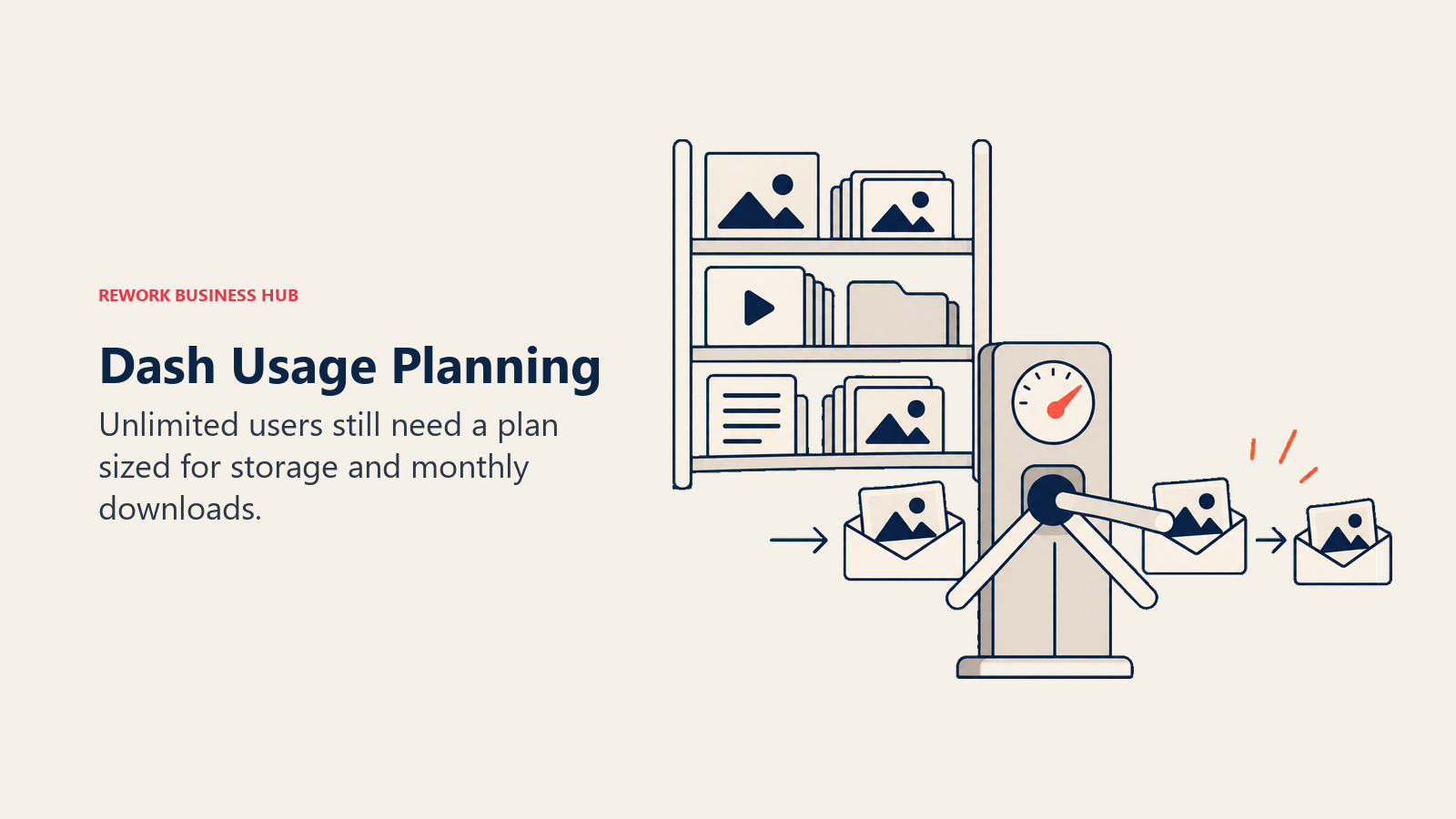
Dash publishes its DAM pricing outright, in GBP by default, across four tiers gated by monthly download volume and storage rather than by seats: Start up at £79/month (£853/year) for 250 downloads and 10 GB storage; Small team at £179/month (£1,933/year) for 500 downloads and 50 GB; Growing brand at £299/month (£3,229/year) for 1,000 downloads and 100 GB; and Established brand at £449/month (£4,849/year) for unlimited downloads and 200 GB up to 50 TB. Every tier includes unlimited users, and annual billing saves 10% versus monthly. Extra storage sells in 10 GB bundles at declining rates as you move up tiers, from £25/month on Start up down to £15/month on Growing brand, and Established brand buys extra storage in 50 GB bundles at £5/month once past 200 GB. The pricing page supports a currency switcher (GBP, USD, EUR, AUD, CAD), but the GBP figures are what the page shows by default.
| Pros | Cons |
|---|---|
| Actually publishes pricing, unlike most DAM competitors here | Priced in GBP by default, needs a currency conversion for USD budgeting |
| Unlimited users on every tier, including the entry plan | Metered by monthly downloads, an unusual unit to forecast against |
| Annual billing saves a real 10% | Top published tier (£449/mo) still caps at 50 TB, not unlimited storage |
Best for: mid-market brand teams that want transparent published DAM pricing with no per-seat cost.
13. Pimcore: Open-Source DAM Bundled With Product Information Management
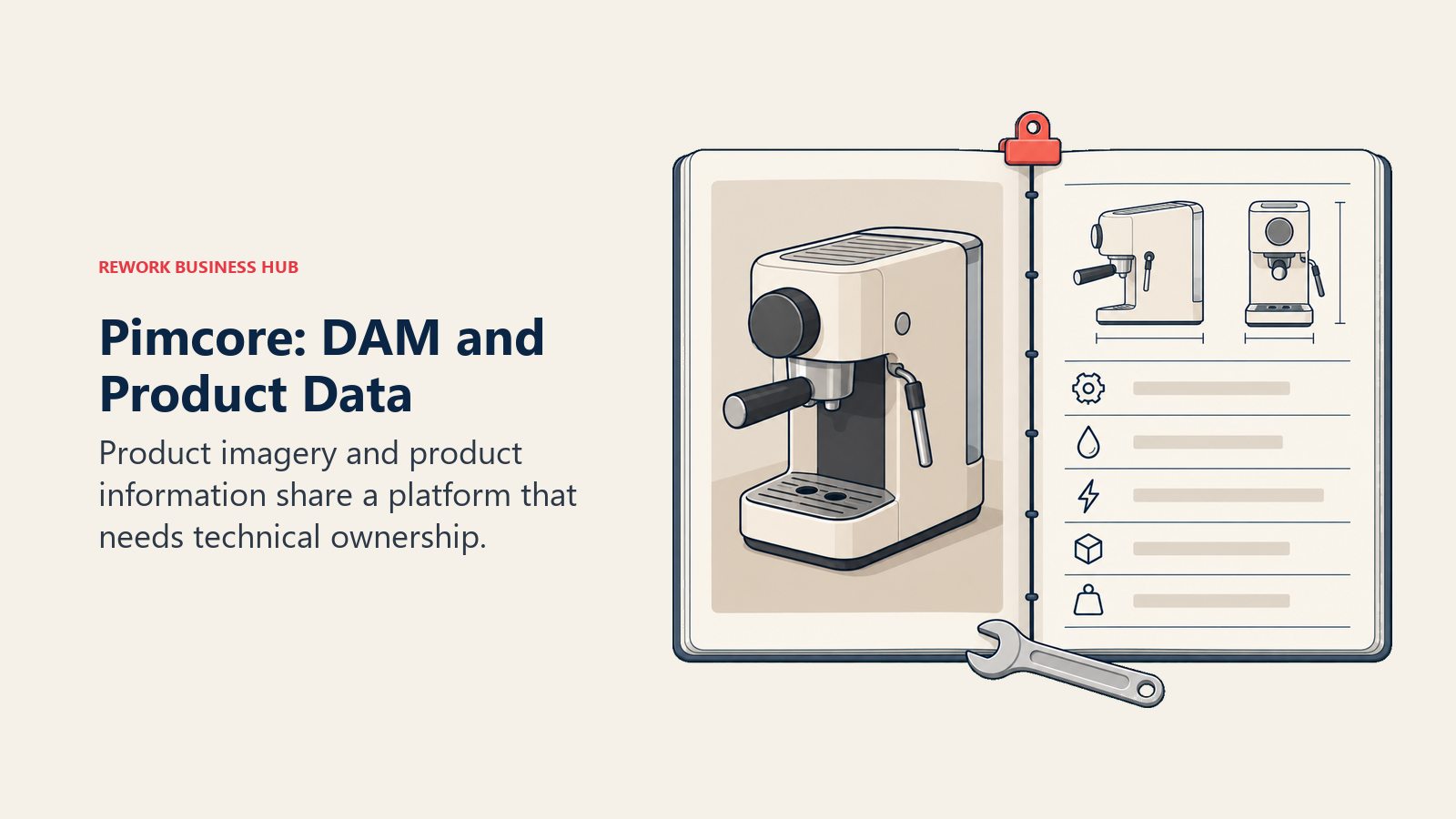
Pimcore takes a completely different approach from every other tool on this list: it's open source at the core, and it bundles DAM with PIM, product information management, in one platform rather than selling DAM alone. Community Edition is free and open source, downloadable from GitHub, deployable on-premise or in a private cloud. Professional costs $9,900 per year; Enterprise costs $29,900 per year; and an Enterprise Edition PaaS or fully tailored deployment is available as a custom quote. Because pricing is annual rather than monthly and because it requires real engineering investment to stand up, whether self-hosted or in a private cloud, Pimcore suits organizations closer to a build decision than a typical SaaS DAM buy.
| Pros | Cons |
|---|---|
| Free, genuinely open-source Community Edition | Requires real engineering resources to deploy and maintain |
| DAM and PIM share one platform and data model | Commercial tiers priced annually ($9,900 or $29,900), not monthly |
| Deployable on-premise or private cloud for data control | Not a fit for teams wanting a pure SaaS, no-ops DAM |
Best for: technical teams that want DAM and product information management unified in one open-source-rooted platform.
Sizing and Persona Table
| Tool | Team Size Sweet Spot | Primary Buyer | Secondary Buyer |
|---|---|---|---|
| imgix | Any dev team with a media pipeline | Engineering Lead | CTO |
| ImageKit | Small to mid-size teams, cost-sensitive | Full-Stack Developer | Head of Engineering |
| Cloudflare Images | Teams already running on Cloudflare | DevOps / Platform Engineer | CTO |
| Uploadcare | Product teams needing upload UX | Product Engineer | Head of Product |
| TwicPics by Frontify | Ecommerce and agency sites, small to mid | Frontend Developer | Marketing Ops (if adding Frontify DAM) |
| Sirv | Ecommerce and product photography teams | Ecommerce Manager | Developer |
| Bunny Optimizer | Agencies managing many small sites | Agency Developer | Site Owner |
| Bynder | Enterprise brand teams, 200+ | VP Marketing / Brand Director | IT / Martech Lead |
| Brandfolder by Smartsheet | Mid-market to enterprise marketing | Marketing Ops Director | Creative Director |
| Canto | Brand and product teams, mid to enterprise | Brand Manager | Creative Ops Lead |
| Air | Creative agencies and in-house creative teams | Creative Director | Marketing Manager |
| Dash | Growing mid-market brand teams | Brand / Marketing Manager | Creative Ops Lead |
| Pimcore | Technical teams needing DAM plus PIM | IT Director / Solutions Architect | Product Information Manager |
Stage Fit Matrix
| Tool | Startup (0-10) | Growth (10-50) | Mid-Market (50-200) | Enterprise (200+) |
|---|---|---|---|---|
| imgix | Good | Strong | Strong | Strong |
| ImageKit | Excellent | Strong | Good | Moderate |
| Cloudflare Images | Excellent | Strong | Strong | Good |
| Uploadcare | Good | Strong | Good | Moderate |
| TwicPics by Frontify | Excellent | Strong | Good | Viable (via Frontify) |
| Sirv | Excellent | Strong | Good | Moderate |
| Bunny Optimizer | Excellent (per-site) | Strong | Good (many sites) | Limited |
| Bynder | Limited | Moderate | Strong | Strong |
| Brandfolder by Smartsheet | Limited | Moderate | Strong | Strong |
| Canto | Limited | Moderate | Strong | Strong |
| Air | Good | Strong | Good | Moderate |
| Dash | Moderate | Strong | Strong | Good |
| Pimcore | Moderate (needs engineering) | Good | Strong | Strong |
How to Choose: Decision Framework
| If you need... | Choose |
|---|---|
| A published-price replacement for Cloudinary Programmable Media | imgix or ImageKit |
| Zero seat cost, pay only for transforms, storage, and delivery | Cloudflare Images |
| The most predictable flat bill regardless of traffic | Bunny Optimizer |
| A polished upload widget bundled with the CDN | Uploadcare |
| An image CDN with a credible upgrade path into a full brand DAM | TwicPics by Frontify |
| Ecommerce spin and zoom features included free | Sirv |
| An enterprise-grade modular DAM with AI search and workflow | Bynder |
| DAM inside a Smartsheet-centered work management stack | Brandfolder by Smartsheet |
| A DAM with named packages sized to core, collaboration, or product content | Canto |
| Unlimited seats and simple per-team credit pricing for DAM | Air |
| Transparent published DAM pricing with unlimited users | Dash |
| Open-source DAM combined with product information management | Pimcore |
| To replace both the API job and the DAM job from one vendor | TwicPics by Frontify's CDN plus Frontify's DAM, or run two best-of-breed tools |
Frequently Asked Questions about Cloudinary Alternatives
Is Cloudinary a DAM or an image CDN?
Both, but they're two separate products sold on the same pricing page. Programmable Media is the image and video API and CDN, with four published tiers: Free, Plus, Advanced, and Enterprise. Cloudinary Assets is the DAM, and it has no published price, only a free 30-day trial and a custom Enterprise quote.
How much does Cloudinary Programmable Media cost?
Free, Plus at $99/month ($89/month billed yearly), Advanced at $249/month ($224/month billed yearly), or a custom Enterprise plan. Plans include a monthly credit pool of 25, 225, and 600 credits respectively, where 1 credit equals 1,000 transformations, 1 GB of storage, or 1 GB of bandwidth.
Why doesn't Cloudinary publish a price for its DAM product?
Cloudinary Assets is sold like most enterprise DAM platforms in this guide, Bynder, Brandfolder, and Canto included, as a custom quote based on usage, storage, and team size rather than a fixed self-serve tier. The only self-serve option is a free 30-day trial with 3 users and 25 GB of storage.
What's the cheapest real alternative to Cloudinary's image API?
ImageKit's Lite plan starts at $9/month plus pay-as-you-go overages, and its Forever Free plan includes 20 GB of bandwidth and 3 GB of DAM storage with no credit card required. Cloudflare Images can be cheaper still at low volume, since it charges no subscription at all, just $0.50 per 1,000 unique transformations past the first 5,000 free each month.
Which DAM alternative actually publishes its price?
Dash and Pimcore. Dash's four tiers run from £79/month to £449/month with unlimited users on every plan. Pimcore's Community Edition is free and open source, with Professional at $9,900/year and Enterprise at $29,900/year. Bynder, Brandfolder, Canto, and Cloudinary Assets are all quote-only.
Is TwicPics still a separate company from Frontify?
No. TwicPics is now sold as "TwicPics by Frontify," per the title of its own current pricing page, meaning the image CDN and Frontify's brand-portal DAM ship from the same company. That gives TwicPics customers a direct upgrade path into a full DAM without switching vendors.
What's the difference between credit-based and per-unit pricing for an image CDN?
Credit-based vendors, Cloudinary, imgix, and Air among them, pool transformations, storage, and bandwidth into one shared monthly allowance, though the exchange rate between them differs by vendor: Cloudinary treats all three as 1:1:1, while imgix charges 2 credits per GB of storage against 1 credit per GB of bandwidth. Per-unit vendors like Cloudflare Images bill each meter separately with no pooled allowance and no subscription tier at all.
Can one platform replace both Cloudinary jobs at once?
Among the tools in this guide, only TwicPics by Frontify offers both under one company today, an image CDN plus, via Frontify, a brand DAM, though Frontify's own DAM pricing isn't published either. Most teams end up running one best-of-breed tool from each band rather than a single combined platform.
How do I estimate my real Cloudinary bill before switching?
Pull your last few months of transformation count, storage in GB, and bandwidth in GB from Cloudinary's own usage dashboard, convert storage and bandwidth into credits at 1 credit per GB each, add your transformation credits at 1,000 transformations per credit, and compare the total against the alternative's own meter, since none of the vendors in this guide use the same billing unit as Cloudinary.
What to Do Next
Figure out which band you're actually in before requesting a demo from anyone. If you're replacing Cloudinary Programmable Media, pull your last three months of transformation, storage, and bandwidth usage from Cloudinary's own dashboard and run those numbers against imgix's or ImageKit's calculators before committing, since credit exchange rates genuinely differ between vendors. If you're replacing Cloudinary Assets, start with Dash or Pimcore if a published price matters to your budgeting process, and go straight to a Bynder, Brandfolder, or Canto demo if enterprise workflow features are what you need priced out.
Either way, run a real 30-day trial with your own assets and your own traffic, not a vendor's demo library. Credit math and download-volume caps only reveal their real cost once actual usage hits them.
Brand teams consolidating their creative stack at the same time a DAM decision is underway often review best Canva alternatives or best Figma alternatives alongside the DAM switch, since design tool and asset library decisions tend to land on the same procurement cycle.

Principal Product Marketing Strategist
On this page
- Key Facts
- Cloudinary Is Two Products: Which One Are You Replacing?
- Quick Comparison Table
- Why Teams Leave Cloudinary
- What Each Alternative Actually Meters
- 1. imgix: Transparent Per-Credit Image and Video Processing
- 2. ImageKit: The Budget Entry Point With DAM Storage Built In
- 3. Cloudflare Images: Pay Only for What Gets Transformed, Stored, or Delivered
- 4. Uploadcare: The Upload Widget Plus CDN Combo
- 5. TwicPics by Frontify: The Image CDN With a DAM Upgrade Path
- 6. Sirv: Free Spin and Zoom, Paid Plans Start Cheap
- 7. Bunny Optimizer: One Flat Fee Per Site, No Traffic Math
- 8. Bynder: The Modular Enterprise DAM Suite
- 9. Brandfolder by Smartsheet: DAM Inside a Broader Work Platform
- 10. Canto: Packages Sized to the Job, Not a Single SKU
- 11. Air: Unlimited Seats, Credit-Metered, and No Longer Cheap
- 12. Dash: Unlimited Users, Published Tiers, Priced in GBP
- 13. Pimcore: Open-Source DAM Bundled With Product Information Management
- Sizing and Persona Table
- Stage Fit Matrix
- How to Choose: Decision Framework
- What to Do Next