Lucidchart vs Miro: Which One Fits How Your Team Actually Works in 2026?
Turn this article into takeaways for your work.


Each assistant summarizes the article only for you and suggests best practices for your work.
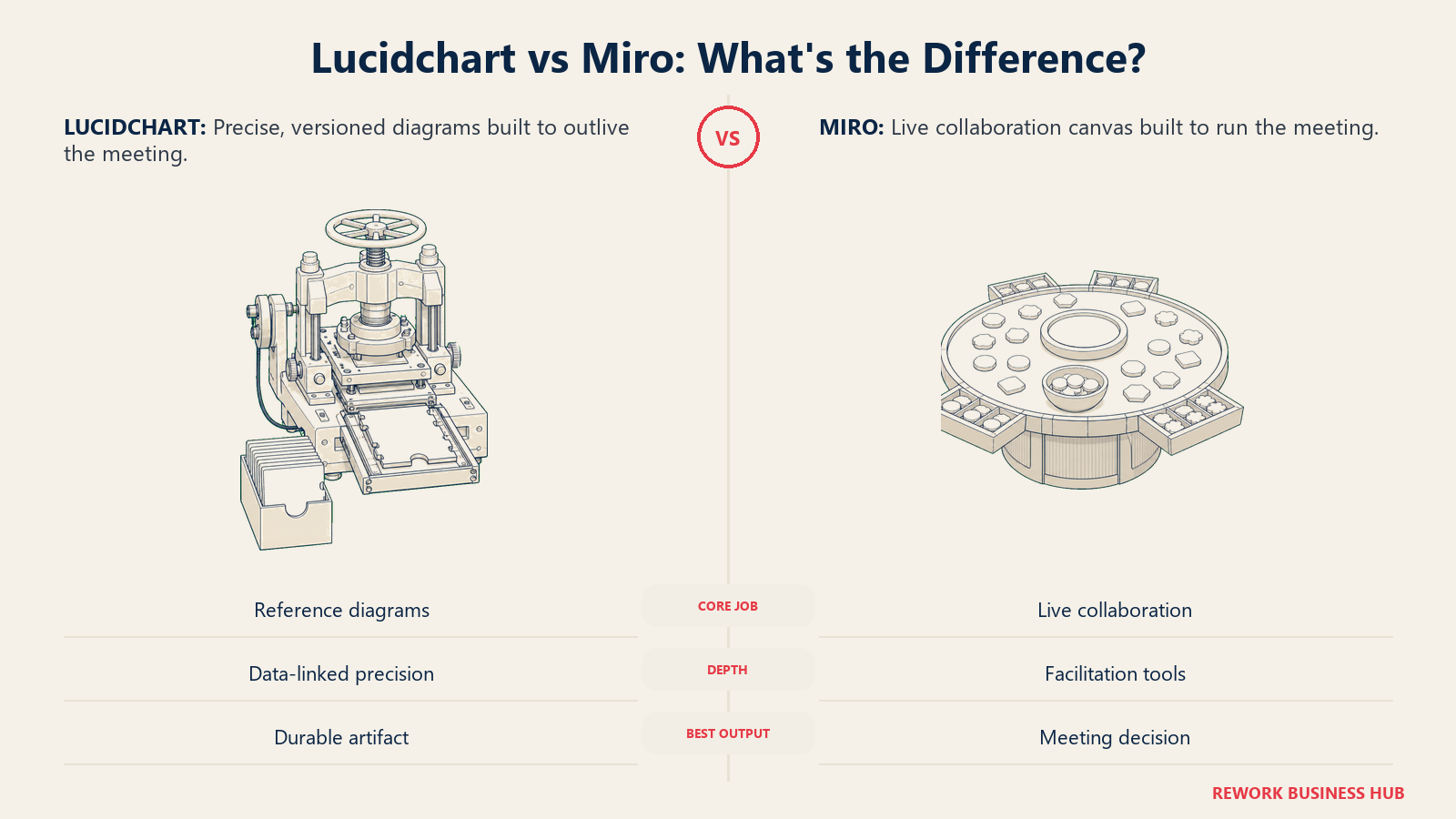
If your team has ever argued about whether a decision belongs in Lucidchart or in Miro, the argument was really about something else: what happens to the room after the meeting ends. Lucidchart is a diagramming tool that added collaboration on top. Miro is a collaboration canvas that added diagramming on top. Every real difference between them, pricing, free-plan limits, shape libraries, facilitation tools, comes from that one structural fact, and the tool that fits your team depends on which of those two jobs you do more often.
Here's the test worth applying before you read another feature list. If what you need at the end of the work is a document that outlives the meeting, a network diagram someone reads six months from now, an org chart handed to a new hire, an ERD a developer opens without you in the room, pick the diagramming tool. If what you need is the meeting itself, ten people thinking together in real time, a retro, a roadmap workshop, a planning session where the diagram is a by-product, pick the collaboration canvas. Most of what follows covers where that test breaks down: Lucidchart's data-linked shapes and cloud-architecture import, Miro's facilitation tooling, and the common case where a company pays for both and has to decide whether that's waste or the right call. If you're comparing more names than just these two, our roundup of business process management software covers the wider field.
TL;DR
| Lucidchart | Miro | |
|---|---|---|
| What it is | Diagramming tool that added real-time collaboration on top | Collaboration canvas that added diagramming on top |
| Core job | Produces a precise, versioned artifact read later, by people who weren't in the room | Runs the live session; the diagram is a by-product |
| Entry price | Individual at $9.00/month plus tax, one user | Starter at $8/member/month billed annually ($10 monthly) |
| Free tier limit | 3 editable documents, 60 shapes per document | 3 editable boards; older boards go read-only, the 3 most recent stay editable |
| Data and cloud import | AWS, Azure and GCP architecture import, ERD generation from a schema, data-linked shapes | No native cloud-architecture import or data-linked diagram generation |
| Facilitation tooling | Presentation Mode for walking through a finished diagram; not built for a live workshop | Timer, voting, private mode, breakout boards on Business+, video via Talktrack and Huddles |
| Best for | Ops, IT, architecture and process teams producing a reference diagram | Ops, product and design teams running live workshops and planning sessions |
| Biggest cost trap | Lucid doesn't publish Team pricing on a static page, so budgeting means asking sales for a number | Business tier at $20 to $25/member/month adds up fast past 25 to 30 seats |
Key Facts
- Lucid says its products are used by more than 100 million individual users and 99% of the Fortune 500, according to Lucid's own About page.
- Miro says it has passed more than 100 million users worldwide, a figure it announced at its Canvas 25 event on October 14, 2025, according to Miro's newsroom.
- Lucidchart carries a 4.5 out of 5 rating from 2,261 reviews on Capterra, while Miro carries a 4.7 out of 5 rating from 1,699 reviews, per Capterra's Lucidchart reviews page and Capterra's Miro page.
- 51% of remote-capable US employees now work in a hybrid arrangement, per Gallup's 2025 workplace research, roughly the same population deciding whether a visual tool needs to run a live session or just hold a finished diagram.
- Lucid holds FedRAMP Authorization at the Moderate level, a government-cloud compliance bar that does not appear on Miro's own published security documentation, according to Lucid's security page.
Who Each Tool Is Really For
Lucidchart was built for the person who needs a diagram to be correct, not just legible: solutions architects mapping AWS infrastructure, IT teams documenting a network, analysts building a compliance-ready process map, developers generating an ERD from a live schema. The job is precision and durability, right today and still right when someone opens it in six months with no memory of the meeting where it was drawn.
Miro was built for the person who needs a room to think together right now: product teams running a roadmap workshop, agile coaches running a retro, ops leads facilitating cross-functional planning. The job is momentum and participation, capturing everyone's input on the canvas in real time and deciding something before the meeting ends. What gets left behind afterward matters less than what happened during the hour.
| Dimension | Lucidchart | Miro |
|---|---|---|
| Primary use case | Precise, versioned diagrams: architecture, ERDs, process maps, org charts | Live visual collaboration: workshops, retros, roadmapping, brainstorms |
| Who typically buys it | IT, solutions architects, business analysts, ops and process teams | Product, design, ops and agile coaching teams running recurring sessions |
| What "done" looks like | A finished document other people read later without you in the room | A decision made, or input captured, while everyone is on the canvas together |
| Where it lives in a workflow | Alongside technical documentation, Confluence pages and architecture reviews | Alongside meetings, video calls and sprint ceremonies |
| Non-technical teams on the tool | Usable, but the deepest value sits with technical and process-documentation roles | Fully first-class; Miro assumes no diagramming background at all |
The practical split: if the diagram is the deliverable, Lucidchart is the more natural home. If the meeting is the deliverable, Miro is. Most mid-size companies need both jobs done at different points in the same project, which is why the "running both together" section further down is worth reading even if you think you already know your answer.
The Diagramming Tool vs the Collaboration Canvas
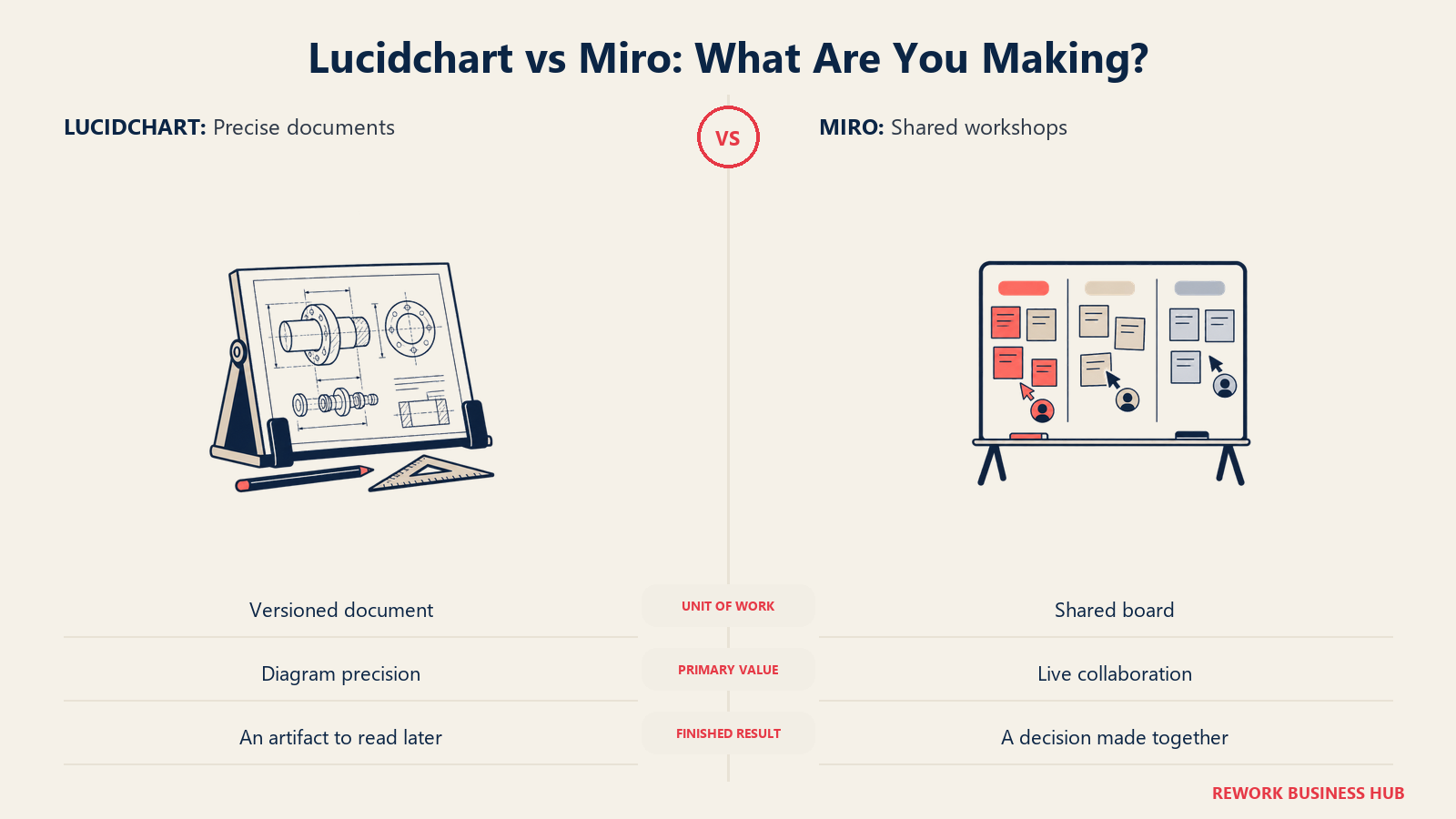
This is the split that explains every other section in this article, so it's worth stating plainly instead of hedging it into "both are great, it depends." Lucidchart started as a flowchart and diagramming tool and layered real-time editing, comments and sharing on top. Miro started as a digital sticky-note board for workshops and layered shape libraries, connectors and diagram templates on top. Neither company hid this history, and it still shows in what each product optimizes for by default.
| Lucidchart | Miro | |
|---|---|---|
| Started life as | A precise diagramming and flowcharting tool | A live, freeform whiteboard for workshops |
| Added later | Real-time collaboration, comments, sharing | Diagram shapes, connectors, flowchart and process templates |
| Default unit of work | A document, versioned, with a clear owner | A board, often shared and edited by many people at once |
| Where precision lives | Shape snapping, data-linked fields, auto-layout for org charts and ERDs | Present, but secondary to speed and freeform expression |
| Where facilitation lives | Presentation Mode for walking someone through a finished diagram | Timers, voting, breakout boards, private mode, built for live sessions |
| What breaks the test | An architecture diagram that needs to be walked through live in a workshop; a brainstorm that needs to become an audited, versioned process map | A quick sticky-note session that later needs to become a precise flowchart for documentation |
Where this breaks down is where the real decision usually happens. A solutions architect presenting a cloud migration plan to a room full of stakeholders is doing a Lucidchart job, the diagram must be technically correct, inside a Miro-shaped moment, a live session with give and take. An ops team running a process-mapping workshop in Miro often produces something that then needs cleaning up into a governed, versioned diagram, which is a Lucidchart job. The honest answer to "which one do we need" is sometimes "both, at different points in the same project."
Pricing at 10, 25 and 100 Seats
Every figure below comes from each vendor's own pricing page, with one exception flagged clearly where it applies.
Lucidchart's published and reported tiers, per Lucid's pricing page:
| Plan | Price | Billing | Notes |
|---|---|---|---|
| Free | $0 | N/A | 3 editable documents, 60 shapes per document, 100 basic templates |
| Individual | $9.00/month plus tax | Monthly, one user | Unlimited documents, unlimited shapes and lines, premium templates, Presentation Mode, 1 GB storage, premium shape libraries, Visio import and export |
| Team | Not published on a static page | Reported at about $10/user/month with a 3-seat minimum, per Vendr's Lucid Software marketplace data (reported, not vendor-confirmed) | Adds shared folders, a team admin console and team-wide permissions on top of Individual |
| Enterprise | Contact sales | Custom | Bundles Lucidchart with Lucidspark as the Lucid Suite |
The Team row is labeled reported. Budget with it, but confirm the actual number with a Lucid sales rep before signing anything.
Miro's published tiers, per Miro's pricing page:
| Plan | Price | Billing | AI credits included | What it unlocks |
|---|---|---|---|---|
| Free | $0 | N/A | 10 credits/mo, shared, limited trial | 3 editable boards; older boards go read-only, the 3 most recent stay editable |
| Starter | $8/member/mo | Billed yearly ($10/member/mo billed monthly) | 25 credits/member/mo | Unlimited editable boards, templates, core formats (Docs, Tables, Slides, Kanban) |
| Business | $20/member/mo | Billed yearly ($25/member/mo billed monthly) | 50 credits/member/mo | AI workflows and agents, interactive prototypes, Engage activities |
| Enterprise | Custom | Custom, from 30 members | Starts from 2,500 credits/mo, scales with seat count | Admin controls for AI, advanced governance, custom contract terms |
Annual cost at real seat counts. This assumes billed-annually rates on both sides:
| Seats | Lucidchart Team (reported, ~$10/user/mo) | Miro Starter (billed yearly) | Miro Business (billed yearly) |
|---|---|---|---|
| 10 | $1,200/yr (reported) | $960/yr | $2,400/yr |
| 25 | $3,000/yr (reported) | $2,400/yr | $6,000/yr |
| 100 | $12,000/yr (reported) | $9,600/yr | $24,000/yr |
Two caveats. A 100-seat team sits right at Miro's Enterprise threshold of 30-plus members, so it's more likely to get routed into a custom quote than to pay list Business pricing; treat that row as a reference ceiling, not a guarantee. And the Lucidchart Team column is reported throughout, since Lucid doesn't publish it; get the real number from sales before you compare it against Miro's published rate.
The other honest option on the Lucidchart side is buying Individual licenses per person at $9.00/month plus tax each, with no team admin console or centralized billing: roughly $1,080/year at 10 users, $2,700/year at 25, $10,800/year at 100. Cheaper than the reported Team rate at every count, but you give up one admin managing licenses and a single invoice.
Free Plan Limits, Head to Head
Both free plans are famous, and both are narrower than most people remember. Here's what each one actually caps, per each vendor's own pricing page, not the more generous version that circulates from memory.
| Lucidchart Free | Miro Free | |
|---|---|---|
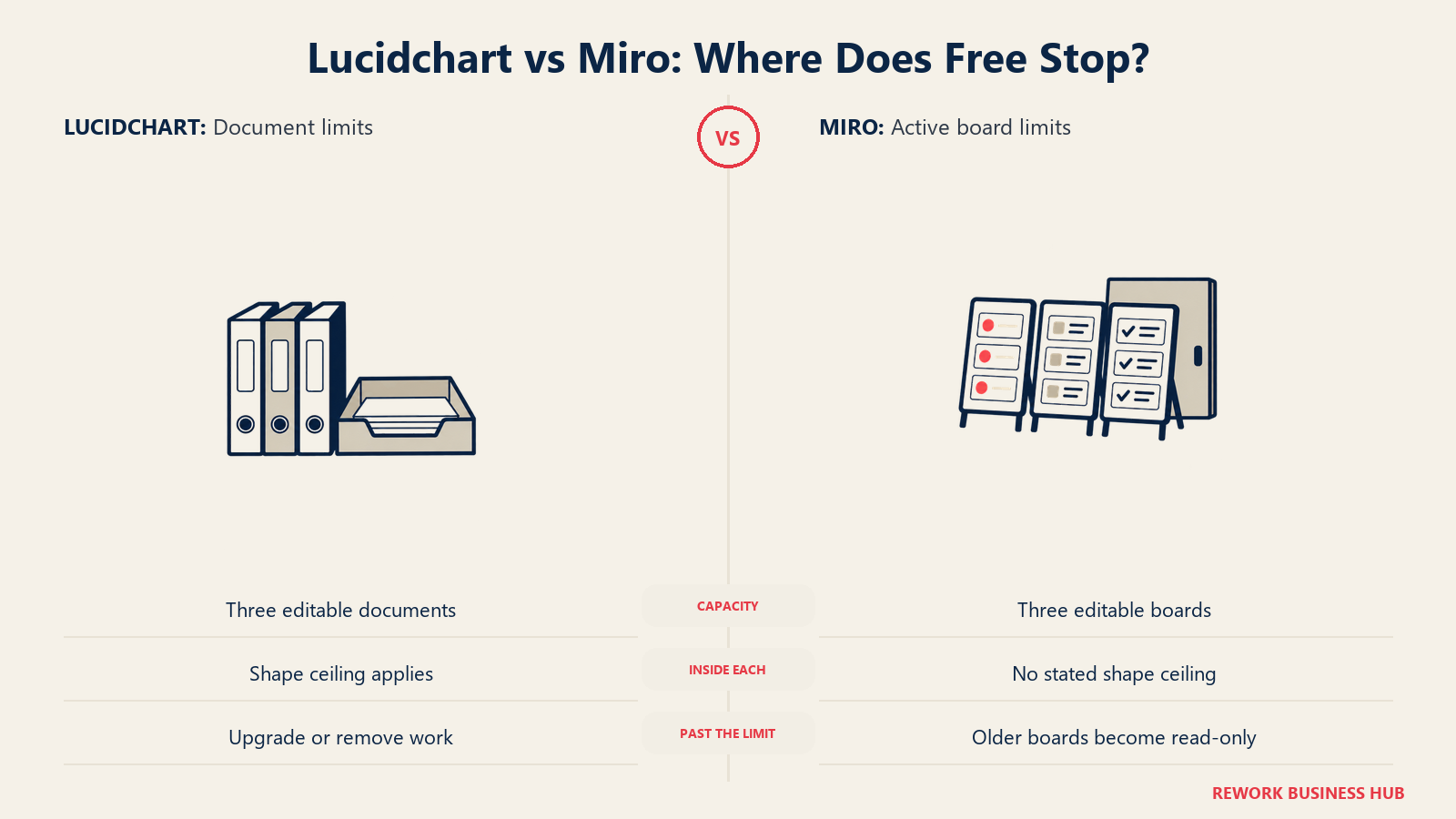
| Editable capacity | 3 editable documents, total | 3 editable boards, total |
| Per-item ceiling | 60 shapes per document | No published per-board shape ceiling |
| What happens past the limit | You can't start a 4th document without upgrading or deleting one of the 3 | Older boards past the 3 most recent become read-only; nothing is deleted |
| Templates included | 100 basic templates | Not itemized on the pricing page; template access is broader on paid tiers |
| AI access on Free | Not included on Free | 10 AI credits/month, shared across the account, described as a limited trial |
| Practical ceiling reached at | A handful of moderately detailed diagrams; 60 shapes fills fast on an org chart or ERD | Roughly 3 active initiatives at once, since older work goes view-only |
The difference matters more than the raw numbers suggest. Lucidchart's cap is a hard wall: hit 60 shapes and you simplify the diagram or pay. Miro's cap is soft: your 4th board doesn't get blocked, your 1st board just goes read-only. Lucidchart's free plan forces a purchase decision faster; Miro's lets old work quietly go stale until someone notices they can't edit it anymore.
Diagram Types and Shape Library Depth
This is where Lucidchart's diagramming-first history shows up most clearly. Its shape libraries are organized around specific diagram standards, not general-purpose drawing.
| Capability | Lucidchart | Miro |
|---|---|---|
| Flowcharts and process maps | Deep, purpose-built shape and connector tooling, snap-to-grid precision | Adequate for lightweight flows during a live session |
| BPMN 2.0 process notation | Native templates and shape sets | Not a dedicated BPMN shape library |
| ERD and database schema diagrams | Native markup, plus generation directly from a live schema | General shapes and connectors, no dedicated ERD engine |
| UML diagrams | Native markup, including auto-generated sequence diagrams from typed text | Present through templates, not auto-generated |
| Cloud architecture (AWS, Azure, GCP) | Native shape libraries plus direct import of existing architecture | General shapes only, no native cloud-account import |
| Org charts | Native type with CSV import and data sync | Supported through templates, built manually |
| Mind maps | Supported, less central to the product | Native mind map format |
| Sticky notes, freehand and clustering | Present, secondary to structured diagramming | Native and central, with AI-assisted grouping on Business and above |
The pattern holds across every technical diagram type: wherever a diagram has a formal standard behind it, BPMN, UML, ERD notation, Lucidchart ships a dedicated shape set built to that standard. Miro's shape libraries are broader and more general-purpose, right for a tool meant to hold whatever a live session produces, but it means standards-compliant diagramming means working around Miro's canvas rather than inside a purpose-built one. Our library primer on business process mapping covers the notation choices this table maps onto.
Data Linking and Automatic Diagram Generation
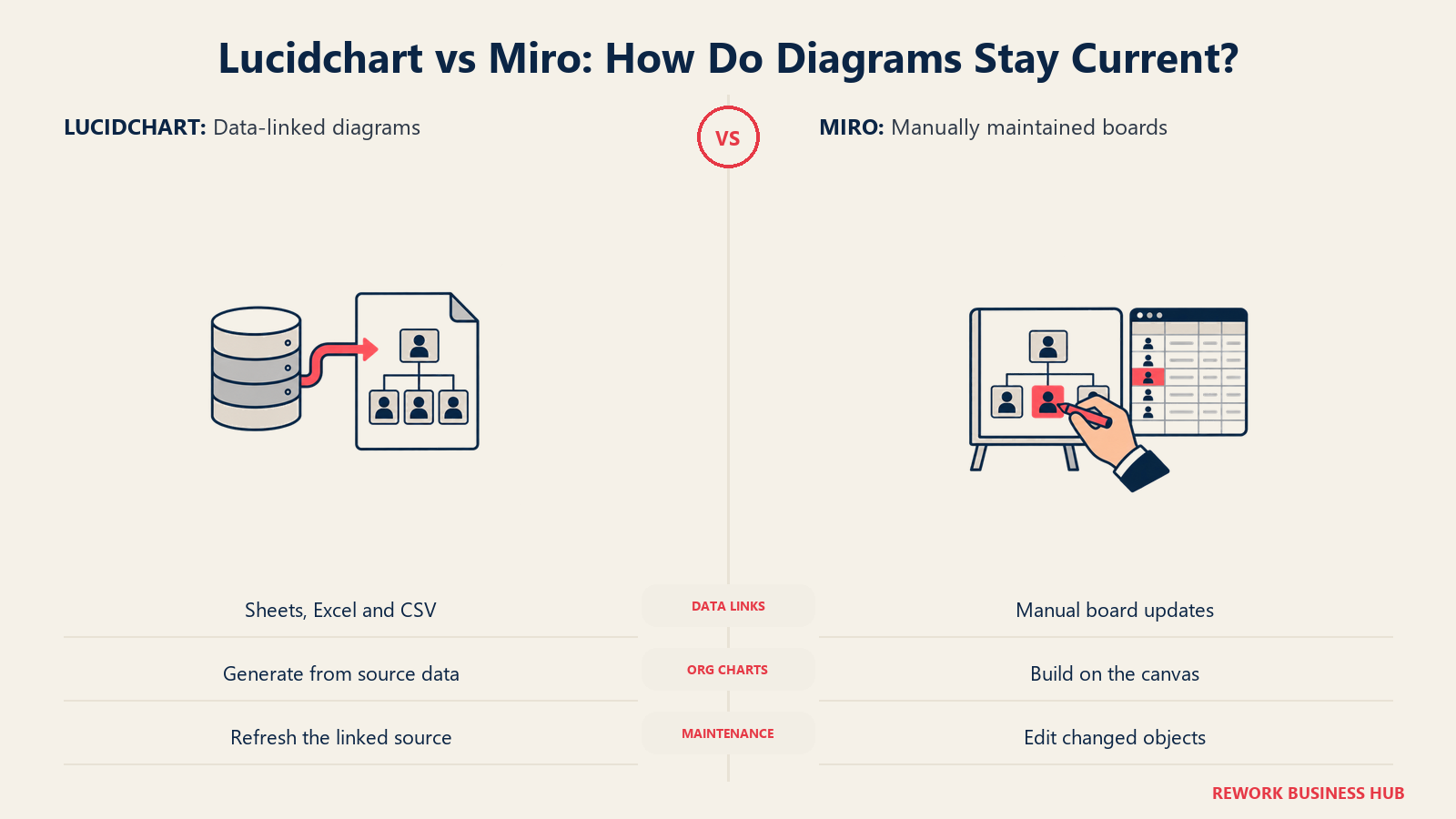
This is the section that explains why an ops or IT team reaches for Lucidchart over Miro even when both tools are already sitting in the company's software list. Lucidchart connects shapes directly to live data, rather than treating a diagram as a static picture someone has to manually keep up to date.
| Capability | Lucidchart | Miro |
|---|---|---|
| Data linking to Google Sheets, Excel or CSV | Native, shapes update from the connected file with conditional formatting applied automatically | Not a native feature |
| Cloud architecture import (AWS, Azure, GCP) | Native, generates a diagram directly from existing infrastructure | Not a native feature |
| ERD generation from a live database schema | Native | Not a native feature |
| Org chart generation from a CSV or HR data source | Native, with data sync back to the source | Manual, built by hand |
| Visio import and export | Native on Individual and above | Not applicable |
| AI-generated diagrams from a text description | Lucid AI builds, styles and lays out a flowchart from a plain-language description | Miro Assist generates diagrams and mind maps from a prompt, and turns sticky-note clusters into structured docs on paid tiers |
| Keeping a diagram current after the source changes | Refreshes automatically, no manual redraw | Requires manually re-editing the board |
Lucid AI runs on Microsoft Azure OpenAI Service, per Lucid's own product page, which also states customer data isn't used to train third-party models. This data-linking layer is the clearest reason a compliance, IT or architecture team standardizes on Lucidchart rather than treating diagramming as something any whiteboard tool can handle: a diagram that updates itself when the source data changes is worth more, over a year, than a prettier one that goes stale the week after the workshop that made it.
Whiteboard, Facilitation and Meeting Features
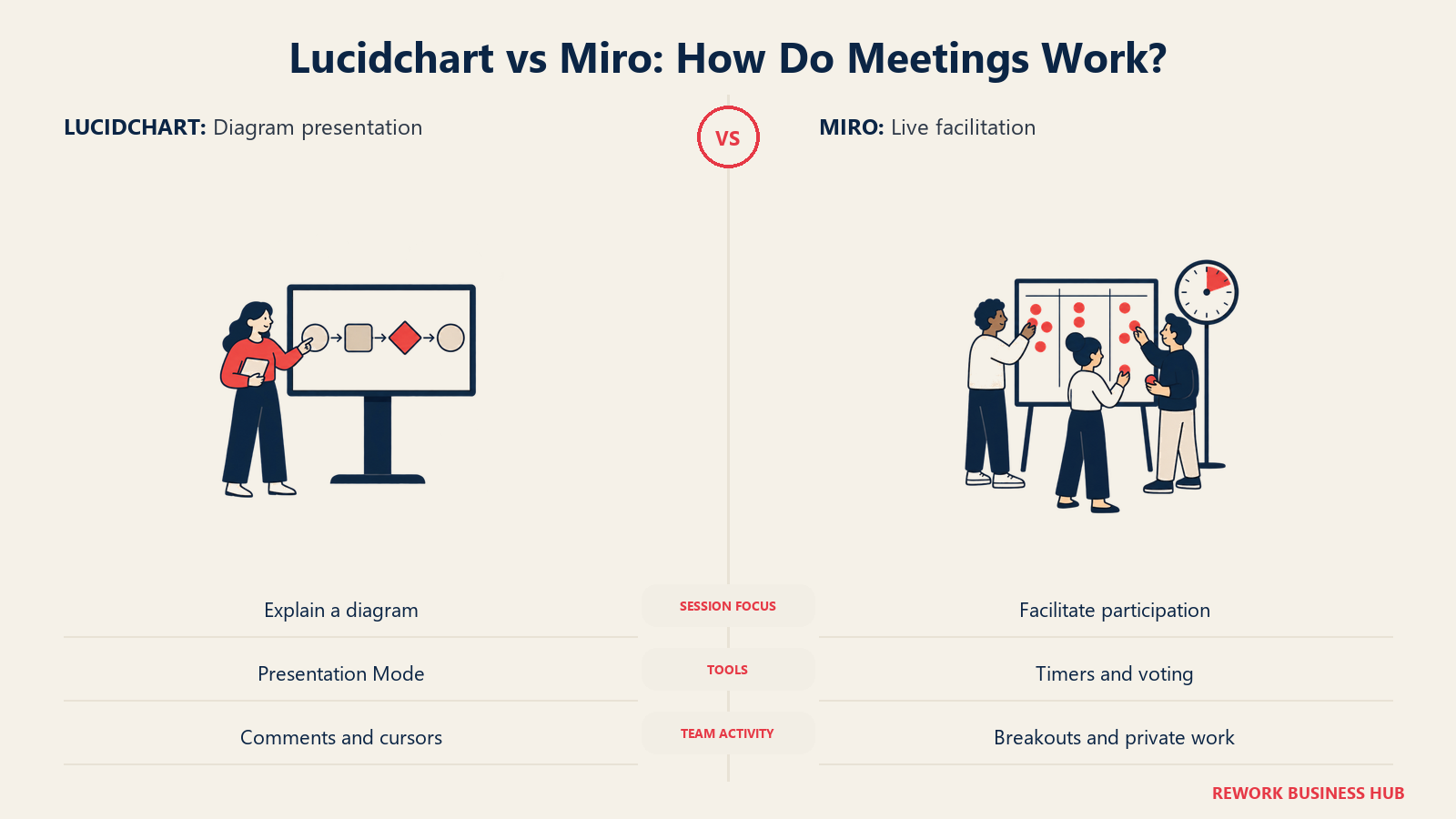
This is the mirror image of the data-linking section, and it's where Miro's collaboration-canvas origin shows up most clearly. Lucidchart lets you present a finished diagram; Miro lets you run the room while the diagram is still being built.
| Facilitation feature | Lucidchart | Miro |
|---|---|---|
| Real-time multi-user editing | Yes | Yes |
| Built-in timer | Not a native feature | Yes |
| Voting and dot-voting | Not a native feature | Yes |
| Private mode (participants work unseen until reveal) | Not a native feature | Yes |
| Follow or spotlight mode (presenter drives everyone's view) | Presentation Mode, built for walking through a finished document | Yes, built for live facilitation of in-progress work |
| Breakout boards for sub-groups | Not a native feature | Yes, on Business and above |
| Built-in video or audio on the canvas | Not a native feature | Yes, via Talktrack and Huddles |
| Cursor chat and live reactions | Comments and live cursors | Yes, plus reactions and stamps |
| Sticky-note brainstorming as a first-class format | Secondary to structured diagramming | Native and central to the product |
Neither gap is a flaw so much as a consequence of what each product was built to do first. Lucidchart's Presentation Mode assumes the diagram is finished and you're walking someone through it, right for a completed architecture review. Miro's whole facilitation toolkit assumes the opposite: the work is happening live, and the tool's job is keeping that room productive. Teams running frequent structured workshops notice this gap first, and our guide to process documentation covers turning that output into something durable afterward.
Templates and Frameworks
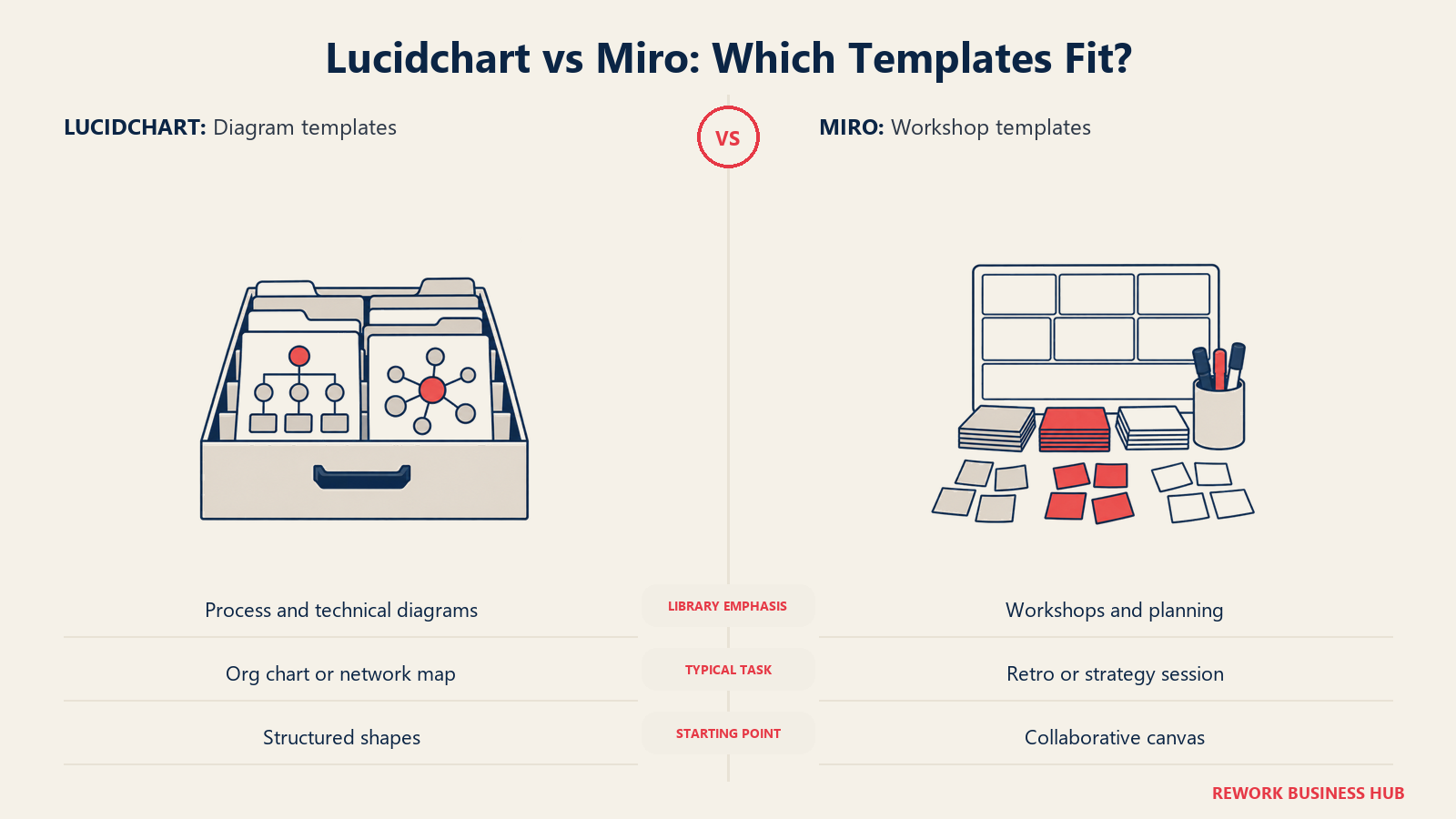
Match the starting template to technical documentation or collaborative planning.
| Capability | Lucidchart | Miro |
|---|---|---|
| Built-in template count | 100 basic templates on Free, 1,000-plus on Individual and above | Hundreds, spanning most business functions, plus a marketplace of community and partner templates |
| Template category weighting | Weighted toward flowcharts, process diagrams, org charts, ERDs and network diagrams | Weighted toward workshops, retros, strategy and product planning |
| Framework templates (SWOT, business model canvas, RACI, etc.) | Present, lighter than Miro's strategy-focused library | Deep library across strategy, product and facilitation frameworks |
| BPMN and swimlane templates | Native and standards-compliant | Present, general-purpose rather than standards-compliant |
| Retrospective and agile ceremony templates | Present, secondary to the product's core focus | Extensive, including timed retro formats |
The gap tracks the same story as the facilitation table above. Lucidchart's template depth sits in the diagram types it was built around: process notation, network layouts, schemas. Miro's sits in the meeting formats it was built around: retros, roadmaps, workshops. If your team runs affinity-mapping exercises to turn raw feedback into themes, our library guide to the affinity diagram method applies regardless of which tool hosts it.
Performance and Scale
Large diagrams and large boards are where visual tools most often show their seams, and the two products are architected for different kinds of scale.
| Scale factor | Lucidchart | Miro |
|---|---|---|
| Designed ceiling | Large, detailed technical documents: dense network diagrams, big ERDs, multi-page process maps | Very large, long-running strategic boards holding dense, ongoing workspaces |
| Typical slowdown point | A single document with an unusually high shape count, well past the Free plan's 60-shape cap | Boards with many thousands of objects and embedded media can lag without regular cleanup |
| Organization tools for many documents or boards | Folders, shared team drives, document-level permissions | Frames, nested boards, and a dedicated board directory for managing many boards at once |
| Version history | Available on paid plans, tied to the document | Available on paid plans, tied to the board |
| Archiving and cleanup | Standard folder and document management | Native archiving and board management tools |
Neither vendor publishes a hard object-count ceiling for its top tier, so in practice performance depends more on team discipline, archiving finished work, splitting a diagram that has grown too dense, than on a fixed technical wall either product enforces.
Integrations and Where Each Sits in Your Stack
Both tools plug into the same major platforms most mid-size companies already run, which means the deciding factor here is usually depth and default placement rather than pure availability.
| Integration category | Lucidchart | Miro |
|---|---|---|
| Atlassian (Jira, Confluence) | Native, plus a dedicated Jira connector on the Atlassian Marketplace | Native, positioned for agile rituals and dependency visualization |
| Microsoft 365 (Teams, Office) | Native with Office and Teams | Native Teams meetings integration plus Copilot support |
| Google Workspace | Native, listed on the Google Workspace Marketplace | Native, including document import and analysis |
| Slack | Native | Native |
| Salesforce | Native | Not a core native integration |
| Total marketplace size | 100-plus custom integrations, per Lucid's own pages | 250-plus integrations, per Miro's own integrations page |
| Developer platform | REST API and app development | REST API, SDK, and a dedicated developer platform |
Lucidchart's integrations lean toward embedding a finished diagram into documentation systems, a Confluence page, a Jira ticket, a Salesforce record. Miro's lean toward pulling meeting context in, a Teams call, a sprint-planning board, so the live session has what it needs without leaving the canvas.
AI Features in 2026
Both platforms have moved to a credit-based AI model rather than a flat on-or-off toggle, and both point their AI at the same basic job, turning a description or a mess of raw content into a structured diagram, but the underlying focus differs.
| AI capability | Lucidchart (Lucid AI) | Miro (Miro Assist) |
|---|---|---|
| Text-to-diagram generation | Describe a process in plain language; Lucid AI builds, styles and optimizes the flowchart, with assisted layout into swimlanes, containers and frames | Generates diagrams and mind maps from a prompt |
| Sticky-note or content summarization | Content summarization is present as a feature | Summarizes sticky-note clusters into themes on paid tiers |
| Iterative refinement | Manual edits or continued prompting through the Lucid AI panel | Chained, multi-step AI workflows via Miro Assist and Flows on Business and above |
| Underlying model | Built on Microsoft Azure OpenAI Service, per Lucid's own product page | Not itemized on Miro's public pricing page |
| Credit model and cost | Currently available to all users; Lucid's own FAQ states this may become a paid subscription feature in the future | Credits per member per month, scaling from 10/mo on Free to 50/member/mo on Business, and from 2,500/mo on Enterprise |
| Data used for training | Lucid states it does not use customer data to train third-party models | Not itemized on Miro's public pricing page |
Lucid AI is scoped tightly around producing a correct, well-laid-out diagram from a description, fitting Lucidchart's whole reason for existing. Miro Assist is scoped more broadly around processing whatever a live session generated, sticky notes, rough sketches, raw input, and turning it into something structured.
Admin, Security and Governance
Governance questions usually surface after the pilot, once IT or security gets pulled in, and this is one of the few places where Lucidchart carries a genuinely deeper published bar.
| Governance area | Lucidchart | Miro |
|---|---|---|
| SSO / SAML | SAML-based SSO with federated identity provider integration, an Enterprise feature | Available on Business and Enterprise |
| SCIM provisioning | Native SCIM provisioning for automated user lifecycle management | Managed through Enterprise administration controls |
| Admin console | Domain control and verification, role-based permissions, team and account-level controls | Enterprise administration for global account settings, role types and data classification |
| Data residency | Customer data hosted on AWS across six regions: US, EU and Australia | Not itemized on Miro's public enterprise page; contact sales for region-specific hosting |
| Compliance certifications | SOC 2 Type II, ISO 27001, ISO 27701, ISO 42001, FedRAMP Authorization at the Moderate level, GDPR and CCPA compliance, PCI merchant certification | ISO 42001 (ready), ISO 27001, SOC 2, GDPR |
| Sensitive-content controls | Role-based permissions and document-level access control | Enterprise Guard: automatically finds, classifies and secures sensitive content, with AI guardrails and legal-hold support |
| Advanced security add-on | Enterprise Shield: IP allowlisting, idle session timeouts, a dedicated key management service | Not itemized as a separate named add-on |
The standout line is FedRAMP: Lucid holds FedRAMP Authorization at the Moderate level, a bar built for US government and government-adjacent customers, and one Miro's published security documentation doesn't list. For a public-sector or regulated buyer, that line can decide the evaluation before pricing enters the conversation. For most mid-size commercial teams, both vendors clear SOC 2 and ISO 27001 comfortably, and the more relevant question becomes Miro's Enterprise Guard content-classification tooling versus Lucid's role-based permission model.
Viewer and Guest Access
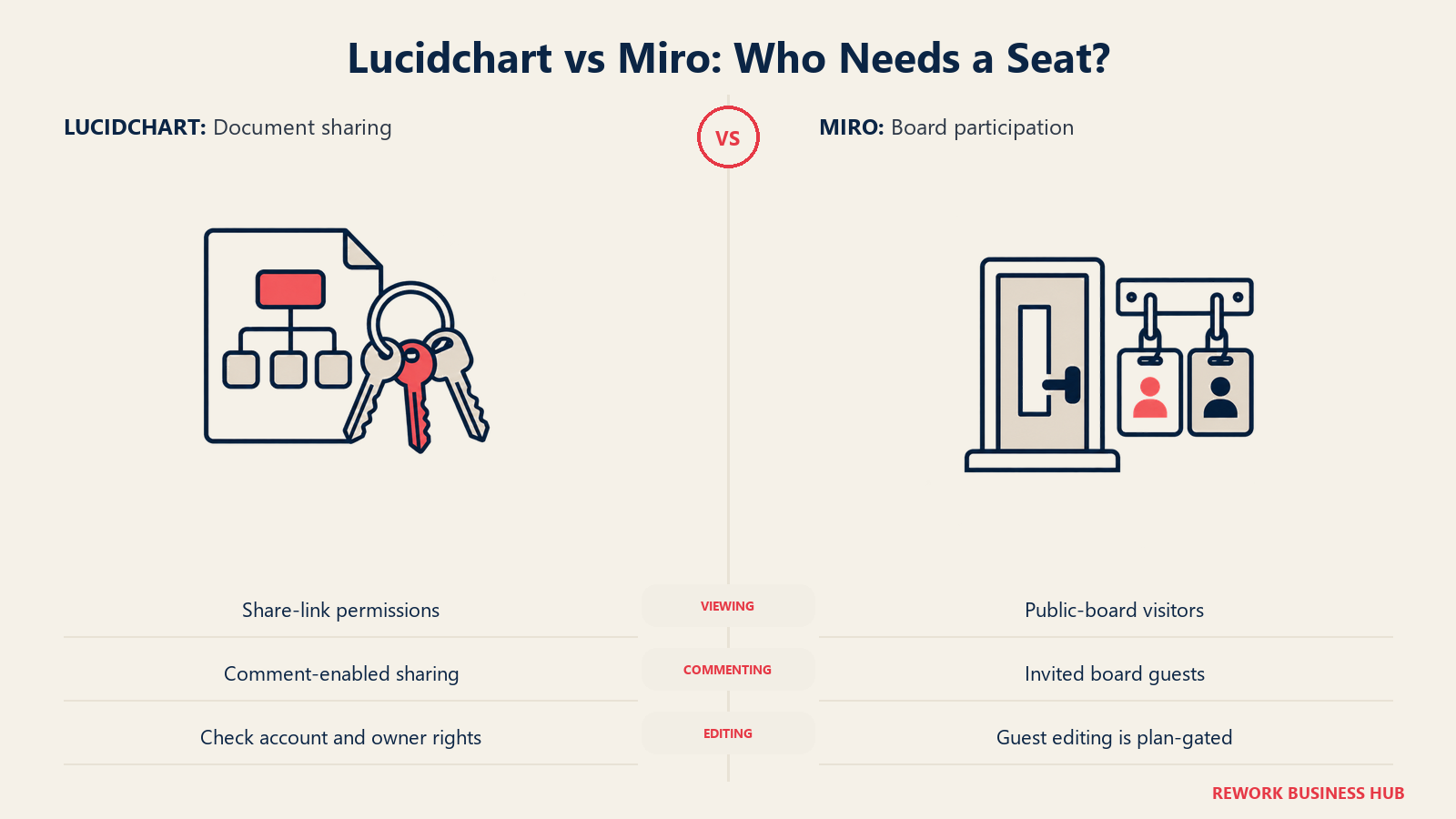
This is the single most common billing surprise in this category, and both vendors handle it differently enough that it's worth reading closely before you budget a rollout.
| Lucidchart | Miro | |
|---|---|---|
| Can someone view a document or board without a paid seat? | Yes, via a share link set to "can view" | Yes, as a Visitor accessing a public board link, no account required |
| Can someone comment without a paid seat? | Yes, via a share link set to "can comment" | Guests, invited by email to specific boards rather than the whole team, on paid and Education plans |
| Can someone edit without their own paid seat? | Yes, in practice: a "can edit" link works as long as the recipient has any Lucid account, even free; the owner's license does the work | Guests can get edit access, but only on Business and above |
| Does converting a viewer to a full team member cost a seat? | Yes, full team membership with folder and admin access consumes a license | Yes, converting a Guest to a full Member consumes a seat; converting back releases it |
| Where teams get surprised | Assuming a broad share-link invite is "free," when the sender's own license is what's paying for that access | Assuming any Guest can edit, when edit access is gated to Business and above |
The pattern in both products: viewing is close to free everywhere, but edit access is where the fine print lives. On Lucidchart, it's about whose license is doing the work. On Miro, it's about plan tier. If your rollout assumes outside stakeholders will be editing rather than just viewing, confirm which rule applies before you commit to a seat count.
Implementation and Change Management
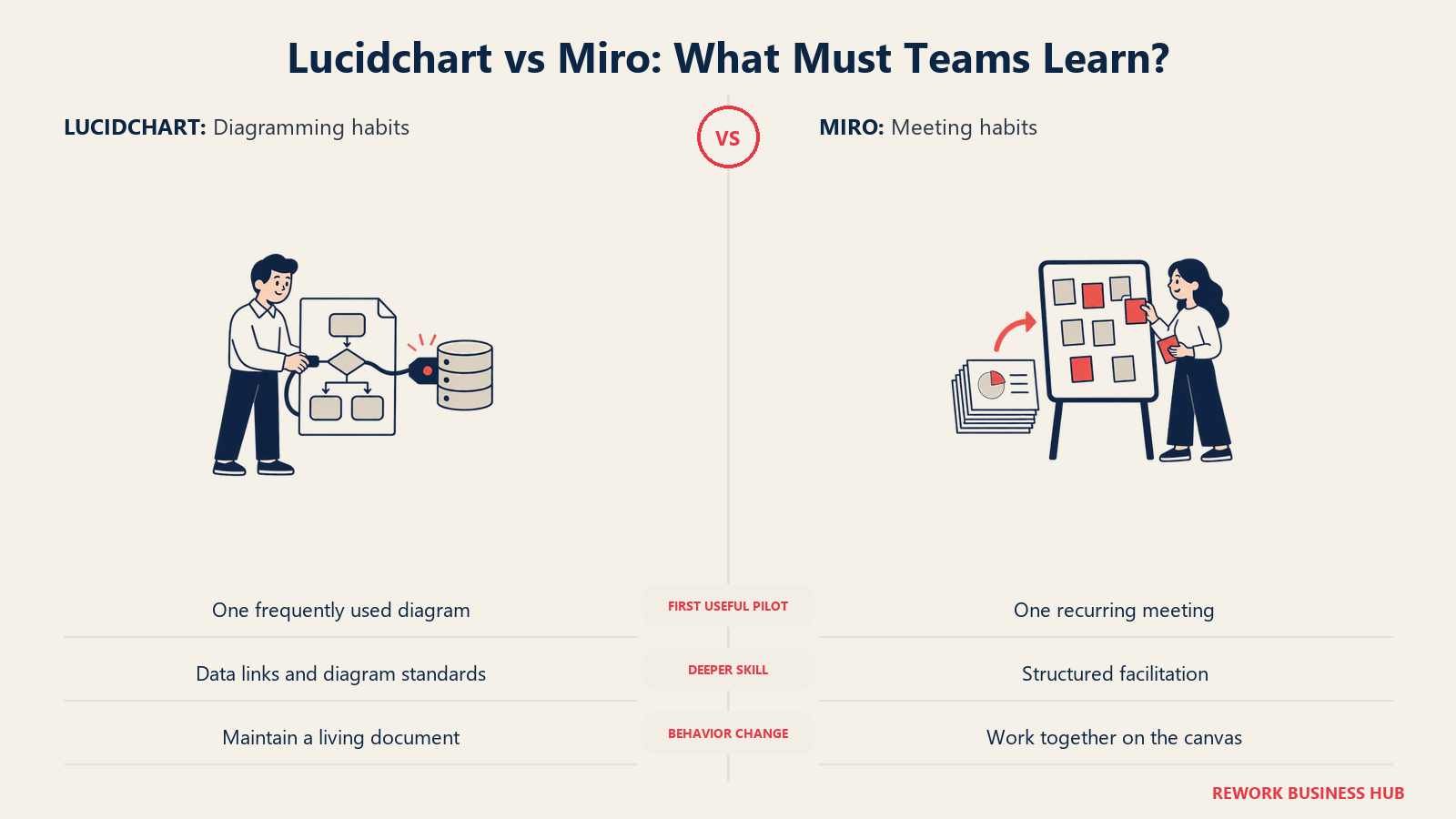
Rolling either tool out well is less about the software and more about which habit you're asking a team to build.
| Factor | Lucidchart | Miro |
|---|---|---|
| Learning curve for a new user | Low for basic shapes; moderate to use data linking, cloud import and BPMN notation correctly | Low for sticky notes and freehand work; moderate to run structured facilitation well |
| Who needs to change habits most | Whoever keeps process maps in a static tool like PowerPoint or an old Visio file | Whoever runs live workshops on a physical whiteboard or a slide deck |
| Training load | Real, if the team is meant to use data linking and standards correctly, not just draw shapes | Real, if the team is meant to facilitate, not just attend |
| Where resistance usually shows up | "This is just a fancier flowchart tool," from teams that don't yet see the value of a diagram that updates itself | "Why are we sticky-noting everything," from teams used to a decision happening in a doc, not live on a canvas |
| Fastest path to visible value | Rebuild one frequently-referenced diagram with data linking turned on | Run one recurring meeting on the canvas instead of the old format |
Neither rollout is inherently harder. Lucidchart asks a team to trust that a diagram can maintain itself; Miro asks a team to trust that a live canvas, not a deck, is where a decision should get made. Pick whichever habit shift is closer to where your team already is, and prove the value with one real diagram or one real meeting before a company-wide rollout.
When Lucidchart Is the Right Call
- The diagram is the deliverable. A network map, an ERD, a compliance-ready process map, an org chart handed to every new hire. If it needs to outlive the meeting and be read cold, Lucidchart is built for exactly that.
- You need the diagram to stay current without a manual redraw. Data linking to Google Sheets, Excel or a live schema updates the shape when the source changes, instead of quietly going stale.
- You're documenting something with a formal notation. BPMN 2.0, UML, standards-compliant ERDs. Miro's shape libraries are broad; Lucidchart's are built to the standard.
- You need to import existing cloud infrastructure rather than redraw it. AWS, Azure and GCP architecture import turns an existing environment into a diagram automatically.
- A security or compliance review is part of the buying decision, and FedRAMP Authorization or a deeper certification list matters to your evaluation.
When Miro Is the Right Call
- The meeting is the deliverable. A retro, a roadmap workshop, a cross-functional planning session where the value is the conversation and the diagram is just what's left over.
- You run frequent, structured live sessions needing timers, voting, breakout boards, or built-in video, tooling Lucidchart doesn't offer because it wasn't built to run a live room.
- Non-technical teams across the whole company need access, from sales kickoffs to HR onboarding to executive strategy sessions, and you want one canvas not tied to any single department's technical workflow.
- You want a large, general-purpose template library spanning strategy, product, engineering, HR and marketing, rather than one weighted toward technical diagram types.
- You're piloting a company-wide visual collaboration habit from zero, and the fastest path to adoption is proving value in one live meeting rather than one finished document.
Running Both Together
A meaningful share of mid-size companies land here, and it's worth stating plainly: paying for both is not automatically waste. The two tools do different jobs well enough that a team producing both live workshops and durable technical documentation often needs both, the same way a company pays for a video-call tool and a document editor without treating that as duplicate spend.
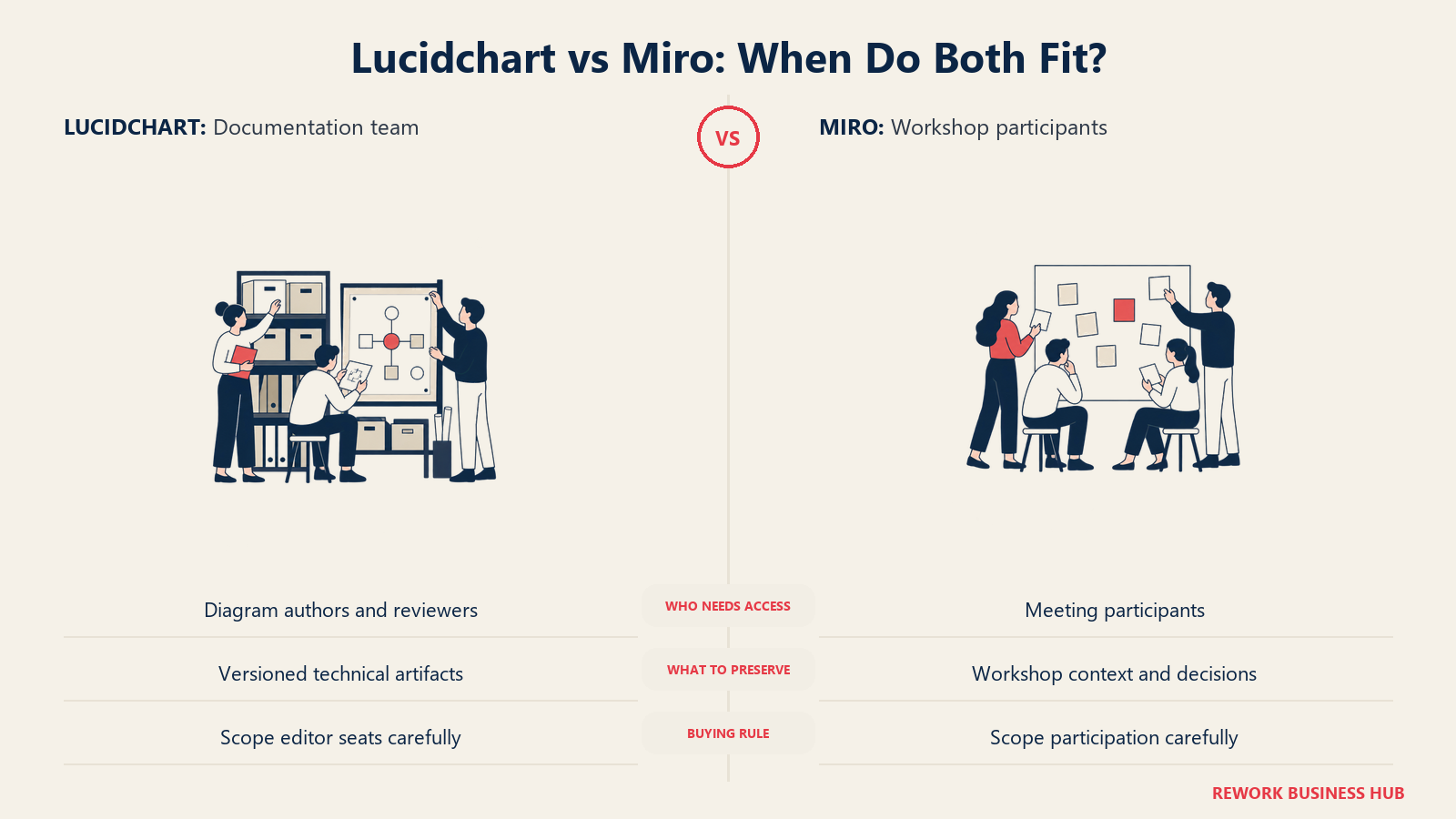
Here's what the combined bill looks like for a 25-person cross-functional team where only the IT, architecture and analyst group, say 8 people, needs Lucidchart's data-linking depth, while the full 25 use Miro for workshops:
| Line item | Seats | Annual cost |
|---|---|---|
| Lucidchart Team (reported, ~$10/user/mo, billed monthly) | 8 | $960/yr (reported) |
| Miro Starter (billed yearly) | 25 | $2,400/yr |
| Combined total | About $3,360/yr (reported) |
Compare that to paying for Miro Business alone across all 25 seats, $6,000/yr, which costs more than the combined scenario and still doesn't get you cloud-architecture import, data-linked shapes, or BPMN-standard diagrams, because Miro was never built to do that job. Treating one as a cheaper way to avoid buying the other usually means quietly losing a capability rather than saving money.
The real waste scenario is different: buying full Lucidchart Team seats for people who only ever view a diagram someone else built, or full Miro Business seats for people who only ever attend a meeting someone else runs. That's a seat-assignment problem, not a reason to drop either tool.
Decision Framework
| If you are... | Pick |
|---|---|
| Producing a diagram that other people will read later, without you in the room | Lucidchart |
| Running a live workshop, retro or planning session where the artifact is a by-product | Miro |
| Documenting BPMN, UML or an ERD to a formal standard | Lucidchart |
| Facilitating frequent structured sessions needing timers, voting or breakout boards | Miro |
| Importing existing AWS, Azure or GCP infrastructure into a diagram automatically | Lucidchart |
| Rolling a visual tool out company-wide, across non-technical departments | Miro |
| Weighing a FedRAMP or deep compliance certification requirement | Lucidchart |
| A cross-functional team that genuinely does both jobs at different points in the same project | Both, scoped to who actually needs an editor seat on each |
The short version. Neither tool is simply better than the other; they're built for different halves of the same overall process. Lucidchart is the diagramming tool that added collaboration. Miro is the collaboration canvas that added diagramming. Answer the "is the output a document or a meeting" question honestly for your team's actual work, and the rest of this decision follows from that.
What to Do Next
Before you compare another feature, pull the last three visual-collaboration artifacts your team actually produced. If most were finished diagrams someone else read later, start with Lucidchart's free plan and rebuild one with data linking turned on. If most were live sessions where the value was the conversation, start with Miro's free plan and run your next one on the canvas instead of a slide deck. Most mid-size, cross-functional teams end up needing a version of both, so let real usage, not a feature checklist, decide which to buy first.
For a deeper look at Lucidchart against the long-standing enterprise standard, our Lucidchart vs Visio comparison is the natural next read. If either free plan feels too narrow, our Lucidchart alternatives and Miro alternatives roundups cover the wider field, and our guides to the best Creately alternatives and best Visio alternatives round out the rest of the category worth checking before you commit.
Frequently Asked Questions about Lucidchart vs Miro
Is Lucidchart or Miro better for flowcharts?
Lucidchart, for anything that needs to be precise and standards-compliant. Its shape libraries are purpose-built for flowcharting, BPMN 2.0 and UML, with snap-to-grid connectors. Miro can hold a flowchart too, but its shape tooling is general-purpose, built for speed during a live session rather than notation accuracy.
Which free plan is more generous, Lucidchart or Miro?
Miro's is softer in practice: 3 editable boards, but older ones go read-only rather than disappearing. Lucidchart caps at 3 editable documents with 60 shapes each, a hard ceiling that fills up fast on a detailed org chart or ERD. Neither is as generous as the reputation both tools carry from a few years ago.
How much does Lucidchart cost for a team?
Lucid doesn't publish Team pricing on a static page. Individual is $9.00/month plus tax for one user. Team is reported at about $10/user/month with a 3-seat minimum, per Vendr's marketplace data, but that figure isn't vendor-confirmed, so get an actual quote from Lucid before budgeting against it.
How much does Miro cost for a team?
Starter is $8/member/month billed annually ($10 monthly), and Business is $20/member/month billed annually ($25 monthly). At 25 seats, that's $2,400/year on Starter or $6,000/year on Business. Enterprise is custom pricing for teams of 30 or more members.
Do we need both Lucidchart and Miro?
Often, yes, and that's not automatically wasted spend. A cross-functional team running live workshops while also needing precise technical documentation is doing two genuinely different jobs. The waste risk isn't paying for both, it's assigning full paid seats to people who only ever view what someone else built.
Is Lucidchart or Miro easier to learn?
Both have a low starting curve for basic use. Lucidchart takes longer to learn if you want data linking, cloud import or formal notation done correctly. Miro takes longer to learn if you want to actually facilitate a session well rather than just attend one.
Which tool is better for a large enterprise rollout?
Depends on the job. Lucid holds FedRAMP Authorization at the Moderate level plus SOC 2 and ISO 27001, which matters for public-sector or regulated buyers. Miro's Enterprise tier, from 30 members, includes its own admin console and Enterprise Guard content-classification tooling, suited to a company-wide rollout across non-technical departments.
Can Lucidchart and Miro boards or documents be moved between the two tools?
There's no native one-click migration. Lucidchart supports Visio import and export, which helps if you're moving from Visio specifically, but moving content between Lucidchart and Miro directly typically means exporting to an image or PDF and rebuilding.

Customer Success Operations Manager
On this page
- TL;DR
- Key Facts
- Who Each Tool Is Really For
- The Diagramming Tool vs the Collaboration Canvas
- Pricing at 10, 25 and 100 Seats
- Free Plan Limits, Head to Head
- Diagram Types and Shape Library Depth
- Data Linking and Automatic Diagram Generation
- Whiteboard, Facilitation and Meeting Features
- Templates and Frameworks
- Performance and Scale
- Integrations and Where Each Sits in Your Stack
- AI Features in 2026
- Admin, Security and Governance
- Viewer and Guest Access
- Implementation and Change Management
- When Lucidchart Is the Right Call
- When Miro Is the Right Call
- Running Both Together
- Decision Framework
- What to Do Next