Best Calendly Alternatives in 2026: 9 Scheduling Tools for Sales and Operations Teams
Turn this article into takeaways for your work.


Each assistant summarizes the article only for you and suggests best practices for your work.
Calendly pioneered the "send a link, skip the back-and-forth" workflow. For individual users and small teams, it still works. But if you're running a sales team of 20 or a cross-functional ops team managing client-facing appointments, you've probably hit the wall. Calendly's Teams tier pricing scales per seat, round-robin routing requires the right plan, and the tool doesn't connect to your CRM pipeline. It sits next to it. A meeting gets booked, but the contact record doesn't update, the lead assignment doesn't fire, and your SDR still has to manually log the activity.
The real question isn't "what's cheaper than Calendly." It's "what does scheduling actually need to do inside a modern revenue workflow?" For some teams, that's a smarter standalone tool. For others, it's scheduling that's part of the CRM itself. This guide covers 9 options across both camps.
Quick Comparison Table
| Tool | Best For | Starting Price | Key Strength | Key Limitation |
|---|---|---|---|---|
| SavvyCal | Context-aware scheduling with overlap detection | $12/user/mo | Shows your availability overlaid on invitee's calendar | Smaller feature set for teams |
| Cal.com | Teams wanting deep API access and developer ergonomics | Free (1 user) / $12/user/mo (Teams, billed yearly) | Deep, well-documented API, fair per-seat pricing | Hosted product is closed source; free self-host option (Cal.diy) is a limited community edition |
| HubSpot Meetings | Teams already on HubSpot CRM | Free (basic) | Native HubSpot CRM sync, deal + contact creation | Limited outside HubSpot ecosystem |
| Chili Piper | Inbound lead routing + instant booking for sales teams | $30/user/mo | Advanced routing rules, instant scheduling from web forms | Expensive, complex setup |
| Reclaim.ai | AI-driven calendar optimization for individuals + teams | $8/user/mo | Auto-schedules tasks, habits, and buffers around meetings | Light on team booking pages |
| TidyCal | Budget-conscious solo users and small teams | $19 lifetime | One-time price, simple booking pages | Limited automation and team features |
| YouCanBookMe | Customizable booking pages with deep form logic | $9/user/mo | Highly configurable booking flow, Zapier integration | UI feels dated compared to newer tools |
| Acuity Scheduling | Service businesses needing intake forms + payments | $20/mo (1 user) | Intake forms, package billing, client portal | Not built for sales pipeline workflows |
| Microsoft Bookings | Microsoft 365 shops needing simple internal scheduling | Included in M365 | Free with existing M365, Teams integration | Limited customization, no advanced routing |
Stage Fit Matrix
| Tool | Startup (1-10) | Growth (10-50) | Mid-Market (50-200) | Enterprise (200+) |
|---|---|---|---|---|
| SavvyCal | Best fit | Good fit | Moderate fit | Limited fit |
| Cal.com | Good fit | Good fit | Good fit | Good fit |
| HubSpot Meetings | Good fit | Good fit | Good fit (if on HubSpot) | Moderate fit |
| Chili Piper | Limited fit | Good fit | Best fit | Good fit |
| Reclaim.ai | Best fit | Good fit | Good fit | Moderate fit |
| TidyCal | Best fit | Moderate fit | Limited fit | Not recommended |
| YouCanBookMe | Good fit | Good fit | Moderate fit | Limited fit |
| Acuity Scheduling | Best fit | Good fit | Moderate fit | Limited fit |
| Microsoft Bookings | Moderate fit | Good fit | Good fit (M365 shops) | Good fit (M365 shops) |
Sizing and Persona Table
| Tool | Ideal Team Size | Who Buys It | Primary Use Case |
|---|---|---|---|
| SavvyCal | 1-50 | Individual contributor, small team lead | Personal scheduling with context-aware availability |
| Cal.com | 1-500+ | Engineering-led ops teams, technical founders | Flexible scheduling infrastructure with a deep API |
| HubSpot Meetings | 5-500 | Sales Manager, Marketing Ops | Scheduling tied to HubSpot CRM records |
| Chili Piper | 20-500 | Head of Demand Gen, Sales Ops Director | Inbound lead qualification + instant booking |
| Reclaim.ai | 1-200 | Individual contributor, Ops Manager | AI calendar management + focus time protection |
| TidyCal | 1-20 | Freelancer, solopreneur, small service business | Simple appointment booking at lowest cost |
| YouCanBookMe | 1-100 | Small business owner, team admin | Customizable booking pages for client-facing teams |
| Acuity Scheduling | 1-50 | Service business owner, wellness professional | Appointment scheduling with intake forms + payments |
| Microsoft Bookings | 5-1000+ | IT admin, Office Manager | Internal + external scheduling within M365 environment |
1. SavvyCal: Context-Aware Scheduling
SavvyCal's insight is that scheduling friction doesn't come from the back-and-forth alone. It comes from one party having to guess whether the other is actually free during the slots they're offering. SavvyCal solves this by letting the invitee overlay their own calendar on top of the host's availability. Both parties see conflicts in real time before confirming.
This is genuinely smarter than Calendly's approach of showing the host's open slots without any visibility into the invitee's calendar. For consultants, account executives doing discovery calls, and anyone scheduling with busy external stakeholders, this cuts the "does Thursday at 2pm work for you?" follow-up loop.
SavvyCal is built for individuals and small teams rather than scaled sales operations. There's no native CRM integration, no lead routing, and no advanced team round-robin logic. But if you need a scheduling tool that respects both parties' time and doesn't charge $16/seat for basic functionality, it's worth a look. You can see current plans on SavvyCal's pricing page.
| Pros | Cons |
|---|---|
| Invitee calendar overlay reduces scheduling friction | No native CRM integration |
| Cleaner UI than Calendly, faster setup | Team routing features are basic |
| Transparent pricing, no per-feature tier bloat | Smaller ecosystem of integrations |
| Branded booking pages | Not built for high-volume sales team scheduling |
Pricing: $12/user/month (paid annually).
Best for: Individual contributors, consultants, and small teams wanting smarter scheduling without Calendly's per-seat premium. Sizing fit: 1-50 employees. Growth-stage individuals and small teams.
2. Cal.com: API-First Scheduling Infrastructure
Cal.com's philosophy is that scheduling infrastructure should be as flexible as your stack: a deep API, extensible routing logic, and pricing that stays reasonable at scale. The hosted product moved its codebase to a private repository in April 2026, so it's no longer accurate to call it open source or self-hostable. A free, self-hostable option still exists through Cal.diy, a separate MIT-licensed community edition with the commercial features removed, and its own docs say it's built for individuals and self-hosters rather than production use. What Cal.com itself still offers directly is a well-documented API for teams building scheduling into a custom product flow.
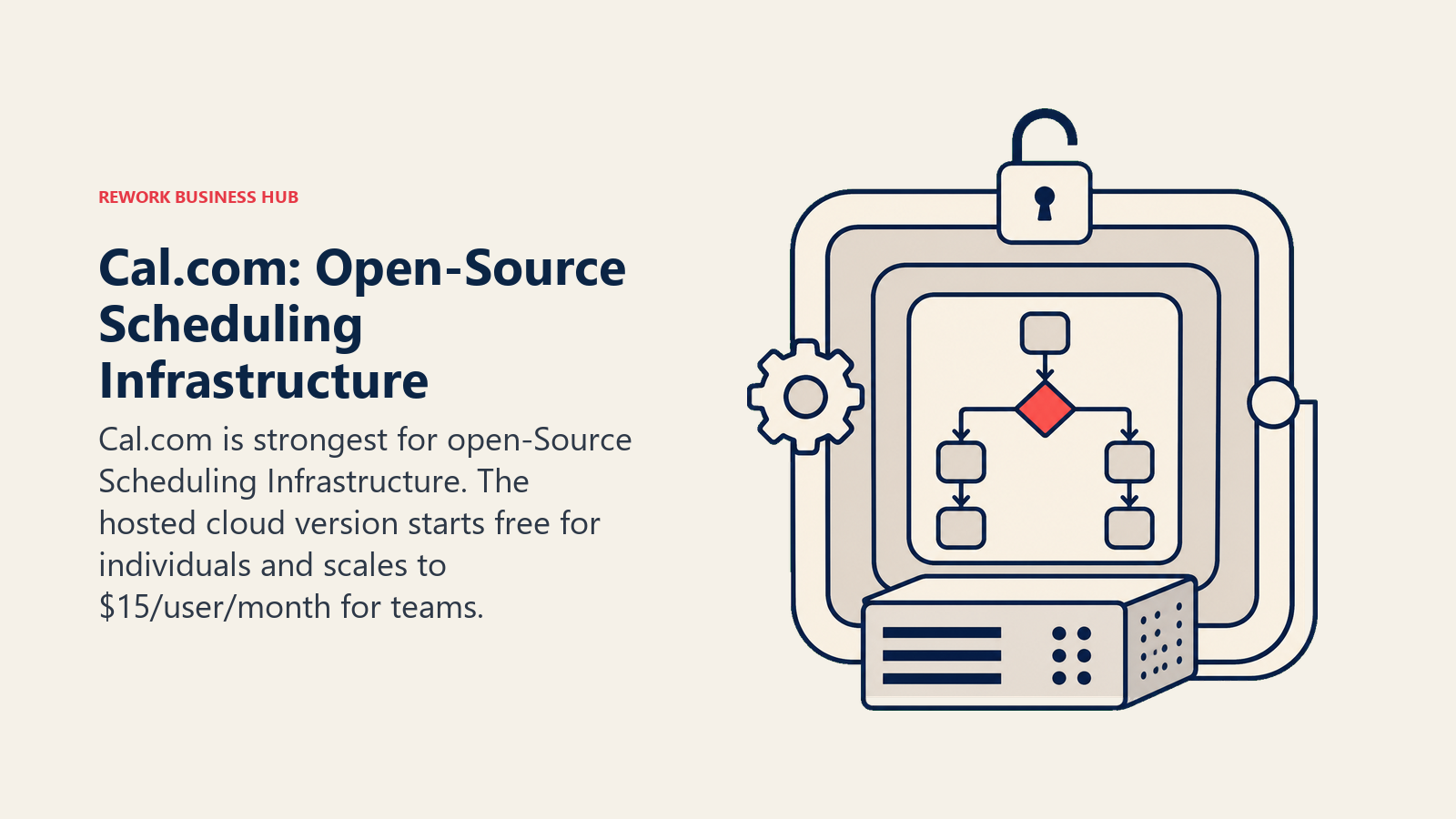
The hosted cloud version starts free for one user and scales to $12/user/month for Teams, billed yearly ($28/user/month for Organizations). The API is well-documented and the routing forms allow conditional logic that approaches Chili Piper territory at a fraction of the price.
For B2B SaaS teams building custom demo request flows or embedding scheduling into their own product, Cal.com's API depth makes it the most extensible option here. The tradeoff is that it requires more technical ownership than drop-in tools like Calendly or SavvyCal. You can review Cal.com's current plans before deciding which deployment makes sense.
| Pros | Cons |
|---|---|
| Deep, well-documented API and routing forms | Hosted product is closed source as of April 2026 |
| Free tier for individuals, competitive team pricing | Cal.diy, the open-source option, is a limited community edition not built for production |
| Strong developer ergonomics | Smaller support ecosystem than established vendors |
| Growing integration library | Less polished out-of-box than Calendly |
Pricing: Free (1 user) / $12/user/month (Teams, billed yearly).
Best for: Technical teams, engineering-led ops, or companies wanting to embed a well-documented scheduling API into their own product at a fair per-seat price. Sizing fit: 1 to 500+. Startup to enterprise, especially teams with engineering resources.
3. HubSpot Meetings: CRM-Native Scheduling for HubSpot Shops
HubSpot Meetings isn't a standalone product. It's a feature inside the HubSpot CRM. And that's exactly its strength for teams already on HubSpot. For a full comparison of what HubSpot includes versus costs across its hub tiers, see the best HubSpot alternatives guide. When a prospect books through a HubSpot meeting link, a contact record and deal are automatically created (or updated), the meeting is logged, and the sequence enrollment rules fire. The scheduling event is part of the CRM workflow, not outside it.
For teams on HubSpot Starter or Professional, this removes the need for a separate Calendly subscription entirely. Basic one-on-one and group meeting links are included in the free HubSpot tier. Round-robin meeting links require Sales Hub Professional ($90/user/month), which is expensive if scheduling is the only reason you're upgrading.
Outside of HubSpot, the tool has limited value. You can't use HubSpot Meetings with Salesforce, Pipedrive, or any other CRM. If your team ever migrates away from HubSpot, your scheduling setup goes with it. That lock-in is a real consideration for teams evaluating their stack longevity.
| Pros | Cons |
|---|---|
| Native HubSpot CRM sync (no Zapier needed) | Only useful if you're on HubSpot |
| Automatic contact and deal creation on booking | Round-robin requires Sales Hub Professional |
| Free at the basic tier | Deep lock-in to HubSpot ecosystem |
| Group and team meeting links included | Limited customization on booking pages |
Pricing: Free (basic) / included with HubSpot Sales Hub (from $20/user/month). Round-robin requires Professional tier ($90/user/month).
Best for: Sales teams already committed to HubSpot CRM who want scheduling without a separate tool subscription. Sizing fit: 5-500 employees. Works at any HubSpot-using company size; pricing pain at scale.
4. Chili Piper: Advanced Routing and Scheduling for Sales Teams
Chili Piper's insight is that the moment a lead submits an inbound form is the highest-intent moment in the buyer journey, and most companies waste it by sending a "thank you, someone will follow up" email. Chili Piper's Concierge product fires a booking modal the instant a form submits, qualifies the lead in real time, routes it to the right rep based on territory or round-robin rules, and books the meeting without the prospect ever leaving the page.
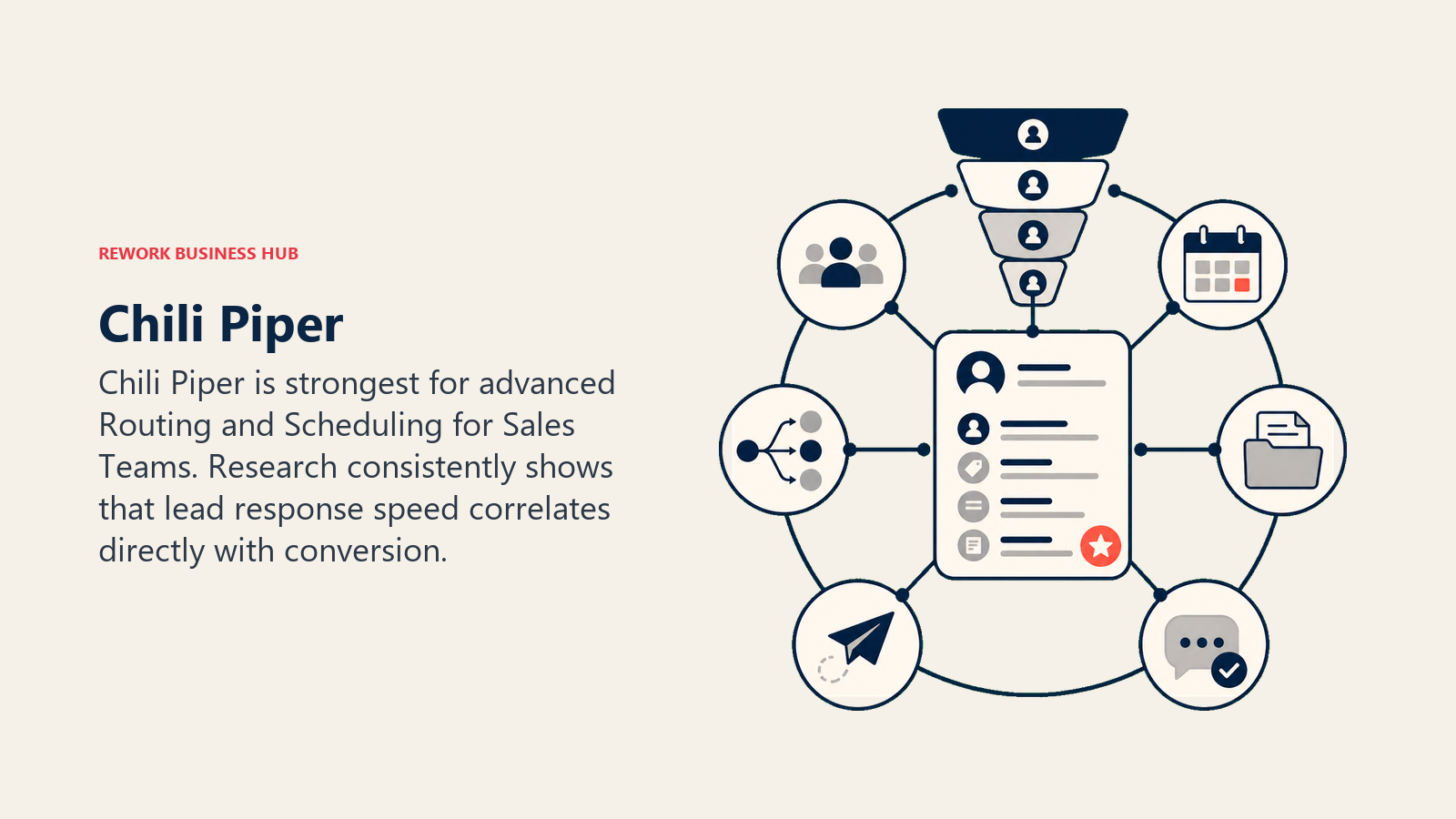
Research consistently shows that lead response speed correlates directly with conversion. Chili Piper's entire product is built around compressing that gap to zero. For demand-gen and sales ops teams at growth-stage and mid-market companies, that's a real conversion lever, not a vanity feature. It works especially well alongside a clean lead enrichment automation layer that scores and qualifies leads before routing kicks in.
The tradeoff is complexity and cost. Chili Piper is the most expensive standalone scheduling tool in this list, and implementation involves connecting your CRM (Salesforce or HubSpot), configuring routing logic, and training reps. It's not a two-hour setup. And if your inbound lead volume doesn't justify the investment, the ROI math doesn't work. Check Chili Piper's current pricing before modeling the business case.
| Pros | Cons |
|---|---|
| Instant booking modal on form submit | Expensive ($30+/user/month) |
| Advanced routing: round-robin, territory, ownership | Complex setup and configuration |
| Native Salesforce and HubSpot integration | Overkill for low-volume inbound |
| Lead qualification logic before booking | Support quality mixed at smaller tiers |
Pricing: From $30/user/month (Concierge). Enterprise pricing available.
Best for: B2B SaaS sales teams with high inbound lead volume who need instant booking + intelligent routing at form submission. Sizing fit: 20-500 employees. Growth-stage companies scaling outbound-to-inbound transition.
5. Reclaim.ai: AI Calendar Management
Reclaim.ai's philosophy is different from the rest of this list. Where Calendly and its direct alternatives solve external scheduling (letting others book time with you), Reclaim solves internal calendar management: protecting your deep work time, automatically scheduling tasks around your meeting load, and syncing habits (lunch, exercise, focus blocks) into your calendar before others can book over them.
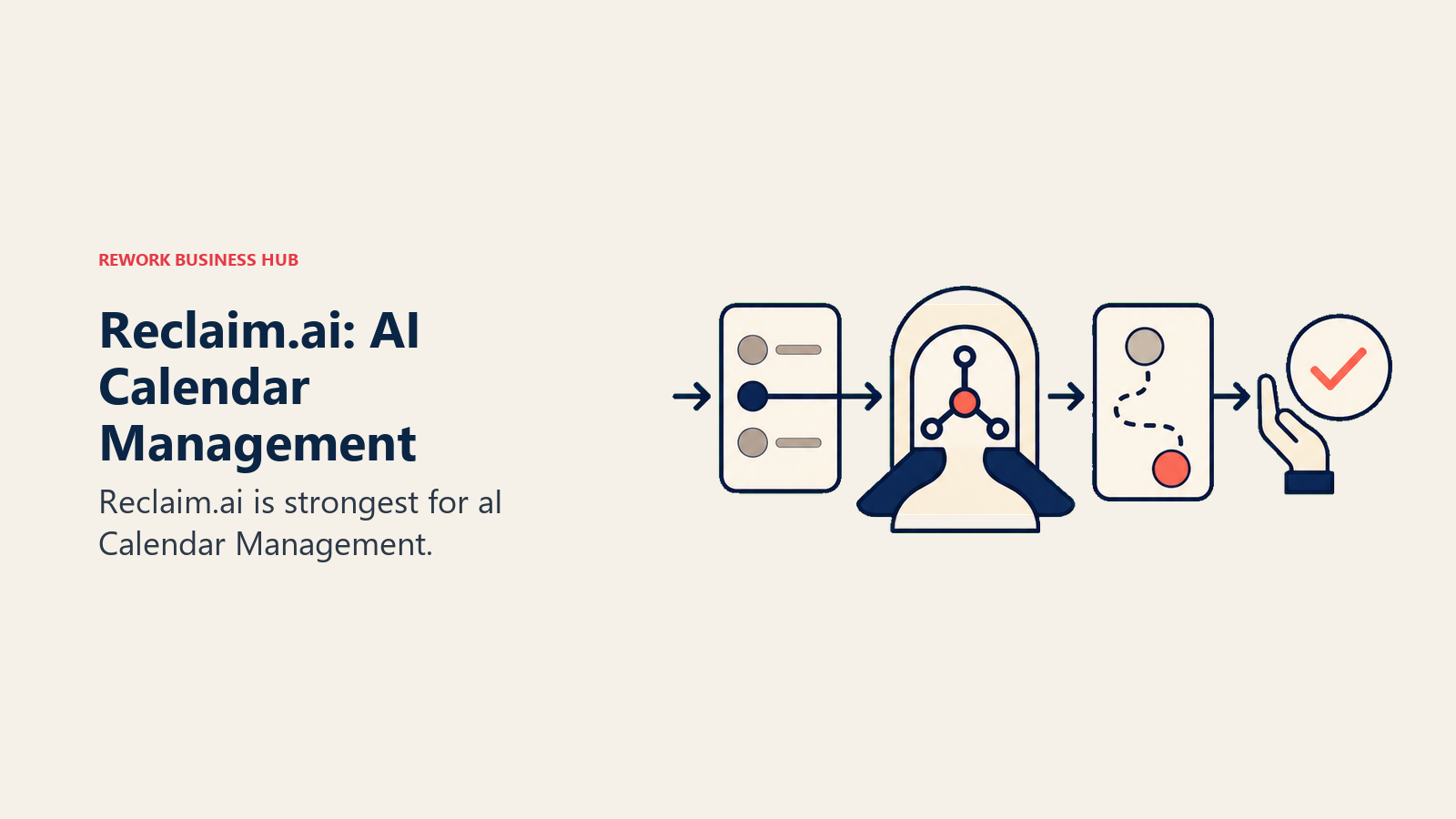
For individuals and managers drowning in reactive scheduling, this is genuinely useful. Reclaim connects to Google Calendar, finds gaps in your week, and automatically schedules to-do items, recurring habits, and 1:1s at the least-disruptive times. When a meeting gets added, it automatically reschedules blocked tasks to preserve the intent without you manually replanning.
The team features let managers set buffer time policies and protect focus hours across a team. But Reclaim doesn't replace Calendly for external booking. It complements it. If your problem is that your calendar is overrun and you can't protect time for strategic work, Reclaim addresses that. If your problem is booking meetings with external prospects at scale, it doesn't. See Reclaim's plans for the team tier features.
| Pros | Cons |
|---|---|
| AI auto-scheduling of tasks and habits | Not a replacement for external booking pages |
| Protects focus time and buffers automatically | Primarily Google Calendar; Outlook integration limited |
| Team scheduling policies and 1:1 sync | Light on booking page customization |
| Competitive pricing relative to value | Less useful for high-volume external sales scheduling |
Pricing: From $8/user/month (team plan). Free tier for individuals.
Best for: Knowledge workers and managers wanting AI-driven calendar protection alongside a primary scheduling tool. Sizing fit: 1-200 employees. Individual contributors to mid-size teams.
6. TidyCal: Lifetime Deal Simplicity
TidyCal is the no-frills scheduling tool built for people who want one booking page, basic availability settings, and no monthly subscription. The lifetime deal ($19 one-time) makes it the lowest total cost of ownership option in the market by a wide margin for solo users.
The product does the basics well: custom availability, multiple meeting types, Zoom and Google Meet integration, and a clean booking page. It doesn't do advanced routing, team round-robin, CRM sync, or conditional logic. If you need any of those, look elsewhere.
For freelancers, coaches, solopreneurs, and small service businesses that just need a booking link without thinking about it again, TidyCal is a sensible choice. It's also worth considering as a supplementary tool for team members who need personal booking pages without adding to the team Calendly bill.
| Pros | Cons |
|---|---|
| $19 lifetime deal, no recurring cost | No team routing or round-robin |
| Clean, fast booking page setup | No native CRM integration |
| Zoom, Google Meet, MS Teams integration | Limited automation and workflow logic |
| Unlimited booking types on paid plan | UI is functional but not best-in-class |
Pricing: $19 lifetime (individual) / $39 lifetime (unlimited team members via AppSumo or direct).
Best for: Solo practitioners, freelancers, and small service businesses that want a permanent booking page at minimal cost. Sizing fit: 1-20 employees. Primarily solopreneurs and very small teams.
7. YouCanBookMe: Customizable Booking Pages
YouCanBookMe's strength is configurability. Where most scheduling tools give you a standard booking page with limited modification, YouCanBookMe lets you control almost every element: custom confirmation messages, redirect URLs after booking, notification logic, padding and buffer rules, and conditional availability by meeting type.
The tool has been around since 2011 and has a strong following among small business owners, HR teams, and client-facing consultants who need booking pages that match their brand and workflow precisely. The Google Calendar and Outlook integrations are solid, and Zapier connectivity fills gaps for CRM syncing, though if you're relying on Zapier for that, you might also want to check best Zapier alternatives to see whether the integration layer is worth keeping.
The UI carries its age and doesn't feel as modern as Cal.com or SavvyCal, but the customization depth is genuinely hard to match at this price point. For teams that've outgrown Calendly's configurability but don't need Chili Piper's routing complexity, it's a practical middle ground.
| Pros | Cons |
|---|---|
| Deep booking page customization | UI feels dated vs newer competitors |
| Strong calendar sync (Google, Outlook) | No native CRM integration (Zapier required) |
| Conditional availability and redirect logic | Advanced features require paid plan |
| Affordable pricing for small teams | Less automation than sales-focused tools |
Pricing: From $9/user/month. Free plan available (with YouCanBookMe branding).
Best for: Small businesses, HR teams, and consultants needing highly customizable booking pages with precise workflow control. Sizing fit: 1-100 employees. Small to mid-size teams with specific booking flow requirements.
8. Acuity Scheduling: Appointment Scheduling for Service Businesses
Acuity Scheduling (now part of Squarespace) is built for service businesses where the appointment is the product: personal trainers, therapists, consultants, tutors, med spas, and small clinics. The product differentiates on intake forms (collect information before the appointment), package and subscription billing, client portals, and built-in payment processing.
For a B2B sales team running discovery calls and demos, Acuity is the wrong tool. The product vocabulary is "client," not "prospect," and the workflow is built around services delivery, not pipeline conversion. But if you're running a professional services firm, coaching practice, or wellness business where clients book, pay, and complete intake forms in a single flow, Acuity handles that better than any sales-focused scheduling tool. You can review Acuity's current plans directly on their site.
The Squarespace acquisition brought tighter website integration but hasn't meaningfully changed the core product. Pricing is per-business, not per-seat, which makes it cost-effective for solo practitioners and small teams.
| Pros | Cons |
|---|---|
| Intake forms before booking | Not designed for sales pipeline workflows |
| Built-in payment and package billing | No CRM integration for lead tracking |
| Client portal for self-service management | Squarespace acquisition has slowed innovation |
| Per-business pricing, not per-seat | Limited round-robin or routing logic |
Pricing: From $20/month (1 user, "Emerging" plan). $34/month for up to 6 staff members.
Best for: Service businesses (wellness, coaching, consulting, clinics) where the appointment includes intake, payment, and client management. Sizing fit: 1-50 employees. Solo practitioners and small service teams.
9. Microsoft Bookings: Microsoft 365 Scheduling
Microsoft Bookings is included with most Microsoft 365 business subscriptions, which means for organizations already paying for M365, it costs nothing incremental. It handles basic individual and staff booking pages, syncs with Outlook calendars, and integrates with Microsoft Teams for virtual meeting creation.
For internal scheduling (setting up interviews, internal consultations, IT support appointments), Bookings works well within the Microsoft ecosystem. It won't win on advanced routing, customization, or CRM integration, but for organizations that need a simple external booking page tied to their Outlook availability without adding another vendor, it's a reasonable default.
The limitations become apparent quickly for sales teams. There's no lead routing logic, no CRM sync outside Microsoft Dynamics, and the booking page customization is limited. If your team is already running HubSpot or Salesforce, Bookings adds friction rather than reducing it. But for M365-native organizations with simple scheduling needs, it removes the need to buy Calendly at all.
| Pros | Cons |
|---|---|
| Included in Microsoft 365 at no extra cost | Limited customization on booking pages |
| Outlook and Teams calendar sync | No advanced routing or round-robin |
| Simple setup for non-technical teams | No native integration with non-Microsoft CRMs |
| Handles staff scheduling and group bookings | UI and feature set behind dedicated tools |
Pricing: Included with Microsoft 365 Business Standard ($12.50/user/month) and above.
Best for: Microsoft 365 organizations needing basic external scheduling without adding a separate tool or subscription. Sizing fit: 5-1,000+ employees. Any organization in the Microsoft 365 ecosystem with simple scheduling requirements.
Calendly Methodology and Where It Fits
Before dismissing Calendly, it's worth naming what they actually built well. Their core insight was "scheduling infrastructure: eliminate the back-and-forth." One link, the invitee picks a time, done. For individual contributors and small teams without complex routing needs, that workflow is still fast and reliable.
| Calendly fact | Details |
|---|---|
| Core methodology | Scheduling infrastructure: eliminate back-and-forth email scheduling |
| Best sizing fit | 1-500 employees |
| Stage fit | All stages (Individual → Team) |
| Pricing pressure point | Teams tier ($16/user/month) scales expensively; round-robin requires this tier |
| CRM integration | Exists but surface-level: meeting booked, contact created, but not pipeline-native |
| Key limitation for sales teams | Standalone tool: scheduling happens outside CRM workflow, not inside it |
| Key limitation for ops teams | Per-seat pricing at team scale; limited workflow automation |
The reasons teams leave Calendly are predictable: per-seat pricing hits a wall at 20-50 seats, round-robin requires the Teams tier, there's no pipeline-native connection (scheduling sits beside your CRM, not inside it), and the product is a standalone tool rather than a feature of your GTM stack. If none of those are your problems, Calendly may be the right answer.
How to Choose: Decision Framework
| If you need this... | Pick this |
|---|---|
| Context-aware scheduling where both parties see calendar conflicts | SavvyCal |
| Full API control and developer-friendly scheduling infrastructure | Cal.com |
| Scheduling already inside HubSpot CRM at no extra cost | HubSpot Meetings |
| Instant booking on form submit with advanced inbound routing | Chili Piper |
| AI calendar protection and task auto-scheduling | Reclaim.ai |
| A permanent booking page at the lowest possible cost | TidyCal |
| Highly customizable booking pages for service teams | YouCanBookMe |
| Appointment scheduling with intake forms and payment collection | Acuity Scheduling |
| Basic scheduling included in an existing Microsoft 365 subscription | Microsoft Bookings |
Pricing Comparison at Real Team Sizes
| Tool | 10 users/year | 25 users/year | 50 users/year |
|---|---|---|---|
| SavvyCal | $1,440 | $3,600 | $7,200 |
| Cal.com (cloud) | $1,440 | $3,600 | $7,200 |
| HubSpot Meetings (basic) | Free | Free | Free |
| HubSpot Meetings (round-robin, Pro) | $10,800 | $27,000 | $54,000 |
| Chili Piper | $3,600 | $9,000 | $18,000 |
| Reclaim.ai | $960 | $2,400 | $4,800 |
| TidyCal | $190 one-time | $390 one-time | $390 one-time |
| YouCanBookMe | $1,080 | $2,700 | $5,400 |
| Acuity Scheduling | $408 (6-user plan) | $408 (6-user plan) | Multiple plans |
| Microsoft Bookings | Included in M365 | Included in M365 | Included in M365 |
| Calendly (Teams) | $1,920 | $4,800 | $9,600 |
Note: Prices are estimates based on published rates as of early 2026. Verify directly with each vendor before budgeting. HubSpot Meetings round-robin requires Sales Hub Professional.
What to Do Next
Pick your top two options from the decision framework above and run a two-week pilot with three or four people from the team that actually books meetings day-to-day. The scheduling tools that look equivalent in a feature comparison table often feel very different at the 50th booking. Pay attention to where the workflow breaks. Where does someone have to leave the tool to update a record, route a follow-up, or log an activity? That friction point is where the real cost of a standalone scheduling tool lives.
If your team's current problem is that scheduling sits outside your CRM and you're patching it with Zapier, that's worth solving structurally rather than swapping one standalone tool for another. Sales teams evaluating a full CRM alongside scheduling should also review the CRM workflow automation guide to understand what a properly connected scheduling-to-pipeline setup looks like. And if you're thinking about the broader question of AI agents in the sales pipeline, scheduling is often one of the first places AI-assisted automation makes a visible difference.

Principal Product Marketing Strategist
On this page
- Quick Comparison Table
- Stage Fit Matrix
- Sizing and Persona Table
- 1. SavvyCal: Context-Aware Scheduling
- 2. Cal.com: API-First Scheduling Infrastructure
- 3. HubSpot Meetings: CRM-Native Scheduling for HubSpot Shops
- 4. Chili Piper: Advanced Routing and Scheduling for Sales Teams
- 5. Reclaim.ai: AI Calendar Management
- 6. TidyCal: Lifetime Deal Simplicity
- 7. YouCanBookMe: Customizable Booking Pages
- 8. Acuity Scheduling: Appointment Scheduling for Service Businesses
- 9. Microsoft Bookings: Microsoft 365 Scheduling
- Calendly Methodology and Where It Fits
- How to Choose: Decision Framework
- Pricing Comparison at Real Team Sizes
- What to Do Next