Best AI Tools for Web Design in 2026: 15 Tools Ranked by Use Case
Turn this article into takeaways for your work.


Each assistant summarizes the article only for you and suggests best practices for your work.
Ask ten people what an "AI website design tool" is and you'll get ten different answers, because the category actually splits into two very different jobs. One group of tools builds and hosts a complete, live website from a prompt: Wix, Framer, Webflow, GoDaddy Airo, Squarespace, Durable, Hostinger, 10Web, b12, Elementor, and Divi AI all fall here. A second group assists the design or code layer without necessarily hosting anything: Relume generates sitemaps and wireframes, while Lovable, v0 by Vercel, and Bolt.new generate working apps with real backends rather than marketing pages. Picking a tool from the wrong group is the single most common reason a "quick AI site" project drags into week three.
This guide ranks 15 AI tools for website design by the job you're actually hiring them for, not by demo polish, and every price below comes from the vendor's own pricing page. If your job is prototyping UI screens rather than shipping a live site, see our companion guide to best AI tools for UI/UX design; if it's writing production application code, see best AI coding tools. For the full cross-function AI stack, start with best AI tools in 2026.
Key Facts
- The global AI website builder market is projected to reach $3.24 billion in 2026 and grow to $17.43 billion by 2035, a 20.55% CAGR, per Precedence Research.
- Wix holds 45% of the DIY website builder market, more than double Squarespace's 18% share, per Statista.
- 58% of small businesses now use generative AI, up from 40% in 2024, per the U.S. Chamber of Commerce's Empowering Small Business report.
- Worldwide AI spending will total $2.52 trillion in 2026, a 44% year-over-year jump, per Gartner.
- WordPress still runs 41.2% of all websites tracked by W3Techs as of July 2026, which is why several tools below build their AI layer on top of it rather than replacing it.
What Changed in 2026
The strongest shift is from one-time site generation to an operating layer that keeps improving, allocates AI usage, and proves what is genuinely automated.
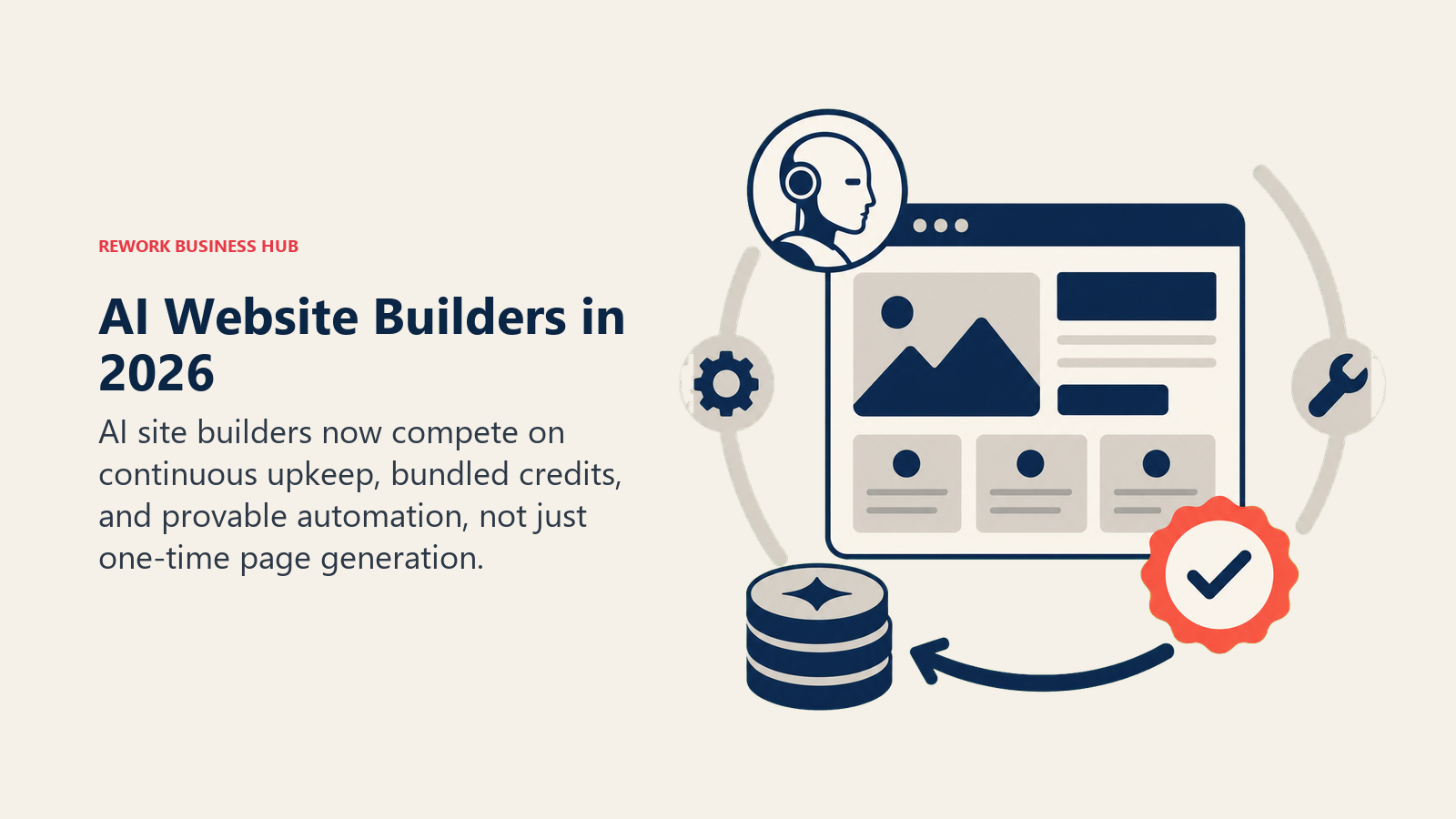
- GoDaddy pushed its Airo AI layer beyond its own website builder and into WordPress. Airo for WordPress now handles ongoing site improvements, not just the initial build, a shift from one-time generation to continuous AI upkeep.
- Divi shipped a ground-up rewrite. Divi 5 launched in February 2026 with Divi AI built in as a first-class feature rather than an add-on, fine-tuned specifically on the Divi module codebase for layout, copy, and image generation.
- AI credits became the default pricing lever, not a bonus feature. Squarespace bundles Blueprint AI credits into every plan tier, Framer and Figma Make bill AI generation by the prompt, and b12 gates most of its plan differences around monthly AI credit caps.
- Builder.ai's collapse became the industry's cautionary tale. The AI app-building startup, once valued at $1.5 billion, filed for bankruptcy in 2025 after investigators found much of its "AI-powered" building relied on manual work from contract developers behind a chat interface, a reminder to check how much of any vendor's AI claim is real automation.
AI Website Builders vs. AI Design-Assist Tools
Before comparing individual tools, decide which job you actually have. A builder takes you from prompt to a live, hosted URL with almost no other tooling required. A design-assist tool hands you an asset, a wireframe, or working code that still needs another step (or another tool) to become a finished, deployed product.
| Category | What it delivers | Tools in this guide |
|---|---|---|
| Full AI website builders | A live, hosted site with a real domain, ready to publish | Wix, Framer, Webflow, GoDaddy Airo, Squarespace, Durable, Hostinger, 10Web, b12, Elementor, Divi AI |
| AI design-assist / code-gen tools | A wireframe, component set, or working app that still needs a deploy step or an existing platform | Relume, Lovable, v0 by Vercel, Bolt.new |
Quick Comparison Table
| Tool | Best For | Standout Capability | Starting Price | Free Tier? |
|---|---|---|---|---|
| Wix AI Website Builder | Fastest zero-skill launch for a small business | Prompt-to-site setup used by over half of new signups | $17/mo (Light, annual) | Yes, with Wix branding |
| Framer AI | Marketing sites that need to actually publish | AI layout plus a real CMS and hosting stack | $10/mo (Basic) | Yes (500 AI credits/mo) |
| Webflow AI | Agency and professional sites with CMS depth | AI credits bundled into every Workspace tier | $15/mo (Basic, annual) | Yes (Starter, 2 pages) |
| GoDaddy Airo | Bundling AI website generation with domains and hosting | Free tier that builds unlimited draft sites and apps | Free (paid tiers from $11.99/mo) | Yes (50 AI credits/mo) |
| Squarespace AI | Design-forward brands wanting AI baked into every plan | Blueprint AI on every tier, no separate AI surcharge | $16/mo (Basic, annual) | No (14-day free trial) |
| Durable | Local service businesses wanting AI running in the background | 30-second AI site plus built-in AI agents and CRM | $25/mo (Launch) | Yes, fully free |
| Hostinger AI Website Builder | Cheapest bundled hosting plus AI builder | Full AI content, image, and SEO suite on Business tier | From $2.99/mo (promo) | No (paid plans only) |
| 10Web | WordPress teams wanting managed AI hosting bundled in | AI site generation on managed WordPress hosting | $10/mo (AI Starter) | No (paid plans only) |
| b12 | Service businesses that want a site plus client tools | AI site generation with intake, scheduling, and invoicing built in | Free; paid from $49/mo | Yes (5 daily AI credits) |
| Elementor AI | Teams already committed to WordPress | AI generation layered into the editor you already use | $59/yr (Essential) | No (bring your own hosting) |
| Divi AI | WordPress teams wanting AI fine-tuned on the builder's own code | AI trained specifically on the Divi module codebase | $89/yr (Divi 5 alone) | No (14-day money-back) |
| Relume | Kicking off a Webflow site from a sitemap | AI sitemap and wireframe generator built for Webflow | $16-20/mo (Starter) | Yes (1 project) |
| Lovable | Shipping a full working app, not just a website | Prompt-to-app with built-in backend and hosting | Free; Pro $25/mo | Yes (30 build credits/mo) |
| v0 by Vercel | Engineers generating shippable UI components | Production React/Tailwind code with one-click deploy | Free ($5 credits); Premium $20/mo | Yes |
| Bolt.new | Building and iterating on full-stack apps in-browser | Full dev environment with live preview, no local setup | Free; Pro $25/mo | Yes (1M tokens/mo) |
1. Wix AI Website Builder: The Fastest Path From Prompt to Live Site
Wix's AI website builder (the modern successor to Wix ADI) asks a handful of questions about your business, then generates a complete, editable site with copy, images, and structure already in place. It's the tool most often recommended to a small business owner who needs a professional-looking site today, not a design system three months from now, and it's a big reason Wix now holds 45% of the DIY website builder market.
More than half of new Wix signups now go through this AI setup flow rather than starting from a blank template, and the drag-and-drop editor underneath means the AI output isn't a locked cage. The honest limitation shows up at scale: teams needing complex integrations, deep customization, or agency-grade CMS structure will find Webflow or WordPress a better long-term fit once the business outgrows a template-based builder.
| What you get | What you don't |
|---|---|
| Full AI site setup: copy, images, structure in minutes | Free plan carries Wix branding and no custom domain |
| Huge template and app-market ecosystem behind the AI layer | Design customization ceiling below Webflow or Framer |
| Business Elite unlocks the full AI eCommerce automation suite | Monthly billing runs up to 41% more than annual pricing |
Pricing: Free (AI builder, Wix subdomain); Light $17/mo; Core $29/mo (basic eCommerce); Business $39/mo (full eCommerce); Business Elite $159/mo (full AI automation suite) (annual billing)
Best for: Small businesses and solo operators who want a professional site live today without a design or dev hire
2. Framer AI: A Marketing Site That Actually Publishes
Framer's AI layer generates full page layouts and copy from a prompt, but the reason design and marketing teams pick it over a pure mockup tool is that the output is a real, publishable website with a CMS, custom domain, and hosting built in, not a design file someone still has to build separately. Every plan includes a monthly pool of AI credits that power Framer's Agents and generation features, from the free tier's 500 up to 3,000 on Pro.
For product marketing and growth teams shipping landing pages without waiting on engineering, that end-to-end path from prompt to live URL is the whole value. It's a weaker fit for teams that need a complex web application rather than a marketing or content site; Framer is purpose-built for pages that need to look good and convert, not for backend logic.
| What you get | What you don't |
|---|---|
| AI layout and copy that publishes to a real live site | Built for marketing sites, not complex web apps |
| CMS, custom domain, and hosting included from Basic up | Additional editor seats cost $20/mo on top of every plan |
| No developer needed to go from prompt to live URL | Free tier can't connect a custom domain |
Best for: Marketing and growth teams shipping landing pages and content sites without an engineering dependency
3. Webflow AI: Agency-Grade CMS With AI Credits Built In
Webflow's bet has always been visual control with production-grade code underneath, and its 2026 pricing overhaul finally folded AI generation into that story instead of selling it as an add-on. Every Workspace plan now ships with a pool of AI credits, and the top-end Team tier bundles AEO agents (tools that optimize a site's content to be found and cited by AI search) alongside the visual builder.
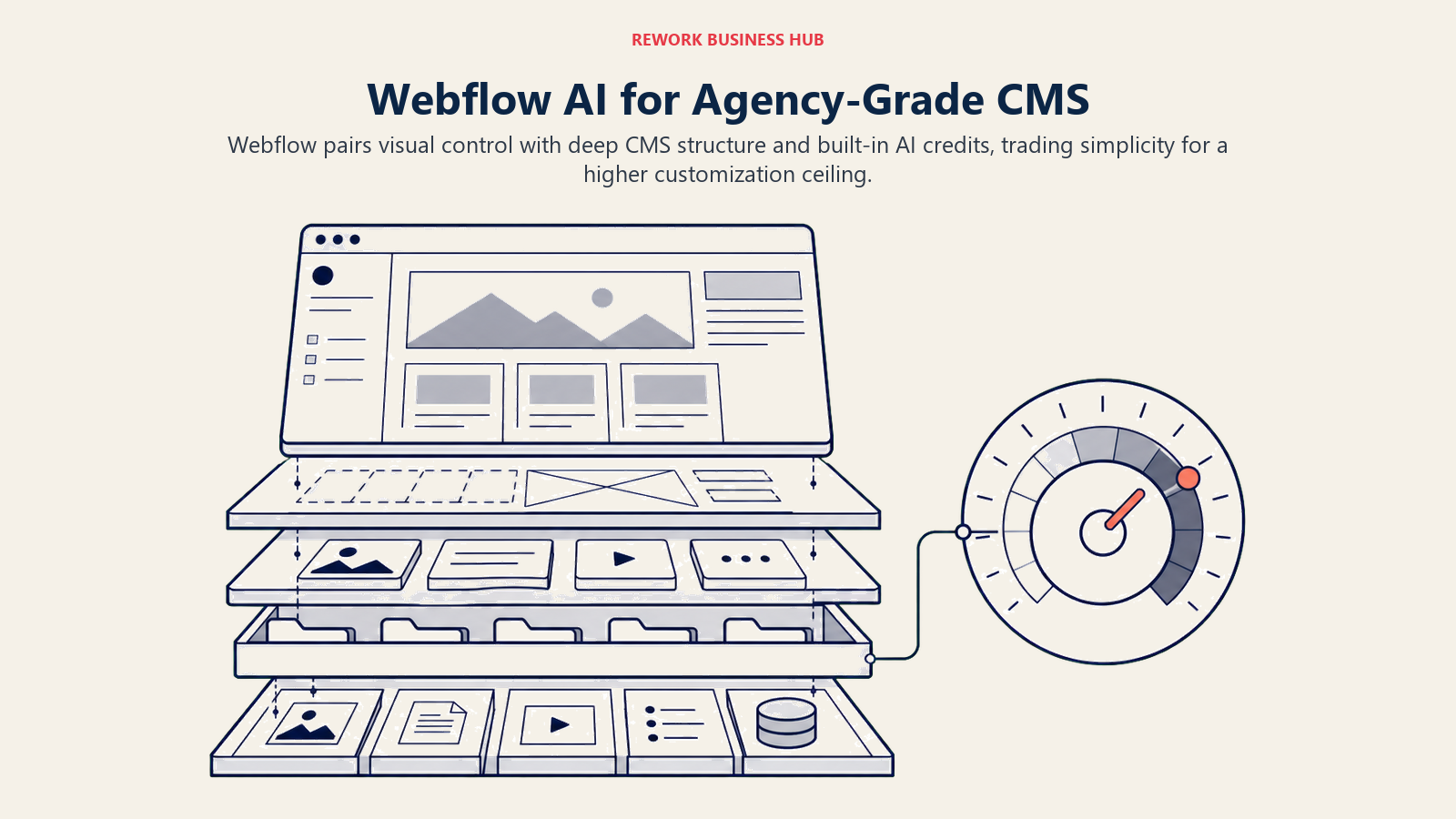
The tradeoff is still the learning curve. Webflow's CSS-in-browser model gives agencies and product marketers pixel-level control that Wix or Squarespace can't match, but that same power means new users spend real time getting to a working homepage. If Webflow's ceiling is the wrong shape for your team, our best Webflow alternatives guide covers 11 other builders and where each one fits.
| What you get | What you don't |
|---|---|
| Production-grade code output, not a locked template | Steeper learning curve than Wix, Squarespace, or Durable |
| AI credits bundled into every Workspace tier | Team tier's $2,500/mo is a big jump from self-serve plans |
| Deep CMS: up to 40 collections and 20,000 items on Premium | Complex builds still benefit from a Webflow-certified partner |
Best for: Agencies and product marketing teams that need real CMS depth and custom code control, not just a template
4. GoDaddy Airo: Free AI Generation Bundled With Domains and Hosting
GoDaddy's Airo builder describes what you want in plain language and generates a working site or lightweight app around it, then leans on GoDaddy's existing strength: domains, hosting, and email already live on one account. The free tier is genuinely usable for drafting, with 50 AI credits a month, unlimited app or site creation, and an inline editor, though it stops short of a custom domain until you upgrade.
Airo's 2026 expansion into WordPress is the more interesting move: instead of a one-time AI generation step, Airo now keeps improving a WordPress site after launch, closer to an ongoing AI co-pilot than a build-once tool. Watch renewal pricing closely; like most GoDaddy products, promotional first-term rates step up meaningfully at renewal.
| What you get | What you don't |
|---|---|
| Free tier with real AI credits and unlimited draft creation | Custom domain requires a paid plan |
| Domains, hosting, and email already bundled on one account | Promotional pricing renews significantly higher |
| Airo for WordPress extends AI upkeep past initial launch | Design ceiling trails Framer, Webflow, or Wix |
Pricing: Free (50 AI credits/mo, no custom domain); paid plans from $11.99/mo up to $24.99/mo across 5 tiers (promotional first-term rates apply)
Best for: Businesses that already run domains or email through GoDaddy and want AI generation on the same bill
5. Squarespace AI (Blueprint AI): Design Intelligence on Every Plan
Squarespace's approach to AI is different from most of this list: instead of gating AI behind a premium tier, Blueprint AI and the broader Design Intelligence suite ship on every plan starting at Basic, with no separate AI surcharge. Design Intelligence covers more than layout generation, extending into AI copywriting, SEO descriptions, alt text, stock asset creation, and email marketing templates.
The tradeoff for that design polish is flexibility: Squarespace's templates are more opinionated than Webflow's blank-canvas approach, which is exactly why design-forward brands like it and why agencies chasing pixel-level custom code tend to land elsewhere. There's no permanent free plan, only a 14-day trial that requires no credit card.
| What you get | What you don't |
|---|---|
| Blueprint AI and Design Intelligence on every plan, no add-on fee | No permanent free plan, only a 14-day trial |
| AI extends past layout into copy, SEO, and stock asset generation | More template-opinionated than Webflow's open canvas |
| Every plan includes SEO tools, all templates, and 24/7 support | AI credits still cap out and scale by tier ($16 to $99/mo) |
Pricing: Basic $16/mo; Core $23/mo; Plus $39/mo; Advanced $99/mo (annual billing, 14-day free trial, no credit card required)
Best for: Design-conscious small businesses and creators who want AI features without hunting for an upgrade tier
6. Durable: A 30-Second Site With AI Agents Working in the Background
Durable's pitch is speed with almost nothing left for the user to do: answer a few prompts about your business and get a live site, logo, and copy in under a minute. Past the initial build, Durable's differentiation is what it calls AI agents that keep working after launch, drafting invoices, following up with leads, and generating marketing copy without the owner logging back in.
That makes Durable a genuinely different category from a pure website builder; it's closer to a lightweight AI-run back office for a local service business (contractors, salons, consultants) than a design tool. Teams that need real design flexibility or a content-heavy CMS will find Durable's site output serviceable but generic compared to Framer or Webflow.
| What you get | What you don't |
|---|---|
| Fastest time-to-live of any tool on this list | Design output is functional, not distinctive |
| Built-in AI agents for invoicing, CRM, and follow-up | Limited for content-heavy or CMS-driven sites |
| Free tier is a genuinely usable starting point | Grow tier's "10x AI usage" framing is hard to budget precisely |
Pricing: Free; Launch $25/mo ($22/mo annual); Grow $49/mo ($41/mo annual, unlimited users)
Best for: Solo operators and local service businesses that want a site live today and light AI back-office help after launch
7. Hostinger AI Website Builder: The Cheapest Bundled Entry Point
Hostinger's website builder ships as part of its hosting business, which means the AI generation, hosting, domain, and email all land on one invoice. The Business tier's AI suite is the most complete bundle at this price point: an AI text editor, image generator, blog generator, product description generator, logo maker, and SEO assistant, all included rather than sold as separate add-ons.
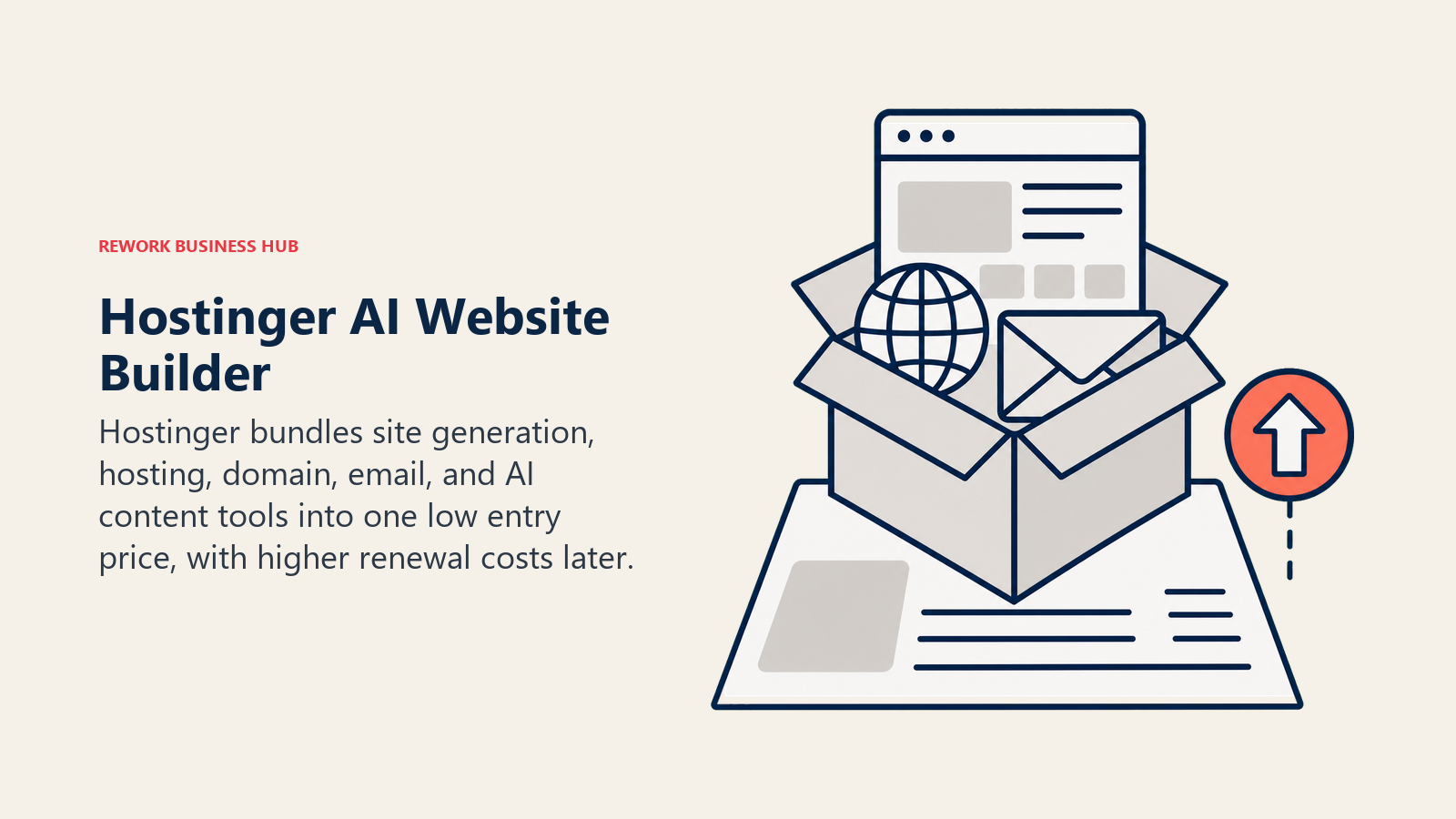
The honest caveat is that the advertised prices are promotional and renew significantly higher: Premium's listed $2.99/mo renews at $10.99/mo, and Business's $3.79/mo renews at $16.99/mo. Budget for the renewal price, not the signup price, when comparing this against Wix or Durable.
| What you get | What you don't |
|---|---|
| Full AI content, image, and SEO suite bundled with hosting | Advertised prices are promotional, not the renewal rate |
| Business tier sells up to 1,000 products with zero transaction fees | Design sophistication trails Framer, Webflow, or Wix |
| 50 websites and 5 mailboxes per site on the Business tier | Long lock-in periods (up to 48 months) get the lowest rate |
Best for: Budget-conscious small businesses that want AI website generation, hosting, and email on one bill
8. 10Web: AI Site Generation on Managed WordPress Hosting
10Web's angle is that AI website generation and WordPress hosting shouldn't be two separate purchases. Describe your business or point it at a URL to clone the structure, and 10Web generates a full WordPress site, then hosts it on its own managed infrastructure with built-in speed optimization, so there's no separate hosting bill or plugin-compatibility guesswork.
For teams that want WordPress's plugin ecosystem and long-term flexibility but don't want to hand-configure hosting and a builder separately, that bundling is the whole value. The credit system is the thing to watch: AI credits are shared across generation, image creation, and edits, and the entry Starter tier's 100 credits go fast if you're iterating heavily.
| What you get | What you don't |
|---|---|
| AI site generation bundled with managed WordPress hosting | AI credits are shared across generation and edits, and run out fast |
| Full WordPress plugin ecosystem underneath the AI layer | No free tier, only a 30-day money-back guarantee |
| Agency tiers scale to 50+ sites at a per-site discount | Design ceiling still depends on the WordPress theme underneath |
Pricing: AI Starter $10/mo (1 site, 100 AI credits); AI Premium $15/mo (2 sites, 200 credits); AI Ultimate $23/mo (4 sites, 300 credits); Agency Core $112/mo (20 sites) (annual billing)
Best for: Teams that want WordPress's ecosystem and flexibility without separately managing hosting and a page builder
9. b12: AI Site Generation With Client Tools Built In
b12 targets a specific buyer other AI builders mostly ignore: service businesses (consultants, coaches, law firms, agencies) that need a site plus the operational tools to actually run client work from it. Beyond AI-generated pages and copy, every paid plan adds intake forms, online scheduling, payment processing, invoicing, and email marketing, so the "website" ships with a lightweight practice-management layer attached.
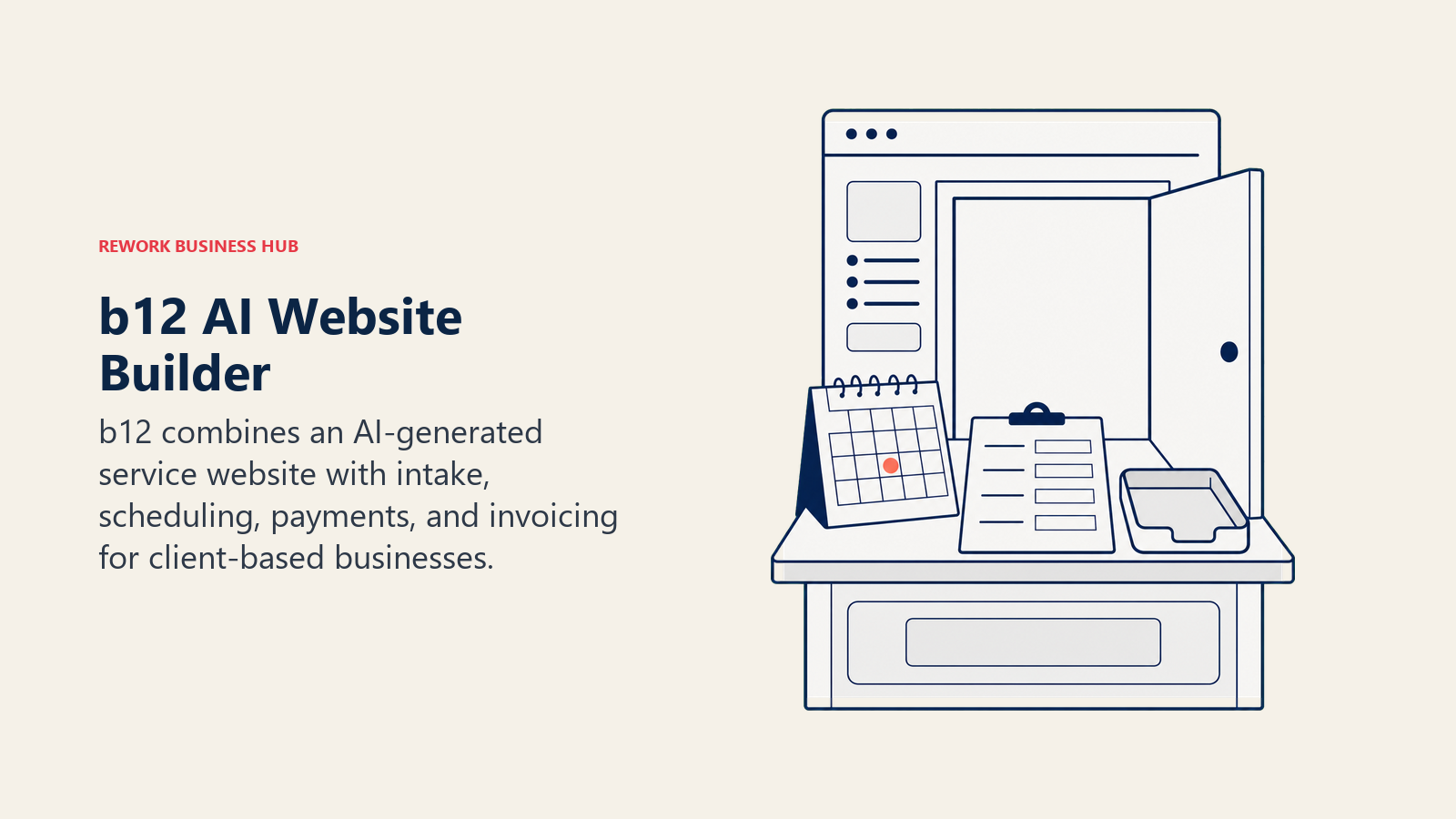
The free plan is a real starting point (unlimited project starts, a mobile-responsive site, limited daily AI credits) but carries a b12sites.com subdomain and b12 branding until you upgrade. AI credits scale by tier, from 100 a month on the entry Website plan to 300 on every plan above it, and heavier users will want the optional do-it-for-you setup on Professional rather than fighting the credit cap alone.
| What you get | What you don't |
|---|---|
| AI site generation plus intake, scheduling, and invoicing | Free plan carries a b12sites.com subdomain and branding |
| Custom domain included free in year one on paid plans | AI credits are capped and shared across editing and generation |
| Optional do-it-for-you setup on Professional and above | Higher tiers ($199-$399/mo) are steep for a solo operator |
Best for: Consultants, coaches, and service-based agencies that want a site and basic client-ops tools in one product
10. Elementor AI: AI Layered Into the WordPress Builder Teams Already Run
Elementor's AI features exist inside the page builder that already runs a huge share of WordPress sites, which is the whole pitch: generate copy, layouts, images, and even custom code from a prompt without leaving the visual editor your team already knows. WordPress alone still runs 41.2% of all websites tracked by W3Techs as of July 2026, so "AI that works inside WordPress" is a large addressable audience by default.
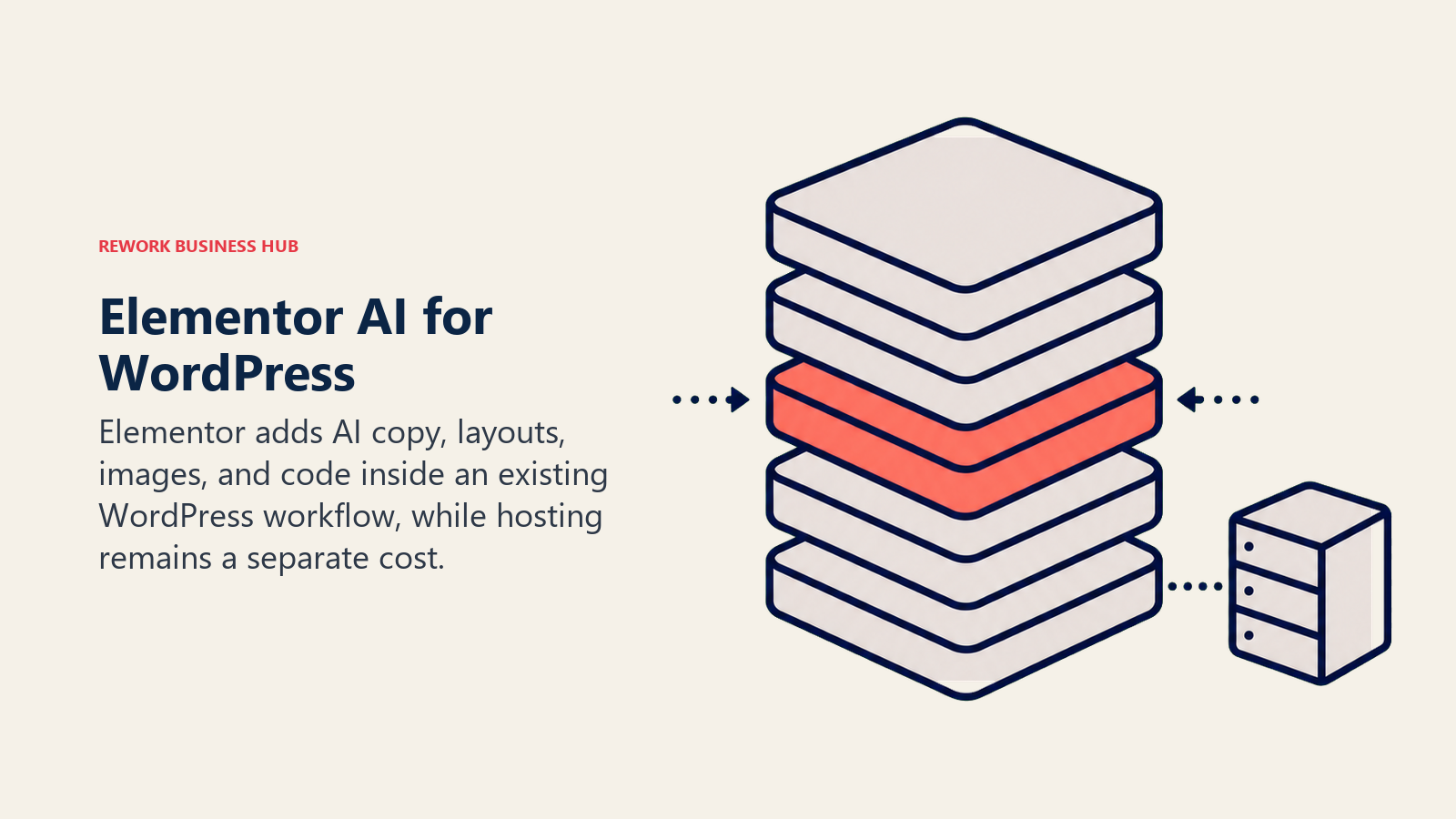
The catch is that Elementor is a plugin, not a hosted platform: you still need to bring your own WordPress hosting, which typically adds $15/mo or more on top of the license. AI access itself runs on a shared credit pool (25,000 monthly credits on the Elementor One bundle) split across generation, image optimization, and accessibility fixes, so heavy AI use competes with other features for the same budget.
| What you get | What you don't |
|---|---|
| AI generation inside the WordPress editor teams already use | Requires separate WordPress hosting (not bundled) |
| Shared credit pool covers AI, image optimization, accessibility | Annual-only Pro subscriptions; no month-to-month option |
| Agency tier fits teams managing many client sites | AI credits are shared across features, not AI-exclusive |
Best for: Teams already standardized on WordPress and Elementor that want AI without switching page builders
11. Divi AI: AI Trained on the Builder's Own Codebase
Divi's page builder shipped a ground-up rewrite in February 2026, and Divi AI came with it as a built-in feature rather than a bolt-on. What sets it apart from Elementor's or Squarespace's AI layer is specificity: Divi AI is fine-tuned on the Divi module codebase itself, so it generates custom HTML, CSS, and JavaScript aligned to how Divi actually structures a page, not generic markup that needs cleanup after.
Beyond layout generation, Divi AI functions as a copywriter (drafting and refining site copy in context), an image generator (creating, extending, and upscaling images from text or a reference), and a code assistant for one-off customizations. Existing Divi users can add AI on top of a current license at a lower rate than starting from scratch with Divi Pro.
| What you get | What you don't |
|---|---|
| AI fine-tuned specifically on the Divi module codebase | WordPress-only; not a standalone hosted platform |
| Unlimited AI generation with no hard usage caps | Lifetime pricing options make budgeting less predictable |
| Bundled cloud storage and VIP support on Divi Pro | Still requires separate WordPress hosting |
Best for: WordPress teams who want AI generation purpose-built for the specific builder they already run
12. Relume: AI Sitemaps and Wireframes for Webflow Teams
Relume solves a specific handoff problem: going from "we need a website" to a structured sitemap and low-fidelity wireframe fast, then handing that off into Webflow for the real build-out. It generates page structure and component-level wireframes from a short brief, giving designers a starting skeleton instead of a blank canvas.
The honest limitation is that Relume can't publish anything on its own. You still need Webflow to host the finished site and often Figma to polish the visual design, so it's one step in a multi-tool chain rather than an end-to-end solution like Framer or Wix.
| What you get | What you don't |
|---|---|
| Fast AI sitemap and wireframe generation from a brief | Can't publish or host a site on its own |
| Clean handoff into Webflow's component system | Requires Webflow (and often Figma) to finish the job |
| Good starting skeleton instead of a blank page | Pro tier's $200-250/mo is steep for solo use |
Pricing: Free (1 project); Starter $16-20/mo; Pro $200-250/mo; Team (per-seat) (annual billing)
Best for: Agencies and in-house teams already committed to a Webflow build who want a faster starting point
13. Lovable: When the Deliverable Is a Working App, Not Just a Site
Lovable's category is really "AI app builder" more than "AI website builder," and it earns a spot here because a growing share of what people call a "website" in 2026 needs a real backend: user accounts, a database, payments. Lovable prompts straight into a working app with all three included, which collapses weeks of design-then-build into a single session for a founder validating an idea.
The tradeoff is that Lovable optimizes for shipping fast, not for design craft. Interfaces it generates are functional and clean but rarely distinctive, and production apps rack up separate Cloud and AI usage charges on top of the base plan once real traffic shows up.
| What you get | What you don't |
|---|---|
| Full working app: UI, backend, database, and hosting | Generated UI is functional but rarely visually distinctive |
| Fastest path from idea to a live, usable product | Production apps add metered Cloud and AI charges on top |
| Free tier includes real daily build credits | Not a replacement for a dedicated visual design tool |
Best for: Founders and small teams who need a working app fast, not just a set of design screens
14. v0 by Vercel: Production Components for Engineers
v0 skews further toward the engineering side of website design than any other tool here. It generates React components styled with Tailwind and shadcn/ui, and because it's a Vercel product, a generated interface can go from prompt to a live deployed URL in the same session. Design Mode lets you visually tweak the output afterward instead of only editing through more prompts.
It's the tool of choice for frontend-heavy teams who think of AI generation as a coding accelerant rather than a design tool. Design-first teams without engineering fluency will find the credit-based, token-metered pricing harder to predict than a flat per-seat plan, and will likely get more out of Framer or Wix instead. For a broader look at AI coding assistants beyond component generation, see best AI coding tools.
| What you get | What you don't |
|---|---|
| Generates real React/Tailwind/shadcn code, not mockups | Credit-based token pricing is hard to budget precisely |
| One-click deploy straight to a live Vercel URL | Less approachable for non-engineers than Wix or Framer |
| Figma import support on the Premium tier | Business tier's $100/seat/mo is steep for design-only use |
Pricing: Free ($5 credits/mo); Premium $20/mo; Team $30/seat/mo; Business $100/seat/mo (Enterprise custom)
Best for: Frontend engineering teams generating production UI components, not just visual mockups
15. Bolt.new: A Full Dev Environment in the Browser
Bolt.new (built by StackBlitz) is the most engineering-capable tool on this list that still runs entirely in a browser tab, no local setup required. It scaffolds a full-stack application, runs it live in-browser, and lets you keep prompting to add features, wire up a database, or fix a bug, all with a real file tree you can inspect and edit directly.
That combination makes it a strong fit for technical founders and small engineering teams iterating on a real product quickly, not just a marketing page. The free tier's 1M monthly tokens run out fast on anything beyond a small prototype, and like Lovable and v0, the token-metered pricing takes some getting used to if your team is budgeting per seat, not per prompt. Lovable vs Bolt.new vs v0 compares the three on real pricing and export rights.
| What you get | What you don't |
|---|---|
| Full-stack scaffolding with a live in-browser preview | Free tier's token limits run out fast on real projects |
| Editable file tree, not a black-box generation step | Token-metered pricing is less predictable than flat per-seat |
| No local dev environment setup required to start | Best suited to app-shaped builds, not content marketing sites |
Pricing: Free (300K daily / 1M monthly tokens); Pro $25/mo (10M tokens/mo, no daily cap); Teams $30/seat/mo; Enterprise custom (up to 28% off annual billing)
Best for: Technical founders and small engineering teams iterating on a full-stack product, not a static marketing site
How to Choose: Decision Framework
| If you need... | Pick... | Why |
|---|---|---|
| Fastest launch for a small business, no skill required | Wix AI Website Builder or Durable | Prompt-to-site setup live in minutes |
| A marketing site that publishes with a real CMS and hosting | Framer AI | AI layout plus domain, CMS, and hosting in one product |
| Agency-grade CMS depth and custom code control | Webflow AI | Deepest CMS and code output; AI credits bundled in |
| AI generation bundled with your existing domains and email | GoDaddy Airo | Free AI drafting on the account you already have |
| Design-forward AI on every plan, no upgrade hunt | Squarespace AI | Blueprint AI ships free on the entry Basic tier |
| AI website generation bundled with cheap hosting | Hostinger AI Website Builder or 10Web | One invoice for hosting, domain, and AI generation |
| A site plus client scheduling, intake, and invoicing | b12 | AI site generation with practice-management tools built in |
| A team already standardized on WordPress | Elementor AI or Divi AI | AI layered into the editor and hosting you already run |
| A structured sitemap before a Webflow build | Relume | Fast AI wireframes that hand off cleanly into Webflow |
| A full working app, not just a website | Lovable or Bolt.new | Backend, database, and hosting included, not just screens |
| Production React components an engineer will ship as-is | v0 by Vercel | Real Tailwind/shadcn code with one-click deploy |
What to Do Next
Match the tool to the job, not the other way around. If you need a marketing site live this week, trial Wix's or Framer's free AI builder on a real page and see how far it gets you before you pay. If your team already runs WordPress, layer Elementor AI or Divi AI into the editor you know rather than migrating platforms just to get AI. And if the deliverable is actually a working app, skip the "website builder" category entirely and start with Lovable or Bolt.new instead.
If you're scaling the team that will run these tools day to day, our web designer and senior web designer job description templates are ready to adapt. And if your next build is an online store rather than a content site, best AI tools for ecommerce covers that adjacent category, while best AI tools for startups and best AI tools for small business cover the wider stack around it.

Principal Product Marketing Strategist
On this page
- Key Facts
- What Changed in 2026
- AI Website Builders vs. AI Design-Assist Tools
- Quick Comparison Table
- 1. Wix AI Website Builder: The Fastest Path From Prompt to Live Site
- 2. Framer AI: A Marketing Site That Actually Publishes
- 3. Webflow AI: Agency-Grade CMS With AI Credits Built In
- 4. GoDaddy Airo: Free AI Generation Bundled With Domains and Hosting
- 5. Squarespace AI (Blueprint AI): Design Intelligence on Every Plan
- 6. Durable: A 30-Second Site With AI Agents Working in the Background
- 7. Hostinger AI Website Builder: The Cheapest Bundled Entry Point
- 8. 10Web: AI Site Generation on Managed WordPress Hosting
- 9. b12: AI Site Generation With Client Tools Built In
- 10. Elementor AI: AI Layered Into the WordPress Builder Teams Already Run
- 11. Divi AI: AI Trained on the Builder's Own Codebase
- 12. Relume: AI Sitemaps and Wireframes for Webflow Teams
- 13. Lovable: When the Deliverable Is a Working App, Not Just a Site
- 14. v0 by Vercel: Production Components for Engineers
- 15. Bolt.new: A Full Dev Environment in the Browser
- How to Choose: Decision Framework
- What to Do Next