Best AI Photo Generation and Editing Tools in 2026: 14 Tools Ranked by Use Case
Turn this article into takeaways for your work.


Each assistant summarizes the article only for you and suggests best practices for your work.
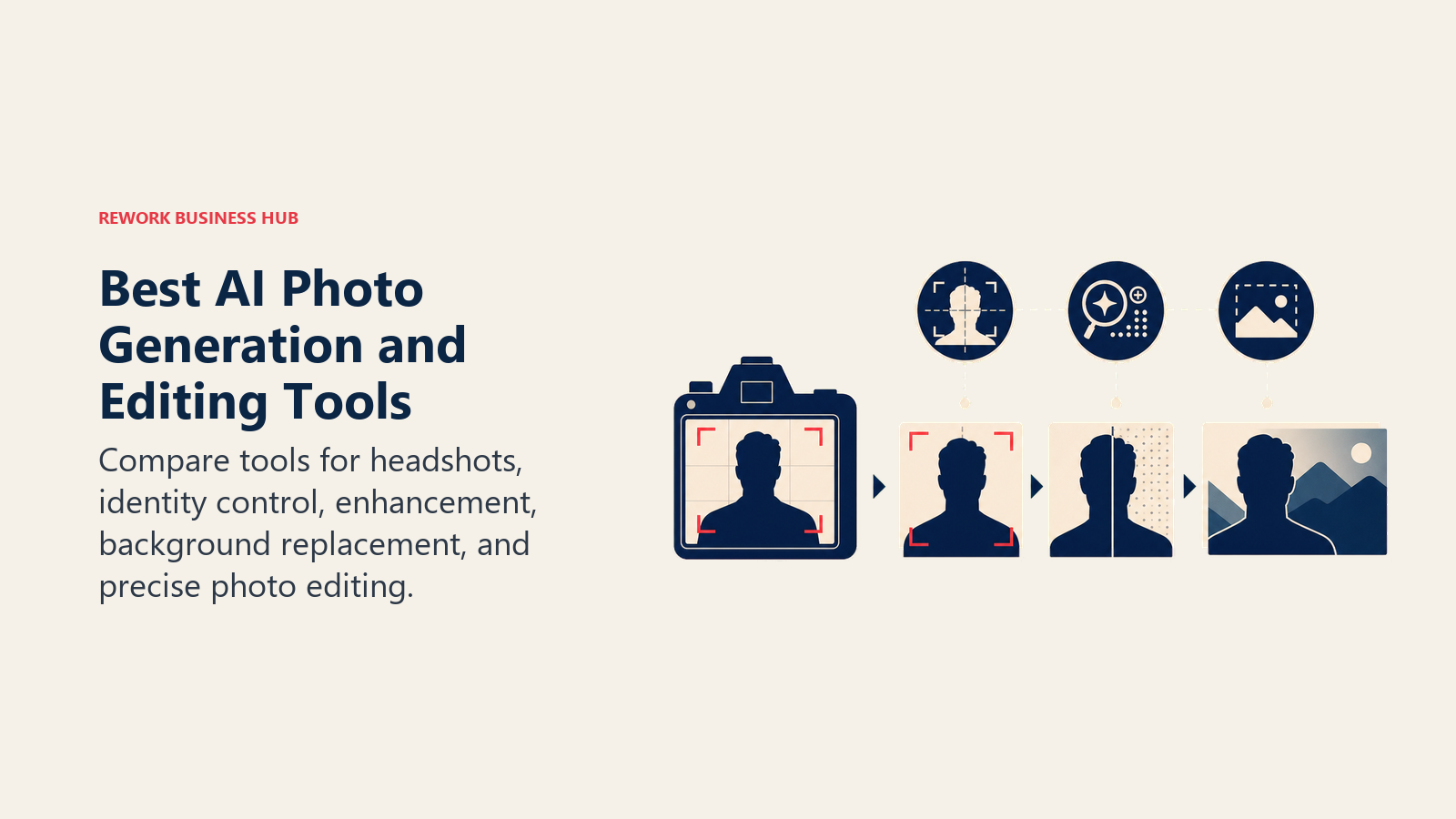
The best AI tool for photo generation and editing in 2026 depends on what "photo" means for the job in front of you. Need a LinkedIn headshot without booking a photographer? Aragon AI and HeadshotPro exist for exactly that. Need to strip a background off a product shot and drop it into a clean studio scene? Photoroom and Pixelcut do that job at ecommerce scale. Need to take a blurry, low-resolution image and make it look like it was shot on a real camera? Topaz Photo AI and Magnific AI are the specialists. This guide ranks 14 tools by the job you're hiring them for, not by which one trended on social media last week.
This is a companion piece to our best AI image generators guide, and the two are easy to confuse, so here's the split: that guide covers general text-to-image and art generation (Midjourney, DALL-E/GPT Image, Ideogram, Recraft) for stylized visuals, concept art, and brand illustration. This guide covers photorealism and editing specifically: turning a selfie into a professional headshot, cleaning up a product photo for a listing, retouching a portrait, or upscaling an existing image without it looking synthetic. Every tool below was evaluated on output realism, commercial licensing clarity, and pricing transparency.
Updated July 2026: What Changed
- Topaz Labs ended perpetual licenses entirely in September 2025. Photo AI and Gigapixel are now subscription-only; existing perpetual owners keep what they bought, but new buyers can't purchase a one-time license anymore.
- Freepik rebranded its entire platform to Magnific in April 2026, merging its stock-asset library with the Magnific upscaling and relighting suite it had been building separately. Magnific's upscaler and relight tools are billed on their own plans, separate from Freepik's legacy stock-content subscriptions.
- Adobe's Photography Plan (Photoshop + Lightroom + 1TB) held at $19.99/month, while the standalone Lightroom-only 1TB plan increased for existing subscribers at their next renewal after March 20, 2026 (from $11.99 to $14.99/month).
- Canva shipped a conversational "Canva AI 2.0" interface in 2026, letting users describe an edit in plain text or voice instead of hunting through menus, on top of the existing Background Remover and Magic Edit tools.
- Aragon AI and HeadshotPro both cut standard delivery time to under 30 minutes for their top tiers, down from several hours a year ago, as the underlying generation models got faster.
Key Facts
- The global AI image editor market is valued at $6.28 billion in 2025 and is projected to reach $48.74 billion by 2035, a 22.7% CAGR, according to Emergen Research.
- The global AI image upscaler market was valued at approximately $8.08 billion in 2026 and is projected to reach $73.47 billion by 2035, a 27.8% CAGR, per EconMarketResearch.
- LinkedIn profiles with a photo get 21 times more views, 9 times more connection requests, and 36 times more messages than profiles without one, according to LinkedIn's own published data.
- Canva's AI-powered Magic Studio, which includes Background Remover and Magic Edit, has been used more than 5 billion times, according to OpenAI's case study on Canva.
- Adobe Firefly, which now powers Generative Fill inside Photoshop, has generated more than 29 billion images and assets since its 2023 launch, averaging roughly 1 billion generations a month, per Adobe's official blog.
- 88% of working photographers now use AI somewhere in their workflow, up from a small minority just a few years ago, according to VSCO's survey reported by PetaPixel.
- 88% of organizations now use AI in at least one business function, and 79% use generative AI specifically, according to McKinsey's Global AI Survey.
Quick Comparison Table
Use this table to narrow the field before comparing individual tools in detail.
| Tool | Best For | Starting Price | Key Strength | Key Limitation |
|---|---|---|---|---|
| Adobe Photoshop + Firefly | Deep generative photo editing inside a pro workflow | $9.99/mo (Firefly Standard) | Licensed training data; deepest Generative Fill integration | Real editing depth needs the full Photoshop plan |
| Photoroom | Ecommerce product photo backgrounds and scenes | Free; Pro $7.99/mo | Product Staging, Virtual Model, batch export | AI credits cap out fast on lower tiers |
| Pixelcut | Mobile-first product photo editing for small sellers | Free; Pro from about $8/mo | Simple mobile workflow, built-in upscaler | Free tier capped at 3 background removals a day |
| Aragon AI | One-time professional headshots | $35 (Basic package, one-time) | Fast turnaround, no subscription required | Style variety weaker than a real photoshoot |
| HeadshotPro | Team or company-wide headshot rollouts | $29 (one-time) | Team pricing, 4K output on top tier | Best results need 15+ well-lit reference selfies |
| Remini | Restoring and enhancing old or low-res personal photos | Free (limited); ~$9.99/mo | Strongest face and detail restoration | Consumer-focused, thin commercial licensing terms |
| Topaz Photo AI / Gigapixel | Professional-grade upscaling, denoise, sharpen | $149/yr (Gigapixel) | Best-in-class detail recovery from RAW files | Subscription-only since perpetual licenses ended |
| Magnific AI | Photorealistic upscaling and relighting | $39/mo (Pro) | Highest realism ceiling for upscaled detail | No free trial; credits burn fast at high resolution |
| Canva Magic Studio | Quick photo edits inside an existing design workflow | Free; Pro ~$15/mo | Zero context-switching for existing Canva users | Shared AI credit pool across all Magic Studio tools |
| Claid.ai | Enterprise catalog-scale product photography | $9-15/mo (Essentials) | Batch automation for 500+ SKU catalogs | Enhances existing photos; doesn't generate from scratch |
| BRIA AI | Enterprise generation with IP and legal indemnity | Pay-as-you-go (100 free calls) | Full copyright and privacy indemnity | Built for developers, not a consumer app |
| Remove.bg | Dedicated background removal via API or web | Free (100 images/mo); $9/mo | Fastest, most accurate pure background cutout | Does one job only; no broader editing |
| PortraitPro | One-time-purchase portrait retouching | $54.95 (Standard, one-time) | No subscription; deep manual retouch control | Desktop software with a steeper learning curve |
| Picsart | All-in-one mobile photo and AI editing | Free; Pro $10.50/mo | Broadest all-in-one toolkit at a consumer price | Less specialized than dedicated product/headshot tools |
Which Job Are You Hiring an AI Photo Tool For?
Most people pick a photo AI tool the way they pick a search engine: whichever one they've heard of. That's backward for this category specifically, because generation, editing, and enhancement are genuinely different jobs that happen to share the word "AI photo."
| If your job is... | Start with | Why |
|---|---|---|
| A polished LinkedIn or resume headshot without a studio visit | Aragon AI or HeadshotPro | Purpose-built headshot generators; one-time payment, delivered in under an hour |
| Removing or replacing a product photo's background at scale | Photoroom or Pixelcut | Mobile-first, ecommerce-specific background and scene tools |
| Editing an existing photo with a text prompt (remove an object, extend a background, swap an element) | Adobe Photoshop (Generative Fill) | Deepest generative editing tools inside the industry-standard editor |
| Upscaling a low-resolution, blurry, or noisy photo to print or 4K quality | Topaz Photo AI/Gigapixel or Magnific AI | Purpose-built upscalers: Topaz for RAW and noise, Magnific for photorealistic detail |
| Restoring an old, damaged, or low-quality personal photo | Remini | Consumer-focused restoration and enhancement, mobile-first |
| Fast, no-frills background removal via API | Remove.bg or BRIA AI | Dedicated background-removal APIs; BRIA adds IP indemnity for enterprise use |
| Generating product photos at catalog scale (hundreds or thousands of SKUs) | Claid.ai or Photoroom Ultra | Batch automation built for large catalogs, not one-off edits |
| Retouching portraits (skin, eyes, teeth) without a recurring subscription | PortraitPro | One-time purchase, no monthly credits |
| Dropping a quick background removal or AI edit into a broader design | Canva Magic Studio or Picsart | Already-open general design tools with photo AI built in |
1. Adobe Photoshop + Firefly: The Deepest Generative Editing Toolkit
Adobe's bet is that generative editing belongs inside the tool professionals already use, not a separate app. Generative Fill, Generative Expand, and Generative Remove are all built directly into Photoshop and powered by Firefly, Adobe's model trained specifically on licensed Adobe Stock content and public-domain material, which is the reason Adobe markets it as the "commercially safe" choice for brand and enterprise work.
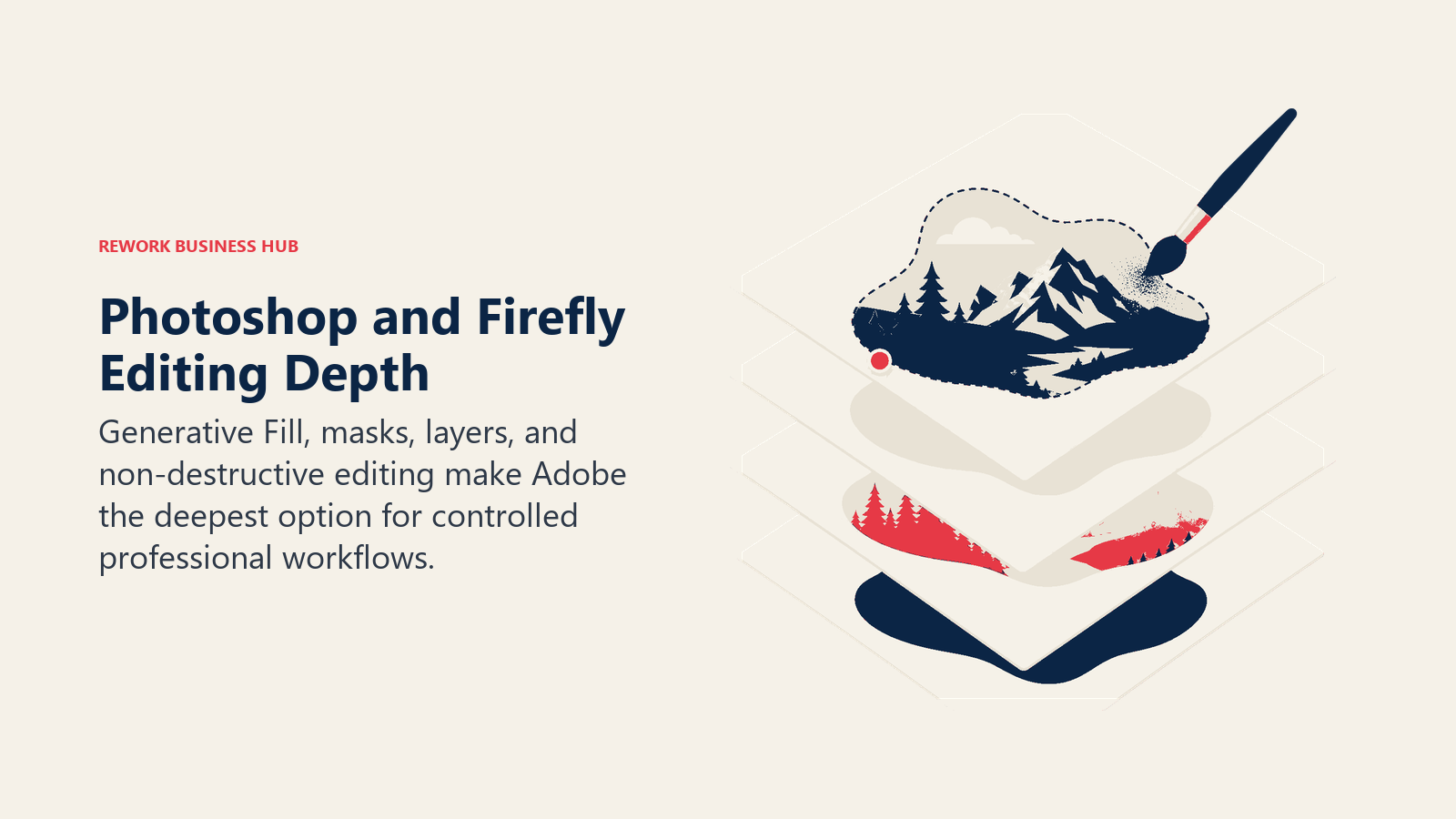
The strength here is depth: masking, layers, selective generation, and non-destructive editing that no browser-based tool matches. The standalone Photoshop plan gives you only 25 Generative Fill credits a month, though, so the practical entry point for regular generative use is either the Photography Plan (Photoshop + Lightroom + 1TB storage) or a dedicated Firefly subscription with a real credit allowance.
| What you get | What you don't |
|---|---|
| Deepest generative editing tools inside a professional-grade editor | Standalone Photoshop plan includes only 25 Generative Fill credits a month |
| Firefly trained on licensed content, positioned as commercially safe | Real generative use requires a higher tier or a separate Firefly plan |
| Non-destructive layers, masking, and selection tools | Steeper learning curve than single-purpose apps like Photoroom or Remini |
| Deep integration across the Creative Cloud suite | Photoshop-only plans lock in a 12-month contract with a cancellation fee |
Pricing: Photoshop standalone $22.99/mo; Photography Plan (Photoshop + Lightroom + 1TB + 1,000 AI credits) $19.99/mo; Firefly Standard $9.99/mo (2,000 credits); Firefly Pro $19.99/mo (4,000 credits); Firefly Premium $199.99/mo (50,000 credits).
Best for: Marketing and creative teams that need deep, controllable generative edits inside an existing Adobe workflow and want commercially safe training data.
2. Photoroom: The Ecommerce Product Photo Specialist
Photoroom is built for one job: taking a product photo, however it was shot, and turning it into a clean, on-brand listing image. Background Remover, Product Staging (placing a product into a realistic scene), Virtual Model (dressing a product on an AI-generated model), and AI Shadows are all purpose-built for sellers, not general creatives.
The Pro plan targets resellers and solopreneurs with an AI credit allowance and 1,000+ templates, while Max and Ultra scale up for teams processing thousands of listings a month with batch exports and priority processing. The free tier is genuinely usable for testing (250 exports a month), which makes it easy to trial before committing.
| What you get | What you don't |
|---|---|
| Purpose-built product photo tools (staging, virtual models, shadows) | AI generation credits are separate from plain export limits and run out fast |
| Batch processing and 1,000+ templates on paid plans | Enterprise-grade catalog volume (200,000+ images/year) needs custom pricing |
| Free tier is genuinely usable for testing before committing | Advanced AI models are gated behind the Max tier |
| API access for developers on Max and above | Not built for headshots, portraits, or non-product photography |
Pricing: Free (250 exports/mo); Pro $7.99/mo; Max $26.99/mo; Ultra from $99/mo (5,000 batch exports) to $990/mo (50,000); Enterprise custom for 200,000+ images/year.
Best for: Ecommerce sellers and resellers on Amazon, Etsy, or Shopify who need clean, consistent product listing photos without hiring a photographer.
3. Pixelcut: The Mobile-First Product Photo Editor
Pixelcut is Photoroom's closest direct competitor, built specifically for sellers who work from a phone rather than a desktop. Background removal, AI background generation, an image upscaler (up to 4x resolution), a Magic Eraser for unwanted objects, and AI shadow effects cover the same core job as Photoroom, with a simpler, faster mobile interface as the differentiator.
The free tier is deliberately limited rather than degraded: 3 background removals and 1 AI background generation a day, with a watermark, rather than lower-quality output. Pro removes the watermark and unlocks unlimited use; Business adds API access, team seats, and custom brand templates for agencies managing multiple sellers.
| What you get | What you don't |
|---|---|
| Fast, simple mobile-first workflow for product photos | Free tier capped at 3 background removals and 1 AI background a day |
| Built-in 4x image upscaler and Magic Eraser | Less template depth than Photoroom's 1,000+ library |
| Unlimited batch processing on Business, plus API access | No native support for headshots or portrait retouching |
| Up to 5 team seats and custom brand templates on Business | Watermark stays until you upgrade off the free tier |
Pricing: Free (limited, watermarked); Pro from about $8/mo ($7.99/mo billed annually); Business $30/mo.
Best for: Solo sellers and small ecommerce teams who want a fast mobile workflow for product photos without a desktop app.
4. Aragon AI: One-Time Professional Headshots
Aragon's entire product is a single job done well: upload a handful of selfies, get back a set of studio-quality headshots without booking a photographer. It's priced as one-time packages rather than a subscription for most users, which fits the job (you need a good headshot once every year or two, not every month).
Aragon offers three package tiers by list price ($35 Basic, $45 Standard, $75 Executive), though promotional pricing regularly brings those down to roughly $18, $25, and $40. A separate ongoing subscription ($15 to $249/mo) exists for people who need AI photo edits on a recurring basis, but most buyers use the one-time packages.
| What you get | What you don't |
|---|---|
| Studio-quality headshots without a photography session | Style and background variety is narrower than a real photoshoot |
| One-time payment for most users, no recurring commitment | Output quality depends heavily on the selfies you upload |
| Fast turnaround (as fast as 15 minutes on the top tier) | Frequent promotional pricing makes "list price" a moving target |
| Full commercial ownership of generated headshots | Not built for full-body, product, or non-portrait photography |
Pricing: Basic $35, Standard $45, Executive $75 (one-time, often discounted to $18/$25/$40 via promotions); separate subscription option $15-$249/mo.
Best for: Individuals who need a LinkedIn, resume, or company bio headshot fast and don't want a recurring subscription.
5. HeadshotPro: Headshots for Teams
HeadshotPro solves the same core job as Aragon with one meaningful difference: it's built to roll out consistent headshots across an entire team, not just one person. Team pricing at $39 per person (with a 20% discount at 5+ people) makes it the more natural pick when HR or a marketing team needs matching headshots for a whole company page or a new cohort of hires.
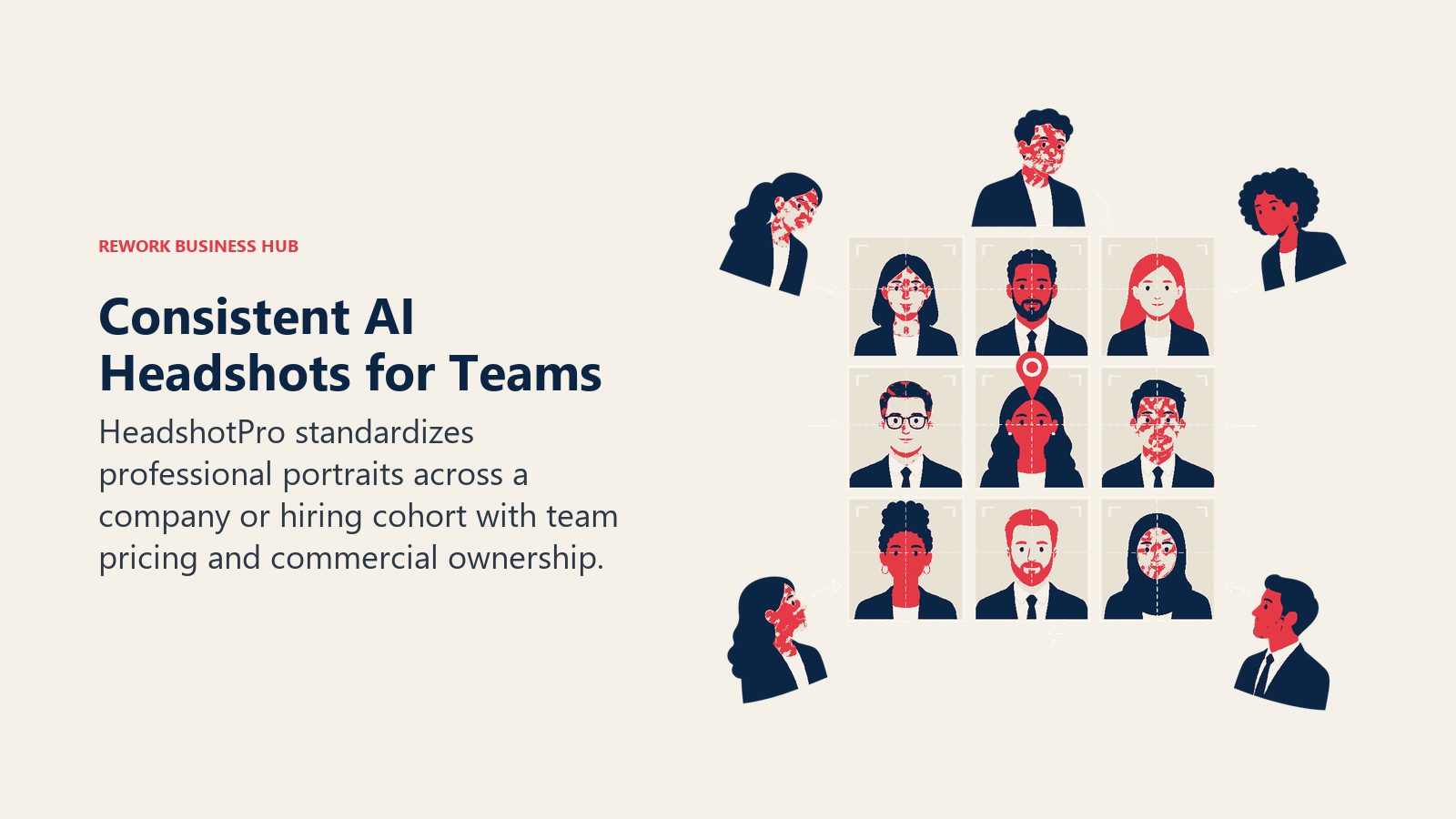
Individual pricing scales by resolution and turnaround: Basic ($29, 30 standard-resolution photos in about 2 hours), Professional ($39, 50 premium-resolution photos in 30 minutes, one free retry), and Executive ($59, 70 ultra-resolution 4K photos in 15 minutes, one free retry). Every tier is a one-time payment with a 14-day money-back guarantee and full commercial ownership.
| What you get | What you don't |
|---|---|
| Team pricing built for company-wide headshot rollouts | Best results still require 15+ well-lit, varied reference selfies |
| 4K output and a free retry on the Executive tier | No subscription option for people who need frequent, ongoing edits |
| One-time payment, no recurring billing surprise | Style options are narrower than a real, in-person photoshoot |
| 14-day money-back guarantee and full commercial ownership | Same-day delivery on lower tiers takes longer than Aragon's fastest option |
Pricing: Basic $29 (30 photos); Professional $39 (50 photos); Executive $59 (70 photos, 4K); team pricing $39/person, 20% off at 5+.
Best for: HR and people teams rolling out matching, professional headshots across a whole company or hiring cohort.
6. Remini: Restoring and Enhancing Everyday Photos
Remini's job is different from the headshot and ecommerce tools above: it takes a photo that already exists, often an old, blurry, low-resolution, or damaged one, and enhances or restores it. Face enhancement, detail recovery, and colorization are the core features, and it's the most consumer-recognizable name in this category because of its viral "old photo restoration" moment a few years ago.
The subscription model is mobile-app-native: weekly, monthly, or yearly billing with the yearly option saving roughly half. A free tier exists but limits daily exports and shows ads, and the commercial licensing language is noticeably thinner than the B2B-focused tools on this list, which matters if you plan to use enhanced images in paid advertising or a product catalog.
| What you get | What you don't |
|---|---|
| Best-known name for restoring old or damaged photos | Commercial licensing terms are thinner than B2B-focused competitors |
| Fast, mobile-native restoration and face enhancement | Weekly billing ($6.99-$9.99/week) adds up faster than monthly plans |
| Free tier available for occasional, light use | Free tier shows ads and limits daily exports |
| Simple, one-tap workflow for non-technical users | Not built for product photography or professional headshots |
Pricing: Free (limited, ad-supported); Personal $6.99/week or roughly $9.99/mo; Business $9.99/week.
Best for: Restoring personal photo archives and quick, one-off face and detail enhancement, not commercial catalog work.
7. Topaz Photo AI and Gigapixel: The Professional Upscaling Standard
Topaz has been the default answer for "how do I upscale this without it looking fake" for professional photographers and studios for years, and it remains the technical benchmark in 2026. Gigapixel handles resolution upscaling specifically; Photo AI bundles Gigapixel with DeNoise and Sharpen into one workflow for RAW files shot in difficult conditions (low light, high ISO, motion blur).
The biggest change in the category: Topaz ended perpetual licenses entirely in September 2025. Every Topaz product is now subscription-only, which means a tool that used to cost roughly $99 once now runs $149-$399 a year depending on which products you need, a real shift for photographers who bought Topaz specifically to avoid a subscription.
| What you get | What you don't |
|---|---|
| Best-in-class detail recovery from noisy or low-res RAW files | Subscription-only since September 2025; no more one-time purchase |
| Desktop app with full manual control over enhancement | Steeper cost than browser-based upscalers like Magnific at low volume |
| Photo AI bundles three tools (Gigapixel, DeNoise, Sharpen) in one | Desktop-only workflow; no lightweight mobile or web app |
| Trusted, established name among professional photographers | Not built for generation, headshots, or background removal |
Pricing: Gigapixel (standalone) $149/yr Personal, $499/yr Pro; Photo AI (bundle) $199/yr.
Best for: Photographers and studios who need the highest-fidelity upscaling and noise reduction from existing RAW files.
8. Magnific AI: Photorealistic Upscaling and Relighting
Magnific built its reputation on a specific, narrow claim: take an existing image, however rough, and upscale it into something that looks like it was actually shot on a camera, complete with realistic texture, lighting, and detail that a generic upscaler smooths away. Following Freepik's April 2026 rebrand to Magnific, the upscaler and relighting tools are billed on their own credit-based plans, separate from Freepik's legacy stock-content subscriptions.
This is a different job than the general "Freepik AI" entry covered in our AI image generators guide: that guide's focus is stock-plus-generation bundling, while this entry is specifically about Magnific's photorealistic Upscaler and Relight tools. There's no free trial, and only the Business plan supports multiple users.
| What you get | What you don't |
|---|---|
| Highest realism ceiling for upscaled and enhanced images | No free trial; strict no-refund policy due to GPU compute costs |
| Relight and structure-reference tools most upscalers lack | Only the $299/mo Business plan supports multiple users |
| Token-based credits scale from casual to heavy professional use | Pro and Premium plans are strictly single-user |
| 17% discount for annual billing across all tiers | Credits burn quickly at high resolution and high volume |
Pricing: Pro $39/mo (2,500 tokens, about 200 upscales); Premium $99/mo (6,500 tokens); Business $299/mo (20,000 tokens, multi-user).
Best for: Creative and marketing teams that need existing images upscaled or relit to a genuinely photorealistic standard, not just resized.
9. Canva Magic Studio: Photo Editing Inside an Existing Workflow
Canva's advantage isn't that its photo tools are the deepest on this list, it's that they're already open. Background Remover, Magic Edit, Magic Eraser, and the new conversational Canva AI 2.0 interface all sit inside the same editor teams already use for decks, social posts, and marketing assets, which removes the tool-switching cost that every standalone photo app carries.
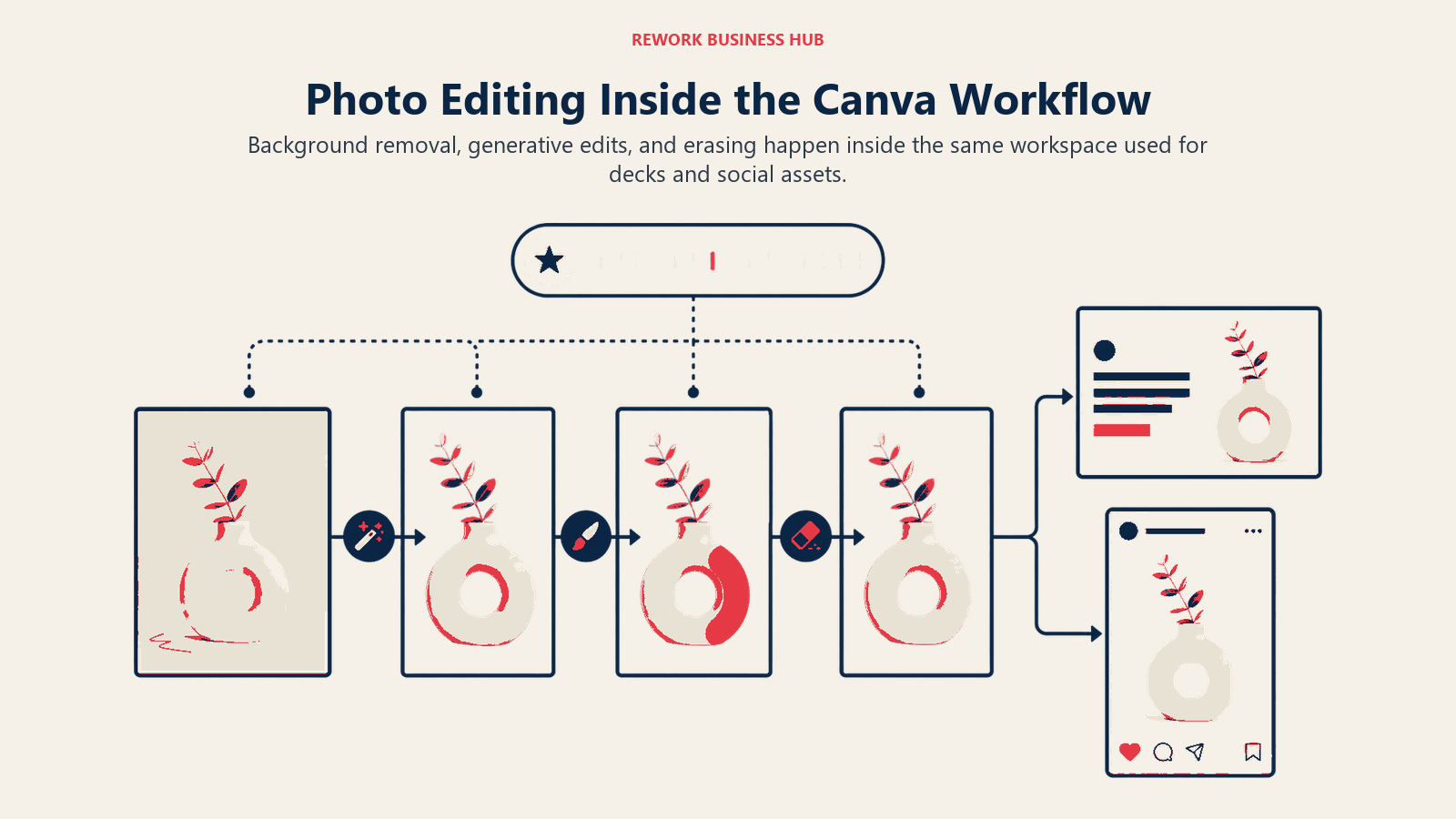
Magic Studio as a whole (which spans the core editor, Sheets, Code, Video 2.0, and the now-free Affinity suite) has been used more than 5 billion times, a scale no single-purpose photo tool on this list approaches. The tradeoff is a shared AI credit pool: heavy use of Background Remover competes with Dream Lab image generation and other AI features for the same monthly allowance.
| What you get | What you don't |
|---|---|
| Zero context-switching for teams already using Canva | AI credits are shared across all Magic Studio features, not photo-specific |
| Background Remover, Magic Edit, and Magic Eraser built in | Less specialized than dedicated product-photo or headshot tools |
| Free Affinity suite bundled in as of 2026 | Free tier's AI features are noticeably capped |
| New conversational "describe the edit" interface (2026) | Not built for batch, catalog-scale ecommerce workflows |
Pricing: Free (limited); Pro roughly $15/mo (about $10/mo billed annually).
Best for: Marketing and content teams that want quick photo edits without leaving their existing design tool.
10. Claid.ai: Enterprise Catalog-Scale Product Photography
Claid.ai's differentiator is scale and automation rather than a slicker interface. It's built for brands managing hundreds or thousands of SKUs that need background removal, image upscaling, AI-generated product scenes, and on-model fashion imagery applied consistently across an entire catalog, not one product at a time.
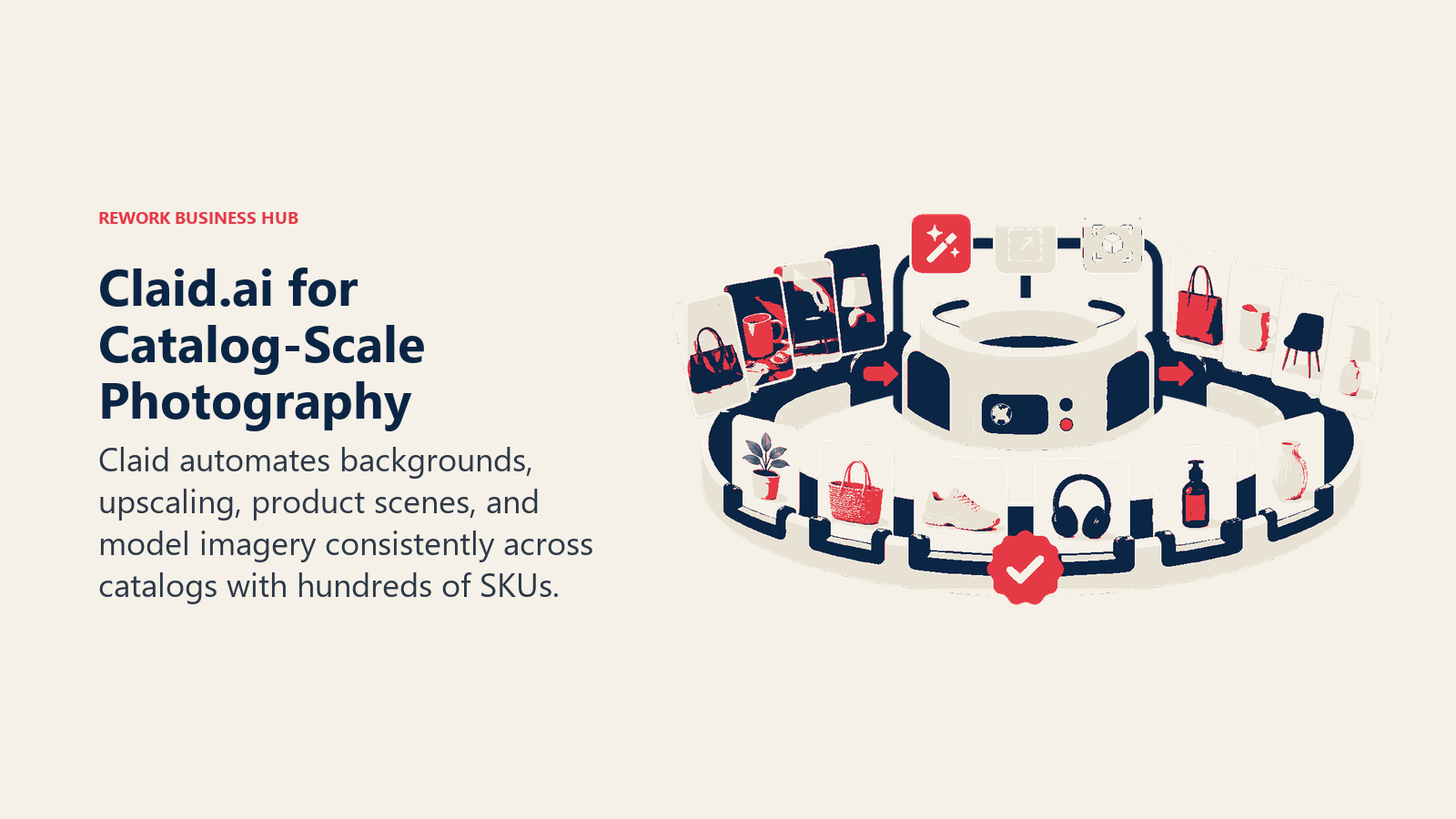
The platform improves existing product photos rather than generating them from scratch, which is a deliberate positioning choice: for stores managing more than 500 SKUs, Claid's batch automation, brand kits, and virtual model composition handle the volume that a manual Photoroom or Pixelcut workflow would struggle to keep up with.
| What you get | What you don't |
|---|---|
| Batch automation built for large, ongoing product catalogs | Enhances existing photos; doesn't generate images from scratch |
| Brand kits ensure consistent output across thousands of SKUs | Overkill and overpriced for a solo seller with under 50 SKUs |
| Virtual model and outfit composition for fashion catalogs | Business tier pricing requires a sales conversation |
| Credit-based pricing scales with catalog size | Less consumer-friendly onboarding than Photoroom or Pixelcut |
Pricing: Essentials $9-15/mo; Pro $39-49/mo; Business custom pricing.
Best for: Fashion and ecommerce brands managing 500+ SKU catalogs that need consistent, automated product imagery at volume.
11. Also Worth a Look: BRIA AI, Remove.bg, PortraitPro, and Picsart
Four more tools round out this category, each for a narrower or more specific reason than the ten above.
BRIA AI is the enterprise-legal answer to a question the other tools mostly avoid: what happens if a generated or enhanced image gets challenged on copyright or likeness grounds? BRIA trains on licensed data specifically to offer full IP and privacy indemnity on its Business and Enterprise tiers, deployable as APIs, SDKs, or an iframe, which makes it the pick for legal or compliance-sensitive organizations rather than individual creators.
Remove.bg does one job, background removal, and does it as close to instantly and accurately as any tool in this category. It's the right choice when background removal is the entire task and you don't need staging, retouching, or upscaling bundled in.
PortraitPro is the last major one-time-purchase option for serious portrait retouching (skin, eyes, teeth, lighting), sold in three editions by Anthropics. It's desktop software with real manual control, aimed at photographers who want retouch depth without a recurring subscription.
Picsart is the broadest consumer all-in-one: background remover, AI photo editing, templates, and design tools in one mobile-first app at a lower price point than Canva Pro. It trades specialization for breadth, so a dedicated product-photo or headshot tool will usually out-perform it on that specific job.
| Tool | Best For | Starting Price | Key Strength | Key Limitation |
|---|---|---|---|---|
| BRIA AI | Enterprise generation with legal indemnity | Pay-as-you-go (100 free API calls) | Full copyright and privacy indemnity on Business/Enterprise | Developer-first; no polished consumer app |
| Remove.bg | Pure background removal via API or web | Free (100 images/mo); $9/mo (40 credits) | Fastest, most accurate single-purpose cutout tool | Does one job only; no editing or generation |
| PortraitPro | One-time-purchase portrait retouching | $54.95 Standard (one-time) | Deep manual retouch control, no subscription | Desktop-only, steeper learning curve |
| Picsart | All-in-one consumer photo and design editing | Free; Pro $10.50/mo | Broadest toolkit at the lowest consumer price | Less specialized than dedicated product/headshot tools |
Commercial Licensing and Usage Rights
Photorealistic generation and editing raises a licensing question the general "AI art" category mostly sidesteps: many of these tools are creating or altering images of real, identifiable people, which means copyright is only half the issue. Consent and likeness rights matter just as much.

A few rules of thumb before you publish anything commercially: only generate an AI headshot from a person's own uploaded selfies, get written consent before creating or editing a photo of someone else, check whether your plan's free tier restricts commercial use (several add a watermark or limit exports rather than blocking commercial use outright), and disclose AI use in advertising where your platform or region requires it.
| Tool | Commercial Use on Paid Plan | IP / Legal Indemnity | Consent Note |
|---|---|---|---|
| Adobe Photoshop + Firefly | Yes, full commercial rights | Adobe covers Firefly output for Enterprise customers | Firefly is designed to avoid generating real, identifiable public figures |
| Photoroom | Yes; free tier limits batch and API use | Not publicly indemnified | Virtual Model uses synthetic models by design, not real people |
| Pixelcut | Yes on Pro/Business; free tier adds a watermark | Not publicly indemnified | Product-focused; not applicable to real people |
| Aragon AI | Yes, full ownership of generated headshots | Not publicly indemnified | Uses your own uploaded selfies; get consent before generating a headshot of someone else |
| HeadshotPro | Yes, full commercial ownership per terms | Not publicly indemnified | Same as above: only from a person's own uploaded reference photos |
| Remini | Limited; thinner commercial licensing language | Not publicly indemnified | Restore your own or explicitly licensed photos only |
| Topaz Photo AI / Gigapixel | Yes, full ownership (you own the source file) | Not applicable (enhancement, not generation) | Not applicable |
| Magnific AI | Yes on paid plans | Not publicly indemnified | Avoid upscaling images of real people without their consent |
| Canva Magic Studio | Yes on Pro and Teams plans | Not publicly indemnified | Same general caution as other consumer tools |
| Claid.ai | Yes; Business tier adds custom SLAs | Contact for enterprise terms | Low risk since it enhances real product photos, not people |
| BRIA AI | Yes | Full IP and privacy indemnity on Business/Enterprise | Trained on licensed data specifically to reduce likeness and copyright risk |
| Remove.bg | Yes on paid plans | Not publicly indemnified | Not applicable (background removal only) |
| PortraitPro | Yes, one-time purchase includes commercial use | Not applicable (desktop retouch tool) | Retouch your own photos only |
| Picsart | Yes on Pro/Ultra | Not publicly indemnified | Same general caution as other consumer tools |
Decision Framework
Use this table as your final filter before you commit to a tool.
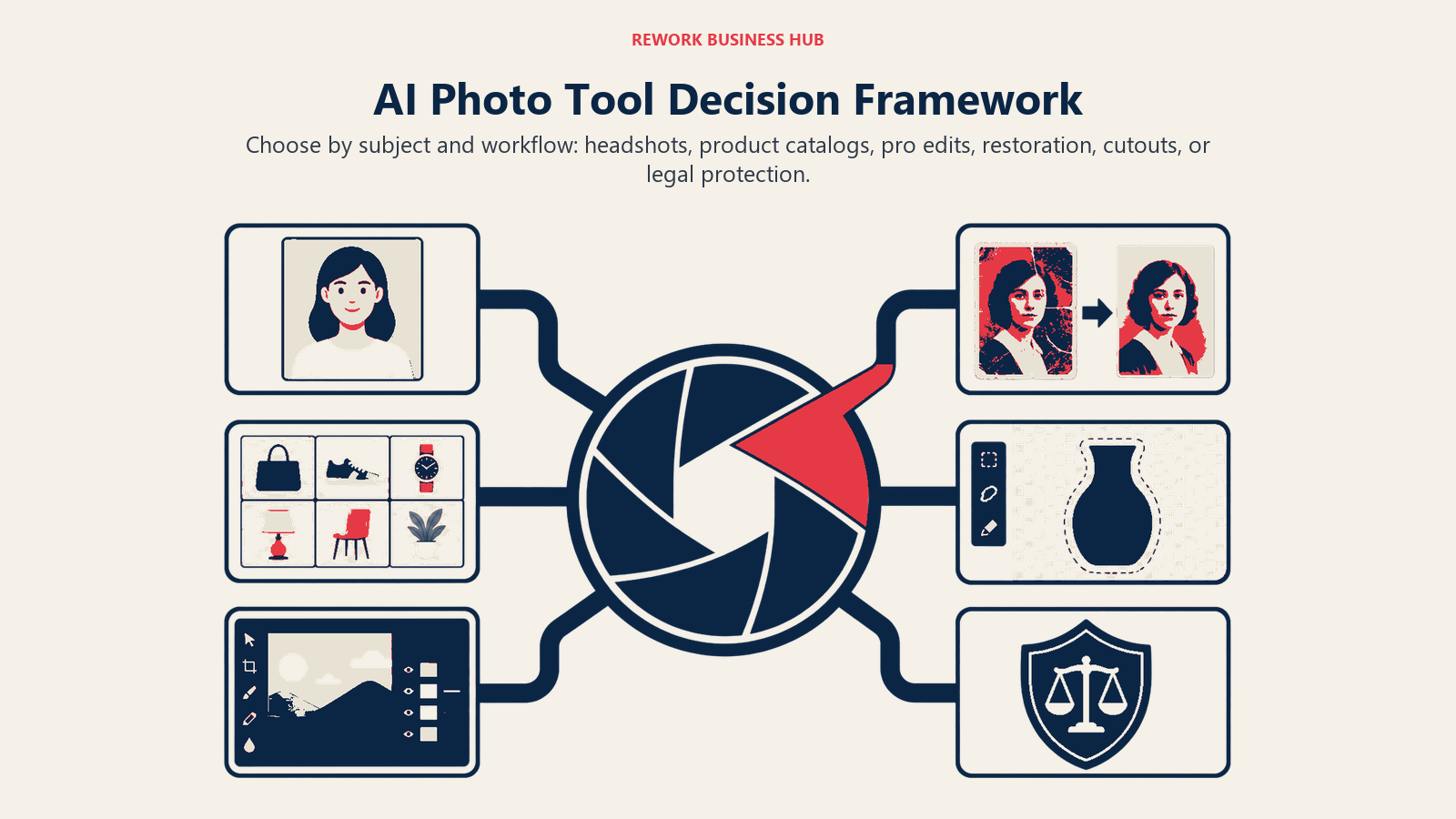
| If you need... | Pick... | Why |
|---|---|---|
| A LinkedIn or resume headshot, fast, without a photographer | Aragon AI or HeadshotPro | Purpose-built one-time headshot generators with commercial ownership |
| Consistent headshots across a whole team or company | HeadshotPro | Team pricing and bulk rollout built into the product |
| Clean product photos for Amazon, Etsy, or Shopify listings | Photoroom or Pixelcut | Ecommerce-specific background, staging, and shadow tools |
| Product photography at 500+ SKU catalog scale | Claid.ai | Batch automation and brand kits designed for large, ongoing catalogs |
| Deep, controllable generative edits inside a pro workflow | Adobe Photoshop + Firefly | Generative Fill inside the industry-standard editor, licensed training data |
| The highest-fidelity upscale from a noisy or low-res RAW file | Topaz Photo AI/Gigapixel | Professional-grade denoise, sharpen, and detail recovery |
| A photorealistic upscale or relight of an existing image | Magnific AI | Purpose-built for realism, not just resolution |
| Restoring an old or damaged personal photo | Remini | The best-known name in consumer photo restoration |
| Pure background removal, nothing else | Remove.bg | Fastest, most accurate single-purpose tool for that one job |
| Enterprise generation with legal and IP indemnity | BRIA AI | Full copyright and privacy indemnity on Business/Enterprise |
| Portrait retouching without a recurring subscription | PortraitPro | One-time purchase, full manual control |
| A quick edit without leaving your existing design tool | Canva Magic Studio | Already open for most marketing and content teams |
Frequently Asked Questions about AI Photo Generation and Editing Tools
What's the difference between an AI photo generator and an AI photo editor?
A generator creates a new image, often of a person, product, or scene, from a prompt or a set of reference photos (Aragon AI turning selfies into headshots, for example). An editor modifies an existing photo: removing a background, upscaling resolution, or retouching a portrait. Several tools in this guide, like Adobe Photoshop and Canva, do both.
Are AI-generated headshots actually good enough for LinkedIn or a resume?
For most professional contexts, yes. Aragon AI and HeadshotPro are built specifically for this use case and deliver results that pass as professional photography in the vast majority of cases, especially on the higher-resolution tiers. Upload varied, well-lit reference selfies for the best results.
Do I own the commercial rights to photos I generate or edit with these tools?
Almost always yes on paid plans, but the details vary. Aragon AI, HeadshotPro, and PortraitPro grant full commercial ownership outright. Free tiers on tools like Photoroom, Pixelcut, and Canva often add a watermark or restrict batch and API use rather than blocking commercial use entirely, so check the specific plan before publishing.
Which tool is best for ecommerce product photography?
Photoroom and Pixelcut cover most individual sellers and small catalogs well. For catalogs above roughly 500 SKUs, Claid.ai's batch automation and brand kits are built specifically for that scale.
Can AI photo editing tools fully replace a professional photographer?
For standardized, repeatable jobs like headshots and product listing photos, often yes. For creative, brand-defining photography, art direction, or complex lighting setups, a human photographer still has an edge these tools don't fully close.
How much does switching to AI product photography actually cost compared to a traditional shoot?
Pricing varies by tool and volume, but entry-level plans for Photoroom, Pixelcut, and Claid.ai all start under $15/month, well below the cost of booking a studio photographer for even a small batch of product shots.
Is it okay to use AI to generate or edit a photo of a real person?
Only with that person's consent, and ideally only from their own uploaded reference photos, which is how Aragon AI and HeadshotPro are designed to work. Generating or altering a recognizable photo of someone without permission raises real consent and likeness issues regardless of which tool you use.
What's the best free AI photo editing tool?
Canva's free tier and Photoroom's free tier (250 exports a month) are the most usable free options for occasional, light editing. Pixelcut's free tier works for very light use but caps out at 3 background removals a day.
Which tool is best for upscaling an old or low-resolution photo?
Topaz Photo AI and Gigapixel are the professional standard for RAW files and noise-heavy images. Magnific AI is the stronger pick when the priority is photorealistic texture and detail rather than pure resolution. Remini is the simplest, most consumer-friendly option for a single old photo.
What to Do Next
Match your actual job to the framework tables above before you sign up for anything. If the job is a headshot, start a free trial-equivalent with Aragon AI or HeadshotPro and compare the output against a real photo you already have. If it's product photography, run 10-15 real SKUs through Photoroom and Pixelcut's free tiers side by side before committing to a paid plan. And if you're not sure whether you actually need a photorealistic editor versus a general AI art generator, our best AI image generators guide covers the stylized, text-to-image side of this category in full.
For the broader ecommerce and marketing use cases these tools support, see our guides on AI tools for ecommerce, AI tools for LinkedIn, AI resume builders, AI tools for real estate, AI tools for marketing agencies, AI graphic design tools, AI logo generators, and, for photographers weighing a full RAW workflow rather than a single editing job, our best AI tools for photographers guide.

Principal Product Marketing Strategist
On this page
- Updated July 2026: What Changed
- Key Facts
- Quick Comparison Table
- Which Job Are You Hiring an AI Photo Tool For?
- 1. Adobe Photoshop + Firefly: The Deepest Generative Editing Toolkit
- 2. Photoroom: The Ecommerce Product Photo Specialist
- 3. Pixelcut: The Mobile-First Product Photo Editor
- 4. Aragon AI: One-Time Professional Headshots
- 5. HeadshotPro: Headshots for Teams
- 6. Remini: Restoring and Enhancing Everyday Photos
- 7. Topaz Photo AI and Gigapixel: The Professional Upscaling Standard
- 8. Magnific AI: Photorealistic Upscaling and Relighting
- 9. Canva Magic Studio: Photo Editing Inside an Existing Workflow
- 10. Claid.ai: Enterprise Catalog-Scale Product Photography
- 11. Also Worth a Look: BRIA AI, Remove.bg, PortraitPro, and Picsart
- Commercial Licensing and Usage Rights
- Decision Framework
- What to Do Next