Best AI Logo Generators in 2026: 12 Tools Compared by Price, Files, and Ownership
Turn this article into takeaways for your work.


Each assistant summarizes the article only for you and suggests best practices for your work.
The best AI logo generator in 2026 depends on one question most buyers skip: do you need a fast, disposable mark for an MVP, or a real brand asset with vector files and full commercial rights? Looka and Brandmark are built for the second case. Canva and Adobe Express are built for teams already living in those ecosystems. And general-purpose image models like Midjourney, Ideogram, and Recraft produce the most visually distinct results but leave you to build the brand kit yourself. This guide ranks 12 tools so you can pick the right one instead of paying twice.
A logo made the traditional way, through a freelancer or agency, still costs real money: freelance logo work runs roughly $100 to $1,000 depending on experience, and agency-built brand identity packages run $1,500 to $30,000 or more, per cost-benchmarking site Thervo. AI logo generators compress that into minutes and $0 to $175, which is exactly why the category has grown so fast, and exactly why picking the wrong tool (one without vector exports, or one that doesn't actually grant you commercial ownership) is a mistake worth avoiding upfront. If you're shopping for a logo as part of a broader AI toolkit, our best AI tools in 2026 roundup covers the other 24 categories worth stacking alongside it.
Updated July 2026: What Changed
Pricing across this category shifted from flat one-time packages toward credit-based subscriptions in the last year. Recraft moved to a tiered credit model with SVG export locked behind paid plans, Ideogram now splits Plus, Pro, and Team tiers by credit volume, and several logo-specific tools (LogoAI, Brandmark) still sell logos as one-time purchases rather than subscriptions, which matters if you only need one mark and don't want a recurring charge.
Key Facts
- The global AI logo generator market is projected to grow from $333.2 million in 2023 to $2,063.1 million by 2033, a 20% CAGR, per Market.us.
- Companies with consistent visual branding see revenue gains of up to 33%, per Lucidpress's (now Marq) State of Brand Consistency report.
- Freelance logo design runs $100 to $1,000 and agency brand packages run $1,500 to $30,000+, per Thervo's 2026 logo cost data.
- The AI image generator market, the underlying technology behind Midjourney, Ideogram, and Recraft, is growing at a 32.8% CAGR from 2023 to 2030, per Grand View Research.
- The logo design software market is on pace to grow from roughly $2.02 billion in 2025 to $3.03 billion by 2029, per The Business Research Company.
Quick Comparison Table
| Tool | Best For | Starting Price | Key Strength | Key Limitation |
|---|---|---|---|---|
| Looka | Most small businesses | Free to design; $20 one-time PNG | Full brand kit (business cards, social assets) | Full vector/brand kit needs the $65-$96 tier |
| Canva Logo Maker | Teams already on Canva | Free; Pro $15/mo | One tool for logo + every other design need | Logo maker itself is basic vs dedicated tools |
| Adobe Express | Adobe/Creative Cloud users | Free (25 AI credits/mo); Premium ~$9.99/mo | Firefly AI + Adobe Fonts + Brand Kit | Free tier credit limit is easy to burn through |
| Brandmark | Buyers who want the most advanced AI logo engine | Free to design; $25-$175 one-time | Best AI-generated color palettes and font pairing | One-time packages only, no ongoing edits without repurchase |
| Tailor Brands | New LLCs bundling logo + business setup | Free low-res; $3.99-$9.99/mo | Logo bundled with LLC formation, website, invoicing | Pricing structure is confusing across bundles |
| Wix Logo Maker | Builders launching a Wix site | Free sample; $11-$24/mo | Logo ties directly into a Wix website build | Weakest option if you don't want a Wix site |
| LogoAI | Cheapest full brand kit, one-time | $29-$99 one-time | No subscription, own the download forever | Design variety is thinner than Looka or Brandmark |
| Designs.ai | Teams wanting a full design suite | $39-$188/mo | Logo maker bundled with video, voice, and mockup tools | Expensive if you only need a logo |
| Fiverr Logo Maker | Buyers who want AI plus a human touch option | $30-$90 one-time | Draws from 43,000+ freelancer-made designs | You're paying per logo, not building reusable skills |
| Ideogram | Designers who need reliable text-in-image | Weekly free credits for eligible accounts; Plus $15/mo annual or $20 monthly | Best-in-class text rendering inside a generated mark | No dedicated brand kit or business card exports |
| Recraft | Teams that need true vector (SVG) output | Free (50 credits/day); $10-$48/mo | Only major AI image tool producing production-ready SVG | SVG export locked to paid plans |
| Midjourney | Maximum creative range, agencies and designers | $10-$120/mo | Best raw image quality and stylistic range | No vector export, weak text accuracy, steepest learning curve |
Which Logo Generator Fits Your Situation
| Your Situation | Best Fit | Why |
|---|---|---|
| First logo for a brand-new small business | Looka or Canva | Fast, cheap, includes basic brand assets |
| Forming an LLC and need logo + business tools together | Tailor Brands | Bundles logo, formation, invoicing, website |
| Already building your website on Wix | Wix Logo Maker | Logo flows directly into the site build |
| Need vector (SVG) files for print and merch | Recraft, Brandmark, or LogoAI | These reliably deliver editable vector output |
| Want the most distinctive, non-generic mark | Midjourney or Recraft | Raw AI image models, not template-based generators |
| One logo only, don't want a subscription | LogoAI, Brandmark, or Fiverr | One-time purchase, no recurring charge |
| Need a full brand kit (video, voice, mockups too) | Designs.ai | Broadest bundled toolset beyond just logos |
| Already paying for Adobe Creative Cloud | Adobe Express | Premium features may already be included |
| Want AI plus the option of a human designer | Fiverr Logo Maker | Blends AI generation with freelancer-made assets |
| Need precise typography inside the mark itself | Ideogram | Strongest text-rendering accuracy of any AI image model |
1. Looka: Most Complete AI Logo + Brand Kit
Looka is the default recommendation for most small businesses because it doesn't stop at a logo. After you pick a style and color direction, Looka generates dozens of options, then lets you buy not just the mark but a full brand kit: social media templates, business cards, letterhead, and a brand guidelines document, all matching the same logo.
Design is free, which matters because you can iterate through as many concepts as you want before paying anything. The catch is that the $20 Basic package only gets you a single PNG on a colored background, no transparent version, no vector file, and it's not usable for print. The $65 Premium package (PNG, EPS, SVG, PDF, transparent background) is really the minimum viable purchase for a business that plans to use the logo anywhere beyond a website header.
| What you get | What you don't |
|---|---|
| Free unlimited design exploration before paying | $20 tier is too limited for real business use |
| Full brand kit at $96/yr (social, business cards, guidelines) | Ongoing brand kit costs more than a one-time logo |
| Vector files (EPS, SVG) on Premium and up | No human designer option if AI output disappoints |
| Optional website bundle at $129/yr | Website builder is basic compared to Wix or Squarespace |
Best for: Small businesses and solo founders who want a complete, print-ready brand kit without hiring a designer
2. Canva Logo Maker: Best If You're Already Designing in Canva
Canva's logo maker isn't the most sophisticated AI generator on this list, but it doesn't need to be, because the moment you finish your logo, you're already inside the same tool you'll use for your pitch deck, social posts, and one-pagers. That continuity is the actual value proposition: one Brand Kit, one font and color system, applied everywhere.
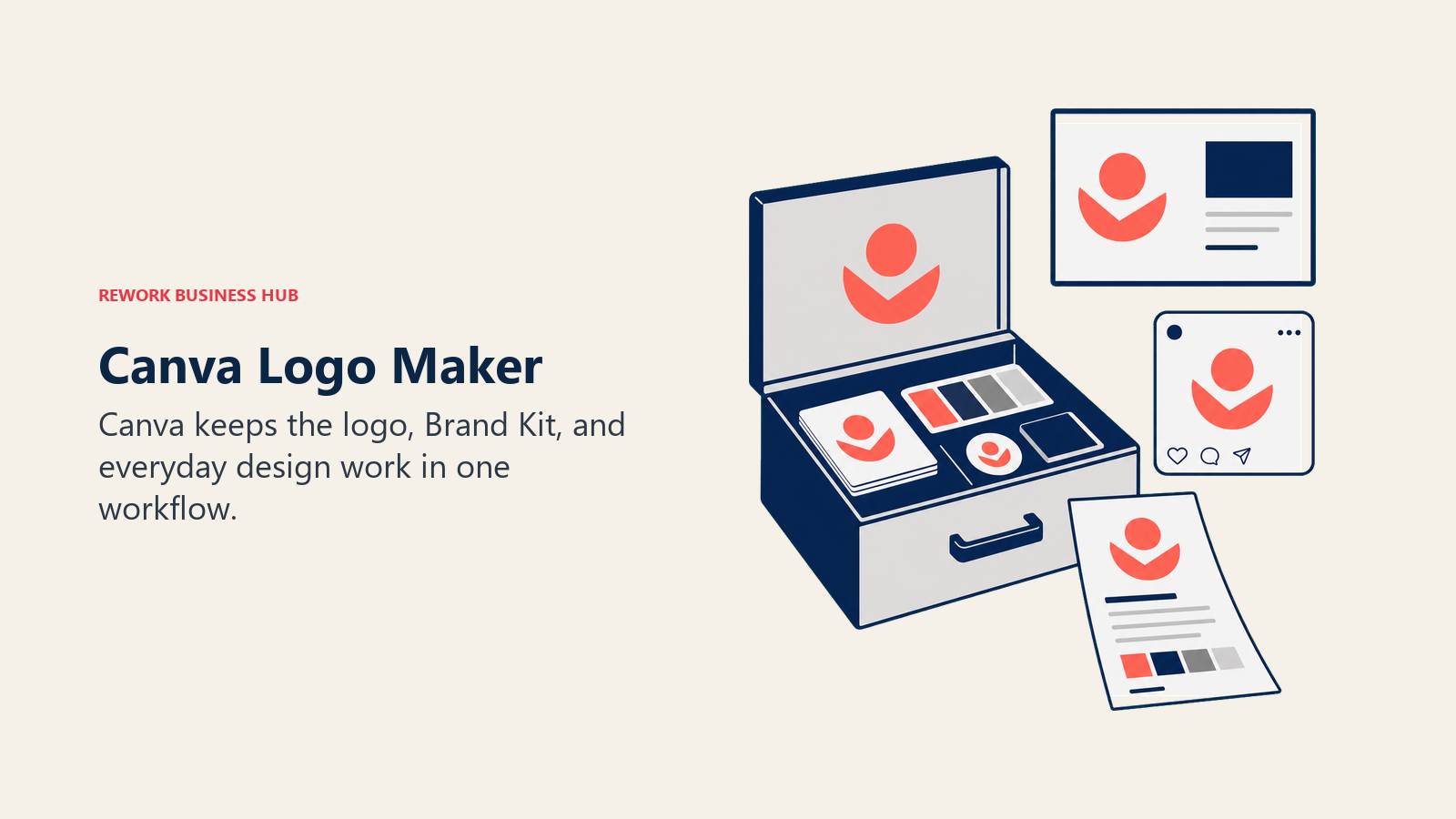
The free tier is genuinely usable for a first pass, and Canva Pro adds Magic Studio's AI generation, a real Brand Kit with locked fonts and colors, and background removal for cleaning up exported marks. Where it falls short of dedicated logo tools is depth: fewer true AI-generated concepts, and no built-in vector-first workflow the way Brandmark or Recraft offer. If your team already runs its design work through Canva, see our best Canva alternatives roundup for tools that go deeper on any single format.
| What you get | What you don't |
|---|---|
| One tool for logo, social, deck, and print design | Logo maker itself is more template-driven than AI-native |
| Free tier is genuinely usable to start | Brand Kit and premium templates need Pro |
| Magic Studio AI generation on Pro | Less refined AI logo concepts than Looka or Brandmark |
| Huge template and stock library | Business plan cost climbs fast per seat |
Pricing: Free; Canva Pro $15/mo (~$120/yr annual); Canva Business $20/seat/mo
Best for: Teams and founders who want their logo built inside the same tool they'll use for everything else
3. Adobe Express: Best for Teams Already on Creative Cloud
Adobe Express folds a free AI logo maker into the same product that powers Adobe's broader push into lightweight, browser-based design. It runs on Firefly, Adobe's generative model trained specifically to be commercially safe to use, which matters if your legal team asks where the training data came from.
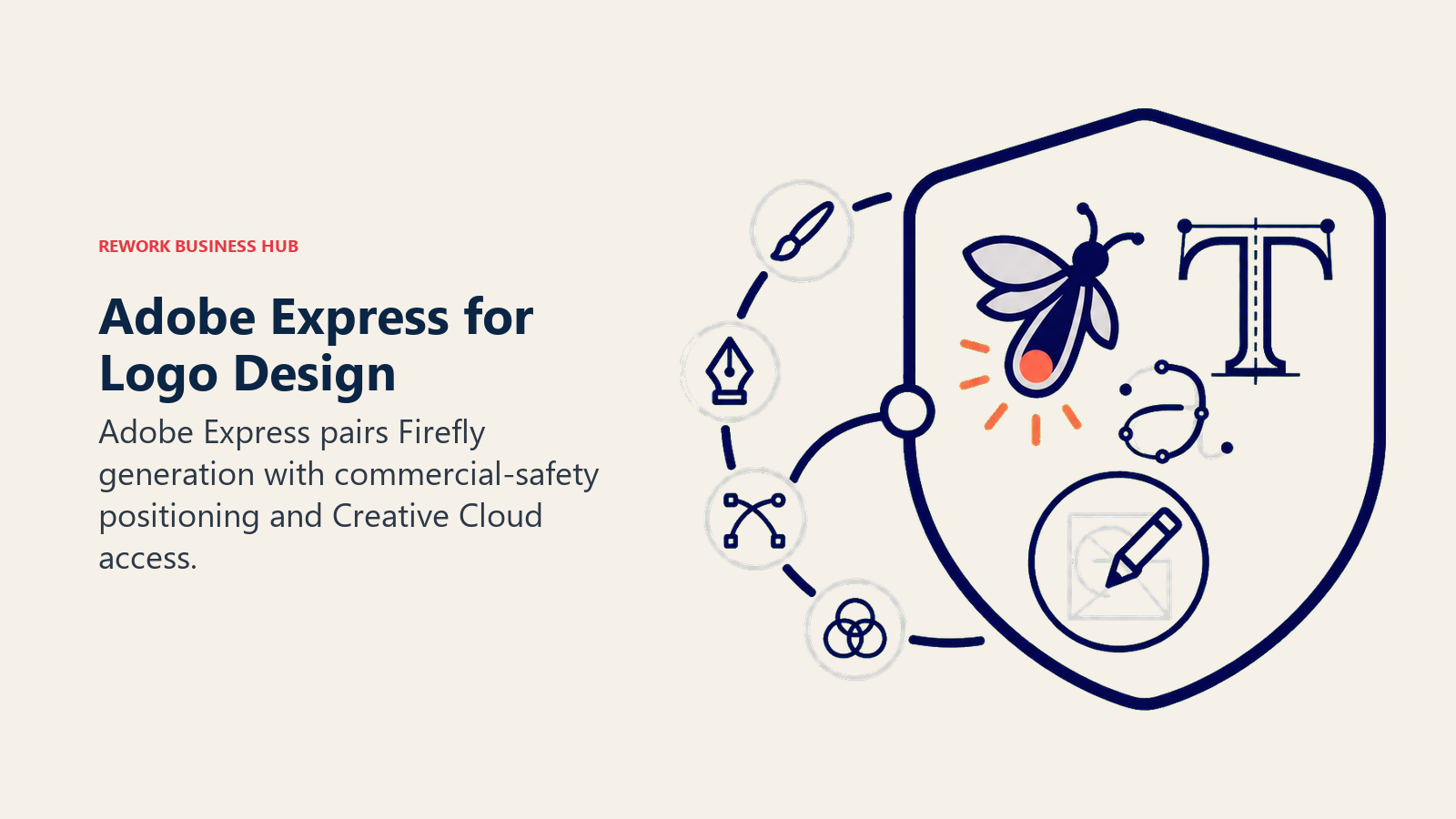
The free tier includes 25 generative AI credits a month, enough to explore several logo directions, plus Adobe Fonts and a basic Brand Kit. Where Adobe Express earns real value is for anyone already paying for Creative Cloud: Premium features are frequently bundled into existing CC plans rather than sold as a separate add-on, so check your existing subscription before paying again.
| What you get | What you don't |
|---|---|
| Firefly AI trained for commercial-safe output | Free tier's 25 credits run out fast if you iterate a lot |
| Adobe Fonts and Brand Kit included on Premium | Logo maker is one feature inside a broader app, not the focus |
| Often bundled free into existing Creative Cloud plans | 300MB upload limit on the free tier affects larger files |
| Team plans available per seat | Less logo-specific guidance than Looka or Brandmark |
Pricing: Free (25 AI credits/mo); Premium ~$9.99/mo individually; Team plans priced per seat, billed annually
Best for: Businesses already inside the Adobe ecosystem that want a fast, commercially-safe logo without leaving Creative Cloud
4. Brandmark: Most Advanced AI Logo Engine
Brandmark's pitch is specific: it's not the friendliest tool on this list, but it produces the most considered output. Its AI weighs color theory, font pairing, and layout balance against your industry and stated style preferences, rather than shuffling through generic templates. For founders who want a mark that looks genuinely designed, not generated, Brandmark is usually the strongest single result.
Everything is a one-time purchase, no subscription. The $25 Basic package gets you a usable file set; the $65 Designer package adds a style guide, business card, and social assets; the $175 Enterprise package includes up to 10 fully original concepts from Brandmark's in-house design team layered on top of the AI output, blending automated and human design in one purchase.
| What you get | What you don't |
|---|---|
| Best-in-class AI color and typography pairing | No subscription means no ongoing edits without repurchase |
| One-time pricing, own the logo outright | Fewer total concept variations than Looka's browsing flow |
| $175 tier blends AI output with human designer concepts | Interface is less polished than Canva or Adobe Express |
| Free to design and preview before paying | Full copyright and unlimited revisions are purchase-gated |
Pricing: Basic $25 one-time; Designer $65 one-time; Enterprise $175 one-time
Best for: Founders and small brand teams who want the most sophisticated AI-generated design output, and are fine with a one-time purchase
5. Tailor Brands: Logo Bundled With Business Formation
Tailor Brands isn't purely a logo tool, it's a small-business launch platform that happens to include one. If you're forming an LLC, need a basic website, and want invoicing tools alongside your logo, bundling all of it under one subscription can genuinely save time versus stitching together four separate vendors.
The tradeoff is that pricing gets confusing fast, because logo-only pricing is mixed in with LLC formation and website bundles. A single-month logo plan runs roughly $9.99/mo (or $3.99/mo if billed annually), while the Essential ($199/yr) and Elite ($249/yr) tiers bundle in business formation and website tools you may not need if you already have an LLC. Read the plan details closely before checkout; this is the one tool on this list where impulse-buying the wrong tier is easy to do.
| What you get | What you don't |
|---|---|
| Logo, LLC formation, invoicing, and website in one subscription | Pricing tiers are genuinely confusing to compare |
| Free low-res logo download to preview | High-res, print-ready files require a paid plan |
| Useful if you're starting a business from scratch | Overkill if you only need a logo |
| Cancel-anytime single-month option | Add-ons and state filing fees raise the real cost |
Pricing: Basic logo plan ~$3.99-$9.99/mo; Essential $199/yr; Elite $249/yr (bundled with business tools)
Best for: New business owners who want logo, LLC formation, and a basic website handled by one vendor
6. Wix Logo Maker: Best If You're Building a Wix Site
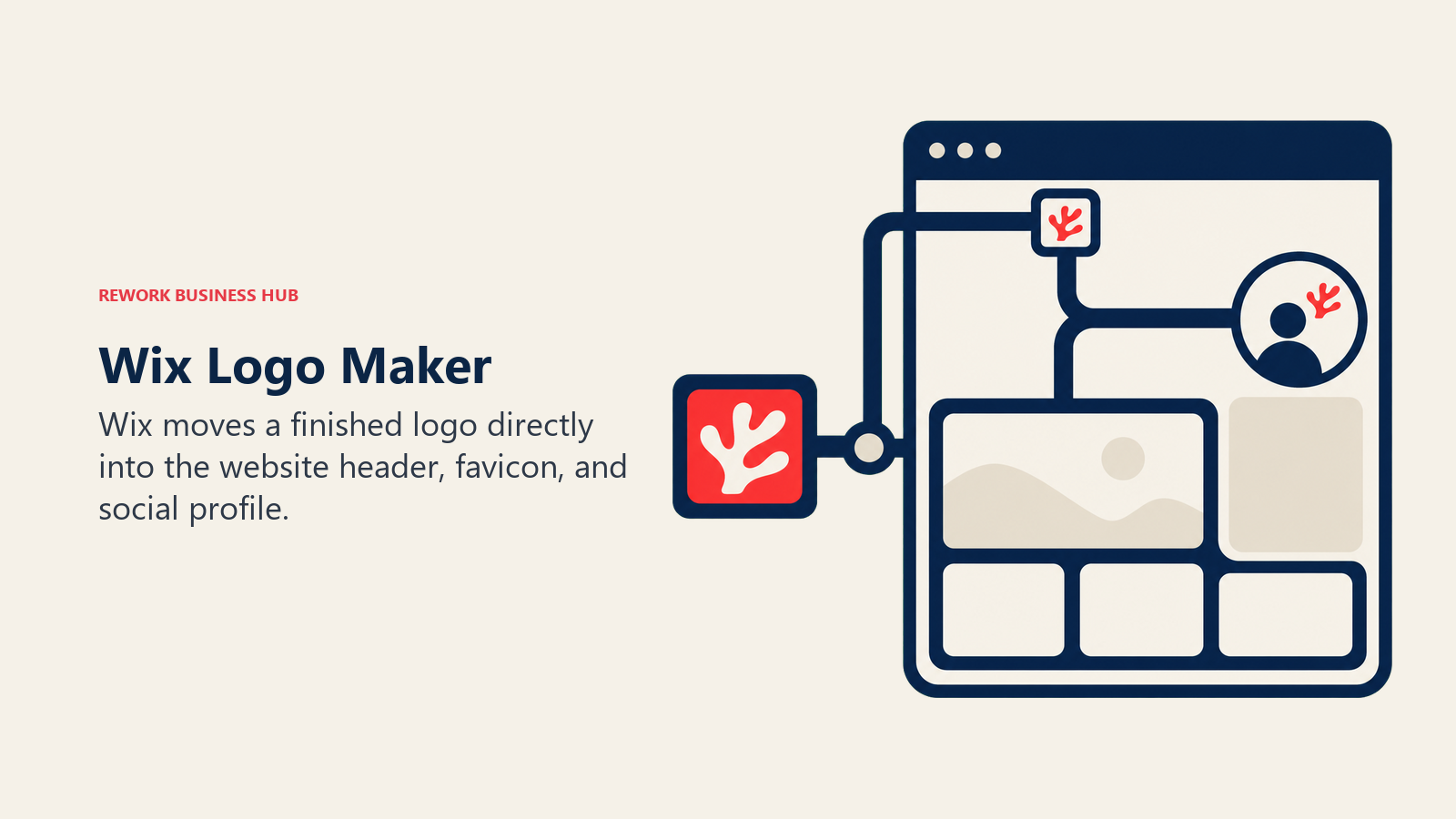
Wix Logo Maker exists to feed Wix's website builder, and it shows: once you generate a logo, it drops straight into a matching Wix site template, pre-sized for header, favicon, and social profile use. For anyone planning to build their website on Wix anyway, that handoff removes a step most other tools leave for you to figure out manually.
Outside of the Wix ecosystem, it's a middling logo generator. The design variety is narrower than Looka or Brandmark, and the free tier only gives you a single low-resolution JPG, not enough for real use anywhere. The Value plan ($11/mo) adds commercial rights and a free domain for a year (tied to a Wix site), while Deluxe ($24/mo) adds priority support and optional human designer touch-ups.
| What you get | What you don't |
|---|---|
| Logo integrates directly into a Wix website build | Weak choice if you're not building on Wix |
| Commercial usage rights included on paid plans | Free tier gives one low-res JPG only |
| Deluxe tier includes human designer touch-ups | Narrower design variety than dedicated logo tools |
| One-time purchase option from $49 also available | Monthly plans bundle in Wix hosting costs, not just the logo |
Pricing: Value $11/mo; Professional $16/mo; Deluxe $24/mo (or one-time from $49)
Best for: Founders who are building (or already have) their website on Wix and want the logo and site to match natively
7. LogoAI: Cheapest Full Brand Kit, No Subscription
LogoAI's whole pitch is the pricing model: no subscription, ever. You pay once, you own the download center forever, and repeat customers get automatic discounts (40% off after one purchase, up to 60% off after ten), which makes it a genuinely good option for agencies buying logos for multiple clients.
The Basic plan ($29) covers essential files for a startup on a tight budget. Pro ($59) adds high-resolution and vector formats. Brand ($99) is the full package: social media kits, business cards, and marketing materials, still as a single one-time charge rather than a recurring $96-$129/yr the way Looka structures its equivalent tier. The design variety per generation is thinner than Looka or Brandmark, so expect fewer initial concepts to choose from.
| What you get | What you don't |
|---|---|
| Never a subscription, own your files forever | Fewer initial AI-generated concepts than Looka or Brandmark |
| Full brand kit at $99, cheaper than most subscription equivalents | Interface and template variety feel more basic |
| Repeat-purchase discounts, useful for agencies | No bundled website or business formation tools |
| Vector files available at the Pro tier and up | Support and revision options are more limited |
Pricing: Basic $29; Pro $59; Brand $99 (all one-time, no subscription)
Best for: Budget-conscious founders and agencies buying multiple logos who don't want a recurring subscription
8. Designs.ai: Full Design Suite Beyond Just Logos
Designs.ai treats the logo maker as one module inside a much bigger AI design suite that also covers video creation, voiceover generation, mockups, and a full brand kit builder. If your team needs more than a logo (say, a startup that also needs product video ads and social mockups), the bundled pricing can work out cheaper than paying for four separate AI tools.
If you only need a logo, though, Designs.ai is the most expensive tool on this list by a wide margin. Plus starts at $39/mo, Pro runs $79/mo, and Enterprise hits $188/mo, none of which is competitive against a $20-$65 one-time logo purchase from Looka or LogoAI. The 7-day free trial is the right way to evaluate whether the broader suite justifies the cost before committing. Marketing teams weighing the wider AI stack, not just logos, can cross-check it against our best AI tools for digital marketing list.
| What you get | What you don't |
|---|---|
| Logo maker bundled with video, voice, and mockup tools | Expensive if a logo is genuinely all you need |
| One subscription instead of four separate AI tools | Entry price ($39/mo) is high for logo-only buyers |
| 7-day free trial to test the full suite | Refunds are only guaranteed within that trial window |
| Useful for teams producing ongoing marketing assets | Logo-specific design depth is thinner than dedicated tools |
Pricing: Plus $39/mo; Pro $79/mo; Enterprise $188/mo (7-day free trial)
Best for: Marketing teams that need an ongoing AI content suite (video, voice, mockups) and want the logo maker bundled in
9. Fiverr Logo Maker: AI Generation Backed by Real Freelancer Work
Fiverr's approach is different from every other tool here: instead of generating logos from a pure AI model, it matches your brief against a library of 43,000+ original designs created by freelance designers on Fiverr's marketplace, then uses AI to tailor the closest matches to your business name and industry. The result sits between a template generator and a human-made logo.
Exploring designs is free, but every download requires a purchase. Essential ($30) gets you three PNG variations you can't edit after checkout. Professional ($60) adds SVG vector files, a brand style guide, a social media kit, and one revision. Unlimited ($90) removes the revision cap entirely, which is worth it if you're not confident in your first pick. A 30-day "satisfied or refunded" guarantee backs every tier.
| What you get | What you don't |
|---|---|
| Output blends AI speed with real freelancer design work | Essential tier locks you out of edits after checkout |
| 30-day money-back guarantee on every tier | You're paying per logo, no reusable brand kit subscription |
| Vector files and brand guide at the Professional tier | Fewer total concepts to browse than Looka's free exploration |
| Access to Fiverr's broader freelancer marketplace if you want more | Not built for agencies generating many logos regularly |
Pricing: Essential $30; Professional $60; Unlimited $90 (one-time per logo)
Best for: Buyers who want AI convenience but with a human-designed foundation and a real revision guarantee
10. Ideogram: Best AI Model for Text Inside a Logo
Ideogram isn't a dedicated logo tool, it's a general-purpose AI image generator that happens to be the best in the category at one specific, hard problem: rendering legible, accurate text inside a generated image. Most AI image models mangle wordmarks and lettering; Ideogram is the model designers reach for when the logo concept depends on typography, not just an icon.
Eligible free accounts get weekly credits, with public-by-default images, fine for experimentation but not for a private client project. Paid tiers unlock private generation (Plus and up), batch generation (Pro-exclusive), and priority processing. Because Ideogram isn't logo-specific, there's no brand kit, business card template, or style guide generator here, you're exporting raw images and building the rest of the brand kit yourself or in another tool.
| What you get | What you don't |
|---|---|
| Best-in-class text rendering inside AI-generated marks | No brand kit, business cards, or style guide output |
| Private generation on Plus tier and above | Free tier images are public by default |
| Team plans with per-user priority credits | Requires more manual cleanup than a dedicated logo tool |
| Strong for wordmark-heavy or typography-led brand concepts | Not built for buyers who want a guided logo wizard |
Best for: Designers and brand teams building a wordmark or typography-driven logo who need accurate lettering
11. Recraft: Only Major AI Tool With True Vector (SVG) Output
Recraft solves the single biggest gap in AI-generated logos: nearly every AI image model, including Midjourney and Ideogram, outputs a raster image (PNG or JPG) that has to be manually traced into a usable vector file for print, signage, or merchandise. Recraft is the only major AI platform that generates production-ready SVG files directly, which is the format any professional printer or sign shop will actually ask for.
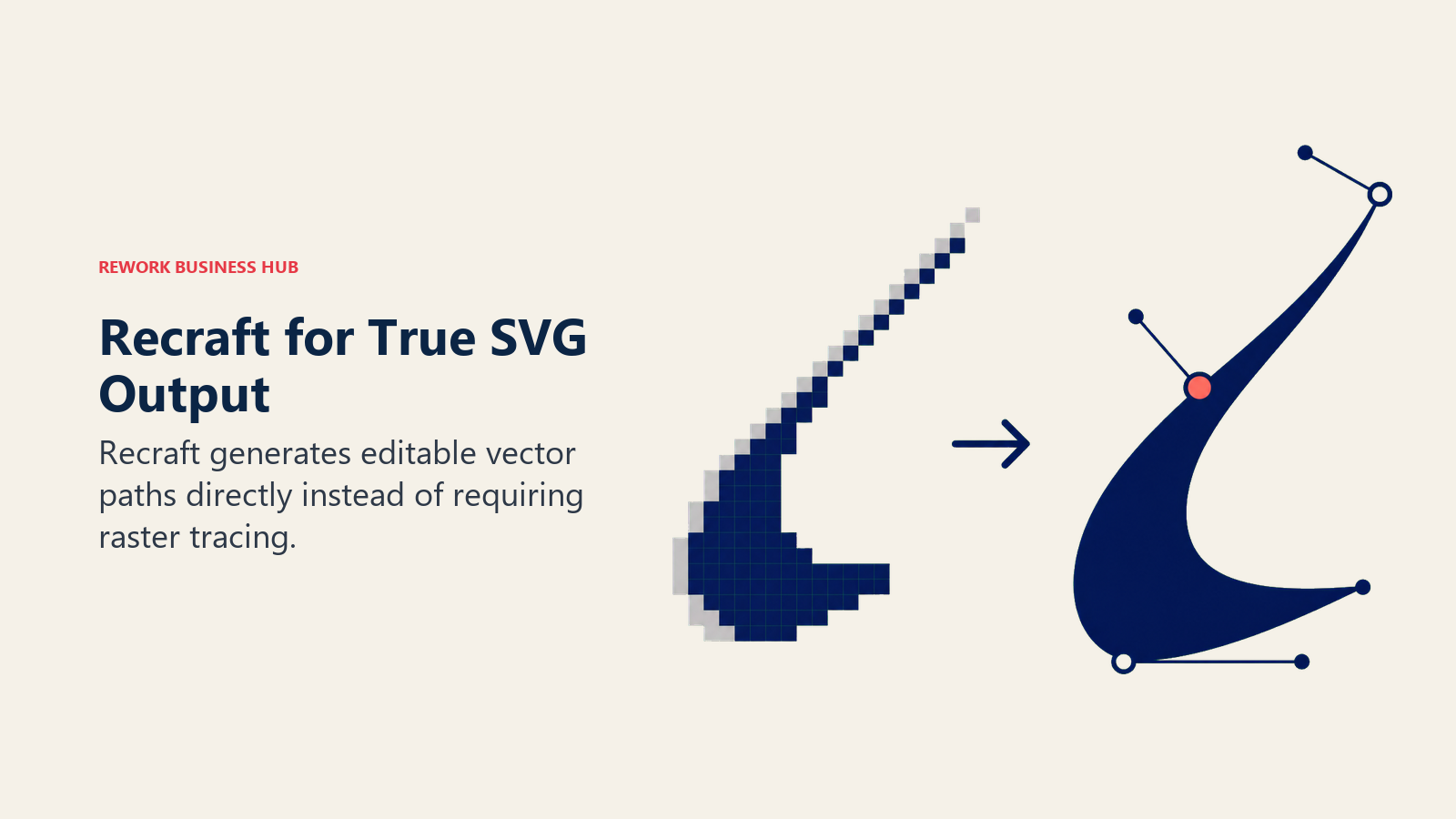
The dividing line in Recraft's pricing is exactly that SVG export: it's locked to the Pro plan and above. The Free plan (50 credits/day) is a decent raster image generator but not vector-capable. Basic ($10/mo, 1,000 credits) and Advanced ($27/mo, 4,000 credits) sit in between. Images made on the free plan are owned by Recraft and stay public; paid-plan images grant full commercial ownership and stay private. Teams that need a full vector editing workflow after export, not just the raw SVG, should also look at our best Figma alternatives guide.
| What you get | What you don't |
|---|---|
| Only major AI tool producing true SVG vector output | SVG export requires the Pro plan ($48/mo) or Team |
| Full commercial ownership and privacy on paid plans | Free-plan images are public and Recraft-owned |
| Deep credit allotments even at entry tiers | Not a guided logo wizard, more of a raw image tool |
| Team plans from $18-22/mo (annual) for collaborative use | Steeper learning curve than Looka or Canva |
Pricing: Free (50 credits/day); Basic $10/mo; Advanced $27/mo; Pro $48/mo (SVG export requires Pro+)
Best for: Teams and agencies that need real vector files for print, packaging, or merchandise, not just a web-ready PNG
12. Midjourney: Maximum Creative Range for Custom Marks
Midjourney produces the most visually striking, least generic-looking output of any tool on this list, which is exactly why professional designers and agencies use it as a concepting tool even when it isn't purpose-built for logos. If every other AI logo generator on this list feels template-driven, Midjourney is the alternative: pure prompt-to-image generation with no logo wizard guiding you.
That power comes with real friction. There's no vector export, text and lettering accuracy is weaker than Ideogram's, and there's no free trial (Midjourney removed it in 2023). The Basic plan ($10/mo) gets you roughly 3.3 hours of fast GPU generation and no relaxed-mode (unlimited, slower) generation; Standard ($30/mo) and above unlock unlimited relaxed generation. Every plan includes commercial use rights, but Stealth Mode (private generations) requires Pro ($60/mo) or higher.
| What you get | What you don't |
|---|---|
| The most distinctive, least template-like AI image output | No vector export, needs manual tracing for print use |
| Commercial use rights included on every paid plan | No free trial; subscription required from day one |
| Unlimited relaxed-mode generation on Standard and up | Weaker text/lettering accuracy than Ideogram |
| Widely used by professional designers for concepting | No brand kit, business cards, or logo-specific guidance |
Pricing: Basic $10/mo; Standard $30/mo; Pro $60/mo; Mega $120/mo (20% off with annual billing)
Best for: Designers and agencies who want raw creative range for concepting, then finish the file in a vector tool afterward
One-Time Purchase vs Subscription: Which Pricing Model Fits
| Pricing Model | Tools | Best If | Watch Out For |
|---|---|---|---|
| One-time purchase, own it forever | Brandmark, LogoAI, Fiverr Logo Maker | You need exactly one logo and don't want a recurring charge | You'll pay again in full for a redesign later |
| Subscription, ongoing brand kit | Looka (Brand Kit), Canva Pro, Adobe Express Premium | You'll keep generating new assets (social, print, video) beyond the logo | Cancel and you often lose access to editable source files |
| Credit-based, pay for what you generate | Ideogram, Recraft, Midjourney | You want raw creative range and don't need a guided brand kit | Credits expire monthly on most plans; unused ones don't roll over |
| Bundled with business services | Tailor Brands, Wix Logo Maker | You're launching a full business (LLC, website) at the same time | You're paying for services you may not need if you already have them |
If you're weighing AI-generated visuals more broadly, not just logos, our best AI image generators in 2026 roundup covers the wider category these image-model-based tools (Midjourney, Ideogram, Recraft) belong to.
Logo Generator Buying Mistakes to Avoid
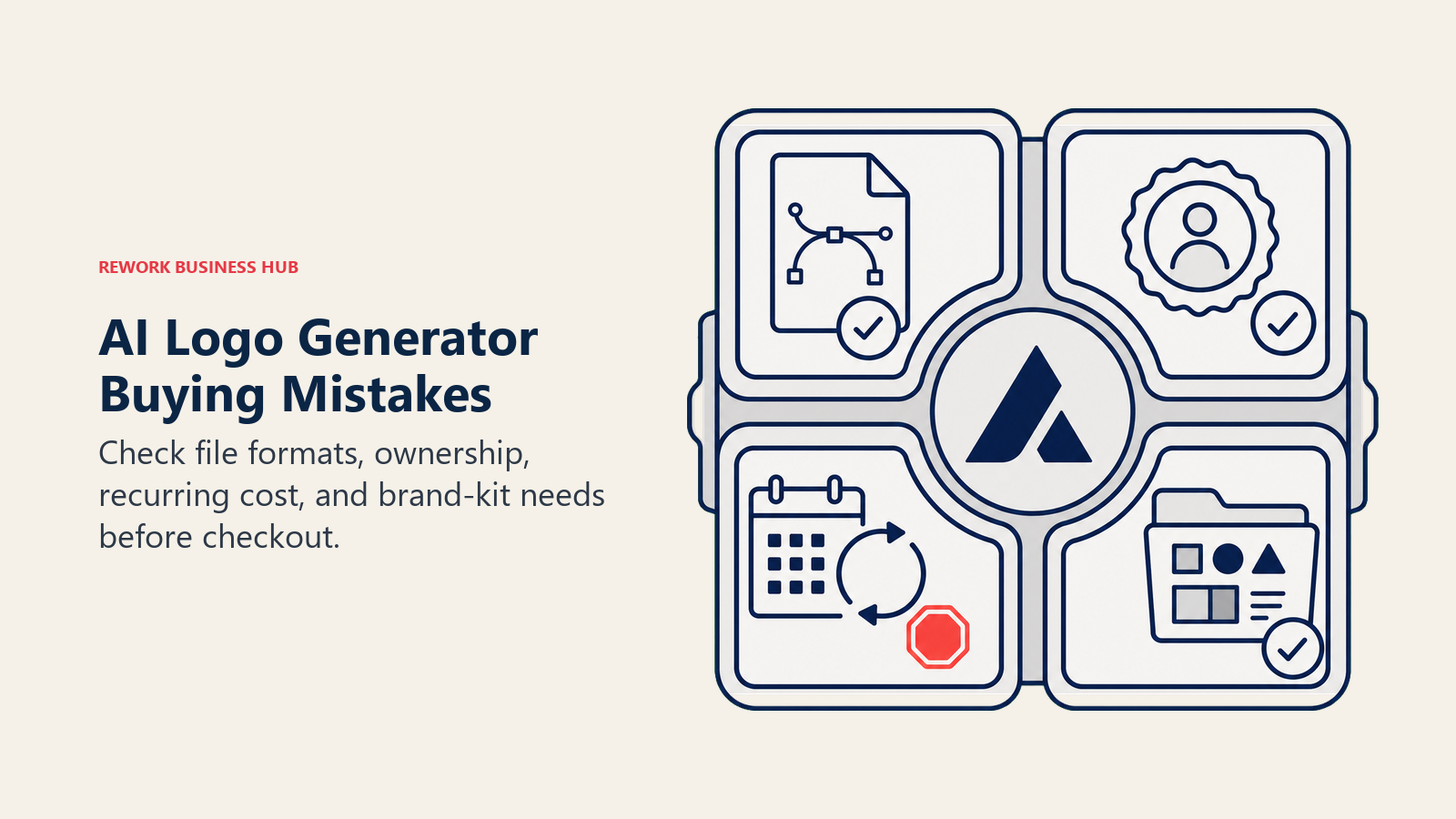
Most bad logo purchases aren't a design problem, they're a files-and-rights problem discovered after checkout. Before you pick a tool, check the mistakes below against your actual use case.
| Mistake | What It Looks Like | What to Do Instead |
|---|---|---|
| Buying the cheapest tier for a business that needs print materials | Ending up with a $20 PNG-only file, no vector version | Confirm you're getting EPS or SVG before you check out |
| Assuming "AI-generated" means "automatically trademarkable" | Discovering a competitor already uses a near-identical AI-generated mark | Run a trademark search before committing to a final design |
| Picking a subscription for a one-off logo need | Paying $15-20/mo indefinitely for a logo you designed once | Use a one-time tool (Brandmark, LogoAI, Fiverr) if you only need one logo |
| Not checking who owns the copyright | Assuming ownership when a free-tier image is actually public and vendor-owned | Read the plan's ownership terms; free tiers often don't grant full rights |
| Skipping the brand kit and building it manually later | Redoing social templates, business cards, and letterhead by hand | Buy the brand kit tier upfront if you'll need those assets anyway |
| Choosing a general AI image model without checking export formats | Generating a great-looking logo in Midjourney with no way to get a usable vector file | Match the tool to the output format you actually need |
Getting the logo right is the first step in a much bigger positioning exercise. If you're building the brand strategy behind the mark, not just the visual, our brand strategy guide for CEOs is a useful next read, and if you're about to hire for the role, the brand designer and graphic designer job description templates cover what to screen for. Founders wearing the design hat themselves in the meantime can also lean on the personal branding guide while the logo and the rest of the brand identity come together.
Decision Framework
| If you need... | Pick... | Why |
|---|---|---|
| A complete brand kit fast, minimal budget | Looka | Free design, full kit for $65-$96, widest concept variety |
| Logo built inside your everyday design tool | Canva Logo Maker | One Brand Kit reused across every other asset you make |
| Best value if already paying for Creative Cloud | Adobe Express | Premium often already bundled into existing CC plans |
| The most sophisticated AI-generated design | Brandmark | Strongest color and typography pairing of any generator |
| Logo bundled with LLC formation and a website | Tailor Brands | One subscription covers business setup, not just the mark |
| A logo that flows straight into your website build | Wix Logo Maker | Native handoff into a matching Wix site template |
| Cheapest full brand kit, no recurring charge | LogoAI | $99 one-time for the complete package |
| A logo maker bundled into a broader content suite | Designs.ai | Video, voice, and mockup tools included alongside the logo |
| AI generation with a human-designed foundation | Fiverr Logo Maker | Draws from real freelancer work, backed by a refund guarantee |
| Accurate lettering or a wordmark-driven design | Ideogram | Best text rendering of any AI image model tested here |
| True vector (SVG) files for print or merchandise | Recraft | Only major AI tool producing production-ready vector output |
| Maximum creative range for concepting | Midjourney | Most distinctive raw image output, used by professional designers |
What to Do Next
Pick your use case first, not your favorite-looking logo. If you need one print-ready mark and nothing else, a one-time tool (Brandmark, LogoAI, or Fiverr) is cheaper than a subscription you'll forget to cancel. If you're going to keep generating brand assets past the logo, Looka's or Canva's ongoing brand kit earns its recurring cost. And if you already know you need vector files for print or merchandise, confirm that before you pay for anything, it's the single detail buyers miss most often in this category.

Principal Product Marketing Strategist
On this page
- Updated July 2026: What Changed
- Key Facts
- Quick Comparison Table
- Which Logo Generator Fits Your Situation
- 1. Looka: Most Complete AI Logo + Brand Kit
- 2. Canva Logo Maker: Best If You're Already Designing in Canva
- 3. Adobe Express: Best for Teams Already on Creative Cloud
- 4. Brandmark: Most Advanced AI Logo Engine
- 5. Tailor Brands: Logo Bundled With Business Formation
- 6. Wix Logo Maker: Best If You're Building a Wix Site
- 7. LogoAI: Cheapest Full Brand Kit, No Subscription
- 8. Designs.ai: Full Design Suite Beyond Just Logos
- 9. Fiverr Logo Maker: AI Generation Backed by Real Freelancer Work
- 10. Ideogram: Best AI Model for Text Inside a Logo
- 11. Recraft: Only Major AI Tool With True Vector (SVG) Output
- 12. Midjourney: Maximum Creative Range for Custom Marks
- One-Time Purchase vs Subscription: Which Pricing Model Fits
- Logo Generator Buying Mistakes to Avoid
- Decision Framework
- What to Do Next