Best AI Tools for LinkedIn in 2026: 13 Tools Ranked by Job
Turn this article into takeaways for your work.


Each assistant summarizes the article only for you and suggests best practices for your work.
The best AI tools for LinkedIn in 2026 split into five jobs that rarely live in one product: writing and scheduling posts (Taplio, Kleo, Supergrow, AuthoredUp, ChatGPT), tracking what's actually working (Shield Analytics), finding the right people (LinkedIn Sales Navigator, Clay), watching for buying signals across the platform (Devi AI), and automating connection requests and follow-ups (Waalaxy, Dripify, Expandi, Overloop). No single tool covers all five well, and the automation category in particular carries real account risk that most vendor pages don't mention.
This guide reviews 13 tools people are actually paying for right now, ranked on real capability and price. It also covers the part most "best AI tools for LinkedIn" roundups skip: what LinkedIn's own User Agreement says about automation, and which of these tools operate inside that line versus outside it.
What Changed in 2026
- Aware (useaware.co) shut down on August 31, 2025. Its founder cited LinkedIn's tightening API and Terms of Service enforcement as the reason. If you're still seeing "Aware" recommended on an older list, it's dead; most reviewers now point people to Taplio or Shield Analytics instead.
- Kleo rebuilt itself from a browser extension into a web app in early 2026 after LinkedIn's legal team sent a cease-and-desist over scraping. It now runs as a standalone AI writing platform with no LinkedIn data extraction.
- Clay overhauled its pricing in March 2026, replacing its old three-tier structure with a two-tier Launch/Growth model and splitting credits into separate Data Credits and Actions.
- ChatGPT Team was renamed ChatGPT Business and dropped its per-seat price, which now undercuts most people's individual Plus subscriptions once a team hits two seats.
Key Facts
- 87% of B2B marketers say LinkedIn is their top social platform, ahead of every other network, per Sprout Social's 2026 LinkedIn Statistics (citing Statista).
- 89% of B2B marketers use LinkedIn for lead generation, and 62% say it actually produces leads, per HubSpot's 2026 Marketing Statistics.
- LinkedIn's cost per lead runs roughly 28% lower than Google Ads, per Sprout Social's 2026 LinkedIn Statistics.
- LinkedIn video watch time grew 36% year over year, with video uploads up 20%, per Sprout Social's 2026 LinkedIn Statistics.
- Generative AI could add up to $463 billion in annual marketing productivity value, per McKinsey's research on AI-powered marketing and sales.
- LinkedIn's own User Agreement (Section 8.2) explicitly bans bots and automated tools for connecting, messaging, and engagement, the exact rule most of the outreach tools on this list are built to work around.
Quick Comparison Table
| Tool | Best For | Starting Price | Key Strength | Key Limitation |
|---|---|---|---|---|
| Taplio | All-in-one personal branding | $39/mo | Content, scheduling, and analytics in one place | AI features gated behind the $65+/mo tier |
| Kleo | Heavy posters wanting AI voice | $99/mo (flat) | Unlimited AI generation, no credit caps | No free trial; single expensive plan |
| Supergrow | Voice cloning + carousels | $19/mo | Turns voice notes into drafted posts | No analytics on the entry tier |
| AuthoredUp | Safe formatting + analytics | $19.95/mo | No scraping risk; formatting-only | No AI content generation at all |
| Shield Analytics | Pure performance tracking | $25/mo | Deep analytics, audience demographics | Analytics only, no writing or scheduling |
| ChatGPT | General AI drafting | Free; $20/mo Plus | Best raw drafting quality, most flexible | Nothing LinkedIn-specific out of the box |
| LinkedIn Sales Navigator | Native, ToS-safe prospecting | $119.99/mo | Zero automation risk; official data | Expensive per seat; not a writing tool |
| Clay | Data enrichment for outbound | Free; $185/mo | 100+ data sources, AI-personalized outreach | Steep learning curve; credit costs add up |
| Devi AI | Lead and keyword monitoring | $49/mo | Tracks buying signals across platforms | Monitoring only, not a posting tool |
| Waalaxy | Budget multichannel outreach | Free; €19/mo | LinkedIn + email in one sequence | Free/entry tiers cap invites low |
| Dripify | Cloud-based drip campaigns | $59/mo/seat | Simple setup, team dashboard on top tier | Full automation locked to top tier |
| Expandi | Safety-first automation | $99/mo/account | Warm-up and safety controls built in | One account per subscription, no bundling |
| Overloop | AI-personalized multichannel | $69/mo | AI campaigns across LinkedIn + email | Credit-based database pricing adds up |
1. Taplio: All-in-One LinkedIn Content Platform
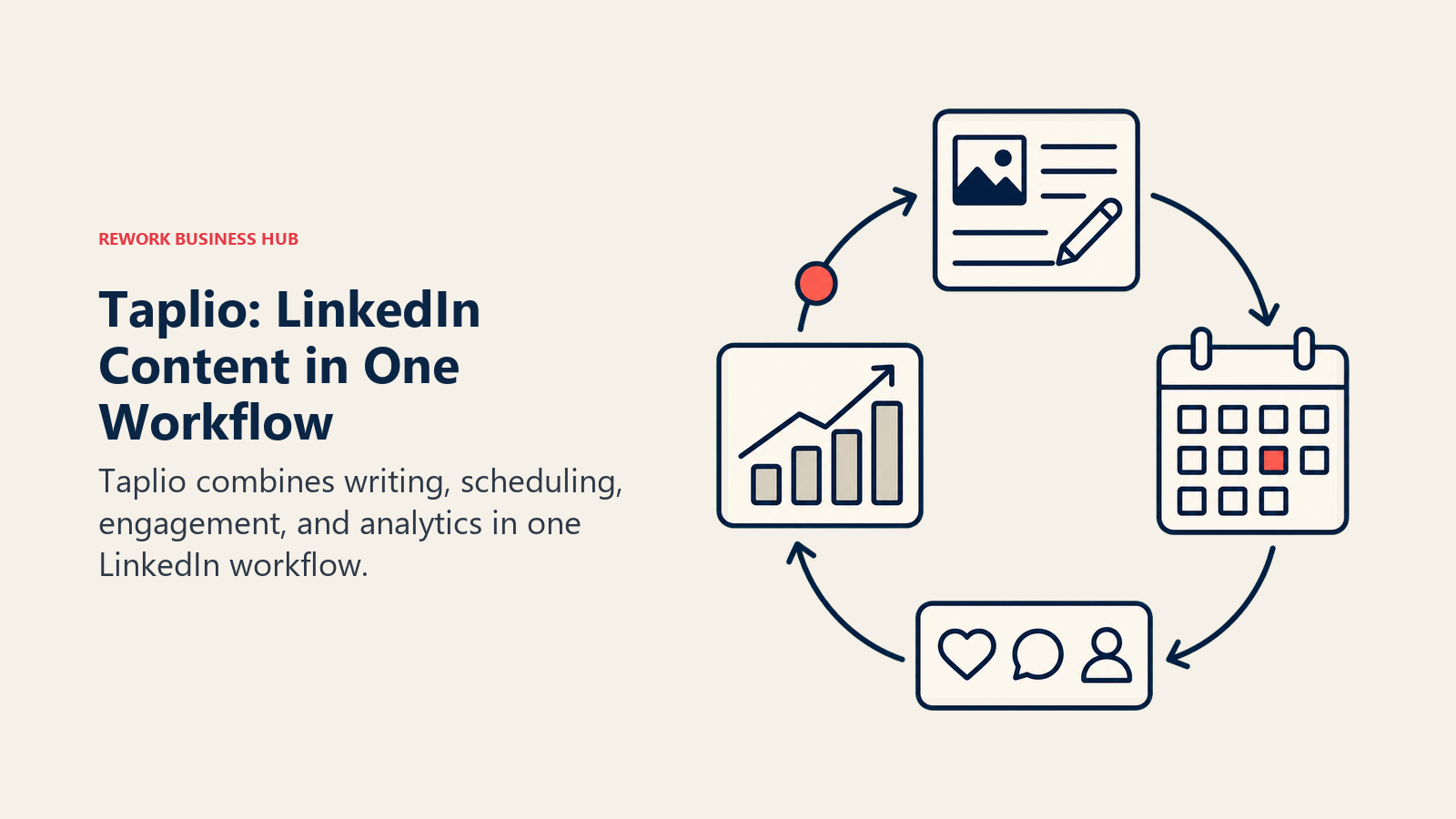
Taplio built its reputation as the default "content OS" for LinkedIn creators: a content calendar, post scheduler, AI writing assistant, and analytics dashboard in one product. It's the tool most LinkedIn ghostwriters and personal-brand consultants recommend first, mostly because it doesn't require stitching together three separate subscriptions to go from idea to published post.
The catch is tier gating. The $39/mo Starter plan gives you scheduling and basic analytics but withholds AI content generation, hook suggestions, and the carousel maker, all of which sit behind the Growth tier. If AI drafting is the reason you're buying Taplio, budget for at least $65/mo (or roughly $49/mo billed annually). For a wider view of general AI writing platforms outside the LinkedIn niche, see Jasper vs Copy.ai vs Writer.
| What you get | What you don't |
|---|---|
| Content calendar, scheduling, and analytics in one product | Core AI features require the $65+/mo Growth tier |
| 250 AI credits and 500 comment credits on Growth | Lead database and auto-DM features only on the $199/mo Pro plan |
| 7-day free trial with full Pro access | Auto-connection and auto-DM features carry standard LinkedIn automation risk |
Pricing: Starter $39/mo; Growth $65/mo ($49/mo billed annually); Pro $199/mo.
Best for: Creators and marketers who want content, scheduling, and analytics without managing three separate tools.
2. Kleo: AI Voice-Trained Writing, No Credit Caps
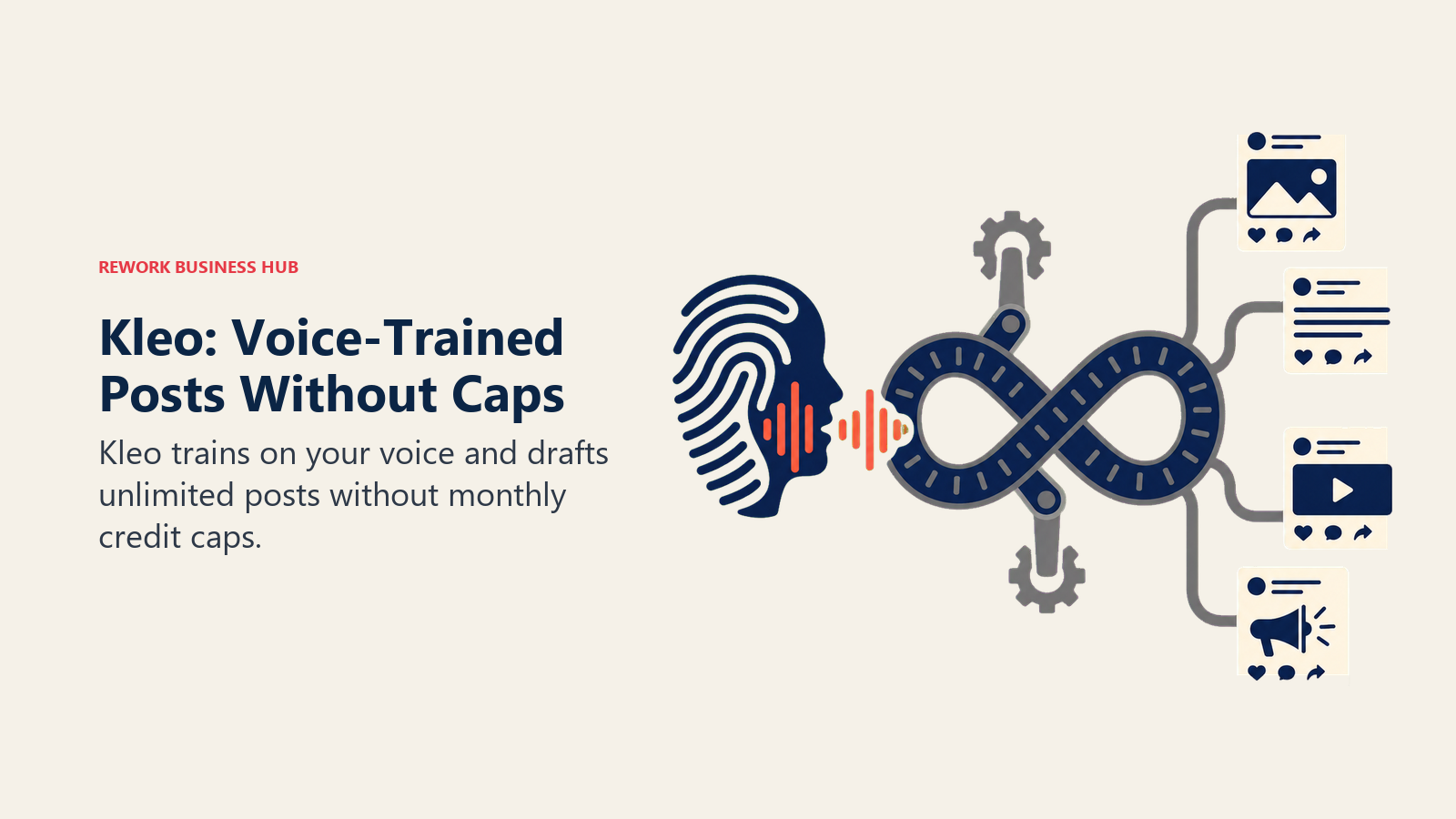
Kleo's pitch is simple: train it on your own writing voice once, then generate unlimited posts without watching a credit meter drain. It's the most aggressively AI-forward tool on this list, built for people posting four or five times a week who got tired of hitting monthly caps on cheaper plans.
Kleo's origin story is also the clearest cautionary tale in this category. It started as a browser extension that pulled engagement and feed data directly out of LinkedIn's interface. LinkedIn's legal team sent a cease-and-desist in early 2026 over that scraping, and the founders rebuilt Kleo from scratch as a standalone web app with no direct LinkedIn data extraction. The product is safer now, but it's a reminder that "AI tool for LinkedIn" and "tool that reads your LinkedIn data" aren't the same category of risk.
| What you get | What you don't |
|---|---|
| Unlimited AI post generation, no credit caps | No free trial, just a 30-day money-back guarantee |
| Persistent AI voice memory across sessions | Single flat plan, no lighter entry tier |
| Rebuilt post-2026 with no direct scraping | $99/mo is expensive for occasional posters |
Pricing: $99/mo, or $999/year.
Best for: Solo personal-brand creators publishing 3-5 posts a week who want AI voice training without credit anxiety.
3. Supergrow: Voice Notes to Drafted Posts
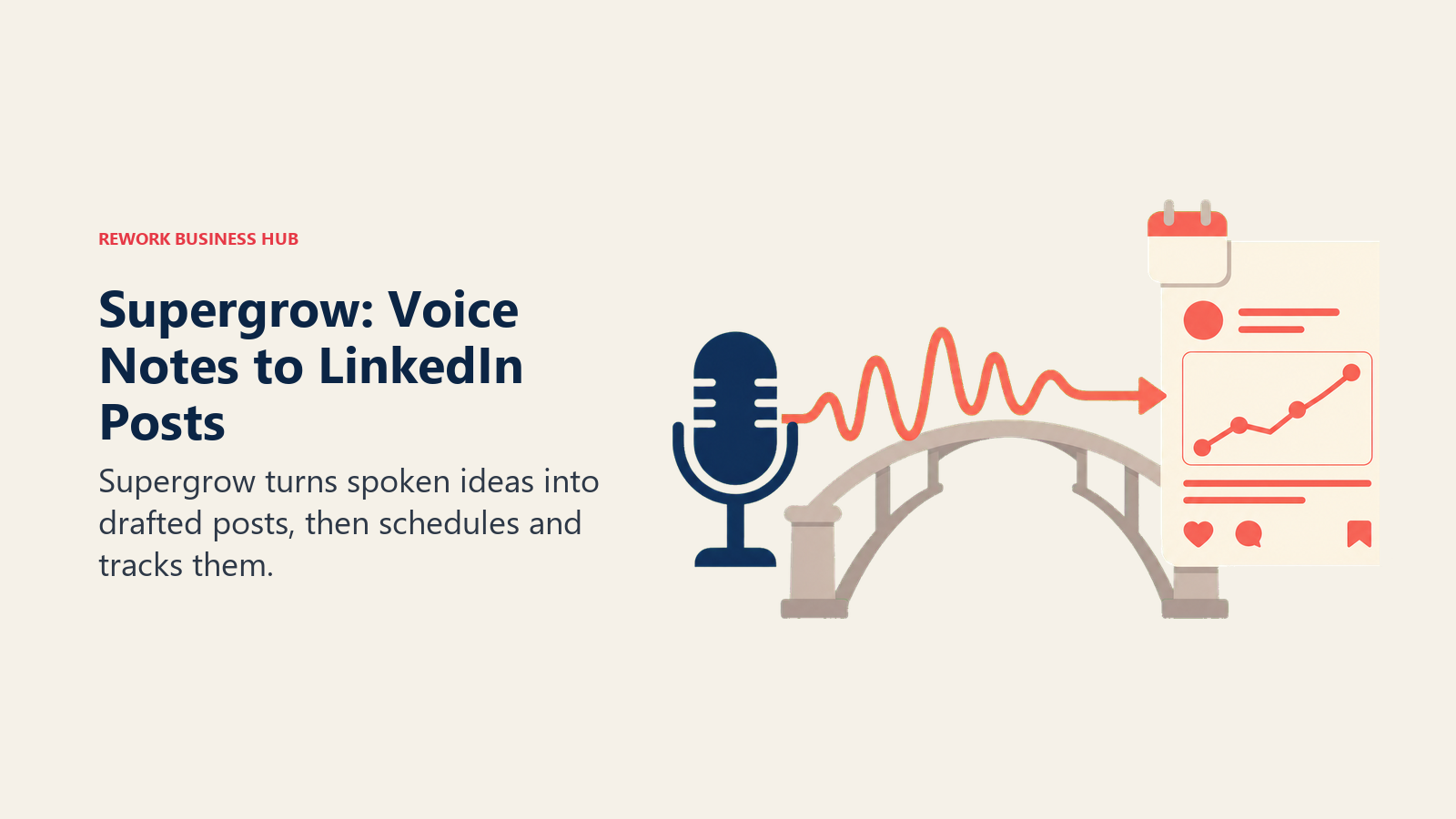
Supergrow's differentiator is turning a spoken voice memo into a formatted LinkedIn post, which matters more than it sounds for founders and execs who talk faster than they type. Its "Content DNA" feature also learns your past posts to keep AI drafts sounding like you rather than a generic prompt output.
The entry $19/mo Starter tier is genuinely cheap for what it includes, but it strips out analytics entirely and caps voice-to-post sessions at two per month. Real usage, meaning unlimited AI generation, the carousel and infographic makers, and performance analytics, requires the $39/mo Pro tier.
| What you get | What you don't |
|---|---|
| Voice memo to formatted post conversion | Analytics missing entirely from the $19/mo tier |
| Content DNA learns your writing style | Voice sessions capped at 2/month on Starter |
| Carousel and infographic makers on Pro | Team/agency features require the $139/mo tier |
Pricing: Starter $19/mo; Pro $39/mo; Teams from $139/mo.
Best for: Founders and execs who'd rather talk through a post idea than type a first draft.
4. AuthoredUp: The Safest Formatting + Analytics Tool
AuthoredUp deliberately does not generate AI content. That's the whole pitch: it's a formatting editor (line breaks, emoji, hook previews) and an analytics dashboard, nothing more, which means it never touches LinkedIn's scraping-sensitive territory the way engagement and automation tools do.
For teams that got burned by a tool losing LinkedIn access overnight (see: Aware, Kleo's original extension), AuthoredUp's narrower scope is a feature, not a limitation. You still have to write every word yourself, but you're not betting the tool's survival on LinkedIn's next enforcement sweep.
| What you get | What you don't |
|---|---|
| Formatting editor with hook and preview tools | Zero AI content generation, you write everything |
| Post-level and profile-level analytics | No scheduling automation beyond basic queuing |
| Lower structural ToS risk than scraping-based tools | Business plan requires a 3-seat minimum |
Pricing: Individual $19.95/mo; Business $14.95/seat/mo (3-seat minimum).
Best for: Teams that want formatting and analytics without the account risk that comes with AI extraction tools.
5. Shield Analytics: Deep Performance Tracking
Shield is a pure-play analytics tool: impressions, engagement rate, follower growth, and audience demographics tracked over time, exportable to CSV. It doesn't write posts or automate anything, which keeps its risk profile low and its focus narrow.
For agencies managing multiple client profiles, the per-profile pricing scales cleanly, and volume discounts kick in automatically at 10+ profiles. If you already have a writing tool and just need to prove ROI to a client or a CMO, Shield is built for exactly that conversation.
| What you get | What you don't |
|---|---|
| Full analytics dashboard, audience demographics | No writing, scheduling, or content generation |
| Multi-profile support with team roles | Enterprise/agency pricing requires a custom quote |
| Automatic volume discounts at 10+ profiles | Only useful once you have posting history to analyze |
Pricing: Personal $25/mo; Team $25/profile/mo; Enterprise custom (volume discounts at 10+ profiles).
Best for: Agencies and marketing leaders who need to report LinkedIn ROI without adding a writing tool.
6. ChatGPT: The General-Purpose Default
ChatGPT isn't a LinkedIn-specific tool, and that's exactly why it's on this list: for raw drafting quality, brainstorming hooks, or rewriting a rough idea into something postable, it's still the benchmark most LinkedIn-specific AI writers get compared against. It has no scraping component and no automation risk because it never touches your LinkedIn account directly. See our Claude vs ChatGPT vs Gemini breakdown if you're deciding which general-purpose model fits your drafting workflow best, or the best AI writing tools guide for tools built specifically around long-form editing.
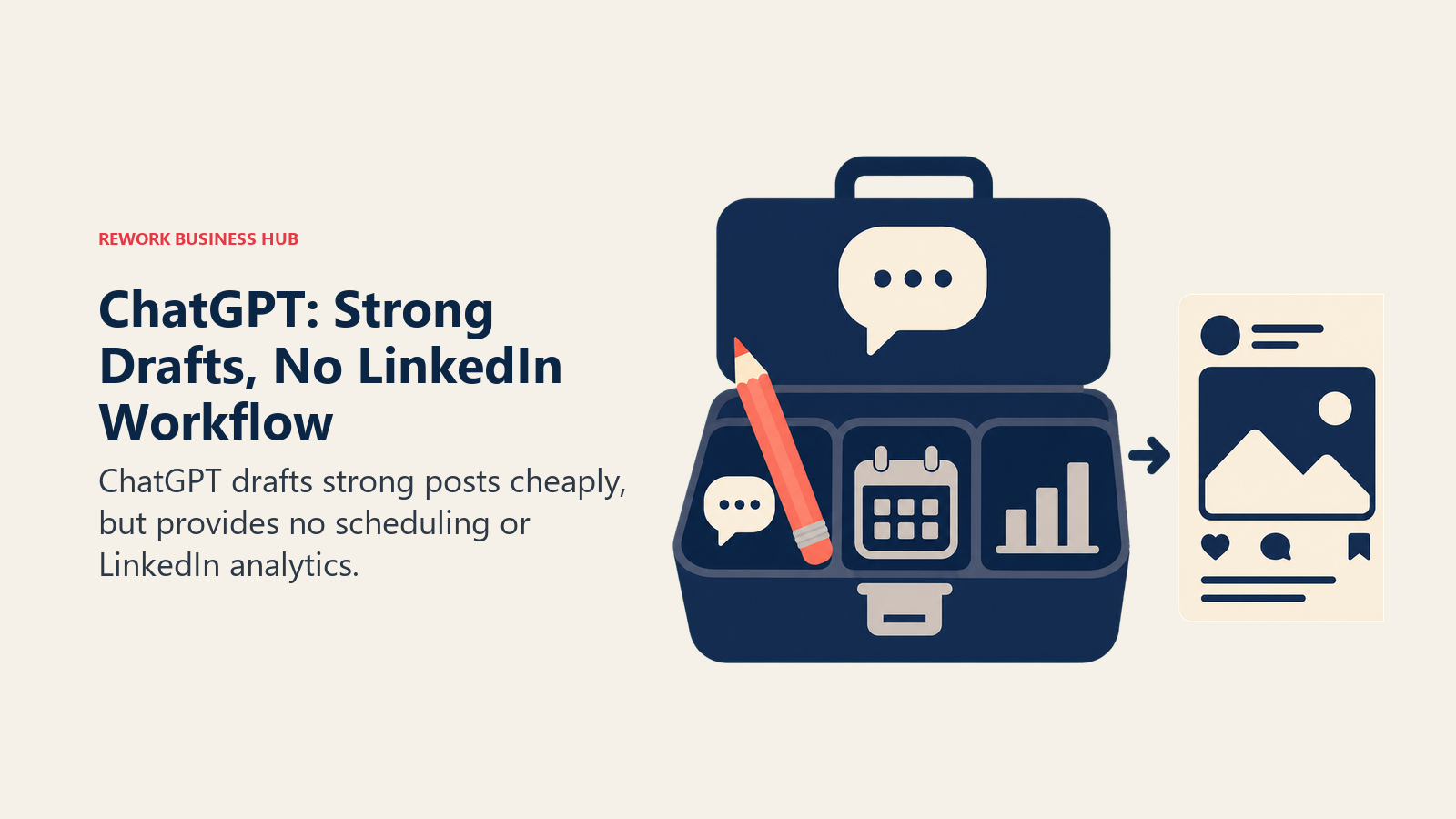
The trade-off is obvious: no scheduling, no analytics, no LinkedIn-specific templates or hook libraries. You're pasting drafts back and forth manually, which is fine for occasional posters and painful for anyone publishing daily.
| What you get | What you don't |
|---|---|
| Strongest general drafting and editing quality | Nothing LinkedIn-specific, no scheduling or analytics |
| Free tier and $20/mo Plus for individuals | Business plan needs 2+ seats to unlock team pricing |
| Zero automation or scraping risk | No memory of your LinkedIn performance data |
Pricing: Free; Plus $20/mo; Business $20/seat/mo annual (2-seat minimum); Pro $200/mo.
Best for: Occasional posters who just need strong drafts and don't need scheduling or analytics.
7. LinkedIn Sales Navigator: The Native, Zero-Risk Option
Sales Navigator is LinkedIn's own prospecting product, and it's worth including precisely because it's the one tool on this list with no ToS risk at all. Advanced search filters, saved leads, alerts, and InMail credits all run through LinkedIn's official infrastructure, so there's no cease-and-desist scenario waiting to happen.
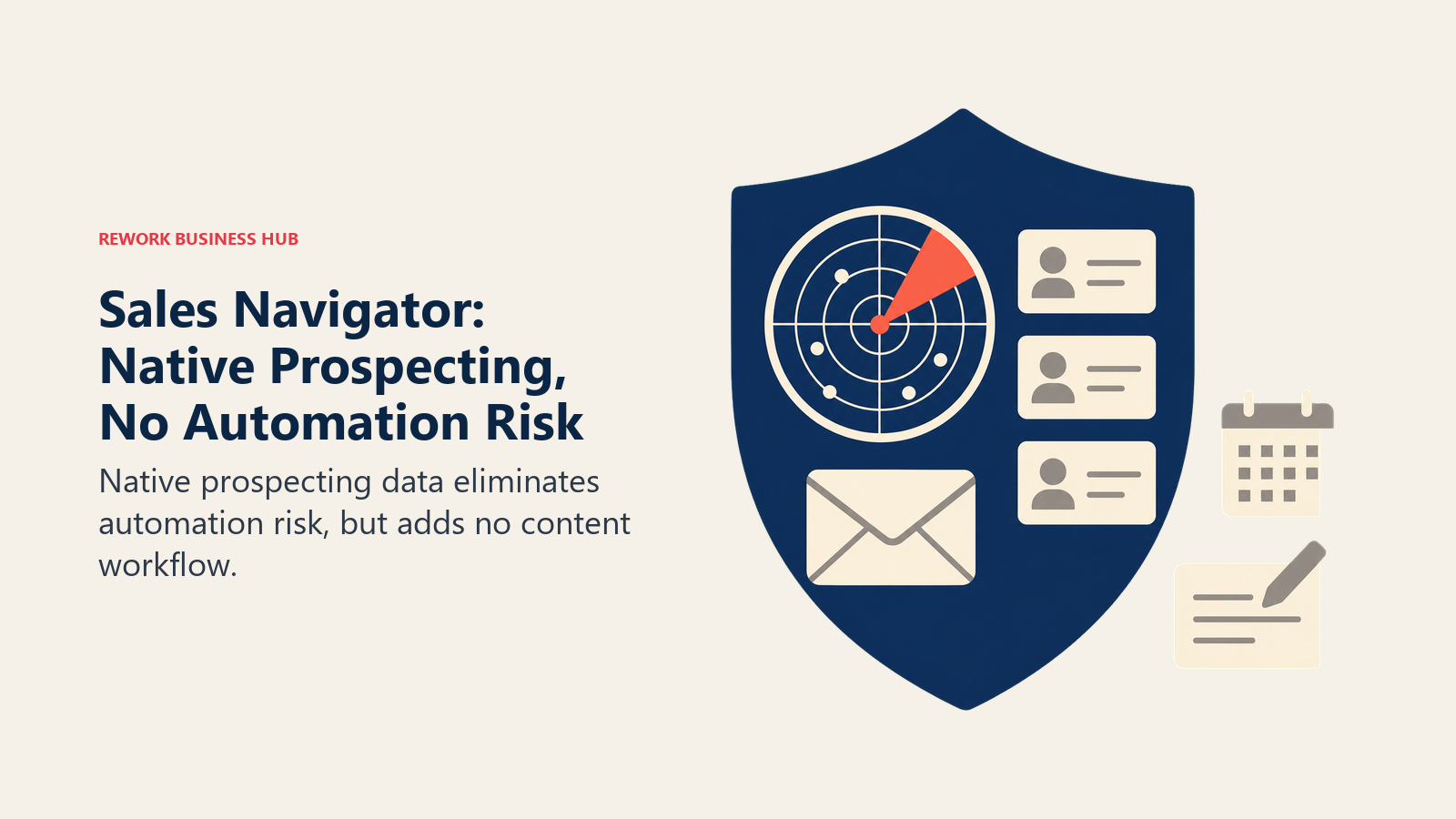
It's expensive relative to third-party tools doing narrower jobs, and it isn't a writing or scheduling product. But if prospecting is your main use case and you've read the ToS risk section below and want to stay entirely on the safe side of it, this is the starting point before you add any automation layer on top.
| What you get | What you don't |
|---|---|
| Official LinkedIn data with zero automation risk | Expensive per seat versus third-party alternatives |
| Advanced search, saved leads, alerts, 50 InMail credits/mo | No AI content generation or scheduling |
| Advanced Plus tier adds CRM sync | Higher tiers often require an annual contract quote |
Pricing: Core $119.99/mo ($89.99/mo annual); Advanced $159.99/mo; Advanced Plus custom (roughly $1,300-$1,600/seat/year).
Best for: Sales and RevOps teams that want prospecting depth without touching automation tools that risk the account.
8. Clay: AI-Personalized Data Enrichment
Clay isn't LinkedIn-specific either, but it's become one of the most common tools sitting behind LinkedIn-sourced outbound: it pulls prospect data from 100+ providers, enriches records, and uses AI to personalize outreach messaging at scale before it ever reaches a sequencing tool.
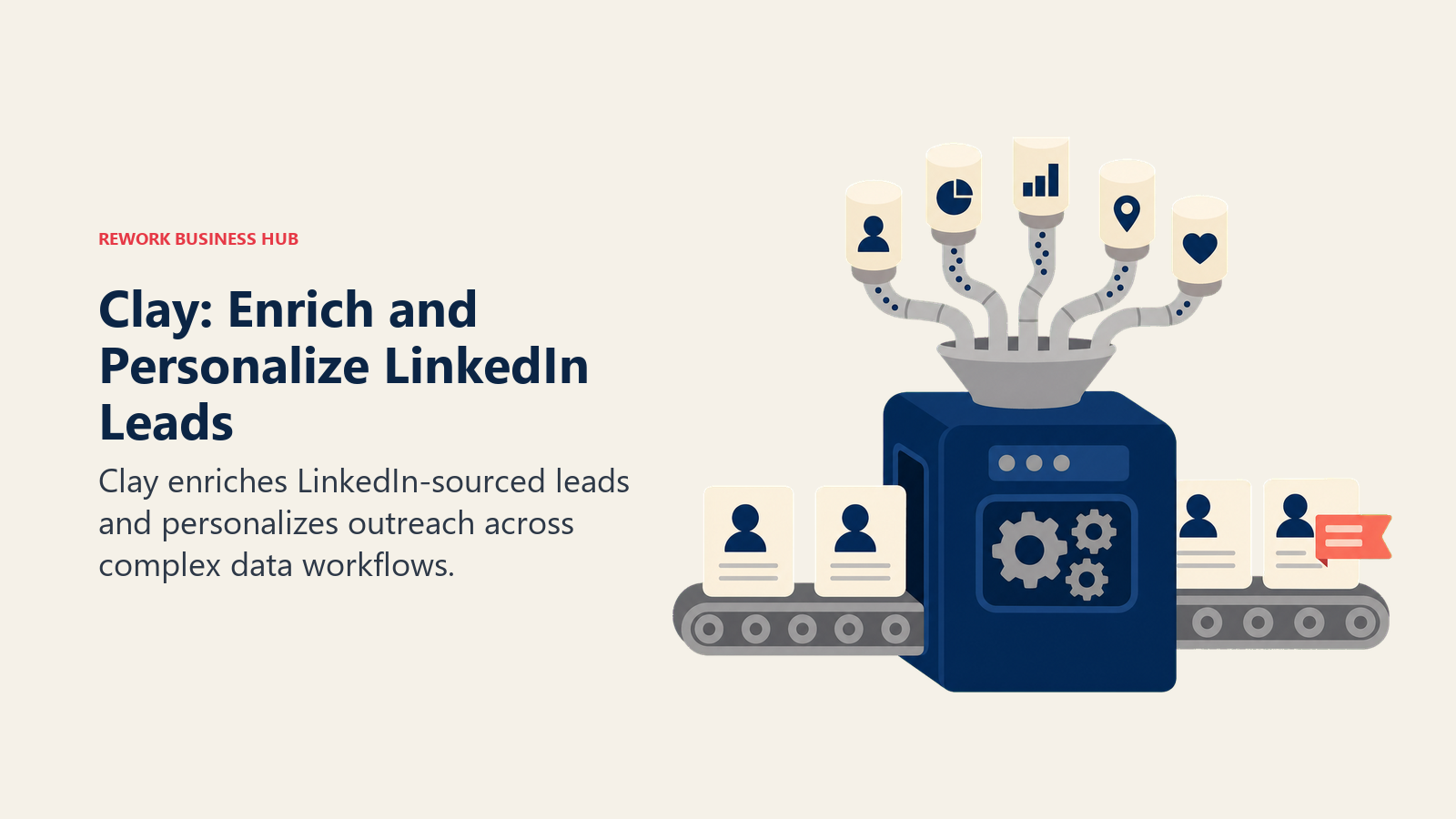
Clay overhauled its pricing in March 2026, splitting credits into Data Credits (for enrichment) and Actions (for workflow runs), which makes costs harder to estimate upfront than a flat per-seat price. The Growth plan at $495/mo is the first tier with native CRM auto-sync, a feature that used to require the much pricier Pro plan. If you're deciding where enriched LinkedIn data should land, our best CRM software guide covers the platforms Clay most commonly syncs into.
| What you get | What you don't |
|---|---|
| 100+ data providers, AI-personalized messaging | Dual credit system (Data Credits + Actions) is hard to estimate |
| Native CRM auto-sync starting on the Growth plan | Steep learning curve versus a simple sequencing tool |
| Free tier for testing before committing | Enterprise contracts can run $30K+/year |
Pricing: Free tier; Launch $185/mo; Growth $495/mo; Enterprise custom (median contract around $30,400/year).
Best for: RevOps and growth teams building AI-personalized outbound workflows on top of LinkedIn-sourced data.
9. Devi AI: Lead and Keyword Monitoring
Devi takes a different angle than every other tool here: instead of helping you post or prospect, it watches LinkedIn (and other platforms) for keywords, mentions, and buying-intent signals, then surfaces leads worth reaching out to. It's built for small teams that want a lightweight social-listening layer without a full enterprise listening platform.
Pricing scales with how many platforms and groups you monitor, which makes it flexible but also means the advertised entry price understates what full LinkedIn-plus-everything-else coverage actually costs.
| What you get | What you don't |
|---|---|
| Keyword and lead monitoring across LinkedIn + other platforms | Monitoring only, no posting or scheduling |
| Annual plan includes 2 months free | Full multi-platform coverage runs well above the entry price |
| 100% anytime refund guarantee | Best suited to small teams, not enterprise listening needs |
Pricing: From $49/mo monthly; $490/year annual (2 months free); up to roughly $121/mo for full 9-platform coverage.
Best for: Small teams that want to catch LinkedIn buying signals without a full social-listening platform.
10. Waalaxy: Budget Multichannel Outreach
Waalaxy pairs LinkedIn connection sequences with email finder credits in one workflow, and it's consistently the cheapest entry point into LinkedIn automation. The free plan alone (80 invitations/month) is enough for someone testing outreach before committing to a paid tier.
Waalaxy is also a clear example of the ToS trade-off this category runs on: it automates connection requests and messages, which sits directly against LinkedIn's Section 8.2 restrictions covered below. Stay inside LinkedIn's recommended daily limits regardless of what the tool technically allows you to send.
| What you get | What you don't |
|---|---|
| Free tier available; cheapest paid entry point | Automation carries standard LinkedIn ToS risk |
| LinkedIn + email in one sequence workflow | Free and Pro tiers cap invitations fairly low |
| Annual billing cuts price roughly in half | Inbox reply management needs a separate add-on |
Pricing: Free (80 invites/mo); Pro €19/mo; Advanced €49/mo; Business €69/mo; Enterprise custom.
Best for: Solo prospectors and small teams testing LinkedIn automation on a tight budget.
11. Dripify: Cloud-Based Drip Campaigns
Dripify runs entirely in the cloud rather than through a browser extension, which some users find lower-friction (no browser tab needs to stay open) but doesn't change the underlying ToS exposure. It's built around drip campaigns: connection requests and follow-up messages that run on autopilot once configured.
The honest catch is that full automation, A/B testing, and CSV export only ship on the $99/mo Advanced plan. The cheaper Basic tier limits you to one campaign at a time with fairly thin analytics, which undersells what most teams actually need from the tool.
| What you get | What you don't |
|---|---|
| Cloud-based, no browser session required | Full automation features locked to the $99/mo tier |
| Team dashboard and shared inbox on Advanced | Requires LinkedIn Sales Navigator for full functionality |
| A/B testing on connection and follow-up messages | Per-seat pricing gets expensive for larger teams |
Pricing: Basic $59/mo; Pro $79/mo; Advanced $99/mo (per seat; annual billing cuts roughly 33-50%).
Best for: Small sales teams wanting a straightforward cloud automation tool without agency-level overhead.
12. Expandi: Safety-First Automation
Expandi's whole positioning is built around minimizing ban risk: warm-up periods for new accounts, daily action limits tuned to LinkedIn's unofficial safe thresholds, and a blacklist feature to avoid re-contacting people. It's the automation tool most often recommended by people who've been burned by a ban on a cheaper competitor.
"Safety-first" doesn't mean "risk-free." Expandi still automates connection requests and messaging, which is the exact behavior LinkedIn's User Agreement prohibits. It reduces the odds of detection; it doesn't eliminate the underlying ToS violation.
| What you get | What you don't |
|---|---|
| Warm-up periods and daily limits tuned for safety | Still violates LinkedIn's automation terms, just more carefully |
| One LinkedIn account per $99/mo subscription | Personalized images/video require separate third-party tools |
| 7-day free trial with full feature access | No bundled multi-account pricing below Enterprise |
Pricing: $99/mo per account (monthly); $79/mo billed annually (~$950/year). Enterprise custom for 10+ accounts.
Best for: Teams that want automation with more built-in guardrails and are willing to pay per account for it.
13. Overloop: AI-Personalized Multichannel Outbound
Overloop runs sequences across both LinkedIn and email from a single inbox, using AI to personalize messaging based on a defined ICP and a 450M+ record prospect database. It's positioned for SMB and mid-market B2B teams that want one tool instead of stitching a sequencer to a separate data provider.
The credit-based pricing model means the sticker price rarely reflects what you'll actually pay. Credits deduct in real time for every prospect sourced and every email verified, so a team running high-volume outbound should model actual usage before committing to a plan.
| What you get | What you don't |
|---|---|
| LinkedIn + email sequences from one inbox | Credit-based pricing makes true cost hard to predict |
| Built-in 450M+ record prospect database | LinkedIn automation still carries standard ToS risk |
| AI-personalized messaging and follow-ups | Enterprise tier requires a custom quote |
Pricing: Starter $69/mo; Growth $99/mo; Enterprise custom.
Best for: SMB and mid-market teams that want AI-personalized LinkedIn + email outbound in one tool.
LinkedIn's Rules on Automation: What's Actually Safe in 2026
LinkedIn's User Agreement, Section 8.2 is unambiguous: members may not "use bots or other automated methods to access the Services, add or download contacts, send or redirect messages, create, comment on, like, share, or re-share posts, or otherwise drive inauthentic engagement." That single clause covers most of the outreach category on this list.
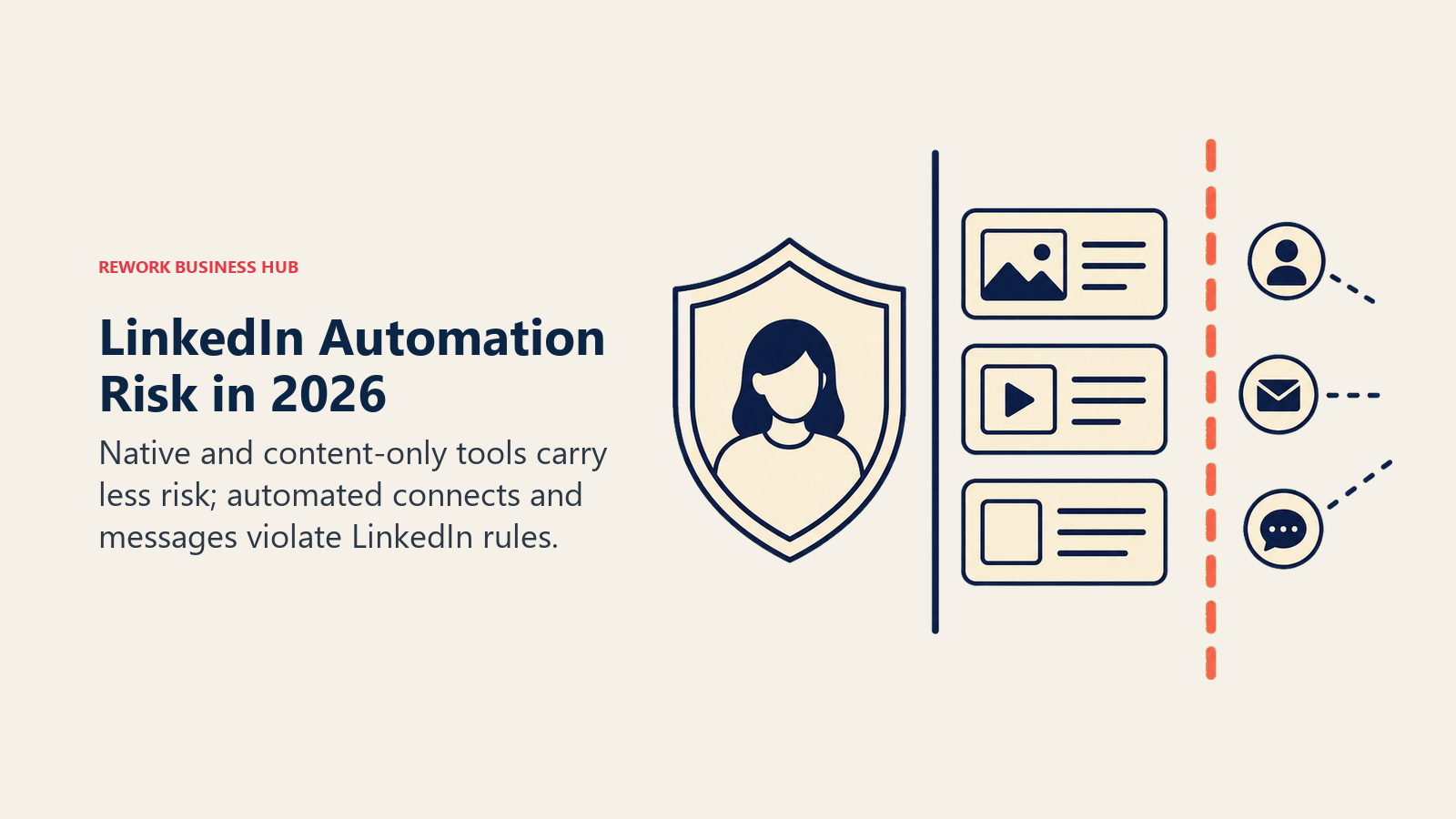
In practice, LinkedIn enforces this unevenly, which is exactly what makes the category confusing. Some accounts run automation tools for years without incident. Others get restricted or shut down with no warning. The 2026 shutdowns of Aware and the forced rebuild of Kleo, plus reports across multiple industry sources of LinkedIn cutting off at least one major cloud automation platform's access in March 2026, show enforcement moved from occasional to more active this year, even if the exact frequency isn't independently verifiable.
The practical split:
| Risk tier | What's in it | Why |
|---|---|---|
| No ToS risk | LinkedIn Sales Navigator, ChatGPT | Native LinkedIn product, or a tool that never touches your account |
| Low structural risk | AuthoredUp, Shield Analytics, Kleo (post-rebuild) | Formatting, analytics, or content generation with no scraping or auto-connect/message behavior |
| Moderate risk, tier-dependent | Taplio, Supergrow, Devi AI | Safe on content/analytics features; risk appears if you enable auto-DM or auto-connect add-ons |
| Direct ToS violation | Waalaxy, Dripify, Expandi, Overloop | Automates connection requests, messages, or engagement, the exact behavior Section 8.2 prohibits |
None of this means the automation tools are unusable. It means you should treat them the way most experienced SDR managers do: stay well under LinkedIn's informal daily limits (roughly 20-30 connection requests and 50 messages per day is the range most practitioners cite as safer), use a dedicated account rather than a founder's personal profile for aggressive outreach, and have a fallback plan for when, not if, an account gets flagged.
How to Choose: Decision Framework
The best fit depends on whether your job is content, analytics, native prospecting, enrichment, signals, or risk-managed outreach.
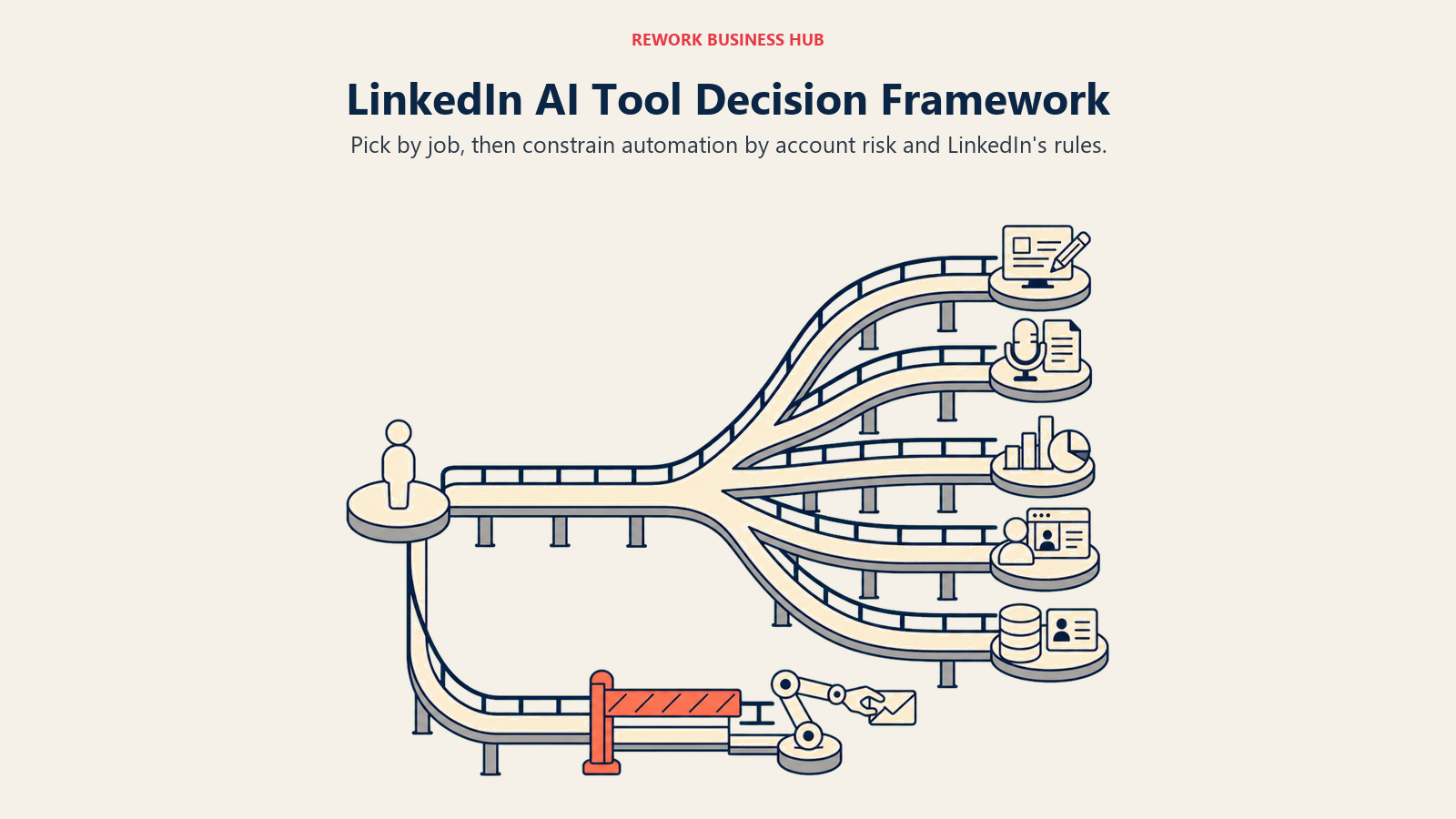
| If you need... | Pick... | Why |
|---|---|---|
| One tool for content, scheduling, and analytics | Taplio | Broadest feature set in a single subscription |
| Unlimited AI posts without credit anxiety | Kleo | Flat pricing, no monthly caps, rebuilt without scraping |
| To turn spoken ideas into drafted posts | Supergrow | Voice-to-post is its core differentiator |
| Formatting and analytics with minimal ToS exposure | AuthoredUp | No AI extraction, no automation, lowest structural risk |
| Deep performance data to report to leadership | Shield Analytics | Purpose-built analytics, multi-profile support |
| Strong general drafting without a subscription commitment | ChatGPT | Free tier available; no LinkedIn-specific lock-in |
| Zero-risk prospecting | LinkedIn Sales Navigator | The only tool here with no ToS exposure at all |
| AI-personalized outbound at scale | Clay | Deepest data enrichment, AI messaging personalization |
| Early warning on buying signals | Devi AI | Purpose-built for keyword and lead monitoring |
| The cheapest way to test LinkedIn automation | Waalaxy | Free tier, lowest paid entry price |
| Automation with the strongest built-in safety controls | Expandi | Warm-up periods, daily limits, blacklist features |
| LinkedIn + email in one AI-personalized sequence | Overloop | Multichannel with a built-in prospect database |
Frequently Asked Questions about AI Tools for LinkedIn
What's the best AI tool for LinkedIn in 2026?
There's no single best tool because the category splits by job. Taplio is the strongest all-in-one for content, scheduling, and analytics. ChatGPT is the best general drafting tool if you don't need LinkedIn-specific features. LinkedIn Sales Navigator is the safest choice for prospecting since it carries no ToS risk.
Is LinkedIn automation software against the rules?
Yes. LinkedIn's User Agreement, Section 8.2, explicitly prohibits bots and automated methods for connecting, messaging, and engagement. Tools like Waalaxy, Dripify, Expandi, and Overloop operate in direct conflict with that clause, even though enforcement has historically been inconsistent.
What happened to Aware (useaware.co)?
Aware shut down on August 31, 2025. Its founder cited LinkedIn's tightening API and Terms of Service enforcement as the reason. If you see it recommended on an older list, treat that list as outdated.
What's the difference between LinkedIn Sales Navigator and a tool like Waalaxy or Dripify?
Sales Navigator is LinkedIn's own product, so search and data access run through official channels with zero automation risk. Waalaxy and Dripify automate connection requests and follow-up messages on top of your LinkedIn account, which is the behavior LinkedIn's terms prohibit.
Can ChatGPT write good LinkedIn posts on its own?
For drafting quality, yes, ChatGPT is a strong starting point. It has no LinkedIn-specific templates, scheduling, or analytics, so most heavy posters pair it with a tool like Taplio or AuthoredUp for formatting and publishing.
How much does it cost to run AI tools for LinkedIn personal branding?
A solo creator can run a full content stack (writing, scheduling, analytics) for $40 to $100 a month depending on the tool. Adding outreach automation on top typically adds another $60 to $150 a month per account.
Which LinkedIn AI tools are safest to use long term?
LinkedIn Sales Navigator carries zero ToS risk because it's LinkedIn's own product. AuthoredUp and Shield Analytics are low-risk because they don't automate connections or messages. Any tool that auto-sends connection requests or messages, regardless of how it markets its "safety features," is operating against LinkedIn's terms.
Do I need LinkedIn Sales Navigator to use outreach automation tools like Dripify or Waalaxy?
Not strictly, but several automation tools, including Dripify, note that full functionality (search depth, filters, InMail-adjacent features) works better with a Sales Navigator subscription layered underneath, which adds to the real monthly cost.
What to Do Next
Pick one tool from the content-creation cluster and one from either the prospecting or automation cluster, not five tools at once. Run a 30-day trial with real posts and real outreach volume before committing annually, and if you add any automation tool, start well under LinkedIn's informal daily limits rather than testing the ceiling in week one.
If your team is evaluating AI tools across other functions too, the best AI tools for content writers, best AI tools for social media, and best AI tools for SDRs guides cover the adjacent categories most LinkedIn-heavy teams end up needing next. And if LinkedIn prospecting is feeding a broader outbound motion, the best AI tools for business development and best AI marketing tools roundups pick up where this one leaves off.

Principal Product Marketing Strategist
On this page
- What Changed in 2026
- Key Facts
- Quick Comparison Table
- 1. Taplio: All-in-One LinkedIn Content Platform
- 2. Kleo: AI Voice-Trained Writing, No Credit Caps
- 3. Supergrow: Voice Notes to Drafted Posts
- 4. AuthoredUp: The Safest Formatting + Analytics Tool
- 5. Shield Analytics: Deep Performance Tracking
- 6. ChatGPT: The General-Purpose Default
- 7. LinkedIn Sales Navigator: The Native, Zero-Risk Option
- 8. Clay: AI-Personalized Data Enrichment
- 9. Devi AI: Lead and Keyword Monitoring
- 10. Waalaxy: Budget Multichannel Outreach
- 11. Dripify: Cloud-Based Drip Campaigns
- 12. Expandi: Safety-First Automation
- 13. Overloop: AI-Personalized Multichannel Outbound
- LinkedIn's Rules on Automation: What's Actually Safe in 2026
- How to Choose: Decision Framework
- What to Do Next