Best AI Resume Builders in 2026: 12 Tools to Land More Interviews
Turn this article into takeaways for your work.


Each assistant summarizes the article only for you and suggests best practices for your work.
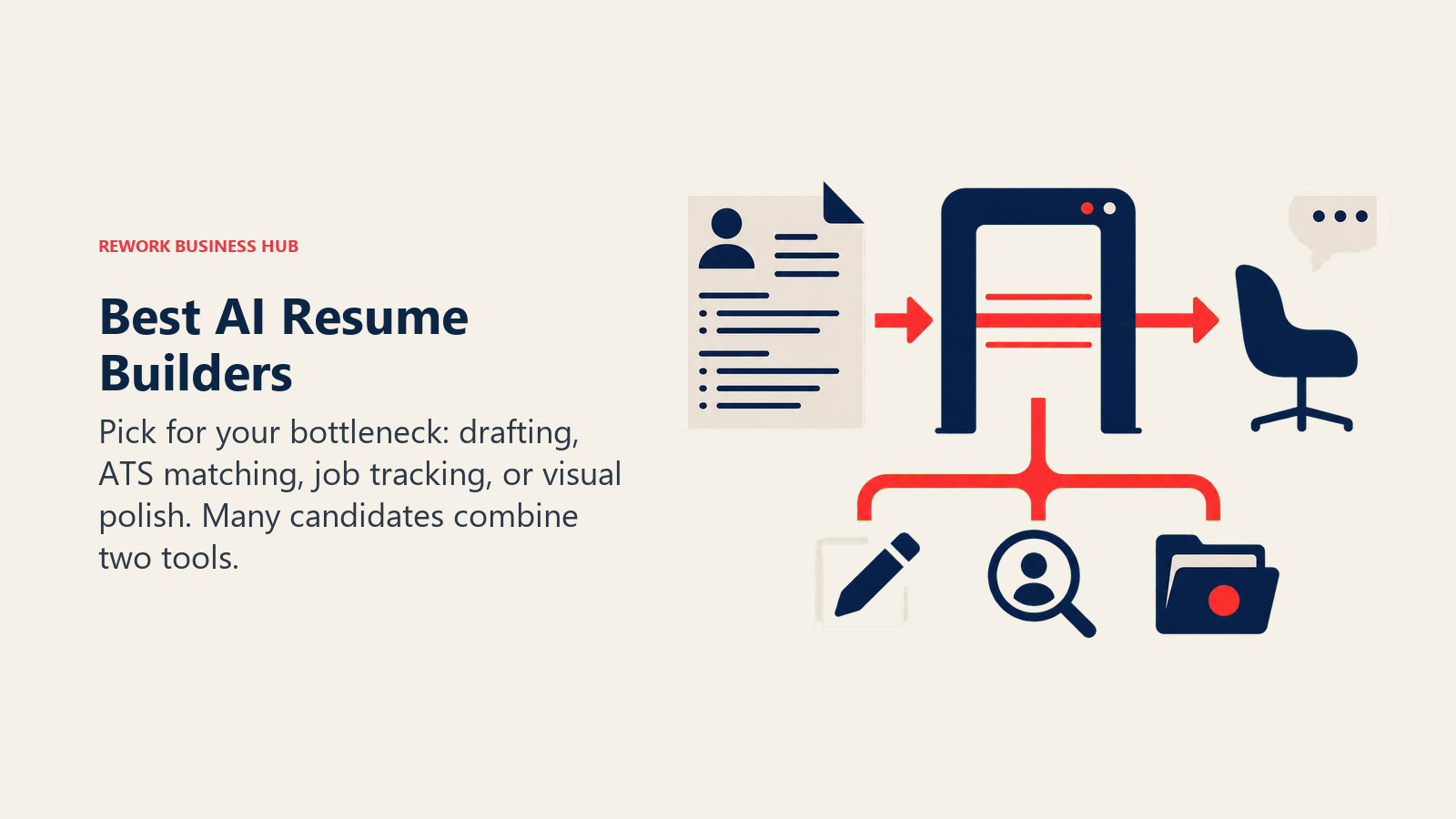
No single AI resume tool covers the whole job search. ChatGPT and Claude are the strongest general-purpose drafting engines and cost nothing to try, Teal and Huntr bolt AI writing onto a full job tracker, Rezi and Jobscan are built specifically to chase an ATS match score, and Enhancv and Novoresume lead on design for candidates who want a resume that also looks good. Most job seekers end up combining two of these, not paying for one all-in-one platform.
This guide evaluates 12 tools on drafting quality, ATS optimization, pricing, and how well each fits into a real job search rather than a demo. Resume tool pricing changes often and several vendors here run short, auto-renewing trials, so treat any price older than a quarter as stale and re-check before you subscribe.
Updated July 2026: What Changed
- General-purpose chatbots are now the most common way job seekers use AI on a resume. Among job seekers who use AI at all, 59% use it to write their resume and 48% to write cover letters, per Resume Genius's 2026 U.S. Job Seekers Survey (Pollfish, 1,000 respondents, published April 2026). That's ChatGPT and Claude usage, not dedicated resume software.
- Novoresume added a Skill Gap Analyzer that compares your listed skills against a target job description and flags what's missing, closing part of the gap with dedicated ATS tools like Jobscan.
- Short auto-renewing trials are now the default funnel across the category. Resume.io, Zety, and Enhancv all lead with a $2 to $25 trial that renews into a recurring weekly or four-week charge unless you cancel. Read the renewal terms before you enter a card.
- The "75% of resumes get rejected by ATS" claim keeps getting repeated in marketing copy, but it doesn't hold up. A 2025 audit of 25 recruiters across 10+ ATS platforms found that 92% don't configure auto-rejection rules based on resume content, per HR Gazette's review of the research. Most ATS platforms rank and surface candidates; they don't silently discard qualified ones. That doesn't mean formatting and keywords don't matter, it means the fear-based framing a lot of resume tools use to sell subscriptions is oversimplified.
Key Facts
- 51% of organizations now use AI to support recruiting, and screening resumes is the second most common use case at 44%, behind writing job descriptions at 66%, per SHRM's 2025 Talent Trends report.
- Nearly 99% of Fortune 500 companies use an applicant tracking system to manage and screen applicants, compared with roughly 20% of small and mid-sized businesses, per SelectSoftwareReviews' 2026 ATS statistics report.
- 38% of job seekers have used AI tools somewhere in their job search, and among that group, 59% use it specifically to write or rewrite their resume, per Resume Genius's 2026 survey.
- In a widely cited eye-tracking study, recruiters spend an average of 7.4 seconds scanning a resume before deciding whether to read further, per The Ladders' research.
- AI adoption inside HR departments climbed to 43% in 2025, up from 26% the year before, per SHRM.
Quick Comparison Table
Use this table to scan all 12 tools before diving into a category. "Starting Price" is the entry paid tier; several vendors also sell a cheaper long-term plan.
| Tool | Best For | Standout Capability | Starting Price | Free Tier? |
|---|---|---|---|---|
| ChatGPT | General resume drafting and rewriting | Flexible prompting, Canvas editing, no resume lock-in | Free; Plus $20/mo | Yes |
| Claude | Tailoring a resume to a detailed job description | Strong instruction-following on long prompts | Free; Pro $20/mo ($17/mo annual) | Yes |
| Teal | Free job search organizer with resume matching | Unlimited resume versions and job tracking, free | Teal+ from $29/mo | Yes |
| Kickresume | Template variety plus AI cover letters | 40+ templates, ATS checker, personal website builder | From $19/mo (lower on longer plans) | Yes |
| Rezi | Chasing a specific ATS match score | Rezi Score with line-by-line keyword targeting | Pro $29/mo; Lifetime $149 | Yes |
| Enhancv | Modern design with real-time AI suggestions | Content Score plus one of the largest template libraries | $19.99/mo (from $13.33/mo quarterly) | 7-day trial |
| Resume.io | Fast, simple builder for non-technical users | Fastest time from blank page to finished PDF | From $6.25/mo annual | Yes (TXT only) |
| Zety | Budget builder with built-in career advice | 18 ATS-friendly templates plus a large content library | From $5.95/mo annual | Yes (TXT only) |
| Jobscan | Dedicated ATS match-rate scanning, not a builder | Detects the specific ATS behind a job posting | Premium $49.95/mo | Yes, 5 scans/mo |
| Careerflow | LinkedIn optimizer plus resume plus job tracker | One tool covering LinkedIn, resume, and interview prep | Premium $23.99/mo | Yes |
| Huntr | Job tracker with AI resume tailoring built in | Kanban-style application tracker with AI resume generation | Pro $40/mo (from $26.66/mo biannual) | Yes, 100 tracked apps |
| Novoresume | Clean minimalist templates plus Skill Gap Analyzer | New 2026 skill-gap comparison against job descriptions | $21.99/mo (from $11.67/mo annual) | 7-day trial |
How to Choose: By Primary Need
Most job seekers don't need everything in this list. Match the tool to the actual gap in your process.
| Your Gap | What Matters Most | Best Fits |
|---|---|---|
| I don't know what to write | Flexible drafting, no template lock-in | ChatGPT, Claude |
| My resume isn't passing ATS screens | Keyword matching against a specific job description | Jobscan, Rezi, Careerflow |
| I need something that looks professional fast | Design quality, templates, fast export | Enhancv, Novoresume, Kickresume |
| I'm applying to a lot of roles and losing track | Application tracking plus tailoring in one place | Teal, Huntr, Careerflow |
| I want the cheapest usable option | Low cost, no aggressive upsell funnel | Zety annual, Resume.io annual, Teal free tier |
| I need LinkedIn and my resume aligned | Cross-platform profile and resume optimization | Careerflow |
How to Choose: By Budget
| Monthly Budget | What You Can Realistically Cover | Best Fits |
|---|---|---|
| $0 | Drafting help plus basic job tracking | ChatGPT Free, Claude Free, Teal Free, Huntr Free |
| Under $10/mo | One paid tool on an annual plan | Zety Annual, Resume.io Annual |
| $10 to $25/mo | A dedicated builder or ATS scanner, monthly billing | Enhancv, Kickresume, Careerflow, Novoresume |
| $25 to $50/mo | Full ATS optimization or unlimited AI tailoring | Rezi Pro, Huntr Pro, Jobscan Premium |
| One-time only | No recurring subscription | Rezi Lifetime ($149) |
1. ChatGPT: The Default Starting Point
ChatGPT is where most job seekers already start, and the data backs that up: it's a general-purpose tool, not a resume product, but its flexibility is exactly why it's become the most common AI resume-writing tool by usage. Paste in a job description and your work history, and it will draft, restructure, and rewrite bullet points on request without forcing you into a fixed template.
Best for: Job seekers who want full control over content and don't want to be locked into a specific resume template or upsell funnel.
Key strengths:
- No cost to get real drafting help; the free tier is usable for a full resume rewrite
- Canvas gives you a side-by-side editing surface for iterating line by line
- Works for cover letters, LinkedIn summaries, and interview prep in the same conversation
- No resume-specific paywall; you own the document from the start
Limitations:
- No built-in ATS match scoring or keyword gap analysis against a specific job posting
- No resume templates or formatting; you're exporting to Word or Google Docs yourself
- Output leans generic without a detailed prompt describing your actual experience
Pricing: Free tier available; Plus $20/mo; Pro $200/mo, per ChatGPT's pricing page. See the broader best AI tools in 2026 roundup for how it stacks up outside resume writing.
Standout use case: Rewriting a resume bullet by bullet against a specific job description in one sitting, then reusing the same conversation for the cover letter.
2. Claude: Best for Tailoring Without Losing Nuance
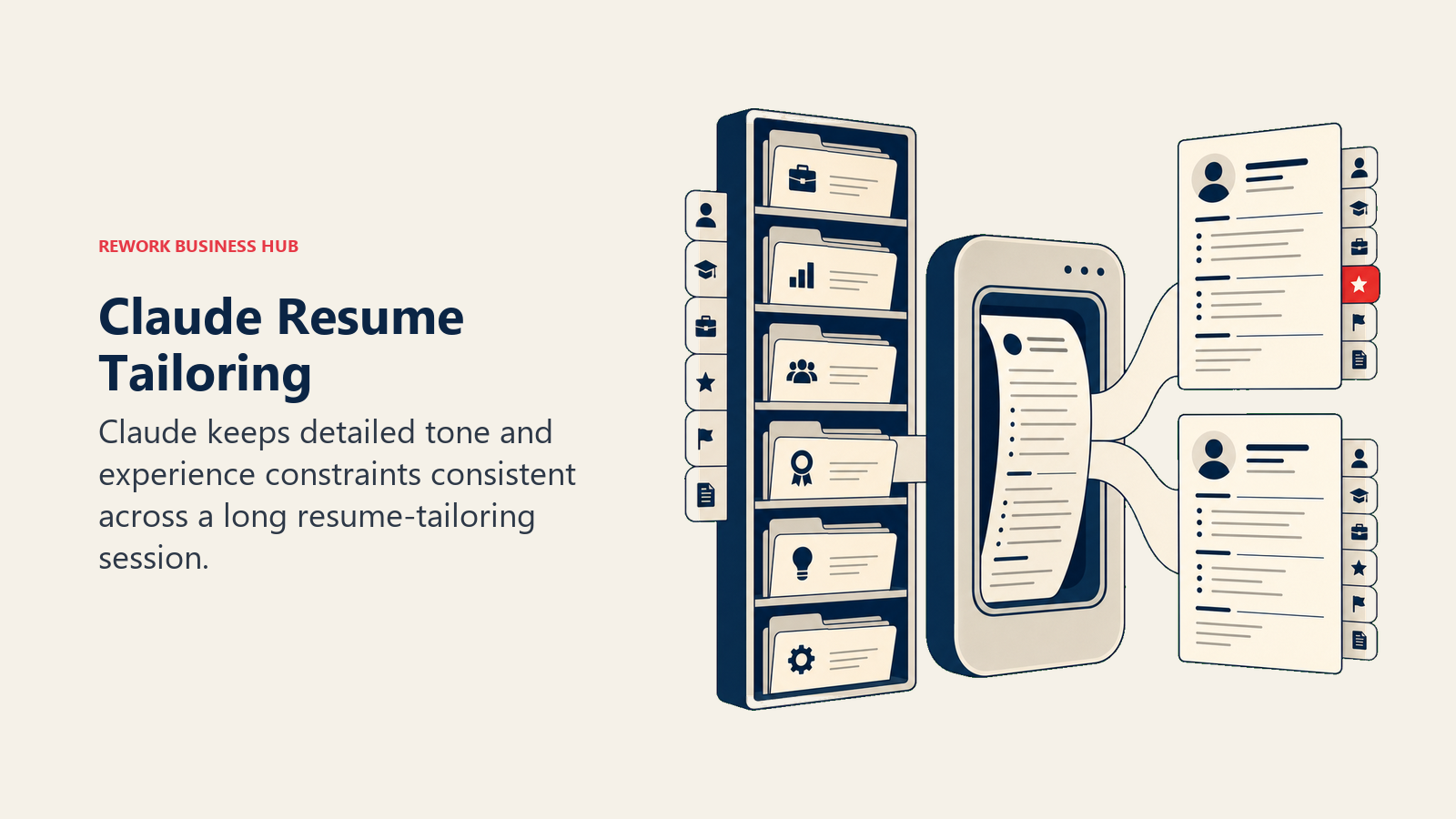
Claude's advantage for resume work is the same advantage it has for long-form writing generally: it holds onto detailed instructions across a long session better than most competitors. Paste your full work history, a target job description, and instructions on tone (concise, no buzzwords, quantify everything), and Claude tends to stay consistent with those constraints across multiple rounds of edits.
Best for: Career changers and senior professionals tailoring a dense resume to a specific role without the output drifting off-brief.
Key strengths:
- Strong adherence to detailed, multi-part instructions across a long editing session
- Large context window handles a full resume plus a long job description plus prior drafts at once
- Less generic, "AI-sounding" phrasing in default output than several competitors
- Projects feature lets you keep your work history and a target job description persistent across sessions
Limitations:
- No ATS scoring or resume-specific templates, same gap as ChatGPT
- Free tier usage limits fill up quickly during a long tailoring session
- No built-in job tracker or application organizer
Pricing: Free tier; Pro $20/mo ($17/mo billed annually); Max plans at $100/mo and $200/mo, per Claude's pricing page. For a full comparison against ChatGPT and Gemini, see Claude vs ChatGPT vs Gemini. If you also write content professionally, the best AI tools for content writers guide covers the same two tools in that context.
Standout use case: Rewriting a 15-year work history into a two-page resume tailored to one specific role without losing the details that actually matter for that job.
3. Teal: Best Free Job Search Organizer
Teal's product bet is that most job seekers need an organizer more than a resume generator, so the core tracking features stay free forever: unlimited resume versions, unlimited job tracking, a Chrome extension for saving postings, and a resume-to-job-description match scorer, all without a card on file.
Best for: Anyone running a high-volume job search who needs to track dozens of applications and versions without paying upfront.
Key strengths:
- Genuinely unlimited free resume building and job tracking, not a capped trial
- Chrome extension saves job postings and auto-fills tracker fields as you browse
- Match scorer compares your resume against a specific job description
- Career Hub resource library included at no cost
Limitations:
- AI bullet-point writing, the cover letter generator, and resume analytics sit behind Teal+
- Teal+ is sold in short cycles (weekly, 30-day, 90-day), not a discounted annual plan
- Design options on the free tier are basic compared to Enhancv or Novoresume
Pricing: Free forever plan; Teal+ $29 every 30 days, or $79 every 90 days (about $26/mo), or $13 every 7 days, per Teal's pricing page.
Standout use case: Tracking 40+ applications across different versions of your resume without losing track of which version went where.
4. Kickresume: Best Template Variety and AI Cover Letters
Kickresume leans into breadth: 40+ templates, an AI writer for both resumes and cover letters, an ATS checker, and even personal website templates built from your resume content. For job seekers who want design options beyond the handful most builders offer, Kickresume has the deepest library on this list.
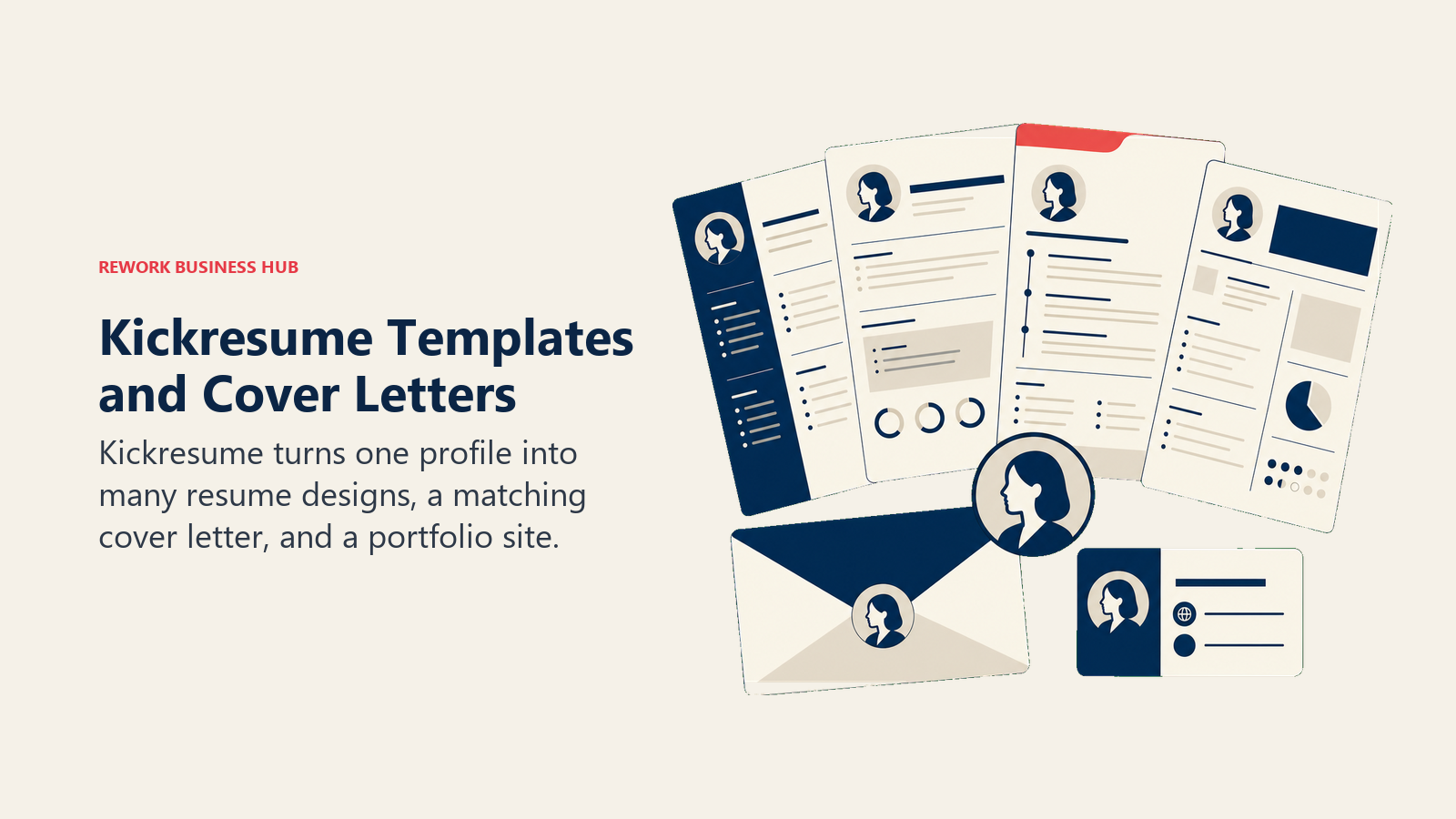
Best for: Job seekers who want a wide choice of professional templates and a matching cover letter generated from the same profile.
Key strengths:
- 40+ templates plus multiple personal website templates from the same data
- AI Writer covers resumes and cover letters in one workflow
- Built-in ATS Resume Checker flags formatting issues before you submit
- Free student access through ISIC, ITIC, or UNiDAYS verification
Limitations:
- Full AI usage, the ATS checker, and formatted exports sit behind a paid plan
- Monthly pricing is the most expensive way to buy it; quarterly and annual plans cost meaningfully less per month
- Interface leans template-first, so highly customized layouts take more manual work
Pricing: Free tier with basic customization; Premium from $19/mo (monthly), with lower effective monthly cost on quarterly and annual plans, per Kickresume's pricing page. Kickresume also runs recurring promotional discounts on top of listed prices.
Standout use case: Building a resume, a matching cover letter, and a simple personal portfolio site from one profile in an afternoon.
5. Rezi: Best for Chasing a Specific ATS Score
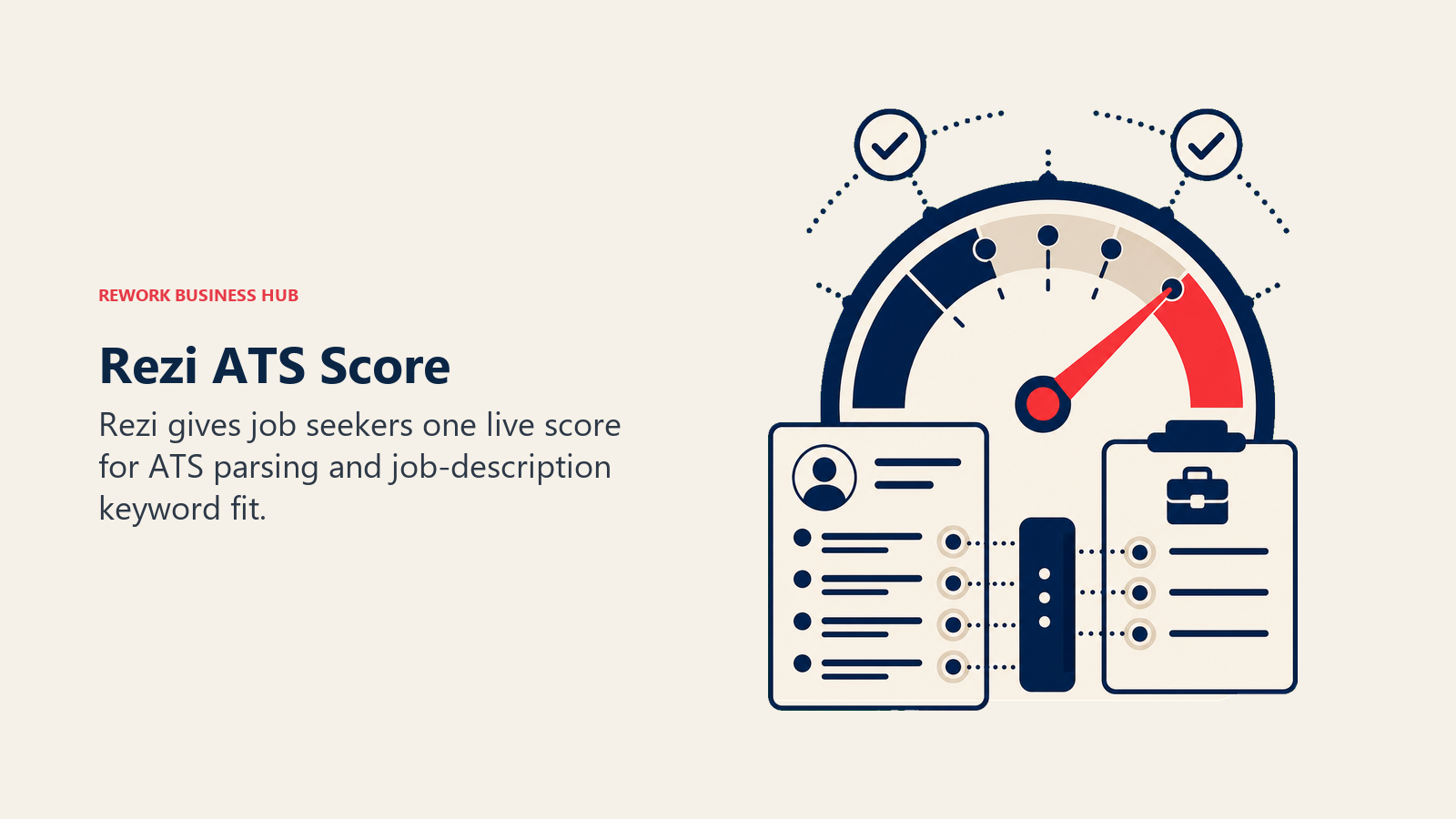
Rezi is built around one number: the Rezi Score, a real-time grade of how well your resume is likely to parse and rank in an ATS. Every section of the builder pushes toward improving that score, with keyword targeting pulled directly from a pasted job description.
Best for: Job seekers who want a single, trackable metric to optimize against rather than general design guidance.
Key strengths:
- Rezi Score gives instant, specific feedback tied to ATS parsing and keyword match
- Unlimited resumes and PDF downloads on the Pro plan
- Keyword Targeting and Analysis available even on the free tier, in limited form
- One free expert resume review per month included with Pro
Limitations:
- Template selection is narrower and more utilitarian than Enhancv or Kickresume
- Free tier caps you at one resume and three PDF downloads
- Design customization takes a back seat to ATS optimization throughout the product
Pricing: Free plan ($0, 1 resume, 3 PDF downloads); Pro $29/mo; Lifetime $149 one-time, per Rezi's pricing page. All paid plans carry a 30-day money-back guarantee.
Standout use case: Iterating a resume against a real Rezi Score until it clears a target threshold before you submit it to a specific posting.
6. Enhancv: Best Modern Design With Real-Time Suggestions
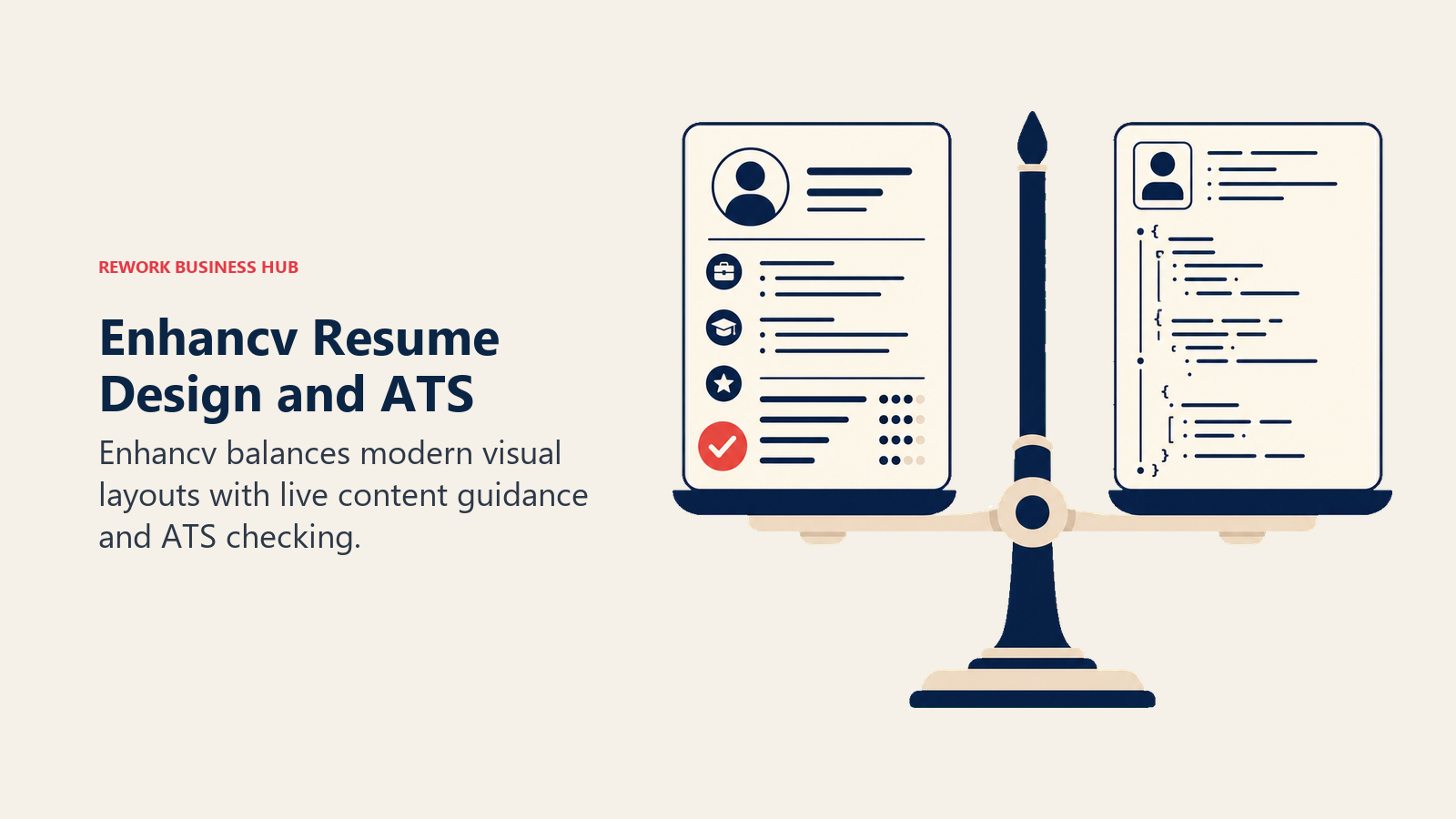
Enhancv's differentiator is visual: its template library skews toward modern, portfolio-style layouts (skill bars, timeline graphics, a "My Time" section) that stand out from the traditional two-column format most builders default to. A live Content Score and Resume Checker guide edits as you work, so design and ATS compliance get addressed in the same pass.
Best for: Job seekers in design, marketing, tech, or other visually-forward fields who want a resume that photographs well and still parses cleanly.
Key strengths:
- Large library of modern, visually distinct templates
- Real-time Content Score and ATS Resume Checker built into the editor
- AI content suggestions for rewriting weak bullet points as you go
- Matching cover letter builder included on paid tiers
Limitations:
- Free 7-day trial resumes carry Enhancv branding and are capped at 12 section items
- Pro Weekly at $24.99 is an expensive way to buy short-term access; quarterly billing is meaningfully cheaper per month
- Some of the more visual templates aren't ideal for conservative industries with strict ATS parsing requirements
Pricing: Free 7-day trial (branded, capped); Pro Weekly $24.99; Pro Monthly $19.99; Pro Quarterly $39.99 (about $13.33/mo), per Enhancv's pricing page.
Standout use case: A marketing or design candidate who wants a resume with real visual identity and still needs it to pass an ATS scan.
7. Resume.io: Best Fast, Simple Builder
Resume.io optimizes for speed over depth: pick a template, fill in guided prompts, and export a finished PDF in well under an hour. There's no steep learning curve and no design decisions you're not walked through, which is the appeal for job seekers who find other builders overwhelming.
Best for: Non-technical users who want the fastest path from a blank page to a finished, professional-looking resume.
Key strengths:
- Guided, prompt-based flow that requires no design or formatting decisions
- Fast time-to-finished-resume, often under 30 minutes
- Matching cover letter builder using the same profile data
- Annual plan brings the effective monthly cost well below most competitors
Limitations:
- Free plan only exports plain TXT, which strips all formatting
- The default flow is a $2.95 seven-day trial that auto-renews at $29.95 every four weeks if not cancelled
- Fewer deep customization options than Enhancv or Kickresume
Pricing: Free plan (TXT export only); 7-day trial $2.95 (renews at $29.95/4 weeks); Quarterly $49.95 (about $16.65/mo); Annual $74.95 (about $6.25/mo), per Resume.io's pricing page.
Standout use case: Someone who needs a clean, presentable resume today and doesn't want to spend an evening comparing templates.
8. Zety: Best Budget Builder With Career Content
Zety pairs a straightforward builder with a large library of career advice content (sample bullet points by industry, salary guidance, interview tips) baked directly into the editor. The 18 templates all lean ATS-friendly by design rather than visually experimental.
Best for: Budget-conscious job seekers who want built-in writing guidance alongside the builder itself.
Key strengths:
- Pre-written, industry-specific bullet point suggestions inside the editor
- 18 templates designed around ATS parsing rather than visual flair
- Annual plan is one of the cheapest effective monthly rates on this list
- Large adjacent content library (interview prep, salary data) at no extra cost
Limitations:
- Free plan exports plain text only, same limitation as Resume.io
- Standard entry point is a $1.95 trial that renews at $25.95 every four weeks unless cancelled
- Design flexibility is limited compared to Enhancv or Kickresume
Pricing: Free plan (TXT export only); Pro trial $1.95 for 14 days (renews at $25.95/4 weeks); Annual $71.40/yr (about $5.95/mo), per Zety's pricing page.
Standout use case: A first-time resume builder who wants both the document and the "what should I actually write" guidance in one low-cost subscription.
9. Jobscan: Best Dedicated ATS Match Scanner
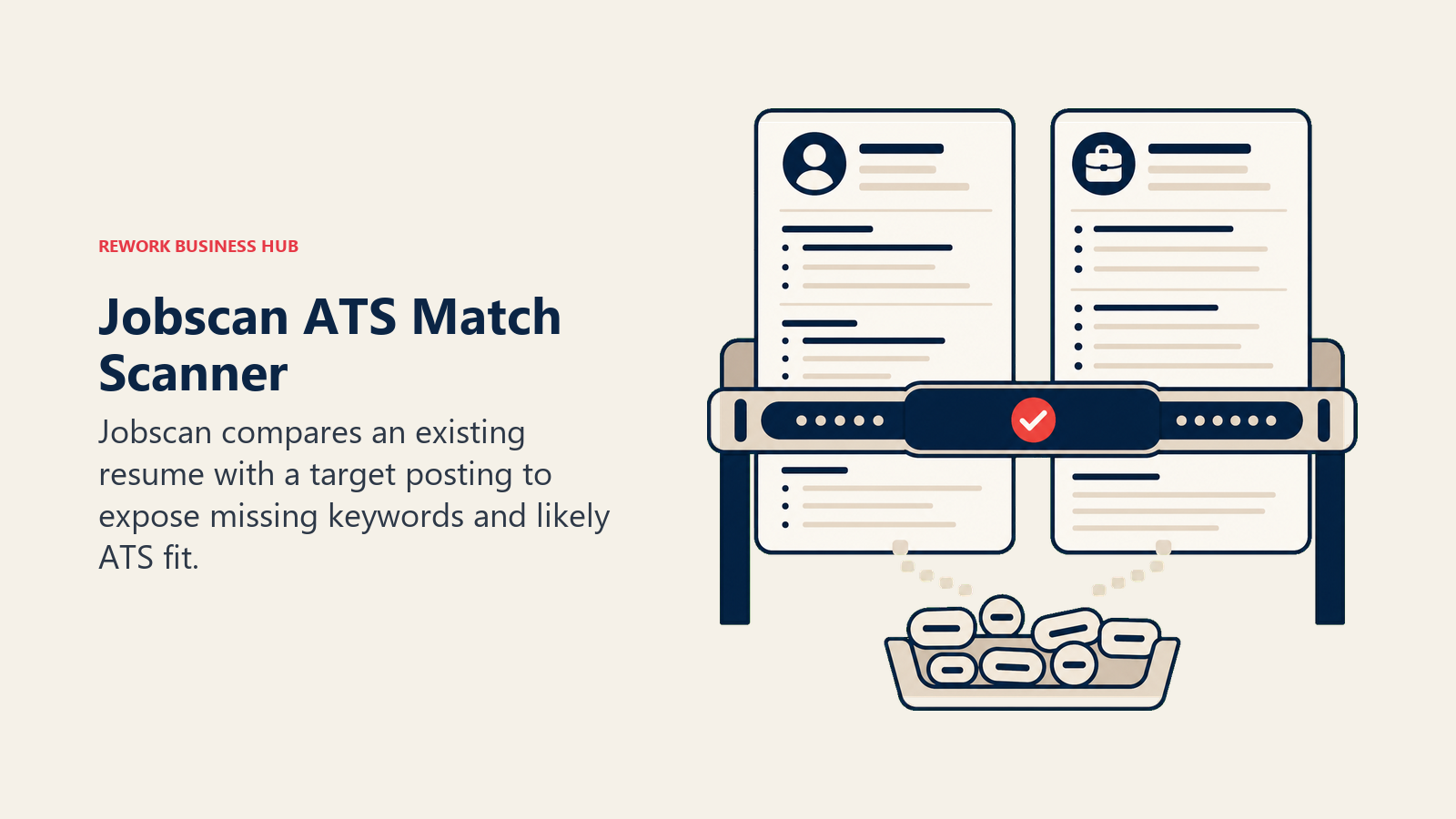
Jobscan isn't a resume builder, it's a scanner. Paste your existing resume and a target job description, and it detects which ATS is likely screening that posting, then scores your resume against the specific keywords and skills that system is weighted to rank on. It's the closest thing on this list to reverse-engineering the actual screening algorithm rather than guessing at general ATS best practices.
Best for: Job seekers who already have a resume and want to know exactly why it isn't converting to interviews before they change anything.
Key strengths:
- Detects the specific ATS behind a job posting and tailors recommendations to it
- One-Click Optimize suggests specific keyword and phrasing changes on Premium
- LinkedIn optimizer included on paid plans
- Jobscan reports its own users see up to 3x more interview callbacks after optimizing with the tool (vendor data; methodology not published)
Limitations:
- Not a builder; you still need a resume from another tool before Jobscan is useful
- Free plan caps you at 5 scans per month, not enough for an active search
- At $49.95/mo, it's one of the more expensive single-purpose tools on this list
Pricing: Free plan (5 scans/mo); Premium $49.95 billed monthly, or $89.95 billed quarterly (about $29.98/mo), per Jobscan's site.
Standout use case: Running an existing resume against 10 target job postings to find the keyword pattern you're consistently missing.
10. Careerflow: Best Combined LinkedIn and Resume Toolkit
Careerflow's pitch is that your resume and your LinkedIn profile should be optimized together, since most recruiters check both. Alongside an AI resume builder with ATS scoring, it includes a LinkedIn Profile Optimizer, application autofill, a job tracker, and, on the top tier, an AI mock interview simulator.
Best for: Job seekers who want LinkedIn optimization, resume building, and application tracking under one login instead of three separate tools.
Key strengths:
- LinkedIn Profile Optimizer included even on the free plan
- Application autofill saves time on high-volume applications
- Premium Plus adds AI mock interviews with feedback, unusual for a resume-focused tool
- Job tracker and resume builder share the same underlying profile data
Limitations:
- Free plan caps you at one resume and ten tracked jobs
- Premium Plus at $44.99/mo is priced closer to a career-coaching product than a resume tool
- Human resume review is sold as a separate add-on, not included in any subscription tier
Pricing: Free plan ($0, 1 resume, 10 tracked jobs); Premium $23.99/mo; Premium Plus $44.99/mo, per Careerflow's pricing page.
Standout use case: Aligning your resume and LinkedIn profile around the same target keywords in one sitting instead of editing them separately.
11. Huntr: Best Job Tracker With AI Resume Tailoring
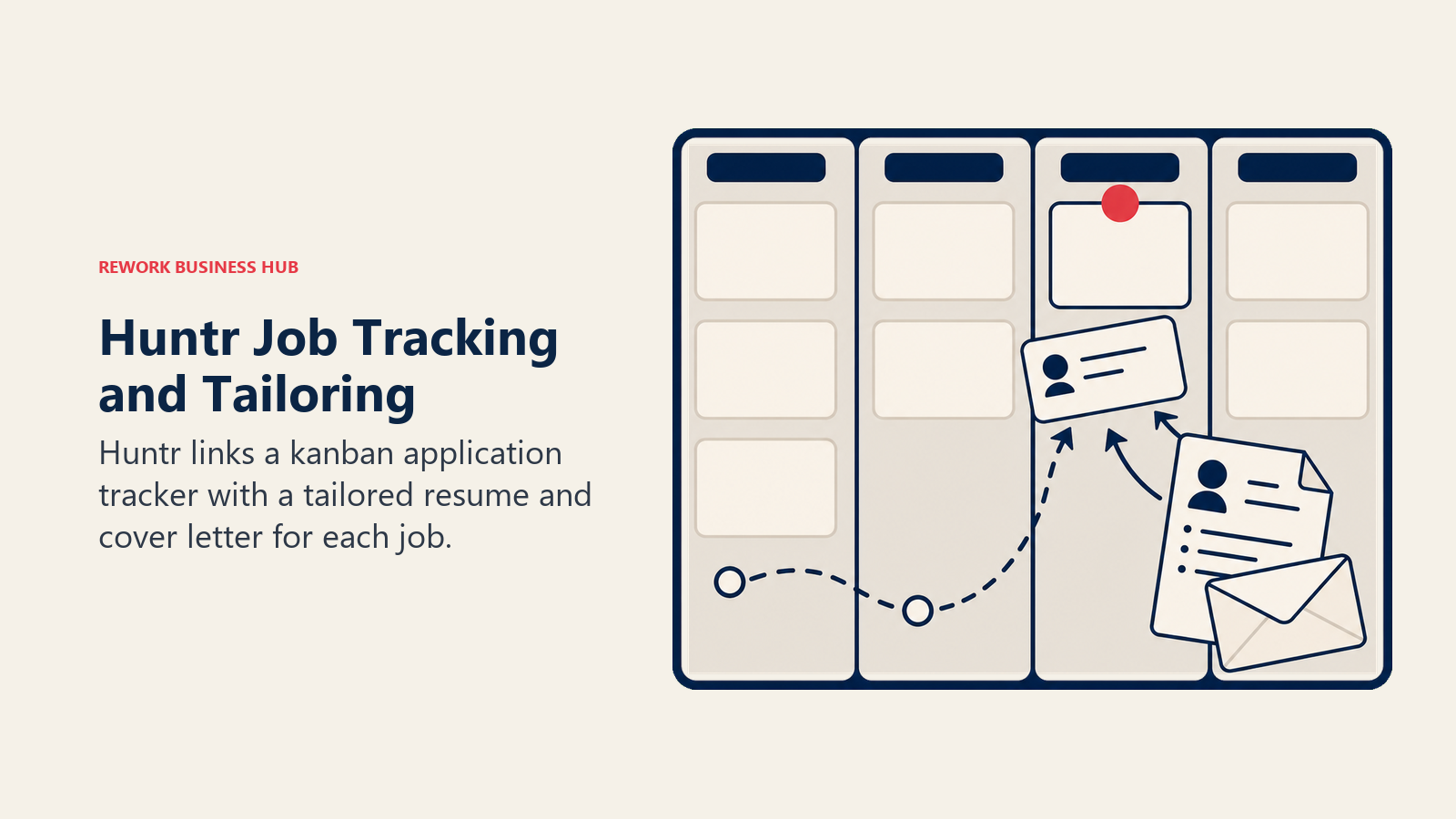
Huntr starts from the tracker, not the document: a kanban-style board for organizing every application, with AI resume generation and tailoring layered on top of the Pro plan. For job seekers already managing a search in a spreadsheet, Huntr's pitch is replacing that spreadsheet and adding AI tailoring at the same time.
Best for: High-volume job seekers who need serious application tracking and want AI-tailored resumes generated per application without leaving the tracker.
Key strengths:
- Kanban-style tracker supports up to 100 tracked applications on the free plan
- Chrome extension saves postings directly from job boards into the tracker
- Pro plan generates unlimited AI-tailored resumes and cover letters per application
- Contact management ties recruiter and hiring manager info to each tracked job
Limitations:
- Pro is the most expensive monthly price on this list at $40/mo before longer-term discounts
- AI resume generation and tailoring sit entirely behind the paid plan
- Design options are secondary to tracking and tailoring functionality
Pricing: Free plan ($0, 100 tracked applications, 2 job-tailored resumes); Pro $40/mo, or $30/mo billed quarterly ($90/3 months), or $26.66/mo billed biannually ($160/6 months), per Huntr's pricing page.
Standout use case: Someone applying to 15+ roles a week who needs both the tracking system and a tailored resume for each one without manual rework.
12. Novoresume: Best Clean Templates Plus Skill Gap Analysis
Novoresume's design language is deliberately restrained: minimalist layouts, generous white space, and a focus on readability over visual flair. New in 2026, its Skill Gap Analyzer compares your listed skills against a target job description and flags what's missing, giving it some of Jobscan's diagnostic value without a separate subscription.
Best for: Job seekers who want a clean, conservative resume design plus a quick read on skill gaps against a specific role.
Key strengths:
- Minimalist, ATS-friendly templates that work well in conservative industries
- New Skill Gap Analyzer flags missing keywords and qualifications against a job description
- Matching cover letter builder included on Premium
- Annual plan brings the effective monthly cost down meaningfully from the month-to-month rate
Limitations:
- Free plan is capped at a single one-page resume with a watermark
- Fewer visually distinct template options than Enhancv or Kickresume
- Full feature set, including the Skill Gap Analyzer, requires Premium
Pricing: Free 7-day trial (1-page, basic templates); Premium $21.99/mo; Quarterly $39.99 (about $13.33/mo); Annual $139.99 (about $11.67/mo), per Novoresume's pricing page.
Standout use case: A candidate in a traditional industry (finance, law, government) who wants a clean, conservative resume and a fast check on skill gaps before applying.
Decision Framework
Use this table as your final filter. Match your actual situation to the right tool rather than starting with the most popular one.
| If you need... | Pick... | Why |
|---|---|---|
| Free, flexible drafting with no template lock-in | ChatGPT or Claude | Full control over content, no resume-specific paywall |
| A single number to optimize your resume against | Rezi or Jobscan | Both built around a real-time ATS match score |
| The most professional-looking resume, fast | Enhancv or Novoresume | Strongest template design libraries on this list |
| A free job search organizer that scales with you | Teal | Unlimited free tracking and versioning, no card required |
| LinkedIn and resume optimized together | Careerflow | Only tool here bundling a LinkedIn optimizer with the resume builder |
| Serious application tracking plus AI tailoring | Huntr | Kanban tracker with unlimited AI-tailored resumes on Pro |
| The lowest all-in cost | Zety Annual or Resume.io Annual | Cheapest effective monthly rate among dedicated builders |
| A wide template library plus AI cover letters | Kickresume | Deepest template and personal-website library on this list |
| A one-time payment with no subscription | Rezi Lifetime | $149 once instead of a recurring charge |
If you're evaluating AI tools more broadly rather than just for a resume, the best AI tools in 2026 roundup covers the full category, and if you're on the hiring side of this process, job description best practices walks through what employers are actually optimizing their postings for, which is useful context before you tailor a resume against one.
Related Reading
- Best AI Tools in 2026: The Top 25 Across Every Category
- Best AI Tools for Content Writers in 2026
- Claude vs ChatGPT vs Gemini: Which LLM Fits Your Business in 2026
- Best HR Software in 2026
- Job Description Best Practices for Modern Hiring Teams
- Interview Scorecards vs Rubrics: 5-Step Guide
- Hiring Culture Fit vs Legal Risk
- Hiring vs Upskilling for AI: Decision Framework for Directors
Methodology
Every tool on this list was evaluated on real job-search use cases (drafting, ATS matching, design, and application tracking), not feature-sheet comparisons alone. Statistics cited above come from SHRM's Talent Trends research, Resume Genius's 2026 Job Seekers Survey, The Ladders' eye-tracking study, and SelectSoftwareReviews' ATS statistics report, each linked at first mention.
What to Do Next
Pick one drafting tool and, if you need it, one ATS-matching tool, not five subscriptions. Start with ChatGPT or Claude's free tier to get the content right, then add Rezi or Jobscan only if you're applying broadly and want a real match score against each posting. If you're on the hiring side of this process instead, note that Rework is a B2B CRM and People platform built for running hiring, onboarding, and team operations, not a resume builder itself, so it sits on the other side of this workflow entirely.

Principal Product Marketing Strategist
On this page
- Updated July 2026: What Changed
- Key Facts
- Quick Comparison Table
- How to Choose: By Primary Need
- How to Choose: By Budget
- 1. ChatGPT: The Default Starting Point
- 2. Claude: Best for Tailoring Without Losing Nuance
- 3. Teal: Best Free Job Search Organizer
- 4. Kickresume: Best Template Variety and AI Cover Letters
- 5. Rezi: Best for Chasing a Specific ATS Score
- 6. Enhancv: Best Modern Design With Real-Time Suggestions
- 7. Resume.io: Best Fast, Simple Builder
- 8. Zety: Best Budget Builder With Career Content
- 9. Jobscan: Best Dedicated ATS Match Scanner
- 10. Careerflow: Best Combined LinkedIn and Resume Toolkit
- 11. Huntr: Best Job Tracker With AI Resume Tailoring
- 12. Novoresume: Best Clean Templates Plus Skill Gap Analysis
- Decision Framework
- Related Reading
- Methodology
- What to Do Next