Best AI Tools for Job Seekers in 2026: 13 Tools for the Full Search
Turn this article into takeaways for your work.


Each assistant summarizes the article only for you and suggests best practices for your work.
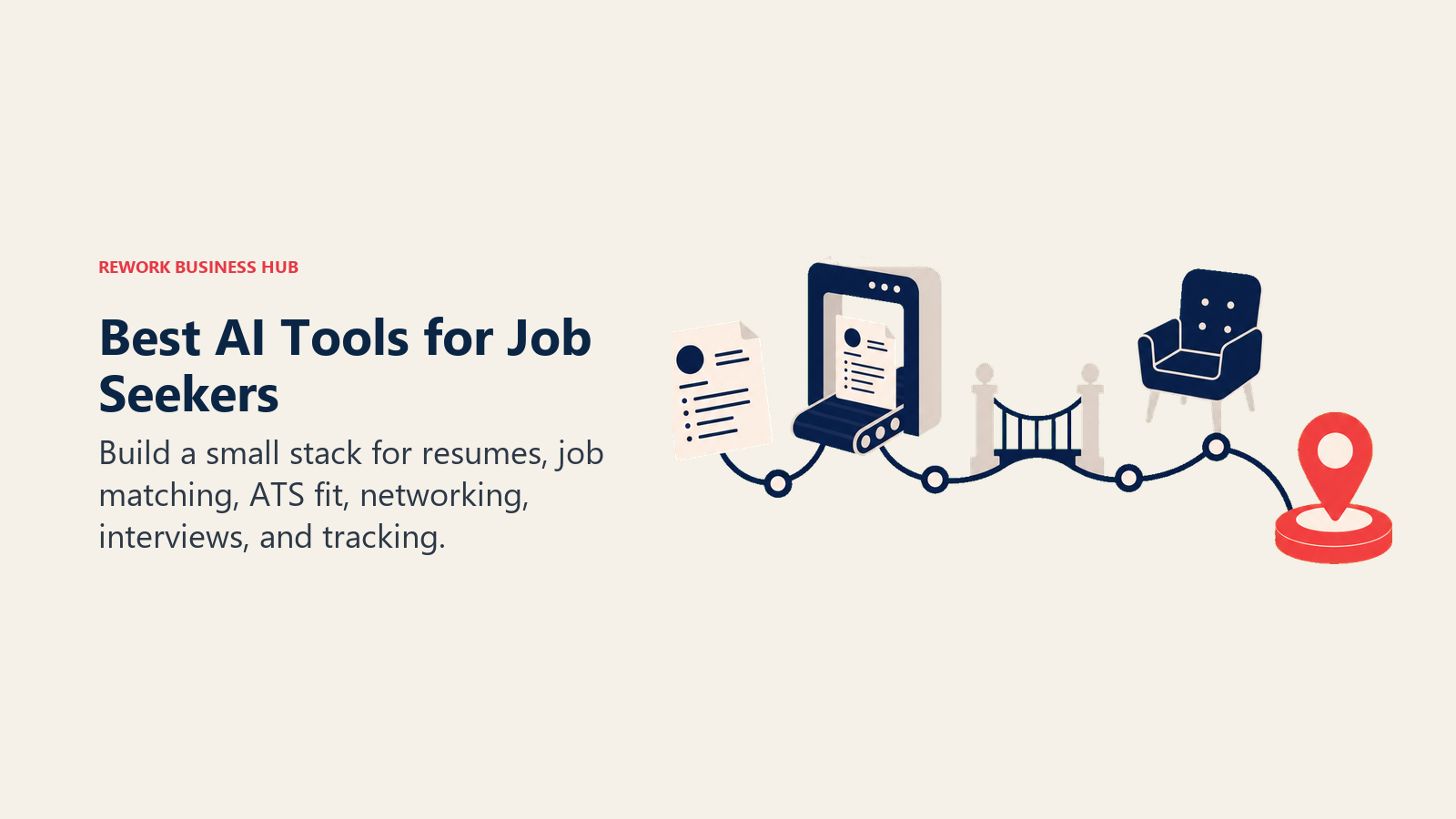
A job search isn't one task, it's six: write a resume, write a cover letter, find roles worth applying to, get past the ATS, prep for the interview, and keep track of it all without losing your mind. ChatGPT and Claude cover drafting for free. Teal and Huntr turn a spreadsheet into a real tracker. Jobscan and Rezi chase a specific ATS score. Careerflow and LinkedIn Premium Career work the networking side. Final Round AI and Yoodli handle interview prep. No single tool does all six well, so most active job seekers end up running two or three of these at once, not one all-in-one platform.
This guide evaluates 13 tools across the full job search, not just resume writing, with pricing from each vendor's public pricing page. AI job search tools change pricing and features often, several run short auto-renewing trials, so re-check before you subscribe.
Updated July 2026: What Changed
- Google shut down Interview Warmup in April 2026. The free, no-login practice tool it launched in 2022 is gone; Google now points the same traffic to Gemini Live and Career Dreamer. That leaves Yoodli's free tier and Final Round AI's free plan as the main no-cost replacements for structured mock interview practice.
- LinkedIn expanded Premium Career's AI features. Job seekers on Premium Career now get an AI job-match score against specific listings, AI-drafted InMail and connection messages, and AI profile suggestions, on top of the existing InMail credits and applicant insights.
- AI job-matching platforms like JobRight.ai are pitching themselves as the antidote to ghost jobs. About 1 in 7 active U.S. job postings, roughly 14%, stayed open more than 30 days without active hiring, per a 2026 Clarify Capital study of over 175,000 listings covered by Forbes. Job-matching tools that filter for active hiring signal are trying to solve exactly this problem, with mixed results.
- Referral-focused features are showing up in mainstream job search tools. JobRight.ai now surfaces "insider connection" emails for warm intros at target companies, an area that sits in a gray zone relative to LinkedIn's Terms of Service, so treat it with the same caution as any outreach automation.
Key Facts
- 78% of job seekers either already use AI in their job search or would consider it, and 34% specifically use AI to find jobs worth applying to, per Resume Genius's 2026 Job Seeker Insights Report (Pollfish, 1,000 U.S. job seekers, March 2026).
- More than 1 in 5 job seekers (22%) have already used AI in real time during a live interview, per the same Resume Genius report.
- Employee referrals make up just 7% of applicants but account for 40% of hires, per Jobvite's referral hiring data, which is the core case for treating networking tools as more than an afterthought.
- LinkedIn reports Premium Career subscribers are 2.6x more likely to get hired and receive 11x more profile views than non-subscribers, per LinkedIn's own Premium Career data (vendor-reported, not independently audited).
- About 1 in 7 active U.S. job postings (roughly 14%) are "ghost jobs" that stay open 30+ days without real hiring intent, per the 2026 Clarify Capital study.
Quick Comparison Table
Scan all 13 tools here, then jump to the category that matches your actual gap.
| Tool | Best For | Standout Capability | Starting Price | Free Tier? |
|---|---|---|---|---|
| ChatGPT | General drafting: resume, cover letter, interview answers | Flexible prompting, Canvas editing, no lock-in | Free; Plus $20/mo | Yes |
| Claude | Tailoring long, detailed resumes and prep documents | Strong instruction-following across long sessions | Free; Pro $20/mo ($17/mo annual) | Yes |
| Teal | Free job tracking and resume versioning | Unlimited free tracking, no card required | Teal+ from $13/week | Yes |
| Huntr | Kanban-style tracker with AI tailoring built in | Unlimited AI-tailored resumes per application on Pro | Pro $40/mo (from $26.66/mo biannual) | Yes |
| Simplify | Free autofill across job application forms | Chrome extension autofills any ATS application | Simplify+ from $19.99/week | Yes |
| JobRight.ai | AI-matched job feed plus insider referral emails | Filters 8M+ listings for active-hiring signal | Turbo $39.99/mo (from $30/mo quarterly) | Yes |
| Jobscan | Dedicated ATS match-rate scanning, not a builder | Detects the specific ATS behind a posting | Premium $49.95/mo | Yes, 5 scans/mo |
| Rezi | Chasing a specific ATS match score | Rezi Score with line-by-line keyword targeting | Pro $29/mo; Lifetime $149 | Yes |
| Kickresume | Template variety plus AI cover letters | 40+ templates, ATS checker, personal website builder | From $19/mo (lower on longer plans) | Yes |
| Careerflow | LinkedIn optimizer plus resume plus tracker in one login | LinkedIn Profile Optimizer even on the free plan | Premium $23.99/mo | Yes |
| LinkedIn Premium Career | AI-scored job matches and AI-drafted outreach | AI job-match score against specific listings | $29.99/mo ($19.99/mo annual) | No (7-day trial) |
| Final Round AI | Real-time interview copilot for live calls | Structured answer outlines during the actual interview | Free plan; paid from $25/mo annual | Yes |
| Yoodli | Practicing delivery, not content, for interviews | AI interviewer with panel simulations and speech analytics | Pro $8/mo billed annually | Yes, 5 roleplays |
The Job Seeker AI Stack: 6 Categories You Actually Need
Nobody needs all 13 tools running at once. Most job seekers land on two or three, one per category below.
| Category | What It Solves | Tools That Cover It |
|---|---|---|
| Drafting | Writing and rewriting resume bullets, cover letters, and prep notes from scratch | ChatGPT, Claude |
| Tracking | Keeping applications, versions, and follow-ups organized across dozens of roles | Teal, Huntr, Simplify |
| Job matching | Surfacing relevant, actively-hiring roles instead of scrolling job boards manually | JobRight.ai, LinkedIn Premium Career |
| ATS optimization | Scoring and tuning a resume against a specific job posting's keywords | Jobscan, Rezi |
| Design and cover letters | Turning content into a polished, exportable document with matching cover letter | Kickresume, Careerflow |
| Networking and interview prep | Optimizing LinkedIn, warm intros, and rehearsing the actual interview | Careerflow, LinkedIn Premium Career, Final Round AI, Yoodli |
How to Choose: By Primary Need
| Your Gap | What Matters Most | Best Fits |
|---|---|---|
| I don't know what to write | Flexible drafting, no template lock-in | ChatGPT, Claude |
| I'm applying to a lot of roles and losing track | Tracking plus tailoring in one place | Teal, Huntr, Simplify |
| My resume isn't passing ATS screens | Keyword matching against a specific job description | Jobscan, Rezi |
| I'm spending hours scrolling job boards | AI-matched feed filtered for active hiring | JobRight.ai, LinkedIn Premium Career |
| My LinkedIn and resume aren't aligned | Cross-platform profile and resume optimization | Careerflow |
| I freeze up or ramble in real interviews | Live prompting or rehearsed delivery feedback | Final Round AI, Yoodli |
| I want the cheapest usable stack | Low cost, no aggressive upsell funnel | Teal Free, Huntr Free, ChatGPT Free, Yoodli Free |
How to Choose: By Budget
| Monthly Budget | What You Can Realistically Cover | Best Fits |
|---|---|---|
| $0 | Drafting, tracking, and 5 interview roleplays | ChatGPT Free, Teal Free, Huntr Free, Simplify Free, Yoodli Free |
| Under $15/mo | One dedicated ATS or interview-coaching tool | Yoodli Pro ($8/mo annual) |
| $15 to $30/mo | A resume builder or a job-matching subscription | Kickresume, Careerflow, JobRight.ai Turbo (quarterly) |
| $30 to $50/mo | Full ATS optimization, LinkedIn Premium, or unlimited tailoring | Rezi Pro, Jobscan Premium, LinkedIn Premium Career, Huntr Pro |
| $50+/mo | A live interview copilot on top of everything else | Final Round AI (monthly billing) |
1. ChatGPT: The Default Starting Point
ChatGPT is where most job seekers already start, and the adoption data backs it up: it's not a job search product, it's a general-purpose drafting engine, and that flexibility is exactly why it's become the most common way job seekers touch AI at all. Paste in a job description and your work history, and it drafts, restructures, and rewrites resume bullets, cover letters, and even sample interview answers without locking you into a template.
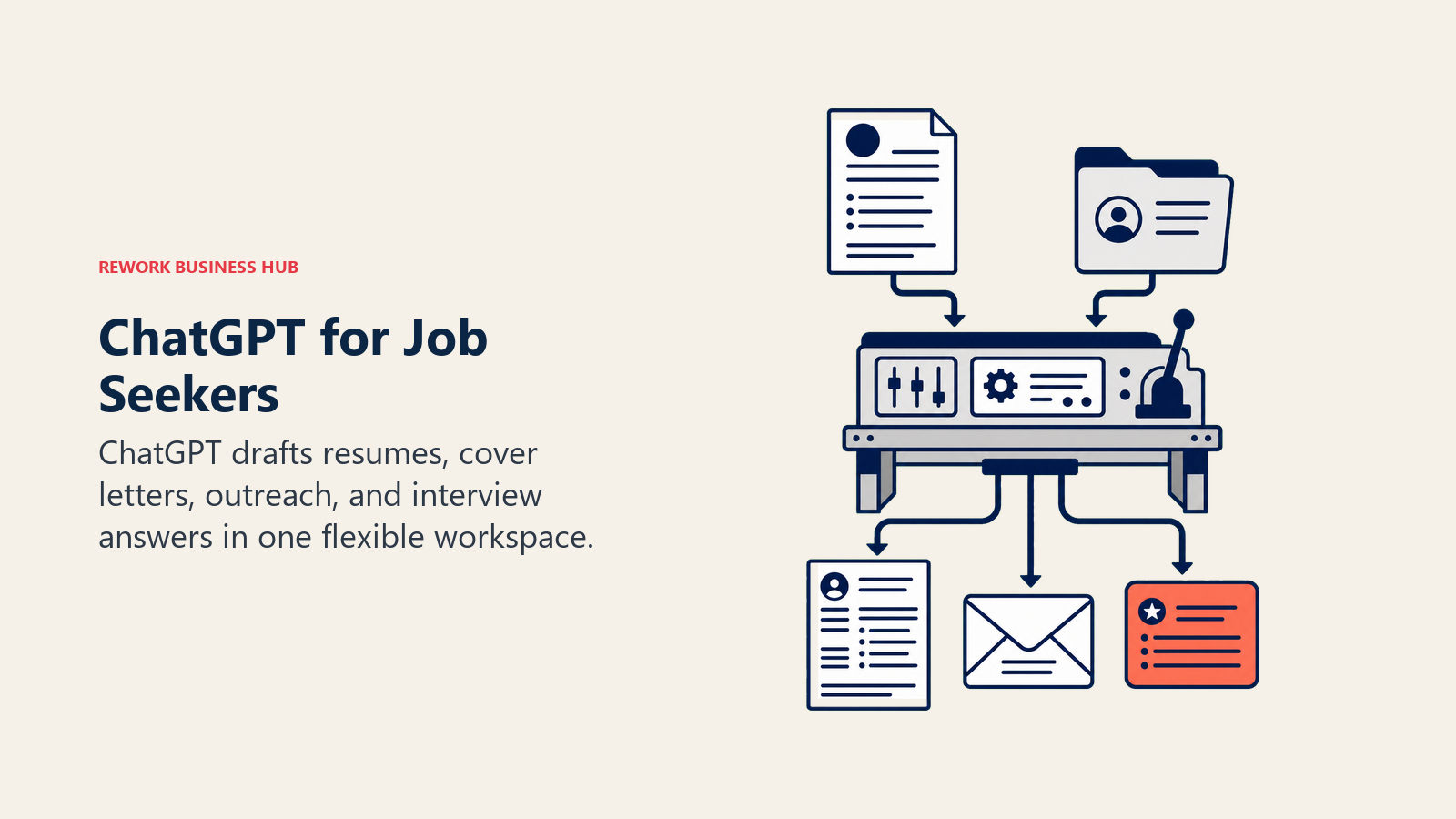
Best for: Job seekers who want full control over content across every stage of the search, from resume to networking messages, without a resume-specific paywall.
| Strengths | Limitations |
|---|---|
| No cost to get real drafting help across resume, cover letter, and interview prep | No ATS match scoring or keyword gap analysis against a specific posting |
| Canvas gives a side-by-side editing surface for iterating line by line | No job tracker or application organizer built in |
| Works for LinkedIn messages and networking outreach in the same conversation | Output leans generic without a detailed prompt describing real experience |
Pricing: Free tier available; Plus $20/mo; Pro $200/mo, per ChatGPT's pricing page. See the broader best AI tools in 2026 roundup for how it stacks up outside job search.
Standout use case: Running the entire drafting workflow (resume bullets, a matching cover letter, and a first pass at networking messages) in one conversation before moving to a specialized tool for ATS scoring.
2. Claude: Best for Tailoring Without Losing Nuance
Claude's edge for job search work is the same edge it has for long-form writing generally: it holds onto detailed instructions across a long editing session better than most competitors. Paste a full work history, a target job description, and constraints on tone (concise, no buzzwords, quantify everything), and Claude tends to stay consistent with those constraints across many rounds of edits.
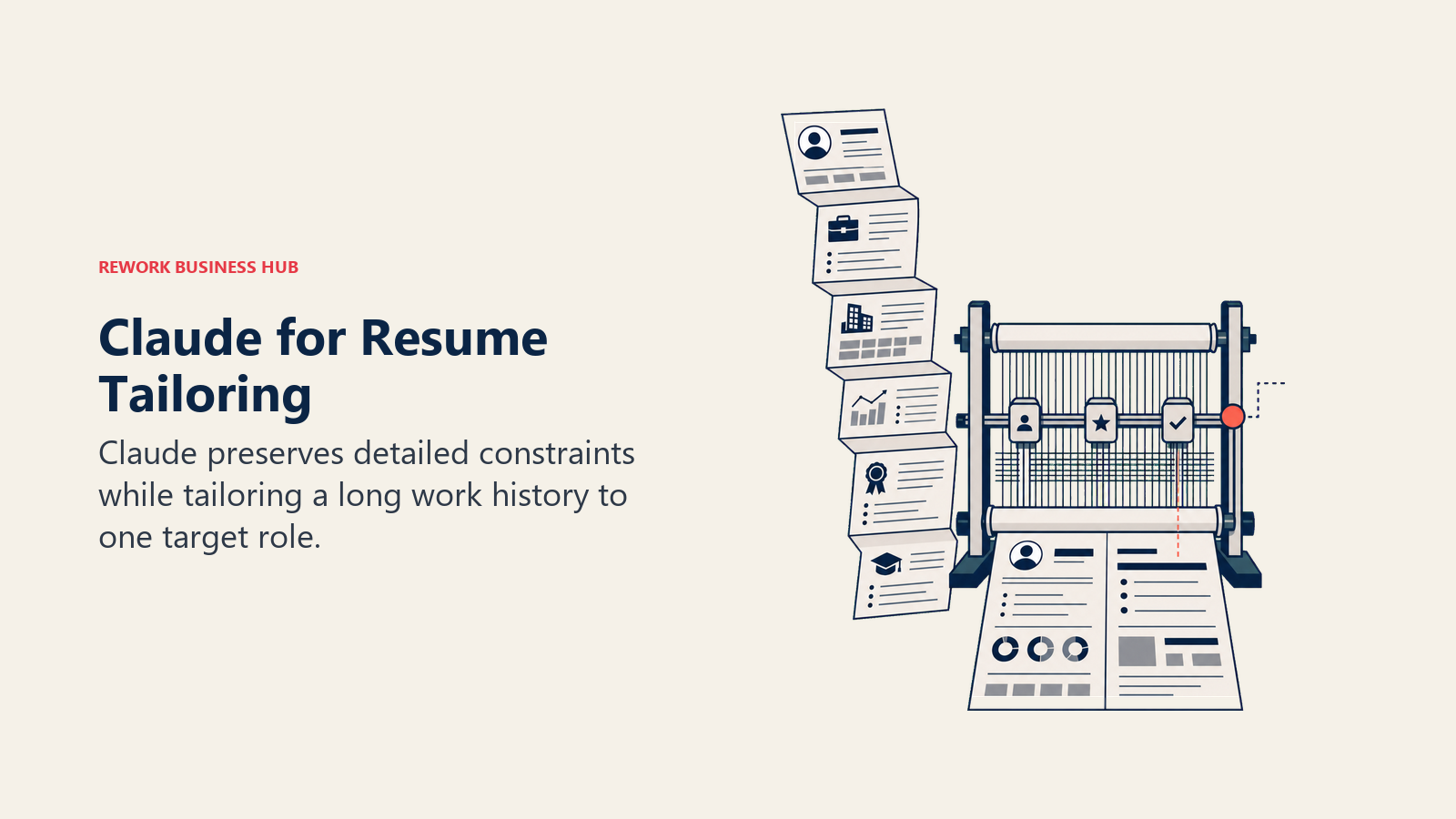
Best for: Career changers and senior professionals tailoring a dense resume or a multi-stage interview prep document to one specific role without the output drifting off-brief.
| Strengths | Limitations |
|---|---|
| Strong adherence to detailed, multi-part instructions across a long session | No ATS scoring or job tracker, same gap as ChatGPT |
| Large context window handles a full resume plus a long job posting plus prior drafts at once | Free tier usage limits fill up quickly during a long tailoring session |
| Projects feature keeps your work history and target postings persistent across sessions | No resume templates or formatting; export happens elsewhere |
Pricing: Free tier; Pro $20/mo ($17/mo billed annually); Max plans at $100/mo and $200/mo, per Claude's pricing page. For a full head-to-head, see Claude vs ChatGPT vs Gemini.
Standout use case: Rewriting a 15-year work history into a two-page resume tailored to one role, then reusing the same project for the cover letter and interview prep notes.
3. Teal: Best Free Job Search Organizer
Teal's product bet is that most job seekers need an organizer more than a resume generator, so the core tracking features stay free forever: unlimited resume versions, unlimited job tracking, a Chrome extension for saving postings, and a resume-to-job-description match scorer, all without a card on file.
Best for: Anyone running a high-volume search who needs to track dozens of applications and resume versions without paying upfront.
| Strengths | Limitations |
|---|---|
| Genuinely unlimited free resume building and job tracking, not a capped trial | AI bullet-point writing and the cover letter generator sit behind Teal+ |
| Chrome extension saves postings and auto-fills tracker fields while you browse | Teal+ is sold in short cycles (weekly, 30-day, 90-day), not a discounted annual plan |
| Match scorer compares your resume against a specific job description | Design options on the free tier are basic compared to dedicated resume builders |
Pricing: Free forever plan; Teal+ $13 every 7 days, $29 every 30 days, or $79 every 90 days (about $26/mo), per Teal's pricing page.
Standout use case: Tracking 40+ applications across different resume versions without losing track of which version went where.
4. Huntr: Best Tracker With AI Resume Tailoring Built In
Huntr starts from the tracker, not the document: a kanban-style board for organizing every application, with AI resume generation and tailoring layered on top of the Pro plan. For job seekers already managing a search in a spreadsheet, Huntr's pitch is replacing that spreadsheet and adding AI tailoring at the same time.
Best for: High-volume job seekers who want serious application tracking and AI-tailored resumes generated per application without leaving the tracker.
| Strengths | Limitations |
|---|---|
| Kanban-style tracker supports up to 100 tracked applications on the free plan | Pro is the most expensive monthly price in this category at $40/mo before longer-term discounts |
| Chrome extension saves postings directly from job boards into the tracker | AI resume generation and tailoring sit entirely behind the paid plan |
| Pro plan generates unlimited AI-tailored resumes and cover letters per application | Design options are secondary to tracking and tailoring functionality |
Pricing: Free plan ($0, 100 tracked applications, 2 job-tailored resumes); Pro $40/mo, or $30/mo billed quarterly, or $26.66/mo billed biannually, per Huntr's pricing page.
Standout use case: Someone applying to 15+ roles a week who needs both the tracking system and a tailored resume for each one without manual rework.
5. Simplify: Best Free Autofill and Application Tracker
Simplify starts from a different pain point than Teal or Huntr: the physical time it takes to retype the same information into a different ATS form for every application. Its Chrome extension autofills applications across almost any job board or company career site, and the base version, including the tracker and basic resume builder, is free with no usage cap.
Best for: Job seekers who apply to a high volume of roles and want the mechanical part of applying (retyping the same fields over and over) automated for free.
| Strengths | Limitations |
|---|---|
| Autofill, application tracker, job matches, and a basic resume builder are free indefinitely | AI-tailored resumes, AI cover letters, and networking suggestions require Simplify+ |
| Chrome extension has a 4.9/5 rating from roughly 3,700 reviews and 500,000+ users | Simplify+ is billed weekly or in short cycles, not discounted annually |
| Job matching surfaces relevant postings alongside the autofill workflow | AI-generated cover letter and resume-tailoring output needs editing before it's usable |
Pricing: Free forever for autofill, tracking, job matches, and a basic resume builder; Simplify+ from $19.99/week (also sold in monthly and quarterly bundles), per Simplify's Copilot page.
Standout use case: Applying to a dozen roles in an afternoon without manually retyping your work history into each company's application form.
6. JobRight.ai: Best AI-Matched Job Feed
JobRight's core product is a matching engine, not a builder: describe your target role and it scores and ranks live postings from an 8-million-listing index, tailors a resume per posting, and surfaces "insider connection" emails for warm intros at target companies. The free tier resets a small daily credit allowance; the paid Turbo plan removes the caps and adds a live human career coach.
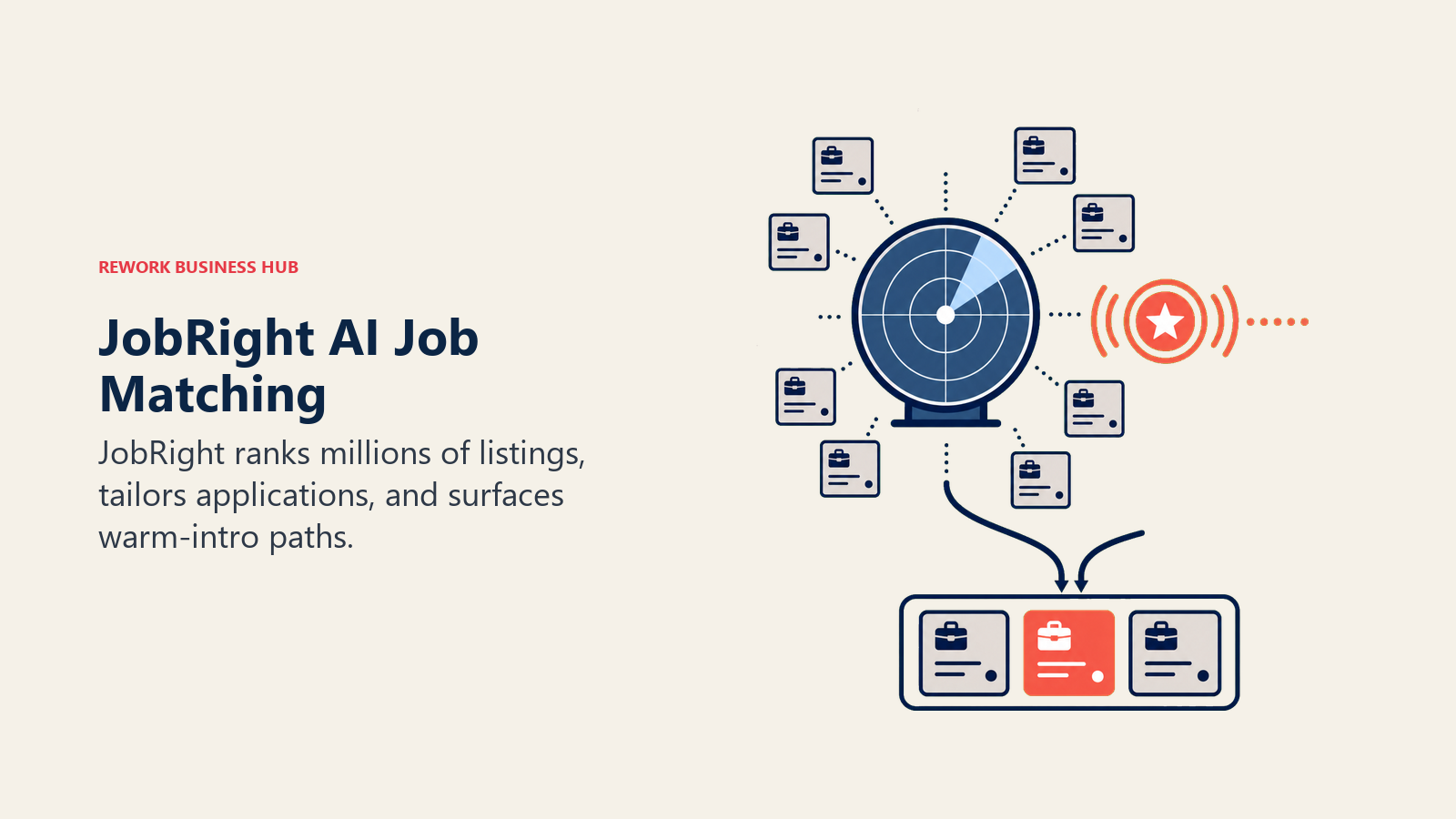
Best for: Job seekers who want an AI-curated feed instead of manually scrolling job boards, and who are willing to pay for unlimited tailoring and coaching.
| Strengths | Limitations |
|---|---|
| Matches against 8M+ listings and flags active-hiring signal, relevant given how common ghost jobs are | Free tier's daily credit cap gets hit fast for anyone applying to 10+ roles a week |
| Turbo includes a live human career coach, not just an AI chatbot | Insider connection emails sit in a gray zone relative to LinkedIn's Terms of Service |
| Quarterly billing brings the effective monthly cost down to about $30 | Weekly billing (~$78/mo equivalent) is a notably worse deal than monthly or quarterly |
Pricing: Free tier (daily credit caps); Turbo $17.99/week ($78/mo), $39.99/month, or $89.99/quarter ($30/mo), per a third-party pricing breakdown of JobRight's plans. Confirm current renewal terms on JobRight's own site before subscribing.
Standout use case: Letting an AI feed pre-filter thousands of listings down to a short daily list worth actually applying to, instead of scrolling a job board manually.
7. Jobscan: Best Dedicated ATS Match Scanner
Jobscan isn't a resume builder, it's a scanner. Paste an existing resume and a target job description, and it detects which ATS is likely screening that posting, then scores the resume against the specific keywords and skills that system is weighted to rank on. It's the closest tool on this list to reverse-engineering the actual screening algorithm rather than guessing at general ATS best practices.
Best for: Job seekers who already have a resume and want to know exactly why it isn't converting to interviews before they change anything.
| Strengths | Limitations |
|---|---|
| Detects the specific ATS behind a job posting and tailors recommendations to it | Not a builder; a resume from another tool is required before Jobscan is useful |
| One-Click Optimize suggests specific keyword and phrasing changes on Premium | Free plan caps at 5 scans per month, not enough for an active search |
| LinkedIn optimizer included on paid plans | At $49.95/mo, it's one of the more expensive single-purpose tools here |
Pricing: Free plan (5 scans/mo); Premium $49.95 billed monthly, or $89.95 billed quarterly (about $29.98/mo), per Jobscan's site.
Standout use case: Running an existing resume against 10 target job postings to find the keyword pattern it's consistently missing.
8. Rezi: Best for Chasing a Specific ATS Score
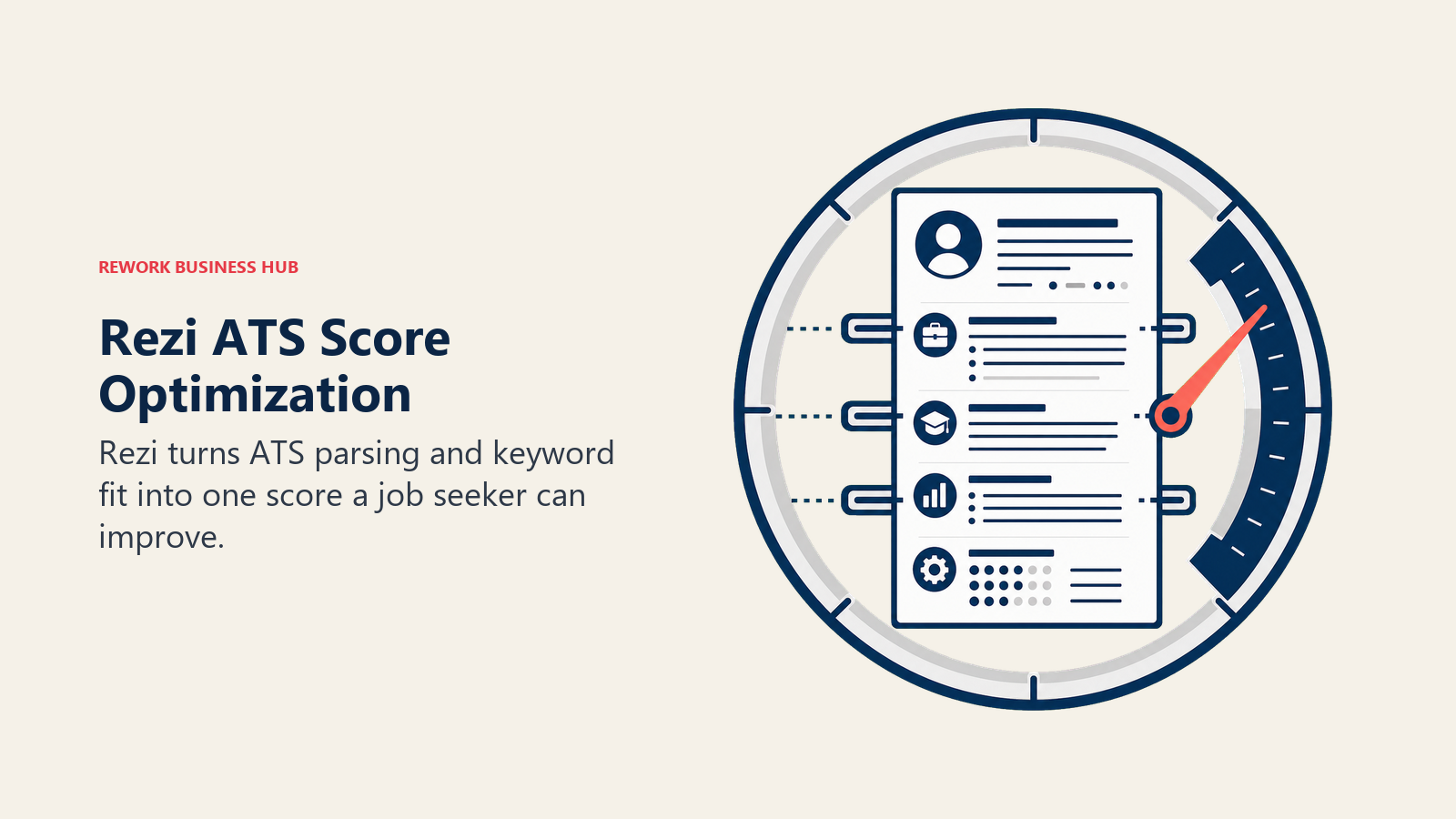
Rezi is built around one number: the Rezi Score, a real-time grade of how well a resume is likely to parse and rank in an ATS. Every section of the builder pushes toward improving that score, with keyword targeting pulled directly from a pasted job description.
Best for: Job seekers who want a single, trackable metric to optimize against rather than general design guidance.
| Strengths | Limitations |
|---|---|
| Rezi Score gives instant, specific feedback tied to ATS parsing and keyword match | Template selection is narrower and more utilitarian than design-focused builders |
| Unlimited resumes and PDF downloads on the Pro plan | Free tier caps at one resume and three PDF downloads |
| One free expert resume review per month included with Pro | Design customization takes a back seat to ATS optimization throughout |
Pricing: Free plan ($0, 1 resume, 3 PDF downloads); Pro $29/mo; Lifetime $149 one-time, per Rezi's pricing page.
Standout use case: Iterating a resume against a real Rezi Score until it clears a target threshold before submitting it to a specific posting.
9. Kickresume: Best Template Variety Plus AI Cover Letters
Kickresume leans into breadth: 40+ templates, an AI writer for both resumes and cover letters, an ATS checker, and even personal website templates built from the same resume content. For job seekers who want design options beyond the handful most builders offer, Kickresume has the deepest library on this list.
Best for: Job seekers who want a wide choice of professional templates and a matching cover letter generated from the same profile.
| Strengths | Limitations |
|---|---|
| 40+ templates plus multiple personal website templates from the same data | Full AI usage, the ATS checker, and formatted exports sit behind a paid plan |
| AI Writer covers resumes and cover letters in one workflow | Monthly pricing is the most expensive way to buy it; quarterly and annual cost less per month |
| Built-in ATS Resume Checker flags formatting issues before submission | Interface leans template-first, so highly customized layouts take more manual work |
Pricing: Free tier with basic customization; Premium from $19/mo (monthly), with lower effective monthly cost on quarterly and annual plans, per Kickresume's pricing page.
Standout use case: Building a resume, a matching cover letter, and a simple personal portfolio site from one profile in an afternoon.
10. Careerflow: Best Combined LinkedIn and Resume Toolkit
Careerflow's pitch is that a resume and a LinkedIn profile should be optimized together, since most recruiters check both. Alongside an AI resume builder with ATS scoring, it includes a LinkedIn Profile Optimizer, application autofill, a job tracker, and, on the top tier, an AI mock interview simulator.
Best for: Job seekers who want LinkedIn optimization, resume building, and application tracking under one login instead of three separate tools.
| Strengths | Limitations |
|---|---|
| LinkedIn Profile Optimizer included even on the free plan | Free plan caps at one resume and ten tracked jobs |
| Application autofill saves time on high-volume applications | Premium Plus at $44.99/mo is priced closer to a career-coaching product than a resume tool |
| Premium Plus adds AI mock interviews with feedback, unusual for a resume-focused tool | Human resume review is sold as a separate add-on, not included in any tier |
Pricing: Free plan ($0, 1 resume, 10 tracked jobs); Premium $23.99/mo; Premium Plus $44.99/mo, per Careerflow's pricing page.
Standout use case: Aligning a resume and LinkedIn profile around the same target keywords in one sitting instead of editing them separately.
11. LinkedIn Premium Career: Best for AI-Scored Job Matches on the Platform Recruiters Already Use
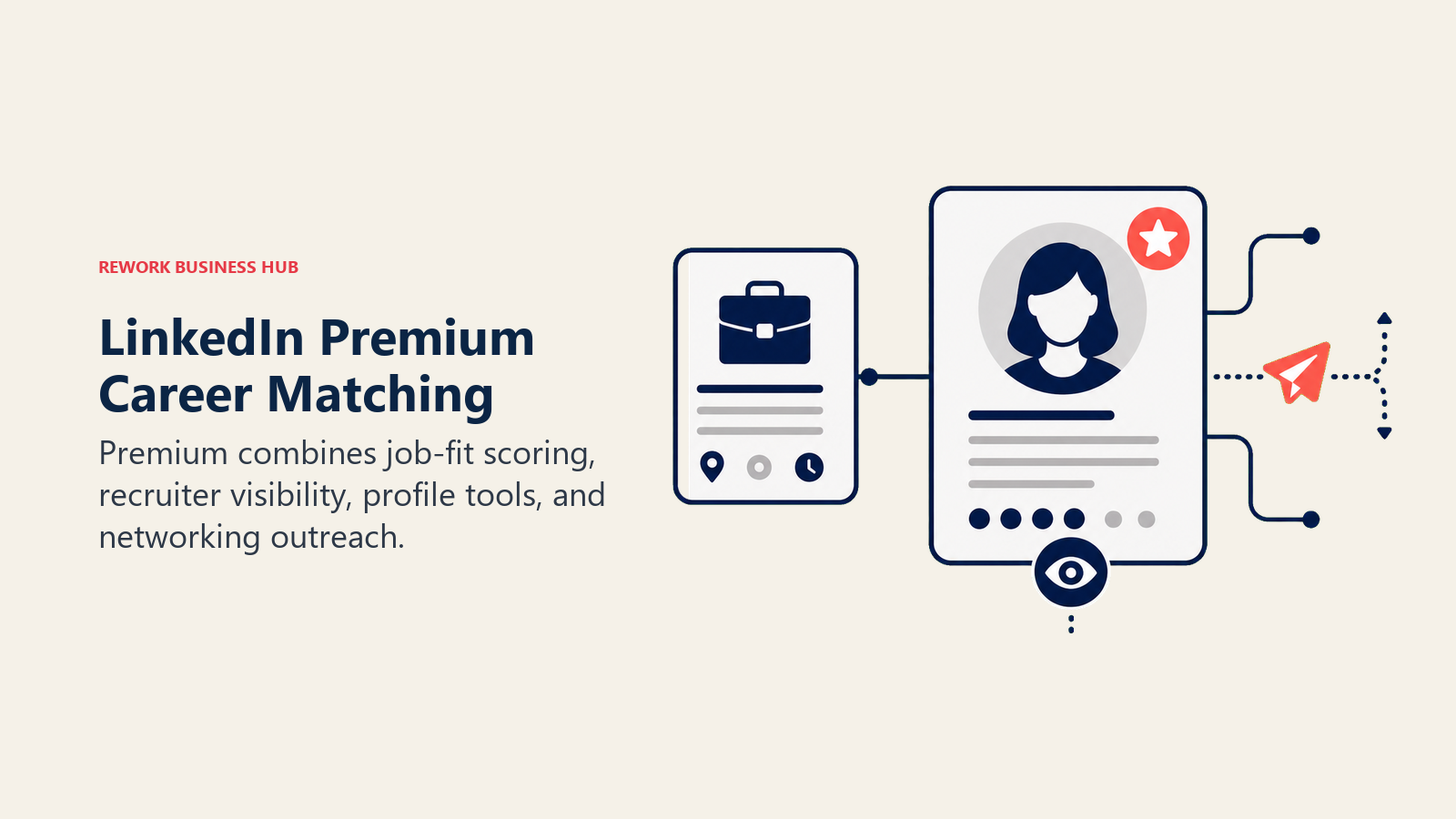
LinkedIn Premium Career bakes AI directly into the platform where most recruiters are already sourcing candidates. Premium subscribers get an AI job-match score against specific listings, AI-drafted InMail and connection request messages, an AI-assisted profile writer, plus InMail credits and applicant insights that free accounts don't see.
Best for: Job seekers who want networking, profile optimization, and job matching to happen inside the platform recruiters actually use, rather than a separate tool.
| Strengths | Limitations |
|---|---|
| AI job-match scoring shows exactly how a profile stacks up against a specific listing's requirements | No free tier; access requires a paid subscription (7-day trial available) |
| AI message drafts speed up networking outreach and connection requests | Vendor-reported outcome stats (2.6x hire rate, 11x profile views) are correlational, not causal |
| 90-day profile view history and applicant insights show who's actually looking | At $29.99/mo month-to-month, it's one of the pricier single-platform subscriptions here |
Pricing: $29.99/mo billed monthly; $19.99/mo billed annually ($239.88/yr), per LinkedIn Premium's plan comparison.
Standout use case: Checking an AI-generated match score against a specific job posting before spending time tailoring a resume and cover letter to it.
12. Final Round AI: Best Real-Time Interview Copilot
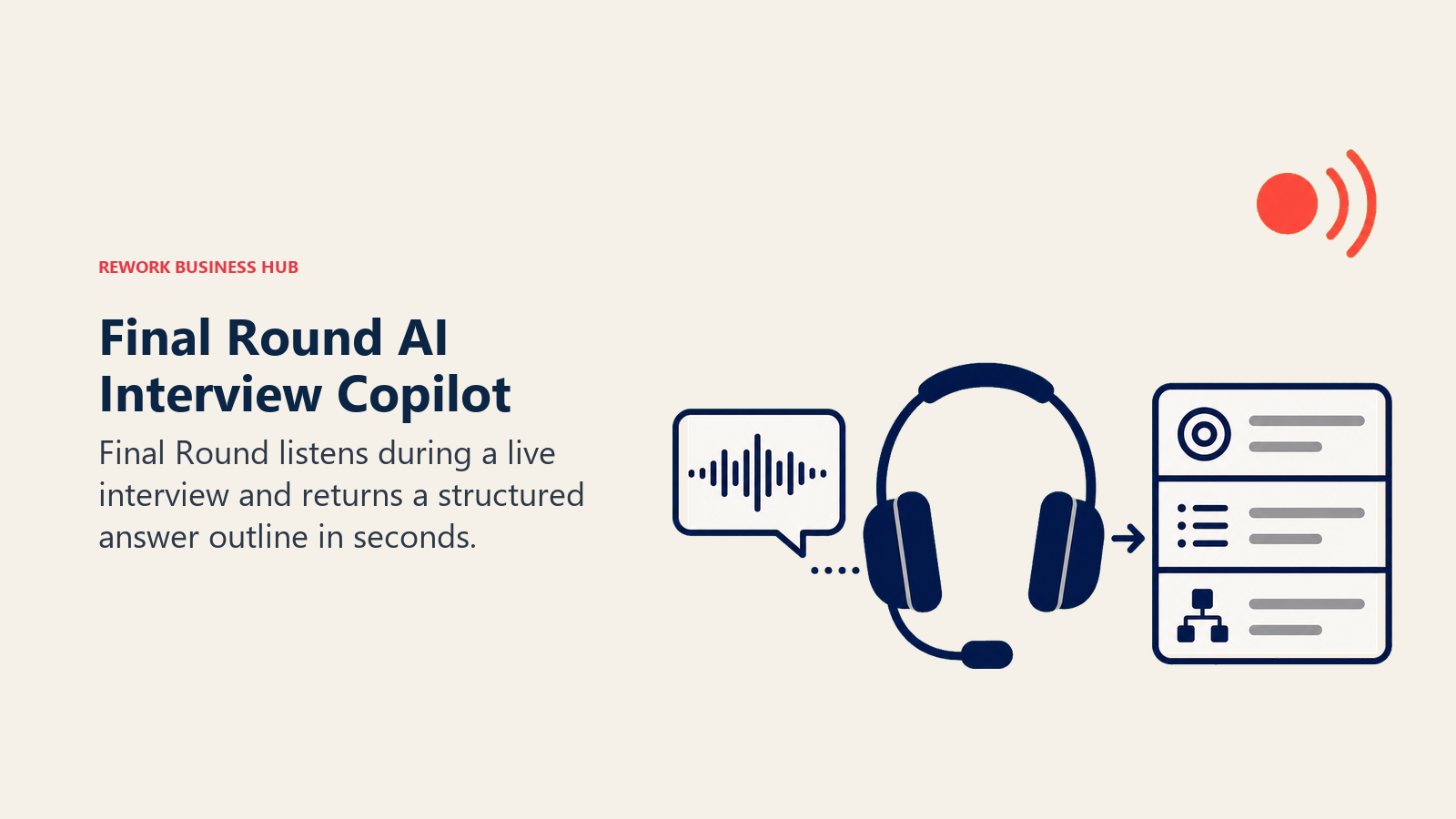
Final Round AI's defining feature is live prompting: it listens to a question as it's asked in a real interview and displays a structured answer outline in seconds, addressing each part of multi-part questions. It also includes mock interview practice and a resume builder, but the real-time copilot is what sets it apart from everything else on this list.
Best for: Job seekers who want in-the-moment support during a live interview call, not just practice beforehand.
| Strengths | Limitations |
|---|---|
| Real-time answer outlines during an actual live interview, a category of its own | Monthly billing at $150/mo is steep; annual billing brings it down to $25/mo |
| Mock Interview and Preparation Hub tools cover practice beyond the live copilot | Using it live raises an honesty question some interviewers and employers explicitly screen for |
| Free plan includes basic copilot access and general interview prep | User reviews cite billing and AI-quality complaints (3.9/5 on Trustpilot from 255 reviews) |
Pricing: Free plan ($0/mo, basic copilot and general prep); paid Interview Copilot from $150/mo billed monthly, $83.33/mo billed quarterly, or $25/mo billed annually; Premium MAX $41.67/mo billed annually, per a June 2026 review of Final Round's plans.
Standout use case: Getting a structured outline in real time when a live interview question catches you off guard, rather than freezing up.
A note on using it live: using an AI copilot during a real-time interview is functionally different from practicing beforehand, and it's increasingly something employers watch for. Weigh that against practice-only tools like Yoodli if you'd rather build the skill than lean on it live.
13. Yoodli: Best for Practicing Delivery, Not Content
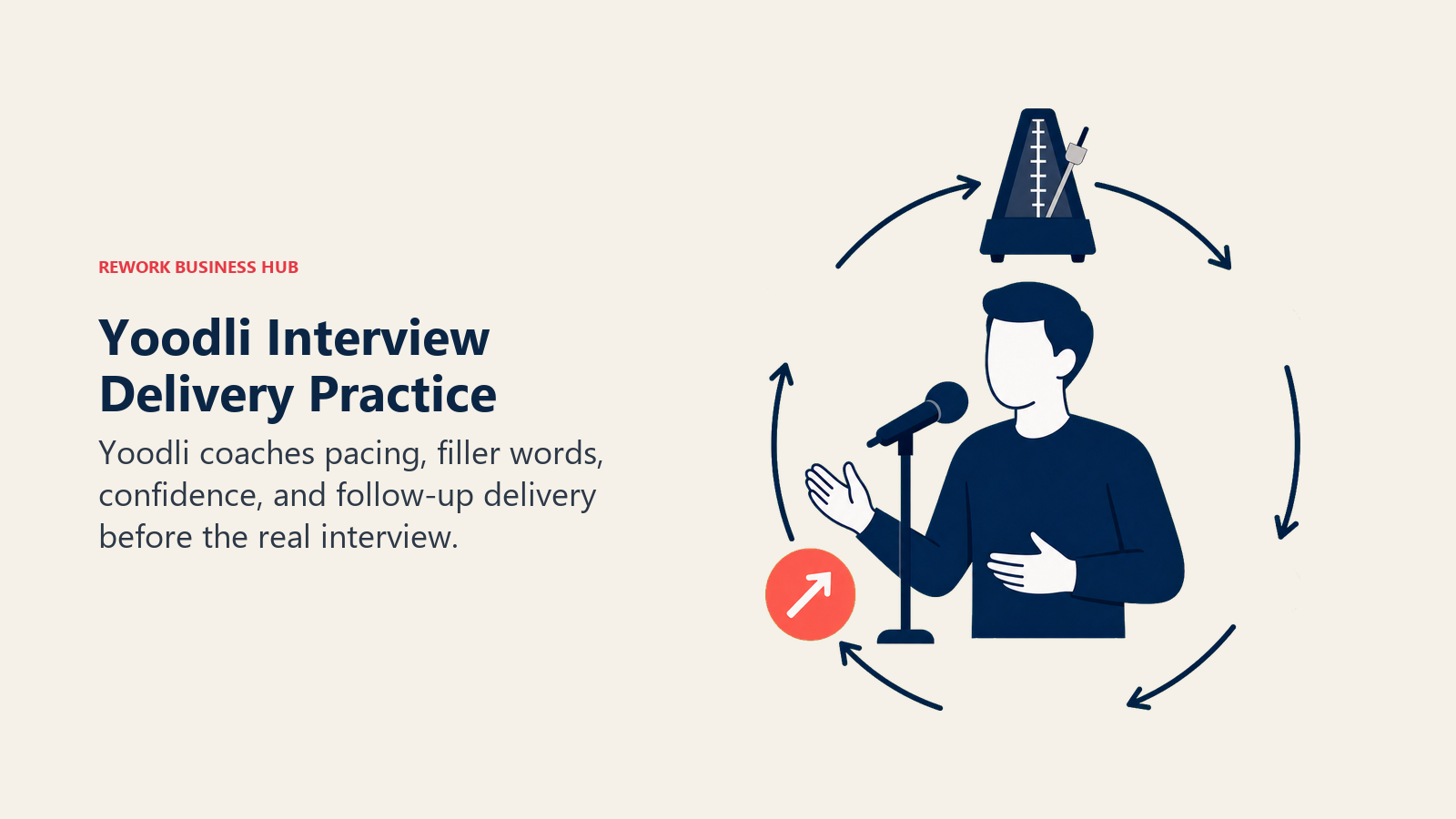
Yoodli takes the opposite approach from Final Round AI: instead of feeding answers live, it's a speech coach that lets a job seeker rehearse an interview out loud, get talked back to by an AI interviewer, and see exactly where delivery falls apart. It flags filler words, tracks pacing, asks follow-up questions, and gives instant feedback, and in 2026 it added multi-persona panel simulations and custom scenarios built from a pasted job description.
Best for: Job seekers whose content is fine but whose delivery (pacing, filler words, confidence) needs work before the real interview.
| Strengths | Limitations |
|---|---|
| AI interviewer with multi-persona panel simulations added in 2026 | Free Starter plan caps at 5 total roleplays, not renewable weekly |
| Custom scenarios generated from a pasted job description, with full speech analytics | Content and answer quality aren't evaluated, only delivery |
| Advanced plan at $20/mo is dramatically cheaper than a human interview coach, which typically runs $100 to $300 per session | Unlimited practice and advanced analytics require the Advanced tier |
Pricing: Free Starter plan (5 roleplays total); Pro $8/mo billed annually (10 roleplays/week); Advanced $20/mo billed annually (unlimited roleplays, advanced analytics), per Yoodli's pricing page.
Standout use case: Rehearsing the same behavioral question five times in a row and watching the filler-word count actually drop before the real interview.
Decision Framework
Match your actual gap to the right tool instead of starting with whichever one is trending.
| If you need... | Pick... | Why |
|---|---|---|
| Free, flexible drafting across resume, cover letter, and prep notes | ChatGPT or Claude | Full control over content, no resume-specific paywall |
| A free tracker for a high-volume search | Teal or Huntr Free | Unlimited free tracking and versioning, no card required |
| The mechanical part of applying automated | Simplify | Free autofill across almost any ATS application form |
| An AI-curated feed instead of scrolling job boards | JobRight.ai | Matches against 8M+ listings and flags active-hiring signal |
| A single number to optimize a resume against | Rezi or Jobscan | Both built around a real-time ATS match score |
| The widest template library plus AI cover letters | Kickresume | Deepest template and personal-website library on this list |
| LinkedIn and resume optimized together | Careerflow | Only tool here bundling a LinkedIn optimizer with the resume builder |
| AI-scored matches on the platform recruiters already use | LinkedIn Premium Career | AI job-match score and AI-drafted outreach built into LinkedIn itself |
| Delivery practice before a real interview | Yoodli | Speech coaching and panel simulations at a fraction of a human coach's cost |
| Live support during the actual interview call | Final Round AI | The only tool here built for real-time, in-call answer prompts |
If you're evaluating AI tools more broadly rather than just for a job search, the best AI tools in 2026 roundup covers the full category. If your search is specifically about the resume document itself, the deeper best AI resume builders in 2026 guide covers 12 resume-focused tools in more depth than the single section here allows. Recent graduates who are still building out coursework and portfolio material before the search starts should also see best AI tools for students in 2026.
Related Reading
- Best AI Resume Builders in 2026
- Best AI Tools in 2026: The Top 25 Across Every Category
- Claude vs ChatGPT vs Gemini: Which LLM Fits Your Business in 2026
- Best AI Tools for LinkedIn in 2026
- Best AI Tools for Students in 2026
- Best AI Recruiting Tools in 2026
- Best HR Software in 2026
- Job Description Best Practices for Modern Hiring Teams
- Interview Scorecards vs Rubrics: 5-Step Guide
Methodology
Every tool here was evaluated across the full job search (drafting, tracking, job matching, ATS optimization, networking, and interview prep), not resume features alone. Statistics cited above come from Resume Genius's 2026 Job Seeker Insights Report, Jobvite's referral hiring data, LinkedIn's own Premium Career reporting (labeled as vendor data), and a 2026 Clarify Capital ghost jobs study covered by Forbes, each linked at first mention.
What to Do Next
Pick one tool per category, not one tool per week. Start with ChatGPT or Claude's free tier for drafting, add Teal or Huntr to track applications, and layer in Rezi or Jobscan only once you have a resume worth optimizing against a specific posting. Add interview prep last, closest to when interviews actually start landing, since that's when Yoodli's rehearsal or Final Round AI's live support does the most good.

Principal Product Marketing Strategist
On this page
- Updated July 2026: What Changed
- Key Facts
- Quick Comparison Table
- The Job Seeker AI Stack: 6 Categories You Actually Need
- How to Choose: By Primary Need
- How to Choose: By Budget
- 1. ChatGPT: The Default Starting Point
- 2. Claude: Best for Tailoring Without Losing Nuance
- 3. Teal: Best Free Job Search Organizer
- 4. Huntr: Best Tracker With AI Resume Tailoring Built In
- 5. Simplify: Best Free Autofill and Application Tracker
- 6. JobRight.ai: Best AI-Matched Job Feed
- 7. Jobscan: Best Dedicated ATS Match Scanner
- 8. Rezi: Best for Chasing a Specific ATS Score
- 9. Kickresume: Best Template Variety Plus AI Cover Letters
- 10. Careerflow: Best Combined LinkedIn and Resume Toolkit
- 11. LinkedIn Premium Career: Best for AI-Scored Job Matches on the Platform Recruiters Already Use
- 12. Final Round AI: Best Real-Time Interview Copilot
- 13. Yoodli: Best for Practicing Delivery, Not Content
- Decision Framework
- Related Reading
- Methodology
- What to Do Next