Best AI Tools for Excel and Spreadsheets in 2026: 13 Tools Ranked by Use Case

Turn this article into takeaways for your work.


Each assistant summarizes the article only for you and suggests best practices for your work.
If you're picking an AI tool for Excel or Google Sheets in 2026, Microsoft Copilot and Google Gemini lead native, in-app AI for anyone already living inside those two grids, ChatGPT and Claude lead general-purpose analysis for a spreadsheet you just uploaded, Coefficient leads AI plus live CRM and warehouse data without leaving your sheet, and Numerous.ai, Formula Bot, and Ajelix lead dedicated formula and bulk-row automation. This guide ranks 13 tools by the job you actually need done, not by whichever one has the flashiest demo.
Most "best AI tools for Excel" roundups mix a $6/month formula generator with a Microsoft 365 enterprise SKU and call it a ranking. That tells you nothing about fit. Each tool below is evaluated on what it does inside a spreadsheet, who it's built for, and what it costs. If your real bottleneck is deeper analysis rather than formulas and cell functions, best AI tools for data analysis covers the notebook and BI-copilot side of this same category.
Updated July 2026: What Changed
- Rows AI shut down on May 31, 2026 after Superhuman acquired the Berlin-based company in February. It's off this list; Coefficient is the closest replacement for live-data-in-spreadsheet workflows.
- OpenAI shipped a native "ChatGPT for Excel and Google Sheets" sidebar app, so ChatGPT now edits spreadsheets directly instead of just answering in a chat window. Business, Enterprise, Edu, and K-12 accounts had a free preview through June 2, 2026, after which usage counts against each plan's limits.
- Microsoft added Agent Mode to Copilot in Excel, letting users choose between Anthropic and OpenAI reasoning models for multi-step tasks, and Microsoft 365 list prices are set to change on July 1, 2026, so lock in current promotional rates before then.
- Google restructured Workspace AI limits, bundling 60 monthly build-and-edit actions and 5,000 AI() function calls into Business Standard and Plus, with a new AI Expanded Access add-on (roughly $20/user/month) for teams that blow through those caps.
Key Facts
- Two-thirds of office workers (66%) use Excel at least once an hour, and spreadsheet work eats roughly 38% of the average workday, per Acuity Training's research.
- A single spreadsheet error costs businesses an average of $4,315, and 53% of operations teams hit an error weekly, per DOSS's 2026 survey of 1,003 U.S. operations professionals.
- Worldwide AI spending is forecast to hit $2.59 trillion in 2026, a 47% jump from 2025, per Gartner.
- 88% of organizations now use AI in at least one business function, though only about a third have scaled it enterprise-wide, per McKinsey's State of AI.
- Workers who use generative AI tools save an average of 5.4% of their weekly work hours, about 2.2 hours a week, per the Federal Reserve Bank of St. Louis.
Quick Comparison Table
| Tool | Best For | Standout Capability | Starting Price | Free Tier? |
|---|---|---|---|---|
| Microsoft Copilot in Excel | Excel-native teams on Microsoft 365 | Natural-language formulas, Python in Excel, new Agent Mode | Business add-on $18/seat/mo (promo, annual) | No |
| Google Gemini in Sheets | Google Workspace teams | AI() function plus natural-language insights, bundled in | Business Standard $14/user/mo (annual) | No |
| ChatGPT | Teams that already live in ChatGPT | Native sidebar app edits spreadsheets directly | Plus $20/mo | Limited free tier |
| Claude | Careful reasoning over messy datasets | Large context window, asks clarifying questions | Pro $20/mo ($17/mo annual) | Yes, limited |
| Coefficient | AI plus live CRM/warehouse data in-sheet | 50+ live connectors (Salesforce, HubSpot, Snowflake) | Free; Starter $49/mo | Yes |
| Numerous.ai | Bulk AI operations across thousands of rows | =NUM.AI() and =NUM.INFER() cell functions | Personal $8/mo (annual) | Yes, limited |
| Formula Bot | Non-technical operators wanting a chat analyst | Formula generation plus full dataset chat analysis | Free; Starter $18/mo | Yes |
| GPTExcel | Budget formula and script generation | VBA, Apps Script, SQL, and regex generation | Free (4/day); Pro ~$6.30/mo | Yes |
| Ajelix | All-in-one 17-tool spreadsheet suite | Formula generator, VBA generator, data cleaning in one dashboard | Free (10/mo); Pro $15-20/mo | Yes |
| SheetAI | Lightweight Google Sheets AI functions | =AI() function, no API key needed on Pro | Free (50 calls/mo); Pro $5.99/mo | Yes |
| Bricks | AI-first spreadsheet for dashboards and reports | Chat-built dashboards, not a bolt-on add-in | Free (20 msgs/mo); Premium $25/seat/mo | Yes |
| GPT for Work | Batch-processing thousands of rows at once | Pay-as-you-go GPT/Claude/Gemini functions in-sheet | Credit packs from $29 | No |
| Sourcetable | AI spreadsheet plus AI data analyst hybrid | Handles file types beyond XLSX/CSV in one workspace | Free (limited); Pro $20/user/mo | Yes |
How to Choose: Decision Framework
| If you need... | Pick... | Why |
|---|---|---|
| AI built into the actual Excel grid you already use | Microsoft Copilot in Excel | Native formulas, insights, and Agent Mode inside Microsoft 365 |
| AI built into Google Sheets without adding a new vendor | Google Gemini in Sheets | Bundled into Workspace Business Standard and above |
| A familiar chat interface for one-off analysis or formulas | ChatGPT | Native spreadsheet sidebar app; near-zero onboarding |
| Careful reasoning through a messy or multi-tab dataset | Claude | Large context window, flags ambiguous data before acting |
| Live CRM or warehouse data streamed into your spreadsheet | Coefficient | 50+ connectors plus GPT Copilot for formulas |
| Bulk AI text or categorization across thousands of rows | Numerous.ai | =NUM.AI() and =NUM.INFER() functions built for volume |
| A dedicated chat-based analyst for full datasets, not just formulas | Formula Bot | Started as a formula tool, now a broader analytics chat |
| The cheapest way to generate formulas, VBA, or SQL | GPTExcel | Pro starts under $7/month for unlimited formula generation |
| One dashboard with 17 spreadsheet automation tools bundled | Ajelix | Formula generator, VBA generator, data cleaning together |
| A no-frills AI function inside Google Sheets specifically | SheetAI | Pro tier works without your own API key at under $6/month |
| An AI-native spreadsheet built for reports and dashboards | Bricks | Chat-built dashboards rather than an Excel/Sheets add-in |
| To process huge batches of rows and pay only for usage | GPT for Work | Pay-as-you-go credits, no subscription required |
| One workspace that mixes spreadsheet AI with data-analyst chat | Sourcetable | Handles more file types than a pure spreadsheet add-in |
1. Microsoft Copilot in Excel: Native AI Inside the Grid You Already Use
Copilot in Excel writes formulas from a plain-language request, generates insights and charts from a selected range, and runs Python directly in a workbook for statistical work that formulas can't handle. Since early 2026, Agent Mode extends that into multi-step tasks and lets users choose between Anthropic and OpenAI reasoning models for the underlying work, a meaningful shift from a single locked-in model.
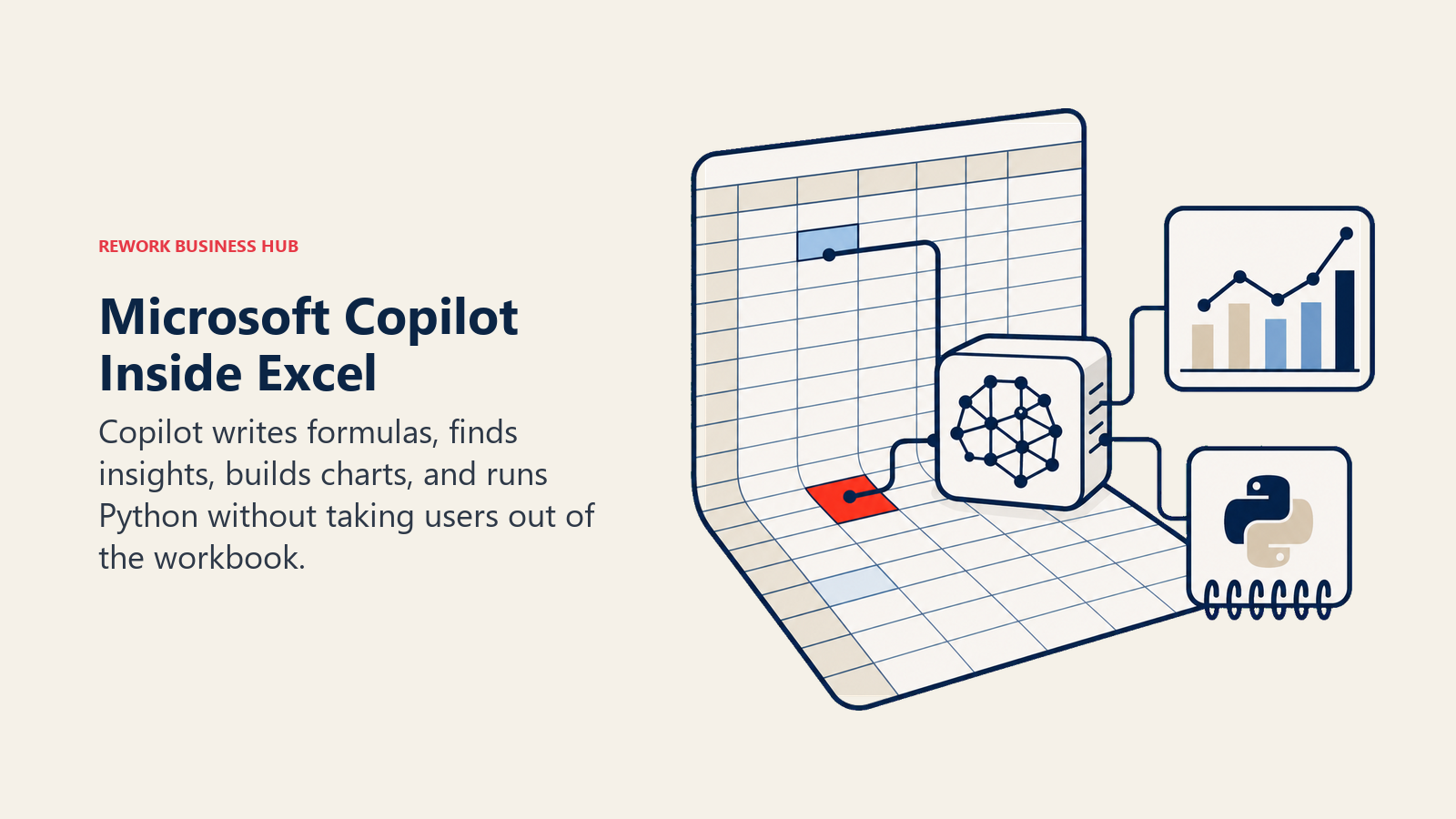
The appeal is zero context-switching: no new tool, no export step, and formulas stay live and auditable inside the workbook your team already shares. The catch is that real production use requires Microsoft 365 licensing on top, and the way Copilot is priced (bundled tiers or a per-seat add-on) makes true cost harder to estimate than a flat SaaS subscription.
Best for: Excel-native teams already on Microsoft 365 who want AI without leaving the spreadsheet
| What you get | What you don't |
|---|---|
| AI formulas, insights, and Python execution inside native Excel | Requires Microsoft 365 licensing on top of the Copilot cost |
| New Agent Mode with a choice of reasoning models | List prices change July 1, 2026; lock in promo rates now |
| No export step; formulas stay live and shareable | Full capability varies by which Microsoft 365 SKU you're on |
Pricing: Microsoft 365 Copilot Business add-on is $18/seat/month (annual, promotional through June 30, 2026; regular price $21) or $25.20/month billed monthly. Microsoft 365 Business Standard with Copilot bundled runs $23.50/user/month annual; Business Premium with Copilot is $32/user/month annual. Individual users can get Copilot in Excel via Microsoft 365 Premium at $19.99/month. See microsoft.com/microsoft-365-copilot/pricing.
For a broader look at how Copilot compares across the Microsoft ecosystem, see Claude vs ChatGPT vs Gemini.
2. Google Gemini in Sheets: AI Bundled Into Workspace
Gemini in Sheets surfaces insights and builds visualizations from natural-language prompts, and the =AI() function lets you write a prompt directly into a cell and pull it down a column like any other formula. For teams already paying for Google Workspace, it's the lowest-friction way to add AI without procuring a separate tool or asking IT to approve a new vendor.
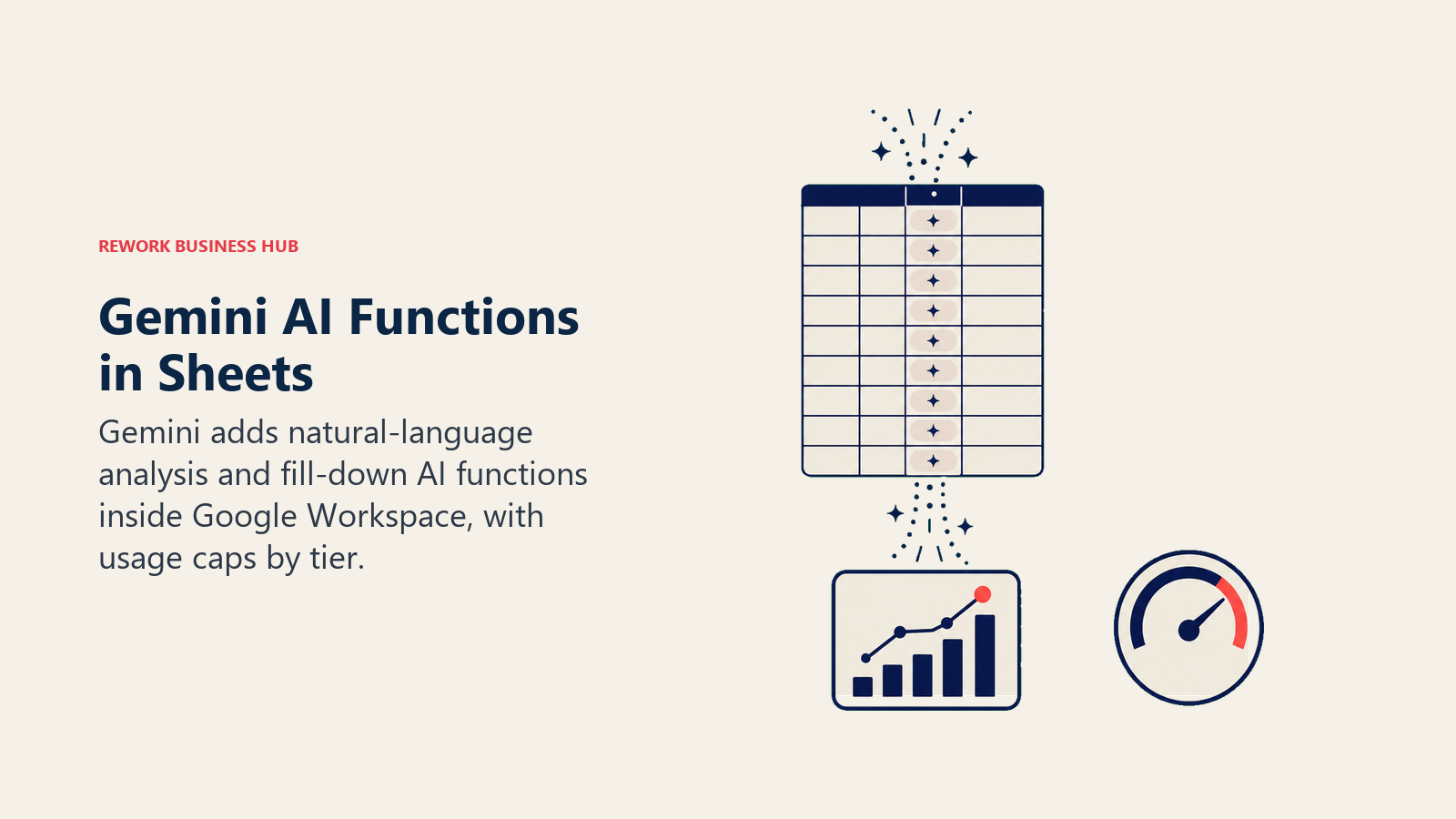
The tradeoff is usage caps. Business Standard and Plus include 60 monthly build-and-edit actions and 5,000 AI() function calls, workable for light use but tight for a team running AI() across large datasets daily. Heavier users need the AI Expanded Access add-on, which raises those limits to 300 actions and 25,000 calls.
Best for: Google Workspace teams that want AI in Sheets without adding a new vendor to the stack
| What you get | What you don't |
|---|---|
| =AI() function works like a native formula, no add-in install | Not available on the Business Starter tier at all |
| Bundled into Workspace pricing, no separate procurement | Usage caps (60 actions, 5,000 AI() calls) unless you upgrade |
| Natural-language chart and insight generation in Sheets | Weaker at complex nested formulas than a dedicated formula tool |
Pricing: Gemini in Sheets requires Google Workspace Business Standard at $14/user/month (annual) or higher; the Starter tier does not include it. Heavier usage requires the AI Expanded Access add-on, roughly $20/user/month. See workspace.google.com/pricing. If Workspace pricing or data practices are the sticking point rather than Gemini itself, best Google Workspace alternatives is worth a look.
3. ChatGPT: Now a Native Spreadsheet App, Not Just a Chat Window
ChatGPT's Data Analyst mode runs Python in a sandbox on any uploaded file, but the bigger 2026 change is the native "ChatGPT for Excel and Google Sheets" sidebar app. Instead of exporting a chat response into a spreadsheet, ChatGPT now lives inside the workbook, explains what it's doing, links its answers to the cells it references, preserves your existing formulas and formatting, and asks permission before making changes.
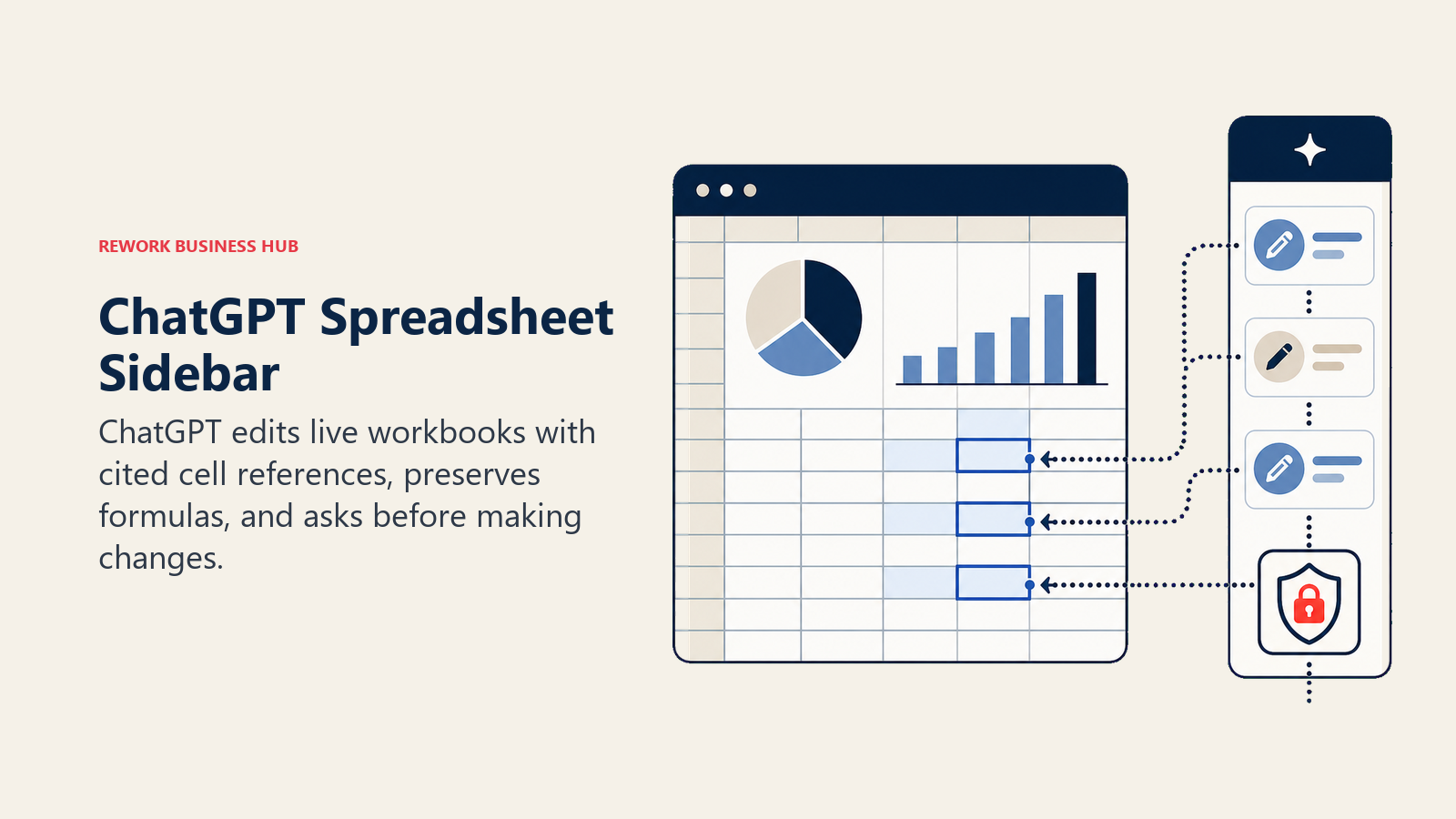
That last point matters for anyone burned by an AI tool silently overwriting a formula. For Business, Enterprise, Edu, and K-12 accounts, this ran as a free preview through June 2, 2026; usage now counts against each plan's normal limits.
Best for: General business teams who already use ChatGPT and want it working directly inside a live spreadsheet
| What you get | What you don't |
|---|---|
| Native sidebar app builds and edits real spreadsheets | Free and Go tiers get limited agentic usage |
| Preserves formulas/formatting and asks before changing them | No persistent notebook or version history beyond your file |
| Near-zero onboarding for teams already on ChatGPT | Row and file-size limits make it weak for true big-data work |
Pricing: Free and Go tiers include limited access. Plus is $20/month and Pro is $200/month with fuller agentic usage limits. Business and Enterprise are priced per seat. See chatgpt.com/pricing.
For a side-by-side on reasoning quality against its closest rivals, see Claude vs ChatGPT vs Gemini, and for a broader look at how chat tools fit an AI stack, see best AI tools in 2026.
4. Claude: Best for Reasoning Through Messy, Multi-Tab Data
Claude's code execution tool runs Python in a sandbox similar to ChatGPT's, but the differentiator is what happens before the code runs. Claude tends to flag ambiguous column meanings, ask clarifying questions about inconsistent date formats or duplicate records, and explain its statistical assumptions in plain language before charting anything.
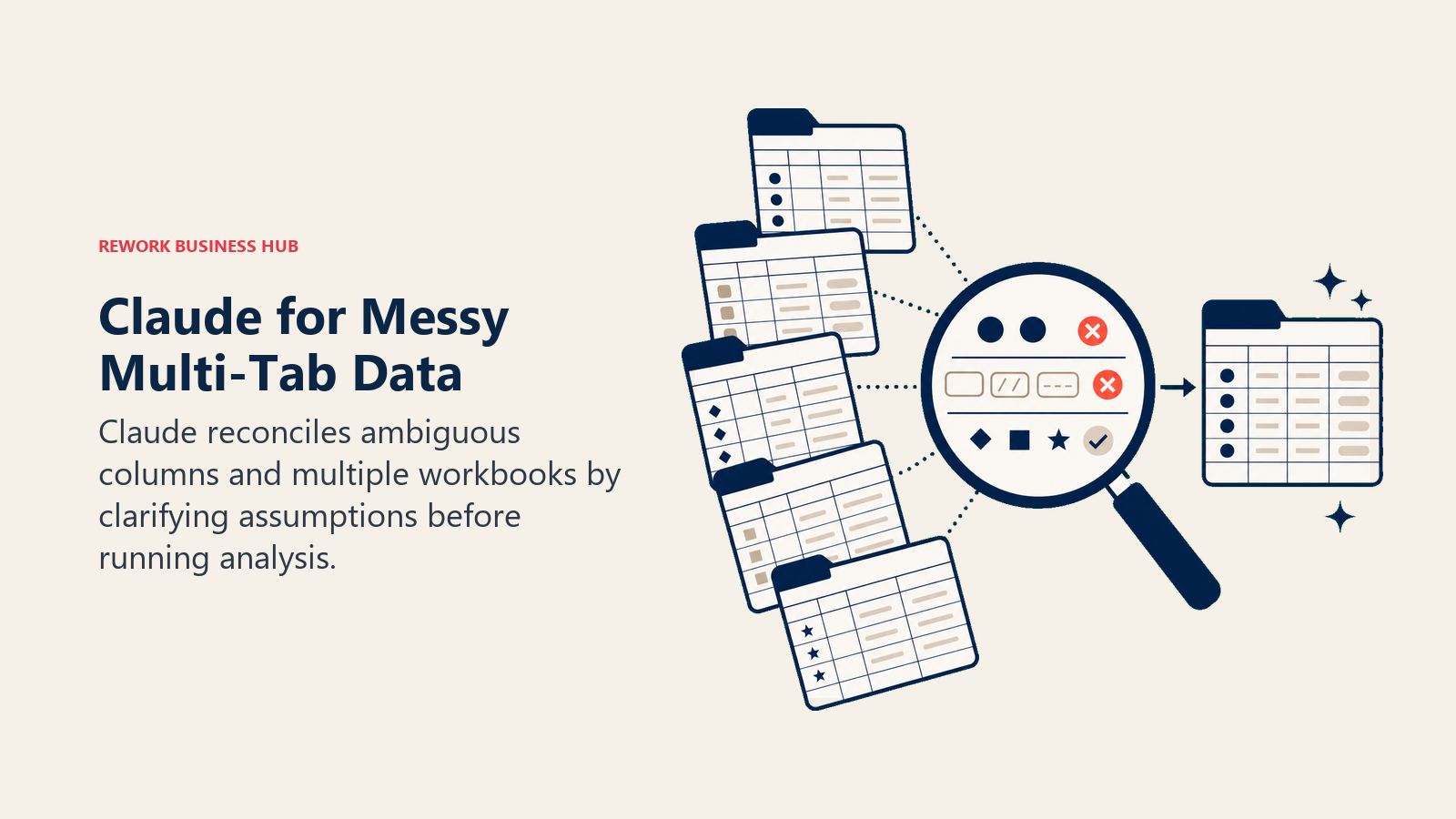
The large context window is the other advantage: you can hand Claude several related workbooks or a long data dictionary in one prompt and ask it to reconcile them, which would take multiple round trips in a smaller-context tool. Claude doesn't have a dedicated Excel or Sheets add-in the way Copilot and Gemini do, so most spreadsheet work happens through file uploads or API integration rather than a native in-grid experience.
Best for: Analysts who need careful reasoning through ambiguous or multi-file spreadsheet data, not just fast formulas
| What you get | What you don't |
|---|---|
| Sandboxed code execution paired with careful step-by-step reasoning | No native Excel/Sheets add-in; works via uploads or API |
| Large context window handles multiple workbooks in one prompt | No persistent dashboard or live-refresh layer |
| Tends to flag data-quality issues instead of silently working around them | Smaller library of spreadsheet-specific templates than dedicated tools |
Pricing: Free tier available with limits. Pro is $20/month ($17/month billed annually). Max is $100 or $200/month. Team is $25-125/seat/month. Enterprise is custom. See claude.com/pricing.
5. Coefficient: AI Plus Live CRM and Warehouse Data, Without Leaving Your Sheet
Coefficient's premise is that most business users don't want a new interface, they want the Excel or Google Sheets they already use to get smarter and stay current. It pulls live data from Salesforce, HubSpot, Snowflake, and 50-plus other sources directly into a spreadsheet on a refresh schedule, then layers a GPT-powered Copilot on top for formula help and plain-English questions about the connected data.
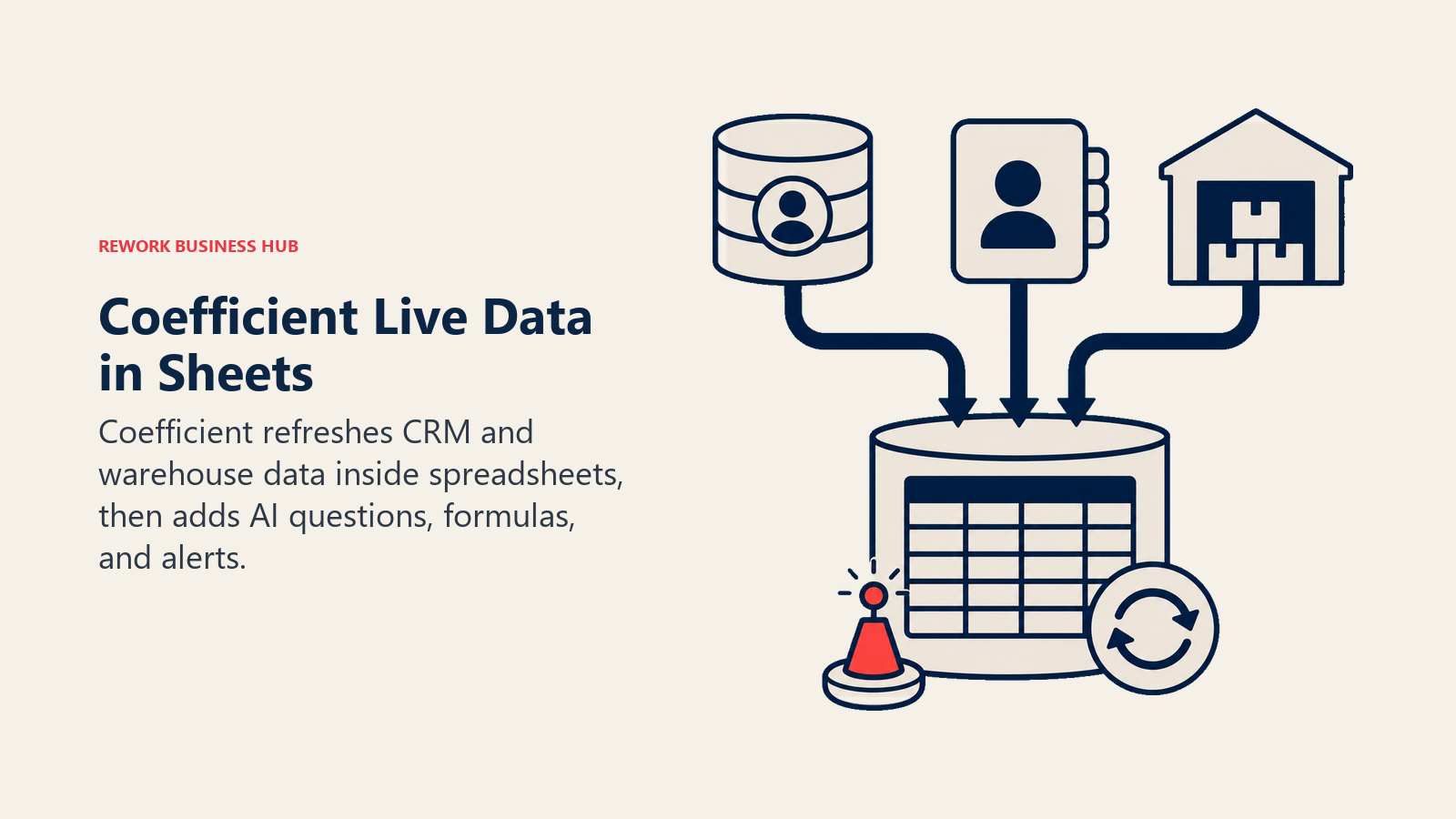
Since Rows AI shut down (see "What Changed" above), Coefficient has become the strongest option for teams whose real requirement is "keep working in spreadsheets, just make the data and formulas smarter" rather than migrating to a standalone notebook or BI tool.
Best for: Teams whose analysts and operators live in Google Sheets or Excel and need live business data inside them
| What you get | What you don't |
|---|---|
| Live CRM/warehouse data inside Sheets or Excel on a schedule | Free tier limited to 2 imports and a 50-row preview |
| GPT Copilot for plain-English questions and formula help | Some AI features are still rolling out fully to the Excel version |
| Autopilot refresh plus metric alerts, no manual checking | Not a substitute for a real notebook or BI tool at heavy scale |
Pricing: Free plan includes 2 imports and a 50-row preview. Starter is $49/month. Pro/Team is $99/month. Business is $249/month. Enterprise is custom. See coefficient.io/pricing. If your team is outgrowing spreadsheet-based reporting entirely, AI business intelligence platforms covers the next tier up.
6. Numerous.ai: Bulk AI Across Thousands of Rows
Numerous.ai's whole product is running AI operations at spreadsheet scale. The =NUM.AI() function lets you write a natural-language prompt into a cell and drag it down a column the way you'd drag a SUM formula, generating text, extracting data, or categorizing rows one at a time across thousands of records. The =NUM.INFER() function goes further: give it four or five worked examples and it infers the pattern to complete the rest of the column.
That's a fundamentally different use case than asking a chatbot one question. It's built for the operator who has 5,000 support tickets to categorize or 2,000 product descriptions to clean up, not someone building a single financial model.
Best for: Operators running the same AI operation across thousands of spreadsheet rows at once
| What you get | What you don't |
|---|---|
| =NUM.AI() and =NUM.INFER() work like native drag-down formulas | Character/token-based pricing takes some getting used to |
| Built specifically for row-by-row bulk operations, not single queries | Not designed for full financial modeling or complex nested formulas |
| Works in both Google Sheets and Excel | Free tier's 60 starter tokens run out fast at real volume |
Pricing: Free tier includes 60 starter tokens (roughly 30,000 characters). Personal is $8/month billed yearly ($19/month billed monthly) with 1 million characters of usage. Higher-volume plans scale from there. See numerous.ai.
7. Formula Bot: From Formula Generator to Full Data Analyst
Formula Bot started as a straightforward AI formula generator and has grown into a broader chat-based data analytics tool that can handle full dataset uploads, not just single formulas. Ask it a business question about an uploaded file and it runs the analysis and explains the result in plain language, similar to Julius AI but built with an Excel-first audience in mind.
The pricing model scales with file size and usage rather than a flat rate: the free tier caps files at 5MB, while Enterprise supports up to 1GB with data connectors and centralized billing for teams.
Best for: Non-technical operators who want a dedicated chat analyst for both quick formulas and full datasets
| What you get | What you don't |
|---|---|
| Handles both single formulas and full dataset analysis | Message and AI Action caps on Free and Starter tiers |
| File size limits scale from 5MB (Free) to 1GB (Enterprise) | Real value shows up once you're on a paid tier |
| Playbooks and data connectors available at the Max/Enterprise tier | Credit-style "AI Actions" take a moment to understand |
Pricing: Free includes 10 messages and 25 AI Actions/month (5MB files). Starter is $18/month (250 messages, 2,500 AI Actions, 200MB). Max is $29/seat/month (unlimited messages, 500MB). Enterprise is $149/seat/month (1GB, connectors, centralized billing). See formulabot.com/docs/billing/pricing-plans.
8. GPTExcel: The Cheapest Dedicated Formula and Script Generator
GPTExcel keeps its scope narrow and its price low: formula generation, VBA/Apps Script/Airtable script generation, SQL query generation, a regex generator, and an Excel template generator, all from a plain-language prompt. It doesn't try to be a full data analyst the way Formula Bot or Julius AI does.
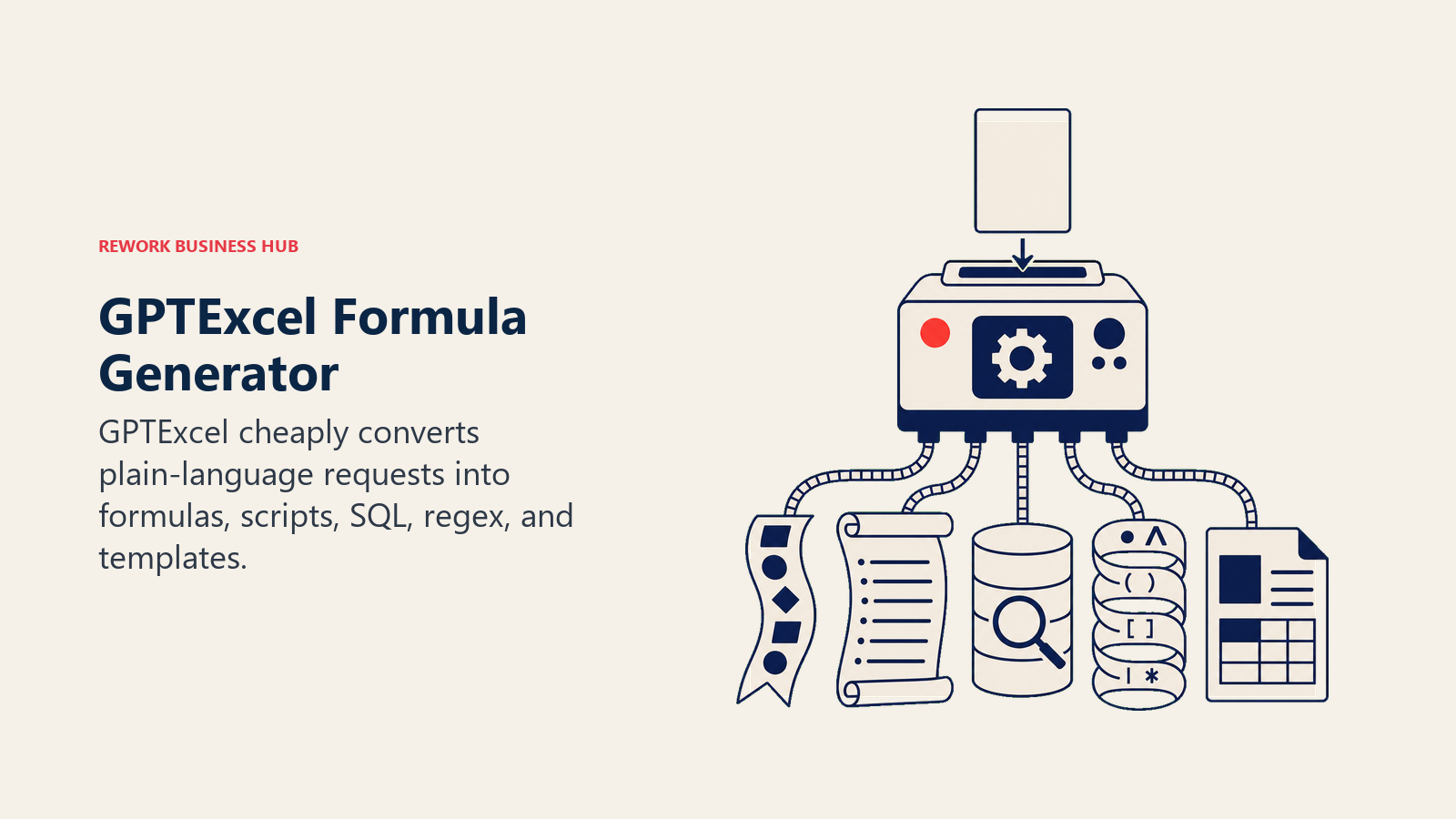
For teams whose real pain point is "I know what I want the spreadsheet to do but can't remember the formula syntax," that narrower scope is a feature, not a limitation, and the price reflects it.
Best for: Budget-conscious users who mainly need formula, script, or SQL generation, not full dataset analysis
| What you get | What you don't |
|---|---|
| Unlimited formula generation on the Pro plan | Free tier capped at 4 requests per day |
| VBA, Apps Script, SQL, and regex generation in one tool | Narrower scope than a full data-analysis platform |
| One of the cheapest paid AI spreadsheet tools available | No live data connectors or bulk row-processing functions |
Pricing: Free tier includes 4 requests/day. Pro is roughly $6.30-6.99/month ($62.91/year annual). Pro Plus is roughly $12.60/month annual. See gptexcel.co.
9. Ajelix: 17 Spreadsheet Automation Tools in One Dashboard
Ajelix bundles a formula generator, VBA generator, data cleaning tools, chart generation, and more, roughly 17 tools in total, into one dashboard alongside a Google Sheets add-on and an Excel add-in. Instead of picking one narrow AI function, Ajelix's pitch is breadth: whatever spreadsheet task you're stuck on, there's likely a tool for it inside the same subscription.
The honest tradeoff is depth. Individual tools inside Ajelix aren't as sharp as a dedicated single-purpose competitor like GPTExcel for formulas or Numerous.ai for bulk row operations, but for a team that wants one vendor covering multiple small spreadsheet pain points, the bundle is convenient.
Best for: Teams that want one subscription covering formula generation, VBA, data cleaning, and charting together
| What you get | What you don't |
|---|---|
| 17 spreadsheet automation tools in one dashboard | Individual tools are broader, not deeper, than specialists |
| Google Sheets add-on and Excel add-in both included | Free tier's 10 requests/month is thin for regular use |
| No credit card required to start on the free tier | Expert tier ($50/mo) needed for the heaviest use cases |
Pricing: Free plan includes 10 requests/month. Pro is $20/month ($15/month billed annually). Expert is $50/month ($38/month billed annually). See ajelix.com/pricing.
10. SheetAI: The Lightweight, No-Frills Google Sheets Add-On
SheetAI does one thing: it adds an =AI() style function to Google Sheets so you can generate text, classify data, or summarize content directly in a cell. There's no dashboard to learn and no separate app to open, just a formula that behaves like any other Sheets function.
The Pro tier's biggest advantage over rivals is that it doesn't require your own OpenAI or Anthropic API key, removing a setup step that trips up non-technical users on other tools. Power users who want the Unlimited tier or a specific model can bring their own key instead.
Best for: Google Sheets users who want a simple AI function without setup overhead or a new interface
| What you get | What you don't |
|---|---|
| Simple =AI() function, no dashboard or new app to learn | Google Sheets only; no native Excel version |
| Pro tier works without needing your own API key | Free tier capped at 50 AI function calls/month |
| Pay-as-you-go token packs for occasional heavy use | Bring-your-own-key tiers pass through provider token costs |
Pricing: Free plan includes 50 AI function calls/month, no credit card required. Pro is $5.99/month (no API key needed). Unlimited is $20/month or $200/year (requires your own API key). Pay-as-you-go packs start at $29. See sheetai.app/pricing.
11. Bricks: An AI-Native Spreadsheet Built for Dashboards, Not an Add-In
Bricks isn't an add-in for Excel or Sheets, it's its own spreadsheet application built around chat-driven dashboard and report creation from the ground up. Describe what you want ("build a dashboard showing revenue by region for the last two quarters") and Bricks generates it directly, rather than you building charts manually and asking AI to explain them afterward.
That AI-native design is the appeal and the tradeoff at once: teams get a genuinely different creation workflow, but they're asking users to adopt a new spreadsheet tool rather than layering AI onto the Excel or Sheets file they already have.
Best for: Teams that want an AI-first spreadsheet purpose-built for chat-generated dashboards and reports
| What you get | What you don't |
|---|---|
| Dashboards and reports generated directly from a chat prompt | Not an Excel or Sheets add-in; it's a separate spreadsheet app |
| Unlimited AI messages on the Pro tier | Free tier limited to 20 AI messages/month, 3 users |
| Team collaboration up to 200 people on Premium | Requires migrating work into a new tool, not adding to an existing one |
Pricing: Free includes 20 AI messages/month for teams up to 3. Premium is $25/seat/month (200 messages/month, unlimited dashboards, up to 200 collaborators). Pro is $100/seat/month (unlimited AI messages, priority support). Enterprise is custom. See thebricks.com/pricing.
12. GPT for Work: Pay-As-You-Go AI for Batch Row Processing
GPT for Work (also listed in marketplaces as "GPT for Sheets and Docs") puts GPT, Claude, and Gemini functions directly inside Excel and Google Sheets, with a pricing model built around usage rather than seats. There's no subscription requirement on the base tier: buy a credit pack, run your batch job (translating 10,000 rows, categorizing a support queue, reformatting a messy export), and pay only for the tokens consumed.
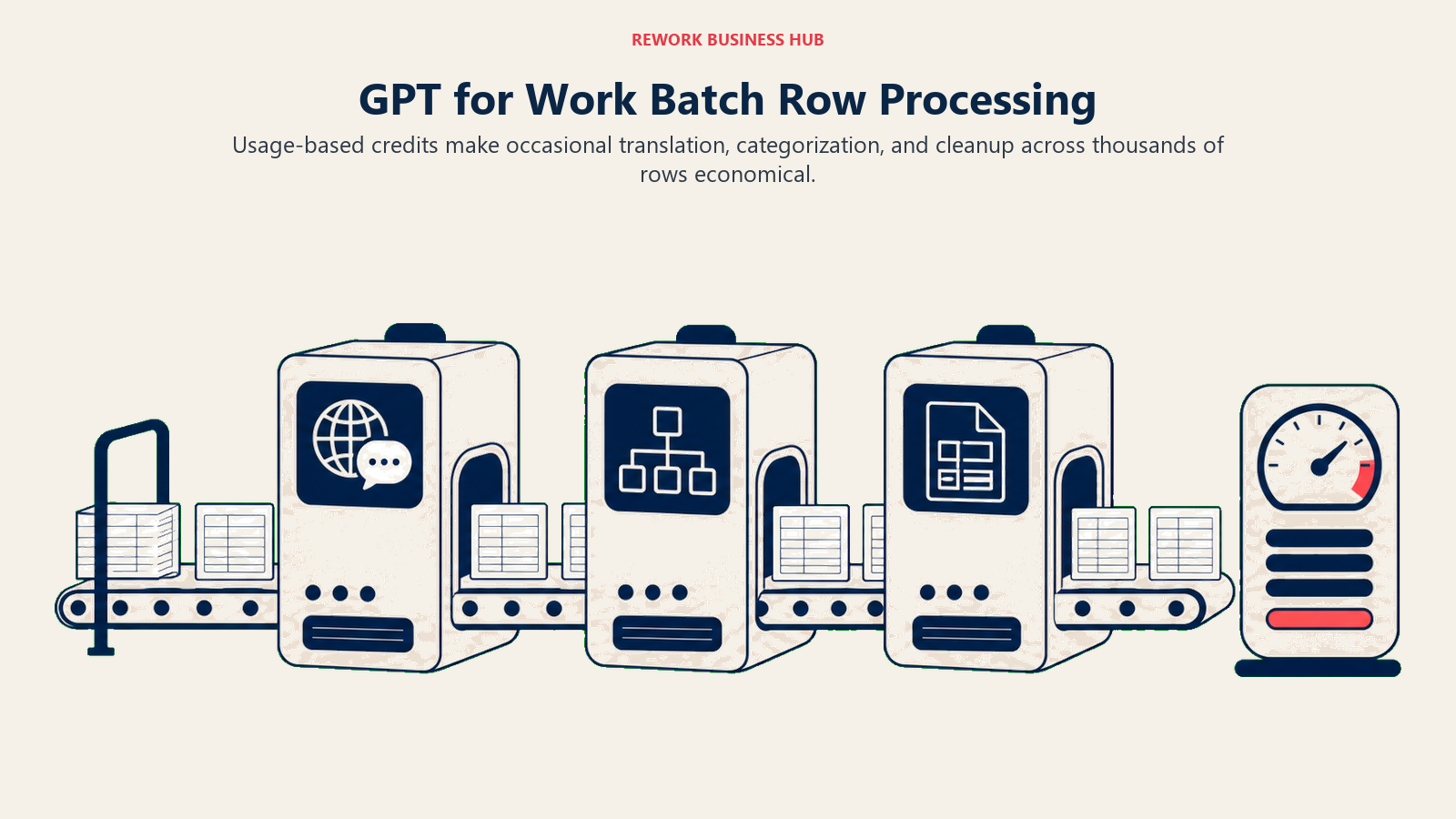
That model is genuinely cheaper than a flat monthly fee for teams running occasional large batch jobs, but it also means budgeting requires estimating token usage upfront rather than knowing a fixed monthly number.
Best for: Teams running occasional large batch jobs (translation, categorization, reformatting) across thousands of rows
| What you get | What you don't |
|---|---|
| No subscription required; pay only for tokens used | Estimating cost ahead of a job takes some practice |
| Access to GPT, Claude, and Gemini models from one add-on | $1 per 1M token platform fee applies with your own API key |
| Simple jobs cost cents per 1,000 rows | Subscription plans with included usage are still rolling out |
Pricing: Pay-as-you-go credit packs start at $29 (up to 97 million tokens) and scale to $999 (up to 3.3 billion tokens). Subscription plans start around $25/month where available. See gptforwork.com/pricing.
13. Sourcetable: AI Spreadsheet Plus AI Data Analyst in One Workspace
Sourcetable blends a familiar spreadsheet grid with an AI data analyst mode that can pull in and reason over file types beyond a standard XLSX or CSV. Instead of choosing between "a spreadsheet with AI bolted on" and "a chat tool that happens to output spreadsheet-shaped answers," Sourcetable tries to be both at once, generating formulas, charts, and full analyses from the same workspace.
As a newer entrant, it's less battle-tested at enterprise scale than Microsoft, Google, or the established formula-generator category, but the free tier makes it low-risk to evaluate against your actual workflow before committing budget.
Best for: Teams that want a single workspace mixing spreadsheet formulas with AI data-analyst chat, across mixed file types
| What you get | What you don't |
|---|---|
| Spreadsheet plus AI data analyst mode in one workspace | Newer product, less proven at scale than incumbents |
| Handles file types beyond standard XLSX/CSV | Max tier's 6,000 credits needed for the heaviest workloads |
| 50% discount for students and faculty | Data integration plans start at $100/month, a real jump from Pro |
Pricing: Free plan available with limited AI features. Pro is $20/user/month. Max is $100/month (6,000 credits, most capable models). Data integration plans start at $100/month. See sourcetable.com/pricing.
Pricing at a Glance
| Tool | Entry Price | Pricing Model | Free Tier? |
|---|---|---|---|
| Microsoft Copilot in Excel | Business add-on $18/seat/mo (annual promo) | Per-seat, bundled with M365 | No |
| Google Gemini in Sheets | Business Standard $14/user/mo (annual) | Per-user, bundled with Workspace | No |
| ChatGPT | Plus $20/mo | Flat monthly tier | Limited free tier |
| Claude | Pro $20/mo ($17/mo annual) | Flat monthly tier | Yes, limited |
| Coefficient | Starter $49/mo | Flat monthly tier | Yes (2 imports) |
| Numerous.ai | Personal $8/mo (annual) | Character/token-based tiers | Yes (60 tokens) |
| Formula Bot | Starter $18/mo | Message/action-based tiers | Yes (10 msgs/mo) |
| GPTExcel | Pro ~$6.30/mo (annual) | Flat monthly tier | Yes (4/day) |
| Ajelix | Pro $15/mo (annual) | Flat monthly tier | Yes (10/mo) |
| SheetAI | Pro $5.99/mo | Flat monthly tier | Yes (50 calls/mo) |
| Bricks | Premium $25/seat/mo | Per-seat, message-based tiers | Yes (20 msgs/mo) |
| GPT for Work | Credit packs from $29 | Pay-as-you-go tokens | No |
| Sourcetable | Pro $20/user/mo | Per-user, credit-based on higher tiers | Yes, limited |
Where AI Tools for Excel Are Headed
Two shifts are converging fast. First, the native vendors are catching up to the third-party add-ons: Copilot's Agent Mode and ChatGPT's spreadsheet sidebar app both narrow the gap that tools like Formula Bot and Numerous.ai opened by being AI-first from day one. Second, pricing is fragmenting into three distinct models inside the same category: flat per-seat SaaS pricing (Coefficient, Ajelix), usage-based credits (GPT for Work, Numerous.ai), and bundled-into-your-existing-license pricing (Copilot, Gemini), which makes true cost comparison harder than it looks on a features page. Expect more native AI functions to ship directly inside Excel and Sheets through the rest of 2026, and expect dedicated third-party tools to keep differentiating on bulk operations and live data connections rather than trying to out-formula Microsoft and Google directly. If your team is building a broader AI tools stack beyond spreadsheets, AI tools stack for mid-market teams is a useful next read, and if reporting and dashboards are the real bottleneck rather than formulas themselves, AI reporting and visualization covers that adjacent problem.

What to Do Next
Pick the one spreadsheet job that's actually costing you time right now, whether that's a formula you look up every week, a manual data pull from your CRM, or a report you rebuild by hand every month, and shortlist two tools against the decision framework above. If your team already pays for Microsoft 365 or Google Workspace, check what's already included in Copilot or Gemini before adding a new subscription; you may already have more than you're using. And if spreadsheet errors are a recurring problem for your team specifically, not just a formula-generation gap, the AI data entry automation reference is a useful next read for tackling the root cause rather than the symptom.

Principal Product Marketing Strategist
On this page
- Updated July 2026: What Changed
- Key Facts
- Quick Comparison Table
- How to Choose: Decision Framework
- 1. Microsoft Copilot in Excel: Native AI Inside the Grid You Already Use
- 2. Google Gemini in Sheets: AI Bundled Into Workspace
- 3. ChatGPT: Now a Native Spreadsheet App, Not Just a Chat Window
- 4. Claude: Best for Reasoning Through Messy, Multi-Tab Data
- 5. Coefficient: AI Plus Live CRM and Warehouse Data, Without Leaving Your Sheet
- 6. Numerous.ai: Bulk AI Across Thousands of Rows
- 7. Formula Bot: From Formula Generator to Full Data Analyst
- 8. GPTExcel: The Cheapest Dedicated Formula and Script Generator
- 9. Ajelix: 17 Spreadsheet Automation Tools in One Dashboard
- 10. SheetAI: The Lightweight, No-Frills Google Sheets Add-On
- 11. Bricks: An AI-Native Spreadsheet Built for Dashboards, Not an Add-In
- 12. GPT for Work: Pay-As-You-Go AI for Batch Row Processing
- 13. Sourcetable: AI Spreadsheet Plus AI Data Analyst in One Workspace
- Pricing at a Glance
- Where AI Tools for Excel Are Headed
- What to Do Next