Best AI Tools for Event Planning in 2026: 15 Tools Ranked by the Job They Do
Turn this article into takeaways for your work.


Each assistant summarizes the article only for you and suggests best practices for your work.
If you're choosing AI tools for event planning in 2026, Cvent and Bizzabo remain the default full-platform picks for mid-size and enterprise conferences, Swapcard and Grip lead on AI matchmaking and networking, EventMobi and Whova stay the most budget-flexible for single-event and per-event pricing, and a second stack of general-purpose AI tools (ChatGPT, Canva, Notion AI, Zapier, Jasper, Superpowered, Reclaim) quietly does as much of the day-to-day planning work as any dedicated event platform. No single tool covers registration, matchmaking, marketing, and post-event follow-up equally well, so this guide is organized by the job each tool actually does, not one flat ranked list.
Most enterprise event platforms in this category (Cvent, Grip, Swapcard's registration tier, Hubilo's successor) don't publish list pricing at all, so where a number is a quote-only estimate rather than a published rate, it's flagged as such below.
Updated July 2026: What Changed
- Hubilo no longer exists as an independent platform. Brandlive acquired Hubilo in September 2025, and existing customers were migrated to Virtual PRO, Brandlive's enterprise events platform. If you're still shortlisting "Hubilo," you're actually evaluating Brandlive.
- Cvent previewed 34 net-new AI capabilities at Cvent CONNECT 2026, backed by a $1 billion technology investment, including a conversational Cvent Assistant that builds a branded event draft from an uploaded budget or brief, and CventIQ Skills that let outside AI agents (including Claude and ChatGPT) execute event workflows directly.
- Notion folded its separate AI add-on into the Business tier. What used to be a $10/member/month add-on on any plan is now included only at Business ($20/user/month); Free and Plus get a limited AI trial, not the full Notion Agent and AI Meeting Notes suite.
- Canva Teams moved to per-seat pricing. The old flat $119.99/year Teams plan is gone for new signups, replaced by $10/user/month annual with a 3-seat minimum, a real cost increase for small event teams that used to split one flat-rate plan.
Key Facts
- 95% of event organizers expect their AI usage to increase in 2026, and 35% expect a significant increase, per Bizzabo's 2026 State of Events Benchmark Report.
- 65% of event planners already use generative AI in their planning, but only 16% say it has significantly improved planning and execution, per the Cvent/Northstar Meetings Industry PULSE Survey.
- 40% of organizers still find it difficult to prove event ROI in 2026, though that's down sharply from 70% in 2025, per Bizzabo's benchmark data.
- 73% of attendees expect in-person conferences to use modern event technology, and 55% say the mobile event app can make or break their experience, per Bizzabo's event marketing statistics.
- 60% of organizers now rate their event networking as only "somewhat effective," down from 46% who called it "very effective" in 2025, a gap that's driving demand for AI matchmaking tools like Swapcard and Grip, per Bizzabo.
- Dynamic, personalized registration flows convert at 24.4%, more than double the 11.6% conversion rate of static registration flows, per Bizzabo's data.
- 63% of planners cite data quality, not the AI tool itself, as the biggest barrier to getting real value from AI, per the Cvent/Northstar PULSE Survey.
Quick Comparison Table
| Tool | Best For | Starting Price | Key Strength | Key Limitation |
|---|---|---|---|---|
| Cvent | Enterprise conferences, venue sourcing | Quote-only, buyer-reported from ~$19,500/yr | CventIQ AI Assistant, deepest enterprise feature set | No public pricing, steep implementation cost |
| Bizzabo | Mid-market to enterprise event teams | $499/user/mo, $17,999/yr floor | Bizzy AI copilot, unified Event Experience OS | "User" pricing excludes attendees; add-ons stack fast |
| Swapcard | AI matchmaking for trade shows and conferences | From $610/user/yr (engagement platform) | 16-strategy AI matchmaking engine | Registration platform is a separate, unpriced quote |
| Grip | Enterprise trade show networking and lead retrieval | Quote-only, industry estimate $10K-$50K+/event | 70M-data-point AI matchmaking, proven at major expos | 4-month typical implementation, sales-led only |
| EventMobi | Single-event and budget-flexible planning | From $3,000/event or $8,900/yr | No registration fees, transparent per-event pricing | Streaming and badge printing are metered add-ons |
| Whova | Conferences wanting an affordable, feature-rich app | Quote-only; 3.0% + $0.99 ticket fee | AI-assisted agendas, dense feature set for the price | No fixed list price; document uploads capped |
| Highbar.ai | Self-serve AI-native event app | $2,500 flat/event or $10,000/yr unlimited | AI concierge and networking agent included, no tiers | Newer brand, thinner enterprise track record |
| Brandlive (formerly Hubilo) | Teams already on legacy Hubilo contracts | Quote-only, priced per admin seat | Enterprise virtual/hybrid event production | Migration disruption for former Hubilo customers |
| ChatGPT | Drafting agendas, run-of-show docs, vendor emails | Free; Plus $20/mo; Team $25-30/user/mo | Fastest way to draft and iterate any event document | No native event data; you paste context in manually |
| Canva | Event branding, signage, social graphics | Free; Pro $12/mo ($10/mo annual); Teams $10/user/mo | Fast on-brand design for non-designers | Teams plan now per-seat, 3-seat minimum |
| Notion AI | Centralizing the event plan, vendor tracker, run of show | Free; Plus $10/user/mo; Business $20/user/mo (full AI) | One workspace for docs, tasks, and AI search | Full AI suite requires the $20/user/mo Business tier |
| Zapier | Connecting registration, CRM, and email tools | Free (100 tasks); Pro $19.99/mo (750 tasks) | Glues together tools that don't talk to each other natively | Task-based pricing gets expensive at high registration volume |
| Jasper | On-brand marketing copy at event-promotion scale | Creator $39/mo; Pro $59/mo; Business custom | Brand voice consistency across dozens of promo assets | Pricier than ChatGPT for teams that just need drafts |
| Superpowered | AI notes for vendor calls and post-event debriefs | Free (limited); paid from $25/mo | No-bot transcription, works from device audio | Built for meetings, not full event operations |
| Reclaim.ai | Protecting planning time on a packed calendar | Free; Plus $8/user/mo; Business $12/user/mo | Auto-schedules focus blocks around meetings | Calendar tool only, no event-specific features |
How to Choose AI Tools for Event Planning
Most teams start shopping for "an AI event tool" as if one exists. It doesn't. Event planning breaks into distinct jobs, registration and logistics, attendee matchmaking, marketing content, and internal planning and follow-up, and the tools that do each job well are rarely the same vendor.
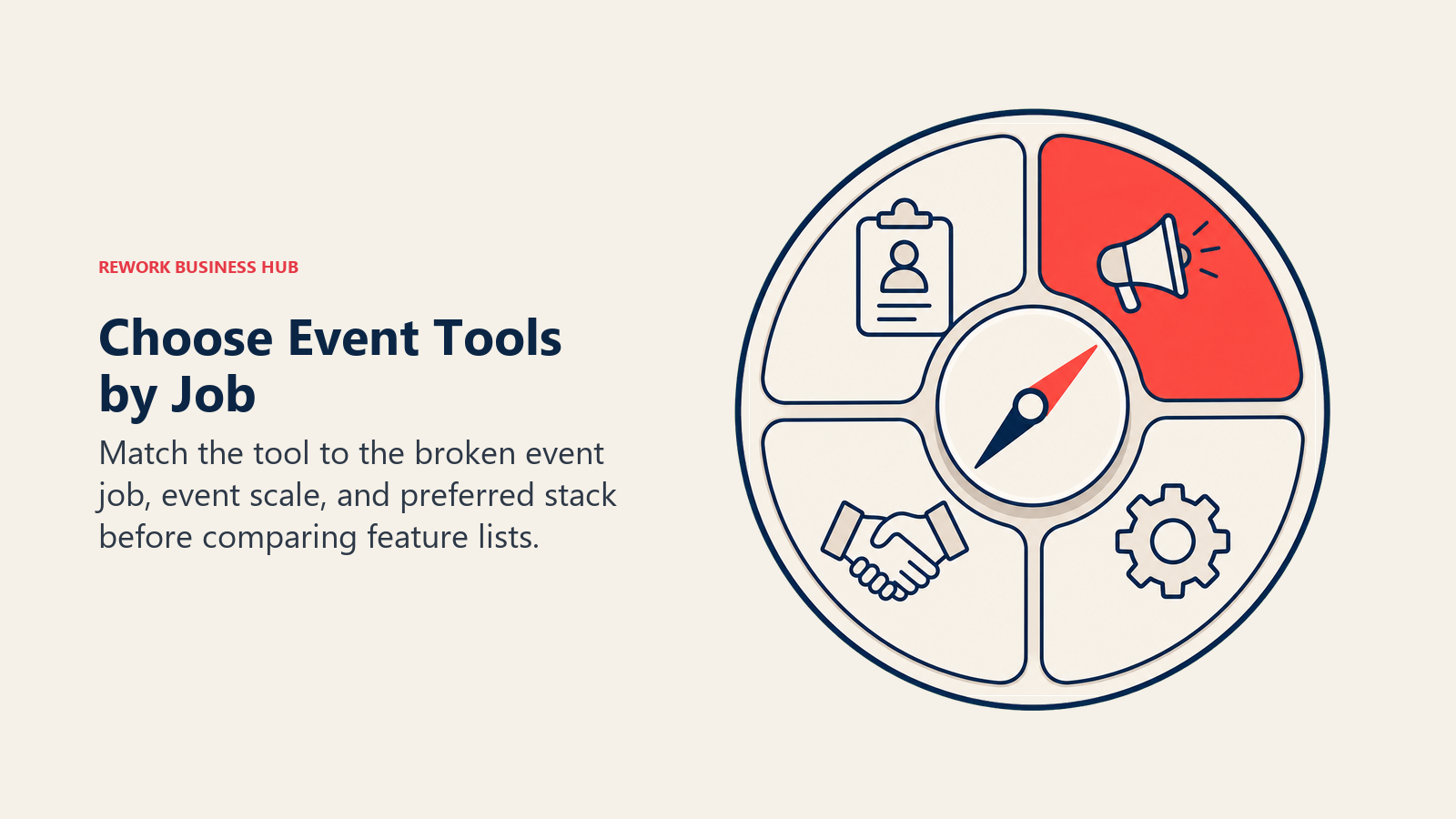
Three questions narrow the field fast:
- What's actually broken right now? If attendees complain about weak networking, that's a matchmaking problem (Swapcard, Grip), not a registration problem. If your team is drowning in run-of-show spreadsheets, that's a planning-ops problem (Notion AI, Zapier), not a marketing problem.
- How many events do you run a year, and how big are they? A single 300-person annual conference doesn't need Cvent's enterprise contract. A 12-city roadshow with venue sourcing across markets probably does.
- Do you need one platform or a connected stack? Cvent and Bizzabo try to be the whole platform. Most mid-size teams actually run a stack: a registration tool, a matchmaking layer if it's a networking-heavy event, and general AI tools (ChatGPT, Canva, Notion, Zapier) stitching the rest together.
Before comparing vendors, it also helps to map your event against a buyer decision framework the same way you'd shortlist any other software category: define the job, then match tools to jobs instead of collecting a pile of impressive feature lists.
Framework: By Primary Job
| Job | What Matters Most | Best Fits |
|---|---|---|
| Full event management platform | Registration, agenda, mobile app, reporting in one system | Cvent, Bizzabo, EventMobi, Whova |
| AI matchmaking and networking | Meeting scheduling, recommendation quality, lead retrieval | Swapcard, Grip |
| Self-serve, budget-conscious event app | Fast setup, flat pricing, no sales calls | Highbar.ai, EventMobi, Whova |
| Planning docs, run-of-show, vendor tracking | Centralized workspace, AI search across documents | Notion AI |
| Drafting agendas, emails, and vendor communications | Fast iteration, no event-data lock-in | ChatGPT |
| On-brand event marketing and signage | Fast turnaround, brand kit consistency | Canva, Jasper |
| Connecting tools that don't talk to each other | No-code automation between registration, CRM, and email | Zapier |
| Post-event debriefs and vendor call notes | Accurate transcription without a visible meeting bot | Superpowered |
| Protecting planning time on a packed calendar | Auto-scheduled focus blocks around back-to-back meetings | Reclaim.ai |
Framework: By Event Size and Budget
| Event Profile | What You Need | Best Fits |
|---|---|---|
| Single event, under 500 attendees | Transparent per-event pricing, fast setup | EventMobi, Whova, Highbar.ai |
| Recurring mid-size conference (500-3,000) | Full platform with matchmaking add-on | Bizzabo, Swapcard |
| Multi-event annual calendar, enterprise budget | Venue sourcing, deep integrations, dedicated support | Cvent, Grip |
| Lean internal team stitching a stack together | General AI tools that don't require a platform contract | ChatGPT, Notion AI, Zapier, Canva |
| Trade show or expo with heavy exhibitor networking | Proven AI matchmaking at scale | Grip, Swapcard |
1. Cvent: Deepest Enterprise Feature Set, Now With CventIQ AI
Cvent's bet has always been breadth: registration, venue sourcing, mobile apps, and hospitality solutions under one enterprise contract. In 2026 that bet runs through CventIQ, a platform-wide AI layer built around a conversational Cvent Assistant. Organizers can describe an event and upload a past budget or brief, and the Assistant drafts a fully branded event in minutes, using existing templates. CventIQ Skills go further, packaging event workflows so outside AI agents, including Claude, ChatGPT, and Salesforce Agentforce, can create events, brief sellers, or amplify content without a human clicking through the Cvent interface.
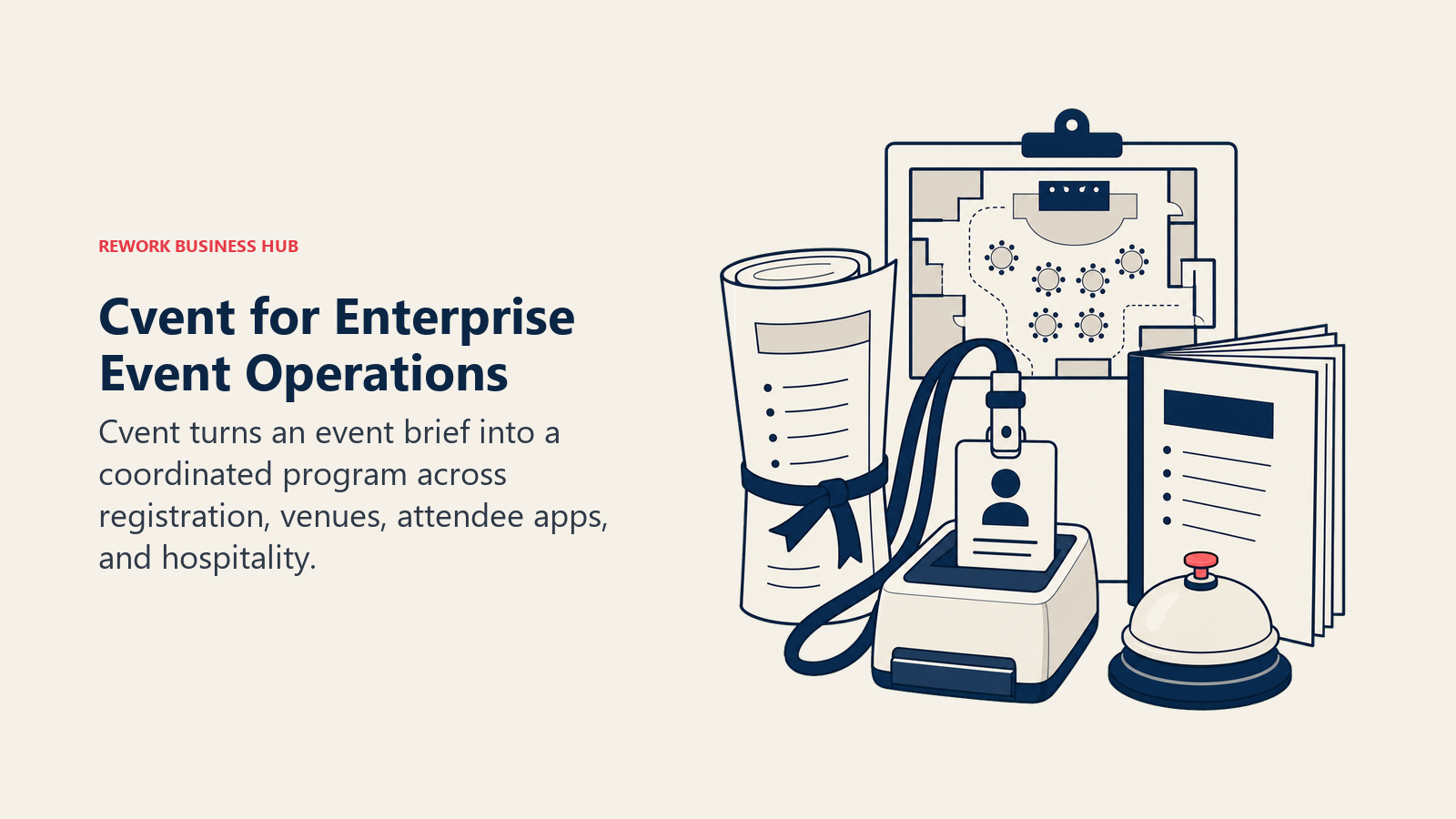
That depth comes at enterprise cost and enterprise complexity. Cvent doesn't publish list pricing; buyer-reported data puts contracts starting around $19,500/year at the low end, with a median across contracts closer to $79,000/year once venue sourcing and attendee hub features are added. Registration fees and per-registrant Attendee Hub charges (reported as high as $7-12 per registrant) can push real cost well past the base license.
| What you get | What you don't |
|---|---|
| CventIQ AI Assistant builds a branded event draft from an uploaded brief | No public pricing; every quote is negotiated |
| CventIQ Skills let outside AI agents execute workflows directly | Implementation and per-registrant fees add real cost beyond the license |
| Deepest venue sourcing and hospitality tooling in the category | Overkill for a single annual event under 1,000 attendees |
Pricing: Custom quote only. Buyer-reported data puts entry contracts around $19,500/year, with median contracts near $79,000/year; Attendee Hub reported at up to $7/registrant, and implementation typically adds $5,000-$50,000 in year one.
Best for: Enterprise teams running multiple large conferences a year with venue sourcing and hospitality needs, where the AI Assistant's document-to-draft workflow offsets the coordination overhead.
2. Bizzabo: Event Experience OS With Bizzy AI
Bizzabo's philosophy is a single unified "Event Experience OS": event websites, registration, agenda builder, mobile app, email, and analytics in one product, with Bizzy AI now available as an AI copilot across every event on the platform to help attendees navigate sessions and surface relevant connections. Unlimited events and registrations are included in the base subscription, which makes Bizzabo a cleaner fit than Cvent for teams running a steady calendar of mid-size events rather than one-off enterprise programs.
The pricing structure is the thing to understand before you buy: $499 per user per month, three-user minimum, for a $17,999/year floor. "User" means a team member with platform access, not an attendee, so a five-person events team is already near $30,000/year before white-label, SSO, badge printing, or CRM integrations, each of which adds $3,000-$40,000+ annually depending on the module.
| What you get | What you don't |
|---|---|
| Bizzy AI copilot for attendee navigation and recommendations | $499/user/mo with a hard 3-user minimum |
| Unified platform: website, registration, app, email, analytics | White-label, SSO, and badge printing are separate add-on costs |
| Unlimited events and registrations included in the base plan | CRM and marketing automation integrations run $5,000-$25,000/yr |
Pricing: $499/user/month, billed annually, 3-user minimum ($17,999/year floor). CRM/marketing integrations $5,000-$25,000/yr; virtual/hybrid modules $5,000-$40,000+/yr; onsite badge printing across four events can add $20,000+.
Best for: Mid-market to enterprise teams running a recurring calendar of events who want one platform rather than stitching registration, app, and analytics tools together.
3. Swapcard: AI Matchmaking Built for Revenue, Not Just Networking
Swapcard's core differentiator is its AI matchmaking engine, which pairs attendees, exhibitors, and sponsors based on stated goals, session activity, and behavior inside the app, then surfaces meeting recommendations automatically rather than leaving networking to a static attendee directory. For events where sponsor ROI and exhibitor lead quality drive the budget, that matchmaking layer often does more for renewal rates than any registration feature.
Pricing is genuinely two separate products: the Event Engagement Platform (matchmaking, networking, the mobile app) starts around $610 per user per year, while the Registration & Management Platform (registration, exhibitor management, onsite badging, reporting) carries no public price and is quoted separately. Buyers evaluating Swapcard for a full-stack replacement should budget for both quotes plus implementation, reported at $25,000-$150,000 depending on complexity.
| What you get | What you don't |
|---|---|
| AI matchmaking engine tuned for exhibitor and sponsor ROI | Engagement and registration platforms are priced and quoted separately |
| Scalable licensing tied to attendee and exhibitor volume | Implementation runs $25,000-$150,000 for complex, multi-format events |
| Strong fit for consolidating vendors on complex programs | Some G2 reviewers cite pricing as steep for smaller events |
Pricing: Event Engagement Platform from $610/user/year; Registration & Management Platform custom quote. Implementation reported at $25,000-$150,000.
Best for: Multi-format conferences and trade shows where sponsor and exhibitor networking quality is the primary success metric.
4. Grip: Enterprise AI Matchmaking at Trade Show Scale
Grip is built for the largest, most complex networking environments: major expos like SXSW and events run by RX and Clarion. Its AI matchmaking draws on roughly 70 million data points and runs 16 machine learning strategies simultaneously, weighing explicit attendee preferences alongside behavioral signals like profile clicks, session views, and calendar activity to recommend high-quality meetings. Organizers can also layer in premium matchmaking as a revenue line, offering sponsored meeting slots or VIP networking areas.
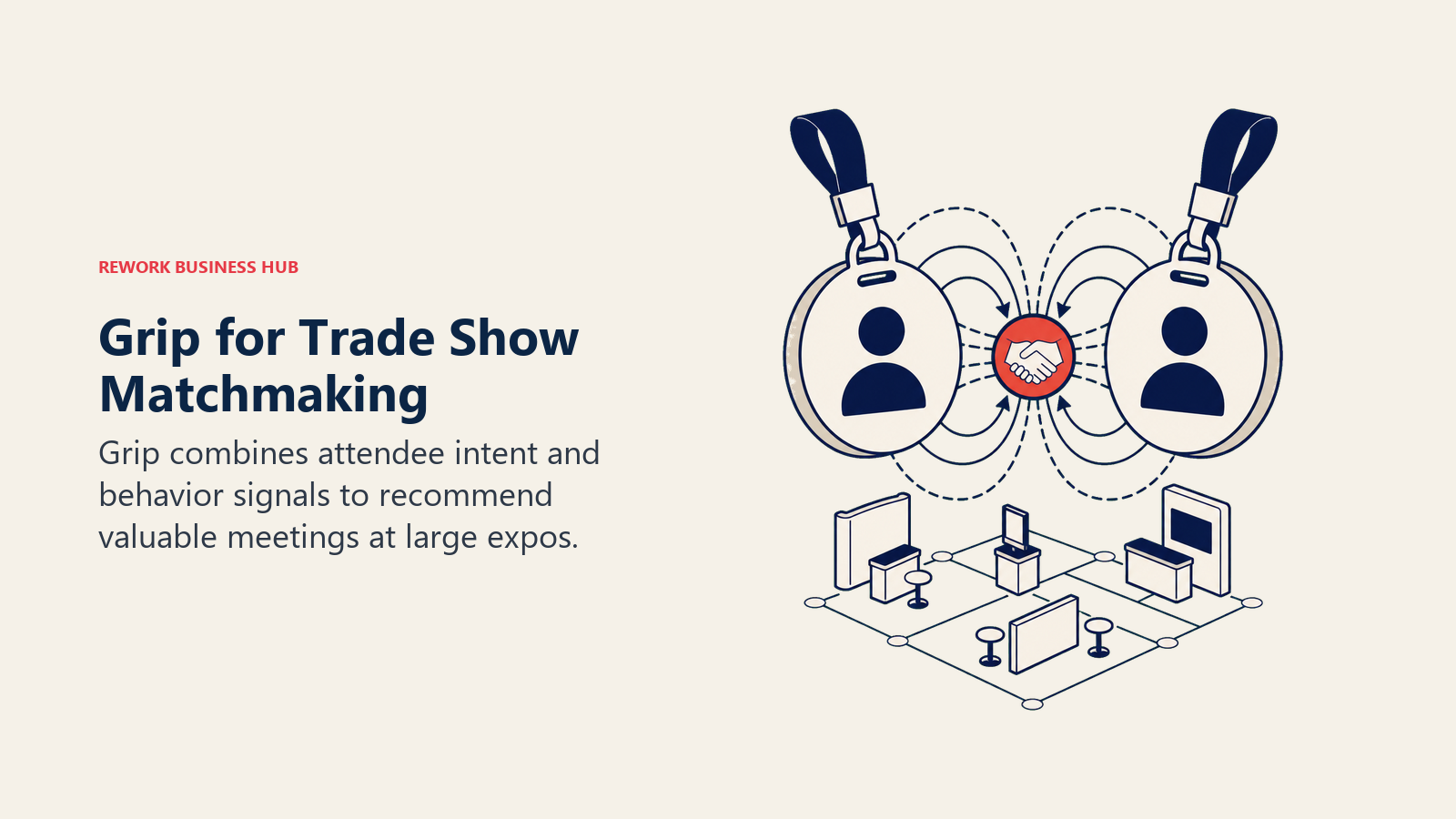
Grip publishes no pricing at all. Industry estimates put enterprise conference deployments at $10,000-$50,000 or more per event, sold entirely through a sales-led process. New organizers should also plan for a real implementation runway; Grip's own onboarding guidance flags up to four months to set up correctly, which rules it out for fast-turnaround or short-notice events.
| What you get | What you don't |
|---|---|
| 70M-data-point AI matchmaking across 16 strategies | Zero public pricing; sales-led quotes only |
| Proven at the largest trade shows and expos in the category | Setup can run up to four months for new organizers |
| Sponsored meeting slots as a built-in monetization lever | Not a fit for smaller or fast-turnaround events |
Pricing: Custom quote only. Industry benchmarks suggest $10,000-$50,000+ per event for enterprise deployments.
Best for: Large trade shows and expos where matchmaking quality directly drives sponsor and exhibitor revenue, and where a multi-month setup timeline is acceptable.
5. EventMobi: Transparent Per-Event Pricing, No Registration Fees
EventMobi's pitch is the opposite of Cvent's and Bizzabo's: no seat fees, no hidden charges, and a genuine choice between per-event and annual pricing. Per Event starts at $3,000 and scales with attendee count and the products you turn on (registration, badge printing, check-in, event app, lead capture, virtual). The annual option starts at $8,900/year for unlimited events, plus a dedicated Event Success Manager and quarterly business reviews. Critically, EventMobi charges zero registration fees on free or paid tickets beyond standard payment processing, which matters a lot for organizations running high-volume, lower-ticket-price events.
The tradeoff for that pricing transparency is a lighter AI and matchmaking layer than Swapcard or Grip. EventMobi is a strong operational platform, not primarily a networking-intelligence product, so events where sponsor matchmaking is the main value driver will likely need to pair it with, or choose instead, a dedicated matchmaking tool.
| What you get | What you don't |
|---|---|
| Choice of per-event or annual pricing, both transparent | AI matchmaking depth is lighter than Swapcard or Grip |
| Zero registration fees on free or paid tickets | Streaming and video storage are metered add-ons from $500/event |
| Dedicated Event Success Manager on the annual plan | Pre-printed badges add $3.99 each including shipping |
Pricing: Per Event from $3,000/event; Annual from $8,900/year (unlimited events). No registration fees; streaming/video add-ons from $500/event; badges $3.99 each.
Best for: Teams running a handful of mid-size events a year who want predictable, transparent pricing without a platform-wide seat contract.
6. Whova: Feature-Dense Conference App at a Lower Entry Point
Whova has built its reputation on packing a large feature set (agenda builder, networking, sponsor showcase, gamification, session Q&A) into a lower-cost conference app than the enterprise platforms above. It doesn't publish fixed pricing; quotes scale with attendee count, the number of events you run annually, and which add-ons you enable, with reported attendee bands running from a few hundred up into the tens of thousands.
The fee structure has real texture buyers miss: Whova charges 3.0% + $0.99 per paid ticket, though free events can issue unlimited free tickets with no ticketing fee. Some feature caps, like document uploads, require paying an additional flat fee (reported around $2,000) to remove entirely, so read the quote line by line before assuming "included" means unlimited.
| What you get | What you don't |
|---|---|
| Dense feature set (agenda, networking, gamification) for the price | No fixed list pricing; every quote is custom |
| Unlimited free tickets with zero ticketing fee | 3.0% + $0.99 fee applies to every paid ticket |
| Scales from a few hundred to tens of thousands of attendees | Document upload caps require a separate add-on fee to remove |
Pricing: Quote-only, scaled by attendee count and features. Paid ticketing fee: 3.0% + $0.99/ticket. Free tickets carry no platform ticketing fee.
Best for: Conference organizers who want a feature-rich app without an enterprise-platform price tag, especially events that are mostly free-to-attend.
7. Highbar.ai: Self-Serve AI-Native Event App With No Sales Calls
Highbar is built by the team behind Attendify (acquired by Hopin) and takes a deliberately different sales model: flat, transparent pricing with no sales calls and no setup fees. Every plan includes an AI Concierge that answers attendee questions and recommends sessions, plus a Networking Agent that recommends who to meet based on stated goals, all live in under a day. There are no feature tiers; every plan gets the full product, including custom branding, white labeling, lead retrieval, and engagement analytics.
Pricing is genuinely simple compared to the rest of this list: a flat $2,500 per event, or an outcome-based option at $5 per engaged attendee (capped at $9,500 total, with the first 20 engaged attendees free via a $100 credit), or $10,000/year unlimited for up to 2,000 attendees and unlimited events. The catch is brand maturity: Highbar is newer than Cvent, Bizzabo, or Swapcard, with a thinner enterprise track record and fewer large-scale case studies to evaluate against.
| What you get | What you don't |
|---|---|
| Flat, transparent pricing with no sales calls or setup fees | Newer brand with less enterprise proof than Cvent or Bizzabo |
| AI Concierge and Networking Agent included on every plan | Feature set is narrower than a full platform like Cvent |
| Launches in under a day with no tiered feature gating | Best suited to single or moderate-frequency events, not complex programs |
Pricing: $2,500 flat/event; or $5/engaged attendee (capped at $9,500, first 20 free); or $10,000/year unlimited (2,000 attendees, unlimited events).
Best for: Teams that want a modern, AI-native event app fast, without a sales cycle, and don't need Cvent-level venue sourcing or hospitality tooling.
8. Brandlive (formerly Hubilo): Enterprise Virtual and Hybrid Production
Brandlive acquired Hubilo in September 2025, and every existing Hubilo customer was migrated automatically to Virtual PRO, Brandlive's enterprise virtual and hybrid events platform. If a vendor comparison or an older article still lists "Hubilo" as an independent option, that's now out of date; the product and the company behind it have changed.
Virtual PRO's annual pricing is based on the number of admins with platform access rather than attendee count, scaling with team size, event complexity, and program scope. No specific numbers are publicly listed, so teams evaluating this platform should treat any figure they find online as unverified until confirmed directly with Brandlive's sales team.
| What you get | What you don't |
|---|---|
| Enterprise-grade virtual and hybrid event production | Not the same standalone product Hubilo customers originally bought |
| Admin-based pricing that scales with team size | No public pricing; must be confirmed directly with sales |
| Migration path already built for former Hubilo accounts | Fewer independent 2026 reviews than more established platforms |
Pricing: Custom quote based on admin seat count. Contact Brandlive directly; no public pricing available as of July 2026.
Best for: Organizations with an existing Hubilo contract that are being migrated, or enterprise teams specifically needing virtual/hybrid production depth.
9. ChatGPT: The Fastest Way to Draft Any Event Document
ChatGPT doesn't know your registration numbers or your vendor contracts, but it's often the single most-used AI tool on an event team's desktop anyway, because so much of event planning is drafting: run-of-show documents, sponsor prospectus copy, speaker briefing emails, FAQ pages, day-of contingency plans. Paste in your event brief and ChatGPT will draft, revise, and reformat faster than starting from a blank doc, and it works for every job on this list, not just one.
The tradeoff is exactly what you'd expect from a general tool: no native event data, no registration integration, no built-in matchmaking. Everything it produces is only as good as the context you paste in, and every draft needs a human check against your actual event details before it goes out. For a broader look at where general AI assistants fit against dedicated platforms across categories, see our Best AI Tools in 2026 roundup.
| What you get | What you don't |
|---|---|
| Fastest drafting tool for any event document or email | No native event data; you supply all context manually |
| Works across every job: agendas, copy, briefings, FAQs | No registration, matchmaking, or reporting features |
| Free tier is genuinely usable for occasional drafting | Business/Enterprise pricing adds up fast for larger teams |
Pricing: Free; Go $8/mo; Plus $20/mo; Pro $100-200/mo; Team/Business $25-30/user/mo; Enterprise from roughly $50-60/user/mo negotiated (150-seat minimum, ~$108,000/year floor).
Best for: Any event team that needs fast, flexible drafting help and already has the event details to paste in as context.
10. Canva: On-Brand Event Design Without a Designer
Canva's role on an event team is design speed: signage, badges, sponsor decks, social graphics, name tags, and email headers, all built from templates with AI-assisted background removal and Magic Studio tools baked into Pro. For teams without a dedicated designer, Canva is frequently the difference between on-brand event materials and a scramble of mismatched fonts across ten different assets.
The pricing shift to watch is Canva Teams moving to per-seat billing: $10/user/month annual (3-seat minimum), replacing the old flat $119.99/year plan that many small event teams relied on. That's a real cost increase for a five-person events team, worth budgeting for before renewal. For teams building out a full event promotion stack, our Best AI Tools for Social Media guide covers where Canva fits alongside scheduling and content-generation tools.
| What you get | What you don't |
|---|---|
| Fast, on-brand design for signage, decks, and social assets | Teams plan moved to per-seat, no more flat annual rate |
| Free plan is genuinely usable for basic event materials | Not a substitute for custom brand design work |
| Brand Kit and template locking on Teams for consistency | AI design tools work best inside Canva's own templates |
Pricing: Free; Pro $15/mo ($120/yr, ~$10/mo effective); Teams $10/user/mo annual, 3-seat minimum ($20/mo monthly).
Best for: Event teams without a dedicated designer who need fast, consistent, on-brand materials across signage, decks, and social content.
11. Notion AI: One Workspace for the Whole Event Plan
Notion's value for event planning isn't the AI layer alone, it's having the run-of-show, vendor tracker, budget doc, speaker list, and task board in one connected workspace instead of six disconnected spreadsheets and a shared drive nobody can search. Notion AI adds search across all of it, drafts and summarizes content, and, on Business, generates AI Meeting Notes and runs Notion Agent for more autonomous task handling.
The 2026 pricing change matters here: the separate $10/member/month AI add-on that used to work on any plan is gone, and the full AI suite now requires Business at $20/user/month. Free and Plus users get a limited AI trial, not ongoing access to Notion Agent or AI search. For teams building the rest of their internal planning stack, our Best AI Productivity Tools guide covers where Notion AI fits against other workspace and task-management options.
| What you get | What you don't |
|---|---|
| One workspace for run-of-show, vendor tracker, and tasks | Full AI suite requires Business tier at $20/user/mo |
| AI search across every planning doc in the workspace | Custom Agents run on a separate metered credit system |
| AI Meeting Notes built in on Business | Free/Plus AI access is a limited trial, not ongoing |
Pricing: Free $0; Plus $10/user/mo (basic AI trial only); Business $20/user/mo (full AI suite: Notion Agent, AI search, AI Meeting Notes); Enterprise custom; Custom Agents $10/1,000 credits.
Best for: Event teams that want a single source of truth for the entire plan, with AI search across every document instead of hunting through spreadsheets.
12. Zapier: The Glue Between Tools That Don't Talk to Each Other
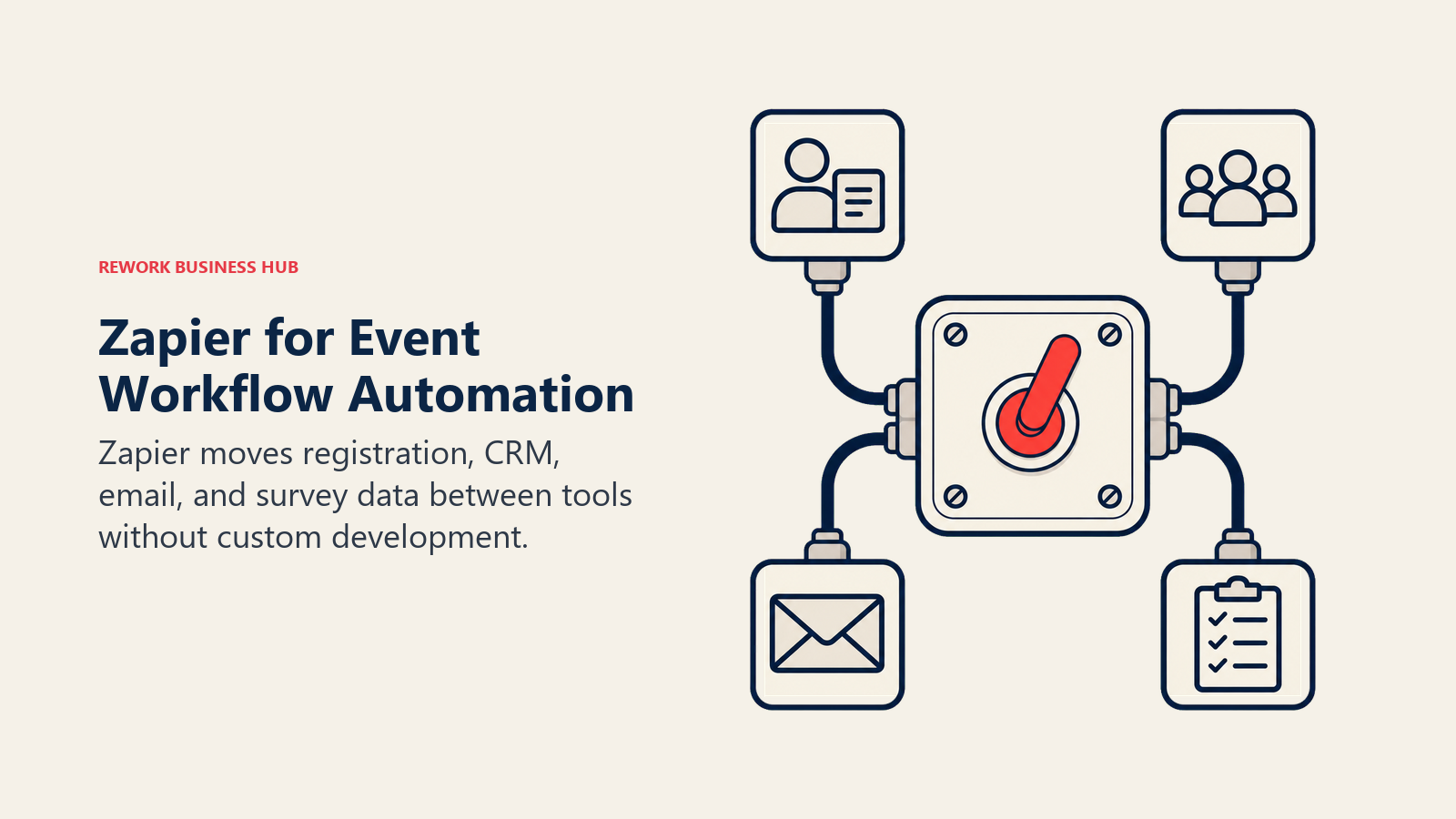
No event tech stack is one platform in practice. Registration data needs to reach the CRM, new sign-ups need to trigger a confirmation email, and post-event survey responses need to land in a spreadsheet someone actually checks. Zapier's job is connecting all of that without custom development, using AI fields on paid plans to handle formatting and light data transformation between apps that were never built to talk to each other.
Pricing runs on tasks, not seats, which rewards lean stacks and penalizes high-volume registration flows. The free plan's 100 tasks a month disappears fast once you're running live automations across a real event; Professional at $19.99/month (750 tasks, annual) is where most small event teams land, with Team at $69/month unlocking shared Zaps and connections across up to 25 users. For a broader view of where Zapier fits in an automated planning stack, see our Best AI Automation Tools guide.
| What you get | What you don't |
|---|---|
| No-code automation between registration, CRM, and email tools | Task-based pricing scales fast with registration volume |
| AI fields handle formatting between mismatched app data | Each step in a multi-step Zap counts as a separate task |
| Team plan adds shared Zaps and connections for up to 25 users | Enterprise features require a custom sales conversation |
Pricing: Free (100 tasks/mo); Professional $19.99/mo annual (750 tasks); Team $69/mo annual (2,000 tasks, up to 25 users); Enterprise custom.
Best for: Event teams running registration, CRM, and email tools that don't natively integrate, who need automation without hiring a developer.
13. Jasper: On-Brand Marketing Copy at Promotion Scale
Jasper's differentiator over ChatGPT is brand consistency at volume. Event promotion means dozens of near-identical assets, save-the-date emails, sponsor one-pagers, social captions, speaker announcement copy, and Jasper's Brand Voice and Knowledge features keep tone and terminology consistent across all of it without a human re-explaining brand guidelines in every prompt.
That consistency costs more than a general assistant: Creator starts at $39/month annual, Pro at $59/month annual, and Business is a custom quote that typically starts around $900/month for small teams, positioning Jasper well above ChatGPT for teams that just need occasional drafts. It's the right tool when event marketing output is high-volume and brand-sensitive, and the wrong tool for a lean team writing a handful of emails a month. Our Best AI Email Tools guide covers where Jasper fits against dedicated email-marketing AI tools for attendee campaigns.
| What you get | What you don't |
|---|---|
| Brand Voice and Knowledge keep tone consistent at scale | Meaningfully pricier than ChatGPT for occasional use |
| Built for high-volume, multi-channel promotion campaigns | Business tier custom pricing starts near $900/mo for small teams |
| Multi-brand support for agencies running several events | Overkill for a single small event's promotion needs |
Pricing: Creator $39/mo annual ($49 monthly); Pro $59/mo annual ($69 monthly); Business custom, typically from ~$900/mo for small teams.
Best for: Marketing teams or agencies promoting multiple events or a high-volume campaign where brand consistency across dozens of assets matters.
14. Superpowered: No-Bot Notes for Vendor Calls and Debriefs
Event planning runs on calls: venue walkthroughs, AV vendor negotiations, sponsor check-ins, post-event debriefs. Superpowered transcribes those from device audio without a visible bot joining the call, which matters in vendor negotiations where an obvious "AI notetaker has joined" announcement can change how candidly a vendor talks about pricing flexibility. It supports 50+ languages, useful for teams coordinating international vendors or multi-market events.
Superpowered is a meeting tool, not an event-operations platform, so it's a complement to the platforms above, not a substitute. It offers a free plan for single users and paid plans starting at $25/month. For a full comparison against the wider category of AI meeting assistants, including options with deeper CRM sync, see our Best AI Meeting Assistants guide.
| What you get | What you don't |
|---|---|
| No visible bot joining vendor or sponsor calls | Meeting-only tool, no event-operations features |
| Supports 50+ languages for international vendor coordination | Free plan is limited; real use requires the $25/mo paid tier |
| Clean notes for post-event debriefs and lessons-learned reviews | No native integration into event registration or CRM data |
Pricing: Free (limited, single user); paid plans from $25/month.
Best for: Event planners who want accurate, unobtrusive notes from vendor negotiation and debrief calls without a bot announcing itself.
15. Reclaim.ai: Protecting Planning Time on a Packed Calendar
The week before an event, an event planner's calendar turns into back-to-back vendor calls, run-throughs, and stakeholder check-ins, and the actual planning work (finalizing the run-of-show, reviewing the floor plan, chasing outstanding vendor confirmations) gets pushed to whatever time is left over. Reclaim.ai auto-schedules focus blocks, habits, and buffer time directly onto a Google or Outlook calendar around existing meetings, which is a real, if unglamorous, fix for that problem.
It's a calendar tool, not an event platform, so it does exactly one job and does it around your existing meeting load rather than replacing any event software. Reclaim reports its scheduling engine creates roughly 40% more available time for teams that use it consistently. For a broader look at time-management and workspace tools that pair well with it, our Best AI Productivity Tools guide covers the wider category.
| What you get | What you don't |
|---|---|
| Auto-scheduled focus blocks around existing meetings | Calendar tool only, no event-specific features at all |
| Free tier covers basic habits and scheduling links | Business tier ($12/user/mo) needed for team analytics |
| Works across Google Calendar and Microsoft Outlook | Doesn't reduce meeting volume, only protects gaps between it |
Pricing: Free (2 calendars, 1 scheduling link); Plus $8/user/mo annual; Business $12/user/mo annual; Enterprise $18/user/mo annual.
Best for: Event planners whose calendars fill with vendor and stakeholder meetings in the weeks before an event, and who need protected time to actually finish the plan.
Event AI Tool Buying Mistakes to Avoid
| Mistake | What It Looks Like | What to Do Instead |
|---|---|---|
| Buying a full platform for a matchmaking problem | Signing a Cvent contract because networking feedback was weak | Isolate the actual complaint first; a matchmaking layer like Swapcard may fix it without a platform switch |
| Confusing "user" pricing with attendee pricing | Assuming Bizzabo's $499/user covers all your attendees | Confirm whether pricing is per team-member seat or per attendee before budgeting |
| Skipping the quote-only tools in comparisons | Ruling out Cvent or Grip because "no pricing is listed" | Request a quote anyway; enterprise event platforms are almost never publicly priced |
| Treating general AI tools as event-specific | Expecting ChatGPT to know your registration numbers automatically | Paste in real event context every time; general AI tools have no native event data |
| Ignoring per-ticket and per-registrant fees | Comparing only the platform license, not Whova's 3% ticket fee or Cvent's Attendee Hub charge | Model total cost including registration and per-attendee fees, not just the base license |
| Not confirming a tool's brand and support maturity | Betting a major conference on a newer platform with thin enterprise references | Check case studies and support SLAs directly for higher-stakes, higher-budget events |
| Buying the whole stack before the event is scoped | Signing contracts for six AI tools before defining what's actually broken | Run the "what's broken" framework first, then buy tools for specific jobs, not a category |
Data quality remains the real bottleneck behind AI's uneven event results: 63% of planners cite it as their top barrier, more than they cite the tools themselves, per the Cvent/Northstar PULSE Survey. No AI tool on this list fixes messy registration data or an unclear event brief on its own. If your team is also running attendee follow-up into a sales pipeline after the event, it's worth checking that your CRM software is actually connected to your registration data before you add another AI layer on top.
Decision Framework
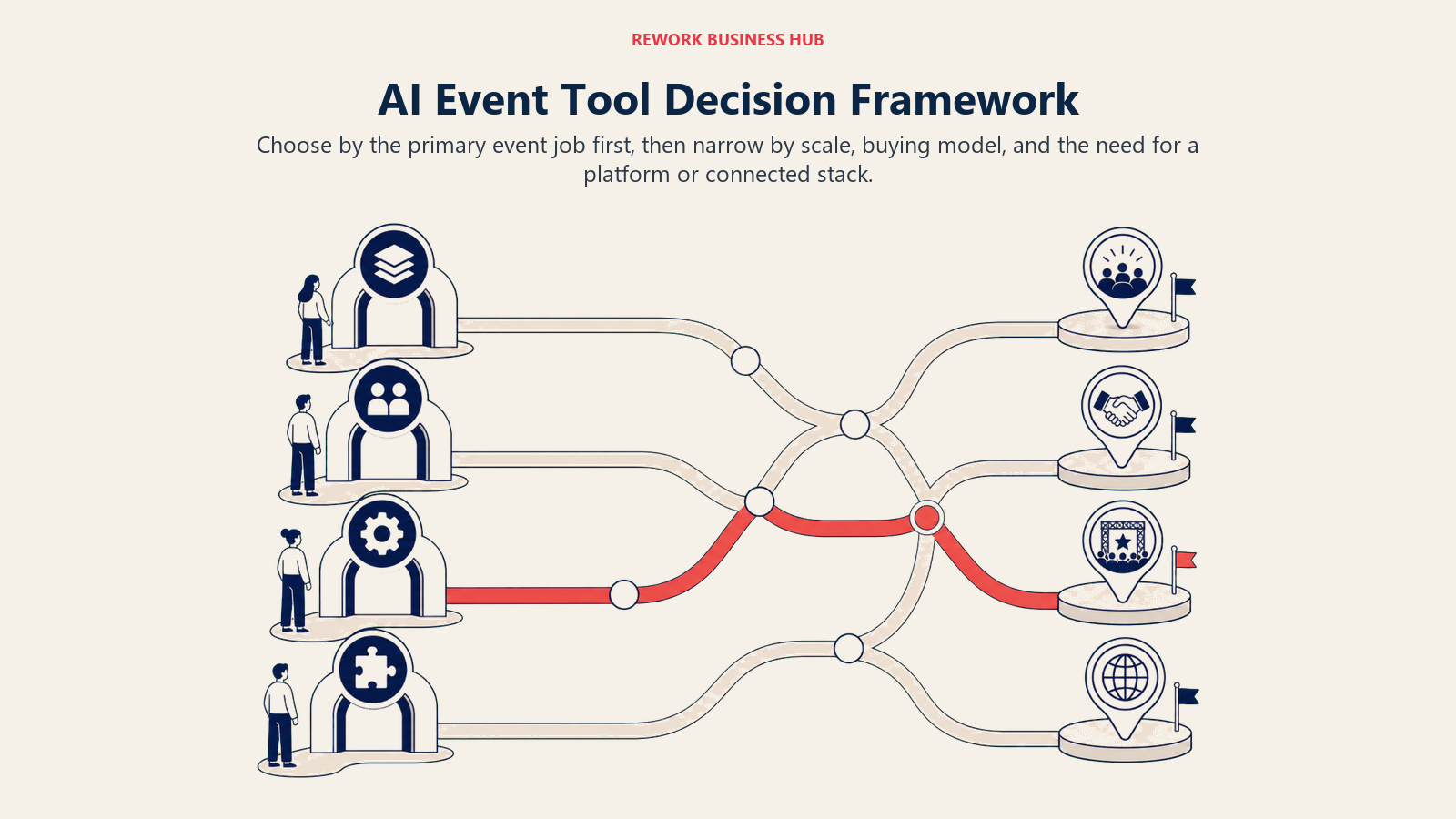
Use the matrix below to match the event job and scale to the right tool before comparing implementation or pricing details.
| If you need... | Pick... | Why |
|---|---|---|
| The deepest enterprise platform with AI event-building | Cvent | CventIQ Assistant drafts events from a brief; deepest venue sourcing and hospitality tooling |
| One unified platform for a recurring event calendar | Bizzabo | Bizzy AI copilot plus unlimited events in a single subscription |
| AI matchmaking tuned for sponsor and exhibitor ROI | Swapcard | Engagement platform priced separately, built around meeting quality |
| Matchmaking at the largest trade show scale | Grip | 70M-data-point AI matchmaking proven at major expos |
| Transparent per-event pricing with zero registration fees | EventMobi | No seat fees, no hidden ticketing charges, per-event or annual |
| A feature-dense app at a lower price point | Whova | Large feature set with unlimited free tickets and no platform fee |
| An AI-native app fast, with zero sales calls | Highbar.ai | Flat, transparent pricing, AI Concierge and Networking Agent on every plan |
| Fast drafting for any event document | ChatGPT | Works across every job on this list, from run-of-show docs to sponsor emails |
| On-brand design without a dedicated designer | Canva | Templates plus AI design tools for signage, decks, and social assets |
| One workspace for the whole event plan | Notion AI | AI search across run-of-show, vendor tracker, and budget in one place |
| Automation between registration, CRM, and email | Zapier | No-code glue for tools that don't natively integrate |
| Brand-consistent marketing copy at high volume | Jasper | Brand Voice keeps tone consistent across dozens of promo assets |
| Unobtrusive notes for vendor and debrief calls | Superpowered | No visible bot, works from device audio, 50+ languages |
| Protected planning time on a packed calendar | Reclaim.ai | Auto-schedules focus blocks around existing meetings |
Frequently Asked Questions about AI Tools for Event Planning
What is the best AI tool for event planning in 2026?
There's no single best tool for every event. Cvent and Bizzabo lead as full platforms with built-in AI (CventIQ and Bizzy AI), Swapcard and Grip lead on AI matchmaking, and general tools like ChatGPT, Notion AI, and Zapier handle the drafting, planning, and automation work that no dedicated event platform does well.
Is Cvent or Bizzabo better for event planning?
It depends on scale. Cvent goes deeper on enterprise features like venue sourcing and hospitality, with buyer-reported pricing starting around $19,500/year and a median near $79,000/year. Bizzabo is priced more predictably at $499/user/month with a 3-user minimum, and fits mid-market teams running a recurring event calendar without Cvent's full enterprise complexity.
Do AI event platforms actually save planning time?
Results are mixed so far. 65% of planners already use generative AI in their planning, but only 16% say it has significantly improved planning and execution, per the Cvent/Northstar PULSE Survey. Most of the gap comes down to data quality, cited by 63% of planners as the top barrier, not the AI tools themselves.
What's the cheapest way to add AI to event planning?
Start with general-purpose tools you may already have access to: ChatGPT's free tier for drafting, Canva's free plan for basic design, and Notion's free tier for planning docs. None of them are event-specific, but they cover a meaningful share of the actual planning workload before you need a dedicated platform contract.
Which AI tool is best for event networking and matchmaking?
Swapcard and Grip both specialize in AI-driven matchmaking. Swapcard's engagement platform starts around $610/user/year and fits mid-size conferences and trade shows, while Grip is built for the largest expos, using roughly 70 million data points across 16 matching strategies, priced through custom enterprise quotes.
Is Hubilo still a separate event platform in 2026?
No. Brandlive acquired Hubilo in September 2025, and existing customers were migrated to Virtual PRO, Brandlive's enterprise virtual and hybrid events platform. Any comparison still listing "Hubilo" as an independent vendor is out of date.
How much does AI event software cost for a single mid-size conference?
It varies widely by platform choice. EventMobi starts at $3,000 per event, Highbar.ai is a flat $2,500 per event, and Whova charges no platform fee on free tickets but 3.0% + $0.99 per paid ticket. Full platforms like Bizzabo start near $18,000/year, and Cvent and Grip are quote-only, typically starting in the five-figure range for enterprise deployments.
What to Do Next
Don't buy a platform yet. Write down the specific job that's actually broken (weak networking, messy registration, scattered planning docs, inconsistent marketing copy) and match it to the framework tables above. Then pilot two tools, one dedicated event platform and one general AI tool, on your next event before signing an annual contract for either.
If your biggest gap is turning event attendees into a real sales pipeline after the event ends, that's a CRM and lead-management problem as much as an event-tech one. Check that your registration data actually flows into a system your sales team uses, not just an event-app dashboard nobody outside the events team ever opens.

Principal Product Marketing Strategist
On this page
- Updated July 2026: What Changed
- Key Facts
- Quick Comparison Table
- How to Choose AI Tools for Event Planning
- Framework: By Primary Job
- Framework: By Event Size and Budget
- 1. Cvent: Deepest Enterprise Feature Set, Now With CventIQ AI
- 2. Bizzabo: Event Experience OS With Bizzy AI
- 3. Swapcard: AI Matchmaking Built for Revenue, Not Just Networking
- 4. Grip: Enterprise AI Matchmaking at Trade Show Scale
- 5. EventMobi: Transparent Per-Event Pricing, No Registration Fees
- 6. Whova: Feature-Dense Conference App at a Lower Entry Point
- 7. Highbar.ai: Self-Serve AI-Native Event App With No Sales Calls
- 8. Brandlive (formerly Hubilo): Enterprise Virtual and Hybrid Production
- 9. ChatGPT: The Fastest Way to Draft Any Event Document
- 10. Canva: On-Brand Event Design Without a Designer
- 11. Notion AI: One Workspace for the Whole Event Plan
- 12. Zapier: The Glue Between Tools That Don't Talk to Each Other
- 13. Jasper: On-Brand Marketing Copy at Promotion Scale
- 14. Superpowered: No-Bot Notes for Vendor Calls and Debriefs
- 15. Reclaim.ai: Protecting Planning Time on a Packed Calendar
- Event AI Tool Buying Mistakes to Avoid
- Decision Framework
- What to Do Next