Best AI Email Tools in 2026: 13 AI Email Assistants Ranked by Job

Turn this article into takeaways for your work.


Each assistant summarizes the article only for you and suggests best practices for your work.
The best AI email tool in 2026 depends on what's actually slowing you down. If it's raw inbox speed, Superhuman (now folded into Grammarly's Superhuman Platform) still leads, though it costs more than ever now that Mail sits behind the $33-40/mo Business tier. If it's triage, Fyxer and SaneBox sort the noise out before you open your inbox. If it's drafting, Ellie and MailMaestro turn bullet points into full emails for under $20/mo. And if your company already pays for Google Workspace or Microsoft 365, the AI email help you need might already be sitting inside a plan you're not using yet. This guide ranks 13 tools by the job you actually need done.
This is specifically about AI tools for reading, triaging, and writing your own inbox, not bulk email marketing or cold outreach. If you're sending campaigns to a list, see our best email marketing software guide instead. If you're an SDR running cold sequences, our best AI tools for SDRs roundup covers that job.
Every price below was checked against vendor pricing pages in July 2026. This category moved fast this year: Grammarly bought Superhuman, Notion killed its own email client, and Flowrite disappeared into a rebrand. If a number here looks off by the time you read it, re-check the vendor page before you buy.
Updated July 2026: What Changed
- Grammarly's acquisition of Superhuman closed in October 2025, and Mail access is now locked to the $33-40/mo Business plan. The old standalone Starter tier that made Superhuman affordable for individuals is gone for new signups.
- Google folded Gemini into core Workspace pricing instead of selling it as a separate add-on. Business Standard at $14/user/month (annual) now includes Gemini across Gmail, Docs, Sheets, Slides, and Meet, though base Workspace prices rose to absorb the cost.
- Microsoft 365 Copilot's price is climbing. The Business add-on moves from an $18/user/month promotional rate to $21/user/month starting July 1, 2026, while the separately priced Enterprise seat actually dropped to $21/user/month (from $30) after a December 1, 2025 cut.
- Flowrite is gone as a standalone brand. Maestro Labs acquired it and folded the product into MailMaestro, so if you see "Flowrite" referenced anywhere in 2026, it now points to MailMaestro.
- Notion is shutting down Notion Mail on September 22, 2026, betting that AI agents that act on your behalf make a standalone inbox client unnecessary. It's a signal of where the category is heading, even for tools not on this list.
Key Facts
- Knowledge workers spend 11.7 hours a week processing email (reading, composing, searching, filing), which is 28% of a standard 40-hour workweek, per the cloudHQ Workplace Email Report 2025.
- The average worker now receives 117 emails per workday, most of them skimmed in under 60 seconds, per Microsoft's 2026 Work Trend Index.
- The average employee now sends or receives more than 50 messages outside core business hours, part of what Microsoft's Work Trend Index calls the "infinite workday." If that describes your team, the focus blocks at a team level guide is worth reading alongside this list, since no AI tool fixes a culture of always-on replies by itself.
- The email load reduction AI market is projected to grow from $2.1 billion in 2025 to $2.66 billion in 2026, a 26.9% jump, reaching $6.95 billion by 2030, per The Business Research Company's market report.
- Superhuman reports its own users save around 4 hours per week using its AI features, per Superhuman's product data (vendor-reported, not independently audited).
Quick Comparison Table
| Tool | Best For | Starting Price | Key Strength | Key Limitation |
|---|---|---|---|---|
| Superhuman | Raw inbox speed for high-volume professionals | Free (no Mail); Business $40/mo ($33/mo annual) | Fastest keyboard-driven inbox, AI Auto Drafts, CRM sync | Mail is now Business-tier only after the Grammarly deal |
| Shortwave | AI search across years of Gmail history | Business $30/seat/mo | Deep AI search, team inboxes, no bot avatar | Gmail-native; Outlook support is limited |
| Missive | Shared team inbox across email, SMS, and social | Free (up to 3 users); Starter $14/user/mo | One inbox for a whole support/ops team | AI features billed separately from the plan |
| Gmail (Gemini) | Teams already on Google Workspace | Business Standard $14/user/mo | Zero new procurement, deep native integration | Draft quality is more generic than dedicated tools |
| Outlook (M365 Copilot) | Teams already on Microsoft 365 | $21/user/mo add-on (from July 2026) | Recap and drafts live inside Outlook natively | Stacks on top of a separate qualifying M365 plan |
| Fyxer | Automatic inbox triage without switching clients | Starter $30/mo ($22.50/mo annual) | Sorts and labels before you even open your inbox | No free tier; jumps to $50/mo for multi-inbox |
| Serif AI | Assistant-style email + scheduling for founders | ~$30/mo individual (sales call required) | Tracks commitments across email and meetings | Opaque pricing; no public pricing page |
| Ellie | Cheapest AI reply drafting | Free (3 replies/day); Casual $19/mo | Fast, simple, works in Gmail and Outlook | Reply caps even on paid tiers |
| Spark Mail AI | Full native client with a real free tier | Free; Plus $10/user/mo ($8.25/mo annual) | Unlimited accounts, AI Compose baked into the client | AI usage capped on free tier |
| Canary Mail | Privacy-first AI email with encryption | Free; Growth $36/yr | AI Copilot plus PGP encryption, no monthly-only lock-in | Annual or lifetime only, no monthly plan |
| SaneBox | Inbox triage without switching email clients at all | Snack $7/mo ($59/yr) | Works on top of any Gmail/Outlook/IMAP inbox | Not a client; still need somewhere to read email |
| MailMaestro | Cheap AI drafting layer on your existing inbox | Free (3 AI requests/week); Pro $15/mo ($12/mo annual) | Turns bullet points into full emails fast | No inbox triage or search, drafting only |
| ChatGPT | Flexible, occasional heavy-lift email drafting | Free; Plus $20/mo | Most flexible AI, cheap entry point | No native inbox integration, copy-paste workflow |
How to Choose an AI Email Tool in 2026
Most people buy an AI email tool to fix a volume problem, but the real problem is usually one of three different jobs: you can't process everything fast enough, you can't find things you know you already read, or you're spending too much time composing replies that should take 30 seconds. Before you shortlist tools, be honest about which one is actually costing you time. It's also worth reading our broader best AI tools in 2026 roundup if email is just one of several workflows you're trying to fix with AI this year, and the async communication guide if the deeper issue is a team culture that expects instant replies, not a slow inbox.
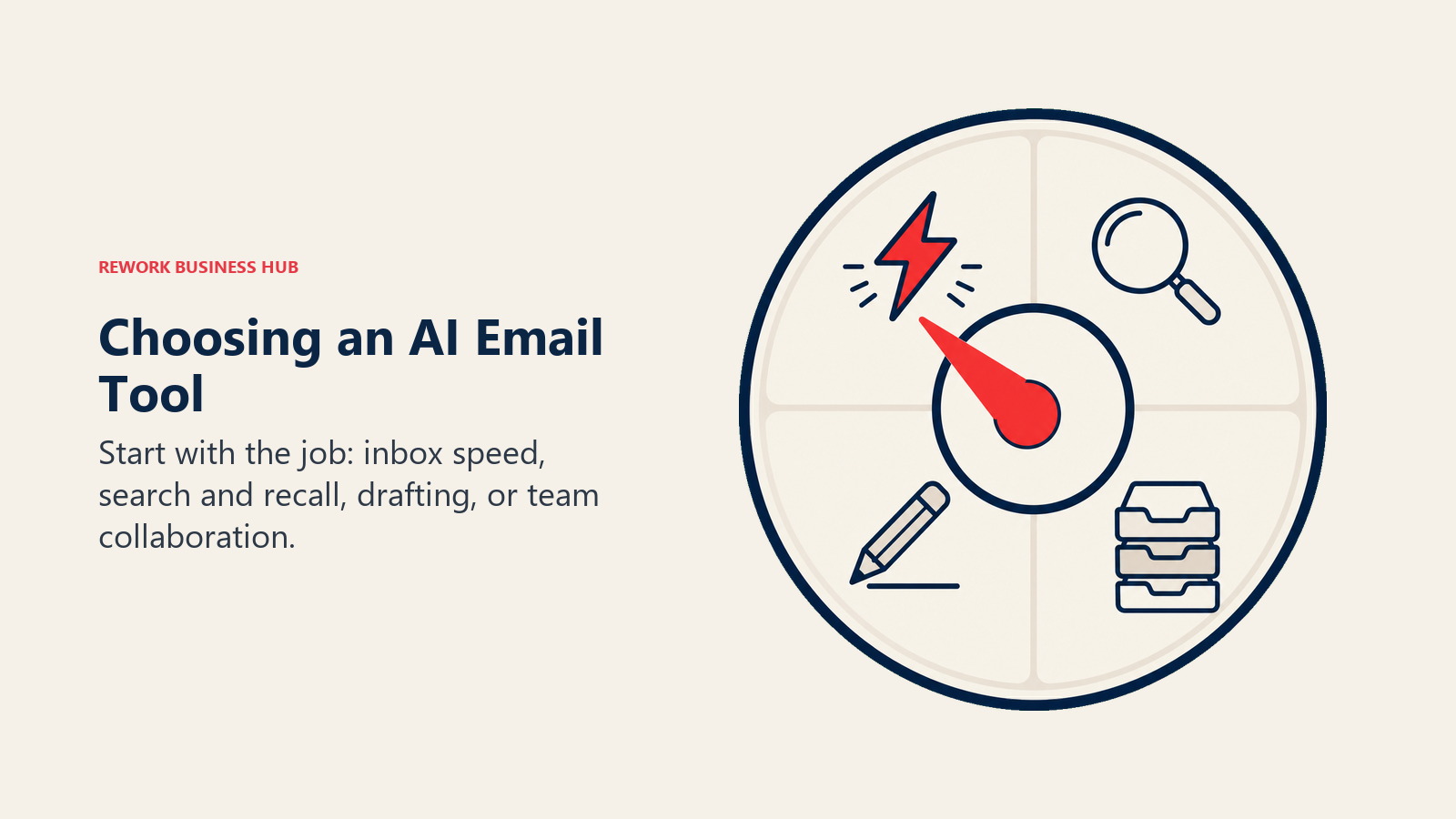
Three questions narrow the field fast:
- What's the job? Speed and triage, search and recall, or drafting are three different problems, and the best tool for each is different.
- What platform do you already pay for? If your company runs on Google Workspace or Microsoft 365, check what's already bundled before adding a new line item.
- Do you want a new client, or a layer on top of the one you have? Superhuman, Shortwave, Spark Mail, and Canary Mail replace your email app. Fyxer, SaneBox, Ellie, and MailMaestro sit on top of Gmail or Outlook without making you switch.
Framework: By Primary Job
| Job | What Matters Most | Best Fits |
|---|---|---|
| Fast recall across a huge inbox | Full-text AI search, wide history | Shortwave, Superhuman |
| Automatic triage before you open your inbox | Priority sorting, digest emails, snoozing | Fyxer, SaneBox |
| Drafting replies fast | Tone matching, bullet-to-email generation | Ellie, MailMaestro, Fyxer |
| Team shared inbox | One address, multiple agents, internal notes | Missive |
| Zero new AI line item | Already bundled in a platform you pay for | Gmail Gemini, Microsoft 365 Copilot |
| Assistant-style scheduling and follow-up tracking | Commitment tracking, meeting booking | Serif AI |
| Privacy and encryption | PGP, phishing detection, no data mining | Canary Mail |
| Occasional, flexible heavy-lift writing | General-purpose AI, no subscription commitment beyond a chat app | ChatGPT |
Framework: By Team Size
| Team Size | What You Need | Best Fits |
|---|---|---|
| Solo / freelancer | Cheap, fast, minimal setup | Ellie, MailMaestro, Spark Mail (free), ChatGPT (see also best AI tools for freelancers) |
| 2-20 people | Shared inbox or triage without a new client | Missive, Fyxer, SaneBox |
| 20-200 people | Team plans, admin controls, CRM sync | Superhuman Business, Shortwave Business |
| 200+ people, Google-native | Already-bundled AI, no new procurement | Gmail Gemini (Workspace Business Standard+) |
| 200+ people, Microsoft-native | Already-bundled AI, admin governance | Microsoft 365 Copilot |
If your actual pain point is customer-facing conversations, sales or support threads that need shared context and CRM history rather than personal inbox drafting, that's a different problem than what this list solves. Unified-inbox CRMs like Rework tackle that by routing WhatsApp, email, and chat into one contact record for a team; a personal AI email assistant won't fix a broken handoff between sales and support.
1. Superhuman: Fastest Inbox, Now Gated Behind Grammarly's Business Tier
Superhuman's whole pitch has always been speed: keyboard shortcuts for everything, split inboxes, instant search, and now AI Auto Drafts that write replies in your voice. It's still the fastest email experience most people will ever use.
The catch in 2026 is the Grammarly acquisition, which closed in October 2025 and folded Superhuman into a broader "Superhuman Platform" alongside Grammarly's writing tools. The old cheap standalone Mail tier is gone. Free and Pro ($15/mo, $12/mo annual) now only cover Grammarly-style writing assistance, not the actual inbox. To get Mail, AI Auto Drafts, Ask AI, and CRM integrations with HubSpot, Salesforce, and Pipedrive, you need the Business plan at $40/mo ($33/mo billed annually).
| What you get | What you don't |
|---|---|
| Fastest keyboard-driven inbox on the market | Mail features locked behind the pricier Business tier |
| AI Auto Drafts and Ask AI across your inbox history | No meaningful free tier for actual email use anymore |
| Native CRM sync (HubSpot, Salesforce, Pipedrive) | Overkill and expensive for casual email volume |
Pricing: Free and Pro ($15/mo, $12/mo annual) cover writing assistance only; Business $40/mo ($33/mo annual) unlocks Mail; Enterprise is custom.
Best for: High-volume professionals, founders, and salespeople who live in their inbox all day and will use the speed enough to justify the price.
2. Shortwave: AI Search Across Years of Gmail
Shortwave was rebuilt from scratch by ex-Google engineers with one core bet: your email history is a searchable knowledge base, not a pile you dig through manually. Its AI search can pull answers out of threads from years ago, not just the last 30 days.
Team plans start at Business ($30/seat/month), with Premier ($45/seat/month) and Max ($120/seat/month) unlocking heavier AI usage limits, more AI-powered filters, and unlimited search history. All plans run on a 14-day free trial. The tradeoff is platform lock-in: Shortwave is built Gmail-native, and Outlook and Microsoft 365 support is limited, so mixed-platform teams should look elsewhere on this list.
| What you get | What you don't |
|---|---|
| AI search that actually finds things across years of email | Gmail-native; weak fit for Outlook-heavy teams |
| No bot avatar joining anything, works inside the inbox | Pricing scales directly with headcount |
| Team inboxes for shared addresses | No permanent free plan for teams, trial only |
Pricing: Business $30/seat/mo; Premier $45/seat/mo; Max $120/seat/mo, all with a 14-day free trial.
Best for: Gmail-native teams that generate a lot of email history and need to find things fast, not just triage new mail.
3. Missive: Shared Team Inbox, Not a Personal Client
Missive solves a different problem than most tools on this list: it's built for teams sharing one inbox, like support@ or hello@, where multiple people need to see, claim, and internally discuss the same messages without CC chains. Email, SMS, and social messages land in the same shared view, with internal comments and assignment built in.
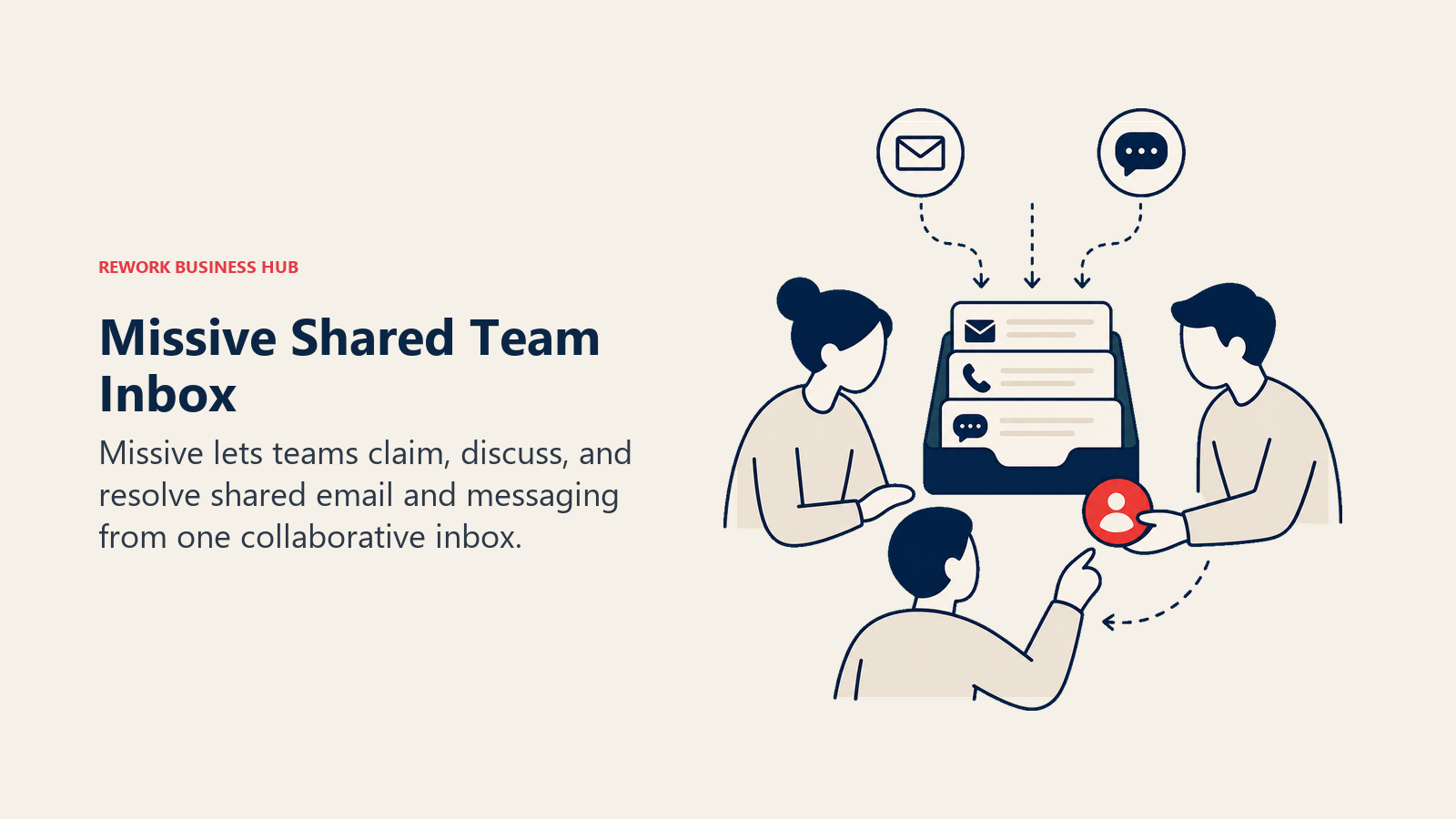
AI is available but billed separately from the base plan, so it's an add-on decision rather than a built-in feature. For a support or ops team of 5-20 people juggling shared addresses, Missive replaces a small stack of point tools, and it shows up regularly in our best AI tools for small business guide for the same reason.
| What you get | What you don't |
|---|---|
| One inbox for a whole team, no more CC chains | AI features are a separate line item, not bundled |
| Email, SMS, and social channels in one view | Not built for a single person's personal inbox |
| Free plan for teams up to 3 users | Advanced automation needs the Business tier |
Pricing: Free (up to 3 users); Starter $14/user/mo ($16 monthly); Productive $24/user/mo ($27 monthly); Business $36/user/mo ($40 monthly), billed yearly.
Best for: Small-to-mid support or ops teams sharing one inbox address who want internal collaboration without a helpdesk tool.
4. Gmail with Gemini: Zero New Procurement for Workspace Teams
If your company already runs on Google Workspace, the AI email help you're shopping for might already be sitting in your plan. Google folded Gemini into core Workspace pricing in 2026 rather than charging for it as a separate add-on. Business Standard at $14/user/month (annual billing) now bundles Gemini's "Help me write," thread summarization, and smart-reply features across Gmail, Docs, Sheets, Slides, and Meet.
The honest tradeoff is draft quality. Gemini's email suggestions are competent but noticeably more generic than what dedicated tools like Superhuman or Fyxer produce, since it isn't trained specifically on your writing patterns the way some standalone tools are.
| What you get | What you don't |
|---|---|
| Zero new procurement if already on Business Standard+ | Draft quality is more generic than dedicated AI email tools |
| Deep native integration across the whole Workspace suite | Requires Business Standard tier or higher to unlock |
| No separate AI subscription to manage or expense | Less tone-matching sophistication than Fyxer or Ellie |
Pricing: Business Standard $14/user/mo (annual billing), Gemini included at no extra charge.
Best for: Teams already on Google Workspace Business Standard or above who want AI email help without adding another vendor.
5. Outlook with Microsoft 365 Copilot: Zero New Procurement for Microsoft Teams
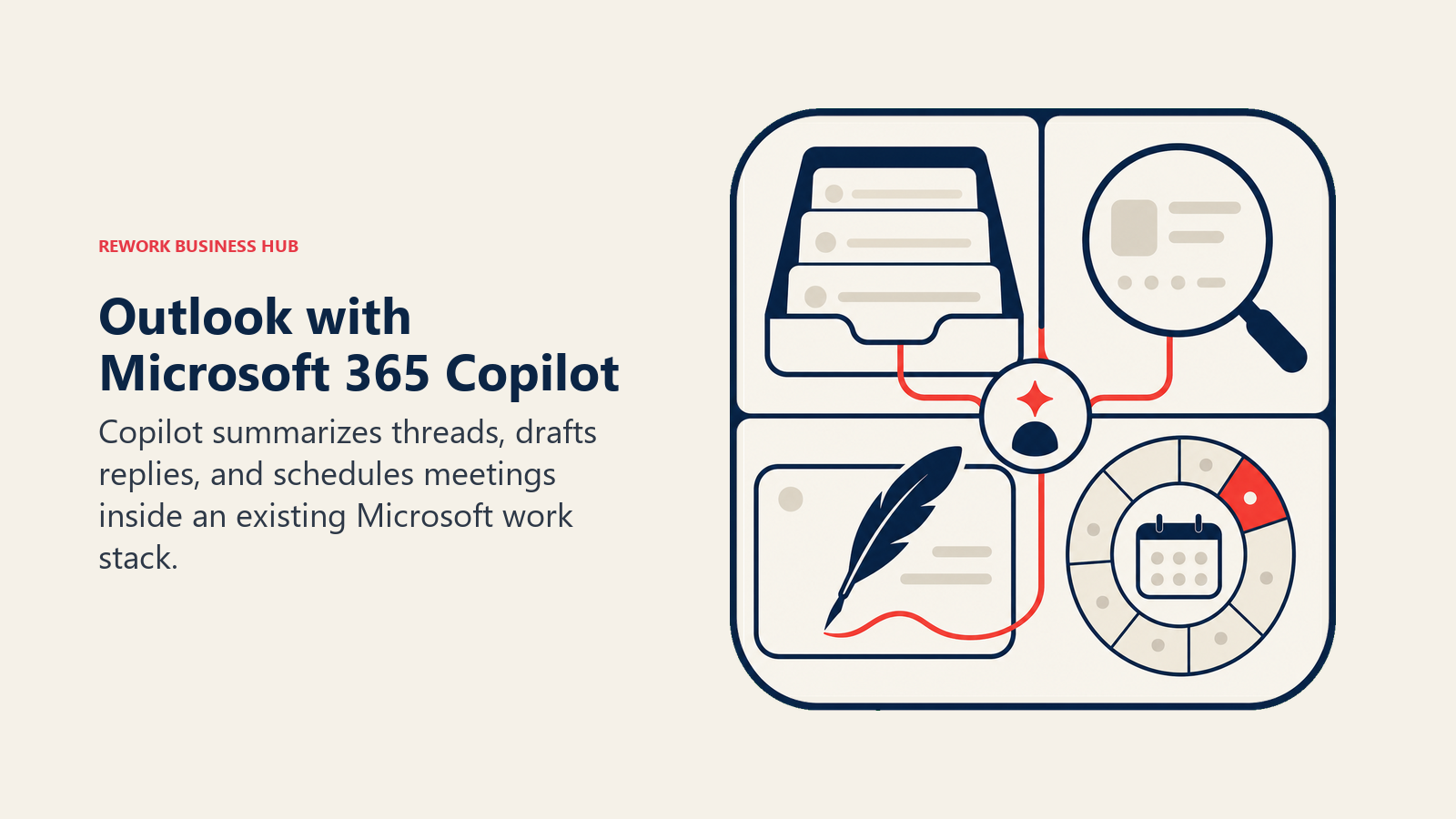
The Microsoft-native equivalent of Gmail's Gemini bundle is Copilot in Outlook, which can summarize long threads, draft replies, and help schedule meetings without leaving the inbox. Unlike Gemini in Workspace, Copilot is still a separate paid add-on rather than something bundled into a base plan.
Pricing is in motion in 2026. The Business add-on moves from an $18/user/month promotional rate to $21/user/month starting July 1, 2026. Separately, the Enterprise Copilot seat actually got cheaper, dropping to $21/user/month annual (or $25/month-to-month) after a permanent cut from $30/month on December 1, 2025. Either way, Copilot stacks on top of a qualifying Microsoft 365 Business or Enterprise plan you already need to be paying for, which is worth budgeting for before you commit.
| What you get | What you don't |
|---|---|
| Thread summaries and draft replies inside Outlook natively | Separate paid add-on, not bundled into a base M365 plan |
| Same Copilot experience across Word, Excel, and Teams | Business add-on price is rising to $21/user/mo in July 2026 |
| Enterprise seat pricing actually dropped in late 2025 | Requires a qualifying M365 plan underneath it first |
Pricing: Business add-on $21/user/mo from July 2026 (was $18 promo); Enterprise $21/user/mo annual ($25 month-to-month); requires a qualifying Microsoft 365 plan.
Best for: Microsoft-native organizations that want AI drafting inside Outlook without switching email clients.
6. Fyxer: Inbox Triage Before You Even Open It
Fyxer's job is narrower than a full email client: it sits on top of Gmail or Outlook and sorts incoming mail into priority buckets, drafts replies in your voice, and generates meeting notes, all before you sit down to actually process your inbox. For people whose real problem is decision fatigue from an overloaded inbox rather than slow typing, that triage-first approach matters more than raw speed.
There's no free tier, and pricing is steep relative to lighter tools on this list. Starter covers a single inbox and calendar; Professional adds multiple inboxes, meeting scheduling, and a HubSpot integration. If meeting notes matter more to you than email triage specifically, our best AI meeting assistants guide covers dedicated tools built for that job.
| What you get | What you don't |
|---|---|
| Automatic priority sorting and labeling before you open your inbox | No free tier, only a 7-day trial |
| AI drafts written to match your existing tone | Starter is limited to a single inbox and calendar |
| Meeting notes generated alongside email triage | Professional jumps to $50/mo for multi-inbox support |
Pricing: Starter $30/mo ($22.50/mo annual); Professional $50/mo ($37.50/mo annual); Enterprise custom (minimum 50 users).
Best for: Professionals whose real problem is inbox overwhelm and decision fatigue, not just slow drafting.
7. Serif AI: Assistant-Style Email and Scheduling for Founders
Serif positions itself less as a faster email client and more as an AI executive assistant that happens to live in your inbox: it organizes messages, drafts replies in your voice, tracks commitments you've made across email and meetings, and handles scheduling without you touching a calendar link.
The honest limitation is transparency. Serif has no public pricing page, and getting an exact number requires a sales call, though third-party estimates put individual plans around $30/month and business seats around $50/month. For founders who want an assistant-style experience and don't mind a sales conversation, that's a reasonable tradeoff; for anyone who wants to compare prices in five minutes, it's friction.
| What you get | What you don't |
|---|---|
| Commitment tracking across email and meetings, not just inbox sorting | No public pricing, a sales call is required to get a number |
| Scheduling handled automatically inside the assistant | Smaller brand with a thinner track record than category leaders |
| Drafts written in your voice, assistant-style | Business pricing is quote-based and opaque |
Pricing: Individual plans reported around $30/mo; Business around $50/seat/mo; exact pricing requires contacting sales.
Best for: Founders and executives who want an assistant-style experience, not just a faster inbox.
8. Ellie: Cheapest AI Reply Drafting
Ellie keeps things simple: it's a browser extension and native app for Gmail and Outlook that drafts replies in your style, without trying to be a full inbox overhaul. The free plan caps at 3 replies a day, which is enough to try it but not enough for daily use.
Casual ($19/mo) bumps that to 10 replies a day, and Business ($39/mo) raises the ceiling to 100 replies with team sharing and more advanced AI training. A separate Pro tier for teams up to 5 seats adds unlimited replies and custom AI models, though exact per-seat pricing for that tier isn't published and requires checking with Ellie directly.
| What you get | What you don't |
|---|---|
| Cheapest dedicated AI drafting tool on this list | Reply caps even on paid tiers (Casual and Business) |
| Works directly inside Gmail and Outlook, no new client | Team Pro tier pricing isn't fully public |
| Fast setup, no inbox migration required | No triage, search, or scheduling, drafting only |
Pricing: Free (3 replies/day); Casual $19/mo (10 replies/day); Business $39/mo (100 replies/day, team sharing); Pro for teams up to 5, pricing on request.
Best for: Individuals who just want AI-drafted replies without paying for a full inbox overhaul.
9. Spark Mail AI: Full Client with a Genuinely Usable Free Tier
Spark, from Readdle, is a complete email client rather than an overlay, with AI Compose, Rephrase, and Translate built directly into the writing flow across desktop and mobile. The free plan supports unlimited email accounts with basic AI features, capped on monthly usage, which is more generous than most competitors' free tiers.
Plus ($10/user/mo, $8.25/mo annual at $99/year) unlocks the full AI feature set and an AI Assistant with meeting notes. Pro ($20/user/mo, $16.58/mo annual at $199/year) adds unlimited AI meeting notes, auto-labels, and a HubSpot integration for client-facing teams.
| What you get | What you don't |
|---|---|
| Unlimited email accounts even on the free plan | Free tier AI usage is capped monthly |
| Full native client, not just a drafting overlay | Some Pro features (auto-drafts, workflows) still rolling out |
| HubSpot integration on the Pro tier | Team collaboration is lighter than dedicated shared-inbox tools |
Pricing: Free; Plus $10/user/mo ($99/yr annual); Pro $20/user/mo ($199/yr annual); Enterprise custom.
Best for: Individuals and small teams who want a real client with AI baked in, not an extension, and a free tier worth actually using.
10. Canary Mail: Privacy-First AI Email
Canary Mail's angle is that AI and privacy don't have to trade off against each other. It's a native client across macOS, iOS, Windows, and Android with PGP encryption, phishing and impersonation detection, and an AI Copilot for drafting and inbox cleanup, all without the account requiring cloud-side processing of your full mailbox the way some competitors do.
Pricing is unusual: there's no monthly subscription option at all, only annual or one-time lifetime licenses. Growth ($36/year) unlocks the AI Copilot and productivity tools; Pro+ ($100/year) adds the full security suite.
| What you get | What you don't |
|---|---|
| AI Copilot without giving up PGP encryption and security controls | No monthly plan, annual or lifetime only |
| Cross-platform native client (macOS, iOS, Windows, Android) | Fewer team-collaboration features than Missive or Shortwave |
| Phishing, ransomware, and impersonation detection built in | AI feature depth is lighter than dedicated drafting tools |
Pricing: Free; Growth $36/yr; Pro+ $100/yr; annual or lifetime licenses only, 7-day trial.
Best for: Security-conscious individuals and teams (legal, healthcare, finance) who want AI features without compromising on encryption.
11. SaneBox: Triage Without Switching Email Clients at All
SaneBox isn't a client and doesn't want to be. It's an AI layer that plugs into whatever inbox you already use, Gmail, Outlook, or any IMAP account, and automatically sorts incoming mail into folders, snoozes low-priority threads, and sends a daily digest of what it filtered out so nothing important gets lost.
Pricing follows an unusual "meal plan" naming scheme: Snack ($7/mo, one account, two features), Lunch ($12/mo, two accounts, six features), and Dinner ($36/mo, four accounts, full feature access). Annual billing saves roughly 30% across all three ($59/yr, $99/yr, and $299/yr respectively).
| What you get | What you don't |
|---|---|
| Works on top of any Gmail, Outlook, or IMAP inbox | Not a client, still need somewhere to actually read email |
| Cheapest triage-only option on this list | No AI drafting, purely sorting and filtering |
| Daily digest so filtered mail doesn't disappear silently | Feature access is gated by tier (Snack is very limited) |
Pricing: Snack $7/mo ($59/yr); Lunch $12/mo ($99/yr); Dinner $36/mo ($299/yr), 14-day free trial.
Best for: People who don't want to switch email clients at all and just want the noise sorted automatically.
12. MailMaestro (formerly Flowrite): Cheap AI Drafting Layer
MailMaestro is what happened to Flowrite after Maestro Labs acquired it and folded it into a broader suite. The core product is unchanged: it's a Gmail Chrome extension and native Outlook add-in that turns a few bullet points into a complete, tone-matched email in seconds.
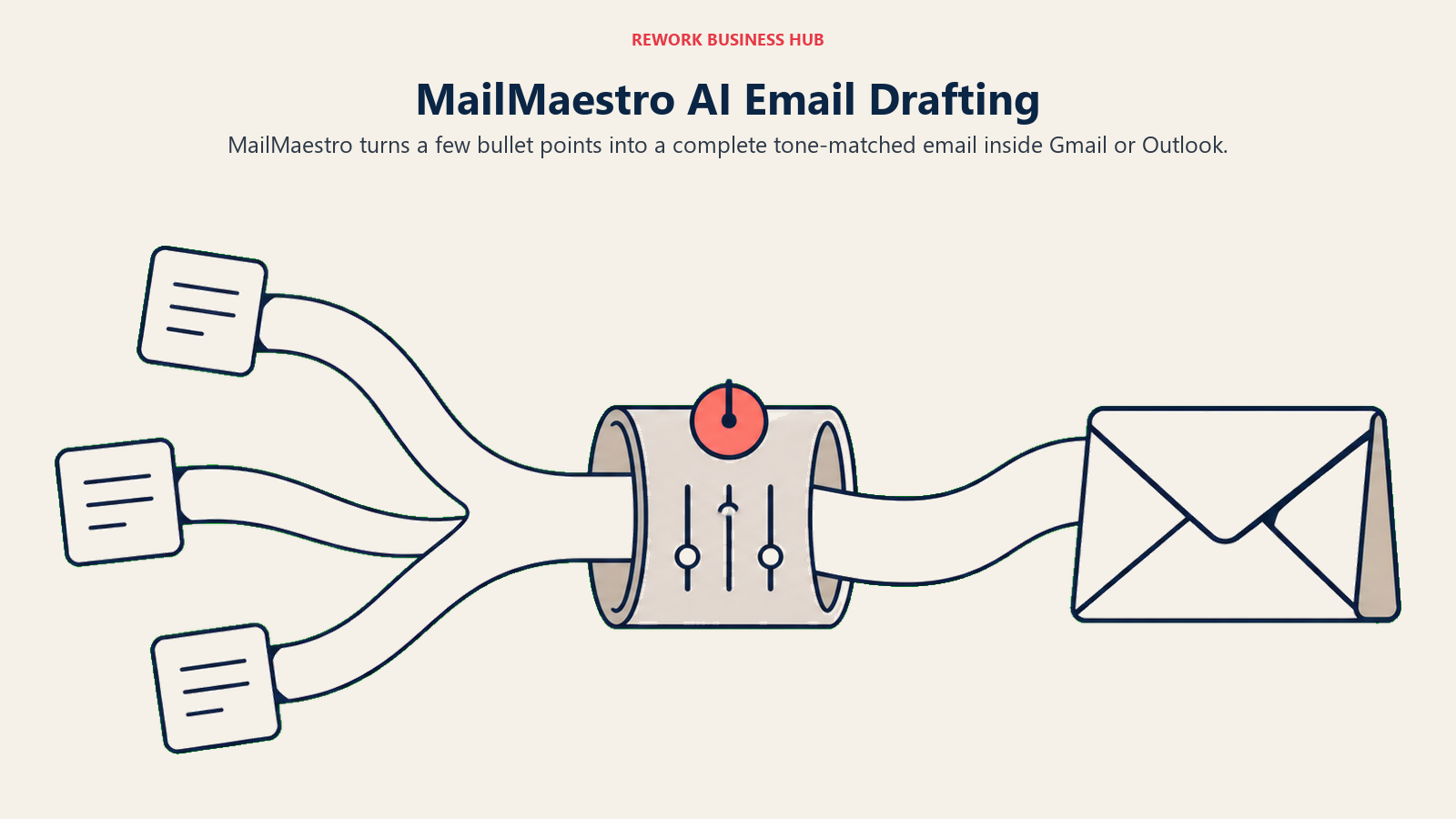
The free plan gives 3 AI requests a week, which is enough to test but not to rely on. Professional ($15/mo, $12/mo annual) removes the cap and adds template libraries. If your team already runs on HubSpot for sales, it's worth knowing HubSpot's free CRM tier includes a basic built-in AI email writer of its own (via Breeze), tied to CRM records rather than a general personal inbox, so teams already paying for HubSpot may not need a separate drafting tool for sales email specifically.
| What you get | What you don't |
|---|---|
| Fast, cheap AI drafting on top of Gmail or Outlook | No inbox triage, search, or organization, drafting only |
| Tone-matched output from a few bullet points | Free tier caps at 3 AI requests a week |
| Now backed by Maestro Labs' broader email suite | Flowrite brand is retired; some old links may be stale |
Pricing: Free (3 AI requests/week); Professional $15/mo ($12/mo annual), 14-day full-feature trial.
Best for: People who want cheap, fast AI drafting bolted onto their existing Gmail or Outlook, not a new client.
13. ChatGPT: Flexible, No Native Inbox Integration
ChatGPT isn't built for email specifically, but it's how a huge number of people actually draft, rewrite, and summarize emails in 2026: copy the thread in, describe the tone you want, paste the draft back. It's the most flexible option here by a wide margin, and the cheapest meaningful entry point if you don't want to add a dedicated tool.
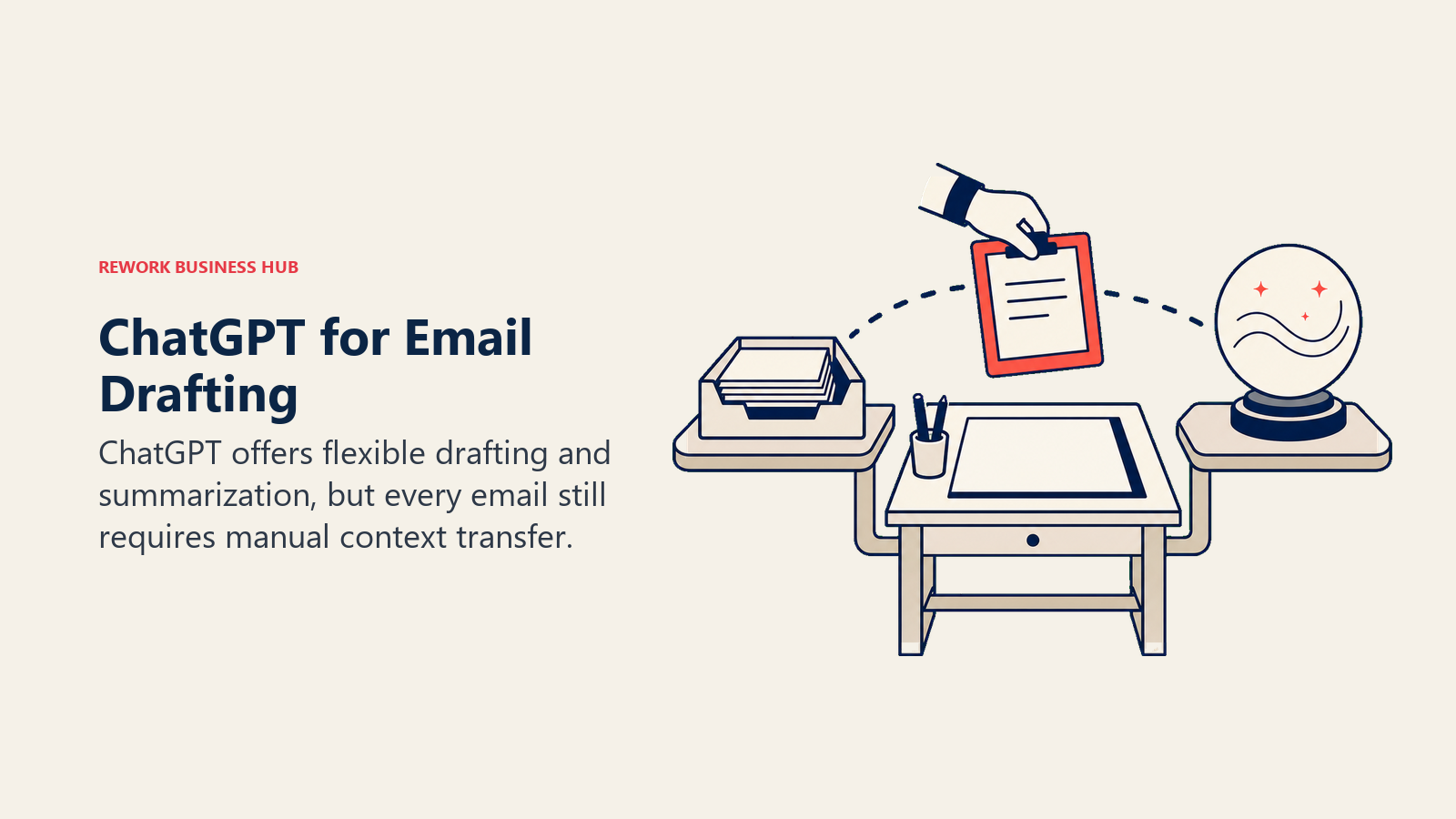
The tradeoff is obvious: there's no native inbox integration unless you build or install a connector, so it's a manual copy-paste workflow rather than something that lives inside your email. It also has no memory of your inbox's context unless you feed it in each time. If you're deciding between ChatGPT and other general-purpose AI assistants for this and other writing tasks, our Claude vs ChatGPT vs Gemini comparison breaks down the tradeoffs beyond email specifically.
| What you get | What you don't |
|---|---|
| Most flexible AI available, not limited to email | No native inbox integration, copy-paste workflow |
| Cheap entry point at $20/mo for Plus | No automatic triage, search, or context awareness |
| Useful beyond email for any other writing task | Requires manually pasting context every time |
Pricing: Free; Go $8/mo; Plus $20/mo; Business $25/user/mo; Pro $200/mo.
Best for: People who don't want a dedicated email tool and are fine with an occasional copy-paste workflow for heavier emails.
Decision Framework
Use this framework to match your primary email job to the tool designed for it.
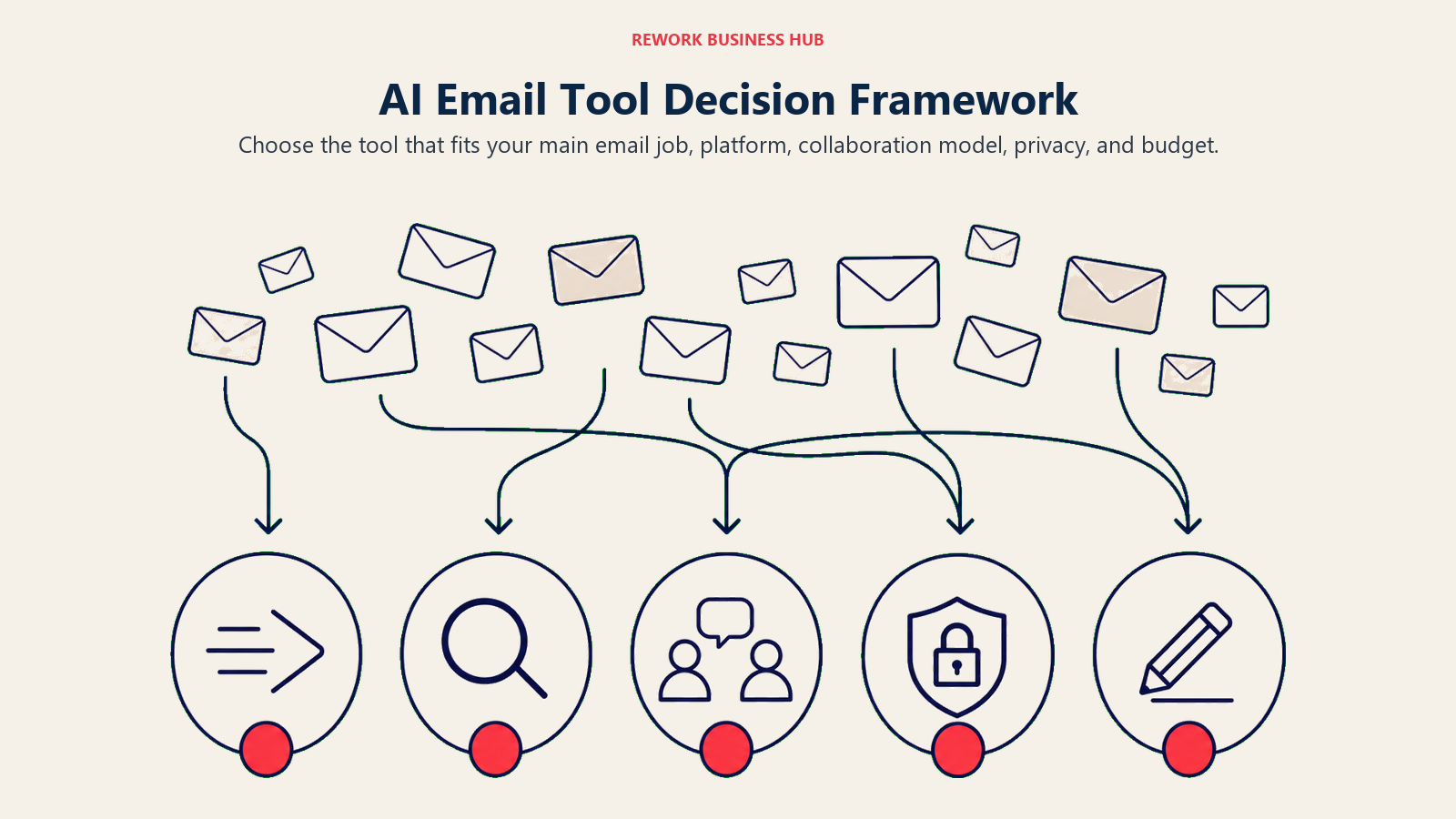
| If you need... | Pick... | Why |
|---|---|---|
| The fastest possible inbox for high email volume | Superhuman | Keyboard-driven speed plus AI Auto Drafts, if you'll use the Business tier enough to justify it |
| AI search across years of Gmail history | Shortwave | Deep search built for recall, not just fast typing |
| One shared inbox for a support or ops team | Missive | Multi-channel shared inbox with internal collaboration |
| Zero new AI line item on Google Workspace | Gmail (Gemini) | Already bundled into Business Standard at no extra charge |
| Zero new AI line item on Microsoft 365 | Outlook (M365 Copilot) | Native Outlook drafting, though still a separate add-on |
| Automatic triage before you open your inbox | Fyxer | Sorts and drafts before you sit down to process email |
| An assistant that tracks commitments, not just email | Serif AI | Scheduling and follow-up tracking beyond the inbox itself |
| The cheapest AI reply drafting | Ellie | Lowest cost dedicated drafting tool on this list |
| A full native client with a real free tier | Spark Mail AI | Unlimited accounts free, AI baked into the client |
| Privacy and encryption alongside AI | Canary Mail | PGP encryption and phishing detection without giving up AI |
| Triage without switching your email client | SaneBox | Works on top of Gmail, Outlook, or any IMAP inbox |
| A cheap AI drafting layer on your existing inbox | MailMaestro | Bullet points to full email in seconds, no new client |
| Flexible, occasional AI help without a subscription commitment | ChatGPT | Most flexible AI available, works for far more than email |
What to Do Next
Check what you already have before buying anything. If you're on Google Workspace Business Standard or Microsoft 365 with a qualifying plan, Gemini or Copilot are already available or one add-on away, and it's worth testing them for two weeks before paying for a third-party tool on top. If your real problem is triage rather than drafting, try SaneBox or Fyxer's free trial before committing to a full client switch like Superhuman or Spark Mail.
And if the email problem you're actually trying to solve is a broken handoff between sales, support, and marketing on shared customer conversations rather than your own personal inbox, that's a CRM and unified-inbox problem, not a personal AI email assistant problem. Our best CRM software guide covers that ground.

Principal Product Marketing Strategist
On this page
- Updated July 2026: What Changed
- Key Facts
- Quick Comparison Table
- How to Choose an AI Email Tool in 2026
- Framework: By Primary Job
- Framework: By Team Size
- 1. Superhuman: Fastest Inbox, Now Gated Behind Grammarly's Business Tier
- 2. Shortwave: AI Search Across Years of Gmail
- 3. Missive: Shared Team Inbox, Not a Personal Client
- 4. Gmail with Gemini: Zero New Procurement for Workspace Teams
- 5. Outlook with Microsoft 365 Copilot: Zero New Procurement for Microsoft Teams
- 6. Fyxer: Inbox Triage Before You Even Open It
- 7. Serif AI: Assistant-Style Email and Scheduling for Founders
- 8. Ellie: Cheapest AI Reply Drafting
- 9. Spark Mail AI: Full Client with a Genuinely Usable Free Tier
- 10. Canary Mail: Privacy-First AI Email
- 11. SaneBox: Triage Without Switching Email Clients at All
- 12. MailMaestro (formerly Flowrite): Cheap AI Drafting Layer
- 13. ChatGPT: Flexible, No Native Inbox Integration
- Decision Framework
- What to Do Next