Best AI Tools for Educators in 2026: 13 Tools for K-12 Classrooms to College Lecture Halls
Turn this article into takeaways for your work.


Each assistant summarizes the article only for you and suggests best practices for your work.
"Educator" covers more ground than "teacher." It's the K-12 classroom teacher planning tomorrow's lesson, but it's also the adjunct professor grading 150 essays, the instructional coach rolling out AI guidelines across a district, and the corporate trainer building a course for new hires. This guide ranks 13 AI tools by where they actually fit an educator's workflow, whether that workflow is a single classroom or a whole campus: planning and curriculum design, differentiation, grading and feedback, quiz and worksheet generation, and student engagement.
Every tool below was evaluated on real educator use, current pricing, and how it fits an actual planning-to-grading workflow, not a vendor demo.
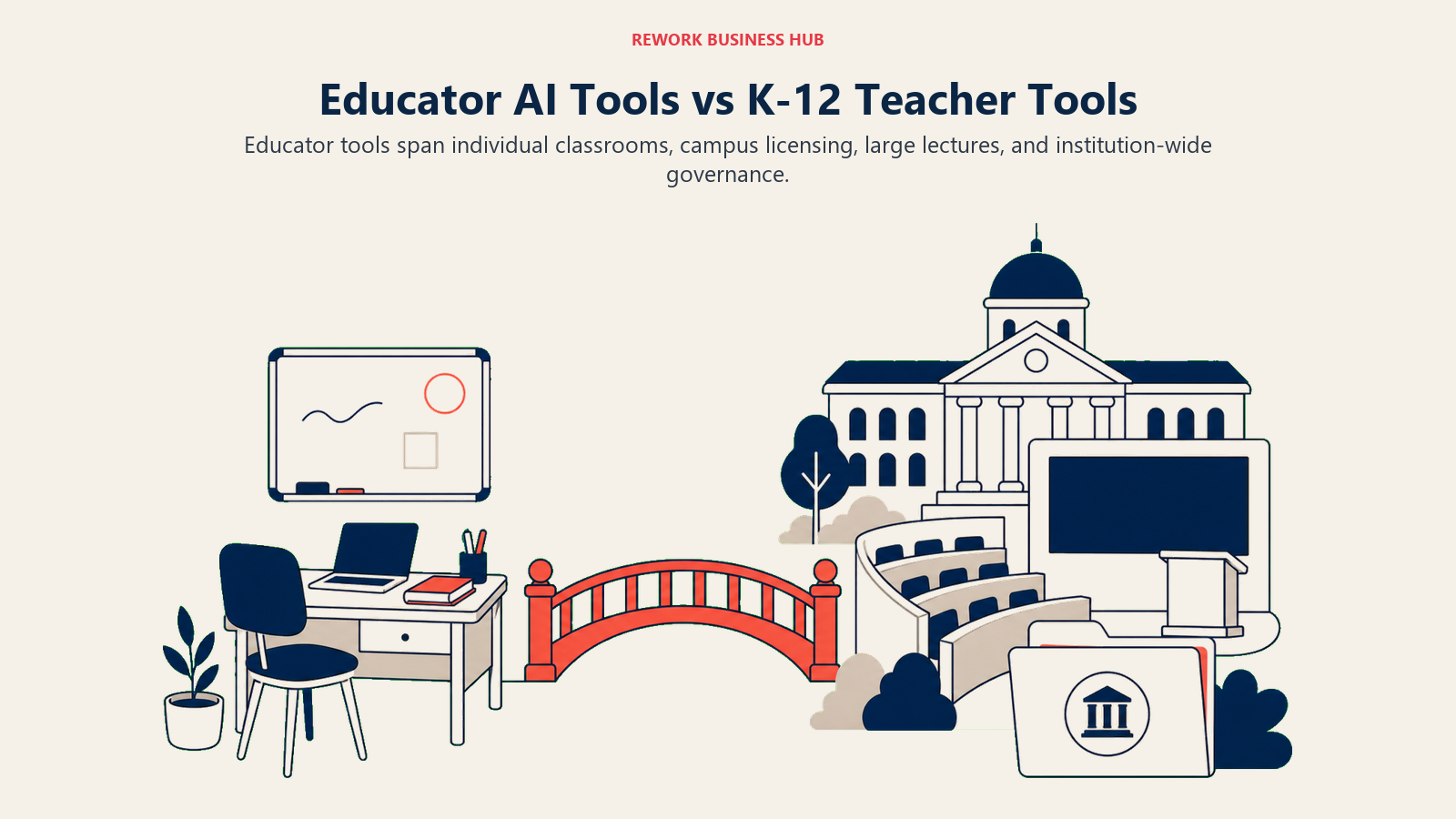
What's Different Here vs. Our K-12 Teacher Guide
If you're specifically a K-12 classroom teacher, our best AI tools for teachers guide goes deeper on that exact use case: 14 tools evaluated purely on daily classroom fit. This guide is wider on purpose. It covers the institution-wide and higher-ed side of the market too (campus-wide ChatGPT and Claude licensing, large-lecture engagement platforms, social reading tools), because "educator" includes people making purchasing decisions for an entire school, department, or company, not just a single classroom; for the broader institutional context behind that shift, see AI in higher education. And if you landed here looking for tools to help you study rather than teach, see our best AI tools for students guide instead; this one is built around the educator's side of the desk. For the full picture across every category, not just education, see our best AI tools in 2026 roundup.
Key Facts
- 77% of faculty now use AI in their teaching, up 16 percentage points from 2025, while 88% of students use AI in their learning, per the Digital Education Council's AI in Higher Education Global Survey 2026, based on 45,398 responses across 35 countries.
- More than 70% of higher education administrators hold a favorable view of AI, even though actual institutional adoption still trails that sentiment, per an EDUCAUSE member survey.
- Three in 10 K-12 teachers use AI weekly, saving an average of 5.9 hours per week, about six weeks over a school year, per the Walton Family Foundation-Gallup teacher survey.
- 53% of English language arts, math, and science teachers used AI for school in 2025, an increase of more than 15 percentage points year over year, per RAND's national teacher and principal survey.
- Only 31% of faculty say their institution meaningfully involves them in shaping AI policy, and just 29% of students believe their instructors are well equipped to guide AI use, per the Digital Education Council survey above.
- Faculty intent to use AI in the US and Canada fell from 76% in 2025 to 67% in 2026, even as global faculty use kept climbing, per the same Digital Education Council data.
Quick Comparison Table
| Tool | Best For | Standout Capability | Starting Price | Free Tier? |
|---|---|---|---|---|
| ChatGPT for Educators | Free K-12 planning; ChatGPT Edu for campus licensing | Enterprise-grade deployment plus a free individual K-12 tier | Free for verified US K-12 teachers; Edu is institution-priced | Yes |
| Claude for Educators | Standards-aligned K-12 planning; campus-wide higher ed access | Free year for K-12, plus dedicated university licensing | Free for one year (K-12); Education tier is institution-priced | Yes |
| MagicSchool AI | All-in-one K-12 lesson planning and resource generation | 80+ purpose-built teacher tools plus a general chatbot | Free; Plus $8.33/mo (annual) | Yes |
| Khanmigo | Free assistant tied to Khan Academy's curriculum | Differentiation, quizzes, rubrics, exit tickets | Free for teachers | Yes |
| Diffit | Leveling any text for mixed-ability readers | Turns one article into 5+ reading levels in seconds | Free (limited); Individual $14.99/mo | Yes |
| Brisk Teaching | AI inside Google Docs, Slides, and Classroom | Works directly inside tools you already use daily | Free Forever (20+ tools) | Yes |
| Eduaide.ai | Fast lesson plans, rubrics, and differentiated resources | 120+ generator types across the full planning workflow | Free (15 generations/mo); Pro $5.99/mo | Yes |
| SchoolAI | Safe, teacher-monitored AI chat for students | Mission Control lets educators watch every student conversation live | Free trial (5 Spaces); Pro for unlimited | Trial only |
| Top Hat | Interactive courseware for large lecture classes | Live polling, attendance, and interactive textbooks in one platform | Student $58/yr; Institution custom | No (student-paid) |
| Perusall | AI-graded social reading and annotation | Auto-grades reading engagement so nobody skips the assigned text | Free without an institutional license | Yes |
| Gradescope | Grading exams and problem sets at scale | AI-assisted grouping of similar answers for faster grading | Free (Basic, after institutional trial) | Yes |
| Canva for Education / Campus | Slides, worksheets, and visuals with AI design tools | Full Canva Pro-equivalent access across K-12 and higher ed | Free for K-12; Campus licenses scale by staff seats | Yes |
| Quizizz (Wayground) | Gamified quizzes with AI question generation | AI-generated question sets from any topic or document | Free (Basic); Super individual paid tier (regional pricing) | Yes |
Fit by Education Level
Most "best AI tools" lists blur K-12 and higher ed together. Here's where each tool on this list actually lands.
| Tool | K-12 | Higher Ed | Corporate / Adult Training |
|---|---|---|---|
| ChatGPT for Educators | Strong fit | Strong fit | Possible |
| Claude for Educators | Strong fit | Strong fit | Possible |
| MagicSchool AI | Strong fit | - | - |
| Khanmigo | Strong fit | Possible | - |
| Diffit | Strong fit | Possible | Possible |
| Brisk Teaching | Strong fit | Possible | - |
| Eduaide.ai | Strong fit | Possible | - |
| SchoolAI | Strong fit | - | - |
| Top Hat | Possible | Strong fit | Possible |
| Perusall | Possible | Strong fit | - |
| Gradescope | Strong fit (AP, exams) | Strong fit | - |
| Canva for Education / Campus | Strong fit | Strong fit | Possible |
| Quizizz (Wayground) | Strong fit | Possible | Possible |
How to Choose: Decision Framework
Match the tool to the task eating your week, or the decision you're making for your school or department.
| If your biggest need is... | Pick... | Why |
|---|---|---|
| A free general assistant for a single K-12 teacher | ChatGPT for Educators or Claude for Educators | Both offer free individual K-12 tiers with no procurement process |
| Campus-wide AI licensing for students, faculty, and staff | ChatGPT Edu or Claude for Education | Purpose-built institutional deployment with admin controls and dedicated pricing |
| Writing lesson plans from scratch | MagicSchool AI or Eduaide.ai | Purpose-built generators cover standards, objectives, and materials in one pass |
| Adjusting reading levels for a mixed-ability class | Diffit | Turns any article or passage into multiple reading levels instantly |
| Grading and giving feedback at K-12 scale | Gradescope or a district-licensed grading assistant | Handles exams and problem sets faster through AI-assisted answer grouping |
| Keeping students accountable for assigned readings | Perusall | Auto-grades annotation activity so reading engagement is measurable, not assumed |
| Running interactive polling and attendance in a large lecture | Top Hat | Built for classes too large for a show-of-hands check |
| Generating quizzes or worksheets fast | Quizizz (Wayground) or Eduaide.ai | AI-generated question banks from any topic, standard, or document |
| Letting students interact with AI safely under supervision | SchoolAI or Khanmigo | Teacher-monitored chat spaces and guardrails built for K-12 use |
| Designing slides, worksheets, or visuals without a design background | Canva for Education / Campus | Free or seat-scaled Pro-level design tools across K-12 and higher ed |
By Budget
| Budget | Best Fits |
|---|---|
| $0, no upgrade needed | ChatGPT for Educators, Claude for Educators (K-12 tier), Khanmigo, Brisk Teaching, Perusall (unlicensed), Canva for Education |
| Under $15/month, individual | Eduaide.ai Pro ($5.99/mo), MagicSchool Plus ($8.33/mo annual), Diffit Individual ($14.99/mo) |
| Student-paid | Top Hat ($58/year individual student rate) |
| Institution or department budget required | ChatGPT Edu, Claude for Education, SchoolAI Pro/Scale, Gradescope Institutional, Canva for Campus, Quizizz School Plan |
1. ChatGPT for Educators: Free K-12 Workspace, ChatGPT Edu for Campuses
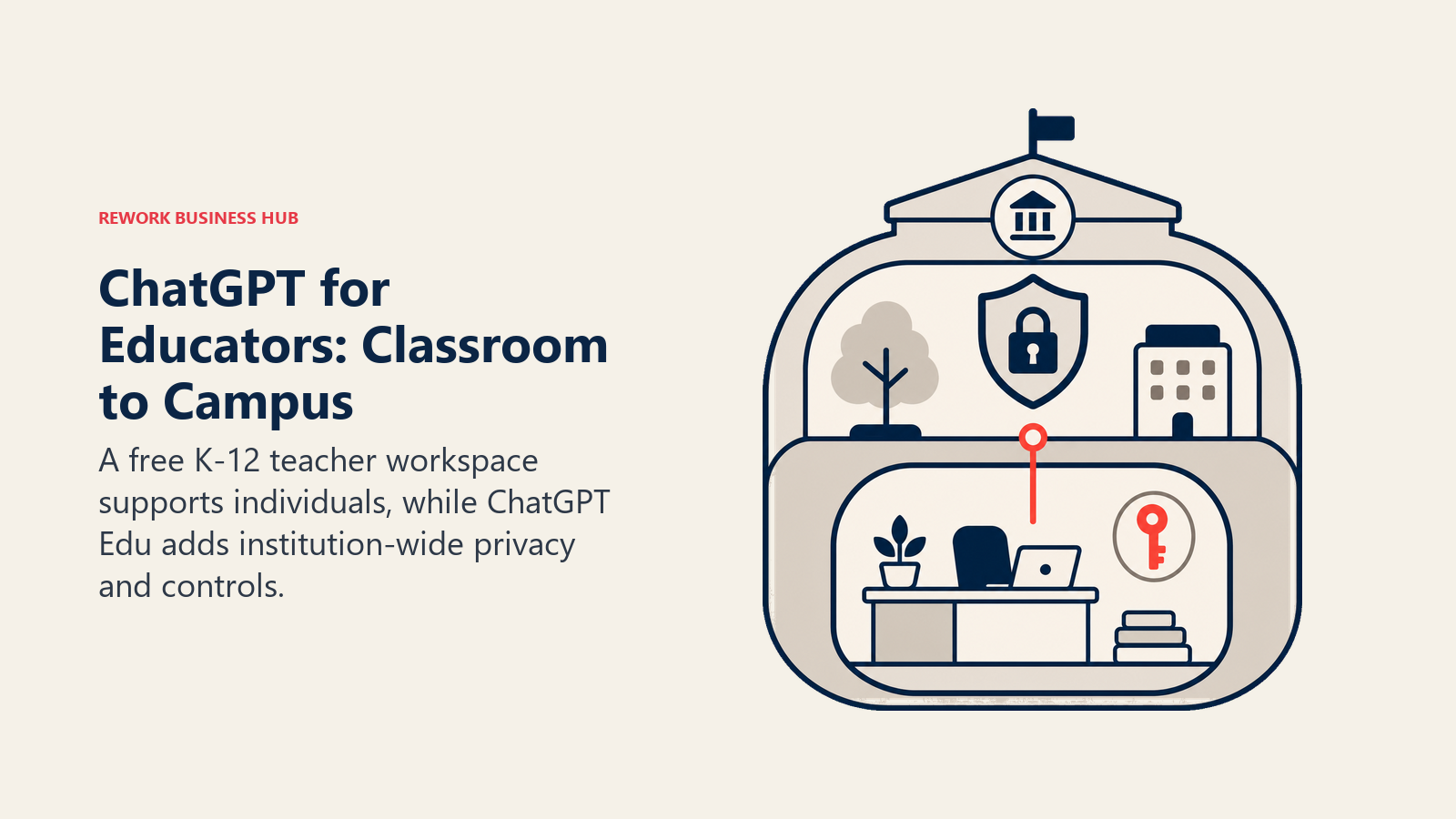
OpenAI splits its education play into two tiers, and educators making a purchasing decision need to know both exist. ChatGPT for Teachers gives verified US K-12 educators a free, education-scoped workspace with GPT-5.1 Auto, separate from the paid consumer plan. ChatGPT Edu is the institutional layer: universities and districts license it campus-wide, with usage and pricing negotiated per institution rather than sold as a flat per-seat rate.
Best for: Individual K-12 teachers who want a free general assistant, and IT or academic leadership evaluating a campus-wide deployment.
| What you get | What you don't |
|---|---|
| Free individual tier for verified US K-12 educators through June 2028 | Eligibility for the free tier is currently US K-12 only |
| ChatGPT Edu adds enterprise-grade privacy, SSO, and admin controls for institutions | No single published per-student price; each deployment is negotiated |
| Same underlying model quality as the paid consumer product | Not purpose-built for education tasks the way MagicSchool or Eduaide.ai are |
Pricing: Free for verified US K-12 teachers through June 2028, per OpenAI's ChatGPT for Teachers page. ChatGPT Edu is licensed per institution; the University of Connecticut's Base tier runs $236 per user per year with a weekly credit allowance, per UConn IT Services.
Standout use case: A district piloting ChatGPT Edu for staff and students under one contract, while individual teachers use the free K-12 tier before that rollout finishes. If you're weighing ChatGPT against Claude and Gemini for this kind of decision, our Claude vs ChatGPT vs Gemini breakdown covers the tradeoffs in more depth.
2. Claude for Educators: Free for K-12 Teachers, Licensed Campus-Wide for Higher Ed
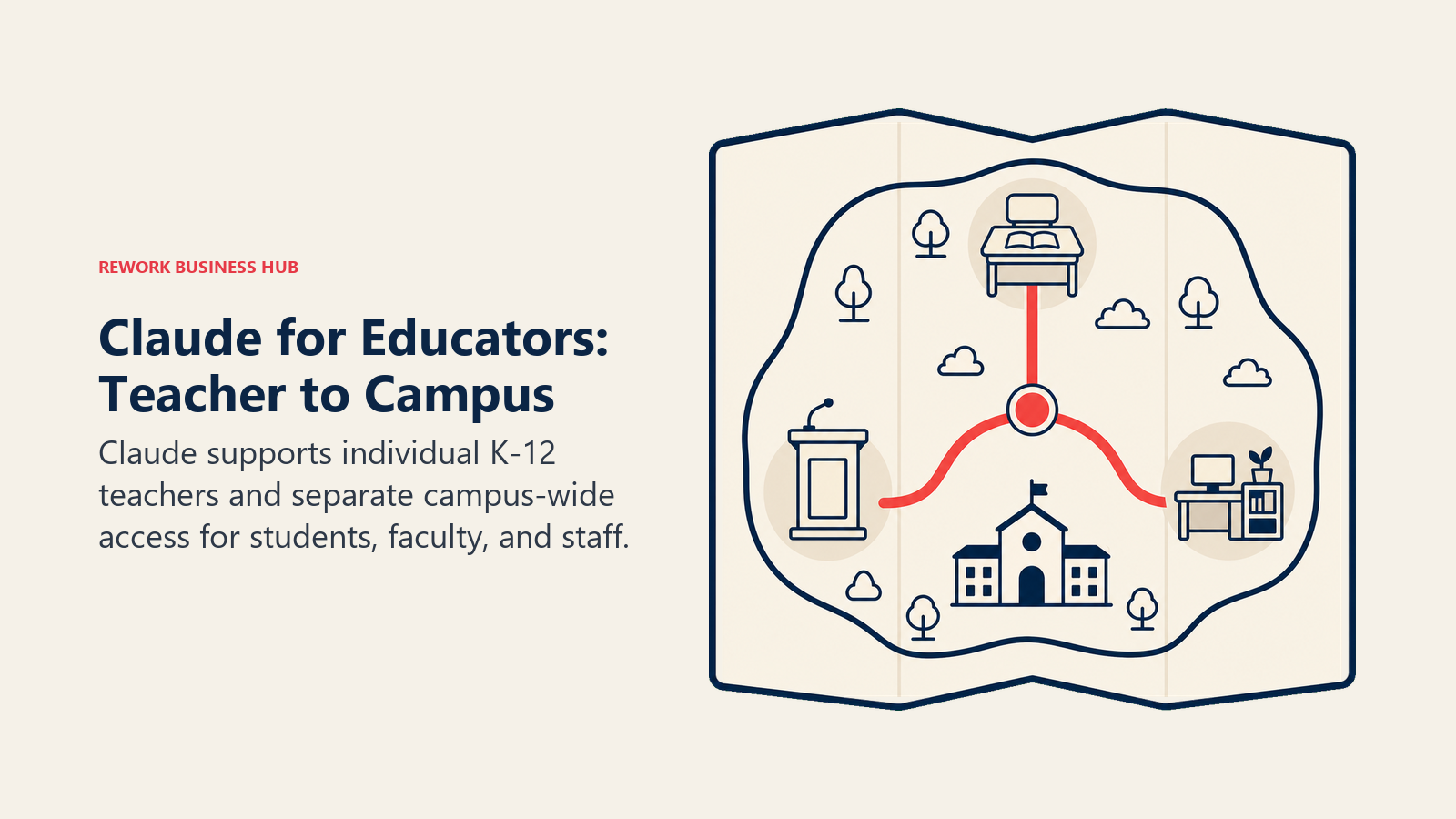
Anthropic's education strategy mirrors OpenAI's split. Claude for Teachers gives verified US K-12 educators a free year of premium Claude access with standards mapped across all 50 states. Claude for Education is the separate university-facing program: full campus access agreements covering students, faculty, and staff, with named partnerships already in place at Northeastern University, the London School of Economics, and Champlain College.
Best for: K-12 teachers who want free, standards-aligned lesson output, and higher ed administrators evaluating a full-campus AI license.
| What you get | What you don't |
|---|---|
| Free premium Claude access for one year for verified K-12 educators | Signup for the free K-12 tier requires action by June 30, 2027 |
| Claude for Education covers students, faculty, and staff under one campus agreement | No published flat per-student price; institutions apply and negotiate terms |
| Standards alignment across all 50 states via Anthropic's Learning Commons partnership | Long, detailed documents still take more prompting effort than a purpose-built lesson tool |
Pricing: Free for one year for verified US K-12 educators, per Anthropic's Claude for Teachers announcement. Claude for Education is a custom campus-wide agreement; institutions apply directly, per Anthropic's Claude for Education announcement.
Standout use case: A university licensing Claude for Education so every department gets consistent AI access under one governance policy, instead of individual faculty paying out of pocket for Pro.
3. MagicSchool AI: The Broadest K-12 Planning Toolkit
MagicSchool's bet is breadth: 80+ purpose-built teacher tools covering lesson plans, rubrics, IEP accommodations, and letters of recommendation, plus a general chatbot (Raina) for anything the templates don't cover. It's the closest thing on this list to a single dashboard for the entire K-12 planning-to-resource workflow.
Best for: K-12 educators who want one dashboard instead of separate tools for each planning task. Our teachers guide covers this tool in more classroom-specific depth.
| What you get | What you don't |
|---|---|
| Free tier includes all 80+ tools with no paywall on core features | Free tier caps output history and generation limits |
| Studio Mode lets you edit AI output with formatting and images | With 80+ tools, finding the right one takes longer than a narrower app |
| Student Rooms let teachers share specific tools directly with students | District-wide SIS/LMS integration requires the custom-priced Enterprise tier |
Pricing: Free ($0); Plus $8.33/mo billed annually ($99.96/yr), or $12.99/mo billed monthly; Enterprise custom, per MagicSchool's pricing page.
Standout use case: Generating a full week of differentiated lesson plans and an IEP accommodation list without leaving one tool.
4. Khanmigo: Free AI Assistant Tied to Real Curriculum
Khan Academy built Khanmigo on top of its existing library of standards-aligned lessons, and it's free for teachers through a Microsoft partnership. It handles the repetitive prep work most tools treat as an afterthought: differentiation, quiz questions, groupings, exit tickets, and rubrics grounded in content that's already vetted.
Best for: Teachers already using Khan Academy content who want an assistant grounded in that same curriculum.
| What you get | What you don't |
|---|---|
| 100% free for K-12 teachers in the US and 44+ other countries | Individual students can't get direct access without a school implementation |
| Output stays grounded in Khan Academy's vetted lesson library | Tied closely to Khan Academy's own content, not a general-purpose assistant |
| Covers named repetitive prep tasks as specific tools, not open prompts | Parent and learner accounts are a separate $4/mo subscription |
Pricing: Free for teachers; $4/mo (or $44/yr) for parents and learners, per Khanmigo's pricing page.
Standout use case: Generating a differentiated set of exit tickets tied to the exact Khan Academy lesson taught that day.
5. Diffit: Instant Text Leveling for Mixed-Ability Classrooms
Diffit solves one problem well: taking any article, PDF, or topic and producing the same content at multiple reading levels, plus vocabulary support and comprehension questions. For a classroom, or a training cohort, with a wide range of reading abilities, this collapses hours of manual leveling into seconds.
Best for: Educators differentiating the same content for readers at different levels in one room.
| What you get | What you don't |
|---|---|
| Generates five or more reading levels from a single source text | Free plan drops Google Docs export and standards alignment |
| Exports directly to Google Docs for teachers already in Google Classroom | $14.99/mo is one of the pricier individual subscriptions on this list |
| Standards alignment on paid tiers ties leveled content back to requirements | Narrow by design; doesn't do lesson planning or grading |
Pricing: Free (limited); Individual $14.99/mo or $149.99/yr; Schools custom, per Diffit's pricing page.
Standout use case: Turning one current-events article into five reading levels for a mixed-ability class in under a minute.
6. Brisk Teaching: AI Inside the Tools You Already Use
Brisk Teaching skips the new-dashboard problem entirely. It's a Chrome and Edge extension that adds AI tools directly into Google Docs, Slides, and Classroom, so there's no context switch to give feedback, differentiate a reading, or build a quiz from a document you already have open.
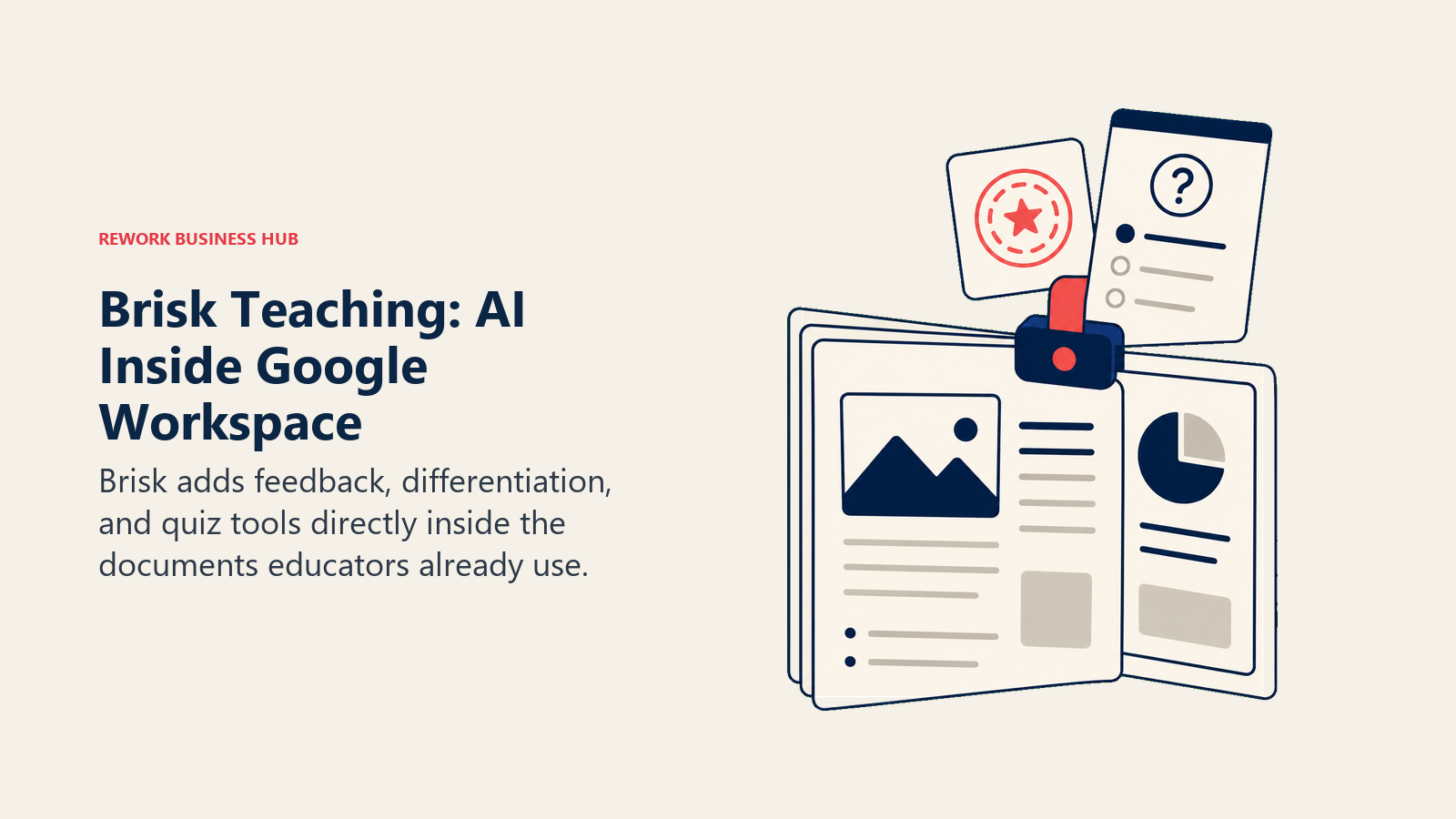
Best for: Educators in a Google Workspace school who want AI without leaving Docs, Slides, or Classroom.
| What you get | What you don't |
|---|---|
| Free Forever plan includes 20+ AI tools with no time limit | Best value is inside Google Workspace; Microsoft 365 users get less |
| Generates content in 50+ languages for multilingual families | Advanced Premium and Intelligence tiers are quote-based |
| Works directly inside the Google tools already open all day | As a browser extension, there's no standalone app |
Pricing: Educator Free Forever plan at $0/mo; Premium and Intelligence tiers for schools and districts are custom-priced, per Brisk Teaching's plans page.
Standout use case: Highlighting a paragraph in a student's Google Doc and getting instant, rubric-based feedback without opening a second tool.
7. Eduaide.ai: Fast, High-Volume Resource Generation
Eduaide.ai leans into raw generator count: 120+ AI-powered tools spanning lesson plans, differentiated resources, graphic organizers, and gamified activities, plus an open-ended chat for anything outside the templates.
Best for: Educators who want the widest range of purpose-built content generators at the lowest paid price point on this list.
| What you get | What you don't |
|---|---|
| Pro tier unlocks unlimited generations for $5.99/mo | Free tier caps out at 15 monthly generations |
| 120+ generator types cover planning, assessment, and differentiation | Interface leans utilitarian compared to more polished dashboards |
| 15+ language support for resource generation | No student-facing safe-chat feature like SchoolAI or Khanmigo |
Pricing: Free (15 generations/mo); Pro $5.99/mo or $49.99/yr, per Eduaide.ai's pricing page. School and district discounts are available on request.
Standout use case: Generating a week's worth of graphic organizers and differentiated worksheets for under $6 a month.
8. SchoolAI: Teacher-Monitored AI Chat for Students
SchoolAI's core idea is letting students talk to AI safely, inside "Spaces" that educators design and watch in real time through a dashboard called Mission Control. If you want students interacting directly with an AI tutor without losing visibility into what's being said, this is the category leader.
Best for: Educators who want students using AI directly, with full visibility and safety controls built in.
| What you get | What you don't |
|---|---|
| Mission Control shows every student conversation in real time | Individual educators now get a 5-Space free trial, not unlimited free |
| 200,000+ community-created Spaces to start from | Unlimited Spaces require the paid Pro tier; full pricing is quote-based |
| 60+ language support broadens access for multilingual classrooms | Built around district-wide adoption, so buying is heavier than self-serve |
Pricing: Free trial (5 Spaces); Pro (unlimited Spaces, school-level) and Scale (district-wide) are quote-based, per SchoolAI's pricing page.
Standout use case: Running a supervised AI tutoring station during independent work time, with visibility into exactly what every student typed.
9. Top Hat: Interactive Courseware for Large Lecture Classes
Top Hat solves a problem that's specific to higher ed, not K-12: how do you run an interactive, accountable class period when you have 200 students in a lecture hall instead of 25 in a classroom? It bundles live polling, attendance, interactive textbooks, and AI-assisted office hours into one platform students access from their own device.
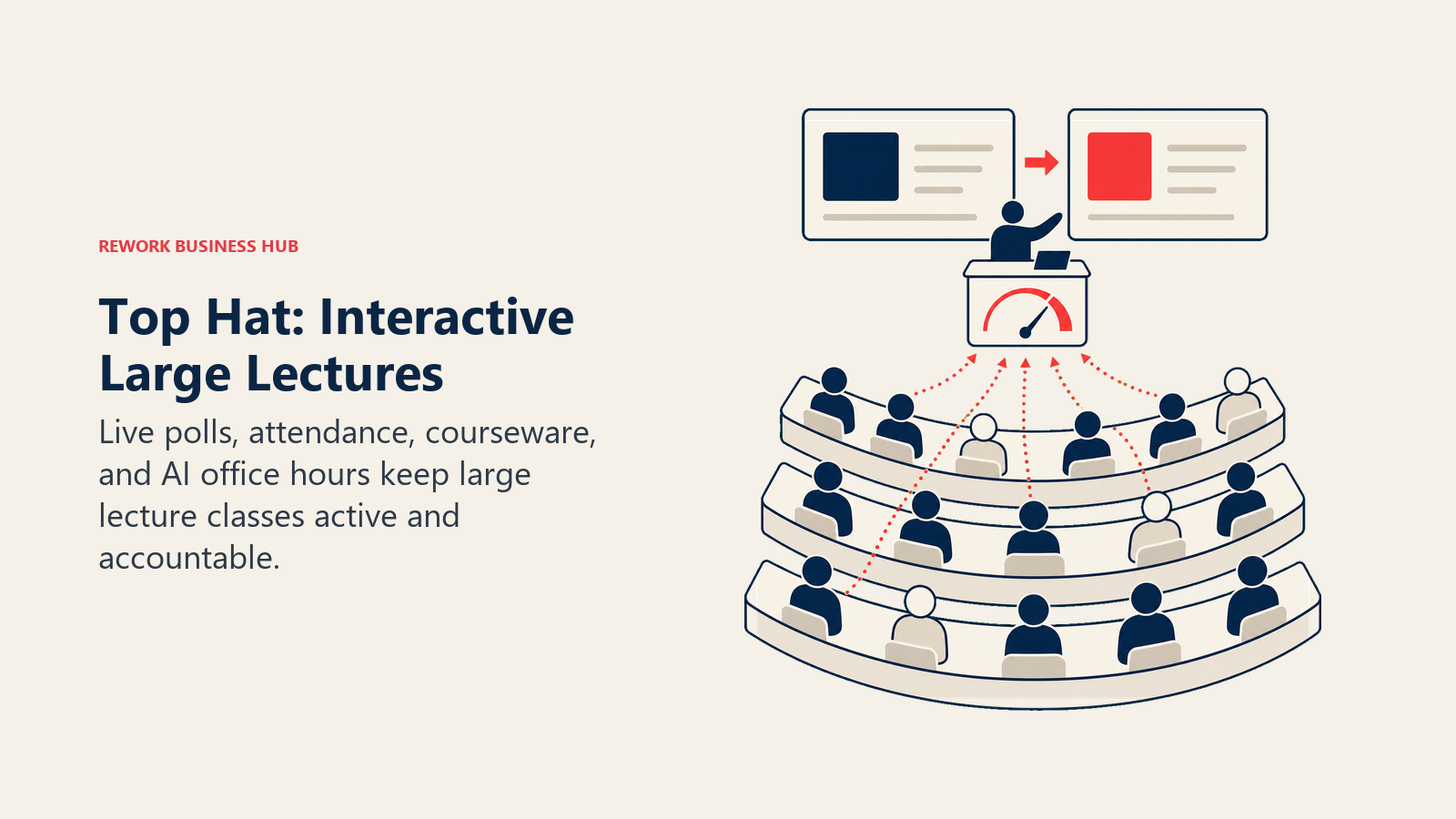
Best for: College and university instructors teaching large lecture sections who need engagement and accountability at scale.
| What you get | What you don't |
|---|---|
| Live polling and attendance built for large lecture halls | Student pricing model is unusual on a K-12-focused "educator" list |
| Interactive textbooks bundle course content and platform in one price | Institution pricing is custom; department-level buy-in is typically required |
| 30% off textbook catalog pricing for institution-wide partners | Overkill for a small seminar or a single K-12 classroom |
Pricing: Student pricing: $35 for one term (4 months), $58 for one year, $96 for four years. Institution and department plans are custom-priced, per Top Hat's pricing page.
Standout use case: Running a live poll mid-lecture to check comprehension across 300 students, then adjusting the next 10 minutes based on the results. Instructors who also want an automatic transcript and summary of that same lecture should look at our best AI meeting assistants roundup, several of which work for recorded lectures too.
10. Perusall: AI-Graded Social Reading and Annotation
Perusall answers a question every educator assigning readings has asked: did anyone actually do it? Students annotate the assigned text directly, discuss inline with classmates, and Perusall's AI automatically scores engagement quality, so reading compliance becomes a measurable grade instead of a guess.
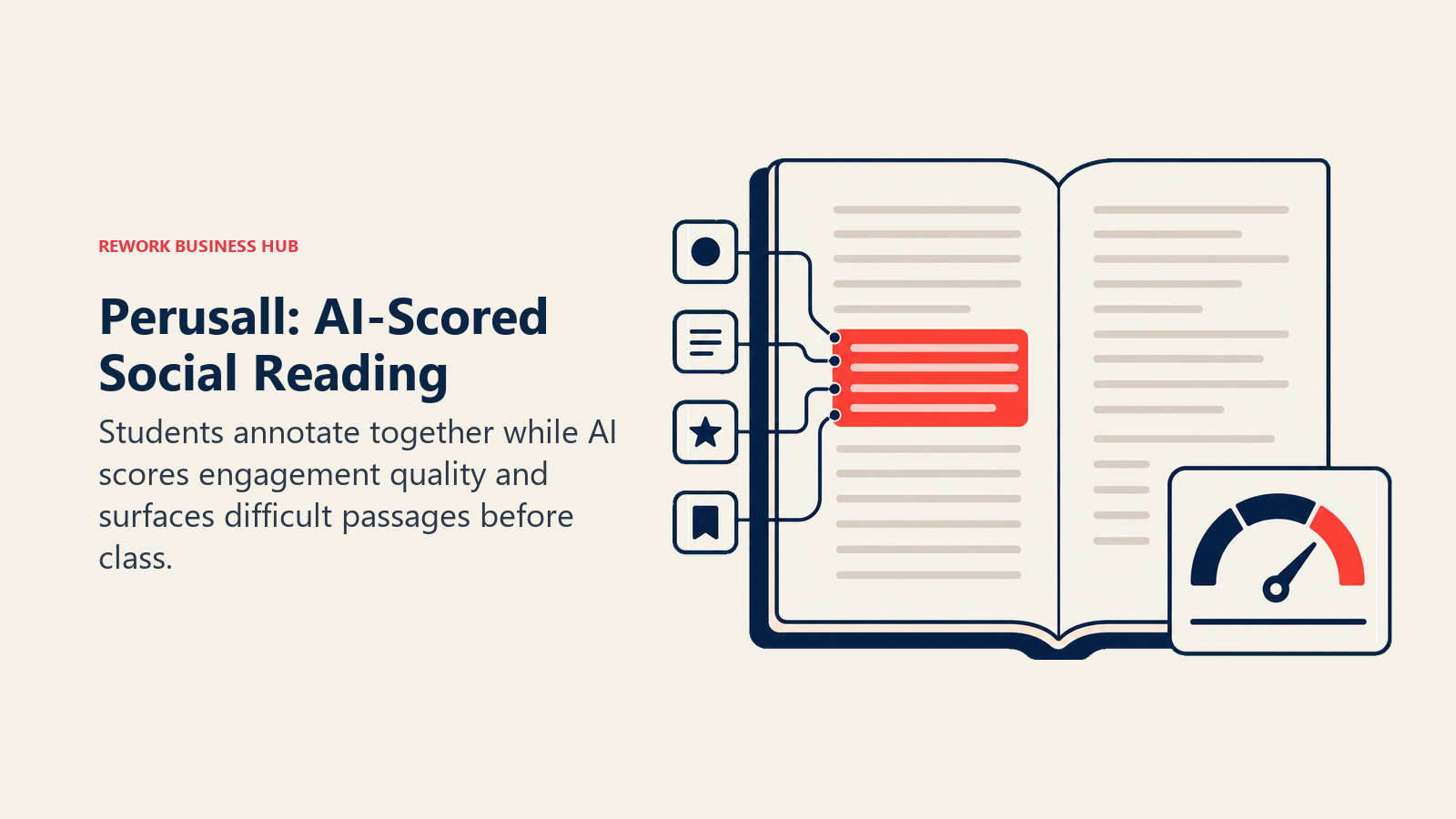
Best for: Instructors who assign substantial reading and want engagement, not just completion, to count toward a grade.
| What you get | What you don't |
|---|---|
| Free for students, instructors, and institutions without a formal license | Suggested $15 per access code applies for courses without an institutional license |
| AI-scored annotation quality removes manual reading-check grading | Institutional Basic and Premium license pricing is quote-based |
| Social annotation format drives discussion before class even starts | Best suited to reading-heavy courses, not STEM problem sets |
Pricing: Free for students, instructors, and institutions without a license (suggested $15 per platform access code where a course isn't institutionally licensed); Basic and Premium institutional licenses are quote-based, per Perusall's pricing page.
Standout use case: Assigning a dense journal article and seeing exactly which paragraphs students struggled with, before you even walk into class. Instructors assigning primary research papers specifically may also want our best AI tools for academic research guide, which covers reading and citation tools in more depth.
11. Gradescope: Grading Exams and Problem Sets at Scale
Gradescope is built for one job: grading large volumes of exams, problem sets, and bubble-sheet assessments faster, by grouping similar student answers together so you grade once and apply that grade across every matching response. It works for AP exams and K-12 standardized testing just as well as university problem sets.
Best for: Educators grading large stacks of exams, free-response problem sets, or standardized assessments at any level.
| What you get | What you don't |
|---|---|
| AI-assisted answer grouping applies one rubric comment to every matching response | Institutional pricing isn't publicly listed; you contact Gradescope for a quote |
| Handles handwritten work through scanning, not just typed submissions | Best suited to exam-style grading, not day-to-day formative feedback |
| Regrade requests and assignment statistics included on the free Basic plan | Setup, rubric building and answer grouping, takes more upfront time |
Pricing: Basic plan free after an institutional trial ends; Institutional licensing is quote-based, per Gradescope's pricing page.
Standout use case: Grading 150 identical free-response exam questions in the time it used to take to grade 20.
12. Canva for Education / Canva for Campus: Free Design Across Every Level
Canva for Education gives verified K-12 teachers and students full Canva Pro access at no cost. Canva for Campus extends the same idea to higher ed, but through an institutional model: once a university buys enough staff licenses (the threshold scales with student body size), the entire student body gets free Pro-level access too.
Best for: Educators who need polished slides, worksheets, and visuals without a design background or a paid subscription.
| What you get | What you don't |
|---|---|
| Genuinely free, permanent Pro-level access for verified K-12 educators | Canva for Campus requires an institutional license, not an individual signup |
| Canva for Campus can unlock free student access once staff seats are purchased | Verification for K-12 access can take 1-5 business days without a school domain |
| LMS integrations with Canvas, Blackboard, and others for sharing assignments | It's a design tool, not a lesson-planning or grading tool |
Pricing: 100% free for verified K-12 teachers and students, per Canva for Education. Canva for Campus is licensed per institution based on staff seat count, per Canva for Campus.
Standout use case: Turning a text-heavy lesson or lecture slide deck into a visual, engaging presentation in minutes, with no design skill required.
13. Quizizz (Wayground): Gamified Quizzes With AI Question Generation
Quizizz rebranded to Wayground in 2026 but kept its core strength: fast, gamified quizzes students actually enjoy taking, with AI now generating question sets directly from a topic, standard, or uploaded document. For the "I need a quiz or worksheet by tomorrow" moment, this is built for speed.
Best for: Educators who want quick, gamified assessments and AI-generated question banks without building quizzes by hand.
| What you get | What you don't |
|---|---|
| Free Basic tier includes AI question generation and storage for 20 activities | Individual Super plan pricing is regionalized, not consistently published in USD |
| 1.8M+ premium activities in the shared library on the paid Super tier | Free tier's 20-activity storage cap feels tight for a full-year question bank |
| Strong LMS integrations on paid tiers for Canvas, Classroom, or Schoology | Some schools reimburse through a district license, not available everywhere |
Pricing: Free (Basic); Super (individual paid tier, price varies by region, check Wayground's pricing page); School Plans available with teacher reimbursement in some districts.
Standout use case: Generating a 20-question review quiz from a chapter PDF and running it as a gamified review game before a test.
Student Data Privacy: What Educators Should Check (FERPA and COPPA)
Any AI tool that touches student names, grades, submitted work, or chat transcripts is handling regulated data, and the rules differ by age group and by what the tool actually does with that data. Before adopting a tool school-wide, check these five things:
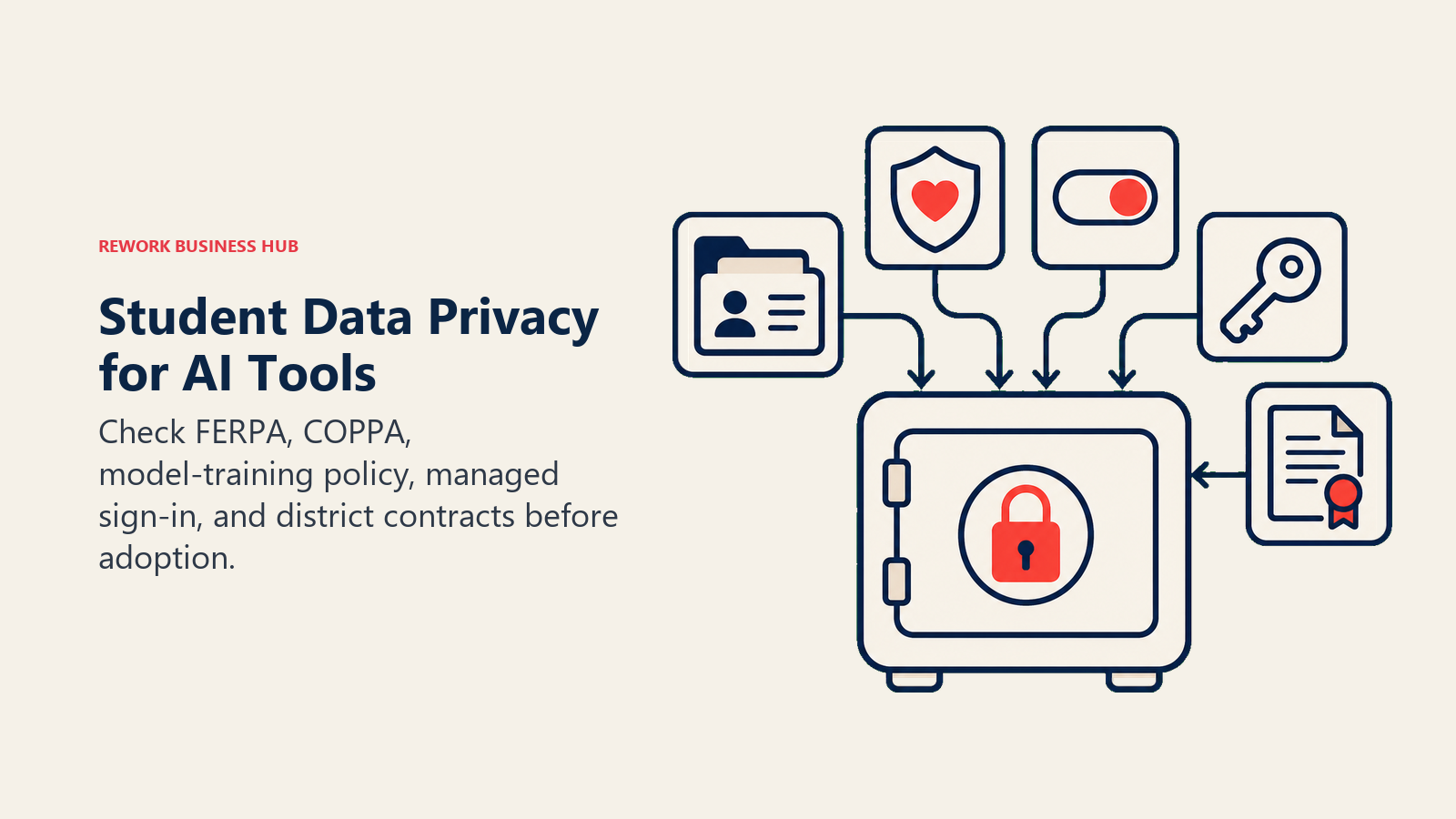
- FERPA compliance. The Family Educational Rights and Privacy Act governs student education records at any school receiving federal funding. Confirm the vendor signs a data privacy agreement and doesn't share student records with third parties without consent. The US Department of Education's Student Privacy Policy Office is the authoritative reference.
- COPPA compliance for under-13 users. The Children's Online Privacy Protection Act restricts how companies collect data from children under 13. If a tool has students under that age creating accounts or chatting directly with AI, confirm COPPA compliance explicitly; school consent can sometimes stand in for parental consent, but only under specific conditions. See the FTC's COPPA business guidance for the current rules.
- Whether student data trains the vendor's models. Tools built for education, ChatGPT for Teachers, Claude for Teachers, and most purpose-built classroom tools, explicitly exclude education data from model training by default. General consumer AI accounts often don't make that same guarantee, and the same caution applies to accuracy: general chatbots can state incorrect facts with total confidence, a failure mode worth understanding before you rely on AI-generated content in front of a class; see our explainer on AI hallucination for why this happens.
- Rostering and SSO support. A tool that needs every student to individually sign up with a personal email is harder to govern than one that supports Clever, ClassLink, or Google/Microsoft SSO with district-managed accounts.
- A published district or Enterprise tier, rather than asking every educator to individually expense a personal subscription with school data running through it.
What to Do Next
Start with what's free and matches your actual role. If you're an individual K-12 teacher, set up ChatGPT for Teachers or Claude for Teachers today, no procurement needed. If you're evaluating AI for a whole school, district, or campus, the institution-wide programs (ChatGPT Edu, Claude for Education, Canva for Campus) are the ones worth a formal pilot, since they're built for governance and admin control that individual tiers don't offer. And if you're specifically teaching K-12, our best AI tools for teachers guide narrows this list to classroom-only depth. Before rolling anything out school-wide, run it through the AI tool selection framework and the AI ethics and data privacy checklist so the pilot doesn't turn into a compliance problem later.

Principal Product Marketing Strategist
On this page
- What's Different Here vs. Our K-12 Teacher Guide
- Key Facts
- Quick Comparison Table
- Fit by Education Level
- How to Choose: Decision Framework
- By Budget
- 1. ChatGPT for Educators: Free K-12 Workspace, ChatGPT Edu for Campuses
- 2. Claude for Educators: Free for K-12 Teachers, Licensed Campus-Wide for Higher Ed
- 3. MagicSchool AI: The Broadest K-12 Planning Toolkit
- 4. Khanmigo: Free AI Assistant Tied to Real Curriculum
- 5. Diffit: Instant Text Leveling for Mixed-Ability Classrooms
- 6. Brisk Teaching: AI Inside the Tools You Already Use
- 7. Eduaide.ai: Fast, High-Volume Resource Generation
- 8. SchoolAI: Teacher-Monitored AI Chat for Students
- 9. Top Hat: Interactive Courseware for Large Lecture Classes
- 10. Perusall: AI-Graded Social Reading and Annotation
- 11. Gradescope: Grading Exams and Problem Sets at Scale
- 12. Canva for Education / Canva for Campus: Free Design Across Every Level
- 13. Quizizz (Wayground): Gamified Quizzes With AI Question Generation
- Student Data Privacy: What Educators Should Check (FERPA and COPPA)
- What to Do Next