Venngage vs Canva vs Piktochart: Which Visual Content Tool Fits Your Team in 2026?
Turn this article into takeaways for your work.


Each assistant summarizes the article only for you and suggests best practices for your work.
You lead a team that keeps getting asked for "a quick infographic," a report cover, a one-pager or a deck. Somebody has already opened Canva. Somebody else swears by Venngage. A third person found Piktochart in a search and says it was easier. Now you need one decision, one budget line and one place where the brand lives.
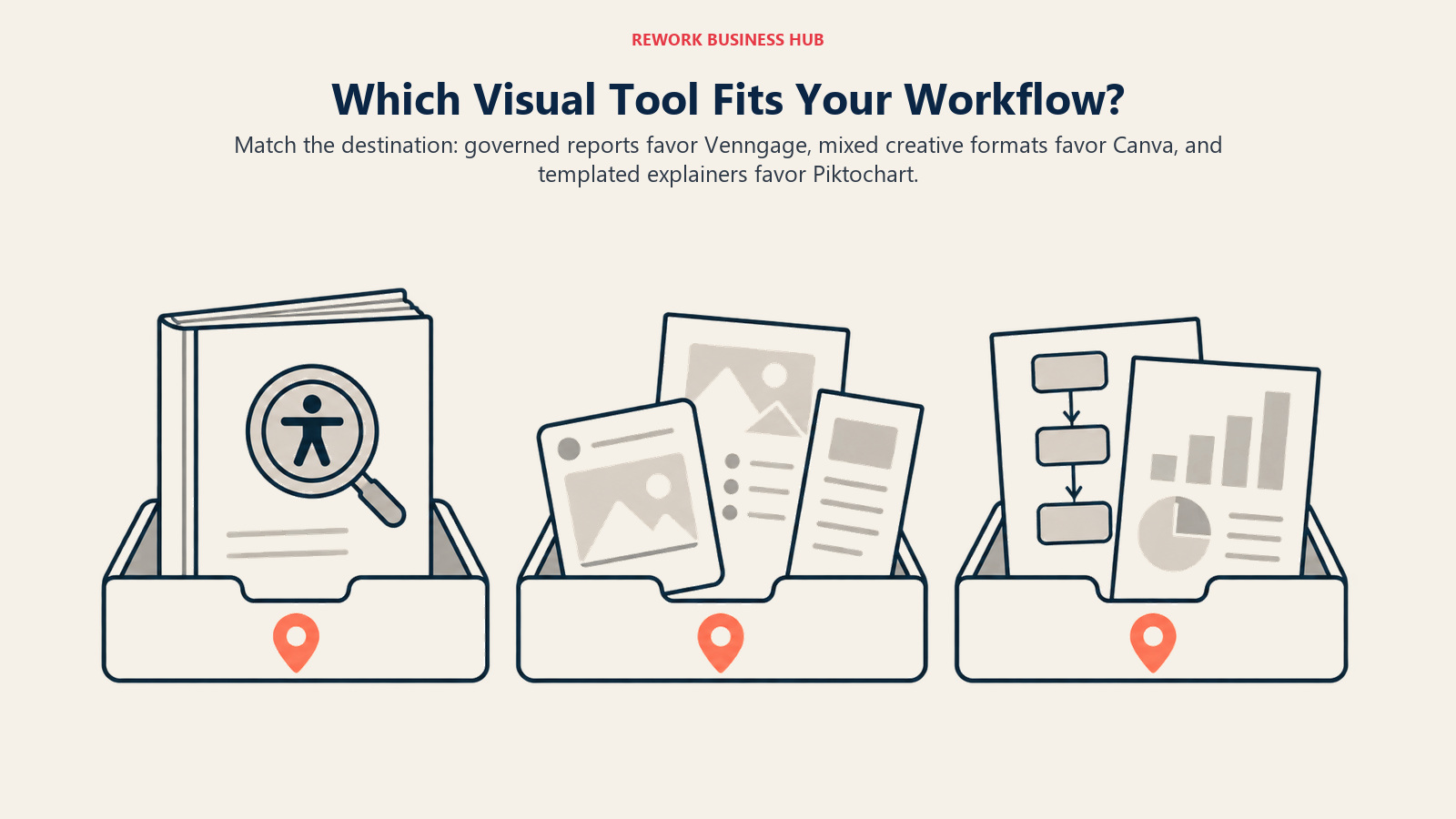
These three overlap on the surface. They all give non-designers templates, a drag-and-drop editor and AI that drafts a layout from a prompt. Underneath, they are sold very differently. Canva is a general design platform priced per person. Venngage is built around infographics and business documents, with brand controls and accessibility tools. Piktochart is a templated visual-content tool priced per member with a cheap annual rate. This guide compares them for the person who signs off on the spend: what each costs at three and ten people, how the AI credit meters differ, what exports and brand controls sit on which plan, and where each one runs out of road.
If you only want a ranked list of alternatives to any one of them, our guides to Venngage alternatives, Piktochart alternatives and Canva alternatives do that. This page is narrower: a three-way decision.
TL;DR
| Venngage | Canva | Piktochart | |
|---|---|---|---|
| What it is | Infographic and business-document maker with AI | General-purpose design platform | Templated infographic, report and presentation maker |
| Free tier | Yes: 5 designs, 80 daily AI credits | Yes: up to 20 Standard or Premium AI uses | Yes: 2 PNG downloads, 60 AI credits |
| Entry paid price | $10/month billed yearly ($19 monthly) | US$144/year, one person | $10/member/month billed annually ($15 monthly) |
| Team tier | $24/user/month billed yearly ($49 monthly) | US$250/year per person (Business) | $17/member/month billed annually ($20 monthly) |
| Seat model | Per user on Business | Pro is one person; Business is per person | Per member |
| Brand controls | Brand Kits on Business | 5 Brand Kits on Pro; 100 on Business | Unlimited brand colors, fonts and logos on Business |
| Best for | Brand-controlled, accessible business documents | Teams that need one tool for every kind of design | Budget-friendly templated reports and infographics |
Key Facts
- Venngage Premium is $10 a month billed yearly and $19 billed monthly, and Business is $24 per user a month billed yearly and $49 billed monthly, per Venngage's pricing page.
- Canva Pro is US$144 a year for one person and Business is US$250 a year per person, per Canva's pricing page.
- Piktochart Pro is $10 per member a month billed annually ($120 a year) and Business is $17 per member a month billed annually ($204 a year), per Piktochart's pricing page.
- Canva Business lists 100 Brand Kits and approvals, against 5 Brand Kits on Pro, per Canva's pricing page.
- Piktochart's Pro plan exports PNG only; PDF and PowerPoint export begin on Business, per Piktochart's pricing page.
- Venngage's Business plan adds PDF and PowerPoint export, Brand Kits and team sharing over Premium, per Venngage's pricing page.
What Each Tool Is Actually Built For
The mistake in this comparison is treating three similar-looking editors as one category at three prices. They have different centres of gravity.
Venngage is a visual-communication tool for business content. Its infographic maker describes hundreds of infographic templates, an AI infographic generator that starts from a prompt or your data, and a Brand Kit that applies your logo, colors and fonts automatically. It also ships accessibility tools, including a PDF accessibility checker, a color contrast checker and automatic alt text, on every plan per its pricing page. That mix suits teams making reports, one-pagers and explainers where consistency and compliance matter.
Canva is a general design platform. A marketer can make a social post, a presentation, a flyer and an infographic in the same account. Its pricing page lists Brand Kits, 100GB of storage on Pro, collaboration and team admin tools on Business, and access to Flourish, a data visualization tool, on Business and Enterprise, per Canva's pricing. Its breadth is its pitch.
Piktochart is narrower. Its homepage describes an AI builder for infographics, reports and presentations, plus charts, maps and an AI image toolkit. It is priced per member at the lowest annual rate of the three on the team tier, and it publishes discounted Education and Nonprofit plans.
| Dimension | Venngage | Canva | Piktochart |
|---|---|---|---|
| Product philosophy | Business documents with brand and accessibility built in | One design tool for every format | Fast templated visuals and reports |
| Typical user | Communications, HR, operations, consultants | Marketers, social teams, small-business owners | Educators, nonprofits, analysts, small teams |
| Typical output | Reports, infographics, one-pagers, process explainers | Social posts, decks, flyers, brand assets | Infographics, reports, short presentations |
| Primary buyer | Department head or communications lead | Marketing or brand lead | Team lead or program manager |
| Learning curve | Low | Low | Low |
Decision by Business Goal
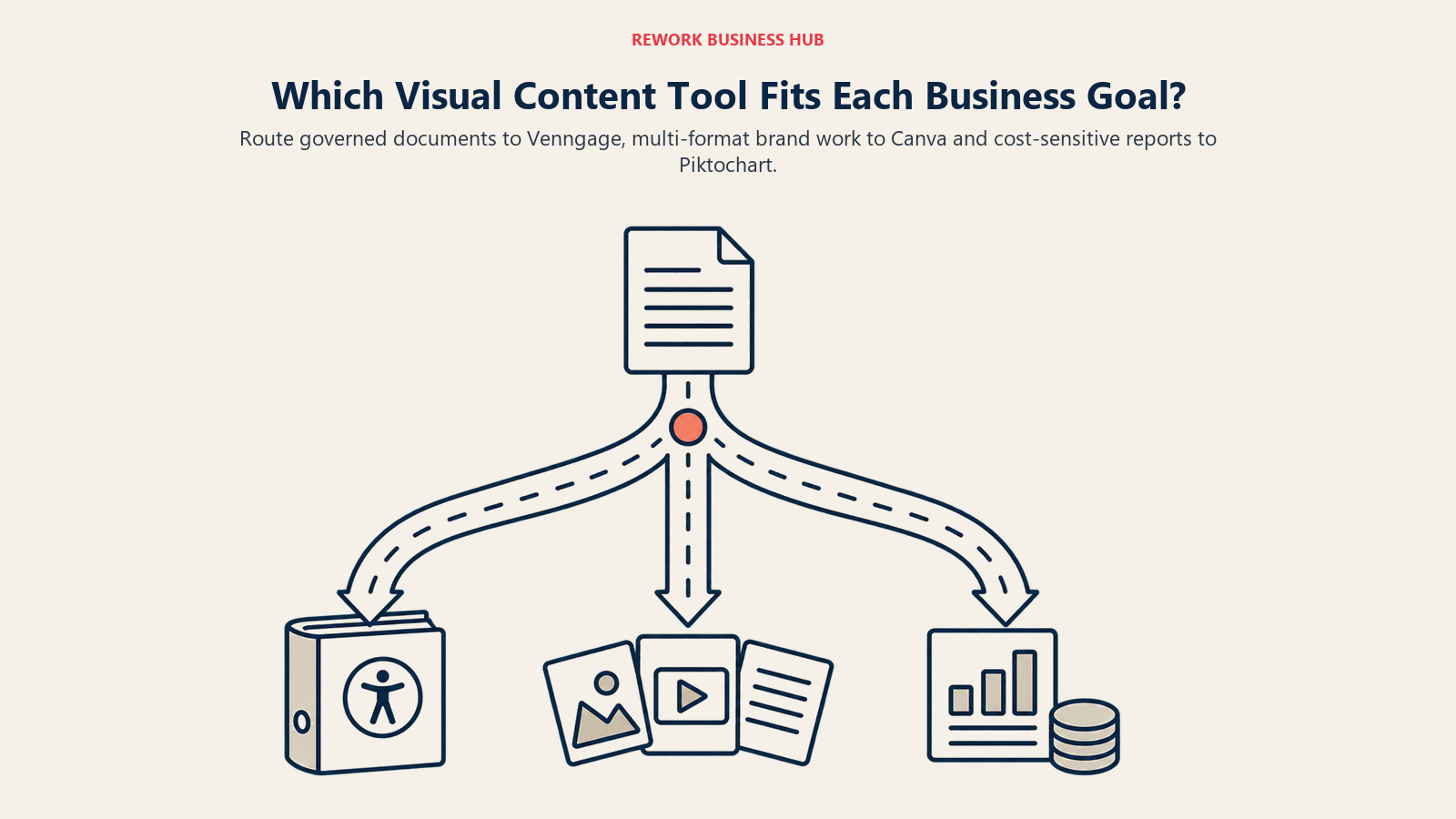
Start with what the business needs from the tool. Then check the pricing and controls.
| Business goal | Best fit | Why |
|---|---|---|
| Brand-controlled reports and infographics at team scale | Venngage Business | Brand Kits, team sharing and folders sit on one plan, with accessibility tools on every tier |
| One tool for social, decks, print and infographics | Canva | The widest range of formats in a single account |
| Lowest annual cost per member for a small team | Piktochart Pro | $10 per member a month billed annually |
| Heavy brand governance across many teams | Canva Business or Enterprise | 100 Brand Kits and approvals on Business; 1,000 with tiered approvals on Enterprise |
| Accessible PDFs and checks for contrast and alt text | Venngage | Accessibility tools are listed on all four plans |
| A nonprofit or school on a tight budget | Piktochart | Education and Nonprofit pricing is published |
| Cheapest way to test whether the team wants a tool at all | Any free tier | All three have one, each with a different cap |
| Data-heavy charts with a dedicated chart tool | Canva Business | Includes access to Flourish per the pricing page |
Pricing Side by Side
Each vendor meters something different, so line up the billing term before you compare headline numbers.
| Plan | Venngage | Canva | Piktochart |
|---|---|---|---|
| Free | $0 | US$0 | $0 |
| Entry paid (annual) | Premium $10/month billed yearly | Pro US$144/year, one person | Pro $10/member/month billed annually |
| Entry paid (monthly) | Premium $19/month | Not printed as a monthly figure | Pro $15/member/month |
| Team tier (annual) | Business $24/user/month billed yearly | Business US$250/year per person | Business $17/member/month billed annually |
| Team tier (monthly) | Business $49/user/month | Not printed as a monthly figure | Business $20/member/month |
| Top tier | Enterprise from $499/month, minimum 10 members | Enterprise: talk to sales | Enterprise: custom, from 101 members |
Venngage and Piktochart print both monthly and annual rates. Canva prints annual figures for the plans above, so any monthly equivalent is your own arithmetic, not Canva's number. Venngage's yearly toggle is labelled "Save 51%," and the arithmetic fits the Business plan ($24 against $49), per its pricing page.
What One Person Pays in a Year
Annual cost per person, with the billing term visible. Rates are multiplied from printed figures only.
| Tier | Venngage (annual billing) | Venngage (monthly x 12) | Canva (annual) | Piktochart (annual billing) | Piktochart (monthly x 12) |
|---|---|---|---|---|---|
| Entry | Premium $120 | Premium $228 | Pro $144 | Pro $120 | Pro $180 |
| Team | Business $288 | Business $588 | Business $250 | Business $204 | Business $240 |
Three things stand out. Piktochart is the cheapest at both tiers on annual billing. Canva Business ($250) sits between Piktochart Business ($204) and Venngage Business ($288). And monthly billing is expensive on all three, so if you plan to stay, pay annually.
Team Cost at 3 and 10 People
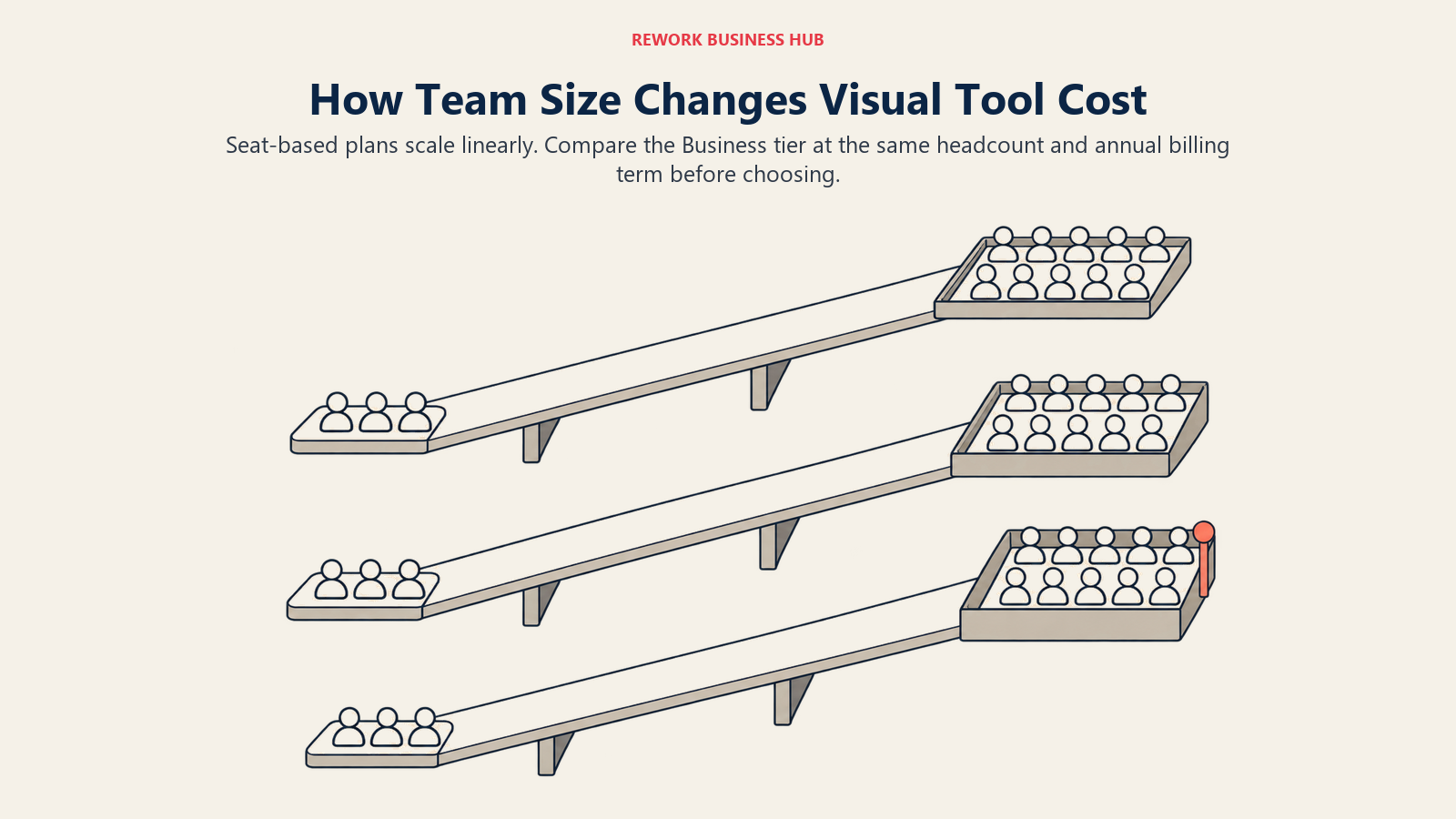
Seat models change the maths. Canva Pro is one person, so a team of three on Pro is three separate subscriptions, not a team plan. Venngage Business and Piktochart Business are per user and per member. The tables use the team tier for each tool and annual billing.
| Headcount | Venngage Business (annual) | Canva Business (annual) | Piktochart Business (annual) |
|---|---|---|---|
| 3 | $864 | US$750 | $612 |
| 10 | $2,880 | US$2,500 | $2,040 |
Venngage is $288 x 3 and x 10. Canva is US$250 x 3 and x 10. Piktochart is $204 x 3 and x 10.
If your three people only need the entry tier, the numbers shrink:
| Headcount | Venngage Premium (annual) | Canva Pro (annual, per person) | Piktochart Pro (annual) |
|---|---|---|---|
| 3 | $360 | US$432 | $360 |
| 10 | $1,200 | US$1,440 | $1,200 |
Two cautions. First, Venngage Premium and Piktochart Pro are not equivalent to the team tiers: the team sharing, Brand Kits and PDF or PowerPoint exports that most teams want arrive on Business for both. Second, Venngage Enterprise starts at $499 a month with a minimum of 10 members, so a 10-person team comparing Business ($2,880 a year) against Enterprise ($5,988 a year) is paying for dedicated support and MFA, not for extra seats.
AI Credits and Limits
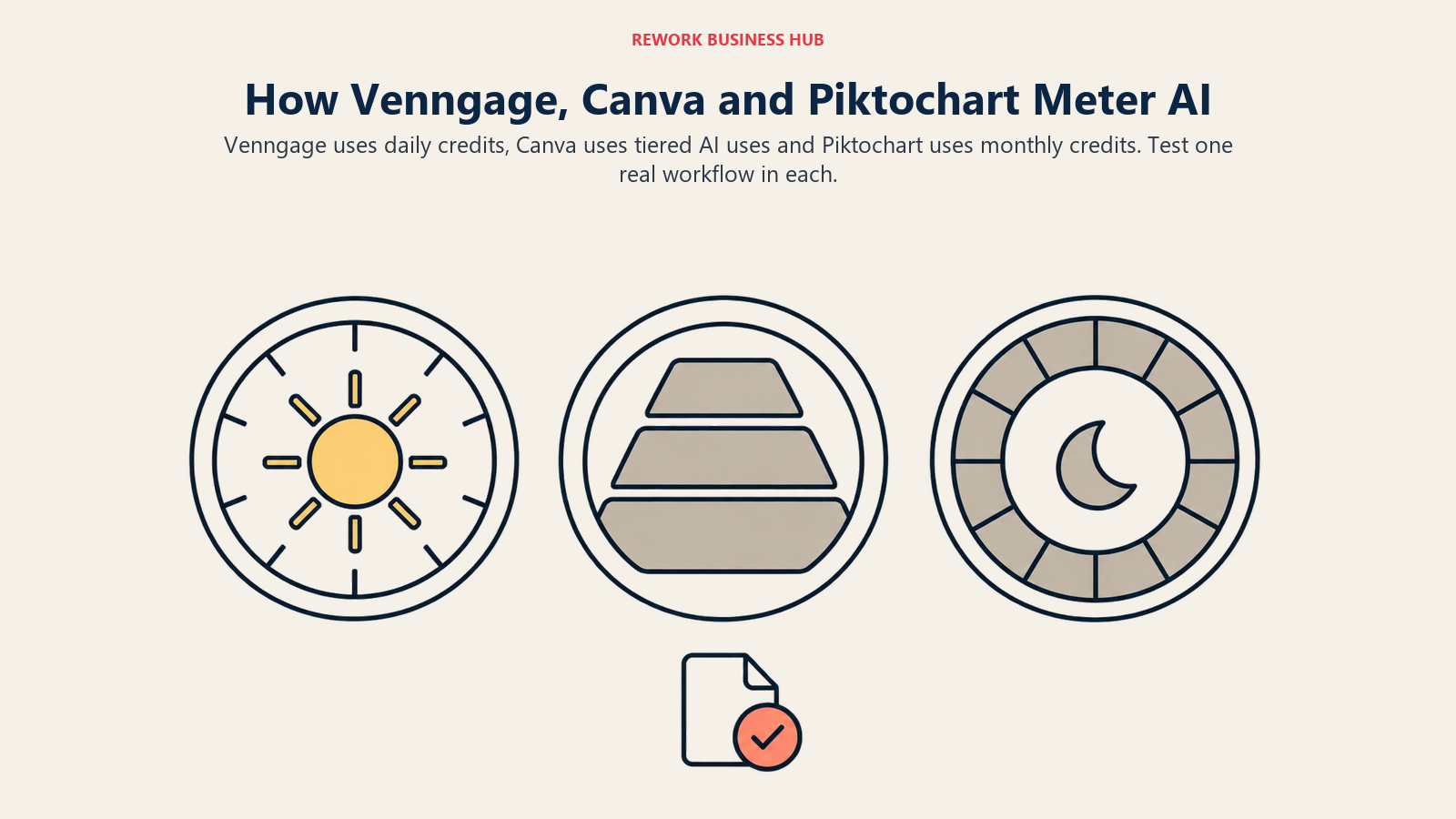
AI is metered three different ways, which makes it the hardest line to compare. Read this table as units, not as a score.
| Plan | Venngage (daily AI credits) | Canva (AI uses) | Piktochart (AI credits) |
|---|---|---|---|
| Free | 80 daily at signup (up to 2,400 monthly) | Up to 20 Standard or Premium uses | 60 |
| Entry paid | Premium: 160 daily (up to 4,800 monthly) | Pro: 10x more AI than Free | Pro: 500 |
| Team tier | Business: 1,600 daily (up to 48,000 monthly) | Business: 20x more AI than Free | Business: 1,000 |
| Add-ons | Not listed | AI Pass for Pro and Business | Not listed |
Canva's FAQ also lists up to 200 Premium or 20 Ultra uses on Pro, and up to 400 Premium or 40 Ultra uses on Business, per its pricing page. Piktochart does not say what one credit buys, and Venngage does not publish a credits-per-infographic figure either. The practical test is simple: have one person generate a finished report in each tool and note how much of the meter it used.
Exports and File Formats
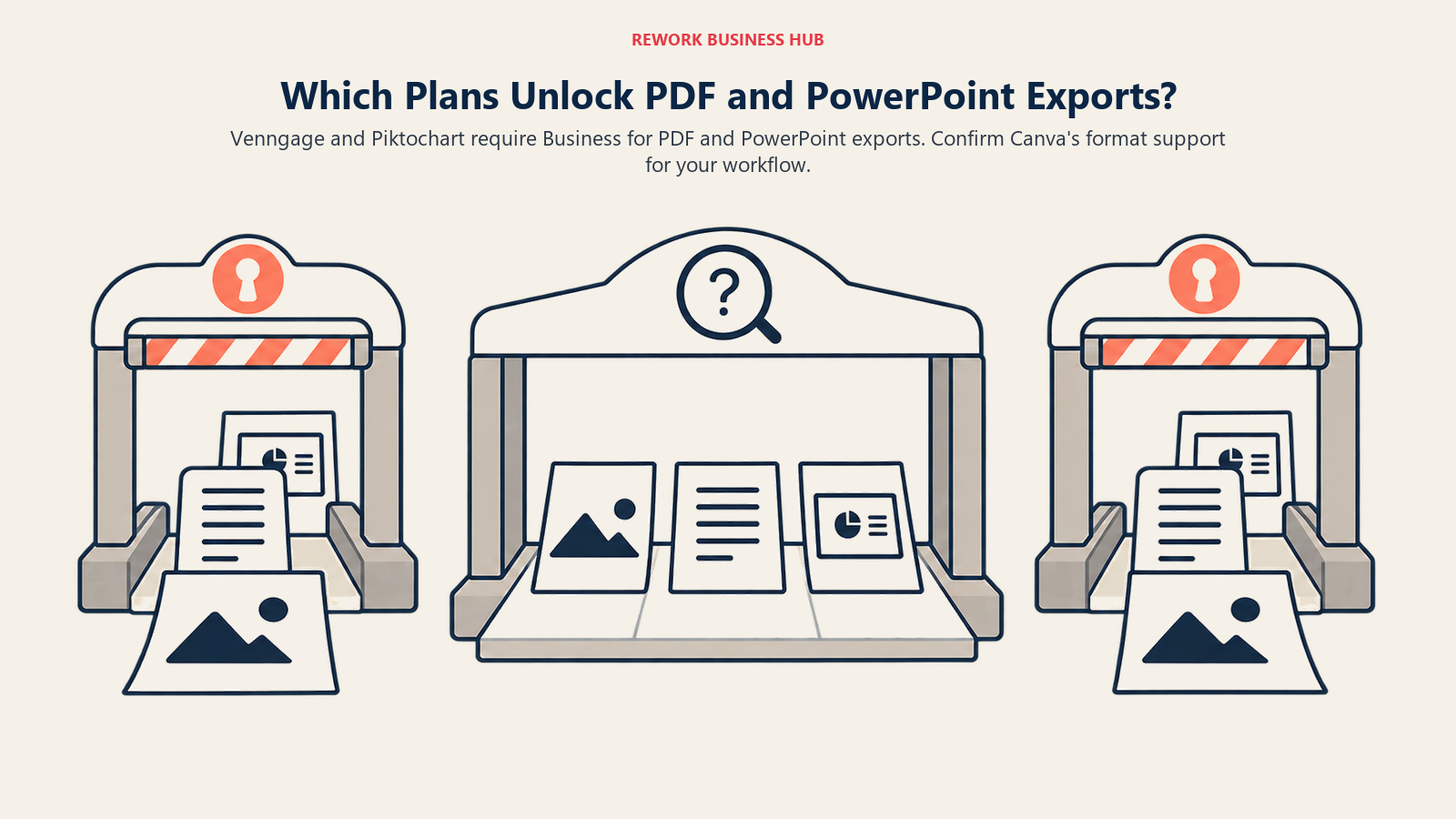
Where the asset ends up decides which plan you need. A PNG is fine for a blog post. A board report needs a PDF.
| Export need | Venngage | Canva | Piktochart |
|---|---|---|---|
| PNG | Premium and above (hi-res PNG listed) | Listed on the pricing page | All plans; Free allows 2 downloads |
| Business and above | Listed on the pricing page | Business and above | |
| PowerPoint | Business and above | Confirm with Canva | Business and above |
| Downloads on Free | Share publicly; downloads need a paid plan | Confirm with Canva | 2 PNG downloads |
| Print-ready or CMYK | Confirm with Venngage | Listed as a feature; confirm which plan | Confirm with Piktochart |
Piktochart is the one to read twice. Its Pro plan exports PNG only, so a team that sends PDFs to clients needs Business, which changes the per-member price from $10 to $17.
Brand Controls and Governance
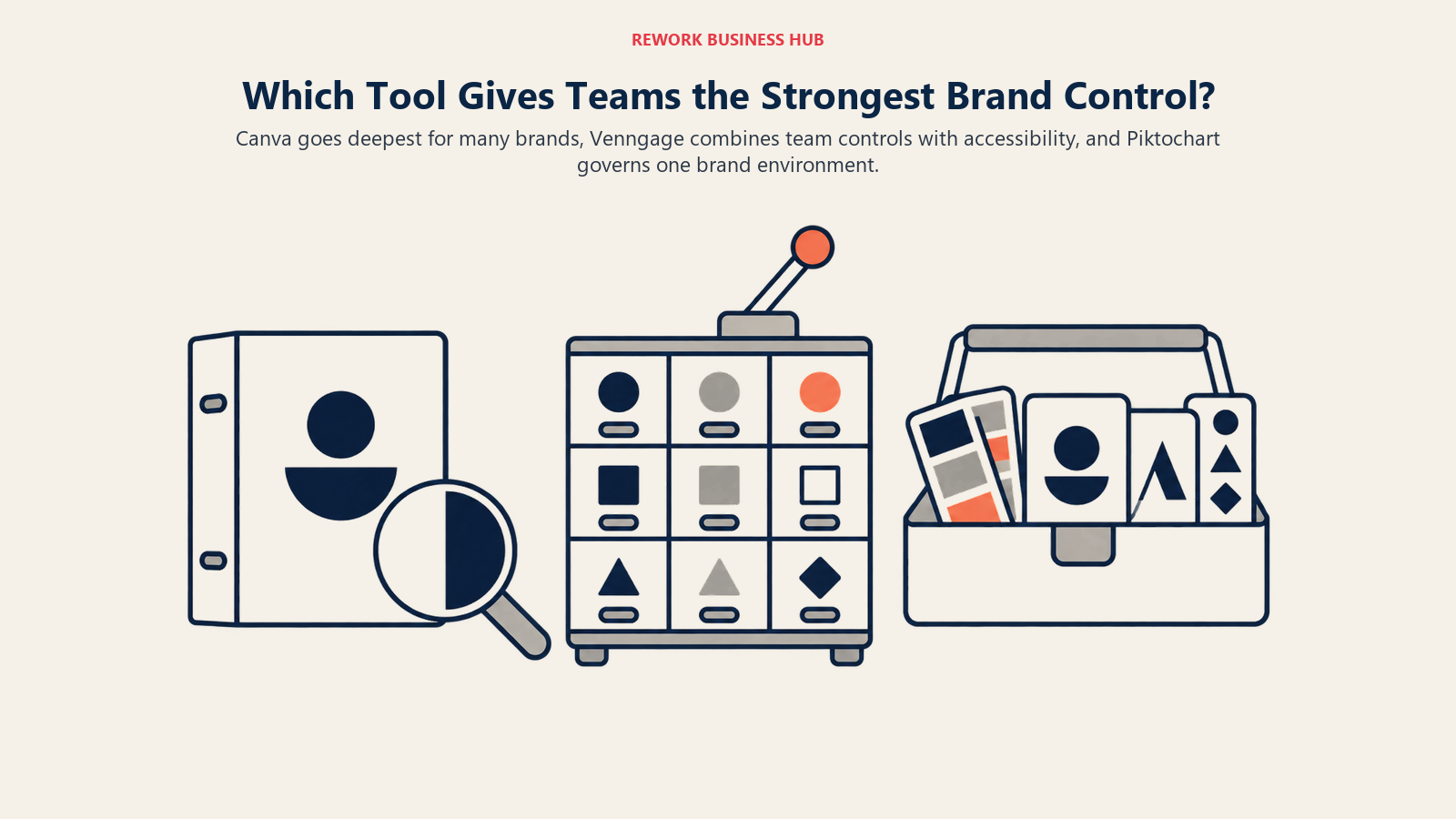
Brand consistency is the real reason teams move from "everyone uses their own template" to a paid plan.
| Control | Venngage | Canva | Piktochart |
|---|---|---|---|
| Brand kit on entry paid tier | Brand Kits begin on Business | Pro: 5 Brand Kits | No brand kit on Pro |
| Brand kit on team tier | Brand Kits, team sharing, folders | Business: 100 Brand Kits and approvals | Business: unlimited colors, palettes, fonts and logos; branded templates |
| Top tier | Enterprise: MFA, dedicated account manager | Enterprise: 1,000 Brand Kits, tiered approvals, SSO and SCIM | Enterprise: SSO/SAML, workspace management control |
| Free tier | None listed | 1 Brand Kit, 3 colors only | None |
Canva goes deepest on multi-brand governance: 100 Brand Kits and approvals on Business is a different class of control from a single kit. Piktochart offers unlimited colors, fonts and logos but within one brand environment. Venngage's Brand Kit and team features sit on Business, and it adds accessibility tooling on top.
Collaboration and Admin
| Capability | Venngage | Canva | Piktochart |
|---|---|---|---|
| Team sharing | Business and above | Business: collaboration and team admin tools | Team sharing on every plan, including Free (up to 4 members) |
| Folders | Business | Listed on team plans; confirm detail | 1 folder on Free; unlimited on Pro |
| Password-protected sharing | Business | Confirm with Canva | Confirm with Piktochart |
| Comments and permissions | Confirm with Venngage | Confirm with Canva | Comments and visual permissions on all paid plans |
| Seat range | Enterprise: minimum 10 members | Enterprise: 150+ contracted seats | Pro and Business: 1 to 100 members |
| SSO | Confirm with Venngage | SSO and SCIM on Enterprise | SSO/SAML on Enterprise |
Piktochart is the most generous on collaboration at the low end: even its Free plan is a team workspace for up to four members. Canva Business adds admin tools and a 10% discount on print orders where Canva Print is offered.
Templates, Charts and Data
Template counts are marketing numbers. What matters is whether the templates match your documents and whether the charts can carry your data.
| Area | Venngage | Canva | Piktochart |
|---|---|---|---|
| Templates, as described by the vendor | Hundreds of infographic templates; all templates on Business | Confirm the count with Canva | Thousands of templates, including Branded Templates on Business |
| Charts | Charts on every plan; premium charts from Premium | Magic Charts in the feature table; Flourish on Business | Pie, bar and pictograph charts, plus interactive maps |
| AI generation from data | Enter a prompt or upload your data | Confirm with Canva | Prompt-based generation |
| Accessibility tooling | PDF accessibility checker, contrast checker, auto alt text on all plans | Confirm with Canva | Confirm with Piktochart |
| Image tools | 40,000+ icons and illustrations | Confirm with Canva | AI image generator, upscaler, background and text remover |
Venngage's template description comes from its infographic maker page, and Piktochart's from its homepage. Piktochart's AI builder also offers video generation with Sora 2 or Veo 3.1 per the same page, which is a pointer toward motion content rather than still infographics.
Workflow Fit
| Workflow | Venngage | Canva | Piktochart |
|---|---|---|---|
| Annual report with brand rules | Strong fit: Brand Kit and PDF export on Business | Strong fit with Brand Kits | Good fit on Business |
| Social media graphics in volume | More tool than needed | Native fit | Possible |
| Slide deck or short presentation | Possible, PowerPoint export on Business | Native fit | Presentations supported |
| One-page process explainer for staff | Strong fit | Strong fit | Strong fit |
| Accessible PDF for public-sector or regulated readers | Strong fit: accessibility checks included | Confirm with Canva | Confirm with Piktochart |
| Data-heavy infographic or survey summary | Strong fit | Good, with Flourish on Business | Good: charts and maps |
For readers who care mostly about decks, best AI presentation tools and best AI tools for slide decks cover the wider field. If Gamma is also on the shortlist, best Gamma alternatives sets it against its peers.
Team and Role Fit
| Role | Best fit | Why |
|---|---|---|
| Communications or brand lead | Venngage or Canva | Brand Kits and approvals; Canva for scale, Venngage for document work |
| Marketing generalist | Canva | One account for posts, decks, flyers and infographics |
| HR or operations lead producing internal explainers | Venngage or Piktochart | Document-style templates, low learning curve |
| Founder or small-business owner | Canva Pro or Piktochart Pro | Lowest annual entry price for one person |
| Educator or nonprofit program manager | Piktochart | Published Education and Nonprofit pricing |
| Agency owner serving several clients | Canva Business | 100 Brand Kits and approvals |
| Analyst turning survey data into visuals | Venngage or Piktochart | Charts and AI generation from data |
| Accessibility or compliance reviewer | Venngage | Accessibility tools on every plan |
Implementation and Change Management
None of the three needs a procurement cycle. The risk is sprawl: five people on five free accounts, three versions of the logo and no agreed template.
| Factor | Venngage | Canva | Piktochart |
|---|---|---|---|
| Time to first usable visual | Minutes | Minutes | Minutes |
| Training load | Low | Low, though the feature range is wide | Low |
| Who should own rollout | Communications or department lead | Marketing or brand lead | Team lead |
| Typical sprawl risk | Premium seats without team sharing | Pro seats bought as individuals | Pro seats without a brand kit |
| First governance step | Set up the Brand Kit on Business | Create Brand Kits and an approval path | Upload the brand assets on Business |
Whichever you pick, write a one-page rule before the pilot ends: which templates are approved, who can publish to clients, and where final files live.
Risk and Governance
| Risk | Venngage | Canva | Piktochart |
|---|---|---|---|
| Plan mismatch | Premium lacks team sharing and Brand Kits | Pro is one person, so teams buy it per head | Pro exports PNG only, so PDF users need Business |
| Cost surprise | Monthly billing roughly doubles Business ($49 against $24) | Add-ons such as AI Pass cost extra | Monthly billing adds $3 to $5 per member |
| AI meter confusion | Daily credits | Tiered uses (Standard, Premium, Ultra) | Monthly credits |
| Enterprise entry | $499/month, minimum 10 members | 150+ contracted seats | 101 members and up |
| Vendor dependence | Single-purpose tool | Broad platform, hard to leave once a library is built | Single-purpose tool |
Notice how much of the risk lives in the gap between the entry tier and the team tier. That is where you should spend your pilot time.
When Venngage Is the Right Call
- Your outputs are reports, infographics and process documents, and brand consistency and accessibility matter.
- You want Brand Kits, team sharing, folders and password-protected sharing on one team plan.
- You publish PDFs for audiences who rely on screen readers or contrast checks.
- Your team is comfortable at $288 per user per year on annual billing.
Its limits: you cannot download on the Free plan, Premium lacks Brand Kits and team sharing, and monthly billing on Business is $49 per user. If those bother you, read best Venngage alternatives.
When Canva Is the Right Call
- The team makes many formats, such as social posts, decks, flyers and infographics, and wants one account.
- You need heavy brand governance: 100 Brand Kits and approvals on Business, more on Enterprise.
- You want a data visualization tool, Flourish, included on Business.
- You are comfortable with AI limits expressed as multiples of the Free plan and with add-ons for more.
Its limits: Pro is one person, not a team plan, and AI usage is tiered by model quality. For a view of how it fares against an assistant, see Canva vs ChatGPT. Teams that want a different shape of tool should read best Canva alternatives.
When Piktochart Is the Right Call
- Budget is the first filter: $10 per member a month on annual Pro, $17 on Business.
- A small team wants a shared workspace from day one, including on the Free plan.
- You are a school or nonprofit and can use the published Education ($39.99 per member per year) or Nonprofit ($60 per member per year) pricing.
- You make reports and infographics, and PNG exports are enough, or you will step up to Business for PDF and PowerPoint.
Its limits: Pro has no brand kit and exports PNG only, and Free allows two downloads. For options beyond it, see best Piktochart alternatives.
Decision Framework
| If you are... | Pick |
|---|---|
| Producing brand-controlled reports with accessibility checks | Venngage Business |
| Making social, decks, print and infographics in one place | Canva |
| Running a multi-brand agency or large marketing org | Canva Business or Enterprise |
| Watching cost per member above all | Piktochart Pro or Business |
| A school or nonprofit | Piktochart Education or Nonprofit |
| A solo founder needing occasional visuals | Canva Pro or Piktochart Pro |
| Testing before buying | Any free tier |
| Still unsure which of the infographic tools fits | Read the AI infographic tools roundup and best Visme alternatives |
What to Do Next
Pick two of the three and run a two-week pilot with the three or four people who make visuals every week. Give each person the same four real briefs: one infographic from data, one branded report page, one social graphic and one deck slide. Count how many outputs were usable as delivered, how much of the AI meter each one used, and which plan the team would actually need to export what it sends. Then price that plan for your headcount using the tables above. For the wider field, the best AI graphic design tools guide covers the options beyond these three.

Principal Product Marketing Strategist
On this page
- TL;DR
- Key Facts
- What Each Tool Is Actually Built For
- Decision by Business Goal
- Pricing Side by Side
- What One Person Pays in a Year
- Team Cost at 3 and 10 People
- AI Credits and Limits
- Exports and File Formats
- Brand Controls and Governance
- Collaboration and Admin
- Templates, Charts and Data
- Workflow Fit
- Team and Role Fit
- Implementation and Change Management
- Risk and Governance
- When Venngage Is the Right Call
- When Canva Is the Right Call
- When Piktochart Is the Right Call
- Decision Framework
- What to Do Next